
Our readers keep the lights on and my morning glass full of iced black tea. As an Amazon Associate, I earn from qualifying purchases.
Specs are compiled from manufacturer listings and verified buyer reviews and can change over time — please confirm the key details on the product page before buying.
You want a second screen that travels well without emptying your wallet, and the trick is knowing which specs actually matter. You need a panel sharp enough for spreadsheets, bright enough for a sunny cafe, and simple enough that a single USB-C cable gets you working. The real challenge is separating genuine bargains from models that cut the wrong corners.
I’m Min — the founder and writer behind Gadgets Feed. This guide is built by comparing the manufacturers’ published specifications and the patterns across verified customer reviews, so you get each pick’s real strengths and trade-offs instead of marketing spin.
This budget portable monitor roundup highlights models that deliver crisp visuals and smooth connectivity without the premium price tag, if you need a travel companion for a MacBook or a compact extender for a PC.
Our Picks at a Glance

How To Choose The Best Budget Portable Monitor
Before you sort through panels, decide how you will actually use it. A frequent flyer needs featherweight portability and single-cable simplicity, while a desk-based worker with a cramped office might happily trade a little size for a bigger screen.
Match the connection to your laptop
The single cable that carries both power and video is the feature that travelers rave about. It only works if your laptop has a USB-C port that supports DisplayPort Alt Mode (a standard that lets that port output video). Without it, you will need a separate adapter, so check your laptop’s specs before you buy.
Weigh the panel quality against the price
IPS panels (a screen type known for accurate colors and wide viewing angles) are the baseline for portable monitors. Look for a brightness rating of at least 250 nits (a measure of screen luminance) to keep the display usable near a bright window, and consider the sRGB percentage (a color gamut standard) if photo editing matters to you.
Quick Comparison
| Model | Best For | Screen Size | Resolution | Connectivity | Amazon |
|---|---|---|---|---|---|
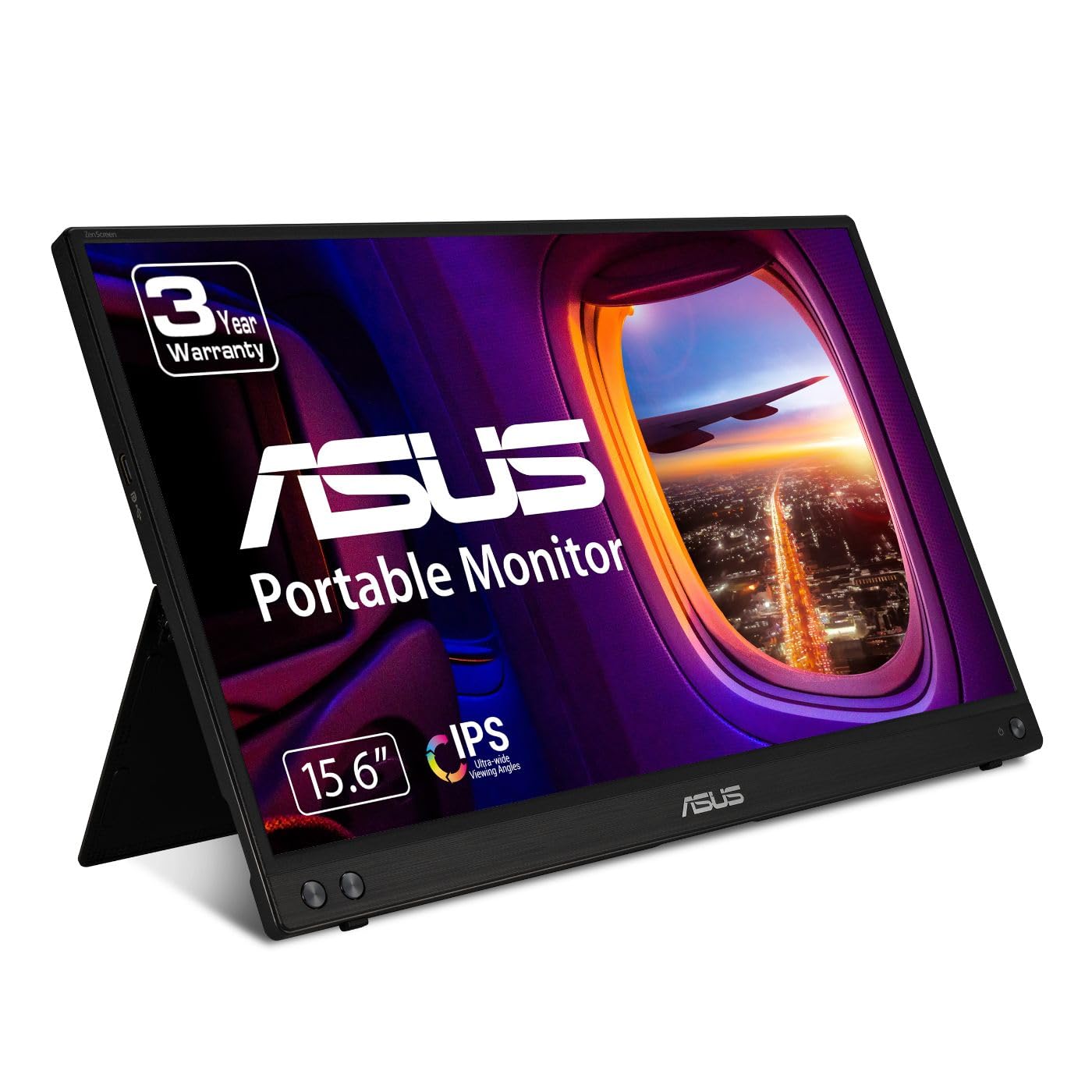
| ASUS MB16ACV★ Best Overall | All-round travel value | 15.6″ | 1920 x 1080 | USB-C, USB-A | Amazon |
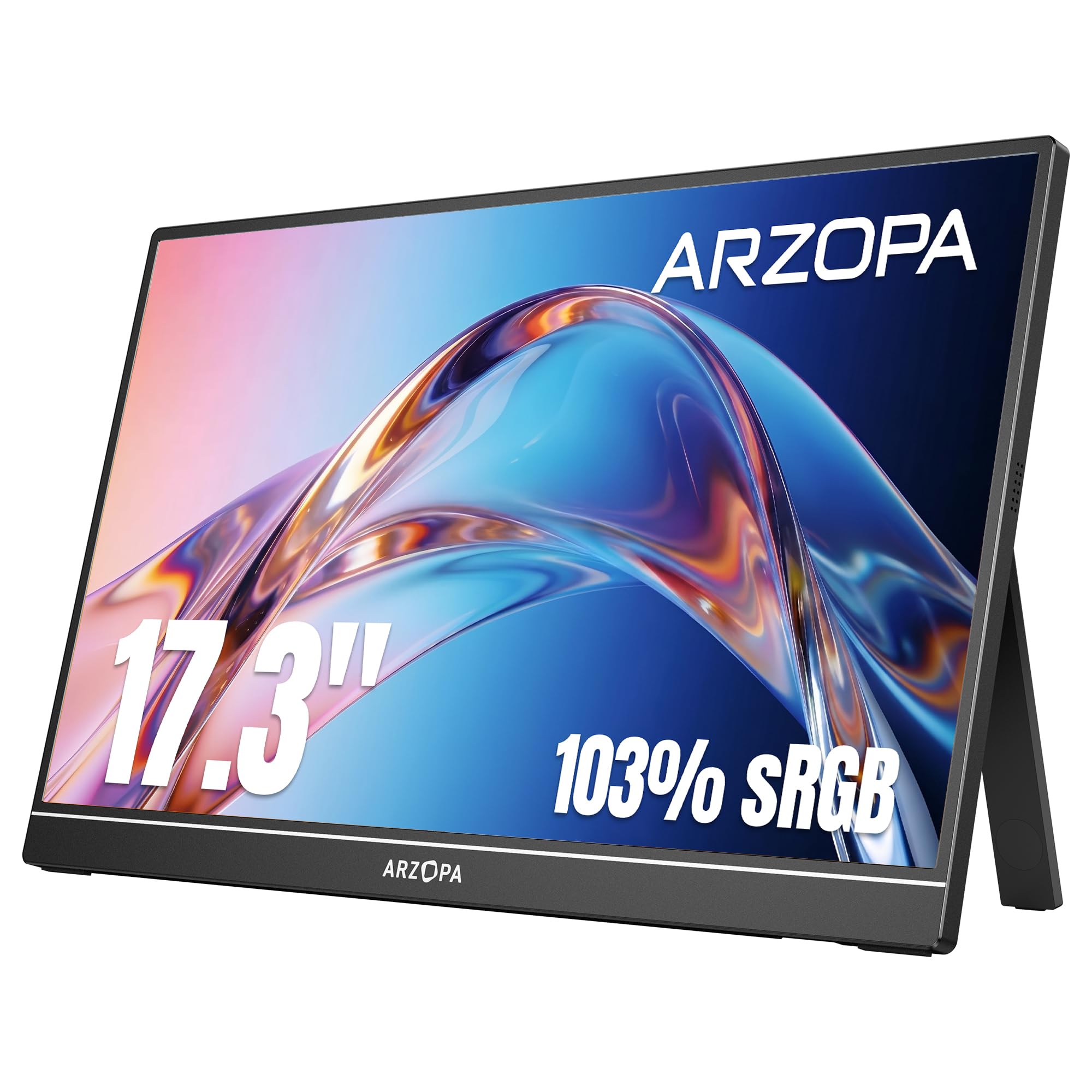
| ARZOPA A1MPremium Pick | Big screen with vivid color | 17.3″ | 1920 x 1080 | USB-C, Mini HDMI | Amazon |
| Lenovo L15Ergonomic Pick | Ergonomic desk setup | 15.6″ | 1920 x 1080 | Dual USB-C | Amazon |
| ASUS MB169CK | Auto-rotating portrait work | 15.6″ | 1920 x 1080 | USB-C, Mini HDMI | Amazon |
| Acer PM191Q | Fast 100Hz desktop companion | 18.5″ | 1920 x 1080 | HDMI, Dual USB-C | Amazon |
| InnoView 18.5″ | Large-screen multitasking | 18.5″ | 1920 x 1080 | HDMI, Dual USB-C | Amazon |
| Omiodo 15.6″ | Magnetic 360° stand flexibility | 15.6″ | 1920 x 1080 | USB-C, Mini HDMI | Amazon |
| ViewSonic VA1653 | Featherlight basic extender | 15.6″ | 1920 x 1080 | USB-C, Mini HDMI | Amazon |
| Dopesplay 15.6″ | Budget-friendly multi-device use | 15.6″ | 1920 x 1080 | USB-C, Mini HDMI | Amazon |
In‑Depth Reviews
1. ASUS ZenScreen MB16ACV
Our pick — 4.5★ from 950+ verified ratings; the strongest balance of quality and price.
The one-cable traveler that earned its spot as the crowd favorite.
You get a 15.6-inch Full HD (1920 x 1080) IPS display with an anti-glare surface that keeps reflections down in bright rooms. The defining move here is the hybrid-signal USB-C connection that carries both power and video over a single cord, so you are not hunting for a wall adapter on a plane or in a hotel lobby.
The kickstand props the panel up in portrait or landscape, and the included sleeve plus USB-C-to-A adapter make it a ready-to-go kit. It also carries TÜV Rheinland-certified Flicker-free and Low Blue Light tech (features that reduce eye strain during long sessions), which matters when you are reading documents for hours.
Owners are clear about one nuance: the picture is sharp and color-accurate for work, but it is “clear, but not 4k clear” — so temper expectations if you are used to a high-end laptop display. The recurring durability gripe is the fold-out stand, which a few owners found fragile after heavy use; treat it gently and it holds up fine as a productivity tool.
portable USB-C display
- Single USB-C cable handles both power and video
- Anti-glare IPS screen with crisp Full HD resolution
- Includes protective sleeve and USB-A adapter
needs extra power
- Not a 4K panel; expect good, not jaw-dropping, clarity
- The kickstand needs careful handling to avoid breakage
- Multi-monitor setups can be finicky with some laptops
travel pick: you want a dependable, lightweight 15.6-inch second screen that sets up in seconds with one USB-C cord.
power users: you need 4K sharpness or plan to game on it, since this is built for productivity, not high refresh rates.
2. ARZOPA A1M 17.3″
A larger 17.3-inch canvas with color accuracy that punches above its class.
Step up in screen real estate with an expansive 17.3-inch Full HD (1920 x 1080) IPS panel that covers 103% of the sRGB color gamut (a color standard), so photos and videos look rich and true. The 300cd/m2 brightness (a luminance measure) keeps the display vivid even in brighter rooms.
The built-in kickstand flips between landscape and portrait orientations, and the connectivity covers USB-C and Mini HDMI for laptops, phones, and consoles like the PS5 and Xbox. The smart cover doubles as a stand, so the whole setup stays tidy when you slip it into a carry bag.
Buyers praise the crisp, vibrant picture and the long list of compatible devices, and it handles light gaming thanks to its G-Sync compatibility (a tech that reduces screen tearing). One honest note: the manual is mostly pictures, so expect a small learning curve when you first hunt for the right cables with a dock.
large screen value: travelers who want a bigger, more colorful screen without sacrificing easy portability — a smart balance of size and value over the smaller 15.6-inch panels.
bulky to carry: the included instructions are thin, so setup with a docking station may take a few tries.
3. Lenovo L15
The desk-friendly extender that puts your neck comfort first.
This 15.6-inch Full HD (1920 x 1080) IPS panel comes with a rare feature for portable screens: a height-adjustable stand that lets you dial in an ergonomic viewing angle, which helps reduce eye strain over long work sessions. It pairs with flicker-free technology and a 250-nit brightness rating (a luminance measure) for clear visibility in bright environments.
Connectivity is simple with two USB-C ports, one of which handles both power and video so you can plug into a MacBook Pro or ThinkPad with a single cable. Owners call the build “premium” and love how it slips into a backpack unnoticed, making it a favorite for hotel-room work.
The honest caveat is reliability: the display quality and ease of use earn consistent praise, but a minority of buyers report the screen failing after a few weeks of light use, so gentle handling and a padded sleeve are wise investments. It is one of the lighter options here at under two pounds, which makes it a strong choice for travelers who value posture as much as pixels.
office staple: a comfortable, portable dual-screen setup where an adjustable stand and a professional design matter more than raw specs.
creative pros: you need the absolute sturdiest build — a few owners found the screen fragile after a month.
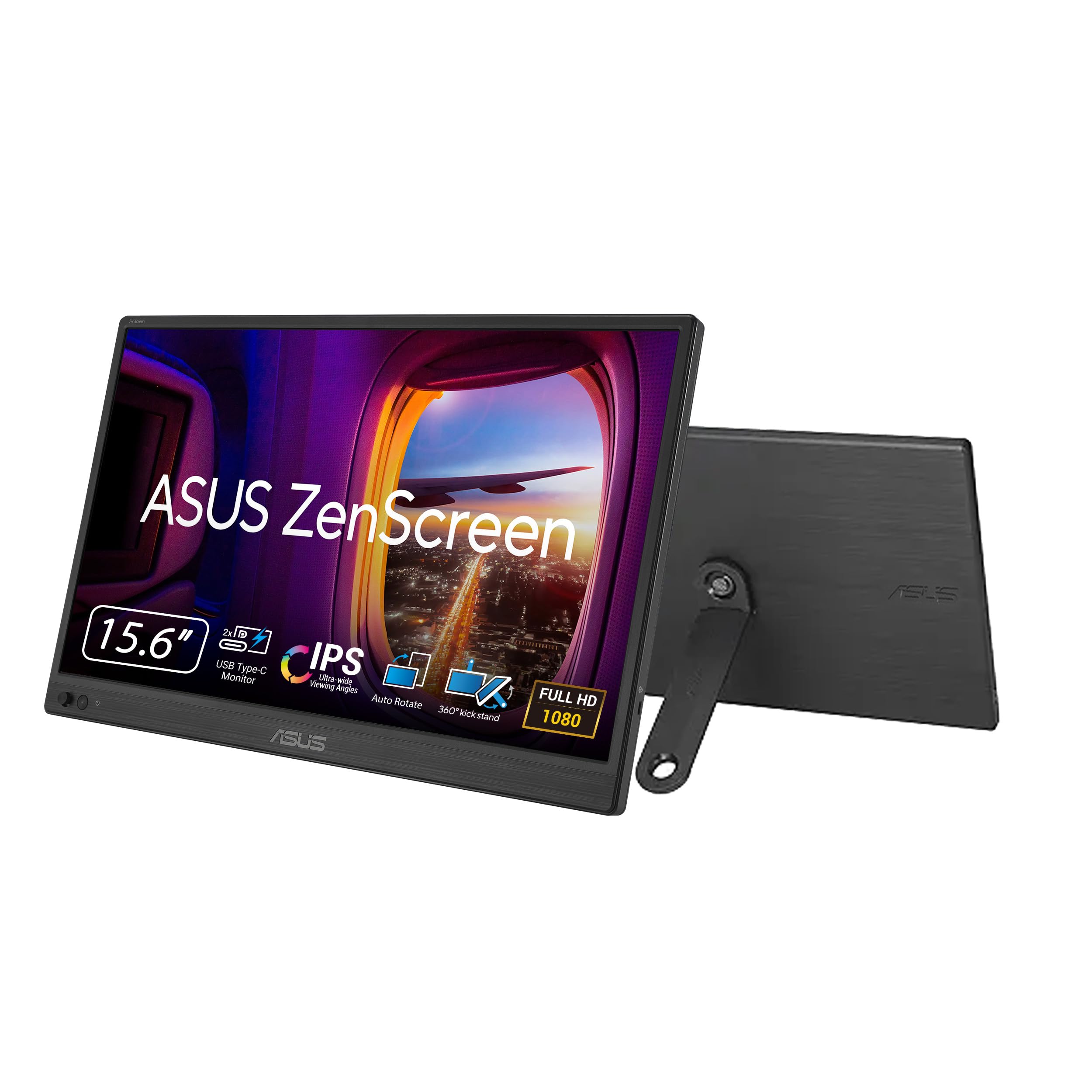
4. ASUS ZenScreen MB169CK
The auto-rotating panel built for code, documents, and long reading sessions.
This 15.6-inch Full HD (1920 x 1080) IPS display stands out with its Auto-Rotate DisplayWidget software, which automatically flips the screen between portrait and landscape as you turn the panel. That makes it a genuine productivity booster for reading long documents or writing code without fiddling with display settings.
It manages a brighter 300-nit output (a luminance measure) and a 2000:1 contrast ratio (a measure of the difference between the darkest blacks and brightest whites), which owners say produces vivid colors and crisp text. The 360-degree kickstand and a 1/4-inch tripod socket let you mount it on a standard camera tripod or boom arm for custom angles.
Connectivity covers a single USB-C cable for power and video plus a Mini-HDMI port, and it ships with both a USB-C cable and an HDMI-to-mini-HDMI cable. The main feedback is honestly split on brightness — some find it plenty bright, others wish it went higher — so consider your typical lighting before committing.
sleek metal build: the auto-rotate software is a real time-saver and class-leading among the budget options here.
pricey for size: if you work near very bright windows, check the brightness reviews first, as some owners want more headroom.
5. Acer PM191Q

The 18.5-inch workhorse that boosts your refresh rate to 100Hz.
If smooth motion matters to you, this 18.5-inch Full HD (1920 x 1080) IPS panel jumps ahead of the 60Hz pack with a 100Hz refresh rate (how many times the screen updates per second), making scrolling, video, and light gaming feel noticeably fluid. Adaptive-Sync support (a tech that matches the screen to your graphics card) helps eliminate tearing during fast-paced content.
At 2.49 lbs and only 0.54 inches thin, it slides into a large backpack, though owners note it is better suited as a desktop secondary monitor than a luggage-friendly travel companion. Connectivity is generous: a standard HDMI 1.4 port plus two USB-C ports, with a single USB-C cable handling display, data, and power.
Owners mention it is genuinely plug-and-play with no software to download — a relief for anyone tired of drivers that fail. The honest trade-offs are a mediocre color profile compared to pricier panels and the lack of a protective case in the box, so budget for a sleeve if you plan to move it around.
desk extra: a faster, smoother 100Hz desktop extension that makes productivity and casual gaming more pleasant.
multi-device: you need something that disappears into a carry-on — this one is built for desk life first.
6. InnoView 18.5″ 100Hz

A big 18.5-inch display with rich color and a 100Hz refresh for less.
This 18.5-inch Full HD (1920 x 1080) IPS monitor pairs a generous screen with a 100Hz refresh rate (screen updates per second) and FreeSync (a tech that cuts screen tearing), so it handles both multitasking and gaming smoothly. The 120% sRGB coverage (a color gamut measure) and 8-bit color depth deliver 16.7 million vivid colors that owners say look better than a much pricier laptop screen.
Setup is a genuine 5-second USB-C plug-and-play affair when your device has a full-function USB-C or Thunderbolt 3/4 port, and the kit includes both USB-C and HDMI options. Mounting flexibility is a highlight: you can use the included stand, mount it on a wall, or hang it, saving precious desk space.
The one real quirk is power: to reach 100% brightness, you will often need to plug in a second USB-C cable with a 20W-or-more wall adapter, since your laptop alone may cap the panel around 43-69% brightness and can even run hot. Owners who use a single cable love the portability, but this is a trade-off to know before you buy.
smooth high refresh: anyone who wants a large, colorful screen for work and play and does not mind an extra power cable for full brightness.
color accuracy: the dual-cable brightness quirk — plan a small wall plug into your travel kit.
7. Omiodo 15.6″
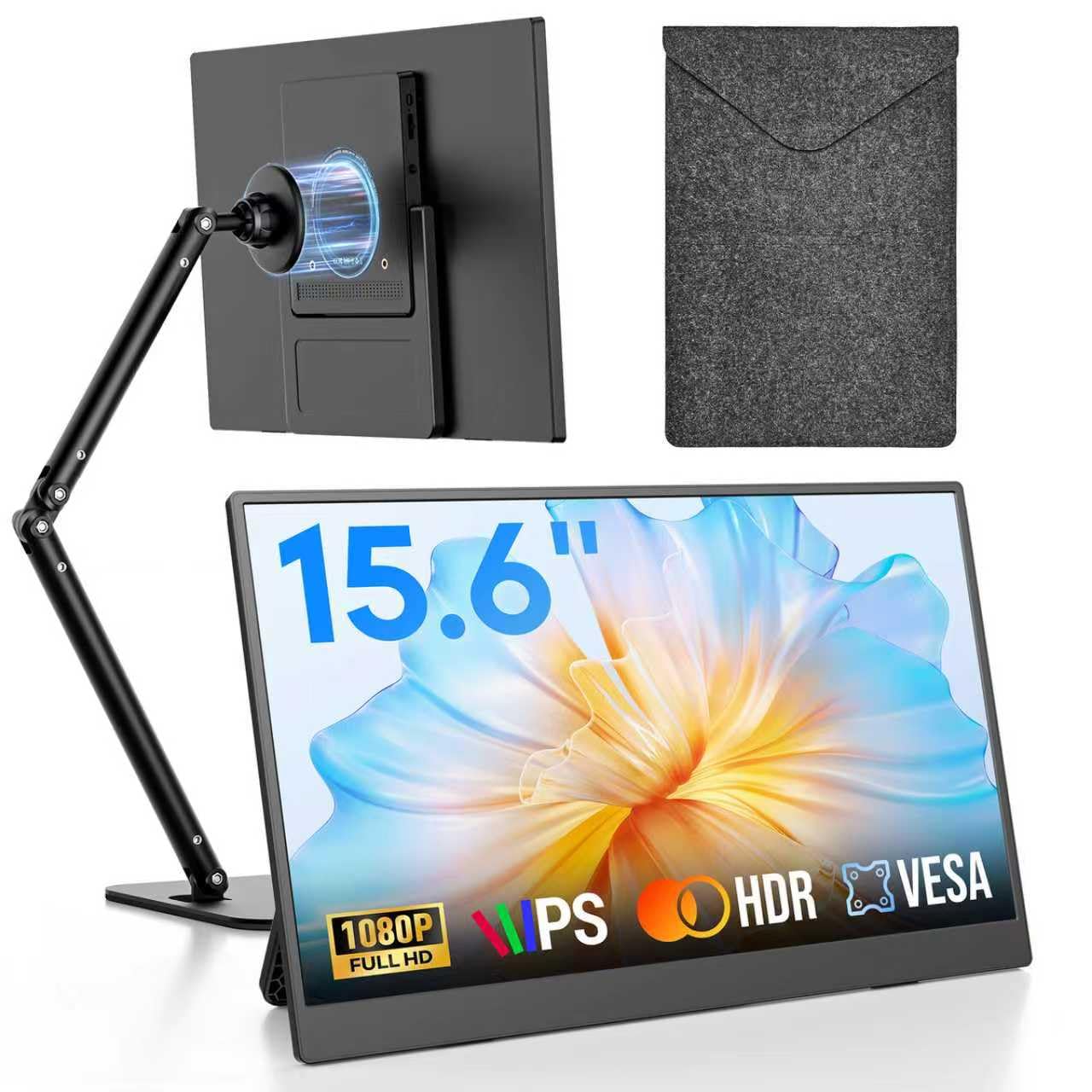
The magnetic stand lets you spin this 1080p panel any way you like.
This 15.6-inch Full HD (1920 x 1080) IPS monitor earns its place with a magnetic foldable stand that rotates a full 360 degrees, so you can flip easily between portrait for documents and landscape for movies or games. The ergonomic design lets you raise the screen above your laptop to reduce neck and shoulder strain during long coffee-shop sessions.
The display delivers a 60Hz refresh rate and a 1000:1 contrast ratio (a measure of black-to-white difference) for rich, consistent colors from wide angles. It connects via USB-C or Mini HDMI to laptops, Macs, PCs, phones, and consoles like the Switch and PS4/PS5, and a protective sleeve is included in the box.
Owners highlight the easy setup, crisp 1080P picture, and the fact that it runs off a laptop or phone with no power brick needed. The main caveat is compatibility with some video gear: it works best at 1080p50/60 output, so check your source device’s frame rate if you plan to feed it from cameras or unusual equipment.
road warrior: a versatile, lightweight second screen with a stand that adapts to any task or angle.
bright rooms: it does not support every video output format, so verify frame-rate compatibility with your gear first.
8. ViewSonic VA1653
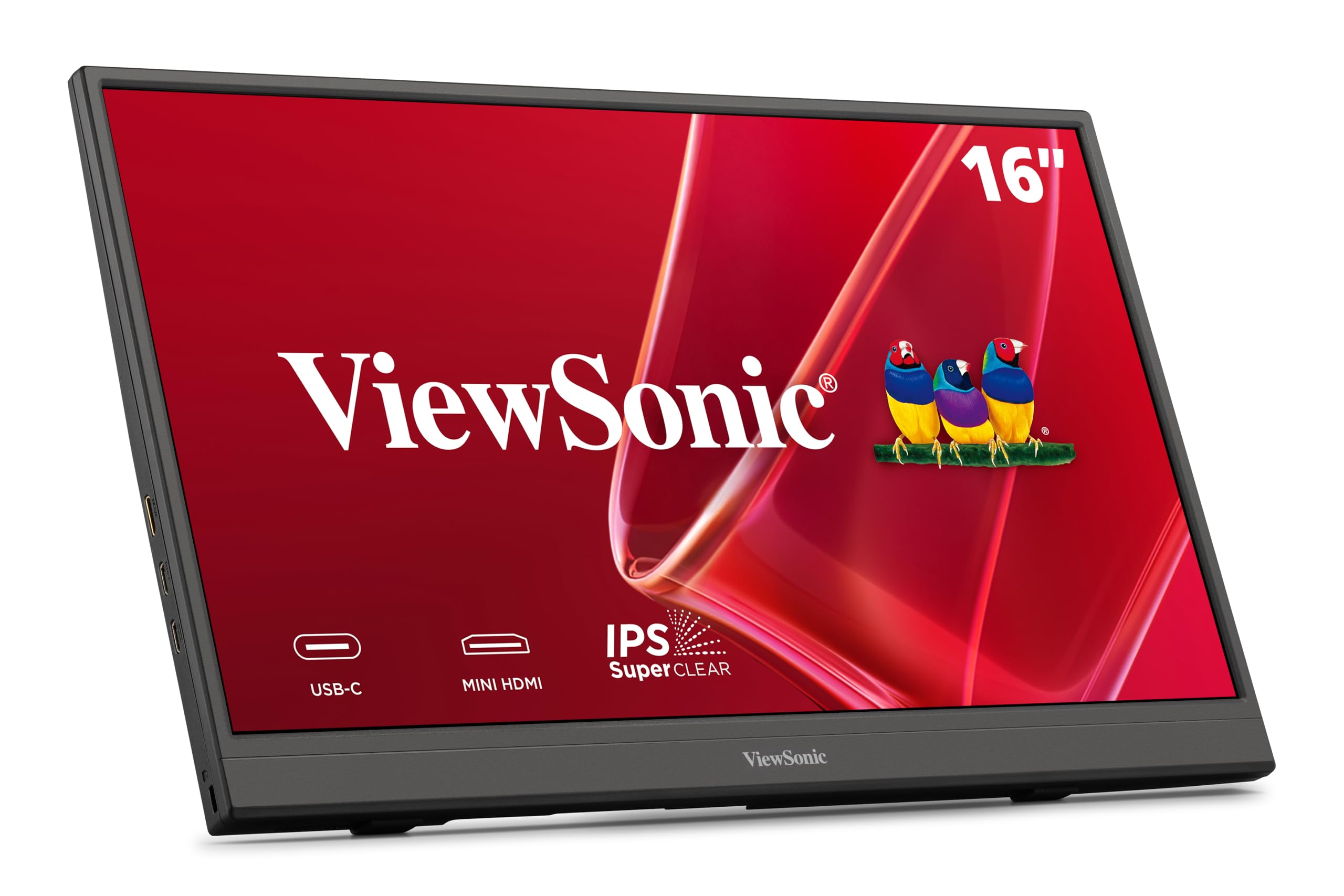
The featherweight 15.6-inch extender that disappears into any bag.
At just 1.5 lbs and 0.7 inches thick, this 15.6-inch Full HD (1920 x 1080) IPS monitor is one of the lightest ways to add a second screen, slipping easily into backpacks and purses. The 60Hz refresh rate (screen updates per second) keeps everyday work smooth, and the anti-glare surface helps you see it clearly near windows.
Setup is genuinely simple: a single USB-C connection carries data, audio, and video with passthrough power when you use the included adapter, so you can extend your laptop without a tangle of cords. It also has a Mini-HDMI port for Macs, PCs, and gaming consoles, plus a protective sleeve and built-in stand for portrait or landscape use.
Owners praise the excellent resolution and the on-screen menu that lets you tweak size, brightness, and color to match your laptop. The honest caveat is that its lower 250-nit brightness (a luminance measure) means it is best in indoor lighting, and a few owners found the connection sometimes needs a cable re-seat to stay reliable — worth knowing if you use it for client presentations.
reliable basic: travelers who prioritize minimal weight and a clean, single-cable setup above all else.
no frills: it is a 250-nit panel, so brighter outdoor settings are not its strength, and the stand feels less sturdy than pricier rivals.
9. Dopesplay 15.6″
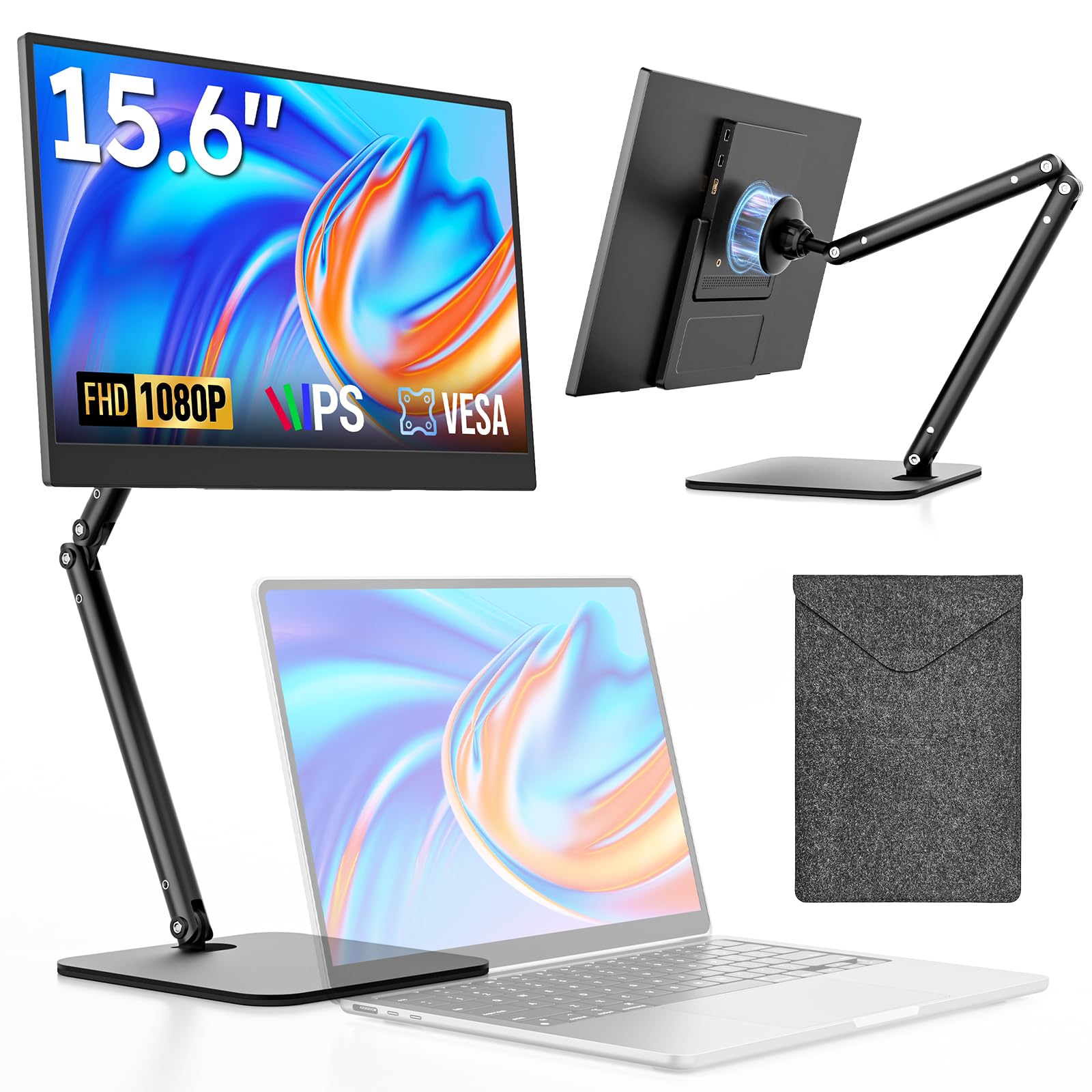
A slim 1080p panel with a detachable stand for cramped desk spaces.
This 15.6-inch Full HD (1920 x 1080) IPS monitor keeps things simple with a foldable magnetic stand that rotates 360 degrees between portrait and landscape, plus a detachable arm that owners love for squeezing into tight office corners. The 60Hz refresh rate (screen updates per second) and 1000:1 contrast ratio deliver crisp, smooth visuals for work and entertainment.
It connects via USB-C and Mini HDMI to laptops, Macs, PCs, phones, and consoles like PS5 and Switch, with the kit including HDMI-to-Mini-HDMI, USB-A-to-USB-C, and USB-C-to-USB-C cables. A premium protective sleeve covers the panel when it is not in use, and the brand backs it with a 12-month warranty and lifetime technical support.
Buyers consistently rate the display quality and easy setup highly, and the built-in speakers are genuinely handy even if the audio quality is modest. The honest downside is mixed reliability feedback: a few owners hit USB-C connection issues from the start, so test your cables early, and note the magnet on the stand is not the strongest — treat it with care.
starter screen: you want an affordable, thin second screen with a versatile stand and a solid warranty.
heavy users: you rely on a single USB-C port — test it right away, since a few units arrived with finicky connections.
Understanding the Specs
Brightness (nits)
Measured in nits, this tells you how bright the screen can get. A higher number (like 300 nits) means you can see the display clearly in a bright room or near a window, while a lower number (250 nits) is fine for indoor desk work but can look dim outdoors.
Refresh Rate (Hz)
This is how many times the screen updates its image each second. Standard portable monitors run at 60Hz, which is smooth for documents and video. A 100Hz panel feels noticeably more fluid when scrolling and playing games, so it is worth a small premium if motion matters to you.
FAQ
Will a portable monitor work with my laptop over a single USB-C cable?
Can I use a portable monitor for gaming?
How do I know if the screen will be bright enough?
What does the sRGB percentage mean for a portable monitor?
Will a portable monitor work with my iPhone or Android phone?
How durable are portable monitors for frequent travel?
Do I need to install drivers for a portable monitor?
Can I connect a gaming console like PS5 or Switch to a portable monitor?
Final Thoughts: The Verdict
For the majority of shoppers, the best budget portable monitor is the ASUS ZenScreen MB16ACV because it nails the two things travelers care about most: a single USB-C cable and an anti-glare Full HD screen that is easy to set up anywhere. If you want a bigger, more colorful canvas for work and light gaming, grab the ARZOPA A1M. And for a desk-focused setup with a smoother 100Hz refresh, the Acer PM191Q is the one to reach for.
How We Picked
We do not accept paid placement. Every pick is matched to a real buyer and a real use-case; we do not hands-on test units.
Sources & Methodology
Specifications: manufacturer listings and product documentation. Review insights: verified customer reviews, as of August 2026. Pricing: not shown on this page (it changes often); check the current price via the retailer link.
As an Amazon Associate, Gadgets Feed earns from qualifying purchases. This does not affect which products we feature.