
Our readers keep the lights on and my morning glass full of iced black tea. As an Amazon Associate, I earn from qualifying purchases.
Specs are compiled from manufacturer listings and verified buyer reviews and can change over time — please confirm the key details on the product page before buying.
Your games, video edits, and backups all depend on a drive that keeps spinning without complaint—and a 7200 RPM hard drive delivers that at a fraction of an SSD’s cost. The real question isn’t if you need one; it’s which model won’t let you down when the power surges and the platters spin. This guide ranks the best by real-world performance, cache size, and the reliability that shows up over years of use, not just on a spec sheet.
I’m Min — the founder and writer behind Gadgets Feed. This guide is built by comparing the manufacturers’ published specifications and the patterns across verified customer reviews, so you get each pick’s real strengths and trade-offs instead of marketing spin.
Upgrading an aging PC, building a media server, or expanding a NAS all call for matching capacity, cache, and spindle speed to your actual workload. Picking the right 7200 rpm hard drive means you get speed where it counts without paying for space you’ll never fill.
Our Picks at a Glance


How To Choose The Best 7200 RPM Hard Drive
Picking a mechanical drive depends on three things: how fast it spins, how much it can hold, and how long you trust it to keep spinning. At 7200 RPM, you’ve already chosen speed over the quieter, slower 5400 RPM sibling, so now the real work is matching capacity and cache to what you actually store.
Match the Cache to Your Workload
The cache is the drive’s short-term memory—a small buffer (measured in MB) that holds frequently used data so the platters don’t fetch it every time. A 64MB cache is the balance for general desktop use. A 128MB or 512MB cache shines when you’re moving a game library or editing a video project—tasks that read and write lots of small files. Don’t pay for a massive cache if you’re just storing photos you rarely touch; for large sequential transfers, the platter speed matters more.
Quick Comparison
| Model | Best For | Capacity | Cache | Data Transfer | Amazon |
|---|---|---|---|---|---|
| WD Blue 1TB★ Best Overall | Everyday desktop OS & storage | 1 TB | 64 MB | 6 Gb/s | Amazon |
| Seagate BarraCuda 1TBValue Pick | PC gamers & media editors | 1 TB | 64 MB | 750 Mb/s | Amazon |
| Seagate Barracuda 2TBEnterprise Pick | Surveillance & NAS builds | 2000 GB | 64 MB | 6 Gb/s | Amazon |
| WD Blue 250GB | Older PC upgrades & light backups | 250 GB | 16 MB | 6 Gb/s | Amazon |
| MDD 2TB | Budget NAS & server storage | 2 TB | 64 MB | 6 Gb/s | Amazon |
| Hitachi Ultrastar 3TB | Enterprise-grade media storage | 3000 GB | 64 MB | 6 Gb/s | Amazon |
| HGST Ultrastar 6TB | High-capacity NAS & RAID arrays | 6000 GB | 128 MB | 6 Gb/s | Amazon |
| WD Black 10TB | High-end gaming & creative pros | 10000 GB | 512 MB | 267 MB/s | Amazon |
In-Depth Reviews
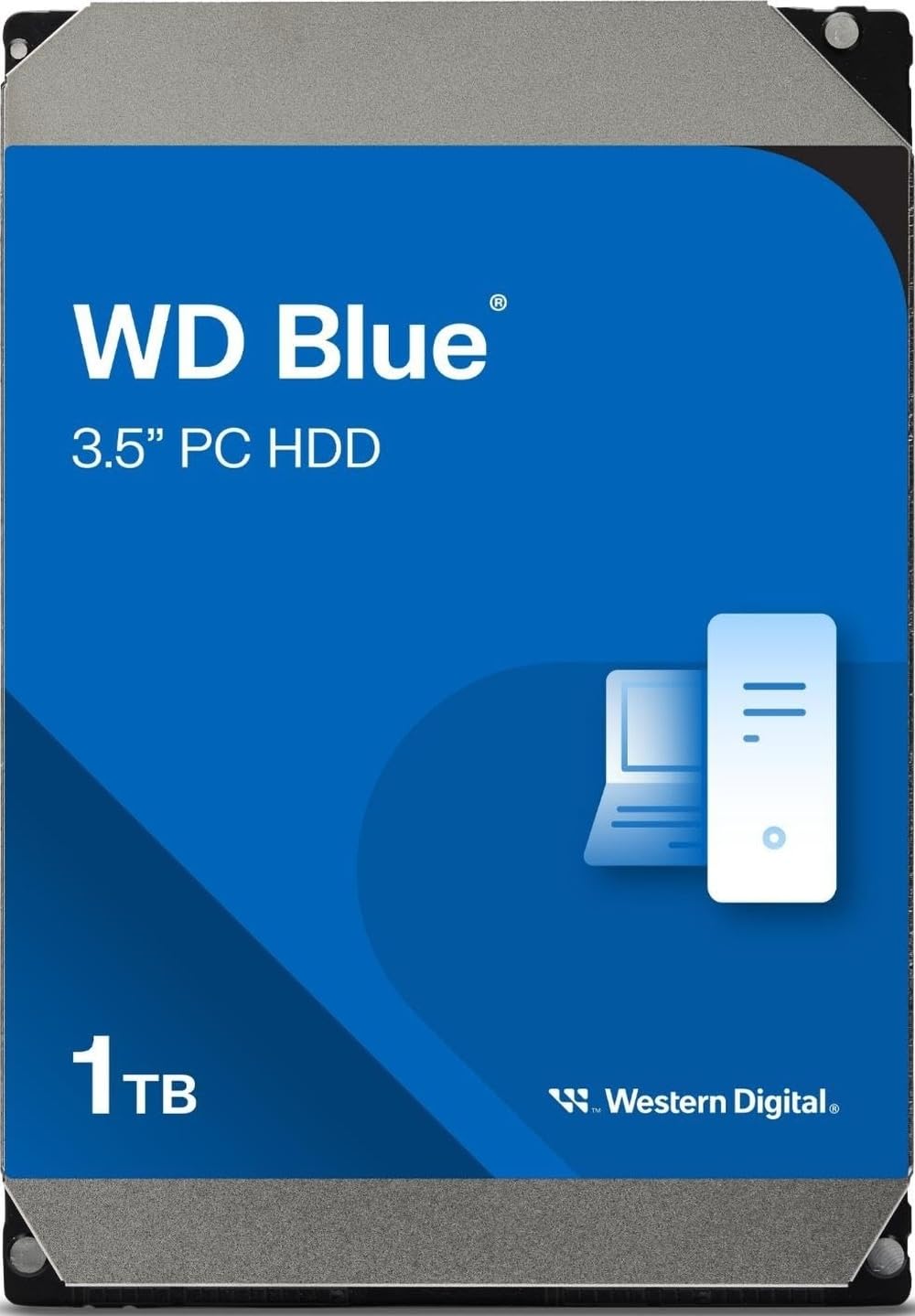
1. Western Digital 1TB WD Blue (WD10EZEX)
Our pick — over 4.5★ from 57,500+ verified ratings; the strongest balance of quality and price.
The quiet, dependable 1TB workhorse that just keeps spinning, ideal for daily desktops.
Boot your PC and load your games without thinking about storage at all—that’s the promise of this WD Blue. It spins at 7200 RPM with a 64 MB cache and a SATA 6 Gb/s interface, and buyers report it handles OS duties with a linear read speed between 153 and 178 MB/s and a random access time of 15.7 ms. In plain terms, it’s fast enough for a boot drive and games, and quiet enough that you’ll forget it’s there.
Thousands of owners mention flawless operation over 10+ months of continuous OS use. It matches pricier WD Black performance while running cooler and avoiding aggressive head parking. It comes with free Acronis True Image WD Edition cloning software, which makes migrating from an old drive a painless 20-minute job. One honest catch: if you’re on an old Windows setup, the 4KB sector size demands a partition alignment, otherwise you’ll leave speed on the table.
Customers note it works flawlessly as a NAS replacement, an original Xbox mod, and a general-purpose backup drive. It runs noticeably hotter than SSDs when pushed hard, so a case with decent airflow is worth having.
Why It Wins Hearts
- Excellent 7200 RPM performance at a sensible price
- Very quiet operation for a mechanical drive
- Free cloning software makes upgrades easy
- Includes Data Recovery Service for confidence
What To Plan Around
- Runs hot under heavy load—needs decent airflow
- Requires partition alignment on older Windows systems
- Boot speeds won’t rival an SSD
Grab it for: the everyday desktop, first-time builder, or budget-conscious gamer who wants a reliable 1TB drive that just works.
Think twice if: your case has poor ventilation, since this drive runs hotter than most when pushed hard.
2. Seagate BarraCuda 1TB (ST1000DM010)
A fast, affordable 1TB drive that upgrades older PCs and handles gaming storage with ease.
Seagate’s BarraCuda is the direct rival to the WD Blue, and it brings one big advantage: a proven track record of working “right from the start” as a mirror drive or a straight swap for aging hardware. With a 7200 RPM spindle, 64 MB cache, and SATA 6 Gb/s connectivity, reviewers point out it feels much faster than the old SSDs it often replaces in budget builds. A 4-camera security system fits comfortably, and heavy video and photo editing libraries run well here.
The 3.5-inch aluminum design runs cool, and installation takes minutes—just screw it in, format, and go. Seagate backs it with a two-year limited warranty, a solid safety net for a mechanical part that does physical work on every read and write. The honest trade-off is that it’s not a speed demon; it’s a reliable, mid-range workhorse, and a few owners note it can be a touch noisy when seeking aggressively.
Smoother seek algorithms and better power management separate it from budget-tier drives. For a PC gamer or a creative professional on a budget, this is the drive that gets the job done without drama.
Standout trait: The reliability reputation—shoppers say it works the moment it’s plugged in, which is exactly what you want from a storage upgrade.
The honest limit: It’s “cheap and kinda slow” by SSD standards, so manage your expectations on boot times.
3. Seagate Barracuda 2TB (ST2000DM001) Renewed
A renewed 2TB workhorse that gives you double the space of the WD Blue at a similar price.
Hoarding games or running a surveillance system? This renewed Barracuda provides 2000 GB versus the 1000 GB WD Blue, while keeping the same 7200 RPM speed and a 64 MB cache. That’s an 8.0x capacity gap over the 250GB WD Blue—space you’ll feel when your library outgrows a single terabyte. As a refreshed unit going through Seagate’s re-certification, it’s built for SATA NAS, RAID, servers, and desktop PCs, and buyers report it “goes strong after a year” of heavy use.
Manage your expectations: it arrives as a bare drive with no screws or cables, and you’ll need to format it in your OS before it shows up. The renewed status is the double-edged sword—most units scan 100% clean and pass diagnostics, but mechanical drives are always a lottery. With a 3-year warranty attached, the risk is at least covered, and the “fits right in” feedback confirms the standard 3.5-inch dimensions, so it drops into any desktop bay.
This is the smart pick for a NAS array or a DVR where you need volume over sheer speed.
Reach for it when: your storage needs outgrow 1TB but your budget doesn’t stretch to premium SSDs—this gives you massive capacity for media and backups.
Look elsewhere if: you’re paranoid about pre-owned hardware; a brand-new drive with fewer miles is always a safer bet for irreplaceable data.
4. HGST Ultrastar 6TB (HUS726060ALE610) Renewed

A 6TB enterprise beast with a 128MB cache, built for 24/7 NAS and RAID duty.
This is where 7200 RPM drives get serious. The HGST Ultrastar 7K6000 packs 6000 GB, a 128 MB cache, and a 2-million-hour MTBF rating for 24/7 server duty. Owners mention ~215 MB/s reads and ~209 MB/s writes, with the 128 MB cache boosting small-file response times.
It’s a renewed enterprise pull, and the review pages are honest about the trade-offs: these are work-hard drives with power-on hours that can range from 300 to a staggering 80,000. The good news is the SMART diagnostics pass and reallocated sectors stay at zero, meaning the physical platters are healthy. The bad news—and it’s a real one—is the noise. A 7th-generation 5-disk design makes a noticeable hum and chatter, so this isn’t the drive for a silent living room PC.
For a NAS enclosure or a SnapRAID array tucked away in a closet, the value here is nearly unbeatable; customers note it as one of the best bargains for 6TB of reliable storage. Just split the power draw across two cables if you’re running multiple drives—a voltage drop on a single SATA power line can stop the motors cold.
Built for: the homelab enthusiast who needs massive, reliable capacity in a RAID array and doesn’t mind a little fan-like hum in exchange.
Budget use only: treat this as high-value bulk storage for games and media, not as the sole home for critical, irreplaceable documents.
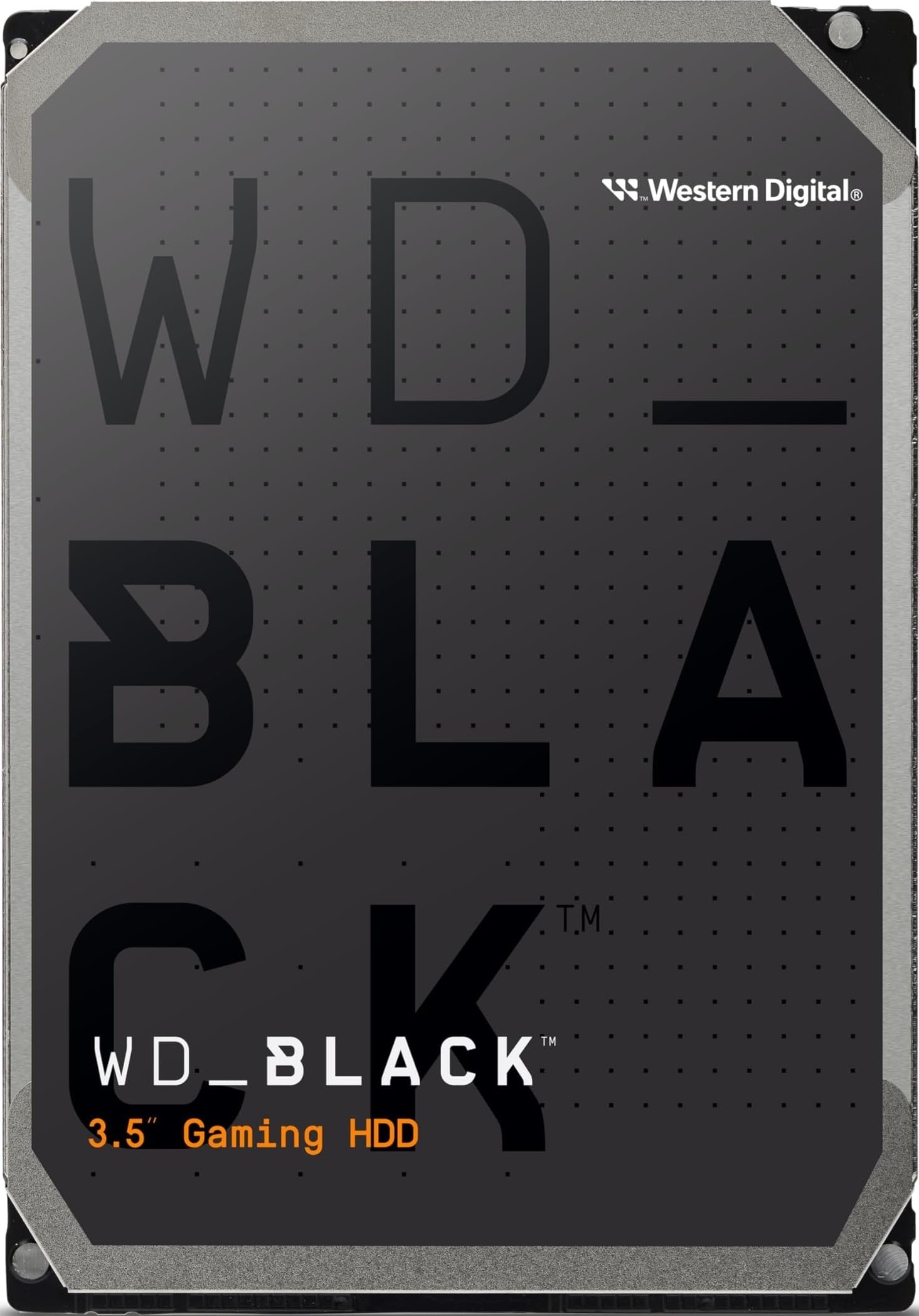
5. WD Black 10TB (WD102FZBX)
The fastest, biggest, and most refined 7200 RPM drive here—built for gamers who demand more.
The WD Black tops the food chain because it spins at 7200 RPM, holds a massive 10000 GB, and carries a 512 MB cache—the largest on this list—letting it juggle game assets and video timelines without breaking a sweat. Its 267 MB/s transfer rate moves 4TB in about four hours—brisk for a mechanical drive. Western Digital’s StableTrac and Dynamic Cache Technology keep the platters steady and tune how the drive handles bursts of data, so loading your favorite game feels snappy.
It’s aimed squarely at gamers, system builders, and creative professionals—the folks who need speed and capacity in one 3.5-inch package. A 4.2 ms average latency and 512 MB cache make it the best multitasker here. The catch is the noise: multiple buyers describe a “marbles in a can” sound when it first spins up, though it settles to a tolerable hum after a few days. It also runs warm to the touch, so pair it with good case airflow.
If you’ve got the budget and a library of AAA titles, this drive future-proofs your storage. It’s the only one here that genuinely blurs the line between a standard HDD and a performance part, making it the premium pick for those who refuse to compromise.
The Raw Power
- Massive 10TB capacity for entire game and media libraries
- 512 MB cache is the largest available, speeding up small-file tasks
- 267 MB/s transfer rate for fast backups and moves
- Low 4.2 ms latency for quicker access times
The Raw Edges
- Audible head ticking—louder than smaller, slower drives
- Runs warm, demanding good case ventilation
- Premium price that approaches budget SSD territory
Choose it for: the serious gamer or video editor who needs maximum capacity and speed in a single bay.
skip it if: you’re building a silent HTPC—the 10TB Black makes itself known with an audible tick.
6. Hitachi Ultrastar 3TB (HUA723030ALA640) Renewed

An enterprise-grade 3TB drive from Hitachi, re-certified and ready for demanding storage jobs.
Hitachi built a legendary reputation for bulletproof mechanical storage, and the Ultrastar 7K3000 carries that torch. It spins at 7200 RPM with a 64 MB cache, holds 3000 GB, and is designed for 24/7 reliable operation—meaning it’s built to run hot and heavy in servers, RAID arrays, NAS boxes, and CCTV DVRs without flinching. It passes factory diagnostic software and a full sector-by-sector re-certification before shipping, so what arrives has zero bad sectors and a clean bill of health.
Reviewers point out it “just works” in ZFS pools, with the 64 MB cache boosting small-file transfers to 50-60 MB/s. A renewed unit means you might see a SMART reset showing 0 power-on hours, which some owners see as deceptive—but the physical hardware is tested and working. The real-world trade-off is the noise level: it’s an enterprise drive, and it sounds like one, so it’s not ideal for a quiet office or bedroom PC.
This is the storage workhorse for your game library, video archives, or a surveillance system where you need capacity and reliability without paying WD Black prices. It’s a fantastic “second drive” for bulk data that doesn’t need the fastest access times.
What stands out: The 24/7 enterprise design and the re-certification process—shoppers say entire arrays running on these without a single bad sector.
The trade-off: It’s a renewed enterprise pull with a history of heavy use; treat it as excellent bulk storage, not a vault for your only copy of family photos.
7. MDD 2TB (MDD2000GSA6472)

A budget-friendly 2TB drive that nails the basics for desktop and NAS duty without the premium price.
MDD is the name that pops up when you want the specs of the big brands at a fraction of the cost. This 2TB drive brings the full 7200 RPM speed, a 64 MB cache, and a SATA 6.0 Gb/s interface, and buyers report it works “flawlessly” as a replacement drive in a server, with a fast plug-and-play install that required zero extra setup. It’s positioned for desktop PCs, Macs, NAS units, RAID systems, and surveillance setups—essentially anything with a standard 3.5-inch bay.
The value story is strong: multiple owners note it arrives well-packaged and immediately gets to work, whether it’s breathing new life into a 17-year-old 1TB storage pair or serving as the main drive in a budget gaming rig. The feedback points to reliably low noise during operation, a pleasant surprise at this tier. The main caveat is that it’s a newcomer brand in a field dominated by WD and Seagate, so the long-term track record is less proven—though the included 2-year warranty (a rarity at this price point) offers some confidence.
For a secondary storage drive, a NAS cache drive, or a massive backup target that won’t break the bank, the MDD 2TB is a genuinely smart value play. It lacks the decades-long reputation of the big names, but it’s got the specs where it counts.
The appeal: At 2TB with a 64MB cache at this price, it’s the hardest-working value play in the lineup—especially for budget NAS builds.
The reality check: The noise level is the one area with mixed reviews, so it may not suit a perfectly silent office.
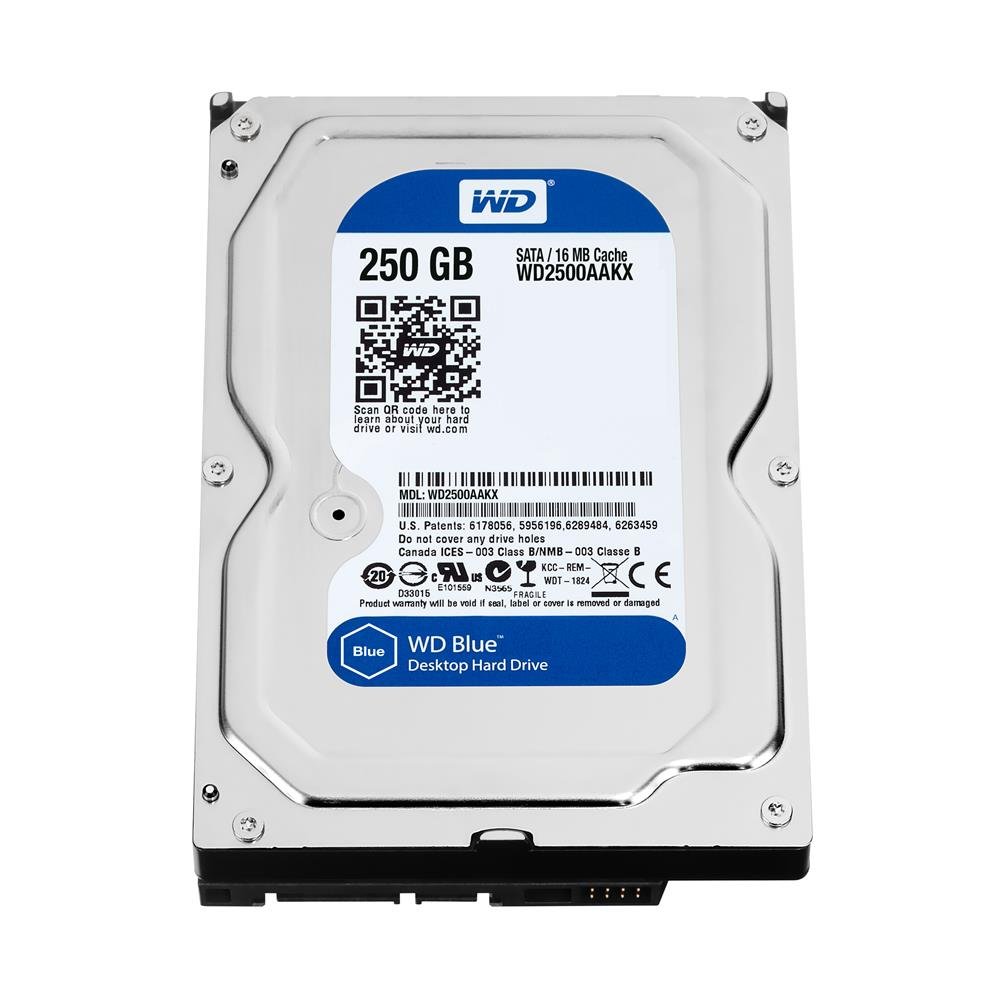
8. WD Blue 250GB (WD2500AAKX)
A tiny 250GB throwback drive with WhisperDrive tech, perfect for reviving older machines.
This is the classic WD Caviar Blue, and its whole purpose is to give aging computers a second life without spending a dime more than you have to. At 250 GB, the capacity is modest—the smallest on this list—but it spins at the full 7200 RPM and runs whisper-quiet thanks to Western Digital’s WhisperDrive technology, which minimizes noise to near the threshold of human hearing. A buyer testing it on Ubuntu 12.04 64-bit reported it worked flawlessly, making it a reliable drop-in upgrade for old business desktops and home machines.
The value is in the price and the purpose. A single platter (a 16 MB cache) means lower power draw and less heat, so it’s ideal for a basic OS drive in a compact or older system that doesn’t generate much airflow. Owners mention it has “great transfer speeds” and boots Windows without issues. The honest caveat is its durability record is mixed—a few owners experienced failures within two months, often linked to shipping damage (a dislodged spindle from rough handling) rather than a fundamental design flaw, and Amazon’s return process handled those cases effectively.
If you need a cheap, quiet, and reliable 7200 RPM boot drive for a secondary PC, this is a perfect fit. Just be aware of the shipping fragility risk—it’s a delicate mechanical part arriving in an envelope, and that’s a roll of the dice.
Best used for: resurrecting an old desktop or as a dedicated OS drive in a low-power build where silence is a priority.
Not the one if: you need large, permanent game or media storage—the 250GB capacity fills up fast with modern installs.
Understanding the Specs
Spindle Speed (RPM) & Cache
The RPM (revolutions per minute) tells you how fast the platters spin—7200 RPM is the balance for desktop performance, offering faster read/write speeds than the 5400 RPM drives found in cheap externals. The cache (measured in MB) is the drive’s built-in buffer for frequently used data; a larger cache (64MB vs 512MB) helps when you’re working with many small files, though for large sequential transfers like copying a movie, the platter speed matters more.
Form Factor & Interface
All the drives here are 3.5-inch, the standard size for desktop PCs, NAS units, and DVRs—they’ll fit any full-size internal bay. The SATA interface (6 Gb/s) is the modern connection standard, and all are backward compatible with older SATA ports, so they’ll work in most machines from the last decade. Before buying, check if you need a bare drive (no cables) or a kit, and remember that new drives typically need formatting in your OS before they appear as usable storage.
FAQ
Is a 7200 RPM hard drive better than a 5400 RPM drive for gaming?
How much does the cache size (16MB vs 64MB vs 512MB) actually matter?
What does “renewed” or “re-certified” mean for a hard drive?
Why does my new hard drive show less capacity than the label says?
Can I use a 7200 RPM desktop drive in a NAS or RAID setup?
What is the difference between a desktop drive and an enterprise drive?
How long does a 7200 RPM hard drive typically last?
Should I partition or format my new drive before using it?
Final Thoughts: The Verdict
For most buyers, the 7200 rpm hard drive winner is the Western Digital 1TB Blue because it delivers the ideal mix of everyday speed, proven reliability, and quiet operation that makes it the default choice for desktops and upgrades alike. If you want massive capacity and top-tier performance for a gaming or creative rig, the WD Black 10TB is the premium pick that leaves nothing on the table. And for building a budget NAS or server while staying affordable, the MDD 2TB delivers solid specs and real value where it counts. The crowd’s favorite—the WD Blue 1TB—has earned its place with a 4.6-star track record across thousands of owners, making it the safest, most satisfying storage bet you can make today.
How We Picked
We do not accept paid placement. Every pick is matched to a real buyer and a real use-case; we do not hands-on test units.
Sources & Methodology
Specifications: manufacturer listings and product documentation. Review insights: verified customer reviews, as of August 2026. Pricing: not shown on this page (it changes often); check the current price via the retailer link.
As an Amazon Associate, Gadgets Feed earns from qualifying purchases. This does not affect which products we feature.