
Our readers keep the lights on and my morning glass full of iced black tea. As an Amazon Associate, I earn from qualifying purchases.
Specs are compiled from manufacturer listings and verified buyer reviews and can change over time — please confirm the key details on the product page before buying.
You don’t need to spend a fortune to get a monitor that’s easy on your eyes and smooth to use. the balance is a 24- to 27-inch IPS (in-plane switching, a panel type with wide viewing angles) screen with a 120Hz or faster refresh rate (how many times the image updates per second), so scrolling feels fluid and your eyes stay relaxed during long sessions. This guide picks out the models that deliver sharp, comfortable, everyday performance without the premium price tag.
I’m Min — the founder and writer behind Gadgets Feed. This guide is built by comparing the manufacturers’ published specifications and the patterns across verified customer reviews, so you get each pick’s real strengths and trade-offs instead of marketing spin.
You’ll find the top affordable computer monitors that balance refresh rate, color accuracy, and ergonomics for home offices and light gaming.
Our Picks at a Glance

How To Choose The Best Affordable Computer Monitors
Buying a monitor used to mean a trip to the store to compare bulky CRTs. Now the challenge is navigating a sea of similar-looking flat panels with slightly different numbers. Focus on the specs that directly affect your daily experience, not the ones that sound impressive in an ad.
Panel Type: IPS is the Safe Bet
IPS (In-Plane Switching) panels are the gold standard for most users because they offer wide viewing angles and accurate colors. You can stand off to the side and the picture won’t wash out. The alternative, VA (Vertical Alignment), gives deeper blacks and higher contrast but can have slower response times. For work, browsing, and casual gaming, IPS is the most reliable choice.
Refresh Rate: The Feel of Smooth
Refresh rate, measured in Hertz (Hz), is how many times the screen updates per second. A standard 60Hz monitor shows a new frame 60 times a second, which can look choppy when you scroll or move windows. A 120Hz or 144Hz display shows double that, making every scroll, drag, and game feel significantly smoother and more responsive. This is the single biggest quality-of-life upgrade in this price range.
Resolution and Size: The 1080p vs 4K Question
At 24-27 inches, Full HD (1080p) is perfectly sharp for most people and keeps the price low. But if you have a powerful computer and want to fit more on screen, a 4K (2160p) panel offers four times the detail. The key is your hardware: 4K spreadsheets look incredible, but casual gaming on 4K requires a strong graphics card. Match the pixel count to your PC’s capability.
Quick Comparison
| Model | Best For | Screen Size | Refresh Rate | Panel Type | Amazon |
|---|---|---|---|---|---|
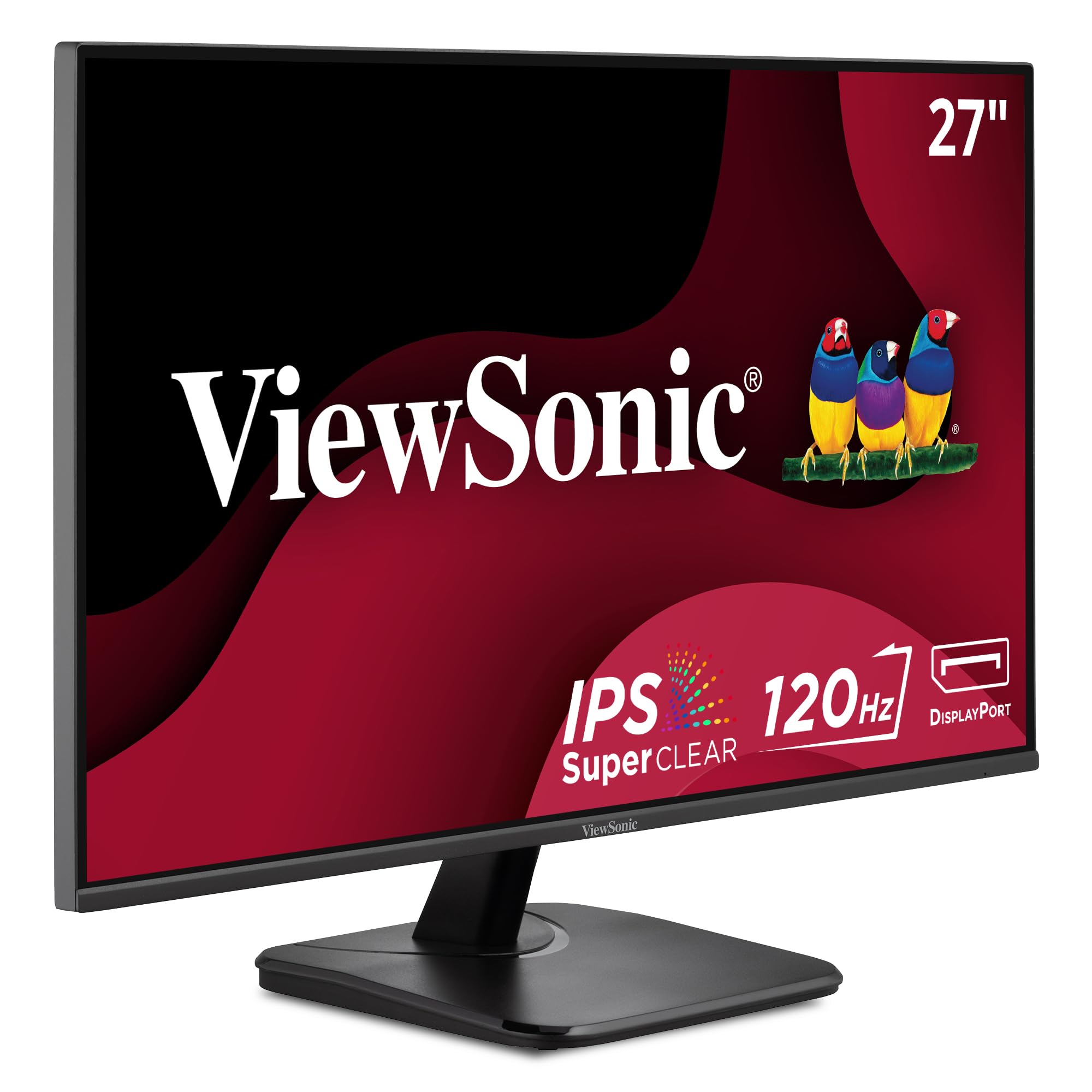
| ViewSonic VA2756A-MHD★ Best Overall | Best Overall | 27 Inch | 120Hz | IPS | Amazon |
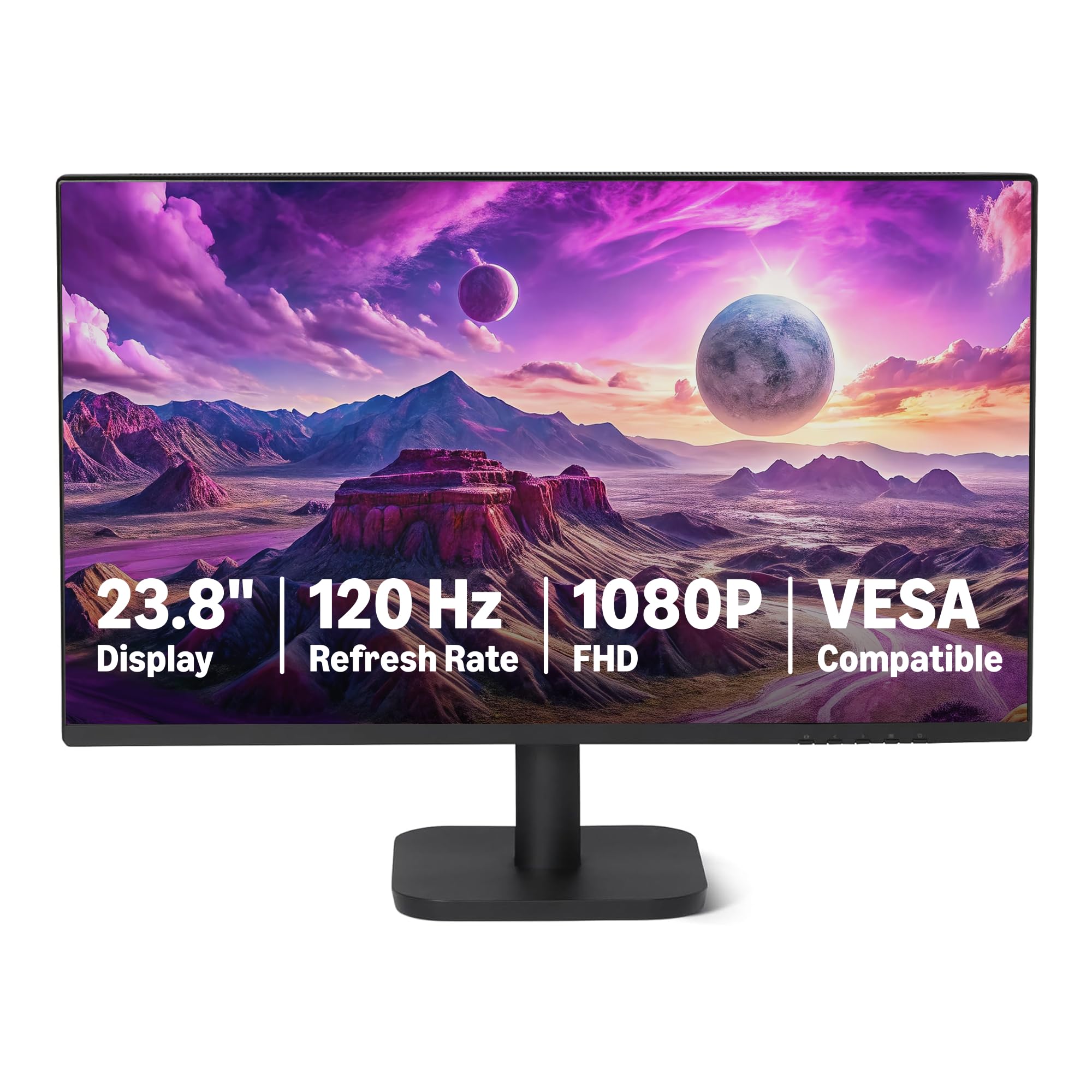
| Amazon Basics 23.8-inchBest Value | Ultra-Budget Pick | 23.8 Inch | 120Hz | IPS | Amazon |
| MSI PRO MP243L E14Fast Refresh Value | Fast Refresh Value | 24-inch | 144Hz | IPS | Amazon |
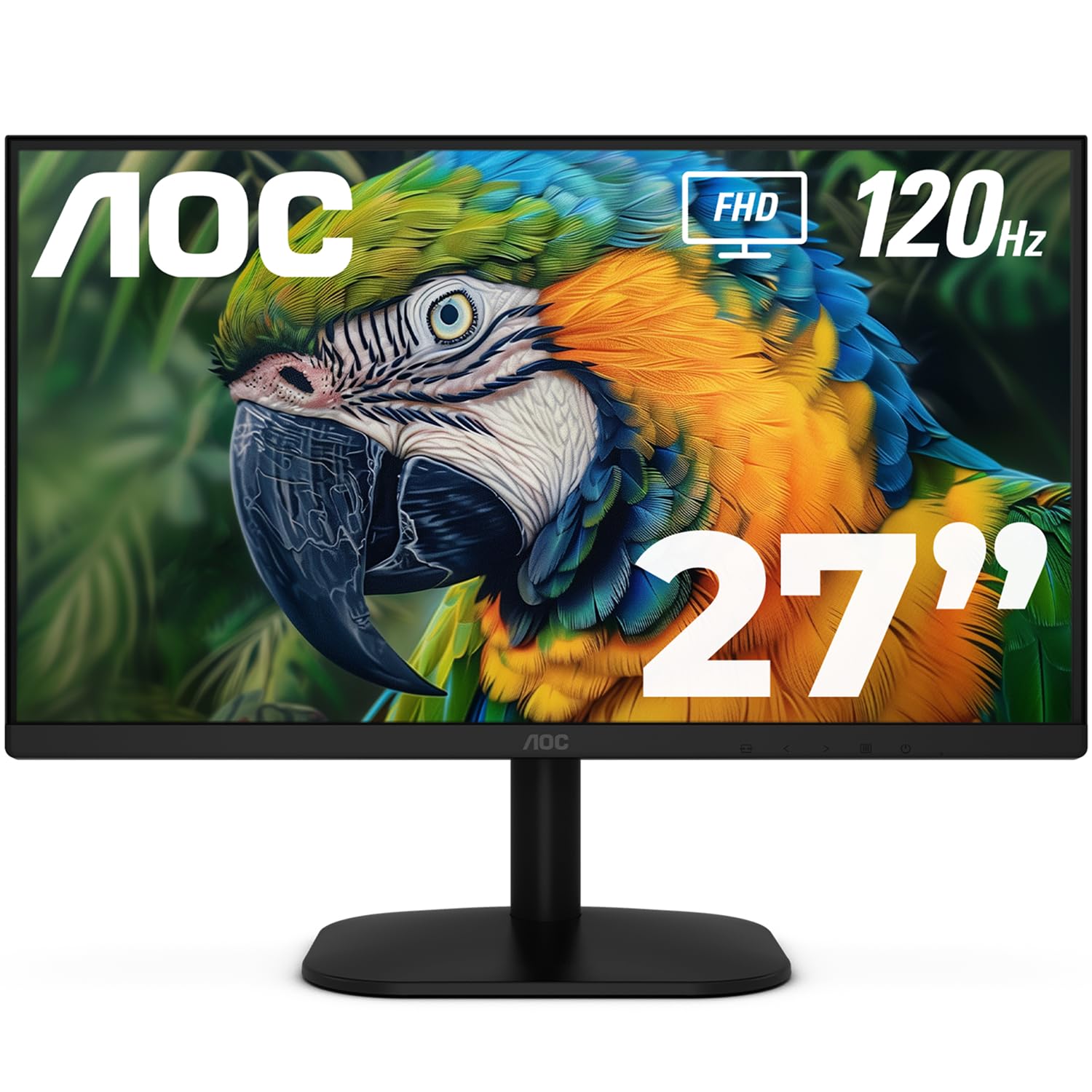
| AOC 27B35H3 | Budget 27-inch | 27 Inch | 120Hz | FHD | Amazon |
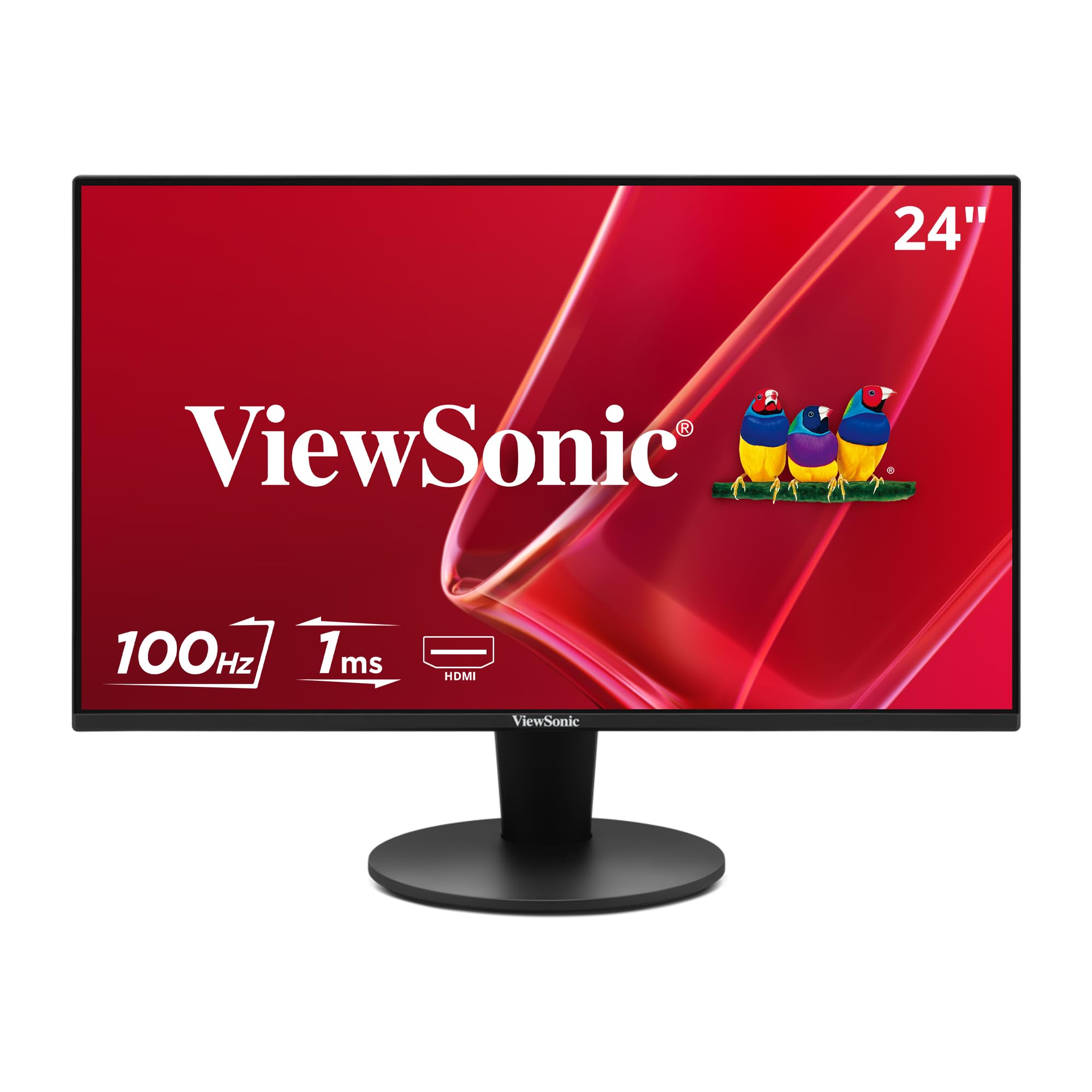
| ViewSonic VS2447M | Popular Budget 24 | 24 Inch | 100Hz | LCD | Amazon |
| LG 27U411A-B | Everyday Smoothness | 27-inch | 120Hz | IPS | Amazon |
| Dell S2425HSM | Ergonomic 144Hz | 23.8-inch | 144Hz | LCD | Amazon |
| LG 27UP650K-W | Budget 4K Creator | 27-inch | 60Hz | IPS | Amazon |
| Dell S2725QS | 4K Productivity Plus | 27 Inch | 120Hz | IPS | Amazon |
In-Depth Reviews
1. ViewSonic VA2756A-MHD
Our pick — over 4.5★ from 400+ verified ratings; the strongest balance of quality and price.
The roomy 27-inch panel that nails the 120Hz feel without emptying your wallet.
The ViewSonic VA2756A-MHD pairs a 27-inch Full HD IPS panel with a 120Hz refresh rate, delivering both size and smoothness in one package. Its 27-inch screen offers 12% more viewing area than the MSI PRO MP243L E14’s 24-inch panel, providing extra workspace without sacrificing fluid scrolling. This combination makes it an ideal primary display for home offices that need both screen real estate and visual comfort.
The SuperClear IPS panel delivers accurate colors from wide angles and a bright 250-nit image. The SuperClear IPS (In-Plane Switching) tech delivers accurate colors from wide angles and a bright 250-nit image. Flicker-Free technology and a Blue Light Filter cut down on eye fatigue, and the thin bezels make it look clean on a desk. Connectivity is genuinely flexible with HDMI, DisplayPort, and VGA inputs, plus a headphone jack for private listening.
The ViewSonic VA2756A-MHD is built to last, with buyers reporting years of dependable use. Buyers report these hold up over months of daily use, with several noting the brand’s monitors are still running after a decade. The built-in speakers are adequate for system sounds but lack bass, so external speakers are recommended for better audio. The stand offers only tilt, so ergonomics purists will need a VESA arm for height adjustment.
What Wins People Over
- Superb Display Quality (most praised aspect)
- Strong Value for Money
- Flexible Inputs (HDMI, DP, VGA)
- Reliable Longevity
The Honest Tradeoffs
- Built-in speakers sound average
- Basic stand lacks height adjustment
The Smart Upgrade: Grab this if you want a larger, smoother everyday screen that feels premium inside a mid-range budget.
Think Twice If: You need a fully adjustable stand for precise ergonomic setup, as you’ll likely add a monitor arm.
2. Amazon Basics 23.8-inch 1080P Computer Monitor
The entry-level panel that quietly delivers a smooth 120Hz experience for less.
If the priority is absolute budget efficiency, this Amazon Basics monitor punches far above its entry-level price. It’s a 23.8-inch IPS panel with a 120Hz refresh rate and Adaptive Sync, which means the fast, tear-free scrolling you’d expect from a pricier display. It even covers 99% of the sRGB color space, so it’s not just fast—it’s reasonably accurate for everyday photo browsing and video.
Buyers describe it as a “solid basic display” that makes the workspace feel much nicer thanks to its size. The 4-sided narrow bezel design helps multi-monitor setups look clean, and the VESA compatibility (100x100mm) means you can mount it on an arm later. The 1500:1 contrast ratio gives decent depth for a budget panel.
The catch is in the details. The included speakers are weak, and the stand is basic. But the sheer value here is undeniable, especially for a first PC build or a student desk. It’s a straightforward, no-drama monitor that lets you get work done without spending a fortune.
Plain-Jane Performer: Expected to be basic, it overachieves with a crisp display and buttery-smooth 120Hz for a rock-bottom price. The only real sacrifice is speaker quality and stand adjustability.
3. MSI PRO MP243L E14
The 144Hz king of the budget tier that makes even office work feel lightning-fast.
This MSI panel is the one to beat for sheer refresh rate per dollar. It hits a 144Hz refresh rate, which is a full 20% faster than the 120Hz on the ViewSonic VA2756A-MHD, making it a legit pickup for light gaming alongside office duties. The Fast IPS panel keeps colors accurate while a 1ms response time keeps motion sharp, and FreeSync matches the screen to your graphics card to stop screen tearing.
For long sessions, it’s been certified by TÜV Rheinland for Flicker Free and Low Blue Light performance, so your eyes won’t take the same beating they would from a cheaper panel. MSI even includes a built-in Eye-Q Check tool to tune settings for your vision. The 4-side slim bezel design makes it great for dual setups, and it’s VESA 100x100mm mountable.
Owners mention it’s a brilliant “intro level” screen, with one parent setting up a dual-screen rig for a son’s room. A recurring note is the connectivity: it has HDMI and VGA but no DisplayPort, and the HDMI is 2.0. For a pure console or budget PC setup, this is a stellar pick.
Where It Excels
- Fastest Refresh Rate Here (144Hz)
- Stunning Picture for the Price
- TUV Rheinland Eye Comfort
- Great for Dual Monitor Builds
Consider This
- No DisplayPort connection
- Connectivity is limited to HDMI and VGA
Built for Speed: Reach for this if you want the smoothest, fastest-feeling panel in this lineup at a value price.
Look Elsewhere If: You rely on DisplayPort for your PC, as you’ll need an adapter.
4. AOC 27B35H3
A huge 27-inch canvas with a 120Hz heartbeat and a green energy twist.
If screen real estate is your main craving, this AOC delivers a 27-inch Full HD display with a 120Hz refresh rate at a budget-friendly price. It’s a “Fast IPS” panel with a 1ms response time, so it handles both side-by-side productivity windows and casual games with ease. The resolution is sharp enough on a 27-inch screen for most users, making it a versatile workhorse.
The color performance is a strong point. It boasts 100.1% sRGB and 81% NTSC coverage, giving you vibrant, true-to-life colors from the start. HDR Ready support, plus Flicker-Free and Low Blue Light tech, make long viewing sessions easier on the eyes. There’s even an eco mode that consumes only 13W of power—a rare and welcome feature in this price tier.
As a secondary or primary display, it performs admirably. Customers note the VESA mount design can feel flimsy since it threads into plastic, so if you plan to mount it on an arm, that’s the weak point to watch. The stand only tilts, and it has HDMI and VGA ports, so check your cable needs.
Big-Screen Value: The sheer size plus 120Hz makes this a fantastic pick for multitaskers on a budget. Just keep it on the included stand for the sturdiest setup.
5. ViewSonic VS2447M
The proven crowd-favorite 24-inch that balances a 100Hz refresh with a high-quality build.
This ViewSonic is a reliable 24-inch Full HD (1920×1080) LED panel with a 100Hz refresh rate, and it’s among the most owned budget monitors for a reason. It’s a slightly lower refresh than the 120Hz models above, but the variable refresh rate (VRR, which syncs the screen’s update to your graphics card) keeps frames smooth. The contrast ratio of 3000:1 is notably strong, so you get deeper blacks for watching movies and a more rich feel than typical IPS panels.
What buyers consistently praise is the build quality—it feels well-made, not cheap. The picture is consistently described as crisp, clear, and sharp. It’s also remarkably easy to set up, ready to go in minutes. For aging eyes, the 24-inch size and clear output are often highlighted as a perfect fit. The 4ms response time is fine for office work and casual gaming.
The main trade-off is adjustability, which is frequently called out as the weak spot. The stand offers limited movement, so you’ll want a VESA mount if you need height adjustability. The dual speakers are a nice bonus for everyday use, adequate for calls and system sounds.
Dependable Workhorse: The quality-to-price ratio is what makes this a staple. If you want a fuss-free, solid 24-inch screen and don’t need 120Hz, this is a very safe buy.
6. LG 27U411A-B
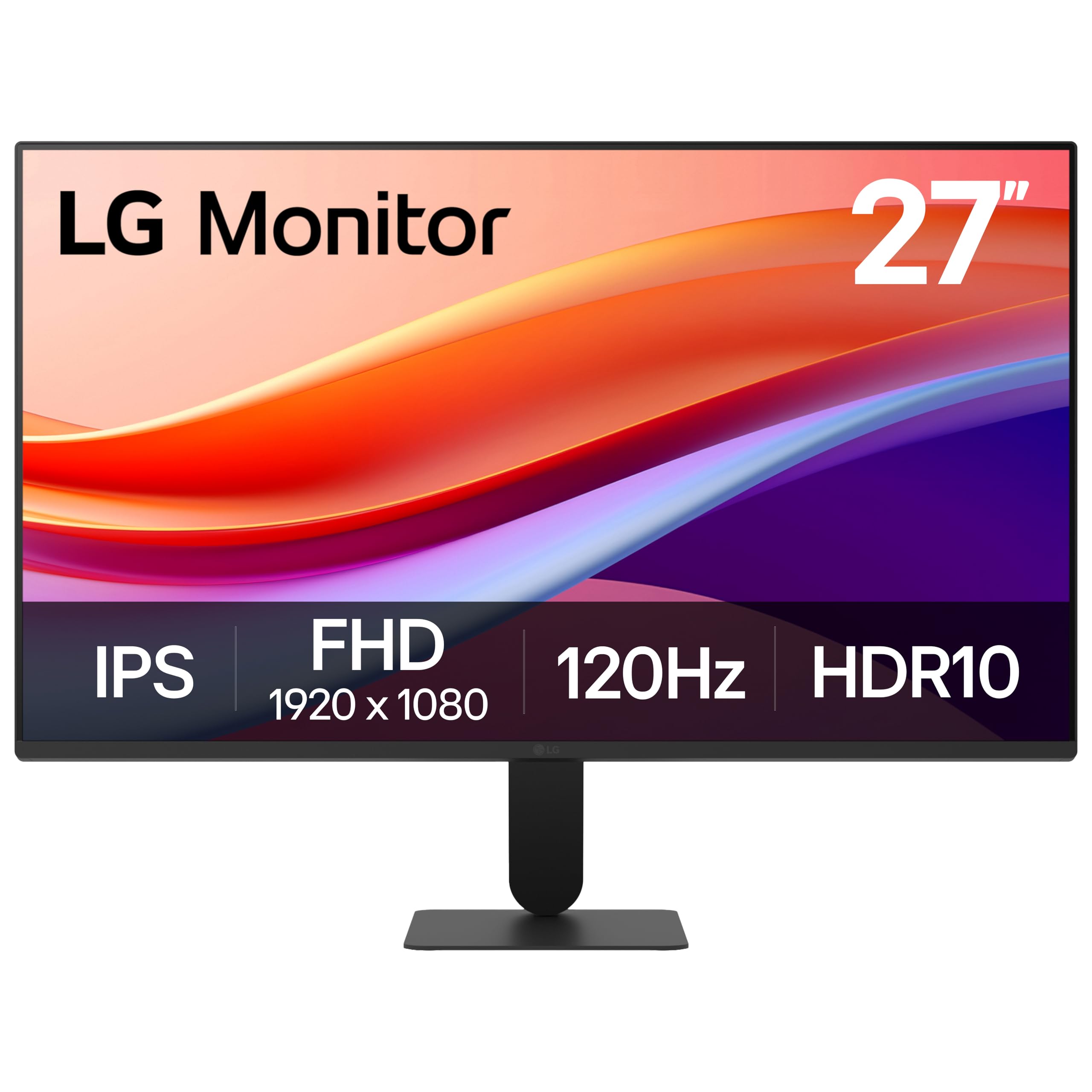
The sleek 27-incher that pairs a 120Hz panel with a genuinely useful multitasking app.
This LG monitor brings a polished combination of specs and software to the mid-range tier. It’s a 27-inch IPS panel running at a smooth 120Hz, so you get the fluid motion that makes modern productivity feel easy. The 1ms Motion Blur Reduction keeps fast-paced games and videos crisp, while HDR10 support and up to 99% sRGB coverage deliver rich, vibrant color for creative projects and streaming.
what separates it is the included Switch app, which lets you split the screen into up to 6 sections and customize layouts for work, gaming, or streaming. That effectively turns this one monitor into a small multitasking hub. A Reader Mode lowers blue light for comfortable reading sessions, and the slim stand offers tilt adjustment from -5° to 20°.
Buyers find it a great entry-level choice with clear picture quality, though some note the single HDMI input is limiting. The stand is solid metal with no wobble, but it lacks height adjustment. For a student or work-from-home professional who values organization, the Switch app is a strong reason to choose this model.
The LG Advantage
- Vivid, Colorful 120Hz Display
- Multitasking Switch App
- Sturdy Metal Stand
- Reader Mode for Eye Comfort
Limitations
- Only one HDMI port
- No height adjustment on stand
Organize Your Flow: Pick this if you want a smooth, good-looking screen with software that genuinely helps you manage multiple apps at once.
skip it if: You need to connect two computers simultaneously, as the single HDMI port will force a cable swap.
7. Dell 24 Plus Monitor S2425HSM
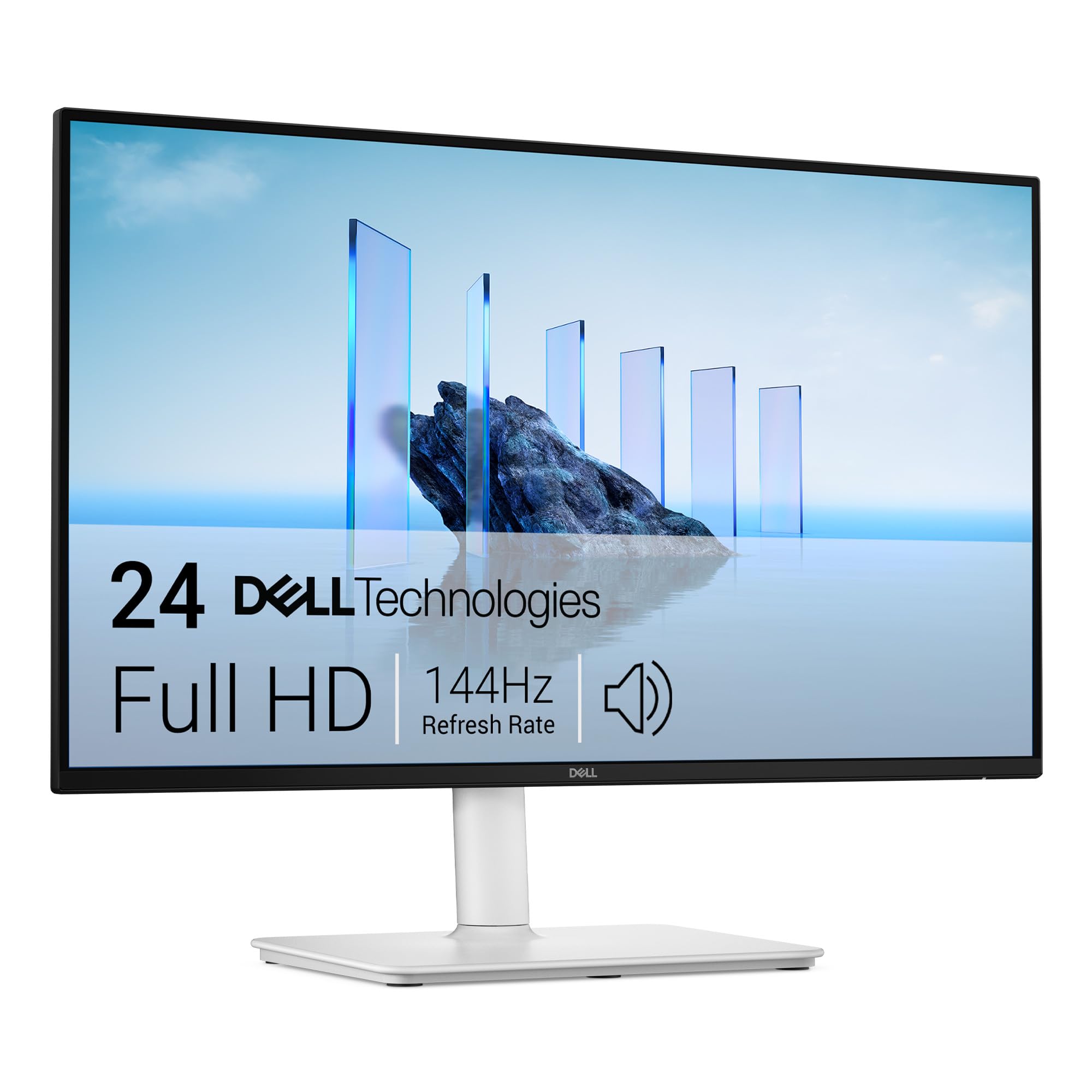
The 144Hz display that doubles as a full ergonomic workstation upgrade.
This Dell is the pick for people who care about desk comfort, offering a 23.8-inch Full HD panel with a 144Hz refresh rate and a 1ms response time. That combination delivers a tear-free, ultra-smooth experience whether you’re working in spreadsheets or playing a quick game. The 1500:1 contrast ratio provides good depth and clarity for a work-focused screen.
The standout feature is the stand. It’s fully adjustable with height, tilt, pivot, and swivel options, letting you position the screen exactly where your neck and eyes want it. This is a rare luxury in this price range. On top of that, it has integrated dual 3W speakers that buyers describe as having “amazing sound quality” for a monitor, and a 4-star TÜV-certified display for reduced blue light emission without washing out colors.
Connectivity is the main limitation: it only has HDMI input, so older computers with VGA or DisplayPort-only outputs will need an adapter. The 4-way adjustability is genuinely praised, though a few note the height adjustment range could be greater. For a comfortable home office or a chic desk setup, this is the premium-feeling choice.
Why It’s A Step Up
- Fully Adjustable Ergonomic Stand
- Surprisingly Good Audio
- Fast 144Hz + 1ms Response
- TUV Eye Comfort Certification
Keep In Mind
- HDMI-only connectivity
- Limited height adjustment range for some
Comfort First: Choose this Dell if you spend full days at a desk and want a 144Hz screen that you can position perfectly without buying a separate arm.
Reconsider If: Your computer lacks an HDMI port and you’d rather not use an adapter.
8. LG 27UP650K-W

The 4K step-up that gives photo editors and spreadsheet gurus crisp, true-to-life pixels.
This LG is the gateway into 4K. It’s a 27-inch UHD (3840 x 2160) IPS panel with up to 95% DCI-P3 color gamut coverage, which translates to a dramatically more detailed and color-accurate image than 1080p. For anyone working with photos, or managing multiple spreadsheets, the screen real estate is a revelation. It reproduces clear images with vibrant, professional-grade color accuracy.
It’s compatible with VESA DisplayHDR 400, so it supports a level of color and brightness that exceeds standard monitors. The ergonomic stand is adjustable for height, tilt, and pivot, which is excellent for long editing sessions. It comes with both HDMI and DisplayPort cables in the box, so you can plug in immediately.
The refresh rate sits at 60Hz, which is fine for productivity but not the 120Hz you’d get on cheaper 1080p models. Buyers praise the “Mac-like display” quality and find it pairs beautifully with Apple products. It’s not built for high-refresh competitive gaming, but for creative work and serious productivity, this is the sharpest pick here.
The Clarity Jump: The step from 1080p to 4K is huge, and this LG delivers it with strong color accuracy and a proper adjustable stand. The catch is the standard 60Hz refresh rate.
9. Dell 27 Monitor S2725QS

The rare 4K monitor that combines 120Hz smoothness with a full ergonomic stand.
This Dell is the ultimate resolution-versus-smoothness compromise. It offers a 27-inch 4K UHD panel at a 120Hz refresh rate, which is a standout combination in this price range. You get the massive detail of 4K plus the fluid scrolling and motion clarity you usually have to choose between. The 350 cd/m² brightness and 1500:1 contrast ratio ensure a bright, detailed image for all-day work.
It’s built for prolonged productivity. The 99% sRGB coverage delivers accurate colors, and the ComfortView Plus feature reduces harmful blue light to ≤35% without sacrificing color accuracy. The stand is a major selling point: it offers height adjustment, swivel, pivot, and tilt, making it easy to find a perfect ergonomic position. The ultra-thin bezels give it a sleek, modern ash-white look.
Reviewers love the sharp image, calling it a huge upgrade from 1080p with better color. A common gripe is minor ghosting in fast games and a subtle matte coating grain, so it’s not a pure gaming monitor. But for a mixed workload of editing, spreadsheets, and casual gaming, it’s hard to fault.
The Full Package
- Sharp 4K + Smooth 120Hz Combo
- Excellent Color Accuracy (99% sRGB)
- Full Ergonomic Stand
- Ultra-Thin Bezel Design
Minor Quirks
- Slight ghosting in fast-paced games
- Matte coating adds a slight grain
The Crisp All-Rounder: Ideal if you want premium 4K clarity with the modern smoothness of 120Hz, all in a well-built, adjustable frame.
Not For You If: You’re a hardcore competitive gamer who needs the lowest possible motion blur, as this prioritizes color and productivity.
Understanding the Specs
Refresh Rate (Hz) and Adaptive Sync
Refresh rate is how many times your screen redraws the image each second. A higher number, like 120Hz or 144Hz, means smoother motion and less eye strain when scrolling. Adaptive Sync (often called FreeSync) matches the monitor’s refresh rate to your graphics card’s output, which stops screen tearing during games and video. It’s a major quality-of-life upgrade.
Panel Types: IPS vs VA vs TN
The panel type dictates image quality and viewing angles. IPS (In-Plane Switching) panels offer the best color accuracy and wide viewing angles, making them ideal for work and general use. VA (Vertical Alignment) panels provide higher contrast ratios for deeper blacks, which is great for movies, but can have slower response times. TN panels are cheaper but have poor viewing angles and color, so they’re best avoided today.
Color Gamut (sRGB and DCI-P3)
Color gamut is a measure of how many colors a monitor can display, usually given as a percentage of a standard like sRGB or DCI-P3. A monitor with 99% sRGB coverage shows nearly all the colors in that standard, ensuring images look accurate and not washed out. Higher numbers mean more vibrant, true-to-life colors for photo editing or creative work.
VESA Mount Compatibility
VESA is a standard mounting pattern (usually 100x100mm) on the back of a monitor. It allows you to attach the screen to a monitor arm or wall mount. This is crucial for ergonomics, as it lets you lift the screen to eye level and free up desk space. If you value a clean setup or have a small desk, look for this feature.
FAQ
Is 120Hz or 144Hz really necessary for office work?
What is the difference between 1080p and 4K on a 27-inch monitor?
Can I mount these monitors on an arm or wall?
Will a 144Hz monitor work if my computer only outputs 60Hz?
Are built-in monitor speakers good enough?
What does Adaptive Sync (FreeSync) do for me?
Is a higher contrast ratio like 3000:1 always better?
What is a “Fast IPS” monitor panel?
How do I connect an older laptop with VGA to a new monitor?
Which monitor is best for a Mac Mini or MacBook?
Final Thoughts: The Verdict
Across the board, the affordable computer monitors winner is the ViewSonic VA2756A-MHD because it combines a spacious 27-inch screen with a smooth 120Hz refresh rate, accurate IPS colors, and flexible connectivity at a price that undercuts the premium tier. If you want the fastest refresh rate for a dual-purpose gaming and work setup, the MSI PRO MP243L E14 is the one to grab with its 144Hz panel. And if your priority is maximum sharpness for photo editing or heavy multitasking, the LG 27UP650K-W steps up to a 4K resolution (3840×2160 pixels) that makes everything look crisper and more detailed.
How We Picked
We do not accept paid placement. Every pick is matched to a real buyer and a real use-case; we do not hands-on test units.
Sources & Methodology
Specifications: manufacturer listings and product documentation. Review insights: verified customer reviews, as of August 2026. Pricing: not shown on this page (it changes often); check the current price via the retailer link.
As an Amazon Associate, Gadgets Feed earns from qualifying purchases. This does not affect which products we feature.