
Our readers keep the lights on and my morning glass full of iced black tea. As an Amazon Associate, I earn from qualifying purchases.
Specs are compiled from manufacturer listings and verified buyer reviews and can change over time — please confirm the key details on the product page before buying.
The first thing to know about a 2-in-1 laptop tablet is that you are not choosing between a laptop and a tablet — you are choosing which one of those two jobs matters more to you every day. A machine that leans toward laptop duty brings a beefier processor and a bigger screen, while a tablet-first design trades raw power for featherlight portability. This guide sorts through the trade-offs across 11 convertible and detachable models so you can match the hardware to your actual routine, whether that means hours of note-taking in tablet mode or docked productivity at a desk.
I’m Min — the founder and writer behind Gadgets Feed. This guide is built by comparing the manufacturers’ published specifications and the patterns across verified customer reviews, so you get each pick’s real strengths and trade-offs instead of marketing spin.
You’ll find the honest breakdown of screen quality, battery stamina, and the hinge feel that makes or breaks the experience, and a clear verdict on the 2-in-1 Laptop Tablet worth your money today.
Our Picks at a Glance


How To Choose The Best 2-in-1 Laptop Tablet
Choosing a 2-in-1 means deciding where you’ll spend most of your time. These machines split into two families: convertibles with a 360° hinge that folds the keyboard under the screen, and detachables where the screen pops off the keyboard entirely. Your choice between them shapes weight, battery, and how sturdy the typing experience feels.
Match the processor to your daily workload
The processor (CPU) determines how quickly your machine handles tasks like multitasking and creative software. A model like the Samsung with an Intel Core i7-1260P tops out at 5 GHz, which is fantastic for creative programs and heavy multitasking, but you will pay more and drain the battery faster. Lighter processors like the Intel N355 in the Lenovo Chromebook cap at 2.9 GHz — plenty for web apps and documents, and they sip power. Match the chip to the heaviest app you open more than once a week, not the one you dream about.
Look at the hinge and the mode
The hinge endures the most wear in a 2-in-1, so its stiffness and durability directly affect how well the screen stays put in tent or tablet mode. A stiff 360° hinge holds the screen steady in tent mode for presentations, but it also adds weight to the chassis. A detachable design like the Surface Pro drops the weight of the keyboard when you want pure tablet mode, but you must carry the keyboard separately if you think you will type. Ask yourself how often you will actually fold the screen around, not how cool it sounds in the store.
Quick Comparison
| Model | Best For | Display | Processor | RAM | Amazon |
|---|---|---|---|---|---|
| Lenovo Yoga 7i★ Best Overall | Best Overall Powerhouse | 16″ 2K | Ultra 7 155U | 16GB DDR5 | Amazon |
| Surface Pro (2025)Premium Pick | Premium Portable Tablet | 12″ Touch | Snapdragon X Plus | 16GB | Amazon |
| HP OmniBook X FlipTop Performer | AI-Powered All-Rounder | 16″ 2K Touch | AMD Ryzen AI 5 340 | 16GB DDR5 | Amazon |
| Samsung Galaxy Book Pro 360 | Creator & Designer | 15.6″ FHD AMOLED | Core i7-1260P | 16GB | Amazon |
| Surface Pro (2024) | Maximum Power Detachable | 13″ OLED | Snapdragon X Elite | 32GB | Amazon |
| HP Envy x360 | Balanced Value | 14″ FHD Touch | Core i7-1355U | 16GB DDR4 | Amazon |
| FUNYET 2-in-1 | Detachable Budget Pick | 14″ 1920×1200 | Intel N100 | 16GB DDR5 | Amazon |
| Lenovo Chromebook Plus | Lightweight & Secure | 14″ WUXGA IPS | Intel N355 | 8GB | Amazon |
| Dell Latitude 5330 | Renewed Business Value | 13.3″ FHD | Core i7-1265U | 32GB DDR4 | Amazon |
| Dell Latitude 7420 | Refurbished Budget Deal | 14″ FHD | Core i5-1145G7 | 16GB DDR4 | Amazon |
| Lenovo Yoga 7i (1TB) | Great Screen Value | 16″ 2K OLED | Core Ultra 7 155U | 16GB DDR5 | Amazon |
In-Depth Reviews
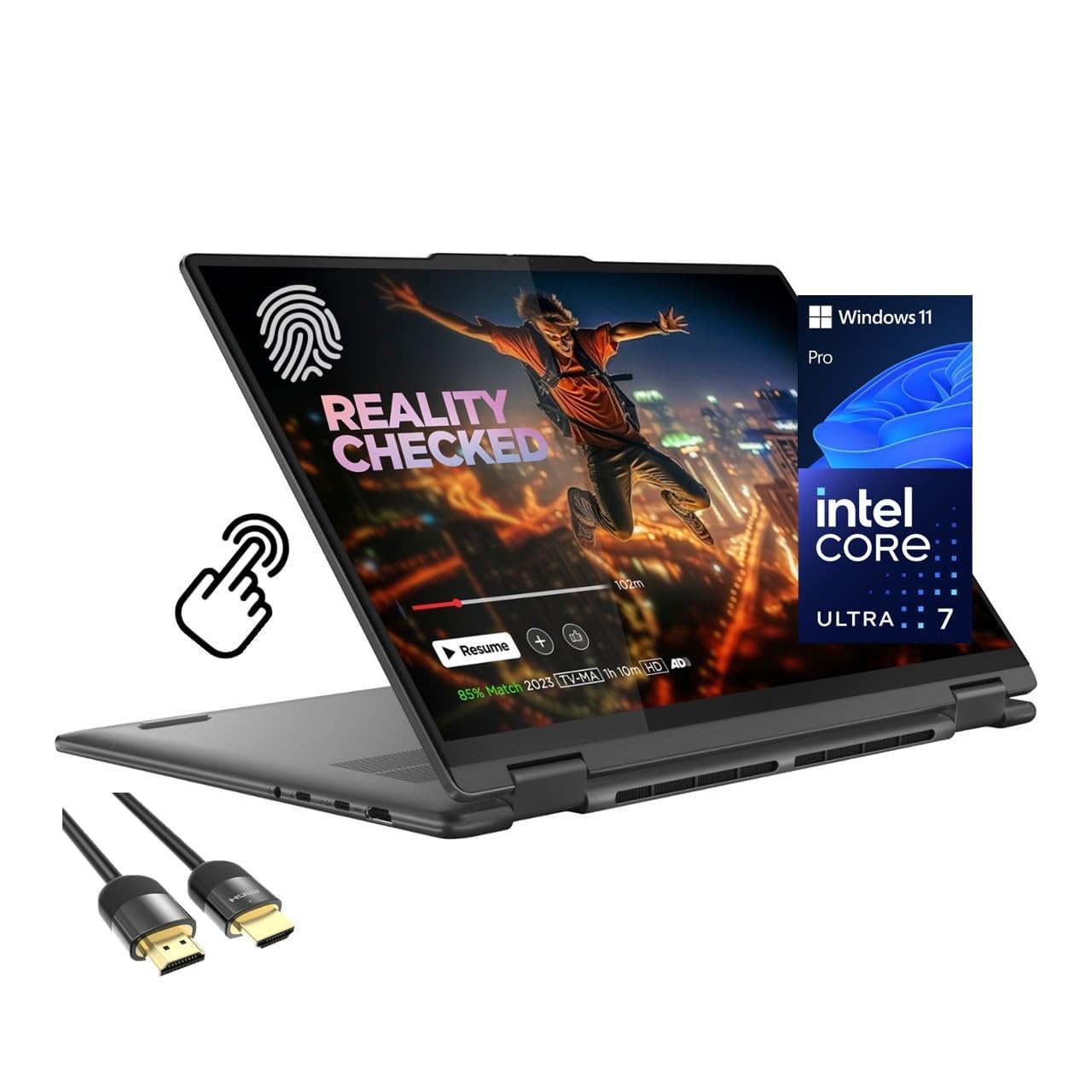
1. Lenovo Yoga 7i 2-in-1 (16″ 2K, Ultra 7)
Our pick — over 4.5★ from 200+ verified ratings; the strongest balance of quality and price.
The desktop-class performer that folds into a tent without breaking a sweat
The crowd favorite here — 4.6 stars across hundreds of owners — earns its spot for its versatile 360° hinge and strong performance. Under the hood sits a 12-core Intel Core Ultra 7 155U that turbo-boosts up to 4.8 GHz, so you get extra power for demanding tasks and better energy efficiency when you are just browsing. Buyers report it “replaced 15-yr-old PC; performance exceeded expectations,” which tells you the leap feels huge if you are coming from anything older.
What wins people over is build quality — it is the single most-praised thing about this machine. The 360° flip-and-fold design lets you switch between laptop, tablet, tent, and stand modes, and Lenovo Transition automatically resizes your apps to full screen as you twist the hinge. The 16-inch 1920 x 1200 IPS display with LED backlight gives you wide viewing angles, and the touchscreen is responsive enough that owners mention using it as a favorite input method.
With 16GB of fast DDR5 RAM and a roomy 2TB PCIe 4.0 SSD, you have space for huge project files and the speed to move them. Wi-Fi 6E keeps connections stable in crowded networks, and the port lineup — 2x USB-A, 2x USB-C, HDMI, and a Micro SD reader — covers most desks. The honest trade-off is weight: it is sturdy, but noticeably heavier, so your shoulders will feel it in a backpack on a long commute.
What Owners Rave About
- Blazing speed with the 4.8 GHz boost clock
- Large, vivid touchscreen that responds well
- Generous 2TB storage for big media libraries
- Easy setup right from the start
The Real Trade-Offs
- Noticeably heavy for daily carrying
- Lenovo Vantage/Microsoft prompts can feel pushy
- Touchscreen often underused by owners who stick to laptop mode
Best for: Anyone who wants one premium machine for both docked productivity and occasional tablet use, and who values raw speed over portability.
Think twice if: You carry your laptop everywhere and prioritize a light bag — this one is a hefty companion.
2. Microsoft Surface Pro 2-in-1 (2025, 12″ Snapdragon X Plus)
The featherlight detachable that proves a tablet can be a real Windows PC
This is the machine that answers the “power of a laptop, flexibility of a tablet” promise most literally. The 12-inch screen detaches completely from the keyboard (sold separately), so you get a true tablet when you want it and a full laptop when you snap the keyboard on. The 90Hz refresh rate makes scrolling feel silky smooth, a step up from the standard 60Hz most laptops use.
Under the hood, the Snapdragon X Plus processor powers an AI engine that handles up to 45 trillion operations per second. That translates to an all-day battery — up to 16 hours by the spec sheet — and owners confirm it outlasts typical Windows laptops, with several noting it lasts two days on routine tasks. The PixelSense display delivers vibrant color and crisp detail, and the whole package stays remarkably light, which is exactly what frequent travelers praise about it.
The catch is the keyboard situation: to get laptop functionality you must buy the Surface Pro Keyboard separately. Owners also note the battery claim of 16 hours is optimistic in real-world use, though it still beats most rivals. If you want a premium, ultra-portable Windows slate that handles general tasks brilliantly, this is the one.
Traveler’s Choice: its compact size and light weight make it the most portable Windows machine here, ideal for flights and coffee-shop work.
Know Before Buying: budget for the separate keyboard, and set your battery expectations to “great” rather than “record-breaking.”
3. HP OmniBook X Flip Copilot+ PC (16″)
An AI-first convertible with an astonishing 21-hour battery claim
If battery life is your top priority, this HP is the one to beat on paper. The spec sheet promises up to 21 hours of runtime, and while real-world figures land lower, owners consistently report the battery as a standout strength. Powering it is the AMD Ryzen AI 5 340 processor, which clocks up to 4.8 GHz and pairs with a 50 TOPS NPU (a dedicated chip that handles AI tasks like background blur and voice effects directly on the device).
The 16-inch WUXGA (1920×1200) IPS 2K touchscreen hits 400 nits of brightness — that is bright enough to work near a sunny window — with 178-degree viewing angles. Owners mention the screen is particularly nice for drawing, and the 5MP IR camera with AI noise reduction keeps you looking sharp on video calls. The recycled metal build feels premium, and the backlit keyboard is comfortable for long typing sessions.
Performance is the most-praised aspect, with a college student owner calling it a “10/10 performance, speed, screen” and reporting 58% battery lasting 5 hours of real use. The main caveats are size and weight — it is a big 16-inch machine — and some owners wish the Copilot AI could be fully disabled. If you want a large, fast, long-lasting convertible for school or creative work, this delivers.
Why It Stands Out
- Market-leading 21-hour battery life claim
- Bright 400-nit touchscreen loved by artists
- AI features run on-device for privacy
- Fast, lag-free multitasking with many tabs open
Reality Check
- Large and slightly heavy for a tablet experience
- Copilot integration annoys owners who dislike AI
- Initial software updates can lag on first setup
Reach for it if: you are a student or artist who wants one large machine for drawing, streaming, and all-day classes without a charger.
Look elsewhere if: you need a lightweight device and barely use tablet mode.
4. Samsung Galaxy Book Pro 360 (15.6″ AMOLED)

The artist’s palette with a vibrant AMOLED screen and a bundled stylus
Photographers and designers, this one is aimed straight at you. The 15.6-inch FHD AMOLED display delivers the deep contrasts and vibrant colors that creative work demands, and it comes with an S Pen in the box, so sketching and note-taking work right out of the wrapper. The Intel Core i7-1260P processor tops out at an impressive 5 GHz, giving you desktop-class speed for editing software.
Owners describe it as “beautiful, well built, light, and fast,” and the graphics performance earns “BAD ASS” reviews from even picky buyers. The quad AKG speakers with Dolby Atmos sound make it a genuinely nice media machine too. On the connectivity front, Thunderbolt 4 supports DisplayPort and Power Delivery, and you can drive up to two 8K@30Hz external monitors for a serious multi-screen setup.
The glaring honesty moment is battery life. The spec sheet claims 18 hours, but customers note the real figure is around 4 hours with light web browsing. Treat the quoted number as fiction and plan around a wall outlet. If you want a gorgeous screen and a bundled pen for creative work, this is a top pick — just carry the charger.
Standout Screen: the AMOLED panel is the reason to buy this, turning photo editing and video streaming into a visual treat.
The Real Catch: battery life lands near 4 hours in practice, far below the advertised 18, so it is best kept near a power source.
5. Microsoft Surface Pro 2-in-1 (2024, 13″ OLED, X Elite)

A flagship detachable with a cinematic OLED screen and studio-grade power
This is the most powerful Surface Pro money can buy, and it shows. The 13-inch OLED touchscreen delivers a 1M:1 contrast ratio, which means true blacks and a wider range of colors that make photos and video look stunning. Inside, the 12-core Snapdragon X Elite is paired with a hefty 32GB of RAM and a massive 1TB of SSD storage, so there is no worry about running out of space for your creative projects.
It is built for studios — owners literally call it a “must have tool for the Studio.” The 14-hour battery life claim is backed by fast charging via a 65W PSU through Surface Connect or USB-C, so a quick top-up gets you back to work. Being able to write directly on the screen is a plus that longtime Surface owners appreciate, and the versatility of switching between tablet and laptop modes is a core part of its appeal.
The big caveat is software compatibility: the Snapdragon processor is not an Intel chip, so some applications won’t run natively. Adobe Lightroom Classic runs inefficiently, and other Adobe apps are slow through emulation. If your software library lacks Snapdragon-native versions, check compatibility before buying. For those it works with, the performance is genuinely top-of-the-line.
Top-Tier Strengths
- Stunning OLED screen with 1M:1 contrast
- Huge 32GB RAM and 1TB storage
- Best-configured Surface Pro available
- Fast charging via Surface Connect or USB-C
Critical Caveat
- Snapdragon chip limits which apps run natively
- Some reviewers point out lockups on restart
- Premium price tag for the highest config
Choose this if: you work in a studio or creative field with Snapdragon-compatible software and want the most powerful detachable Windows device.
skip it if: you rely on Lightroom Classic or other apps without native Snapdragon support — go Intel instead.
6. HP Envy x360 2-in-1 (14″ FHD, i7)
A reliable 14-inch workhorse that keeps a college student happy for a full year
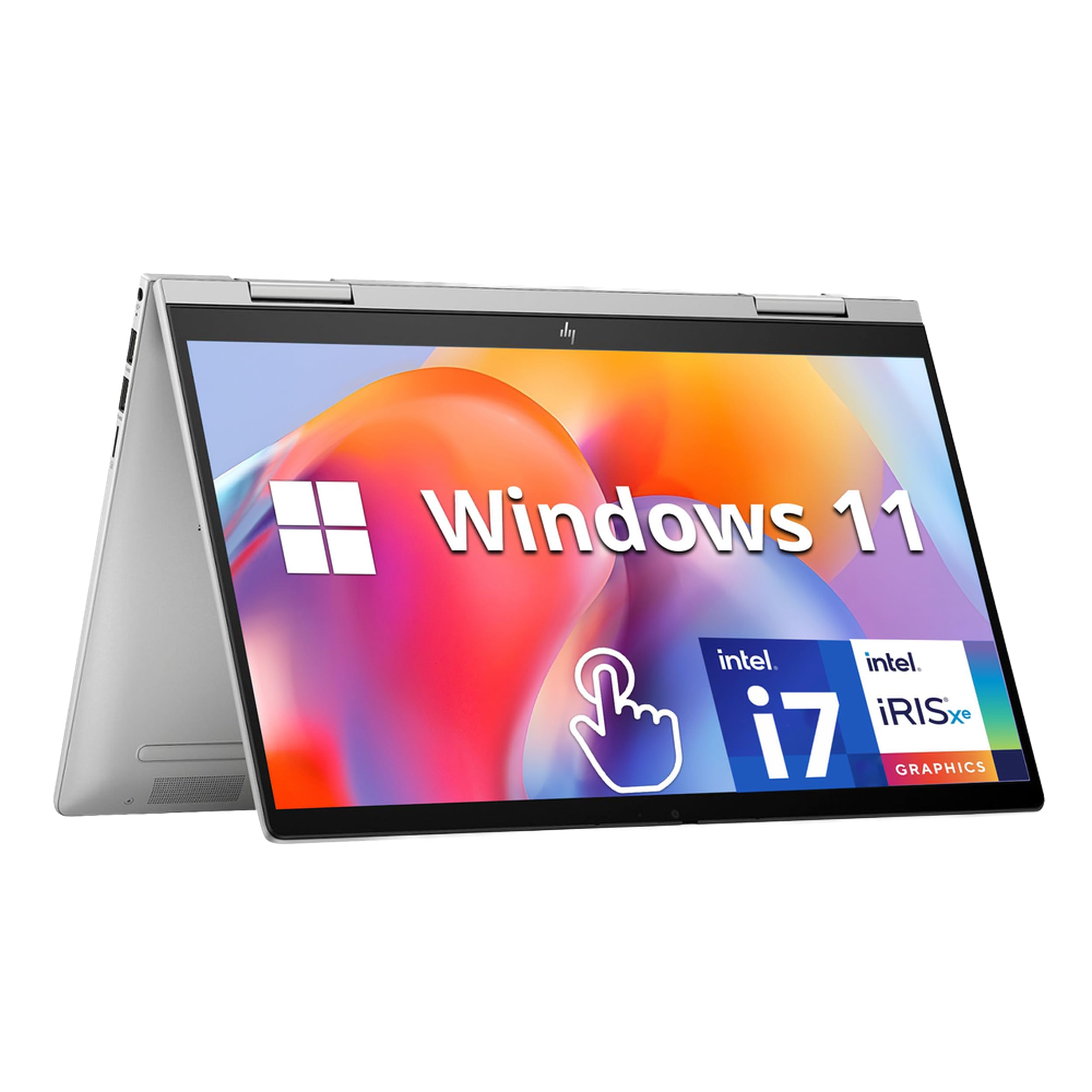
When a machine survives a full academic year and still gets called “fantastic,” you know the fundamentals are right. This HP Envy x360 pairs a 13th Gen Intel Core i7-1355U (a 10-core processor) with 16GB of DDR4 RAM and a 1TB PCIe SSD, delivering the responsiveness that makes everyday multitasking feel instant. The 14-inch FHD IPS touchscreen flips around a 360° hinge to become a tablet in one smooth motion.
Owners say it is “lightweight enough that it is easy to cart, super fast, and easy to learn and use,” and it still has tons of storage a year in. The 3.35 lbs weight makes it genuinely portable for campus life. Security is covered two ways — a fingerprint reader and an HP Wide Vision 5MP IR camera that supports face recognition log-in. The dual Bang & Olufsen speakers add a touch of polish for media.
The mixed feedback here centers on reliability, with a few owners reporting an occasional issue with the space bar stopping. It is not a universal problem, but it is worth knowing. If you want a well-rounded, reasonably priced convertible that does everything well without excelling in any one area, this is a solid middle-of-the-road choice.
Solid All-Rounder: dependable 14-inch convertible with fast performance and a fingerprint reader, well suited to students and general home use.
Watch Out: a handful of owners hit keyboard issues after months of use, so a warranty is a sensible add-on.
7. Lenovo Yoga 7i 2-in-1 (16″ 2K OLED, 1TB)

A brilliant OLED panel on a familiar, proven Yoga chassis
What sets this Yoga 7i apart from its sibling is the display: a 16-inch 2K OLED touchscreen with a 2560×1440 resolution that delivers vibrant colors and deep contrasts. That is a meaningful upgrade for anyone who spends hours staring at a screen, whether for photo editing, streaming, or just reading. It is powered by the same Intel Core Ultra 7 155U processor, which boosts up to 4.8 GHz and includes Intel Arc Graphics for AI-accelerated multitasking.
The 360-degree hinge lets you switch between laptop, tablet, and tent modes, and the 16GB of DDR5 RAM paired with a 1TB NVMe SSD gives you lightning-fast boot times and ample project space. Dolby Atmos audio and a comfortable backlit keyboard round out a premium package that feels sophisticated. Owners are short and sweet in their praise — “perfect,” “top quality,” and one web designer confirming it is a “good laptop for web design.”
This is effectively a display-first version of the Best Overall pick with half the storage and a similar footprint. The trade-off is that the larger OLED screen still means a fairly heavy machine in your bag.
OLED Advantage
- 2560×1440 OLED display with true-to-life colors
- Fast 4.8 GHz Ultra 7 processor
- Thunderbolt 4 for fast external storage
- Dolby Atmos rich audio
Consider This
- 1TB storage is half of the top Yoga 7i model
- Big screen means added weight and bulk
- Few owner reviews yet, so long-term track record is thinner
Pick this if: premium screen quality matters most and you want the proven Yoga reliability with a display upgrade.
Instead consider: the top Yoga 7i if you need double the storage for large media libraries.
8. FUNYET 2-in-1 Laptop Tablet (14″, Detachable)

A featherweight 2-pound detachable that runs full Windows 11 Pro
At 2 pounds and 0.4 inches thick, this is the lightest machine in the lineup, and it shows in how you carry it. The screen detaches from the backlit keyboard entirely, turning into a standalone Windows tablet that weighs almost nothing. That makes it a compelling choice for students toting books between classes or commuters who want a full PC in a tiny bag. The 14-inch 1920 x 1200 touchscreen hits 100% sRGB, so colors look accurate for photo browsing and general media.
Under the hood is a 12th Gen Intel N100 processor with 16GB of fast DDR5 RAM (6400MHz) and a huge 1TB SSD. Owners say it runs “faster than my old one” and handles spreadsheets well, with one happy buyer noting it works beautifully for The Sims 4. The four HiFi speakers and built-in microphone make video conferencing and online learning painless. Battery life is quoted at over 10 hours, with 8 hours of video playback, and the machine supports angle fixation so the screen stays put however you prop it.
The value story is strong — owners highlight both value for money and performance as top positives. The mixed note is on battery life, with a long-term owner reporting 6-7 hours rather than the advertised 10, which is still respectable. Just know you will need to charge the keyboard and the screen separately, which takes some getting used to.
What Works
- Ultra-light 2-pound detachable design
- Generous 16GB DDR5 RAM and 1TB SSD
- Great value for the hardware on offer
- Fast, reliable for everyday apps
What to Know
- Battery closer to 6-7 hours than the claimed 10
- Requires charging keyboard and screen separately
- Proprietary charging cable hard to replace
Reach for it if: weight matters most and you want an affordable detachable that doubles as a true Windows tablet.
Look elsewhere if: you need more than 7 hours away from a charger or want a single-cable charging setup.
9. Lenovo Chromebook Plus 2-in-1 (14″ WUXGA)
A military-grade 3.3-pound chassis with Google AI built right in
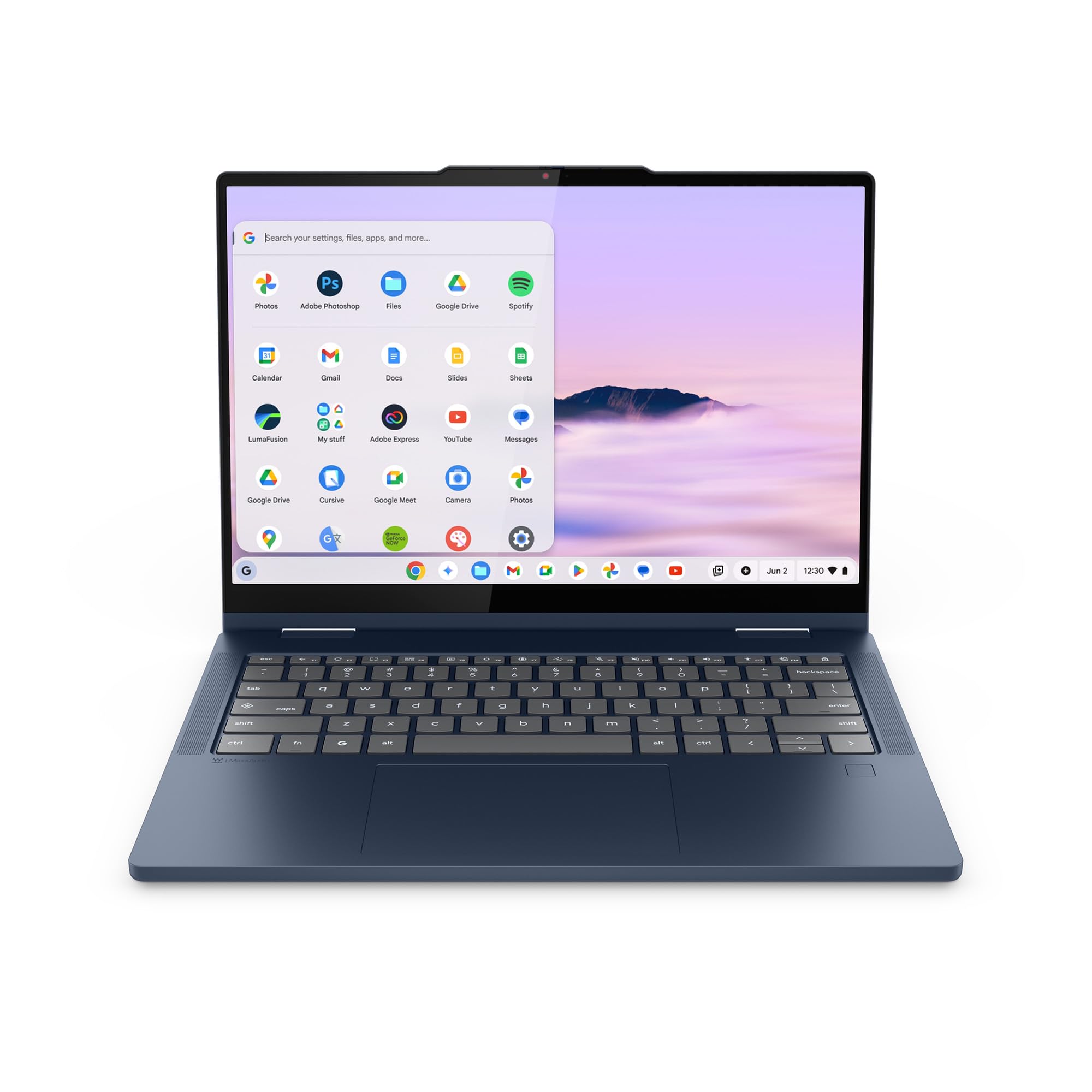
If your life runs on Google apps and you want a machine that stays out of your way, this Chromebook Plus is a refreshingly simple choice. It is just 0.69 inches thick and weighs 3.3 pounds, and it carries military-grade durability, so it shrugs off the bumps of daily commuting. The 14-inch WUXGA (1920×1200) IPS touchscreen flips between laptop, tent, and tablet modes, and the responsiveness earns direct praise — “the touch sensitivity is just right.”
Built-in Google Gemini AI helps with planning, writing, and learning right from the home screen, and the physical shutter on the webcam plus a fingerprint reader keep privacy and log-in simple. The 11-hour battery life claim pairs with a 65W USB-C charger, and owners happily note it is “exactly what I needed” and “very nice and fast.” Two USB-C ports, two USB-A ports, and an HDMI port cover most connection needs.
The most-discussed point is simply that this runs Chrome OS, not Windows — one owner admits they “didn’t realize it had chrome OS trying to get the hang of it.” If your software needs are browser-based, this is a fantastic, low-maintenance pick. If you need specific Windows-only applications, it is the wrong tool. Audio is tuned by Waves MaxxAudio for rich, balanced sound.
easy Choice: the lowest-maintenance machine here, with Google AI, long battery, and a durable build for a stress-free daily driver.
Not for Everyone: Chrome OS limits you to web apps — check that your must-have software runs in a browser first.
10. Dell Latitude 5330 2-in-1 (13.3″, Renewed)
A renewed business laptop with desktop-class RAM for serious multitaskers
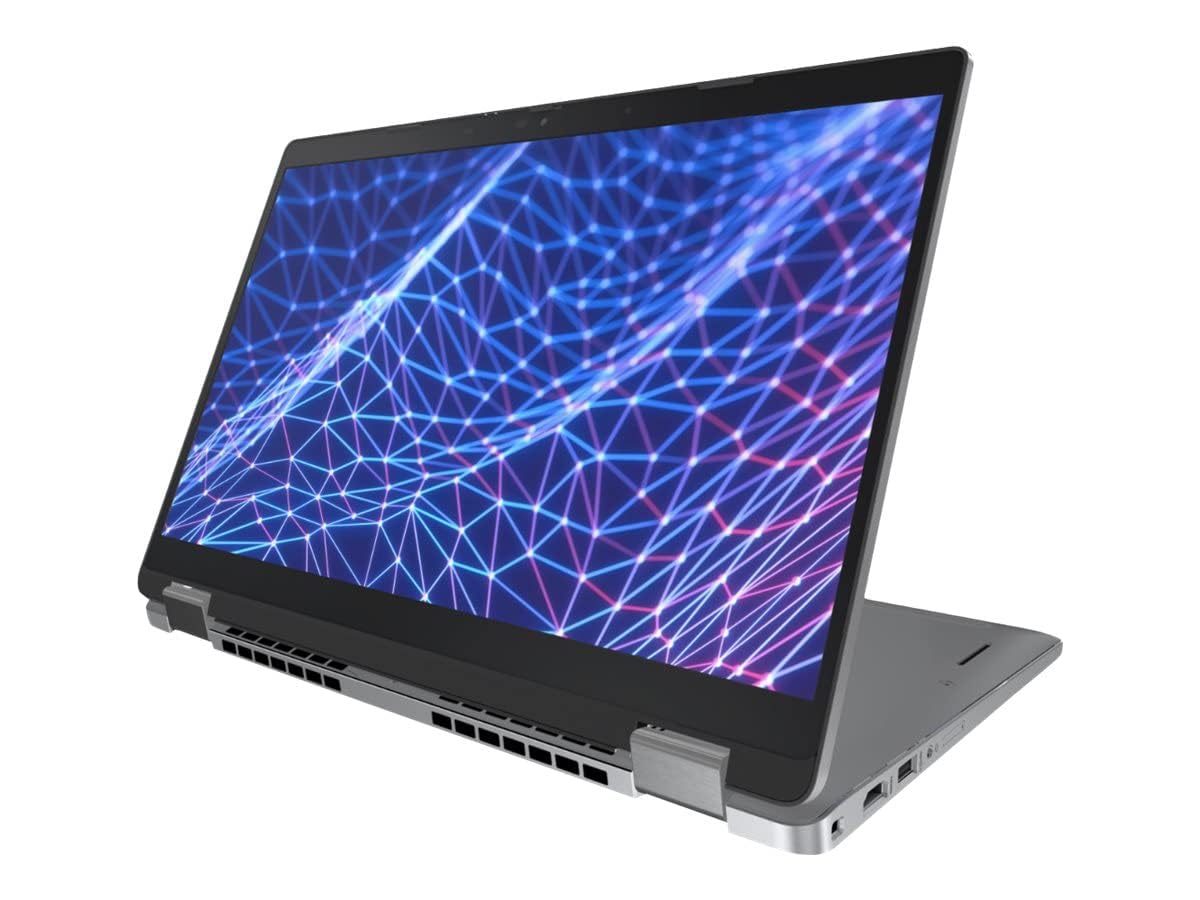
Here is the standout stat: 32GB of DDR4 RAM running at 3200MHz. That is double what most laptops offer and it makes this a multitasking monster, letting you run dozens of browser tabs, multiple programs, and heavy spreadsheets at once without a stutter. It is powered by a 12th Gen Intel 10-core i7-1265U processor with a 4.8 GHz boost — notably faster than the 4.4 GHz peak of the Dell Latitude 7420, so demanding workloads finish quicker.
The 13.3-inch (1920×1080) touchscreen uses the integrated Iris XE graphics, which shoppers say handles games well. One buyer found it “100% authentic great” and another praised “fast boot (<1 min)” with a clean internal inspection. The integrated graphics borrow from the 32GB of RAM, giving video and light gaming a healthy pool of memory. As a renewed product, it ships in ordinary packaging with a compatible (not necessarily original) charger.
The honesty section: battery life is the sore spot here. “The laptop works very well but, the battery only lasts about 3 hours and takes about 7 hours to charge,” one owner reports. That makes it a desktop-replacement machine rather than a true travel companion. If you need enormous RAM power for a low price and mostly work near an outlet, this is exceptional value — just keep it plugged in.
The Big Win
- Huge 32GB RAM for intense multitasking
- Fast 4.8 GHz boost, faster than the Latitude 7420’s 4.4 GHz
- Runs without a Microsoft account; Linux-compatible
- Clean internals and authentic build per owners
The Big Trade-Off
- Battery lasts about 3 hours per owners
- Takes roughly 7 hours to recharge
- Minor cosmetic blemishes possible on renewed units
Desk-bound power users: this is the pick for you if raw RAM matters more than portability and you stay near an outlet.
Skip if: you need all-day battery away from power — the 3-hour runtime is a dealbreaker for travel.
11. Dell Latitude 7420 2-in-1 (14″, Renewed)

A refurbished business-class laptop that arrives feeling picture-perfect
For the tightest budgets, this renewed Latitude 7420 is the classic “great refurb” story. It “arrived picture perfect, well refurbished and in proper working order,” with owners praising that the touchscreen, keys, and tracking pad all work and look great, and that the battery and charger function as new. The 11th Gen Intel Core i5-1145G7 runs from 2.6GHz up to 4.4GHz, which is plenty for everyday work, learning, and video streaming.
The 14-inch FHD (1920 x 1080) touchscreen makes for comfortable viewing and lets you hold the machine as a tablet when you want more hands-on interaction. It comes with Windows 11 Pro, which adds faster performance and better cloud integration for workplace use. The port selection is rich enough for any office scenario, and the convertible form factor handles laptop, stand, and tablet modes.
The honest note on renewed gear: condition can vary. One owner found food residue on the keyboard and screen, while another received a unit with a small crack near the audio bar. The good experiences heavily outweigh the bad, but buying renewed always carries a small lottery element. If you want a dependable Windows 11 Pro machine for a very low price and can accept minor cosmetic risk, this delivers solid functionality.
What Shines
- Excellent refurbishment quality per most owners
- Touchscreen, keyboard, and trackpad all work well
- Battery and charger function like new
- Windows 11 Pro for business features
The Lottery Factor
- Occasional cosmetic defects like cracks or residue
- Refurb condition varies between units
- Older 11th Gen processor is less future-proof
Best for: budget buyers who want a functional business convertible and accept the small risk of cosmetic flaws on a renewed unit.
Consider paying more if: you cannot tolerate any blemish — a new unit removes the refurb lottery entirely.
Understanding the Specs
Processor: The Brain
The processor (CPU) dictates how quickly your machine responds to everyday tasks and demanding software. Newer chips like the Intel Core Ultra 7 155U or the AMD Ryzen AI 5 340 boost up to 4.8 GHz, which handles heavy multitasking and creative software with ease. Lighter chips like the Intel N100 or N355 top out lower but use far less battery, making them ideal for web-based work and portability. Match the chip to the heaviest task you actually do.
Display: Resolution and Panel
Resolution (like 1920×1080 or 2560×1440) determines image sharpness, with more pixels yielding crisper text and finer detail. The panel type matters too: IPS offers wide viewing angles, while OLED like the 1M:1 contrast panel on the high-end Surface Pro delivers true blacks and richer colors. A touchscreen is the essential ingredient for any 2-in-1, letting you tap, swipe, and draw directly on the screen.
Battery Life: The Real Number
Manufacturer battery claims are optimistic, typically measured under low brightness and light use, so real-world runtime is often shorter. The quoted figures range from up to 16 or 21 hours on premium models down to about 3 hours on the renewed Dell Latitude 5330. Real-world usage typically lands lower — a 10-hour claim often means 6-7 hours in practice. If you work away from outlets, prioritize battery over raw speed, as the two often trade off against each other.
RAM and Storage
RAM (memory) sets the limit on how many programs you can run simultaneously without slowdowns. 8GB handles basics, 16GB is the comfortable balance for multitasking, and 32GB — like the Dell Latitude 5330 — is for heavy multitaskers and creative pros. Storage (SSD) affects boot speed and file space: 512GB suits most users, while 1TB or 2TB lets you keep large media collections without an external drive. Faster PCIe 4.0 SSDs move big files quicker.
FAQ
What is the difference between a convertible and a detachable 2-in-1?
Will a 2-in-1 laptop work as a full replacement for a laptop?
How long does the battery actually last on a 2-in-1?
Can I use a stylus or pen with any 2-in-1?
Is a Chromebook 2-in-1 enough for everyday use?
How heavy is a typical 2-in-1 laptop?
What is the difference between the two Yoga 7i models in this guide?
Are refurbished 2-in-1 laptops worth buying?
Final Thoughts: The Verdict
For the majority of shoppers, the 2-in-1 laptop tablet winner is the Lenovo Yoga 7i because it balances a fast Ultra 7 processor, a large vivid touchscreen, and a generous 2TB of storage at a price that undercuts most premium rivals. If you want the most portable Windows tablet with a brilliant display, grab the Surface Pro with its detachable design and 90Hz screen. And for the longest battery life with built-in AI, the HP OmniBook X Flip is the one to reach for. The crowd favorite among owners — sitting at 4.6 stars across hundreds of reviews — is the Lenovo, and that broad satisfaction is a strong signal for first-time buyers.
How We Picked
We do not accept paid placement. Every pick is matched to a real buyer and a real use-case; we do not hands-on test units.
Sources & Methodology
Specifications: manufacturer listings and product documentation. Review insights: verified customer reviews, as of August 2026. Pricing: not shown on this page (it changes often); check the current price via the retailer link.
As an Amazon Associate, Gadgets Feed earns from qualifying purchases. This does not affect which products we feature.