
The problem with a phone full of photos is that they stay in your phone. Scrolling through a gallery is not the same as holding a print in your hand, sliding it into a frame, or pinning it to a fridge. A dedicated 4×6 mobile photo printer changes that equation entirely — it puts a mini photo lab in your bag, ready to turn digital files into physical keepsakes in under two minutes.
I’m Rikta — the co-founder and writer behind Gadgets Feed. I’ve spent years tracking the thermal dye-sublimation market, comparing print resolutions, connection protocols, and per-print costs so you don’t have to guess which model delivers true-to-life color without the hassle. (And Homer 🐱 supervised the entire test run from a warm spot on the box of photo paper).
Whether you are scrapbooking a vacation, printing giveaway shots at a party, or building a family album the old-fashioned way, the right printer saves time and money. This guide breaks down the top contenders and helps you find the 4×6 mobile photo printer that matches your workflow and your budget.
How To Choose The Best 4×6 Mobile Photo Printer
A 4×6 photo printer is a relatively simple machine, but the differences in print technology, connectivity, and operating costs separate the daily drivers from the paperweights. Focus on the three factors below to narrow your choice fast.
Print Technology: Dye-Sublimation vs. Inkjet
Nearly every portable 4×6 printer on the market uses thermal dye-sublimation. The process heats solid dyes into a gas that bonds with the paper, then applies a protective laminate layer. The result is a continuous-tone print with no visible dots, plus water and fingerprint resistance. Inkjet models exist, but they are bulkier, require separate ink tanks, and the output is easier to smudge. For a mobile-first workflow, dye-sublimation is the default winner.
Connectivity and App Quality
Most printers create their own direct Wi-Fi hotspot, meaning you do not need an internet connection to print. Bluetooth is also common, but direct Wi-Fi tends to offer faster transfer speeds and more stable batch printing. The companion app matters just as much — look for apps that let you adjust color balance, add text, apply filters, and collate multiple shots on one sheet. A weak app can make an otherwise great printer frustrating to use every day.
Cost Per Print and Consumable Availability
The purchase price is only half the story. Every print costs you the paper and the ribbon cartridge. Typical per-print costs range from roughly 30 to 70 cents depending on the model and whether you buy consumables in bulk. The Canon SELPHY CP1500, for example, can produce prints at around 10 cents each when you factor in the high-yield KP-108IN kits. A printer with cheap upfront hardware but expensive proprietary cartridges will cost you more over a year of regular use.
Quick Comparison
On smaller screens, swipe sideways to see the full table.
| Model | Category | Best For | Key Spec | Amazon |
|---|---|---|---|---|
| Canon SELPHY CP1500 | Premium | Highest print quality, SD card printing | 300 x 300 dpi / 3.5-inch LCD | Amazon |
| Polaroid Hi-Print | Premium | Pro-level color, portable bundle | Dye Diffusion Thermal Transfer / Bluetooth | Amazon |
| Liene M100 Bundle | Mid-Range | Lots of paper included, reliable hotspot | 180 sheets / 5 ink cartridges included | Amazon |
| HP Sprocket Studio Plus | Mid-Range | Smudge-proof prints, HP app ecosystem | Wi-Fi / Dye-Sublimation | Amazon |
| HPRT CP4100 | Mid-Range | AR video printing, cost-saving paper packs | 300 DPI / 108 sheets + 2 ribbons | Amazon |
| iDPRT CP4100 (Beige, 108 sheets) | Mid-Range | Batch printing, waterproof finish | 300 DPI / 90 seconds per print | Amazon |
| iDPRT CP4100 (Beige, 108 sheets + 2 ribbons) | Mid-Range | Dustproof prints, auto film coating | Thermal sublimation / 300 DPI / 108 sheets | Amazon |
| Kodak Dock Premium | Budget | Fingerprint-proof prints, dock design | 4Pass / 10 sheets starter cartridge | Amazon |
| YOTON Photo Printer | Budget | AR video printing, 54 sheets included | Dye-Sublimation / Built-in Wi-Fi | Amazon |
In‑Depth Reviews
1. Canon SELPHY CP1500 Compact Photo Printer

The Canon SELPHY CP1500 is the benchmark for desktop-quality 4×6 printing. Its 300 x 300 dpi dye-sublimation engine produces smooth, continuous-tone prints that rival a minilab, and the 3.5-inch LCD screen lets you crop, rotate, and add effects without ever touching your phone. The included KP-108IN kit (two sets of 108 sheets plus ink cartridges) brings the per-print cost down remarkably low, making this the most economical long-term choice in the entire category.
Connectivity is versatile: you can print over direct Wi-Fi via the SELPHY Layout app, plug in a USB drive, or insert an SD card directly into the slot. That triple-option accessibility is rare among mobile printers and makes the CP1500 equally useful at a party, at home, or on a trip where you want to keep your phone free. The printer accepts multiple paper sizes including square and credit-card stickers, adding scrapbooking flexibility.
The only trade-off is portability. It is compact enough to sit on a desk or slide into a larger bag, but it is not pocket-sized and does require an AC adapter for standard use (a battery pack is sold separately). If you value print quality, low operating costs, and do not mind a unit that lives on a tabletop rather than in a purse, the CP1500 is the model every other 4×6 printer aspires to beat.
Why it’s great
- Extremely low per-print cost with high-yield kits
- SD card and USB direct printing without a phone
- Vivid, consistent color reproduction across batches
Good to know
- Bulkier than true pocket printers
- AC power required; optional battery costs extra
- App is simple but lacks advanced editing tools
2. Polaroid Hi-Print 4×6 Bluetooth Photo Printer
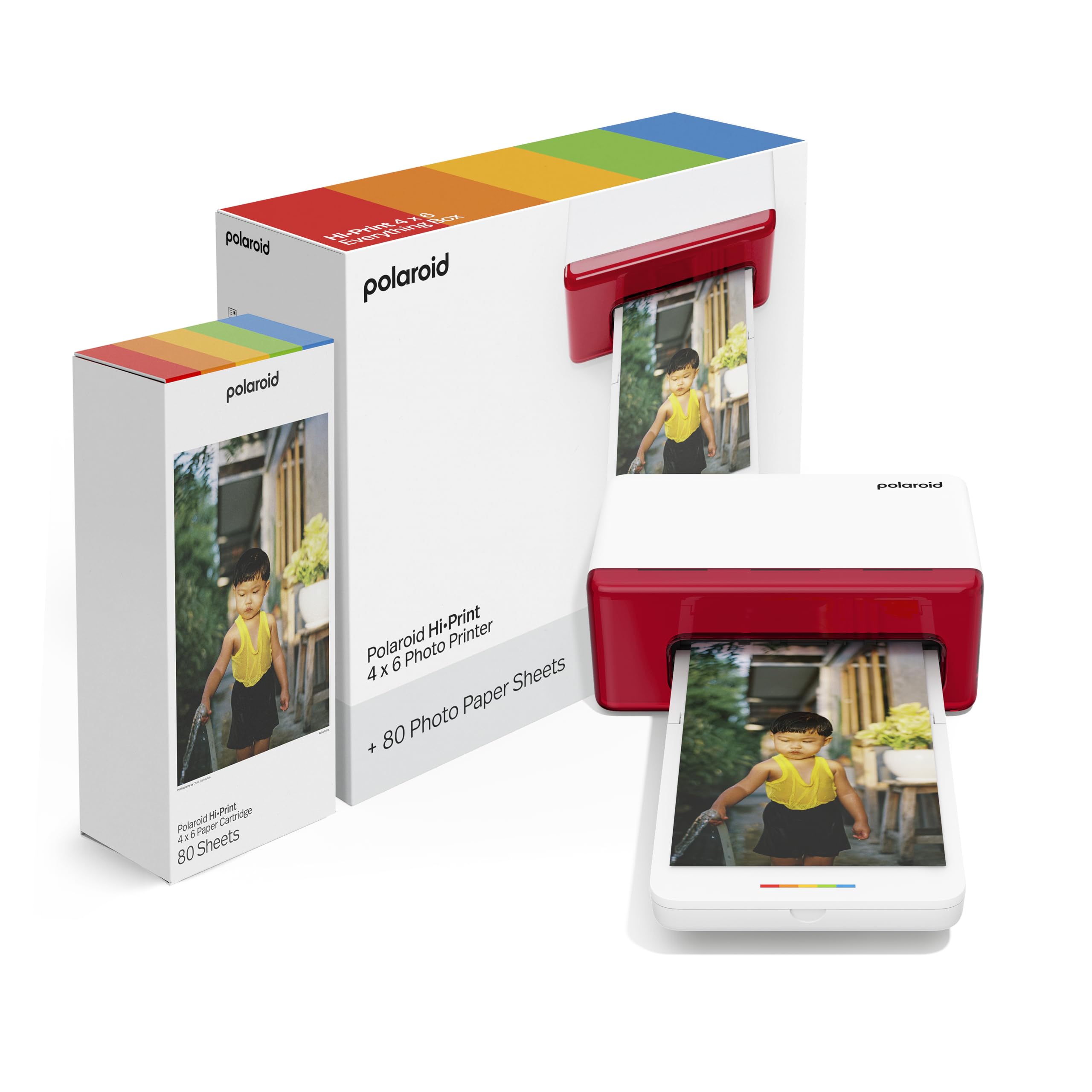
Polaroid brings its analog heritage into the digital era with the Hi-Print, a Bluetooth 4×6 printer that uses dye diffusion thermal transfer to lay down rich, archival-quality images. The bundle includes 80 sheets of paper, so you can start printing immediately. In practice, the prints come out with excellent saturation and sharp detail, and the protective layer keeps them safe from smudges and spills — a real advantage when you are passing prints around at a gathering.
The free Polaroid Hi-Print app is one of the more polished companions in this space. It offers frames, filters, text overlays, and collage layouts that actually look good, and the Bluetooth connection pairs reliably with both iOS and Android devices. The printer itself is light enough to carry around, but its rectangular footprint (10.5 inches deep) requires a bit more table space than the cube-like designs from Canon or iDPRT.
The biggest caveat is that the Hi-Print only works with Polaroid-branded paper cartridges. While the bundled 80-sheet pack gets you started, proprietary consumables mean you cannot shop for cheaper third-party options. If you are invested in the Polaroid ecosystem or simply want the best color science in this form factor, the Hi-Print delivers reliable performance that justifies its premium placement.
Why it’s great
- Outstanding color accuracy and skin-tone rendering
- Polished app with creative templates
- Stable Bluetooth connection with long range
Good to know
- Proprietary paper cartridges only
- Deep footprint requires a stable table surface
- No SD card or USB input
3. Liene M100 4×6 Photo Printer Bundle

The Liene M100 bundle is built for volume. Right out of the box you get 180 sheets of 4×6 paper and five ink cartridges — enough to print three full albums before you need to restock. The printer itself uses thermal dye-sublimation with a 300 DPI resolution, and the final pass applies a clear protective laminate that resists water, scratches, and fingerprints. For event photographers, crafters, or anyone printing in bulk, the included consumables alone justify the purchase.
Connection is handled via a built-in Wi-Fi hotspot, so the M100 creates its own network that you join from your phone. This sidesteps home-network complications and allows up to five devices to queue prints simultaneously. The companion app does a solid job with color correction and includes an error-diagnosis guide that walks you through paper jams step by step — a thoughtful touch that reduces frustration when you are printing dozens of shots at a party.
Each print takes roughly 60 seconds, and the printer handles sequential batch jobs without complaint. The only real limitation is size: the M100 is not a pocket printer, measuring about the width of a tablet. It works best as a dedicated station on a desk or table. If you want the lowest per-print cost from day one and plan to print heavily, this bundle is hard to beat.
Why it’s great
- Generous paper and ink bundle included
- Direct Wi-Fi hotspot for stable, offline printing
- Protective laminate makes prints durable
Good to know
- Larger footprint is not travel-friendly
- App can have a slight yellow tint without calibration
- Pause needed after 20+ continuous prints to avoid overheating
4. HP Sprocket Studio Plus 4×6 Wireless Photo Printer
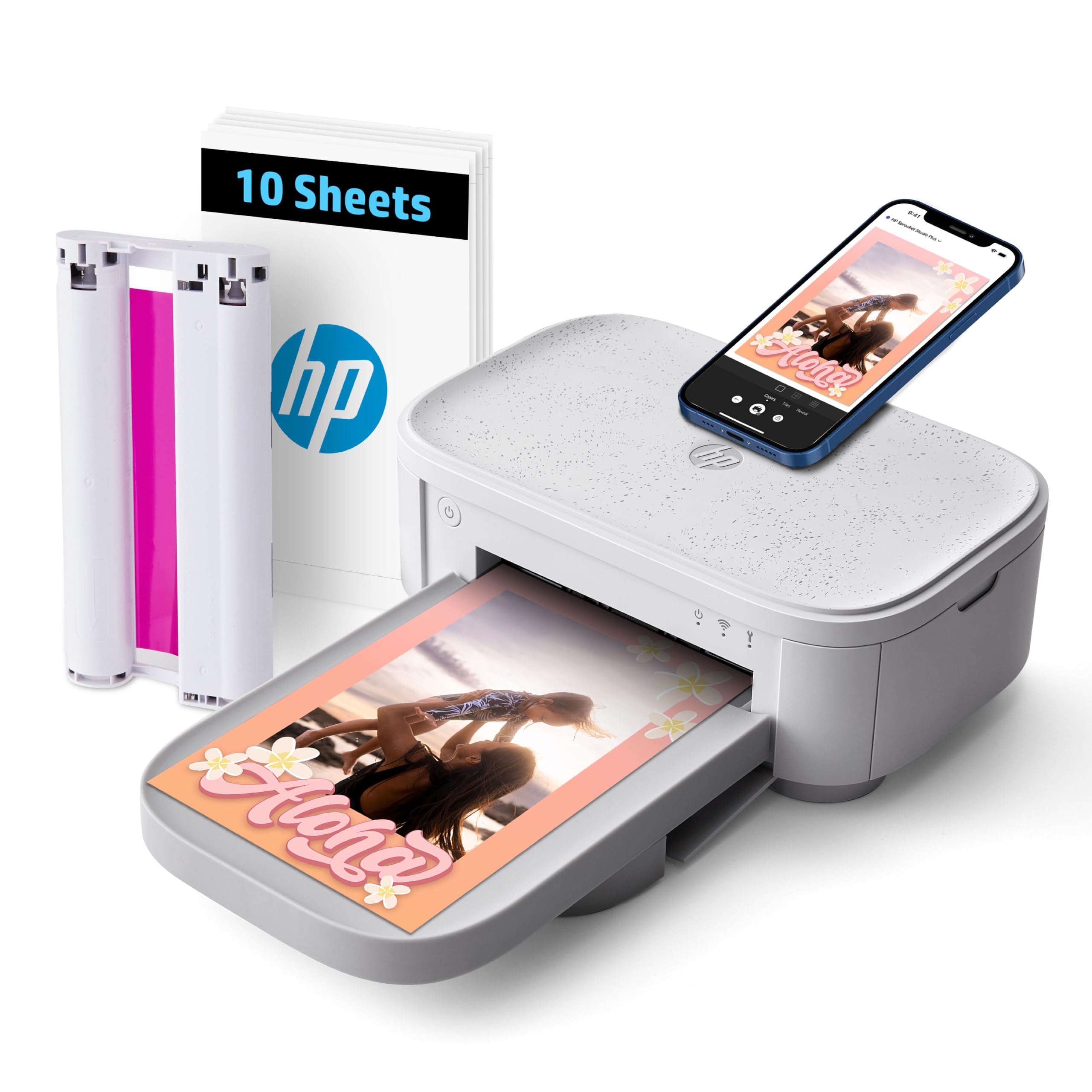
The HP Sprocket Studio Plus is the most accessible entry point from a major brand. HP’s Sprocket app is clean, intuitive, and includes photo-booth mode, collage tools, and ID-photo templates that make the printer feel like a creative tool rather than just a utility. The dye-sublimation engine produces tear-resistant, waterproof prints that come out dry to the touch — no waiting for ink to set before handing them to someone.
Setup is simple: download the app, connect to the printer’s Wi-Fi, and start printing. The printer supports multiple print modes including single-shot and batch, and the app lets you adjust brightness, contrast, and saturation before hitting print. At a mid-range price point, the Sprocket Studio Plus delivers reliable day-to-day performance for families and casual photographers who want good prints without a steep learning curve.
The main downside is that the color profile leans slightly cool, with some users noting that skin tones can appear washed out compared to the original image on an iPhone screen. It is not a dealbreaker, but it is worth knowing if accurate portraiture is your priority. The proprietary paper packs are also on the pricier side per print. For occasional use and instant party prints, the convenience and brand support make it a solid choice.
Why it’s great
- HP app is one of the best in the category
- Prints are waterproof and tear-resistant
- Simple, fast setup with iOS and Android
Good to know
- Skin tones can appear slightly cool
- Proprietary paper is expensive per print
- App occasionally drops connection during batch jobs
5. HPRT CP4100 Photo Printer 4×6
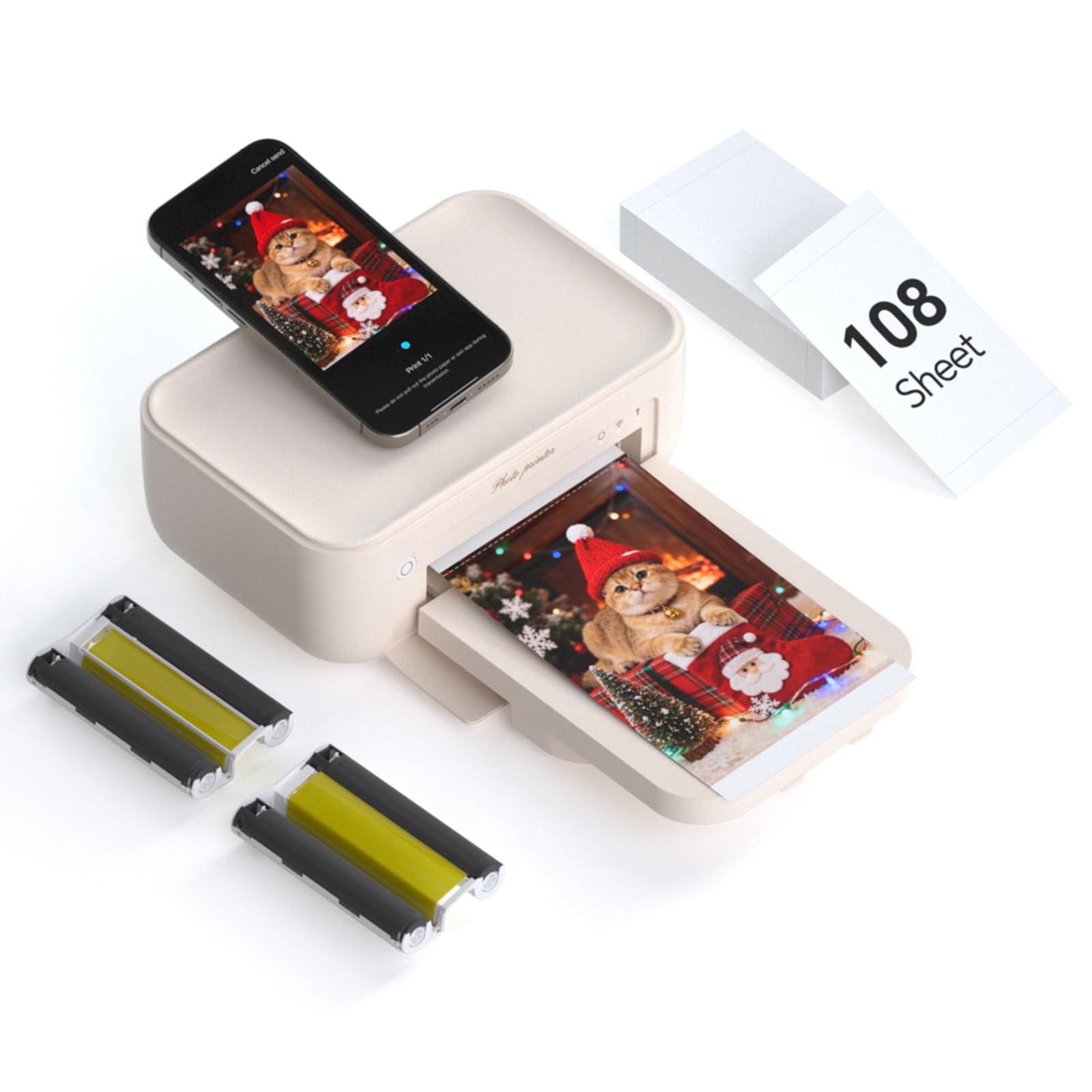
The HPRT CP4100 shares its core DNA with the iDPRT models — both use the same thermal dye-sublimation platform — but HPRT differentiates itself with a slightly more polished application out of the box. The bundle includes 108 sheets and two ribbon cartridges, so you are ready to print immediately. The 300 DPI output is crisp, and the final protective layer ensures the photos stay vibrant even if you handle them frequently.
AR video printing is the headline feature here. You can select a 15-second video clip in the HeyPhoto app, print a still frame, and then scan that print with the app to play the video on your phone. It is a gimmick, but a genuinely fun one for birthday parties or travel journals — the print becomes a portal back to the moment. The app also supports multiple print sizes from 2×2 up to 4×6, so you can mix formats on a single sheet to save paper.
Setup is straightforward via direct Wi-Fi, and the printer handles consecutive prints reliably. The build quality is adequate for home use but does not feel as robust as the Canon or Polaroid offerings. The app also received mixed feedback on Android regarding initial pairing. For the feature set and included consumables, the HPRT offers strong value, especially if the AR photo party trick appeals to you.
Why it’s great
- AR video printing adds a unique interactive element
- Supports multiple print sizes on one sheet
- Good color reproduction with 256-level gradation
Good to know
- Android app can be finicky during initial setup
- Build feels slightly plastic compared to premium rivals
- No SD card or USB direct input
6. iDPRT CP4100 4×6 Photo Printer (Beige, 108 sheets)

The iDPRT CP4100 is a workhorse dye-sublimation printer that balances speed, quality, and cost. It prints a standard 4×6 in about 60 seconds, and the 300 DPI resolution delivers smooth gradients with no visible dithering. The review consensus points to a fuss-free setup experience — connect via direct Wi-Fi through the HeyPhoto app and you are printing within minutes. The 108-sheet bundle (with two ribbon cartridges) means you can burn through a full album without reordering supplies.
AR video support is included here as well, and the HeyPhoto app provides filters, borders, and text tools. The printer also supports ID photo layouts, automatically arranging multiple passport-sized images on a single sheet to minimize waste. This makes the CP4100 a practical choice for parents printing school photos or small businesses needing on-demand identification prints.
The downsides are minimal but worth noting. The printer is at a mid-range price point, and while the supplied paper lasts a while, the replacement cartridges use proprietary encoding that prevents off-brand refills. A few users reported that the printer failed after around 50 prints with paper jams that could not be cleared. For the majority of buyers, however, the CP4100 produces consistent, high-quality prints at a reasonable per-print cost.
Why it’s great
- Fast 60-second print time per 4×6
- AR video feature and ID photo mode built in
- Easy direct Wi-Fi connection with stable app
Good to know
- Some units develop paper jam issues after heavy use
- Proprietary ribbon cartridges required
- Limited to smartphone-only printing
7. iDPRT CP4100 4×6 Photo Printer (Beige, 108 sheets + 2 ribbons)
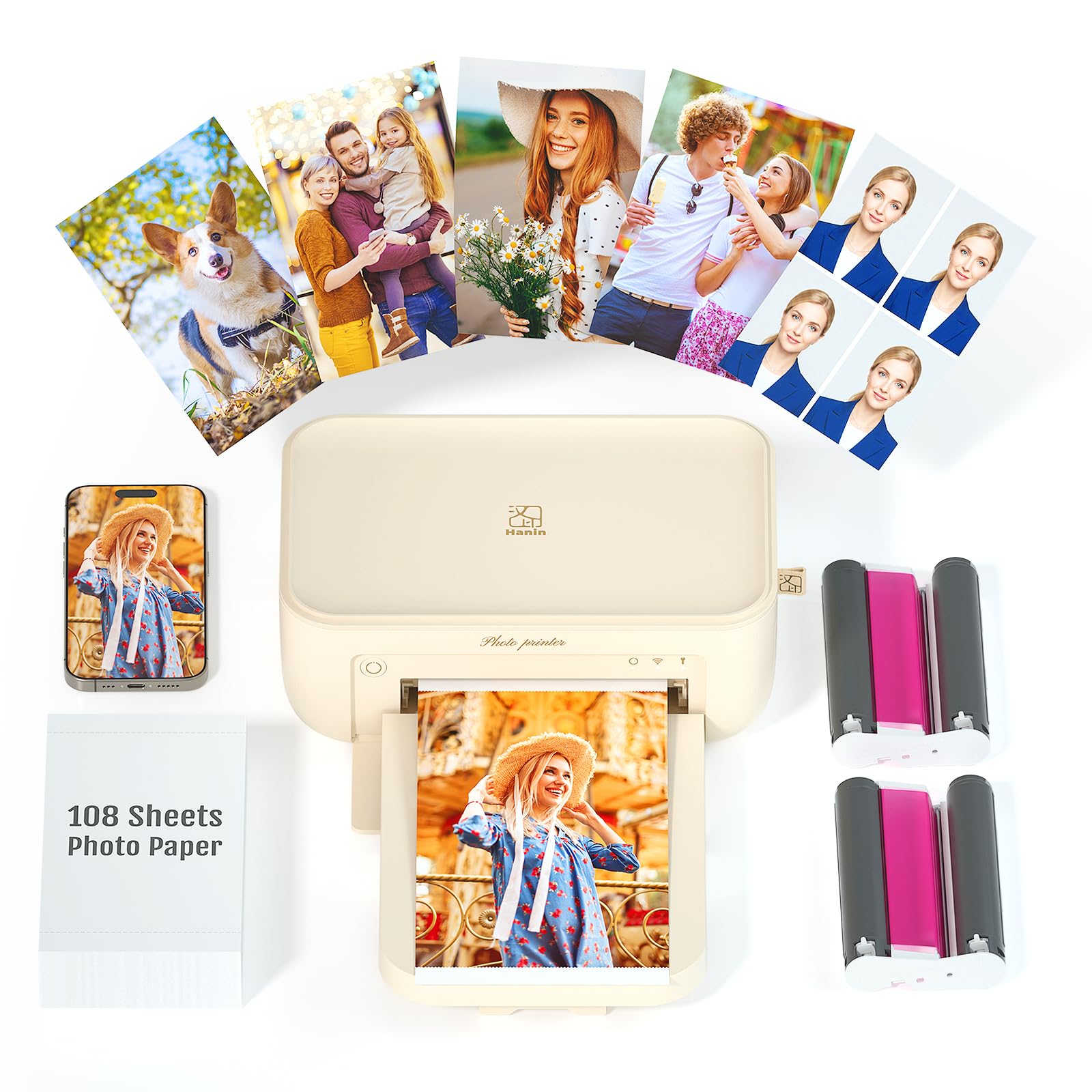
This variant of the iDPRT CP4100 is essentially the same printer as the previous listing, but it ships with a slightly different consumables bundle — 108 sheets plus two ribbon cassettes. The printer itself weighs about one kilogram and measures 5.1 x 7.9 x 3.4 inches, making it small enough to grip with one hand and toss into a backpack. The thermal sublimation engine automatically applies a transparent protective coating to every print, adding dustproof, waterproof, and oil-proof properties.
The HeyPhoto app integration is identical to the other iDPRT model: direct Wi-Fi hotspot, AR video scanning, and full filter/editing suite. Users praised the batch-printing capability — the CP4100 can queue up to 18 consecutive prints without intervention, each finishing in roughly 90 seconds. For craft fairs, classroom memory books, or family reunions, the ability to walk away while the printer churns through a queue is genuinely useful.
The recurring complaint across reviews is that the app’s tutorial and troubleshooting documentation are sparse, leaving users to guess when the ribbon is not seated correctly or the paper tray is misaligned. Once you push past that initial learning curve, the output quality is consistently strong. For anyone looking for a portable, go-anywhere dye-sub printer with a generous starter bundle, this iDPRT model delivers the goods without breaking the bank.
Why it’s great
- Lightweight and slim enough for one-hand carry
- Auto-laminate coating for long-lasting prints
- Batch printing queue handles up to 18 photos
Good to know
- App instructions are not beginner-friendly
- Ribbon cartridge seating can be finicky
- No direct USB or SD card support
8. Kodak Dock Premium 4×6 Portable Instant Photo Printer

The Kodak Dock Premium stands out visually with its dock-like cradle that holds a phone upright while printing. It uses Kodak’s 4Pass technology — each photo is built up in four color layers (yellow, magenta, cyan, and a protective overcoat) to produce rich, fingerprint-resistant prints. The Bluetooth connection is simple to pair, and the free Kodak app offers filters, frames, and stickers for quick customization before printing.
The design includes a built-in USB-C port with a swappable Lightning connector for iOS devices, though the printer primarily operates through Bluetooth, not PictBridge. The starter pack includes only 10 sheets, which is notably stingy compared to the competition. This is a device where you will need to buy the PHC-40 / 80 / 120 cartridge and paper kits immediately to get any real use out of it.
Reliability is the main concern with the Kodak Dock. Multiple reviews describe units that stopped working after a few prints or jammed catastrophically on the first cartridge. Kodak’s customer support receives poor marks for responsiveness. When it works, the print quality is genuinely good — vibrant, sharp, and properly laminated. But the consistency issues make this a riskier pick. It makes sense for someone who finds the dock form factor appealing and is willing to gamble on a replacement unit if the first one fails.
Why it’s great
- Attractive dock design with phone cradle
- 4Pass lamination makes prints durable
- Simple Bluetooth pairing with iOS/Android
Good to know
- High failure rate and poor customer support
- Only 10 starter sheets included
- Proprietary paper is expensive
9. YOTON Photo Printer with 54 Sheets

The YOTON Photo Printer is the most budget-friendly entry in this lineup, yet it still packs a surprising feature set. It uses standard dye-sublimation technology, supports AR video printing (scan the print to play a 15-second clip), and includes 54 sheets plus one ink ribbon in the box. The built-in Wi-Fi hotspot lets you connect directly from your phone with no external network required, and the compact 7.1 x 4.9 x 2.2-inch footprint slides into most backpacks or large purses.
Setup can be the biggest hurdle. The printer requires a 2.4 GHz Wi-Fi band, and the companion app requests extensive permissions that some users found intrusive. Once connected, the print quality is surprisingly good — comparable to full-size dye-sub units — and the app offers basic editing tools for borders and cropping. The review split is polarized: about half of owners report smooth sailing, while the other half describe a frustrating connection ritual every time they want to print.
Build quality feels lightweight, and the 970-gram chassis does not inspire the same confidence as a Canon or Polaroid. But for a buyer who wants the lowest upfront cost, the ability to print 4×6 photos with zero recurring fees until the starter pack runs out, and does not mind tinkering with Wi-Fi settings, the YOTON delivers a core photo-printing experience that is hard to argue with at its price tier.
Why it’s great
- Lowest entry price with 54 sheets included
- AR video printing on a tight budget
- Compact size is genuinely portable
Good to know
- Wi-Fi setup is finicky and app permissions are heavy
- Build feels plasticky and not very durable
- Mixed reliability reported by users
FAQ
Can I use any 4×6 photo paper in a dye-sublimation printer?
Why does my 4×6 print have white borders on all sides?
How long does a dye-sub 4×6 print last before fading?
Do I need internet to use a mobile photo printer?
Final Thoughts: The Verdict
For most users, the 4×6 mobile photo printer winner is the Canon SELPHY CP1500 because it offers the best balance of print quality, versatility, and the lowest long-term per-print cost. If you want the richest colors and a polished app experience, grab the Polaroid Hi-Print. And for bulk printing right out of the box with zero-hassle setup, nothing beats the value of the Liene M100 Bundle.