
Our readers keep the lights on and my morning glass full of iced black tea. As an Amazon Associate, I earn from qualifying purchases.
Specs are compiled from manufacturer listings and verified buyer reviews and can change over time — please confirm the key details on the product page before buying.
Every portable monitor promises freedom, but most quietly chain you to a wall outlet the moment the battery drains. This guide cuts through the confusion to focus on the models that genuinely let you work, game, or present from a coffee shop, a plane tray, or a client’s office without hunting for a socket. We are looking at screens with real built-in batteries, not just a USB-C cable that siphons power from your laptop.
I’m Min — the founder and writer behind Gadgets Feed. This guide is built by comparing the manufacturers’ published specifications and the patterns across verified customer reviews, so you get each pick’s real strengths and trade-offs instead of marketing spin.
Your next second screen should last an afternoon unplugged, and this roundup of the best battery powered portable monitor options shows you exactly which ones can actually deliver that freedom.
Our Picks at a Glance
How To Choose The Best Battery Powered Portable Monitor
Before you pick a screen, you need to separate the truly portable monitors from the ones that just pretend to be. A monitor with a built-in battery is the only way to break free from your laptop’s power drain, so understanding your battery life and usage needs is the real first step.
Battery Capacity and Runtime
Look for the milliamp-hour (mAh) rating, which tells you how much energy the monitor stores. A larger capacity like 10000mAh will typically keep a 23.8-inch screen glowing for 3-4 hours, while a smaller 8000mAh pack in a 15.6-inch model can push past 4 hours. Your runtime also depends on how bright you crank the panel, so expect shorter life at full brightness.
Connectivity: Wireless vs. Wired
Wireless casting (via AirPlay or Miracast) is great for a clean, cable-free desk, but it is not perfect for every task. If you are playing competitive games or need pixel-perfect color accuracy, a USB-C or Mini HDMI wired connection gives you a more stable and often faster signal. Think about if you need a monitor that does both.
Resolution and Refresh Rate
Your eye sees the difference between 1080p and 1440p, but only if you are doing detailed work like photo editing. For general productivity and travel use, a Full HD (1920×1080) screen is usually plenty. Gamers, however, should focus on refresh rate — a 240Hz panel looks buttery smooth compared to a standard 60Hz screen. Consider your primary use case to decide where to spend your budget.
Quick Comparison
| Model | Best For | Screen Size | Resolution | Battery Capacity | Amazon |
|---|---|---|---|---|---|
| UPERFECT 23.8″★ Best Overall | Large Screen & Value | 23.8″ | 1920 x 1080 | 10000mAh | Amazon |
| EVICIV Touchscreen 15.6″Touchscreen Pick | Interactive Work | 15.6″ | 1920 x 1080 | 8000mAh | Amazon |
| MAGICRAVEN Wireless 15.6″Best Battery Life | Longest Battery Life | 15.6″ | 1920 x 1080 | 8000mAh | Amazon |
| EVICIV Wireless 15.6″ | Travel & Gaming | 15.6″ | 1920 x 1080 | 8000mAh | Amazon |
| HotYeah Wireless 15.6″ | Bright Anti-Glare Display | 15.6″ | 1920 x 1080 | 8000mAh | Amazon |
| HotYeah Wireless 16″ | Crisp QHD Detail | 16″ | 2560 x 1600 | 8000mAh | Amazon |
| ASUS ROG Strix 17.3″ | Competitive Gaming | 17.3″ | 1920 x 1080 | Built-in | Amazon |
| LG StanbyME 2 | Home Entertainment | 27″ | 2560 x 1440 | Up to 4 hours | Amazon |
In‑Depth Reviews
1. UPERFECT 23.8″ 1080P 100Hz Wireless Portable Monitor
Our pick — over 4.5★ from 200+ verified ratings; the strongest balance of quality and price.
The television-sized workhorse that goes fully cordless for hours.
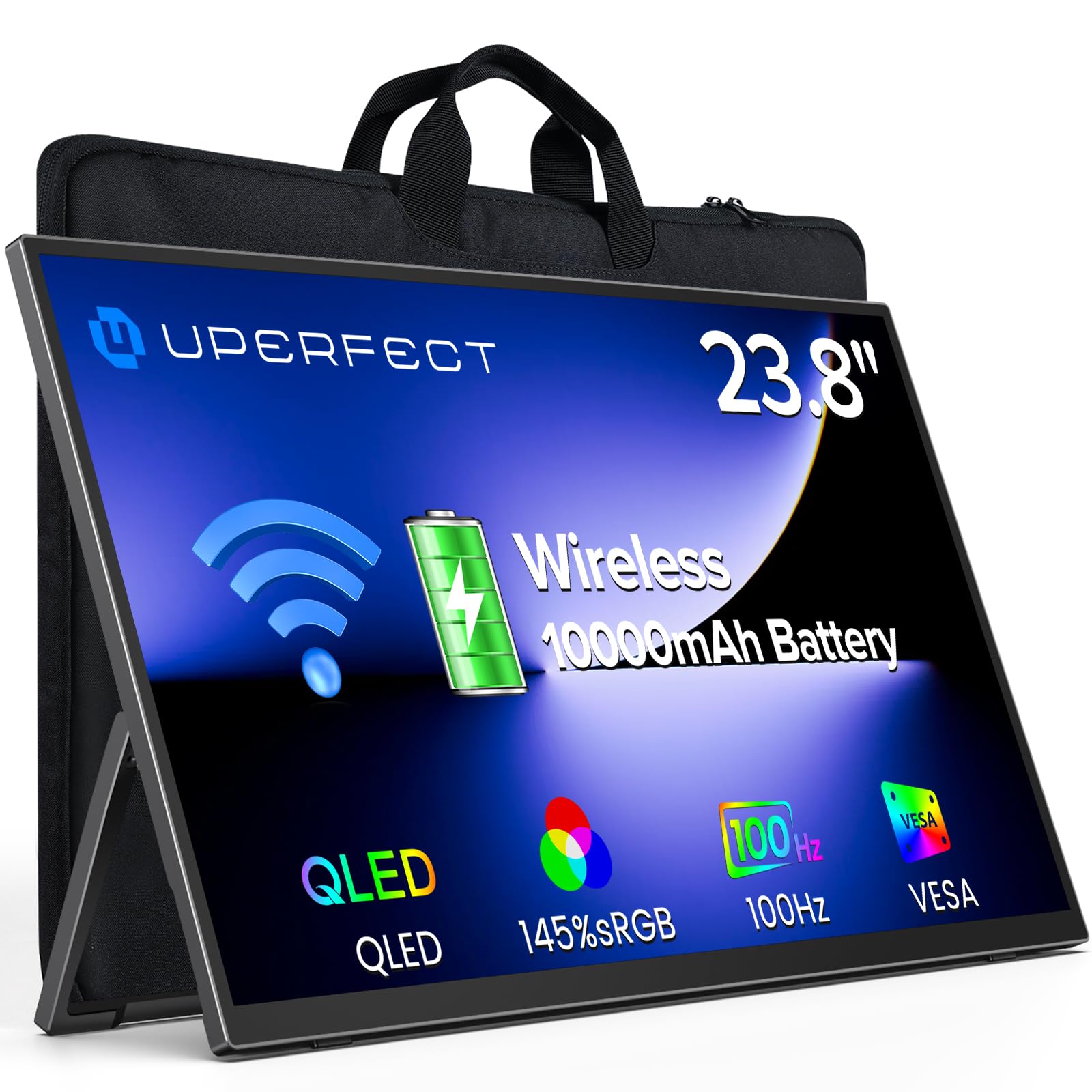
Imagine a 23.8-inch QLED panel that runs on its own power. The built-in 10000mAh battery delivers up to 3–4 hours of unplugged use. With a 145% sRGB color gamut and 400 cd brightness, the picture stays vivid even in bright coffee-shop light.
This monitor is a genuine hybrid. You can mirror your phone or laptop wirelessly for a clutter-free setup, then switch to a single USB-C cable to get the most responsive experience on a 100Hz panel for gaming. Buyers report: “Great value; vivid colors, smooth 60Hz gaming with low latency.” The included carrying sleeve doubles as a stand, so the whole kit travels like a large tablet.
The biggest trade-off is its footprint. At 23.8 inches, this is significantly larger than the 15.6-inch EVICIV models, so it will not fit in a small backpack compartment the way those will. If you need a true go-anywhere second screen for a tiny bag, the smaller options below suit you better — but if you want monitor-like real estate that is still portable, this is the winner.
What Makes It the Top Pick
- Largest 23.8-inch screen in the lineup with a 10000mAh battery for 3-4 hours of wireless work
- Bright 400 cd QLED panel with 145% sRGB for vivid, accurate colors
- Fast 2-hour charging and a VESA mount for flexible desk setups
Weigh the Size
- Too big to slip into a standard backpack; it needs its own sleeve (included)
- Reviewers mention the included kickstand feels a bit flimsy, so treat it gently
Your pick if: you want one screen that replaces the need for a bulky desktop monitor while still being packable for travel.
Think twice if: you work from a tiny carry-on and need something that disappears into a laptop sleeve.
2. EVICIV Portable Monitor Touchscreen 15.6″
A featherlight screen that answers a tap, not just a cable.
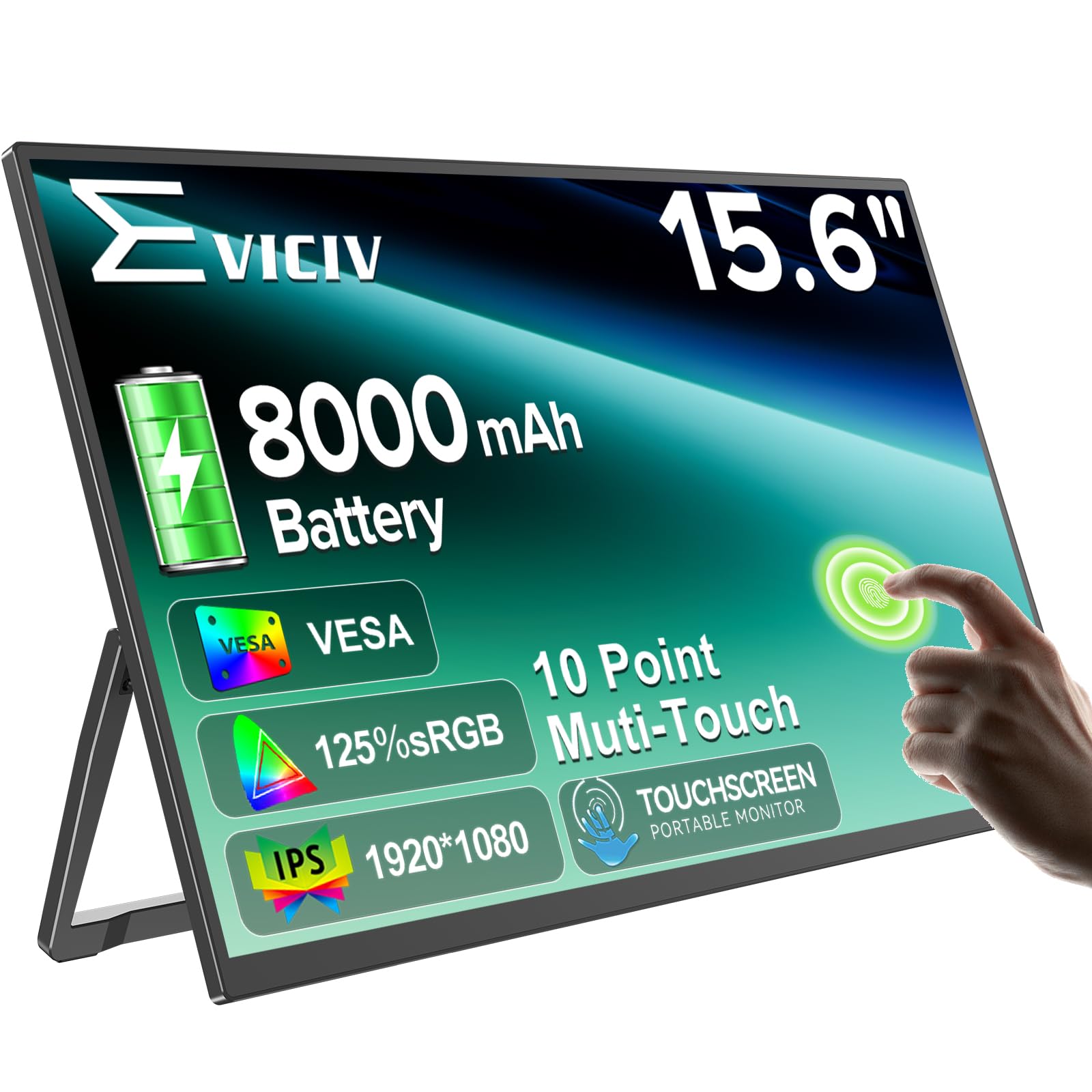
Weighing just 1.8 pounds and measuring 0.23 inches thin, this EVICIV is built for the traveler who wants to interact with their second display. The 10-point capacitive touchscreen responds to swipes, zooms, and taps, making it a natural companion for a phone or a laptop when you are reviewing documents or demoing an app to a client. The 8000mAh battery provides up to 4 hours of stable operation and fast-charges to 100% in about 2 hours.
Unlike the UPERFECT above, this is a wired-only display — there is no WiFi casting here, so you are connecting via the Mini HDMI or USB-C ports. That is a fair trade for the interactivity. The screen also pulls in 350 cd of brightness with 125% sRGB color, so your content looks rich even when you are set up near a bright window. Its light weight makes it an easy grab for the commute, though the 15.6-inch size means it is a bit snug for an average backpack’s main pocket.
You also get a practical eye-care feature set with a blue light filter. While some buyers had a defective first unit that flickered with random color lines, the seller promptly refunded and replaced it — the consensus is that the resolution and colors at this size are excellent for the money. For an interactive, go-anywhere touchscreen, this is our favorite.
Perfect for hands-on work: The touchscreen shines for creative tools, demos, and phone mirroring, not just passive viewing.
Connectivity note: No WiFi means you rely on its 8000mAh battery or a wired connection to your laptop.
3. MAGICRAVEN Wireless Portable Monitor 15.6″
The marathon runner that outlasts your workday by an hour.
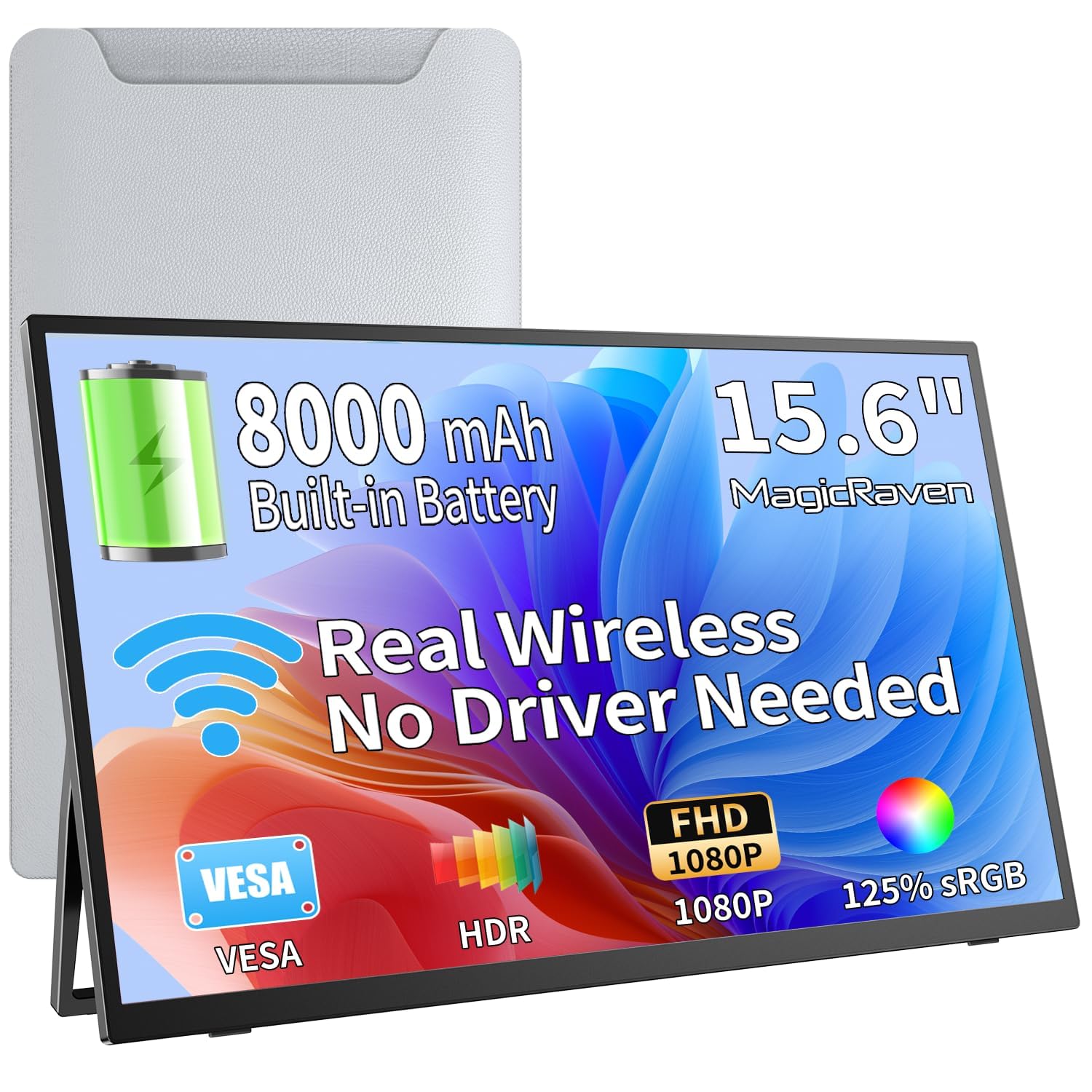
If battery endurance is your top priority, this is the screen that pushes the envelope. Its built-in 8000mAh battery stretches to up to 5 hours of runtime, while the EVICIV touchscreen model is rated at 4 hours. It even charges from power banks, so you can top it up on the go without a wall socket.
The 15.6-inch Full HD IPS panel delivers 178° wide viewing angles and 125% sRGB coverage, which means you can share your screen with a colleague without losing color accuracy. Its wireless casting support (via AirPlay and Miracast) keeps your desk cable-free, while an included 180° adjustable metal stand and a gravity sensor for auto-rotation add to its flexibility for everything from coding to stock trading.
At only 0.2 inches thin and 1.69 lbs, it is lighter than a phone, according to owner feedback, which makes it remarkably easy to slip into a laptop bag. The trade-off is a flimsier build that some reviewers noted feels wobbly, and it is not the right choice for fast-paced gaming. Weigh the 3-year warranty and lifetime support against that, and it is a clear value pick for productivity.
Built for endurance: The battery life in this lineup is 5 hours — plus the ability to charge from a power bank.
Handle with care: The build feels less premium; treat the stand gently and it will serve you well.
4. EVICIV Wireless Portable Monitor 15.6″
The crowd favorite that slips into a backpack and just works.
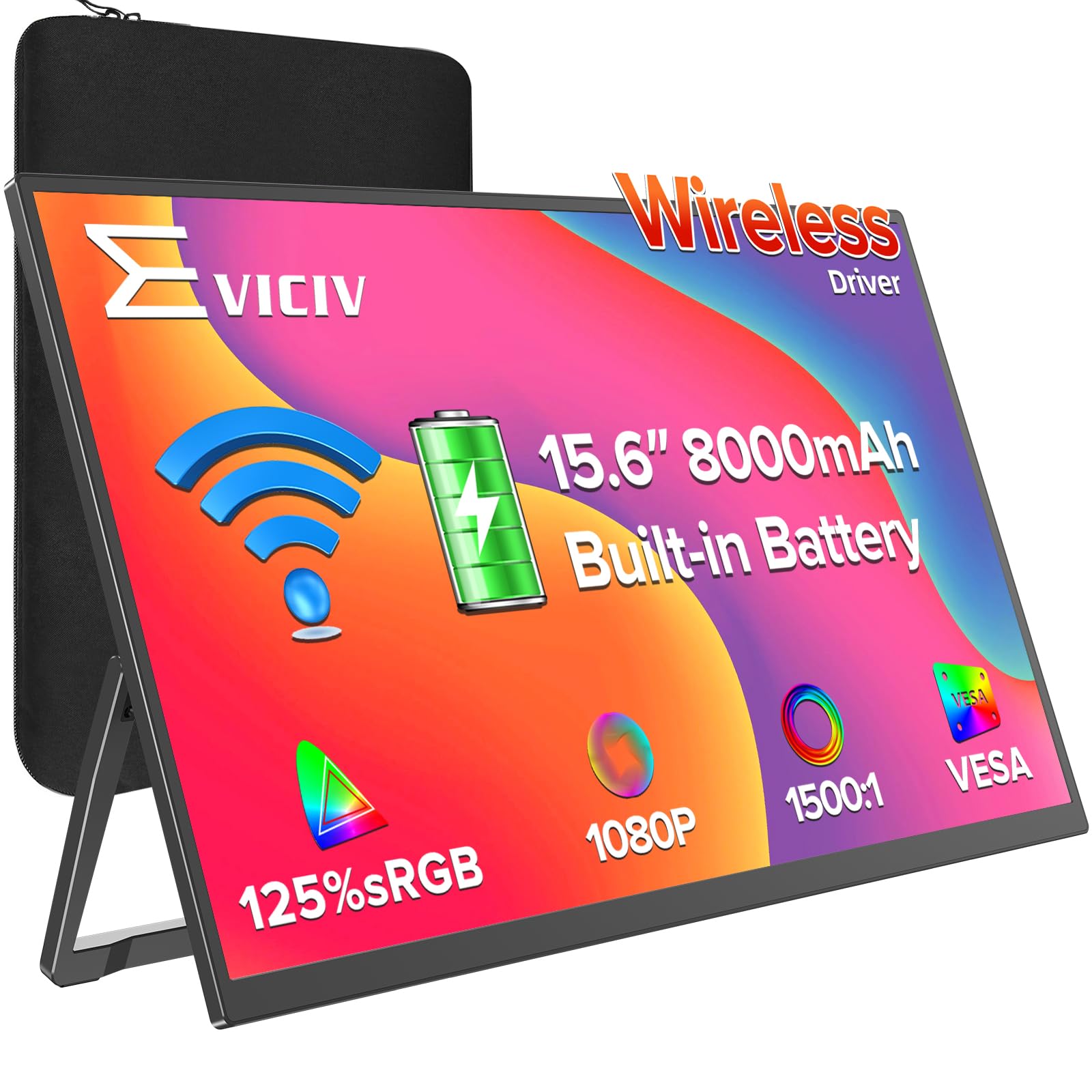
With a massive community of over 10,000 owners behind it, this EVICIV is the most-proven travel companion on our list. Its 8000mAh battery provides up to 5 hours of wireless operation and fast-charges to 100% in about 2 hours. The 15.6-inch panel is bright and crisp, and the high-precision gravity sensor rotates the screen automatically when you flip it for portrait mode reading or coding.
What sets this apart from the touchscreen EVICIV is its dual connectivity. You get 1 HDMI and 2 USB-C ports for rock-solid wired connections when you need low latency for gaming or critical presentations, plus full wireless casting for daily mobility. Owners consistently praise how easily it slips into a backpack and note the padded case and cables are all included, so there are no hidden costs.
The main trade-off is that the wireless mode relies on your device’s casting support — it is not a touchscreen, so you are getting pure display here. This is the smart buy for someone who wants a reliable, well-reviewed second screen that handles both office work and console gaming without breaking a sweat.
The practical all-rounder: smooth switching between wireless freedom and a stable wired connection for gaming.
Know before you buy: It is a display only — no touch input — and wireless casting depends on your source device’s compatibility.
5. HotYeah Wireless Portable Monitor 15.6″
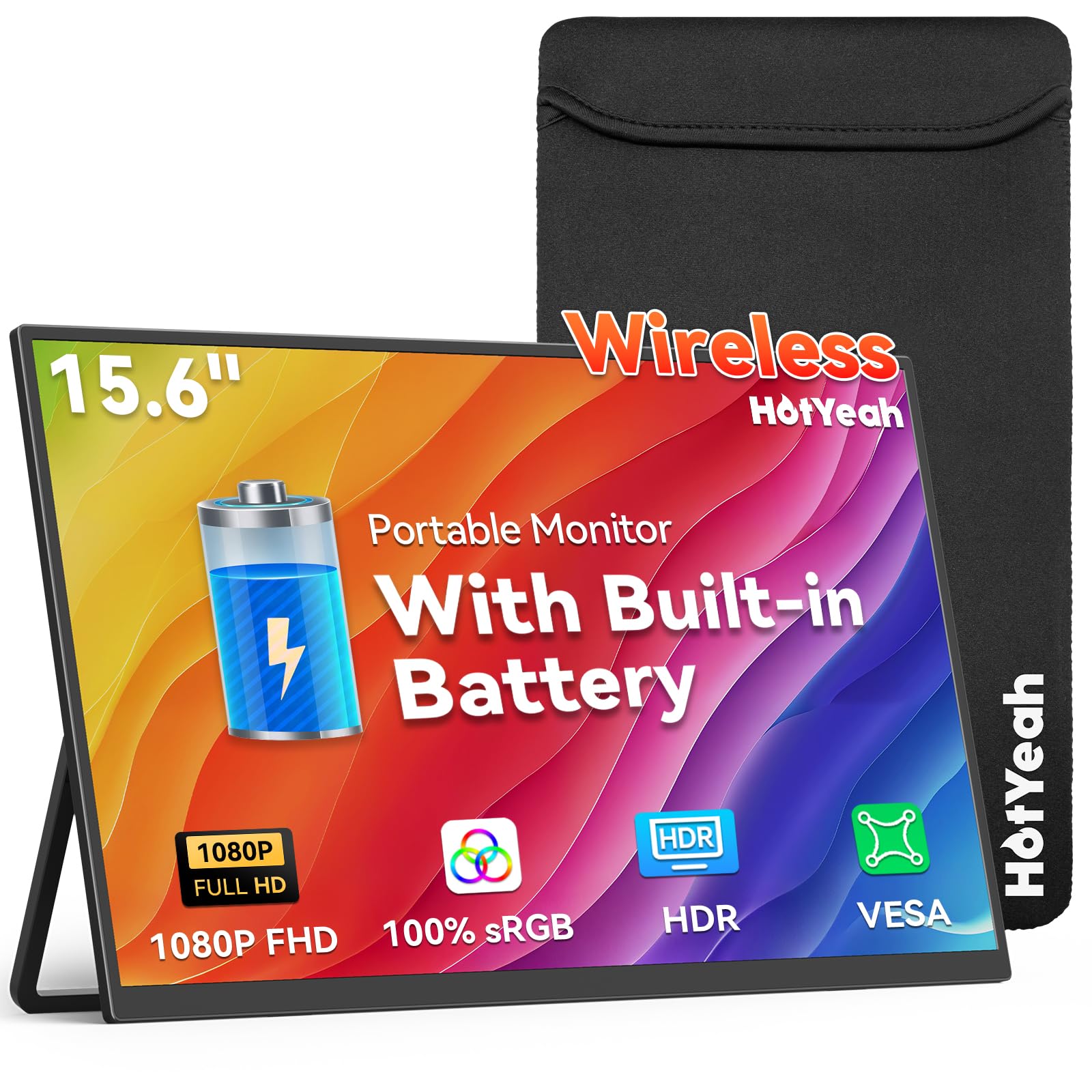
The anti-glare screen that stays readable by a sunlit window.
This HotYeah display hits 400 nits of brightness on an IPS matte screen, which is a meaningful step up from the 350 cd panels on the EVICIV models. That extra punch, paired with the anti-glare matte finish, makes it a strong pick for bright hotel rooms or working near large windows where reflections kill lesser screens. The 15.6-inch Full HD resolution and 100% sRGB coverage keep your images accurate and sharp.
Speed is also a priority here. The 60Hz refresh rate works hand-in-hand with low-latency wireless casting via AirPlay and Miracast, and owners mention smooth performance with no stutter at higher refresh rates for everyday tasks. The built-in 8000mAh battery delivers 4-5 hours of cord-free use, with two USB-C ports and Mini HDMI as wired backups. The metal kickstand adjusts up to 180 degrees.
There is one catch worth knowing: streaming apps like Netflix and Hulu do not support wireless casting due to HDCP copyright protection, so you will need a wire for those. Also, there is no touchscreen and no Google Cast support. As long as you are mirroring your own content or using a wired connection for streaming, this is an excellent bright-screen travel partner.
Made for bright spaces: 400 nits on a matte panel means less squinting near windows or outdoors.
Streaming caveat: HDCP blocks wireless casting for major streaming apps — use the Mini HDMI for those.
6. HotYeah Wireless Portable Travel Monitor 16″
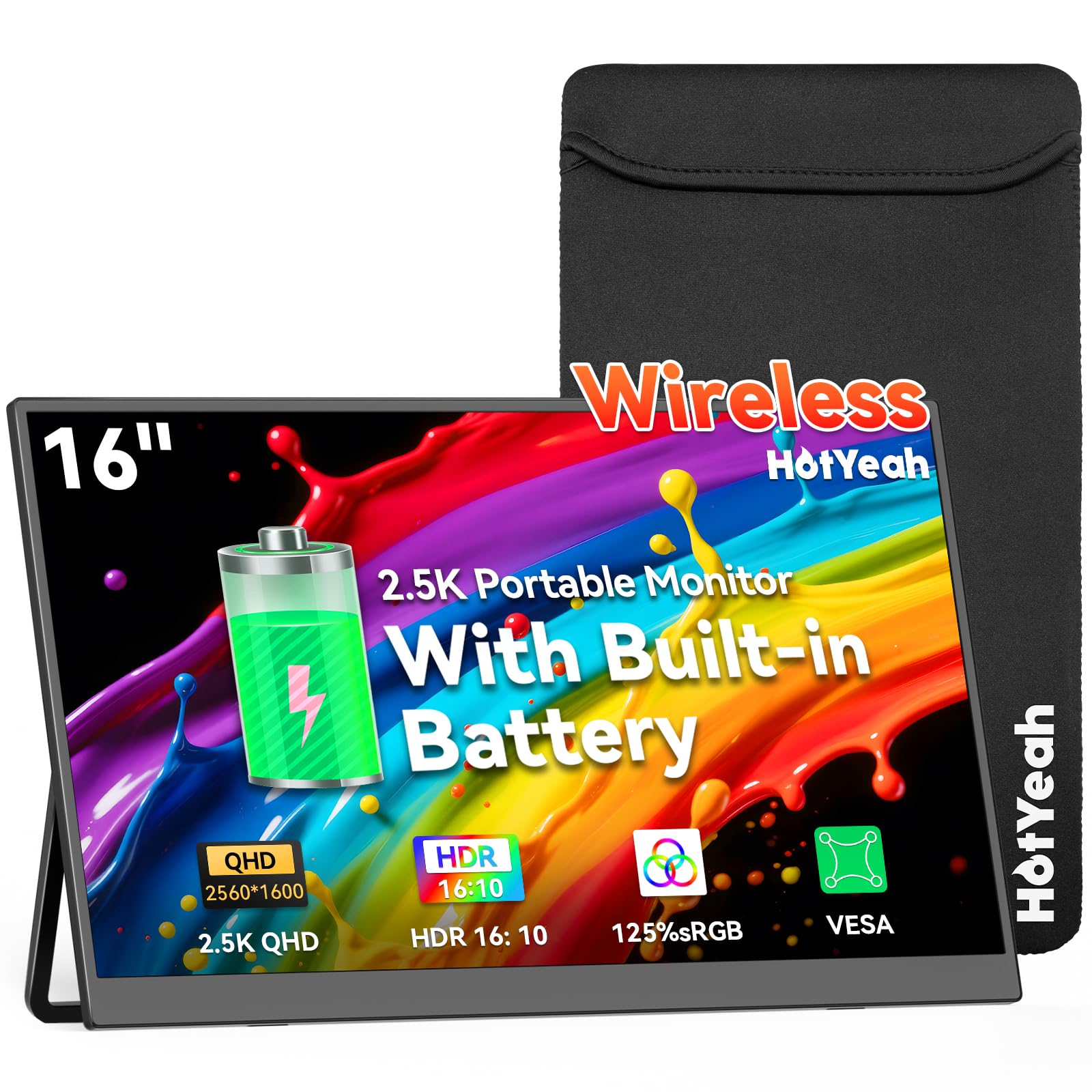
The portable screen with a desktop-grade, pixel-packed view.
If you crave detail, this 16-inch monitor is the one that stands out for its resolution. It packs a 2560×1600 QHD IPS panel — a notable step above Full HD — with 125% sRGB coverage and 10-bit depth for 1.06 billion colors. That translates to crisper text and finer detail in photos and documents than the 1080p EVICIV panels, all on a bright 400-nit screen with a 1500:1 contrast ratio.
Despite the higher resolution, it keeps the same travel-friendly DNA as its 15.6-inch sibling: an 8000mAh battery for 4-5 hours of unplugged work, wireless casting via AirPlay and Miracast, and dual USB-C plus Mini HDMI wired options. The auto-rotation via gravity sensor switches your view for portrait-reading long documents, which owners find genuinely useful for productivity on the go.
One practical note from owner feedback is that this model needs external power to charge via a wall adapter in some cases rather than your laptop’s Type-C port, so keep the included power adapter handy. With its lightweight, slim build and sharp QHD clarity, this is the premium choice for photo-editing on the road or anyone who simply wants the best-looking picture in a compact size.
For the detail-obsessed: A 2560×1600 QHD screen with 1.06 billion colors for truly sharp, vibrant work.
Portability note: Charging via a wall adapter, not your laptop’s port, is the more reliable path here.
7. ASUS ROG Strix 17.3″ (XG17AHPE)

The esports-grade screen that brings 240Hz to your lap.
For competitive gamers, this is the only screen on our list that truly understands speed. The 17.3-inch Full HD IPS panel refreshes at a blistering 240Hz with a 3ms (GTG) response time, making motion look impossibly smooth — a massive difference from the 60Hz and 100Hz panels on the other portable picks here. You also get Adaptive-Sync (FreeSync) to eliminate screen tearing for a flawless frame-by-frame experience.
The built-in battery is rated for up to 3 hours at the full 240Hz refresh rate, remarkable for a gaming panel of this size and speed. The included smart case is designed to prop it up for console, smartphone, or notebook play, and the premium aluminum build with the lit ROG logo gives it a distinctly high-end feel. It connects via USB-C or micro-HDMI to phones, laptops, and consoles.
The honest trade-off is value and quality control. The built-in speakers are widely considered weak, so you will want headphones, and some customers note units that stopped working or needed a hard reset. It is also the priciest conventional monitor here by a clear margin. If you are a serious gamer who plays on the road, this speed is class-leading — but for mixed work-and-play use, the cheaper options stretch your dollar further.
Why Gamers Love It
- 240Hz refresh rate and 3ms response time for ultra-smooth, responsive gameplay
- 3-hour battery life at full 240Hz — rare for a high-speed gaming panel
- Premium aluminum build with a smart case that doubles as a stand
Weigh Before You Buy
- Weak built-in speakers; plan to use a headset or external audio
- Some reviewers point out reliability wobbles, so a warranty check matters
Reach for this if: competitive gaming is the entire point — nothing here matches its 240Hz motion clarity.
Look elsewhere if: your needs are mostly productivity, where this premium price buys little extra.
8. LG StanbyME 2 with Folio Cover
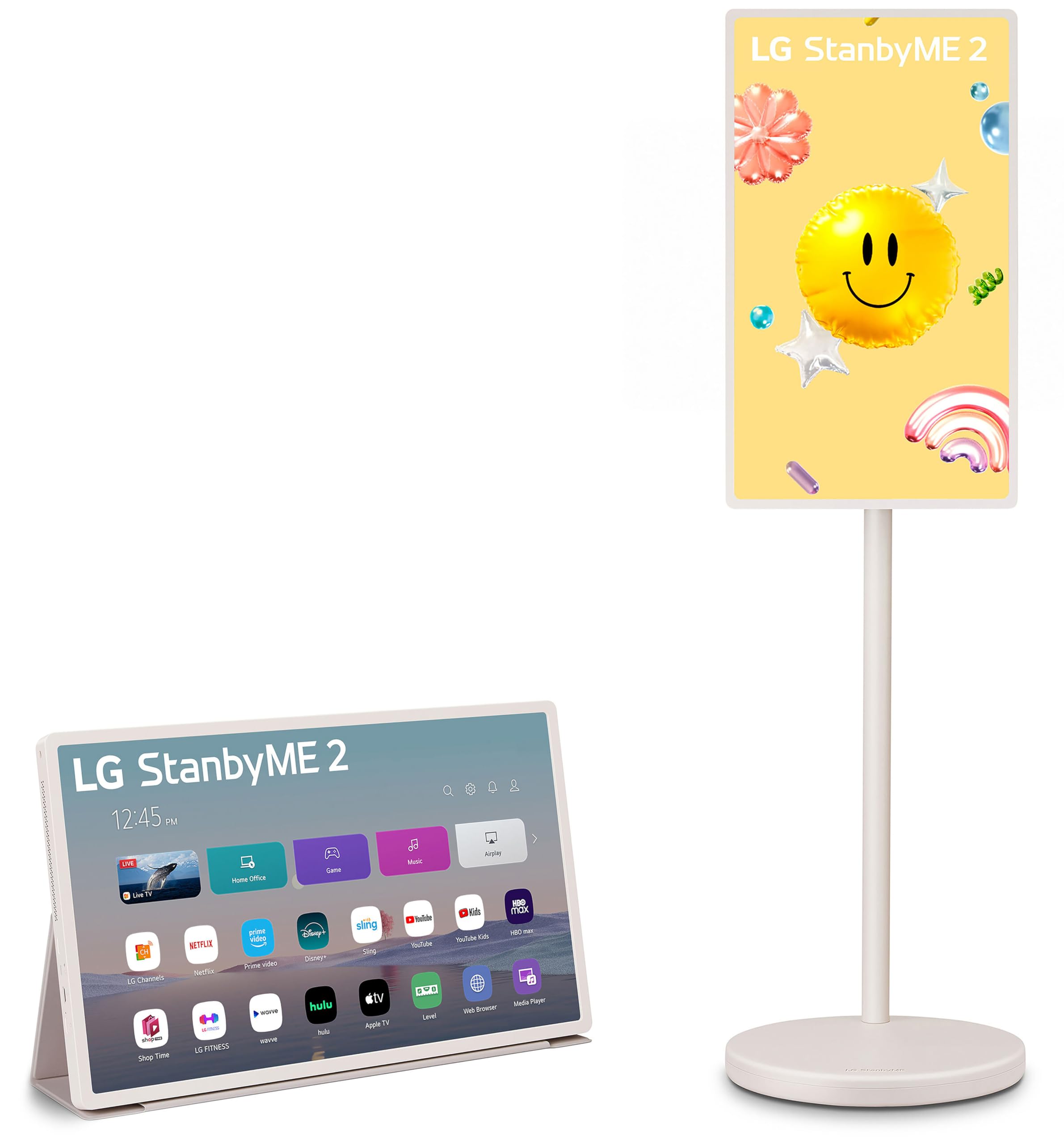
A rolling, swiveling, detachable 27-inch screen for the whole home.
This is not a laptop companion; it is a different breed entirely. The LG StanbyME 2 is a 27-inch portable touchscreen TV on a wheeled stand, designed to roll from the kitchen to the patio and everywhere in between. Its QHD (2560 x 1440) resolution pairs with the Alpha 8 AI processor to automatically tune picture and sound, while Dolby Vision and HDR10 give your shows a rich, cinematic look.
Unlike any other pick here, the screen detaches from its stand, and with the included folio cover, you can use it like a giant tablet or hang it anywhere. The built-in battery lasts up to 4 hours for cordless enjoyment. The full touchscreen lets you draw, explore educational content, and play games, while a built-in “Mood Maker” turns it into a digital photo frame or a stylish clock and weather display when you are not watching something.
The reality check is the price — this is by far the most expensive item on our list, and some owners note the LG webOS app store lacks certain titles and a few apps are not fully touch-tune. If you want a traditional business travel monitor, this is the wrong tool. But for a family that wants a versatile, movable screen for entertainment, recipes, and fun, it is entirely unlike anything else here — and it delivers on that promise.
An entertainment hub: A detachable 27-inch touchscreen with a 4-hour battery that rolls anywhere in your home.
Consider the gap: It is a premium lifestyle investment, not a productivity monitor, and the app store is more limited than a smartphone’s.
Understanding the Specs
Battery Capacity (mAh)
This number tells you how much energy the monitor stores, and it directly sets your unplugged runtime. A higher milliamp-hour (mAh) rating, like 10000mAh, generally means more hours of use — the UPERFECT gets about 3-4 hours from its 10000mAh cell, while the 8000mAh models typically hit 4-5 hours. Remember that your actual time depends on brightness setting and whether you are using power-hungry wireless features.
Refresh Rate (Hz)
This is how many times per second your screen redraws the image, measured in hertz (Hz). A standard 60Hz display handles office work and video perfectly fine. Gamers, however, benefit hugely from higher refresh rates like 100Hz or 240Hz, which make fast-moving scenes look much smoother and reduce motion blur. If you do not game, a 60Hz panel saves you money without sacrificing daily comfort.
FAQ
How long does the battery last on a portable monitor?
Can I use a portable monitor while it is charging?
Will wireless casting work with Netflix or Hulu?
What is the difference between AirPlay and Miracast?
Can I use a portable monitor with a gaming console?
Does a touchscreen portable monitor work with any laptop?
What does the refresh rate mean for everyday work?
Is a higher resolution like QHD worth it on a small screen?
Final Thoughts: The Verdict
If you want one dependable pick, the battery powered portable monitor winner is the UPERFECT 23.8″ because it delivers the most screen real estate with the largest 10000mAh battery and a vivid QLED picture. If you want tactile interactivity, grab the EVICIV Touchscreen. And for competitive gaming on the move, the ASUS ROG Strix is the one to reach for with its 240Hz panel.
How We Picked
We do not accept paid placement. Every pick is matched to a real buyer and a real use-case; we do not hands-on test units.
Sources & Methodology
Specifications: manufacturer listings and product documentation. Review insights: verified customer reviews, as of August 2026. Pricing: not shown on this page (it changes often); check the current price via the retailer link.
As an Amazon Associate, Gadgets Feed earns from qualifying purchases. This does not affect which products we feature.