
A 39-inch monitor sits at a unique intersection of screen real estate and desk practicality — large enough to replace a dual-monitor setup with a single, immersive canvas, yet not so wide that it demands a dedicated command center. Whether you’re editing video timelines, running complex spreadsheets, or diving into open-world games, this form factor delivers a panoramic view that smaller screens simply cannot match. The challenge lies in choosing between resolution tiers, panel technologies, and curvature that define how that space actually performs for your specific workload.
I’m Rikta — the co-founder and writer behind Gadgets Feed. I’ve spent years analyzing display specifications, researching market trends, and dissecting the subtle differences in refresh rates, pixel densities, and color gamuts that separate a good monitor from a great one. (And Homer 🐱 claimed the shipping box as his personal observation deck while I benchmarked these screens.)
This guide cuts through the noise to help you match the right panel to your needs — from productivity first to competitive gaming. Whether your priority is color accuracy, high refresh rates, or smart features, we’ve researched the leading contenders to help you find the best 39-inch monitor for your desk and budget.
How To Choose The Best 39-Inch Monitor
The 39-inch class is a sweet spot, but “39-inch” can mean a 16:9 aspect ratio, a 21:9 ultrawide, or even a super-ultrawide 32:9 display, each fundamentally changing the viewing experience. Before you buy, consider how resolution, panel type, refresh rate, and connectivity will align with the applications you run every day.
Resolution and Pixel Density
At 39 inches, 2560×1440 (QHD) delivers a comfortable pixel density of about 75 PPI — fine for gaming and general use, but you’ll notice individual pixels at a typical desk distance. 3840×2160 (4K) pushes sharpness to ~113 PPI, making text and fine details crisp. For the ultimate clarity, 5120×2160 (5K2K) ultrawide panels offer about 143 PPI, rivaling the sharpness of a Retina display. Match your resolution to your primary task: immersive gaming leans toward QHD with higher frame rates, while productivity and content creation benefit from the extra detail of 4K or 5K2K.
Panel Technology
The panel type defines the core visual character of your monitor. VA panels dominate this size class for their high native contrast (3000:1 or more), delivering deep blacks and vibrant colors — ideal for dark-room gaming and media consumption. IPS and IPS-Black panels offer superior viewing angles and color accuracy, making them a strong choice for professional color-critical work. OLED panels provide the absolute best contrast with perfect blacks and lightning-fast response, though they come at a premium and require care to avoid burn-in. Choose VA for value and contrast, IPS for color work, and OLED for uncompromising visual fidelity.
Refresh Rate and Adaptive Sync
Refresh rate determines how smoothly motion appears. At 60Hz, the experience is standard and adequate for office tasks. For gaming, 120Hz to 165Hz provides a significant improvement in fluidity, while 180Hz to 240Hz offers elite-level responsiveness for competitive titles. Adaptive Sync technologies like AMD FreeSync Premium and NVIDIA G-Sync Compatible eliminate screen tearing by synchronizing the monitor’s refresh rate with your graphics card’s output. For a 39-inch gaming monitor, prioritize at least 120Hz with some form of VRR to ensure a tear-free, smooth experience.
Quick Comparison
On smaller screens, swipe sideways to see the full table.
| Model | Category | Best For | Key Spec | Amazon |
|---|---|---|---|---|
| LG 39GX950B-B | Premium | Ultimate Gaming & Productivity | 5120×2160, 165Hz OLED | Amazon |
| Samsung Odyssey G7 G75F | Premium | High-Refresh Ultrawide Gaming | 5120×2160, 180Hz VA | Amazon |
| LG 39GX90SA-W | Premium | OLED Immersive Gaming | 3440×1440, 240Hz OLED | Amazon |
| Dell UltraSharp U4025QW | Premium | Professional Color & Productivity | 5120×2160, 120Hz IPS | Amazon |
| Dell UltraSharp U4924DW | Premium | Massive Desktop Real Estate | 5120×1440, 60Hz IPS | Amazon |
| Samsung ViewFinity S8 37″ | Mid-Range | Ergonomic Office Work | 3840×2160, 60Hz IPS | Amazon |
| Samsung Smart Monitor M7 43″ | Mid-Range | All-in-One Entertainment & Work | 3840×2160, 60Hz VA | Amazon |
| Samsung Smart Monitor M7F 43″ | Mid-Range | AI-Powered Smart Features | 3840×2160, 60Hz VA | Amazon |
| INNOCN 45C1R | Mid-Range | Wide Productivity & Sim Racing | 5120×1440, 120Hz VA | Amazon |
| ASUS TUF Gaming VG34VQ3B | Mid-Range | Budget Gaming & Console Play | 3440×1440, 180Hz VA | Amazon |
| Deco Gear 39″ White | Budget | Entry-Level Ultrawide | 2560×1440, 165Hz VA | Amazon |
In‑Depth Reviews
1. LG 39GX950B-B Ultragear evo
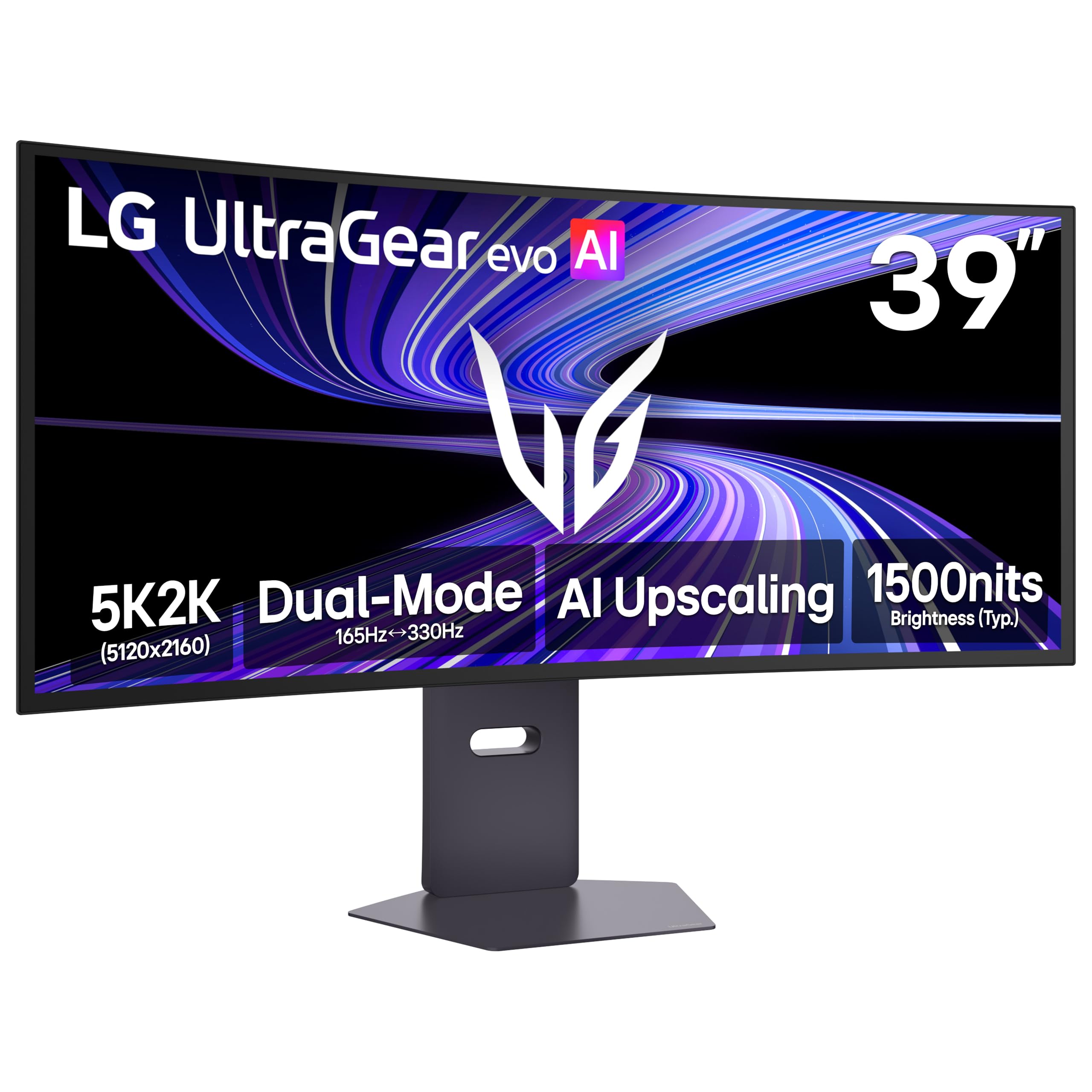
The LG Ultragear evo 39GX950B-B sets the benchmark for the 39-inch class by pairing a 5120×2160 WUHD resolution with a 4th Gen Primary RGB Tandem OLED panel. This delivers a 143 PPI pixel density that makes text look razor-sharp for a desktop monitor, alongside an infinite contrast ratio and a 1.85M:1 static contrast rating. The 1500R curve wraps the wide 21:9 aspect ratio comfortably into your peripheral vision without the extreme steepness of an 800R curve, making it versatile for both gaming and productivity.
Performance is defined by its dual-mode capability — you can run at the native 5K2K at 165Hz for visually rich AAA titles or switch to a Wide FHD (WFHD) resolution at 330Hz for blisteringly fast competitive play. The 0.03ms GtG response time eliminates virtually all perceptible motion blur, and VESA DisplayHDR True Black 500 certification ensures deep blacks and bright highlights coexist naturally. Pairing this with NVIDIA G-Sync Compatible and AMD FreeSync Premium Pro provides tear-free motion across the entire frame rate range.
Connectivity is comprehensive with DisplayPort 1.4, dual HDMI 2.1 ports, and a USB-C port that supports data and video. The built-in speakers are adequate for casual use, but serious users will want external audio. The matte surface coating minimizes reflections effectively, though some users note a very subtle grain at close inspection distances — this is typical for high-end OLED monitors and is invisible at a normal seating distance. For the user who demands the best possible image fidelity on a 39-inch screen, this is the definitive choice.
Why it’s great
- Unmatched 5K2K OLED clarity at 143 PPI
- Dual-mode switching between 165Hz and 330Hz
- HDR True Black 500 with perfect black levels
- Out-of-box Delta E≤2 color accuracy
Good to know
- High premium pricing tier
- Matte coating may show subtle grain on solid colors
- Requires powerful GPU for 5K2K gaming
2. Samsung Odyssey G7 G75F 40″

Samsung’s Odyssey G7 G75F is an aggressive gaming-focused ultrawide that brings a 5120×2160 WUHD resolution to a 40-inch VA panel. At this size, WUHD delivers a detailed 21:9 canvas that is significantly sharper than standard QHD, while the VA technology provides a strong 3000:1 native contrast ratio. The 1000R curve is steep and immersive, designed to match the human field of view for a wraparound effect that works brilliantly for sim racing and first-person shooters.
A 180Hz refresh rate combined with a 1ms GtG response time ensures fluid motion handling, and VESA DisplayHDR 600 certification pushes the brightness ceiling high enough to make highlights in HDR content pop. AMD FreeSync Premium Pro support guarantees tear-free gaming with low frame rate compensation. The stand offers height, swivel, and tilt adjustments, and the overall build quality reflects Samsung’s reputation for durability.
Color accuracy is solid out of the box, though professionals may want to calibrate for the most critical work — the wide color gamut (99% sRGB) is vibrant but can be a touch oversaturated in default modes. Text clarity is very good for a VA panel at this size, with minimal fringing. The monitor lacks built-in speakers, so you will need external audio. For gamers who want a high-refresh ultrawide with deep contrast and a dramatic curve, this is a compelling mid-range premium option.
Why it’s great
- Immersive 1000R curve for gaming
- High 180Hz refresh rate and 1ms response
- VESA DisplayHDR 600 certification
- 5K2K resolution balances detail and performance
Good to know
- No built-in speakers
- VA viewing angles are narrower than IPS
- Stand base is large and can be awkward
3. LG 39GX90SA-W Ultragear

The LG 39GX90SA-W is a 39-inch WQHD (3440×1440) OLED gaming monitor built for pure speed and visual punch. The 800R curve is among the steepest available on a monitor of this size, wrapping the image around your field of view in a way that makes flat screens feel obsolete once you try it. The OLED panel delivers a 1.5M:1 contrast ratio for perfect blacks and infinite dynamic range, and the anti-glare surface manages reflections effectively.
With a native 240Hz refresh rate and a near-instant 0.03ms response time, motion clarity is astoundingly crisp. There is no visible ghosting or motion blur — even in fast-paced competitive shooters. NVIDIA G-Sync Compatible and AMD FreeSync Premium certification ensure smooth, tear-free gameplay. The monitor also includes webOS, providing built-in access to streaming apps and cloud gaming services like NVIDIA GeForce NOW, making it a self-contained entertainment hub without needing a PC connected.
The design is clean white with a height-adjustable stand, and the included speakers are loud but slightly muffled in the mid-range — fine for casual use, but a dedicated soundbar is recommended for the full experience. Text clarity on a 3440×1440 39-inch panel is adequate for productivity, but the 110 PPI is less sharp than 4K or 5K2K alternatives. This monitor is best for users who prioritize gaming fluidity and contrast over pure desktop text sharpness.
Why it’s great
- Stunning 800R curve for deep immersion
- 240Hz OLED with 0.03ms response
- Perfect blacks and infinite contrast
- Built-in webOS for streaming and cloud gaming
Good to know
- WQHD resolution less sharp than 4K at this size
- Speakers are adequate but not great
- High original price point
4. Dell UltraSharp U4025QW 40″

The Dell UltraSharp U4025QW is a 40-inch IPS-Black panel that targets the professional user who needs both expansive resolution and color fidelity. With a native 5120×2160 resolution on a 39.7-inch viewable area, it delivers a 21:9 aspect ratio that offers roughly 33% more horizontal space than a standard 4K monitor. The IPS-Black technology achieves a 2000:1 contrast ratio — double that of conventional IPS — resulting in significantly deeper blacks while maintaining the wide viewing angles and color consistency that creative professionals rely on.
Factory-calibrated color covers 99% DCI-P3 and 100% sRGB, with Delta E < 2 accuracy right out of the box. The 120Hz refresh rate is a welcome addition for fluid UI navigation, and VESA DisplayHDR 600 provides enough brightness for true HDR content creation. The built-in KVM switch with a 2.5GbE Ethernet port allows seamless switching between two computers, sharing the monitor, keyboard, and mouse. A 140W USB-C power delivery port is a standout feature, capable of charging a high-end laptop at full speed.
The stand is fully adjustable with height, swivel, and tilt, and the build quality is premium, though the plastic chassis feels slightly less dense than expected at this price point. The matte finish is excellent for reducing glare without a harsh grain. For the professional who spends 8-10 hours a day in front of a screen and values color accuracy and connectivity above all else, this is the gold standard.
Why it’s great
- 5K2K IPS-Black with 2000:1 contrast
- Factory-calibrated 99% DCI-P3 color
- 140W USB-C power delivery
- Built-in KVM and 2.5GbE networking
Good to know
- High premium price tag
- Plastic chassis feels less premium than price suggests
- No built-in remote control
5. Dell UltraSharp U4924DW 49″
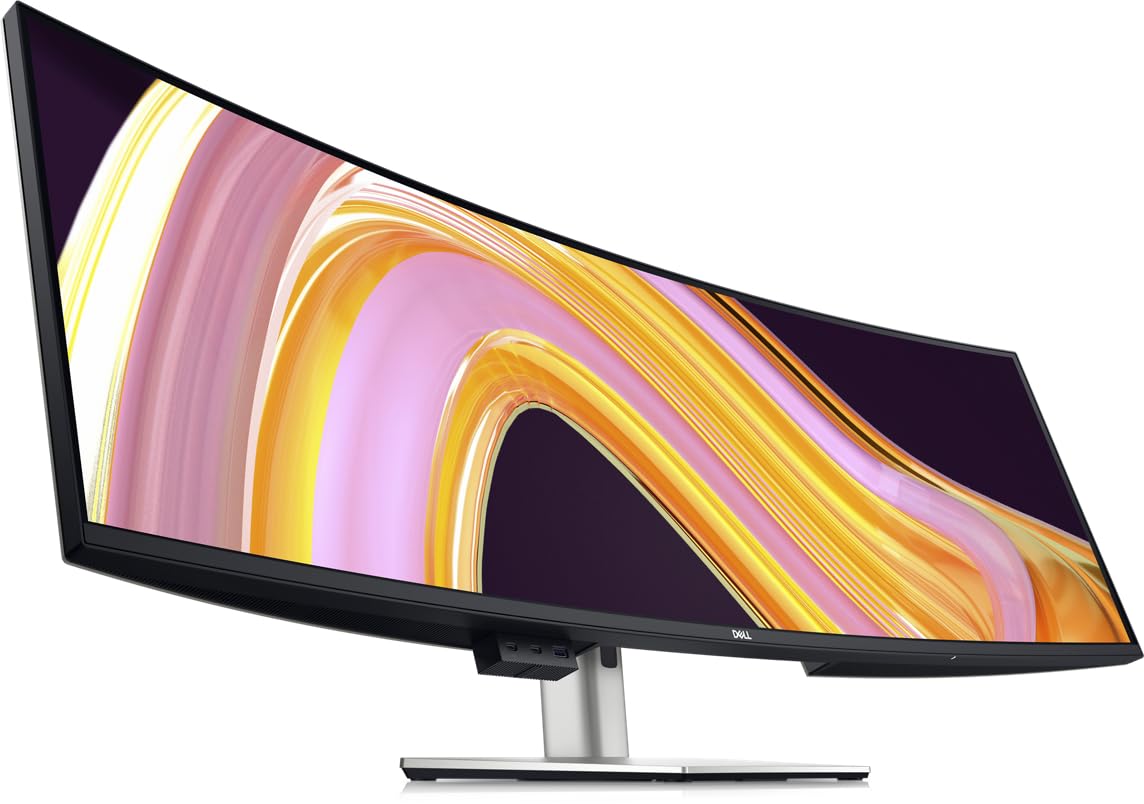
The Dell UltraSharp U4924DW is a 49-inch super-ultrawide with a 32:9 aspect ratio, effectively replacing two 27-inch QHD monitors side by side with no bezel gap. The Dual QHD resolution (5120×1440) offers plenty of horizontal real estate for sprawling timelines, financial dashboards, and code editors. The 3800R curve is gentle — enough to reduce eye strain at the edges without the aggressive warp of a gaming-oriented panel.
The IPS panel delivers solid color accuracy with 100% sRGB coverage, and the built-in KVM switch with USB-C upstream supports sharing peripherals between two computers. The stand includes height, swivel, and tilt adjustments, and the build quality is robust. A 5ms GtG response time and 60Hz native refresh rate makes it unsuitable for high-refresh gaming, but perfectly fine for general productivity and media consumption.
Some users find the 3800R curve insufficient to prevent glare from overhead lights hitting the far edges of the screen. The KVM switch takes about 5 seconds to transition between sources, which can be slow for users who switch frequently. Native window snapping is also poor without third-party tiling software, as 32:9 is too wide for Windows’ native snap zones. This monitor is ideal for users who need maximum screen space for horizontal workflows and do not chase high frame rates.
Why it’s great
- Replaces dual 27-inch monitors
- Good color accuracy for productivity
- Built-in KVM with multiple USB ports
- Solid build quality and ergonomic stand
Good to know
- 60Hz refresh rate — not for gaming
- Gentle curve may cause edge glare issues
- KVM switching is slow (~5 seconds)
6. Samsung ViewFinity S8 37″
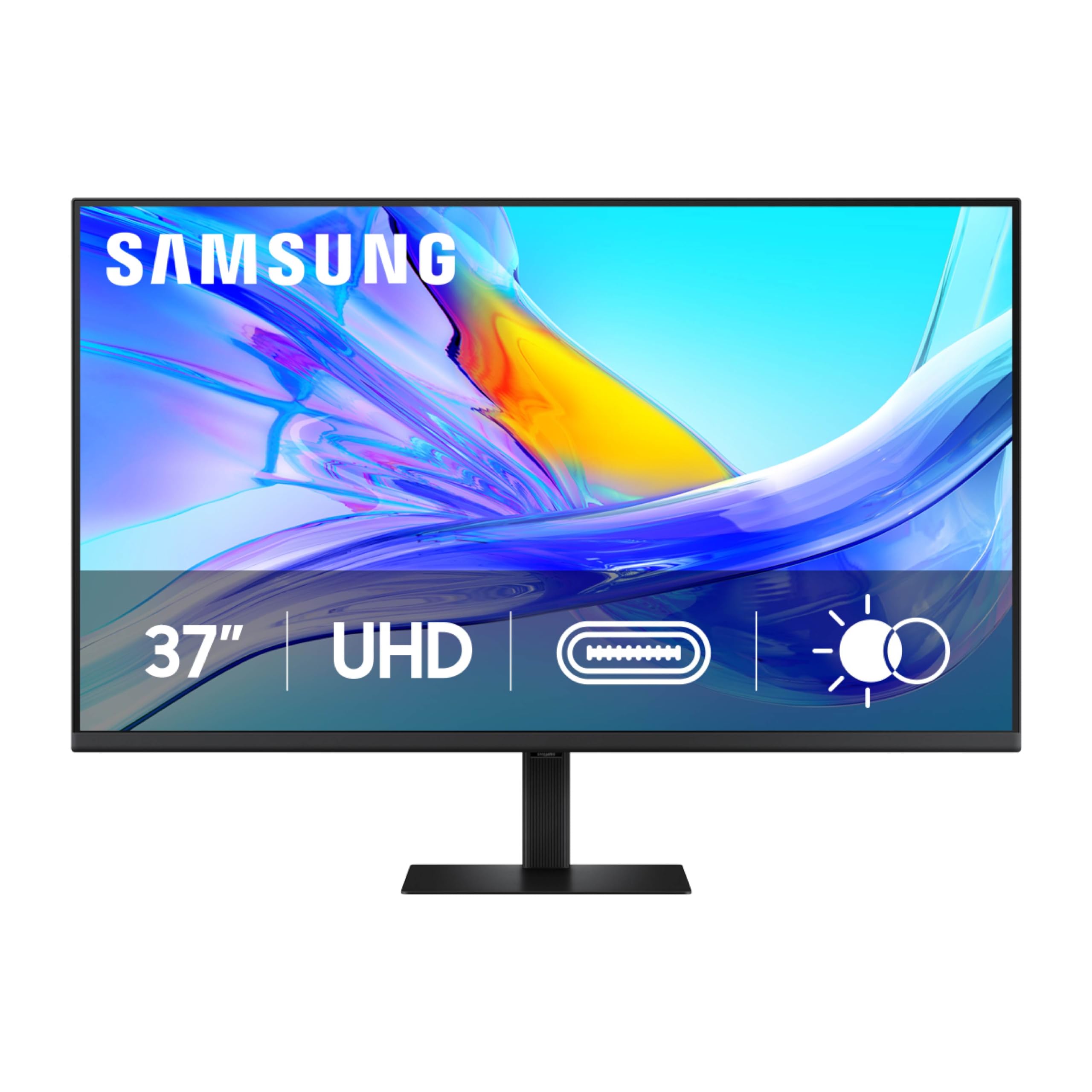
Samsung’s ViewFinity S8 S80UD offers a 37-inch 4K UHD (3840×2160) display with a VA panel that delivers a 3000:1 contrast ratio, deep blacks, and good color performance covering 1.07 billion colors with HDR10 support. This is a productivity-focused monitor that prioritizes screen real estate for complex multitasking — the extra 5 inches over a 32-inch display provides noticeable room for multiple application windows.
The standout feature is the ergonomic stand with height, swivel, tilt, and pivot adjustments, and a tool-less “Easy Setup Stand” that requires pressing a single button. A USB-C port supporting up to 90W power delivery allows you to charge a laptop and transmit video and data through one cable. The built-in KVM switch supports Picture-in-Picture and Picture-by-Picture modes for managing two input sources simultaneously, and the integrated LAN port provides stable wired Ethernet for laptops.
Text clarity at 4K on a 37-inch panel is excellent at roughly 117 PPI, making it ideal for document-heavy work and coding. The monitor is TÜV-certified for intelligent eye care with flicker-free technology and automatic brightness and color temperature adjustment. One notable omission is the lack of built-in speakers, so external audio is required. This is a strong mid-range choice for the professional who values ergonomics and single-cable laptop integration.
Why it’s great
- Fully adjustable ergonomic stand
- 90W USB-C power delivery
- Built-in KVM and Ethernet port
- Crisp 4K text at 37-inch size
Good to know
- No built-in speakers
- Rear toggle menu can be fiddly
- Some panel uniformity issues reported
7. Samsung Smart Monitor M7 43″ (M70D)

The Samsung Smart Monitor M7 (M70D) is a 43-inch 4K UHD monitor that doubles as a smart TV. Its VA panel provides a 5000:1 contrast ratio for excellent black depth and image pop. This monitor is less about raw gaming speed and more about versatility — you can use it as a standard PC monitor during the day and stream content from Netflix, Prime Video, or YouTube at night without a connected computer thanks to the built-in Tizen smart TV platform and Samsung TV Plus.
Connectivity includes a USB-C port with 65W power delivery for laptop charging and data, plus HDMI and USB-A ports. The SolarCell Remote recharges via light and eliminates the need for disposable batteries, and the built-in Samsung Gaming Hub provides access to cloud gaming services like Xbox Cloud Gaming and GeForce NOW, bypassing the need for a console or gaming PC. The monitor also supports Samsung DeX for a desktop-like experience from a compatible smartphone.
At 43 inches, the 4K resolution yields a pixel density of about 102 PPI — perfectly fine for general use and comfortable viewing at a slight distance, though text is less sharp than a 27-inch 4K monitor. The 60Hz refresh rate is adequate for office work and media consumption, but not for competitive gaming. The SmartThings integration allows controlling smart home devices from the screen. This is a versatile, all-in-one display for users who want a large 4K monitor with built-in streaming smarts.
Why it’s great
- Built-in smart TV platform with streaming apps
- 65W USB-C power delivery
- SolarCell remote is eco-friendly
- Lightweight and VESA mountable
Good to know
- 60Hz only — not for high-refresh gaming
- Glossy screen can cause glare
- Smart TV interface can feel unnecessary for pure monitor use
8. Samsung Smart Monitor M7F 43″

The Samsung Smart Monitor M7 (M70F) is the 2025 iteration of the M7 line, building on the M70D with AI-powered enhancements. The core remains a 43-inch 4K UHD VA panel with 5000:1 contrast and 99% sRGB color coverage. The AI Picture Optimizer automatically adjusts the visual profile for different content — boosting contrast for games, enhancing text clarity for documents, and optimizing color for movies — without manual calibration.
Samsung Vision AI also powers the Active Voice Amplifier, which analyzes ambient noise and adjusts dialogue volume accordingly so you never miss a line in a noisy room. The monitor streams content directly via Samsung TV Plus and supports cloud gaming through the Gaming Hub. Security is handled by Samsung Knox, which provides a multi-layered security framework designed to protect data and IoT connections made through the monitor.
Connectivity includes a USB-C port with 65W power delivery, plus HDMI and USB-A ports. The SolarCell Remote is included, and the smart home hub feature supports 3D Map View for managing integrated smart devices. Like the M70D, this is a 60Hz panel — fine for productivity and media, not for high-refresh gaming. The flat 16:9 43-inch size can require head movement at a close desk distance, so a deeper desk or wall mounting is recommended for comfortable use.
Why it’s great
- AI Picture Optimizer adapts content dynamically
- Samsung Knox security for data protection
- Active Voice Amplifier for clear dialogue
- SolarCell remote and smart home hub
Good to know
- 60Hz refresh rate limits gaming
- Flat 43-inch may feel large on a shallow desk
- Smart TV features may bloat the experience for pure PC users
9. INNOCN 45C1R 45″ Ultrawide

The INNOCN 45C1R is a 45-inch super-ultrawide with a 32:9 aspect ratio and 5120×1440 resolution (Dual QHD). This replaces two 27-inch QHD monitors side by side with no bezel gap, offering a massive 32:9 canvas. The 1500R curve helps maintain visual comfort across the wide span, reducing eye movement strain. The VA panel provides a 3000:1 contrast ratio, ensuring good black levels and punchy colors for both work and gaming.
At 120Hz with Adaptive-Sync support, it offers a fluid experience for racing simulations, action games, and general desktop use. A USB-C port supports 65W power delivery and video, along with DisplayPort 1.4, dual HDMI 2.1 ports, and a useful RJ45 Ethernet port for stable wired networking. The PIP/PBP functionality allows displaying two input sources simultaneously, which is valuable for users running a work PC and a gaming PC side by side.
The stand includes height, tilt, and swivel adjustments, though the base is bulky and takes up significant desk space. Built-in speakers are present but limited in soundstage and likely insufficient for immersive use. Pixel density at 5120×1440 over 45 inches comes to about 112 PPI — decent for productivity, but text is not as sharp as on a 5K2K panel. For users who want the widest possible seamless digital workspace at a mid-range price, this is a strong proposition.
Why it’s great
- Replaces dual 27-inch QHD monitors
- 120Hz refresh rate for smooth motion
- PIP/PBP for dual-input management
- RJ45 and 65W USB-C connectivity
Good to know
- Speakers are lackluster
- Stand is bulky with limited adjustment range
- Pixel density not as high as 5K2K alternatives
10. ASUS TUF Gaming VG34VQ3B 34″

The ASUS TUF Gaming VG34VQ3B is a 34-inch ultrawide 21:9 monitor with a 3440×1440 QHD resolution, a 1500R VA panel, and a 180Hz refresh rate — a combination that delivers exceptional value for the performance offered. The high native contrast ratio of 4000:1 provides deep blacks and vibrant colors, making games and movies look rich and immersive. The 1ms MPRT response time, combined with ASUS’s ELMB SYNC technology, minimizes ghosting and motion blur effectively.
AMD FreeSync Premium support provides tear-free gaming by default, and the HDR10 support with 90% DCI-P3 color gamut offers a respectable color palette for high dynamic range content. The monitor includes built-in speakers — adequate for casual use but tinny for music or intense gaming. The stand is basic and non-adjustable except for tilt, but the VESA mount compatibility allows for easy arm or wall mounting.
The OSD includes DisplayWidget Center for software-based settings control, and the included DisplayPort cable makes setup straightforward. At 34 inches with 1440p, pixel density is about 110 PPI, providing a sharp image at a normal viewing distance. For the gamer seeking a well-rounded ultrawide experience without crossing into premium pricing, this ASUS provides strong color performance, a high refresh rate, and good motion clarity at an entry-level mid-range cost.
Why it’s great
- 180Hz refresh rate with 1ms MPRT
- Good 4000:1 VA contrast ratio
- FreeSync Premium and ELMB SYNC
- Very good price-to-performance ratio
Good to know
- Basic, non-adjustable stand
- Built-in speakers are mediocre
- Limited to 90% DCI-P3 color gamut
11. Deco Gear 39″ White Curved
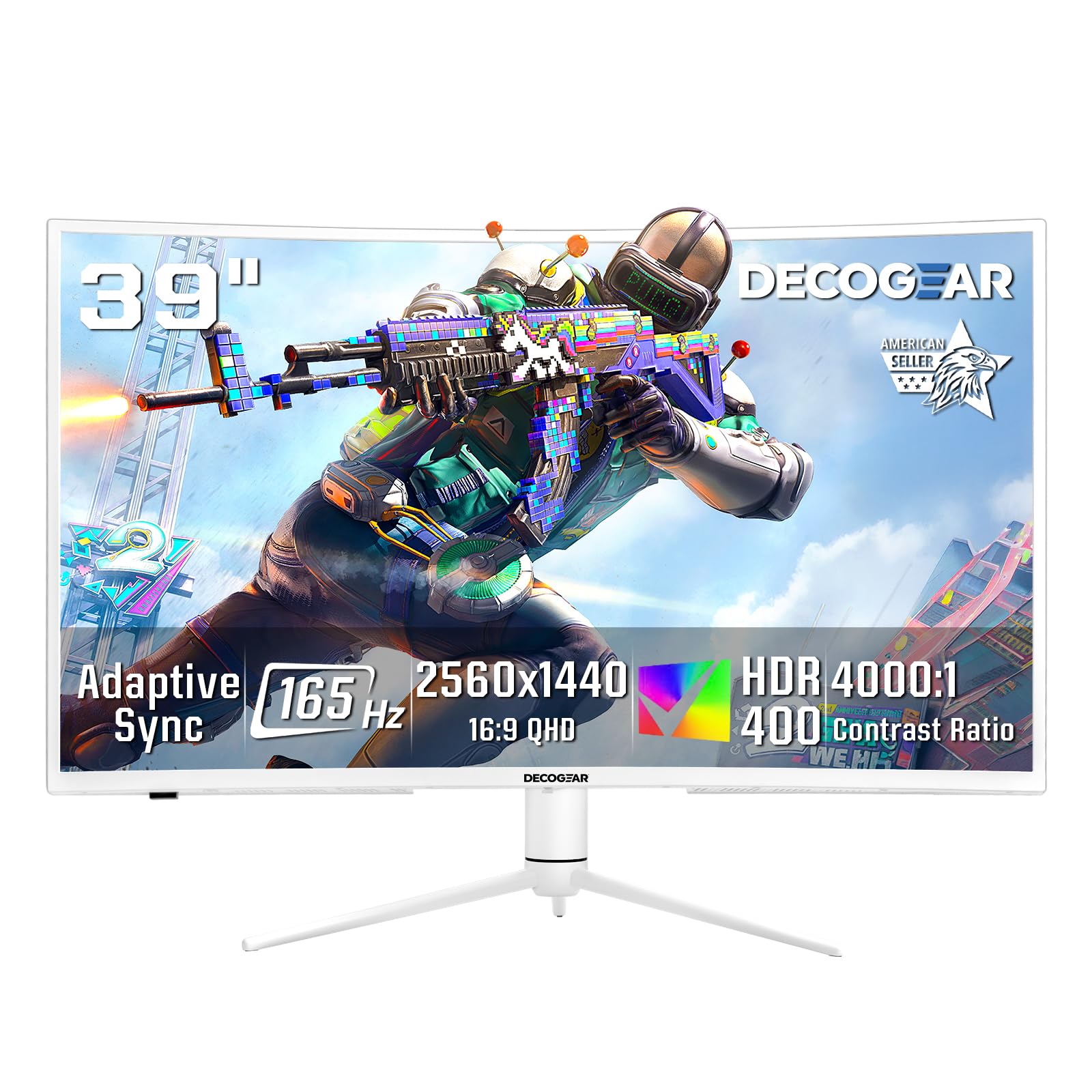
The Deco Gear 39-inch White Curved Gaming Monitor represents an entry-level mid-range option that makes the 39-inch ultrawide format accessible. It features a 2560×1440 QHD resolution with a 3000R VA panel, a 165Hz refresh rate, and a 1ms MPRT response time — a competitive spec sheet for its price tier. The 3000R curve is gentle and works well for productivity and casual gaming at a normal desk distance.
HDR400 support and 99% sRGB color gamut coverage provide decent color fidelity for the class, with strong VA contrast delivering good pop for games and media. Adaptive Sync support helps reduce screen tearing, and the inclusion of a 65W USB-C port is a welcome addition for laptop users seeking single-cable connectivity. The monitor also supports Picture-in-Picture and Picture-by-Picture modes, enabling dual-source input from a work laptop and a desktop.
The white chassis is visually distinct from the typical black monitor, suiting minimalist or brightly lit setups. The built-in speakers are present but mediocre — fine for system sounds, not ideal for primary audio. The single-joystick OSD controller is functional but clunky. At 2560×1440 on a 39-inch screen, pixel density is about 75 PPI, which means text and icons are noticeably larger and less sharp than on higher-resolution alternatives. For the budget-conscious user who wants a large, high-refresh ultrawide with modern USB-C features, this delivers solid value.
Why it’s great
- Large 39-inch ultrawide at a budget-friendly price
- 165Hz refresh rate with 1ms response
- 65W USB-C power delivery
- PIP/PBP support for multitasking
Good to know
- Low pixel density (~75 PPI) — text less sharp
- VA panel may show ghosting/smearing in fast motion
- Speakers and OSD controls are basic
FAQ
Is 1440p QHD sharp enough on a 39-inch monitor for daily text work?
What kind of GPU do I need to drive a 39-inch 4K gaming monitor at 120Hz?
Does a 39-inch monitor need a curved screen to be comfortable for work?
What is the ideal viewing distance for a 39-inch monitor?
Final Thoughts: The Verdict
For most users, the 39-inch monitor winner is the LG 39GX950B-B Ultragear evo because it delivers an unmatched combination of 5K2K OLED sharpness, high 165Hz refresh rate, and pro-level color accuracy in a single stunning 39-inch package. If you want a high-refresh VA ultrawide with great contrast for gaming, grab the Samsung Odyssey G7 G75F. And for pure productivity with the best ergonomic stand and 90W USB-C, nothing beats the Samsung ViewFinity S8 37″.