
Our readers keep the lights on and my morning glass full of iced black tea. As an Amazon Associate, I earn from qualifying purchases.
Specs are compiled from manufacturer listings and verified buyer reviews and can change over time — please confirm the key details on the product page before buying.
Setting up security cameras or Wi-Fi access points usually means running two cables to each spot — one for data, one for power. A 5 Port PoE Switch collapses that into a single network cable per device, sending both electricity and data down the same line. This guide breaks down the best models for home and small-office setups, focusing on real-world power budgets and ease of use, not just port counts.
I’m Min — the founder and writer behind Gadgets Feed. This guide is built by comparing the manufacturers’ published specifications and the patterns across verified customer reviews, so you get each pick’s real strengths and trade-offs instead of marketing spin.
Power-over-Ethernet cleaning up your cabling is only half the story; the total power budget decides how many devices you can actually run. Choosing the right 5 port poe switch means matching that wattage to your cameras and access points so nothing drops offline at night.
Our Picks at a Glance


How To Choose The Best 5 Port PoE Switch
Before you click buy, match three things so your cameras stay online and your network stays fast: the total power budget (the combined wattage the switch can send to all ports), the per-port power limit (the maximum wattage one port can deliver), and if you want plug-and-play simplicity or the control of a managed switch.
Total PoE Power Budget vs. Per-Port Limit
The total power budget is the maximum wattage the switch can deliver to all connected devices combined. If your four cameras each need 15W, you need a switch with at least a 60W budget. The per-port limit matters too — a single power-hungry access point might need the full 30W that a PoE+ port provides, so check both numbers before you commit.
Unmanaged vs. Managed (Easy Smart) Switches
An unmanaged switch is truly plug-and-play — you connect the cables and it works, no software or settings needed. A managed or “Easy Smart” switch adds a web interface where you can create VLANs to isolate your cameras from your main network traffic, or prioritize video data. If you value security and control, the few extra dollars for a managed model are worth it.
Gigabit Speed and Future-Proofing
All the picks here offer gigabit speeds (1000 Mbps) on every port, which is plenty for modern cameras and Wi-Fi access points. If you are building for the future with Wi-Fi 6 or multi-gig internet, a 2.5-Gigabit switch is an option, but for most current setups, standard gigabit is more than enough.
Quick Comparison
| Model | Best For | Total PoE Budget | Per-Port Power | Management | Amazon |
|---|---|---|---|---|---|
| NETGEAR GS305P★ Best Overall | Reliable plug-and-play | 63W | 30W | Unmanaged | Amazon |
| TP-Link TL-SG105PETop Performer | VLAN network security | 65W | 30W | Easy Smart | Amazon |
| NICGIGA GS0410PPowerhouse | High power for many devices | 78W | 30W | Unmanaged | Amazon |
| Binardat G05-041GP | Budget camera installs | 65W | 30W | Unmanaged | Amazon |
| VIMIN VM-GS0410P | Value with VLAN mode | 72W | 30W | Unmanaged | Amazon |
| Tenda TEG1105P | Long-range surveillance | 63W | 30W | Unmanaged | Amazon |
| NETGEAR GS305EP | Managed power per port | 63W | 30W | Easy Smart | Amazon |
| TRENDnet TPE-TG50g | Government/compliance needs | 31W | — | Unmanaged | Amazon |
| TP-Link TL-SG105PP-M2 | Wi-Fi 6 and multi-gig setups | 123W | 60W | Unmanaged | Amazon |
In‑Depth Reviews
1. NETGEAR 5-Port PoE Gigabit Ethernet Unmanaged Essentials Switch (GS305P)
Our pick — over 4.5★ from 400+ verified ratings; the strongest balance of quality and price.
A reliable 63W unmanaged switch that powers cameras and access points with plug-and-play simplicity.
If you want a switch you can plug in and never think about again, this is the one. The 63W total PoE budget splits across four PoE+ ports, each able to deliver up to 30W to power hungry devices like Wi-Fi access points. Its fanless metal body stays silent and cool on a desktop or mounted to a wall, and it automatically hands out power to whatever you connect.
What wins people over is the sheer reliability — a long track record of working “from the start” and never dropping a connection. Buyers report it powers two Aruba access points without breaking a sweat, and another notes it keeps delivering full internet speed across a building. The dynamic PoE allocation is a smart touch, redistributing unused power from lighter devices to ones that need more.
It is unmanaged, so there is no software to fiddle with — just gigabit speeds on all five ports and a tidy installation. The only thing you give up is the ability to create VLANs for traffic isolation, which matters mostly if you are paranoid about network security or run a complex business setup.
Why It Wins Owners Over
- Rock-solid reliability is the top praise, with dozens of owners highlighting trouble-free operation
- Fanless and silent, ideal for offices or bedrooms
- Simple plug-and-play — up and running in minutes
- Dynamic power allocation stretches the 63W budget further
What You Trade Off
- No VLAN support for network segmentation
- Wall mount kit adds a bit of setup effort
Reach for this if: you want the most dependable, no-fuss 5-port PoE switch for cameras or access points — the crowd favorite with a 4.8-star score across 400+ owners.
Look elsewhere if: you need to isolate camera traffic with VLANs; you will want the TP-Link managed option below.
2. TP-Link 5 Port Gigabit PoE Switch (TL-SG105PE)
An Easy Smart switch with VLAN support to isolate camera traffic for enhanced network security.
This “Easy Smart” switch is the bridge between simple plug-and-play and full enterprise control. Its 65W PoE budget feeds four PoE+ ports at up to 30W each, but the real story is the VLAN support — you can segment your camera traffic so it never mixes with your main network. That isolation is a genuine security upgrade for a small office or a careful home setup.
The management interface is web-based, so you configure it from a browser without installing anything. Owners praise the auto-reboot feature that keeps security cameras alive, and one garage install survived -25°F temperatures without a single dropped packet. The plastic housing is lighter than the metal rivals — just 0.22 kg — which makes it easy to tuck anywhere.
Owners mention the external power brick keeps it running cooler than integrated-power designs, and the 3-year warranty plus lifetime tech support adds confidence.
Smart security choice: VLAN support is the standout feature here — you get traffic isolation that protects cameras and IoT devices from the rest of your network.
The honest trade-off: the plastic case lacks the premium heft of metal rivals, but the feature set more than compensates.
Best for: buyers who want VLAN security and traffic prioritization without graduating to a complex managed switch — the 4.8-star average speaks to owner satisfaction.
Who it isn’t for: purists who insist on all-metal construction for extreme environments.
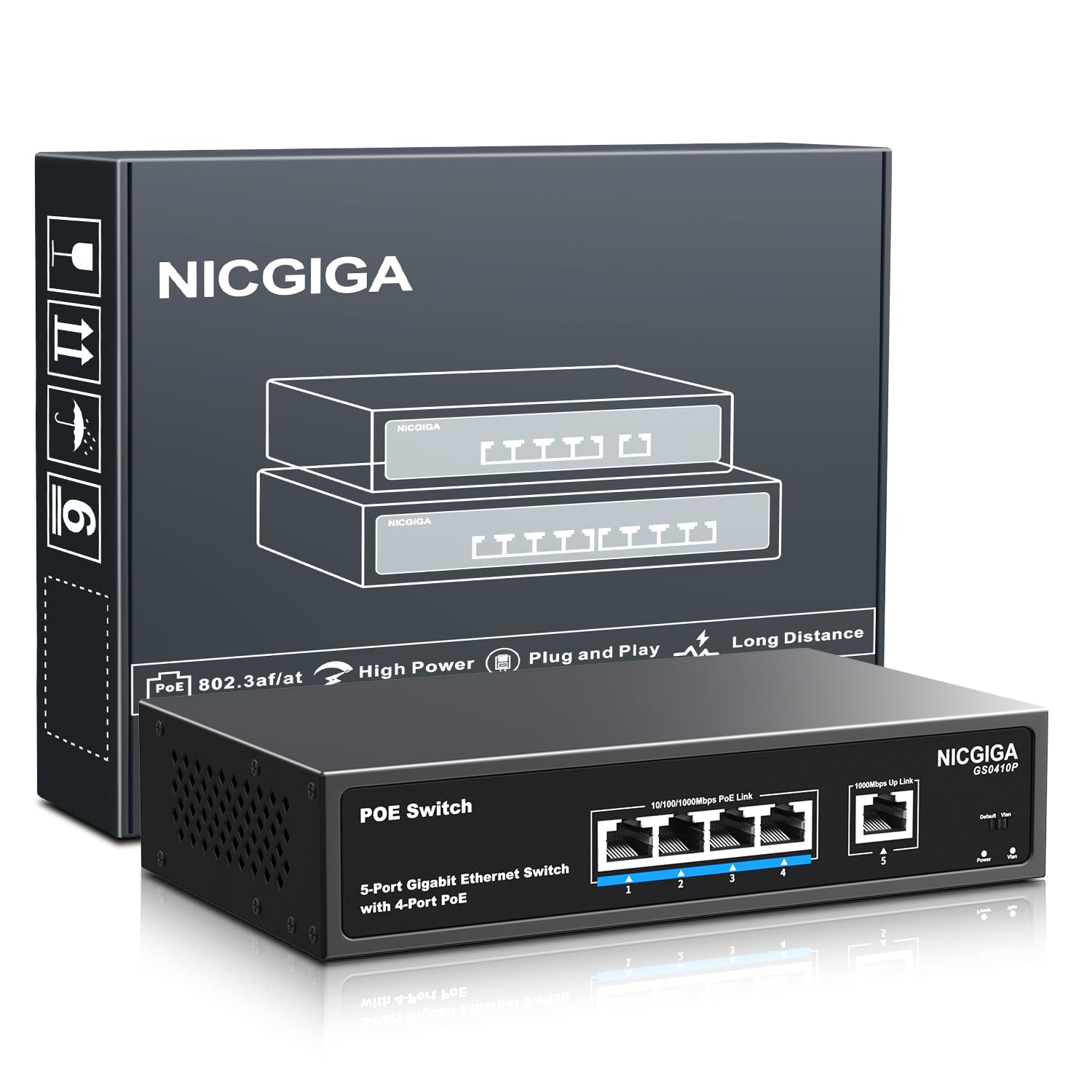
3. NICGIGA 5 Port Network Power Over Ethernet Switch
A budget-friendly switch with a 78W PoE budget, offering more power headroom than pricier rivals.
That extra headroom means you can connect four power-hungry devices without worrying about tripping the power ceiling. Each of the four PoE+ ports delivers up to 30W, covering virtually any camera or access point on the market.
Customers note using it to power 11 access points across a building while maintaining full internet speed over Wi-Fi — a sign the gigabit data path keeps up with heavy loads. The one-key VLAN mode isolates ports 1-4 from each other while letting them talk to the uplink, adding security without any configuration. The 4KV lightning protection is a thoughtful touch for outdoor camera runs near storm-prone areas.
The catch, sized carefully: a single owner reported symptoms surfacing after 44 days of continuous use with very high-draw surveillance cameras, while many others praise it as a great replacement switch. It weighs 0.84 kg — noticeably heavier than the Binardat’s 0.55 kg — giving it a solid, sturdy feel on the desk.
Power-per-dollar champion: the 78W budget is the defining spec here, letting you run more devices than comparably priced rivals.
Honest caution: best suited to standard cameras and access points; mission-critical 24/7 surveillance with max-draw cameras might be better served by the NETGEAR’s proven reliability track record.
Choose this for: maximum power headroom on a budget — the 78W budget with a 24% edge over the NETGEAR GS305P’s 63W.
skip it if: you need guaranteed uptime for high-end surveillance; there is one report of long-term high-draw failure.
4. Binardat 5 Port Gigabit POE Switch
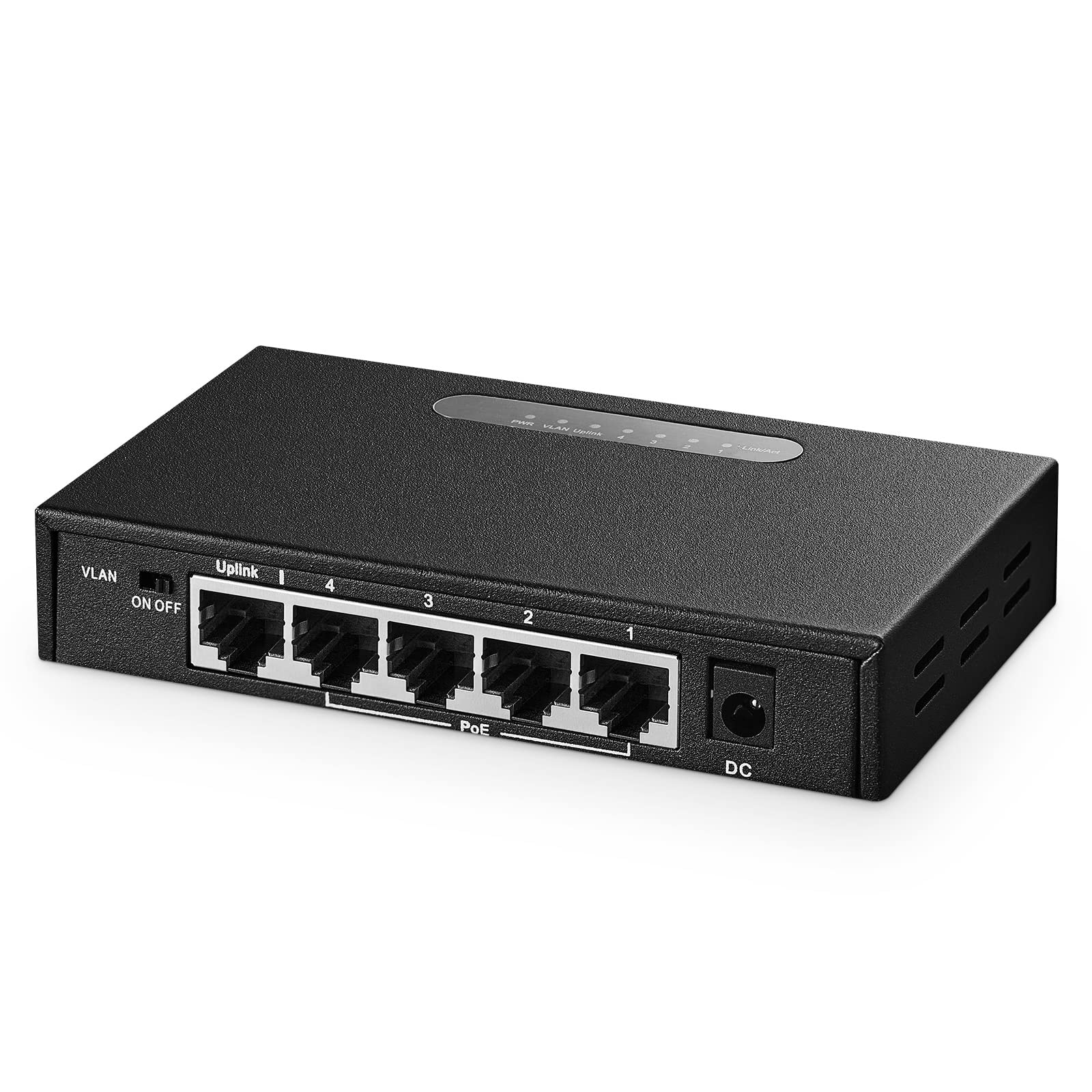
A compact metal switch with a 65W budget, ideal for quick, space-saving camera installations.
For a straightforward camera installation, this mini metal switch delivers everything you need at a friendly price. It offers four gigabit PoE ports plus one non-PoE uplink, with a 65W power supply pushing up to 30W per port. The compact metal case is built to tuck into a weak-current box or mount on a wall, and the fanless design means zero noise.
Reviewers point out connecting six cameras and ten speakers and having them “pop up immediately” — pure plug-and-play with no configuration screens to fight. At 0.55 kg, it is lighter and easier to wall-mount than the beefier NICGIGA (0.84 kg), making it a natural fit for tight spaces. The power detection feature automatically recognizes PoE devices and simply passes data through to non-PoE gear.
The honest notes: one owner mentions the lack of mounting brackets and rubber feet, so you will need your own screws for wall mounting. Another review flags that there is no extended-distance mode and the VLAN option is all-or-nothing, but for a standard 5-port use case, those are minor omissions.
What Owners Appreciate
- Plug-and-play setup — devices detected automatically
- Lightweight metal housing saves space
- Lifelong technical support promise
- Gigabit speed on every port
Small Gripes
- No mounting brackets or rubber feet included
- Not compatible with passive 24V PoE devices
Ideal for: budget-conscious camera installs where plug-and-play simplicity matters more than advanced features.
Consider the alternative if: you need extended-distance mode for very long cable runs — the Tenda below handles that better.
5. VIMIN 5 Port Unmanaged Ethernet PoE Switch

A sturdy metal switch with a 72W PoE budget, delivering more power than premium brands at a lower price.
This switch quietly punches above its weight with a 72W total PoE budget across four PoE+ ports — more headroom than the NETGEAR GS305P’s 63W. Each port can deliver up to 30W, so you can run four standard cameras or a couple of higher-draw access points. The one-key VLAN mode adds isolation without any complex setup.
Shoppers say it “powers all of my cameras with no problem at all,” with one going so far as to say it “works better than the top end brands.” The sturdy metal casing and 4KV lightning protection (protection against 4,000-volt surges) make it a sensible choice for outdoor camera installations where storms are a concern. A buyer who replaced a failed Netgear managed switch with this one said it was “up and running in minutes.”
The honest caveat: connectivity feedback is mixed, and one unit arrived with defective ports — a QC inconsistency worth noting. For the price, though, the combination of a high 72W budget and VLAN mode is tough to beat, and the majority of owners are clearly satisfied with the reliability.
Reliability that wins: owners consistently highlight problem-free operation, with one noting a month of continuous running without a single issue.
QC note: occasional defective units slip through, so test all ports on arrival — the high-value price makes it worth the quick check.
Grab this if: you want a high 72W budget and VLAN capability at a value price point.
Think twice if: you need absolute certainty on port quality — check your unit’s ports immediately upon delivery.
6. Tenda 5 Port Gigabit PoE Switch (TEG1105P)

A switch with Extend Mode that delivers power and data up to 250 meters for long-range camera runs.
Standard PoE tops out around 100 meters of cable run, but this Tenda’s Extend Mode pushes that to 250 meters — a lifesaver for distant outbuildings or large property perimeters. There is a trade-off: beyond 100 meters, speeds drop to 10 Mbps, which is plenty for a security camera feed. The 63W budget across four PoE+ ports handles up to 30W per device.
Buyers report it “has been running for a year and a half with no issues,” powering outdoor security cams and Wi-Fi access points reliably. The 6KV lightning protection is the highest on this list — a meaningful advantage for cameras mounted outdoors where surges are a real risk. The one-key VLAN mode protects against broadcast storms and DHCP spoofing.
The durability story deserves an honest note: while most owners are delighted, a few report the device failing within a year. With the 3-year warranty and lifetime tech support, Tenda stands behind it, but the longevity question is worth weighing if you plan a permanent install.
Standout Strengths
- 250m Extend Mode for long cable runs
- 6KV lightning protection for outdoor gear
- 3-year warranty with lifetime tech support
- Compact fanless metal design
Watch Out For
- Small wall-mount holes, no screws included
- Some durability complaints after a year of use
Perfect for: long-distance outdoor camera runs where the 250m Extend Mode saves you from running additional cable or signal boosters.
Look elsewhere if: you plan a permanent, set-and-forget install and prioritize the proven longevity of the NETGEAR GS305P.
7. NETGEAR 5 Port PoE Gigabit Ethernet Easy Smart Managed Switch (GS305EP)
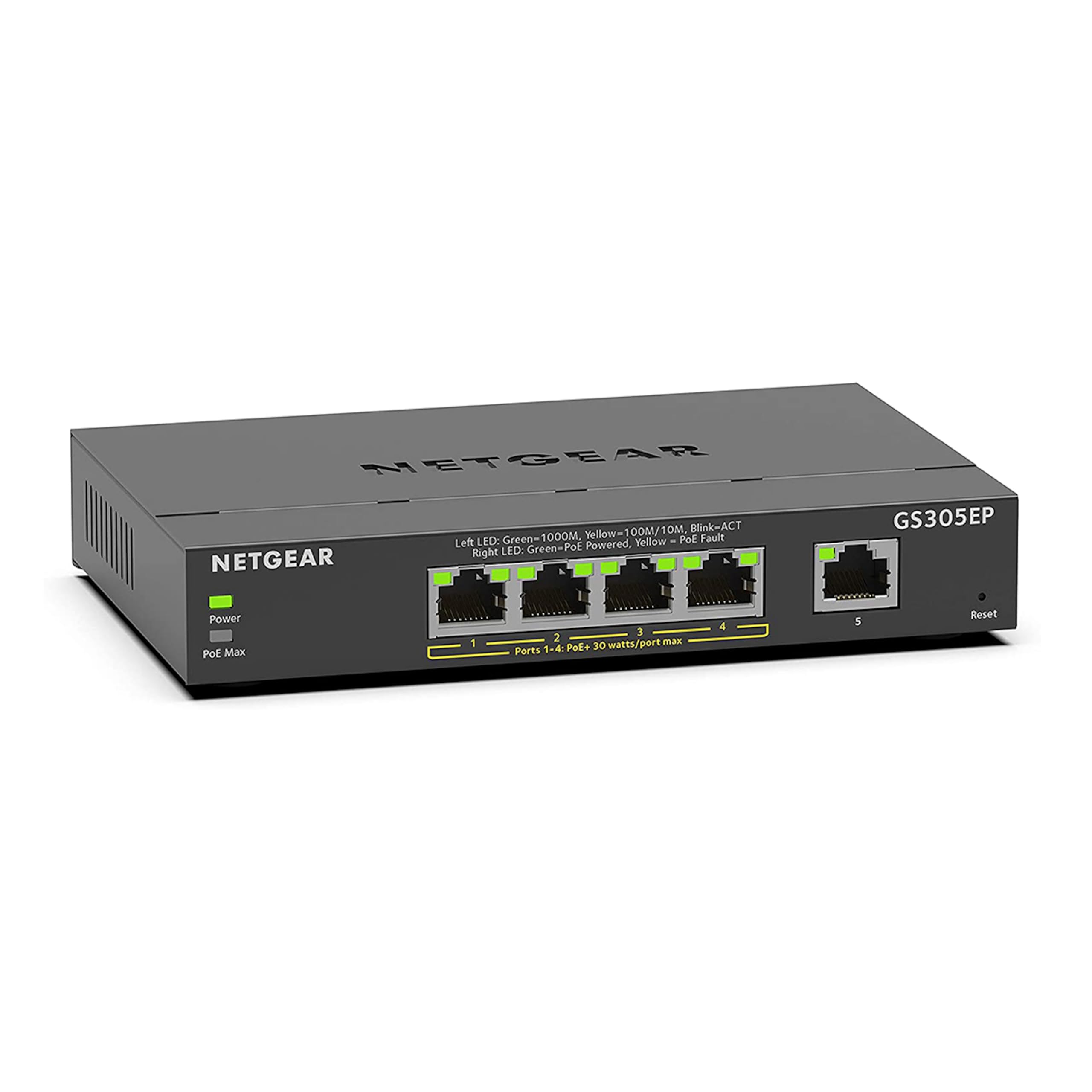
An Easy Smart managed switch with per-port PoE controls and VLAN/QoS for business network management.
If you want the control of a managed switch with the brand trust of NETGEAR, this Easy Smart model delivers. It keeps the same 63W PoE budget and four PoE+ ports as the unmanaged GS305P but adds per-port PoE controls, so you can turn power on or off for individual devices. The web interface lets you configure VLANs, prioritize traffic with QoS, and monitor port activity.
Owners use it for VoIP phones and office cameras, describing it as “simple but quite functional” with “plenty of power for the cameras.” One buyer replaced a failed managed switch with this and had it “up and running in minutes.” Weighing 1 kg, it is the heaviest pick here, which speaks to a sturdy build, but the external power brick is bulky.
The notable gap: while it is called “Easy Smart,” several buyers found the management interface confusing — one returned it because there was no easy way to manage it via PC. For pure plug-and-play needs, the unmanaged version is simpler, but for VLAN and QoS control, this is the NETGEAR you want.
Feature-rich management: per-port PoE controls and VLAN/QoS support make this the most capable NETGEAR in the lineup.
Interface friction: the management UI gets mixed reviews, so budget some time to learn it.
Choose this for: small businesses needing VLAN segmentation and per-port power management with NETGEAR’s reliability reputation.
pass on it if: you want a dead-simple plug-and-play switch — the unmanaged GS305P is easier and costs less.
8. TRENDnet 5-Port Gigabit PoE+ Switch (TPE-TG50g)
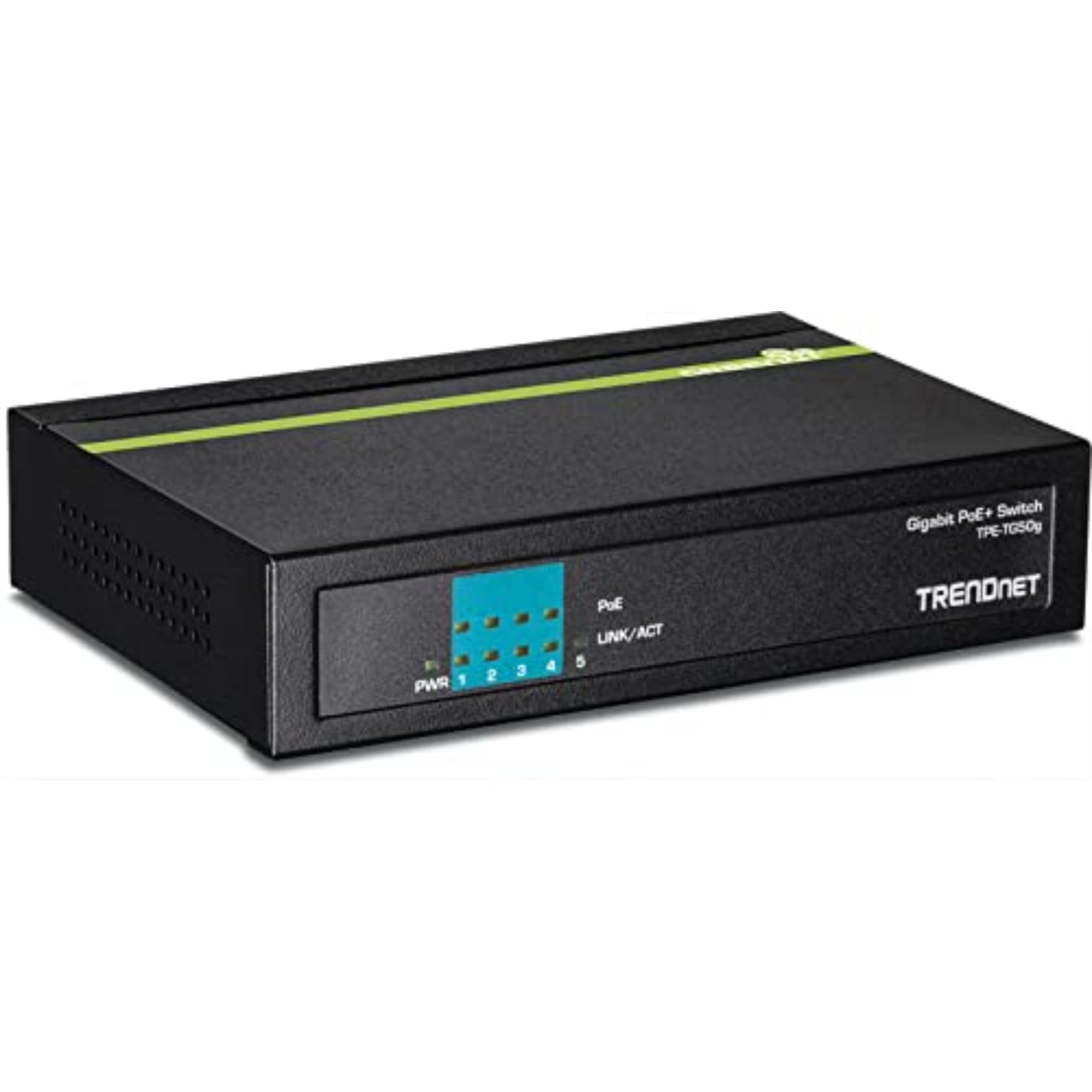
An NDAA/TAA-compliant switch with a compact metal shell and lifetime manufacturer protection.
This TRENDnet stands apart for one big reason: it is NDAA and TAA compliant, which means it meets the standards many government and enterprise contracts require. If you are bidding on a project or work in a regulated industry, that compliance alone justifies the pick. It is also covered by lifetime manufacturer protection in the U.S. and Canada — a rare promise.
The hardware is straightforward: four gigabit PoE+ ports and one uplink, delivering a 31W PoE budget. That is the tightest budget on this list, so it is best suited to low-power devices like standard IP cameras rather than multiple high-draw access points. The compact metal housing is light at just 0.37 kg, making it easy to mount on a desk or wall.
The compatibility story is genuinely mixed — while it works well with Polycom phones, some owners mention issues powering 24V Ubiquiti access points. If your gear falls outside standard 802.3af/at PoE, verify compatibility before buying. For standard devices, buyers describe it as a solid, durable workhorse that “works perfectly.”
Compliance edge: NDAA/TAA certification is the standout feature here — few 5-port switches in this range offer it.
Power note: the 31W budget means you are limited to lighter devices; this is not the pick for power-hungry setups.
Best for: government-adjacent projects or installations needing NDAA/TAA compliance with a lifetime warranty safety net.
Not for: anyone needing a high PoE budget — the 31W ceiling severely limits how many devices you can power.
9. TP-Link TL-SG105PP-M2, 5 Port 2.5 Gigabit PoE Switch

The multi-gig speed demon that powers Wi-Fi 6 access points at full throttle
This is the future-proof option for anyone building a modern network. All five ports run at 2.5 Gigabit — two and a half times faster than standard gigabit — with a switching capacity of up to 25 Gbps. That speed matters for Wi-Fi 6 access points, which can easily saturate a 1Gbps link. The PoE budget is the biggest here at 123W, with each port delivering up to 60W via the newer 802.3bt standard.
Owners running it with a UniFi 2.5g gateway and 2.5g access point report it “works well” and is “easy to deploy,” with TP-Link’s typical sturdy construction. The PoE Auto Recovery feature is a standout: with a button press, the switch automatically detects and reboots any unresponsive powered device, saving you from manual resets when a camera freezes.
The honest trade-off: this is the premium pick, and you pay for that speed. The external power supply is also notably large — a small price to pay for 123W of power delivery. For anyone running standard gigabit cameras and APs, the extra speed is overkill, but for a Wi-Fi 6 or multi-gig setup, this is the one to beat.
Speed and power combined: 2.5G ports plus a 123W budget make this the most capable switch here — no other pick comes close on either metric.
Overkill for some: standard gigabit devices will not use the extra bandwidth, so only buy this if your gear actually supports 2.5G.
Buy this for: Wi-Fi 6 access points and multi-gig internet — the 2.5G ports ensure your network never bottlenecks.
Pass if: you are running standard gigabit cameras; the speed advantage will go entirely unused.
Understanding the Specs
PoE Power Budget Explained
The total PoE budget is the maximum wattage the switch can deliver to all connected devices at once. A 63W budget can power four cameras drawing roughly 15W each, but will struggle with four devices that each need 25W. Always add up your devices’ power needs, then add 20% headroom before choosing a switch.
Per-Port Power vs. Standards
Each PoE port has its own power ceiling. PoE+ (802.3at) delivers up to 30W per port, enough for most cameras and access points. The newer 802.3bt standard used by the TP-Link TL-SG105PP-M2 delivers up to 60W per port for high-end devices. Check what standard your devices support so you don’t buy a switch that can’t feed them.
FAQ
How many devices can a 5 port PoE switch power?
What is the difference between PoE and PoE+?
Can I use a 5 port PoE switch with non-PoE devices?
What does VLAN mode do on a PoE switch?
How long can a PoE cable run be?
Does a 5 port PoE switch need a managed interface to work?
Why is the PoE budget important for security cameras?
What does lightning protection mean on a PoE switch?
Final Thoughts: The Verdict
For the majority of shoppers, the 5 port poe switch winner is the NETGEAR GS305P because it offers the perfect blend of reliability, a solid 63W budget, and true plug-and-play simplicity that owners consistently praise. If you want VLAN security and traffic control, grab the TP-Link TL-SG105PE — the Easy Smart management justifies the upgrade. And for a future-proof, high-speed setup with Wi-Fi 6 access points, the TP-Link TL-SG105PP-M2 is the one to reach for, with its 2.5G ports and industry-leading 123W budget.
How We Picked
We do not accept paid placement. Every pick is matched to a real buyer and a real use-case; we do not hands-on test units.
Sources & Methodology
Specifications: manufacturer listings and product documentation. Review insights: verified customer reviews, as of August 2026. Pricing: not shown on this page (it changes often); check the current price via the retailer link.
As an Amazon Associate, Gadgets Feed earns from qualifying purchases. This does not affect which products we feature.