
Our readers keep the lights on and my morning glass full of iced black tea. As an Amazon Associate, I earn from qualifying purchases.
Specs are compiled from manufacturer listings and verified buyer reviews and can change over time — please confirm the key details on the product page before buying.
Your gaming laptop is only as fast as its storage, and a cramped or slow SSD can turn a 4K texture pack into a loading-screen slideshow. The right 2TB drive directly impacts game load times, system boot speed, and save write performance, making the choice critical for gaming laptops. This guide compares the top contenders by their real published specs and the honest patterns in thousands of owner experiences, so you can upgrade with confidence.
I’m Min — the founder and writer behind Gadgets Feed. This guide is built by comparing the manufacturers’ published specifications and the patterns across verified customer reviews, so you get each pick’s real strengths and trade-offs instead of marketing spin.
For most laptop gamers, the best 2tb ssd for gaming laptop balances raw Gen4 speed, cool operation, and long-term reliability — and this list ranks the drives that deliver on all three.
Our Picks at a Glance


How To Choose The Best 2TB SSD For Gaming Laptop
Before you spend money on a 7,000 MB/s drive, check what your laptop’s M.2 slot actually supports, because a Gen4 drive in a Gen3 slot just runs at Gen3 speeds. Most modern gaming laptops have a PCIe Gen4 slot, which is what open up the top-tier speeds on this list.
Match the Interface Generation to Your Slot
Your laptop’s M.2 slot is either PCIe Gen3 or PCIe Gen4, and the fastest drives here are Gen4. A PCIe Gen4 drive will still work in a Gen3 slot — it just caps out near 3,500 MB/s instead of 7,000 MB/s. If your laptop is older, a strong Gen3 drive can save you money without sacrificing real-world load times.
Read Speed vs. Sustained Write Speed
When you launch a game or load a map, read speed is what you feel; write speed matters when you install a 100GB game or move large video files. Many drives burst fast thanks to SLC cache (a fast temporary buffer), then slow down once the cache fills. For gaming, you want a fast read speed plus a decent sustained write speed.
Thermals Are the Hidden Performance Killer
Fast NVMe drives generate heat, and when they get too hot, they throttle — meaning they slow themselves down to cool off. In a thin gaming laptop with limited airflow, this matters more than in a desktop. Look for drives with nickel coatings, heat spreaders, or graphene stickers to keep performance stable.
Quick Comparison
| Model | Best For | Read Speed | Write Speed | Interface | Amazon |
|---|---|---|---|---|---|
| Samsung 980 PRO★ Best Overall | Maximum Gen4 speed & reliability | 7,000 MB/s | 5,100 MB/s | PCIe Gen 4×4 | Amazon |
| Crucial T500Creator’s Pick | Premium all-rounder with software | 7,400 MB/s | 7,000 MB/s | PCIe Gen4 NVMe | Amazon |
| WD_Black SN7100Handheld Hero | Efficient laptop & handheld use | 7,250 MB/s | 6,900 MB/s | PCIe Gen4 NVMe | Amazon |
| BIWIN NV7400 | High endurance & value | 7,450 MB/s | 6,500 MB/s | PCIe Gen 4×4 | Amazon |
| WD Blue SN5100 | Reliable everyday upgrade | 7,100 MB/s | — | PCIe Gen 4.0 | Amazon |
| TeamGroup MP44L | Budget-friendly Gen4 performance | 4,800 MB/s | 4,400 MB/s | PCIe Gen 4×4 | Amazon |
| Bestoss M.2 2280 | Fast budget pick for PS5 & PC | 7,350 MB/s | 6,600 MB/s | PCIe 4.0 | Amazon |
| Crucial E100 | Entry-level Gen3 upgrade | 5,000 MB/s | — | NVMe Gen4 | Amazon |
| Ediloca EN600 PRO | Budget-friendly Gen3 capacity | 3,200 MB/s | 1,750 MB/s | PCIe 3.0 Gen 3×4 | Amazon |
In‑Depth Reviews
1. Samsung 980 PRO SSD 2TB
Our pick — over 4.5★ from 28,000+ verified ratings; the strongest balance of quality and price.
The proven Gen4 leader with 7,000 MB/s reads for near-instant game loads.
You feel the Samsung 980 PRO the second you fire up a game, because its sequential read speed hits 7,000 MB/s — roughly double what a PCIe 3.0 drive manages. That raw pace is powered by Samsung’s Elpis controller, and it’s paired with a 5,100 MB/s write speed, so installs and saves keep up with your play. The drive uses nickel coating on the controller and a heat spreader label on the NAND chip to keep temperatures in check, which protects sustained performance during long sessions.
The reliability numbers here are the crowd-pleaser, with reliability and performance both drawing the most owner attention. In a M.2 2280 form factor, it slides into desktops, laptops, and even PS5 or Xbox Series X/S consoles, with AES 256-bit encryption protecting your data at rest. Boot speeds and game loads get glowing feedback, and the installation itself is described as quick and easy, plugging into the motherboard without fuss.
The one honest caveat is temperature: buyers report thermal throttling after long transfers, with temps climbing to 75-80°C during sustained writes. That’s a real consideration in a thin laptop with tight airflow, though most owners find the balance acceptable given the performance. The price also fluctuates notably, so it pays to watch for a deal rather than buying at peak.
top-tier sustained writes
- 7,000 MB/s read speed makes game loads and boots nearly instant
- Nickel-coated controller and heat spreader fight thermal throttling
- Works in PS5, Xbox Series X/S, laptops, and desktops
premium price tag
- Temps can hit 75-80°C during long sustained writes
- Price swings widely — timing your buy matters
grab it if: you want the most proven, fastest Gen4 upgrade with rock-solid reliability for your gaming laptop.
skip it if: your laptop has weak cooling and you regularly move huge files for long stretches — the heat buildup can slow you down.
2. Crucial T500 2TB
Top-tier Gen4 speed with a free month of Adobe Creative Cloud for creators.
The Crucial T500 is built for people who game and create, with read speeds up to 7,400 MB/s and writes up to 7,000 MB/s. That translates into load times that keep your games and your editing timeline both snappy. It uses TLC NAND (a type of flash memory that balances speed and longevity) and a DRAM buffer for smooth multitasking, and it installs easily into desktops, laptops, and workstations with a PCIe Gen4 M.2 slot.
What wins people over here is the quality — it’s the most-mentioned positive aspect — with performance close behind. Owners mention instant game loads and fast transfers, and the drive runs cool and stable during heavy use. The 2TB capacity is a favorite, with one buyer noting it lets them keep 8-10 games on their PS5 at once, and the simple install process gets consistent praise, especially from first-timers.
The bonus here is the bundle: you get Acronis cloning software for easy data migration, plus a one-month Adobe Creative Cloud All-Apps subscription. There’s a note of caution in the reviews about being careful with small file transfers, where the drive is less impressive, and some owners mention it’s pricey if you’re only gaming. For mixed use — gaming plus video or photo work — it’s a compelling value.
choose it if: you split time between big-budget games and creative apps, and want top-tier Gen4 speed with useful software included.
look past it if: you’re on a tight budget for pure gaming — you’ll pay for the Adobe bundle and creator focus you may not use.
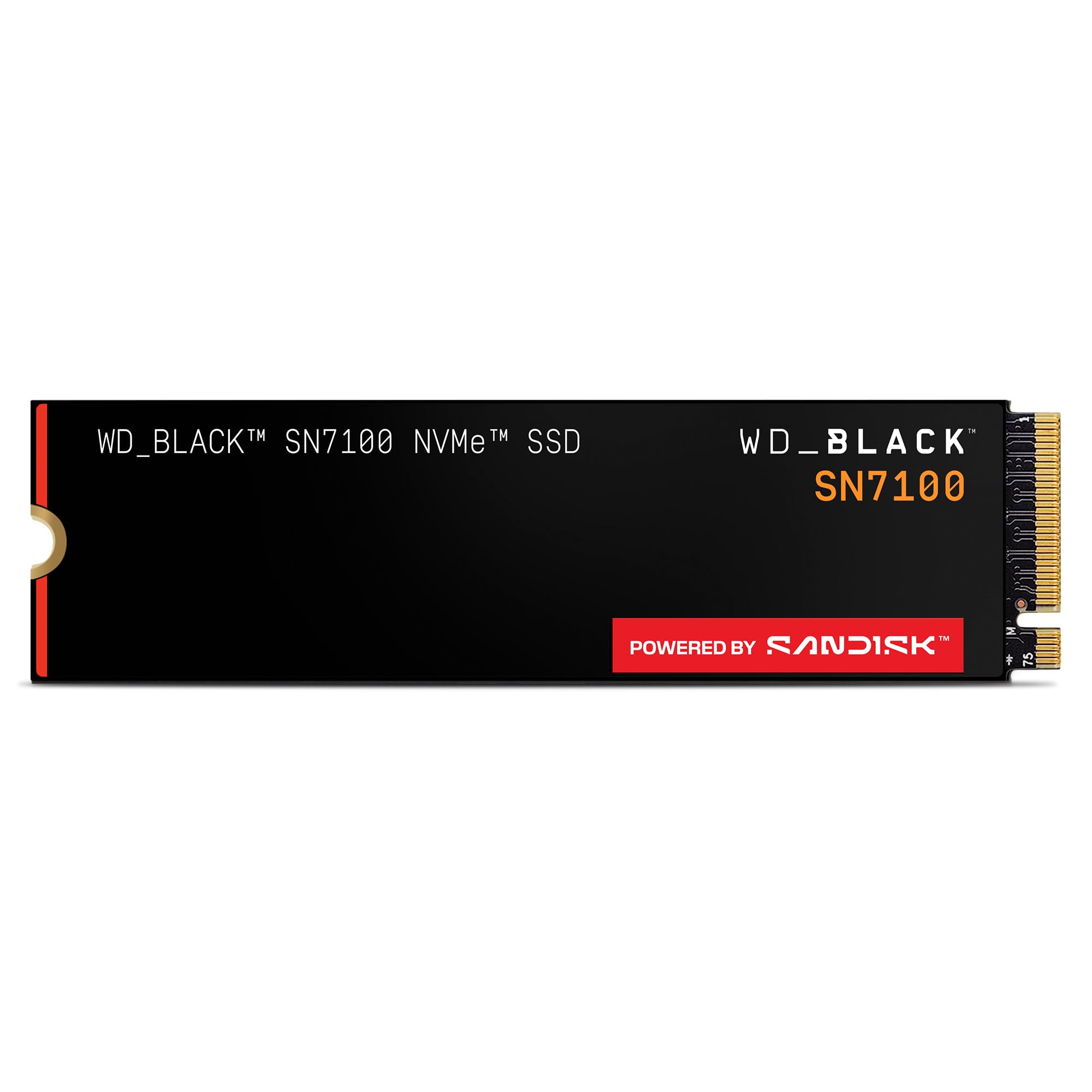
3. WD_Black SN7100 2TB
Efficient Gen4 drive with 7,250 MB/s reads, ideal for laptops and handhelds.
The WD_Black SN7100 earns its spot for serious mobile gamers with read speeds up to 7,250 MB/s and writes up to 6,900 MB/s — up to 35% faster than the previous generation. But the real story is efficiency: it offers up to 100% more power efficiency, which matters in a laptop or handheld gaming device where battery life is precious. It uses next-gen TLC 3D NAND (a type of flash memory that stores three bits per cell) and a PCIe Gen4 interface (a high-speed connection standard), and runs cool even without a heatsink, so you can game for hours without thermal throttling.
The performance gets the most owner enthusiasm, with speed close behind, and laptops reportedly start within 5-10 seconds after the upgrade. It’s compatible with PS5, Xbox Series X/S, and handheld consoles, and the 2TB capacity gives you plenty of room for your library. The WD_BLACK Dashboard software (Windows only) lets you tune the drive, and buyers consistently say it’s worth the price for the speed and cool operation.
Customers note a few reliability issues, with some failures happening within three months, so it’s not bulletproof — but the vast majority find it excellent. The 5-year warranty via Sandisk offers some confidence. If you’re upgrading a handheld like the Steam Deck or want a fast, efficient laptop drive, this is a top contender; pass on it if you need a drive for a PS5, as it’s not compatible.
pick it if: you game on a laptop or handheld and want a fast, cool-running drive that respects your battery.
think twice if: you need maximum endurance for heavy daily writes — some owners hit failures early, and a high-TBW drive might suit your workload better.
4. BIWIN Black Opal NV7400 2TB

Fastest read speed on this list at 7,450 MB/s with integrated cooling.
The BIWIN NV7400 leads this list on paper with a maximum read speed of 7,450 MB/s and writes at 6,500 MB/s, with random read/write hitting 1000K IOPS (input/output operations per second, a measure of how quickly it handles small data chunks). It’s built for high-performance laptops, desktops, and even PS5, using PCIe Gen 4×4 (a four-lane high-speed connection) and premium 3D TLC NAND. what separates it is the integration — a 0.5mm graphene aluminum heat sink keeps temperatures down, and a composite power supply IC (a chip that manages power) boosts efficiency, so the drive stays stable under heavy workloads.
Performance and value for money are the top owner draws, with speed close behind. The drive can unzip big games quickly, and one buyer reports using it across both a PC and laptop with a noticeable speed jump. The Smart Cache and Host Memory Buffer (HMB) technology keep things stable even during demanding tasks, and the included Biwin Intelligence software handles performance tests, data migration, and firmware updates.
One owner had a M.2 screw drop and damage their motherboard during install, which is a caution about handling hardware carefully — disconnect your battery first. Compatibility gets mixed feedback, so double-check your laptop’s slot. With a 0.5mm graphene heat sink and strong endurance for the price, it’s a smart pick for power users who want top speed without a premium brand’s price tag.
reach for it if: you want near-maximum Gen4 speed with excellent power efficiency and a built-in heat sink for your laptop.
be careful if: you’re a novice installer — the hardware is delicate, and a dropped screw can cause damage, so go slow.
5. WD Blue SN5100 2TB
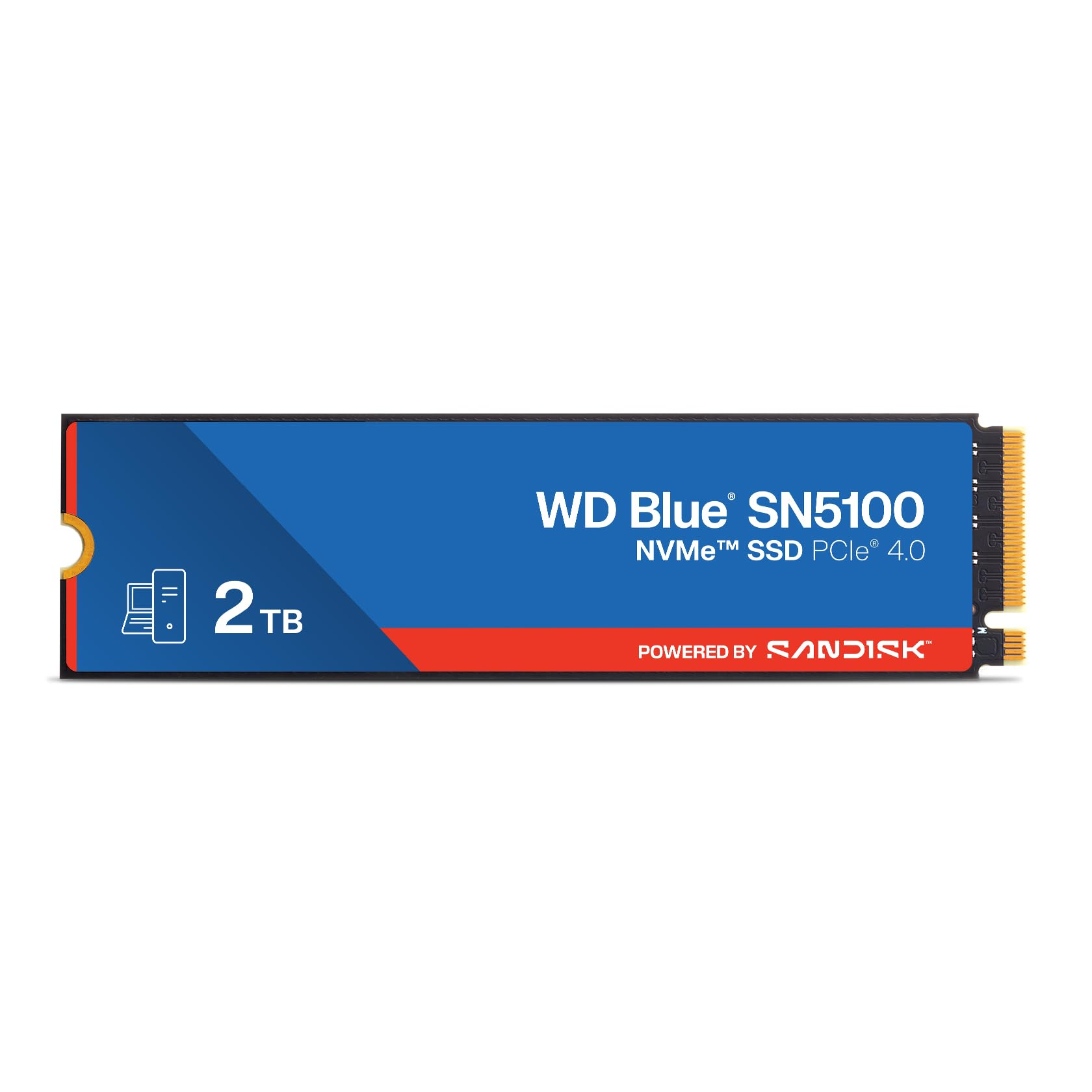
Dependable Gen4 drive with 7,100 MB/s reads for everyday gaming and work.
The WD Blue SN5100 is the steady, dependable choice, with read speeds up to 7,100 MB/s on the 1TB-2TB models — 30% faster than the prior generation. It’s built for AI-enabled workflows and content creation, using Sandisk 3D CBA NAND technology and nCache 4.0 to copy large files quickly. The M.2 2280 form factor fits both desktops and laptops, and Sandisk’s 5-year limited warranty backs it up.
Owners consistently report the drive performs exactly as described, with significant improvements in laptop boot-up time and overall speed. The value for money gets strong praise, and reviewers point out the storage capacity is a big advantage when upgrading an older machine. One person revived a 4-year-old Dell AIO with it, saving thousands versus buying a new PC, and another dropped it into a new Alienware as a gaming drive with excellent results.
The Acronis True Image download makes migration easy if you’re cloning your existing system drive. It’s not the absolute fastest drive on this list, but it’s a balanced, reliable pick that won’t let you down for everyday gaming and work. For most laptop owners, this is the sensible upgrade that just works.
grab it if: you want a reliable, fast Gen4 drive for daily gaming and general use without chasing peak numbers.
look elsewhere if: you need maximum write speeds for heavy content creation — some other picks here go faster on writes.
6. TeamGroup MP44L 2TB

Affordable Gen4 drive with 4,800 MB/s reads, doubling Gen3 performance.
The TeamGroup MP44L takes a smarter approach to value: instead of chasing the absolute fastest speeds, it delivers solid Gen4 performance at a friendlier price. With sequential read/write speeds up to 4,800/4,400 MB/s, it’s more than double the performance of a PCIe Gen3 drive, which is a huge jump for anyone upgrading an older laptop. It supports Intel and AMD’s latest platforms and fits both desktops and notebooks in the M.2 2280 form factor.
What makes it clever is the cooling: it’s the first product to introduce a conductive graphene coating on aluminum foil to the SSD label, which is less than 1mm thick and doubles heat dissipation performance when paired with your motherboard’s heatsink. Shoppers say fast speeds, quick boots, no game delays, and a simple installation. The 5-year or TBW (terabytes written, a measure of endurance) limited warranty adds long-term confidence.
For a budget-conscious PC or laptop builder, it’s one of the best storage options out there, with reliable performance and easy setup. The raw capacity shows up as 1.82TB due to formatting overhead, which is standard but worth knowing. If you want Gen4 benefits without paying premium prices, this is the smart pick.
choose it if: you’re upgrading an older laptop and want Gen4 speeds at a budget-friendly price.
pass it over if: you need the absolute fastest read speeds — this tops out at 4,800 MB/s, well below the 7,000+ MB/s flagships.
7. Bestoss M.2 2280 NVMe SSD 2TB
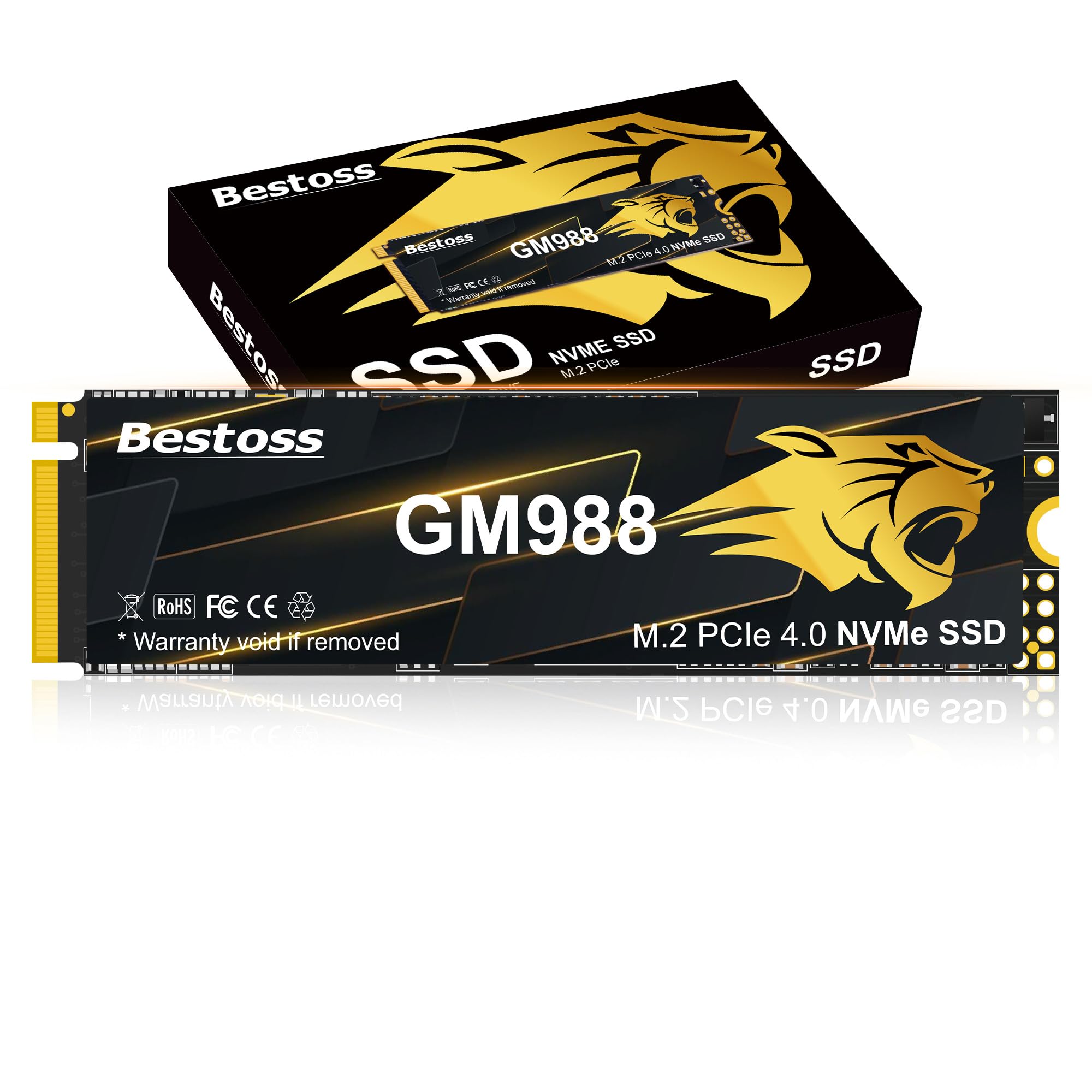
Budget Gen4 drive with 7,350 MB/s reads and PS5 compatibility.
The Bestoss M.2 2280 punches well above its price class, with read speeds up to 7,350 MB/s and writes up to 6,600 MB/s — numbers that rival drives costing significantly more. It’s a PCIe 4.0 drive with HMB and dynamic SLC Cache, which keeps performance smooth and stable during heavy loads like 4K game loading and 3D rendering. The graphene copper cooling principle keeps temperatures down during high-definition gaming, so read speeds stay close to peak.
Owners rave about the performance, calling it the most positive aspect, with installation close behind — it’s genuinely plug-and-play. It works with laptops, desktops, and is explicitly PS5 and Xbox Series compatible, making it a versatile pick for gamers with multiple systems. One owner paired it with a heat sink and installed it into their PS5 without trouble, and another uses it for Final Cut Pro on a Mac Mini M4 with great results.
The 3-year limited warranty with lifetime technical support covers you long-term. It’s a great value option if you want near-flagship speeds and PS5 compatibility without paying flagship prices. For anyone who wants maximum performance per dollar, this is a strong candidate.
reach for it if: you want near-flagship Gen4 speeds and PS5 compatibility at a budget-friendly price.
wait if: you prefer established premium brands with more owner history — this one has fewer reviews behind it.
8. Crucial E100 2TB
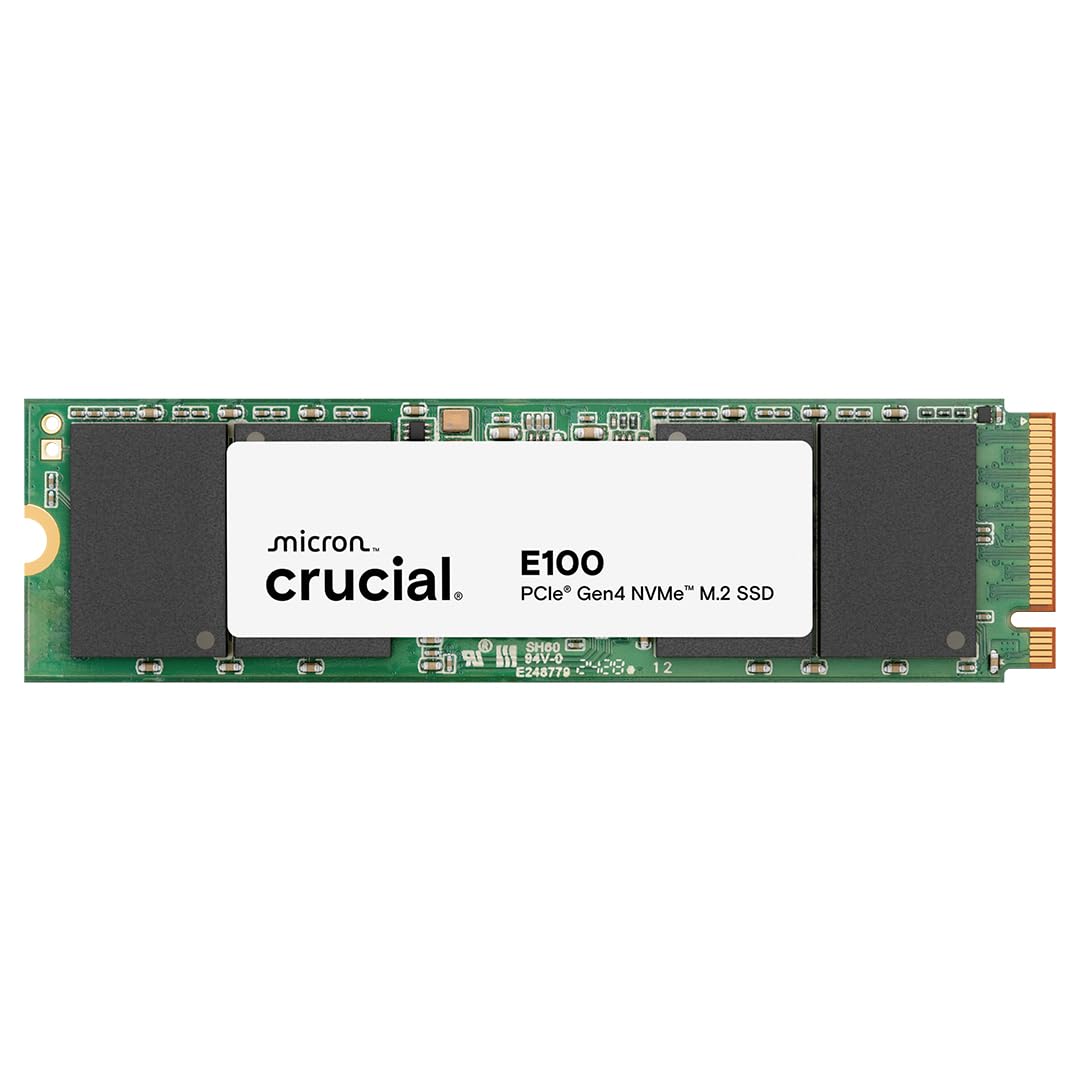
A friendly, fast upgrade that makes cloning your system drive a breeze.
The Crucial E100 is the approachable option for people who want a solid speed boost without any complications. It delivers Gen4 performance at 5,000 MB/s, which the maker says is 8x faster than SATA and 33x faster than hard disk drives — a massive difference you’ll feel every time you boot or launch a game. The 2TB capacity gives you room for all your favorite files, and it’s more durable and dependable than a hard drive while running quieter and cooler.
Functionality is the most-mentioned positive, with quality close behind, and owners highlight how easy the installation is. One buyer used it to create a duplicate of their system drive with cloning software, so if their system crashes, they can just swap drives and boot right back up. Another added it to an older computer to bring more life to it rather than buying a new machine, and a first-time PC builder found the install “super easy” on their Alienware.
It works with desktops, gaming consoles, and workstations, making it versatile. The step-by-step instructions cover both installation and cloning, which is perfect for non-tech-savvy users. If you want a reliable, fast, and genuinely easy upgrade — especially if you’re cloning your existing drive — this is a great choice.
pick it if: you’re new to SSDs and want a fast, easy install with cloning software to migrate your system.
it’s not for you if: you need the absolute fastest Gen4 speeds for heavy gaming — 5,000 MB/s is great but not top-tier.
9. Ediloca EN600 PRO 2TB

A budget Gen3 drive that’s a perfect match for older laptops without Gen4 slots.
The Ediloca EN600 PRO is the smart choice for older laptops, because it uses PCIe 3.0 — the interface those machines actually support. It delivers sequential read/write speeds up to 3,200/1,750 MB/s, which is a huge leap over a SATA drive and more than enough for fast game loading and everyday multitasking. It uses NVMe 1.3 technology and dynamic SLC cache to keep performance high and stable, plus 3D NAND with quality TLC particles for low power consumption and long life.
Reliability is the top owner draw, with speed and value close behind, and buyers report it working well for months. The graphene heat dissipation stickers provide effective cooling for sustained high-speed operation. One owner was hesitant about an unfamiliar brand, but their 15-year-old son installed it in no time — the included screw and screwdriver make installation genuinely easy. Another notes it handles 5GB transfers efficiently.
It’s compatible with laptops, desktops, and all-in-one computers that have an M.2 NVMe interface (a small slot for high-speed storage), running Windows 7, 8, 10, 11, and Mac OS 10.9 and later. Note: it’s NOT compatible with PS5, so console users should look at the Gen4 options above. The 3-year limited service covers you, making this a low-risk budget pick. Importantly, it’s dramatically slower than the Samsung 980 PRO — 3,200 MB/s read vs 7,000 MB/s, a 2.2x gap, and 1,750 MB/s write vs 5,100 MB/s, a 2.9x gap — but for a Gen3 laptop, that speed difference simply doesn’t show up in real-world use.
grab it if: you have an older laptop with a Gen3 slot and want maximum 2TB capacity on a budget.
think twice if: your laptop has a Gen4 slot or you’re installing into a PS5 — the faster Gen4 drives will make better use of your hardware.
Understanding the Specs
Sequential Read Speed
This is the headline number — how fast the drive can read large chunks of data in order, like when you load a game map or boot your OS. Higher is better, but only up to what your laptop’s M.2 slot supports. A Gen3 laptop caps out near 3,500 MB/s, so a 7,000 MB/s drive won’t run at full speed there.
SLC Cache and Sustained Writes
Many drives use SLC cache — a fast temporary buffer that absorbs quick bursts of writes, like installing a large game. Once the cache fills, speeds drop to the drive’s raw NAND speed. This matters for big installs and file transfers, so a drive with a large or dynamic SLC cache will stay faster for longer under sustained work.
Thermal Throttling
Fast NVMe drives generate heat, and when they hit a temperature threshold, they slow down to cool off — that’s throttling. In a thin gaming laptop with limited airflow, this can visibly impact performance during long sessions. Look for nickel coatings, heat spreaders, or graphene stickers to keep speeds stable.
TBW Endurance
TBW (Terabytes Written) tells you how much data you can write over the drive’s lifetime before it wears out. A higher TBW means longer life for heavy workloads like video editing or constant game installs. For most gamers, even a mid-range TBW rating is more than enough for years of use.
FAQ
Will a PCIe Gen4 SSD work in my older Gen3 laptop slot?
How do I know if my gaming laptop has an M.2 2280 slot?
Is 7,000 MB/s read speed worth it for gaming?
Do I need a heatsink for my SSD in a laptop?
Can I use a 2TB SSD in my PS5?
What does TBW mean and why does it matter?
Is it better to clone my old drive or do a fresh Windows install?
Will a 2TB drive make my laptop boot faster?
Final Thoughts: The Verdict
For the majority of shoppers, the 2tb ssd for gaming laptop winner is the Samsung 980 PRO because it pairs the fastest, most proven Gen4 performance with rock-solid reliability — the crowd favorite with a 4.8-star average. If you want a creator-friendly bundle with Adobe software and top-tier speeds, the Crucial T500 is the one to reach for. And for efficient on-the-go gaming that respects your laptop’s battery, the WD_Black SN7100 delivers desktop-class speed in a power-sipping package.
How We Picked
We do not accept paid placement. Every pick is matched to a real buyer and a real use-case; we do not hands-on test units.
Sources & Methodology
Specifications: manufacturer listings and product documentation. Review insights: verified customer reviews, as of August 2026. Pricing: not shown on this page (it changes often); check the current price via the retailer link.
As an Amazon Associate, Gadgets Feed earns from qualifying purchases. This does not affect which products we feature.