
Our readers keep the lights on and my morning glass full of iced black tea. As an Amazon Associate, I earn from qualifying purchases.
Specs are compiled from manufacturer listings and verified buyer reviews and can change over time — please confirm the key details on the product page before buying.
A 1080P portable monitor turns a cramped hotel desk into a full dual-screen workstation.. The real buying decisions hinge on power delivery, connectivity, and durability, not just screen size or price.. This guide ranks top models by power, connectivity, and travel durability..
I’m Min — the founder and writer behind Gadgets Feed. This guide is built by comparing the manufacturers’ published specifications and the patterns across verified customer reviews, so you get each pick’s real strengths and trade-offs instead of marketing spin.
This guide ranks the best 1080P portable monitors for every user, from budget work screens to pro color-accurate panels..
Our Picks at a Glance
How To Choose The Best 1080P Portable Monitor
Before you compare panels and prices, you need to match the monitor to the laptop you already own. Your laptop’s USB-C port must support video output — often called DP Alt Mode — or you will need an adapter or a special driver to make the screen work. If your laptop only has USB-A ports or an older HDMI port, check that the monitor you pick includes the right cables.
Power Delivery and Brightness
A single USB-C cable that carries both video and power is the cleanest setup, but not every port delivers enough juice. Several of the monitors here run at reduced brightness — some as low as 43% — when powered only by a laptop. If you need a bright screen in a sunny room, plan to connect the monitor to its own power adapter, which most models include.
Refresh Rate vs. Color Accuracy
Gamers and fast-scrolling workers will notice the difference between a standard 60Hz screen and a 100Hz panel, which makes motion feel smoother. On the other hand, if you edit photos or design for a living, you care more about color accuracy — measured by sRGB coverage and certifications like Pantone validation — than refresh speed. No single monitor excels at both, so decide which matters more for your daily work.
Quick Comparison
| Model | Best For | Refresh Rate | Brightness | Weight | Amazon |
|---|---|---|---|---|---|
| ASUS ZenScreen MB16ACV★ Best Overall | Business travelers | 60Hz | — | Under 3 lbs | Amazon |
| APILDELLA 14″ DualCompact Pick | Clamp-on productivity | — | 250 cd/m² | — | Amazon |
| ViewSonic VA1653Budget Champion | Budget travelers | 60Hz | 250 cd/m² | 1.5 lbs | Amazon |
| Acer PM161Q | Students and desk use | 60Hz | — | — | Amazon |
| InnoView 18.5″ | Big-screen gaming | 100Hz | 300 cd/m² | 3.3 lbs | Amazon |
| Acer PM191Q | Desk-based second screen | 100Hz | — | 2.5 lbs | Amazon |
| ARZOPA 17.3″ A1M | Color-critical work | — | 300 cd/m² | — | Amazon |
| ASUS ZenScreen MB16AHV | Hygiene-conscious nomads | — | 250 cd/m² | 0.9 kg | Amazon |
| Lenovo L15 | Light travelers | 60Hz | 250 nits | Under 2 lbs | Amazon |
| Plugable USBC-PDMON | Hub-and-monitor combo | — | 300 nits | 1.85 lbs | Amazon |
| ViewSonic VP16-OLED | Photo and video pros | 60Hz | 400 cd/m² | 2 lbs | Amazon |
In‑Depth Reviews
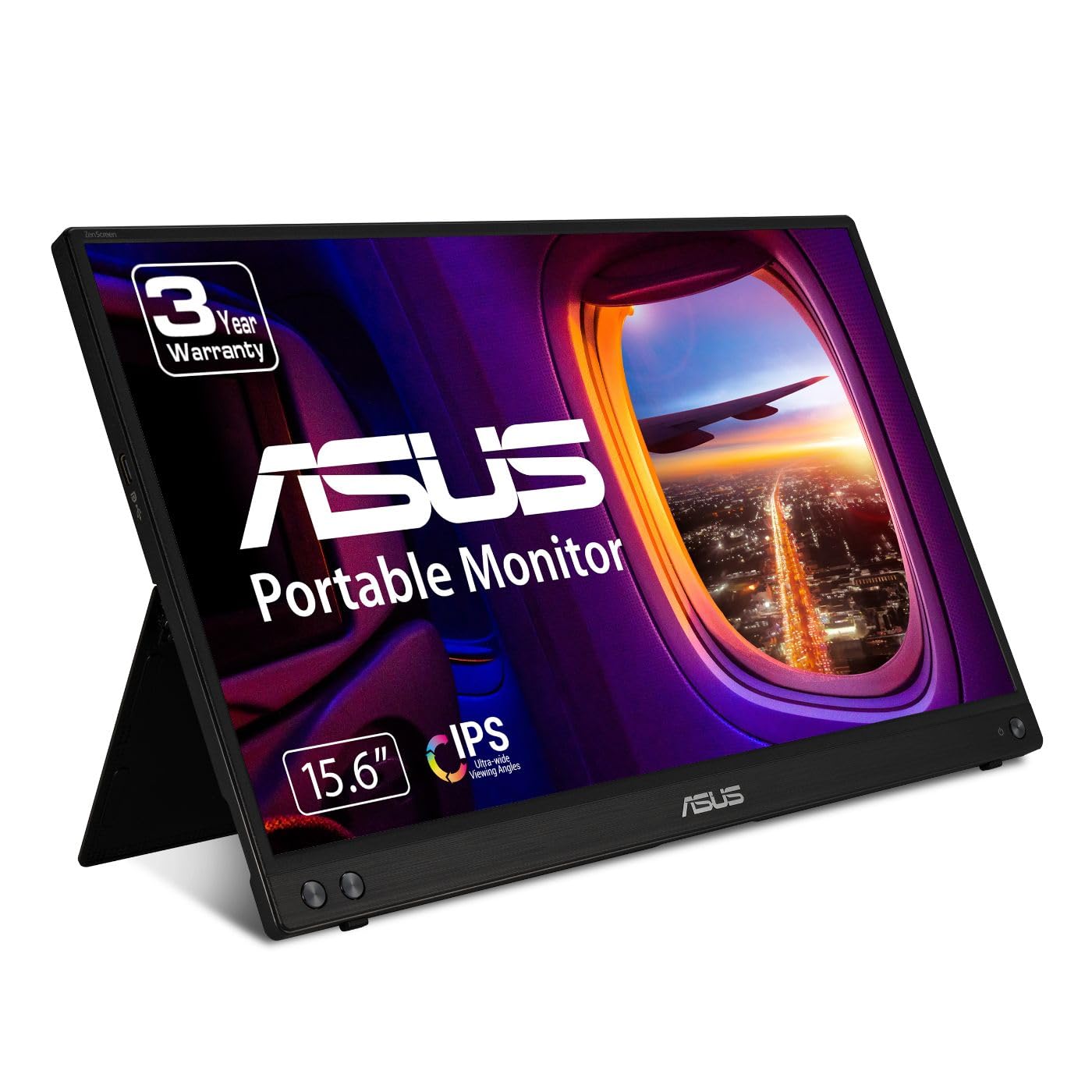
1. ASUS ZenScreen 15.6 Inch MB16ACV
Our pick — 4.5★ from 950+ verified ratings; the strongest balance of quality and price.
The business-trip companion that drops your extra screen weight to almost nothing.
For road warriors, the single most useful feature here is that you never pack a separate power brick. The ZenScreen runs entirely off one USB-C cable that carries both video and power, and it comes with a USB-C to A adapter for older laptops. At under 3 pounds with a tripod mount threaded into the back, it is built for hotel desks and client meetings, not just home offices.
The 15.6-inch Full HD IPS panel handles glare well enough for bright rooms, and the built-in kickstand props it up in either portrait or landscape. TÜV Rheinland-certified Flicker-free and Low Blue Light tech reduces eye strain during long document sessions.. Buyers report it is a minimalist’s dream: no external adapter, no clutter, just one cord. As owners mention: “It certainly met my expectations.”
The main honest caveat: it needs a laptop with DP Alt Mode over USB-C, and some desktop USB-C ports simply won’t drive it. For gaming, the 60Hz refresh keeps it a productivity tool rather than a play screen. The quality is the thing everyone raves about — it is the most-discussed strength by far, with the lightweight build coming second in owner enthusiasm.
portable full HD
- Single USB-C cable for power and video — no brick to pack
- Kickstand supports both portrait and landscape modes
- Free 3-month Adobe Creative Cloud subscription included
needs USB-C power
- Requires DP Alt Mode USB-C port; some desktops won’t work
- 60Hz refresh keeps it off the gaming shortlist
- Mixed durability reports on the kickstand — treat it gently
travel display: you live out of a carry-on and want a genuinely portable second screen for work.
desk setup: you need a gaming panel or your laptop lacks a video-capable USB-C port.
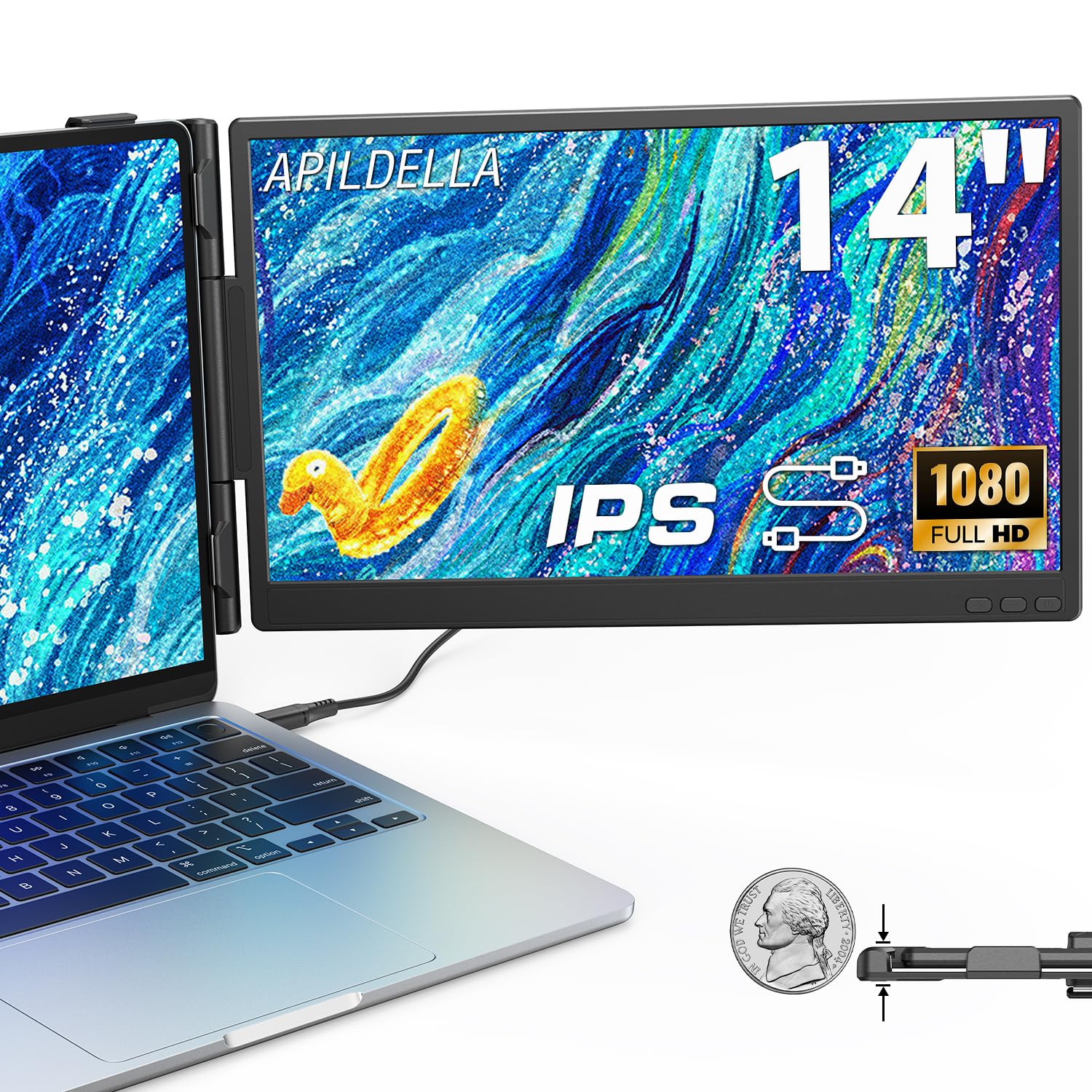
2. APILDELLA 14” Dual Laptop Screen Extender
A clamp-on second screen that turns your laptop into a dual-display workstation without extra desk space.
Instead of a freestanding panel, this one attaches directly to your laptop lid with an upgraded zero-contact frame, so the screen never scratches your laptop’s surface. The sliding support arm extends to fit 13-16 inch laptops, making it a true on-the-go productivity tool. It folds 0-225 degrees, so you can angle it exactly where you need it for coding on one screen and email on the other.
The 14-inch 1920×1080 IPS panel includes HDR mode for richer colors and low blue light for eye comfort. Customers note it works “well right out the box,” with a single USB-C cable handling both power and data. Setup is genuinely plug-and-play — no drivers to download — which is the most-praised feature by far, with portability a close second.
Two honest notes: the built-in speaker is very quiet, and the clamp depth may be too shallow for a thicker laptop like the Dell Latitude 3540. Check your laptop’s lid thickness before ordering. For a desk-free dual-screen setup under a modest budget, this is a smart way to expand what your laptop can do.
dual-screen productivity: A clever, low-footprint way to go dual-screen anywhere — as long as your laptop lid is slim enough for the clamp.
multi-tasker: remote collaboration and travel where a separate stand-up monitor is impractical.
minimalists: thick or ruggedized laptops that need a deeper clamp.
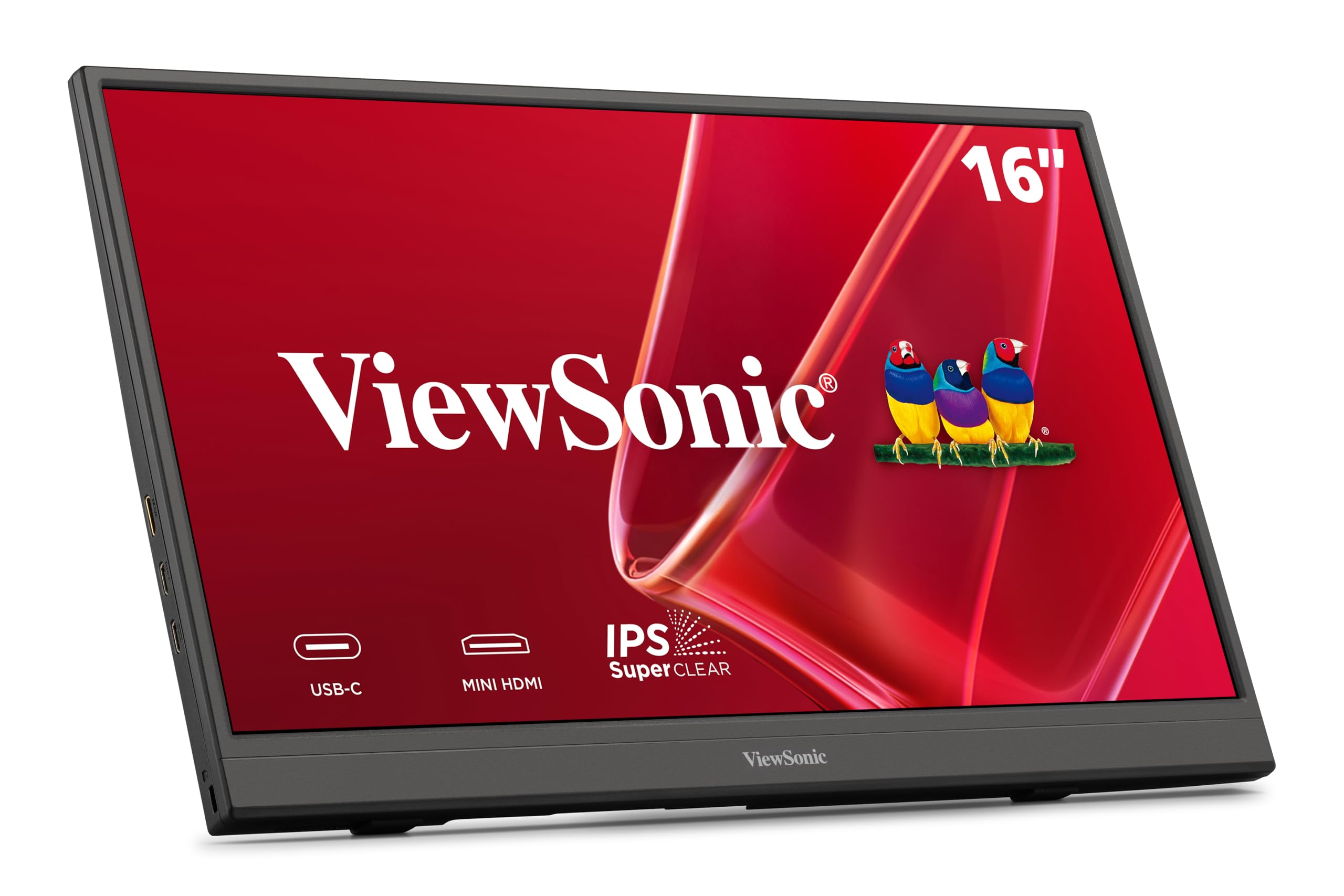
3. ViewSonic VA1653 16 Inch 1080p
A featherweight 1.5-pound panel that slips into a purse and still delivers crisp work-grade 1080p.
At just 0.7 inches thick and 1.5 pounds, this is the monitor you forget you are carrying. The 15.6-inch IPS screen (1920×1080) offers a menu to adjust screen size, magnification, brightness, and color — a feature buyers specifically highlight. The included foldable stand supports both portrait and landscape, and a protective sleeve ships in the box.
Setup is a single USB-C cable that carries video and data, with two-way power delivery: your laptop can power the screen, or the screen can pass power through to your device when you use the AC adapter. Buyers find the resolution excellent and the portability perfect for a business bag.
The honest trade-offs: connectivity gets the most negative feedback, with some owners needing to reinsert cables to get a stable signal, and the stand feels flimsy to some. Value opinions are mixed, but for a light, affordable travel screen with a 3-year warranty, it is hard to fault the core job it does.
budget 1080p: Amazingly portable and clear, but budget buyers should expect to fuss with the cable connection occasionally.
value pick: you want a genuinely featherweight second screen for occasional travel.
premium users: you need rock-solid connectivity for high-pressure presentations.
4. Acer PM161Q 15.6in FHD

A dependable, budget-friendly 1080p panel that shines for students and side-by-side studying.
For a student workstation, this Acer pairs a 15.6-inch Full HD (1920×1080) IPS display with AMD FreeSync, which keeps motion smooth during video playback and casual gaming. The panel is crisp and accurate enough for coding, tutorials, and note-taking — though reviewers point out it is not for color-critical work. It also has built-in speakers, a bonus at this level.
Setup is genuinely plug-and-play: one USB-C cable connects to a MacBook Pro without any settings changes, and it runs bright on battery power with no flicker. The ultra-slim design fits easily into a backpack or laptop bag. Quality and portability are the aspects owners praise most, in that order.
The main fit-note: compatibility and reliability are the most-discussed aspects overall, and a few owners mention the short included cables are stiff and obstructive — some buy a longer 6-foot video-capable cable. It also tops out at 60Hz. For a first portable monitor on a budget, this is a solid, no-surprises pick that works from the start.
slim and light
- Sharp Full HD IPS with FreeSync for smooth motion
- True plug-and-play with Macs via USB-C
- Built-in speakers and VESA mounting compliance
limited ports
- Short stiff included cables — budget for a longer one
- 60Hz refresh limits gaming ambitions
- Screen quality opinions are genuinely mixed
frequent flyer: dorm-room dual screens and travel studying on a tight budget.
hub users: photo editing or a panel with vivid, color-accurate output.
5. InnoView 18.5 inch 100Hz

A big 18.5-inch canvas with a 100Hz refresh that makes gaming and multitasking feel genuinely fluid.
This is the screen for people who want maximum portable real estate. The 18.5-inch 1080p FHD IPS panel jumps to a 100Hz refresh rate, which is noticeably smoother than 60Hz for both gaming and fast scrolling through documents. With 120% sRGB and 8-bit color depth (16.7M colors), images look vivid and rich — a display shoppers say stands out even next to a 4K panel.
At 3.3 pounds with a minimum thickness of 0.22 inches, it is heavier than smaller travel screens but still bag-friendly. It offers three mounting options: a wall mount, a desktop stand, or the included kickstand. Connectivity spans two USB-C ports and one standard HDMI, covering MacBook, Surface, Xbox, Switch, and PS5.
The biggest buyer caveat is power: with only a single USB-C cable from a laptop, brightness caps out at around 43-69%. You need a second USB-C cable or its own power (20W or more) to hit 100% brightness. The portability is the aspect owners praise most by far, with picture quality second. A few buyers report flickering until the monitor gets enough power, so budget for the separate power source.
high refresh rate: The best-performing big-screen value in this list, provided you accept the added weight and the need for proper power to get full brightness.
smooth motion: gaming on the go or a roomy second screen that can handle fast action.
portability: you want the lightest possible travel kit or rely purely on laptop USB-C power.
6. Acer PM191Q 18.5in FHD 100Hz

A slim 0.54-inch panel that brings 100Hz smoothness to a home-office second screen.
This Acer leans toward desk use more than travel. It is ultra-slim at just 0.54 inches and weighs 2.49 pounds, but the 18.5-inch size means it barely fits in some backpacks. Once it is on your desk, though, the 1080p IPS panel shines with crisp text and a 100Hz refresh that reduces eye strain during long sessions — a clear step up from standard 60Hz monitors.
The single-cable solution is the highlight: one USB-C cable shares your display, transfers data, and supplies power, and it can also connect to a smartphone or tablet. It includes HDMI and two USB-C ports. Buyers praise the quality, functionality, and sharp color rendering. One buyer sums up the plug-and-play reliability nicely: “I’ve purchased a couple different brands and they work a few times and die or they have software that has to be downloaded and doesn’t work. This one is plug and play.”
The trade-off is portability — it is more of a desktop companion than a carry-on screen, and no protective case is included. Color quality is decent but not vibrant, and the bundled HDMI cable doesn’t support VRR. Monitor quality is the aspect owners praise most, with functionality second.
bigger screen real estate
- 100Hz refresh makes scrolling and gaming smoother
- True plug-and-play — no software required
- Single USB-C cable for display, data, and power
heavier build
- Too large for most travel bags
- No protective sleeve or case included
- Average brightness washes out in direct light
desk companion: you want a roomy, smooth second monitor that stays on your desk.
backpack trips: frequent travel is your main use case or you need a case for protection.
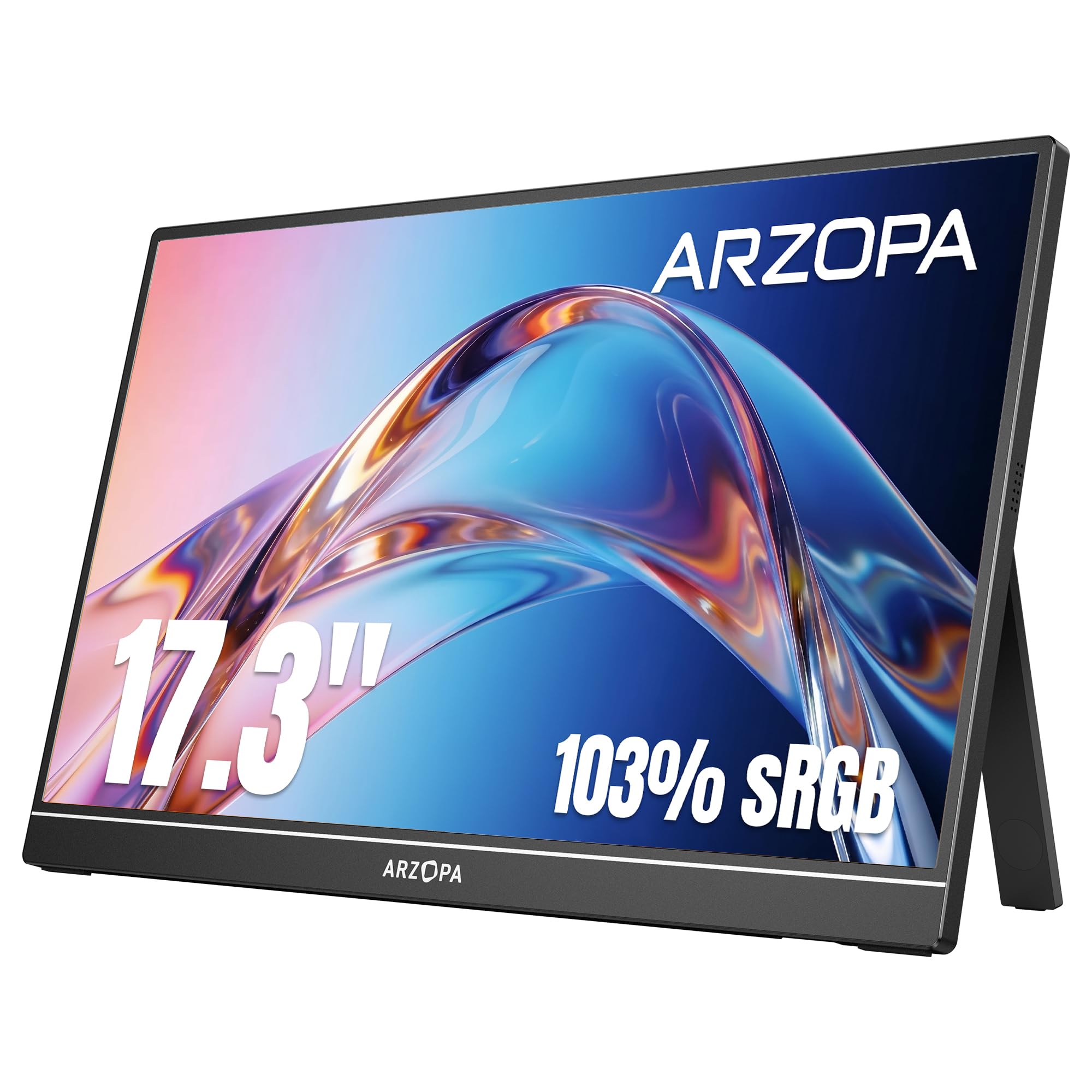
7. ARZOPA 17.3″ A1M
A punchy 17.3-inch panel with 103% sRGB color that satisfies both gamers and photo editors.
This ARZOPA splits the difference between size and travel weight. The 17.3-inch 1080p FHD IPS screen delivers 103% sRGB color gamut, which means colors look rich and accurate — good enough that buyers use it for photo editing and remote work. The built-in kickstand is sturdy and adjustable, flipping between landscape and portrait modes for presentations or long documents.
Setup is a breeze: one USB-C cable handles both video and power, with Type-C and mini HDMI ports covering laptops, smartphones, and consoles like PS5 and Xbox. Owners mention the 30-second setup and solid connections. The quality is the aspect owners praise most by far — it is the clear standout — with portability a strong second.
The honest catch: connectivity is the most-discussed mixed aspect, and the instructions can be unclear, with one buyer spending time figuring out compatible cables for a docking station. At 17.3 inches, it is also a tight fit for a carry-on, so some travelers prefer a 15.6 or 16.1-inch model. For a vivid, versatile screen that anchors a hotel-room setup, this delivers.
affordable 17-inch: Great color, sturdy build, and easy setup make this a favorite — just confirm your cable setup before you rely on it.
budget large: you want accurate color for creative work plus a big gaming screen in one unit.
color work: you need guaranteed dock compatibility or a screen that fits easily in a small carry-on.
8. ASUS ZenScreen MB16AHV 15.6 Inch

An ultra-slim 10mm screen with an anti-bacterial surface for shared workspaces and busy airports.
This ZenScreen stands out for a reason frequent travelers will appreciate: The ionic silver coating on the surface inhibits 99.9% of bacteria, making it ideal for shared workspaces.. That makes it a confident choice for shared coworking spaces, cafes, and airports, where a screen you touch is a screen you want clean. At 10mm ultra-slim and 0.9kg, it barely registers in a travel bag.
The 15.6-inch FHD IPS anti-glare display stays crisp and clear, working with both Mac and PC. It connects via dual USB-C and mini-HDMI ports, with 15W power delivery so one cable handles power and video. The fold-out kickstand and tripod socket give you flexible positioning on any hotel desk. ASUS DisplayWidget software automatically rotates between portrait and landscape for long documents.
Quality is the aspect owners praise most, with reliability second. It is easy to set up and “ridiculously easy” to use, as buyers put it. The genuine trade-off: durability is the most-discussed negative aspect, so treat the slim frame with care. This is a polished, health-conscious pick for digital nomads who value both portability and a clean surface.
IPS wide angle: Premium portability with a genuinely unique anti-bacterial surface — just handle the slim frame gently.
color accurate: frequent flyers who work from shared desks and want a hygienic, featherweight screen.
touch fans: you need a more rugged, drop-tolerant build for rough travel.
9. Lenovo L15 15.6″

A 250-nit, under-2-pound panel with a height-adjustable stand that disappears into a backpack.
Lenovo focuses on comfort here. The L15 packs a 15.6-inch Full HD IPS display at 250 nits brightness into a body under two pounds, making it one of the lightest full-size travel screens. The ergonomically designed height-adjustable stand reduces eye strain during long sessions, and Flicker-free technology reduces eye strain during extended document work..
Connectivity is two USB-C ports, which deliver both video and power through a single cable. Buyers love it for travel, calling it super-light and easy to hook up, with fantastic picture quality and excellent resolution. It pairs particularly well with ThinkPad owners replacing a dual-monitor home setup, and the small physical footprint keeps desk space clear.
The honest fit-note: reliability is the most-discussed aspect overall and it is mixed — most owners have zero issues, but a small number report a USB-C port failing within a year. The included sleeve also lacks a cable pouch and top closure. Screen quality is the aspect owners praise most, with portability second. For a light, comfortable remote-work screen, this is a strong, premium-feeling choice.
trusted brand: A genuinely light and comfortable screen for remote workers — just know the long-term port reliability is a mixed bag in owner reports.
reliable choice: you want maximum portability plus an adjustable stand for all-day comfort.
spec seekers: you need a rugged workhorse that has to survive years of heavy daily plugging.
10. Plugable 15.6″ USB-C with Hub
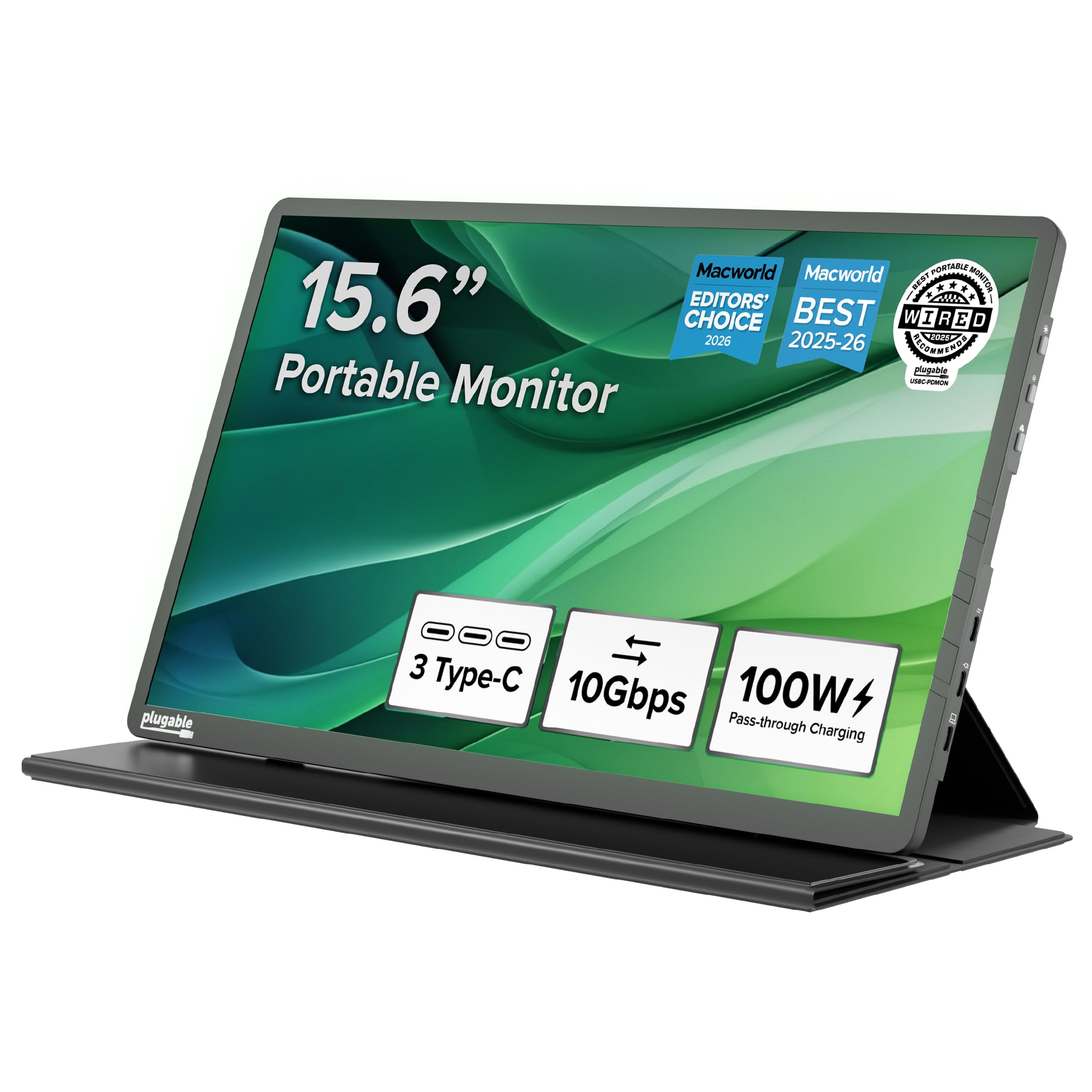
A monitor that doubles as a 10Gbps hub and charges your laptop with 85W pass-through power.
This Plugable is the ultimate space-saver because it replaces two devices at once. Beyond the crisp 15.6-inch 1920×1080 IPS display at up to 300 nits, it includes two 10Gbps USB-C ports for peripherals — turning the monitor into a portable hub for your mouse, drive, or dongle. The 100W power delivery pass-through charges your host laptop with up to 85W while you use the screen, so one outlet powers everything.
At 1.85 pounds with a folding travel cover that doubles as a stand, it is ideal for hybrid office setups. It is TAA-compliant and was named Editor’s Choice by ZDNET, WIRED, and MacWorld. Buyers call it a key part of their travel kit, noting it is sharp and bright enough for on-the-road casual use with a MacBook Air.
The catch: it requires a video-capable USB-C (DP Alt Mode), USB4, or Thunderbolt host port, and you must use the supplied USB-C cable — standard charging cables won’t work. Phones and tablets may need supplemental power. Display quality is the aspect owners praise most, with portability second. For a clean, all-in-one travel setup, this is the smartest single purchase.
built-in hub: The rare portable monitor that genuinely declutters your bag by replacing a hub, a charger, and a screen.
dock alternative: you want one device that charges your laptop, connects your peripherals, and adds a screen.
simple setups: your laptop lacks a video-capable USB-C port or you already carry a separate hub.
11. ViewSonic VP16-OLED 15.6 Inch

A Pantone-validated OLED panel that brings true black levels to a portable creative workstation.
For photographers and video editors, this is the color-accurate portable monitor worth saving for. The 15.6-inch OLED display is Pantone Validated, reproducing the Pantone Matching System colors essential for professional creative output. With a 20,000,000:1 contrast ratio and 400 cd/m² brightness, blacks are genuinely black and colors pop — customers note it delivers on the OLED promise with superior black levels compared to a 32-inch ASUS ProArt.
It stays travel-friendly at just 0.8 inches thick and 2 pounds. A single USB-C cable handles data, audio, and video with 40W charging to keep your devices powered. The height-adjustable stand includes an integrated tripod mount, plus a professional monitor hood and screen cover ship in the box. Reviewers point out zero input lag in gaming, tested with Hollow Knight.
The trade-offs are real: it is a premium investment, capped at 60Hz, and color quality feedback is mixed — some love the vibrancy, others report issues. A few owners find the threaded frame connection fragile, so handle the stand mount with care. Build quality is the aspect owners praise most, with picture quality second. This is the pro-tier choice when color fidelity matters more than price.
OLED contrast
- Pantone Validated color accuracy for creative work
- 20,000,000:1 contrast delivers true OLED blacks
- 40W USB-C charging keeps devices powered
premium cost
- Premium price for specialized use
- 60Hz refresh is standard, not gaming-fast
- Threaded stand connection feels fragile to some
cinema quality: you are a creative professional who needs accurate color on location.
tight budgets: you want a budget travel screen or plan to game at high refresh rates.
Understanding the Specs
Refresh Rate (Hz)
This is how many times per second the screen redraws the image. Standard portable monitors run at 60Hz, which is fine for documents and video. A 100Hz panel like the InnoView or Acer PM191Q redraws faster, so fast-moving content like games and scrolling feels smoother and less strained on your eyes.
Brightness (cd/m² or nits)
This measures how bright the screen can get. Budget panels often sit at 250 cd/m² or nits, which works indoors but can wash out near a window. Brighter screens like the 400 cd/m² ViewSonic VP16-OLED handle more lighting conditions. Remember that some monitors only reach full brightness with separate power connected.
FAQ
Will a 1080P portable monitor work with my laptop’s USB-C port?
Why is my portable monitor dim until I plug in power?
Is a 100Hz portable monitor worth it over 60Hz?
Can I use a portable monitor with my phone or tablet?
What is the difference between IPS and OLED in a portable monitor?
How much does a portable monitor weigh, and does it fit in a backpack?
Do portable monitors have built-in speakers?
Do I need to install drivers to use a portable monitor?
Can I use a portable monitor for gaming?
What does Pantone Validated mean on the VP16-OLED?
Final Thoughts: The Verdict
The 1080p portable monitor winner for most travelers is the ASUS ZenScreen MB16ACV, because it delivers the lightest single-cable setup with a work-grade anti-glare panel and a genuine 3-year warranty. If you want to double your screens without any desk space, the APILDELLA 14″ extender clamps straight onto your laptop. And for creative pros who need accurate color on location, the ViewSonic VP16-OLED brings Pantone-validated OLED blacks to a portable footprint.
How We Picked
We do not accept paid placement. Every pick is matched to a real buyer and a real use-case; we do not hands-on test units.
Sources & Methodology
Specifications: manufacturer listings and product documentation. Review insights: verified customer reviews, as of August 2026. Pricing: not shown on this page (it changes often); check the current price via the retailer link.
As an Amazon Associate, Gadgets Feed earns from qualifying purchases. This does not affect which products we feature.