
Our readers keep the lights on and my morning glass full of iced black tea. As an Amazon Associate, I earn from qualifying purchases.
Specs are compiled from manufacturer listings and verified buyer reviews and can change over time — please confirm the key details on the product page before buying.
Finding a new TV that doesn’t drain your bank account usually feels like a trade-off between size, picture quality, and smart features. The good news is that the current crop of budget-friendly models delivers stunning 4K pictures, easy streaming, and even gaming features that were once reserved for flagship sets. This guide cuts through the noise to help you pick the right screen for your room, your habits, and your wallet.
I’m Min — the founder and writer behind Gadgets Feed. This guide is built by comparing the manufacturers’ published specifications and the patterns across verified customer reviews, so you get each pick’s real strengths and trade-offs instead of marketing spin.
Whether you’re upgrading from an old 1080p set or buying your first big screen, these are the best affordable tv picks that balance picture quality, smart features, and real-world reliability.
Our Picks at a Glance
How To Choose The Best Affordable TV
Before you click buy, the most important step is deciding what you actually value. A TV for a bright living room needs different specs than one for a dark basement bedroom. Think about your viewing habits and your space first, then match the specs below to your situation.
Match the Screen Size to Your Room
The size of the TV should be dictated by where you sit, not just what’s on sale. A 55-inch screen is great for a living room where you sit 6 to 8 feet away. A 40- or 43-inch model suits a bedroom, kitchen, or a smaller apartment. Choosing a slightly smaller size with a better picture is often the smarter move than squeezing a bigger, lower-quality panel into a small space.
Decode the Picture Tech: QLED, Mini-LED, and HDR
The terms on the box—QLED, Mini-LED, HDR—describe how the TV produces light and color. QLED (Quantum Dot LED) uses a layer of tiny particles to boost color brightness and range, making colors pop more than a standard LED screen. Mini-LED is a backlight upgrade that places thousands of tiny LEDs behind the screen, allowing for deeper blacks and brighter highlights because the TV can dim small zones independently. HDR (High Dynamic Range) is the software that tells the TV to display a wider range of brightness and color, meaning you see more detail in both the darkest shadows and the brightest skies. For a budget buyer, look for a QLED or Mini-LED panel with Dolby Vision or HDR10 support for the best visual punch.
Smart Platform: The Software That Runs Your TV
The operating system is the menu you’ll use every single day, so it pays to pick one you find intuitive. Roku is famously simple and clutter-free, making it perfect for anyone who just wants to click and watch. Fire TV (from Amazon) puts Alexa voice control front and center and integrates deeply with Prime Video. Google TV uses Google’s recommendation engine and works well with Android phones. Each is a solid choice; the right one is the interface you find least annoying to navigate.
Quick Comparison
| Model | Best For | Display Tech | Resolution | Smart OS | Amazon |
|---|---|---|---|---|---|
| Roku 55-Inch Plus Series★ Best Overall | Best Overall 4K Value | QLED Mini-LED | 4K UHD | Roku TV | Amazon |
| FPD 40-Inch Smart TVBudget Champion | Budget 1080p Simplicity | LED | 1080p Full HD | Tizen OS | Amazon |
| Westinghouse 43-Inch 4K UHD XumoBest Built-in Sound | Budget 4K with Great Sound | LED | 4K UHD | Xumo TV | Amazon |
| TOSHIBA 50″ C350 Series | Popular 50″ Living Room Pick | LED | 4K UHD | Fire TV | Amazon |
| Samsung 43-Inch U8000H | Entry-Level Samsung 4K | LED | 4K UHD | Samsung Tizen | Amazon |
| TOSHIBA 55″ M450 QLED | QLED Gaming Upgrade | QLED | 4K UHD | Fire TV | Amazon |
| Samsung 43-Inch M70H Mini LED | Premium Mini-LED Brightness | Mini-LED | 4K UHD | Samsung Tizen | Amazon |
| Sony 43″ BRAVIA 2 II | PS5 Gaming & Motion Handling | LED | 4K UHD | Google TV | Amazon |
| Hisense A7 55-Inch | rich 55″ Sound & Color | LED | 4K UHD | Google TV | Amazon |
In-Depth Reviews
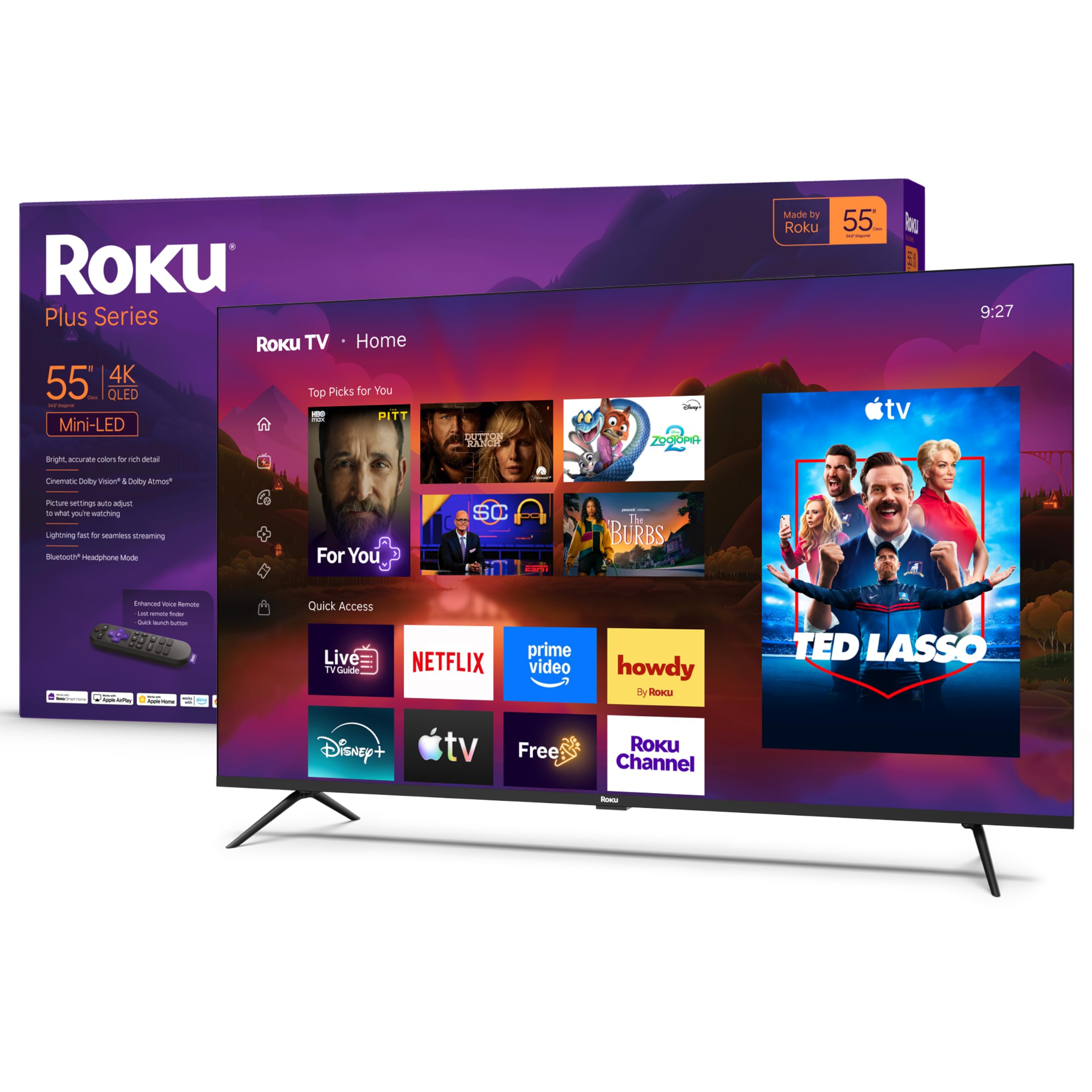
1. Roku 55-Inch Plus Series Smart TV
Our pick — 4.5★ from 650+ verified ratings; the strongest balance of quality and price.
You get a 55-inch 4K QLED (a screen that boosts color and brightness) with a simple interface—ideal if you want big, vivid pictures without a learning curve.
For most living rooms, this is the one to beat. The 55-inch screen uses QLED Mini-LED backlighting to deliver rich detail, striking color, and vivid highlights, all while Deep Blacks keep dark scenes looking clean. You get Dolby Vision for enhanced contrast, and the high contrast ratio makes both bright action and shadowy thrillers look their best.
The Roku interface is the strength here. Setup takes just minutes, the home screen is simple to navigate, and the uncluttered remote handles everything you need—plus a lost remote finder for the couch cushions. Buyers consistently report the picture is bright and clear with deep blacks, and the value for money is a recurring theme. As owners put it: the interface setup “can be a little tedious but it wasn’t difficult at all” and the picture is “great for gaming! Both on Xbox and PlayStation.”
This is also a smart home hub. Roku Voice, Siri, Alexa, or Google Assistant are all on board, and Apple AirPlay lets you share videos and photos straight from an iPhone. For gamers, the Variable Refresh Rate (VRR) and Game Mode cut down on stutter. The Bluetooth headphone mode is a quiet luxury for late-night watching, letting you listen without waking the house.
What Wins People Over
- Mini-LED backlighting plus QLED delivers standout brightness and color for the price.
- Roku OS is famously easy, with a simple remote and quick app access.
- Strong gaming support with VRR, Game Mode, and fast response on consoles.
The Trade-offs to Know
- Occasional units have had functional issues or remotes stop working after a few months.
- Initial interface setup takes a few extra minutes of attention.
Reach for this if: you want the best blend of large-screen 4K quality, smart features, and easy daily use without stepping up in price.
Look elsewhere if: you need a smaller secondary TV, or you want the absolute highest-end picture processing found on premium flagships.
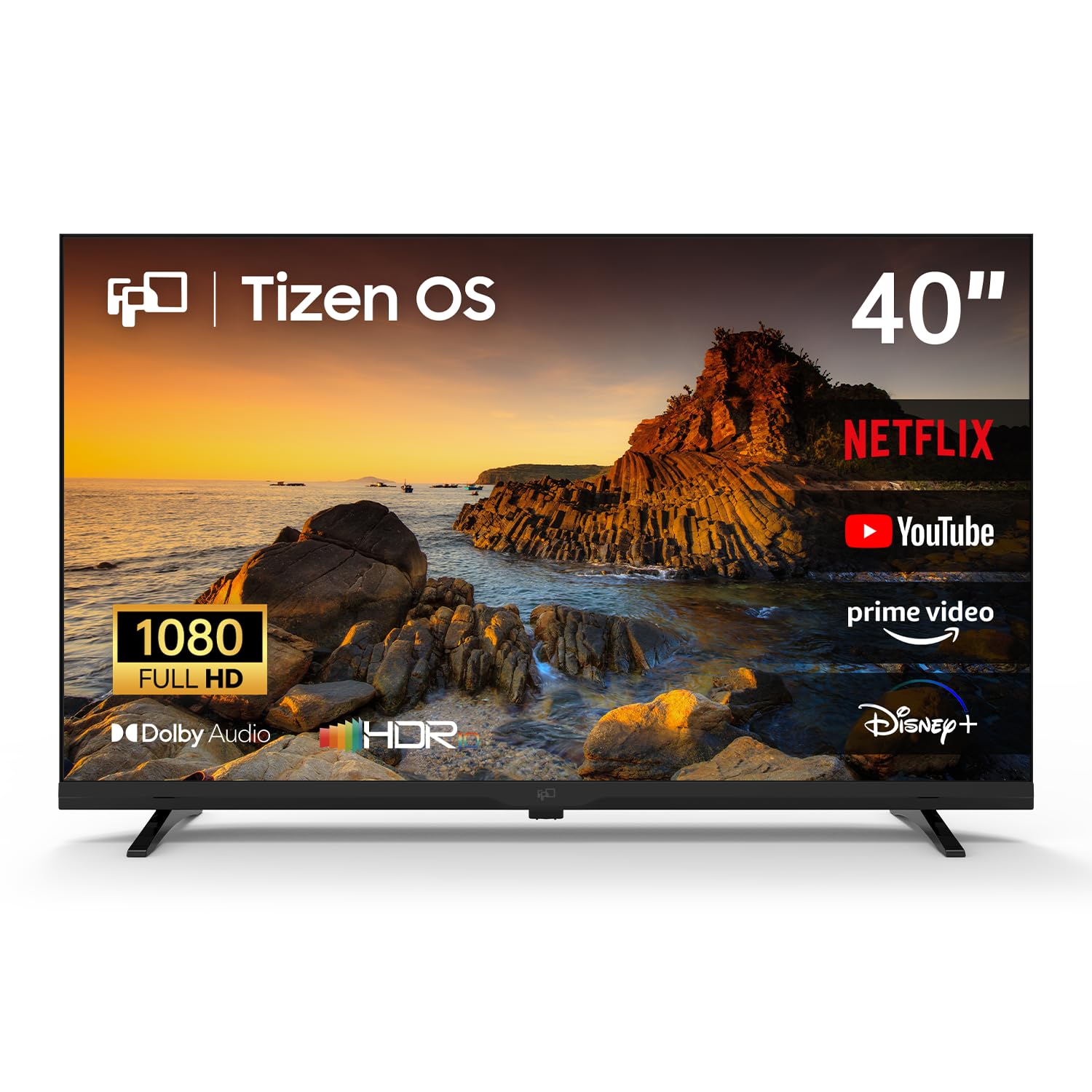
2. FPD 40 Inch Smart TV 1080p Full HD
A compact 40-inch 1080p set that keeps the cost down and the smart features in.
This is the entry-level pick for a bedroom, kitchen, or guest room where 4K resolution isn’t a priority. The 40-inch Full HD screen is powered by Samsung’s Tizen OS, which means a fast, responsive smart experience with instant access to Netflix and YouTube. It pairs crisp Full HD clarity with HDR10 enhancement and rich Dolby Audio to turn a small space into a mini home theater.
What makes it genuinely budget-friendly is the free content built in. You get Samsung TV Plus delivers 350+ live channels with no sign-up or subscription. with no sign-up, no subscription, and no hidden costs—just press and watch. The gaming angle is unexpected for the price, too: Samsung Gaming Hub streams 1,000+ titles from Xbox Cloud Gaming and NVIDIA GeForce NOW, so you can connect a controller and play without ever owning a console.
The honest caveat is reliability. While many buyers report good quality and value—”quality sound and picture,” “easy remote control”—a few owners have reported the panel failing after several months of normal use. It’s a risk that comes with the very low entry price, so consider it a solid secondary TV rather than your main family room workhorse, and treat the screen with care.
Smart and cheap: Tizen OS keeps app switching quick, and the free channel lineup removes the need for a streaming stick or cable box.
Size the risk: The low cost comes with occasional reliability complaints, making this best for secondary rooms where a failure is less disruptive.
Best for: someone who wants a cheap, easy, decent-looking smart TV for a smaller room and values built-in free channels.
Consider elsewhere if: you need 4K sharpness, or this will be your primary TV where a rare panel failure would be a major headache.
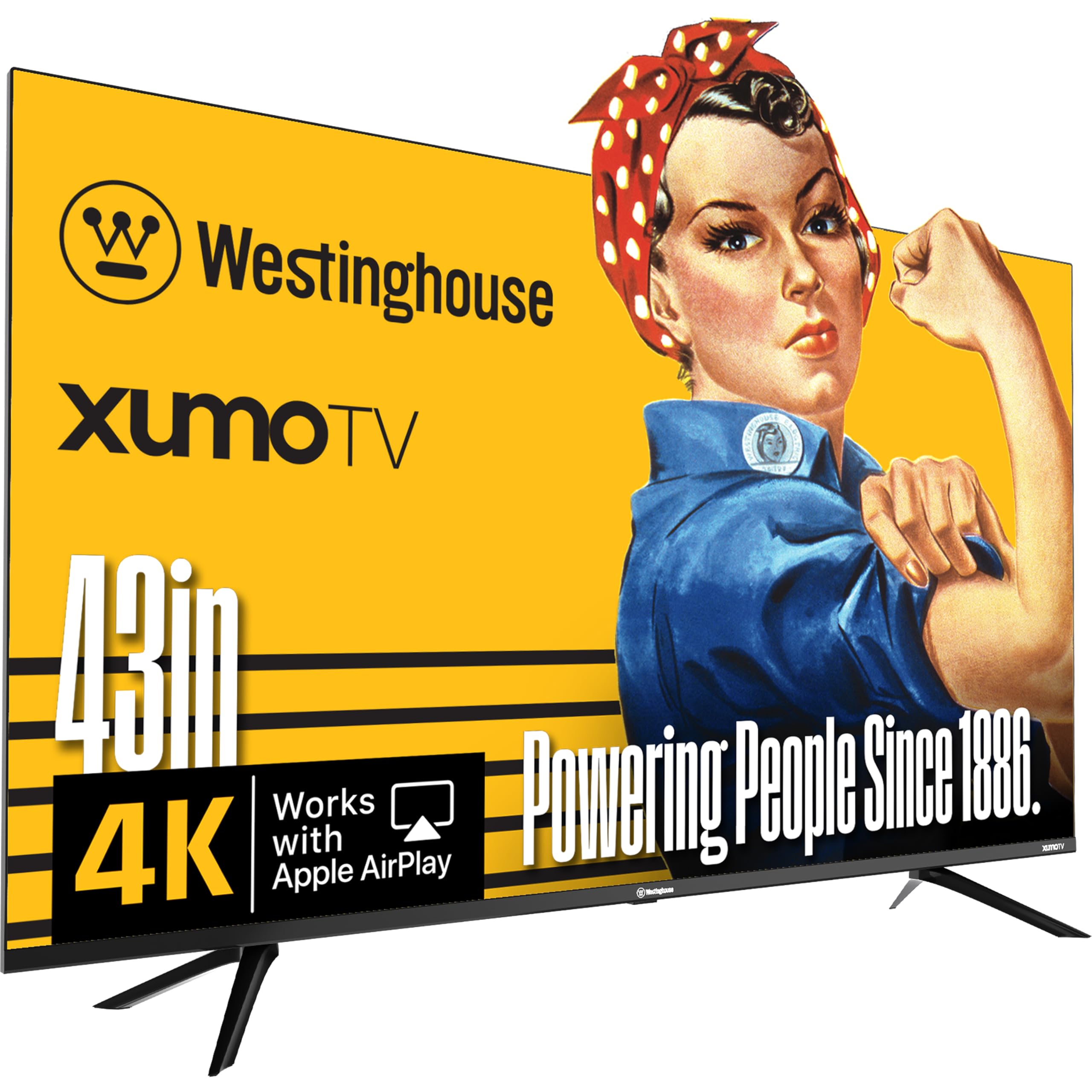
3. Westinghouse 43-inch Smart TV 4K UHD Xumo
A 43-inch 4K screen that surprises everyone with its built-in speaker depth.
Skip the soundbar: buyers consistently praise this Westinghouse’s built-in speakers as surprisingly excellent, with one owner noting better stereo separation than their soundbar. The set supports Dolby Atmos (a surround-sound format) and Dolby Vision (a high-contrast HDR format) for an rich audio-visual experience right from the start—so you can enjoy movies with rich sound and vivid colors without extra gear.
It’s also fully loaded for connectivity. AirPlay 2 lets iPhone users mirror content instantly, built-in Bluetooth 5.1 pairs wireless headphones or a soundbar, and a solid port selection (3x HDMI, 1x USB, optical, composite) covers cable boxes, consoles, and antenna. The Xumo platform bundles Xumo bundles 350+ free live channels and 70,000+ on-demand titles., so there’s no subscription barrier to starting your binge.
The universal voice search is a real time-saver—say a title, genre, or actor into the remote and it finds it across all your apps without menu-hopping. The honest note is that the Xumo interface is less established than Roku or Fire TV, and buyers have mentioned apps can be slow to launch, plus a rare unit has arrived with shipping damage. For the money, the picture and sound quality are the main event.
Why It Stands Out
- Impressive built-in speakers with Dolby Atmos—often eliminating the need for a soundbar.
- Dolby Vision HDR and a 1200:1 contrast ratio deliver crisp, colorful 4K.
- AirPlay 2 plus Bluetooth 5.1 makes wireless streaming from Apple and Android devices easy.
The Catch
- Xumo OS is newer, and app launch speeds can feel sluggish.
- Shipping damage has been reported on some units, so inspect the panel on arrival.
Pick this if: great audio matters as much as picture and you want to avoid spending extra on a soundbar in a mid-size room.
skip it if: you prefer a super-speedy, mature smart platform like Roku or Fire TV over the newer Xumo interface.
4. TOSHIBA 50″ Class C350 Series LED 4K UHD Smart Fire TV

The well-reviewed 50-inch 4K Fire TV that keeps a whole room entertained.
If you want a big, bright 4K screen without the premium price, this Toshiba has earned its popularity. It’s powered by the REGZA Engine ZR, which analyzes and tune each scene for sharp detail, and the AI 4K Upscaler intelligently detects neighboring pixels to bring Full HD content closer to true 4K quality. With Dolby Vision and Dolby Atmos, movies and sports get the full audio-visual treatment.
It’s built for gamers and sports fans alike. Game Mode supports ALLM (Auto Low Latency Mode) to reduce input delay, VRR (Variable Refresh Rate) to cut screen tearing, and eARC for high-quality audio pass-through. Sports Mode fine-tunes the algorithm for fast-moving action, while the Super Contrast Booster emphasizes depth and color to make everything look more real.
Buyers highlight the crisp, vivid picture and value—many say the price “can not be beat”—and the Fire TV interface puts apps front and center with Alexa voice control. The honest trade-off, though, is durability perception: a notable number of owners mention the screen going black within a few months, and a subset mention latency when loading the home screen. With thousands of owners, it’s a gamble some have lost, so a warranty is a wise add-on.
What Makes It Popular
- 50-inch 4K at a budget price with REGZA Engine ZR picture processing.
- All-around features: Dolby Vision, Dolby Atmos, Game Mode with ALLM and VRR.
- Fire TV integrates Alexa voice control and a unified home screen.
What the Reviews Warn
- Screen durability is the recurring worry, with some panels failing within six months.
- Home screen latency and slow remote response are mentioned by some owners.
Who it suits: families and streamers who want maximum inches of 4K for the dollar and appreciate Alexa built in.
Who should pass: anyone who can’t risk a mid-year panel failure and prefers to spend more for proven long-term reliability.
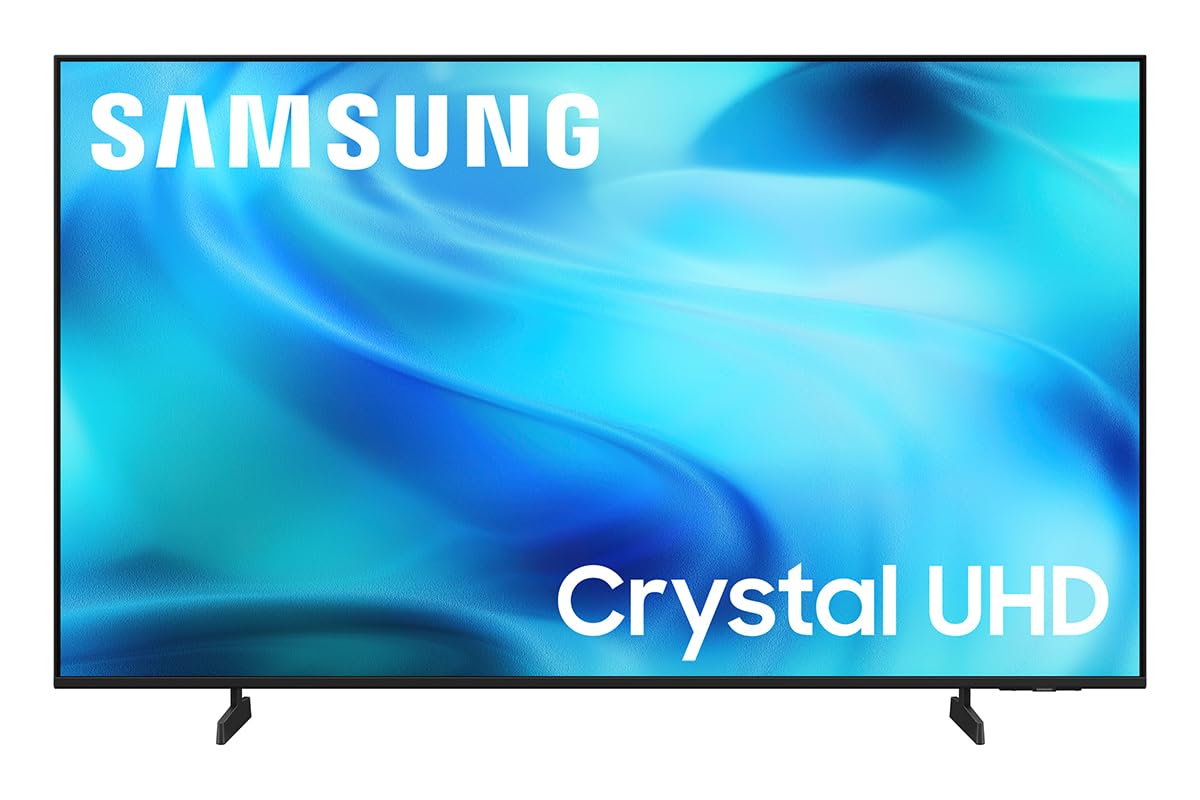
5. Samsung 43-Inch Class U8000H Series Crystal UHD 4K Smart TV
A dependable first 4K upgrade that leans on the trust of the Samsung name.
This 43-inch Samsung is the definition of a dependable entry-level 4K TV. It’s driven by the Crystal Processor, which enhances colors and sharpens details, and the Color Booster pushes reds, blues, and greens to vibrant intensity. The 60Hz panel pairs with Motion Xcelerator to keep fast-moving sports and games looking smooth, with up to 4K 60Hz performance.
Where it shines is free content. Samsung TV Plus offers 2,700+ free streaming options, including 750+ subscription-free channels. covering news, sports, movies, and kids’ shows—no sign-up required. The setup is genuinely easy, the interface is smooth and intuitive, and buyers often note the sleek slim bezel looks nice on a stand or wall. It’s a common replacement for older Vizio and LG sets.
The weak link buyers keep circling back to is the remote. Several owners call it “worthless” for scrolling and note it has few physical buttons, and input switching requires going through the home screen. The picture itself earns steady praise—crisp, vibrant, and sharp—so if you’re already used to Samsung’s remote design, this is an easy recommendation for a bedroom or secondary area.
Solid all-rounder: The Crystal Processor and 4K upscaling make lower-quality sources look better than you’d expect.
Expect remote quirks: If you hate minimalist remotes with heavy scrolling, plan to use a streaming stick remote or a universal one instead.
Best for: buyers who want a trusted brand name, easy setup, and a great free channel lineup at a budget price.
Think twice if: you rely heavily on one-button input switching and prefer a more conventional remote layout.
6. TOSHIBA 55″ Class M450 Series QLED 4K UHD Smart Fire TV
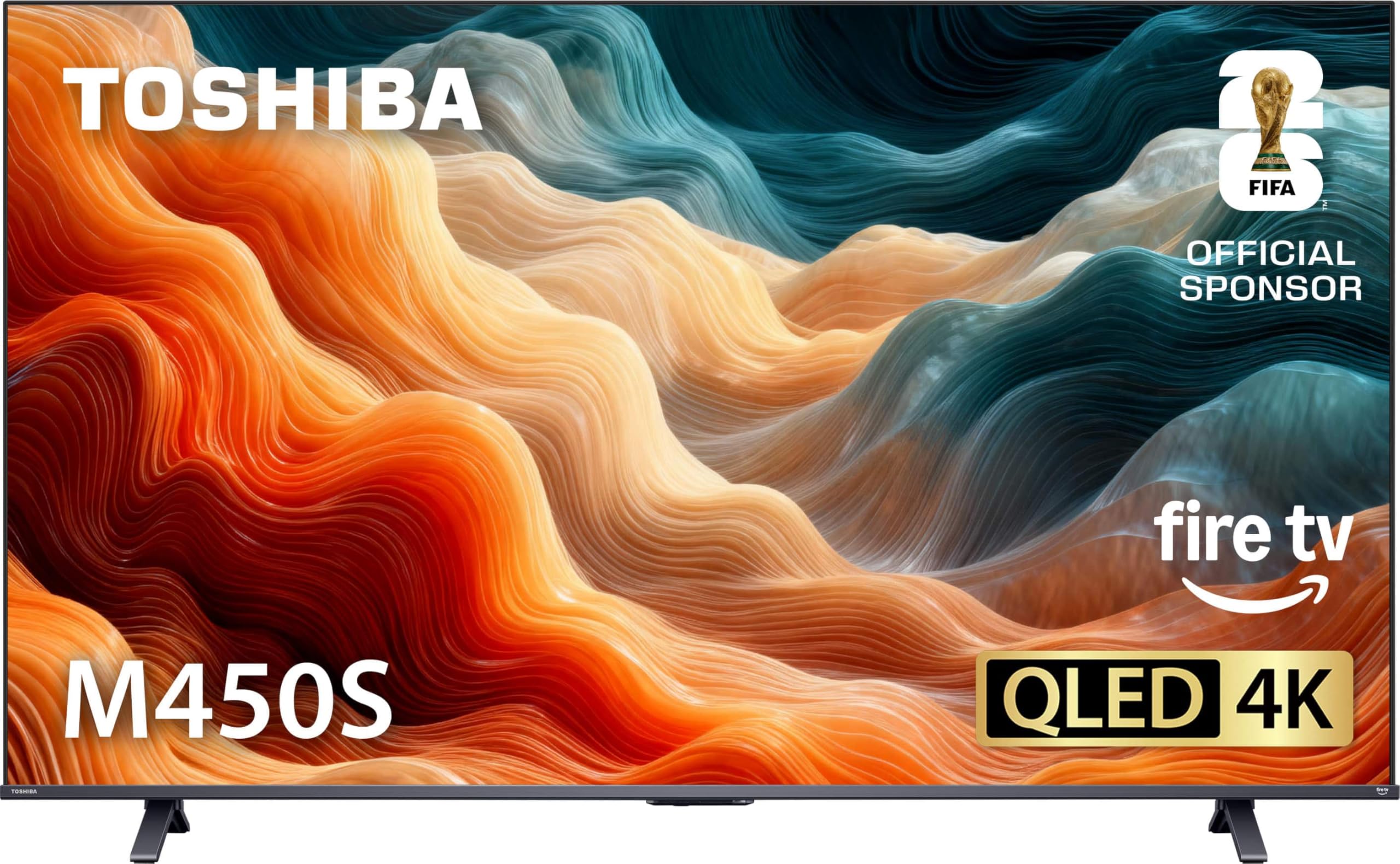
A 55-inch QLED with rich colors and serious gaming features for the price.
This is the step up for buyers who want a 55-inch QLED display without the flagship price. The REGZA AI Engine ZRi Gen3 is fine-tuned to deliver images and sound that look natural, while REGZA QLED Color brings out rich, lifelike tones from subtle shadows to bold highlights. Dolby Vision and Dolby Atmos combine for the full entertainment experience, and HDR10+ Adaptive adjusts brightness scene-by-scene even as room lighting changes.
Gamers get a genuine seat at the table. Game Mode supports ALLM, VRR, and eARC, and the AI 4K Clarity engine cleans up lower-resolution content to near-4K quality. Fire TV’s “Press & Ask” Alexa control makes it easy to find, launch, and control content, and the minimalist design is inspired by Japanese aesthetics to blend cleanly into most living spaces.
The buyer consensus is strong on value and picture—”Great price. Easy to hook up”—with a clear tip to disable the energy-saving mode for the most vivid image. The annoying truths: there’s no analog audio output or headphone jack, the legs stick out wide, and some users find the Fire TV interface sluggish at times. If you’re not a techie, budget a bit of patience for the settings setup.
Where It Impresses
- 55-inch QLED with rich, lifelike color and Dolby Vision + HDR10+ Adaptive.
- Game Mode with ALLM, VRR, and eARC makes it a strong pick for console players.
- REGZA AI Engine upscales lower-res content to near-4K clarity.
Where It Falters
- No analog audio output or headphone jack limits legacy connections.
- Fire TV interface can feel laggy, and the wide legs need a long stand.
Choose this for: a large QLED picture with gaming-friendly features and the convenience of Alexa voice control.
Pass if: you need analog audio ports for an older receiver or prefer a faster, less cluttered smart platform.
7. Samsung 43-Inch Class M70H Series Mini LED 4K Smart TV
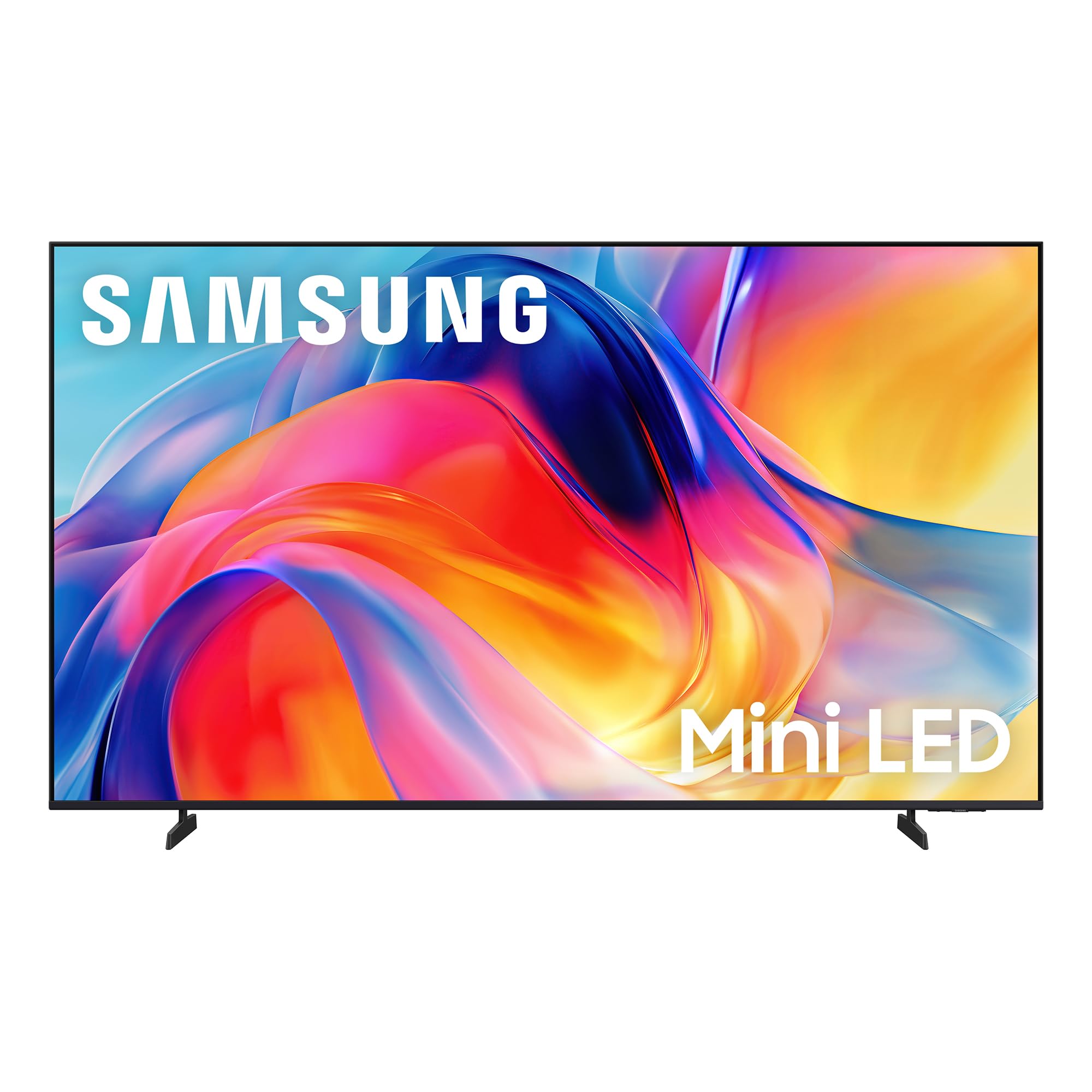
Mini-LED precision that delivers one billion true-to-life colors in a 43-inch frame.
This is where budget meets premium picture tech. The M70H uses Mini-LED backlighting to deliver brighter highlights and deeper blacks than standard LED sets, and the Mini LED Processor 4K refines every detail. The Pure Color Spectrum renders one billion colors for lifelike realism., making rich reds, deep blues, and vibrant greens leap off the screen with realism that’s rare at this level.
The Supreme Mini LED Dimming pushes contrast further, and Motion Xcelerator with DLG 120Hz keeps fast action smooth and sharp—ideal for gaming and sports. There’s even a dedicated Soccer Mode tune motion and green tones for a stadium-like feel. for a stadium-like feel. Gaming Hub brings your consoles, cloud services, and apps together in one place with personalized recommendations.
Buyers are genuinely wowed by the clarity, color, and brightness, noting it handles bright natural light well and shows “every part of photographs with great detail.” The recurring complaint is the remote, which owners find “tricky” and “awful” for navigation, with no dedicated input button. The panel itself is the star here—if you can live with the remote quirk or use a universal one, the picture quality is hard to match at the price.
The Highlights
- Mini-LED delivers superior brightness, deeper blacks, and one billion colors.
- Soccer Mode and Motion Xcelerator with DLG 120Hz are great for sports and gaming.
- Gaming Hub consolidates consoles, cloud gaming, and apps in a single menu.
The Frustrations
- The remote control is widely panned for tricky navigation and missing input buttons.
- Only 3 HDMI ports with no optical or RCA jacks limits legacy hookups.
Buy it for: the brightest, most color-rich 43-inch picture in this price range, especially in sunlit rooms.
Hold off if: you want a simple, button-rich remote or a wide array of analog ports for older equipment.
8. Sony 43 Inch BRAVIA 2 II LED 4K HDR Smart Google TV
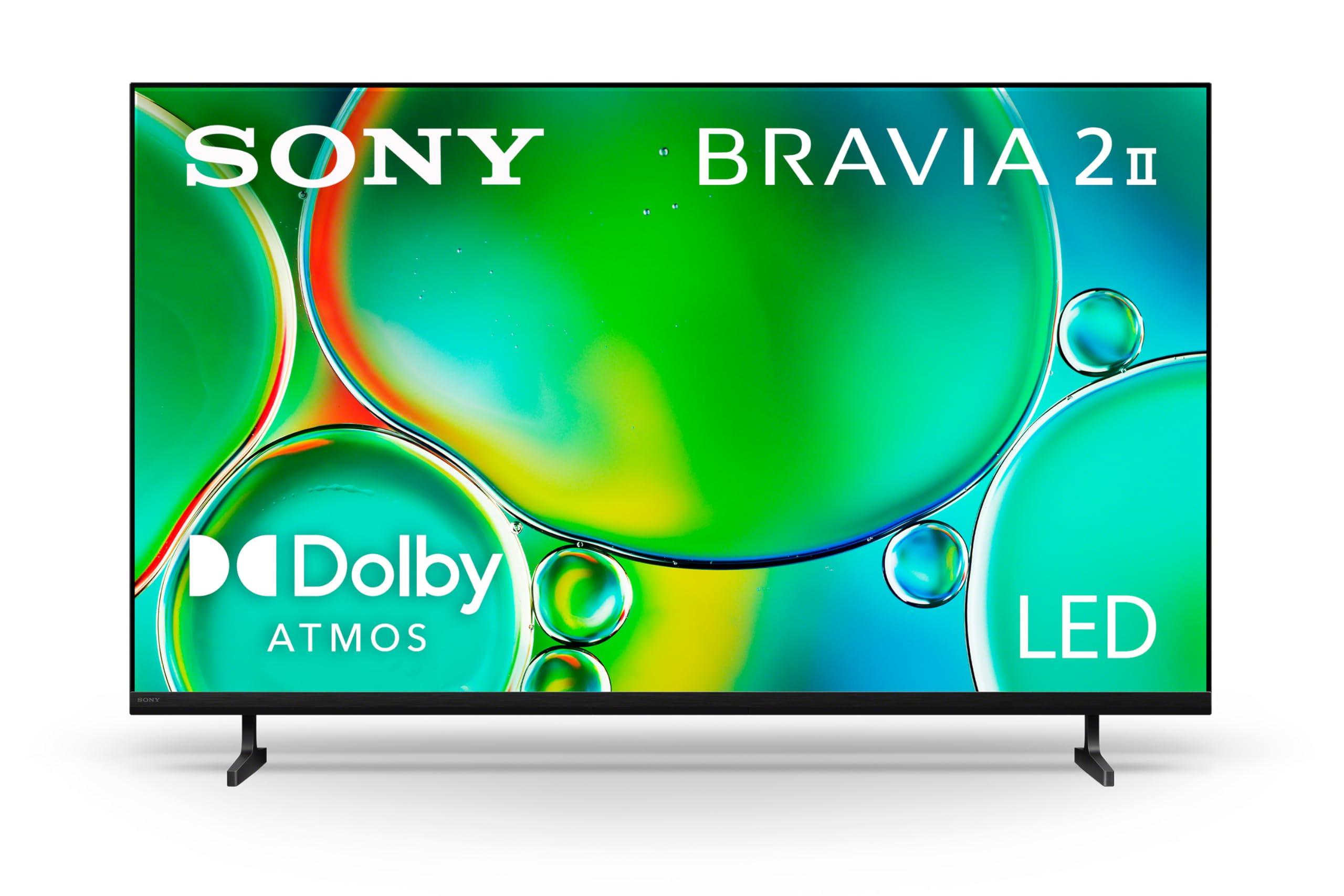
Sony’s budget 4K that brings PS5-exclusive perks and smooth motion handling.
If you own a PlayStation 5, this is the budget screen built for you. The Sony BRAVIA 2 II packs exclusive PS5 features—Auto HDR Tone Mapping and Auto Genre Picture Mode—that automatically tune picture quality when you’re gaming or streaming. The 4K Processor X1 delivers a lifelike picture with rich colors and sharp details, and Motionflow XR keeps fast-moving sports blur-free.
It’s also a streaming powerhouse. Google TV gathers all your favorite apps in one place, with Apple AirPlay 2 and Google Cast for easy phone-to-TV mirroring. The Sony Pictures CORE app even includes free movies, and 4K XR-Reality PRO upscales all your content to near-4K resolution, bringing back lost texture and detail from older shows and home videos. The Eco Dashboard keeps all energy settings in one place.
Reviewers describe it as a high-quality upgrade with great picture and color, easy setup within 10 minutes, and notable PS5 graphics compatibility. The honest caveats: reliability is mixed, with some owners reporting a set that stopped working after about six months, and sound quality and Wi-Fi connectivity earn mixed feedback. The processing speed and Sony’s picture quality generally win the day for brand-loyal buyers.
What It Does Best
- Exclusive PlayStation 5 features tune HDR and picture modes instantly.
- Motionflow XR and 4K XR-Reality PRO deliver smooth, detailed motion.
- Google TV pulls all your streaming apps into one intuitive screen.
What to Watch For
- Reliability reports are mixed, with some units failing to work after a few months.
- Built-in sound and Wi-Fi connectivity get mixed reviews from owners.
Ideal for: PS5 gamers and streamers who value Sony’s picture processing and Google TV’s clean interface.
Not ideal if: you’re outside Sony’s ecosystem, want a screen you expect to run flawlessly for many years, or rely on the built-in sound.
9. Hisense A7 Series 55-Inch Class 4K UHD Smart Google TV

A 55-inch 4K stunner with room-filling virtual surround sound built right in.
This 55-inch Hisense is the pick for buyers who want an rich experience without an external soundbar. The DTS Virtual:X feature uses digital processing to simulate omnidirectional sound with virtual rear and height channels, so audio seems to envelop you from all sides. Combined with the Wide Color Gamut phosphor technology that expands the color spectrum, you get a genuinely cinematic feel for the price.
The 4K AI Upscaler (a processor that sharpens lower-resolution content) works hard to transform beloved classics, home movies, and broadcast TV up to striking 4K quality. Game Mode Plus brings together a 60Hz panel, variable refresh rate, and auto low latency mode to handle next-gen consoles, and the Google TV interface organizes movies, shows, and live TV from across all your apps with personalized recommendations. Voice control is built into the included remote.
Buyers love the value, noting “outstanding visual and audio quality” and easy self-setup, even for a first apartment. A few customers note reliable performance over two years.. The honest counterpoint: the Google TV operating system draws mixed feedback, with some finding it extremely slow and laggy for quick actions, and a few mention the audio lacks oomph compared to a real soundbar setup. Test the settings on arrival to get the best performance.
The Big Wins
- DTS Virtual:X delivers convincing surround sound from the built-in speakers alone.
- Wide Color Gamut and 4K AI Upscaler produce sharp, vibrant, natural images.
- Game Mode Plus with VRR and ALLM handles next-gen consoles smoothly.
Where It Trips
- Google TV interface speed is the main complaint—some find it laggy and slow.
- Built-in audio is impressive but not a substitute for a dedicated soundbar.
Reach for this if: you want a big-screen 4K experience with surprisingly full virtual surround sound and don’t want to buy extra speakers.
Look elsewhere if: a lightning-fast smart interface is your top priority, or you already own a quality soundbar and won’t use the built-in audio features.
Understanding the Specs
Here’s a plain-English breakdown of the common TV specs and what they actually mean for your viewing experience.
Resolution: 4K vs. 1080p
4K UHD (Ultra High Definition) packs roughly four times the pixels of a 1080p Full HD screen, which means sharper detail and more clarity, especially on larger screens or when you sit closer. 1080p is still perfectly fine for smaller TVs under 40 inches or for a secondary room where you watch mostly cable or streaming. If you plan to watch a lot of movies and sports on a screen 50 inches or larger, 4K is the right investment.
HDR: Dolby Vision, HDR10, and HDR10+
HDR (High Dynamic Range) is a technology that tells the TV to display a wider range of brightness and colors. This means more detail visible in dark shadows and bright highlights simultaneously. Dolby Vision and HDR10+ are premium forms that adjust the picture scene-by-scene, while standard HDR10 applies a static setting for the whole show. Budget TVs that support Dolby Vision or HDR10+ will generally give you a more dynamic, lifelike picture.
Panel Tech: QLED and Mini-LED
QLED (Quantum Dot LED) uses a layer of microscopic dots to produce more vibrant, saturated colors than a standard LED panel. Mini-LED goes a step further by using thousands of tiny LEDs as a backlight, which the TV can dim in small local zones. That means deeper blacks, brighter highlights, and better contrast—making a Mini-LED screen the most impressive picture you can get without stepping up to OLED, which is typically much pricier.
Refresh Rate and Game Mode
Refresh rate, measured in Hertz (Hz), tells you how many times the image updates per second. A 60Hz panel updates 60 times per second, which is standard and fine for most TV and sports viewing. For gaming, features like ALLM (Auto Low Latency Mode) automatically reduce input lag so your button presses register faster, and VRR (Variable Refresh Rate) prevents screen tearing by syncing the TV’s refresh to your console’s frame rate. If you’re a serious gamer, look for these two features.
Smart TV Operating Systems
The smart OS is the software that runs your apps and menu. Roku is beloved for being simple and uncluttered, ideal for non-techies. Fire TV (from Amazon) integrates Alexa voice control and Prime Video deeply. Google TV uses Google’s search and recommendations, working smoothly with Android phones. Samsung’s Tizen is fast and responsive. Each has its fans, so pick the one whose layout you find least annoying to navigate daily.
Connectivity: HDMI and eARC
HDMI (High-Definition Multimedia Interface) is the standard port for connecting consoles, streaming sticks, cable boxes, and soundbars. Most modern TVs include at least two or three HDMI ports—check that you have enough for your devices. The newer eARC (Enhanced Audio Return Channel) on an HDMI port is important if you own a soundbar or receiver, because it lets the TV send high-quality, uncompressed audio to your external speaker system through a single cable.
FAQ
What is the best affordable TV size for my room?
Is 4K worth it over 1080p on a budget TV?
What is the difference between QLED and Mini-LED?
Which smart TV operating system is easiest to use?
Do I need a soundbar with an affordable TV?
What does Dolby Vision and HDR10 mean for picture quality?
Can a budget TV handle next-gen gaming consoles?
How long does an affordable TV typically last?
Is it worth buying a more expensive brand like Sony or Samsung for budget TVs?
How do I know if a TV will fit my TV stand or wall mount?
Final Thoughts: The Verdict
The winner in the affordable tv space is the Roku 55-Inch Plus Series because it combines a large QLED Mini-LED panel with a famously easy interface and gaming-friendly features at a price that fits most living rooms. If you want the best built-in sound and don’t want to buy a soundbar, grab the Westinghouse 43-inch Xumo. And for PS5 owners who want Sony’s picture processing, the Sony BRAVIA 2 II is the one to reach for.
How We Picked
We do not accept paid placement. Every pick is matched to a real buyer and a real use-case; we do not hands-on test units.
Sources & Methodology
Specifications: manufacturer listings and product documentation. Review insights: verified customer reviews, as of August 2026. Pricing: not shown on this page (it changes often); check the current price via the retailer link.
As an Amazon Associate, Gadgets Feed earns from qualifying purchases. This does not affect which products we feature.