
Our readers keep the lights on and my morning glass full of iced black tea. As an Amazon Associate, I earn from qualifying purchases.
Specs are compiled from manufacturer listings and verified buyer reviews and can change over time — please confirm the key details on the product page before buying.
You want a laptop that can actually play the newest games, and you’ve heard the RTX 50-series GPUs are the ones to get. The real question isn’t which brand to trust, it’s which combination of GPU, screen, and memory fits how you actually play. This guide cuts through the spec-sheet noise to show you exactly what each of the top 50-series machines does well, so you can pick the one that matches your gaming habits and your budget.
I’m Min — the founder and writer behind Gadgets Feed. This guide is built by comparing the manufacturers’ published specifications and the patterns across verified customer reviews, so you get each pick’s real strengths and trade-offs instead of marketing spin.
From the high-refresh-rate screens to the raw AI-powered frame generation, here is what actually matters when you choose a 50 series laptop.
Our Picks at a Glance


How To Choose The Best 50 Series Laptop
Choosing between the newest RTX 50-series laptops depends on balancing raw graphics power, the speed of the screen, and how much memory you get. Most buyers in this tier want to play demanding AAA games at high settings, and the GPU model is the single biggest factor in whether that happens smoothly.
Match the GPU to your resolution and games
The RTX 5060 targets 1080p gaming, the RTX 5070 handles 1440p with ray tracing, and the RTX 5080 provides the headroom for 4K or maxed-out settings. Pay attention to the VRAM, the dedicated graphics memory, because it determines how many high-resolution textures the GPU can hold at once.
Screen matters more than you think
A fast refresh rate, measured in hertz (Hz), is how many times the screen updates per second. A 165Hz screen smooths motion over 60Hz, while a 240Hz panel gives competitive shooters a tangible edge. The resolution also matters: 2560×1600 (often called 2.5K or WQXGA) gives you a noticeably sharper image than 1920×1200, but it demands more from the GPU.
Don’t skimp on RAM and storage
Modern games and background apps consume RAM fast, so capacity matters. A 16GB system can feel tight if you like to have a browser, chat app, and game open at once. 32GB is the balance for this tier, and you should verify the RAM is upgradable for future needs. A 1TB Gen 4 SSD is the standard floor, giving you room for a game library without immediate upgrades.
Quick Comparison
| Model | Best For | GPU | RAM | Display | Amazon |
|---|---|---|---|---|---|
| ASUS ROG Strix G16 (5060)★ Best Overall | Overall value & performance | RTX 5060 | 16GB DDR5 | 16″ FHD+ 165Hz | Amazon |
| Acer Nitro V 16S AI32GB Value | Double the RAM | RTX 5060 | 32GB DDR5 | 16″ WUXGA 180Hz | Amazon |
| msi Katana 15 HXQHD Color Pick | Color-accurate QHD | RTX 5060 | 16GB DDR5 | 15.6″ QHD 165Hz | Amazon |
| GIGABYTE Gaming A16 | Step-up GPU performance | RTX 5070 | 32GB DDR5 | 16″ WUXGA 165Hz | Amazon |
| Alienware 16 Aurora | Sharp 2.5K gaming | RTX 5060 | — | 16″ WQXGA 2560×1600 | Amazon |
| GIGABYTE AERO X16 | Thin-and-light power | RTX 5070 | 32GB DDR5 | 16″ WQXGA 165Hz | Amazon |
| msi Katana 15 HX (i9) | Elite CPU for heavy loads | RTX 5070 | 32GB DDR5 | 15.6″ QHD+ 165Hz | Amazon |
| Lenovo Legion 5i | OLED color accuracy | RTX 5070 | 16GB | 15″ 2.5K OLED 165Hz | Amazon |
| acer Predator Helios Neo 16 | Ultra-smooth 240Hz gaming | RTX 5070 Ti | 16GB DDR5 | 16″ WQXGA 240Hz | Amazon |
| ASUS ROG Strix G16 (5070 Ti) | Premium 240Hz performance | RTX 5070 Ti | 32GB DDR5 | 16″ 2.5K 240Hz | Amazon |
| LG gram Pro 17 | Extreme portability | RTX 5050 | 32GB DDR5 | 17″ 144Hz | Amazon |
| Razer Blade 14 | Compact premium build | RTX 5070 | 32GB LPDDR5X | 14″ 3K OLED 120Hz | Amazon |
| Lenovo Legion Pro 7i | Absolute maximum power | RTX 5080 | 64GB DDR5 | 16″ WQXGA OLED 240Hz | Amazon |
In-Depth Reviews
1. ASUS ROG Strix G16 (2025)
Our pick — 4.5★ from 550+ verified ratings; the strongest balance of quality and price.
The balanced RTX 5060 performer that blends quiet cooling with serious frame rates.
This ASUS pairs the RTX 5060 GPU with an Intel Core i7-14650HX that boosts up to 5.2 GHz, and the crowd-pleasing result shows in the benchmarks buyers report: it plays most games at roughly 100fps while staying quiet enough that the fans don’t drown out the speakers. The 16GB of DDR5-5600MHz memory and 1TB Gen 4 SSD give you a solid foundation for modern titles, and the boot-up speed gets frequent praise.
The screen is a 165Hz FHD+ panel at 1920×1200, and the new ACR film cuts glare while boosting contrast — a real plus if you game near a window. The cooling system uses an end-to-end vapor chamber, tri-fan technology, and liquid metal on the chipset, which is why owners consistently say it stays cool. Owners mention it runs hot when placed directly on flat, non-ventilated surfaces like a bed, but a lap fan or stand solves that quickly.
For connectivity, the dual USB-C ports let people run up to four monitors for day trading, and the 360° RGB light bar adds style that you can switch off with Stealth Mode for a professional look. The main limitation is the 16GB RAM, which some owners say is the first thing to upgrade if you multitask heavily. The crowd is clearly happy, though — this one carries a strong 4.5 rating from over 500 owners, and repeat purchasers say they’d buy it again.
What wins owners over
- Plays most games at ~100fps with great sound
- Runs cool and quiet with liquid metal cooling
- Dual USB-C supports quad monitors
What to keep in mind
- Bottom center heats up during long gaming sessions
- 16GB RAM is the ceiling for heavy multitasking
Reach for this if: you want the safest all-rounder — strong 1080p performance, quiet fans, and a bright 165Hz screen.
Look elsewhere if: you need 32GB of RAM from the factory for heavy multitasking.
2. Acer Nitro V 16S AI
A 32GB RTX 5060 machine that doubles the memory of most rivals at a similar tier.
The RTX 5060 holds its own too; customers note Cyberpunk 2077 at 2K resolution hitting 65fps with ray tracing on and over 100fps with it off.
The AMD Ryzen 7 260 processor clocks up to 5.1 GHz, slightly behind the ASUS’s 5.2 GHz, but the real story is the 16-inch WUXGA 1920×1200 display with a 180Hz refresh rate and 100% sRGB color coverage. That fast refresh makes motion feel fluid in competitive shooters, and the color accuracy helps if you do any creative work on the side.
Owners say the build is solid and the laptop stays quiet, with CPU temps maxing around 79°C even in demanding titles like Stalker 2 and Baldur’s Gate 3. The honest trade-offs are a dimmer-than-average FHD screen, a lid that picks up fingerprints, and some pre-installed bloatware. The battery is short, so plan to stay near an outlet — but for pure gaming value, the 32GB makes this a standout.
Memory advantage: 32GB vs the ASUS’s 16GB means smoother multitasking while gaming.
Who it’s for: first-time gaming laptop owners who want maximum RAM for the money and don’t mind a dimmer panel.
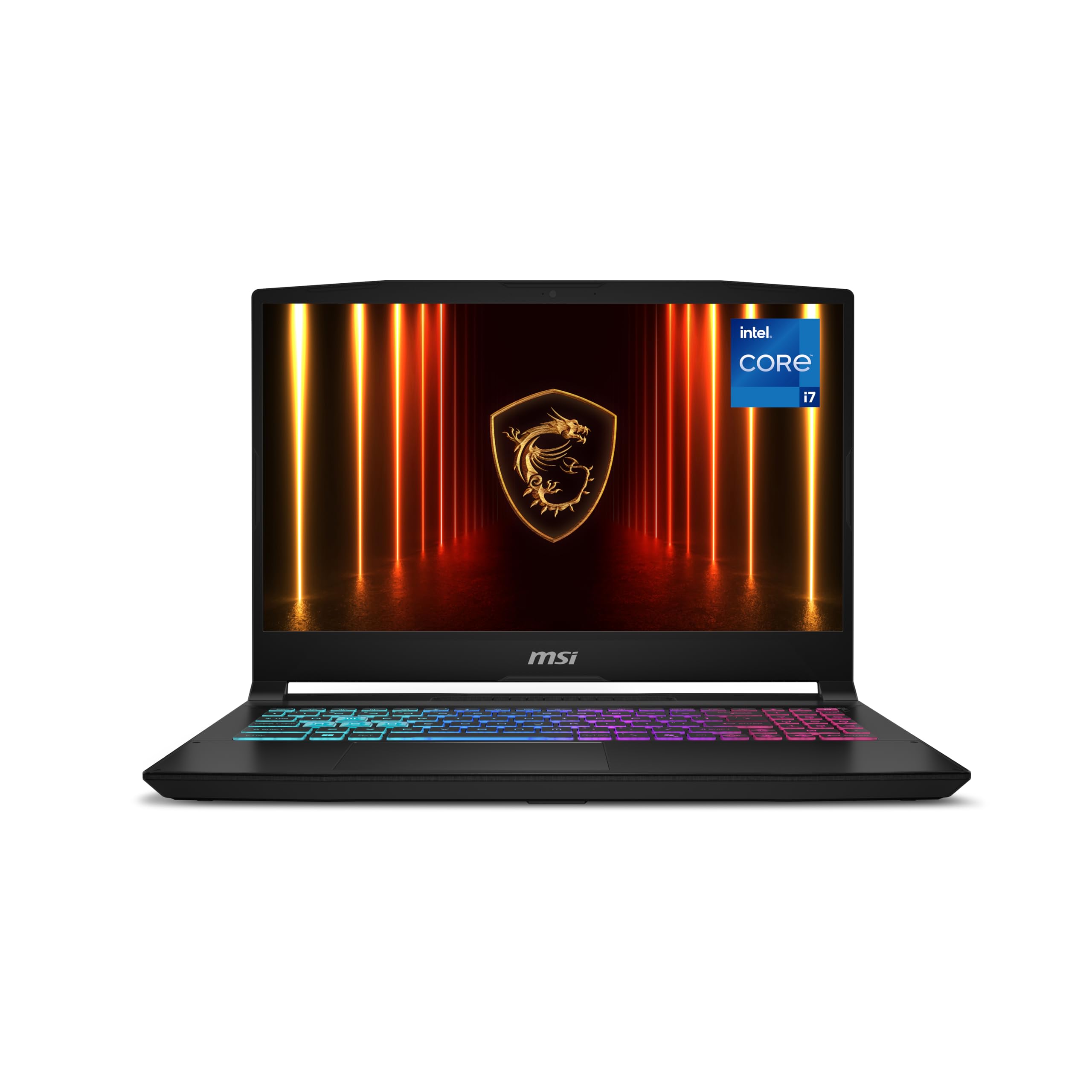
3. msi Katana 15 HX
The 15.6-inch QHD panel with 100% DCI-P3 color makes games look richer than standard 1080p.
This MSI steps up the visual experience with a 15.6″ QHD (1440p) screen at 165Hz, and the wide-gamut 100% DCI-P3 color means the image is sharper and more vibrant than what you’ll get from a typical 1080p 144Hz panel. It’s a meaningful upgrade if you split time between gaming and photo or video work where color accuracy matters.
Inside, the Intel Core i7-14650HX boosts to 5.2 GHz and pairs with the RTX 5060, and the reviewer consensus is that this is the rare laptop where performance wins people over — it’s the most-praised aspect of the machine. Reviewers point out Cyberpunk 2077 and Call of Duty run incredibly smoothly, and MSI’s Cooler Boost 5 shared-pipe thermal design with dual fans keeps frame rates stable during long sessions.
The catch is honest and expected for this class: the fans are the loudest in the industry under load, and battery life is merely “all right,” as owners put it. On the plus side, the 4-zone RGB keyboard has highlighted WASD keys and a numpad for chat and shortcuts. If you catch it on sale, shoppers say it’s exceptional value for the money.
Display-first pick: the QHD 100% DCI-P3 panel delivers sharper detail and richer colors than 1080p rivals.
One honest caveat: expect jet-engine fans under heavy load — it’s the loudest of this group.
4. GIGABYTE Gaming A16

An RTX 5070 jump that delivers desktop-class speed in a slim 19.45mm chassis.
Stepping up to the RTX 5070 GPU is the single biggest performance move you can make in this tier, and this GIGABYTE pairs it with an Intel i7-13620H and 32GB of DDR5 RAM. The payoff in real games is significant — buyers report Battlefield 6 hitting 90fps maxed out and Star Citizen running at 70fps, performance that one owner compared favorably to a desktop.
The display is a 165Hz 1920×1200 WUXGA panel, and while it’s responsive, the screen quality gets mixed feedback in reviews. Some owners love its crispness for photo editing in Lightroom, while others find it grainy for Zoom calls. The 180-degree hinge lets the screen lay flat, useful for presentations or sharing your screen around a desk.
What stands out is the value: 32GB of RAM, a 5070, and a 1TB SSD for well under what many rivals charge. Temperature management is good — the GPU maxes around 71°C — but the fans get loud under load and the battery drains fast even on power saver, so this is a keep-it-plugged-in machine. The GiMate software is flashy but can’t be fully disabled, and one owner found it disabled their GPU entirely, though that’s the exception, not the norm.
Where it shines
- RTX 5070 runs Battlefield 6 at 90FPS maxed
- 32GB RAM and 1TB SSD included
- 180-degree hinge lays flat for sharing screens
Fair warnings
- Screen quality is a mixed bag for different tasks
- GiMate software is intrusive for some owners
Best for: budget-conscious gamers who want RTX 5070 performance without paying the premium-tax.
Think twice if: you need a color-critical display or hate pre-installed software.
5. Alienware 16 Aurora

The 16:10 WQXGA 2560×1600 screen is the sharpest you’ll find on an RTX 5060 laptop.
Most RTX 5060 laptops cap out at a 1920×1200 display, but this Alienware pushes the resolution to 2560×1600 at 300 nits brightness. In real terms, that’s a noticeably crisper image for reading text and seeing fine details in games, and owners specifically call out the screen quality as a highlight — the quality of the machine is the most-praised aspect overall.
Performance is where opinions split. Some owners say it’s blazing fast, reporting 80-120 FPS on max settings, while others hit crashes and screen freezes during video playback. That mixed experience means it’s a fit for someone who prioritizes the display and build over guaranteed stability. The Alienware brand reliability does get a nod — one owner mentions the family has trusted it since 2011.
The good news is battery life: owners mention all-day battery when not gaming, and it’s slightly lighter than a MacBook Air M2. Dell’s 1 Year Onsite Service is a nice safety net for a premium machine. Just know that it’s heavy, runs warm under load, and the fans get loud — the heat is the one aspect that skews negative consistently.
Screen-first buy: you get a 2560×1600 panel on a laptop where rivals stick to 1080p-class resolutions.
Standout feature: quality and display are the top praise points, but performance consistency varies more than with other picks.
6. GIGABYTE AERO X16

A 0.65-inch-thin RTX 5070 machine that keeps a 14-hour battery life.
This is the laptop that proves you don’t need a thick, heavy brick to get RTX 5070 performance. At only 16.75 millimeters (0.65 inches) thin and 1.9 kilograms (4.18 lbs), it’s a genuinely portable powerhouse, and the battery life spec of 14 hours is outstanding for a machine with this much graphics muscle. Owners say it lasts most of the day on power-saving mode.
The AMD Ryzen AI 9 HX 370 processor and 32GB of DDR5 RAM handle heavy lifting — video editing and gaming run smoothly, and the functionality of the machine is the most-praised aspect across reviews. The 165Hz 2560×1600 WQXGA display is described as bright and color-accurate, making it a strong choice for creators as well as gamers.
Build quality is a genuine highlight: the premium aluminum chassis earns repeated praise, and the fans stay quiet except during intense gaming, when they’re loud but effective at keeping CPU and GPU temps in the mid-60s°C. The downsides are minor but real — there’s only one USB-C port, and a small number of owners hit a BIOS bug that blocks Call of Duty. It’s a niche, but worth knowing before you commit.
The portability payoff
- 0.65 inches thin and 4.18 lbs light
- 14-hour battery spec for all-day use
- Premium aluminum build praised by owners
What to know
- Only one USB-C port for peripherals
- Occasional BIOS bug blocks Call of Duty
Grab this if: you carry your laptop daily and want RTX 5070 power without the heavy chassis.
Pass it up if: you need multiple USB-C ports or play Call of Duty heavily.
7. msi Katana 15 HX (i9)

The i9-14900HX at 5.8 GHz makes this the CPU-heavy pick for demanding workloads.
This MSI pairs the RTX 5070 with the Intel Core i9-14900HX, which boosts up to 5.8 GHz — the fastest clock speed in this entire list. That combination makes it a beast for gaming, and owners describe it exactly that way, with the 24-core hybrid architecture delivering fast load times and high FPS even on an external 32-inch monitor at max settings.
The 15.6″ QHD 165Hz display covers 100% DCI-P3 color, so games look sharp and colors stay accurate. Screen quality and gaming performance are the top praise points, and the 4-zone RGB keyboard with highlighted WASD keys and a numpad covers both gaming and typing needs. With Wi-Fi 6E and HDMI up to 8K, it’s well-connected for a desktop-replacement setup.
The honest trade-offs are loud fans and heat. Owners say it runs cool normally, but Fan Boost mode sounds like an air pump, and they recommend a cooling pad for long gaming sessions. Battery life is roughly 45 minutes of gaming or 1.5 hours of music — this is a stay-plugged-in machine. It’s heavy and bulky, but for the raw CPU power per dollar, it’s a strong choice.
CPU-first purchase: the 5.8 GHz i9 is the fastest processor on this list, ideal for gaming plus heavy productivity.
Expect this: Fan Boost mode is loud, and a cooling pad is a smart add-on for marathon sessions.
8. Lenovo Legion 5i
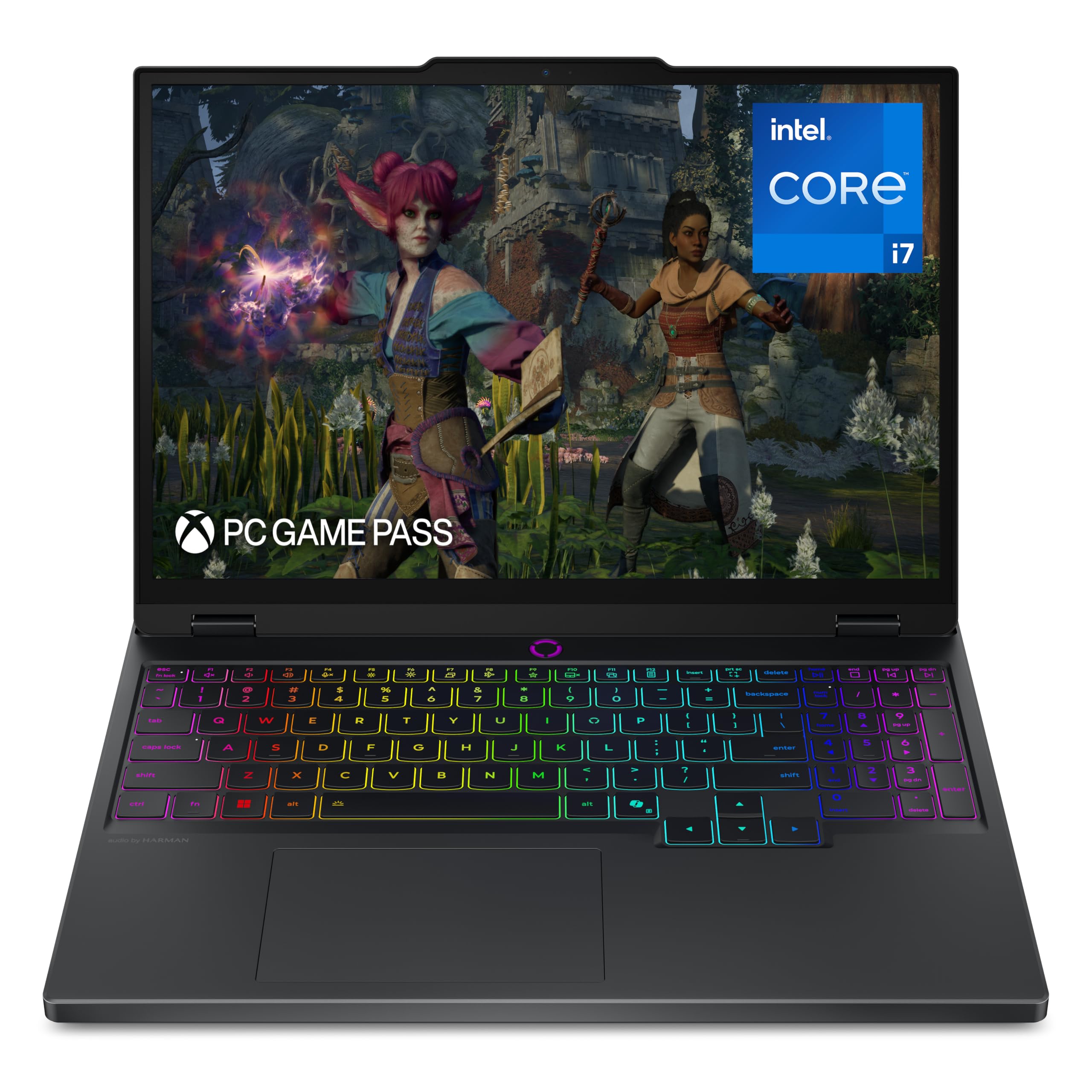
The 2.5K OLED panel delivers true-to-life colors that standard LCDs can’t match.
The Lenovo PureSight OLED display on this Legion 5i is the defining feature — at 15″ with a 2560×1600 resolution and 165Hz refresh rate, it delivers the deep blacks and vivid colors that make games and movies look dramatically better. Owners call it brilliant, and the display is the second most-praised aspect after gaming performance.
Under the hood, the Intel Core i7-14700HX boosts to 5.4 GHz and pairs with the RTX 5070, and customers note games run smoothly without freezing even on high-end settings. The Legion Coldfront: Hyper cooling keeps fan noise low — a consistent point of praise — and the fast-charging technology takes the battery from 0 to 70% in under 30 minutes via USB Type-C, which is a lifesaver for students.
The 16GB RAM does draw some criticism, with owners noting it could be higher for heavy multitasking and future-proofing. There’s no fingerprint reader or Windows Hello, and the keyboard is shifted slightly left. But for a machine that’s light enough for a backpack, quiet under load, and gorgeous to look at, this is a strong OLED-first pick. It also comes with 3 months of PC Game Pass including EA Play.
Why owners love it
- OLED screen praised as brilliant and sharp
- Low fan noise during normal use
- Fast charge from 0 to 70% in under 30 minutes
Fair trade-offs
- 16GB RAM limits heavy multitasking
- No fingerprint reader or Windows Hello
Choose this for: the best-looking screen in its class — OLED color accuracy that improve both games and movies.
Consider another if: you need more than 16GB of RAM from the start for demanding workloads.
9. acer Predator Helios Neo 16

An RTX 5070 Ti with a 240Hz screen built for competitive play.
If you play competitive shooters, the 240Hz refresh rate with a 3ms overdrive response time on this 16″ WQXGA screen is the feature that matters most. It’s a 16:10 panel at 500 nits brightness with up to 100% DCI-P3 color, so you get both speed and visual quality. The RTX 5070 Ti with 992 AI TOPS is a serious step up from the 5060, and reviewers point out 100+ FPS at 3440×1440 ultrawide in Battlefield 6 and Modern Warfare 3.
The Intel Core Ultra 9 275HX boosts to 5.4 GHz and offloads tasks like background removal to the NPU for smoother streaming. The quality of the machine and its value for money are the top praise points, but there are real caveats: battery life is about 2 hours of regular use, it runs hot, and a cooling pad is considered essential. A few owners also hit crashes that required a BIOS update to resolve.
The built-in 16GB DDR5 RAM is sufficient for gaming but tight for multitasking — several owners recommend upgrading to 32GB. The 1TB Gen 4 SSD gives you solid storage space, and Killer Wi-Fi 6E keeps your connection stable during online matches. This is a desktop-replacement-grade machine for players who take their frame rates seriously.
Competitive edge: the 240Hz panel at 3ms response is the fastest on this list, ideal for esports.
Plan ahead: budget for a cooling pad, and consider a RAM upgrade to 32GB if you multitask heavily.
10. ASUS ROG Strix G16 (5070 Ti)

A 32GB RTX 5070 Ti machine with a ROG Nebula 240Hz display that performs across every task.
This is the fully-loaded version of our top pick — same ROG Strix G16 family, but with the RTX 5070 Ti, a Core Ultra 9 275HX, and 32GB of DDR5-5600MHz memory. The ROG Nebula display is a 16:10 2.5K panel at 2560×1600 with a blazing 240Hz refresh and 3ms response time, and the new ACR film boosts contrast while cutting glare. Performance is the standout, with owners reporting 60-90+ FPS at 1440p ultra settings and smooth VR via Oculus 3.
Owners consistently praise the cooling — the end-to-end vapor chamber, tri-fan technology, and liquid metal on the chipset keep the GPU around 65-70°C even under load. The build quality is solid, and the color-accurate screen makes it a genuine workhorse for CAD software like Autodesk Inventor 2026 in addition to gaming. Battery life is around 4.5 hours off the charger, which is respectable for this performance class.
Stepping up from the base Strix G16 gives you double the RAM (32GB vs 16GB) and a much faster screen (240Hz vs 165Hz). The 12GB VRAM on the 5070 Ti future-proofs you for high-resolution textures. Be aware that the value-for-money opinions are mixed — it’s pricey, and ASUS’s pre-installed software limits fan control. A few owners note the number pad placement feels awkward.
What makes it special
- 240Hz 2.5K display with color accuracy for work
- Runs cool with liquid metal cooling
- 32GB RAM handles CAD and heavy multitasking
The cost of power
- Premium price with mixed value opinions
- ASUS software limits fan control options
Best for: buyers who want a single machine that excels at both high-refresh gaming and serious creative work.
Be mindful: this is a premium investment — check that the price aligns with your budget before committing.
11. LG gram Pro 17

A 17-inch screen in a 3.3 lbs frame that doesn’t feel like a gaming laptop at all.
This is the laptop for people who want a 17-inch screen without the 17-inch-laptop weight. At 3.3 lbs and just 0.6 inches thin, it’s built for carrying around — LG says it passed seven military-grade standards for durability — and it has a 90Wh battery rated for up to 25 hours of video playback. Owners describe it as “just a slim black paper,” and that’s the appeal.
Keep your expectations in check on the GPU: this carries the RTX 5050, the entry-level chip in the 50-series lineup, paired with an Intel Core Ultra 9 285H, 32GB of DDR5 RAM, and a 2TB SSD. It handles light gaming — shoppers say playing CS2 and Fortnite with great FPS — but it’s a work-and-travel machine that happens to game, not a hardcore gaming rig. The 17″ display runs at 144Hz, which keeps motion smooth without draining the battery.
The build quality earns top marks, and the typing experience is praised as the easiest with a full numeric keypad. The LG gram Link feature connects up to 10 devices across Android and iOS for smooth file sharing. There’s no Ethernet port, and the setup process includes some intrusive pre-installed apps, but for the lightest 17-inch Windows laptop with a 50-series GPU, this is the standout choice.
Travel-first pick: the 3.3 lbs frame and 25-hour video battery make it unbeatable for portability.
Know the limit: the RTX 5050 is for light gaming only — heavier AAA titles will struggle.
12. Razer Blade 14
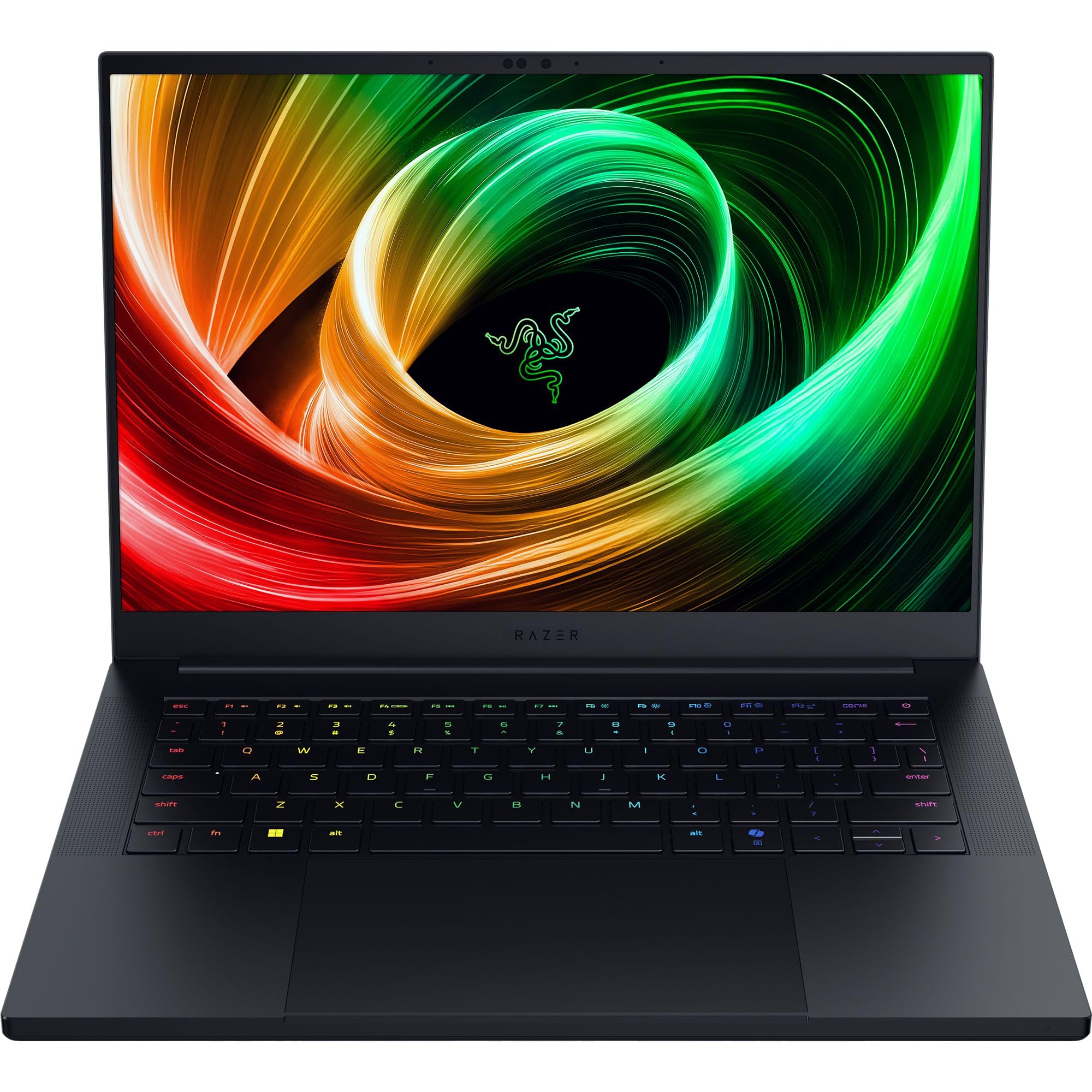
A 0.62-inch-thin aluminum unibody with a 3K OLED screen that feels like a premium device.
The Razer Blade 14 is the fashion-forward option in the 50-series lineup. It’s an ultra-thin 0.62-inch aluminum unibody design, and the build quality is the most-praised feature — owners call it premium and note how much smaller and more portable it is than expected. The look and feel alone justify the price for many.
The 14-inch 3K OLED display at 120Hz with a 0.2ms response time is genuinely stunning — sharp, vivid, and color-accurate. The RTX 5070 with up to 115W TGP handles modern games well; buyers report ARC Raiders at around 60fps at 1200p Epic settings and over 100fps with DLSS 4 enabled. The 32GB of LPDDR5X memory at 8000 MHz is faster than its predecessor by over 33%, and the 72Wh battery is rated for up to 11 hours of on-screen time.
The AMD Ryzen AI 9 365 processor delivers up to 50 TOPS of AI processing power, a 200% jump from the previous Blade 14. The 6 built-in stereo speakers with Smart Amp get praised for sound quality. The trade-offs are real: performance modes are locked to Balanced when on battery, the fans spin often, and there’s pre-installed bloatware to clear. A very small number of owners had serious stability issues, so treat it as a premium gamble that usually pays off.
The luxury appeal
- Premium 0.62-inch aluminum unibody build
- 3K OLED display with 0.2ms response
- 32GB LPDDR5X at 8000 MHz
The premium tax
- Performance modes locked on battery
- Pre-installed bloatware to remove
Choose this for: the best-looking, best-built compact 50-series laptop — a statement piece that games.
Reconsider if: you want maximum performance per dollar or plan to game heavily without plugging in.
13. Lenovo Legion Pro 7i Gen 10

The RTX 5080 flagship with 64GB of RAM that outperforms some 5090 laptops.
This is the absolute peak of the 50-series laptop lineup. The RTX 5080 with 16GB of GDDR7 memory and 1334 AI TOPS is the most powerful GPU on this list, and owners mention it delivers 65-100 FPS at ultra settings without even needing DLSS. One buyer found it outperforms some RTX 5090 systems — the boost clock of 2287MHz and 175W TGP give it serious headroom.
The 16-inch WQXGA OLED display at 2560×1600 with 500 nits brightness and a 240Hz refresh rate is the best screen in this group — it’s DisplayHDR True Black 1000 certified, covers 100% DCI-P3 color, and supports both Dolby Vision and G-SYNC. Owners call it gorgeous and crisp, and the build quality is the most-praised aspect of the machine, alongside its raw speed.
With 64GB of DDR5-6400MHz RAM and 2TB of NVMe SSD storage (two 1TB drives), this is a laptop that genuinely replaces a desktop for gaming, content creation, and even PCVR — customers note flawless performance on Quest Link and Steam Link. The Intel Ultra 9 275HX processor matches the other top-tier picks at 5.4 GHz, but it’s the combination of the 5080 and 64GB RAM that separates it. Expect the premium price and a machine that runs cool and quiet despite the power.
Why it’s the king
- RTX 5080 outperforms some 5090 laptops
- 64GB RAM and 2TB storage included
- 240Hz OLED with DisplayHDR True Black 1000
The trade-offs
- Premium price that’s a serious investment
- Needs some tech expertise for initial setup
Choose this for: the absolute maximum power available in a laptop today — desktop-replacement performance in every department.
Consider carefully if: budget is your primary concern — this is the top of the premium tier.
Understanding the Specs
RTX 50-Series GPU Models
The RTX 5060, 5070, 5070 Ti, and 5080 represent the current generation of NVIDIA laptop graphics. Each step up delivers more frame rates, particularly at higher resolutions and with ray tracing enabled. The higher numbers also come with more VRAM, the dedicated graphics memory that handles high-resolution textures — crucial for modern AAA games at 1440p and above.
DLSS 4 and AI TOPS
DLSS 4 is NVIDIA’s AI-powered technology that generates extra frames to boost your FPS while maintaining image quality. The “AI TOPS” figure measures the GPU’s raw AI processing horsepower — higher numbers mean smoother frame generation and better performance in AI-assisted tasks. This is why the RTX 5080 with 1334 AI TOPS feels dramatically more capable than the RTX 5060 in the latest titles.
FAQ
What’s the difference between RTX 5060, 5070, and 5080 in laptops?
Is 16GB or 32GB of RAM better for a 50-series gaming laptop?
What does the 165Hz refresh rate actually mean for my gaming?
Will a 50-series laptop overheat during long gaming sessions?
What does DLSS 4 do for frame rates?
How much storage do I need in a 50-series laptop?
Can a 50-series laptop replace a desktop for gaming?
What battery life should I expect from a 50-series gaming laptop?
Is the OLED display worth the upgrade?
What’s the difference between WUXGA, QHD, and WQXGA displays?
Final Thoughts: The Verdict
The 50 series laptop winner is the ASUS ROG Strix G16 because it delivers the best balance of RTX 5060 performance, quiet cooling, and value backed by a huge community of satisfied owners. If you want double the RAM for multitasking, grab the Acer Nitro V 16S AI. And for the absolute maximum power available, the Lenovo Legion Pro 7i with its RTX 5080 is the one to reach for.
How We Picked
We do not accept paid placement. Every pick is matched to a real buyer and a real use-case; we do not hands-on test units.
Sources & Methodology
Specifications: manufacturer listings and product documentation. Review insights: verified customer reviews, as of August 2026. Pricing: not shown on this page (it changes often); check the current price via the retailer link.
As an Amazon Associate, Gadgets Feed earns from qualifying purchases. This does not affect which products we feature.