
Our readers keep the lights on and my morning glass full of iced black tea. As an Amazon Associate, I earn from qualifying purchases.
Specs are compiled from manufacturer listings and verified buyer reviews and can change over time — please confirm the key details on the product page before buying.
You can now carry a full terabyte of files on a keychain or in a phone case, moving them between your laptop, tablet, and car with no cables at all. A 1TB drive holds a complete photo library plus hours of 4K video, so the real choice is which connection speed and build quality will survive your daily routine.
I’m Min — the founder and writer behind Gadgets Feed. This guide is built by comparing the manufacturers’ published specifications and the patterns across verified customer reviews, so you get each pick’s real strengths and trade-offs instead of marketing spin.
If you edit video, you need fast transfers; if you back up files daily, you need a rugged build. This roundup of the best 1tb thumb drive options matches each drive to a specific job, so you can pick the one that fits your workflow.
Our Picks at a Glance

How To Choose The Best 1TB Thumb Drive
All 1TB drives hold the same data, so your decision hinges on three factors: transfer speed, port compatibility, and heat management. Match those to your daily tasks, and you will get a drive that works without frustration.
Read Speed vs. Write Speed
Read speed is how fast you pull files off the drive, and it is the number every box advertises. Write speed — how fast you put files on — is often slower and just as important if you back up large video files regularly.
USB-A, USB-C, or Both
Newer laptops and phones use the oval USB-C port, while older computers and car stereos use the rectangular USB-A. A dual drive with both connectors saves you from hunting for adapters every time you switch devices.
Form Factor and Heat
A tiny drive that sticks out only slightly is great for leaving plugged into a laptop, but it runs hotter during big transfers. Metal casings pull heat away from the chips better than plastic, which helps keep speeds steady.
Quick Comparison
| Model | Best For | Interface | Read Speed | Connectors | Amazon |
|---|---|---|---|---|---|
| SanDisk Extreme Fit USB-C★ Best Overall | Near-flush laptop storage | USB 3.2 Gen 1 | Up to 400MB/s | USB-C | Amazon |
| PNY PRO Elite V3Speed Demon | Top-speed professional work | USB 3.2 Gen 2 | Up to 1000MB/s | USB-A | Amazon |
| Thkailar 1TB USB 3.2Dual-Port Versatility | Fast dual-port versatility | USB 3.2 Gen 1 | Up to 400MB/s | USB-A & USB-C | Amazon |
| SANKESU 1TB USB C | Phone and tablet transfer | USB 3.0 | Up to 120MB/s | USB-A & USB-C | Amazon |
| Centon DataStick Pro | Workhorse business backups | USB 3.2 Gen 1 | — | USB-A | Amazon |
| TEAMGROUP C175 | Budget-friendly reliability | USB 3.2 Gen 1 | Up to 100MB/s | USB-A | Amazon |
| SSK SD300 | Speed with sustained writes | USB 3.2 Gen 2 | Up to 550MB/s | USB-A & USB-C | Amazon |
| SanDisk Ultra Flair | Password-protected everyday carry | USB 3.2 Gen 1 | Up to 150MB/s | USB-A | Amazon |
| Lexar D50E | Pocketable dual-drive media | USB 3.2 Gen 1 | Up to 390MB/s | USB-A & USB-C | Amazon |
In‑Depth Reviews
1. SanDisk Extreme Fit USB-C Flash Drive
Our pick — over 4.5★ from 650+ verified ratings; the strongest balance of quality and price.
A near-flush USB-C stick that reads at 400MB/s for set-and-forget laptop backups.
Its 4.54g body sits nearly flush against a MacBook Pro, so it stays put in a bag or car. At just 4.54 grams with a head barely larger than the port itself, it sits nearly flush against a MacBook Pro, so you will not snap it off in a bag or knock it loose in the car. The USB-C connection fits snugly, and owners use it for everything from dash cams to consolidating photo libraries.
The read speed of up to 400MB/s comes from USB 3.2 Gen 1, which moves large 4K video files and hefty document folders in seconds rather than minutes. Buyers report it runs hot during heavy sustained writes, and its tiny size makes it easy to misplace — so treat it as a stay-put backup drive rather than a toss-in-your-pocket stick. The SanDisk Memory Zone app for Windows and Mac helps you organize and manage files.
Across 666 ratings it holds a 4.7-star average, making it the highest-rated pick here and the crowd favorite. As owners mention: “It makes a really nice, portable Dropbox drive” — a slow but very reliable offload target that keeps your main SSD clear.
Why it wins
- Tiny near-flush fit — barely protrudes from the port
- Fast 400MB/s reads for quick file moves
- Reliable enough for dash cams and daily backups
What to know
- Runs hot during heavy writes
- So small it’s easy to misplace
- USB-C only — no USB-A without an adapter
Reach for this if: you want a set-and-forget backup drive that lives in your laptop or vehicle and rarely needs attention.
Look elsewhere if: you need to plug into older USB-A ports daily without carrying an adapter.
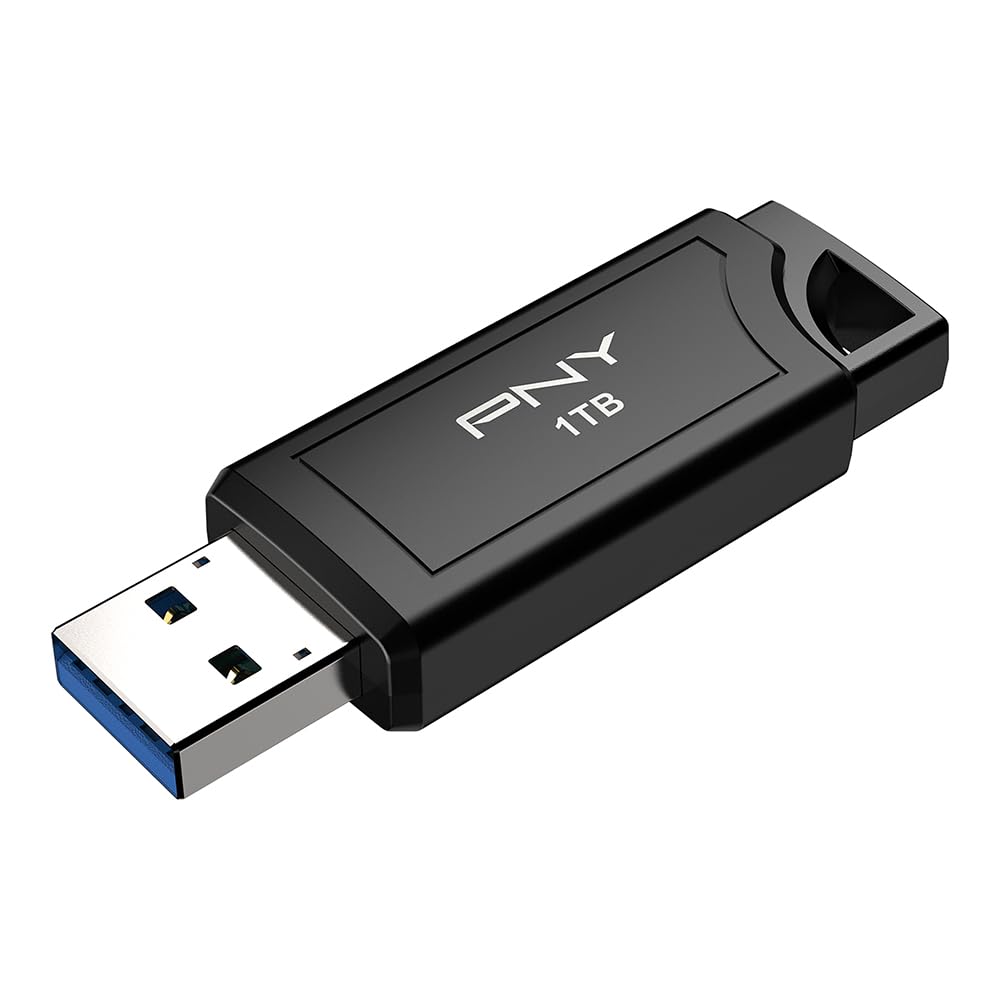
2. PNY PRO Elite V3 USB 3.2 Gen 2 Flash Drive
A metal-shelled stick that reads at 1000MB/s and writes at 800MB/s for heavy media work.
If you cannot wait for files to transfer, this drive reads at up to 1000MB/s and writes at up to 800MB/s over USB 3.2 Gen 2 (a high-speed connection standard), making it the fastest stick in this list by a wide margin. It moves full-resolution photos, 4K video, and large project files without delays, so content creators, graphic designers, and gamers will feel the difference immediately.
The all-metal construction feels premium in hand and survives the kind of abuse a touring DJ or field professional dishes out. What wins people over is its reliability — it endured “many gigs and trips” with no issues, per the review pattern. It runs warm during operation, though customers note it does not get blazingly hot, and it stays backward compatible with USB 3.2 Gen 1, USB 3.0, and USB 2.0 ports.
The trade-off is that this top-tier performance sits at the premium end of the price range, and the USB-A connector means phones with USB-C need an adapter. It is a tool for people who move big files all day and value every second saved.
A tiny metal brick: owners describe it as shockingly fast with a premium, durable feel that outperforms older USB drives easily.
Best for: video editors, photographers, and DJs who move massive files daily and want SSD-like speed without the bulk.
Not for: casual users who just need occasional document backup — you would be paying for speed you will not use.
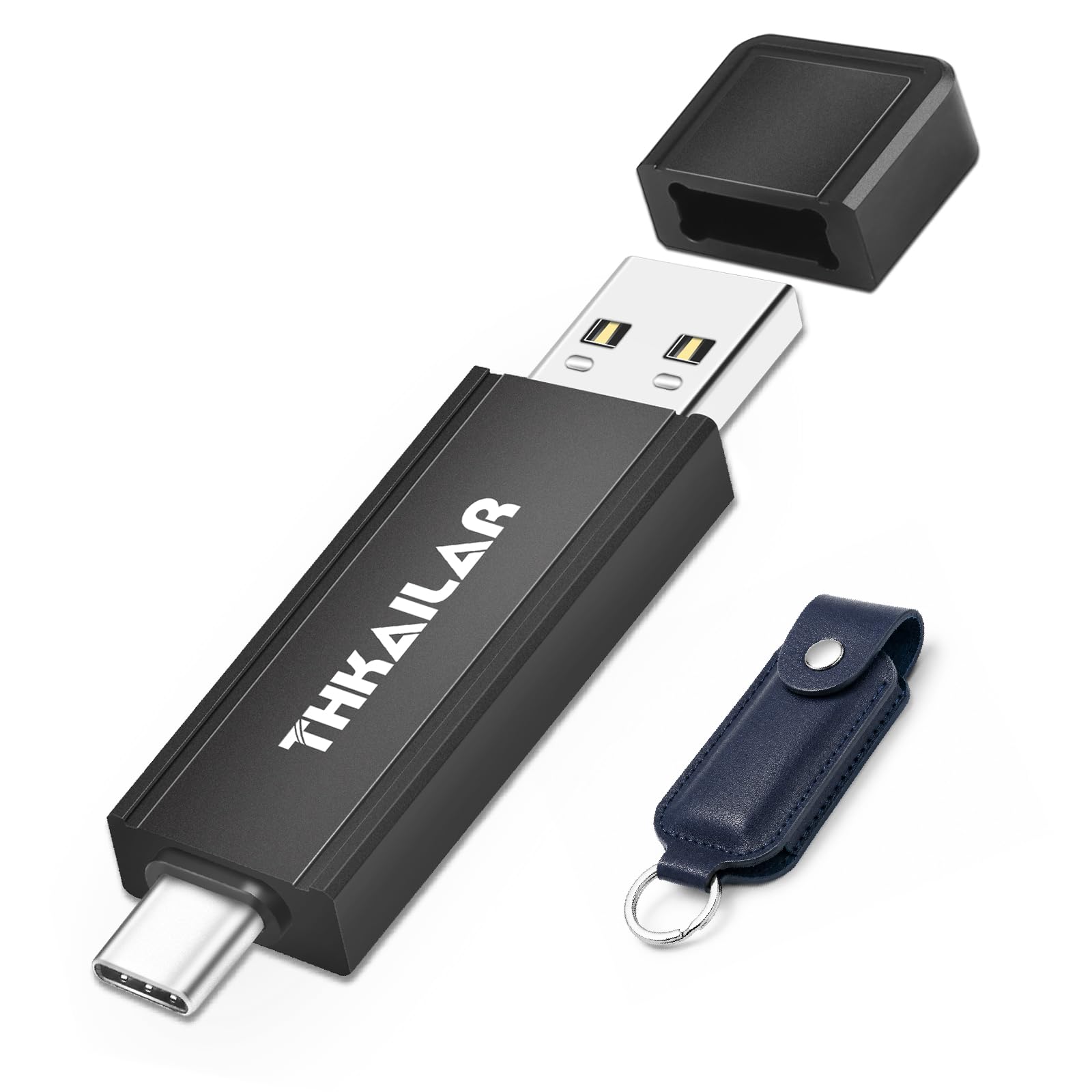
3. Thkailar 1TB USB 3.2 Flash Drive
A CNC-machined dual USB-A/C drive that reads at 400MB/s across phones, PCs, and Macs.
This one bridges the gap between speed and connectivity. With both USB-C and USB-A ends on one stick, it moves files between an iPhone 16, a Windows PC, and a MacBook without any adapters — a genuine convenience for anyone juggling ecosystems. It reads at up to 400MB/s over USB 3.2 Gen 1, which is a 3.3x gap over the 120MB/s budget dual drives in this roundup.
The CNC-machined metal housing feels solid in hand and comes with a PU protective case for travel. It is preformatted in exFAT so it works across Windows, macOS, Linux, and most Android devices right from the start, and it works on a PS5 for game captures. One caveat: a few owners found it asks to be reformatted when connected to certain Samsung phones, so check your specific device.
For content creators and business professionals moving large photos and presentations between machines, this is a strong mid-range pick that does not force you to choose between speed and port compatibility.
Solid performer: quality and value for money earn steady praise, and speeds hold true to the 400MB/s claim in real use.
Pick this if: you live between USB-C phones and USB-A computers and want one drive for everything.
Think twice if: you rely on a Samsung phone — some units prompt a reformat when plugged in.
4. Centon DataStick Pro 1TB

An aluminum-cased USB-A drive that keeps transfers steady during long office backup sessions.
Not every drive needs record-breaking speed — some just need to work every single time. That is the Centon DataStick Pro. Its lightweight aluminum casing doubles as a heat sink, which is exactly what keeps transfers steady during long backup sessions. Businesses report using these exclusively for years, calling them “extremely reliable and durable.”
It runs on USB 3.2 Gen 1, which the maker says delivers up to 10x faster transfers than standard USB 2.0 drives, and it is backward compatible with USB 2.0 so it works on older office machines. The loop at the end lets you thread an elastic or label through it — a small detail that matters when you manage several drives at work. Note that drives over 4GB can hit file-size limits depending on format, so format it for large files before heavy use.
If you want a classic, sturdy USB-A stick for professional document storage and travel, this delivers quality and value without flashy specs. There is no USB-C built in, so modern phones will need an adapter.
Reliable daily driver: the aluminum case helps keep things cool, and file transfers complete quickly enough for everyday work.
Great for: office environments and professionals who want a sturdy, trustworthy USB-A drive for documents and presentations.
skip it if: you need USB-C connectivity or plan to move single files larger than 4GB without reformatting.
5. TEAMGROUP C175 1TB USB 3.2 Gen 1
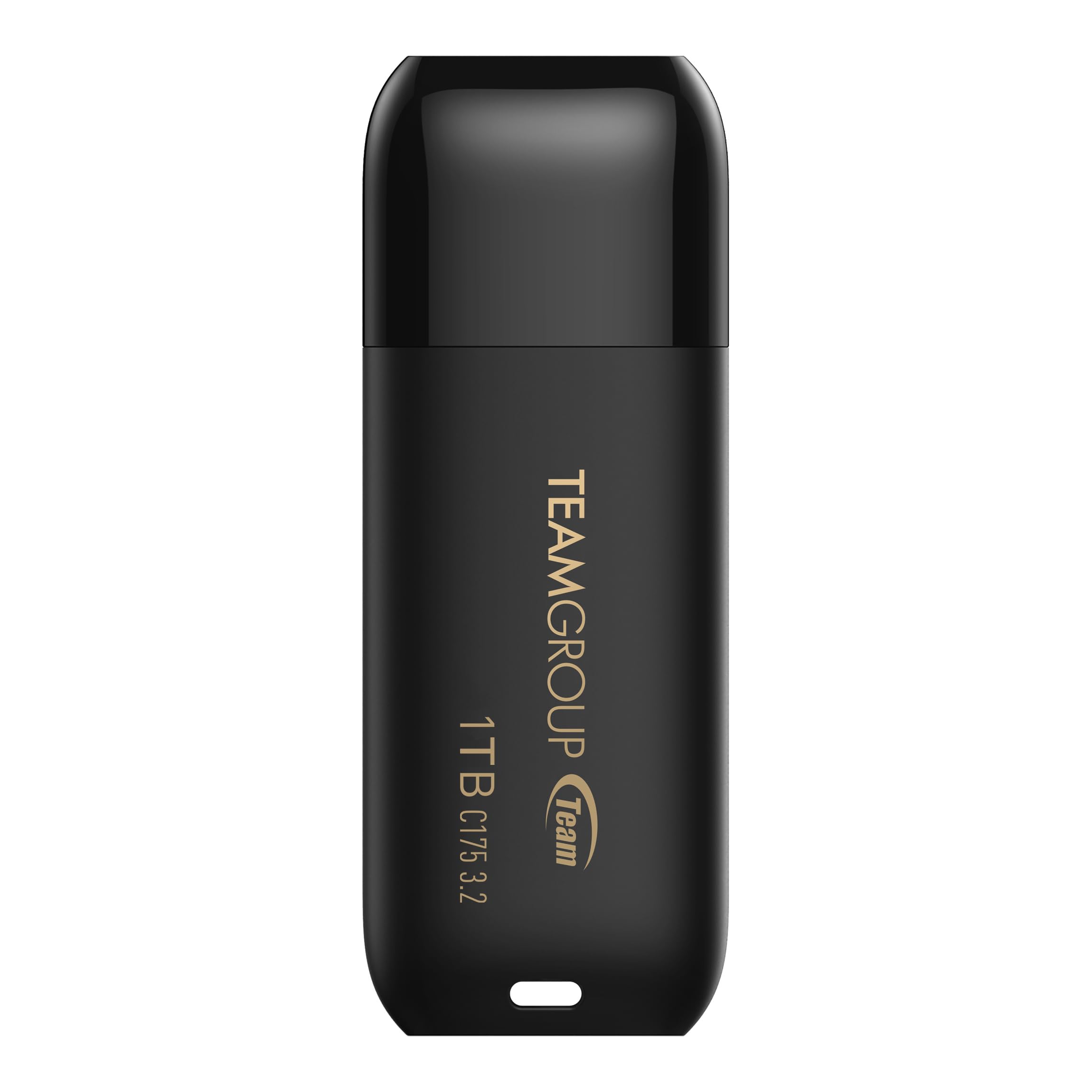
A 9g cap-free USB-A stick with a lifetime warranty for everyday document backups.
TEAMGROUP’s C175 is the no-fuss pick: a compact, matte-black stick rated for 100MB/s reads (about 10 times slower than the fastest drive here) that stores documents, photos, and a few videos without hassle. Its smooth, rounded design includes a cap-loss-free cover, so you never hunt for a lost lid, and it supports hot swap (plugging in or unplugging without restarting your device) plus power saving mode. It comes with a lifetime warranty and free technical support via TEAMGROUP’s website, making it a safe bet for everyday backups.
The catch is honest: this is a budget-tier performer, not a speed king. Transfer speeds get mixed feedback, with some owners seeing quick 100MB/sec moves and others reporting drops during heavy loads. A handful of units failed within weeks, so treat it as a backup drive rather than your only copy. For everyday storage and bootable utilities like portable Ubuntu, it does the job reliably.
At 9 grams it disappears into a pocket or bag, and the simplicity is the appeal — plug in, copy, done. If you need raw speed, look at the dual-port or Gen 2 options above.
Everyday strengths
- Cap-loss-free design keeps the cover attached
- Lightweight 9g body is easy to carry
- Lifetime warranty for confidence
Honest limits
- Speed is modest at 100MB/s reads
- Reported reliability is mixed across units
- USB-A only — no phone connectivity
Reach for it if: you need a cheap, simple USB-A stick for everyday documents and don’t demand blazing speed.
Look elsewhere if: you move large video files or need a drive you can trust for critical data with no backup.
6. SSK SD300 1TB USB 3.2 Gen 2
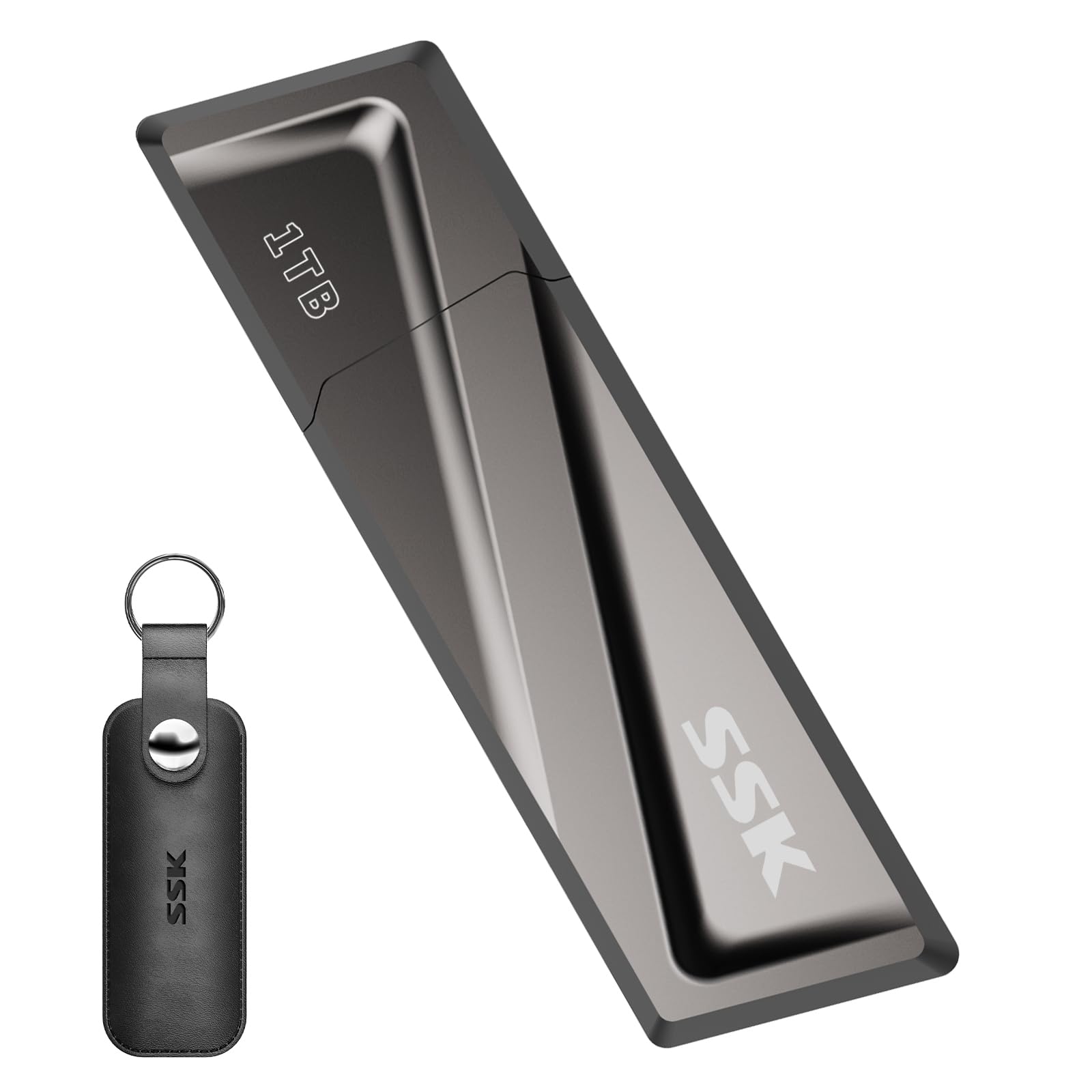
A zinc-alloy drive that sustains 550MB/s reads and 520MB/s writes even at 90% capacity.
Most flash drives slow down as they fill up. The SSK SD300 is built so that does not happen, sustaining up to 550MB/s reads and 520MB/s writes over USB 3.2 Gen 2 regardless of how much data is on it. Video editors love it because it handles 4K footage without stuttering, and owners describe the build as “built like a tank” — a high-grade zinc alloy shell that shrugs off drops and scratches.
The flip-up cap protects the USB port when not in use, and it comes with a USB-C adapter so it works with smartphones, MacBooks, smart TVs, and car audio. Heat is the trade-off: the metal case acts as a heatsink and gets quite warm during heavy writes, though that is the same design that keeps speeds from collapsing. It is heavier and sturdier than plastic alternatives, which some will love and others will find bulky.
For photographers dumping full cards or anyone backing up system images, the combination of durable metal and speed that does not fade makes this a serious contender in the mid-premium tier.
The speed champion: sustained write performance is the defining trait — it does not slow down at 50% or even 90% capacity, which is rare.
Choose this if: you routinely move large files and want SSD-like performance in a rugged, pocketable drive.
Pass if: you prefer a cooler-running stick — this one gets hot during big transfers by design.
7. SanDisk Ultra Flair USB 3.0 1TB
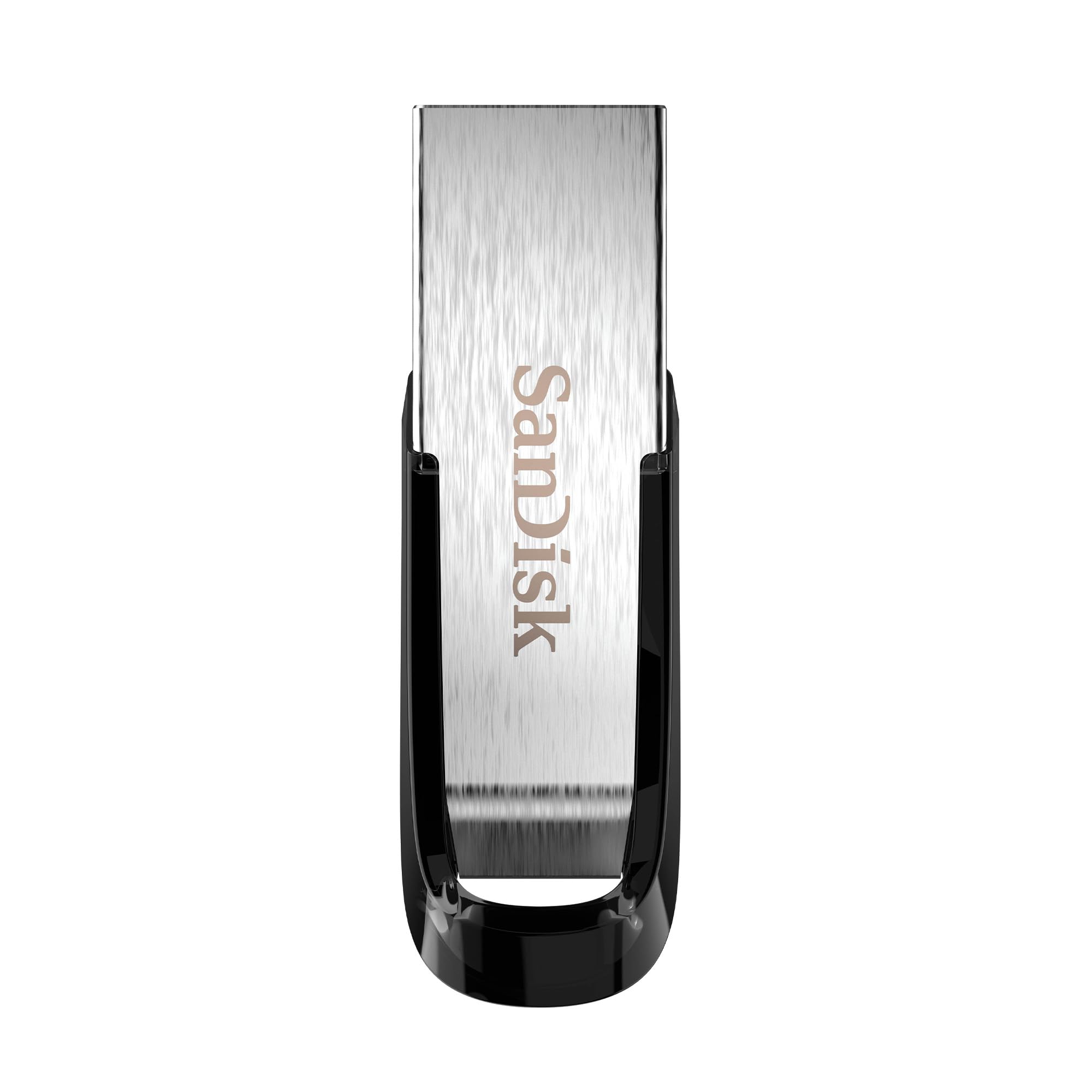
A metal USB-A stick with built-in password protection for locking private files.
SanDisk’s Ultra Flair is the drive that quietly handles everything: work files, school projects, and personal backups. It reads at up to 150MB/s over USB 3.2 Gen 1 — about 15 times faster than a standard USB 2.0 stick — and the durable metal casing survives the knocks of daily carry. It is the most-reviewed drive in this roundup, and the story that emerges is simple: it works fast and serves its purpose.
The standout feature is built-in password protection, which lets you lock private files so sharing the drive does not mean sharing everything. Combined with the SanDisk Memory Zone app for backing up and organizing, it is a complete solution for people who want security without extra software. It gets warm during long transfers, and a small number of reviewers point out it stopped working after about six months — so keep a backup of critical data.
This is a dependable, premium-feeling USB-A stick for anyone who wants trust and a touch of security in one package. The trade-off is speed that is solid but not class-leading, and no USB-C connector.
Quality in a small package: the build quality and functionality are the most-praised traits, with the compact size earning consistent approval.
Best for: students and professionals who want a sturdy, password-protected drive for mixed personal and work data.
Not for: power users who need 400MB/s+ transfers or USB-C compatibility in the drive itself.
8. Lexar D50E 1TB Solid State Dual Drive
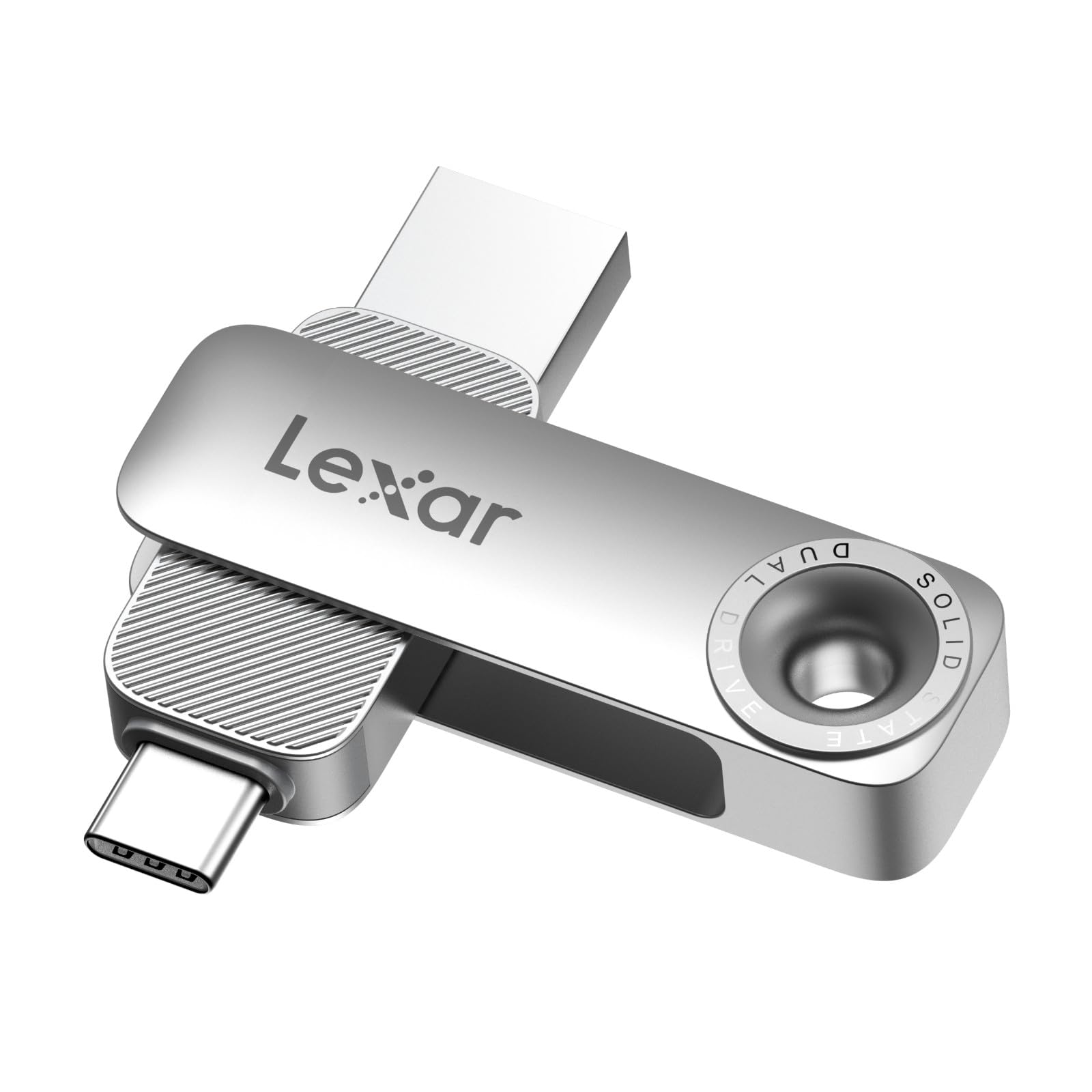
A cable-free dual drive that runs cool even during heavy media work
The Lexar D50E solves the classic problem of which port to carry. Both USB-A and USB-C connectors are built into one compact metal shell, so it works with phones, laptops, and desktops with zero cables or adapters. It reads at up to 390MB/s and writes at up to 400MB/s — 4x faster than standard USB 3.0 per the maker — which makes it genuinely useful for moving media around.
What impresses owners is the thermals. Even when scrubbing 2K video in DaVinci Resolve or moving 100GB in about 11 minutes, it “stays cool” — a rare trait among fast drives. DJs love it for loading music quickly without heat buildup. The free Lexar App Photo Backup works on iOS and Android for easy phone photo dumping, and the USB-C end is long enough to fit a phone with a case on.
The compact 0.4-inch-thin body is easily pocketable, though it can feel tight in some laptop ports. iPhone compatibility gets mixed feedback, so check your specific model if that matters.
Cool and capable: build quality and speed earn the top praise, with dual connectors making it a true one-drive-for-everything solution.
Pick this if: you move media between an iPhone and a computer and want a drive that stays cool during big transfers.
Think twice if: you need maximum speed — at 390MB/s it trails the Gen 2 drives in this list.
9. SANKESU 1TB USB C Flash Drive 3.1
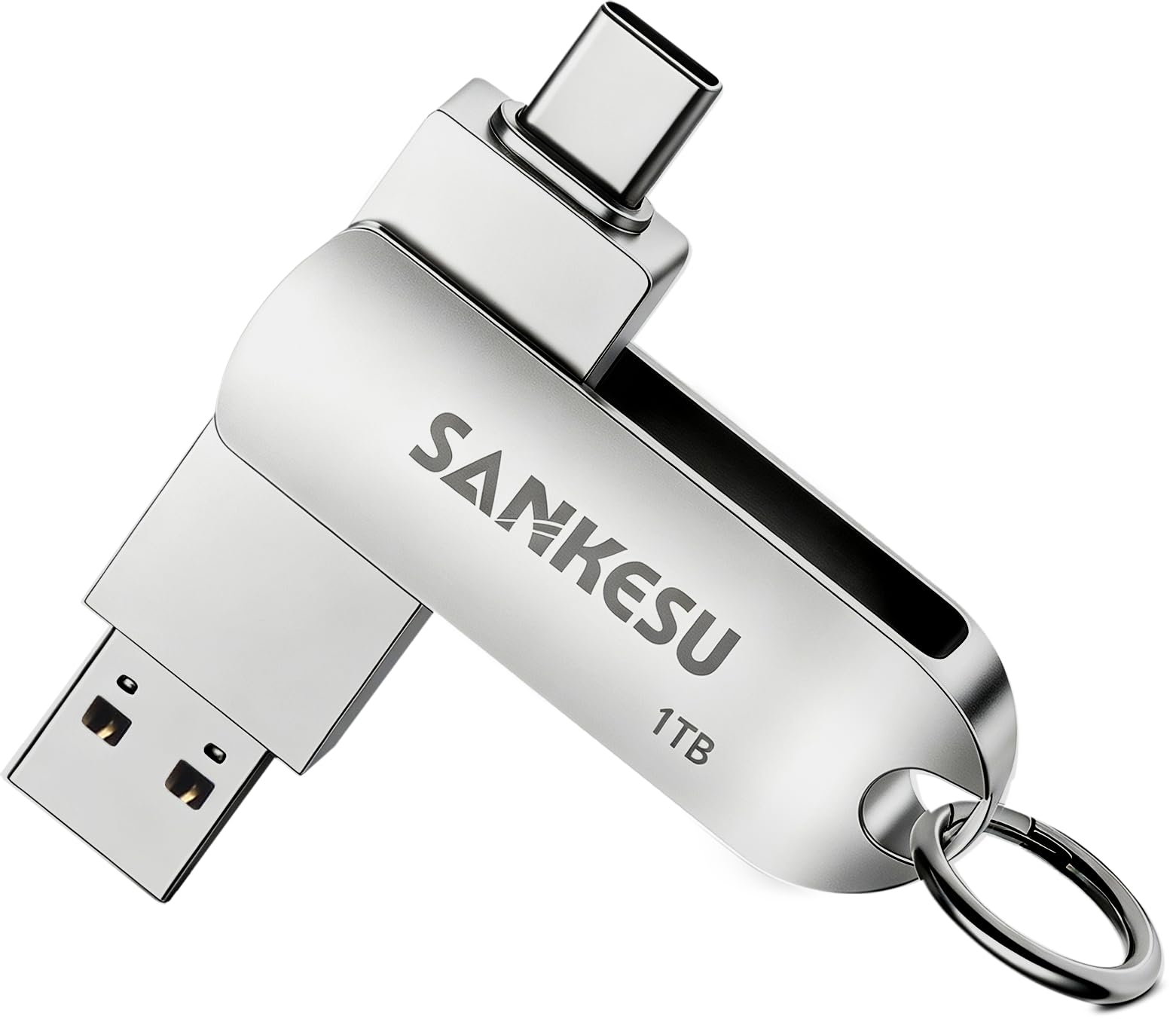
A 360-degree rotating dual drive that frees up phone storage on a budget
This is the entry point into 1TB dual-port storage. The SANKESU drive pairs USB-A and USB-C via a 360-degree rotating metal design, so it works with iPhones (15/16/17 series), Android phones, PCs, Macs, car audio, and smart TVs. It reads at up to 120MB/s over USB 3.0 — modest compared to the 400MB/s Thkailar — but plenty for offloading photos and school files from a phone.
The plug-and-play setup needs no software: connect and find the USB in your file manager. It ships preformatted in exFAT, though some multimedia devices only read FAT32, so you may need to reformat. Shoppers say it easily holds “all my pictures and school files” from a phone, and the metal construction keeps the cover secure in a purse. The honest caveat: reliability is the most-discussed trade-off, with one owner losing photos after a failure, so treat it as secondary storage.
If you want a cheap way to back up a phone without cloud subscriptions and the speed does not need to be record-breaking, this is a sensible budget pick.
Budget appeal
- Dual USB-A and USB-C covers phones and computers
- 360-degree rotation design is handy
- Easy plug-and-play, no software needed
Where it falls short
- 120MB/s reads trail faster dual drives
- Reliability gets mixed owner feedback
- Some devices need a FAT32 reformat
Good for: budget buyers who mainly want to offload phone photos and documents without paying for speed.
pass on it if: you need dependable backup for irreplaceable data or fast 4K video transfers.
Understanding the Specs
USB Generations and Speed
The USB version on the box (3.0, 3.1, 3.2 Gen 1, Gen 2) tells you the maximum possible speed, but the real-world number is the read speed in MB/s. USB 3.2 Gen 1 drives typically read at 100-400MB/s, while Gen 2 drives can hit 550MB/s or higher. Faster reads mean less time waiting when you pull files off the drive.
Dual Connectors and Compatibility
USB-A is the rectangular port on older computers and car stereos; USB-C is the oval port on modern laptops and phones. A dual drive with both built in means no adapters when switching between devices. Check the default format too — exFAT works across Windows, Mac, and Android, but some car audio and TVs only read FAT32.
FAQ
Will a 1TB thumb drive work with my iPhone?
What is the difference between USB 3.2 Gen 1 and Gen 2?
Why does my 1TB drive show less than 1TB of space?
Can I use a 1TB flash drive to back up my phone photos automatically?
How fast will it transfer a 4GB video file?
Is a metal housing better than plastic for a flash drive?
Can I use a 1TB thumb drive with a PS5 or car stereo?
What does exFAT format mean for me?
Is a 1TB flash drive reliable for long-term storage?
Final Thoughts: The Verdict
The 1tb thumb drive crowd favorite is the SanDisk Extreme Fit USB-C, holding the highest rating with the best balance of speed, size, and durability for most users. If you want dual USB-C and USB-A connectivity with fast 400MB/s transfers, grab the Thkailar. And for professional-grade speed up to 1000MB/s, the PNY PRO Elite V3 is the one to reach for.
How We Picked
We do not accept paid placement. Every pick is matched to a real buyer and a real use-case; we do not hands-on test units.
Sources & Methodology
Specifications: manufacturer listings and product documentation. Review insights: verified customer reviews, as of August 2026. Pricing: not shown on this page (it changes often); check the current price via the retailer link.
As an Amazon Associate, Gadgets Feed earns from qualifying purchases. This does not affect which products we feature.