
Our readers keep the lights on and my morning glass full of iced black tea. As an Amazon Associate, I earn from qualifying purchases.
Specs are compiled from manufacturer listings and verified buyer reviews and can change over time — please confirm the key details on the product page before buying.
You want smooth, tear-free gameplay in fast shooters and deep, true blacks in story-driven games. Both needs point to the same upgrade: a 27-inch 1440p 240Hz monitor. This guide explains the real-world difference between OLED, Fast IPS, and Mini LED panels in plain English, so you can pick the right one for your setup and your games.
I’m Min — the founder and writer behind Gadgets Feed. This guide is built by comparing the manufacturers’ published specifications and the patterns across verified customer reviews, so you get each pick’s real strengths and trade-offs instead of marketing spin.
I’ll highlight the specs that actually matter—like response time, contrast ratio, and color gamut—and then break down the top choices to help you find the very best 27 inch 1440p 240hz monitor.
Our Picks at a Glance
How To Choose The Best 27 Inch 1440P 240Hz Monitor
A 27-inch QHD (2560×1440) 240Hz monitor gives you a sharp picture without needing the powerful (and pricey) graphics card that 4K demands. But size and speed aren’t the whole story—the panel technology underneath defines your experience. Here’s what actually matters when you compare these monitors.
Panel Type: OLED vs. Fast IPS vs. Mini LED
The biggest decision you’ll make is the panel. OLED monitors like the LG and AOC models offer perfect blacks and a stunning contrast ratio of 1500000:1, because each pixel turns itself off. They also have incredibly fast response times of 0.03ms, eliminating ghosting entirely. Fast IPS panels, found on the ASUS TUF and LG UltraGear, use a traditional backlight with liquid crystals, offering great color and speed but with a lower contrast ratio, typically around 1000:1. Mini LED, as seen on the INNOCN, uses many small backlight zones to improve contrast and brightness (up to 1000 nits) without the burn-in risk of OLED.
Response Time and Refresh Rate
Refresh rate, measured in Hertz (Hz), is how many times the screen updates per second. 240Hz is buttery smooth. Response time, measured in milliseconds (ms), is how fast a pixel can change colors. A faster response time means less blur and ghosting behind fast-moving objects. Monitors in this list offer response times from 1ms on IPS panels down to 0.03ms on OLEDs—a 33.3x gap that you can actually see in fast-paced scenes.
Quick Comparison
| Model | Best For | Panel Type | Response Time | Contrast Ratio | Amazon |
|---|---|---|---|---|---|
| LG 27GX704A-B★ Best Overall | Best Overall OLED | OLED | 0.03ms | 1500000:1 | Amazon |
| LG 27GR83Q-BBest Value | Best Value IPS | IPS | 1ms | 1000:1 | Amazon |
| ASUS TUF VG27AQM5ATop Performer | High Refresh Rate | Fast IPS | 0.3ms | 1300:1 | Amazon |
| INNOCN GA27T1M | Mini LED Brightness | Mini LED | 0.5ms | 1000:1 | Amazon |
| AOC Q27GAZD | Entry OLED | QD OLED | 0.03ms | 1500000:1 | Amazon |
| AOC AG276QZD2 | High-End OLED | QD OLED | 0.03ms | 1500000:1 | Amazon |
| MSI MAG 272QP | Budget QD-OLED | QD OLED | 0.03ms | 1,500,000:1 | Amazon |
| MSI MAG 274QP | Versatile QD-OLED | QD OLED | 0.03ms | 1,500,000:1 | Amazon |
| Alienware AW2723DF | Competitive IPS | IPS | 1ms | 1000:1 | Amazon |
| Pixio PX277 OLED Max | Productivity & Gaming | WOLED | 0.03ms | 1500000:1 | Amazon |
| ASUS ROG XG27AQDMG | Premium Glossy OLED | WOLED | 0.03ms | — | Amazon |
In-Depth Reviews
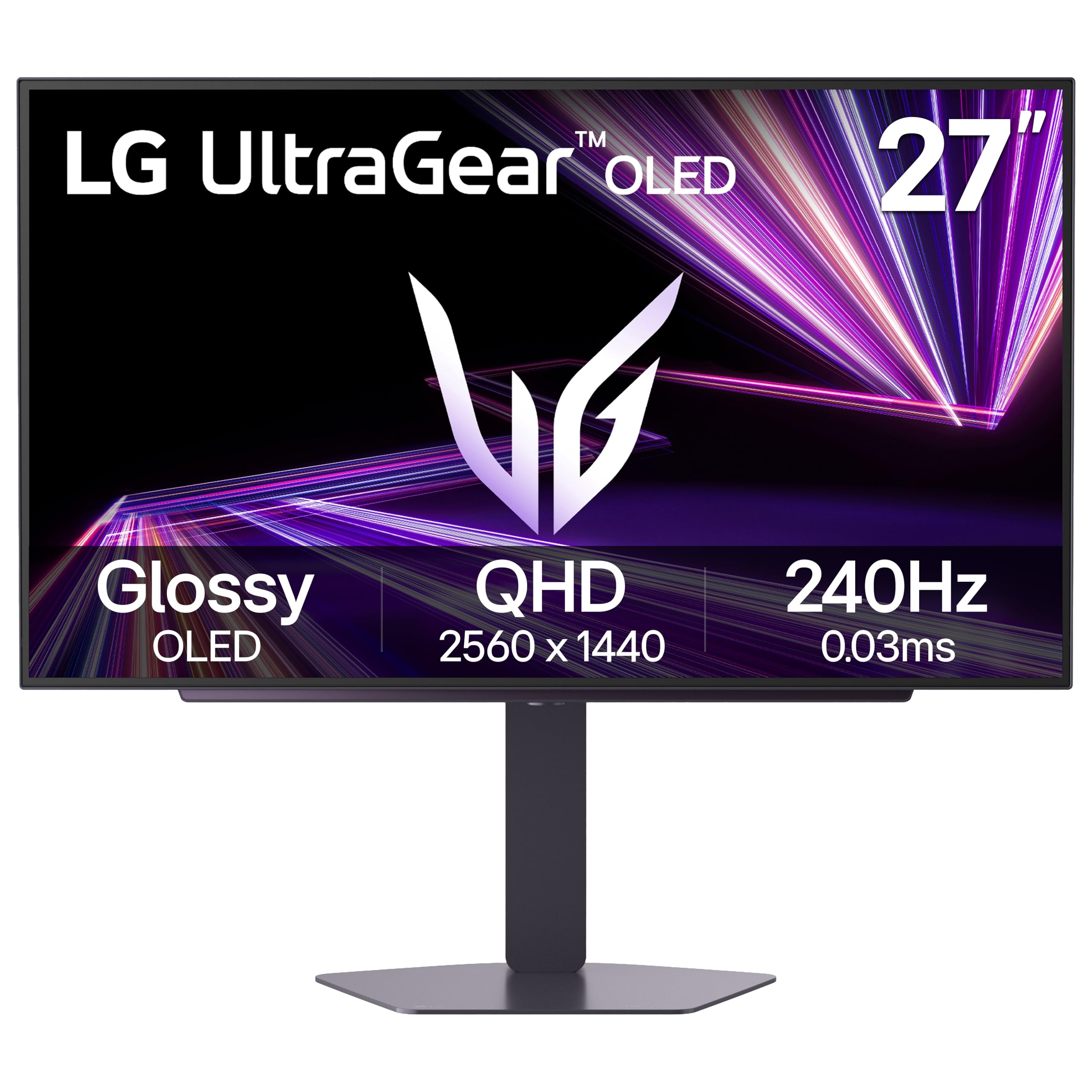
1. LG 27GX704A-B 27-inch Ultragear OLED Gaming Monitor
Our pick — over 4.5★ from 450+ verified ratings; the strongest balance of quality and price.
The crowd-pleasing pick that brings jaw-dropping OLED contrast to a fast, glossy 27-inch QHD panel.
If you want the best-looking picture for both gaming and movies, this LG UltraGear is the one to beat. It uses a glossy 27-inch QHD OLED screen that delivers the deepest blacks and a contrast ratio of 1500000:1—a massive 1500.0x gap over the 1000:1 you get on the LG 27GR83Q-B IPS below. Every dark corner in a game is visible, and bright explosions pop with a peak brightness of 1300 nits.
Speed keeps up with the looks. The 0.03ms response time is 33.3x faster than the 1ms on the LG IPS model, which means zero ghosting behind fast-moving enemies. The stand adjusts in height, tilt, swivel, and pivot, so you can find a comfortable viewing angle easily.
The review pages sum it up: “27” QHD OLED, glossy, 98.5% DCI-P3, DisplayHDR TrueBlack 400. 240Hz, 0.03ms, G-Sync compatible, zero ghosting/tearing.” Owners consistently praise the build quality and the low eye strain during long sessions, thanks to its three UL certifications for Anti-Glare, Flicker-Free, and Low Blue Light. The only minor note is the brightness, which some found not overwhelmingly bright, though most agree it’s a fantastic display for the price.
Why It Wins
- Incredible 1500000:1 contrast ratio for deep blacks
- Ultra-fast 0.03ms response eliminates ghosting
- Glossy screen makes colors look vivid and sharp
- Fully adjustable stand with height, tilt, swivel, pivot
Things To Consider
- Some owners found brightness to be just average, not exceptional
- OLED panels require pixel care routines to avoid image retention
the balance: This is the balanced pick for gamers who want OLED quality without paying the highest premium.
The trade-off: You’ll get used to the glossy finish and pixel-clean cycles, which are standard OLED quirks.
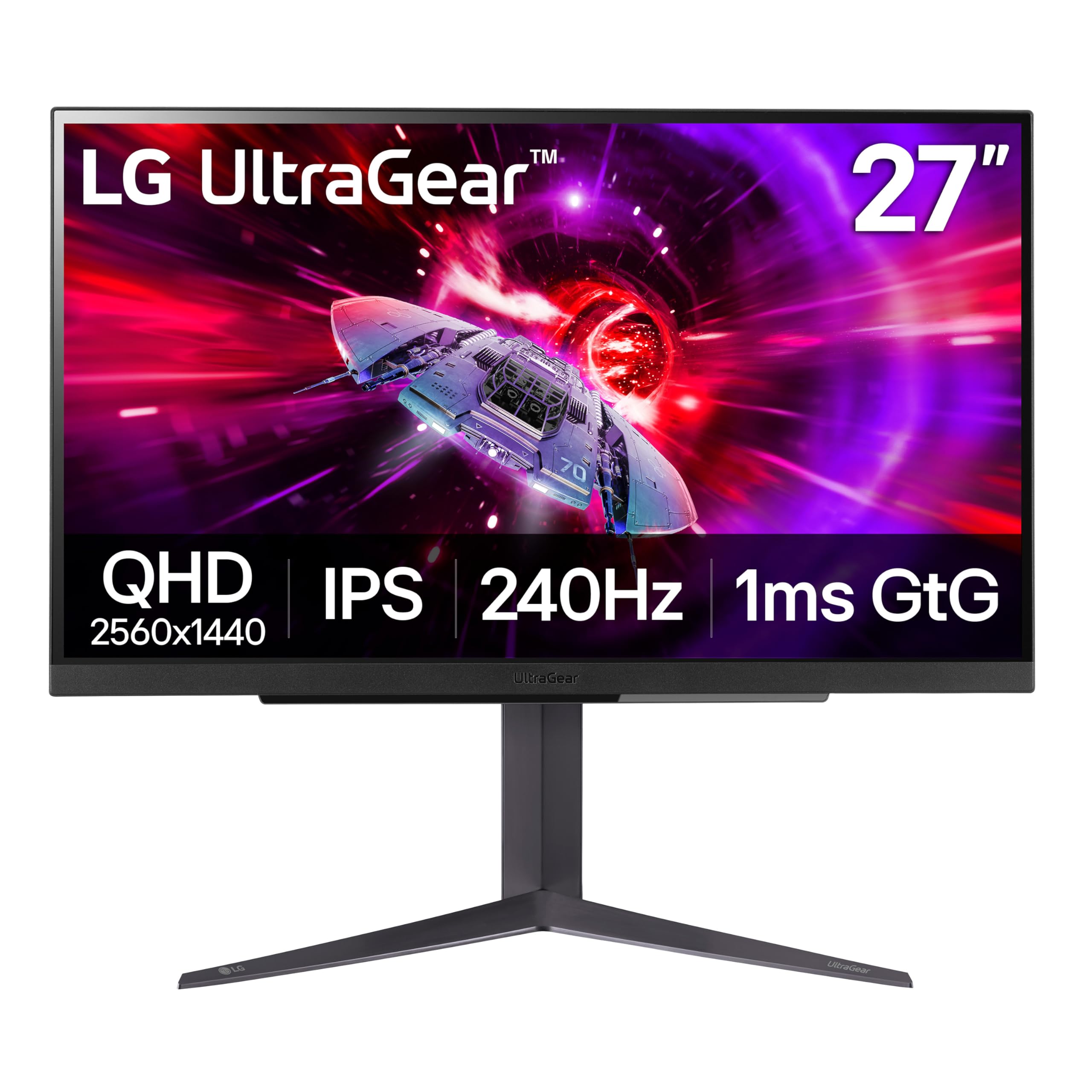
2. LG 27GR83Q-B 27-inch Ultragear IPS Gaming Monitor
A fantastic IPS panel that delivers 240Hz smoothness and solid color without the OLED price tag.
Not everyone needs OLED, and this LG UltraGear is the best argument for a great IPS panel. It hits 2560×1440 resolution with a 240Hz refresh rate over both DisplayPort 1.4 and HDMI 2.1, so you can easily hit the speed cap with a modern graphics card or console. The 1ms response time keeps motion blur low and makes fast-paced games feel snappy and responsive.
Color accuracy is a strong suit here, covering 95% of the DCI-P3 color gamut, which is great for games and media alike. While its 1000:1 contrast ratio can’t match the deep blacks of the OLED LG above, the IPS panel offers vibrant colors and wide viewing angles. It also supports both NVIDIA G-SYNC Compatible and AMD FreeSync Premium, ensuring a tear-free experience no matter what GPU you have.
What wins people over is the sturdy, adjustable stand and the out-of-box color performance. However, a recurring issue mentioned by a few owners is stuck pixels, with one order arriving with a red pixel and another with 5-8 multi-colored ones. It’s a known lottery with some units, though many others report no issues and call it a great budget-friendly 1440p option.
The High Points
- Excellent value for a 240Hz IPS panel
- Wide 95% DCI-P3 color gamut for vibrant colors
- Supports both G-Sync and FreeSync Premium
- Sturdy stand with height and pivot adjustment
The Low Points
- Standard IPS contrast ratio of 1000:1
- A few owners received units with stuck pixels
- No built-in speakers
The pick for: Competitive gamers on a budget who want a big, fast screen without worrying about OLED burn-in.
The caveat: If you get a unit with a stuck pixel, the return process is worth it to get a clean panel.
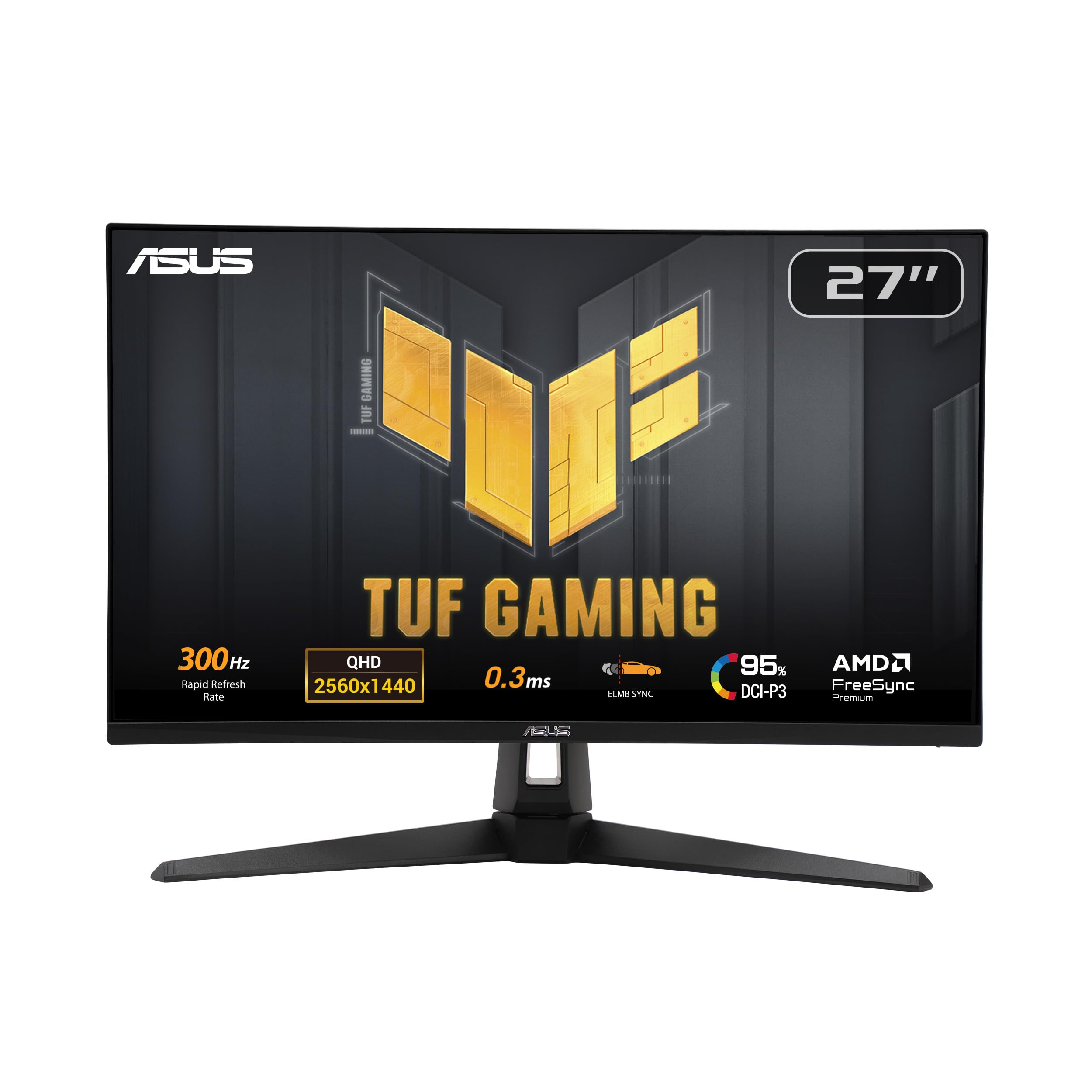
3. ASUS TUF Gaming VG27AQM5A 27″ 1440P Monitor
This Fast IPS panel goes beyond 240Hz, hitting a blistering 300Hz for the ultimate competitive edge.
If your graphics card can push the frames, this ASUS TUF monitor pushes them back at you with a 300Hz refresh rate, outpacing the 240Hz standard of the rest of this list. That extra headroom makes motion look impossibly fluid in esports titles. The Fast IPS technology delivers a 0.3ms response time, keeping ghosting to a minimum and ensuring you see enemies the moment they appear on screen.
Despite being an IPS panel, it offers a respectable 1300:1 contrast ratio, which is slightly better than the 1000:1 on the LG IPS. It also covers a wide 95% DCI-P3 color gamut for punchy colors. A major plus is its ASUS Extreme Low Motion Blur Sync (ELMB Sync), which lets you use motion blur reduction and variable refresh rate (FreeSync Premium) at the same time to eliminate both ghosting and tearing.
Owners note the 3-year warranty covers dead pixels, which is a huge vote of confidence. The built-in speakers are a nice bonus, and the anti-glare screen is well-liked. The main criticism is its brightness, which some find weaker than rivals, and a clunky on-screen menu. One review mentions seeing artifacting in videos and some flicker in certain conditions, so it’s not without its quirks for media use.
What Stands Out
- Blazing 300Hz refresh rate for esports
- Super-fast 0.3ms response time
- ELMB Sync reduces both ghosting and tearing
- 3-year warranty covering dead pixels
What To Watch
- Weak brightness and contrast compared to other panels
- Clunky on-screen menu interface
Built for the frame-chasers: Choose this if your GPU can deliver more than 240 frames per second and you want to see all of them.
skip it if: You’re a casual gamer who values peak brightness and rich contrast over raw speed.
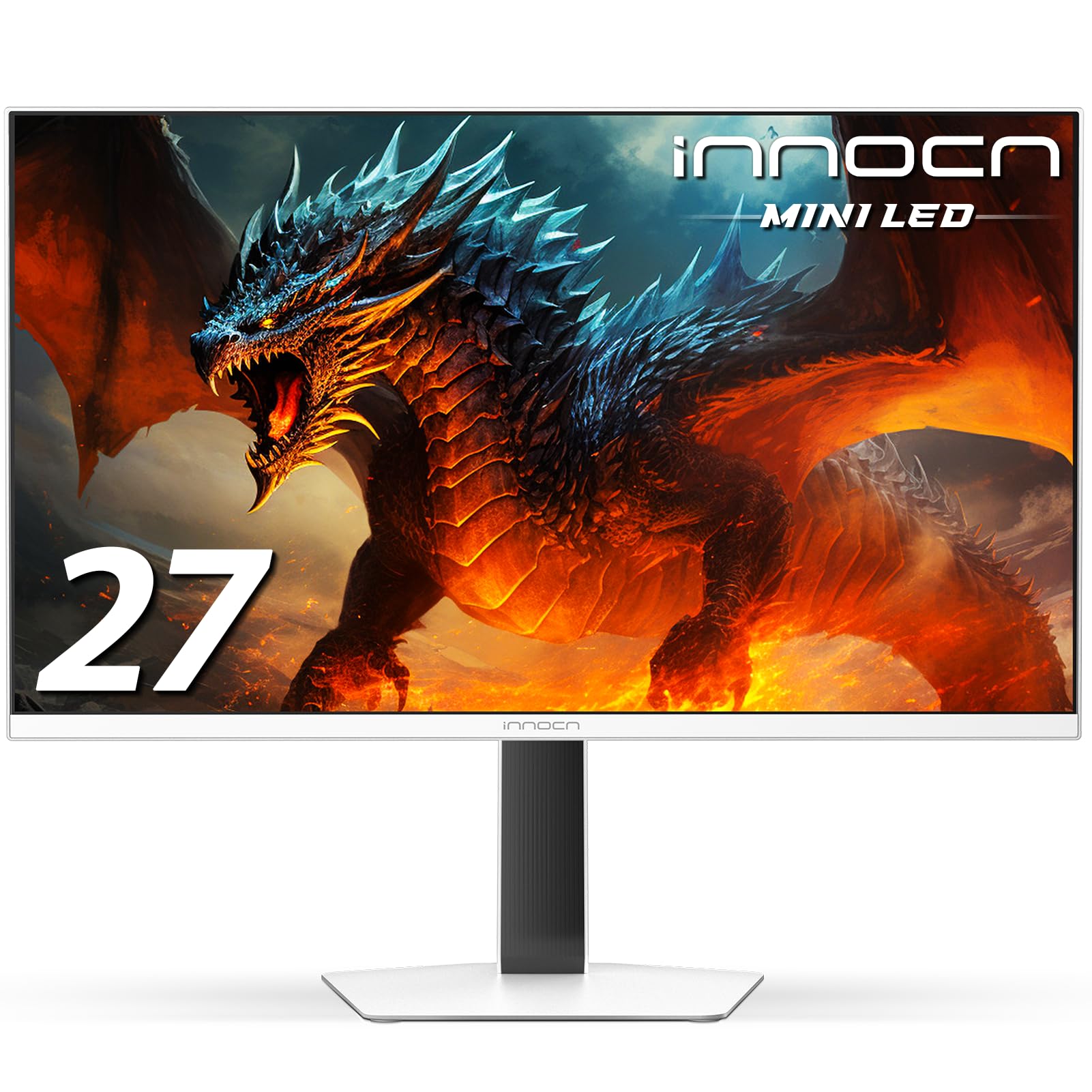
4. INNOCN 27″ 2K 1440P Mini LED Gaming Monitor
This monitor uses 1152 Mini LED dimming zones to deliver searing brightness and near-OLED blacks.
For gamers who want HDR pop without the burn-in worries of OLED, the INNOCN GA27T1M is a powerhouse. It pushes things even further with a 320Hz refresh rate and uses Mini LED backlighting with 1152 local dimming zones. This allows the monitor to get incredibly bright, reaching a peak of 1000 nits, making bright HDR scenes explode with detail. Buyers report it can even beat OLED panels in raw brightness.
The response time is a quick 0.5ms GTG, keeping motion sharp at those high refresh rates. It covers 100% of the sRGB color gamut, ensuring accurate and vibrant colors from the start. The design is also a highlight, with a stylish white body, integrated RGB lighting, and a metal stand. The panel is VESA mountable if you want to save desk space.
The most-discussed downside isn’t the image but the setup. Owners mention there are no instructions for the settings, requiring hours of tuning and YouTube guides to dial in the picture. One review also notes the IPS glow can be problematic in dark rooms. However, once configured, buyers find the picture quality fantastic, with excellent SDR performance and clear text for productivity.
The Pro Side
- Exceptional 1000 nits peak brightness
- 1152-zone Mini LED local dimming
- 320Hz refresh rate for ultra-smooth motion
- Stylish design with RGB lighting and metal stand
The Con Side
- Setting up the display requires a lot of manual tuning
- No instruction manual for the on-screen settings
The pick for: Buyers who want bright, vivid HDR gaming and are willing to spend time configuring the monitor to get it perfect.
The honest note: If you’re not comfortable tweaking settings, an out-of-box monitor is easier, but you’d miss out on its brightness.
5. AOC 27″ Gaming Monitor QHD 240Hz QD OLED
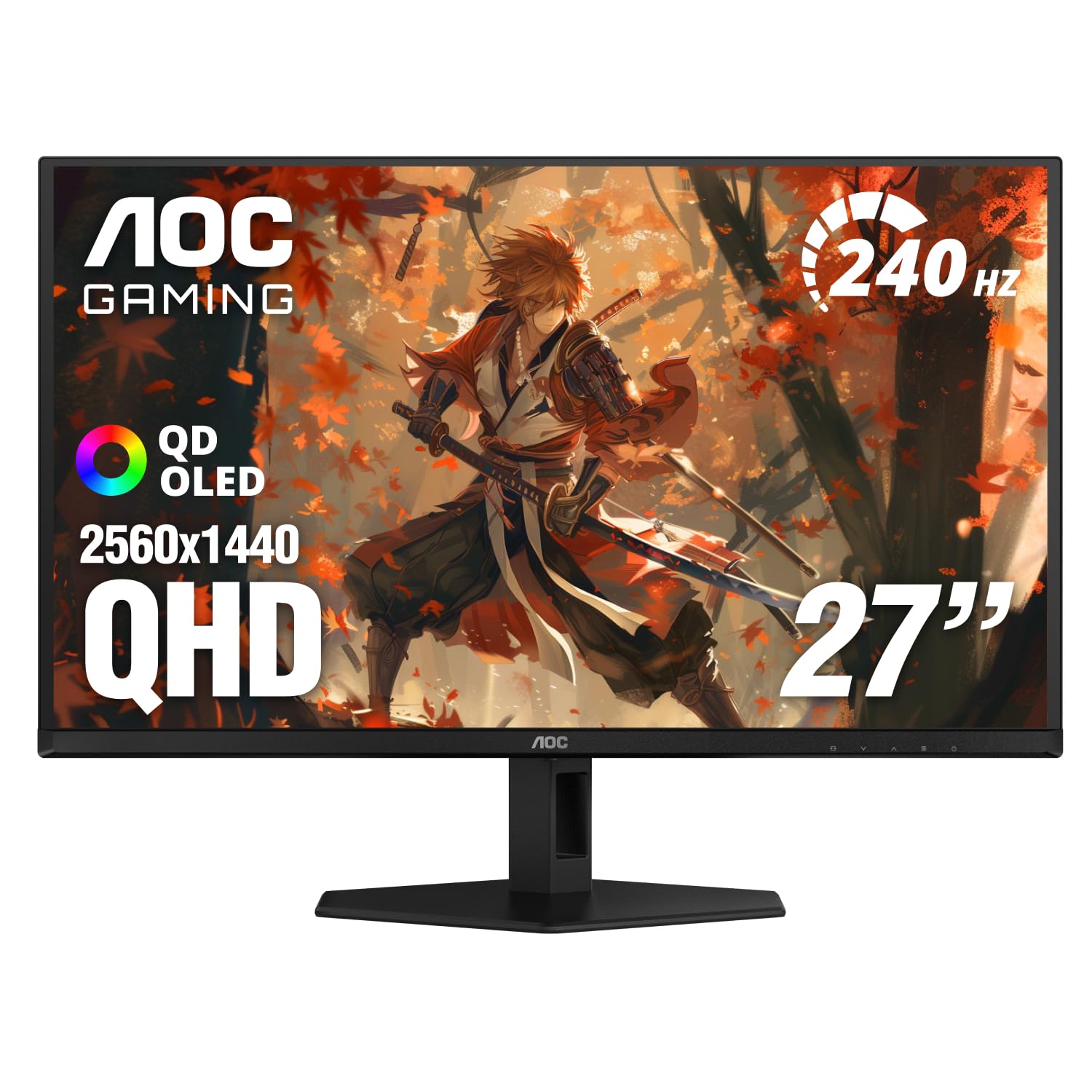
An approachable OLED with rich Quantum Dot colors that make jumping into the technology easy.
This AOC is the perfect way to step into the world of OLED. It combines the deep blacks and perfect contrast of the QD OLED panel with a fast 240Hz refresh rate and a 0.03ms response time. The key feature here is the Quantum Dot layer, which boosts the color gamut to an incredible 147.6% sRGB and 110.2% DCI-P3, delivering the most vibrant and realistic colors in this price range.
The HDR400 True Black certification ensures that blacks stay incredibly deep and dark, making a huge difference in shadowy game scenes. It’s also G-Sync Compatible, so you get tear-free gameplay with an NVIDIA GPU. Customers note the glossy finish and excellent contrast make dark scenes in games and movies look dramatically better than on their older monitors.
The catch is its ports and stand. Owners note it lacks HDMI 2.1, so next-gen console gamers won’t get the 4K/120Hz benefit (they’ll still get 1440p/120Hz). The stand is described as “pretty basic” and quite short, so a monitor arm is a recommended upgrade. But for PC gamers looking for an authentic OLED experience, it’s a strong price-to-performance pick.
OLED Highlights
- Wide 147.6% sRGB and 110.2% DCI-P3 color gamut for vibrant colors
- Deep blacks with HDR400 True Black certification
- 0.03ms response time for zero ghosting
- G-Sync Compatible for tear-free gaming
Things You’ll Notice
- Basic, short stand that often gets replaced
- Lacks HDMI 2.1 ports
- Brightness is lower than some rivals
Made for PC gamers: This is a superb value choice if you play on a desktop and want the OLED color pop.
Not for console purists: The lack of HDMI 2.1 and the weak stock stand are the two reasons to look elsewhere if you’re console-first.
6. AOC Agon Pro 27 Inch Gaming Monitor QD OLED

The AOC Agon Pro level-up on the entry OLED with extra speed and style for a competitive edge.
This is the AOC Agon Pro, and it takes the great QD OLED experience from the Q27GAZD and cranks it up. It features a 26.5-inch QHD resolution OLED panel with a stunning 1500000:1 contrast ratio and over 1.07 billion colors. It’s built for tournament play, offering a native refresh rate up to 280Hz (confirmed by recent buyers as a V2 revision) and a super-fast 0.03ms GTG response time for fluid, blur-free motion.
You get rich, rich colors thanks to 101% DCI-P3 and 136.7% sRGB coverage (the color spaces used in movies and web content). The back lighting syncs with your setup for a more rich battle station. Buyers consistently praise the brightness and sharpness, calling it an “amazing entry-grade display” that offers excellent value. The deep blacks and 240Hz refresh rate are a massive step up for many owners.
The recurring feedback points to a few small flaws. The built-in speakers are mediocre, and the stand is a bit wobbly when adjusting. Some owners note that the default color settings are washed out and require per-game tweaks, and OLED text fringing is noticeable for some. It’s a gaming-first monitor, and non-gaming use might leave you adjusting settings.
Built for esports: The 280Hz refresh rate and 0.03ms response time give it an edge over standard 240Hz models in fast-paced shooters.
Gaming focus: It’s a stunning gameplay display, but a mediocre stand and washed-out defaults mean it’s not a perfect general-purpose daily driver.
7. MSI MAG 272QP QD-OLED X24 27-Inch Gaming Monitor
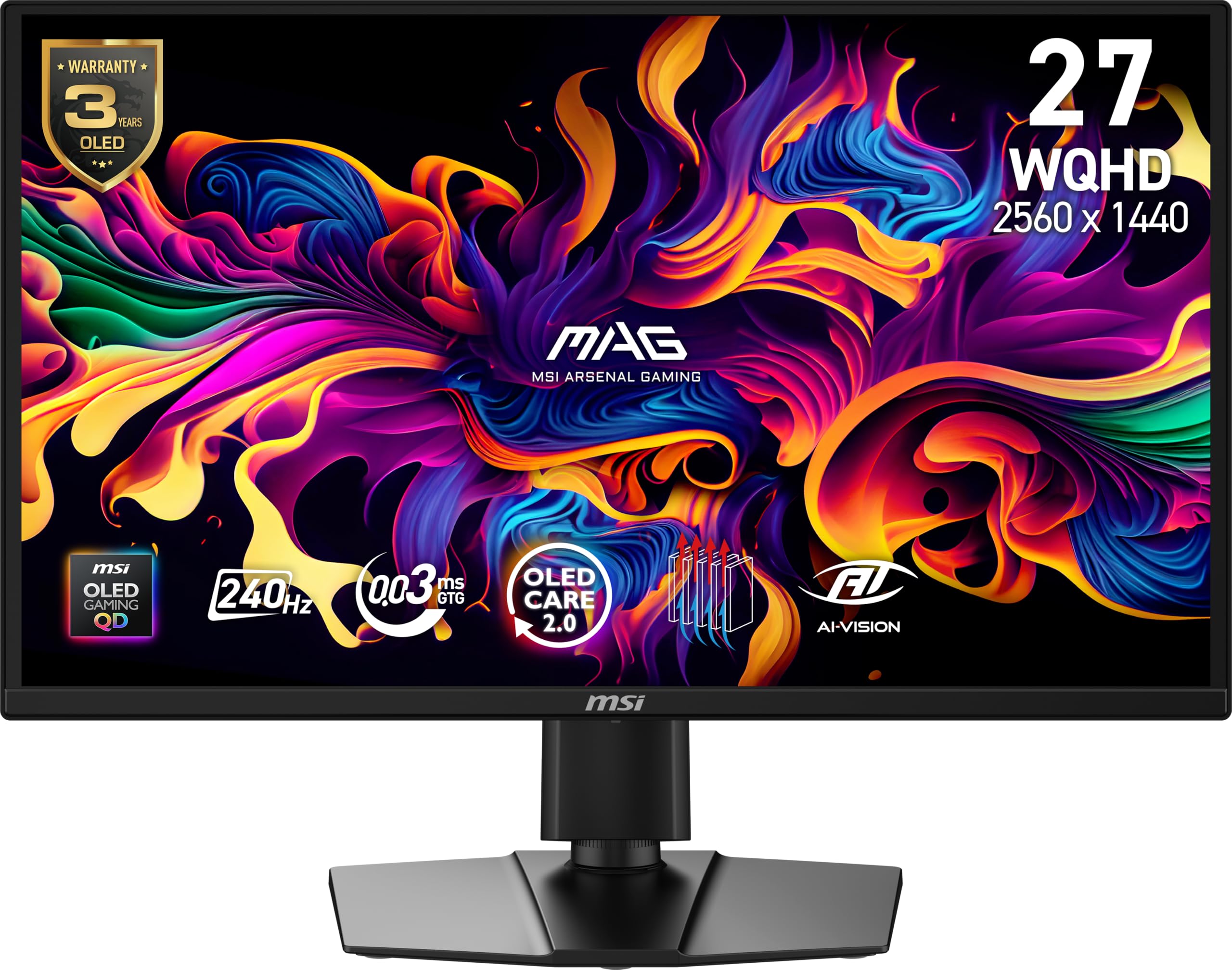
A budget-friendly QD-OLED that doesn’t sacrifice contrast or speed, making OLED accessible to more gamers.
The MSI MAG 272QP is another excellent OLED choice that undercuts many rivals on price while maintaining the core features that make OLED special. It has a 26.5-inch WQHD Quantum Dot OLED panel that shows 1.07 billion colors (10-bit) with an extreme Delta E ≤2 color accuracy, so what you see is incredibly close to what the game developers intended. The 99% DCI-P3 coverage and native 1500000:1 contrast ratio deliver the signature OLED deep blacks.
Performance is on point for competitive gaming, with a 240Hz refresh rate, a 0.03ms response time, and a VESA ClearMR 13000 rating for outstanding motion clarity. It uses an elite graphene heatsink that’s fanless and helps keep the panel cool and durable. The stand is fully 4-way adjustable (height, tilt, swivel, pivot) and it has VESA 100mm mounting options, making it easy to position perfectly on your desk.
What wins people over is the picture quality—a massive upgrade over IPS panels, with “perfect blacks” and “vibrant accurate colors.” It works from the start with simple setup. While there is a rare report of a defective unit, most feedback is glowing, calling it the “best budget QD-OLED.” It also has sturdy software support with MSI GI’s OLED Care 2.0 (a built-in tool that helps prevent burn-in).
Value Wins
- Premium QD-OLED colors and contrast at a lower price
- Delta E ≤2 color accuracy for creator-grade performance
- 240Hz refresh rate and 0.03ms response time
- 4-way adjustable stand included
What To Know
- Latest 280Hz revision is the one to look for
- A rare defective unit can be returned under the 3-year warranty
The smart money pick: If you want the OLED picture quality without the top-tier price, this is the monitor to get.
The honest caveat: It lacks the premium brand appeal of the ASUS ROG, but the core panel experience is just as impressive.
8. MSI MAG 274QP QD-OLED X24 27-Inch Gaming Monitor
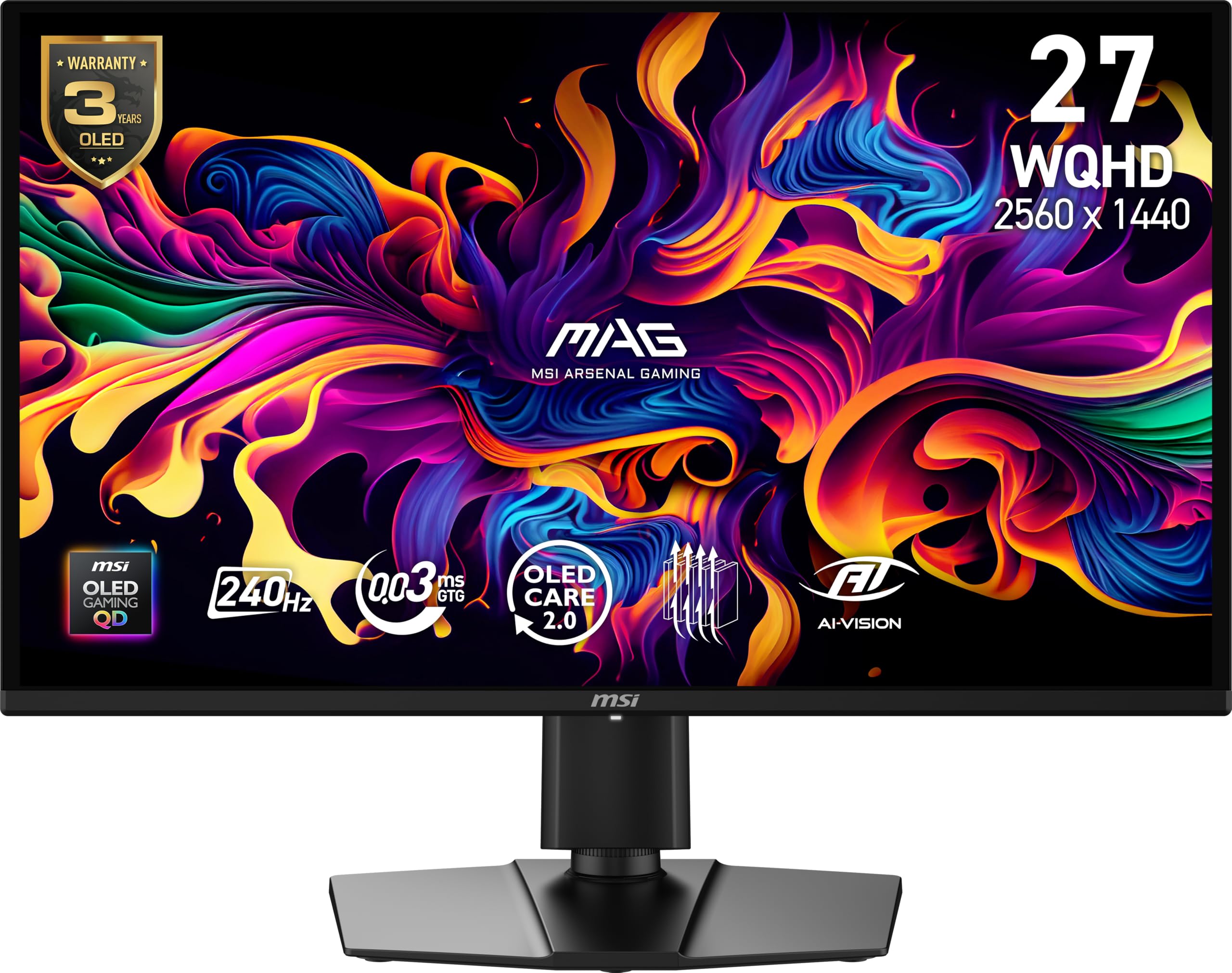
This QD-OLED variant adds extra features like AI Vision and Picture-in-Picture for a more flexible desk setup.
Taking the core MSI QD-OLED panel and adding more versatility, the MAG 274QP is ideal if your monitor doubles as a work screen. It shares the same stunning 26.5-inch WQHD Quantum Dot OLED panel with a 240Hz refresh rate and 0.03ms response time. The color specs are equally impressive: it displays 1.07 billion colors (10-bit) with 99% DCI-P3 coverage and a native contrast ratio of 1500000:1.
What sets this model apart from the MAG 272QP is its expanded feature set. It includes Picture-in-Picture and Picture-by-Picture modes, which are handy for monitoring a console while working on your PC. It also uses MSI GI software with OLED Care 2.0 to prevent burn-in and an AI Vision feature that brightens dark scenes without washing out colors. The 4-way adjustable stand (VESA 100mm) is included, and it’s built for PC, Mac, console, and laptop connections via DisplayPort 1.4a and HDMI 2.1.
Buyers strongly recommend this monitor for its “crisp 1440p resolution and incredible contrast,” noting the input lag “feels nonexistent.” It works perfectly straight from the start. Owners suggest a simple firmware update via DisplayPort and recommend handling it by the base to avoid putting pressure on the panel. Many note the 3-year burn-in warranty, which is significant confidence for an OLED purchase.
A true all-rounder: It delivers the gaming speed and colors of a top OLED, while Picture-in-Picture makes it a great choice for hybrid work/play setups.
The sensible approach: Plan for a quick firmware update and handle the thin OLED panel with care during installation.
9. Alienware AW2723DF Gaming Monitor 27-inch 240Hz

Alienware’s classic 240Hz IPS remains a top choice for pure FPS gaming with its overclockable 280Hz speed.
If your focus is strictly on competitive first-person shooters, the Alienware AW2723DF is a proven performer. It uses a fast IPS panel with a 1ms GtG response time and delivers a 240Hz native refresh rate that can be overclocked up to 280Hz. This overclock gives you a tangible edge in reaction-time-dependent games, and owners confirm it runs with zero ghosting even at that extreme speed.
The picture quality is strong for an IPS model, using Nano Color technology to cover 95% of the DCI-P3 color gamut, which is great for game art. It’s VESA DisplayHDR 600 certified, offering better HDR performance than the more basic 400-certified IPS monitors. The build quality is excellent, featuring the iconic Lunar Light colorway with AlienFX RGB lighting and a full-featured stand with height, tilt, swivel, and pivot adjustments.
Owners note this remains one of the best monitors before you step up to OLED or Mini LED. Reviews describe it as “most color-accurate” and “the best monitor you could own,” with a durable, hefty build that’s built to last. The honest downsides are its backlight bleed in dark scenes—a common IPS trait—and the lack of HDMI 2.1, meaning next-gen console gamers won’t get 4K 120Hz support, only 1440p. The on-screen menu is also a bit dated.
The Competitive Edge
- Overclockable to 280Hz for a speed advantage
- Color accurate IPS panel (95% DCI-P3)
- Excellent build quality with a fully adjustable stand
- VESA DisplayHDR 600 certification
The Limitations
- Notable backlight bleed in dark environments
- Lacks HDMI 2.1 for next-gen consoles
- Dated on-screen menu interface
The FPS specialist: This is the go-to for esports players who value raw speed and reliable IPS performance.
The reality check: You’re paying for speed and build, not the perfect blacks of OLED or the brightness of Mini LED.
10. Pixio 27″ WOLED Gaming Monitor PX277 OLED Max V2
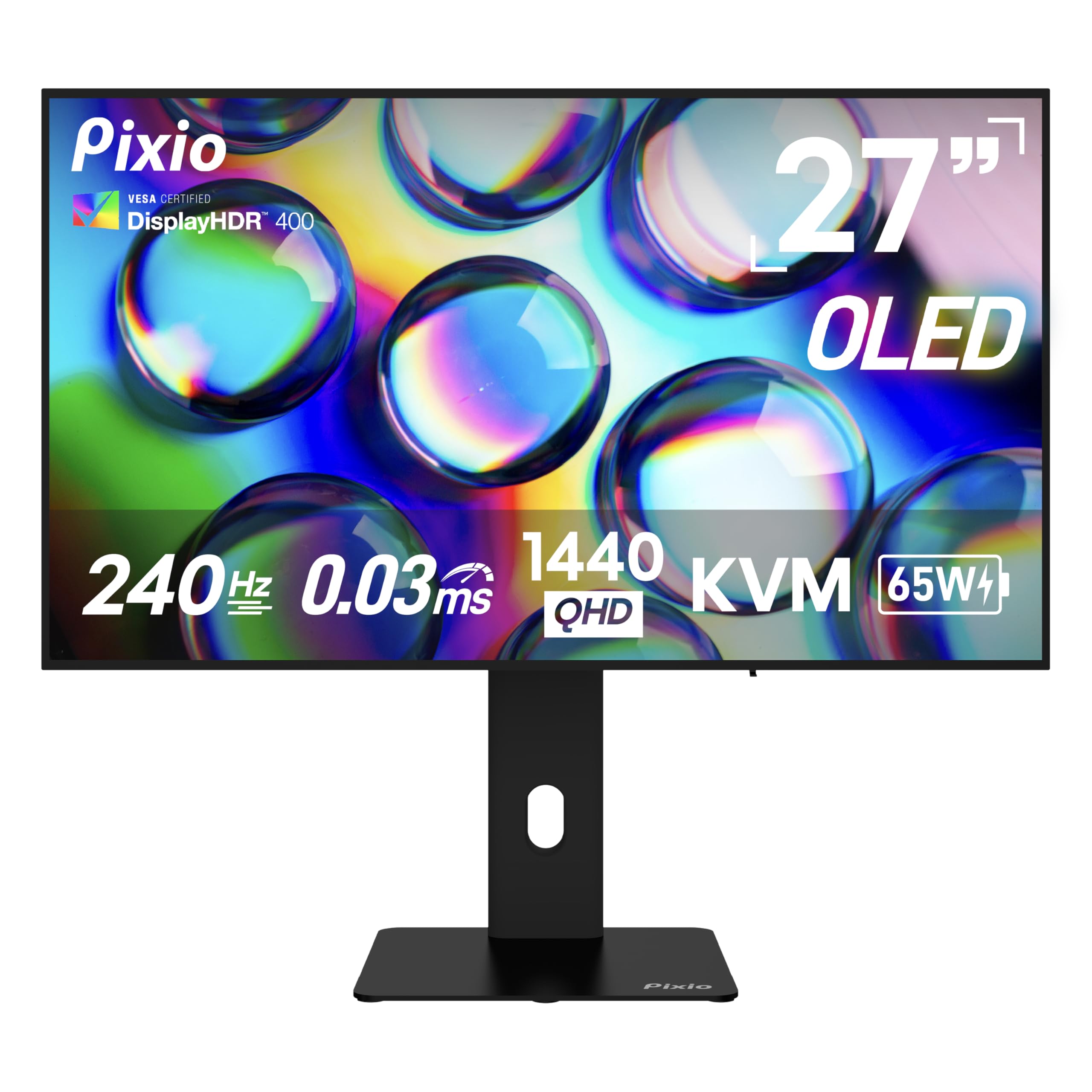
A uniquely versatile OLED that pairs pro-level gaming speed with a built-in KVM and USB-C charging for a clean, multi-device desk.
The Pixio PX277 OLED Max V2 stands out from the crowd with its focus on desk convenience and multi-device setups. It’s not just a great gaming monitor; it’s a productivity hub. The 27-inch WOLED panel delivers the usual OLED benefits of a 1500000:1 contrast ratio and perfect blacks, combined with a 240Hz refresh rate and 0.03ms response time for fluid gaming.
The standout feature here is the built-in KVM switch, which lets you control two separate computers with a single keyboard and mouse. The built-in KVM switch lets you control both a work laptop and a gaming PC with one keyboard and mouse. It also has a USB-C port with a 65W power delivery, so you can connect and charge a laptop with one cable. This connection also carries a 1440p@240Hz video signal, making it a true one-cable solution for many modern laptops.
The value-for-money story is a big reason owners choose it, ranking it as a “great budget option” in the OLED space. The picture is praised for being accurate and bright. However, the reliability and picture quality receive mixed feedback; some report failures after a year of use. The included stand is also a common point of criticism—it lacks tilt adjustment—so you’ll likely want a monitor arm.
Why It’s Unique
- Built-in KVM to control two PCs with one keyboard and mouse
- USB-C with 65W power delivery for a one-cable laptop setup
- Fast WOLED with 240Hz and 0.03ms response
- Strong value proposition for the feature set
What To Consider
- The provided stand is basic and lacks tilt
- Mixed long-term reliability reports
Perfect for hybrid setups: If you switch between a work laptop and a gaming PC, the KVM and USB-C docking features are gold.
The catch: Budget for a quality monitor arm and consider the mixed long-term feedback before buying.
11. ASUS ROG XG27AQDMG 27 Inch 1440p 240Hz Glossy OLED
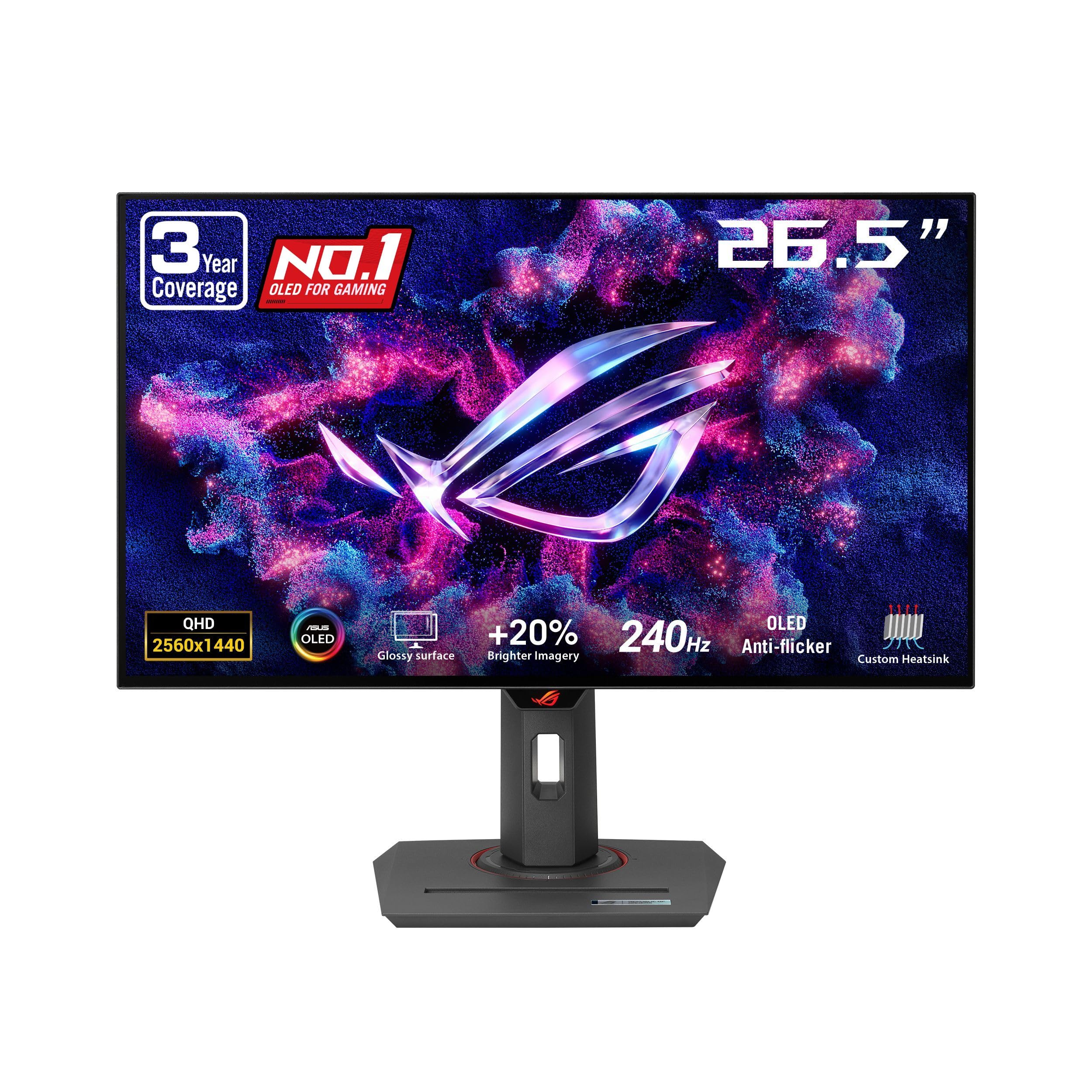
The premium glossy WOLED from ASUS ROG is the ultimate choice for gamers who want the closest thing to a CRT’s response.
This is the top-tier option for anyone who demands the absolute best picture quality. The ASUS ROG XG27AQDMG features a third-generation glossy WOLED panel (a type of OLED that uses white subpixels for brighter, more accurate colors) that offers the most rich visual experience in this list. The glossy screen eliminates the hazy look of matte coatings, making colors and blacks appear more vivid and crisp. With a 99% DCI-P3 color space, it’s also a fantastic choice for content creation.
Performance is flawless for gaming, with a 240Hz refresh rate and a 0.03ms response time. Owners describe it as “crisp, vibrant,” and offering the “closest to CRT response” of any monitor they’ve used. It’s G-SYNC Compatible, ensuring smooth, tear-free gameplay. The monitor is built with a custom heatsink to manage heat and reduce burn-in risk, and ASUS OLED Care functions add an extra layer of protection.
The build quality is superb, with a fully adjustable stand. The only downsides are minor. The VESA mount attachment is notoriously hard to install, and there are no built-in speakers. The pixel cleaning cycle runs for about 6 minutes and can be annoying if it pops up during a game. One owner also notes the HDR can be dimmer than expected in some modes, though a quick setting adjustment fixes it.
The top-shelf experience: It offers the best color, contrast, and motion clarity of any monitor here, making it a favorite for FPS and cinematic games alike.
The premium cost: You’re paying more for the third-gen panel and brand name, and accepting the minor annoyances of pixel cleaning and a tough VESA mount.
Understanding the Specs
Contrast Ratio
This number tells you the difference between the darkest black and the brightest white a monitor can show. A higher ratio, like the 1500000:1 found on OLEDs, means blacks look truly black and dark scenes retain detail. Lower ratios, near 1000:1 on IPS panels, often appear as a gray-ish black in dark rooms. It’s a major factor in how “rich” a game looks.
Response Time (GtG)
Gray-to-gray (GtG) response time is the time it takes for a pixel to shift from one shade to another, measured in milliseconds (ms). A lower number (like 0.03ms) means pixels change color faster, reducing the blur or “ghosting” trailing behind objects in fast-paced games. A 1ms IPS is still fast, but a 0.03ms OLED is effectively instant.
FAQ
Is a 240Hz monitor noticeably smoother than 144Hz?
FAQ
Is a 240Hz monitor noticeably smoother than 144Hz?
Does my graphics card need to output 240 frames per second?
What is the difference between G-Sync and FreeSync?
Will these monitors work with a PS5 or Xbox Series X?
Is the glossy screen on OLEDs a problem in a bright room?
What does 0.03ms response time actually do for me?
Will I experience burn-in with an OLED monitor?
Is a Mini LED monitor a good alternative to OLED?
Final Thoughts: The Verdict
Across the board, the 27 inch 1440p 240hz monitor winner is the LG 27GX704A-B because it delivers the full OLED experience—perfect blacks, a 1500000:1 contrast ratio, and a 0.03ms response time—at a price that undercuts most rivals. If you want a budget-friendly alternative that still feels fast and smooth, the LG 27GR83Q-B is a fantastic IPS choice. And for the absolute best picture quality and are willing to pay a premium, the ASUS ROG XG27AQDMG is the one to reach for.
How We Picked
We do not accept paid placement. Every pick is matched to a real buyer and a real use-case; we do not hands-on test units.
Sources & Methodology
Specifications: manufacturer listings and product documentation. Review insights: verified customer reviews, as of August 2026. Pricing: not shown on this page (it changes often); check the current price via the retailer link.
As an Amazon Associate, Gadgets Feed earns from qualifying purchases. This does not affect which products we feature.