
The question of whether wireless computer monitors actually deliver a reliable, high-quality experience is central to anyone looking to declutter their desk without sacrificing performance. For years, the dream of a display that communicates with your laptop without a single HDMI or USB-C cable felt like vaporware, plagued by lag and poor resolution. That’s no longer the reality. The latest generation of truly wireless monitors leverages direct Wi-Fi standards like AirPlay and Miracast to provide a genuinely usable secondary screen for productivity, presentations, and even casual gaming.
I’m Min — the co-founder and writer behind Gadgets Feed. I’ve spent countless hours analyzing specification sheets, cross-referencing real-world user feedback, and studying the technical nuances of wireless display protocols to separate the handful of functional models from those that simply frustrate.
This guide breaks down the seven leading models that genuinely answer the question of are there wireless computer monitors and gives you the specific details needed to choose the right one for your workflow.
How To Choose The Best Wireless Computer Monitor
The market for wireless monitors is still maturing, and not every model offers a true cable-free experience. The key differentiators are battery capacity, wireless protocol support, and the flexibility to switch to a wired connection for demanding tasks. Ignoring these three factors will lead to a monitor that feels more like a frustrating accessory than a productivity tool.
Battery Capacity and Runtime
A wireless monitor tethered to a wall outlet defeats its entire purpose. The integrated battery determines how long you can work from a coffee shop, a conference room, or your couch. Look for a capacity of at least 10,000 mAh, which typically provides between three and four hours of real-world use at standard brightness. Lower capacities, like 4,000 mAh, may only last an hour, requiring a power bank to be of much use.
Wireless Protocol Reliability
Two protocols dominate: AirPlay for Apple devices and Miracast for Windows and Android. The best monitors support both via a direct Wi-Fi connection, meaning they don’t require a separate wireless router. However, be aware that streaming services like Netflix often block screen mirroring due to HDCP copyright protection, so a monitor with a backup HDMI or USB-C port is essential for media consumption.
Quick Comparison
On smaller screens, swipe sideways to see the full table.
| Model | Category | Best For | Key Spec | Amazon |
|---|---|---|---|---|
| ZSCMALLS W238 | Premium | Large wireless workspace | 23.8″ IPS, 10,000 mAh | Amazon |
| MAGICRAVEN 23.8″ | Premium | Office productivity | 23.8″ IPS, 100 Hz wired | Amazon |
| ViewSonic VG1656N | Mid-Range | 16″ 1920×1200, 4,000 mAh | Amazon | |
| EVICIV Portable | Mid-Range | QLED color quality | 18.5″ QLED, 10,000 mAh | Amazon |
| HotYeah 18.5″ | Mid-Range | Fast wired gaming | 18.5″ IPS, 100 Hz, 400 nits | Amazon |
| Redalf Triple Screen | Budget | Laptop screen extender | Dual 15.6″ FHD, wired only | Amazon |
| MAGICRAVEN Hybrid | Premium | MacBook triple setup | Dual 14″ IPS, wired + AirPlay | Amazon |
In‑Depth Reviews
1. MAGICRAVEN 23.8″ Wireless Portable Monitor
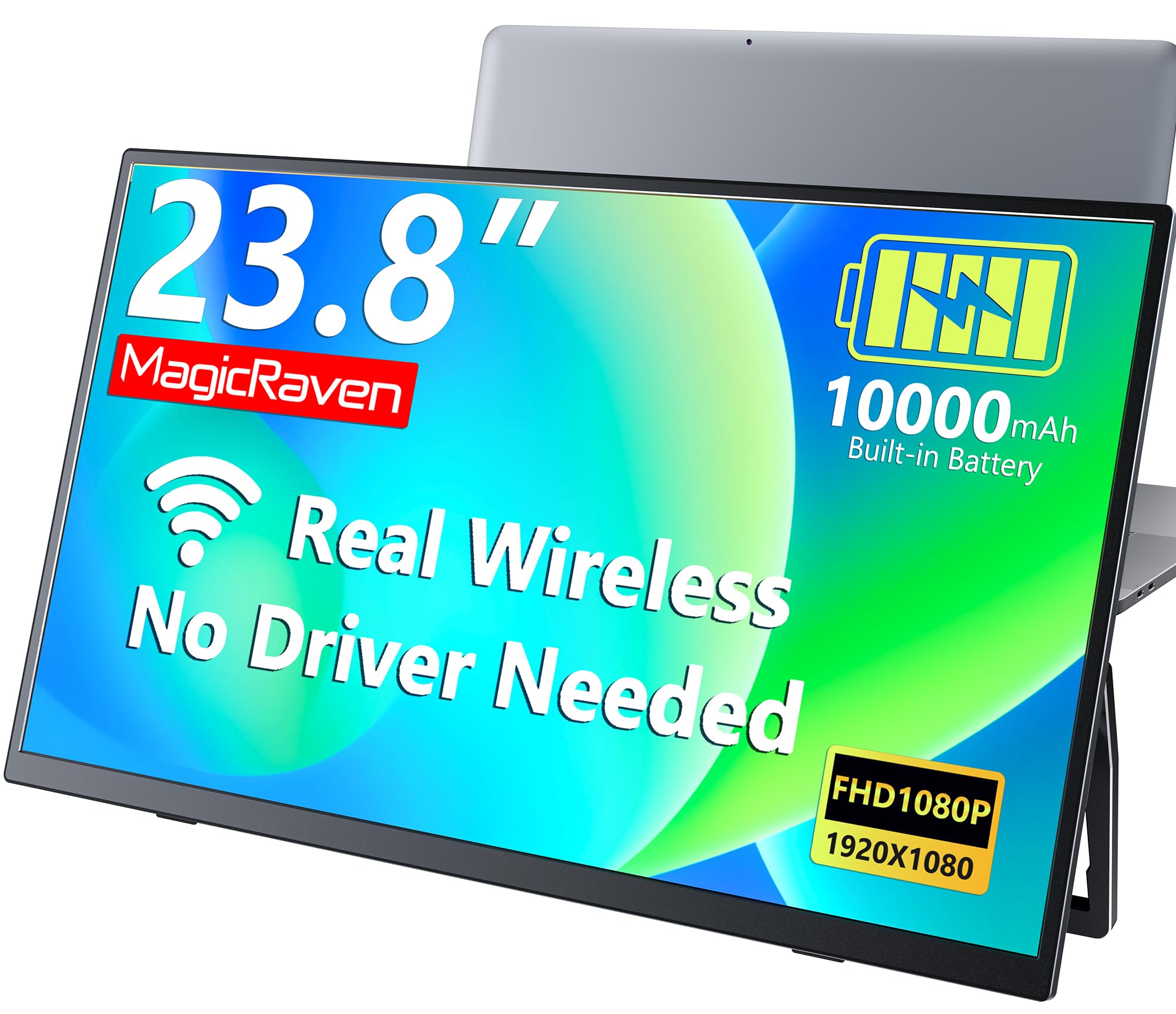
The MAGICRAVEN 23.8-inch model delivers the largest wireless screen in this roundup without sacrificing the built-in battery that makes it truly portable. Its 10,000 mAh cell provides up to three hours of cable-free operation, which is enough for a full afternoon of meetings or deep-focus coding sessions at a coffee shop. The 1080p IPS panel offers a 1500:1 contrast ratio and 100% sRGB coverage, producing colors that are consistent and accurate for spreadsheets, presentations, and general creative work.
Wireless casting over AirPlay and Miracast caps the refresh rate at 60 Hz, which is standard for this technology and perfectly fluid for productivity tasks. Where this monitor pulls ahead is its wired versatility: plug in via USB-C or HDMI and the panel jumps to 100 Hz, drastically smoothing out cursor movement and scrolling. This dual-mode flexibility means you are never stuck with a slow connection when you sit down at a desk with a cable handy. The flicker-free and low blue light certifications also reduce eye fatigue during extended use.
Users consistently highlight the ease of wireless setup — no drivers, no apps — and the build quality feels reassuringly solid for a portable device. The built-in speakers are functional for system sounds and video calls, but external speakers remain the better choice for critical listening. Backed by a two-year warranty and lifetime support, the MAGICRAVEN is the most balanced and feature-rich wireless display for the professional who demands both size and freedom.
Why it’s great
- Large 23.8-inch screen with excellent color accuracy
- 100 Hz refresh rate available when wired
- Reliable AirPlay and Miracast without app installation
Good to know
- Wireless mode limited to 60 Hz
- Battery runtime drops to around two hours at maximum brightness
2. ZSCMALLS 23.8 Inch Wireless Portable Monitor
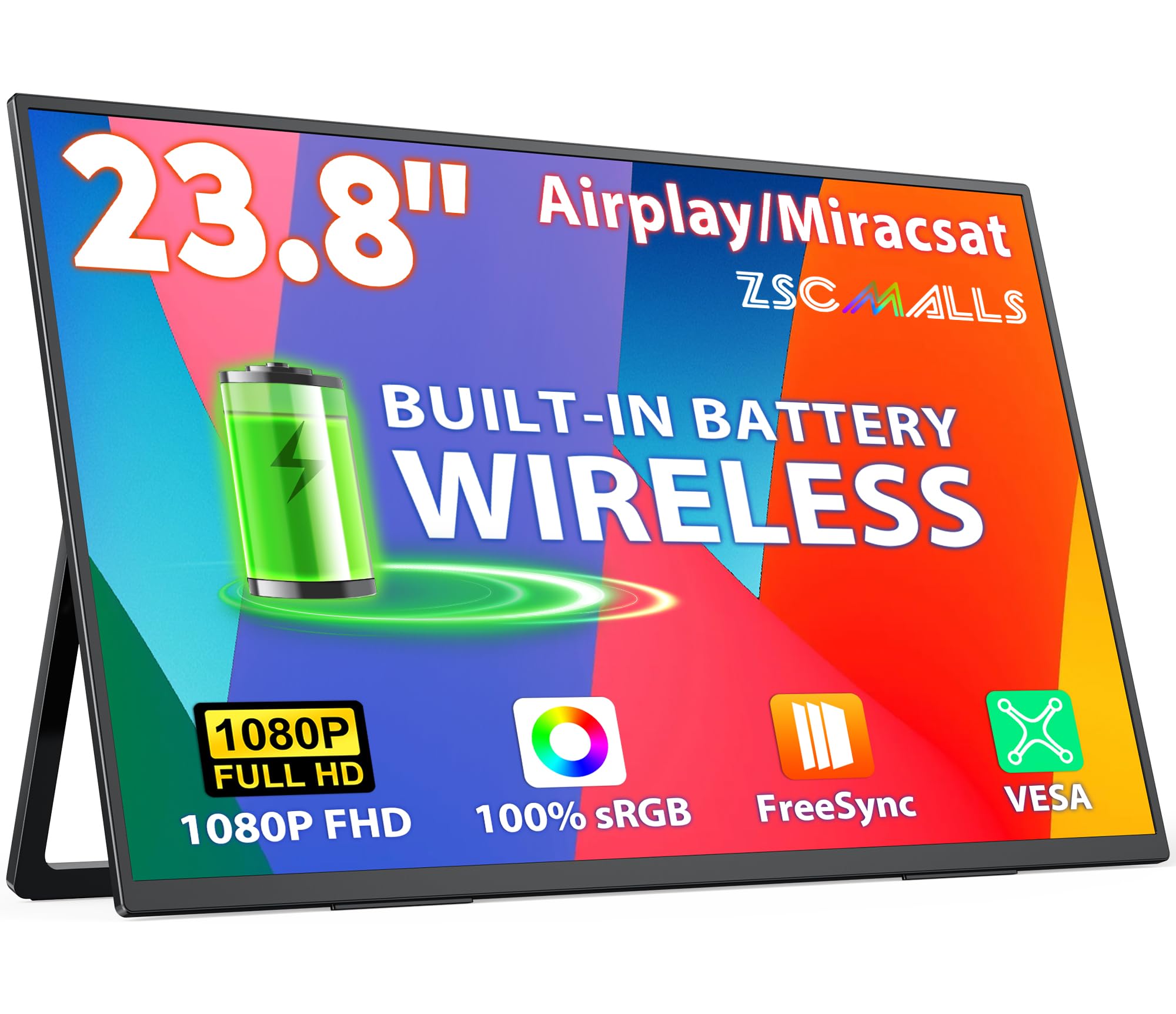
The ZSCMALLS W238 sits at the top end of the wireless monitor market for a clear reason: it offers a desktop-grade 23.8-inch IPS panel in a form factor that is battery-powered and fully wireless. The built-in 10,000 mAh battery delivers a solid four hours of mixed use, giving you more untethered runtime than most competitors. The 1080p display is bright and sharp, with 100% sRGB coverage that makes it capable for light photo editing and color-sensitive productivity.
Wireless screen casting via AirPlay and Miracast requires no app or driver installation, which is a major convenience for users who switch between iPhone, iPad, and Windows laptops. The monitor also includes USB-C with DP Alt Mode and an HDMI input, providing a reliable fallback for devices that don’t support wireless or for watching protected streaming content. The built-in stand is adjustable, and VESA mounting compatibility opens up permanent desk installation options.
User feedback consistently praises the display quality as exceeding expectations for a portable unit, with one buyer noting it surpasses the screen on their laptop. The included FreeSync support helps reduce screen tearing when wired to a compatible device. The main compromises are the absence of a touchscreen and speakers that are adequate but not loud. For those who want the biggest wireless screen without sacrificing battery life, the ZSCMALLS is a top-tier contender.
Why it’s great
- Excellent color reproduction for a portable display
- Strong battery endurance for wireless use
- Versatile wired and wireless connectivity options
Good to know
- Larger size makes it less backpack-friendly than 15-inch models
- On-screen menu navigation feels less intuitive
3. ViewSonic VG1656N 16 Inch Wireless Portable Monitor

ViewSonic brings its reputation for commercial-grade displays to the wireless market with the VG1656N, a 16-inch monitor that prioritizes portability and build quality above all else. The unique 16:10 aspect ratio delivers 1920×1200 resolution, providing noticeably more vertical screen real estate than standard 1080p panels — a genuine advantage for coding, reading documents, and browsing long web pages. The panel is bright and sharp with a matte finish that handles glare well in bright offices or coffee shops.
The wireless functionality is a bit different from the competition: the VG1656N uses a Wi-Fi dongle that plugs into your laptop’s USB-C port, creating its own direct wireless connection rather than relying on a local network. This approach is incredibly stable and reduces the setup friction found with AirPlay or Miracast, but it does require the dongle to remain plugged into your host device. The built-in battery is smaller at 4,000 mAh, providing around three hours of use, which is still sufficient for most work sessions but less generous than the 10,000 mAh competitors.
The package includes a detachable magnetic smart cover that doubles as a stand in both portrait and landscape orientations. User reviews consistently highlight the sturdy feel, excellent IPS picture quality, and the convenient 60W USB-C pass-through charging that powers your laptop while connected. The 3-year warranty is the best in this guide, reflecting ViewSonic’s confidence in the build. While it can’t compete on raw battery life or screen size, the VG1656N is the most polished and reliable wireless monitor for the traveling professional.
Why it’s great
- Superior 16:10 resolution for extra vertical workspace
- Rock-solid wireless connection via included dongle
- Premium build quality with a 3-year warranty
Good to know
- Smaller 4,000 mAh battery compared to rivals
- Requires a dedicated USB-C port for the wireless dongle
4. EVICIV Wireless Portable Monitor with 10,000mAh Battery
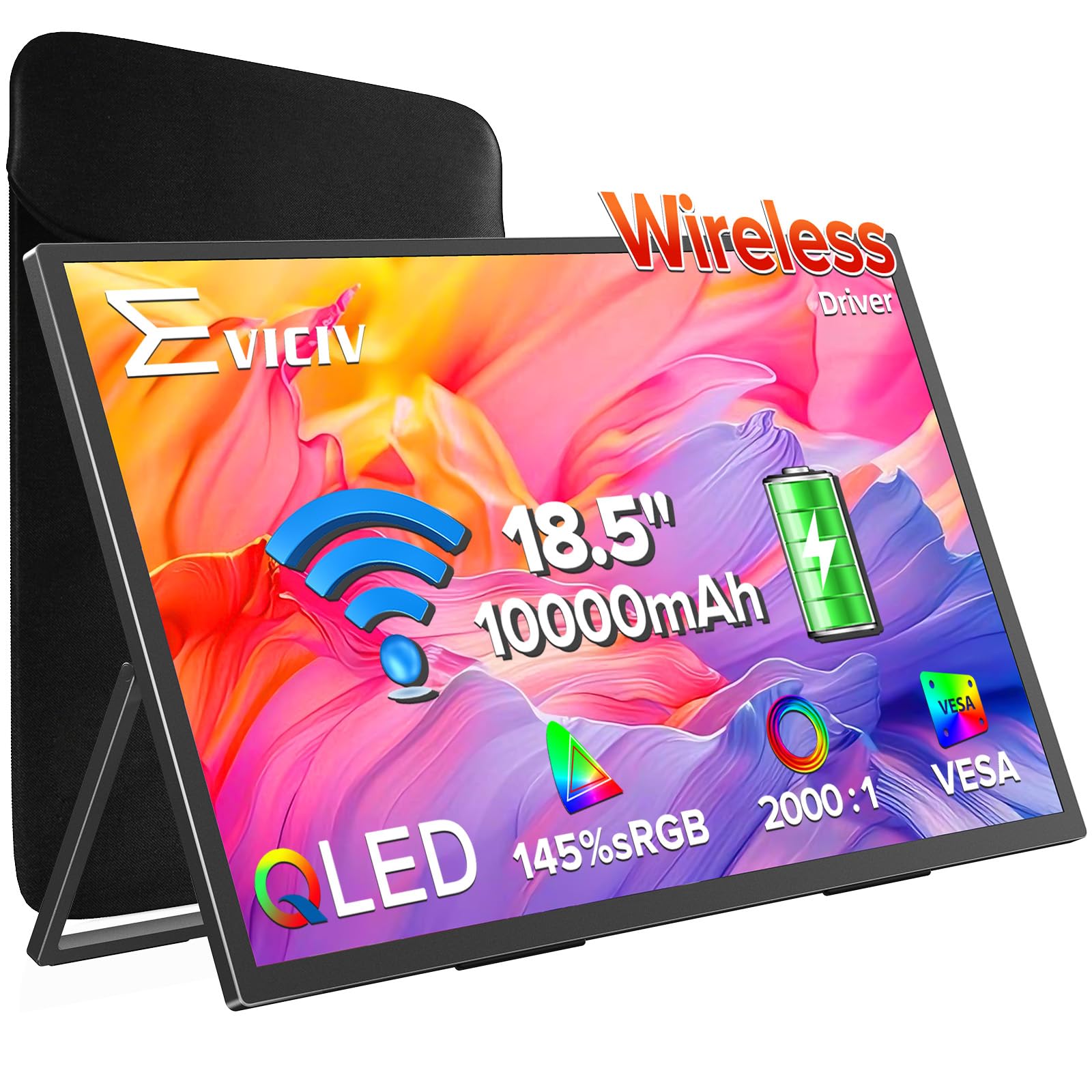
The EVICIV portable monitor stands out in the wireless category for its use of a QLED panel, which delivers a wider color gamut (145% sRGB) than the standard IPS displays found in most competitors. This makes it a compelling option for creative professionals who need accurate colors for photo review, video editing proxies, or design work on the go. The 18.5-inch screen is large enough to be genuinely useful as a secondary display, yet at 2.6 pounds and 0.23 inches thick, it remains highly portable.
The integrated 10,000 mAh battery provides three to four hours of wireless operation, and the monitor supports both AirPlay and Miracast for direct casting without a router. When you need lower latency for gaming or critical presentations, the monitor offers HDMI and dual USB-C ports that unlock a 100 Hz refresh rate. The gravity sensor enables automatic screen rotation when connected to a smartphone, which is a convenient touch for reading articles or using apps in portrait mode.
Users consistently note the excellent black levels and even backlighting of the QLED panel, with many calling it a noticeable step up in visual quality from budget IPS monitors. The included VESA mount compatibility adds flexibility for desk setups. The primary trade-off is that the wireless range can be limited, and the 60 Hz cap on wireless mode means fast-paced games are best played wired. For color accuracy in a wireless package, the EVICIV is a standout performer.
Why it’s great
- Vibrant QLED panel with 145% sRGB color coverage
- Thin and lightweight for excellent portability
- 100 Hz wired mode and auto-rotation for phones
Good to know
- Wireless connection limited to 60 Hz
- Battery life decreases significantly at high brightness
5. HotYeah 18.5″ Wireless Portable Monitor
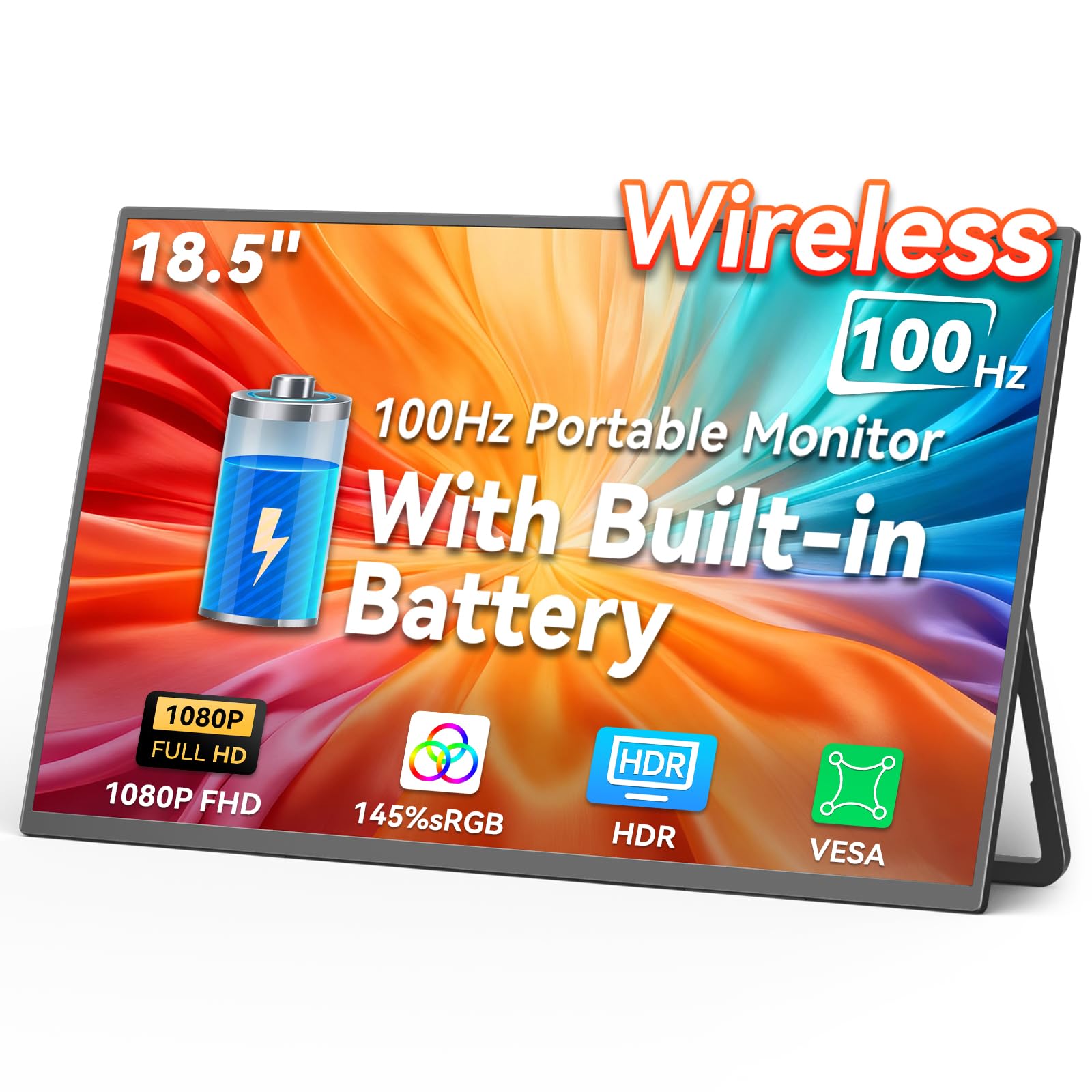
The HotYeah 18.5-inch wireless monitor punches well above its weight class by combining a 10,000 mAh battery, a 100 Hz wired refresh rate, and an exceptionally bright 400 nits IPS panel. This brightness advantage makes it a strong choice for users who work in well-lit environments, including near windows or outdoors under an awning. The anti-glare matte finish further reduces reflections, keeping the 1080p image crisp and readable in challenging lighting conditions.
Wireless connectivity via AirPlay and Miracast is straightforward, and the monitor automatically handles landscape-to-portrait rotation when used with phones. The 100 Hz refresh rate over USB-C or HDMI is a genuine selling point for gamers who want a portable secondary display for console or laptop gaming — the high frame rate delivers noticeably smoother motion than the standard 60 Hz monitors. The 2000:1 contrast ratio also adds depth to dark scenes that cheaper panels lack.
Feedback from buyers indicates that the wireless battery life is closer to 1-2 hours at maximum brightness, but the monitor works flawlessly when powered by a USB-C power bank, effectively extending its runtime indefinitely. The main drawbacks are the lack of a protective carrying case and speakers that are quiet for their size. However, for the price, the HotYeah delivers the best combination of screen brightness, wireless freedom, and high-refresh-rate capability in the mid-range category.
Why it’s great
- Excellent 400-nit brightness for outdoor use
- 100 Hz refresh rate for smooth wired gameplay
- High contrast ratio and good color accuracy
Good to know
- No protective case included in the box
- Built-in speakers are insufficiently loud
6. MAGICRAVEN Dual Laptop Screen Extender (Hybrid)
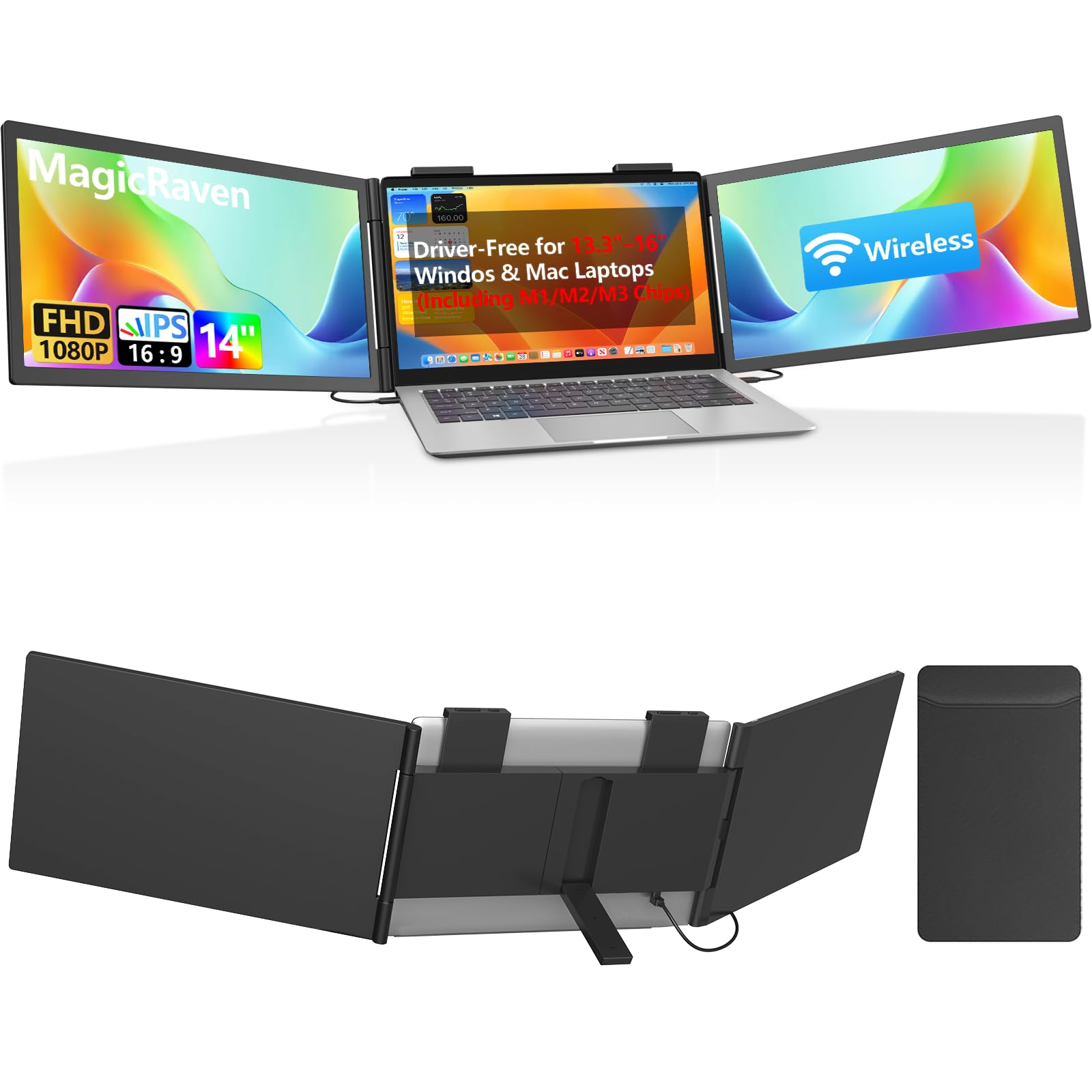
The MAGICRAVEN Hybrid Screen Extender takes a unique approach to wireless by directly addressing the MacBook user’s pain point: Apple’s base M-series chips limit external displays. This extender includes two 14-inch 1080p IPS panels, one connected via USB-C cable and the other connected wirelessly through AirPlay. This hybrid setup eliminates the need for complex docking stations or DisplayLink software, making it a true plug-and-play solution for MacBook Air and Pro users.
The wired screen offers zero-latency performance for code editors, spreadsheets, and video calls, while the wireless screen is ideal for reference documentation, messaging apps, or stock charts. The 270-degree rotation on each panel allows for flexible configurations, whether you prefer a landscape side-by-side or a portrait document reader. The 300 nits brightness and 100% sRGB coverage are consistent across both screens, so there is no jarring color mismatch between the wired and wireless panels.
User feedback is overwhelmingly positive regarding the ease of setup and improved productivity, though a few buyers noted the wireless screen can flicker briefly when waking from sleep. The extender weighs 3.2 pounds and fits laptops between 13.3 and 16.1 inches. The lack of a carrying case is a minor oversight for such a portable device. For MacBook owners who need a triple-screen setup without the hassle of drivers, this extender is in a class of its own.
Why it’s great
- Driver-free triple-screen setup for Apple Silicon MacBooks
- Hybrid wired and wireless connection saves laptop ports
- Flexible 270-degree screen rotation for portrait mode
Good to know
- Wireless screen may flicker momentarily on wake
- No carrying case included for transport
7. Redalf 15.6″ One-Cable Laptop Screen Extender
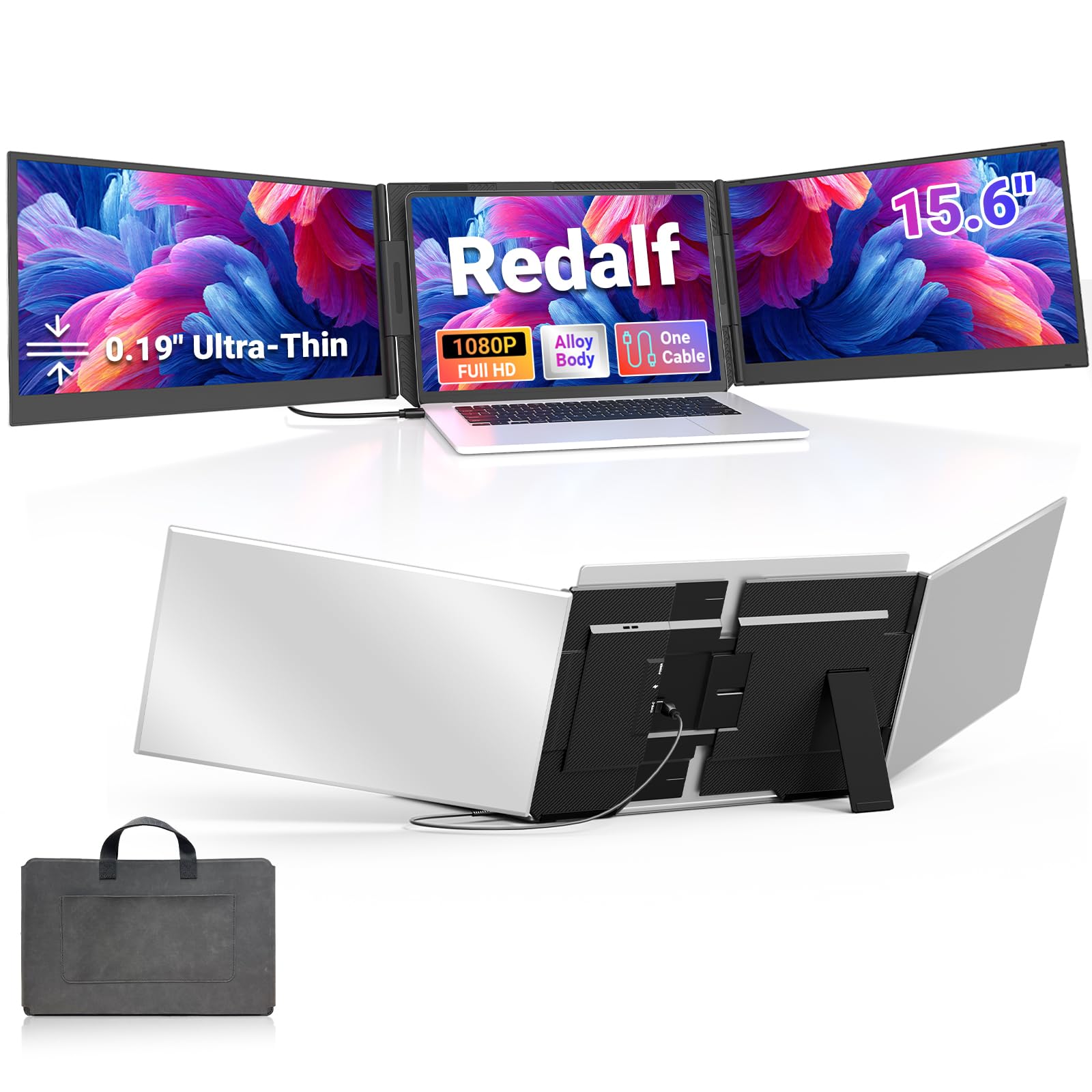
The Redalf is a wired-only laptop screen extender designed for users who prioritize maximum screen real estate over true wireless freedom. It attaches directly to the back of your laptop, adding two 15.6-inch 1080p IPS panels to create an instant triple-monitor setup. The single USB-C or USB-A cable connection keeps the desk clean, and a one-time driver installation is required for Windows systems to recognize all three displays.
The display quality is solid for the price point, with 100% sRGB color coverage and a 178-degree viewing angle that makes collaboration easy. The aluminum alloy body feels premium and durable, yet the total weight of 4 pounds is manageable for a backpack. The no-clip design attaches to your laptop without scratching the lid, and it supports models ranging from 13 to 17.3 inches. The built-in speakers are functional for video calls and system audio.
Buyers rave about the productivity boost this extender provides, especially for programming and data analysis where constant window switching kills workflow. The primary limitation is the absence of any wireless capability — it is purely a wired solution. If your goal is a true cable-free monitor, the Redalf isn’t it. But for the lowest cost per square inch of screen, and for users who always work at a desk, it is an unbeatable value.
Why it’s great
- Two large screens for an instant triple-monitor setup
- Single-cable connection with minimal desk clutter
- Premium aluminum construction at a budget-friendly price
Good to know
- Purely wired — no wireless connectivity
- Driver installation required for first-time use on Windows
FAQ
Can I use a wireless computer monitor for gaming?
Do wireless monitors work without an internet Wi-Fi connection?
Why does Netflix not work on my wireless monitor?
Final Thoughts: The Verdict
For most users, the are there wireless computer monitors winner is the MAGICRAVEN 23.8-inch because it offers the best balance of large screen size, reliable wireless casting, and a high-refresh-rate wired fallback. If you need the absolute best wireless runtime and color accuracy for creative work, grab the ZSCMALLS W238. And for a compact, rock-solid travel companion with a superior aspect ratio, nothing beats the ViewSonic VG1656N.