
The $100 price bracket for 3D printers is a minefield of plastic toys and half-functional kits, but a hidden layer of capable machines actually delivers reliable small-part printing without bankrupting you. Most buyers in this tier assume they must sacrifice all precision for affordability, yet the latest ultra-compact FDM units pack auto-leveling, quiet operation, and sub-0.1mm layer resolution into a chassis smaller than a shoebox.
I’m Min — the co-founder and writer behind Gadgets Feed. I’ve spent countless hours dissecting the spec sheets, firmware quirks, and real-world print logs of these entry-level machines to separate the genuinely usable printers from the frustrating paperweights that waste your time and filament.
This guide cuts through the noise to help you identify which fully-assembled, beginner-friendly models actually deliver consistent first-layer adhesion and clean detail at this budget ceiling. Whether you are buying for a curious child or setting up a classroom station, these picks represent the best best $100 3d printer options that do not demand constant tinkering to produce a decent Benchy.
How To Choose The Best $100 3D Printer
Picking a printer at this level requires balancing print quality against ease of setup. The wrong choice means hours of manual bed-screwing and failed spaghetti prints. The right choice delivers a satisfying first layer on the very first run.
Auto Bed Leveling vs. Manual Leveling
Manual leveling on a sub-$100 printer is a nightmare of paper-feel tests and loose thumbscrews. Machines with auto bed leveling use a proximity sensor to map the print surface, compensating for minor warps and tilts automatically. This single feature separates a beginner-friendly experience from a frustrating calibration ritual.
Build Volume and Real-World Constraints
Most compact printers in this range offer a build volume around 100x100x100mm — enough for action figures, phone stands, and cable clips, but not helmets or large vases. Always check the X, Y, and Z dimensions rather than trusting marketing images, because a 120mm diagonal measurement can be misleading when you try to fit a 90mm part.
Hotend and Filament Compatibility
An all-metal or PTFE-lined hotend that hits 230°C is mandatory for basic PLA and flexible TPU. Printers that cap at 210°C struggle with silk PLA or higher-temperature materials. The nozzle diameter (standard 0.4mm) balances speed versus detail — a 0.2mm nozzle swap offers finer layers but clogs more easily on budget extruders.
Quick Comparison
On smaller screens, swipe sideways to see the full table.
| Model | Category | Best For | Key Spec | Amazon |
|---|---|---|---|---|
| Entina TINA2S (WiFi) | Premium | WiFi cloud printing & app library | 200mm/s speed, 0.04mm precision | Amazon |
| XZN Fully Assembled Mini | Premium | High-speed 250mm/s with heated PEI bed | 250mm/s speed, 0.01mm resolution | Amazon |
| Geeetech Mini M1 | Premium | Direct-drive extruder for TPU & 1kg spools | 250mm/s, 1:5 gear ratio extruder | Amazon |
| HEPHi3D TINA2C (WiFi Cloud) | Mid-Range | One-tap printing via app with 3000+ models | WiFi, 8.27×6.7×9.84 in dimensions | Amazon |
| WEEFUN TINA2 Basic | Mid-Range | Open-source flexibility with PrusaSlicer | Auto level, dual Z/Y rails | Amazon |
| Wiiboox TINA2S Full Kit | Mid-Range | Fully assembled with WiFi, LCD, and magnetic plate | Auto level, 2.4″ LCD, flexible plate | Amazon |
| Portable Compact FDM | Budget | Ultra-compact 100x100x100mm for tiny parts | 0.05-0.3mm layer height, Type-C power | Amazon |
In‑Depth Reviews
1. Entina TINA2S 3D Printer with WiFi Cloud Printing
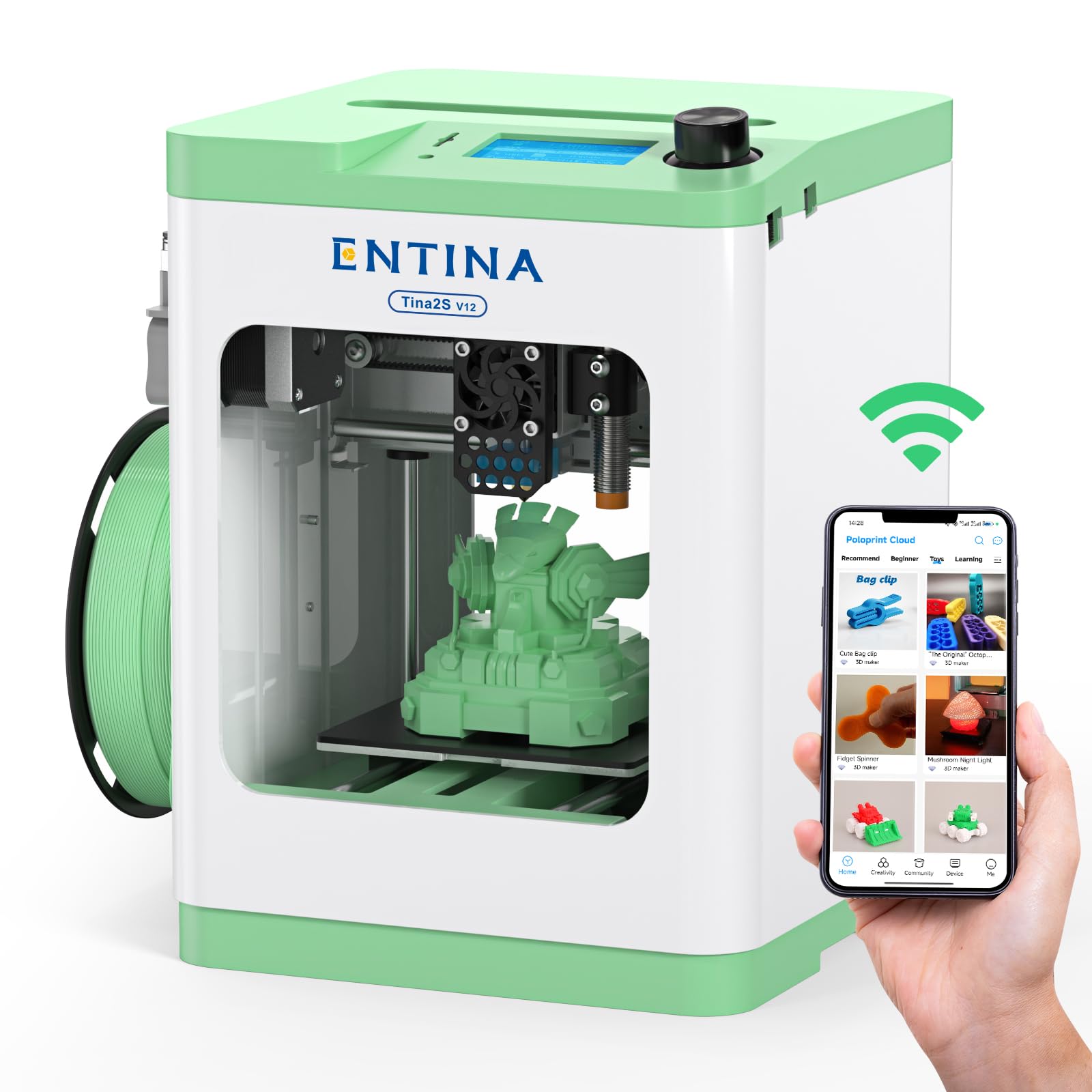
The Entina TINA2S updates the popular TINA2 platform with a built-in WiFi module that delivers 5x faster file transfers compared to older models, plus access to a 1500+ model library via the Poloprint Cloud app. Its 200mm/s printing speed and 0.04mm precision are remarkable for a machine this compact, and the spring steel flexible build plate makes part removal effortless without scraping.
Dual Z-axis construction stabilizes the gantry for consistent layers even at higher speeds, and the auto bed leveling system means you never touch a paper feeler gauge. The print volume of 3.9 x 4.7 x 3.9 inches is tight for larger projects, but it handles small figures, phone stands, and custom cable clips with reliable first-layer adhesion every time.
Some users reported initial app overload on launch day, but this has since stabilized. Experienced reviewers note the noise level is impressively low thanks to the optimized cooling fan, making it bedroom-ready. For a fully-assembled, app-connected printer that actually produces quality prints out of the box, this is the most balanced choice for both kids and adults.
Why it’s great
- WiFi cloud printing with huge model library
- 200mm/s with 0.04mm layer precision
- Flexible spring steel plate for easy removal
Good to know
- Initial app server overload reported on launch day
- Print volume too small for large or tall models
2. XZN Fully Assembled Mini 3D Printer
This XZN mini printer tops out at 250mm/s while maintaining a claimed 0.01mm layer resolution — figures that typically belong to printers costing three times as much. It arrives fully assembled with a PEI coated heated bed that provides excellent adhesion for both PLA and TPU, and the automatic nozzle cleaning feature reduces clogs during long print runs.
The one-button auto-leveling system and one-touch filament loading streamline the beginner experience considerably. The included 250g test filament spool is enough for approximately two small toys, so ordering an extra 1kg roll alongside the printer is wise. A pre-sliced file for a 1kg spool holder is stored on the included TF card, solving the spool compatibility issue neatly.
Print quality shows consistent layer lines with minimal ghosting at default speeds, and the quiet stepper drivers make it suitable for shared workspaces. The 30-day return policy and lifetime technical support add peace of mind. It is the strongest mid-range contender for buyers who want fast output without sacrificing detail.
Why it’s great
- 250mm/s high-speed printing with 0.01mm precision
- PEI heated bed with excellent first-layer adhesion
- Auto nozzle cleaning keeps the hotend reliable
Good to know
- Included test filament lasts only 2 small prints
- Must print an adapter for standard 1kg spools
3. Geeetech Mini M1 3D Printer
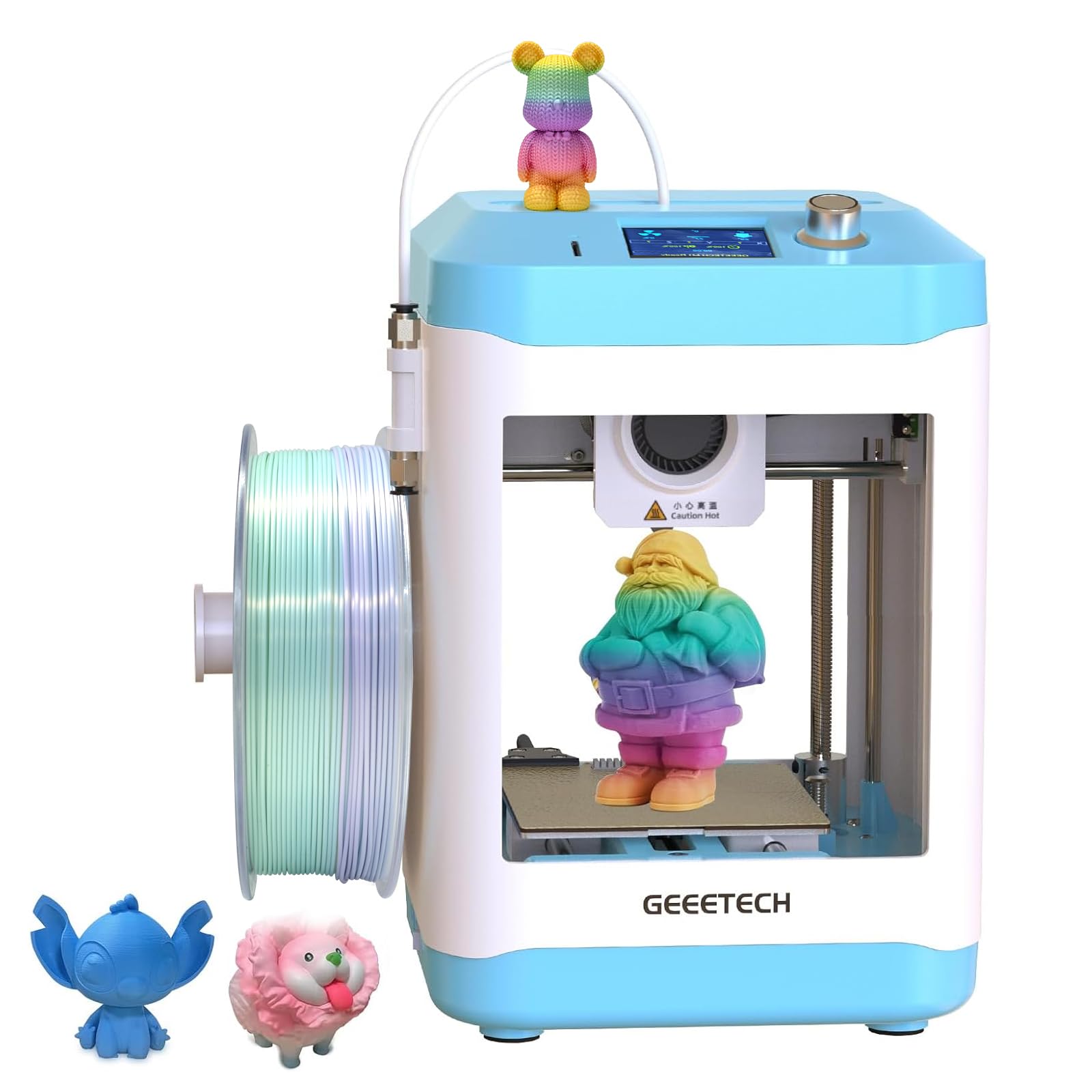
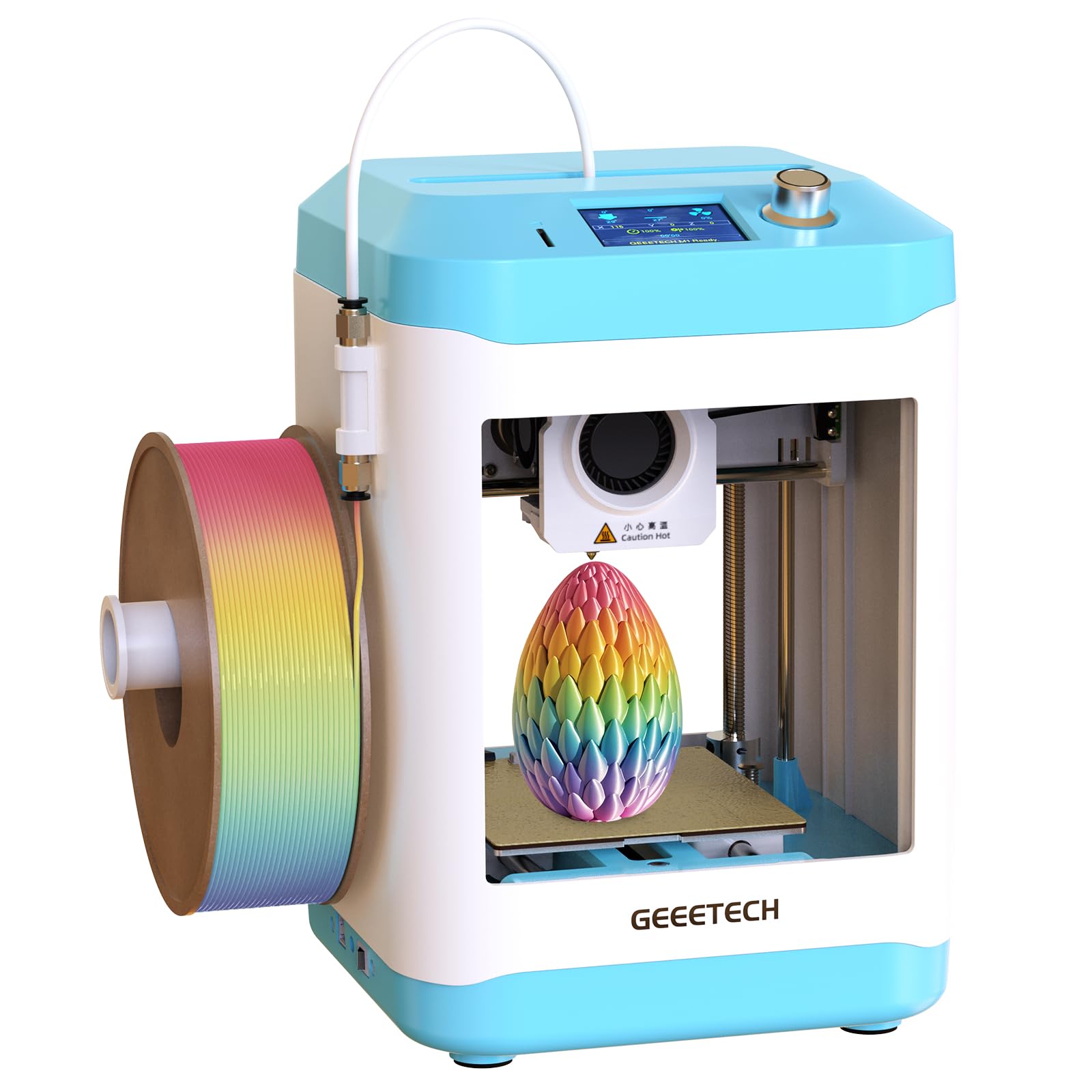
The Geeetech M1 stands apart due to its dual-drive metal gear extruder with a 1:5 gear ratio, which delivers enough torque to reliably print flexible TPU filaments that bog down weaker bowden-style feeders. Its 250mm/s maximum speed and 16-point full-auto leveling system make setup straightforward, and the removable magnetic spring steel PEI plate provides excellent adhesion without glue sticks.
Experienced users note that while the open-frame design lacks an enclosure, the auto nozzle wiper and filament runout sensor compensate by reducing operator intervention during longer prints. The 2.4-inch LCD color screen with knob control is intuitive for children, and the built-in LED lighting helps monitor the first layer without crouching down.
The print area of 3.94 x 4.33 x 3.94 inches is among the smallest in this group, making it strictly for tiny parts. However, the robust extruder and heated platform allow it to handle PLA, PLA+, and TPU with consistent extrusion. For someone wanting to experiment with flexible materials without stepping up to a printer, this is the smart buy.
Why it’s great
- 1:5 gear ratio extruder handles TPU effortlessly
- Filament runout sensor prevents failed prints
- Auto nozzle wiper keeps the tip clean
Good to know
- Smallest build volume in this roundup
- Open frame means no enclosure for ABS
4. HEPHi3D TINA2C 3D Printer with WiFi Cloud
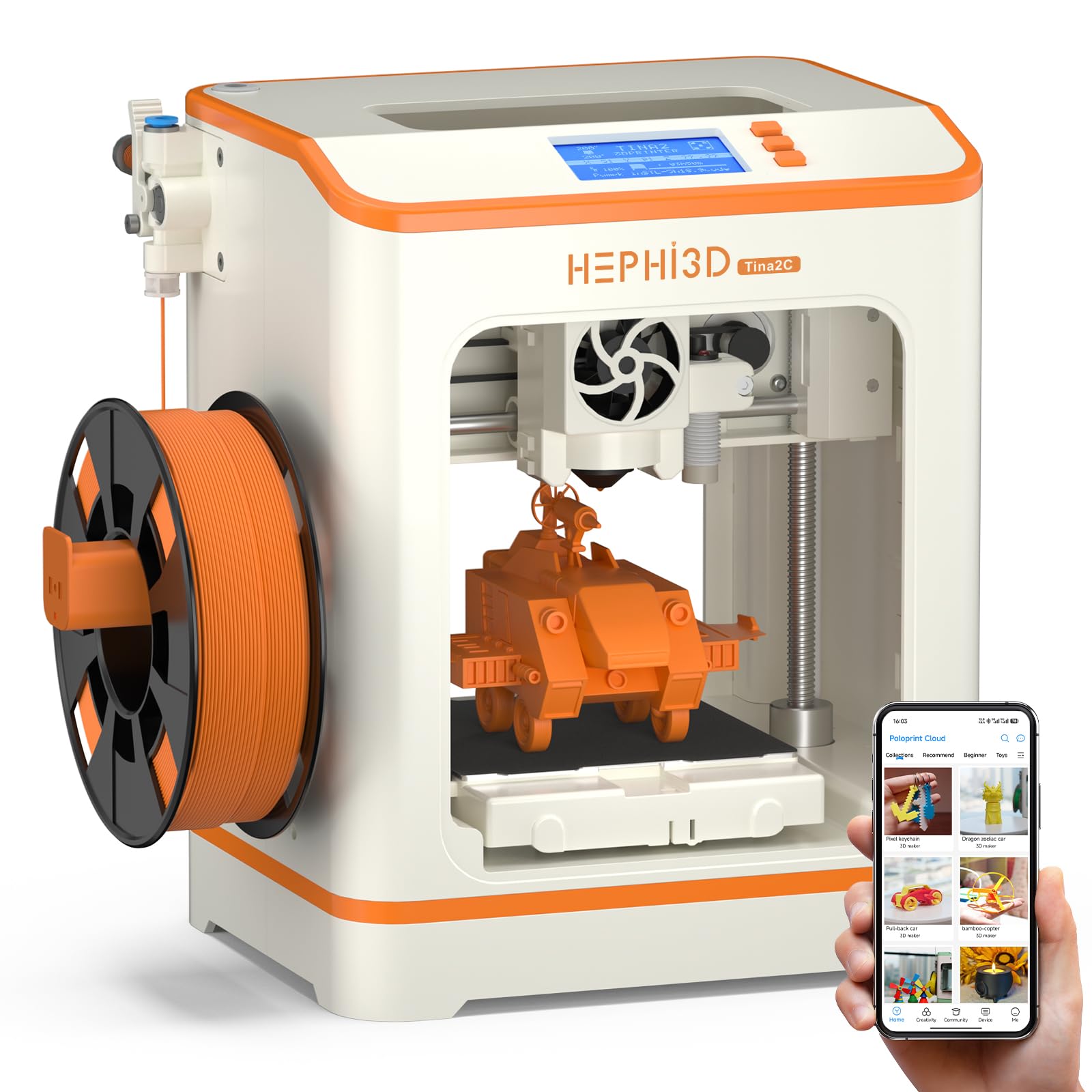
The TINA2C focuses heavily on reducing friction for parents and younger users by offering a 3000+ model library that updates weekly, plus a STEM Education Module with 20+ simple design templates. The companion app allows one-tap printing from a phone or tablet, bypassing the need to understand slicing software entirely for basic prints.
Under the hood, it retains the same proven TINA2 platform architecture with auto bed leveling, a flexible magnetic build plate, and a PTFE-lined hotend that reaches sufficient temperatures for PLA and basic TPU. The 3s fast-release hotend design makes swapping nozzles or clearing jams much less intimidating for first-timers.
Some parents reported that the app and USB workflows still require adult assistance for children under 13, but the included TF card with pre-sliced test files ensures at least a few successful prints immediately. The compact 8.27 x 6.7 x 9.84-inch footprint fits easily on a desk or bookshelf, making it the most kid-friendly gateway printer in this lineup.
Why it’s great
- 3,000+ ready-to-print models via app
- 3-second fast-release hotend for easy cleaning
- Auto leveling and silent printing
Good to know
- App can be confusing for very young children
- Limited build volume for larger projects
5. WEEFUN TINA2 Basic 3D Printer

The WEEFUN TINA2 Basic distinguishes itself with dual Z-axis and dual Y-axis rails that dampen vibration better than single-rail designs, resulting in cleaner vertical surfaces on tall prints. Its open-source firmware and compatibility with Wiibuilder, Cura, Simplify3d, and PrusaSlicer give experienced users full control over retraction, temperature, and speed profiles.
Auto bed leveling is one-touch, and the removable magnetic build plate bends to pop prints off without tools. The 2.4-inch LCD screen walks beginners through the filament loading sequence, though some reviewers note the menu navigation is less intuitive than the color touchscreens found on pricier competitors.
Print quality at the default 0.2mm layer height is very good for the class, with fine detail visible on complex models like articulated dragons. The dual Y-rail system also reduces bed wobble during high-speed moves. For buyers who want to grow into the hobby and eventually tweak firmware settings, this open platform offers the most flexibility.
Why it’s great
- Dual Z/Y rails reduce print artifacts
- Fully open source with multiple slicer support
- Bendable magnetic plate releases models easily
Good to know
- LCD menu less intuitive than touchscreen models
- Some beginners find the file saving process confusing
6. Wiiboox TINA2S Full Kit

The Wiiboox TINA2S was one of the early fully-assembled WiFi printers to hit the sub- market, and it remains a solid choice thanks to its mature firmware and proven mechanical platform. The auto-leveling system and dual Z-axis rail produce consistent first layers, while the flexible magnetic build plate simplifies model removal even for intricate designs.
One-touch filament loading and active pause/resume functions reduce waste from mid-print filament jams or accidental bed bumps. The printer works seamlessly with WiiBuilder slicing software and is also compatible with Cura and Simplify3d for more advanced users. The 120x100x100mm build volume is slightly larger than some competitors, offering room for modest toys and functional parts.
Customer reports confirm the test print (a pre-loaded Benchy) finishes without tuning, and the included 250g spool yields a few hours of printing. Some users experienced adhesion issues when using third-party filaments without the included glue stick, but once dialed in, the machine runs reliably. It is the most proven, battle-tested option for conservative first-time buyers.
Why it’s great
- Proven TINA2 platform with mature firmware
- One-touch filament loading and pause/resume
- Slightly larger 120x100x100mm build area
Good to know
- Requires glue stick for best bed adhesion
- WiFi setup can be fiddly on older routers
7. Portable Compact FDM 3D Printer

This ultra-compact printer is the true budget entry point, with a 100x100x100mm build volume and a 12V Type-C power adapter that makes it genuinely portable. The 0.4mm nozzle achieves layer heights as fine as 0.05mm, enabling remarkably smooth surfaces on small trinkets, EDC gear, and miniature terrain tiles.
Setup requires a short video-guided modular assembly — snapping a few brackets together rather than soldering or configuring firmware. The removable build plate and included 10m PLA filament let you print immediately after calibration, and the TF card comes pre-loaded with test GCODE files that eliminate slicing confusion for the first run.
Print quality is surprisingly good for the entry tier, with reviewers noting solid bridging and clean overhangs up to 60 degrees. However, the tiny build volume means anything larger than a 3-inch figurine is out of reach, and the lightweight chassis can wobble at higher speeds. For absolute beginners who only need miniature parts or STEM classroom projects, this is the most affordable functional option available.
Why it’s great
- Ultra-compact 100x100x100mm print volume
- 0.05mm fine layer height possible
- Runs on 12V Type-C for true portability
Good to know
- Very small build volume limits project size
- Lightweight frame can wobble at speed
FAQ
What build volume should I expect from a $100 3D printer?
Is auto bed leveling worth it on a budget printer?
Final Thoughts: The Verdict
For most users, the best $100 3d printer winner is the Entina TINA2S with WiFi because it combines a 200mm/s print speed, 0.04mm precision, and an intuitive app-based model library into a quiet, fully-assembled package. If you want blazing 250mm/s speed with a high-quality PEI heated bed, grab the XZN Fully Assembled Mini. And for flexible TPU printing on a direct-drive extruder, nothing beats the Geeetech Mini M1.