
The market for a sub-$100 gaming laptop is brutal. You’re navigating a landscape of refurbished Chromebooks, Android-based mini-laptops, and budget Windows machines that were never designed for gaming in the first place. The reality is that true AAA gaming is off the table at this price point. The real mission is finding a machine that can handle cloud gaming, emulators, and older indie titles without constant system collapse.
I’m Min — the co-founder and writer behind Gadgets Feed. I’ve spent years analyzing the raw performance metrics and real-world reports for these entry-level devices, separating the rare functional few from the unusable many. (And Homer 🐱 supervised every row of the spec sheet from the warm laptop bag).
This guide is built for the buyer who knows their budget is tight and needs zero fluff. We’ve sorted through the noise to find the machines that offer a genuine, playable experience for light gaming, streaming, and everyday tasks. If you are serious about finding a functional $100 gaming laptop, stop reading generic lists and focus on the specific, verifiable details below.
How To Choose The Best $100 Gaming Laptop
Selecting a laptop in this price range is a discipline in managing expectations. You are not buying a rig for Cyberpunk 2077; you are buying a platform capable of streaming GeForce Now, running Stardew Valley, or playing classic Point-and-Click adventures. The margin for error is razor-thin, so every spec must be scrutinized.
Operating System Lock-In
This is the single biggest trap. Chrome OS is excellent for web browsing but has native gaming compatibility issues. Android-based laptops (like the HBESTORE) offer access to the Google Play Store but often have terrible driver and performance optimization. Windows 11 Pro or Windows 11 Home is your safest bet for broad game compatibility, even if the hardware is weak.
RAM and Storage Reality Check
A 4GB RAM machine will struggle with Windows 11 and any modern game. 8GB is the absolute minimum for a usable experience, allowing you to keep a browser window open alongside a light game. For storage, any SSD (even a 64GB eMMC) is better than a spinning hard drive. A 256GB SSD is the sweet spot for a few games and apps without constant file management.
Display vs. Processor Debate
At this price, you often have to choose: a better screen or a better CPU. We recommend prioritizing a Full HD (1920×1080) IPS display. A blurry, low-resolution screen will ruin every visual experience, from streaming to pixel-art games. A slightly slower processor paired with a crisp display makes a far better daily driver than a fast processor with a terrible 1366×768 TN panel.
Quick Comparison
On smaller screens, swipe sideways to see the full table.
| Model | Category | Best For | Key Spec | Amazon |
|---|---|---|---|---|
| Coolby 15.6″ RiaBook | Windows 11 Pro | Multitasking & Light Gaming | 12GB RAM | Amazon |
| NIMO 15.6″ Student Laptop | Intel N150 | Cloud Gaming & School | Wi-Fi 6 | Amazon |
| FUNYET 14″ Gaming Laptop | Windows 11 Pro | Productivity & Casual Games | 16GB RAM | Amazon |
| Morostron 16″ Laptop | AMD A9-9400 | Video Streaming & Office | 9000mAh Battery | Amazon |
| Tunhail 15.6″ Win 11 Pro | Celeron N4000 | Older Games (Sims 4) | IPS FHD Display | Amazon |
| ASUS 15.5″ Laptop | Windows 11 Home | Dedicated Work Tools | 128GB SSD | Amazon |
| Acer CB315-4H Chromebook | Chrome OS | Simple Web Browsing | 15.6″ Full HD IPS | Amazon |
| HBESTORE 10.1″ Laptop | Android 12.0 | Mobile Games & Portability | 64GB eMMC | Amazon |
| Dell Chromebook 3180 | Chrome OS | Entry-Level Web Work | 16GB SSD | Amazon |
In‑Depth Reviews
1. Coolby 15.6inch Laptop, 12GB RAM/256GB SSD
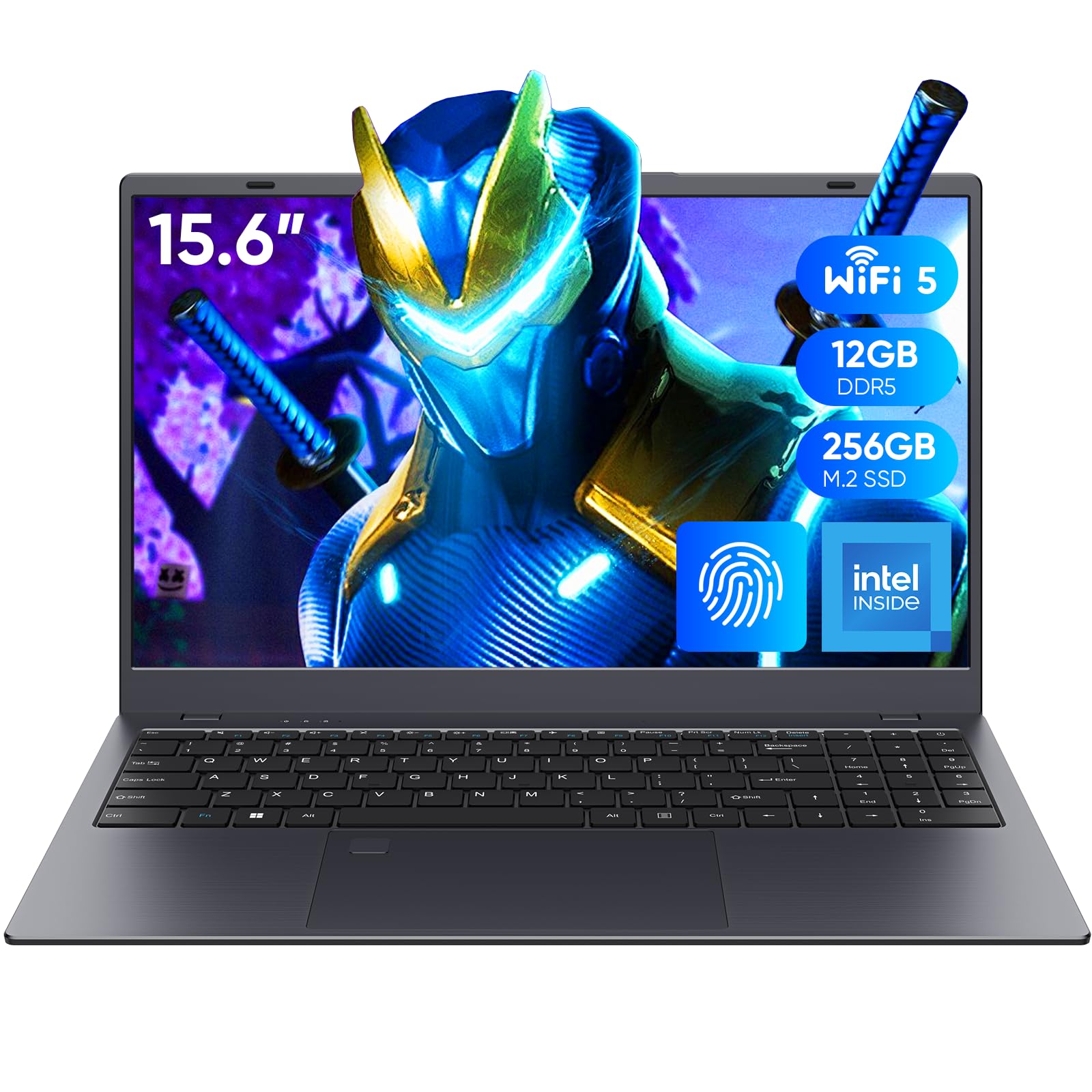
The Coolby RiaBook is the most balanced machine in this budget bracket, and it isn’t close. The 12GB of RAM is a decisive advantage—it allows Windows 11 Pro and a couple of browser tabs to breathe while running a light game, which is impossible on the 4GB models. The Intel N95 processor, while a low-power chip, beats the older Celeron N5095 and provides enough oomph for older titles and 1080p video streaming without the system gasping.
The 15.6-inch IPS display at 1920×1080 resolution is a genuine highlight. It delivers accurate colors and wide viewing angles, making it a pleasure to use for media consumption. The inclusion of a fingerprint reader and a full-size keyboard with a numeric keypad shows a surprising amount of care in the design, features you usually only see on much more expensive laptops.
The 256GB SSD is adequate for the operating system and a few games, though the eMMC storage in cheaper options is noticeably slower. It runs a cooling fan which is effective but can be audible under load. For the price, this configuration makes it the most viable option for someone who needs a true Windows laptop for school, work, and some light gaming without feeling crippled.
Why it’s great
- 12GB RAM is best-in-class for smooth multitasking
- Full HD IPS display with great viewing angles
- Includes a fingerprint reader for fast login
Good to know
- Pre-installed Windows 11 Pro has some bloatware
- Build quality is plastic, not premium aluminum
2. NIMO 15.6 Inch FHD Student Laptop
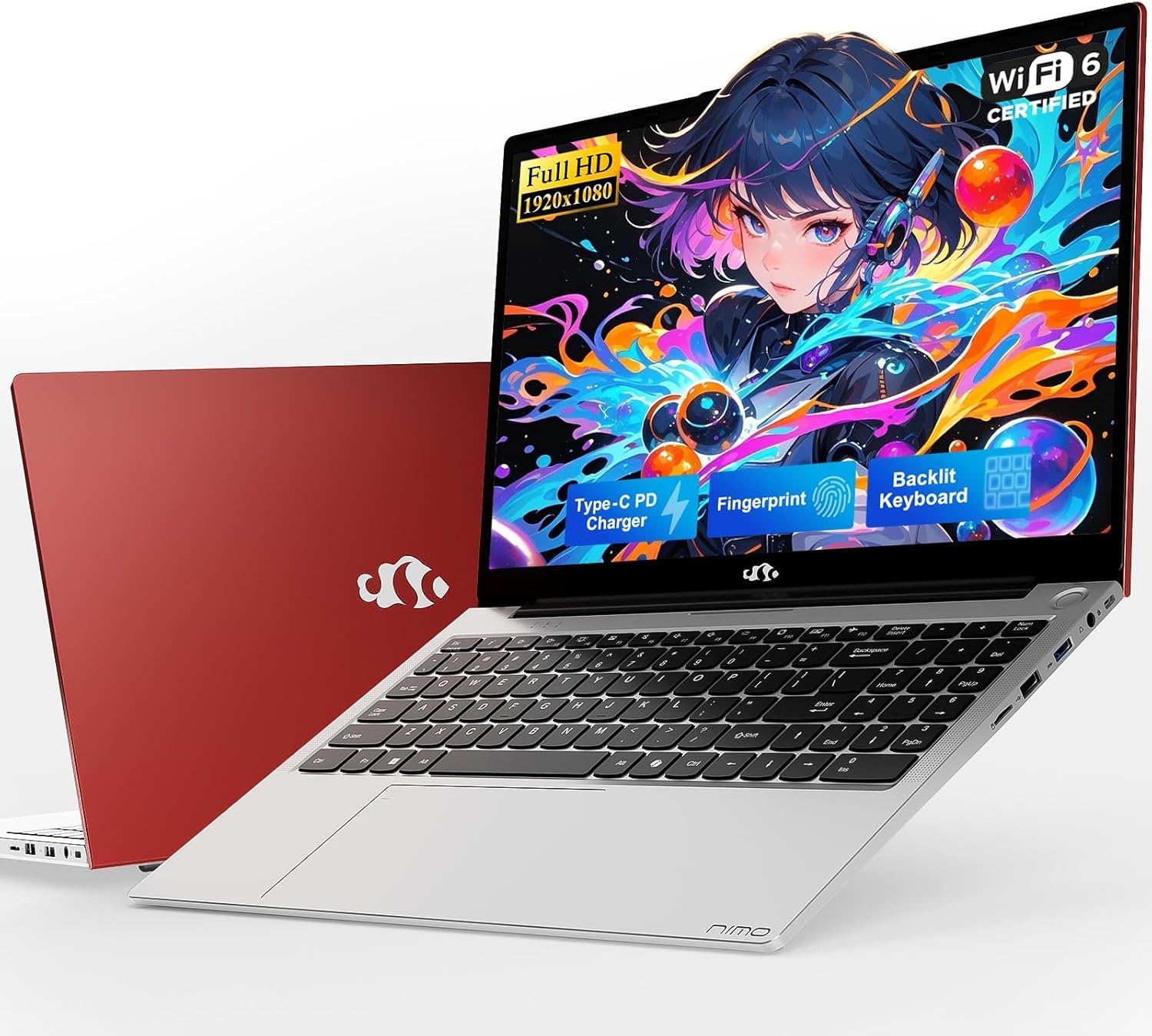
The NIMO N157 targets the student demographic with a smart set of priorities. The inclusion of Wi-Fi 6 is a standout feature at this price point, ensuring you get the best possible connection for cloud gaming services like GeForce Now or Xbox Cloud Gaming. The Intel N150 processor is the successor to the N95, offering slightly better efficiency and a silent fan profile that won’t disrupt a library or dorm room.
The 8GB RAM and 256GB SSD config is the baseline we recommend for any functional Windows machine. The 65W PD fast charging is also a premium touch—a 15-minute charge giving up to 2 hours of use is a real convenience for the on-the-go lifestyle. The build includes a metal top cover, which gives it a more rigid feel than the all-plastic alternatives.
The I/O suite is generous, with dual USB-C ports that support power delivery and display output, which eliminates the need for a dongle for external monitors. The anti-glare Full HD display is effective in bright environments. This is the best laptop for anyone who plans to use their device primarily for web-based gaming, online classes, and office productivity.
Why it’s great
- Wi-Fi 6 provides stable, low-latency connection for cloud gaming
- Fast 65W PD charging reduces downtime
- Dual USB-C ports with DisplayPort alt mode
Good to know
- Only 8GB RAM (slightly less future-proof)
- Backlit keyboard is not standard on all units
3. FUNYET 14 Inch Gaming Laptop
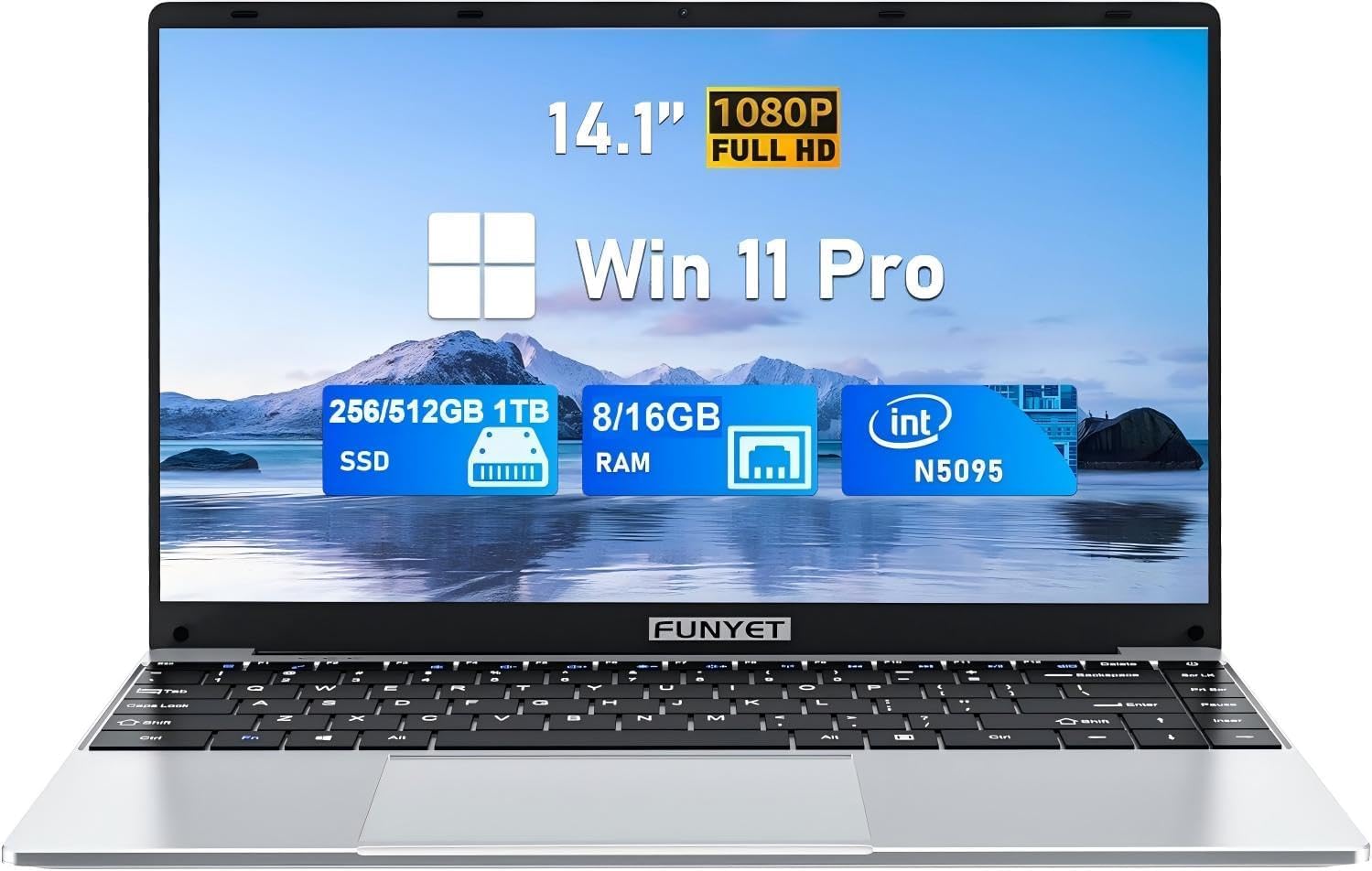
The FUNYET laptop holds the highest RAM and storage spec in our list, pairing 16GB of RAM with a 512GB SSD. This is the only machine that can genuinely handle heavy multitasking without creating a swap file headache on the SSD. The Intel N5095 processor is entry-level, but with this much RAM, the system can cache more applications, making the overall feel snappier than the spec sheet suggests.
The 14.1-inch Full HD IPS display has a very thin bezel, giving it an 85% screen-to-body ratio that looks modern compared to the chunky bezels on the Chromebooks. It’s a more portable size, weighing only 3.5 pounds, which is a significant plus for students carrying it between classes. The laptop also comes pre-installed with Office 365, which saves you a subscription cost.
One major caveat is the Bluetooth 4.2, which is an older standard. It works but doesn’t offer the range or efficiency of Bluetooth 5.x. The N5095 processor is also a bottleneck for any real 3D gaming. This is a productivity powerhouse for web tasks, coding, and writing, but its gaming ability is limited to 2D or very old 3D titles. It is also the most expensive option in our selection.
Why it’s great
- 16GB RAM allows for serious multi-tasking
- 512GB SSD offers ample space for files and apps
- Pre-installed Office 365 is a great bonus
Good to know
- Bluetooth 4.2 is an older standard
- N5095 processor limits gaming performance
4. Morostron 16-inch Laptop
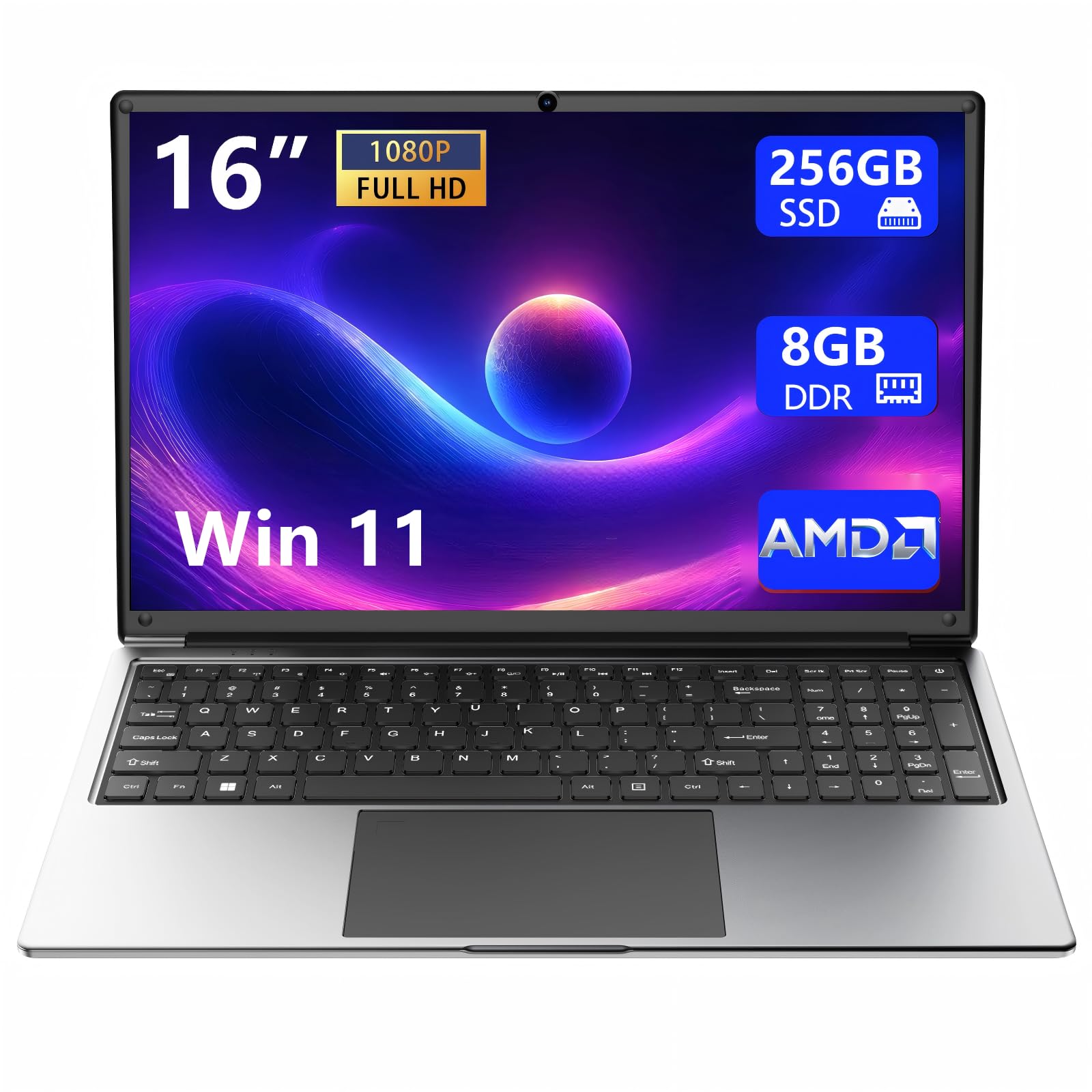
The Morostron laptop takes a different approach by focusing on battery life and screen size. The 16-inch Full HD IPS display is the largest in our list, and the 9000mAh battery promises long endurance for streaming movies or working away from an outlet. The AMD A9-9400 processor with Radeon R5 graphics is an interesting choice; it has a better integrated GPU than Intel’s UHD options, offering 1GB of dedicated video memory.
This makes it uniquely capable among this group for running older 3D games or emulators that can leverage the Radeon R5. The build is surprisingly slim at 1.5 cm thick, and the slim bezels make the large screen feel modern. The 8GB RAM and 256GB SSD are standard for this tier, but the expandable storage via TF card is a plus.
The main drawbacks are the lack of a USB-C port (proprietary charging) and the fact that the AMD processor, while better for graphics, has less single-core performance than the Intel N95 or N150 for general tasks. This is a specialized pick for someone who values screen real estate, battery life, and slightly better graphics over raw CPU speed.
Why it’s great
- Huge 16-inch Full HD IPS display
- Long 9000mAh battery for extended use
- Radeon R5 graphics offers better GPU performance
Good to know
- Proprietary charger (no USB-C)
- CPU single-core performance is weaker than Intel rivals
5. Tunhail 15.6 inch Laptop
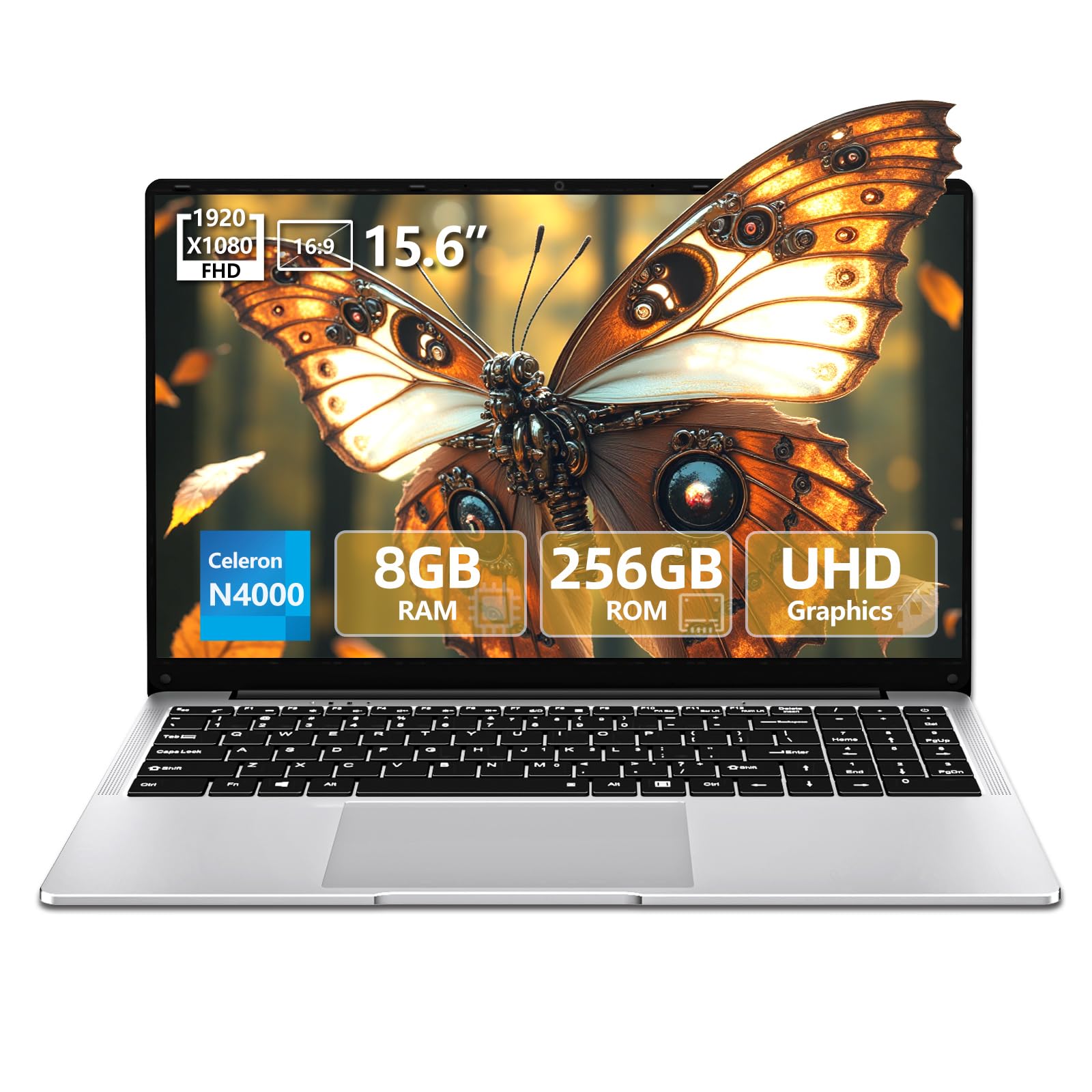
The Tunhail laptop presents a classic case of a high-spec sheet with a low-performance processor. The 8GB LPDRR4 RAM and 256GB SSD are solid, and the 15.6-inch IPS FHD display is excellent for media consumption. The Celeron N4000 processor, however, is dated and will struggle with any modern web page with heavy JavaScript. Its primary strength lies in being a dedicated machine for older, less demanding games like The Sims 4.
The build quality is metal, which gives it a premium feel not found on the plastic Chromebooks. The screen folds flat to 180 degrees, which is handy for sharing content in a small workspace. It also runs Windows 11 Pro, which offers better security features than the Home edition and is ideal for a dedicated work machine.
This is a machine you buy for a specific, low-stakes task. For a child or an older relative who only needs email, YouTube, and a couple of light games, it is a fantastic value. For anyone trying to multitask with productivity software, it will feel sluggish. The lack of a USB-C port is also a minor irritation.
Why it’s great
- Bright and crisp Full HD IPS display
- Metal build feels higher quality than plastic rivals
- 180-degree hinge for easy sharing
Good to know
- Older Celeron N4000 can lag on heavy websites
- No USB-C charging port
6. ASUS Lightweight 15.5″ Full HD Laptop (Renewed)

The ASUS renewed laptop is a gamble that can pay off. It offers a recognizable brand name (ASUS), a solid 15.5-inch Full HD display, and a full Windows 11 Home operating system for a price that is often lower than the generic Chinese brands. The 4GB LPDDR4 RAM and 128GB SSD are sparse; the RAM is the biggest bottleneck here, making multitasking difficult.
The unit we reviewed is a refurbished model, which means condition can vary. Some buyers report a like-new product, while others have had issues with touchpads and software bugs. The backlit keyboard is a nice touch not always found at this level, and the overall build quality from ASUS is typically decent.
This laptop is best suited for a single-use case scenario—like a dedicated machine for a specific piece of software that doesn’t need a lot of memory. It cannot handle modern gaming. For a student who needs to run a spreadsheet or write papers, it can work if you manage your multitasking strictly. The risk is the refurb lottery; make sure the return policy is good.
Why it’s great
- Trusted ASUS brand with decent build quality
- Includes a backlit keyboard for dark environments
- Full HD display for sharp text and images
Good to know
- Only 4GB RAM is a major limitation for multitasking
- Refurbished condition is a lottery
7. Acer CB315-4H-C8XU Chromebook (Renewed)

The Acer Chromebook CB315-4H is the only Chromebook in our list that makes a compelling case for itself. It features a massive 15.6-inch Full HD IPS display, which is the best in class for media consumption. The Intel Celeron N4500 processor is paired with 4GB of RAM and 64GB of eMMC storage, which is adequate for the lightweight Chrome OS environment.
Chrome OS is not a gaming OS, but it is the king of cloud gaming. With the Wi-Fi 6 support, this laptop is an excellent client for GeForce Now or Xbox Cloud Gaming. The display is vibrant and bright, making movies and web browsing a joy. The battery life is also excellent, offering up to 10 hours of real-world use.
You cannot install or run native Windows games on this machine. The 4GB of RAM is enough for Chrome OS but not for heavy Android app multitasking. For a non-technical user who just wants to browse the web, watch Netflix, and use cloud services, this is a fantastic and reliable option. It is a terrible choice for someone who wants to install and play local games.
Why it’s great
- Excellent 15.6″ Full HD IPS display
- Wi-Fi 6 for fast cloud gaming and streaming
- Great battery life at around 10 hours
Good to know
- Chrome OS cannot run native Windows games
- 4GB RAM is low for heavy Android app usage
8. HBESTORE 10.1Inch Laptop

The HBESTORE mini laptop is the smallest and most portable option, but it is also the most limited. It runs Android 12.0, not full Windows. This means you are limited to apps from the Google Play Store. For casual games like mobile shooters or puzzles, it works, but it won’t run any PC titles. The 10.1-inch display at 1280×800 is adequate for its size but lacks the detail of a Full HD screen.
The Allwinner A133Plus quad-core processor is low-power, and the 2GB RAM variant is simply too little for anything beyond the most basic apps. The 5-7 hour battery life is decent for its size, and the included mouse and bag are nice bonuses. The build is entirely plastic and feels very light.
This is a niche purchase. It is best for very young children who need a laptop-like device for educational apps and simple games, or for a specific use case where you need a tiny Android device with a physical keyboard. It is not a gaming laptop by any standard and will be frustrating for anyone expecting PC-level performance.
Why it’s great
- Extremely small and portable at 0.75 kg
- Comes with a free mouse and carrying bag
- Runs Android for access to mobile games
Good to know
- 2GB RAM is severely underpowered for multitasking
- Not a Windows laptop; cannot run PC software
9. Dell Chromebook 3180 (Renewed)

The Dell Chromebook 3180 is the cheapest entry point on our list, and its limitations reflect that. It features an 11.6-inch display with a low 1366×768 resolution, which is cramped for modern websites. Powered by an Intel Celeron N3060 with 4GB of RAM and a tiny 16GB SSD, this machine is only suitable for the most basic web browsing and Google Docs editing.
As a Chromebook running Chrome OS, it is secure and fast for its intended use. The battery life is solid, and the build quality from Dell is rugged—this model was originally designed for education. It can handle simple tasks like email and YouTube without issue.
Gaming on this laptop is essentially non-existent. The small, low-resolution screen and weak processor cannot handle even cloud gaming effectively due to the poor display. It is a machine for a specific type of user who wants a cheap, durable web browser. If you have any gaming aspirations, even for cloud streaming, skip this model.
Why it’s great
- Very affordable entry price point
- Rugged build quality from Dell
- Good battery life for light web tasks
Good to know
- 11.6″ low-res display is hard on the eyes
- 16GB storage is insufficient for almost anything
FAQ
Can a $100 laptop actually run modern games?
Is 4GB of RAM enough for a budget gaming laptop?
Final Thoughts: The Verdict
For most users, the $100 gaming laptop winner is the Coolby 15.6″ RiaBook because its 12GB of RAM provides a genuine multitasking headroom that no other competitor matches, making it the most usable daily driver. If you want the fastest wireless performance for cloud gaming, grab the NIMO N157 with its Wi-Fi 6 support. And for the most storage and RAM for productivity, nothing beats the FUNYET 14″.