
A 1000R curved monitor wraps around your peripheral vision like no other display on the market. This aggressive 1-meter radius curvature matches the natural shape of the human eye, pulling the screen edges into your field of view for a depth of immersion that 1500R or 1800R panels simply cannot match. The result is a monitor that feels less like a window and more like an extension of your real-world sight, reducing eye strain from constantly refocusing on flat edges.
I’m Min — the co-founder and writer behind Gadgets Feed. I’ve spent hundreds of hours analyzing the technical specifications, panel technologies, and real-world performance data of curved monitors across every price tier to build a comparison guide that cuts through the marketing noise.
Whether you prioritize blistering refresh rates for competitive gaming, pristine color accuracy for creative work, or a massive digital canvas for unbeatable multitasking, this guide to the best 1000r curved monitor will help you match the right panel to your specific workflow and budget.
How To Choose The Best 1000R Curved Monitor
Choosing a 1000R curved monitor means committing to the most immersive display shape available. The aggressive curvature demands attention to a few specific specifications that determine whether the monitor delivers on its promise or leaves you straining to adapt.
Panel Technology: VA, OLED, or Mini-LED
VA panels dominate the mid-range 1000R market because they offer deep native contrast ratios (typically 3000:1 to 4000:1) without the burn-in risk of OLED. For competitive gaming at lower price points, a fast VA with overdrive technology strikes a strong balance. OLED steps in with infinite contrast, near-instant 0.03ms response times, and per-pixel black levels — ideal for HDR gaming and media consumption. Mini-LED, found on premium monitors like the Acer Predator Z57, uses thousands of local dimming zones to simulate OLED-like contrast while maintaining high brightness (1000 nits or more) for HDR content.
Resolution and Scaling for Your GPU
A 1000R monitor at UWQHD (3440×1440) is the sweet spot for most mid-to-high-end GPUs, offering sharp detail without demanding the pixel-pushing power of 4K. Dual QHD (5120×1440) effectively drives two 27-inch 1440p panels without a bezel gap. If you run a flagship GPU like an RTX 4090, a 4K or DUHD (7680×2160) panel unlocks razor-sharp text and image clarity, but you must ensure your card can maintain the desired frame rate at that resolution.
Refresh Rate vs. Response Time
For fast-paced shooters and racing sims, a 240Hz refresh rate combined with a 1ms or faster response time minimizes motion blur and input lag. OLED panels hit 0.03ms GtG, making them effectively instant. At lower price points, 144Hz to 180Hz VA monitors still provide a smooth experience, especially when paired with Adaptive Sync (FreeSync or G-Sync) to eliminate screen tearing. Prioritize refresh rate over resolution if competitive response times are your highest priority.
Quick Comparison
On smaller screens, swipe sideways to see the full table.
| Model | Category | Best For | Key Spec | Amazon |
|---|---|---|---|---|
| LG 34G600A-B | Mid-Range | Productivity & Casual Gaming | 3440×1440, 160Hz, VA | Amazon |
| KTC H32S25E | Mid-Range | Value 240Hz Gaming | 2560×1440, 240Hz, VA | Amazon |
| AOC CU34G4Z | Mid-Range | Ultrawide 240Hz Value | 3440×1440, 240Hz, VA | Amazon |
| Samsung Viewfinity S65UA | Mid-Range | Office & Productivity | 3440×1440, 100Hz, USB-C 90W | Amazon |
| Deco Gear R1000 49″ | Premium | Massive Dual-QHD Workspace | 5120×1440, 240Hz, E-LED | Amazon |
| Samsung Odyssey G7 40″ | Premium | Ultrawide 4K Gaming | 5120×2160, 180Hz, VA | Amazon |
| Samsung Odyssey G9 49″ | Premium | Immersive Dual-QHD Gaming | 5120×1440, 144Hz, VA | Amazon |
| Samsung Odyssey Neo G8 32″ | Premium | High-FPS 4K Gaming | 3840×2160, 240Hz, Mini-LED | Amazon |
| Samsung Odyssey OLED G9 49″ | Premium | Infinite Contrast & Color | 5120×1440, 144Hz, QD-OLED | Amazon |
| LG 45GX900A-B | Premium | OLED Speed & 240Hz | 3440×1440, 240Hz, OLED | Amazon |
| Acer Predator Z57 | Flagship | Ultimate 57″ DUHD HDR | 7680×2160, 120Hz, Mini-LED | Amazon |
In‑Depth Reviews
8. Samsung Odyssey Neo G8 32″

The Samsung Odyssey Neo G8 is a powerhouse that packs 4K UHD resolution and a 240Hz refresh rate into a 32-inch 1000R panel — a combination that remains rare even among premium monitors. Quantum Mini-LED technology with 1,000,000:1 contrast ratio and HDR2000 peak brightness delivers jaw-dropping HDR performance, making highlights pop while maintaining deep, inky blacks. The 1ms GtG response time keeps fast motion crisp.
FreeSync Premium Pro and G-Sync compatibility ensure tear-free gameplay across both AMD and Nvidia GPUs. The matte display coating effectively reduces reflections, which is valuable for brightly lit rooms. The 16:9 aspect ratio means you get the immersion of the curve without the ultrawide format, suiting traditional game titles and console usage perfectly.
Some users report a divided-screen or scan-line issue at 240Hz that requires careful cable selection and a specific power-on sequence to avoid. The aggressive curve also demands a brief adaptation period. The stand is large and wobbly, and the rear joystick buttons are small. For those willing to fine-tune settings, this monitor delivers world-class gaming visuals in a compact 1000R form.
Why it’s great
- World’s first 4K 240Hz 1000R monitor with Quantum Mini-LED
- HDR2000 peak brightness and near-infinite contrast ratio
- G-Sync and FreeSync Premium Pro compatible
Good to know
- Scan lines at 240Hz can occur with certain cables and setups
- Curve requires a few days of visual adaptation
- Stand is wobbly and control buttons are small
10. LG 45GX900A-B

The LG 45GX900A-B brings a massive 45-inch OLED panel with a steep 800R curve to the table — even more aggressive than the standard 1000R — for an almost peripheral-filling experience. It runs at 240Hz with a 0.03ms GtG response time, which is effectively instantaneous, eliminating all perceptible ghosting. The WQHD (3440×1440) resolution is well-suited to the 240Hz target, allowing most high-end GPUs to push high frame rates.
DisplayHDR True Black 400 certification and 98.5% DCI-P3 coverage deliver stunning contrast and color saturation. The 1,500,000:1 contrast ratio produces genuine blacks. Built-in speakers with Waves MaxxAudio provide usable audio. Connectivity includes HDMI 2.1, DisplayPort 1.4, and a USB-C port with 65W power delivery.
The 800R curve is extremely aggressive and may feel unnatural at first, especially for productivity tasks involving spreadsheets or design work. Some users report intermittent vertical lines that require warranty service. The DPI at 3440×1440 on a 45-inch diagonal is lower than smaller ultrawides, so text sharpness suffers. This monitor is best suited for immersive gaming and media consumption rather than fine-detail productivity.
Why it’s great
- 800R curve for maximum peripheral immersion
- 240Hz with 0.03ms instant OLED response time
- DisplayHDR True Black 400 with excellent color volume
Good to know
- 3440×1440 at 45 inches results in lower pixel density
- Vertical line issues reported by some users
- Aggressive curve not ideal for productivity work
11. Acer Predator Z57

The Acer Predator Z57 is a 57-inch DUHD (7680×2160) monster with a 1000R curvature and 2304-zone Mini-LED backlighting. It effectively delivers two 4K panels side-by-side without a bezel gap, providing an absurdly wide canvas for creativity, flight sims, and cinematic gaming. VESA DisplayHDR 1000 and 98% DCI-P3 coverage produce vibrant, impactful HDR with impressive brightness.
The 120Hz refresh rate and 1ms response time are modest compared to 240Hz competitors, but the sheer pixel count at this size prioritizes resolution over frame rate. Dual HDMI 2.1 ports allow full-bandwidth connections for PS5 and Xbox Series X. The integrated KVM switch and USB-C with 90W PD make it a versatile productivity hub. Dual 10W speakers deliver decent built-in audio.
The Z57 is enormous and heavy, requiring a sturdy desk and possibly a second person for setup. The 120Hz limit may disappoint competitive gamers who prioritize maximum refresh rates. Quality control appears inconsistent: some users report dead pixels or severe ghosting out of the box. At this price point, the panel must be perfect, and Acer’s support has mixed reviews. This monitor is for those who demand the absolute largest, highest-resolution 1000R canvas available.
Why it’s great
- 57-inch DUHD resolution — equivalent to dual 4K monitors
- 2304-zone Mini-LED delivers excellent HDR contrast
- KVM switch, USB-C 90W PD, and dual HDMI 2.1
Good to know
- 120Hz refresh rate capped well below 240Hz competitors
- Reports of dead pixels and ghosting from some units
- Massive size requires very large desk and careful handling
9. Samsung Odyssey OLED G9 49″

The Samsung Odyssey OLED G9 combines a 1000R curvature with QD-OLED technology for a truly breathtaking visual experience. The 49-inch Dual QHD (5120×1440) resolution delivers sharp detail across a 32:9 aspect ratio. OLED’s per-pixel illumination provides infinite contrast, making blacks truly black and colors incredibly vibrant. The 0.03ms response time is instant, and the 144Hz refresh rate ensures smooth motion.
FreeSync Premium Pro and G-Sync compatibility keep gameplay tear-free. Samsung includes burn-in prevention tools like logo detection, taskbar detection, and a screen saver that dims after 10 minutes of inactivity. The 3-year warranty provides peace of mind for OLED ownership. The ergonomic stand offers height, tilt, and swivel adjustments.
Some users report a slight brightness mismatch between the two panel halves, visible on uniform gray backgrounds. VRR-related white flashes can occur in certain browsers. The monitor is heavy and requires a robust arm or stand. The power cable is notably short. The OLED G9 delivers the best possible image quality for 1000R fans who value contrast and color above all else, but it demands careful handling and a compatible GPU.
Why it’s great
- QD-OLED delivers infinite contrast and stunning color
- 0.03ms response time with 144Hz refresh rate
- Includes OLED burn-in prevention tools and 3-year warranty
Good to know
- Brightness mismatch possible across panel halves
- VRR white flashes reported in some browsers
- Heavy unit with a short power cable
7. Samsung Odyssey G9 49″

The Samsung Odyssey G9 (G91F) is the veteran of the 1000R super-ultrawide category. It offers a 49-inch Dual QHD (5120×1440) panel with a 240Hz refresh rate and 1ms response time — a proven formula for competitive gaming and massive workspace management. The 1000R curve is perfectly matched to the 32:9 aspect ratio, ensuring the far edges remain within your effective field of view.
DisplayHDR 600 support delivers solid HDR performance for the price. FreeSync Premium Pro keeps gameplay smooth. The ergonomic stand allows full tilt, swivel, and height adjustments. Picture-in-Picture and Picture-by-Picture modes allow dual-input multitasking without a second monitor. Auto Source Switch+ detects connected devices and switches inputs automatically.
The 240Hz refresh rate is achievable only via DisplayPort 1.4; HDMI 2.1 is not present, so console users may be limited. The VA panel has slightly slower pixel response in dark transitions compared to OLED. Some users find the curve less intense than expected, but it remains a comfortable fit for most desk depths. This G9 model offers a mature, reliable 1000R experience at a relatively accessible price.
Why it’s great
- 240Hz refresh rate at Dual QHD resolution
- 1000R curve perfectly scaled to 49-inch 32:9 aspect ratio
- Includes PiP/PbP and Auto Source Switch+
Good to know
- No built-in speakers
- VA panel not as fast as OLED for dark transitions
- 240Hz only via DisplayPort, not HDMI
6. Samsung Odyssey G7 40″

The Samsung Odyssey G7 (G75F) pushes the 1000R format into ultrawide 4K territory with its 40-inch WUHD (5120×2160) resolution. This 21:9 panel offers significantly more vertical pixels than standard ultrawides, providing a taller viewing area that enhances productivity and immersion. The 180Hz refresh rate and 1ms GtG response time keep gameplay responsive.
VESA DisplayHDR 600 delivers respectable HDR contrast with deeper blacks and brighter highlights compared to basic HDR10 panels. FreeSync Premium Pro ensures tear-free gameplay. The ergonomic stand supports height, tilt, and swivel adjustments. The monitor is notably lighter than its size suggests, making single-person setup manageable.
HDR performance requires adjustment out of the box — default settings may appear dim. The base design is considered awkward by some users. The 180Hz refresh rate, while fast, is not the highest in this category. The G75F fills a niche for professionals and gamers who want the tallest possible 1000R ultrawide without stepping up to a 49-inch super-ultrawide.
Why it’s great
- 5120×2160 resolution offers taller workspace than standard ultrawides
- 180Hz refresh rate with 1ms response time
- Lightweight for its 40-inch size
Good to know
- HDR settings need calibration for proper brightness
- Base design is large and not universally liked
- 180Hz is not the highest refresh rate available
5. Deco Gear R1000 49″
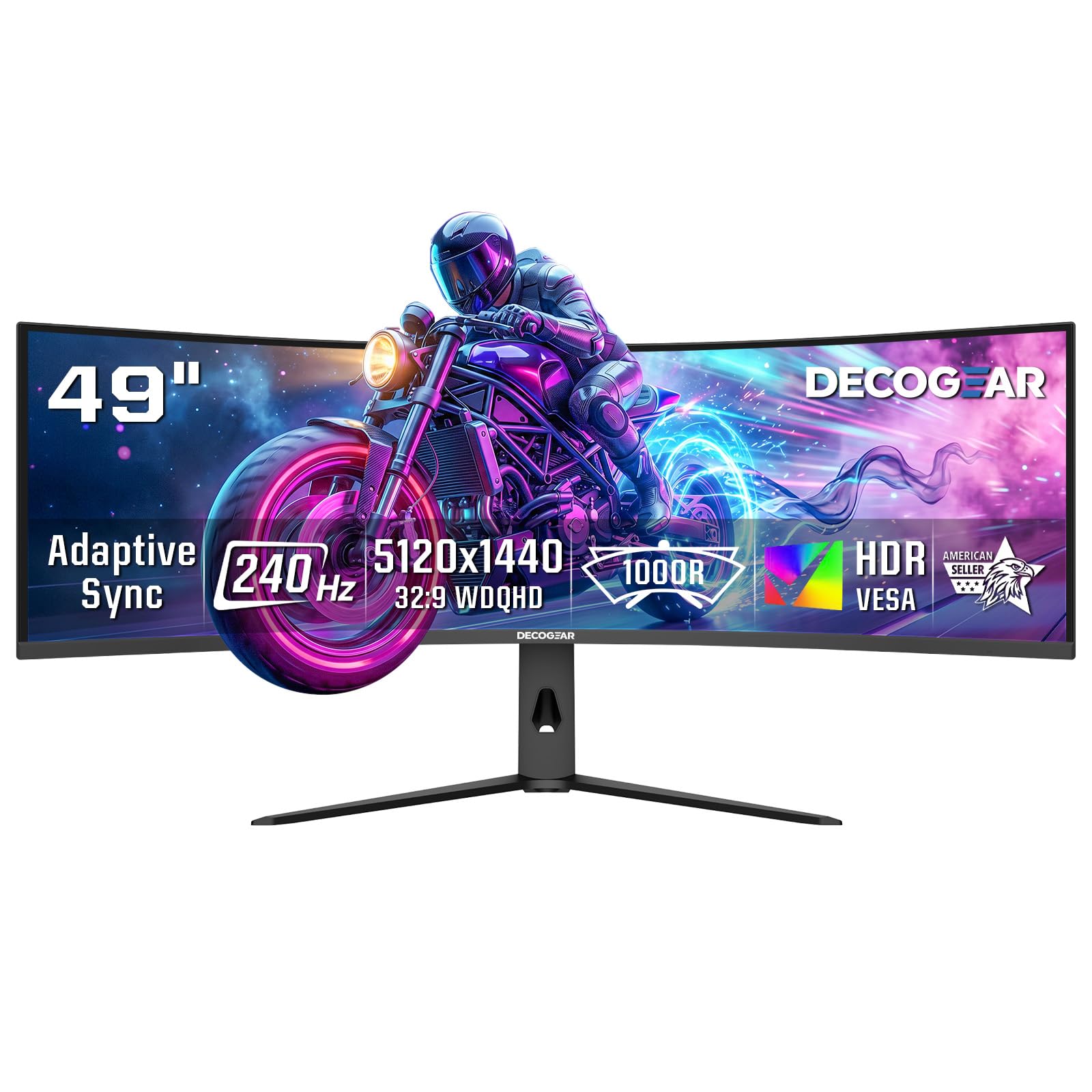
The Deco Gear R1000 delivers a 49-inch Dual QHD (5120×1440) 1000R panel with a 240Hz refresh rate at a price that undercuts the major brands. The 3000:1 contrast ratio and HDR support produce solid image quality for both gaming and productivity. The 32:9 aspect ratio replaces dual monitors without a bezel gap.
Connectivity includes two HDMI 2.1 ports (48 Gbps) and DisplayPort 1.4, supporting 240Hz at full resolution for next-gen consoles and PCs. Adaptive Sync and Overdrive technology work together to reduce tearing and improve pixel response. Picture-in-Picture and Picture-by-Picture modes are included for multitasking.
The E-LED backlight is not as advanced as Mini-LED or OLED, so HDR performance is limited in dynamic range. Build quality may not match Samsung or LG standards. Customer reviews are inconsistent regarding long-term reliability and dead pixels. The R1000 offers the essential 1000R super-ultrawide experience at a lower entry cost, but discerning buyers should expect some compromises in panel uniformity and HDR capability.
Why it’s great
- 49-inch Dual QHD with 240Hz refresh rate
- Two HDMI 2.1 (48 Gbps) inputs for consoles
- Includes PiP/PbP for productive multitasking
Good to know
- E-LED backlight limits HDR dynamic range
- Build quality and QC may vary
- Inconsistent reports of dead pixels
1. LG 34G600A-B
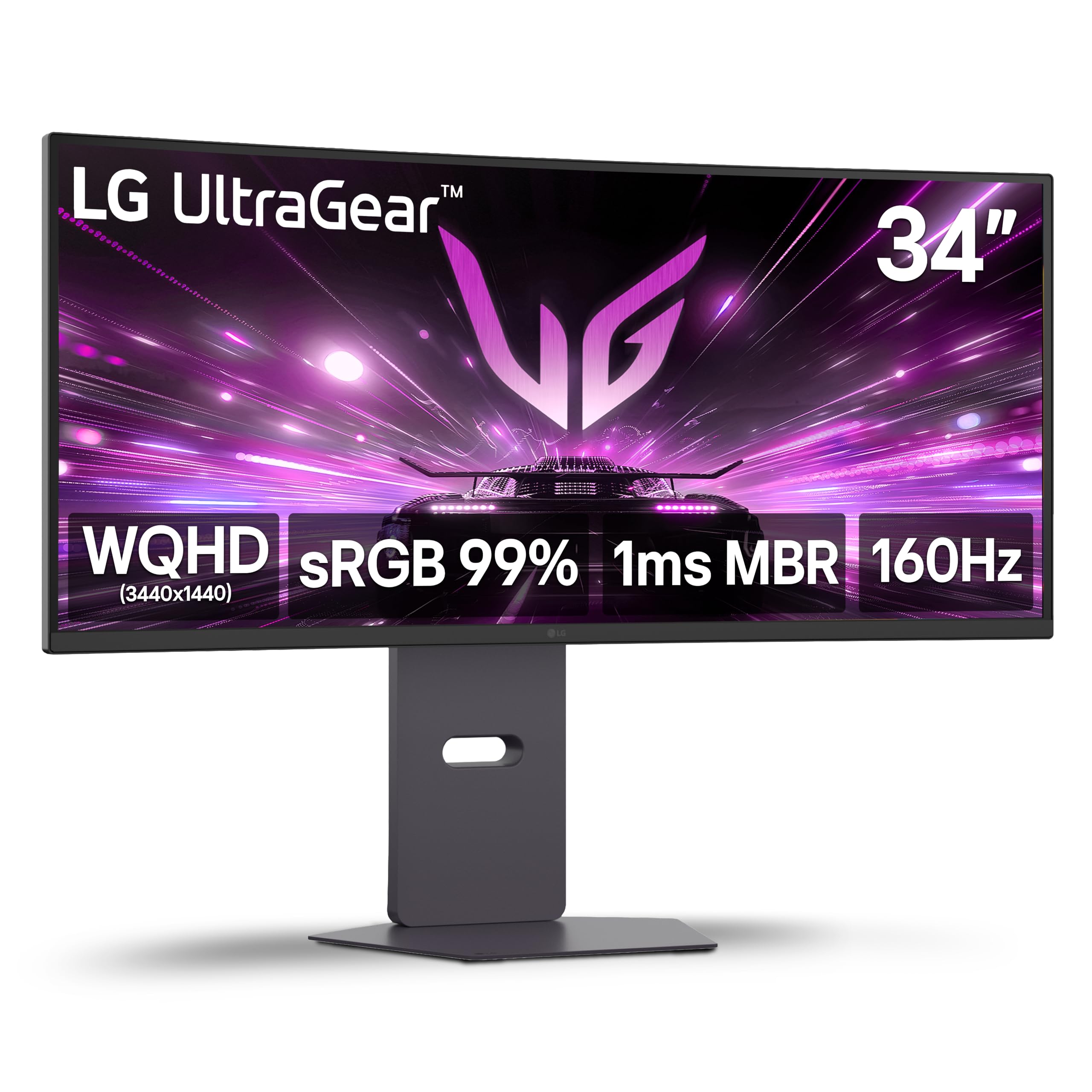
The LG 34G600A-B Ultragear WQHD curved monitor delivers a strong balance of performance and resolution at a very competitive price. The 34-inch VA panel runs at 3440×1440 with a 160Hz refresh rate and 1ms MBR, providing fluid gameplay with minimal motion blur. AMD FreeSync Premium keeps screen tearing out of the picture.
The 1800R curvature is more relaxed than a true 1000R panel, but it still offers a noticeable sense of depth and immersion for daily use. HDR10 support and 99% sRGB coverage ensure vibrant, accurate colors. The ergonomic stand offers height, tilt, and swivel adjustments. Built-in stereo speakers with Waves MaxxAudio provide usable sound, reducing clutter.
This monitor is not actually a 1000R curve — it uses an 1800R curvature, meaning it is less aggressive. Users expecting a full peripheral-wrap experience may be disappointed. The 160Hz refresh rate is solid but not class-leading. The LG 34G600A-B shines as an entry-level ultrawide with strong overall features, but pure 1000R seekers should look at the KTC or Samsung options for the tighter curve.
Why it’s great
- Fast 160Hz refresh rate with 1ms MBR for smooth gaming
- Versatile ergonomic stand with height/tilt/swivel
- Built-in speakers reduce desktop clutter
Good to know
- 1800R curve is less immersive than true 1000R panels
- HDMI 2.0 limits bandwidth compared to HDMI 2.1
- Not ideal for users seeking maximum curve depth
2. KTC H32S25E
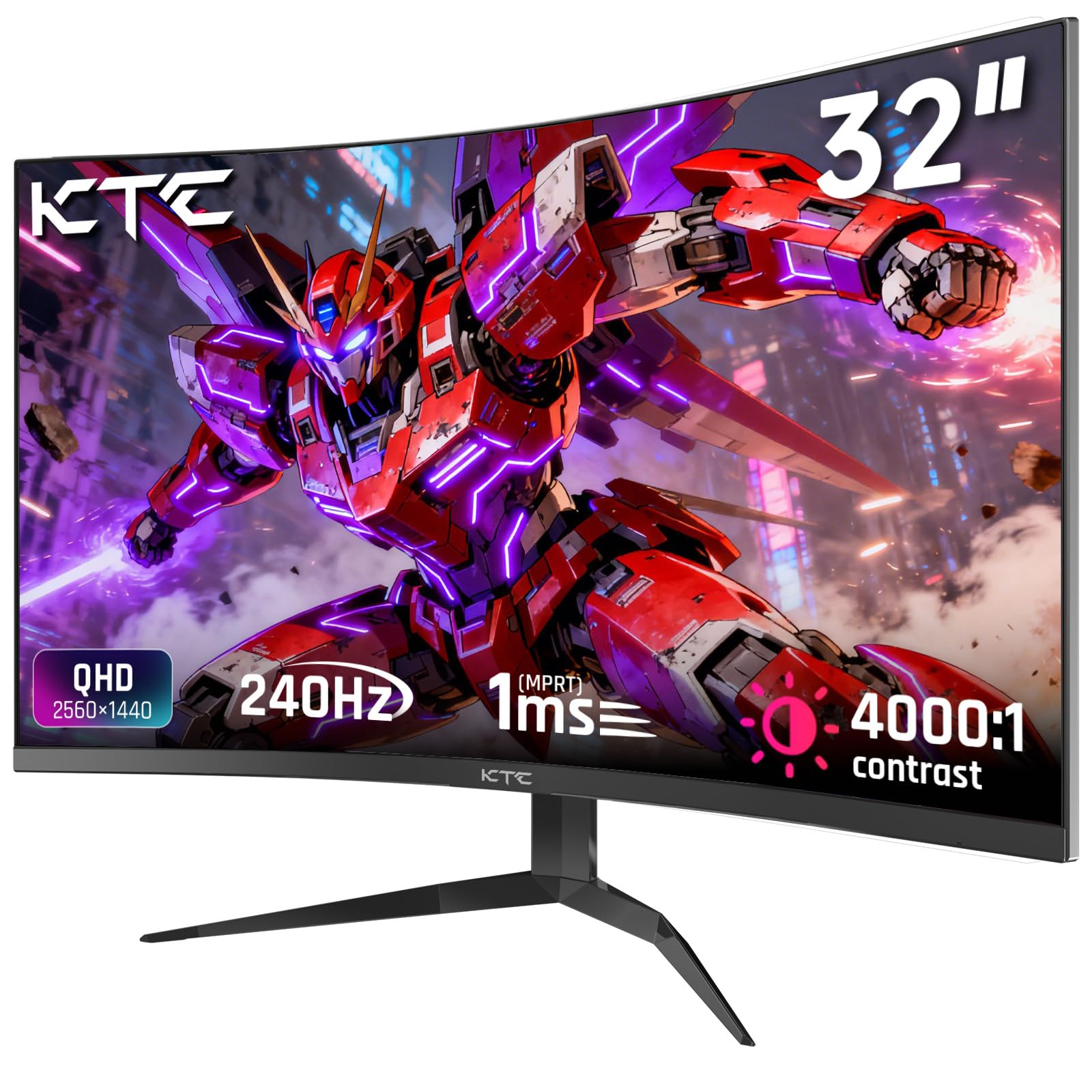
The KTC H32S25E offers a true 1000R curved VA panel in a 32-inch 1440p format at a price that aggressive value seekers will appreciate. The 240Hz refresh rate via DisplayPort 1.4 is the headline spec, delivering ultra-smooth motion for competitive gaming. The 4000:1 contrast ratio produces deep blacks and strong shadow detail.
FreeSync and G-Sync compatibility ensure tear-free gameplay across GPU brands. The 122% sRGB color gamut coverage produces punchy, vibrant colors. The anti-blue light filter reduces eye strain during long sessions. Connectivity includes two HDMI 2.0 ports (144Hz max) and two DP 1.4 ports (240Hz max).
The stand only supports tilt adjustment, lacking height and swivel options. There are no built-in speakers — users must connect external audio. Some units exhibit backlight bleed when viewed from off-angles, though straight-on performance is solid. The KTC delivers genuine 1000R 240Hz performance at a budget-friendly price, but you sacrifice ergonomic flexibility and audio convenience.
Why it’s great
- True 1000R curve in a 32-inch 1440p format
- 240Hz refresh rate with FreeSync and G-Sync support
- Deep 4000:1 contrast ratio for a VA panel
Good to know
- Stand only offers tilt — no height or swivel
- No built-in speakers
- Backlight bleed may appear at off-angles
3. AOC CU34G4Z
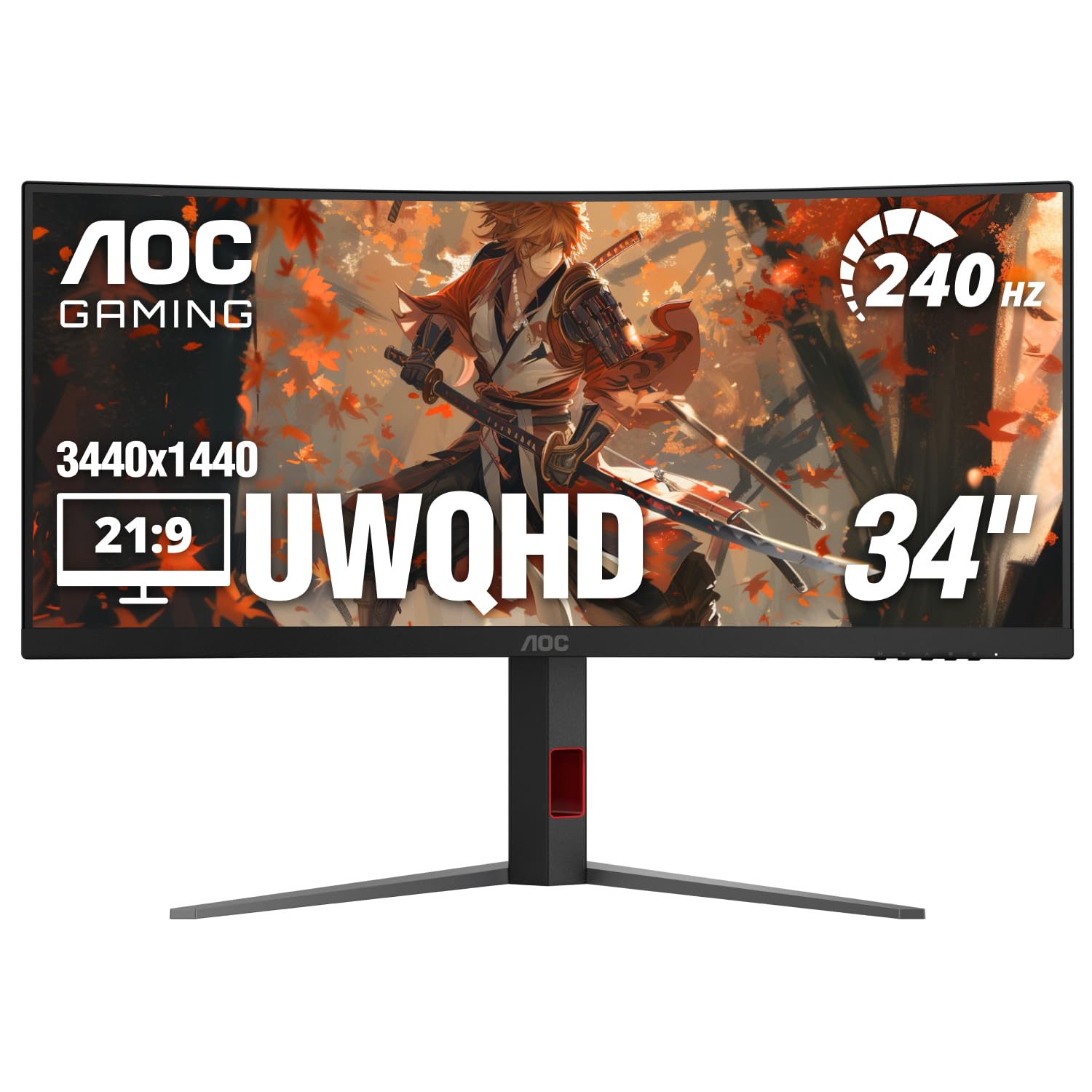
The AOC CU34G4Z delivers a 34-inch 3440×1440 ultrawide experience with a 240Hz refresh rate and 0.3ms MPRT response time. The 1500R curvature is less aggressive than 1000R, but it still provides a noticeable sense of immersion for a 34-inch panel. HDR400 support and an 80,000,000:1 dynamic contrast ratio produce decent image quality.
FreeSync Premium support keeps gameplay smooth on both AMD and Nvidia systems. Connectivity includes DisplayPort 1.4 and two HDMI 2.1 ports, enabling full 240Hz on both interfaces. The stand offers height, tilt, and swivel adjustments, plus a 3-year zero-bright-dot warranty that protects against defective pixels.
This monitor is not 1000R — the 1500R curve is significantly shallower, so it does not deliver the peripheral-filling effect that 1000R fans seek. Some users report ghosting on all overdrive settings due to the slower VA pixel response at this price tier. The CU34G4Z is an excellent value ultrawide for high-refresh-rate gaming, but buyers specifically seeking the deepest curve should prioritize true 1000R models.
Why it’s great
- 240Hz refresh rate with 0.3ms MPRT response time
- HDMI 2.1 support for full ultrawide 240Hz
- 3-year zero-bright-dot warranty included
Good to know
- 1500R curve is much shallower than 1000R
- Noticeable ghosting reported on VA panel
- Not suitable for buyers seeking maximum curve immersion
4. Samsung Viewfinity S65UA

The Samsung Viewfinity S65UA is a productivity-focused 34-inch ultrawide that features a genuine 1000R curvature. The 3440×1440 resolution and 21:9 aspect ratio provide generous screen real estate for spreadsheets, design software, and document multitasking. The 100Hz refresh rate is modest, but it still provides smoother mouse movement than standard 60Hz displays.
The key productivity feature is the USB-C port with 90W power delivery, which can charge a laptop and transmit display data through a single cable, keeping the desktop clean. HDR10 support with 1 billion colors produces accurate, vibrant visuals. The TUV-certified Intelligent Eye Care system automatically adjusts brightness and color temperature to reduce eye fatigue.
The 100Hz refresh rate is insufficient for competitive gaming, and the FreeSync implementation is basic. Some users report flickering issues when connected through third-party docking stations. A small number of units have developed screen failures within the first year, with Samsung support receiving criticism for handling such cases. The S65UA is the right choice for professionals who need the 1000R curve for comfort and a single-cable laptop setup, but it is not a gaming monitor.
Why it’s great
- True 1000R curve for reduced eye strain
- USB-C with 90W power delivery for single-cable laptop use
- TUV-certified auto brightness and blue light adjustment
Good to know
- 100Hz refresh rate is not suitable for serious gaming
- Dock compatibility issues reported with certain brands
- Some reliability concerns with long-term use
FAQ
Is a 1000R curved monitor worth it for programming?
Does a 1000R curve cause distortion for photo or video editing?
What is the ideal desk depth for a 1000R 49-inch monitor?
Final Thoughts: The Verdict
For most users seeking the best 1000r curved monitor, the winner is the KTC H32S25E because it delivers a true 1000R curve, 1440p resolution, and a blistering 240Hz refresh rate at a price that undercuts the competition. If you want the deepest curve in an OLED panel with infinite contrast, grab the Samsung Odyssey OLED G9 49″. And for a 57-inch DUHD Mini-LED canvas that replaces an entire multi-monitor setup, nothing beats the Acer Predator Z57.