
Our readers keep the lights on and my morning glass full of iced black tea. As an Amazon Associate, I earn from qualifying purchases.
Specs are compiled from manufacturer listings and verified buyer reviews and can change over time — please confirm the key details on the product page before buying.
The best 1080P 32 inch monitor for you depends on one simple question: are you a competitive gamer who needs lightning-fast response, or someone who wants a huge, crisp screen for work and movies? The good news is that this size hits a balance where you get that massive, rich display without needing a top-tier graphics card to drive it. This guide breaks down the specs that actually matter—refresh rate, response time, panel type—and shows you which models deliver real value for your money.
I’m Min — the founder and writer behind Gadgets Feed. This guide is built by comparing the manufacturers’ published specifications and the patterns across verified customer reviews, so you get each pick’s real strengths and trade-offs instead of marketing spin.
Whether you prioritize a silky-smooth 240Hz refresh rate or a budget-friendly workhorse, we explore the top contenders to help you find the 1080p 32 inch monitor that fits your setup and your wallet.
Our Picks at a Glance

How To Choose The Best 1080P 32 Inch Monitor
Picking a large 1080p monitor is a balancing act. You get a huge, rich picture, but you sacrifice the sharpness you’d see on a smaller screen or a 1440p panel. Understanding what each spec does for you is the key to making the right choice.
Refresh Rate: The Speed of Your Screen
Refresh rate, measured in Hertz (Hz), tells you how many times the screen updates the image each second. A standard monitor is 60Hz, but for gaming, a 144Hz or higher panel makes motion look dramatically smoother and more responsive. It’s the difference between a blurry mess and being able to track enemies clearly in a fast-paced shooter.
Panel Type: Color vs. Contrast
Most monitors in this category use a VA panel, which excels at deep blacks and high contrast. This makes them great for dark games or movies. However, they suffer from color shifting if you view them from an extreme side angle. A flat IPS panel (less common in this size) keeps colors accurate from more angles but typically offers lower contrast.
Response Time: Eliminating Ghosting
This spec is how fast a pixel can change color, and it’s crucial for fast-moving action. A 1ms response time minimizes “ghosting,” where a fast-moving object leaves a trail behind it. Lower is always better for gaming, with 1ms (MPRT) being the current benchmark to look for.
Curvature and Ergonomics
A curved screen, like a 1500R or 1800R curve, wraps around your field of view for a more rich feel. Consider your desk setup and if you need adjustability. A stand that lets you tilt, swivel, and change height is a major comfort win for long sessions, and VESA mount compatibility lets you attach it to an arm.
Quick Comparison
| Model | Best For | Refresh Rate | Response Time | Panel Type | Amazon |
|---|---|---|---|---|---|
| KTC H32C5★ Best Overall | Elite-Level Gaming | 280Hz (OC) | 1ms (MPRT) | VA | Amazon |
| ASUS TUF VG32VQM5AZPro Gaming Pick | Pro Performance | 240Hz | 0.5ms (GTG) | VA | Amazon |
| Samsung Odyssey G3Most Adjustable | Adjustable Gaming | 180Hz | 1ms (MPRT) | VA | Amazon |
| Acer Nitro EDA320Q | rich Value | 180Hz | 1ms (VRB) | VA | Amazon |
| Sceptre C325B-FWD240 | High-Speed Budget Gaming | 240Hz | 1ms | VA | Amazon |
| Gawfolk 240Hz | Ultra-Fast Budget Gaming | 240Hz | 2ms (GTG) | VA | Amazon |
| Gawfolk 180Hz | Value Curved Gaming | 180Hz | — | VA | Amazon |
| LG 32GN550-B | Console & G-Sync | 165Hz | 1ms (MBR) | VA | Amazon |
| Samsung 32″ Flat | Productivity & Work | 75Hz | — | VA | Amazon |
| Philips 32E1N1100L | Budget Multi-Screen | 100Hz | 1ms | VA | Amazon |
| Sceptre C325W-1920R | Budget Curved Immersion | 75Hz | 5ms | VA | Amazon |
In-Depth Reviews
1. KTC H32C5
Our pick — over 4.5★ from 2,500+ verified ratings; the strongest balance of quality and price.
The elite-speed pick that makes every fast game feel like a new experience.
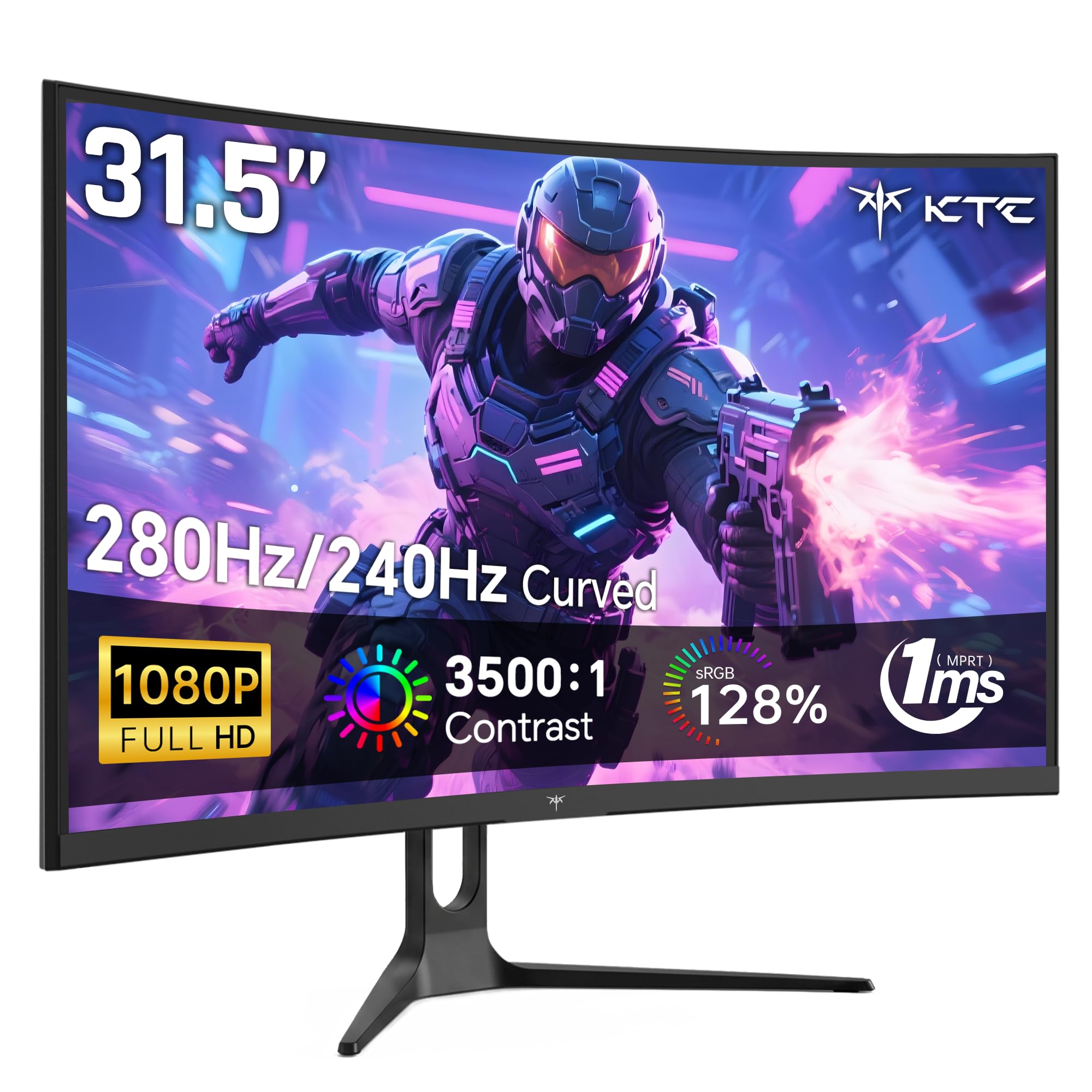
If you’re a competitive gamer, this is the one to beat. The KTC H32C5 is built around its blazing-fast 240Hz native refresh rate, which you can overclock up to 280Hz for an even smoother edge. It pairs that speed with a 1ms MPRT response time (the time for a pixel to change color) to virtually eliminate motion blur and ghosting, so you can track enemies cleanly during intense firefights. This speed puts it far ahead of more standard monitors, making it over twice as fast as a typical 100Hz display.
Buyers report the KTC hits 360Hz from the start and 400Hz via overclock, confirming its elite speed. The 1500R curvature wraps the 32-inch screen around your vision, and the colors are rich, covering 128% sRGB with a 3500:1 contrast ratio for deep blacks. It also supports both FreeSync and G-Sync, so it works flawlessly with AMD and NVIDIA graphics cards to prevent screen tearing. The stand is tilt-adjustable and VESA-mountable, and the included low blue light and flicker-free tech helps reduce eye strain during marathon sessions.
The main trade-offs are minor: some note the viewing angles darken slightly from the side, and a few found the stand setup a bit tricky. For its speed, color, and feature set, this monitor offers phenomenal value for the competitive gamer who wants every possible advantage.
fast response
- Insane 280Hz overclockable refresh rate
- Fluid 1ms MPRT response time
- Vibrant colors with 128% sRGB gamut
limited adjustability
- Viewing angles can darken from the side
- Stand setup requires a bit of patience
value pick: This is the pick for esports enthusiasts and FPS players who refuse to compromise on speed and smoothness.
basic stand: If you’re on a tight budget and only need a basic work display, you’re paying for speed you won’t use.
2. ASUS TUF Gaming VG32VQM5AZ
A pro-grade 0.5ms response time makes this the sharpest of the fast pack.
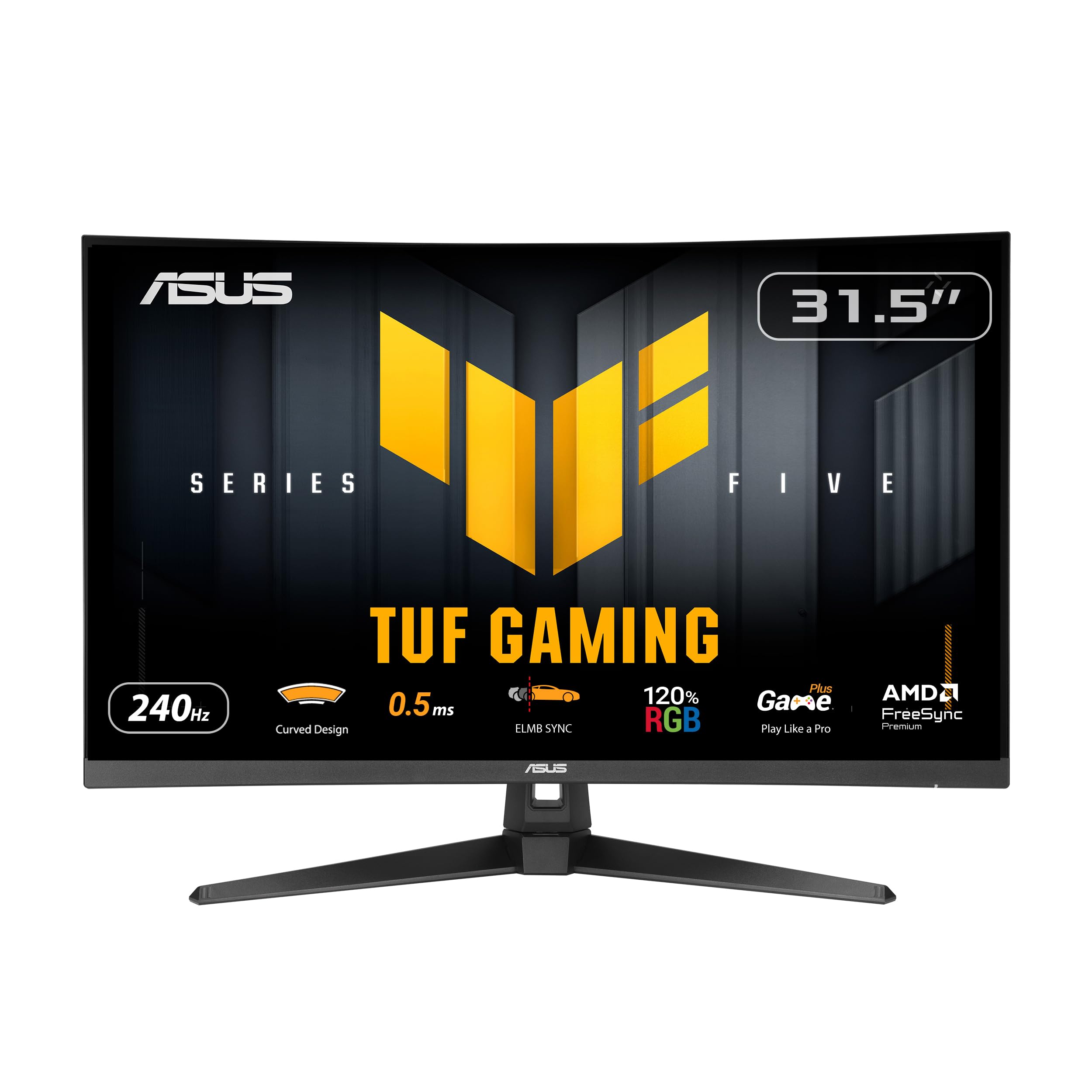
The ASUS TUF Gaming VG32VQM5AZ is for the player who wants the absolute fastest pixel response on the market. With a blistering 0.5ms GTG response time and a 240Hz refresh rate, it delivers incredibly smooth gameplay with next to no motion blur. ASUS’s Extreme Low Motion Blur (ELMB) SYNC tech further reduces ghosting, and FreeSync Premium enables variable refresh rate (VRR) by default, ensuring a tear-free experience. It sits in a slightly higher tier, but that speed is backed by a solid build.
Buyers call it a high-quality 1080p display that runs games flawlessly, with smoother motion in fast titles. Some found the 120% sRGB color gamut and brightness levels to be top-notch for a 1080p panel. The curved 1500R design adds to immersiveness, and it comes with a 3-year warranty and a subscription to Adobe Creative Cloud, which is a nice bonus for creators who also game. The stand is sturdy, and it includes built-in speakers and a DisplayPort cable in the box.
The honest downside is that at this price point, you’re paying a premium for that ultra-fast 0.5ms response, which is a niche advantage over other excellent 1ms monitors. Some also note that, like all 1080p screens this size, the pixel density isn’t the sharpest for up-close text. This remains a top-tier choice for the competitive player who wants the definitive fastest response.
high refresh rate: The 0.5ms (GTG) response time is the headline feature here, delivering the most fluid and ghost-free motion you can get.
premium cost: You pay more for this speed, so it’s best for professionals who need that final millisecond of advantage.
3. Samsung Odyssey G3 (G30D)
The racing monitor that combines a fast panel with a fully adjustable stand.
Here’s the pick that nails the balance between high-performance gaming and everyday comfort. The Samsung Odyssey G3 offers a smooth 180Hz refresh rate and a fast 1ms (MPRT) response time, which is more than enough to give you a serious competitive edge. It also includes gamer-friendly features like Black Equalizer, which boosts visibility in dark areas, and a Virtual Aim Point crosshair, making it a fantastic choice for first-person shooters. The 3000:1 contrast ratio delivers deep blacks for an rich image.
The standout feature here is its ergonomics. Unlike many monitors in this range, this Samsung has a fully adjustable stand that lets you swivel, tilt, pivot, and adjust the height, so you can find your perfect viewing angle with ease. Buyers praise the deep colors at 180Hz and the smooth-adjusting stand, making it a solid work-and-gaming pick. It’s a crowd-pleasing model with a massive following, making it a safe and reliable choice that exceeds expectations.
The main limitation is the 250 cd/m² brightness, which is standard but not the brightest available. Some owners also note it can have glossy reflections in a bright room. It’s a superb all-rounder and the choice for anyone who values a comfortable setup as much as a fast screen.
versatile performer: The full ergonomic stand separates it, letting you fine-tune the position for total comfort during long sessions.
modest brightness: At 250 cd/m², it’s bright enough for most rooms but won’t blow you away in direct sunlight.
4. Acer Nitro EDA320Q Pbiipx

A well-rounded 1500R curve that pulls you into every game and movie.
The Acer Nitro EDA320Q is a fantastic mid-range option that delivers a 180Hz refresh rate and a 1ms (VRB) response time, making it highly capable for fast-paced gaming. Its defining feature is the 1500R curvature, which wraps the 31.5-inch screen around your field of view. Owners mention the 1500R curve widens the field of view for rich gaming, with no lag or ghosting at 180Hz.
This monitor is praised for being easy to set up, with a zero-frame design and VESA mounting compliance (100 x 100mm) for flexible desk setups. It offers a great balance of quality and value, with a high 100,000,000:1 contrast ratio that makes colors pop. It uses AMD FreeSync Premium technology to keep your graphics card and monitor in sync, preventing screen tearing during high-intensity moments.
The recurring trade-off for this size is the 1080p resolution; it’s not ultra-sharp when you’re sitting close, and this model doesn’t have built-in speakers. It’s a fantastic choice for gamers on a budget who want an rich curved screen with a high refresh rate and a trusted brand name.
rich curve: The 1500R curvature is the standout feature, offering a wider, more rich field of view than a flat screen.
needs speakers: There are no built-in speakers here, so you’ll need to use a headset or external speakers.
5. Sceptre C325B-FWD240

This budget-minded 240Hz screen brings elite speed without the elite price tag.
For the gamer who wants high-refresh-rate performance without spending a fortune, the Sceptre C325B-FWD240 is a heavyweight contender. It offers a 240Hz refresh rate, delivering exceptionally smooth motion that puts it in the same conversation as monitors costing much more. With both DisplayPort and HDMI able to deliver that full 240Hz, you can enjoy top-tier fluidity in fast shooters and racers. Buyers call it an excellent 32-inch screen with an outstanding 280Hz refresh rate, a fantastic budget-gaming deal.
This Sceptre doesn’t just focus on speed; it also delivers a wider color gamut with 110% sRGB coverage, making colors deeper and more vibrant. Its 1500R curvature adds immersion, and the built-in speakers are a convenient space-saver, offering sturdy and smooth audio for work and gaming. The FreeSync Premium support ensures your gameplay is tear-free and smooth.
As with other 1080p panels this size, the pixel density is a minor compromise, and the built-in speakers are considered basic by some. If you’re looking to boost your gaming performance per dollar, this screen is a highly compelling choice that is praised for its speed, value, and functionality.
cheap speed: This is the go-to choice if you want a legit 240Hz experience for competitive gaming while staying affordable.
pixel issues: At 32 inches, 1080p isn’t the sharpest, so sit at a normal distance for the best view.
6. Gawfolk 240Hz Curved Gaming Monitor

A high-speed 240Hz panel with a deep 1800R curve for serious value.
Gawfolk’s 240Hz offering is a straight-up performance play. It pushes a 240Hz refresh rate and a rapid 2ms (GTG) response time, ensuring fast-moving scenes stay clear and smooth. It’s a step up in speed that’s easy to feel in-game. The monitor also features full coverage of the 100% sRGB spectrum and a 4000:1 contrast ratio, which means rich, detailed colors across the 16.7 million color gamut. The deep 1800R curvature is a defining trait here, wrapping the screen for a more encompassing view.
Buyers praise the build quality and note stunning contrast and brilliant colors for gaming. The VA panel technology helps deliver those deep blacks and high contrast. Connectivity is flexible, with DisplayPort supporting the full 240Hz and HDMI for up to 120Hz, making it compatible with PCs, consoles, and laptops. The stand allows for tilt adjustment, and it’s VESA 100x100mm mount compatible (mount not included).
The honest caveat is reliability feedback is mixed, with a few owners reporting issues, although the majority are thrilled with the performance. The 250 cd brightness is also a standard figure. For the price, it’s a powerful option for gamers who want top-tier speed and an rich curve.
speed demon: This monitor is all about delivering a blistering 240Hz refresh rate and deep contrast for an rich gaming experience.
durability doubt: While most are pleased, a few reviews mention units failing, so check the return policy for confidence.
7. Gawfolk 180Hz Curved Gaming Monitor
A strong 180Hz curved contender that balances cost and performance.
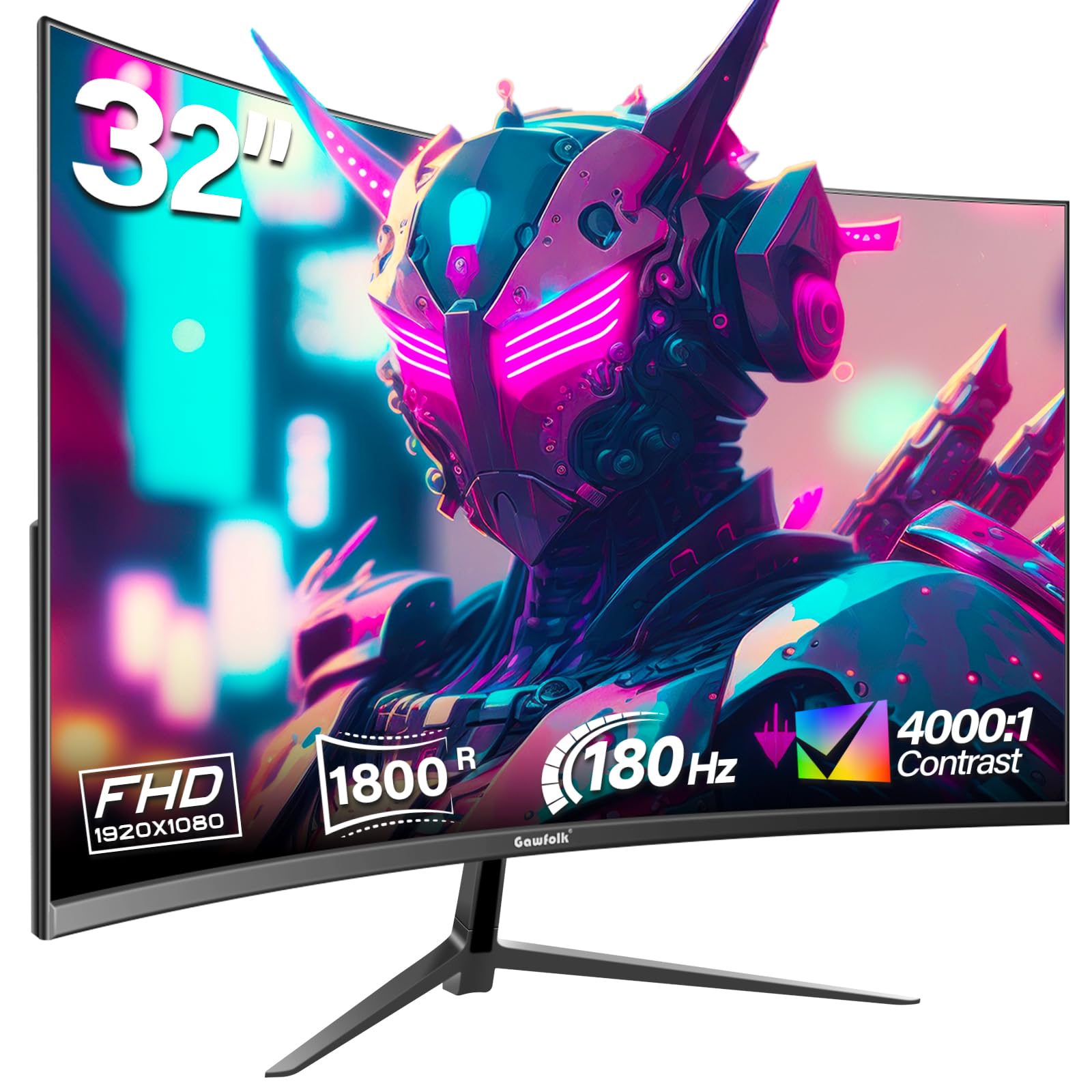
If you want smooth, high-speed gaming but your budget doesn’t stretch to a 240Hz panel, this Gawfolk is worth a hard look. It provides a rock-solid 180Hz refresh rate—2.4 times faster than a standard 75Hz monitor—for a noticeably fluid experience in any demanding game. It uses an 1800R VA screen, which offers high contrast and wide viewing angles, and supports DisplayPort at 180Hz and HDMI at 144Hz for flexible connectivity to your PC, Xbox, or laptop. Buyers praise the durable build, good colors and resolution, and excellent value from a lesser-known brand.
This monitor delivers full sRGB spectrum coverage and a 4000:1 contrast ratio, making colors look vibrant and detailed. It also includes AMD FreeSync technology (a feature that syncs the monitor’s refresh rate to your graphics card to prevent screen tearing) and flicker-free tech, which reduces eye strain during long sessions. It has a modern, slim design that looks good on a desk.
The most-discussed drawback is reliability, with some owners reporting units that completely stop working, though this is balanced by a 12-month warranty. Another reviewer mentioned the screen “looks flat not curved” and the speakers lack bass. It’s a high-value choice for budget gamers who want high refresh rates and an rich curve.
affordable curve: The 1800R curve provides an rich view at a price point that’s hard to argue with, backed by solid build quality.
mixed reviews: Some customers note reliability issues, so it’s good to be aware of the 12-month warranty.
8. LG 32GN550-B Ultragear

The trusted brand choice that plays nice with both free-sync and G-sync graphics cards.
Sometimes you want a big, fast, and reliable monitor from a brand you recognize. The LG Ultragear 32GN550-B delivers exactly that with a 165Hz refresh rate and 1ms (MBR) response time. It’s also officially compatible with both NVIDIA G-SYNC and AMD FreeSync Premium, meaning it can sync with your graphics card to eliminate screen tearing, no matter what you have in your PC. This makes it an excellent choice for those with an NVIDIA card who want adaptive sync support, which isn’t a given in this category.
Buyers appreciate the clarity and zero dead pixels, noting it excels for gaming and works well with PS5. The monitor includes a 3-sided virtually rimless display for a clean, rich look. It also has a 95% sRGB color gamut and HDR10 support for vibrant colors and a great picture. The adjustable stand is a highlight, offering incline, height, and shaft adjustments, which is a major plus compared to tilt-only stands.
The biggest drawback is the price, which is notably higher than rivals with similar specs. Some also note the inputs are poorly located for tight setups. If G-Sync compatibility and a highly adjustable stand are essential to you, this is a solid premium investment.
adaptive sync: This monitor is a safe bet for any PC gamer, as it supports both Nvidia G-Sync and AMD FreeSync Premium for tear-free play.
high price: You are paying more for the brand, the G-Sync certification, and the full ergonomic stand.
9. Samsung 32″ Flat Computer Monitor

A clean, borderless workhorse designed for productivity and smooth multi-monitor setups.
This Samsung is a different kind of animal—a flat, borderless monitor built for work, not competitive shooters. Its 75Hz refresh rate is a step up from standard 60Hz panels, making general desktop use, scrolling, and video feel a touch more fluid. The three-sided borderless design here is the key feature, allowing you to line up multiple displays nearly smoothly for a clean, distraction-free multi-monitor setup. This is why it’s a favorite for business applications and office work, where the large 32-inch screen helps manage multiple windows with ease.
Buyers find the picture quality “excellent, with crisp images,” and a significant majority praise its overall quality and screen size. It’s noted as “easy to set up,” looks great, and works well with MacBooks. The monitor also boasts a high 4000:1 contrast ratio for a flat panel, offering solid depth. It also includes AMD FreeSync to reduce screen tearing, along with Flicker Free and Eye Saver Mode to reduce eye strain during long workdays.
The limiting factor is its 75Hz refresh rate, which is not designed for high-level competitive gaming. Reviews are mixed on color quality, with some finding colors “unusable” from the start, though this often resolves with a quick adjustment. If your priority is work, spreadsheets, and a smooth multi-screen setup, this is a superb and popular choice.
desk monitor: The borderless design and large screen make this the top choice for productivity and setting up a smooth dual or triple-monitor work desk.
no gaming: At 75Hz, it is smooth enough for work but too slow for fast-paced competitive gaming.
10. Philips 32E1N1100L
A budget-friendly legend for sim racers building a triple-monitor surround setup.
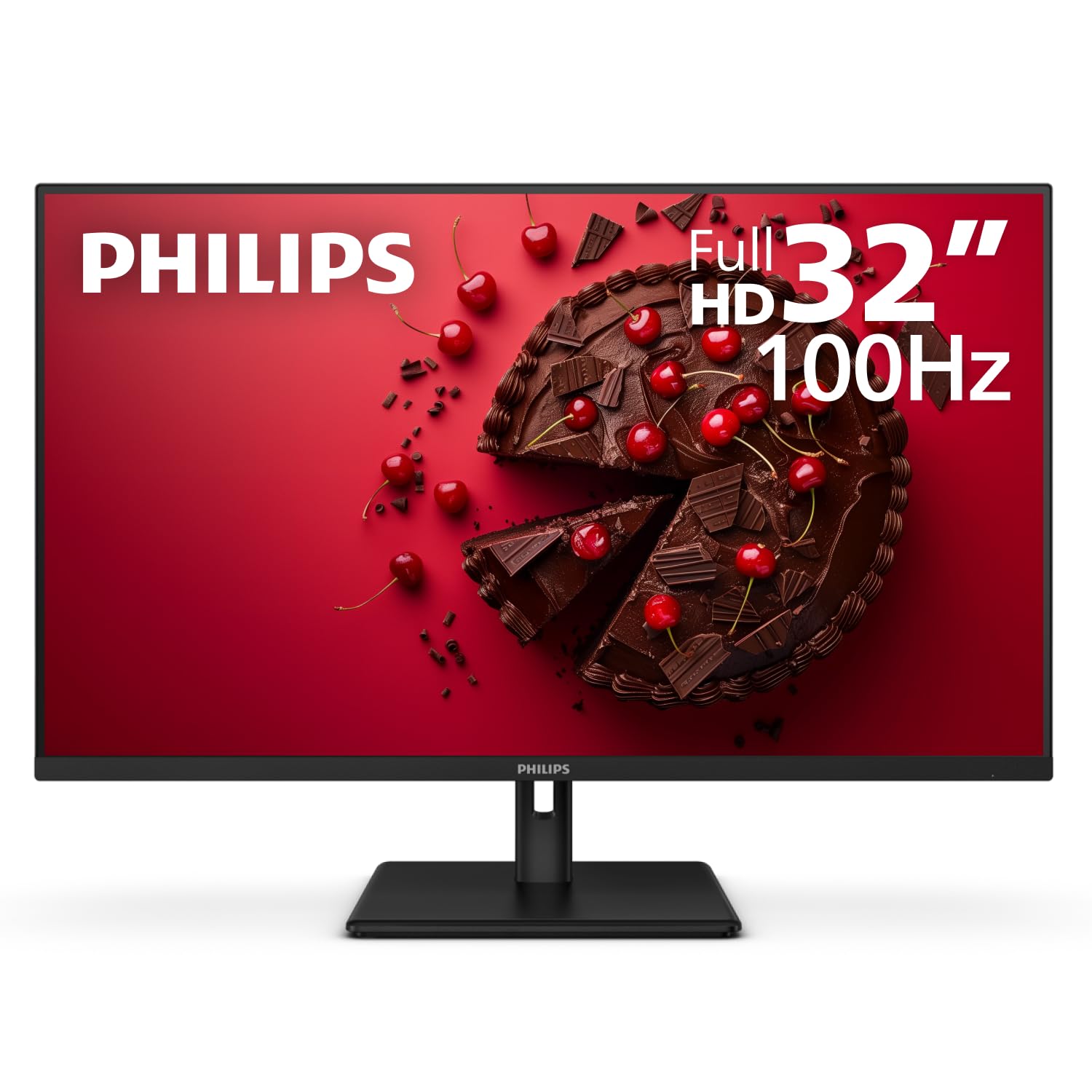
This Philips monitor is the budget king for multi-monitor setups. Its pricing is remarkably low for the size and specs. The 100Hz refresh rate is a significant boost over a standard 60Hz office monitor and its 1ms response time is fast, making it a capable option for casual gaming. The real secret to its popularity is its ultra-slim bezels and VESA mount compatibility, which make it perfect for framing a smooth triple-monitor setup, especially for simulation games.
As reviewers point out: “I use them for sim racing as triple monitors in surround and they are great.” They find the image quality nice and clear for the price, making it excellent value for money. However, the design is a key point—this monitor does not have built-in speakers, so you’ll need to plan for audio. While this can be a sticking point for some, most find the picture quality and price make up for it.
Quality and value are overwhelmingly praised in its feedback, though reliability has mixed reports, and it uses a 3000:1 contrast ratio VA panel. It is the perfect entry-level choice for those who want a huge screen or a multi-monitor setup on a tight budget and don’t need built-in audio.
triple display: This is the go-to budget pick for sim racers and gamers building an rich multi-monitor setup thanks to its slim bezels and low cost.
audio absent: It has no built-in speakers, so you’ll need to connect a headset or external speakers for sound.
11. Sceptre C325W-1920R
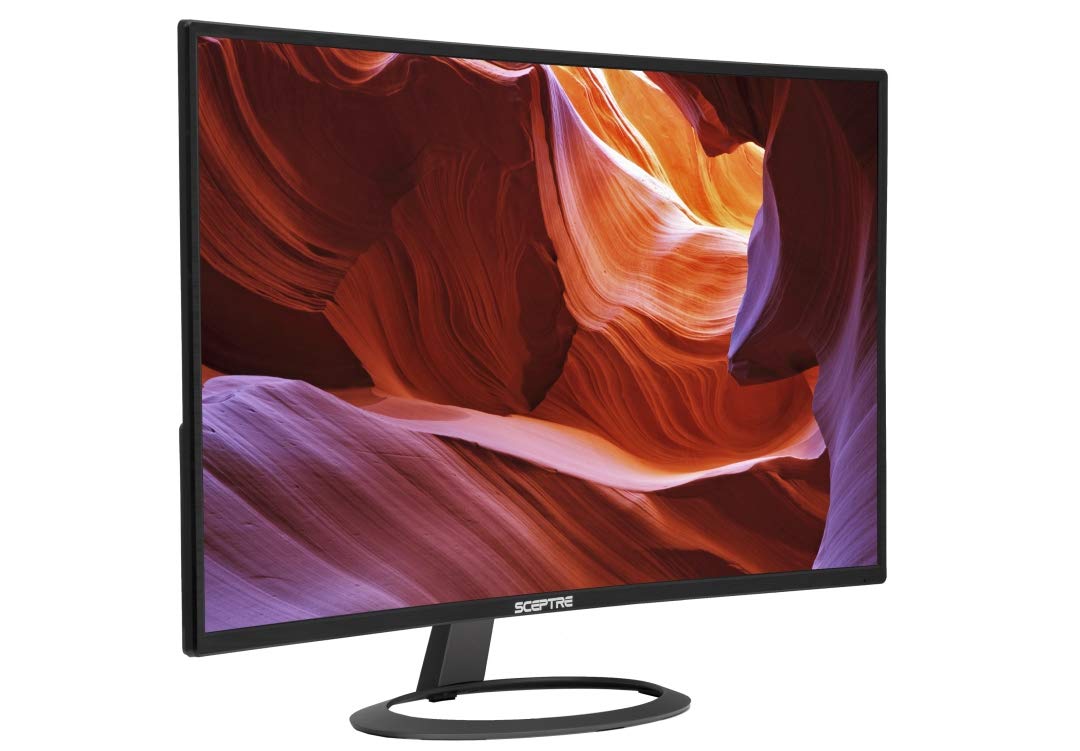
The classic budget curved monitor that delivers immense size and immersion for very little money.
Here’s the original value champ in the curved 32-inch space. The Sceptre C325W-1920R has been a staple for years, offering a massive 1800R curved screen and a brushed metal design that looks far more expensive than it is. Its 5ms response time and 75Hz refresh rate are entry-level by today’s standards, making it best suited for general use, movies, and less competitive gaming. The huge 12,000:1 dynamic contrast ratio is a highlight, delivering deep blacks and a picture that “provides a full rich experience.”
Buyers consistently praise its value for money, with one noting it’s a “Great 32″ curved 1080p monitor” that looks bigger in person than in pictures. The metal build and size are crowd-pleasers, and it includes built-in speakers, HDMI, DisplayPort, and VGA ports for flexible connectivity. The 1800R curve adds a nice touch of immersion for movies and games without being distracting.
The trade-off is clear: the 75Hz refresh rate and 5ms response time are not built for fast-paced competitive shooters, and some owners find the picture can look “blurry at 1080p” up close. It’s the perfect budget choice for someone wanting a huge, curved screen for everyday computing, streaming, and console gaming on a classic, proven design.
budget immersion: If you want the biggest, most rich curved screen possible for the least money, this is a proven, popular choice.
slow refresh: Its 75Hz refresh rate and 5ms response time mean it’s not for serious competitive gaming.
Understanding the Specs
Refresh Rate (Hz)
This is how many times the screen redraws the image every second. A higher number, like 144Hz or 240Hz, makes motion look dramatically smoother and more responsive, which is vital in fast-paced esports titles. A standard office monitor is 60Hz, while gaming monitors commonly start at 144Hz, with top-tier models reaching 280Hz for the ultimate competitive edge.
Response Time (ms)
This measures how quickly a pixel can change color. Lower numbers (like 1ms) mean less “ghosting”—the blurry trail that follows fast-moving objects. Look for 1ms (MPRT) or 0.5ms (GTG) for the best clarity in action games, while 5ms is more than adequate for general use and casual gaming.
FAQ
Is a 1080p 32-inch monitor too big, and will text be blurry?
What is the difference between a 1500R and an 1800R curve?
Is a VA panel or an IPS panel better for a 32-inch monitor?
Will my graphics card be able to run a 240Hz 1080p monitor?
What does AMD FreeSync Premium do, and do I need it?
Can I use a 32-inch 1080p monitor for console gaming?
Should I buy a monitor with built-in speakers?
How important is the stand’s adjustability on a monitor?
Final Thoughts: The Verdict
Across the board, the 1080p 32 inch monitor winner is the KTC H32C5 because it delivers genre-leading speed with its 280Hz overclockable refresh rate and vibrant colors, making it the definitive choice for competitive gamers. If you want a more balanced blend of fast performance and an ergonomic, fully adjustable stand for work and play, grab the Samsung Odyssey G3. And for the budget-conscious who want a massive, rich curved screen for everyday use without spending a fortune, the Sceptre C325W-1920R remains a crowd-favorite value pick.
How We Picked
We do not accept paid placement. Every pick is matched to a real buyer and a real use-case; we do not hands-on test units.
Sources & Methodology
Specifications: manufacturer listings and product documentation. Review insights: verified customer reviews, as of August 2026. Pricing: not shown on this page (it changes often); check the current price via the retailer link.
As an Amazon Associate, Gadgets Feed earns from qualifying purchases. This does not affect which products we feature.