
The LGA 1151 socket powered Intel from Skylake through Coffee Lake Refresh, creating one of the most confusing upgrade paths in modern computing. Every 1151 chip drops into the same physical socket, yet only specific motherboard chipsets accept specific generations. That trap has left many builders chasing a fast 1151 CPU only to discover their Z170 board rejects an i7-8700K outright. Understanding which 1151 CPU actually works with your board and delivers real-world gains separates a smart upgrade from a costly paperweight.
I’m Min — the co-founder and writer behind Gadgets Feed. I’ve spent countless hours cross-referencing chipset compatibility, turbo frequencies, core counts, and thermal performance across every tier of 1151 processors to build a guide that saves you both money and frustration.
Whether you are rebuilding a retired office PC or squeezing the last bit of performance from a beloved rig, this guide to the best 1151 socket cpu for your specific use case breaks down the real specs that matter.
How To Choose The Best 1151 Socket CPU
Every LGA 1151 processor physically fits the same socket, but the chipset on your motherboard dictates which CPUs actually boot. Ignoring the generation gap between Skylake/Kaby Lake (100/200 series) and Coffee Lake (300 series) is the single most common mistake. Beyond compatibility, your workload determines whether an unlocked K-series chip, a high-core-count i7, or a budget-friendly i5 delivers the best experience for your budget.
Match the Chipset Generation First
Intel’s 100-series chipsets (Z170, H170, B150) and 200-series chipsets (Z270, H270, B250) natively support 6th-gen Skylake and 7th-gen Kaby Lake CPUs. The 300-series chipsets (Z370, Z390, H310, B360) were introduced for 8th-gen Coffee Lake and later 9th-gen CPUs. A 300-series board will not accept a 6th or 7th-gen chip, and a 200-series board will not accept an 8th or 9th-gen chip, despite the identical physical socket. Always verify your motherboard’s chipset before making a purchase.
Core Count vs. Clock Speed for Your Workload
A quad-core i7-6700K at 4.0GHz still handles most games and general productivity well, but six-core and eight-core options like the i5-9600K or i7-9700K dramatically improve rendering, compilation, and streaming performance. Single-thread-heavy tasks like older games or light office work benefit more from higher turbo frequencies, while modern titles and creative software scale with core count. Choose cores for productivity, clock speed for legacy workloads.
Unlocked vs. Locked Processors and Cooling
K-series CPUs (i5-9600K, i7-6700K, i7-8700K) allow overclocking on Z-series motherboards, which can extend the usable life of an older platform. Non-K processors run at stock speeds but generally consume less power and generate less heat. Overclocking demands an aftermarket cooler — a tower-style air cooler or a liquid AIO — while locked CPUs can often operate quietly with the stock cooler for budget builds. Factor in the cost of a cooler when comparing K and non-K chips.
Quick Comparison
On smaller screens, swipe sideways to see the full table.
| Model | Category | Best For | Key Spec | Amazon |
|---|---|---|---|---|
| i7-8700K | 6-Core Premium | Overclocking & high-FPS gaming | 6C/6T, 4.7 GHz Turbo, 12MB L3 | Amazon |
| i7-9700K | 8-Core Value | Streaming & productivity | 8C/8T, 4.9 GHz Turbo, 12MB L3 | Amazon |
| i5-9600K | Mid-Range Unlocked | Budget gaming builds | 6C/6T, 4.6 GHz Turbo, 9MB L3 | Amazon |
| i7-6700K | 4-Core Performance | Reliable 1151 upgrade | 4C/8T, 4.2 GHz Turbo, 8MB L3 | Amazon |
| i7-8700 (Renewed) | 6-Core Efficient | Low-power workstations | 6C/12T, 4.6 GHz Turbo, 12MB L3 | Amazon |
| i7-6700 | 4-Core Locked | Office & low-noise builds | 4C/8T, 4.0 GHz Turbo, 8MB L3 | Amazon |
| Ryzen 9 7900X | 12-Core Beast | Multithreaded workflows | 12C/24T, 5.6 GHz Boost, 76MB Cache | Amazon |
| Ryzen 9 9900X | Zen 5 Flagship | High-end productivity & gaming | 12C/24T, 5.6 GHz Boost, 76MB Cache | Amazon |
| i9-14900K | 24-Core Top | Extreme gaming & content creation | 24C/32T, 6.0 GHz Turbo, 36MB L3 | Amazon |
In‑Depth Reviews
1. Intel Core i7-8700K (OEM)
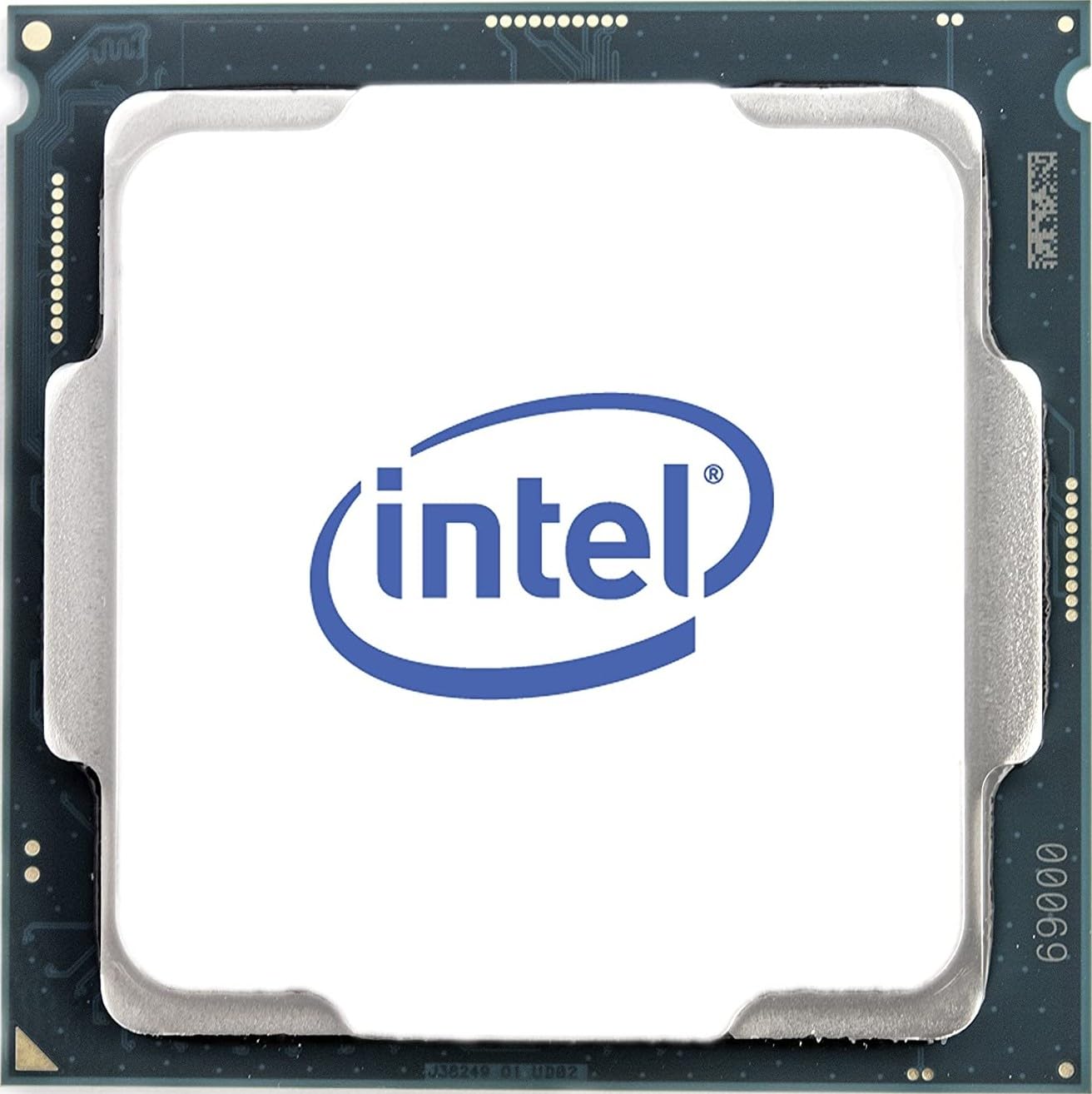
The i7-8700K stands as the sweet spot for Coffee Lake builds that demand overclocking headroom. Its six cores and six threads hit a native 3.70 GHz clock that pushes beyond 4.30 GHz Turbo out of the box, and many users report stable overclocks at 5.0 GHz with decent cooling. The 12 MB of L3 cache keeps frequently accessed data close, reducing latency in games and single-threaded applications.
Gamers pairing this chip with a Z370 or Z390 motherboard see consistent triple-digit frame rates at 1440p, while content creators benefit from the extra cores over a quad-core Skylake part. The OEM tray packaging means no stock cooler is included, so budget for a capable aftermarket tower cooler or a 240mm AIO radiator to handle the thermal load during sustained rendering.
Builders moving from a 6th-gen i5 will notice an immediate uplift in multitasking responsiveness and video export times. The 8700K remains relevant for modern titles and creative work, though it lacks the additional efficiency cores found on newer platforms. For a pure 1151 upgrade that balances cost and performance, this chip is hard to beat.
Why it’s great
- Reliable overclocking to 5.0 GHz on good Z390 boards
- 12 MB L3 cache provides snappy response in gaming
- OEM pricing often undercuts retail-boxed equivalents
Good to know
- No stock cooler included — aftermarket cooler mandatory
- Requires 300-series chipset; incompatible with Z170/Z270 boards
- Six threads limit heavy multi-threaded workloads
2. Intel Core i7-9700K (Renewed)
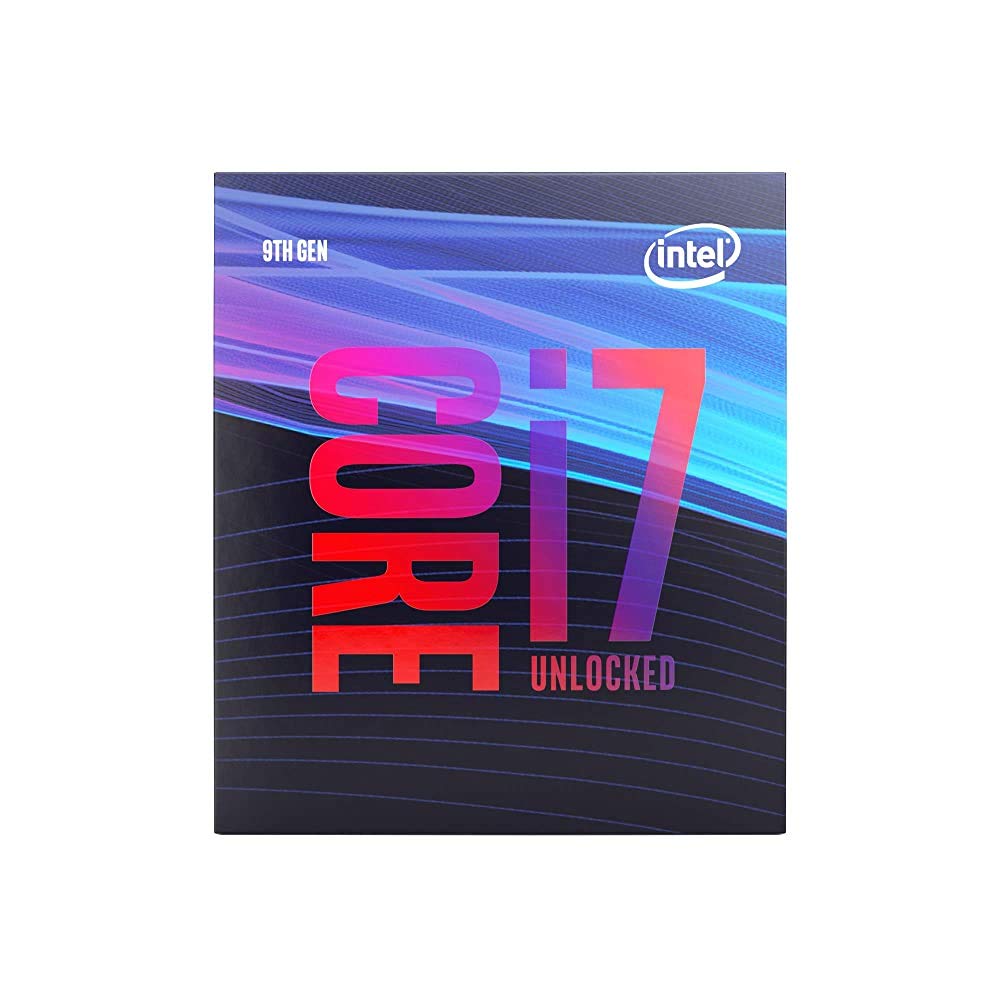
The i7-9700K delivers eight physical cores that hit 4.90 GHz single-core turbo, making it one of the fastest 1151 processors for gaming without hyperthreading. The 12 MB L3 cache and 14nm process keep thermal density manageable, and users report pairing it with MSI Z390 A-Pro boards and GeForce RTX 4060 GPUs for a combo that scores UFO on PC Benchmark. For a renewed unit, the core performance matches new silicon at a fraction of the outlay.
Streamers and multitaskers benefit from the raw core count when encoding video or running background applications alongside games. The chip does lack hyperthreading — eight threads total — which can impact heavily parallelized workloads like 3D rendering compared to hyperthreaded alternatives. However, for gaming and general productivity, the clock speed advantage often outweighs the thread deficit.
Renewed units typically arrive in generic packaging with the processor only, so a separate cooler is required. The silicon lottery applies more to used chips, but most examples hit 4.7–4.8 GHz all-core with reasonable voltage. This is the smart pick for builders who want near-flagship performance on a 300-series board without paying new prices.
Why it’s great
- Eight native cores excel at streaming and modern gaming
- 4.9 GHz turbo rivals newer mid-range CPUs
- Renewed pricing offers tremendous performance per dollar
Good to know
- No hyperthreading limits some multi-threaded tasks
- Requires 300-series chipset; no Z170 support
- Cooler not included — factor in an aftermarket solution
3. Intel Core i5-9600K

The i5-9600K is the proven gaming-focused 1151 chip that strikes a clean balance between price and real-world frame rates. With six cores and no hyperthreading, it runs at 3.70 GHz base and 4.60 GHz turbo, and owners routinely overclock past 5.0 GHz at 1.34V using a Hyper 212 Evo cooler. Gaming temps stay under 60°C during long sessions, and the 9 MB L3 cache keeps latency low for CPU-bound titles.
Upgrading from an older quad-core like the i5-4670K yields a 25-30% FPS gain at 1080p, and even newer titles like Star Citizen see 5-10 FPS improvements at 1440p. The unlocked multiplier pairs perfectly with Z390 motherboards for enthusiasts who want to push clock speeds without moving to a more expensive i7. The chip produces minimal idle noise when paired with a decent fan curve.
No stock cooler ships with the 9600K, so budget -40 for an air cooler. While the six threads may bottleneck in heavily threaded production work like 4K video encoding, for pure gaming and everyday multitasking this CPU remains a compelling option for budget-conscious builders on the 1151 platform.
Why it’s great
- Consistent 5.0 GHz overclocks with affordable cooling
- Low gaming temps — often under 60°C under load
- Excellent price-to-performance ratio for 1080p gaming
Good to know
- No hyperthreading limits multi-threaded performance
- Cooler not included — add a tower cooler to the budget
- Six threads may feel constrained in heavy productivity
4. Intel Core i7-6700K
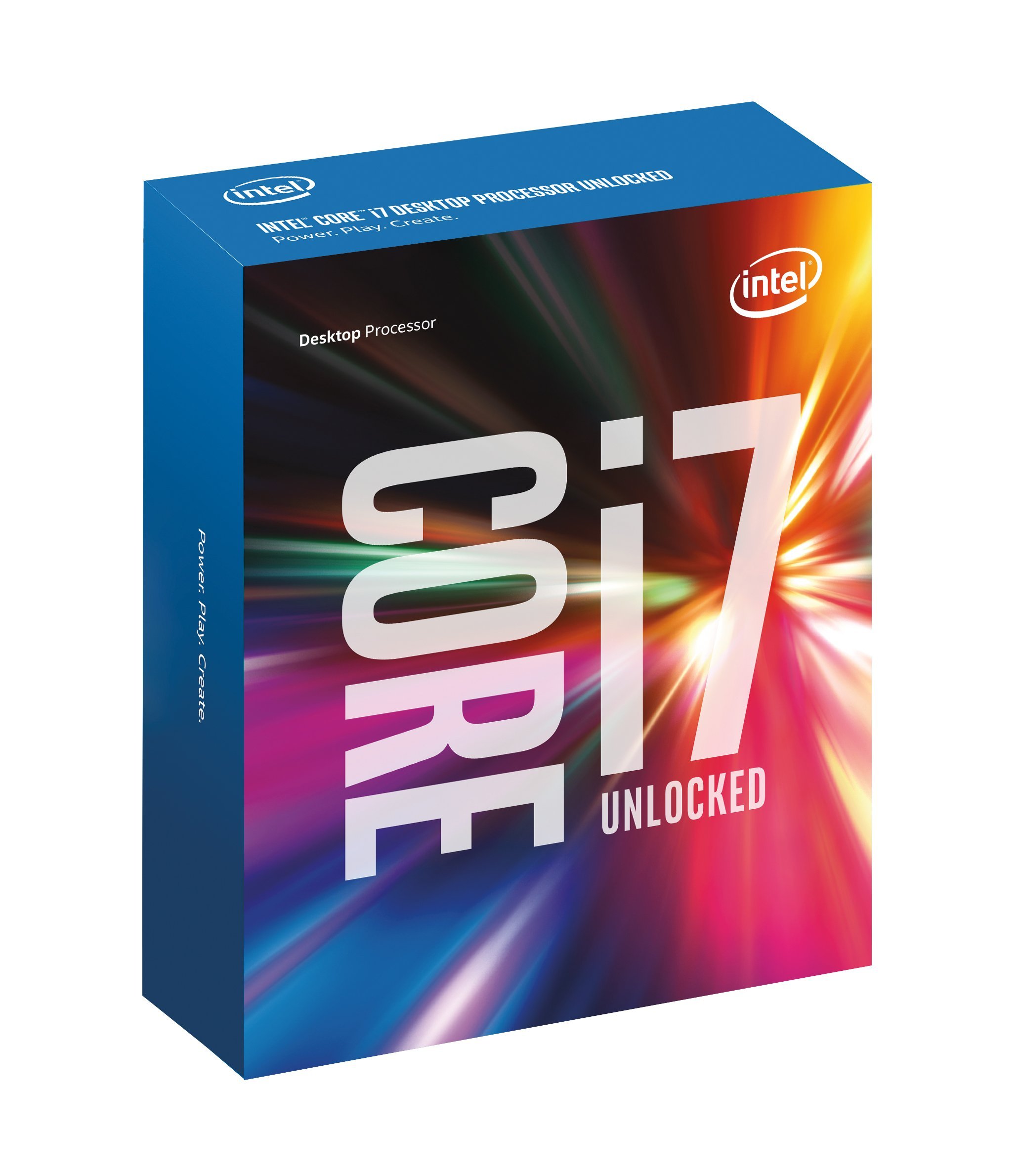
The i7-6700K is the definitive Skylake flagship that continues to serve builders with Z170 and Z270 motherboards. Its four cores and eight threads run at 4.00 GHz base with a 4.20 GHz turbo, but the unlocked multiplier allows stable overclocks to 4.5 GHz at 1.25V — many samples push past 4.7 GHz. Idle temperatures in the mid-20s°C and gaming loads around 45°C make it a cool runner even with moderate air cooling.
Owners upgrading from older platforms like the i7 950 report doubled performance in CPU-bound games such as Guild Wars 2, with the chip still handling modern AAA titles at 1080p and 1440p when paired with a capable GPU. The integrated DDR4 memory controller delivers over 34 GB/s of bandwidth, and the built-in HD 530 graphics can drive 4K displays for non-gaming use. This reliability has kept the 6700K relevant for nearly a decade in many systems.
For anyone building a silent HTPC or a secondary gaming rig on a 100/200-series board, the 6700K offers exceptional longevity. Its main limitation is the quad-core architecture — modern titles increasingly demand six or more cores. But for budget-conscious users who already own the motherboard, this chip remains a rock-solid upgrade path.
Why it’s great
- Easy 4.5 GHz overclocks with low core voltages
- Runs remarkably cool for an unlocked processor
- Broad compatibility with Z170 and Z270 chipset boards
Good to know
- Quad-core bottleneck in modern multi-threaded games
- Stock cooler inadequate for overclocking loads
- Generally priced higher than newer six-core alternatives
5. Intel Core i7-6700

The locked i7-6700 delivers all the hyperthreading advantage of its K-series sibling at a lower price point and lower power draw. With a 65W TDP and 3.40 GHz base clock that turbos to 4.00 GHz, this quad-core/eight-thread processor idles around 28-30°C and maxes out near 40°C under a Noctua D15 cooler. The included stock fan handles office and light gaming loads quietly, though it becomes audible under sustained stress.
Linux workstation users and home-lab enthusiasts favor the 6700 for its rock-solid stability and low power consumption — the 65W TDP makes it ideal for 24/7 operation. The integrated HD 530 graphics support display resolutions up to 4096×2304, eliminating the need for a discrete GPU in basic productivity builds. Memory flexibility is another plus, with official support for both DDR4-2133 and DDR3L-1600 at 1.35V.
The main trade-off versus the K-series is the inability to overclock, capping performance at stock turbo speeds. For users who value silence, low heat output, and compatibility with inexpensive H110 or B150 motherboards, the 6700 is a sensible drop-in upgrade that instantly adds hyperthreading to any Skylake system.
Why it’s great
- Very low power draw — ideal for 24/7 operation
- Stock cooler adequate for non-overclocking builds
- Dual memory support (DDR4 and DDR3L) increases board compatibility
Good to know
- Locked multiplier prevents overclocking
- Quad-core may bottleneck in newer AAA titles
- Stock cooler loud under heavy sustained loads
6. Intel Core i7-8700 (Renewed)
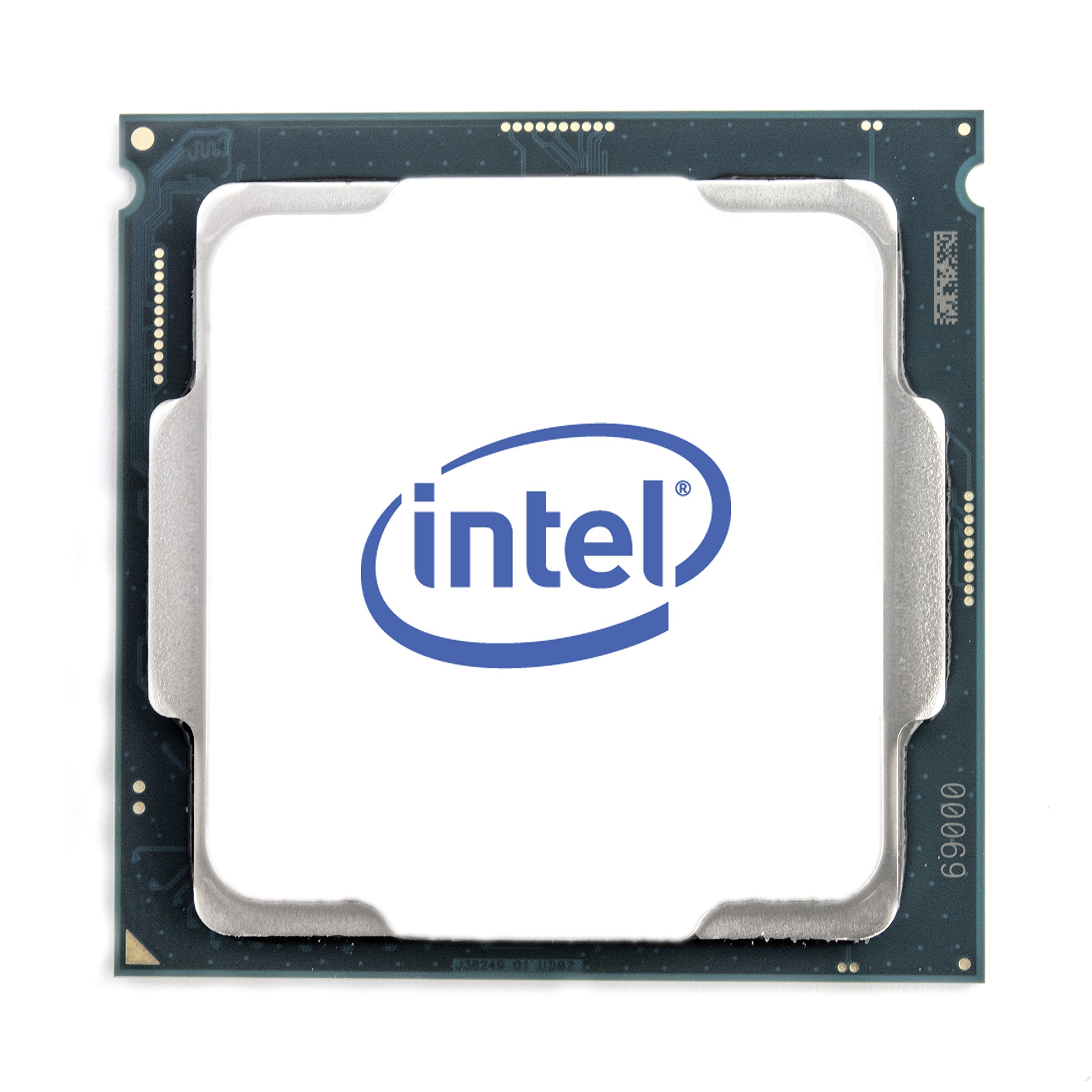
The non-K i7-8700 brings six cores and twelve threads to the Coffee Lake platform with a 65W TDP, making it an excellent choice for quiet workstations and office upgrades. The 3.20 GHz base clock turbos to 4.60 GHz, and the 12 MB L3 cache handles moderate multitasking with ease. Being a locked processor, it runs cooler than the K-series, which can extend the lifespan of pre-built systems with limited cooling.
Users reviving Dell Optiplex 7060 units report this CPU as a seamless drop-in replacement that dramatically improves responsiveness over the stock i3. The UHD Graphics 630 handles 4K media playback without a discrete GPU, and Intel Optane Memory support provides an additional speed boost for mechanical drives. The renewed units typically come with thermal paste and ship quickly from sellers who test each chip before listing.
The locked nature means you cannot overclock, so performance is fixed at Intel’s rated speeds. Some users have reported mixed results when upgrading from i3s if BIOS settings are not reset, but generally this chip delivers smooth performance for office work, light content creation, and older games. It is the most power-efficient way to get hyperthreading on a 300-series board.
Why it’s great
- Six cores with hyperthreading at a low 65W TDP
- Compatible with many pre-built systems like Dell Optiplex
- UHD Graphics 630 supports 4K display output
Good to know
- Locked multiplier — no overclocking headroom
- Renewed units vary in cosmetic condition
- Stock cooler included may not be ideal for sustained loads
7. AMD Ryzen 9 7900X

The Ryzen 9 7900X represents a different socket entirely (AM5), but it belongs in this conversation for anyone cross-shopping the absolute best performance regardless of platform. The 12 cores and 24 threads built on a 5nm process deliver a Cinebench R23 score of over 28,000, and the 4.70 GHz base clock can boost to 5.60 GHz. The 76 MB combined cache (12 MB L2 + 64 MB L3) ensures low-latency data access for demanding applications.
Video editors, 3D artists, and developers running heavily parallelized workloads will see a massive improvement over any 1151 CPU. Gamers at 3440×1440 pair it with a strong GPU for frame rates above 125 FPS in titles like The Division 2. The integrated RDNA 2 graphics provide a display output for troubleshooting or light GPU-less use, though a discrete card is still recommended for gaming.
Thermal management is critical — the 7900X runs hot and needs a high-end 360mm AIO or a top-tier air cooler to avoid throttling. The AM5 platform also requires DDR5 memory and a compatible motherboard, raising the total platform cost significantly. For users willing to invest in a new build, this CPU outperforms every 1151 processor by a wide margin.
Why it’s great
- Industry-leading multi-core performance for production work
- PCIe 5.0 and DDR5 support future-proof the platform
- Integrated graphics provide a backup display output
Good to know
- Requires expensive AM5 motherboard and DDR5 RAM
- Generates significant heat — custom cooling essential
- Not compatible with any LGA 1151 board or cooler
8. AMD Ryzen 9 9900X

The Ryzen 9 9900X, built on the Zen 5 architecture, pushes 12 full performance cores and 24 threads to a 5.60 GHz max boost. The architecture shift delivers significant IPC gains over Zen 4, and the 76 MB cache improves gaming performance to match and in some cases exceed the Core i9-14900K. Audio producers report running Ableton with 30+ tracks under 10% CPU usage, a testament to the core-heavy design.
At its default 4.4 GHz base clock, the 9900X stays efficient, but boosting to 5.6 GHz causes sharp temperature spikes that can hit 95°C even with high-end water cooling. Users have successfully capped voltages to limit temps to 75°C with minimal performance loss. The chip handles 2K gaming, VR, AI workloads, and video encoding simultaneously without stuttering, making it the most versatile desktop CPU for mixed workflows.
The 9900X requires an AM5 socket and DDR5 memory, meaning a full platform migration from any 1151 system. For those ready to move on from the 1151 socket, this CPU offers the highest single-threaded and multi-threaded performance currently available without the efficiency-core segmentation found in competing chips.
Why it’s great
- Zen 5 IPC improvements match or beat Intel’s top silicon
- All performance cores — no efficiency core latency issues
- Exceptional value for mixed gaming and production workloads
Good to know
- Extreme thermal spikes require careful voltage tuning
- Requires full platform upgrade to AM5 and DDR5
- Cooler not included in the box
9. Intel Core i9-14900K

The i9-14900K is the ultimate LGA 1700 processor (not 1151 — important distinction) and belongs here as the absolute performance ceiling for anyone considering a socket upgrade. With eight Performance-cores and 16 Efficient-cores totaling 24 cores and 32 threads, it boosts to 6.0 GHz via Thermal Velocity Boost. The 36 MB of L3 cache and PCIe 5.0 support make it the fastest consumer CPU for latency-sensitive games and multithreaded rendering alike.
Users running Proxmox home labs with multiple 14900K nodes report excellent stability under sustained AI, streaming, and gaming loads. The 125W base power can spike much higher under full load, demanding a robust 360mm AIO or custom loop. Compatibility spans Intel 600 and 700-series motherboards, and both DDR4 and DDR5 memory systems are supported depending on the board choice.
Some early production units have experienced stability issues related to voltage spikes and memory controllers, though Intel’s RMA process has generally been responsive. For raw performance in a new build, this chip leaves no headroom unused. But it requires leaving the 1151 ecosystem entirely behind — a worthy upgrade path for those who need the absolute best.
Why it’s great
- 6.0 GHz turbo delivers the fastest single-core speed available
- Massive 24-core count handles any production workload
- Backward compatible with DDR4 on some motherboards
Good to know
- Not compatible with any LGA 1151 board or cooler
- High power draw demands premium cooling solutions
- Some early samples affected by voltage instability issues
FAQ
Will a Coffee Lake CPU fit in a Skylake motherboard?
Is it worth upgrading from an i5 to an i7 on the same 1151 platform?
Should I buy a new or renewed 1151 CPU in 2025?
What cooler do I need for a high-end 1151 CPU like the i7-8700K?
Final Thoughts: The Verdict
For most users on a 300-series board, the best 1151 socket CPU is the Intel Core i5-9600K because it delivers six cores and unlockable overclocking at a price that leaves room for a better GPU. If you need hyperthreading for streaming or productivity, grab the Intel Core i7-9700K (Renewed) for its eight native cores and high turbo speed. And for a silent, low-power office build on a Skylake board, nothing beats the Intel Core i7-6700.