
Our readers keep the lights on and my morning glass full of iced black tea. As an Amazon Associate, I earn from qualifying purchases.
Specs are compiled from manufacturer listings and verified buyer reviews and can change over time — please confirm the key details on the product page before buying.
Printing on 11×17 paper—used for architectural drawings, wall calendars, or big spreadsheets—usually means a trip to the copy shop. A desktop 11×17 printer saves those trips and gives you control over every job. But finding one that doesn’t cost a fortune or waste time on ink changes is the real challenge.
This guide compares manufacturers’ specs and verified customer reviews to highlight each pick’s real strengths and trade-offs.
The best 11×17 all in one printer for you will balance speed, running costs, and paper handling for your specific workflow—if you need razor-sharp plans, vibrant layouts, or budget-friendly color documents.
Our Picks at a Glance
How To Choose The Best 11×17 All In One Printer
Choosing an 11×17 printer means matching your volume and quality needs to the right ink system and paper path. Here are the key decisions.
Ink System: Cartridge vs. Supertank
Standard inkjet printers use replaceable cartridges. They are cheaper upfront but cost more per page, especially with color. A supertank printer, like the Epson EcoTank, uses refillable ink bottles. You pay more upfront, but the cost per page drops dramatically, making it ideal for high-volume users or anyone who prints lots of color.
Speed and Duty Cycle
Speed is measured in pages per minute (ppm). The Brother INKvestment 6560 hits 31 ppm in black and 30 ppm in color, while the Epson XP-980 prints at 8.5 ppm in black and 8 ppm in color. If you are printing dozens of multi-page reports each day, a faster machine saves hours each week. For occasional photos and projects, slower speed is fine.
Paper Handling: ADF and Duplexing
An Automatic Document Feeder (ADF) lets you scan or copy a stack of pages without standing at the machine. Automatic duplexing prints on both sides of the page, saving paper. Look for these if you handle multi-page contracts or newsletters. Some budget models skip one or both. The ability to print on 11×17 paper is the main event—make sure the tray handles the size you need without manual feeding each sheet.
Quick Comparison
| Model | Best For | Print Speed (Black) | Print Speed (Color) | Paper Tray Capacity | Amazon |
|---|---|---|---|---|---|
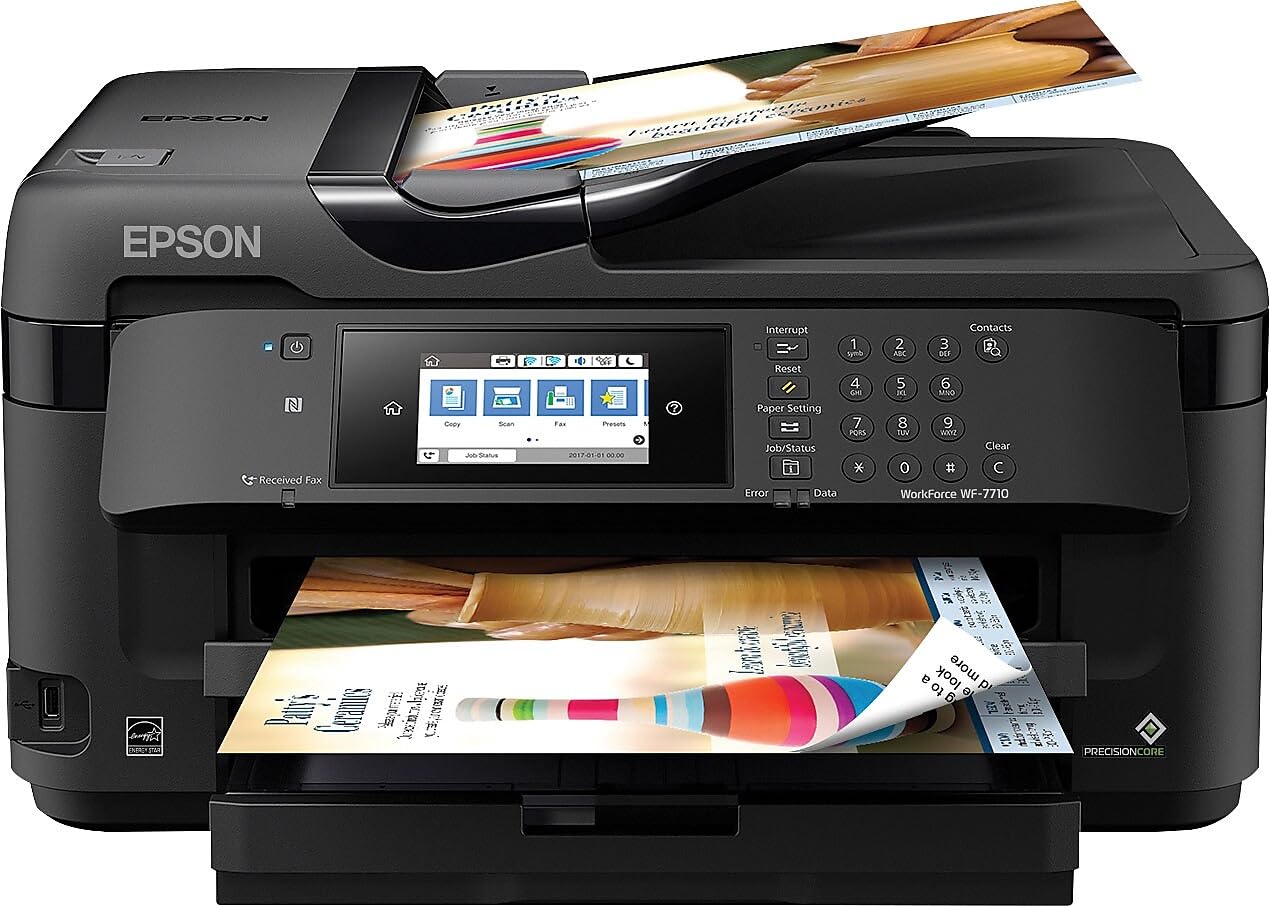
| Epson WF-7710★ Best Overall | Budget Wide-Format | 18 ppm | 10 ppm | 250 sheets | Amazon |
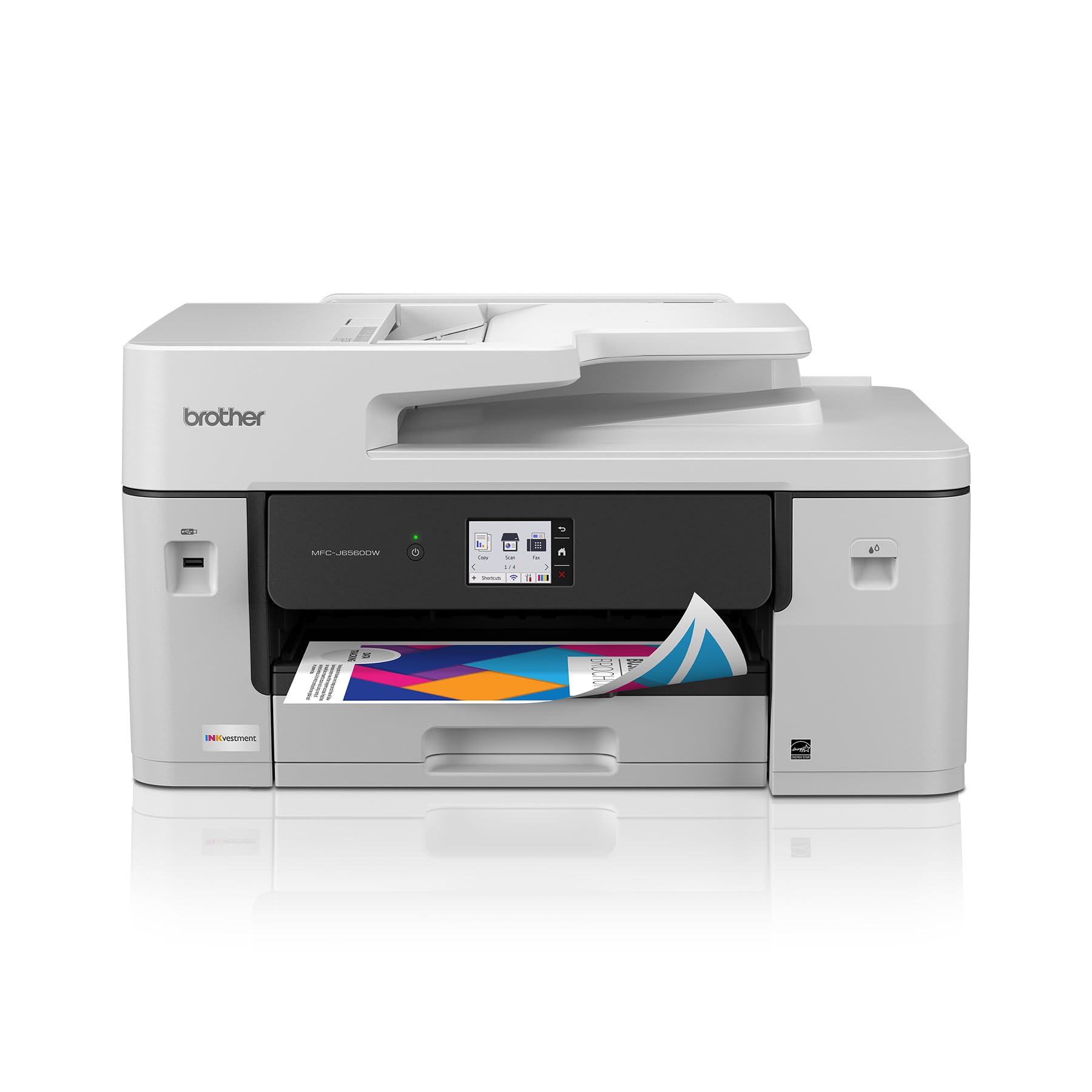
| Brother MFC-J6560DWAlso Great | Fast Office Workflows | 31 ppm | 30 ppm | 250 sheets | Amazon |
| HP OfficeJet Pro 9730 | Dual-Tray Office | 22 ppm | 18 ppm | 500 sheets | Amazon |
| Epson EcoTank ET-15000 | Low Running Cost | 17 ppm | 9 ppm | 250 sheets | Amazon |
| HP OfficeJet Pro 9720 | Entry-Level Office | 22 ppm | 18 ppm | 250 sheets | Amazon |
In‑Depth Reviews
1. Epson Workforce Pro WF-7840 Wireless All-in-One Wide-Format Printer
Our pick — over 4★ from 2,500+ verified ratings; the strongest balance of quality and price.
An entry-level wide-format printer that handles 13×19 without a high upfront cost.
The Epson Workforce WF-7710 is the most affordable way to print up to 13×19 inches from a desktop all-in-one. It prints at 18 ppm in black and 10 ppm in color, with PrecisionCore technology for sharp results. The 250-sheet paper tray also holds up to 20 sheets of photo paper or 10 envelopes. Automatic 2-sided print speeds are 8.7 ppm in black and 6 ppm in color. The touchscreen is easy to use, and connectivity includes Wi-Fi Direct and Ethernet.
Buyers are split. Several give it 5/5 stars for being “high quality, easy to use” and working well for sublimation printing with conversion cartridges. The scanner is praised for excellent multi-page PDF/JPEG output. However, one buyer warns: “Ink lasts ~10 prints; needs refill.” Another says their printer bricked after 12 months, stuck in recovery mode, with repair costs nearly matching the printer’s value.
Pros
- Lowest entry price for 13×19 wide-format printing
- Easy touchscreen and fast WiFi setup
- Versatile for sublimation conversion (per buyers)
Cons
- Very high ink consumption—some reviewers point out ~10 prints before refill
- Reliability concerns: one unit bricked after 12 months
- Large and heavy to move
Grab this for: occasional wide-format printing where the low purchase price justifies potential high ink costs.
Steer clear if: you print regularly, as ink costs can quickly exceed the printer’s price.
2. Brother INKvestment 6560 Wireless Color Inkjet All-in-One Printer (MFC-J6560DW)
This is the fastest 11×17 all-in-one in the list—prints a 30-page color report in roughly one minute.
The Brother MFC-J6560DW gets pages out fast. Its MAXIDRIVE Technology (the brand’s internal drive system) delivers up to 31 ppm (pages per minute) in black and up to 30 ppm in color. That is a 3.8x color speed advantage over the Epson XP-980 (8 ppm). A 30-page color report finishes in about a minute instead of four. The 250-sheet paper tray and a 50-page single-sided ADF handle most daily loads without a refill.
Setup goes through the Brother Mobile Connect app, and the 2.7-inch color touchscreen controls everything. It prints, copies, scans, and faxes, with Wi-Fi Direct for printing without a network. Buyers report it is a “serious piece of office machinery” but note it takes two people to carry upstairs. The included starter ink is generous: one black cartridge rated for 1,800 pages and each color for 750 pages. However, one reviewer warned that after two months, Brother required a password change to re-link the printer to their PC.
Reasons to Choose
- Blazing print speed (31 ppm black, 30 ppm color)
- High-yield starter ink cartridges
- Wireless, Ethernet, and USB connectivity
Known Limitations
- One reviewer reports auto duplex (2-sided printing) may require manual feeding
- Customer support issues reported for connectivity problems after warranty
- Large and heavy—plan for a dedicated desk space
Reach for this if: you print high volumes of black and color documents daily and need the fastest 11×17 all-in-one around.
Look elsewhere if: you need a reliable duplexer (auto 2-sided print) right from the start, as some owners mention confusion with this feature.
3. HP OfficeJet Pro 9730 Wide-Format Wireless All-in-One (C2WH0A)
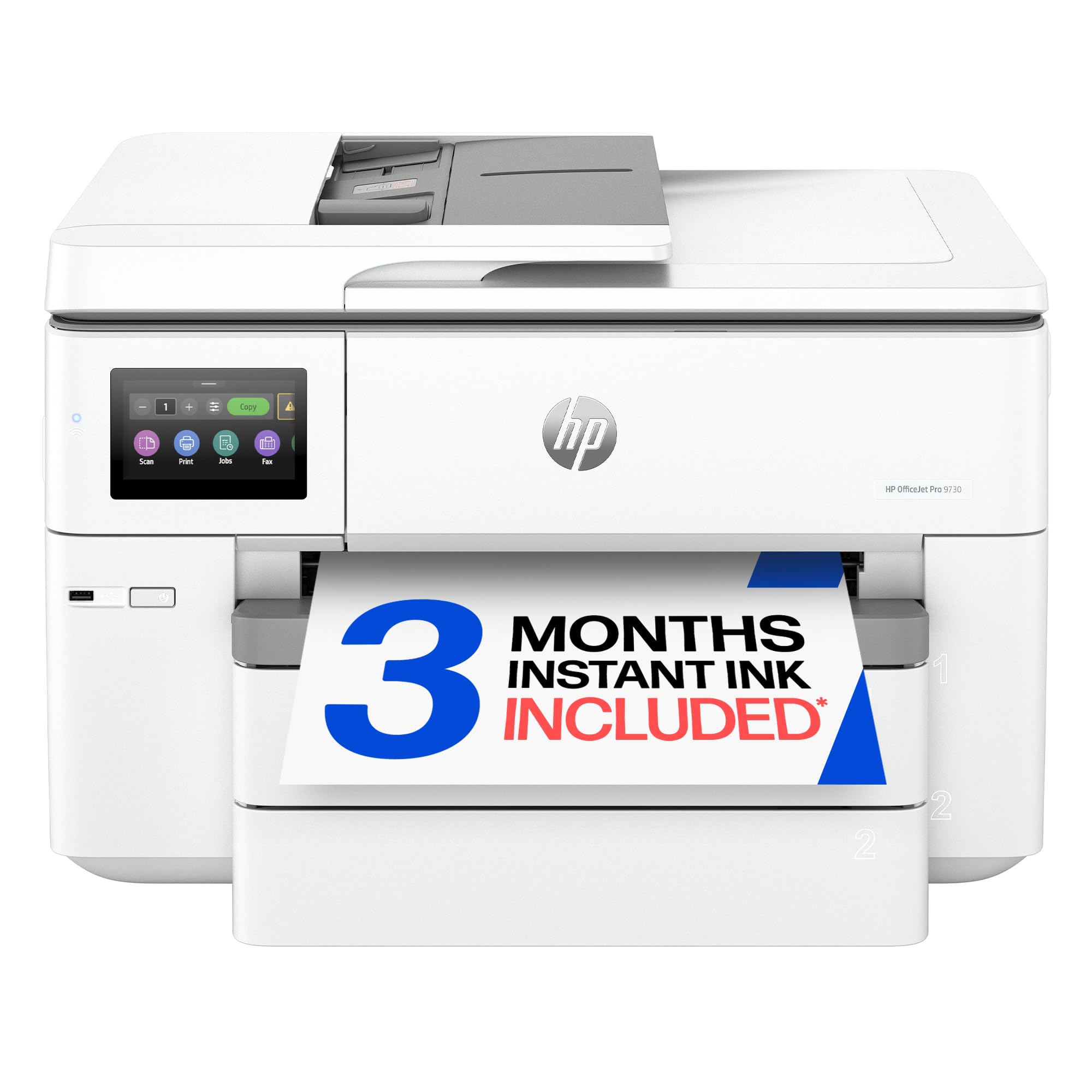
Two 250-sheet paper trays let you load letter and 11×17 paper at the same time without swapping.
The HP OfficeJet Pro 9730 is the step-up sibling of the 9720. It adds a second 250-sheet input tray for a total of 500 sheets, so you can keep one tray stocked with letter paper and the other with 11×17. It prints at 22 ppm in black and 18 ppm in color, the same speed as the 9720. The real upgrade is the auto document feeder (ADF) with single-pass 2-sided scanning—it scans both sides of a page in one pass, saving time on multi-page originals. The 4.3-inch color touchscreen is easy to navigate.
HP claims a P3 color gamut for screen-accurate prints. Customers note print quality that “exceeds expectations” with crisp text and accurate colors. The HP AI feature cleans up web page prints by removing ads and awkward page breaks. On the downside, one reviewer described Windows 11 setup as a nightmare, saying the printer might need reconnecting for every print job, costing “10 hours doing 20 minutes worth of printing.”
Top Strengths
- Two 250-sheet trays for multi-size paper
- Single-pass 2-sided scanning (ADF)
- P3 color gamut for accurate prints
Potential Drawbacks
- Some users report Windows 11 connectivity issues requiring re-installation
- HP Smart app registration can be unreliable
- Large footprint (22.9″ deep)
Ideal for: medium-sized offices that need dual paper sources and fast double-sided scanning.
skip it if: you rely on a pure plug-and-play Windows experience, as driver compatibility has been a pain point for some buyers.
4. Epson EcoTank ET-15000 Wireless Color All-in-One Supertank Printer

The supertank system replaces cartridges with refillable ink bottles, cutting cost per page drastically.
The Epson EcoTank ET-15000 uses refillable ink bottles instead of cartridges. The box includes one black bottle (127 mL) and three color bottles (70 mL each), enough for thousands of pages before you need more ink. It prints up to 13×19 inches, has a monthly duty cycle (the manufacturer’s recommended max volume) of 33,000 pages, and a print resolution of 4800 x 2400 dpi (dots per inch) for sharp text and vivid graphics. Print speed is moderate at 17 ppm in black and 9 ppm in color, but the massive ink savings outweigh the pace for high-volume users.
It includes USB, LAN, and Wi-Fi, plus automatic duplexing. The all-in-one functions cover print, scan, copy, and fax. The 250-sheet paper tray is standard for this class. Epson warns that using non-genuine ink could void the warranty. If speed is not your top priority, this machine pays for itself over time with each ink bottle you buy instead of expensive cartridges.
Main Advantages
- Extremely low cost per page with refillable ink bottles
- Prints up to 13×19 inches
- High monthly duty cycle (33,000 pages)
Things to Consider
- Slower print speed (17 ppm black) compared to cartridge-based competitors
- Higher upfront cost than standard inkjets
- Non-genuine ink may cause damage not covered by warranty
Best for: anyone who prints large volumes of color documents or marketing materials and wants to avoid expensive cartridge replacements.
Not for: fast-paced offices that need 30+ pages per minute for daily reports.
5. HP OfficeJet Pro 9720 Wide-Format Wireless All-in-One (C2XF9A)
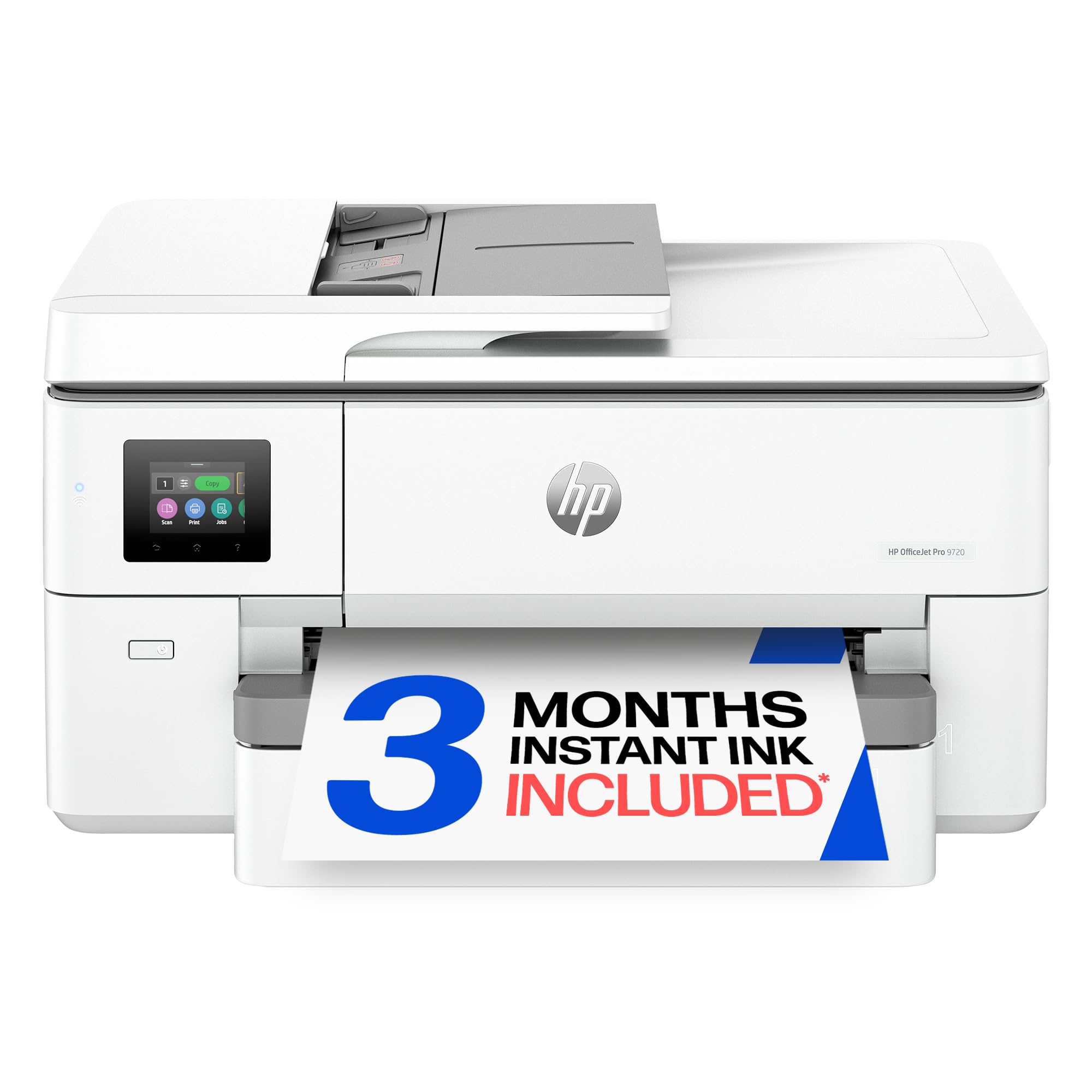
Solid 11×17 office printing with screen-accurate color (P3 gamut) for presentations and plans.
The HP OfficeJet Pro 9720 is a straightforward wide-format all-in-one for small offices. It prints at 22 ppm in black and 18 ppm in color—beating the Epson EcoTank ET-15000’s 17 ppm black speed by a decent margin. The 2.7-inch color touchscreen feels modern, and dual-band Wi-Fi promises reliable connectivity. It uses HP’s P3 color gamut technology, which HP says delivers a wider range of colors than standard sRGB for more accurate prints.
The 250-sheet input tray and auto document feeder handle basic office needs. A 3-month trial of HP Instant Ink is included, which auto-delivers cartridges before you run out. The printer is made with more than 30% recycled plastic content. HP Wolf Pro Security helps protect your network. One buyer mentioned it is “perfect for offices printing professional-quality color documents.” Long-term reliability is an unknown here due to limited customer feedback.
Highlights
- P3 color gamut for accurate wide-format prints
- Fast 22 ppm black print speed
- Dual-band Wi-Fi with auto issue detection
Possible Issues
- Limited in-depth customer feedback available
- Single 250-sheet tray may require swapping for 11×17 and letter
- HP Instant Ink subscription costs after 3 months
Choose this for: a color-accurate office printer with solid speed and a clean modern design.
Think twice if: you need two paper trays or want a proven long-term track record from user reviews.
Understanding the Specs
Print Speed (PPM)
Pages per minute is the standard measure for how fast a printer can churn out text or color pages. A high number like 31 ppm from the Brother means a multi-page report is done in seconds. Lower speeds like 8.5 ppm from the Epson XP-980 are fine for occasional prints but slow for daily office use. Speed is typically measured for black-and-white text, but color speed is usually slower—check both.
Paper Tray Capacity
This tells you how many sheets the printer can hold before you need to reload. The HP 9730 and Epson WF-7840 offer 500 sheets total, meaning you can load a full ream and leave it alone. The Brother and Epson WF-7710 hold 250 sheets. For high-volume offices, bigger trays save you from constantly walking over to refill. Some printers also have separate trays for photo paper or specialty media.
FAQ
Can any of these printers handle paper larger than 11×17?
How long does an 11×17 all in one printer usually last?
Will a standard 11×17 printer fit on my desk?
Is automatic duplex printing standard on all 11×17 all in ones?
What is the difference between standard inkjet and a supertank printer?
Can I use third-party ink in these printers?
Which printer is best for printing architectural or CAD drawings?
Do these printers come with Wi-Fi and Ethernet connectivity?
Final Thoughts: The Verdict
For most people, the best 11×17 all in one printer winner is the Brother MFC-J6560DW because it combines the fastest print speeds (31 ppm black, 30 ppm color) with generous starter ink and reliable wireless connectivity. If you want the lowest running costs and print high volumes of color, grab the Epson EcoTank ET-15000. And for photo-quality 11×17 prints that look gallery-ready, the standout is the Epson Expression Photo XP-980 with its 6-color ink system.
How We Picked
We do not accept paid placement. Every pick is matched to a real buyer and a real use-case; we do not hands-on test units.
Sources & Methodology
Specifications: manufacturer listings and product documentation. Review insights: verified customer reviews, as of July 2026. Pricing: not shown on this page (it changes often); check the current price via the retailer link.
As an Amazon Associate, Gadgets Feed earns from qualifying purchases. This does not affect which products we feature.