
A 12 inch digital photo frame occupies a specific sweet spot: large enough to turn a snapshot into a centerpiece, yet compact enough to sit gracefully on a nightstand or kitchen counter without dominating the room. The challenge today is not finding a frame that displays photos, but finding one that renders them with accurate color, offers storage that does not fill up in a week, and connects to your family’s phones without requiring a monthly subscription or a degree in IT.
I’m Min — the co-founder and writer behind Gadgets Feed. I spent dozens of hours cross-referencing screen resolution, built-in memory capacity, app ecosystem quality, and real-world customer feedback to separate the frames that genuinely deliver from those that merely check spec boxes.
The right choice depends on how much storage you need, whether you prefer a matte or glossy screen, and how many family members will be sending photos. This guide compares the top contenders to help you find the best 12 inch digital photo frame for your home and your gifting needs.
How To Choose The Best 12 Inch Digital Photo Frame
Not all digital frames with a 12-inch diagonal are created equal. Some deliver true 1080p resolution, while others use lower-resolution panels that make photos look soft. The key is to evaluate the screen quality, the storage capacity, and the ecosystem that surrounds the frame — especially how easy it is for distant family members to contribute photos without friction.
Screen Resolution and Panel Type
A 12-inch frame with a 1920×1080 (Full HD) panel will show crisp details and accurate skin tones. Frames with lower resolutions, such as 1024×768, may look passable from across the room but appear grainy up close. IPS (In-Plane Switching) panels are strongly preferred because they maintain color accuracy and contrast when viewed from an angle — essential when the frame sits on a table where people walk past it throughout the day. An anti-glare coating further improves usability in bright rooms or near windows.
Storage Capacity and Subscription Policies
Built-in storage ranges from 32GB to 64GB in most frames, which holds tens of thousands of photos at typical file sizes. More important than raw capacity is whether the frame requires a cloud subscription for full functionality. Some premium brands lock essential features — like unlimited sharing or remote upload — behind a monthly fee. Frames that accept SD cards and USB drives as direct input sources give you a fallback that does not depend on the manufacturer’s servers staying active.
App Ecosystem and Multi-User Sharing
The best digital frames allow an unlimited number of family members to send photos directly from their phones. The Frameo app is a popular open ecosystem used by many brands; it is GDPR- and CCPA-compliant and does not limit how many users can connect. Proprietary apps vary widely — some are polished and fast, others are buggy. Before committing, check whether the app supports both iOS and Android, and whether it requires the recipient to have a smartphone or can be managed entirely by a remote sender.
Quick Comparison
On smaller screens, swipe sideways to see the full table.
| Model | Category | Best For | Key Spec | Amazon |
|---|---|---|---|---|
| Aura Aspen 12″ | Premium | Zero-subscription ownership | Free unlimited cloud storage | Amazon |
| Pexar by Lexar 11″ 2K | Premium | Highest resolution per inch | 2000×1200 (2K) anti-glare | Amazon |
| Cozyla 17″ | Premium | Largest display & AI restoration | 17″ QXGA with AI photo repair | Amazon |
| Pexar Starlight 15.6″ | Premium | Gallery lighting & large display | 64GB local + backlit gallery lighting | Amazon |
| KPKUE 15.6″ (64GB) | Mid-Range | Feature-rich with album management | 64GB storage + dual speakers | Amazon |
| Euphro 15.6″ | Mid-Range | Bright, clear display at a fair price | 1920×1080 IPS, 32GB storage | Amazon |
| KODAK 14.1″ Wood Frame | Mid-Range | Solid wood aesthetics + quad-core CPU | 1920×1080, 32GB, real wood frame | Amazon |
| Frameo 12.7″ (64GB) | Budget-Friendly | Best entry-level 12-inch option | 1440×1080, 64GB internal, Frameo app | Amazon |
| Uhale 15.6″ (64GB) | Budget-Friendly | Massive storage for the price | 15.6″ 1080p, 64GB built-in | Amazon |
In‑Depth Reviews
1. Aura Aspen 12″ Digital Picture Frame

The Aura Aspen 12″ has earned consistent top marks from Wirecutter and WIRED for good reason: it offers free, unlimited cloud storage with no subscription, making it the only frame in this list that will never nag you to upgrade a plan. The 1080p HD display is color-calibrated at the factory and automatically adjusts brightness based on ambient light, so photos look natural whether the room is dim or sunlit. Setup takes about one minute — plug in, connect to Wi-Fi, and invite family via the app.
The 12-inch size with the included mat creates a traditional framed-photo look that blends into home decor rather than screaming “electronics.” The app supports iOS Live Photos and videos up to 30 seconds with sound, and you can preload photos before gifting. Family members do not need the frame owner’s phone — they send photos directly from their own devices, which is critical for involving less tech-savvy grandparents.
One trade-off is the minimum slideshow interval of 15 seconds, which some users find too slow. There is also no SD card slot or USB port, so all content must go through Wi-Fi. However, for anyone who values zero ongoing costs and the simplest possible sharing experience, the Aura Aspen remains the benchmark.
Why it’s great
- Free unlimited cloud storage — no subscription ever
- Factory-calibrated display with auto-brightness
- Elegant matted design fits home decor seamlessly
Good to know
- No SD card or USB port for direct transfers
- Minimum 15-second slideshow interval cannot be shortened
2. Pexar by Lexar 11″ 2K WiFi Digital Picture Frame

At 2000×1200 resolution on an 11-inch screen, the Pexar delivers a pixel density that surpasses every other frame in this guide. Fine details like eyelashes, textured fabrics, and tree bark remain sharp even when you lean in close. The anti-glare matte coating is a genuine advantage in well-lit rooms — reflections are minimal, so the photo is always the star rather than the overhead light fixture.
This frame runs on a local-first philosophy: you can load photos via SD card, USB-A drive, or the companion app, and there is no forced cloud subscription. The 32GB internal storage holds roughly 40,000 photos at typical sizes, and the app allows unlimited users to send photos. The touchscreen is responsive, and the frame includes useful extras like weather display, clock, and sleep mode scheduling.
The 11-inch diagonal is slightly smaller than the 12-inch target, though the trade-off is arguably worth it for the resolution gain. Some users report a daily “offline” notification if the frame loses Wi-Fi, but customer support advises disabling that notification to resolve the annoyance. For image quality purists, this is the frame to beat.
Why it’s great
- 2K resolution with anti-glare matte screen
- No subscription required for full functionality
- SD card and USB-A support for offline use
Good to know
- 11-inch screen is smaller than 12-inch competitors
- Offline Wi-Fi notification can be persistent
3. Cozyla Frame 17″ WiFi Digital Picture Frame
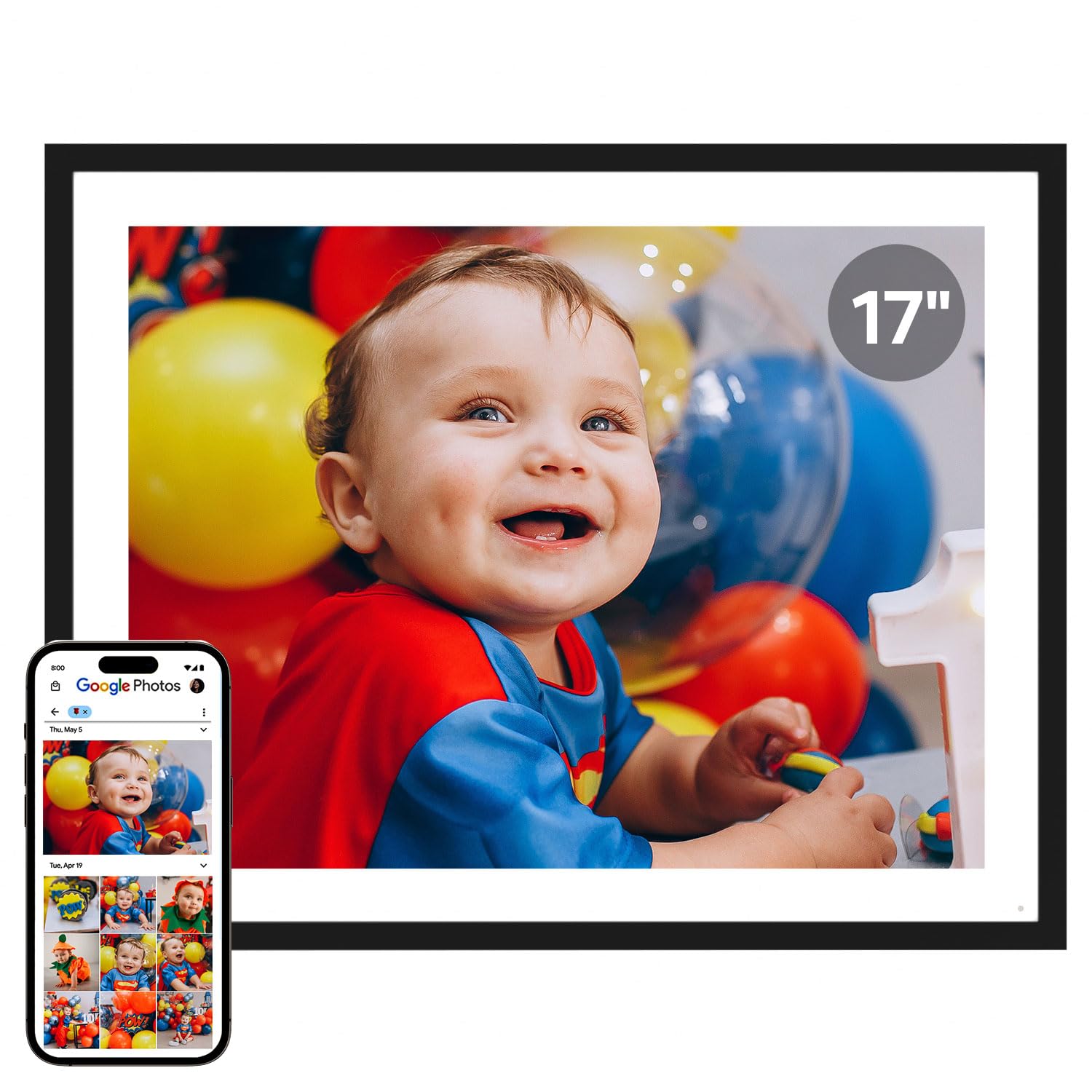
The Cozyla Frame goes well beyond the 12-inch form factor with a 17-inch QXGA display, making it a true statement piece. Its 4:3 aspect ratio is a deliberate choice — most digital frames crop the top and bottom of standard photos, but the 4:3 matches the classic photo print ratio so your images appear uncropped. The built-in AI restoration tool can sharpen blurry or damaged old photos, which is a genuinely useful feature for digitizing family archives.
Storage is effectively unlimited via free encrypted cloud storage backed by AWS, and there is no subscription. You can upload photos through the app, email, or directly from Google Photos. The frame also supports long-form videos — full graduation speeches or a baby’s first steps — rather than the 15- or 30-second clips most frames accept. Setup is straightforward, and the frame auto-adjusts brightness by time of day.
On the downside, the stand can feel unstable, especially in portrait orientation. And as of spring 2025, direct Google Photos uploads are no longer supported, forcing users to email photos individually or use the app. The price is higher than most 12-inch frames, but you are getting a dramatically larger, uncropped viewing experience and unique AI features.
Why it’s great
- 4:3 ratio displays photos without cropping
- AI restores blurry or damaged old photos
- Free unlimited cloud storage, no subscription
Good to know
- Stand can be wobbly in portrait orientation
- Google Photos direct upload discontinued
4. Pexar Starlight 15.6″ Digital Picture Frame
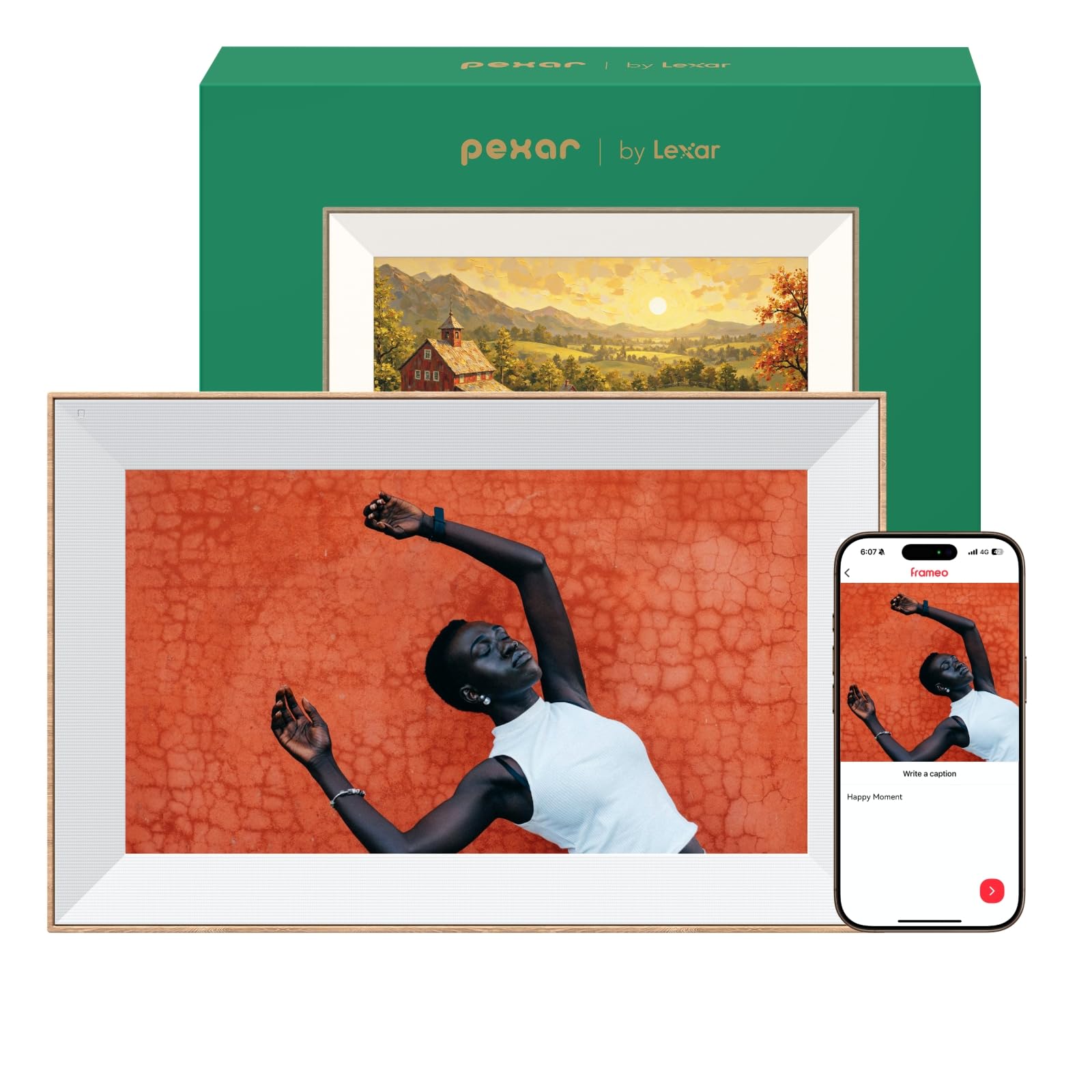
The Pexar Starlight distinguishes itself with built-in gallery lighting that emanates from the back of the frame, casting a warm glow onto the wall behind it. This turns the frame into a decorative accent rather than just a screen, adding depth and dimension to the photos on display. The 15.6-inch 1080p anti-glare touchscreen is sharp and vibrant, and the thin bezel with a metal stand supports both portrait and landscape orientations.
With 64GB of local storage, the Starlight holds over 80,000 photos at typical file sizes, and you can expand further via SD card or USB drive. The app allows unlimited family members to send photos and videos, and the frame supports offline playback from local storage, so you are never dependent on cloud servers. The digital greeting card feature lets you turn a photo into a shareable card with a message, which is a nice touch for birthdays and anniversaries.
A few users have reported the operating system occasionally crashes or restarts when navigating large photo libraries, suggesting the hardware may be slightly underpowered for the software load. The frame is also heavier than most — 2.36 kilograms — so wall mounting requires solid anchors. For those who prioritize design and local storage over subscription-free cloud, the Starlight is a compelling premium choice.
Why it’s great
- Unique gallery backlight adds warmth to any room
- 64GB local storage holds 80,000+ photos
- Dual-orientation with metal stand
Good to know
- OS can be unstable with large photo libraries
- Heavy at 2.36 kg — secure wall mounting required
5. KPKUE 15.6″ Smart WiFi Digital Picture Frame (DP-10A)
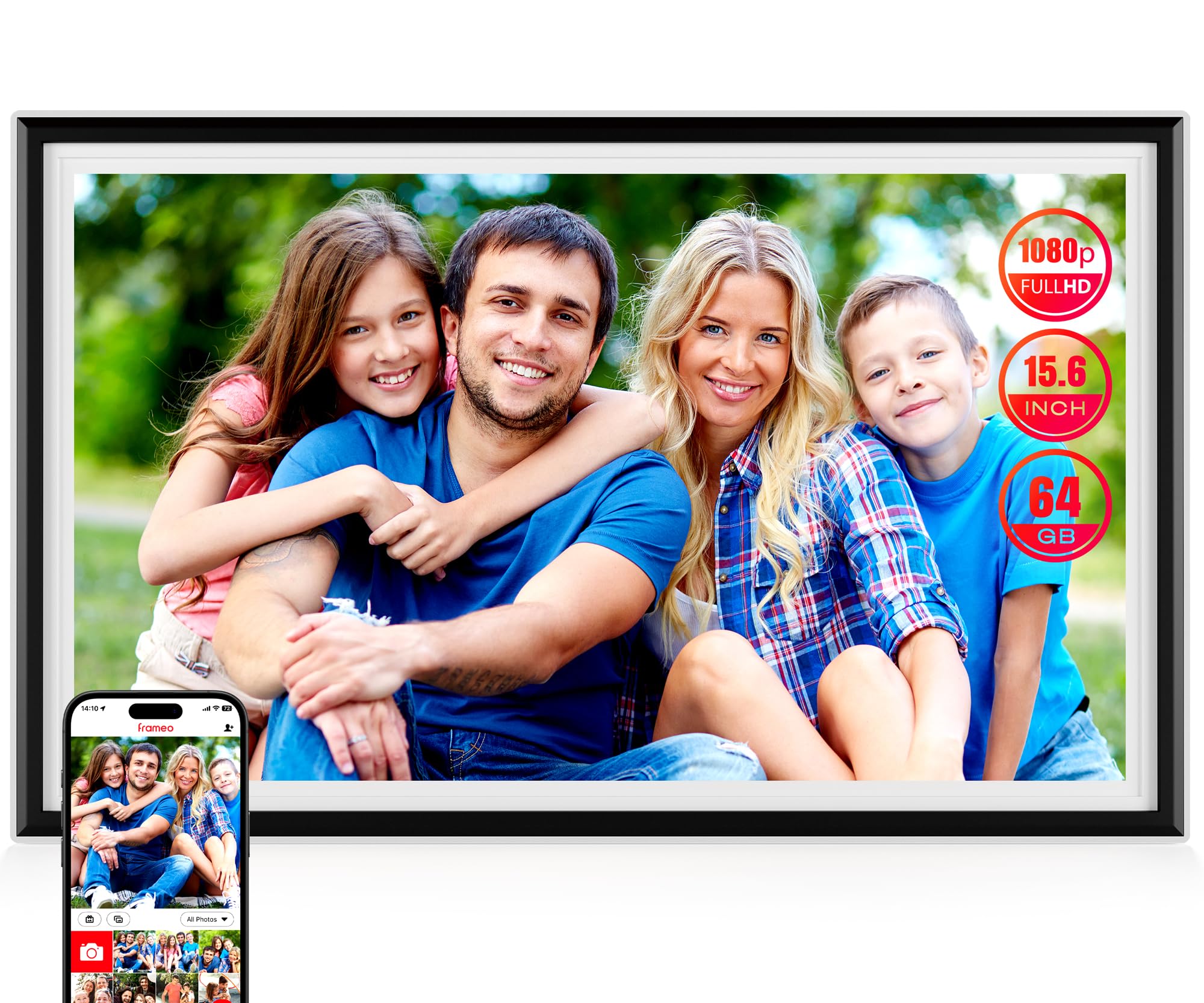
This KPKUE model packs 64GB of internal storage, dual speakers, and a 3.5mm headphone jack — features rarely seen together at this price point. The 15.6-inch 1080p IPS touchscreen offers adjustable brightness, and the album management system lets you organize photos into custom categories and create auto-collages from mixed media. It supports the Frameo app, meaning unlimited family members can send photos securely from anywhere.
The auto-rotation sensor works smoothly when switching between landscape and portrait orientations, and the sleep mode and live widgets (time, weather, temperature) add utility beyond photo display. The ABS frame is impact-resistant, and the package includes a removable stand as well as wall-mounting hardware with four anchor points. Setup is quick, and the included guide is clear enough for seniors.
Some users note that the 64GB includes about 7GB reserved for the system, leaving approximately 57GB usable. The built-in speakers are adequate for casual video playback but lack bass. For buyers who want the storage capacity of a premium frame at a mid-range price, this is a strong contender.
Why it’s great
- 64GB storage with 128GB expandable via SD/USB
- Album organization and auto-collage features
- Dual speakers plus headphone jack
Good to know
- 7GB of storage reserved for system files
- Speakers lack low-end audio depth
6. Euphro 15.6″ Digital Picture Frame

The Euphro frame delivers a 15.6-inch 1080p IPS screen with strong brightness and color accuracy that rivals frames costing considerably more. It uses the Uhale app ecosystem, which is straightforward and allows multiple family members to send photos and videos from iOS or Android devices. The 32GB internal storage holds approximately 60,000 photos at 300KB each, and a Micro SD slot provides expandability.
Customization options include slideshow order, image scaling, hiding specific images, and adjusting transition effects. The frame can be placed horizontally or vertically. Users consistently praise the ease of setup — it connects to Wi-Fi and starts receiving photos within minutes, making it an excellent choice for grandparents who are not comfortable with complex technology.
Customer support responsiveness is a recurring positive note; one user reported that after four months the frame stopped working, and support quickly sent a replacement. The plastic frame material feels less premium than wood or metal alternatives, but the display quality more than compensates at this price tier.
Why it’s great
- Bright 1080p IPS display with great color accuracy
- Simple, grandparent-friendly setup process
- Expandable storage via Micro SD card
Good to know
- Plastic frame does not match wood alternatives
- Occasional reliability issues reported
7. KODAK 14.1″ FHD Digital Picture Frame
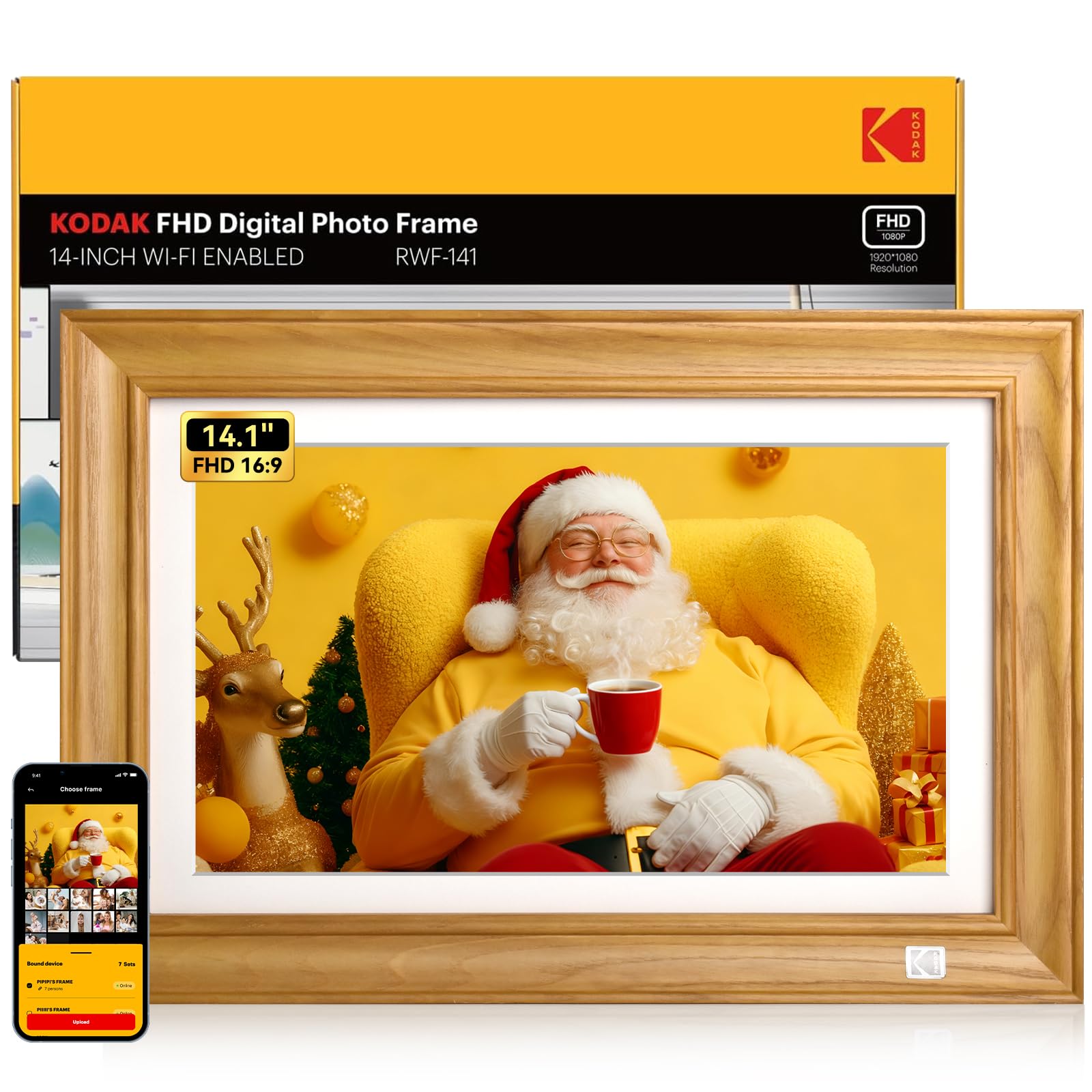
The KODAK 14.1-inch frame stands out for its solid wood construction — not MDF or plastic, but actual natural wood with a smooth matte finish. This makes it one of the few digital frames that looks like a traditional picture frame when the screen is off. The 1920×1080 Full HD display is bright and crisp, and the quad-core CPU with 2GB DDR4 RAM ensures smooth menu navigation and quick photo loading.
You can transfer photos via the KODAK Classic Frame app, email, USB, SD card, or even Google Photos — six methods in total. The batch upload feature supports up to 120 photos and one 2-minute video at a time. Smart features include weather forecasts, a perpetual calendar with lunar dates, and a gift mode that lets you preload photos and messages before giving the frame to someone.
Some users find the initial setup less intuitive than expected, and the manual is sparse — you may need to explore the menus to find all the features. The 32GB internal storage is adequate but lower than what some competitors offer at similar prices. For buyers who want a frame that doubles as furniture, the wood construction is a significant differentiator.
Why it’s great
- Solid natural wood frame, not plastic or MDF
- Six photo transfer methods including Google Photos
- Quad-core CPU for smooth performance
Good to know
- Setup can be confusing for non-tech users
- 32GB storage is lower than mid-range peers
8. Frameo 12.7″ Digital Picture Frame (KPKUE)
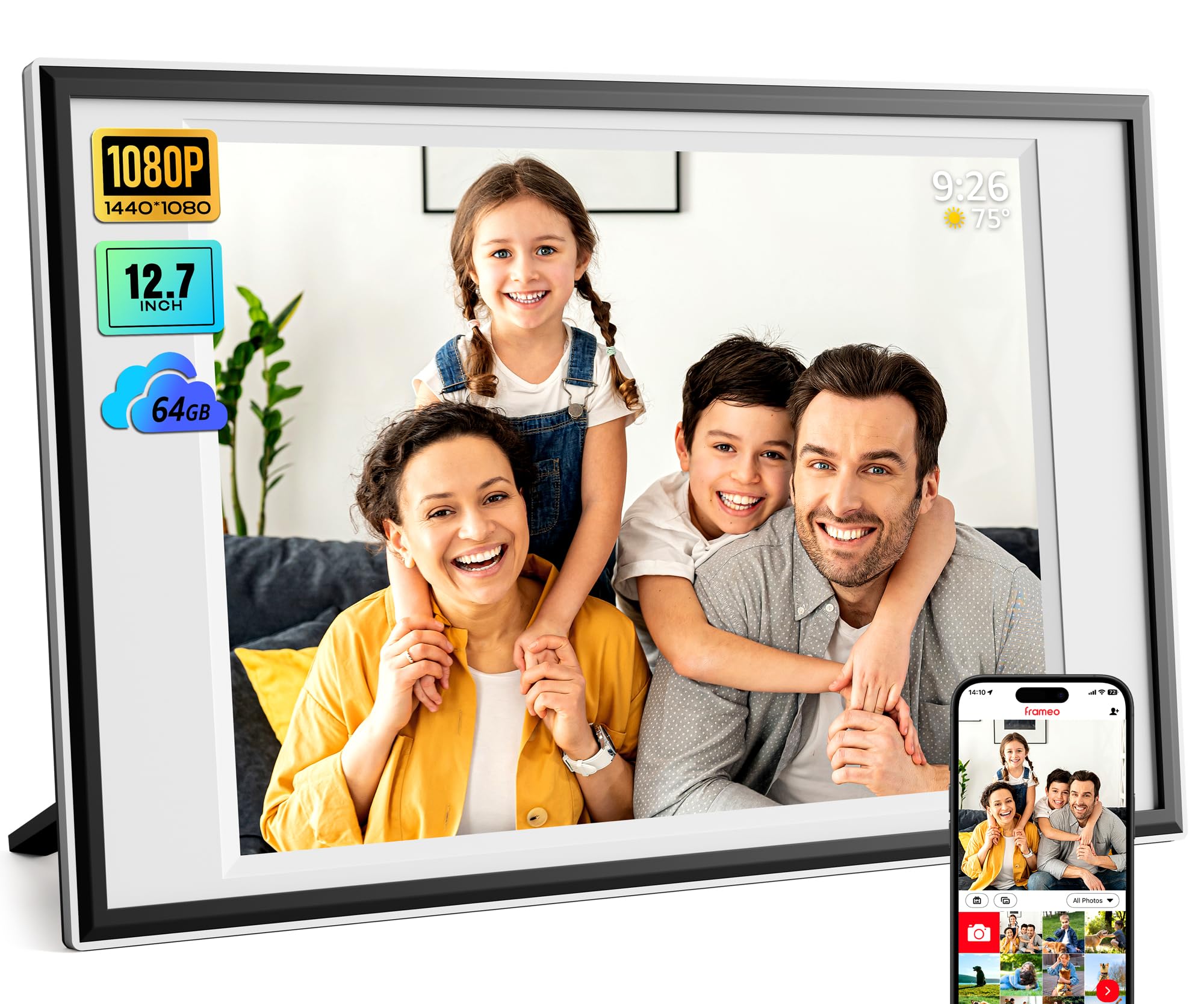
At 12.7 inches with a 1440×1080 resolution, this Frameo-powered frame offers a near-4:3 ratio that minimizes cropping of standard photos. The 64GB internal storage is generous for an entry-level frame, and support for up to 128GB external SD cards or USB drives means you can practically never run out of space. The Frameo app is one of the most mature sharing ecosystems — it is GDPR-, CCPA-, and PSTI-compliant, with users in over 32 countries.
The touchscreen is responsive, and the “React” feature lets you send emoji reactions back to the photo sender, creating a two-way interaction that is surprisingly engaging for grandparents and long-distance families. Auto-rotation works reliably, and the included stand allows both tabletop and wall-mounted placement. Setup is fast, and the interface is clean enough for users of any age.
The resolution is lower than 1080p — 1440×1080 equals roughly 1.5 megapixels — so photos will not appear as sharp as on a true Full HD panel. The white border around the screen can also be conspicuous on the 4:3 display area. For the price, however, it is hard to fault the combination of storage, app quality, and size.
Why it’s great
- 64GB storage plus 128GB expandable
- Frameo app is GDPR-compliant and widely trusted
- Two-way emoji reaction feature
Good to know
- Resolution is below true 1080p
- White border around screen may bother some users
9. Uhale 15.6″ Large Digital Picture Frame (FANGOR)
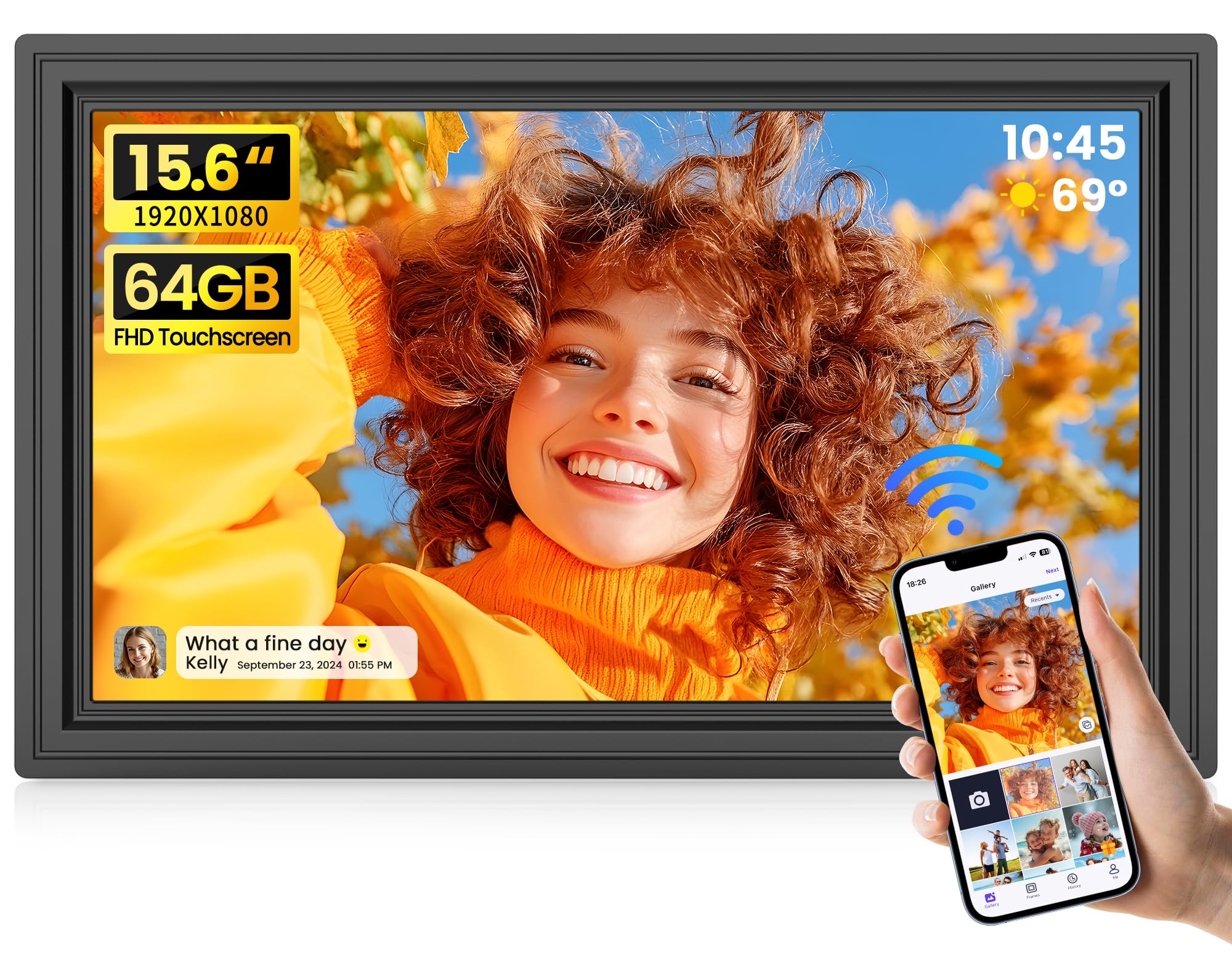
The Uhale 15.6-inch digital frame offers a 1920×1080 IPS touchscreen with 64GB of built-in storage at a price that undercuts most competitors by a wide margin. The 64GB holds over 160,000 photos, and the frame supports SD cards and USB drives for additional expansion — though the manufacturer recommends 32GB cards for best compatibility, as larger capacities can cause issues. The Uhale app works on both iOS and Android and allows unlimited family members to share photos and videos.
Auto-rotation, weather display, clock, and sleep mode are all present. The frame also supports PC web transfer, so you can upload from a computer without needing the app. The built-in speaker plays video audio, and video uploads via SD/USB have no time limit, while the app caps videos at 2 minutes. The packaging is gift-ready, making it a convenient present for distant family.
The plastic frame feels lightweight compared to wood or premium alternatives, and the 16:9 aspect ratio means some photos will be cropped unless you use the image scaling settings. Touch responsiveness is good but not as fluid as on premium frames. For buyers who prioritize screen size and storage over build materials, the Uhale delivers exceptional value.
Why it’s great
- 15.6-inch 1080p display at a very competitive price
- 64GB storage holds 160,000+ photos
- PC web transfer for computer-based uploads
Good to know
- 16:9 aspect ratio may crop some photos
- Plastic build feels less substantial
FAQ
What aspect ratio is best for a 12 inch digital photo frame?
Can I send photos to a digital frame without the owner having a smartphone?
Is a 12 inch frame large enough for a living room?
Do digital photo frames work without an internet connection?
Final Thoughts: The Verdict
For most users, the best 12 inch digital photo frame is the Aura Aspen 12″ because it delivers a color-calibrated display, free unlimited cloud storage, and the simplest multi-user sharing experience — all without a subscription. If you want the sharpest possible image, grab the Pexar by Lexar 11″ 2K for its anti-glare matte panel and no-subscription local storage. And for a gift that feels like real furniture, the natural wood KODAK 14.1″ combines a solid aesthetic with six different photo transfer methods.