
Our readers keep the lights on and my morning glass full of iced black tea. As an Amazon Associate, I earn from qualifying purchases.
Specs are compiled from manufacturer listings and verified buyer reviews and can change over time — please confirm the key details on the product page before buying.
The 14.5-inch screen is the just-right size of laptops — big enough to work on comfortably, small enough to toss in a bag without thinking. But the real battle in this class isn’t the screen; it’s the chip inside, and that choice decides everything from battery life to fan noise. This guide cuts through the spec sheets to show you which one actually fits how you work.
I’m Min — the founder and writer behind Gadgets Feed. This guide is built by comparing the manufacturers’ published specifications and the patterns across verified customer reviews, so you get each pick’s real strengths and trade-offs instead of marketing spin.
If you’re hunting for a 14.5-inch laptop that balances portability, battery stamina, and raw speed, this breakdown will help you choose the one that matches your daily routine.
Our Picks at a Glance
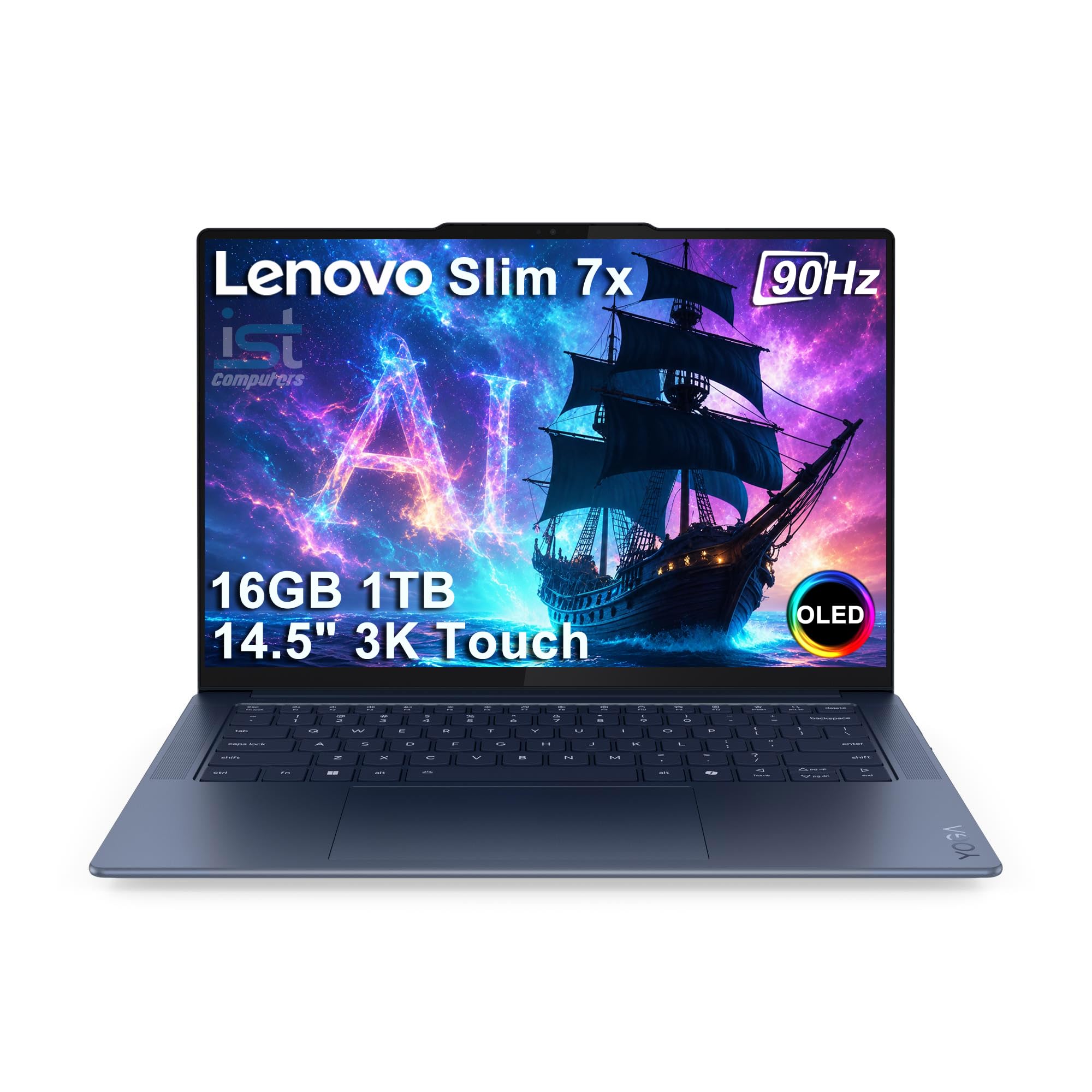
How To Choose The Best 14.5-Inch Laptop
Before you click buy, the biggest decision isn’t the brand — it’s the processor family. Laptops in this size now split between Intel’s traditional Core chips and the newer Qualcomm Snapdragon X series, and that single choice shapes battery life, software compatibility, and how hot the machine runs.
Match the chip to your work style
Snapdragon X Elite models are the efficiency kings — they deliver long battery life and run nearly silent because they don’t need loud fans. Intel Core i5 and i7 chips still lead on peak clock speed for heavy number-crunching, but they typically drain the battery faster. If you live in spreadsheets and video calls all day, the Snapdragon machines will serve you better.
Decide how much RAM you really need
This is where a low price can hide a future headache. 8GB of RAM is enough for basic browsing and document editing, but 16GB is the safer bet if you keep dozens of browser tabs open or run serious apps. RAM is soldered on most of these slim laptops, so you can’t upgrade it later — pick your number at checkout.
Quick Comparison
| Model | Best For | Battery Life | RAM | Max CPU Speed | Amazon |
|---|---|---|---|---|---|
| Lenovo Slim 7X AI★ Best Overall | All-day reliability | 23.5 hours | 16 GB | 3.4 GHz | Amazon |
| ASUS Zenbook 14.5 | Peak processing speed | 10 hours | 8 GB | 4.7 GHz | Amazon |
| Lenovo Yoga Slim 7X | Budget-friendly OLED | — | 16 GB | 3.4 GHz | Amazon |
| Acer Swift 14 AI | Feature-packed premium | 24 hours | 16 GB | 3.4 GHz | Amazon |
In‑Depth Reviews
1. Lenovo Slim 7X AI Laptop
Our pick — over 4★ from 60+ verified ratings; the strongest balance of quality and price.
The featherweight that swallows a full workday without ever reaching for the charger.
This is the laptop people buy when they’re tired of hunting for power outlets. The battery life is the headline — a huge 23.5 hours per charge, which is more than double the 10 hours you get from the Intel-powered Zenbook in this same list. The review pages sum it up best: “Excellent battery—lasts full day, charges next day.” You can leave the charger at home for a whole workday plus commute.
It’s also remarkably light at 2.82 lbs, so it slips into a bag without feeling like a brick. The 14.5-inch 3K (2944×1840) OLED touchscreen runs at 90Hz (smooth scrolling) and reaches up to 1000 nits peak brightness (the typical level is 500 nits), which means it stays readable even in bright sunlight. The processor is the Snapdragon X Elite X1E78100 with 12 cores at 3.4 GHz, paired with 16GB DDR5 RAM — enough memory to keep dozens of tabs open without slowdown.
Connectivity is future-proofed with Wi-Fi 7 and Bluetooth 5.4, and the three USB-C full-function ports (40Gbps) can drive up to three external displays without needing a dock. The backlit keyboard helps in dim rooms, while the FHD IR camera with a privacy shutter handles secure facial-recognition login. It runs on the Copilot+ PC platform, which buyers report handles demanding tasks — even gaming titles like Hogwarts Legacy — without creaking or sounding like a jet engine.
What wins people over
- 23.5-hour battery life crushes the competition in this size class
- 2.82 lbs build with MIL-STD durability for drops and shocks
- 100% DCI-P3 and sRGB color accuracy for creative work
- 16GB RAM plus 1TB SSD handles heavy multitasking
Worth knowing
- Some owners find the Copilot key annoying and want a workaround to disable it
- The OLED touchscreen is not fingerprint-resistant, so it shows smudges
Grab it for: anyone who wants one laptop that lasts a full day-plus and feels feather-light in a bag.
Reconsider if: you rely on old x86-only software — the Snapdragon chip needs modern ARM-compatible apps.
2. Acer Swift 14 AI Copilot+ PC

A premium aluminum shell with the longest battery claim of the whole group.
If the Lenovo above is the all-rounder, this Acer is the one for buyers who want every modern feature dialed to eleven. The battery is rated up to 24 hours (based on video playback tests), edging out even the Lenovo by half an hour on paper. Owners back that up, calling the battery “eternal” and noting it far exceeds other laptops they’ve owned.
What sets this apart is the AI hardware. Inside is the Snapdragon X Plus X1P-64-100 with 10 cores up to 3.4 GHz, plus a Hexagon NPU delivering 45 TOPS for on-device AI tasks like Windows Studio Effects (auto-framing and background blur in video calls). The 14.5-inch 2.5K 120Hz display is TÜV Rheinland Eyesafe Certified 2.0, which means it’s built to be easier on your eyes during long sessions. It also gives you roughly 12.8% more viewing area than a 14-inch 16:9 screen, so you see more of your document or timeline.
The webcam is a standout at 1440p QHD, with Acer PurifiedView 2.0 adding automatic framing and gaze correction so you look sharp on calls. A 180° hinge, a privacy shutter, and a Corning Gorilla Glass touchpad round out the premium feel. With Wi-Fi 7, Bluetooth 5.4, and a USB-C port supporting up to 65W power delivery, this is a laptop that feels ready for the next five years.
Built for: video-call-heavy professionals and students who want the best webcam and a screen gentle on the eyes.
Note: the non-standard chipset means you should verify software compatibility before buying — most owners mention flawless Office use, but the AI features come with a learning curve.
3. Lenovo Yoga Slim 7X Copilot PC
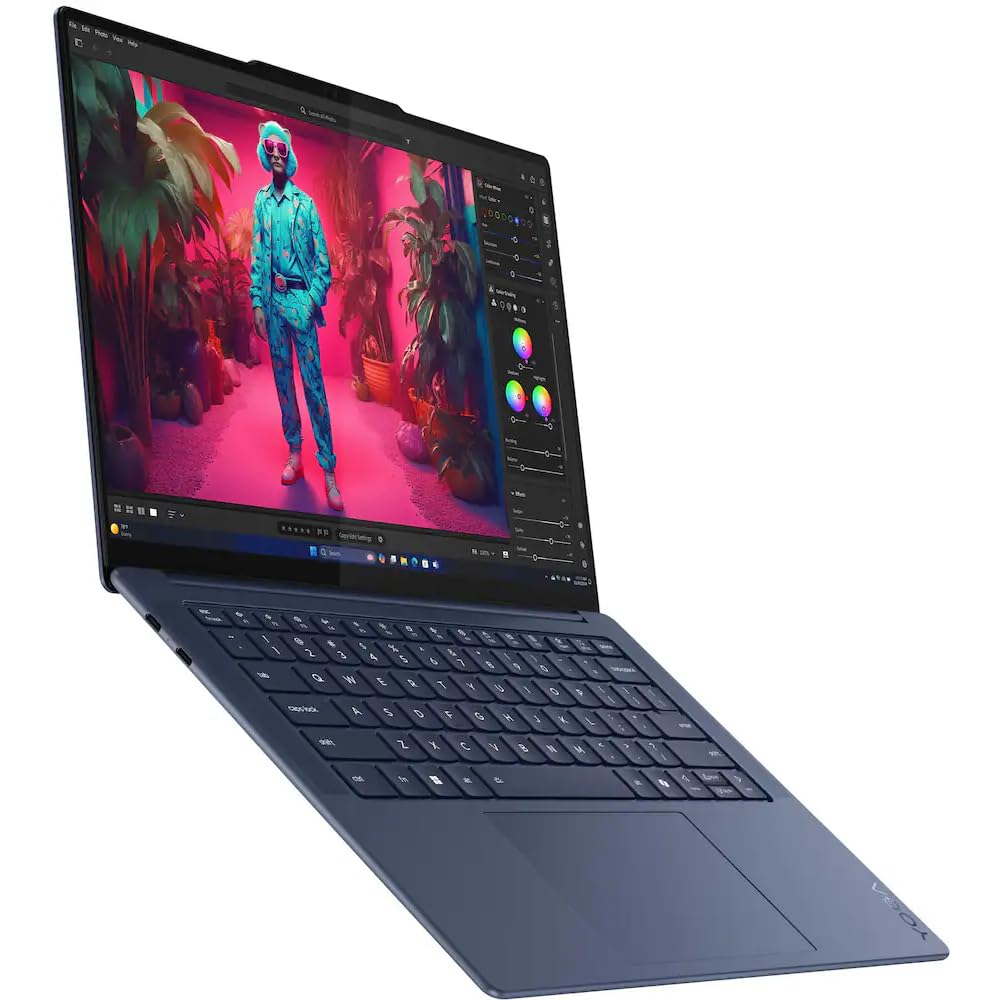
The nearly-silent workhorse that swaps in a bigger SSD for less cash.
This is the smart-money pick for students and office workers who want the same Snapdragon X Elite magic as our top pick but don’t need the huge 1TB drive. It packs the X Elite X1E-78-100 processor at 3.4 GHz with 12 cores, 16GB of RAM, and a 512GB PCIe NVMe SSD — plenty for a master’s degree’s worth of papers and slideshows. Owners upgrading from older machines are floored: “does not sound like a rocket taking off when you open a browser and the battery life is unbelievable.”
The display carries the 3K (2944×1840) OLED touchscreen at a smooth 60Hz, hitting up to 1000 nits peak brightness so it stays vivid even near a sunny window. The touch screen earned specific praise for its dimming and brightening range, and the picture quality gets called “amazing” by owners. Connectivity covers Wi-Fi 7 and Bluetooth 5.4, with a 65W USB-C power supply charging the 70 Wh 4-cell battery.
This one ships as an upgraded unit from GreatPriceTech, with the seal opened for hardware and software upgrades, and it includes a portable Dockztorm USB hub (data sync up to 5Gbps) in the box. That extra hub means you can plug in a mouse and flash drive without hunting for adapters. If you mostly dock at a desk at home, note that owners recommend grabbing an external monitor — this is a great work laptop, but a bigger screen beats squinting at spreadsheets all day.
Choose it for: a quiet, dependable daily driver that handles school or office tasks without breaking a sweat or the bank.
skip it if: you absolutely need the full 1TB of storage — this one tops out at 512GB.
4. ASUS Zenbook 14.5 2.8K OLED

The blazing-fast Intel option for buyers who prioritize raw clock speed.
Here’s the counterpoint to all those Snapdragon machines. If your work is all about number-crunching power, this Zenbook’s Intel Core i5-13500H hits a maximum clock speed of 4.7 GHz — that’s a 38% higher ceiling than the 3.4 GHz in the Lenovo Slim 7X, which means snappier video encoding and faster code compilation. The 13th Gen Raptor Lake chip is a proven workhorse, and the laptop’s reputation for reliability speaks for itself after almost a year of use with zero technical issues, as some customers note.
The display is the other big draw: a 14.5-inch 2.8K (2880×1800) OLED touchscreen at 120Hz. That high refresh rate makes scrolling feel fluid and motion look crisp, which is fantastic for media consumption. It’s paired with Harman/Kardon audio and a backlit keyboard, plus a fingerprint reader for quick logins. Thunderbolt 4 support means you can hook up fast external drives and high-res displays.
The honest trade-off is battery life and RAM. At 10 hours, it lasts a solid workday but falls far short of the 23.5 hours the Lenovo Slim 7X delivers — a 2.4x gap in stamina. And the 8GB RAM is the smallest in this lineup, which is fine for light browsing but will feel tight for serious multitasking. Reviewers point out mixed experiences, with a few units failing early and some slowing down over time, so buy from a seller you trust.
Where it shines
- 4.7 GHz max speed tops the list for raw processing
- 120Hz OLED 2.8K touchscreen for buttery-smooth visuals
- Thunderbolt 4 connectivity and fingerprint security
Where it falls short
- 8GB RAM limits heavy multitasking and future-proofing
- 10-hour battery is less than half the top pick’s stamina
- Occasional units arrive faulty, per buyer reports
Best for: buyers who value a high-refresh OLED screen and Intel compatibility over marathon battery life.
Think twice if: you need all-day unplugged runtime or plan to keep many apps open at once.
Understanding the Specs
Snapdragon X vs. Intel Core
This is the fork in the road. Snapdragon X Elite and X Plus chips — like the ones in the Lenovo and Acer models — are built for efficiency, giving you 20+ hour battery life and near-silent operation. Intel Core i5/i7 chips, like in the ASUS Zenbook, offer higher peak clock speeds for heavy tasks but drain the battery faster and run hotter. The right choice depends on whether you value stamina or raw speed.
OLED Resolution and Refresh Rate
An OLED display gives you deep blacks and vibrant colors, and the 3K (2944×1840) resolution on the Lenovo models makes text razor-sharp. Refresh rate — measured in Hz — tells you how smoothly the screen updates. The 120Hz panels on the ASUS and Acer feel silky when scrolling, while the 90Hz and 60Hz panels on the Lenovo models are perfectly smooth for most work but not as fluid for fast action.
FAQ
Is a Snapdragon X Elite laptop compatible with all my software?
How much RAM do I need in a 14.5-inch laptop?
Will a 14.5-inch laptop fit in my existing bag?
Is the 120Hz display worth it over 90Hz or 60Hz?
How long does a 14.5-inch laptop battery really last?
What is an NPU and why should I care?
Can I connect these laptops to an external monitor?
Which is better for a college student, Snapdragon or Intel?
Final Thoughts: The Verdict
If you want one dependable pick, the 14.5-inch laptop winner is the Lenovo Slim 7X AI because the 23.5-hour battery, 2.82 lbs weight, and 16GB RAM cover every daily need without compromise. If you want the best webcam and longest battery claim, grab the Acer Swift 14 AI. And for the sharpest value on a Snapdragon daily driver, the Lenovo Yoga Slim 7X is the one to reach for.
How We Picked
We do not accept paid placement. Every pick is matched to a real buyer and a real use-case; we do not hands-on test units.
Sources & Methodology
Specifications: manufacturer listings and product documentation. Review insights: verified customer reviews, as of August 2026. Pricing: not shown on this page (it changes often); check the current price via the retailer link.
As an Amazon Associate, Gadgets Feed earns from qualifying purchases. This does not affect which products we feature.