
Our readers keep the lights on and my morning glass full of iced black tea. As an Amazon Associate, I earn from qualifying purchases.
Specs are compiled from manufacturer listings and verified buyer reviews and can change over time — please confirm the key details on the product page before buying.
Buying a 1440p ultrawide monitor is about deciding how much screen real estate you truly need versus how much your graphics card can push. The real question isn’t whether to go ultrawide—it’s which refresh rate, curve, and panel type match the games you play and the work you do. This guide cuts through the spec sheet noise to help you pick the right 34-inch (or bigger) curved display for your desk, your GPU, and your budget.
I’m Min — the founder and writer behind Gadgets Feed. This guide is built by comparing the manufacturers’ published specifications and the patterns across verified customer reviews, so you get each pick’s real strengths and trade-offs instead of marketing spin.
From blazing-fast 240Hz gaming panels to color-accurate workhorses, here’s the breakdown of the best 1440p ultrawide monitor options available right now, ranked by real-world performance and owner satisfaction.
Our Picks at a Glance

How To Choose The Best 1440p Ultrawide Monitor
Before you sort through the specs, understand that a 3440×1440 resolution means your graphics card has to render about 35% more pixels than a standard 2560×1440 display. If you’re on a mid-range GPU, a 100Hz panel might be a smarter buy than a 240Hz one you can’t fully utilize.
Refresh Rate: The Smoothness Factor
Refresh rate, measured in Hertz (Hz), tells you how many times the screen updates per second. A standard 60Hz monitor feels fine for office work, but for fast-paced shooters or racing games, you want at least 100Hz—and ideally 144Hz or higher—to see motion without blur and to make aiming feel responsive.
Curvature: How Deep is the Bend?
The curvature rating (like 1500R or 1000R) tells you how much the screen bends around you—it’s the radius of the curve’s circle in millimeters. A lower number means a tighter, more rich bend. A 1500R curve wraps gently around your vision, while a 1000R curve pulls the edges closer to your peripheral vision, so you feel more inside the action.
Panel Type: VA vs. QD-OLED
Most ultrawide monitors in this range use VA (Vertical Alignment) panels, which offer strong contrast and deep blacks for the price. If you’re a creative professional or a hardcore gamer who wants perfect colors and true black levels, a QD-OLED (Quantum Dot OLED) panel is the premium upgrade—but it costs significantly more.
Quick Comparison
| Model | Best For | Refresh Rate | Response Time | Curvature | Amazon |
|---|---|---|---|---|---|
| KOORUI 34″ 240Hz★ Best Overall | Competitive Gaming | 240Hz | 1ms | 1500R | Amazon |
| Pixio PXC348C NeoSmart Hybrid | Hybrid Gaming & Work | 180Hz | 1ms | 1000R | Amazon |
| LG 34WR55QK-BOffice Star | Productivity & Work | 100Hz | 5ms | — | Amazon |
| Philips 346E2CUAE | USB-C Laptop Users | 100Hz | 1ms | 1500R | Amazon |
| ASUS TUF VG34VQ3B | Console & PC Gaming | 180Hz | 1ms | 1500R | Amazon |
| Samsung ViewFinity S50GC | Multitasking | 100Hz | 5ms | — | Amazon |
| Dell S3425DW | All-Day Comfort | 120Hz | 0.03ms | — | Amazon |
| ASUS ROG XG34WCDG | OLED Enthusiasts | 175Hz | 0.03ms | — | Amazon |
| Alienware AW3425DW | Elite Gaming | 240Hz | 0.03ms | 1800R | Amazon |
| Alienware AW3423DWF | Creative Pros | 165Hz | 0.1ms | 1800R | Amazon |
| Samsung Odyssey G9 | Ultimate Immersion | 144Hz | 1ms | 1000R | Amazon |
In‑Depth Reviews
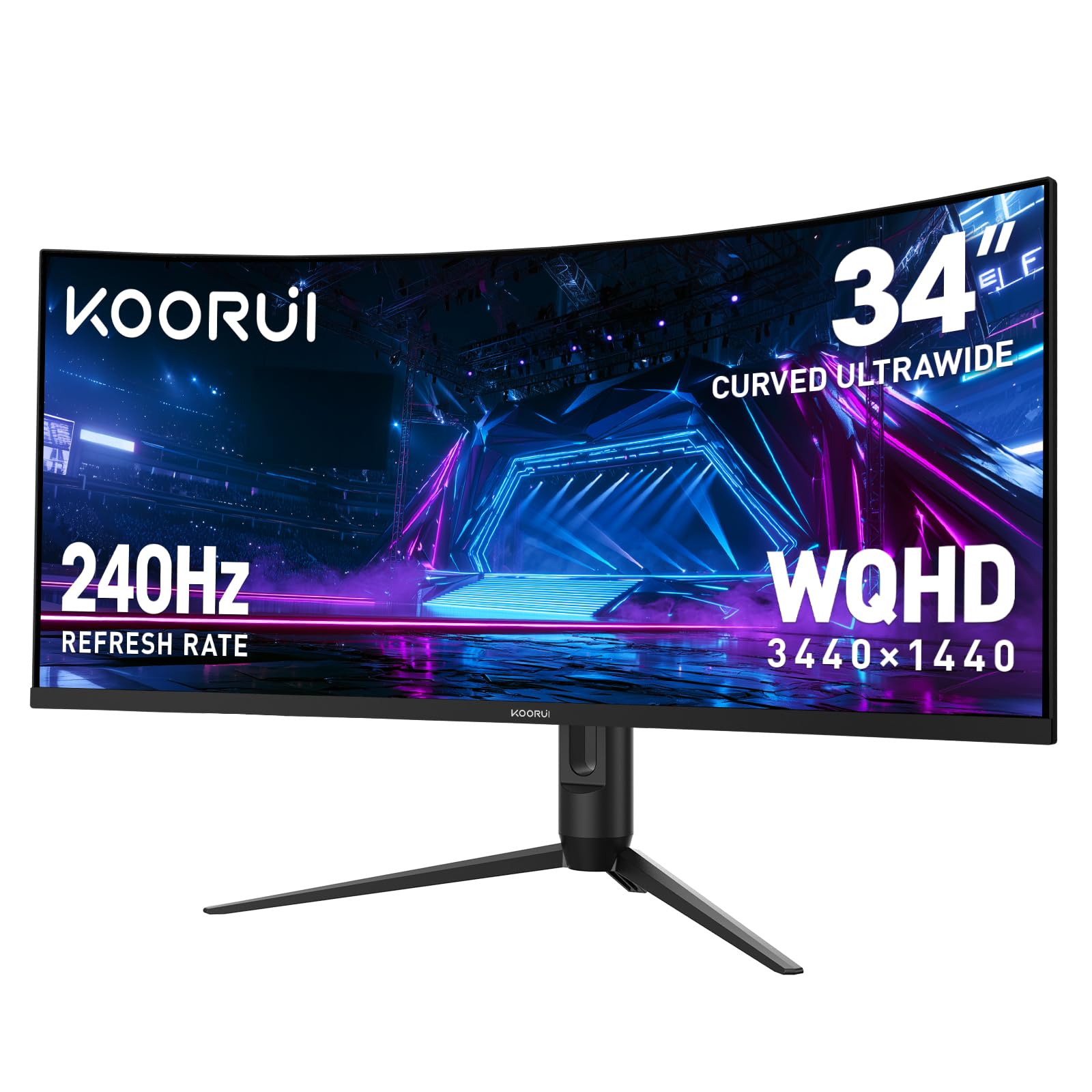
1. KOORUI 34 Inch 240Hz WQHD Ultrawide Curved Gaming Monitor
Our pick — 4.5★ from 6,000+ verified ratings; the strongest balance of quality and price.
The speed demon that leaves the rest of the field in the dust.
If competitive gaming is your priority, this is the one that sets the pace. It hits a 240Hz refresh rate with a 1ms response time—that’s a 2.4x jump in refresh speed over the 100Hz panels on this list, meaning on-screen action updates more than twice as often per second. For fast-paced FPS and racing games, that translates to noticeably smoother motion and less blur when you flick your aim across the screen.
It’s not just about speed, though. The 1500R curvature wraps the 34-inch VA panel around your field of view, and the 98% DCI-P3 color gamut with a 4000:1 contrast ratio makes games look rich and deep. Long-term buyers report years of trouble-free daily use, with the review pages summing it up: “works like hell to give you a clear picture.”
The ergonomic stand is a practical bonus—you get 110mm of height adjustment, plus tilt and swivel, so you can line it up perfectly with your eye level. On the connectivity front, you get two HDMI 2.1 ports and one DisplayPort 1.4, which covers modern PCs and consoles without adapters.
Why It Wins for Gamers
- 240Hz refresh with 1ms response for ultra-smooth competitive play
- 4000:1 contrast ratio delivers deep, inky blacks for a VA panel
- Full ergonomic stand with height, tilt, and swivel
Know Before You Buy
- Color gamut (125% sRGB) is strong but not as wide as the QD-OLED picks
- VA panel means off-angle viewing shifts slightly
The Take: This is the pick if raw speed matters more than anything else, and you want a proven VA panel with a multi-year track record of reliable performance.
The Catch: You’ll need a powerful GPU to actually feed 240 frames per second at this resolution in modern games.
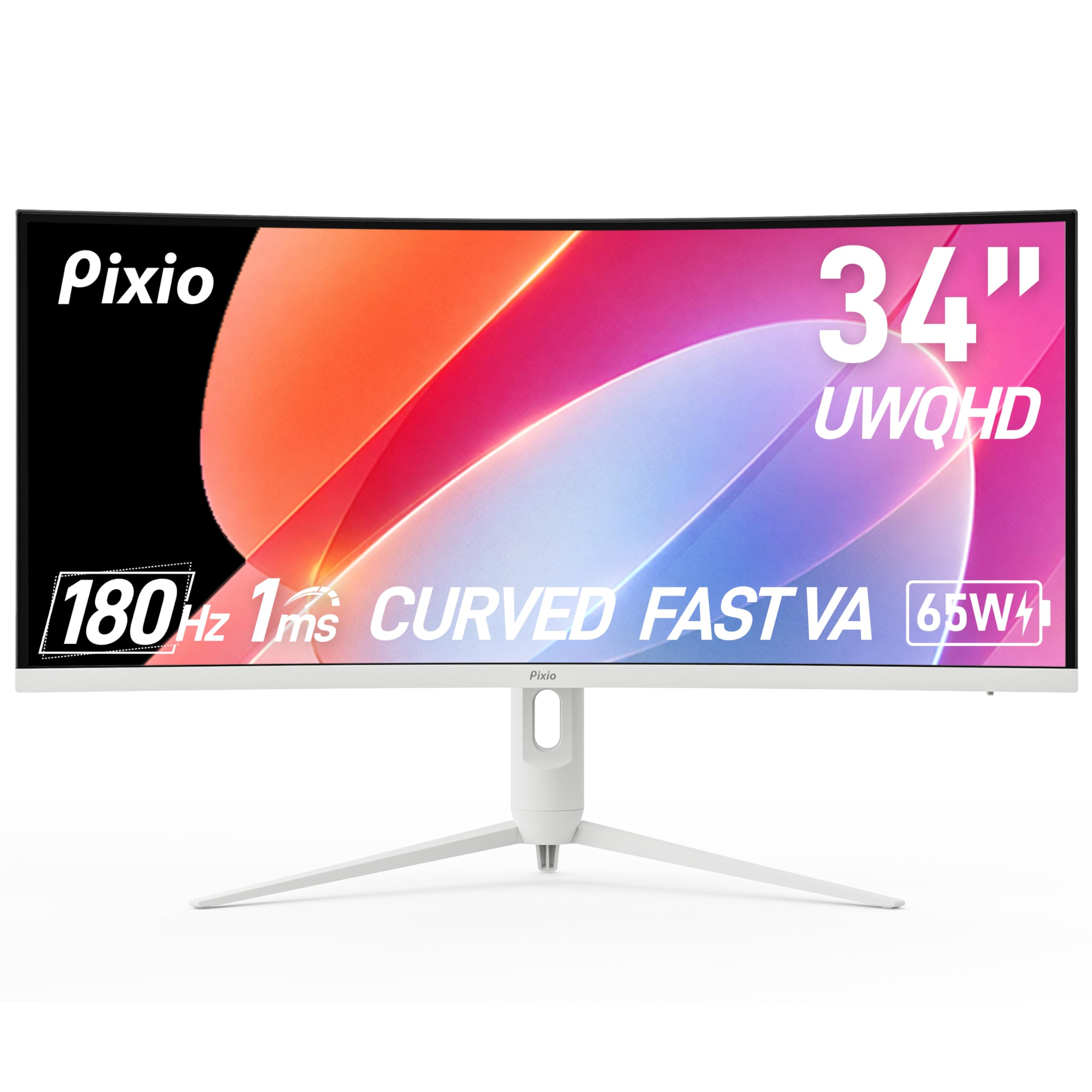
2. Pixio PXC348C Neo White 34″ 180Hz UWQHD Ultrawide Curved Monitor
The one-cable desk cleaner that games hard and charges your laptop.
This Pixio stands out because it doubles as a workstation hub. The USB-C port delivers 65W of power—enough to charge a modern laptop while simultaneously sending it a 1440p video signal at 180Hz. That means you connect one cable to your laptop and get both power and display, eliminating the tangle of adapters on your desk.
For gaming, the 1000R curve is noticeably tighter than the 1500R found on the KOORUI, wrapping more aggressively into your peripheral vision for a deeper sense of immersion. It pushes 180Hz with a 1ms response time, and owners say it handles 3D modeling and fast action without ghosting or screen tearing.
Picture quality gets the highest praise here. The 3440×1440 VA panel hits 400 cd/m² brightness—that’s 33% brighter than the LG 34WR55QK-B’s 300 cd rating—which helps HDR content and well-lit rooms. Given how feature-packed it is, it’s no surprise that quality and value for money dominate what owners talk about most.
Ports & Power: One DisplayPort 1.4 hits 1440p@180Hz, two HDMI 2.0 cap at 1440p@100Hz, and the USB-C handles both display and 65W charging. It even has built-in speakers and height/pivot adjustment.
Reach for it if: you run a laptop as your main machine and want a single cable to handle power, video, and desk space.
The One Caveat: the factory color settings need a tweak, so plan a quick calibration to get the picture looking its best.
3. LG 34WR55QK-B 34-inch UltraWide WQHD Curved Monitor
A productivity powerhouse that treats your eyes kindly during long workdays.
This LG is built for the 9-to-5 crowd. It’s a 3440×1440 VA panel running at 100Hz—which is plenty smooth for office work and light gaming—but the real story is the ergonomics and eye comfort. Reader Mode cuts blue light for reading, and the adjustable stand lets you dial in height and tilt, so you can set it at eye level and avoid neck strain.
The three-sided virtually borderless design (thin bezels on top and sides) makes this a great neighbor for a second monitor, so the gap between screens stays minimal. For work, OnScreen Control software lets you split the screen into custom zones with a few mouse clicks, and Picture-by-Picture mode shows two separate input sources at once—perfect for a work laptop paired with a personal desktop.
Owners consistently rate the screen quality and value highly, and the HDR10 support with 99% sRGB coverage keeps colors looking accurate for spreadsheets, video, and design work alike. The single USB-C cable with 65W power delivery mirrors the Pixio’s desk-decluttering trick.
The Sensible Pick: It won’t win any refresh-rate trophies next to the 240Hz KOORUI, but if spreadsheets, documents, and comfortable all-day viewing are your daily reality, this is the balanced choice.
Best Fit: anyone who spends 8+ hours a day in front of a screen for work and wants a monitor that adjusts to them, not the other way around.
Not For: competitive e-sports players who need 180Hz+ to stay sharp.
4. Philips 346E2CUAE 34 Inch Curved Ultrawide Monitor

The plug-and-play partner that Apple users swear by.
If you live in the Mac ecosystem, this Philips is a crowd favorite for a simple reason: it just works. Owners mention plug-and-play setup with Macs, no configuration needed—the USB-C connection powers the laptop and displays 3440×1440 resolution on a single cable. The 1ms response time and 100Hz refresh rate keep motion fluid, and the 1500R curve adds immersion without feeling extreme.
For productivity, the Philips Ultra Wide-Color technology covers up to 121.3% sRGB gamut, which gives you vivid, life-like colors for photo editing or design. The four accessible USB-A ports turn the monitor into a handy hub for peripherals, and the sturdy adjustable stand has earned consistent praise for its build quality.
The trade-off is that the VA panel has narrow viewing angles, and the stand doesn’t swivel. But for the price, the combination of USB-C Power Delivery, accurate colors, and a frameless design makes it a compelling office workhorse—especially for MacBook owners looking to ditch a dongle.
What Owners Love: the “glorious” plug-and-play experience with Macs and the clarity of the 1440p text for long writing or coding sessions.
Ideal For: Mac users and office workers who want a clean single-cable setup and vibrant colors from the start.
skip it if: you need a swiveling stand or plan to do color-critical creative work where 100Hz feels limiting.
5. ASUS TUF Gaming VG34VQ3B 34″ Ultra-Wide Curved Monitor

The wall-mount champion with console-ready compatibility.
ASUS brings its TUF gaming heritage to this 34-inch ultrawide, with a 180Hz refresh rate (how often the screen updates per second) and 1ms response time (how fast pixels change) for smooth, lag-free gameplay. what separates it from the Pixio PXC348C Neo is the Extreme Low Motion Blur (ELMB) SYNC technology, which owners say keeps fast-moving action crisp without ghosting—a real edge in competitive shooters.
For console players, the compatibility is a standout. The 21:9 QHD resolution works with the Xbox Series X, and customers note the picture and tones look “amazing” with aim assist intact. The 90% DCI-P3 color gamut gives games a vibrant, punchy look, while the 4000:1 static contrast ratio keeps blacks deep.
Design-wise, the monitor is impressively light, with owners noting it hangs flush on a VESA wall mount with a minimal gap. The 4x USB 3.2 Gen 1 Type-A ports provide plenty of hub connectivity, and the three-year warranty covers the usual peace-of-mind bases. The catch is the built-in speakers, which one owner called “terrible” and “tinny”—plan on external audio.
Solid Gaming Credentials
- 180Hz with ELMB Sync reduces ghosting effectively
- Super light frame, ideal for wall mounting
- Built-in USB hub for peripherals
The Reality Check
- Speakers are weak; you’ll want a soundbar or headset
- Short, non-adjustable stand doesn’t do the panel justice
Who It’s For: console and PC gamers who want high refresh rates and a screen that disappears on a wall mount.
The Sticking Point: budget for external speakers, since the built-ins won’t cut it.
6. Samsung 34″ ViewFinity S50GC Ultrawide QHD Monitor

The automatic brightness adjuster that cares for your eyes day and night.
Samsung’s ViewFinity line is built for comfort, and this 34-inch model takes that seriously. An ambient light sensor (a small detector that reads the room’s brightness) automatically adjusts the screen, so you’re not blasted by a too-bright panel in a dark room at night. Add Eye Saver Mode to cut blue light and a Flicker Free backlight (which reduces screen flicker that strains eyes), and this is among the most comfortable monitors on the list for long workdays.
On the visuals side, HDR10 support displays over 1 billion colors, making dark scenes darker and bright spots brighter than standard screens. The 100Hz refresh rate with AMD FreeSync keeps motion smooth and reduces image tearing whether you’re gaming or scrolling through dense design projects.
The 21:9 panel also nails multitasking—you get Picture-in-Picture (PIP) to resize a second source into a corner, and Picture-by-Picture (PBP) to view two sources side-by-side at native resolution. Owners upgrading from standard 16:9 screens rave about the extra horizontal workspace for spreadsheets and code, though some note the built-in speakers are weak and the stand can feel wobbly—a monitor arm is the popular fix.
The All-Rounder: It’s not the fastest (100Hz refresh rate) or the most colorful, but for mixed use—work by day, light gaming by night—it hits a balance that owners find tough to top for the price.
Pick This Up If: you want a dependable daily driver with exceptional eye-comfort features and smooth PC/Mac compatibility—it’s a safe bet for office workers and students who stare at spreadsheets all day.
Look Elsewhere If: you need high-refresh gaming speed or hate using a separate mount to fix a flimsy stand.
7. Dell 34 Monitor S3425DW WQHD VA Curved

The all-day comfort specialist that still plays games smoothly.
Dell’s S3425DW splits the difference between work and play elegantly. It runs a 120Hz refresh rate with AMD FreeSync Premium—smoother than the 100Hz office panels above, though not as extreme as the 240Hz gaming monitors. The 0.03ms response time eliminates motion blur entirely.
The headline feature is ComfortView Plus, which reduces blue light emissions to 35% or less. That’s a hardware-level filter, not a software tweak, so you keep full color accuracy while your eyes stay relaxed during marathon coding or spreadsheet sessions. The 99% sRGB and 95% DCI-P3 coverage means colors stay true-to-life, and the 3000:1 contrast ratio on the VA panel delivers solid depth.
Setup is genuinely painless—owners describe a 60-second tool-free assembly and a single USB-C cable (up to 65W power delivery) connecting a MacBook or PC. The included USB-C to C 10Gbps cable is a thoughtful touch. It’s also one of the rare non-OLED monitors here with re-engineered built-in speakers that owners actually find usable.
The Comfort Case
- Hardware blue-light filter keeps colors accurate
- 0.03ms response time—blazing fast even for serious gaming
- Clean single-cable setup with 65W laptop charging
The Port Trade-Off
- Limited ports: HDMI, USB-C, USB-A only—no DisplayPort
- VESA mount is recessed, requiring the full bracket
The Verdict: The best pick for people who work 8 hours a day but still want to unwind with smooth gaming in the evening—without sacrificing eye comfort.
Think Twice If: you rely on DisplayPort connections or plan to mount it on a standard VESA arm without extra hardware.
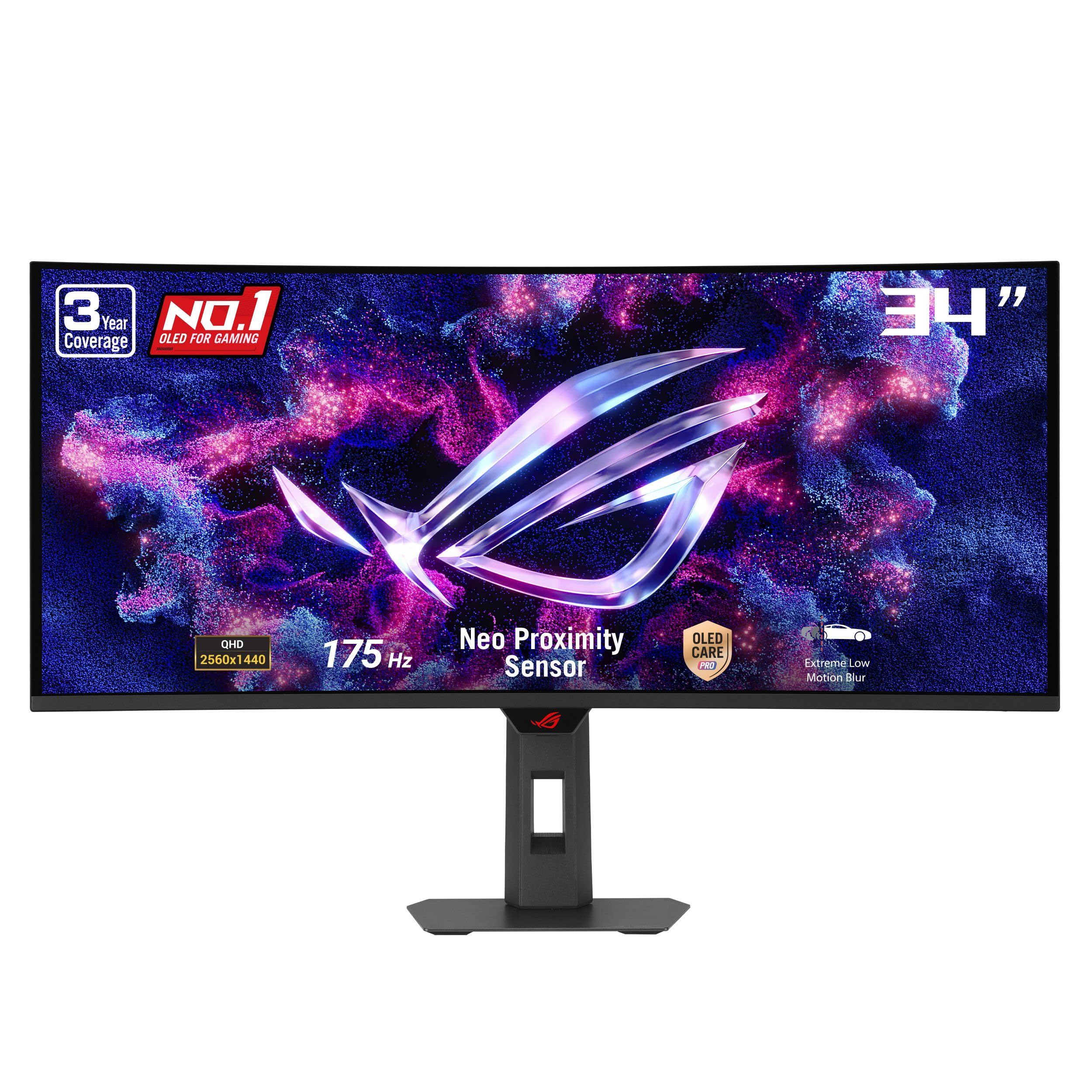
8. ASUS ROG XG34WCDG 34 Inch 1440p 175Hz Ultrawide OLED Monitor
The QD-OLED leap that makes every other panel look last-gen.
This is where the picture quality conversation changes. The ROG XG34WCDG uses a QD-OLED panel—that’s a Quantum Dot OLED, which combines OLED’s perfect blacks with quantum dots for brighter, more saturated colors. The result is a 1,500,000:1 contrast ratio and 99.3% DCI-P3 gamut, numbers that leave the VA panels on this list far behind.
For gaming, the 175Hz refresh rate and 0.03ms response time are rapid, and G-SYNC compatibility keeps the action tear-free. Owners describe the OLED visuals as “stunning” in modern games, with a premium, lightweight build that’s easy to move. The VESA DisplayHDR 400 True Black compliance and Delta E < 2 color accuracy mean it’s also a legitimate tool for photo and video editing.
ASUS hasn’t ignored the burn-in anxiety that comes with OLED. The OLED Care Pro suite includes a Neo Proximity Sensor that detects when you step away and switches the screen off to protect the panel. The three-year warranty includes burn-in coverage, which is the reassurance most buyers need to take the plunge. The trade-offs: there’s no built-in sound, and the sensor can occasionally trigger random shutdowns.
The OLED Premium: If you’ve been on a standard VA or IPS panel, the jump in contrast and color here is the single biggest visual upgrade you can make—owners call it “amazing.”
Step Up For This If: you want near-perfect HDR with true blacks and burn-in protection that lets you stop worrying.
The Fine Print: you’ll need external speakers, and the proximity sensor may need adjustment if it misbehaves.
9. Alienware AW3425DW 34 240Hz QD-OLED Curved Gaming Monitor

The 240Hz QD-OLED that pushes high-refresh gaming to its absolute limits.
Alienware’s AW3425DW takes everything great about the ROG and cranks the refresh rate up to 240Hz. Combined with the QD-OLED panel’s 0.03ms response time, this is about as fast and as beautiful as a monitor gets right now. Owners with high-end GPUs report locking max settings at 240Hz with zero ghosting and no dead pixels.
The 1800R curve is the gentlest on the OLED list, providing immersion without the aggressive wrap of a 1000R panel—many find this more comfortable for both gaming and desktop work. The DCI-P3 99.3% coverage and Delta E < 2 accuracy deliver colors exactly as intended, and the VESA DisplayHDR TrueBlack 400 with 1000 nits peak brightness makes HDR content pop.
It supports every major adaptive sync standard—NVIDIA G-SYNC Compatible, AMD FreeSync Premium Pro, and VESA AdaptiveSync—so it plays nicely with any GPU you throw at it. The build quality is quintessential Alienware: sleek, premium, with thoughtful cable management holes in the stand. Owners note the glossy screen looks great but requires the included microfiber cloth for cleaning.
Why It’s the Elite Pick
- 240Hz refresh—the fastest on this list—for ultra-competitive play
- Infinite contrast ratio for deep, pure blacks
- Universal adaptive sync support (G-SYNC + FreeSync Premium Pro)
Know Going In
- HDR pixel dimming can need firmware tweaks to perfect
- Glossy screen requires careful handling to avoid smudges
The Apex Pick: If you own a top-tier GPU and refuse to compromise on speed or visual fidelity, this is the ultrawide to buy.
The Consideration: Be ready to spend a little time in the firmware settings to dial in HDR performance.
10. Alienware AW3423DWF Curved QD-OLED Gaming Monitor

The color-accurate OLED built for creators who game after hours.
Alienware’s earlier QD-OLED flagship is still a stunning panel, and it’s the one creative professionals gravitate toward. The 34-inch 1800R curved display serves up 99.3% DCI-P3 color coverage with a 1,500,000:1 contrast ratio, delivering what owners call “HDR as good as it gets” with almost zero pixelation. The 0.1ms response time keeps motion perfectly clear for gaming, while the 165Hz refresh rate is plenty for most players.
The defining feature here is Creator Mode, an on-screen menu option that lets you switch between native DCI-P3 and sRGB color spaces and adjust gamma settings. That flexibility makes this monitor a legit tool for content creators and game developers who need precise color for their work before they switch over to gaming. The 5-axis OSD joystick makes navigating those settings easy.
With the height-adjustable stand featuring height markers, plus tilt, swivel, and slant, it’s easy to find the perfect viewing angle. The customizable RGB AlienFX lighting adds flair, and the three-year premium warranty includes burn-in coverage. The weakest link, according to owners, is the anti-glare coating, which scratches easily if you’re not gentle during cleaning.
The Creator’s Choice: The sRGB/DCI-P3 toggle is rare at this level and makes it the best dual-purpose pick for designers who also game.
Choose This If: color-critical work is part of your daily routine and you want gaming performance that doesn’t look like a compromise.
Handle With Care: the anti-glare coating is delicate—use a light touch and the included cloth when cleaning.
11. SAMSUNG 49-inch Odyssey G9 (G91F) DQHD Curved Monitor

The 49-inch behemoth that replaces three monitors at once.
If 34 inches isn’t enough, the Odyssey G9 is the endgame. This is a 49-inch screen with a 32:9 aspect ratio—essentially two side-by-side 16:9 monitors fused into one curved panel. The resolution jumps to 5120×1440, and the 1000R curvature wraps so tightly that the edges of the screen sit at an equal distance from your eyes, creating a truly panoramic view.
For gaming, the 144Hz refresh rate and 1ms response time keep fast action smooth, while DisplayHDR 600 (a brightness and color standard) delivers deeper blacks and brighter whites that reveal details in dark scenes. AMD FreeSync Premium Pro syncs the panel with your GPU (graphics card) to eliminate choppiness and screen tearing. Owners call it a “standout” for racing games and movies, where the wrap-around view is genuinely rich.
Productivity is where it shines brightest. Developers and work-from-home users report the screen real estate is transformative—you can have code, a browser, and a chat client open simultaneously with room to spare. The Auto Source Switch+ feature automatically detects when a device powers on and switches inputs, eliminating manual menu digging. The included stand is tall enough for proper ergonomics straight from the start.
The Immersion Argument
- 32:9 aspect equals three monitors of width without bezels
- 5120×1440 resolution for crisp, detailed text
- Auto Source Switch+ removes input juggling
The Practical Side
- Some video conference apps struggle with the unusual resolution
- 4 feet wide—make sure your desk can handle it
The Grand Finale: This is the pick for power users who want to abandon multi-monitor setups entirely and live on one massive, smooth canvas—no bezels, no gaps, just one continuous workspace.
Measure First: At 4 feet wide, this needs a deep desk, and you’ll want a GPU strong enough to drive 5120×1440 in games.
Understanding the Specs
Refresh Rate & Response Time
Refresh rate (Hz) is how many times the screen redraws per second—higher numbers mean smoother motion. Response time (ms) is how fast a pixel changes color; lower numbers mean less blur behind fast-moving objects. For competitive shooters, aim for 144Hz or higher with a 1ms response. For office work, 100Hz is comfortable and easier on your GPU.
Curvature & Aspect Ratio
Curvature (like 1500R or 1000R) describes how tightly the screen bends—lower numbers wrap more around your eyes, which helps reduce distortion at the edges. Aspect ratio is the width-to-height relationship; 21:9 is the standard ultrawide, while 32:9 (like the Samsung G9) is the super-ultrawide that replaces dual monitors.
FAQ
Can my graphics card run a 3440×1440 ultrawide monitor?
Is a 1000R or 1500R curve better?
What is the difference between VA and QD-OLED panels?
Will a 34-inch ultrawide fit on my desk?
Do I need a monitor with USB-C power delivery?
Is 1440p ultrawide better than a 4K monitor?
What is G-SYNC and FreeSync compatibility?
How long do QD-OLED monitors last before burn-in?
Can I use a 1440p ultrawide monitor with a gaming console?
What does the curvature number (like 1500R) actually mean?
Is a higher refresh rate always worth the extra cost?
Final Thoughts: The Verdict
For the majority of shoppers, the 1440p ultrawide monitor winner is the KOORUI 34″ 240Hz because it delivers the fastest refresh rate on this list at the best value, with a proven VA panel that shoppers say has run flawlessly for years. If you want a cleaner hybrid setup that charges your laptop and displays in one cable, grab the Pixio PXC348C Neo. And for the ultimate visual fidelity with QD-OLED’s perfect blacks and 240Hz speed, the Alienware AW3425DW is the one to reach for.
How We Picked
We do not accept paid placement. Every pick is matched to a real buyer and a real use-case; we do not hands-on test units.
Sources & Methodology
Specifications: manufacturer listings and product documentation. Review insights: verified customer reviews, as of August 2026. Pricing: not shown on this page (it changes often); check the current price via the retailer link.
As an Amazon Associate, Gadgets Feed earns from qualifying purchases. This does not affect which products we feature.