
Our readers keep the lights on and my morning glass full of iced black tea. As an Amazon Associate, I earn from qualifying purchases.
Specs are compiled from manufacturer listings and verified buyer reviews and can change over time — please confirm the key details on the product page before buying.
When shopping for a 15-inch computer monitor, weigh portability against image quality to find the right fit. Each pick below turns a laptop into a dual-screen setup over one USB-C cable. One note before we start: this list uses flexible matching for screen size, so you will see a few 15.6-inch models — the nearest standard size that serves the exact same purpose.
I’m Min — the founder and writer behind Gadgets Feed. This guide is built by comparing the manufacturers’ published specifications and the patterns across verified customer reviews, so you get each pick’s real strengths and trade-offs instead of marketing spin.
The cocopar 15.6 earns 4.8 stars across 6,000+ reviews for its simple, reliable single-cable setup. 15-inch computer monitor choices this good make a second screen an everyday habit, not a travel luxury.
Our Picks at a Glance


How To Choose The Best 15-Inch Computer Monitor
At 15 inches, a portable monitor is basically a laptop screen in a shell with a stand. Your real choice is how you power it, how bright it gets, and whether the stand survives your daily routine.
One cable or two
The biggest divide is between monitors that run off a single USB-C cable and those that need a power adapter. If your laptop has a USB-C port that supports “DP Alt Mode” (a display signal over the same connector), a one-cable setup gives you a clean desk. Older laptops may force you into a second cable for power.
Brightness and color
Brightness, measured in nits or candela per square meter, decides whether you can see the screen near a window. Look for at least 280 to 300 nits for coffee-shop comfort. Color gamut matters only if you edit photos; for email and spreadsheets, 85% sRGB is plenty.
Quick Comparison
| Model | Best For | Resolution | Brightness | Weight | Amazon |
|---|---|---|---|---|---|
| cocopar 15.6★ Best Overall | Travel quality | 1920×1080 | 280 cd/m² | Featherlight | Amazon |
| KYY 15.6Budget Champion | Budget value | 1920×1080 | 300 cd | 1.7 lb | Amazon |
| MSI Pro MP165 E6Field Pick | Field diagnostics | 1920×1080 | — | 0.78 kg | Amazon |
| ASUS ZenScreen MB169CK | Auto-rotate | 1920×1080 | 300 nits | 0.78 kg | Amazon |
| Acer PM161Q | Gaming smoothness | 1920×1080 | — | 1.52 lbs | Amazon |
| siaviala Extender | Clip-on setup | 1920×1080 | 280 cd/m² | 1.85 kg | Amazon |
| Lenovo L15 | Adjustable stand | 1920×1080 | 250 nits | Under 2 lbs | Amazon |
| ASUS ZenScreen MB16ACV | Minimalist travel | 1920×1080 | — | Under 3 lbs | Amazon |
| Leudaich Extender | Triple-display office | 1920×1080 | 300 nits | 4 lbs | Amazon |
In-Depth Reviews
1. cocopar 15.6 Inch Portable Monitor
Our pick — over 4.5★ from 6,000+ verified ratings; the strongest balance of quality and price.
A 1.5-pound panel with 1080p IPS clarity that fits in a backpack.
This cocopar monitor is the one most owners end up keeping on their desk after the trip ends. The 1920×1080 resolution on an IPS panel produces sharp text, and the 178° viewing angle means you can share your screen with a colleague without colors washing out. At 280 candela per square meter, it stays readable near a bright window.
The defining feature is flexibility. Two full-featured USB-C ports plus an HDMI input let you switch between a MacBook, a PS4, and a Raspberry Pi without buying adapters. One single USB-C cable handles both power and the picture, and it even supports power pass-through reverse charging — so you can charge your laptop while the monitor runs. Two VESA holes let you screw it to an arm for a permanent vertical setup.
Buyers report this is the rare gadget that makes travel easier: “Excellent screen for travel! Very light and the included soft case keeps the screen well protected and has a pouch to carry the needed cable as well.” Owners constantly note how easily it fits into a backpack. For a monitor this thin, the built-in stand feels more sturdy than the flimsy folio stands on cheaper rivals.
bright and vivid
- Sharp 1080p IPS display with wide 178° viewing angles
- Single USB-C cable for both power and video
- Two USB-C ports plus HDMI for multi-device setups
- VESA holes for a permanent desk mount
flimsy stand
- Needs a Thunderbolt or DP Alt Mode port for one-cable operation
- Max brightness of 280 cd/m² trails the brighter 300-nit rivals
bright pick: you want a portable panel that does double duty as a travel companion and a permanent second screen at your desk.
wobbly base: you average over 300 nits brightness for sunny outdoor work.
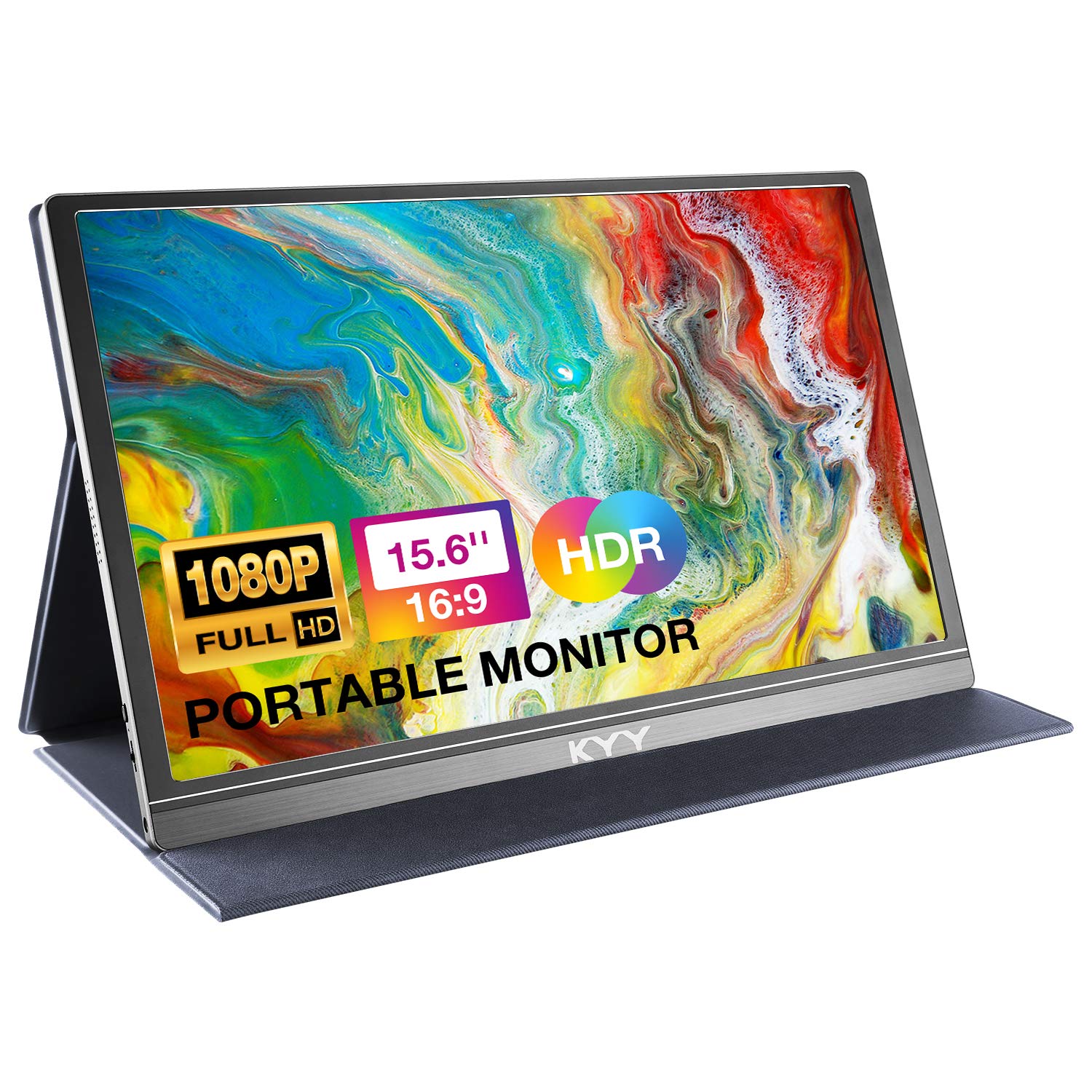
2. KYY Portable Monitor 15.6″
A budget 1080p IPS panel with 300-nit brightness and a smart cover stand.
At just 0.3 inches thin and 1.7 pounds, the KYY slides into a bag next to your laptop like it was always meant to be there. The smart cover made of PU leather doubles as a stand, and two grooves in the base give you a choice of viewing angles. Owners consistently describe the build as durable and the screen as clear.
The 1920×1080 IPS panel pushes 300 cd of brightness — slightly brighter than the cocopar — and the 1000:1 contrast ratio keeps blacks looking solid. A blue light filter and flicker-free backlight reduce eye strain during long reading sessions. Two built-in stereo speakers and a 3.5mm audio input mean you can watch a movie without hunting for headphones.
Owners mention the “durable, lightweight, clear 1080P screen; case doubles as stand; phone hookup; great price” make this the best grab-and-go option. Functionality and compatibility draw the most mixed feedback though. The built-in stand does not always hold its position and needs a nudge back into place, and the volume is on the quiet side. For the price, owners call it a highly recommended dual-display buy.
budget friendly: you give up a rock-solid stand for a price that leaves room in the budget for a proper mount later.
3. MSI Pro MP165 E6
A 0.78 kg panel with a built-in tripod mount for stable field use.
Most portable monitors give you a flimsy folio stand and hope for the best. The MSI instead includes a built-in 1/4-inch tripod mount, which means you can screw it onto any standard camera tripod for a stable, hands-free display at any height. Field technicians and shop mechanics have adopted it for exactly this reason — the deep on-screen menu with presets like Eco, Movie, Office, and Anti-Blue makes it a reliable reference screen for diagnostics.
At just 0.78 kg and 1.38 cm slim, this is one of the lightest 15.6-inch panels you can carry, and it slips into any laptop bag. The 1920×1080 IPS display delivers the accuracy that makes it usable for color work — owners have run DaVinci Resolve scopes on it. TÜV Rheinland certification for Low Blue Light and Flicker Free keeps long sessions comfortable.
It connects via HDMI or USB-C with DisplayPort 1.2a Alt Mode to laptops, phones, Nintendo Switch, and PS5. A full 178° viewing angle means the picture holds when you tilt it for a colleague to see. Customers note the image is excellent for the price, though one honest note is that the built-in speakers are weak — acceptable, since sound is not this monitor’s job. The ports sit on the side rather than the back, so a fully vertical orientation needs the tripod mount or VESA holes to work cleanly.
light choice: every folio-stand portable monitor for anyone who needs the screen held steady at eye level.
tinny sound: buyers who want room-filling built-in audio from a travel panel.
4. ASUS ZenScreen MB169CK
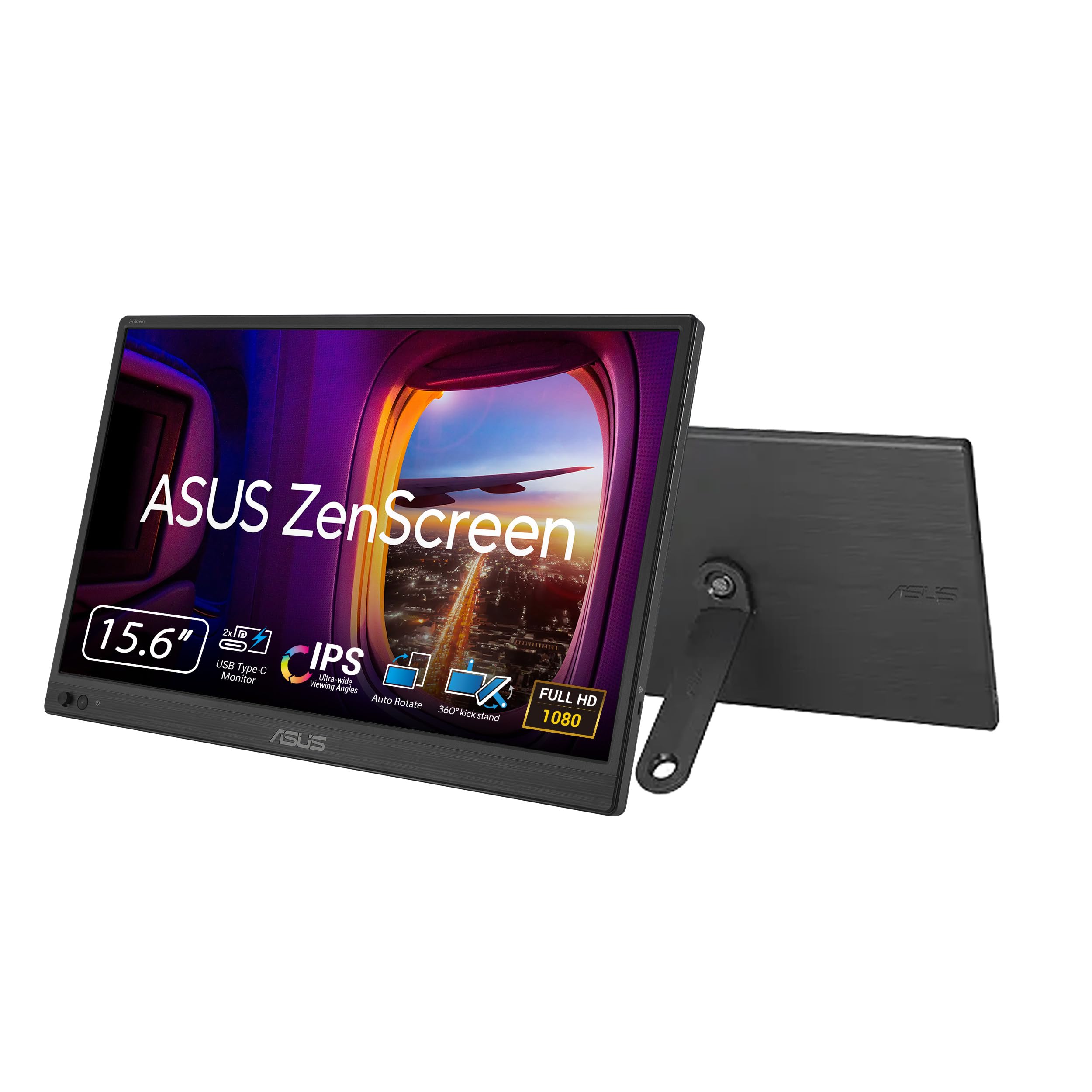
A 15.6-inch IPS panel with auto-rotate software for easy portrait mode.
If you write code or read long documents, portrait mode is a productivity superpower. The ASUS ZenScreen MB169CK pairs a 360-degree kickstand with DisplayWidget auto-rotate software, so the screen orientation flips automatically when you turn the panel. No digging through settings menus mid-task. The anti-glare IPS surface kills distracting reflections in bright cafes, and 300 nits of brightness keeps it visible near windows.
The 15.6-inch Full HD IPS display runs off a single USB-C cable for both power and video. Dual USB-C ports plus a mini-HDMI input mean you can share the panel between a MacBook and a desktop. A 1/4-inch tripod socket adds another mounting option, and the whole package is 0.78 kg and just 11.8 mm thin — small enough to slide into a briefcase. TÜV-certified flicker-free and low blue light tech rounds out a very comfortable panel for heavy reading.
Owners call the display quality excellent for productivity and say the screen “matches MacBook Pro display” clarity. The auto-rotate, the 90-degree USB-C connector, and the padded bag all earn repeated praise. Value for money draws mixed feelings though — the price sits above budget rivals, and a few owners wished for a higher refresh rate. One caution: check the unit as soon as it arrives, because a defective panel discovered after the return window is a painful loss.
crisp resolution: the auto-rotate software is the quiet feature that saves you the most time across a workday.
5. Acer 15.6in PM161Q
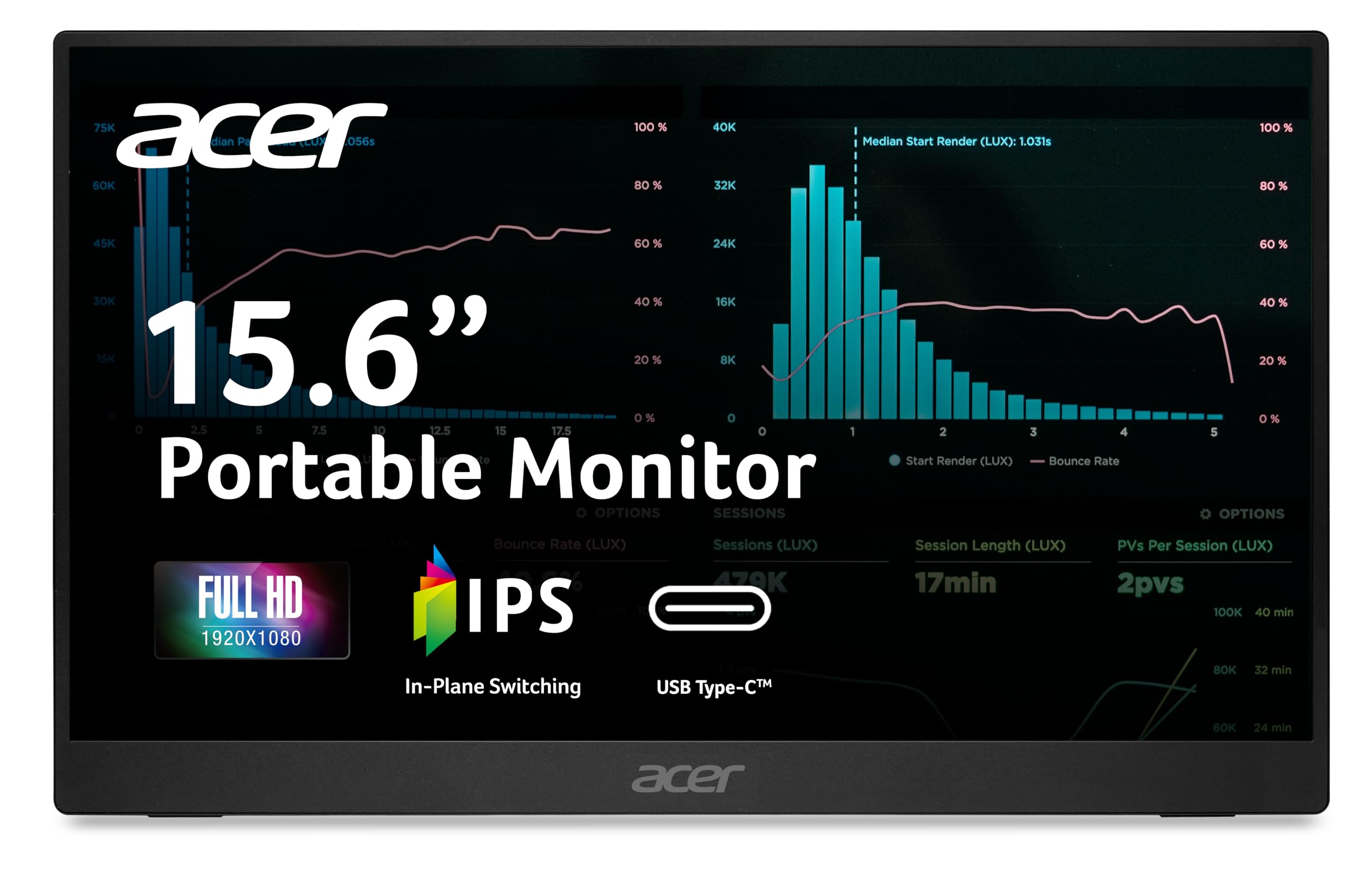
A 1.52-pound gaming panel with 4ms response and AdaptiveSync.
Gamers on the road have different needs than spreadsheet workers, and the Acer PM161Q delivers where it counts. A 4ms gray-to-gray response time keeps fast motion looking crisp, while AdaptiveSync matches the refresh rate to your graphics card to prevent screen tearing. The 1920×1080 IPS display handles both work and play at a smooth 60Hz.
At just 1.52 pounds and 0.41 inches thin, it is light enough to forget in a backpack. The tiltable kickstand opens from 0° to 90°, so you can set it at the angle that suits the task. One USB-C cable carries display, data, and 15W of power to your laptop — or straight to a smartphone or tablet.
Owners use it for everything from a desktop security system to a Raspberry Pi setup, and the consensus is that the picture quality and brightness are excellent for the size. The 2000:1 contrast ratio gives it deeper blacks than many rivals. One frequent note: the screen can look a little dull next to a premium laptop display, and the stand feels a bit flimsy — buyers recommend plugging it into direct power rather than relying on the laptop’s USB port alone.
value pick: you want a light second screen for gaming on the go without paying premium prices.
thick bezel: you need a heavy-duty stand that survives a bumpy commute.
6. siaviala Laptop Screen Extender
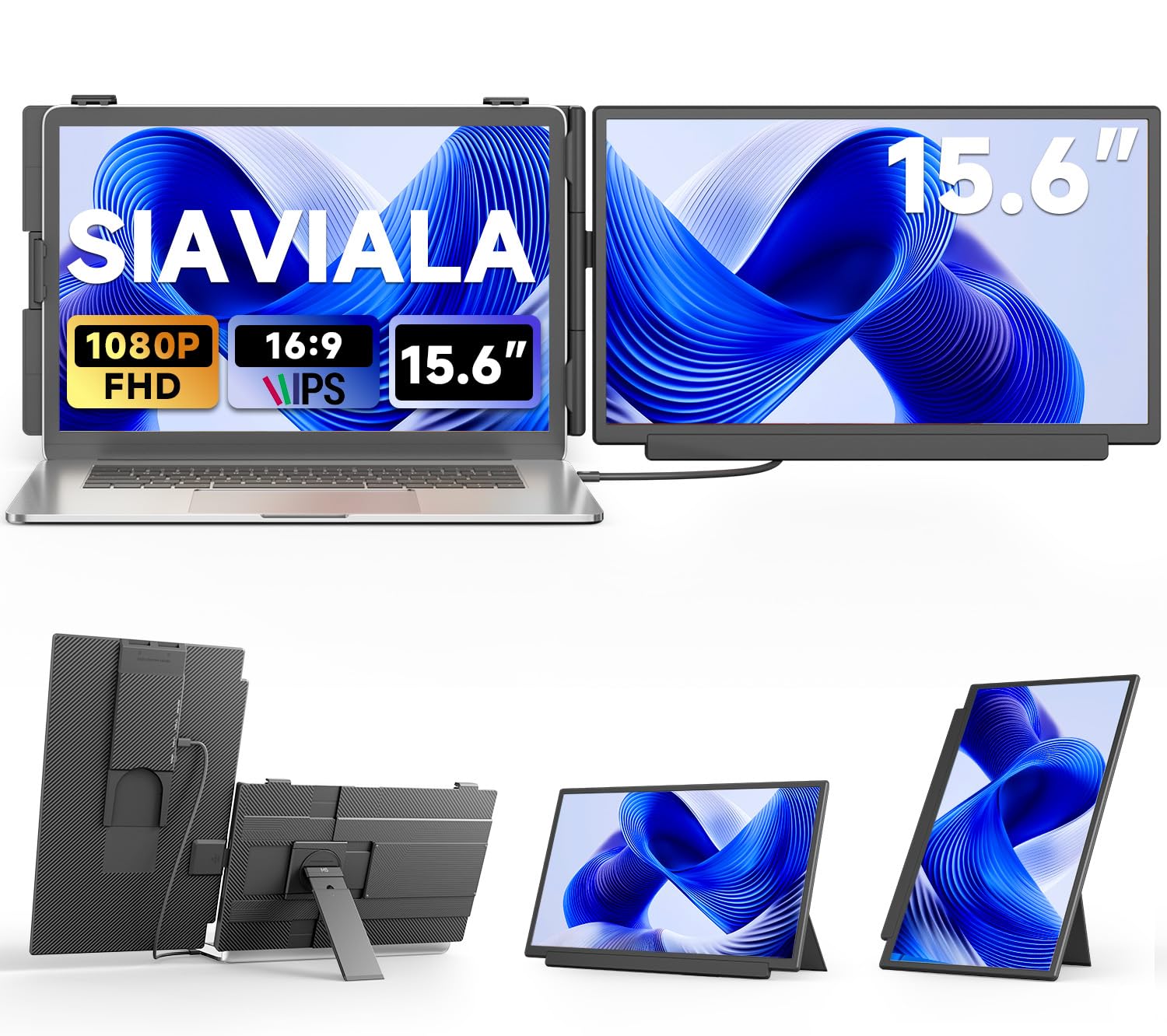
The attach-to-the-lid extender that turns any 13-17 inch laptop into a dual-screen rig
This is not a monitor that sits beside your laptop — it clips onto the back of the lid with a spring-loaded latch and swings out beside your main screen. It supports five usage modes: detachable, clamp-mounted, desktop display, single-screen use, and landscape or portrait orientation. The Kevlar-textured finish is scratch-resistant, fingerprint-proof, and slip-resistant, which matters when you are manhandling it onto a lid.
The 1920×1080 IPS panel reaches 280 cd/m² brightness with 1000:1 contrast. If your laptop has a fully functional USB-C port, one cable handles everything. If not, an HDMI plus a USB-A cable does the job. When plugged into an external PD power supply, the Type-C port can reverse-charge your computer at up to PD100W.
Owners praise it as a “brilliant device” for home office work, noting the text is clear and the colors match the laptop’s own display. Gamers like running a game on one screen and guides on the other. The telescopic support is too short for vertical stands, so if you want it upright you will need the clip grip to hold it.
dual screen: the clip-on design saves desk space but adds weight, so it is a better home-office tool than an airline companion.
7. Lenovo L15 Portable Monitor

The ThinkPad owner’s companion with a stand that actually adjusts to your eye line
Most portable monitors make you accept a fixed stand angle. The Lenovo L15 includes a height-adjustable stand — a genuine rarity at this size — so you can raise or lower the panel to match your eye level and cut neck strain during long hotel-room work sessions. The USB-C ports sit on the foot of the stand, which keeps the cable routing tidy on a desk.
The 15.6-inch Full HD IPS panel runs at 250 nits of brightness, which is a step down from the 300-nit rivals. It is best for indoor use or a shaded coffee shop. The 60Hz refresh rate with FreeSync support keeps streaming video smooth, and flicker-free technology helps reduce eye fatigue. At under two pounds, it is light enough to carry daily, and it works on a single USB-C cord.
Owners who pair it with a ThinkPad or MacBook Pro call it a “massive productivity upgrade,” noting the sharp display and easy plug-and-play setup. Display quality and ease of use lead the praise. Reliability draws the most mixed feedback though — one owner had a USB-C port fail within a year and hit a rough warranty experience. It is an excellent daily driver, but treat the port as something to protect.
tough build: you spend long hours in hotel rooms and want a stand you can dial to your exact eye level.
heavy load: you work in very bright spaces and need more than 250 nits of punch.
8. ASUS ZenScreen MB16ACV

The one-cord minimalist that leaves the wall adapter at home forever
This is the monitor that solves the “I forgot the power brick” problem permanently. The MB16ACV draws all its power through a single USB-C cable from a laptop — no separate power adapter, no second cord to lose. It even comes with a USB-C-to-A adapter, so you can run it off an older laptop’s USB-A port. Owners call the not-needing-a-power-adapter “an excellent feature for minimizing travel weight.”
The 15.6-inch Full HD anti-glare IPS display handles portrait or landscape via the built-in kickstand. A hybrid-signal solution supports both power and video transmission over one cable, and a tripod mount adds flexibility. The whole unit weighs under 3 pounds and ships with a protective sleeve. TÜV Rheinland-certified Flicker-free and Low Blue Light tech keeps long sessions comfortable.
Quality and picture quality dominate owner praise, and the display is frequently described as bright, clear, and easy to set up. Durability is the recurring warning though — several reviewers point out the kickstand broke within a month of use, so treat it gently. Also note this is not a gaming panel; a laptop’s display may need a DisplayLink driver for extended mode on some setups.
slim profile: you want the lightest possible travel kit with zero extra cables in your bag.
dark screen: the kickstand is the known weak point, so mount it gently.
9. Leudaich One Cable Extender
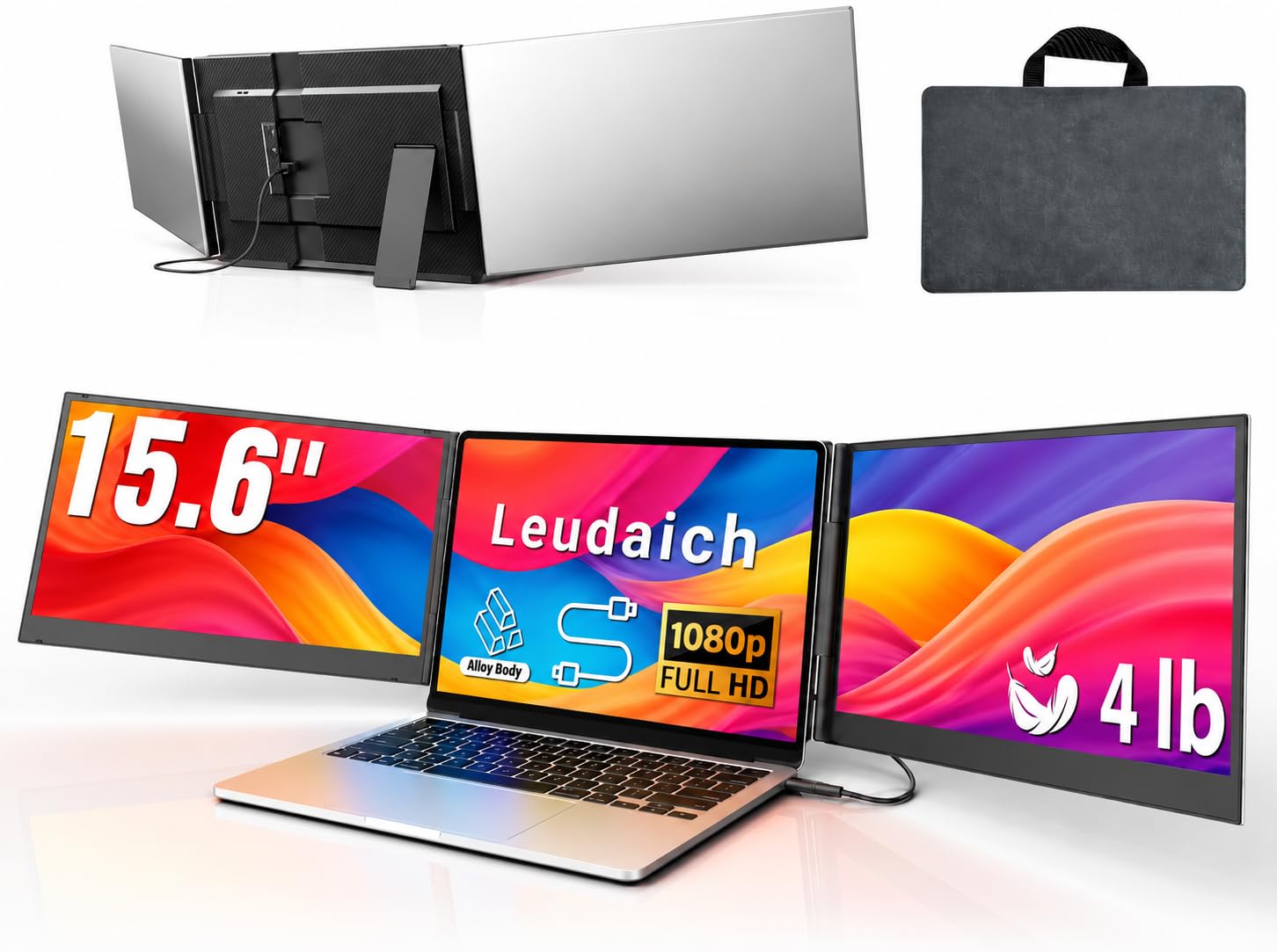
The aluminum-framed office powerhouse that turns a single laptop into a triple-screen desk
This is the extender for finance workers and data analysts who live on spreadsheets. The 15.6-inch Full HD IPS panel hits 300 nits of brightness with 100% sRGB color coverage, and a 1000:1 contrast ratio keeps figures crisp. It supports 180° rotation, so you can flip the screen toward a client for shared viewing. The premium aluminum alloy body keeps the weight manageable despite the larger footprint, and a leather carry bag is included.
Unlike clip-on designs, the Leudaich uses a no-clip structure that attaches without stressing the laptop hinges. The independent structure reduces hinge stress and allows quick setup and removal. It fits 13-17 inch laptops and connects through one USB-C or USB-A cable after a simple driver install — which also means you never worry about whether your USB-C port supports DP Alt Mode.
Owners call it ideal for working from home and hotel rooms, praising the sharp, clear graphics and easy single-cable setup. Monitor quality and portability lead the praise, with the included travel case earning repeated mentions. One honest gripe: the stand stability is weak and the mount takes up desk space, since there is no clamp for the laptop lid. It is a desk tool first, travel accessory second.
cable ease: you run numbers all day and want a sturdy triple-monitor rig without worrying about USB-C compatibility.
port sparse: backpack minimalist travel — at 4 pounds plus a case, this one earns its desk space.
Understanding the Specs
Brightness and Nits
Brightness is measured in nits or candela per square meter. A panel at 250 nits is fine for a dim office, while 300 nits handles a bright coffee shop. Think about where you will actually use the screen before you buy.
USB-C and DP Alt Mode
A single-cable monitor needs your laptop’s USB-C port to support DP Alt Mode — a feature that carries a video signal through the same connector. If your port does not support it, you will need a second cable for power or a driver-based extender.
FAQ
Will any USB-C monitor work with my MacBook?
What is the difference between a portable monitor and a laptop screen extender?
Can I use these monitors for gaming?
Do I need a power adapter for these monitors?
What does 100% sRGB mean for color accuracy?
How heavy is too heavy for a portable monitor?
Can I rotate these monitors to portrait mode?
What is the difference between 60Hz and higher refresh rates?
Final Thoughts: The Verdict
Across the board, the 15-inch computer monitor winner is the cocopar because it combines a sharp 1080p IPS display with the flexibility of two USB-C ports and VESA mounting at a price that undercuts its premium rivals. If you want the lightest possible one-cable travel kit, grab the ASUS ZenScreen MB16ACV. And for a full desk workstation that turns your laptop into three screens, the Leudaich is the one to reach for. If you are buying on a tight budget, the KYY delivers a bright, clear panel for noticeably less — just budget some patience for its flimsier stand.
How We Picked
We do not accept paid placement. Every pick is matched to a real buyer and a real use-case; we do not hands-on test units.
Sources & Methodology
Specifications: manufacturer listings and product documentation. Review insights: verified customer reviews, as of August 2026. Pricing: not shown on this page (it changes often); check the current price via the retailer link.
As an Amazon Associate, Gadgets Feed earns from qualifying purchases. This does not affect which products we feature.