
Our readers keep the lights on and my morning glass full of iced black tea. As an Amazon Associate, I earn from qualifying purchases.
Specs are compiled from manufacturer listings and verified buyer reviews and can change over time — please confirm the key details on the product page before buying.
A 1500R curve is the balance for immersion — it wraps around your peripheral vision without feeling like a tunnel. But pairing that bend with the right resolution, refresh rate, and color accuracy is where buying a gaming monitor gets tricky. You want a smooth tear-free experience, but the specs sheets throw terms like VA, sRGB, and Adaptive Sync at you without context.
I’m Min — the founder and writer behind Gadgets Feed. This guide is built by comparing the manufacturers’ published specifications and the patterns across verified customer reviews, so you get each pick’s real strengths and trade-offs instead of marketing spin.
These days, a great gaming setup relies on more than just a powerful graphics card. Choosing the best 1500r curved gaming monitor means balancing your need for speed with the visual quality that makes open worlds feel real.
Our Picks at a Glance
How To Choose The Best 1500R Curved Gaming Monitor
A 1500R curved gaming monitor offers a specific trade-off: it wraps deeper than a 1800R screen, pulling your eyes toward the center for better focus, but it can also make straight lines look bowed if you are doing design work. The key is matching the curvature to your viewing distance and your primary use — competitive FPS games benefit from a high refresh rate and low response time, while open-world RPGs or productivity work demand better color accuracy and resolution.
Refresh Rate vs Response Time
A 240Hz refresh rate updates the image 240 times per second, which makes fast motion look incredibly fluid — ideal for racing sims or competitive shooters. But the monitor’s response time (measured in milliseconds) determines how quickly a pixel changes color. A 1ms response time (often marked as MPRT) helps eliminate ghosting, but this spec can vary depending on the overdrive setting you choose. Some monitors feel stuttery at specific refresh rates even if the panel is fast on paper; owners of one model here report it feels best at 120Hz or 200Hz, while 165Hz felt “off.”
Resolution and Your Graphics Card
3440 x 1440 (UWQHD) provides extra horizontal space for immersion and multitasking. But it also demands more from your GPU. If you are running an RTX 3060 or equivalent, you will likely be comfortable at this resolution with medium settings. A 3840 x 2160 (4K) option in this list pushes even harder — great for crisp text and cinematic games, but you will need a stronger card (RTX 3080 or above) to hit the monitor’s 160Hz or 240Hz ceiling in modern titles.
Panel Technology: VA vs IPS vs OLED
Most 1500R curved monitors use VA (Vertical Alignment) panels because they handle deep blacks and high contrast ratios — typically 3000:1 or 4000:1 — which makes shadows and dark scenes look rich. The trade-off is narrower viewing angles compared to IPS (In-Plane Switching), though for a single user sitting directly in front of the curve, that rarely matters. IPS panels offer better color consistency but often have lower contrast. OLED provides the best of both worlds but is rarely found at a 1500R curve in this price range.
Quick Comparison
| Model | Best For | Resolution | Refresh Rate | Panel / Contrast | Amazon |
|---|---|---|---|---|---|
| Amzfast 34-Inch★ Best Overall | High-FPS Competitive Gaming | 3440 x 1440 | 240Hz | VA / 3000:1 | Amazon |
| Acer Nitro 31.5″Best Value | Console Gaming & Value | 2560 x 1440 | 180Hz | LCD / 100,000,000:1 | Amazon |
| AOC CU34G4HTop Performer | Blazing-Fast Response (0.3ms) | 3440 x 1440 | 200Hz | VA / — | Amazon |
| Gawfolk 34″ | Productivity & Casual Gaming | 3440 x 1440 | 165Hz | LED / — | Amazon |
| AOC CU34G4V | G-Sync & FreeSync Premium | 3440 x 1440 | 180Hz | VA / 80,000,000:1 (dynamic) | Amazon |
| Great voell 34″ | High Refresh on a Budget | 3440 x 1440 | 240Hz | VA / 3000:1 | Amazon |
| ASUS TUF VG34VQ3B | ELMB Sync & Built-In USB Hub | 3440 x 1440 | 180Hz | LCD / 4,000:1 (static) | Amazon |
| Alienware AW3425DWM | Color-Accurate Gaming/Productivity | 3440 x 1440 | 180Hz | LED / 3,000:1 | Amazon |
| KOORUI 34″ | PIP/PBP Multitasking | 3440 x 1440 | 240Hz | VA / 4000:1 | Amazon |
| CRUA 32″ 4K 160Hz | 4K Resolution & RGB Style | 3840 x 2160 | 160Hz | VA / 3000:1 | Amazon |
| CRUA 32″ 4K 240Hz | 4K 240Hz & PIP/PBP | 3840 x 2160 | 240Hz | VA / 3000:1 | Amazon |
In‑Depth Reviews
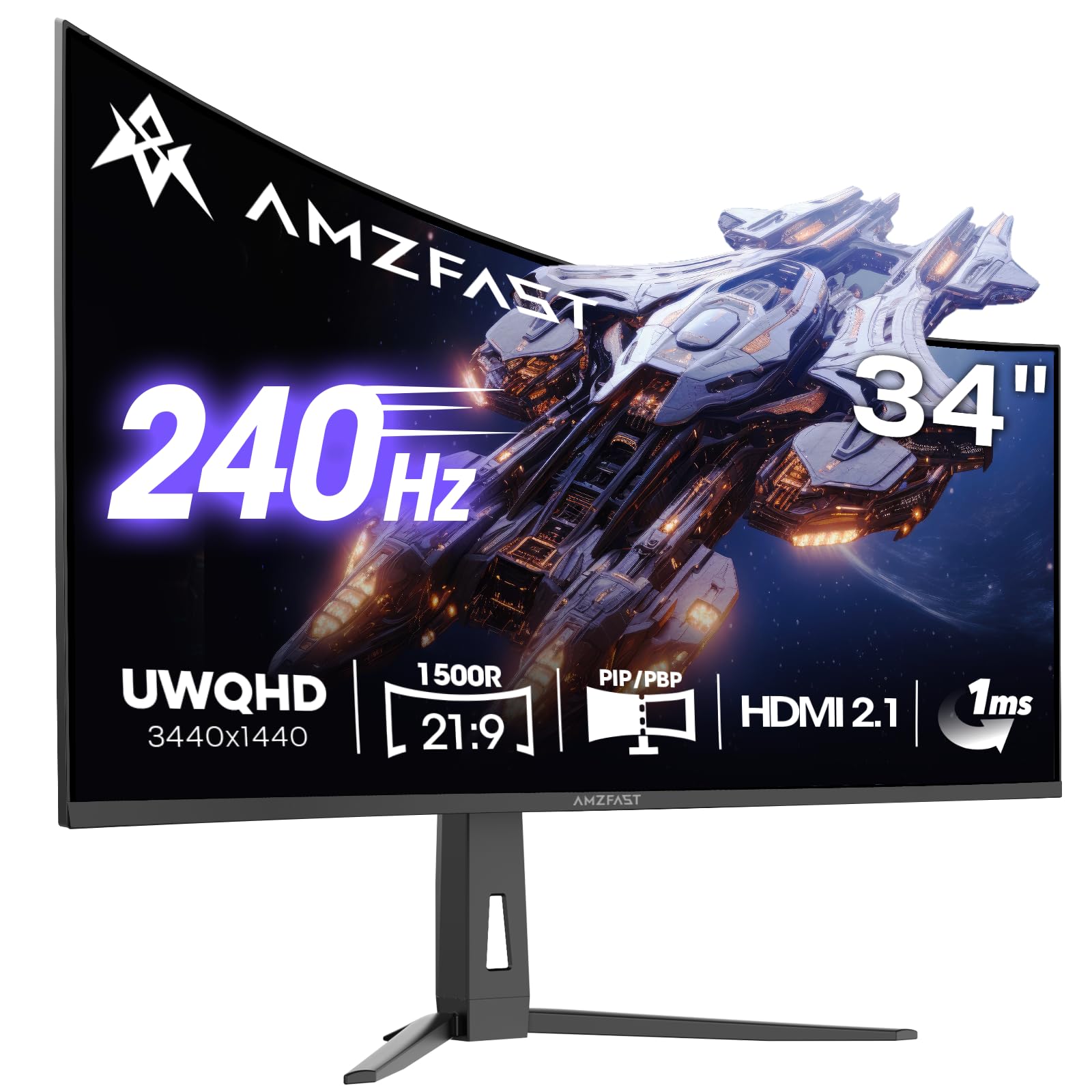
1. Amzfast 34 Inch Curved Monitor 240Hz UWQHD (3440×1440) Gaming Monitor
Our pick — over 4.5★ from 1,500+ verified ratings; the strongest balance of quality and price.
The 240Hz ultrawide with HDMI 2.1 that outpaces monitors costing twice as much.
This monitor gives you a 3440 x 1440 resolution with a 240Hz refresh rate and a 1ms response time, which makes fast-paced shooters feel exceptionally smooth. The 1500R curve wraps the 34-inch VA panel around your view, and the 3000:1 contrast ratio ensures blacks look deep during dimly lit scenes. It also supports both AMD FreeSync Premium and G-Sync compatibility, so screen tearing is kept to a minimum whether you are on an AMD or NVIDIA card.
The connectivity is a standout here: dual HDMI 2.1 ports can handle the full 240Hz, which is rare at this price. Buyers report that the overdrive settings matter — the monitor feels best at 120Hz or 200Hz, while 165Hz felt a bit off for some. Owners also praise the 96% DCI-P3 color gamut and the built-in headphone holder, and multiple reviews mention the picture quality looks “excellent and adjustable” right from the start.
What You Gain
- 240Hz refresh rate with 1ms (OD) response time for buttery-smooth gameplay.
- Dual HDMI 2.1 ports support the full 240Hz without compression.
- Height-adjustable stand with swivel and tilt for comfortable long sessions.
Consider Before Buying
- Overdrive settings need tweaking — some owners find 165Hz less smooth than 200Hz.
- Built-in speakers are basic; you will want a headset or external set.
Reach for this if: you want the highest smoothness at a mid-range price and have the graphics card to drive 3440 x 1440 at high frames.
Look elsewhere if: you are sensitive to overdrive tuning and want a panel that works perfectly without adjustment at every refresh rate.
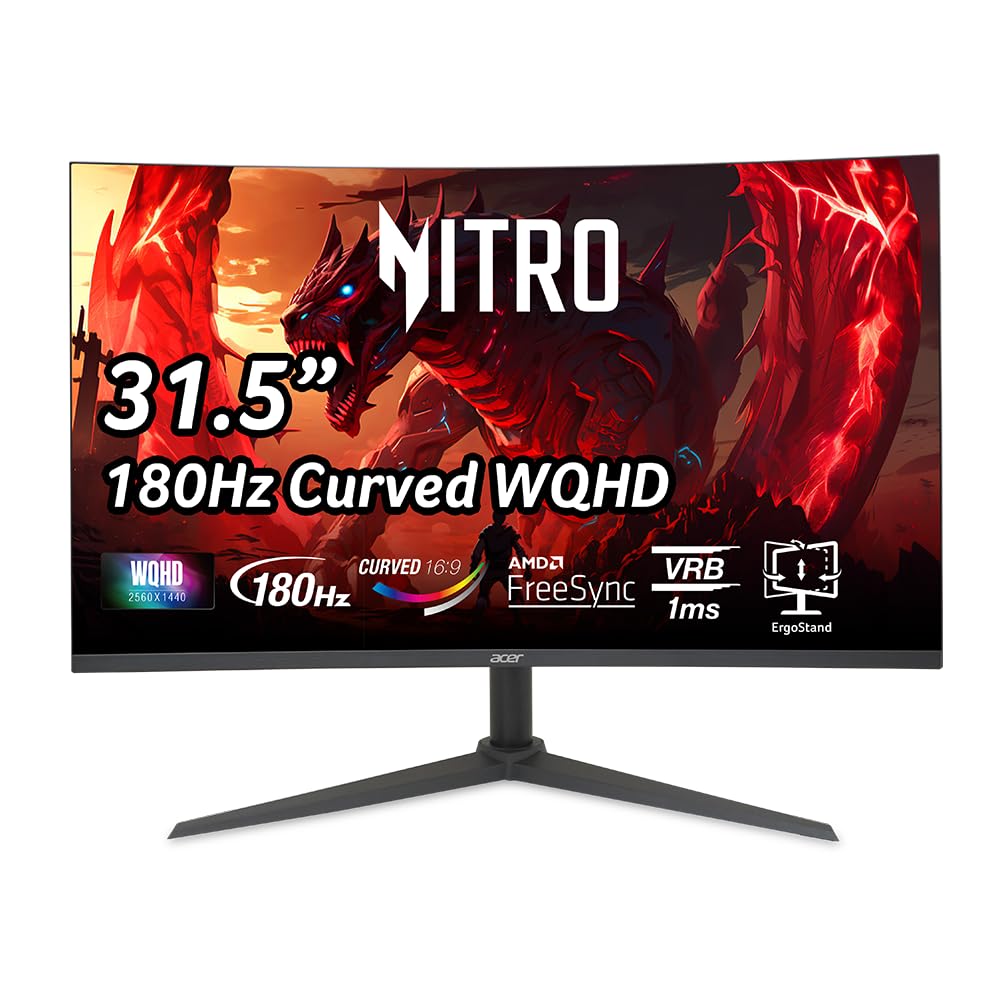
2. acer Nitro 31.5 Inch WQHD 2560 x 1440 1500R Curved PC Gaming Monitor
The 31.5-inch WQHD panel that delivers console-friendly 180Hz while staying affordable.
This Acer monitor uses a 2560 x 1440 resolution on a 31.5-inch 1500R curved VA panel, hitting up to 180Hz with a 1ms VRB response time. The 100,000,000:1 dynamic contrast ratio is among the highest in this list, which translates to extremely deep blacks in dark game scenes. It measures 10.37 inches deep by 27.91 inches wide and weighs 7.42 kg; the Gawfolk 34-inch measures 4 inches deep and weighs 5.5 kg, so plan your desk space accordingly.
Owners consistently highlight the display quality and image quality as the top positive aspects, with one buyer noting it runs “180fps on select games” with the PS5. The color quality also earns strong praise. The catch, as a few owners mention, is that some units have experienced screen issues after extended use, so the 3.94-inch height-adjustable stand and FreeSync support are best paired with a good return policy. The included DisplayPort 1.4 cable has been noted as underpowered by one owner who needed a DP 2.1 VESA-certified cable to hit 2K 180Hz without flickering.
The Immersion Trade-Off: The 16:9 aspect ratio gives you less horizontal view than ultrawides, but the 31.5-inch diagonal and 1500R curve still pull you in — and the 100,000,000:1 contrast makes dark scenes look especially rich.
Best for: console gamers who want a high refresh rate at 1440p without needing a high-end PC, and buyers on a strict budget who prioritize contrast.
skip it if: you need an ultrawide 21:9 screen for multitasking, or you prefer a lighter monitor for easy wall mounting.
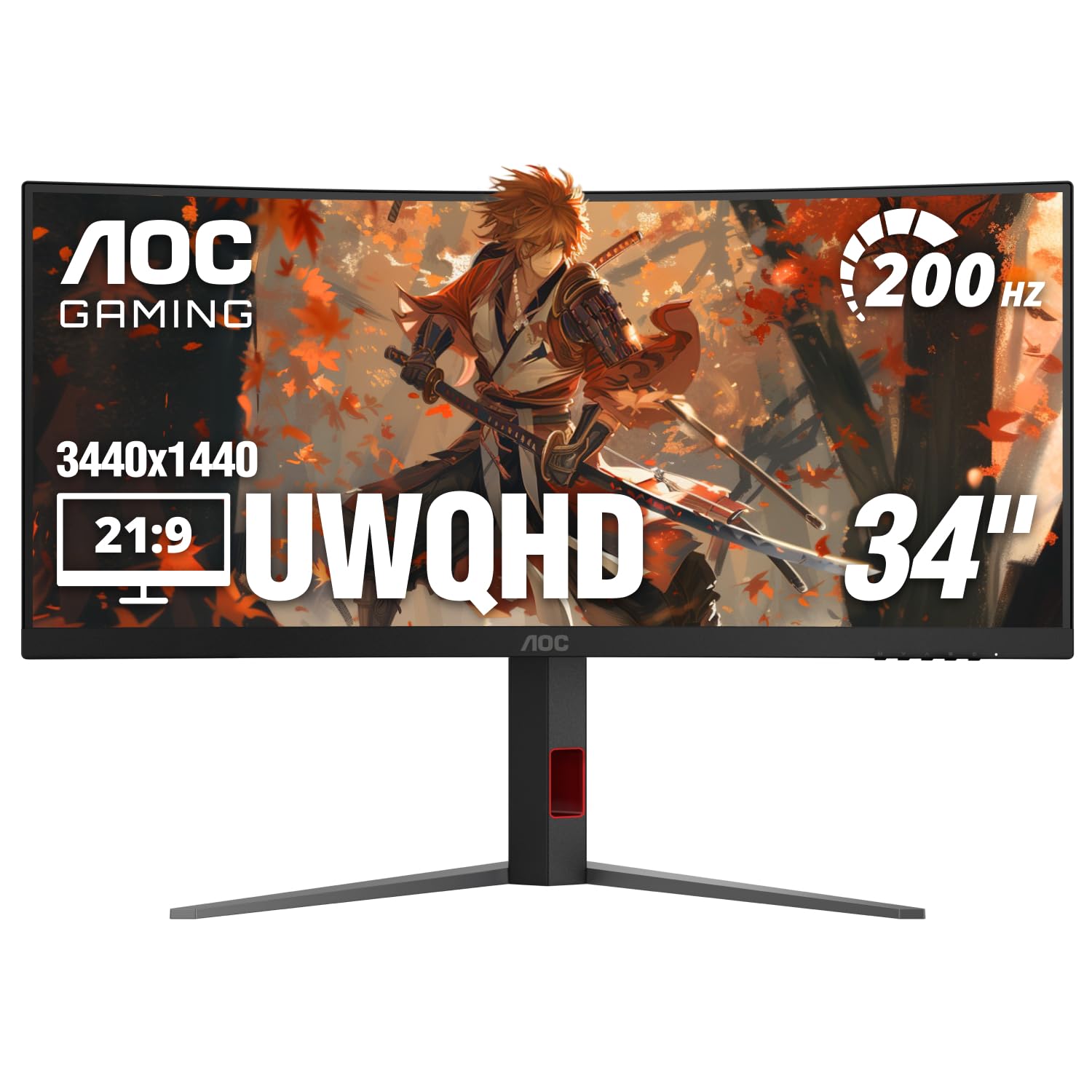
3. AOC 34 Inch Curved Gaming Monitor UWQHD 200Hz VA 0.3ms HDR, CU34G4H
The 200Hz ultrawide with a 0.3ms response time that makes motion blur a non-issue.
This AOC delivers the fastest rated response time in this roundup at 0.3ms MPRT, paired with a 200Hz refresh rate on a 34-inch 3440 x 1440 VA panel with a 1500R curve. The 200Hz refresh is achievable via DisplayPort 1.4 (HDMI 2.0 maxes at 100Hz), so make sure your PC uses DP. Adaptive-Sync support helps eliminate tearing, and the HDR Ready label means improved contrast in supported content.
Customers note this is “excellent for content creation” with easy setup and no scaling issues. The stand footprint is noted as obtrusive, meaning it takes up more desk depth than some rivals — the stand dimensions are 10.61 inches deep by 31.81 inches wide. A couple of owners noted the HDMI 2.0 port cannot hit 120Hz, so competitive console gamers should plan to use the DisplayPort or look for an HDMI 2.1 monitor.
Why It Stands Out
- 0.3ms MPRT response time significantly reduces ghosting in fast scenes.
- 200Hz refresh rate via DisplayPort for ultra-smooth gameplay.
- Height, tilt, and swivel adjustable stand for ergonomic comfort.
One Thing to Know
- HDMI 2.0 caps at 100Hz, so the full 200Hz requires DisplayPort 1.4.
- Stand base is large and may crowd a small desk.
Reach for this if: you are a competitive PC gamer who wants the fastest pixel response at this curvature.
Look elsewhere if: you are a console gamer relying on HDMI, or your desk space is tight.
4. Alienware 34 Curved Gaming Monitor – AW3425DWM

The premium 34-incher with VESA DisplayHDR 400 and color accuracy that doubles as a productivity tool.
With DCI-P3 95% color coverage and VESA DisplayHDR 400 certification, this Alienware delivers vibrant, accurate colors that work equally well for gaming and photo editing. The 3440 x 1440 WQHD resolution on a 34-inch 1500R curved VA panel runs at 180Hz with a 1ms gray-to-gray response time, supported by AMD FreeSync Premium and VESA AdaptiveSync. The 400 cd/m² brightness; the Gawfolk and CRUA 4K 240Hz both sit at 300 cd/m² — so highlights in HDR content pop more.
The build includes a tool-less height adjustment stand, a hardware-based low blue light solution that preserves color, and a dedicated console mode. Owners praise the “sharp WQHD resolution, vivid colors, and deep contrast” for both gaming and office work. One catch: there are no built-in speakers, and the USB ports are Type A only. At 3,000:1 contrast, it does not match the Acer Nitro’s 100,000,000:1 dynamic ratio, but the overall color performance is more consistent for creative work.
Built for Marathon Sessions: The dedicated console mode and hardware low blue light filter reduce eye strain during long gaming or work hours without washing out the color, as noted by multiple owners.
Best for: gamers who also do photo or video editing and want accurate colors straight from the box, plus a premium adjustable stand.
pass on it if: you need built-in speakers or a monitor primarily for console gaming — some reviewers point out black bars or stretched images with consoles.
5. ASUS TUF Gaming 34” Ultra-Wide Curved Monitor (VG34VQ3B)

The ASUS with ELMB Sync that eliminates motion blur without the usual brightness drop.
ASUS’s Extreme Low Motion Blur (ELMB) SYNC technology lets you use backlight strobing and Adaptive Sync simultaneously, which is rare — most monitors force you to choose between blur reduction or VRR. The 3440 x 1440 resolution runs at 180Hz on a 1500R curved VA panel with a 4,000:1 static contrast ratio, giving it deeper native blacks than the 3,000:1 competitors. It also includes a four-port USB 3.2 Gen 1 hub built into the monitor, making it easy to plug in peripherals without reaching your PC tower.
Owners highlight the “amazing picture quality” and “great value for money,” with 42 positive mentions of overall quality and 24 for picture quality specifically. The stand is non-adjustable and quite short, which several owners flag as a downside, so you will likely want a VESA arm. The built-in speakers are described as “very tinny, quiet, and poor,” so plan for external audio.
Standout Features
- ELMB Sync combines blur reduction with VRR — a rare and useful feature for competitive gaming.
- 4,000:1 static contrast ratio for deeper blacks than typical VA panels.
- Built-in USB hub for convenient peripheral connections.
Watch For
- Stand is tiny and non-adjustable — budget for a monitor arm or riser.
- Speakers are weak; external audio is essential.
Reach for this if: you want the best motion clarity technology (ELMB Sync) combined with VRR, and you already own a monitor arm.
Look elsewhere if: you cannot or do not want to buy a separate monitor arm, or you need good built-in audio.
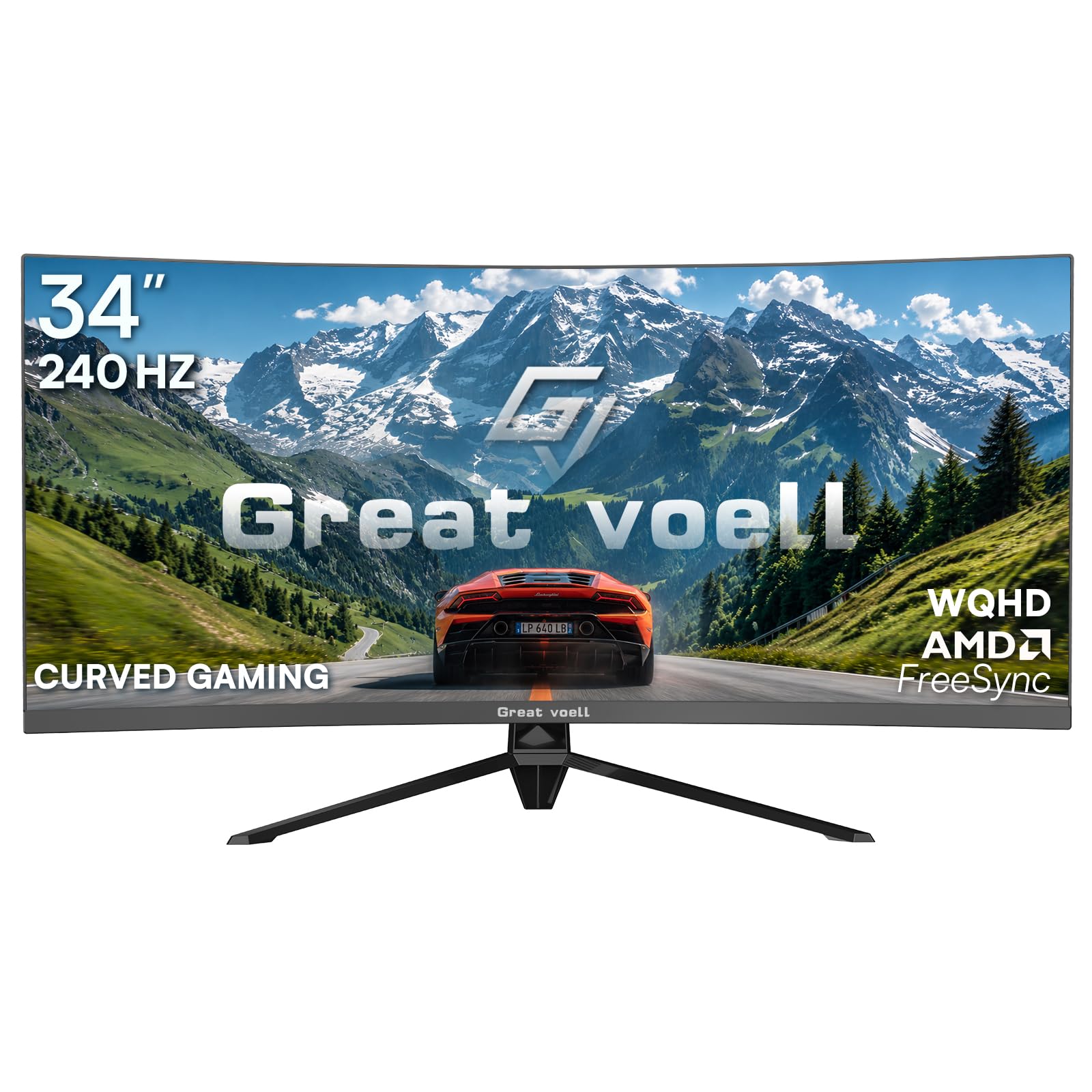
6. Great voell 34 Inch Ultrawide Curved Gaming Monitor, 240Hz WQHD
The 240Hz budget ultrawide that punches above its weight for competitive shooters.
The Great voell offers a 240Hz refresh rate with a 1ms response time on a 34-inch 3440 x 1440 VA panel with 1500R curvature and 127% sRGB color gamut. It supports both G-Sync and FreeSync, so tearing is minimized on either GPU brand. The 350 cd/m² brightness is decent for indoor use; the KOORUI and Alienware have 400 cd/m².
Buyers call it an “absolute standout for competitive gaming,” noting the 240Hz and 1ms MPRT eliminates ghosting in Valorant and Apex. The 127% sRGB coverage produces vibrant colors that exceed expectations for the price. Gaming performance is the top praised aspect across reviews, with 7 mentions. One owner does warn that the mounting block can cause instability — the monitor fell over when bumped — so consider a secure VESA mount or a stable desk placement.
The Real Trade-Off: At this price, the stand feels basic and the monitor is prone to tipping if bumped. It is an excellent panel that deserves a good arm or a careful placement.
Best for: budget-conscious competitive gamers who need 240Hz smoothness and do not mind adding a VESA arm for stability.
it’s not for you if: you need an adjustable stand from the start, or you want a monitor that feels solid on its own base.
7. KOORUI 34″ Ultrawide Curved Gaming Monitor, 240Hz, WQHD 3440×1440
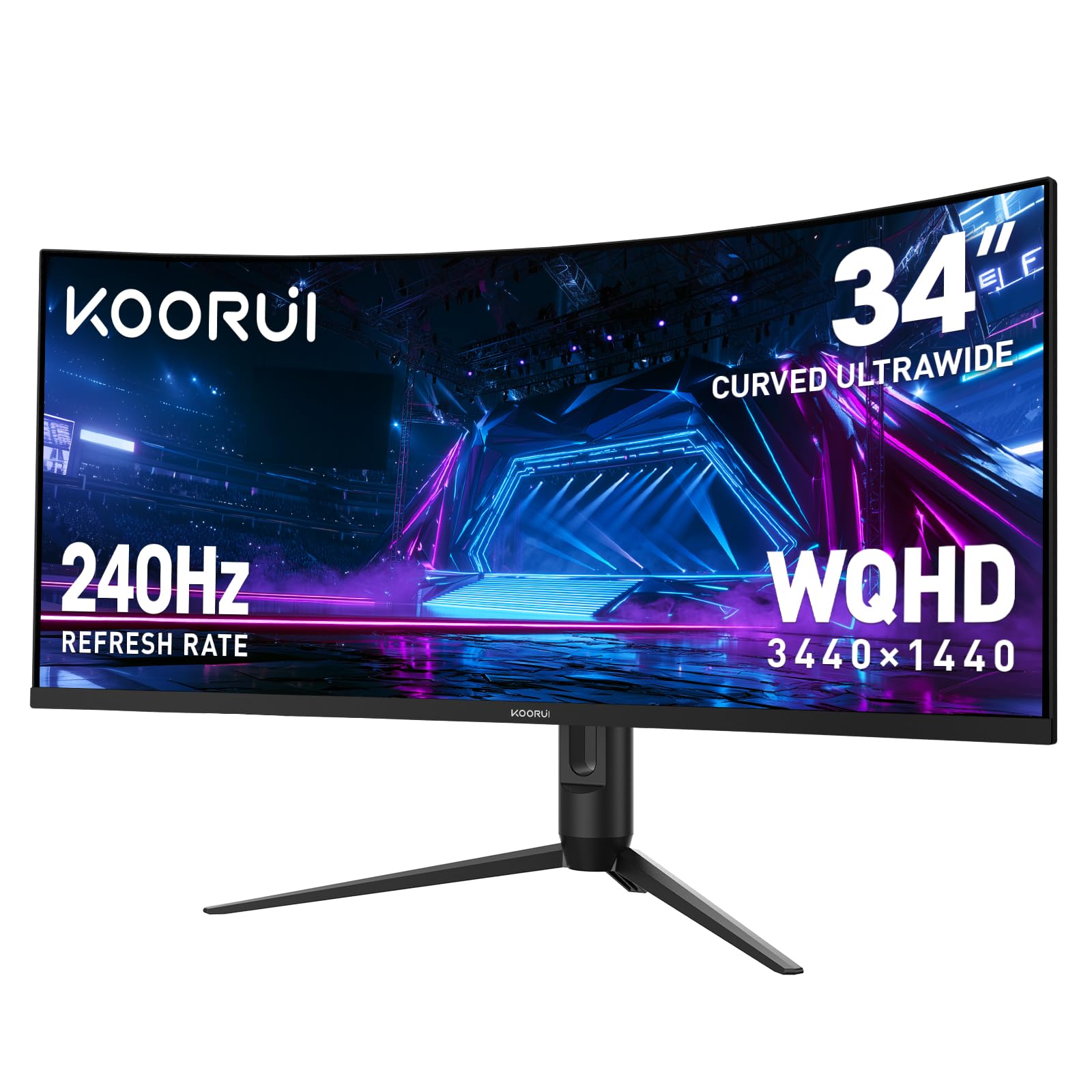
The 240Hz KOORUI that throws in PIP/PBP for multitaskers who also want high-speed gaming.
KOORUI’s 34-incher packs a 240Hz refresh rate, 1ms response time, and 3440 x 1440 resolution into a 1500R curved VA panel with a 4000:1 contrast ratio and HDR400 support. The 98% DCI-P3 color gamut is among the best in this roundup; the Amzfast has 96% DCI-P3 and the Alienware has 95% DCI-P3 — so color-rich games and movies look vivid. The 400 cd/m² brightness matches the Alienware and beats the 300 cd/m² on the Gawfolk and CRUA 4K 240Hz.
The stand adjusts 110mm in height, tilts -5° to 20°, and swivels -15° to 15°, giving you thorough ergonomic range. PIP and PBP support let you display two devices on screen at once, which owners find useful for multitasking between a gaming PC and a work laptop. Buyers consistently call it a “quality gaming at a good price” option, with one owner noting they have “had this for three years, works great.” With over 5,000 ratings, it is among the most popular choices in this list.
Highlights
- 240Hz and 1ms for ultra-smooth competitive gaming.
- 98% DCI-P3 color gamut with 4000:1 contrast for rich, vibrant visuals.
- Full ergonomic stand with height, tilt, and swivel adjustments plus PIP/PBP.
Consider This
- Shoppers say some units have a weak stand base — check packaging carefully on arrival.
- HDR400 is entry-level HDR; do not expect OLED-like highlights.
Reach for this if: you want high refresh gaming with the flexibility to split the screen between two devices, all with strong color performance.
Look elsewhere if: you need the absolute best HDR quality or prefer a more compact 16:9 screen for competitive FPS.
8. AOC CU34G4V 34″ Frameless Curved Ultrawide Gaming Monitor
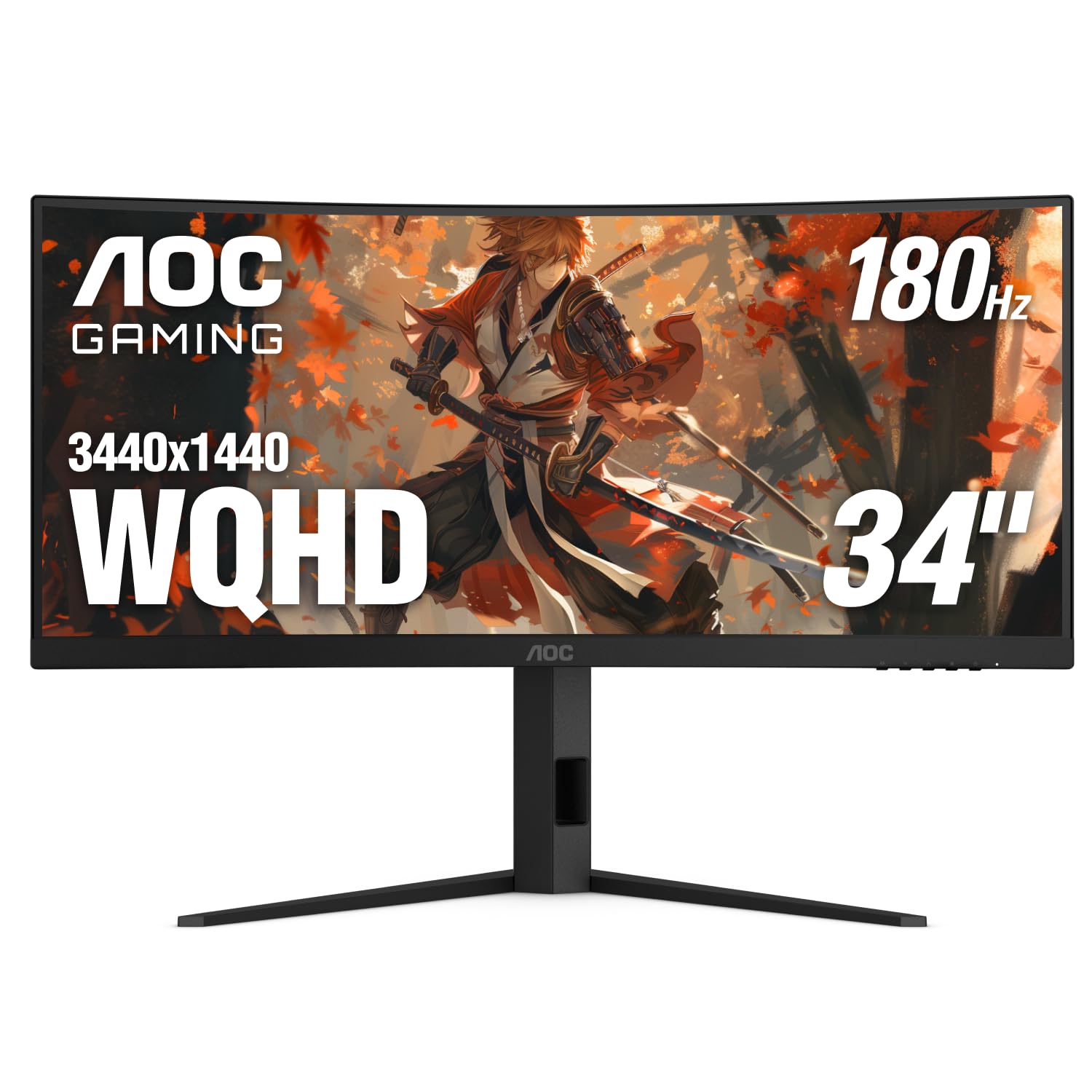
The 180Hz AOC with FreeSync Premium that balances speed and build quality at a fair price.
This AOC model runs a 3440 x 1440 VA panel at 180Hz with a 0.5ms MPRT response time, putting it between the CU34G4H (200Hz/0.3ms) and most 165Hz panels in speed. The 80,000,000:1 dynamic contrast ratio provides deep blacks, and the 300 cd/m² brightness is adequate for indoor gaming though not as bright as the 400 cd/m² on the KOORUI or Alienware. AMD FreeSync Premium support ensures smooth variable refresh rate performance on both AMD and NVIDIA systems.
Owners call it a “major upgrade from 5ms 1080p ultrawide,” noting the image quality is “crisp, fast for videos/editing/gaming.” The monitor quality and value for money are the top praised aspects. The ergonomic stand delivers -3.5° to 21.5° tilt, ±20° swivel, and 130mm height adjustment — more tilt range than the AOC CU34G4H — making it easier to dial in your view. With only 56 ratings, it is a newer model with less buyer data than the more popular KOORUI or Amzfast options.
Panel Consistency: While the 0.5ms MPRT is slightly slower than the CU34G4H’s 0.3ms, in practice the difference is negligible for most gamers, and the wider tilt range improves daily comfort.
Best for: buyers who want a well-built ultrawide with a flexible ergonomic stand and do not need the absolute fastest pixel response.
look elsewhere if: you need 200Hz+ for competitive gaming or want HDR400 brightness.
9. Gawfolk 34 Inch Ultrawide Curved Gaming Monitor, 21:9 UWQHD 3440×1440 165Hz
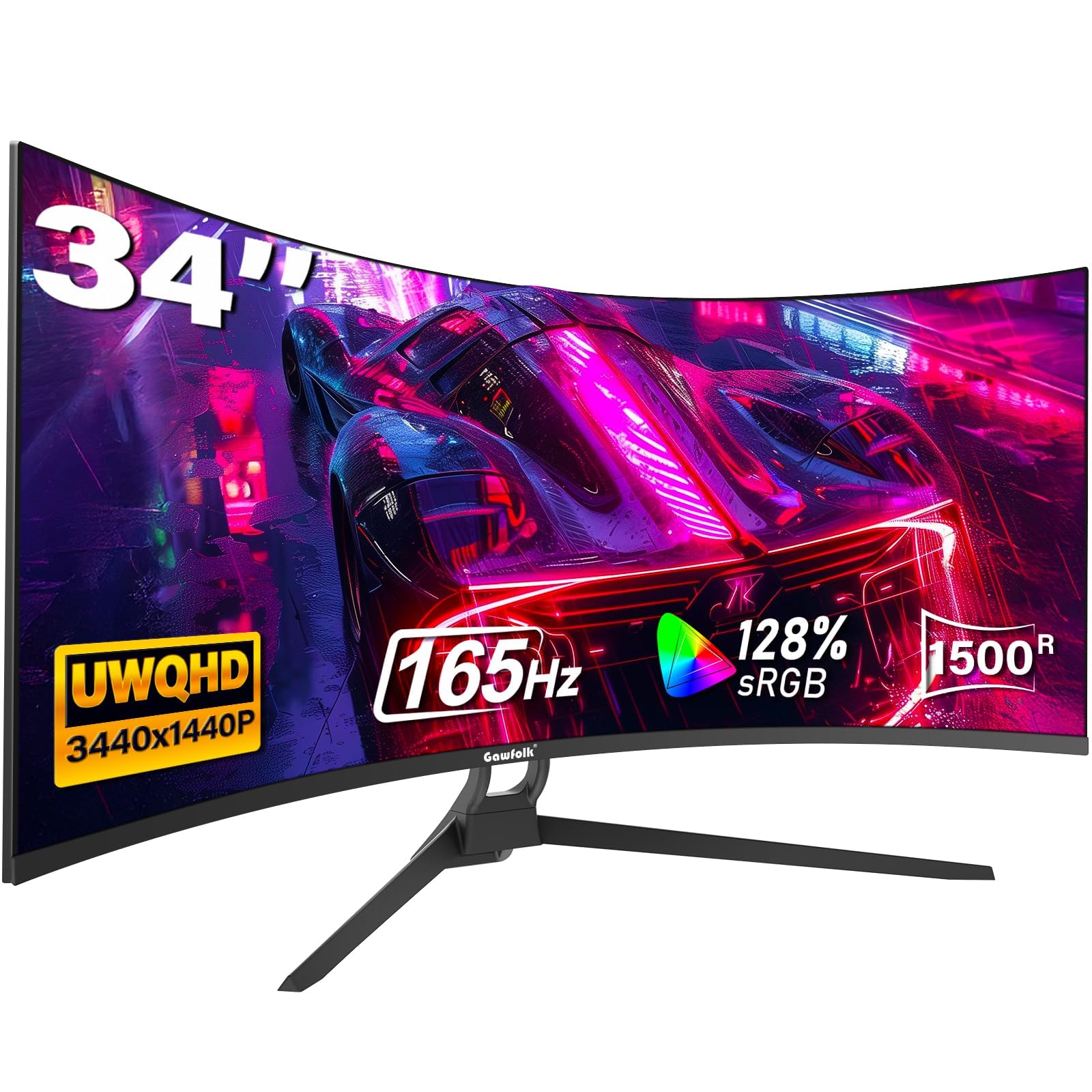
The budget 34-inch ultrawide with a 3440×1440 resolution that trades some polish for price.
The Gawfolk offers a 3440 x 1440 resolution on a 34-inch 1500R curved VA panel with 165Hz refresh rate and 1ms MPRT response time. The 128% sRGB coverage is competitive for the price, and HDR support is included though it is basic. It is the lightest 34-inch ultrawide in this list at 5.5 kg, and its stand footprint is just 4 inches deep — significantly shallower than the Acer Nitro’s 10.37-inch depth, making it a good fit for smaller desks.
Owners mention “quality” and “value for money” as the top positives, with 83 mentions of quality and 45 for value. The 21:9 aspect ratio provides an ultrawide screen, which helps for multitasking. The reliability and picture quality receive mixed feedback — some buyers report units that stopped working, while others praise the colors and resolution. The tilt-only stand (no height or swivel) is a compromise at this price, and some owners find the on-screen menu buttons difficult to use.
What You Sacrifice: For the low price, you get good resolution and refresh rate, but reliability and build quality are the trade-offs — some owners mention defective units, so buy from a retailer with a good return policy.
Reach for this if: you want a massive 34-inch ultrawide on a strict budget and are comfortable with a tilt-only stand.
Look elsewhere if: long-term reliability is your top concern, or you need a height-adjustable stand.
10. CRUA 32″ 4K UHD 160Hz Curved Gaming Monitor, 1500R, AMD FreeSync, White
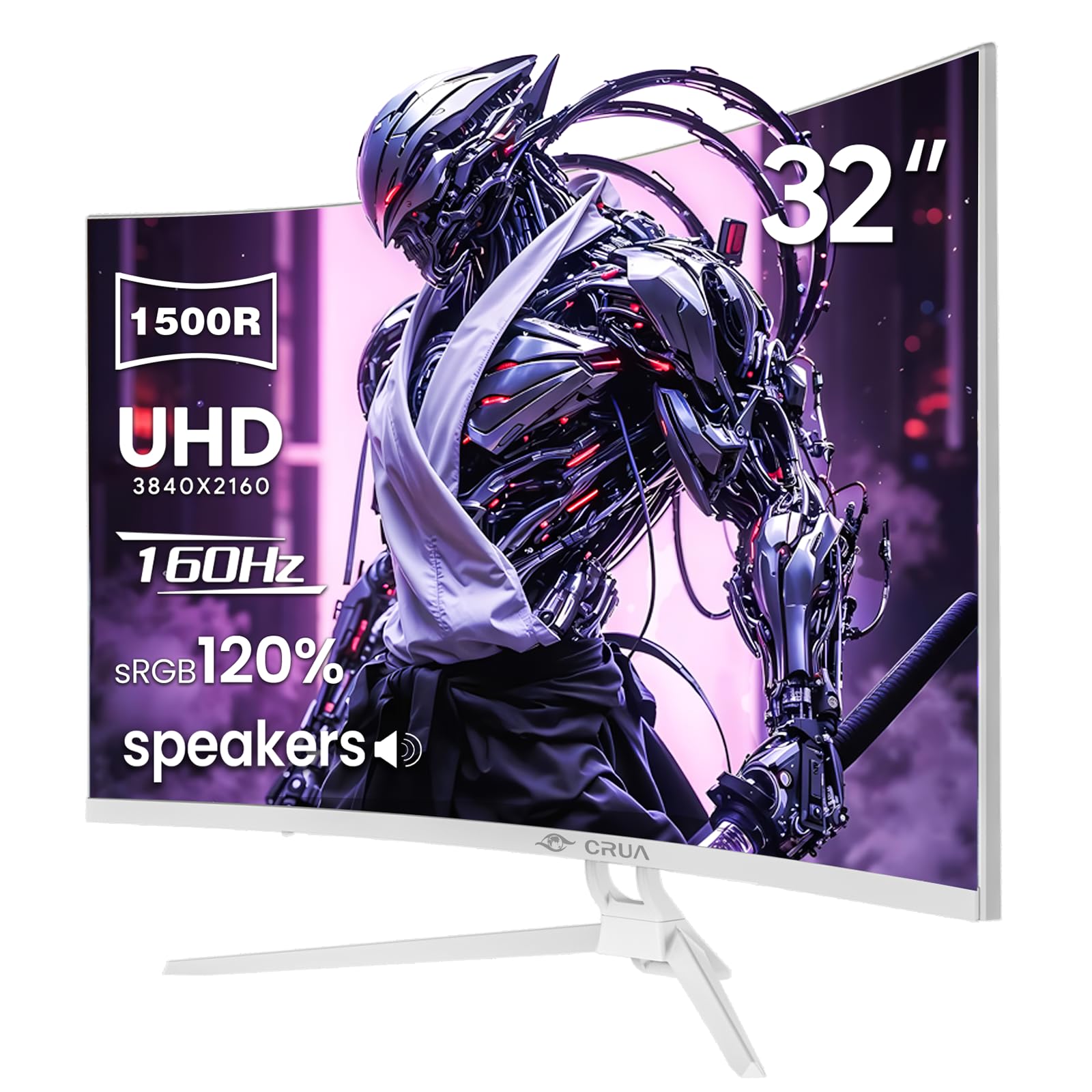
The white 4K curved monitor that brings a crisp 3840×2160 resolution to the 1500R family.
This CRUA is one of only two 4K monitors in this list, offering a 3840 x 2160 resolution at 160Hz on a 32-inch 1500R curved VA panel. The 120% sRGB color gamut and 3000:1 contrast ratio produce sharp, colorful images. It includes built-in speakers, HDMI 2.1 and DP 1.4 ports, and rear RGB lighting for added desk ambiance. The 75x75mm VESA mount makes it wall-mountable, though the 320 cd/m² brightness is on the lower side for HDR content.
Owners describe it as a “great mid-grade monitor” with “beautiful picture quality” and note the build quality is solid. The white chassis and RGB lighting make it a distinctive choice for themed setups. Picture quality and reliability get mixed feedback — while many owners are happy, some report units failing after a few months, and the HDR performance is underwhelming for purists. With 4.3 stars and over 400 ratings, it is a popular entry-level 4K curved option for users who prioritize resolution over absolute speed.
What Makes It Unique
- 4K UHD resolution (3840×2160) for incredibly sharp text and detail.
- White finish with RGB lighting stands out from the black monitor crowd.
- 160Hz refresh rate with HDMI 2.1 for smooth 4K gaming on PC and console.
Watch Out For
- Brightness tops out at 320 cd/m² — glare can be an issue in a sunny room.
- Reliability is mixed; some customers note screen failure within months.
Best for: users who want 4K sharpness on a curved screen for both gaming and productivity, and who like a white-and-RGB aesthetic.
steer clear if: you prioritize high brightness for HDR or need a panel with a proven long-term track record.
11. CRUA 32″ 4K UHD 240Hz Curved Gaming Monitor, 1500R VA
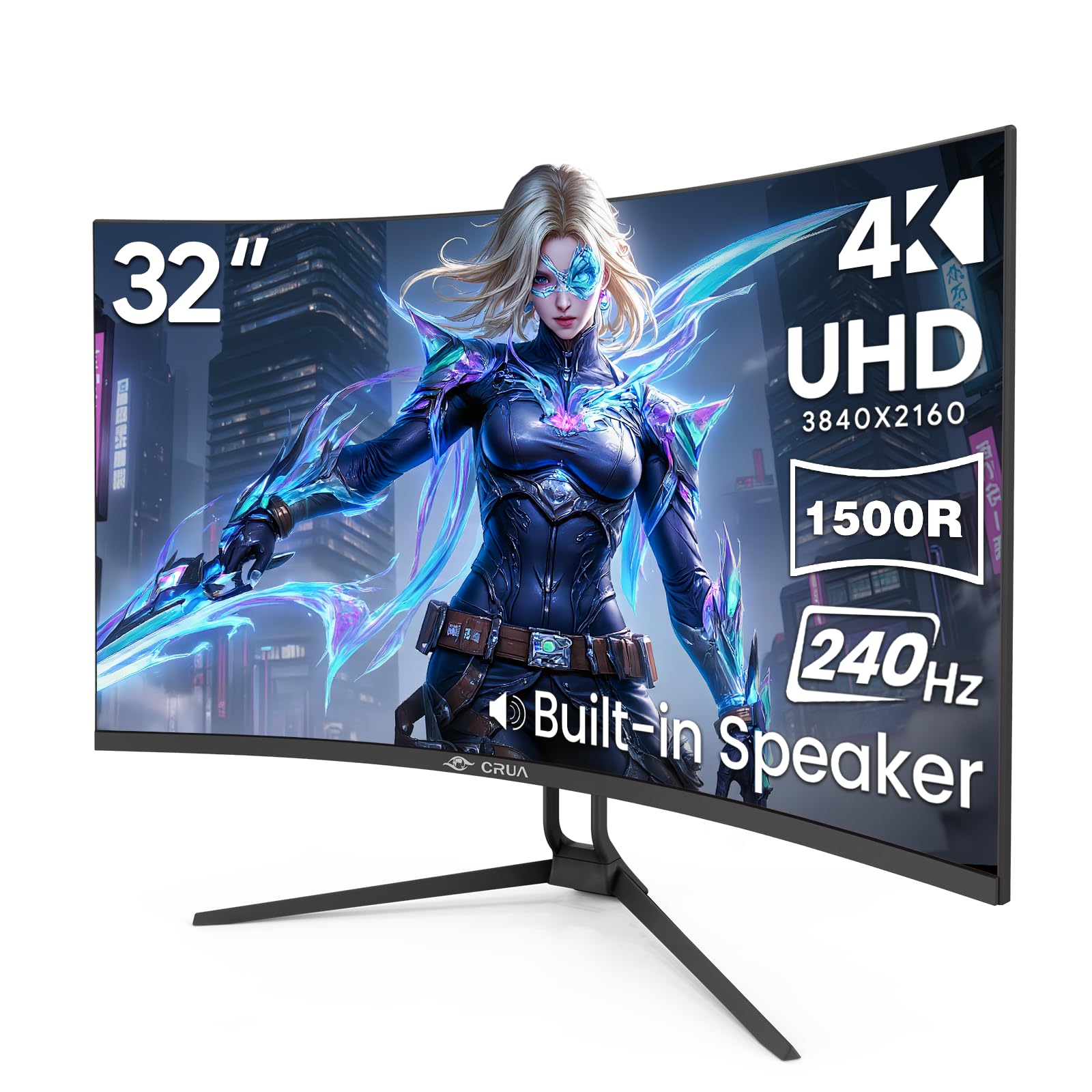
The 4K 240Hz powerhouse that serves both pixel-rich detail and competitive smoothness.
This CRUA is the only 4K monitor in the list hitting 240Hz, with a 3840 x 2160 resolution on a 32-inch 1500R curved VA panel. It supports 1.07 billion colors (8-bit + FRC) with a 120% sRGB gamut and 3000:1 contrast ratio. The 240Hz refresh rate makes fast-moving objects appear crisp without blur. It includes dual HDMI 2.1 and dual DP 1.4 ports, plus PIP/PBP support for displaying two inputs simultaneously.
The rear RGB lighting and tilt-adjustable stand ( -5° to 15°) add to the gaming aesthetic. One owner with ocular migraines reported it is “eye-friendly” and comfortable for extended use, while others praise the “great value and outstanding picture quality.” The built-in speakers handle basic audio, but a 3.5mm jack is available for private listening. HDR performance is noted as washed out by some owners, and the FreeSync support is sometimes off by default, requiring a trip into the OSD menu.
The Power Question: Driving 4K at 240Hz requires a very powerful graphics card — think RTX 4080 or above. If your card cannot hit those frames, the monitor still works at lower refresh rates, but you are paying for speed you may not fully use.
Reach for this if: you have a high-end GPU (RTX 4080 or equivalent) and want both 4K resolution and 240Hz smoothness in one 1500R curved package.
Look elsewhere if: your graphics card cannot push 4K at high frame rates, or you need a monitor with better out-of-box HDR calibration.
Understanding the Specs
Contrast Ratio: What Those Big Numbers Mean
Contrast ratio compares the brightest white to the darkest black a monitor can display. A 100,000,000:1 dynamic contrast ratio (like the Acer Nitro) sounds massive because it measures the backlight dimming and brightening across scenes. A 4,000:1 static contrast ratio (like the ASUS TUF) is measured without any backlight tricks and is a better gauge of real-world black depth. For a VA panel at 1500R curve, look for at least 3000:1 static for decent blacks in dark games.
Refresh Rate and Response Time: The Real Impact
Refresh rate (Hz) is how many times the screen updates per second — 240Hz is smoother than 165Hz, but the difference is most noticeable in fast-paced shooters. Response time (ms) is how fast a pixel changes color. A 1ms MPRT (Moving Picture Response Time) means the monitor is using backlight strobing to reduce perceived blur. A 0.3ms MPRT (like the AOC CU34G4H) is faster on paper, but in practice the difference is tiny. Most gamers are happy with 1ms at 165Hz or above.
FAQ
Will a 1500R curved monitor work for photo editing?
Does a 240Hz refresh rate actually matter for console gaming?
Can I use a 3440×1440 ultrawide monitor with a MacBook?
What is the difference between HDMI 2.0 and HDMI 2.1 for these monitors?
How much desk space does a 34-inch ultrawide monitor need?
Is VA panel ghosting a problem on these 1500R monitors?
Can I mount a 1500R curved monitor on a standard VESA arm?
What graphics card do I need to drive 3440×1440 at high refresh rates?
Does HDR400 on these monitors look good?
Final Thoughts: The Verdict
If you want one dependable pick, the 1500r curved gaming monitor winner is the Amzfast 34 Inch because it combines a 240Hz refresh rate, 3440 x 1440 resolution, dual HDMI 2.1, and strong color performance (96% DCI-P3) at a price that undercuts comparable models. If you want the fastest pixel response and can use DisplayPort, grab the AOC CU34G4H. And for a premium build with the most accurate color (95% DCI-P3) and VESA DisplayHDR 400, the Alienware AW3425DWM is the one to reach for.
How We Picked
We do not accept paid placement. Every pick is matched to a real buyer and a real use-case; we do not hands-on test units.
Sources & Methodology
Specifications: manufacturer listings and product documentation. Review insights: verified customer reviews, as of July 2026. Pricing: not shown on this page (it changes often); check the current price via the retailer link.
As an Amazon Associate, Gadgets Feed earns from qualifying purchases. This does not affect which products we feature.