
Our readers keep the lights on and my morning glass full of iced black tea. As an Amazon Associate, I earn from qualifying purchases.
Specs are compiled from manufacturer listings and verified buyer reviews and can change over time — please confirm the key details on the product page before buying.
Finding a tablet that shows a full page of sheet music, a spread of newspaper columns, or a video call your grandparents can actually see without squinting is harder than it sounds. Most tablets top out around 11 or 12 inches, leaving you to zoom, scroll, and resize mid-sentence. The 16-inch class finally gives you a display that matches a physical page, and this guide compares the four strongest big-screen Android options on the market right now.
I’m Min — the founder and writer behind Gadgets Feed. This guide is built by comparing the manufacturers’ published specifications and the patterns across verified customer reviews, so you get each pick’s real strengths and trade-offs instead of marketing spin.
Below, we unpack screen quality, battery life, and storage for the best 16 inch tablet options that genuinely deliver on the promise of a legible full-page display for music, reading, and streaming.
Our Picks at a Glance
How To Choose The Best 16 Inch Tablet
Before you click buy, focus on the specs that change your daily experience, not the marketing noise. For a screen this large, three things decide if you love it or regret it: the display’s shape and brightness, how long the battery lasts through a long session, and whether the tablet can hold all your files without running out of space.
Screen aspect ratio: the silent dealmaker
A 16:10 or 16:9 screen might sound similar, but the extra vertical space on a 16:10 panel is exactly what lets a full page of sheet music or a letter-size PDF fit without zooming. If your main use is reading scores or documents, the taller aspect ratio saves you constant pinching and scrolling. For widescreen movies, a 16:9 display fills the frame edge to edge with no black bars.
Battery capacity and charging speed
Large screens draw more power, so battery life is the spec that separates a travel companion from a desk ornament. Look for a cell in the 10000mAh range for a full day of mixed use, or 12000mAh if you plan long rehearsals, flights, or streaming marathons. Fast charging matters too — a 30W charger can top up a big battery much faster between sessions than a standard 10W brick.
RAM, storage, and expansion
Music scores, high-resolution PDFs, and downloaded video eat storage quickly. A tablet with 256GB of built-in storage plus a microSD slot gives you room for tens of thousands of files, while 8GB of RAM keeps split-screen multitasking fluid. If you only stream and browse, a 128GB model with 6GB of RAM will still feel responsive for everyday apps.
Quick Comparison
| Model | Best For | Screen Size | Battery Life | Storage | Amazon |
|---|---|---|---|---|---|
| 15.6″ Tablet, Android 16, Widevine L1★ Best Overall | Sheet music plus streaming | 15.6 inch | 12 hours | 256 GB | Amazon |
| jumper 15.4″ 2-in-1 Tablet | Typing and desktop-style work | 15.4 inch | 8 hours | 256 GB | Amazon |
| MESWAO 15.6 Inch Android 16 Tablet | Budget-conscious media viewing | 15.6 inch | 12 hours | 128 GB | Amazon |
| HOOGEE 15.6 Inch Android 14 Tablet | Seniors reading and video calls | 15.6 inch | 8 hours | 256 GB | Amazon |
In‑Depth Reviews
1. 15.6 Inch Tablet, Android 16, Widevine L1
Our pick — over 4★ from 100+ verified ratings; the strongest balance of quality and price.
The full-page reader that musicians already swear by for rehearsal.
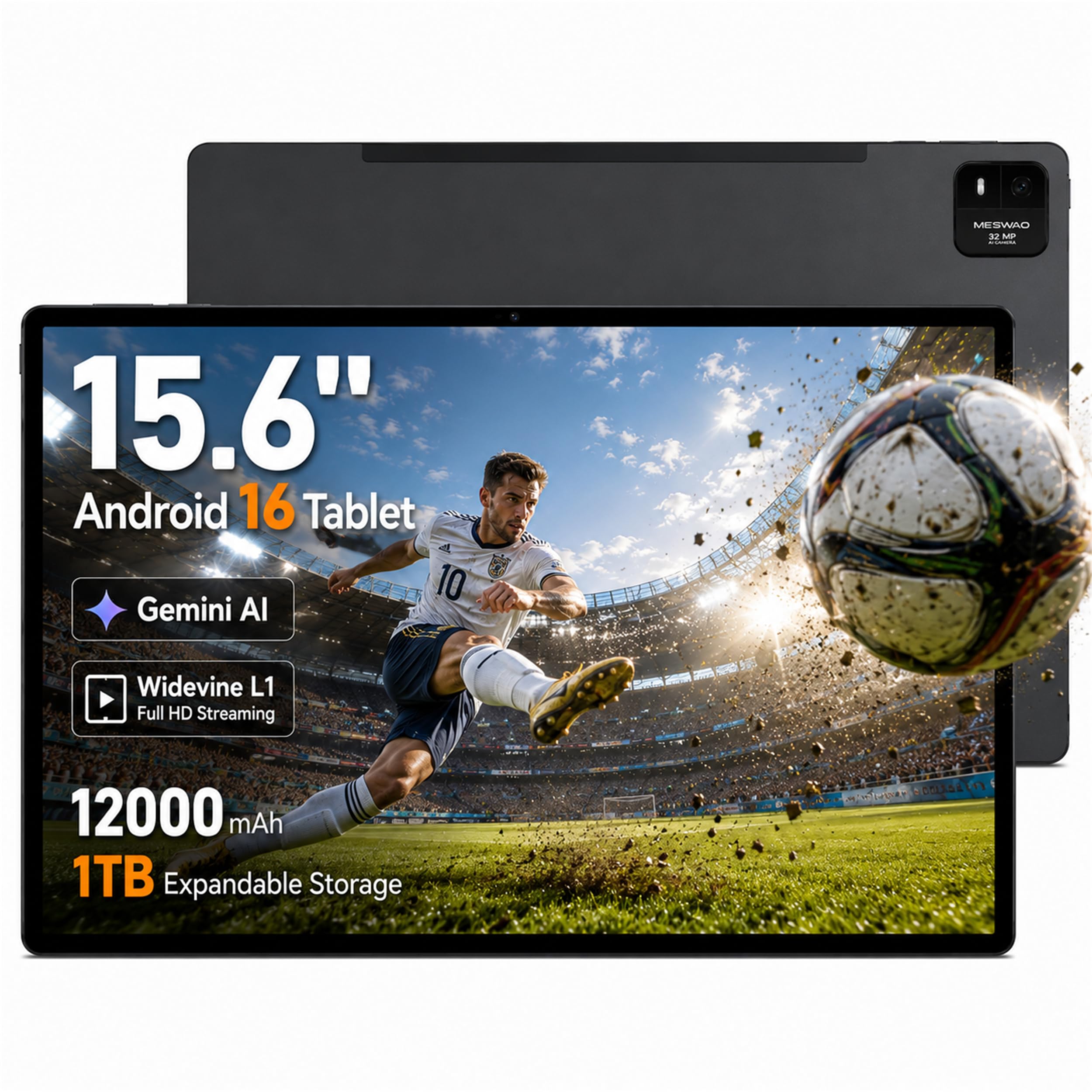
This pick suits anyone whose daily life revolves around sheet music, PDFs, or documents that need to fit on screen without constant scrolling. It pairs a 15.6-inch IPS touchscreen at 1920 x 1080 FHD resolution with a 16:10 aspect ratio, so a full page of music or a letter-size document sits vertically with room to breathe — owners say this shape suits a music stand far better than a widescreen panel. The performance is driven by Android 16 with a Helio G99 octa-core processor, and the crowd favorite aspect here is raw speed: over 50 buyers single out how fluid multitasking and app switching feel.
It comes with 8GB of physical RAM plus up to 8GB of virtual memory expansion, and 256GB of built-in storage that expands via microSD up to 1TB. The 12000mAh battery is rated for a 12-hour average life, and supports up to 30W PD fast charging with a compatible charger. On the entertainment side, Widevine L1 DRM support open up HD playback on compatible streaming apps, and four built-in speakers give movies and online lessons a fuller sound.
Buyers report this is the largest tablet screen they have ever used, and that it has never failed during live playing out. A few note the battery life and screen size are the standout wins, while reliability gets mixed feedback — some units run beautifully while others have been reported to stop working abruptly. It is Wi-Fi only, so there is no SIM card or cellular support, which is fine for home, studios, and coffee shops but worth knowing before you expect on-the-go data.
What wins people over
- Tall 16:10 panel fits full sheet-music pages without zooming
- 256GB storage plus microSD expansion up to 1TB
- 12-hour battery on a 12000mAh cell
- Widevine L1 for HD streaming on compatible apps
The trade-offs to know
- Wi-Fi only, no SIM or cellular option
- Reliability is mixed in owner reports
- Carrying a screen this size takes a proper bag
Reach for this if: your main job is reading scores, PDFs, or documents on a display that fits a full page.
Look elsewhere if: you need cellular data on the move or want the absolute stoutest long-term track record.
2. jumper 15.4″ 2-in-1 Tablet with Magnetic Keyboard
A tablet and keyboard combo that doubles as a tiny desktop setup.
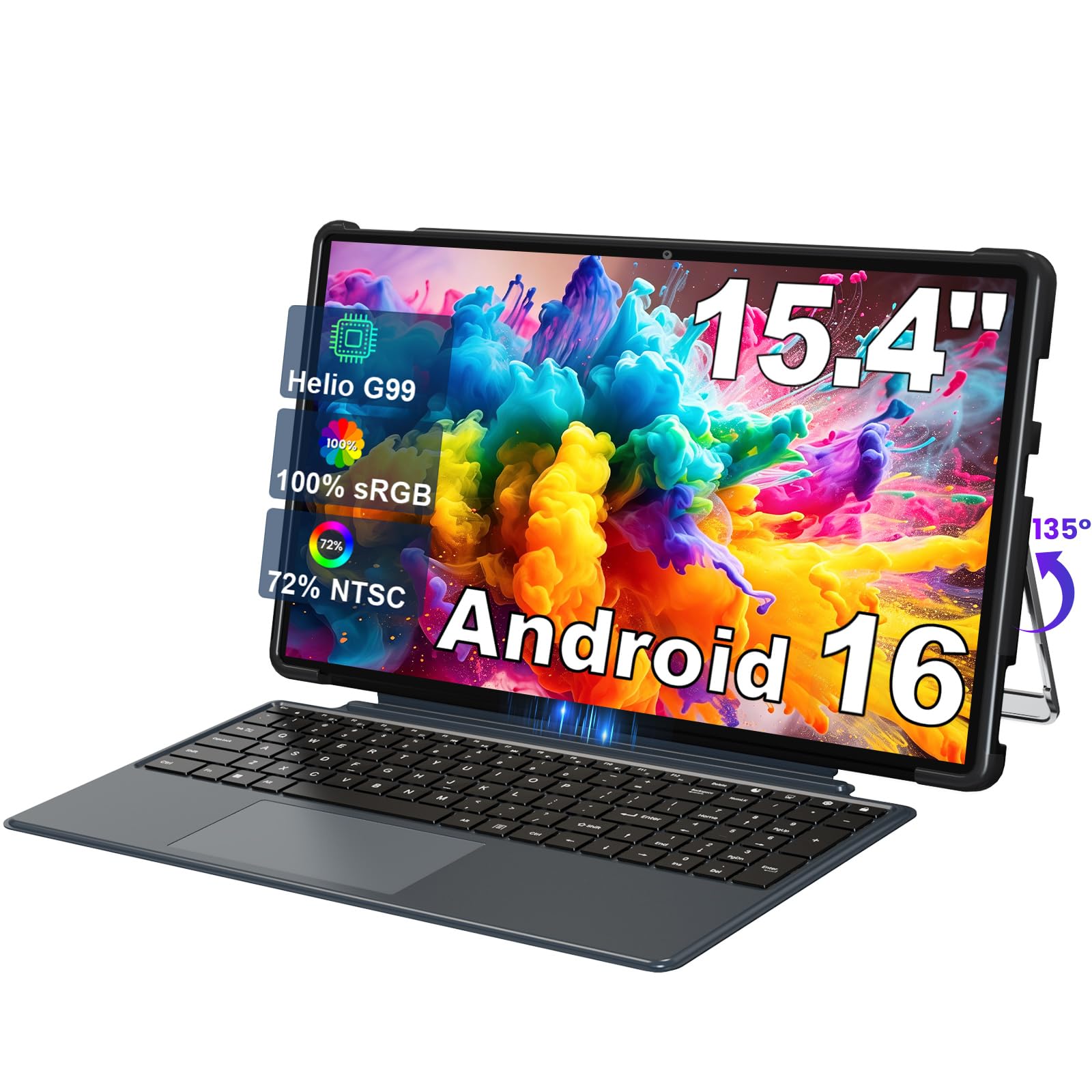
If you want to do more than read — if you plan to type notes, reply to emails, or write scripts — this 2-in-1 is the one to beat. It ships with a detachable magnetic keyboard that also protects the screen, plus a protective case and a built-in 135° adjustable stand, so you can prop it at the right angle for working or hands-free viewing. The 15.4-inch IPS panel runs at 1920 x 1080 FHD with 100% sRGB color gamut, which means vibrant, true-to-life colors whether you are watching movies or reviewing photos.
Under the hood sits the same Helio G99 processor (up to 2.2GHz) with a Mali-G57 MC2 GPU, paired with 8GB of RAM and 256GB of ROM running Android 16. It supports Widevine L1, so Netflix and Prime Video play in true HD. The 10000mAh battery is rated for 8 hours of average use — noticeably shy of the 12-hour cells in the two MESWAO picks above, so this favors shorter work sessions over all-day streaming marathons. Dual-band Wi-Fi (5G/2.4G) and Bluetooth 5.2 keep connections fast and stable.
Owners call it clean and crisp with great speakers, and note the screen is ideal for an elderly family member who was tired of squinting at a small iPad. The battery comfortably lasted two days of light use in one household, and the kickstand makes tabletop viewing easy. The honest trade-off is the weight and the keyboard — a screen this large is heavy, and one household admits the keyboard goes largely unused, so think about whether you will actually type before paying for the 2-in-1 form.
Best angle: the only pick here with a real typing setup, so it covers productivity and entertainment in one device.
The catch: an 8-hour battery and a physical footprint that make it more of a stay-at-home companion than a travel tablet.
Grab it for: typing, note-taking, and desktop-style use where the magnetic keyboard earns its keep.
Skip it for: pure all-day streaming or long-haul travel where battery hours matter most.
3. MESWAO 15.6 Inch Android 16 Large Tablet
The budget-friendly big screen that flies through streaming and media apps.
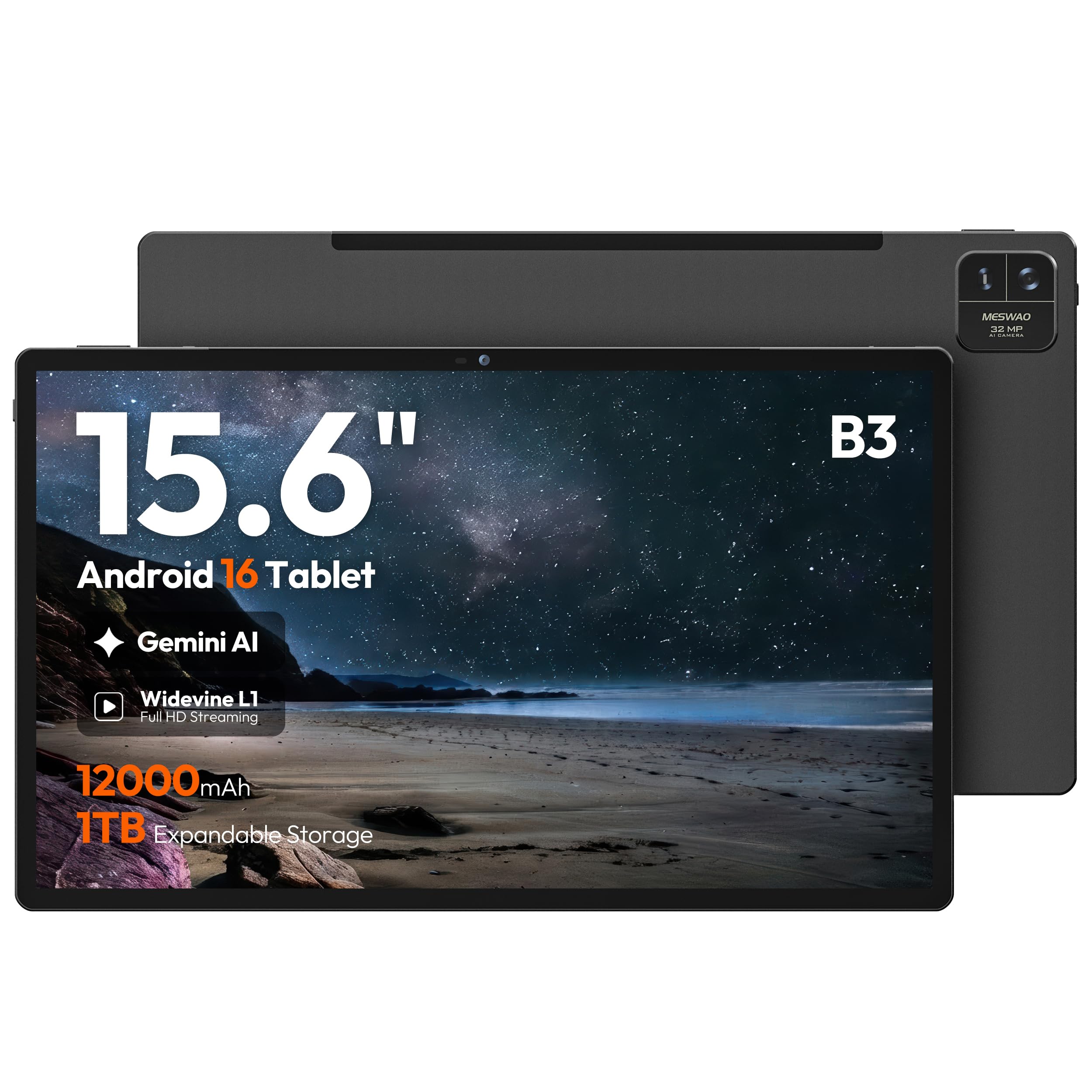
This is the entry-level route to a true 15.6-inch display without paying a premium, and it holds its own where it counts. The screen is a 1920 x 1080 FHD IPS panel with 350-nit brightness in a 16:9 aspect ratio, so widescreen movies and Prime Video fill the frame edge to edge. The thing everyone raves about here is overall quality — it is the most-mentioned positive in the owner feedback by a wide margin, ahead of even the screen size. It runs Android 16 on the 6nm MediaTek Helio G99 octa-core processor at up to 2.2GHz.
You get 6GB of physical LPDDR4X RAM and 128GB of built-in storage, expandable via microSD or TF card up to 1TB. That storage is the place this pick gives ground to the 256GB models above — a 2.0x gap versus the jumper’s 256GB — so heavy offline libraries will lean on the card slot. The 12000mAh battery matches the class-leading 12-hour rating of the Best Overall pick, which means a 50% longer rated run than the jumper’s 8 hours on a single charge. A 32MP rear camera handles document and score scanning, and four independent sound chamber speakers fill a room with audio.
Buyers describe it as light, thin, and fast, with a simple 10-minute setup and a spacious display for reading and streaming. Battery life and sound quality get mixed feedback, and there’s a recurring physical gripe: one owner found the volume down button went soft and unclickable after about a month, calling it a quality concern at this price. It is Wi-Fi only with Bluetooth 5.0, so no cellular option, and the reflective, dimmer screen in bright light disappointed someone trying to use it outdoors for a golf simulator.
Why it earns its spot: the cheapest way into a 15.6-inch screen with a 12-hour battery and a capable camera.
Where it gives ground: 128GB storage and a physical button that has drawn repeat durability complaints.
Pick it if: you stream a lot and want the biggest screen for the smallest outlay.
Think twice if: you need lots of onboard storage or a tablet built for rough daily handling.
4. HOOGEE 15.6 Inch Android 14 Tablet
The eye-easing big screen built for parents, grandparents, and long reading sessions.
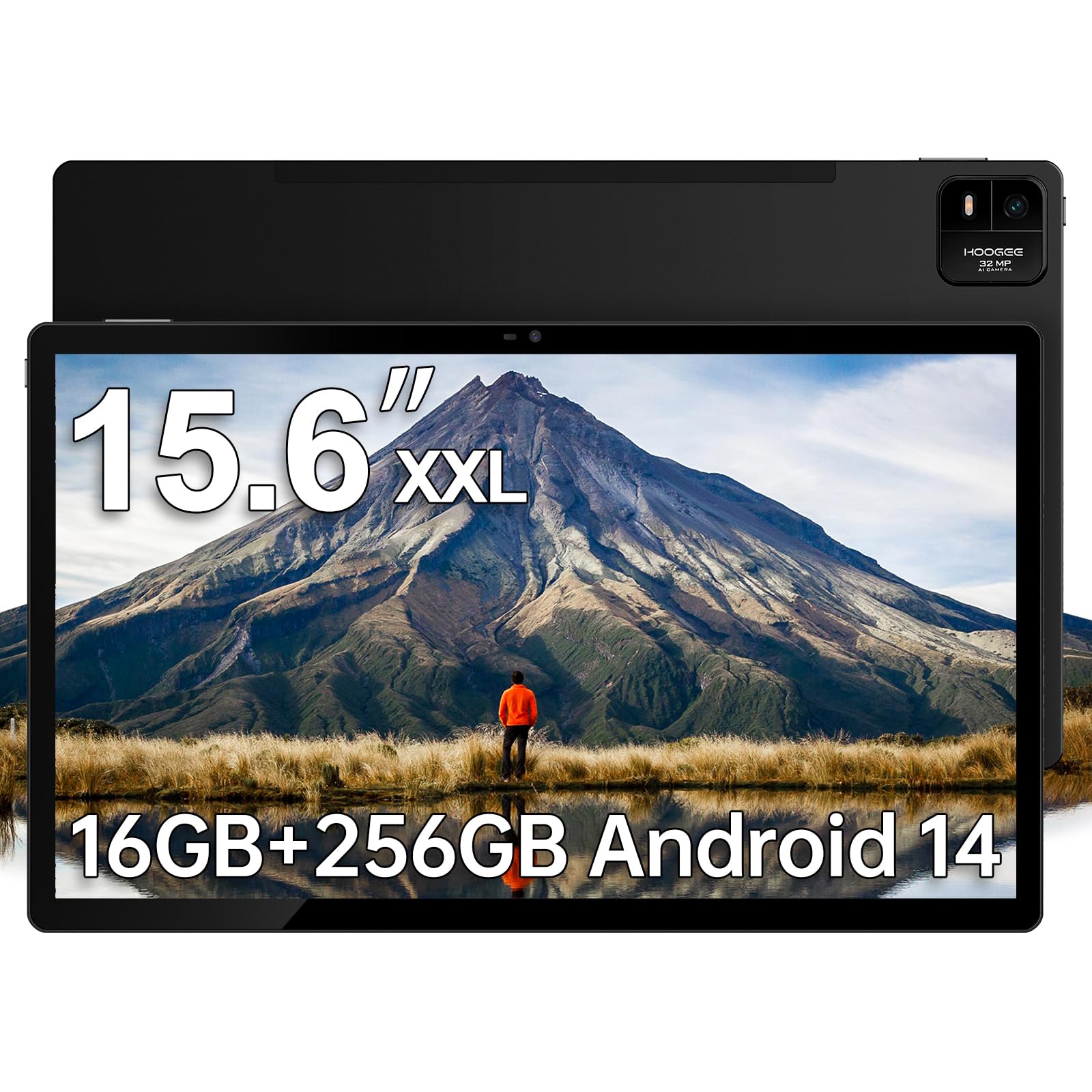
Some tablets are bought for the buyer; this one is usually bought for someone older who is tired of squinting at a phone or small tablet. The HOOGEE’s 15.6-inch 1080P Full HD display brings news articles, classic movies, and video calls into comfortable view, and the sizing is the headline — owners mention the screen is large enough to show a single full page of sheet music, and one calls the tablet a “real workhorse” that has run for weeks without a glitch. It runs pure Android 14, which keeps the interface simple for older users to navigate.
Spec-wise it brings 8GB of RAM and 256GB of internal storage, expandable up to 2TB so family photo and video libraries never run out of room. The 12000mAh battery is large, though the rated average life is 8 hours — the same as the jumper — so it is not the endurance king despite the big cell. Four built-in speakers deliver loud, crisp sound for audiobooks and backing tracks during music practice, and it sits neatly on any music stand for piano, guitar, or violin sessions.
Owners highlight the bright display, the lag-free system, and how well it reads online newspaper e-editions at close to print size, with one noting it outlasts a laptop on battery. The practical complaints are about the kit: it ships without a fast charger or stylus, and the tablet is large and heavy enough that a stand or case is really needed. The upfront note in the data says it offers a 15.6-inch 1080p LCD screen, and hands-on reports describe a light, responsive device that fits in a large purse.
What it does best
- Huge 15.6-inch display with bright, lag-free picture
- 8GB RAM and 256GB storage with up to 2TB expansion
- Simple Android 14 interface that seniors can navigate
- Four speakers loud enough for audiobooks and music
Where it falls short
- 8-hour rated battery trails the 12-hour models
- No fast charger or stylus included in the box
- Size and weight demand a stand or case
Ideal for: an older relative who wants large text, big video calls, and zero learning curve.
Not for: all-day travelers who need maximum battery hours from the 12000mAh cell.
Understanding the Specs
IPS FHD resolution explained
IPS stands for in-plane switching, a screen technology that keeps colors and contrast accurate even when you view from an angle. FHD means 1920 x 1080 pixels, which on a 15.6-inch screen is sharp enough for crisp text and detailed sheet music. The aspect ratio — 16:9 versus 16:10 — decides whether a tall page fits without zooming, so it matters more than the diagonal inches for readers.
Why Widevine L1 matters
Widevine is the digital rights management system that streaming apps use to decide video quality. L1 is the top tier, and it open up HD or full HD playback on services like Netflix and Prime Video. A tablet without Widevine L1 is often stuck at standard definition on those apps, so check for it if streaming quality is a priority for you.
FAQ
Will a 15.6-inch tablet fit on a standard music stand?
Can these tablets replace a laptop for everyday work?
Do these tablets support cellular data or SIM cards?
How much storage do I need for a large sheet music library?
How long does the battery last on a single charge?
Is a bigger screen better for elderly users?
Can I watch Netflix and Prime Video in HD on these tablets?
Are these tablets good for reading newspapers and PDFs?
Final Thoughts: The Verdict
If you want one dependable pick, the 16 inch tablet winner is the 15.6-inch Android 16 model because its tall 16:10 screen fits a full page of music, its 12000mAh battery runs for 12 hours, and 256GB of storage gives you room to grow. If you plan to type and work at a desk, grab the jumper 2-in-1 with its magnetic keyboard. And for a budget-friendly media screen or a gift for older family members, the MESWAO and HOOGEE each cover their niche well.
How We Picked
We do not accept paid placement. Every pick is matched to a real buyer and a real use-case; we do not hands-on test units.
Sources & Methodology
Specifications: manufacturer listings and product documentation. Review insights: verified customer reviews, as of August 2026. Pricing: not shown on this page (it changes often); check the current price via the retailer link.
As an Amazon Associate, Gadgets Feed earns from qualifying purchases. This does not affect which products we feature.