
The jump from a standard 60Hz or 144Hz panel to a 160Hz monitor changes how you perceive motion in fast-paced shooters and open-world titles. At this refresh rate, camera pans become blur-free, and every strafe-jump lands with crisp clarity. But the real decision starts when you choose between a native 4K 160Hz panel, a dual-mode screen that drops to 1080p for 320Hz, or an ultra-wide curved VA monitor hitting the same 160Hz target.
I’m Min — the co-founder and writer behind Gadgets Feed. Over the past weeks, I’ve analyzed dozens of datasheets, switch-over response times, and color gamut comparisons to find the monitors that actually deliver on their refresh rate claims without sacrificing image quality.
Whether you are building a competitive esports rig or upgrading to a cinematic IPS panel for single-player immersion, this guide cuts through the marketing noise to pinpoint the best 160 hz monitor for your specific gaming and productivity needs.
How To Choose The Best 160 Hz Monitor
Choosing a 160Hz monitor requires balancing resolution, panel technology, and connectivity to match your hardware. A monitor that hits 160Hz easily with a powerful GPU might feel sluggish with a console or mid-range card, so understanding your ecosystem is half the battle.
Panel Type: IPS vs VA vs OLED
Fast IPS panels dominate the 160Hz space because they combine wide viewing angles with rapid pixel transitions, making them ideal for both competitive titles and color-sensitive work. VA panels, found in ultra-wide curved models like the LG 34G600A, offer deeper contrast ratios (4000:1) but can exhibit darker response times in specific transitions. QD-OLED options, such as the ASUS ROG Strix XG27ACDNG, deliver true blacks and sub-millisecond response times, though they come at a premium and require burn-in management.
Dual Mode vs Native Refresh Rate
Several 160Hz monitors now offer dual-mode functionality—running 4K at 160Hz for immersive games and switching to 1080p at 320Hz for competitive esports. This feature is most valuable if you play both single-player story titles and high-frame-rate shooters. If you stick to a single resolution, a native 160Hz panel without the dual-mode switch often delivers better color consistency and lower latency overhead.
Connectivity and Adaptive Sync
HDMI 2.1 bandwidth is critical for 4K 160Hz without chroma subsampling. DisplayPort 1.4 can also handle this bandwidth natively. For smooth tear-free gameplay, look for AMD FreeSync Premium or NVIDIA G-SYNC Compatible certification. Avoid monitors that only offer HDMI 2.0 for 4K 160Hz, as they may resort to 4:2:0 compression that degrades text clarity.
Quick Comparison
On smaller screens, swipe sideways to see the full table.
| Model | Category | Best For | Key Spec | Amazon |
|---|---|---|---|---|
| KOORUI G2741L | Dual Mode IPS | Versatile Gaming | 4K 160Hz / FHD 320Hz, Fast IPS | Amazon |
| GIGABYTE M27UP | Dual Mode SuperSpeed IPS | Productivity & Gaming | 4K 160Hz / FHD 320Hz, KVM | Amazon |
| CRUA 4K Dual Mode | Dual Mode IPS White | Budget Dual Mode | 4K 160Hz / FHD 320Hz, PIP/PBP | Amazon |
| Acer Nitro VG270K | DFR IPS | Console Gaming | 4K 160Hz / FHD 320Hz DFR | Amazon |
| KTC U27T6 | Fast IPS | Color-Accurate Gaming | 4K 160Hz, ΔE<2, HDR400 | Amazon |
| LG 34G600A-B | Ultra-Wide VA | Immersive Sim Racing | 3440×1440 160Hz, 1800R, VA | Amazon |
| ASUS ROG Strix XG32UCG | Dual Mode Fast IPS | Pro Gaming | 4K 160Hz / FHD 320Hz, 0.3ms | Amazon |
| AOC Agon PRO AG276QZD2 | QD-OLED | Esports Visuals | 1440p 240Hz, 0.03ms GtG | Amazon |
| ASUS ROG Strix XG27ACDNG | QD-OLED 360Hz | Ultimate QD-OLED | 1440p 360Hz, 0.03ms, 99% DCI-P3 | Amazon |
In‑Depth Reviews
1. KOORUI 27″ 4K Gaming Monitor G2741L

The KOORUI G2741L nails the dual-mode formula with a Fast IPS panel that transitions seamlessly between 4K 160Hz and FHD 320Hz. The 350 cd/m² brightness combined with HDR400 certification delivers visible punch without washing out mid-tones. In practice, switching from a slow-paced RPG at 4K to a competitive shooter at 1080p 320Hz happens instantly via the on-screen menu, and the 1ms GtG response keeps motion blur minimal.
Color reproduction reaches 95% DCI-P3 coverage, meaning the panel holds its own for creative work and vibrant game worlds. The included stand offers height, pivot, and tilt adjustments — a significant ergonomic advantage at this price tier. Both HDMI 2.1 and DisplayPort 1.4 are present, allowing full bandwidth for 4K 160Hz without chroma subsampling.
Build quality is solid for the mid-range, with a frameless design that looks clean in multi-monitor setups. Eye-care features reduce strain during long sessions. If you want one monitor that handles both AAA narrative games and competitive esports without compromise, this is the most balanced pick in the category.
Why it’s great
- True dual-mode 4K 160Hz / FHD 320Hz with instant switching
- 95% DCI-P3 coverage with HDR400 for vibrant colors
- Full ergonomic stand and HDMI 2.1 connectivity
Good to know
- On-screen menu joystick feels slightly fragile
- No built-in speakers
2. GIGABYTE M27UP 27″ SS IPS Gaming Monitor
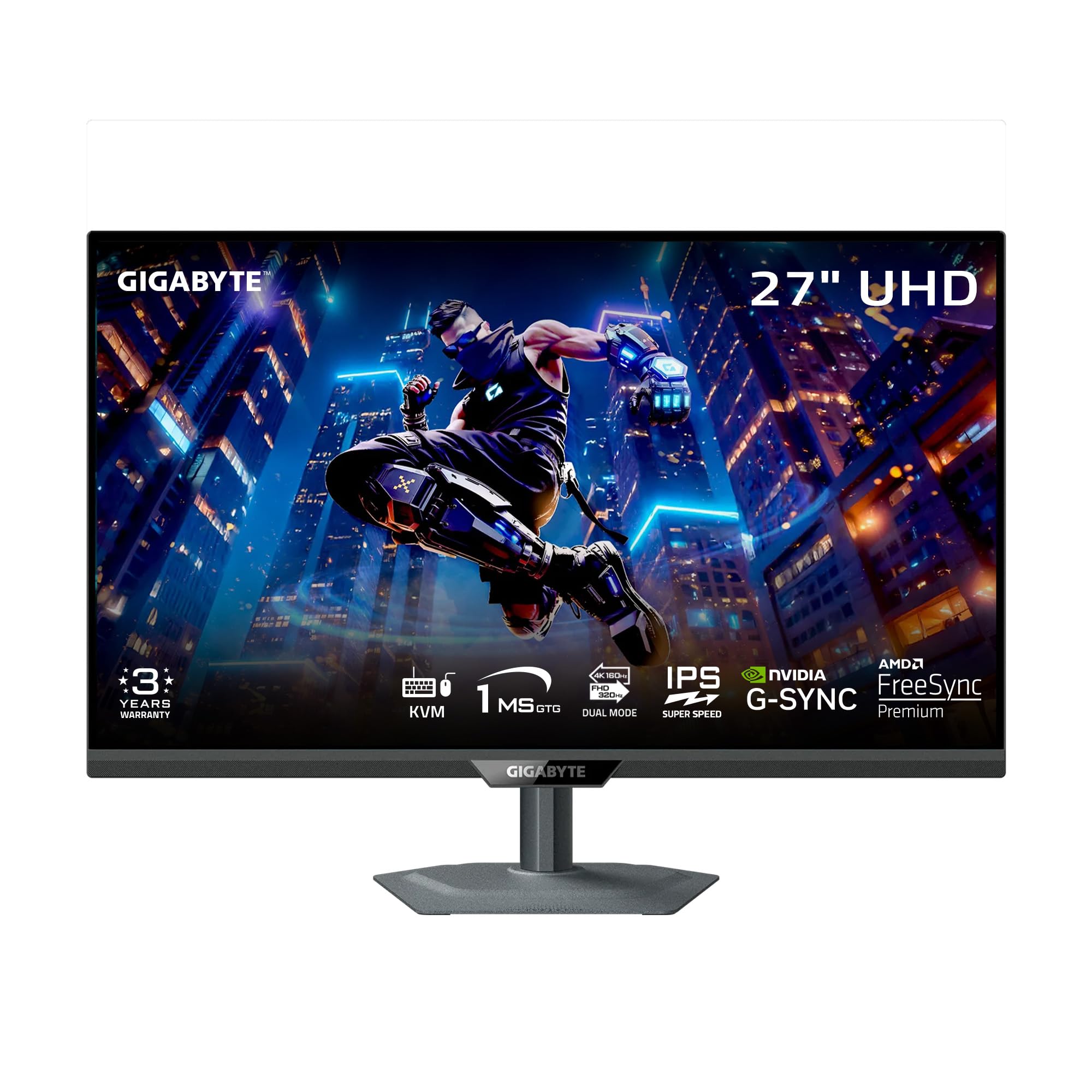
The GIGABYTE M27UP brings a SuperSpeed IPS panel that hits 4K 160Hz natively and can dual-mode to FHD 320Hz. The 1ms GtG response is consistent across the refresh range, and the built-in KVM switch is a productivity game-changer — allowing you to control two devices with a single keyboard and mouse setup. The stand supports height, tilt, swivel, and pivot adjustments, with a metal base that feels premium.
Color performance is solid with 125% sRGB coverage, and VESA DisplayHDR 400 certification ensures decent contrast in supported titles. Gigabyte’s Tactical Switch 2.0 lets you toggle between aspect ratios and refresh rate profiles on the fly, and the Smart OD feature reduces ghosting without overshoot. The monitor also includes PIP/PBP modes for multitasking.
Some users note a vignette effect near the edges, but it’s only noticeable in uniformity tests rather than gameplay. The KVM function alone makes this the top choice for users who switch between a work laptop and a gaming desktop. The 3-year warranty with burn-in coverage adds long-term peace of mind.
Why it’s great
- Integrated KVM switch for seamless multi-device workflow
- SuperSpeed IPS with 1ms GtG and dual-mode flexibility
- Metal stand with full ergonomic adjustments
Good to know
- Slight vignette effect during color uniformity tests
- Built-in speakers are average
3. CRUA 27″ 4K Gaming Monitor Dual Mode
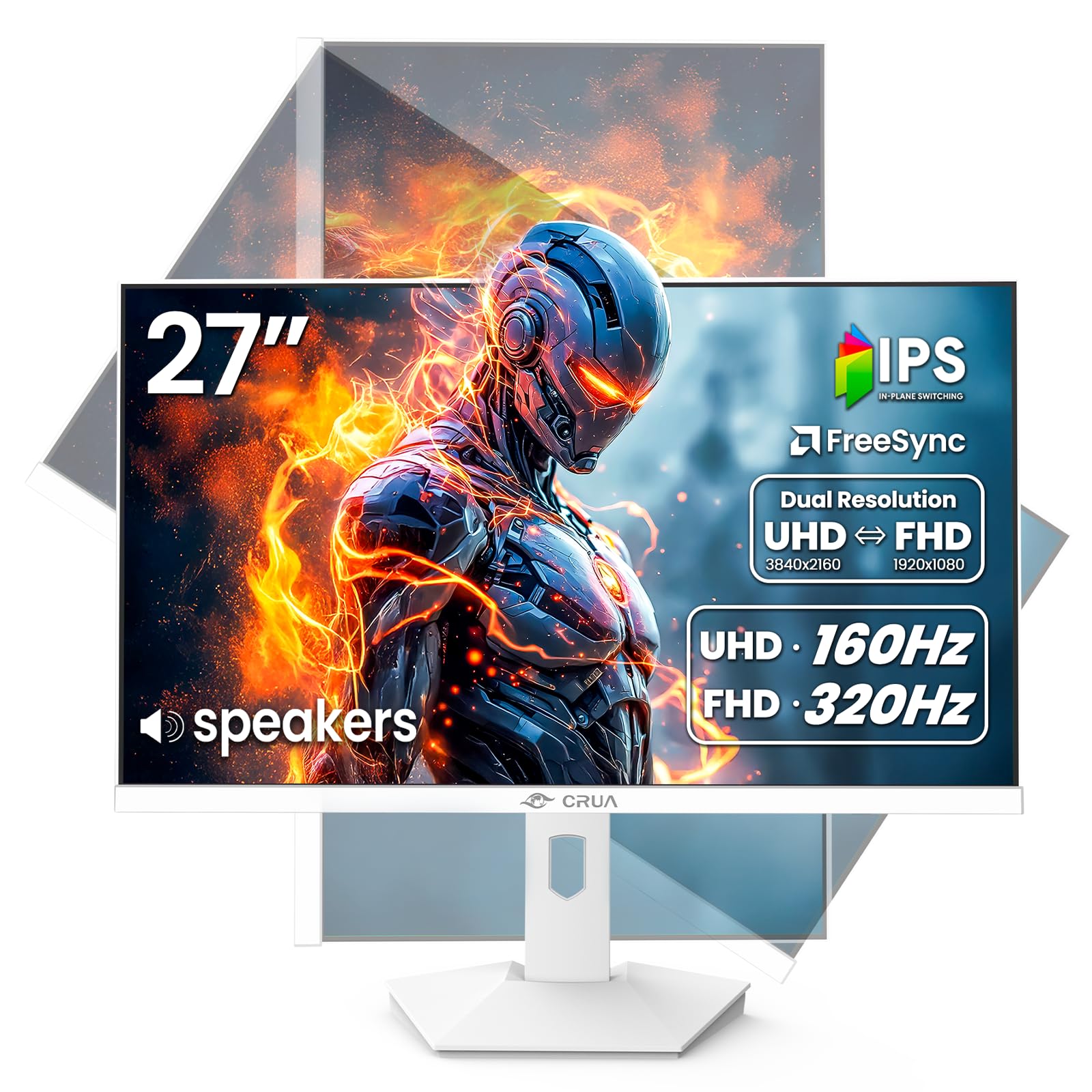
The CRUA 27″ delivers the same dual-mode concept — 4K 160Hz or FHD 320Hz — at an entry-level price that punches hard. The IPS panel covers 120% sRGB and 92% DCI-P3 with 1.07 billion colors, producing vibrant imagery that rivals mid-range competitors. The white chassis with rear breathing LEDs gives it a distinct aesthetic for light-themed setups.
Connectivity includes two HDMI 2.1 ports and DisplayPort 1.4, and PIP/PBP support adds multitasking flexibility. The stand offers height, swivel, tilt, and pivot adjustments, making it easy to switch to portrait mode for coding or reading. Built-in speakers provide clear audio for casual use, though they lack bass for immersive gaming.
Build quality is lightweight and plastic-heavy, but the panel itself holds up well with no dead pixels reported in the majority of units. The dual-mode switching is reliable, and FreeSync keeps tearing at bay. If you need a budget-friendly entry into high-refresh 4K without skimping on the dual-mode feature, this is a compelling choice.
Why it’s great
- Affordable dual-mode 4K 160Hz / FHD 320Hz
- Full ergonomic stand with pivot and height adjust
- HDMI 2.1 ports for full bandwidth
Good to know
- Plasticky build feels cheaper than the price suggests
- Speakers are weak for immersive gaming
4. Acer Nitro VG270K 27″ 4K UHD Gaming Monitor

Acer’s Nitro VG270K uses Dynamic Frequency Refresh (DFR) technology to switch between 4K 160Hz and FHD 320Hz. The IPS panel delivers 90% DCI-P3 color coverage and HDR10 support, making games look punchy without oversaturation. The 0.5ms GtG response is among the fastest in this category, ensuring no ghosting during fast camera movements.
The ZeroFrame design reduces bezel thickness for a nearly seamless multi-monitor experience. Port selection includes two HDMI 2.1 and one DisplayPort 1.4, and FreeSync Premium eliminates tearing across the entire refresh range. The stand offers tilt adjustment but lacks height and pivot options, which may require a VESA mount for ergonomic setups.
Built-in speakers are present but weak — most users will want external audio. Some reports mention HDMI port failure over time, though that appears limited to early batches. For console gamers who need a reliable 4K 160Hz panel with DFR switch capability, this monitor provides strong value despite its ergonomic limitations.
Why it’s great
- 0.5ms GtG response for ultra-clear motion
- DFR switch between 4K 160Hz and FHD 320Hz
- FreeSync Premium with HDR10 support
Good to know
- Stand only offers tilt adjustment
- Some units reported HDMI port failure
5. KTC 27 Inch 4K Gaming Monitor U27T6
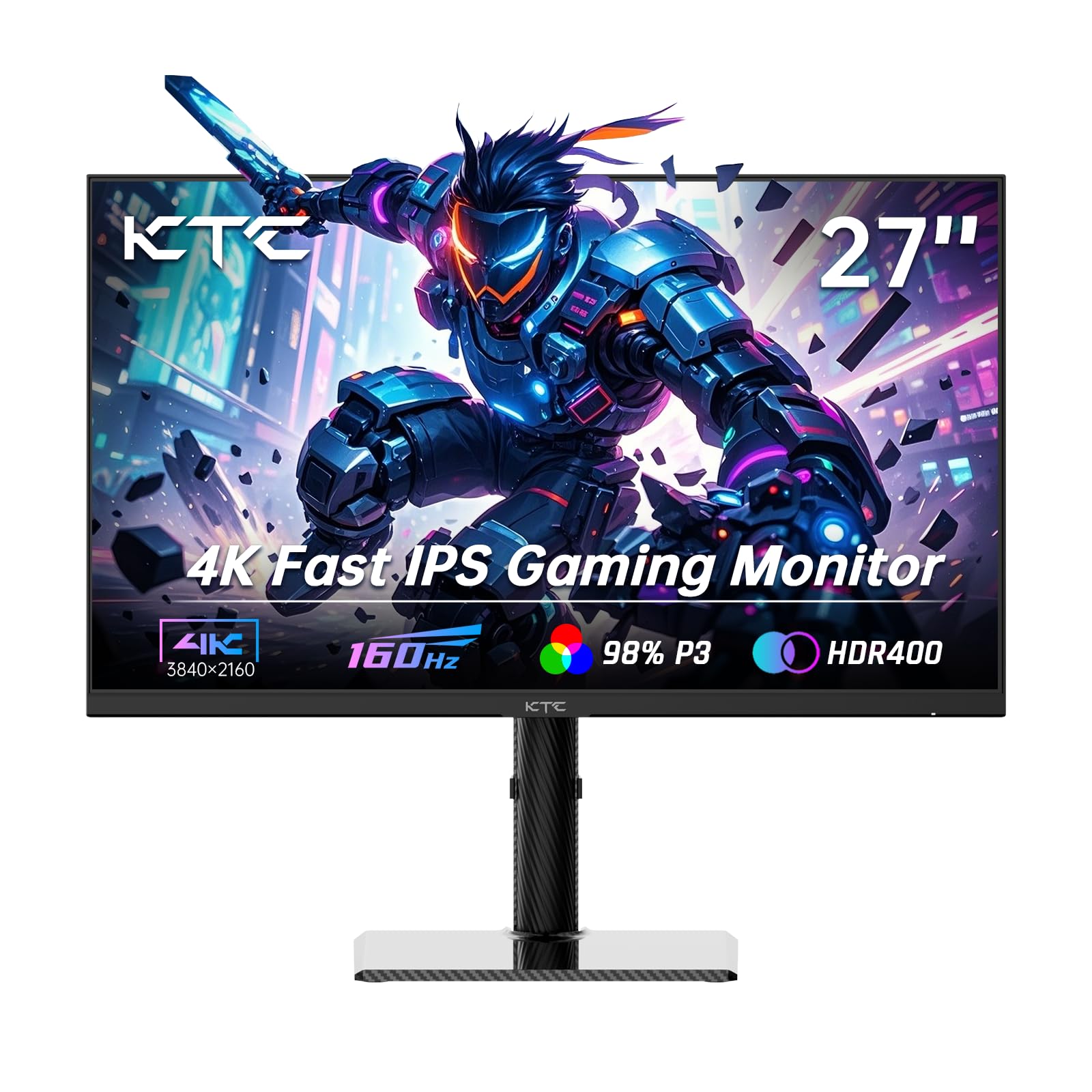
The KTC U27T6 focuses on color fidelity rather than dual-mode flexibility, offering a native 4K 160Hz Fast IPS panel with ΔE<2 factory calibration and 140% sRGB coverage. The HDR400 certification and 1.07 billion color support make this an excellent pick for gamers who also edit photos or video. The carbon-fiber backplate keeps weight low while maintaining structural rigidity.
Connectivity is generous with two HDMI 2.1 ports, two DisplayPort 1.4 ports, and a USB 2.0 port for firmware updates. The stand supports height, tilt, swivel, and side swivel adjustments, making it easy to find the perfect ergonomic position. Low blue light mode reduces eye strain during extended sessions without washing out colors.
The vertical monitor capability with pivot rotation is smooth, and the 75x75mm VESA mount adds mounting flexibility. Some users report a minor bug where the switch button becomes unresponsive after waking from rest mode, though a power cycle resolves it. If color accuracy is your priority over dual-mode gimmicks, this monitor delivers exceptional value.
Why it’s great
- ΔE<2 factory calibration for color-critical work
- Dual HDMI 2.1 and DP 1.4 ports
- Full ergonomic stand with pivot
Good to know
- Minor switch button bug after sleep mode
- No built-in speakers
6. LG 34G600A-B 34-inch Ultragear Curved Monitor
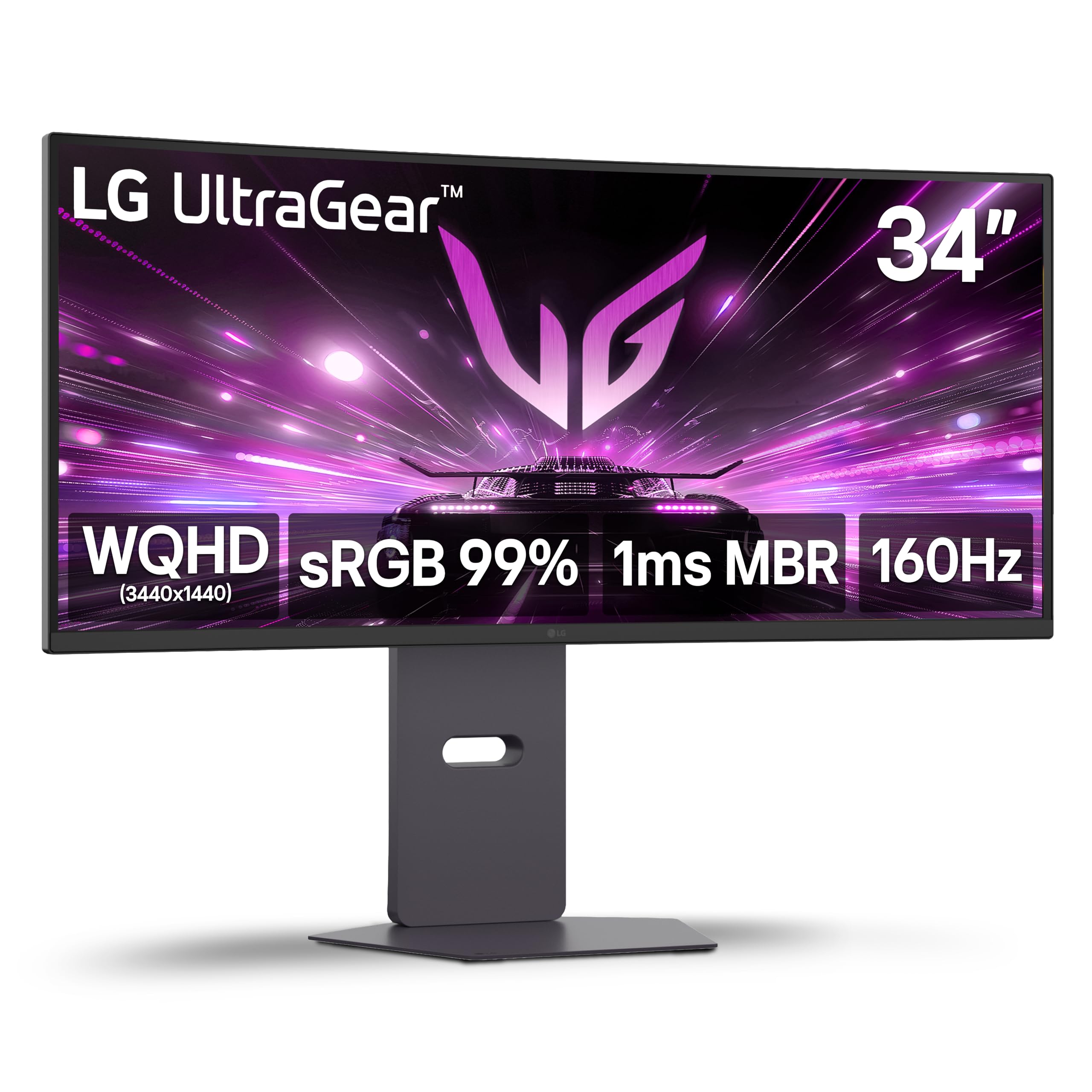
The LG 34G600A-B takes a different route with a 34-inch WQHD (3440×1440) VA panel curved at 1800R. The 160Hz refresh rate and 1ms MBR keep motion smooth, while the 4000:1 contrast ratio delivers deep blacks that IPS panels struggle to match. HDR10 support and 99% sRGB coverage ensure colors remain vibrant in supported content.
AMD FreeSync Premium covers the full refresh range, and features like Dynamic Action Sync and Black Stabilizer give competitive players an edge in darker scenes. The stand offers height, tilt, and swivel adjustments, and the built-in stereo speakers with Waves MaxxAudio provide surprisingly full sound for casual use.
Some buyers note that the HDMI ports are not full HDMI 2.1 bandwidth, so achieving 160Hz requires a DisplayPort connection. The VA panel is excellent for immersive sim racing and open-world games where contrast matters more than pixel response. If you prefer an ultra-wide field of view and deep blacks over flat panel performance, this is a specialized but excellent choice.
Why it’s great
- 4000:1 contrast ratio for immersive dark scenes
- 1800R curve enhances peripheral vision
- FreeSync Premium and Black Stabilizer features
Good to know
- HDMI ports not full 2.1 bandwidth
- VA panel response slower than Fast IPS for competitive gaming
7. ASUS ROG Strix 32″ XG32UCG

The ASUS ROG Strix XG32UCG elevates the dual-mode concept with a 32-inch Fast IPS panel that hits 4K 160Hz natively and scales to FHD 320Hz. The 0.3ms minimum response time is class-leading, and ASUS’s ELMB Sync technology eliminates ghosting while keeping variable refresh rate active. The 95% DCI-P3 coverage ensures color depth matching photo editing needs.
Connectivity includes HDMI 2.1, DisplayPort 1.4, and USB-C with DP Alt Mode, making it compatible with modern laptops and consoles. The stand supports height, tilt, swivel, and pivot adjustments, and the included tripod socket is a unique addition for streamers who mount cameras above the monitor. DisplayWidget Center lets you adjust settings via mouse for convenience.
The 32-inch size is ideal for users who want a single large panel without going to 49 inches. ROG Gaming AI features enhance gameplay with automatic calibration. The price reflects the premium build and feature set, but the combination of size, speed, and color accuracy makes it the best option for discerning gamers who want a single do-it-all monitor.
Why it’s great
- 0.3ms response with ELMB Sync for blur-free motion
- USB-C with DP Alt Mode for laptop connectivity
- 32-inch screen with full ergonomic stand
Good to know
- Premium price point requires investment
- Large footprint may require desk space planning
8. AOC Agon PRO AG276QZD2 27″ QD-OLED

The AOC Agon PRO AG276QZD2 brings QD-OLED technology to the 1440p segment with a 240Hz refresh rate and 0.03ms GtG response. While not a native 160Hz panel, the 240Hz refresh provides motion clarity that exceeds the 160Hz target, and the QD-OLED panel delivers infinite contrast ratio and 101% DCI-P3 coverage. HDR400 True Black certification ensures deep blacks without blooming.
The 26.5-inch screen size is ideal for competitive gaming, and G-SYNC compatibility eliminates tearing. The built-in speakers are passable for casual use, and the stand offers height, tilt, and swivel adjustments. AOC’s G-Menu software allows fine-tuning of color profiles and OLED care settings. The latest revisions include native 280Hz support via firmware updates.
Text fringing is present at desktop distances due to the QD-OLED subpixel layout, so this is best suited for gaming and media rather than heavy productivity. The OLED refresh routine can be slightly intrusive, but it ensures panel longevity. If you want the deepest blacks and fastest pixel response in a 1440p package, this is the standout choice.
Why it’s great
- QD-OLED infinite contrast with 0.03ms response
- 240Hz refresh with G-SYNC compatibility
- HDR400 True Black for cinema-quality HDR
Good to know
- Text fringing due to QD-OLED subpixel layout
- OLED refresh routine may interrupt gameplay
9. ASUS ROG Strix XG27ACDNG 26.5″ QD-OLED

The ASUS ROG Strix XG27ACDNG represents the pinnacle of QD-OLED gaming with a 360Hz refresh rate at 1440p. The 0.03ms response time is instantaneous, and the 99% DCI-P3 coverage with true 10-bit color ensures gradient-free transitions. VESA DisplayHDR 400 True Black compliance delivers deep blacks that make SDR content look dramatically better than any LCD panel.
ASUS includes a custom heatsink and advanced airflow design to reduce burn-in risk, backed by a 3-year warranty that covers burn-in. The OLED Anti-flicker technology stabilizes brightness during frame rate fluctuations, a common issue on earlier OLED monitors. Connectivity includes DisplayPort 1.4, HDMI, and USB-C, with DisplayWidget Center for easy settings adjustment.
The 360Hz refresh is overkill for most users, but provides the smoothest motion available on a QD-OLED. The anti burn-in features include pixel cleaning and logo detection, though the cleaning pop-up can interrupt gameplay. The internal power brick is a nice touch for cable management. If you demand the absolute best motion clarity and color purity, this monitor sets the standard.
Why it’s great
- 360Hz QD-OLED with 0.03ms instant response
- Comprehensive burn-in prevention with 3-year warranty
- True 10-bit color and HDR400 True Black
Good to know
- Pixel cleaning pop-up can interrupt gaming sessions
- Premium price tier targets high-end builders
FAQ
Can my GPU handle 4K 160Hz gaming?
Is dual-mode worth the extra cost over a native 160Hz panel?
Do I need HDMI 2.1 for 4K 160Hz on a monitor?
What is the real difference between 1ms and 0.5ms response time?
Final Thoughts: The Verdict
For most users, the 160 hz monitor winner is the KOORUI G2741L because it delivers true dual-mode flexibility, a Fast IPS panel with 95% DCI-P3, and full ergonomic adjustments at a price that undercuts competitors without sacrificing core performance. If you want a built-in KVM switch for multi-device productivity, grab the GIGABYTE M27UP. And for the ultimate QD-OLED experience with infinite contrast and 360Hz motion clarity, nothing beats the ASUS ROG Strix XG27ACDNG.