
Our readers keep the lights on and my morning glass full of iced black tea. As an Amazon Associate, I earn from qualifying purchases.
Specs are compiled from manufacturer listings and verified buyer reviews and can change over time — please confirm the key details on the product page before buying.
Choosing a 17-inch portable monitor isn’t just about grabbing the biggest screen you can find. It’s about pairing the right resolution, refresh rate, and connectivity with the way you actually work, game, or edit on the move. The best pick for you depends on whether you prioritize a 4K panel for color-critical work or a high-refresh display for competitive gaming.
I’m Min — the founder and writer behind Gadgets Feed. This guide is built by comparing the manufacturers’ published specifications and the patterns across verified customer reviews, so you get each pick’s real strengths and trade-offs instead of marketing spin.
Before you commit, know that a few picks here use a 17.3-inch panel, which is the industry’s standard alternative to the exact 17-inch size. After looking at the specs, reviews, and real-world usage, you’ll be ready to find the ideal 17 inch portable monitor for your bag.
Our Picks at a Glance

How To Choose The Best 17 Inch Portable Monitor
Picking a portable monitor boils down to three main decisions: resolution, refresh rate, and how it connects. Your choice hinges on what you plan to do with it — whether that’s editing photos in a coffee shop or hooking up a console in a hotel room.
Match the Resolution to the Task
On a 17.3-inch panel, 1080p (Full HD, or 1920×1080) is sharp enough for everyday productivity, web browsing, and standard documents. If you work with large spreadsheets, edit high-resolution photos, or want the crispest possible text, a 4K UHD (3840×2160) panel packs four times the pixels, making fine details look razor-sharp. You’ll want to ensure your laptop can actually drive that higher resolution.
Refresh Rate: A Gamer’s Metric
A standard monitor refreshes its image 60 times per second (60Hz). Gaming displays push that to 144Hz or even 240Hz, meaning the image updates far more often. This results in noticeably smoother motion and can help you track fast-moving targets in action games. For a portable gaming monitor, look for a high refresh rate; for office work, 60Hz is perfectly fine and typically more budget-friendly.
Connectivity Is King
The easiest setups use a single USB-C cable that carries both the video signal and power. This works if your laptop has a USB-C port with “DP Alt Mode” or Thunderbolt. An HDMI port is a must for connecting to gaming consoles like the PS5 or Xbox. Many monitors offer both, giving you the flexibility to switch between a laptop and a console. Check that the monitor includes the cables you need in the box.
Quick Comparison
| Model | Best For | Resolution | Refresh Rate | Brightness | Amazon |
|---|---|---|---|---|---|
| cocopar 4K UHD★ Best Overall | Color-critical editing & sharp text | 3840 x 2160 | 60Hz | 600 cd | Amazon |
| ARZOPA 1080PTop Value | Budget travel & office work | 1920 x 1080 | 60Hz | 300 cd/m2 | Amazon |
| NexiGo 144HzGaming Pick | High-refresh console gaming | 1920 x 1080 | 144 Hz | 350 cd/m² | Amazon |
| Yxk 144Hz | Smooth gaming on a budget | 1920 x 1080 | 144Hz | — | Amazon |
| MNN QHD 165Hz | Sharp detail & fluid motion | 2560 x 1440 | 165Hz | 300 | Amazon |
| cocopar 1080P IPS | Versatile travel with VESA mount | 1920 x 1080 | — | — | Amazon |
| CAPERAVE 4K | Bright 4K for iPad & laptop dual use | 3840 x 2160 | — | 500 cd | Amazon |
| ViewSonic VX1754 | Ultra-slim 144Hz travel gaming | 1920 x 1080 | 144Hz | 250 | Amazon |
| UPERFECT QLED 4K | Bright QLED for exceptional color volume | 3840 x 2160 | — | 600 cd | Amazon |
| ASUS ROG XG17AHPE | Premium wireless-style gaming with built-in battery | 1920 x 1080 | 240Hz | — | Amazon |
| ASUS ROG XG17AHP | Full-kit 240Hz gaming with tripod | 1920 x 1080 | 240Hz | — | Amazon |
In‑Depth Reviews
1. cocopar 17.3″ 4K UHD Portable Monitor
Our pick — over 4.5★ from 6,000+ verified ratings; the strongest balance of quality and price.
The 4K color-accurate workstation that slips into a backpack.
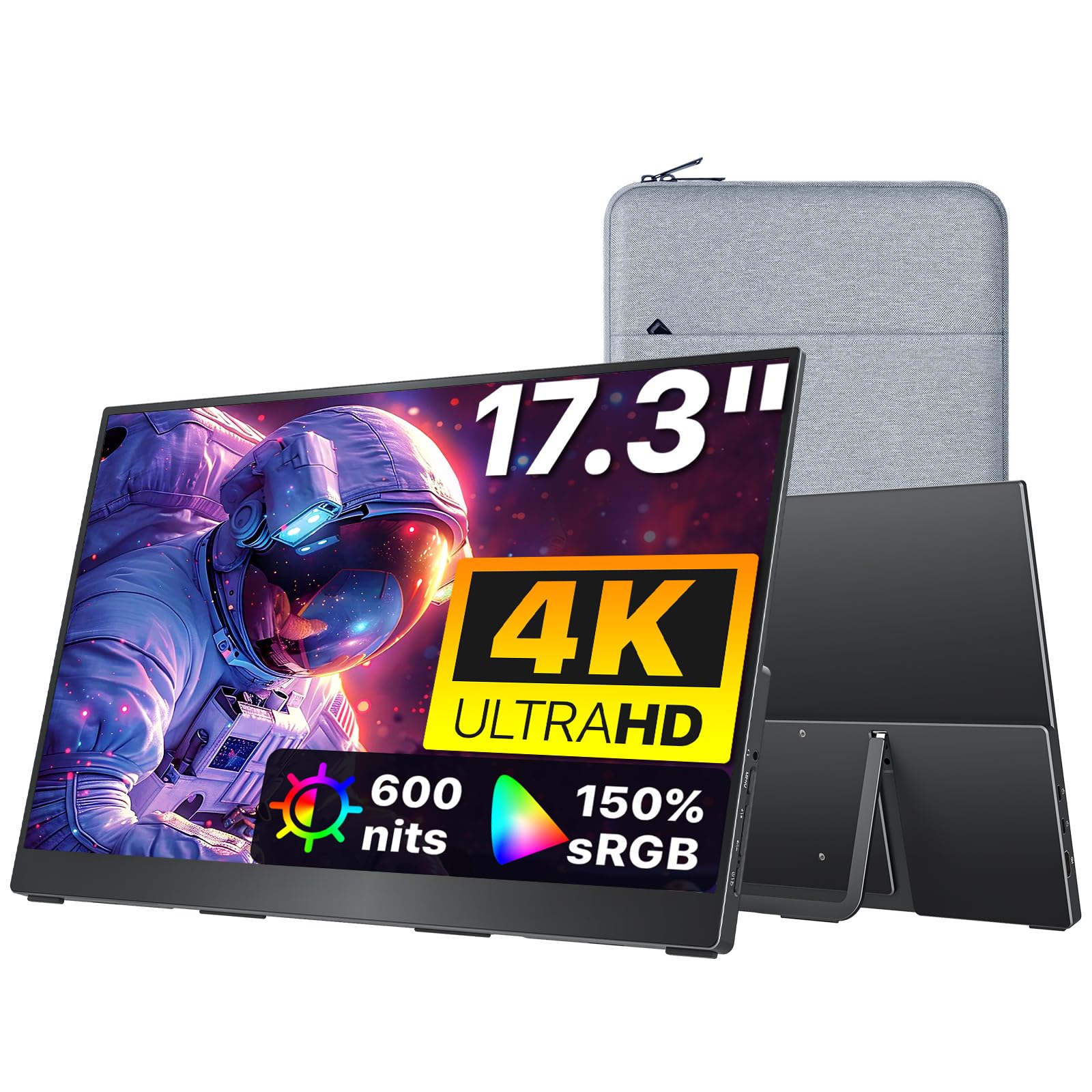
If your portable screen is for photo editing or video production, the cocopar is your answer. Its 3840×2160 4K resolution and 1200:1 contrast ratio makes fine details and layered images look sharp, while the 150% sRGB color gamut delivers rich, accurate color — a 46% larger color space than a standard 103% sRGB display. You get true plug-and-play via a single USB-C cable, but to hit the full 600 nits of brightness, you’ll need to plug in the included power adapter.
At just 1.7 lbs, it’s easy to slip into your bag, and the included custom cloth bag protects it from scratches. It works flawlessly with a MacBook Pro for plug-and-play setup. The aluminum build feels premium and durable, with a built-in kickstand and four VESA holes on the back if you want to mount it permanently. Dual stereo speakers provide clear audio, though they are best in quiet rooms — buyers find them adequate for conferencing, not for filling a loud space.
What wins people over is the sheer quality; it’s the aspect that owners mention most by far. Buyers report the picture is excellent after a quick settings adjustment, with one noting he “played 10 hours” straight without issue. The setup is easy with MacBooks, matching the travel-friendly design that customers praise. It’s a top-tier choice that blends high-end visuals with a genuinely portable frame.
Why it leads the pack
- Sharp 4K UHD with 1200:1 contrast for crisp detail
- Ultra-light 1.7 lbs with a protective cloth bag included
- Premium aluminum build with VESA mountable back
Consider this first
- Full 600-nit brightness requires the external power adapter
- Built-in speakers are quiet, only suited for quiet rooms
Your best bet for: creative professionals who need reliable, high-resolution color accuracy while traveling.
Think twice if: you’re on a strict budget; this is a premium-priced display, and a 1080p panel would handle basic office tasks for less.
2. ARZOPA 17.3″ 1080P FHD Portable Monitor
The lightweight 1080p daily driver that beats iPad Sidecar lag.
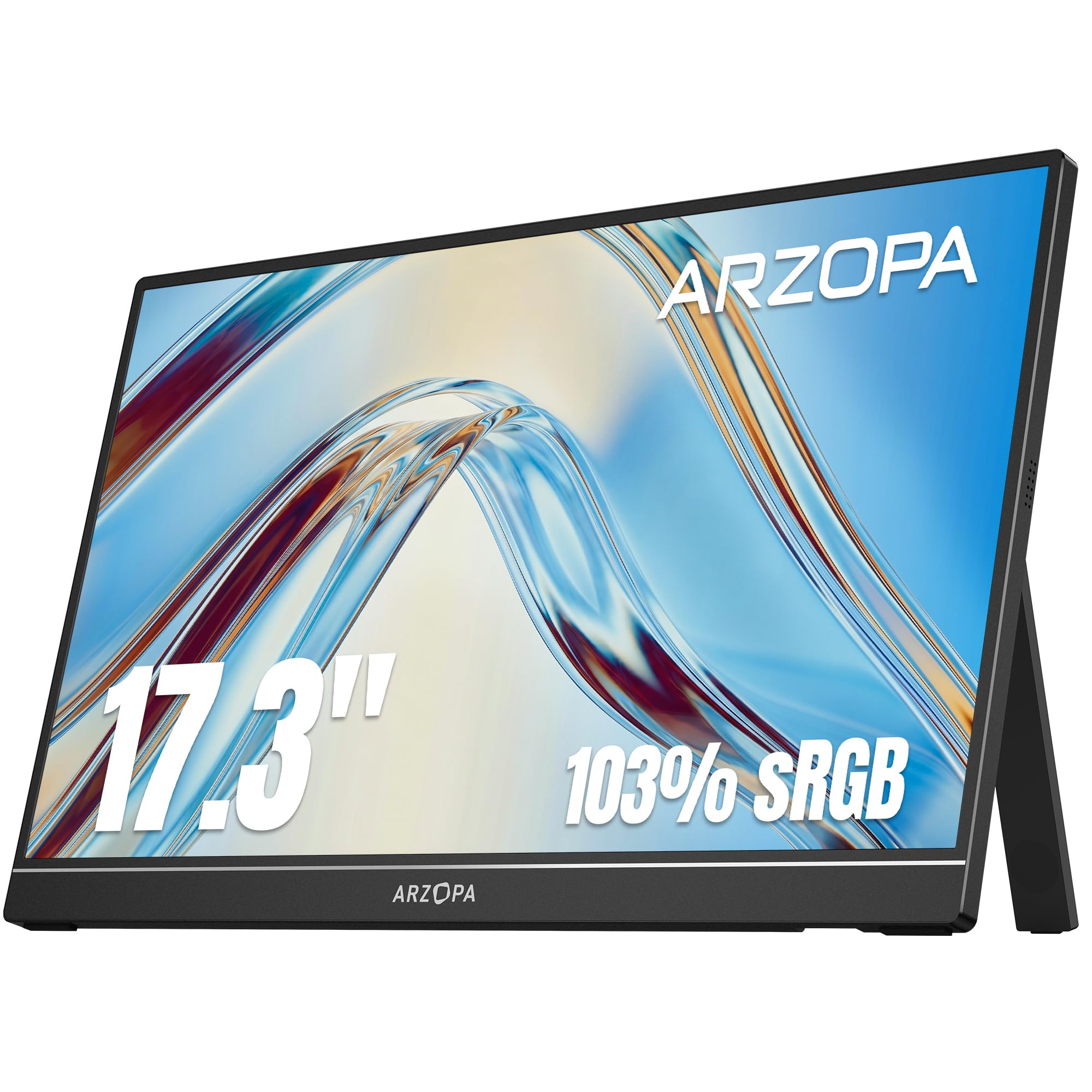
For a budget-friendly second screen that handles office work and travel with ease, the ARZOPA is a standout. Its 17.3-inch IPS screen delivers 1080p resolution with a 103% sRGB color gamut, making for vibrant, accurate colors that work well for photo editing. The visuals are sharp and easy to read, which is why portability and picture quality are the two things owners praise most about this unit.
You get a stable built-in stand that flips between landscape and portrait modes, so you can rotate your work or code without extra hardware. One USB-C cable carries both video and power, cutting cable clutter when you hook up a laptop or phone. Owners mention the USB-C connection “eliminates lag vs iPad Sidecar,” making it a reliable second screen for a MacBook Pro. The kickstand stays put, and the whole setup is light enough to move around easily.
The most honest trade-off is the lack of a carrying case; the package includes cables, but customers note you’ll need to buy a sleeve separately for protection. The built-in speakers are also on the quiet side. Beyond that, it’s repeatedly described as a sharp, stable, and budget-friendly monitor that’s ideal for small spaces and on-the-go productivity.
What makes it great
- Sharp 1080p IPS screen with 103% sRGB color accuracy
- Stable built-in kickstand with landscape and portrait modes
- Single USB-C cable for video and power
Small gaps to note
- No protective sleeve included for travel
- Speakers are quiet, suited for quiet rooms
Reach for this if: you want a dependable, low-cost 1080p panel for work and play without the premium price tag.
Look elsewhere if: you need 4K sharpness or a high refresh rate for competitive gaming.
3. NexiGo 144Hz 17.3″ Portable Gaming Monitor
Crisp 144Hz gaming motion with a rare full-sized HDMI input.
If smooth gameplay matters more than resolution, the NexiGo hits the mark with a 144Hz refresh rate on a 1080p IPS screen. This high refresh rate delivers fluid motion and reduced screen tearing, ideal for fast-paced games. It also supports FreeSync and is G-Sync compatible through the USB-C interface, which helps keep the action tear-free. The 4ms response time keeps motion looking sharp without ghosting.
The standout feature here is the full-sized HDMI input — a rarity on portable monitors that owners call “rare and convenient” because it connects to consoles directly without fussy adapters. The included smart cover doubles as a stand, and it fits neatly in a laptop bag. Buyers describe the display as bright enough for brightly lit rooms and better than an ultra-wide gaming monitor for many tasks. The panel comes factory-calibrated for accurate colors from the start.
A key caveat owners flag: to get the full 144Hz refresh rate and maximum brightness, you need to use the AC adapter. Running on USB-C power alone caps the refresh at 120Hz and limits brightness to 50%, and the sound is also disabled. That’s a fair trade for the performance you get, and the performance is widely praised as excellent for gaming and general use.
Built for gamers
- Smooth 144Hz refresh rate with a 4ms response time
- Rare full-sized HDMI port for easy console connection
- Factory-calibrated colors for accurate visuals
Before you buy
- Full refresh rate requires the AC adapter, not USB-C alone
- Smart cover stand can feel flimsy on uneven surfaces
A solid pick when: you want console-grade refresh rates and a direct HDMI hookup in a slim, travel-friendly frame.
Not the one if: you need a higher resolution than 1080p for detailed design work.
4. Yxk 17.3″ 1080P 144Hz Portable Monitor
The ultra-slim 144Hz panel that’s easy on the wallet.
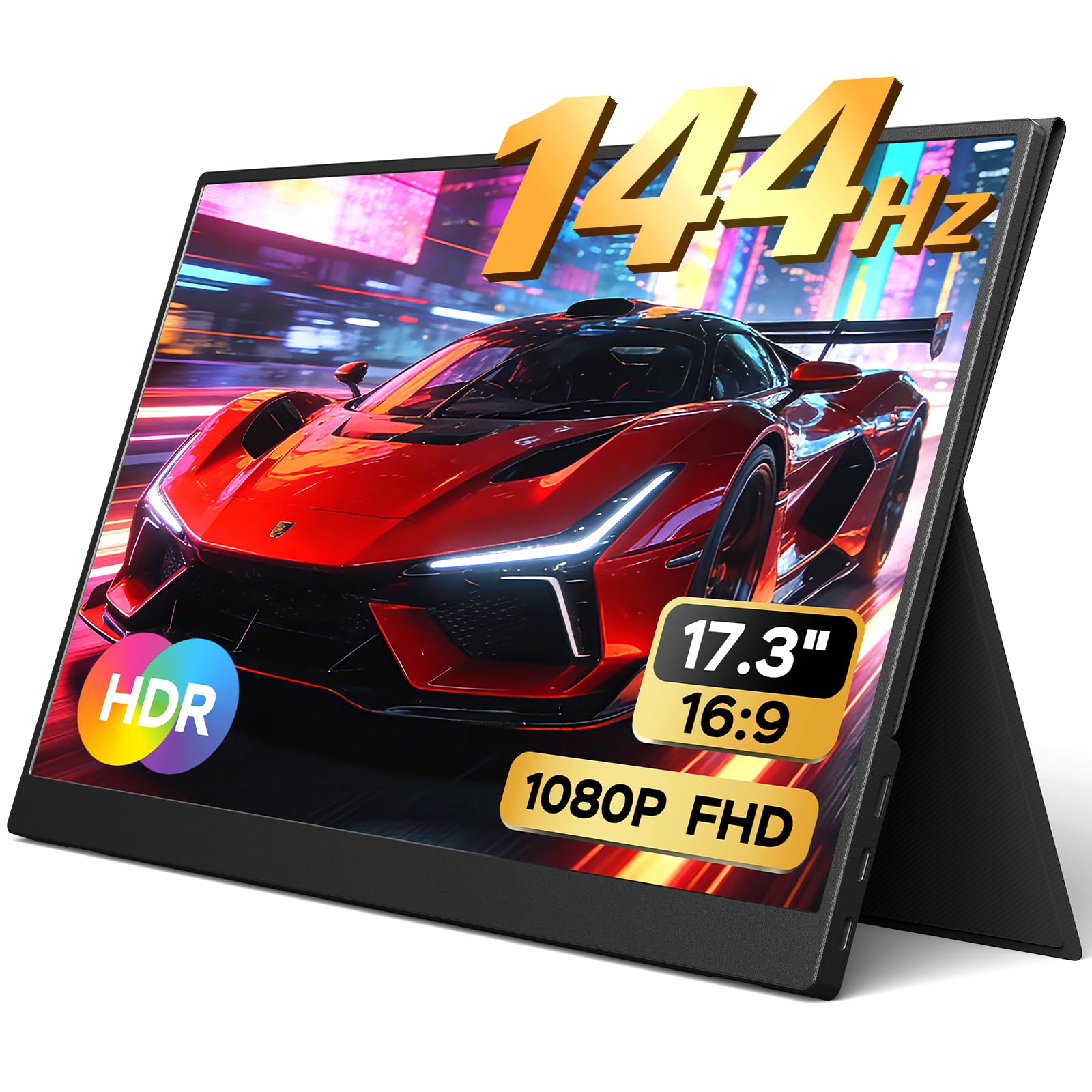
The Yxk brings high-refresh gaming to a budget-friendly price point. It packs a 144Hz refresh rate and 1080p resolution into a panel that’s just 0.2 inches at its thinnest point and weighs 2.12 lbs. That makes it a featherweight option that easily fits into any backpack or suitcase, and the magnetic PU smart cover protects the screen and doubles as a stand. It delivers vivid colors and crisp detail that owners say work great for gaming, streaming, and productivity.
Setup is instant with a single USB-C cable carrying both power and display signal — no drivers required. It includes two USB-C ports and a mini HDMI port, so it pairs with laptops, MacBooks, smartphones, and consoles. The box has everything you need to start: two USB-C cables, a mini HDMI to HDMI cable, and a wall charger. Owners highlight how it provides a “flawless screen extension” and a bright, crisp picture immediately.
The main criticism is the stability of the pop-out stand on uneven surfaces or specific angles; a few owners note it can wobble. Also, the first unit for one buyer was damaged in transit, so it’s worth packing carefully. For the price, the value is exceptional — a durable, lightweight 144Hz screen that undercuts many competitors while delivering the same smooth motion.
Why it wins on value
- Ultra-slim 0.2″ profile weighs just 2.12 lbs
- 144Hz refresh rate for smooth gaming motion
- Complete accessory kit with wall charger and cables
Watch out for
- Stand can be unstable on uneven surfaces
- Fragile if packed without the protective case
Grab it for: a budget-conscious gamer who wants 144Hz smoothness and a light build for travel.
Step away if: you need a rock-solid stand or a higher resolution for professional image editing.
5. MNN 17.3″ QHD 165Hz Gaming Monitor
The middle ground of sharp QHD detail and lightning-fast 165Hz motion.
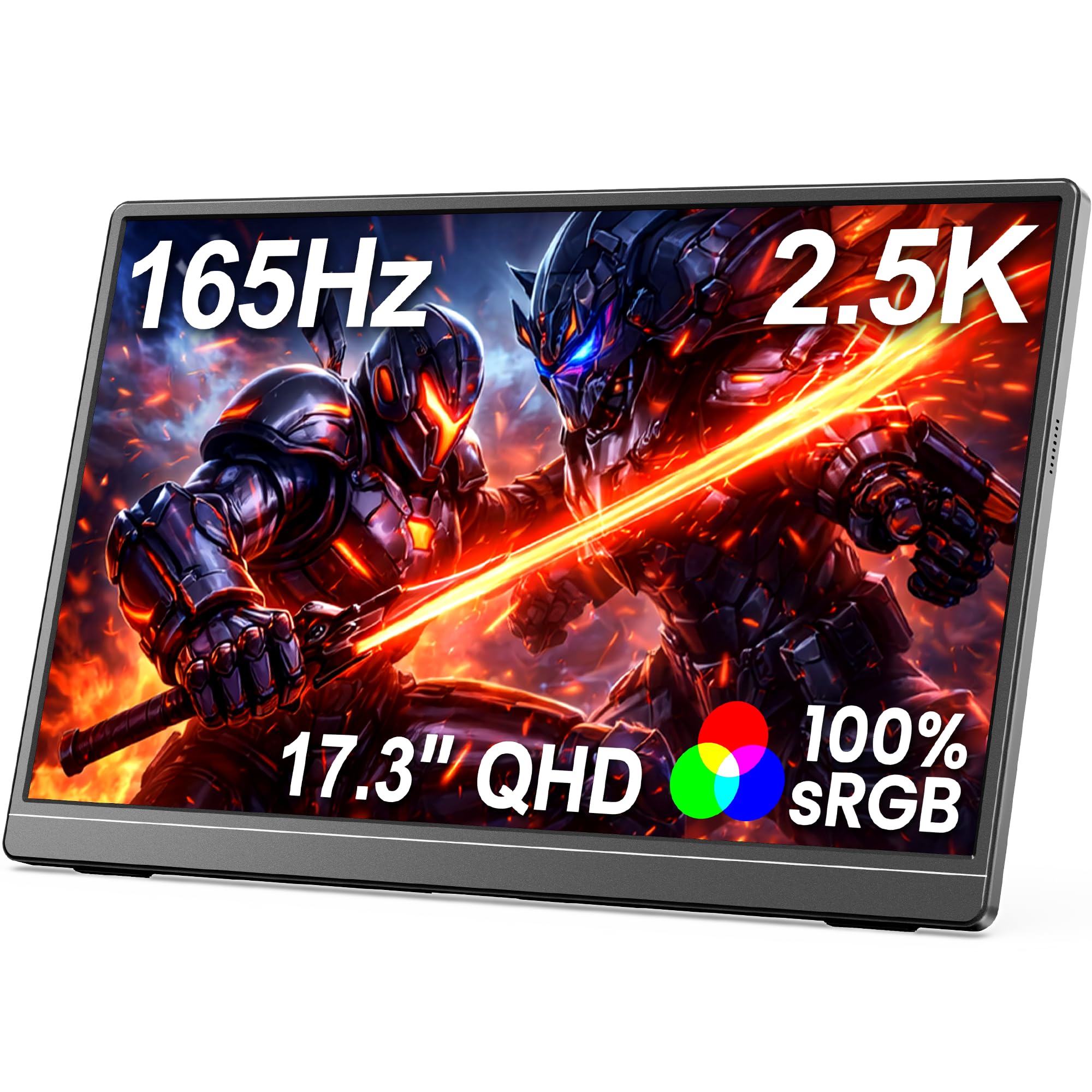
The MNN is the just-right option for those who can’t choose between sharpness and speed. It delivers a 2560×1440 (2.5K QHD) resolution on a 17.3-inch IPS screen — a significant step up in detail from 1080p — while still pushing a blazing 165Hz refresh rate. This combination gives you crisp, vibrant images with 100% sRGB color accuracy for work and design, plus fluid, tear-free motion for competitive gaming. It’s a rare pairing that makes it a top performer for both.
Setup is Plug and Play via USB-C or HDMI, with no drivers required. The slim semi-metal body with a built-in kickstand provides a premium feel and stable support. Buyers use it with Steam Deck and smartphones; one owner turned their Samsung Galaxy Note 10 into a laptop by connecting it. The image quality shows “accurate colors and brightness,” and the 165Hz refresh makes fast action look smooth.
The main caveat is the promised Smart Cover — some reviewers point out it’s not included in the package despite being listed. Also, the magnetic stands can be weak, so a right-angle USB-C cable might be needed for side-by-side setups. Despite these quirks, the display quality is near-glossy and often rated higher than competitors, making it a strong choice for a dual-role work-and-play monitor.
Best of both worlds
- Sharp 2.5K QHD resolution for detailed work
- Ultra-smooth 165Hz refresh rate for gaming
- Premium slim semi-metal body with kickstand
Honest trade-offs
- Smart Cover promised but not always included
- Magnetic stands can feel weak on some setups
Buy it if: you want a dual-purpose screen that’s sharp for design work and fast enough for esports.
skip it if: you’re strictly on a 1080p budget and don’t need the extra pixel density.
6. cocopar 17.3″ 1080P FHD IPS Monitor

A versatile 1080p workhorse with a 180° rotating kickstand.
The cocopar 1080p monitor is all about flexibility and ease of use. It features a 1920×1080 IPS A-grade screen with a 72% sRGB color gamut and a 1000:1 contrast ratio. The integrated bracket supports a full 0° to 180° rotation, making it perfect for switching between landscape and portrait modes. At just 2.3 pounds and 0.2 inches thin, it’s easy to carry anywhere. The integrated bracket is a highlight; owners say it’s much better than the fold stands most monitors come with.
Connectivity is universal, using a single USB-C cable for power and signal on devices with Thunderbolt 3.0 or USB 3.1 Type C. It also includes a mini HDMI port, so it’s compatible with laptops, phones, PS4, PS5, Xbox, and even Raspberry Pi. The built-in dual speakers and included sleeve case round out the package. Customers praise it as a reliable, thin, and light monitor with no flicker, working well for a travel productivity setup.
Owners praise its build quality, calling it the “best of 5+ tested portable monitors” for second-screen duty. The 72% sRGB color gamut (a measure of color range) isn’t the highest here, so colors look good but not exceptional — one owner notes they are “a bit washed out” next to pricier 4K units. Its real strength is being a dependable, versatile 17-inch screen with a great stand at a mid-range price, ideal if you want a solid daily driver without chasing top-tier color.
Why it’s versatile
- Unique integrated bracket pivots a full 180°
- Ultra-compact and light at 2.3 lbs
- VESA-compatible for mounting on an arm
Things to weigh
- 72% sRGB gamut is lower than premium monitors
- Brightness occasionally needs readjustment when plugged in
The right fit for: a mobile pro who values a solid, reliable screen with a superior built-in stand for landscape and portrait work.
Not for: color-critical editing where a 4K or higher sRGB panel is non-negotiable.
7. CAPERAVE 17.3″ 4K 500 Nits Monitor

A bright and crisp 4K display for dual-screen laptop power users.
CAPERAVE packs exceptional clarity into a 17.3-inch frame with true 4K UHD (3840×2160) resolution. The star of the show is its 500 nits brightness — that’s seriously bright for a portable panel, meaning you can actually see the screen clearly in a sunlit room or next to a bright window. Combined with a 1200:1 contrast ratio and 100% Adobe RGB coverage, it produces vibrant, lifelike images that make it a strong choice for gamers and professionals alike.
It offers duplicate, extended, and second screen modes, making it a breeze to use with iPads and Windows Remote Desktop. Owners love using it with an iPad Pro and with Linux mini-computers. Compatibility is broad, working with laptops, desktops, and iPads via HDMI or USB-C. It’s light, thin, and well-built, with a tiny but effective stand. The screen quality is the most-praised aspect, with buyers calling the 4K clarity “perfect” for CAD and music apps.
The honest caveats: brightness settings don’t save between uses, so you’ll re-adjust each time, and the built-in speakers are quiet. It also consumes power from your laptop on USB-C, reducing battery life. The visual payoff is strong — “bright & accurate colors” is a recurring theme — and the included travel sleeve is a nice bonus. For a bright, high-res external display that feels like a real workspace, this is a top contender.
Why it shines
- Excellent 500 nits brightness for bright environments
- True 4K resolution with 1200:1 contrast for sharp detail
- Broad device compatibility including iPad Pro
Keep in mind
- Brightness resets each time you power on
- Quiet speakers and no touchscreen support
Choose this when: you want a high-brightness 4K panel to pair with a laptop or iPad for a true dual-monitor setup.
Pass if: you need a high refresh rate for competitive gaming or if auto-saving settings is a must for you.
8. ViewSonic VX1754 17″ 1080p 144Hz Monitor
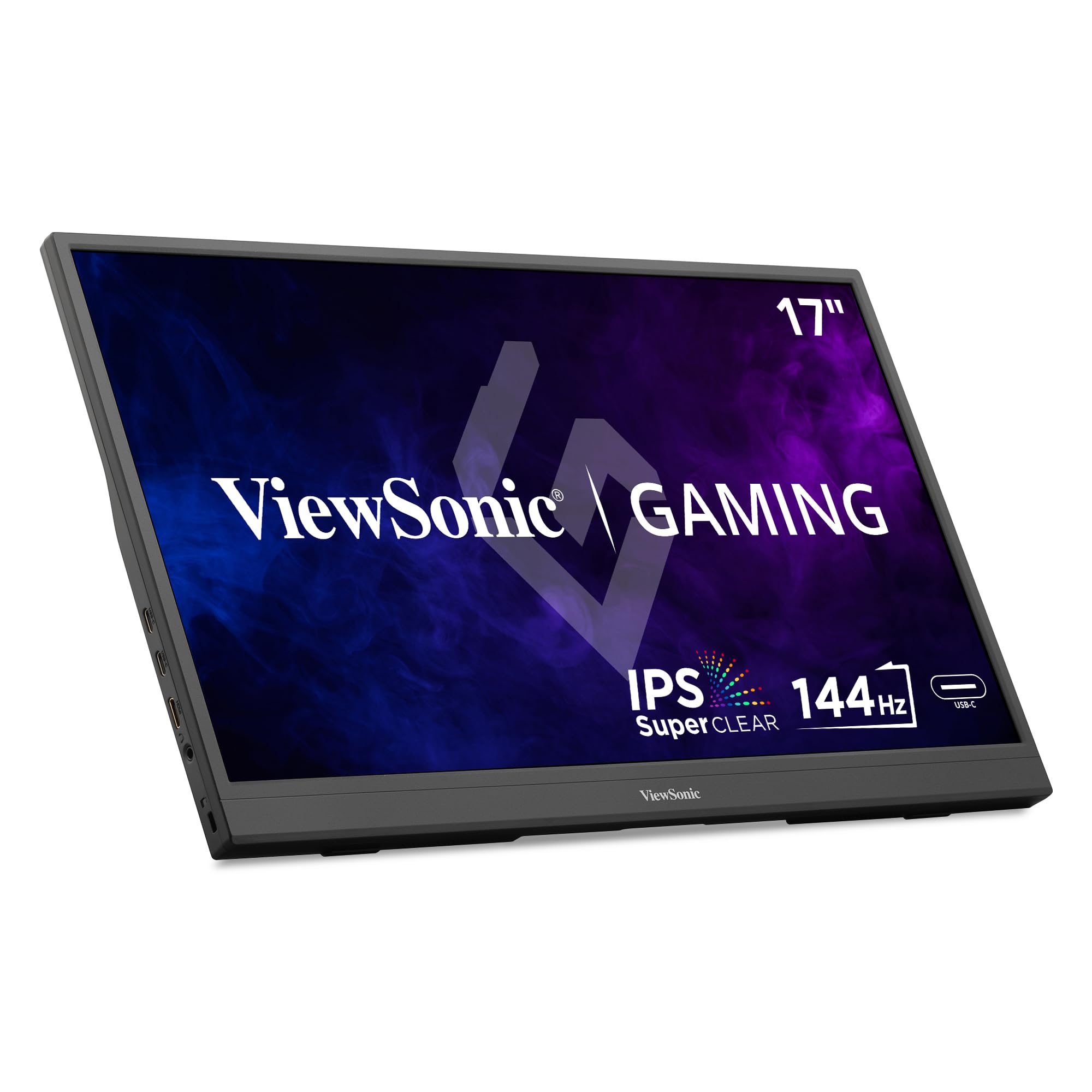
A paper-thin 144Hz panel that redefines on-the-go gaming.
The ViewSonic VX1754 earns its spot for the “work nomad” who wants a desktop-level gaming edge without the bulk. Its 144Hz refresh rate (how many times the screen updates per second) on a 1080p IPS display gives you a competitive advantage in fast-paced games, smoother than the standard 60Hz on most laptops. At just 0.7 inches thick and 2 lbs, it slips into a backpack easily, making it among the most travel-friendly gaming screens around — but if you need 4K sharpness, look elsewhere.
Connectivity is refreshingly simple with a single USB-C cable that provides a 60W two-way power delivery. That means it can keep your laptop charged while the monitor runs on the same cable. It also features AMD FreeSync to eliminate screen tearing and stuttering, and dual USB-C ports alongside a Mini-HDMI for flexible hookups with laptops, consoles, and phones. The included cover doubles as a kickstand, supporting landscape and portrait modes.
Owners love how light and portable it is, with one calling it “outstanding for a portable monitor” after using it for a long business meeting away from a 40-inch desktop monitor. The main gripe is the lack of a padded case in the box; a less expensive monitor they owned included one. Another noted the provided HDMI cable has a bulky filter that may not fit certain docks. It’s a high-performance, ultra-thin pick that prioritizes portability.
The travel gamer’s choice
- Ultra-slim 0.7-inch profile weighs only 2 lbs
- 144Hz with FreeSync for smooth, tear-free play
- 60W two-way USB-C power to charge your laptop
Good to know
- No padded hard case included for travel
- Included HDMI cable may not fit some dock designs
The pick for: minimalists who want the thinnest, lightest possible 144Hz gaming screen to throw in a bag.
Reconsider if: you need a protective case included or a higher resolution than 1080p.
9. UPERFECT 17.3″ 4K QLED Portable Monitor
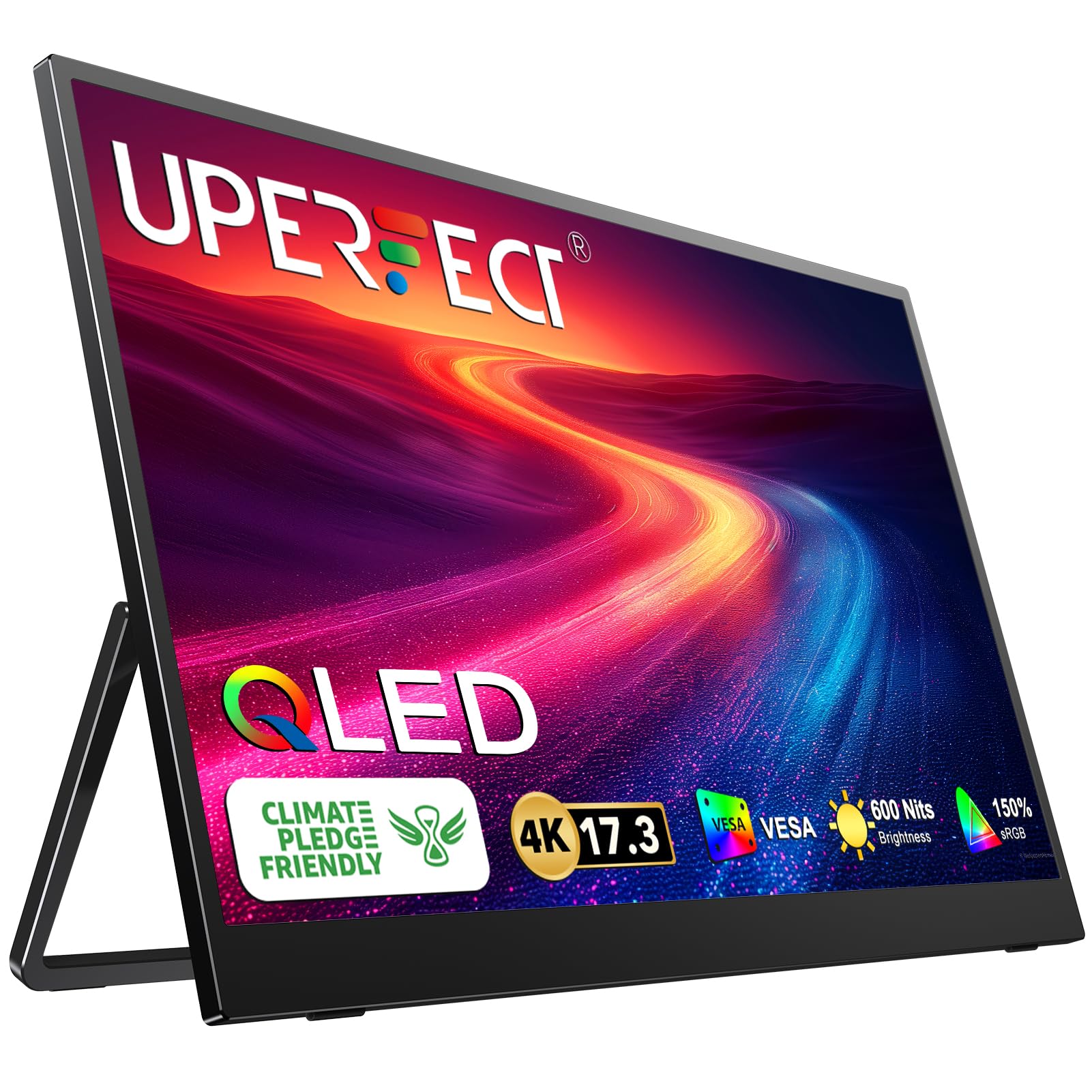
A QLED panel that pushes brightness and color to cinema levels.
For the sharpest color volume on a portable screen, the UPERFECT is the number to beat. It uses QLED technology (a quantum-dot layer that boosts color range) to hit 150% sRGB, delivering “purer red, darker green, and brighter blue” than standard IPS panels. It peaks at 600 nits (a brightness unit), the highest here, so you can watch HDR content outdoors or in bright rooms. The 4K UHD 3840×2160 resolution makes text and video look razor-sharp, though it demands more graphics power than 1080p.
The virtually bezel-less screen looks almost gapless in a dual-monitor setup, which owners love for productivity. It offers a built-in 180° adjustable stand and VESA (M4*4mm) compatibility for wall or arm mounting. Connectivity includes two full-featured Type-C ports and a standard HDMI port, so it connects to laptops, PCs, phones, and gaming devices, along with mice and keyboards for a true desktop feel. The image is described as crisp and vibrant, with a brightness that works anywhere.
The key caveat is power: you must use an external power source when connecting for full performance. The built-in speakers are weak, so a headset is recommended. There are also mixed reports on reliability — while most praise the quality, some units have experienced crashes and unexpected shutdowns. The visual performance is so strong that many consider it worth it, especially for media consumption and editing on the go.
The visual standout
- QLED panel with 150% sRGB for superb color volume
- Top-tier 600 nits brightness for any environment
- Nearly bezel-less 4K display for rich viewing
Honest limits
- Requires external power for full performance
- Reports of instability and shutdowns in some units
Ideal for: creative professionals and movie lovers who demand the absolute best in color and brightness.
Steer clear if: you want a super-reliable, set-and-forget monitor; this one occasionally needs a reboot.
10. ASUS ROG Strix XG17AHPE 17.3″ 240Hz Monitor

The pro-grade 240Hz panel that frees you from wall outlets.
ASUS brings its ROG gaming pedigree to a portable form with the XG17AHPE, a 17.3-inch Full HD (1920×1080) IPS monitor with a 240Hz refresh rate and a 3ms (GTG) response time (the time a pixel takes to change color). This is the highest refresh rate in this category, so fast-moving scenes stay smooth and blur-free, giving you an edge in competitive shooters. The built-in battery delivers up to 3 hours of 240Hz gaming without a wall outlet, a feature the ViewSonic VX1754 lacks.
The smart case doubles as a stand, and it’s tune for gaming with consoles, smartphones, and notebooks. Hybrid-signal USB-C and micro-HDMI ports let you plug in almost anything, from a Switch to a laptop. Owners praise the premium aluminum build, the excellent sound, and the lack of hotspots (bright spots) on the display. The 240Hz refresh is top-tier for a portable screen, making motion look flawless — but if you don’t game, you can save money with a 60Hz model.
The catch is that quality control is a recurring concern; a few units have arrived with dead pixels or power issues. The built-in speaker has been described as poor by some, who recommend using a headphone jack or external audio. It also won’t power on without an HDMI signal in some cases. It’s a premium-priced product, and while the performance is top-tier, the value for money is debated against cheaper 144Hz alternatives.
The performance king
- class-leading 240Hz refresh rate for pro gaming
- Built-in battery offers up to 3 hours of untethered use
- Premium aluminum build with smart case
Heavy caveats
- Quality control issues reported in some units
- High price that some owners feel isn’t justified
Splurge on this if: you’re a serious gamer who needs 240Hz smoothness and the freedom of a built-in battery.
Think hard if: you’re sensitive to potential quality issues or want better value for money; a 144Hz panel may suffice.
11. ASUS ROG Strix XG17AHP 17.3″ 240Hz Monitor

The complete 240Hz gaming kit with tripod, bag, and smart case.
The XG17AHP is the more complete version of ASUS’s flagship portable monitor. It keeps the stunning 17.3-inch Full HD (1920×1080) IPS panel with a 240Hz refresh rate and 3ms response time, but sweetens the deal with a full accessory package. Instead of just a smart case, you get the ROG Tripod, Smart Case, and a Carrying Bag, optimizing the gaming experience for console, smartphone, and notebook players. It’s the ultimate out-of-the-box portable gaming setup.
The built-in battery provides up to 3 hours of 240Hz use, and hybrid-signal USB-C and micro-HDMI ports connect to laptops, consoles, and cameras. Performance is superb; owners describe it as having “crisp colors, deep blacks, and no flicker,” which is a godsend for those sensitive to screen flicker. It’s a workhorse that has survived deployments, drops, and years of use, proving its durability.
The primary criticisms are the high price and the fact that it drains a connected MacBook’s battery when running on USB-C. The built-in stand tilts under cable tension, so a tripod is the better option. There are also mixed reports on reliability; one owner reports it worked for three months before issues, while another raves about 3.5 years of service. For the premium, you’re paying for the complete ROG experience, not just a screen.
What’s in the box
- 240Hz refresh rate with a 3ms response time
- Full kit: ROG Tripod, Smart Case, and Carrying Bag
- Built-in battery for up to 3 hours of gaming
The cost of premium
- Very high price point for a portable monitor
- USB-C connection drains the host laptop’s battery
The ultimate kit for: a hardcore gamer who wants a complete, travel-ready 240Hz setup with no extra purchases.
Look further if: you’re on a budget or value portability over the premium tripod and bag accessories.
Understanding the Specs
Resolution: 1080p vs. 4K
Resolution is the number of pixels on the screen, which determines how sharp the image looks. 1080p (1920×1080) is the standard for portable monitors, offering a good balance of clarity and compatibility, and it’s sharp enough for most productivity and gaming. 4K UHD (3840×2160) packs four times the pixels, making text and images look razor-sharp, which is ideal for photo and video editing. The trade-off is that 4K panels are more expensive and require a laptop powerful enough to drive them.
Refresh Rate: Hz and Smoothness
Refresh rate, measured in Hertz (Hz), tells you how many times the screen updates the image each second. A standard 60Hz monitor is perfectly fine for office work, web browsing, and watching videos. Gaming monitors push this to 144Hz or even 240Hz, which makes fast motion look significantly smoother and reduces the “ghosting” effect you see when objects move quickly. If you play competitive games, a high refresh rate is a crucial spec for a better experience.
Color Gamut: sRGB and Accuracy
Color gamut is the range of colors a monitor can display, often expressed as a percentage of the sRGB standard. A higher percentage (like 100% sRGB or 150% sRGB) means the screen can show more vivid, accurate colors. This is critical for photo editing and video production, where color accuracy is non-negotiable. For general use and gaming, a lower gamut like 72% sRGB is still perfectly acceptable, but for creative work, aiming for 100% or higher is a wise investment.
Brightness: Nits and Usability
Brightness is measured in nits (or cd/m²), and it dictates how well you can see the screen in bright environments. A monitor with 250-300 nits is fine for indoor use, but if you plan to work in a brightly lit room, by a window, or outdoors, you’ll want a panel with at least 400-500 nits. The brightest panels here hit 600 nits, ensuring the screen stays visible even in harsh lighting conditions. Also, check if peak brightness requires the power adapter, as many portable monitors can’t hit max brightness on USB-C power alone.
FAQ
Is a 17-inch portable monitor too big to carry around?
Can I power a 17-inch portable monitor with just a USB-C cable from my laptop?
What’s the difference between a 144Hz and a 240Hz portable gaming monitor?
Will a 4K portable monitor work with my MacBook Pro?
Do portable monitors have built-in speakers?
Is a 17.3-inch screen a true 17-inch display?
How do I connect a Nintendo Switch to a portable monitor?
What does “USB-C DP Alt Mode” mean for a portable monitor?
Should I get a portable monitor with a VESA mount?
What is the difference between an IPS and a QLED portable monitor?
Final Thoughts: The Verdict
For most buyers, the 17 inch portable monitor winner is the cocopar 4K UHD because it delivers professional-grade color accuracy and sharpness in an ultra-light frame. If you want a smooth high-refresh experience for gaming while staying affordable, grab the ARZOPA 1080P. And for the ultimate on-the-go gaming freedom, the ASUS ROG XG17AHPE ‘s built-in battery is the one to reach for. No matter your need, there’s a portable monitor here that fits your bag and your workflow.
How We Picked
We do not accept paid placement. Every pick is matched to a real buyer and a real use-case; we do not hands-on test units.
Sources & Methodology
Specifications: manufacturer listings and product documentation. Review insights: verified customer reviews, as of August 2026. Pricing: not shown on this page (it changes often); check the current price via the retailer link.
As an Amazon Associate, Gadgets Feed earns from qualifying purchases. This does not affect which products we feature.