
An 18-inch monitor fills a specific gap that smaller 13-inch screens and larger 24-inch displays cannot touch: it gives you a genuine secondary workspace or gaming canvas that is still compact enough to slide into a standard backpack. Whether you are pairing it with a laptop for a dual-screen office on a plane, or connecting it to a gaming handheld for a larger battlefield view, the 18-inch form factor demands a careful balance of resolution, refresh rate, and color accuracy.
I’m Min — the co-founder and writer behind Gadgets Feed. I’ve spent hundreds of hours combing through the technical specifications, user reports, and real-world performance characteristics that define this specific monitor size, because finding a portable display that does not force you to choose between portability and visual quality takes more than reading a product title.
After evaluating the key metrics — refresh rates from 100Hz to 144Hz, panel technologies including IPS and QLED, and connectivity standards like USB-C and mini HDMI — I am ready to help you find the best 18 inch monitor for your specific setup.
How To Choose The Best 18 Inch Monitor
An 18-inch monitor lives in a unique size class — larger than a typical portable display but smaller than a full desktop monitor. The buying decisions come down to matching your primary use case, whether that is high-refresh gaming, color-accurate creative work, or battery-efficient travel. You need to weigh refresh rate against resolution, check your device’s port capabilities, and decide whether matte or glossy glass matters for your lighting environment.
Refresh rate and response time
If you plan to connect the monitor to a gaming console like a PS5 or a handheld like a Steam Deck, target at least 100Hz. A 60Hz panel introduces noticeable motion blur during fast-paced titles, while 120Hz or 144Hz panels produce much smoother camera pans and reduce input lag. The response time, often listed at 1ms to 4ms, determines how quickly pixels transition — lower numbers reduce ghosting in competitive shooters.
Panel technology and color accuracy
IPS remains the most common panel type in this size class, offering wide 178-degree viewing angles and decent color reproduction for general work. QLED panels, like the one found in the highest-tier models, push color volume further with a 100% DCI-P3 rating and deeper black levels because of quantum-dot backlighting. For photo editing or design, look for a monitor with at least 100% sRGB coverage; 120% or 145% sRGB ratings indicate a wider, more vibrant color space.
Power delivery and single-cable operation
The single biggest compatibility issue with 18-inch monitors is whether your laptop or phone can supply enough power through one USB-C cable to run the display. If your device has a Thunderbolt 3/4 or full-featured USB-C port that outputs at least 15W, many monitors will work with a single connection. If the screen flickers or fails to reach full brightness, you will need to connect the included power adapter. Always check the manufacturer’s power recommendation.
Quick Comparison
On smaller screens, swipe sideways to see the full table.
| Model | Category | Best For | Key Spec | Amazon |
|---|---|---|---|---|
| UPERFECT 18″ QLED | Premium | High-end gaming & creative work | 2560×1600 QLED / 144Hz | Amazon |
| UPERFECT 18.5″ NxtLED | Premium | Eye-care & extended productivity | 145% sRGB / 120Hz | Amazon |
| Maovz 18.5″ Portable Monitor | Mid-Range | Smooth gaming & travel | 120Hz / 1ms response | Amazon |
| Ingnok 18.5″ Portable Monitor | Mid-Range | Color-accurate productivity | 300 nits / 100% sRGB | Amazon |
| InnoView 18.5″ Portable Monitor | Mid-Range | Multitasking & media | 120% sRGB / 100Hz | Amazon |
| iProda 18.5″ Portable Monitor | Value | Budget travel companion | 120Hz / FHD 1080P | Amazon |
| qaf 18.5″ Portable Monitor | Budget | Entry-level second screen | 100Hz / 100% sRGB | Amazon |
In‑Depth Reviews
1. UPERFECT 18″ QLED Portable Monitor

The UPERFECT 18-inch QLED monitor delivers a 2560×1600 QHD resolution with a 144Hz refresh rate, placing it in a different tier than most portable displays. The quantum-dot panel covers 100% DCI-P3, which translates to noticeably richer reds and greens during gaming sessions or video editing workflows. At 400 nits brightness, the screen remains legible in well-lit rooms, and the 2000:1 contrast ratio helps blacks appear deeper than typical IPS alternatives.
Connectivity includes dual USB-C ports and a mini HDMI input, and the monitor supports VESA 75x75mm mounting alongside a smart cover that folds into a stand. Users report that achieving the full 144Hz at 2K resolution requires a 30W or higher USB-C power adapter, otherwise the refresh rate may cap lower. The panel is flicker-free and includes a blue light filter, making it suitable for long editing sessions.
The built-in speakers are adequate for system sounds but not for primary media consumption — you will want external speakers or headphones. Some users noted that the 16:10 aspect ratio feels taller than standard 16:9 monitors, which is actually an advantage for reading documents and code. If your budget allows, this is the most versatile 18-inch monitor in the current market.
Why it’s great
- QLED panel with 100% DCI-P3 delivers desktop-grade color accuracy
- 144Hz at 2K resolution provides smooth gaming and sharp text
- Includes smart cover, VESA mount, and a 30W power adapter
Good to know
- Requires a 30W adapter to hit 144Hz at full resolution
- Built-in speakers lack volume for immersive use
2. UPERFECT 18.5″ NxtLED Portable Monitor
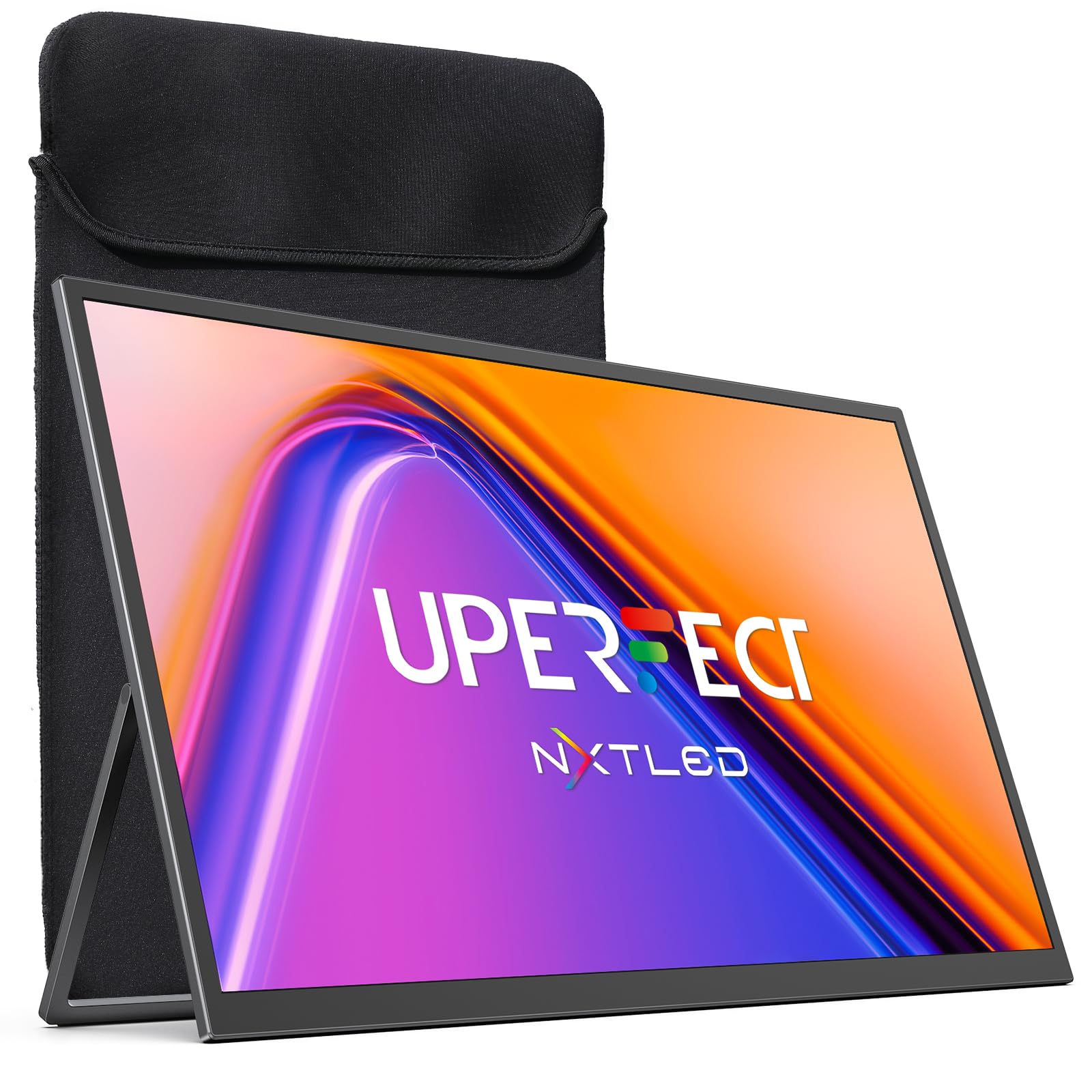
The UPERFECT NxtLED monitor uses a matte anti-glare screen paired with flicker-free DC dimming and low blue light calibration to minimize eye strain during extended use. The panel covers 145% sRGB and hits a 2000:1 contrast ratio, resulting in vibrant colors that do not look washed out in bright environments. The 120Hz refresh rate keeps scrolling and motion smooth without the power draw of a 144Hz panel.
The built-in kickstand is sturdy and supports multiple viewing angles, while VESA 75x75mm compatibility allows for desk mounting. Users consistently describe the color accuracy as excellent straight out of the box, with the matte finish eliminating reflections that plague glossy portable monitors when used near windows. The screen brightness is rated at 600 Lux, which translates to comfortable indoor brightness without being harsh.
The dual speakers are serviceable for video calls and casual YouTube watching but lack bass for music or cinematic gaming. Some users noted that the back surface attracts fingerprints easily, and the included neoprene case offers basic protection without a hard shell. For professionals who spend eight hours a day on a second screen, the eye-care features make this a compelling mid-range pick.
Why it’s great
- Matte anti-glare screen with flicker-free DC dimming reduces eye fatigue
- 145% sRGB provides punchy, consistent colors for creative work
- 120Hz refresh rate enhances smoothness without high power draw
Good to know
- Speakers are mediocre for music and gaming audio
- Neoprene case offers limited drop protection
3. Maovz 18.5 Inch Portable Monitor
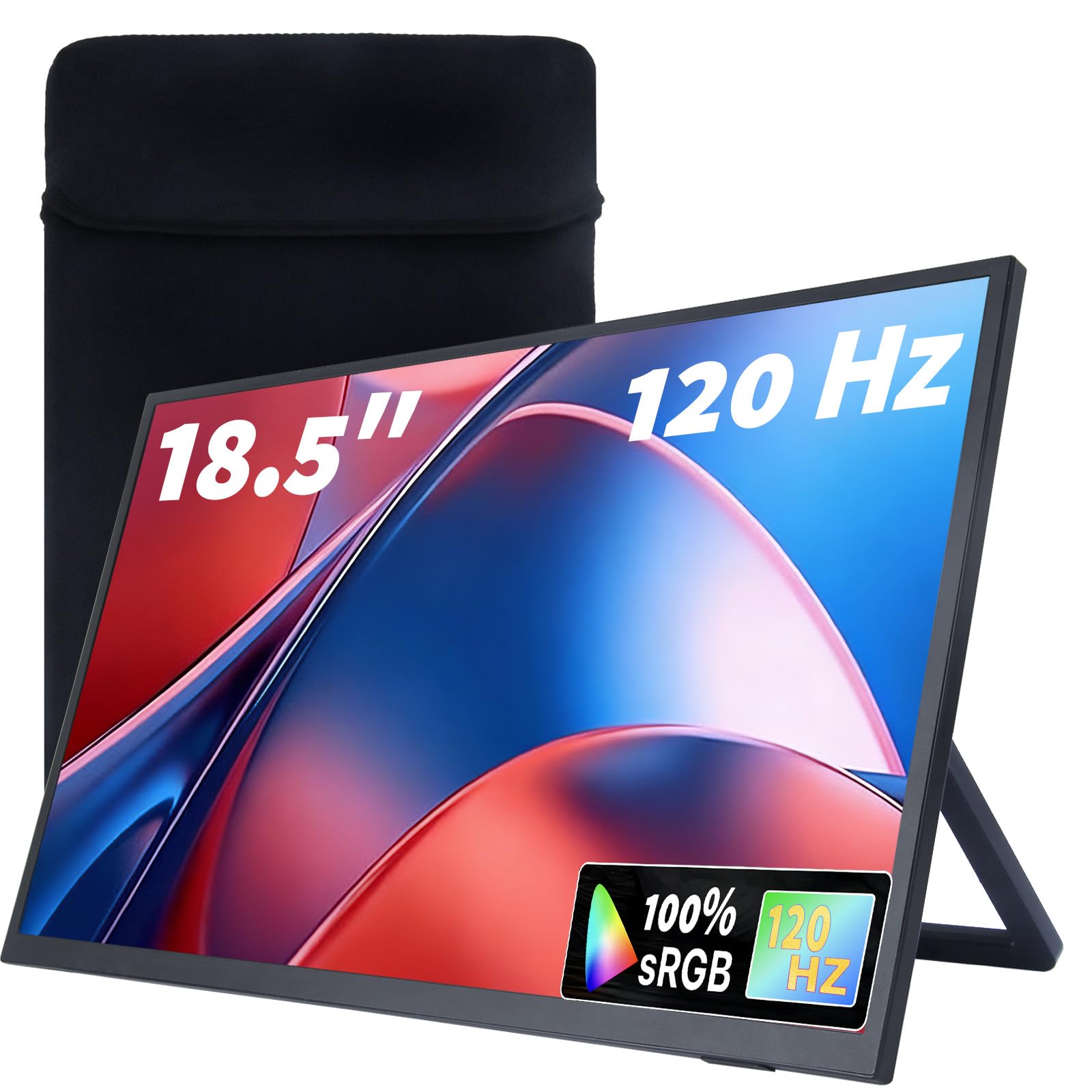
The Maovz 18.5-inch monitor combines a 120Hz refresh rate with a 1ms response time, making it one of the fastest options in the mid-range segment for competitive gaming. The IPS panel covers 100% sRGB and features a 1200:1 contrast ratio, which keeps colors accurate and blacks reasonably deep. The ultra-narrow bezel design makes the screen feel larger than its 18.5-inch diagonal suggests, and the 178-degree viewing angle ensures no color shifting when viewed from the side.
Connectivity comes through two USB-C ports and a mini HDMI input, which is standard for this class, but the monitor also includes a 360-degree adjustable stand and VESA 75x75mm compatibility. The protective storage bag has a shock-absorbing lining and scratch-resistant interior, addressing a common weak point in portable monitors. Users report that the monitor works well with personal laptops, work computers, and even smartphones via USB-C.
The eye-care features — blue light reduction, anti-glare coating, and flicker-free technology — are genuinely useful for long sessions, but the 250 nits brightness means this monitor is best suited for indoor use. Several users mentioned that the 0.37-inch thickness makes it extremely easy to pack, but the screen is not bright enough for outdoor patios or sunlit rooms. For gamers who prioritize motion clarity and a compact frame, this monitor is a strong value.
Why it’s great
- 120Hz with 1ms response produces very low input lag for gaming
- Ultra-slim 0.37-inch chassis slides easily into a backpack
- Shockproof carrying bag protects the screen during travel
Good to know
- 250 nits brightness is not sufficient for outdoor or very bright rooms
- Some users report the screen is not bright enough for car or outdoor use
4. Ingnok 18.5 Inch Portable Monitor

The Ingnok 18.5-inch monitor stands out for its 300 nits peak brightness and 8-bit color depth that reproduces 16.7 million colors with 100% sRGB coverage. The IPS panel has a 1200:1 contrast ratio, and the FreeSync adaptive sync support helps reduce screen tearing when connected to a compatible GPU. The monitor measures just 0.33 inches at its thinnest point and weighs 2.51 pounds, making it genuinely portable without sacrificing build quality.
The dual USB-C ports and mini HDMI input provide flexible connectivity, and the smart cover functions as a stand with multiple viewing angles. VESA 75x75mm mounting is available for desk arms or wall brackets. Users consistently praise the image quality for the price, noting that the monitor works as a portable TV with a Roku stick when paired with a Bluetooth speaker. The included HDMI-to-mini-HDMI cable and USB-C cables cover the most common connection scenarios.
The main trade-off is the 60Hz refresh rate, which some users find causes noticeable eye fatigue during long sessions and feels sluggish compared to higher-hertz siblings. The built-in speakers are weak, and the cover-as-stand design requires careful setup to avoid tipping. While not ideal for competitive gaming, the Ingnok monitor excels for photo editing, document work, and media consumption where color accuracy and brightness matter more than frame rate.
Why it’s great
- 300 nits brightness with 100% sRGB delivers accurate, vivid colors
- Ultra-slim and lightweight at 2.51 pounds for easy travel
- FreeSync support reduces tearing for smoother visuals
Good to know
- 60Hz refresh rate feels sluggish for fast-paced gaming
- Built-in speakers are poor; external audio is recommended
5. InnoView 18.5 Inch Portable Monitor

The InnoView 18.5-inch monitor offers a 120% sRGB color gamut and a 100Hz refresh rate, hitting a sweet spot between color vibrancy and motion smoothness that most portable displays in this price range miss. The IPS panel has a 1000:1 contrast ratio and an 8-bit color depth that handles gradients without visible banding. With FreeSync support, the monitor can match compatible GPUs to minimize tearing during gameplay.
The build is notably sturdy, with a metal kickstand that feels more premium than the plastic covers found on cheaper models. Three mounting options — a foldable stand, wall mount, and VESA 75x75mm — give you flexibility for different workspace layouts. Users report that the screen is noticeably brighter and sharper than older 18-inch monitors, with no backlight bleed in corner tests. The bundled 20W power adapter eliminates flicker when using devices with weak USB-C ports.
Some users experienced compatibility issues with certain docks, particularly when trying to drive the monitor at 100Hz with a Steam Deck or Asus Ally. The speakers are average at best, and the 3.3-pound weight is slightly heavier than competitors. For a mobile professional or casual gamer who wants wide color coverage without jumping to premium pricing, the InnoView delivers the best balance of the mid-range tier.
Why it’s great
- 120% sRGB coverage produces richer colors than standard 100% panels
- 100Hz refresh rate with FreeSync reduces tearing and motion blur
- Metal kickstand and three mounting options add workspace flexibility
Good to know
- May require external power with certain gaming handhelds and docks
- Weighs 3.3 pounds — slightly heavier than ultra-slim competitors
6. iProda 18.5 Inch Portable Monitor

The iProda 18.5-inch monitor brings a 120Hz refresh rate and FHD 1080P resolution to the entry-level price point, making it the most affordable way to get high-frame-rate motion in the 18-inch class. The LCD panel offers a 178-degree viewing angle and decent contrast in the 500:1 to 1000:1 range, which is typical for budget portable monitors. The wide compatibility includes laptops, gaming consoles, and smartphones via USB-C.
The monitor is described by users as bright, lightweight, and simple to set up — literally plug-and-play with no driver installation required. The built-in speakers and audio jack provide basic functionality for video calls and system sounds. Some users specifically noted that the 18.5-inch size is ideal for a mini computer second screen, and the portability allows it to fit comfortably in a laptop bag for travel.
A significant drawback is that iPhone mirroring does not work with this model, which disappointed some buyers who expected universal smartphone support. Additionally, one user reported that the monitor stopped functioning shortly after the return window closed. The build quality feels adequate for the price, but the lack of a protective case in the box and the limited contrast ratio make it a clear budget-tier option rather than a daily driver.
Why it’s great
- 120Hz refresh rate at a budget-friendly price point
- Lightweight design works well as a portable companion
- Plug-and-play setup with no driver installation
Good to know
- iPhone mirroring does not function despite USB-C connection
- Contrast ratio is limited compared to mid-range IPS panels
7. qaf 18.5 Inch Portable Monitor
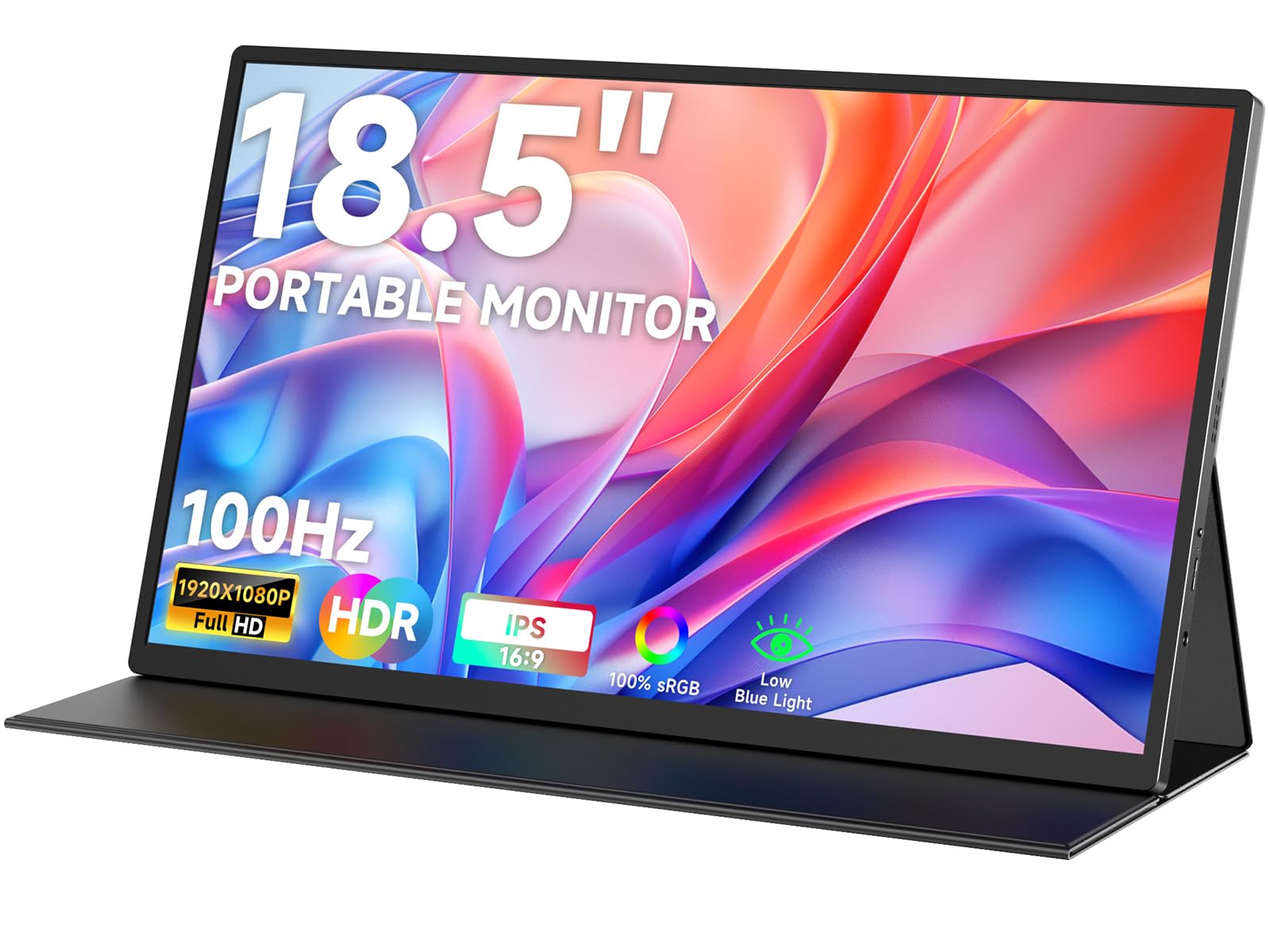
The qaf 18.5-inch portable monitor is a no-frills IPS panel that delivers 100Hz and 100% sRGB at a base-level price point. The 250 nits brightness is on the lower end, but the HDR support and flicker-free technology help the image look acceptable in indoor settings. The monitor features anti-glare treatment, which reduces reflections from overhead lights, and the 1000:1 contrast ratio provides decent depth for movies and documents.
Connectivity includes two USB-C ports and a mini HDMI input, and the package comes with a leather case that doubles as a stand, two Type-C cables, and a mini HDMI adapter. Users praise the monitor for being super slim and fitting seamlessly into a laptop bag, with one customer using it for a compact teleprompter setup. The plug-and-play nature means it works with MacBooks without additional configuration.
The loudest warning is a user report of the monitor failing shortly after the return period ended, raising concerns about long-term reliability. The built-in speakers are functional but thin, and the small plastic stoppers used for standing the monitor are not the most confidence-inspiring. For light-duty use as a secondary screen for emails, code, or teleprompter work, the qaf monitor offers a low barrier to entry, but you should consider the extended protection plan.
Why it’s great
- 100Hz IPS panel with 100% sRGB at a low entry price
- Comes with leather case, two Type-C cables, and mini HDMI adapter
- Anti-glare and flicker-free for comfortable indoor use
Good to know
- Some reports of the monitor failing after the return window closes
- Plastic stand stoppers feel less durable than metal alternatives
FAQ
Can I use an 18-inch monitor as my only display?
How do I know if my laptop supports single-cable USB-C video?
What refresh rate does a PS5 or Steam Deck need?
Final Thoughts: The Verdict
For most users, the best 18 inch monitor winner is the UPERFECT 18″ QLED because it combines a high-resolution QLED panel with a 144Hz refresh rate, delivering desktop-grade performance in a portable form factor. If you want premium eye-care features and wide color coverage without paying for 2K resolution, grab the UPERFECT 18.5″ NxtLED. And for the best value in the mid-range, nothing beats the Maovz 18.5 Inch Portable Monitor for its combination of 120Hz speed and a shockproof carrying case.