
Our readers keep the lights on and my morning glass full of iced black tea. As an Amazon Associate, I earn from qualifying purchases.
The jump from a standard 60Hz or even 144Hz panel to a modern 180Hz monitor is immediately tangible. Moving a cursor across a 1440p desktop at 180 frames per second eliminates micro-stutters, while fast-paced shooters feel almost pre-cognitively responsive. This refresh rate has become the new sweet spot, offering a genuine competitive edge without demanding the GPU horsepower of a 240Hz or 360Hz panel.
I’m Min — the co-founder and writer behind Gadgets Feed. I have spent countless hours researching the technical specifications, panel types, and real-world performance metrics of the latest high-refresh-rate displays to find the best options available right now.
Whether you are a competitive esports player, a creative professional seeking fluid motion, or a console gamer looking for a smooth upgrade, this guide breaks down the top models to help you find the perfect 180hz monitor for your setup and budget.
How To Choose The Best 180Hz Monitor
Choosing the right 180Hz monitor goes beyond just the refresh rate. You need to consider the resolution, panel type, and connectivity to ensure the monitor matches your GPU and your gaming or productivity needs. A 1080p 180Hz monitor is easier to drive, but a 1440p panel offers a significantly sharper image for a more immersive experience.
Resolution: 1080p vs. 1440p vs. Ultrawide
Your choice of resolution dictates visual clarity and the graphical load on your graphics card. 1080p (FHD) at 180Hz is excellent for competitive gaming where maximum frame rates are critical, but the image is less sharp. 1440p (QHD) is the sweet spot for most gamers, offering a massive clarity upgrade while still being achievable at 180fps with modern mid-to-high-end GPUs. Ultrawide 3440×1440 panels provide an immersive cinematic field of view but demand even more GPU power.
Panel Type: Fast IPS vs. VA vs. Mini-LED
The panel technology determines the monitor’s color accuracy, contrast, and response time. Fast IPS panels provide the best all-around performance with wide viewing angles and fast 1ms GTG response times, making them ideal for competitive gaming. VA panels offer superior native contrast (3000:1 or higher), delivering deeper blacks for darker games and media, but can suffer from slightly slower pixel transitions. Mini-LED (like the AOC Q27G3XMN) combines a VA panel with hundreds of local dimming zones, offering exceptional HDR brightness and black levels that approach OLED territory.
Adaptive Sync & Connectivity
To fully utilize a 180Hz monitor, you need the right ports. HDMI 2.0 supports 1440p at 144Hz, but to hit the full 180Hz at QHD resolution, you must use a DisplayPort 1.4 connection. Ensure your monitor supports AMD FreeSync or NVIDIA G-Sync Compatible to eliminate screen tearing without introducing the stutter of V-Sync. Also check for features like Black Equalizer for visibility in dark scenes and low input lag modes for responsive gameplay.
Quick Comparison
On smaller screens, swipe sideways to see the full table.
| Model | Category | Best For | Key Spec | Amazon |
|---|---|---|---|---|
| AOC Q27G3XMN | Mini-LED | HDR Gaming & Media | 336-Zone Mini-LED, HDR 1000 | Amazon |
| Alienware AW2725DM | Premium IPS | Competitive & AAA Gaming | DCI-P3 95%, G-Sync Compatible | Amazon |
| Samsung Odyssey G5 (G51F) | VA Panel | Deep Blacks & Adjustable Ergo | 3000:1 Contrast, Height/Pivot | Amazon |
| Pixio PXC278 Wave | Curved VA | Aesthetic Builds & Immersion | 1650R Curve, 350 cd/m² | Amazon |
| LG 27GS60QC-B | Curved Focus | Sim Racing & Cinematic Games | 1000R Curve, 1ms GTG | Amazon |
| Sceptre E345B-QU180D | Ultrawide | Productivity & Immersive FOV | 3440×1440, 21:9 Aspect Ratio | Amazon |
| ASUS TUF VG259Q3A | Competitive 1080p | Esports & High FPS Focus | 24.5″, 180Hz, ELMB Sync | Amazon |
| Gigabyte GS27QA | SuperSpeed IPS | Reliable All-Rounder | 300 cd/m², HDR Ready | Amazon |
| Acer Nitro KG271U | Value QHD | Budget 1440p Gaming | 0.5ms GTG, 95% DCI-P3 | Amazon |
In‑Depth Reviews
1. AOC Q27G3XMN
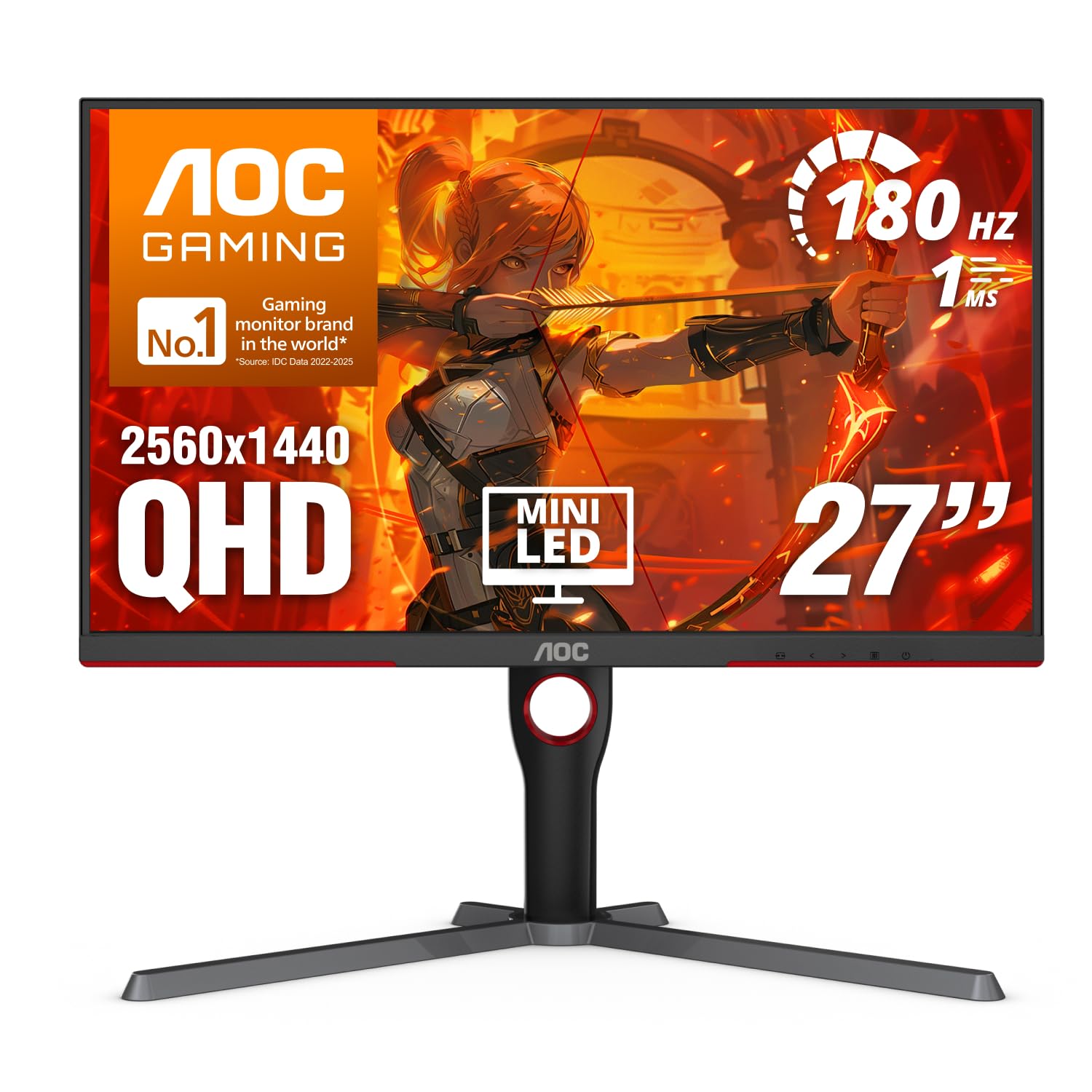
The AOC Q27G3XMN is a standout performer because it brings Mini-LED technology to the 180Hz category at a mid-range price. With 336 individual dimming zones and a peak brightness of 1100 nits, it delivers true HDR performance that rivals monitors costing significantly more. The VA panel provides a high native contrast ratio, ensuring deep blacks and vibrant colors that make AAA titles look stunning.
Gamers will appreciate the 1ms GTG response time and Adaptive-Sync support, which work together to eliminate ghosting and screen tearing during fast-paced action. The 27-inch QHD resolution hits the sweet spot for pixel density, offering a sharp image without being too demanding on a graphics card. The included stand is functional but heavy, and the on-screen display (OSD) buttons are a bit fiddly to navigate.
For anyone who values HDR performance and deep blacks in a speedy 180Hz panel, this is the best choice on the market. It offers a near-OLED visual experience without the risk of burn-in, making it a fantastic long-term investment for both gaming and media consumption.
Why it’s great
- Incredible HDR with 336-zone Mini-LED and 1100 nits peak brightness.
- High VA contrast ratio delivers deep, inky blacks.
- Blazing 180Hz refresh rate with minimal ghosting.
Good to know
- Stand is large and takes up significant desk depth.
- OSD buttons are difficult to use compared to a joystick.
- Local dimming can cause blooming on desktop text; best left for gaming and video.
2. Alienware 27 Gaming Monitor AW2725DM

The Alienware AW2725DM is built for the discerning gamer who wants a premium, no-compromise Fast IPS experience. It covers 95% of the DCI-P3 color gamut and is VESA DisplayHDR 400 certified, meaning colors are rich and vibrant right out of the box. The 180Hz refresh rate combined with native G-Sync Compatible support ensures buttery-smooth, tear-free gameplay across all titles.
The build quality is exceptional, featuring a fully adjustable stand with tilt, swivel, pivot, and height adjustment. This ergonomic flexibility is a major advantage for long gaming sessions or shared workstations. Note that to achieve the full 180Hz refresh rate, you must use the included DisplayPort 1.4 cable; the HDMI port is limited to 144Hz. The monitor also lacks built-in speakers, so you will need external audio.
This monitor is an excellent choice for gamers who want a reliable, high-performance IPS panel with a premium design and robust warranty. It represents a solid mid-range option that focuses on delivering a fantastic gaming experience with minimal setup fuss.
Why it’s great
- Superb color accuracy with 95% DCI-P3 coverage.
- Fully ergonomic stand with height, pivot, and swivel.
- Supports both G-Sync and FreeSync for tear-free gaming.
Good to know
- Max 144Hz over HDMI; DisplayPort required for 180Hz.
- No built-in speakers or headphone jack.
- No USB-C connectivity for modern laptops.
3. Samsung 27” Odyssey G5 (G51F)
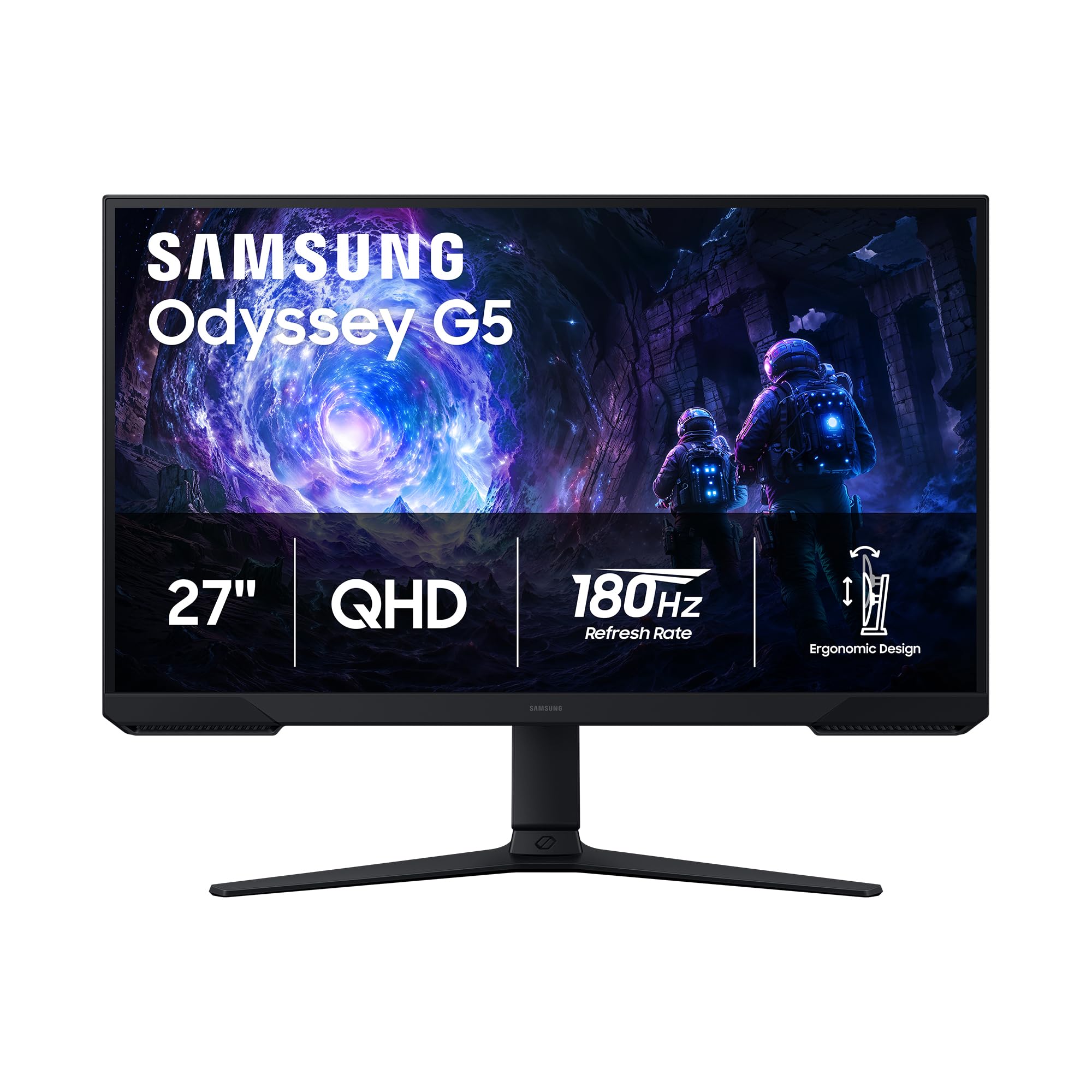
The Samsung Odyssey G5 (G51F) leverages a VA panel to deliver a 3000:1 static contrast ratio, which is three times higher than standard IPS monitors. This makes it an excellent choice for single-player RPGs, horror games, or watching movies in a dimly lit room, as blacks appear truly dark rather than washed-out gray. The 180Hz refresh rate and 1ms response time keep motion smooth and clear.
Unlike many budget VA panels, the G51F includes a fully ergonomic stand with height, tilt, and pivot adjustments. This is a rare feature at this price point and significantly improves long-term comfort. The Black Equalizer feature is also effective, allowing you to brighten dark areas of a scene without overexposing the highlights, giving you a tactical advantage in shadowy corners. The 1440p resolution provides a sharp image, though some users have noted the matte coating can be slightly grainy.
For gamers who prioritize contrast and image depth over the wider viewing angles of IPS, the Odyssey G51F is a fantastic performer. It combines the core benefits of a VA panel with the essential ergonomic features that many budget options skip.
Why it’s great
- Excellent native contrast ratio for deep, immersive blacks.
- Fully adjustable stand with height and pivot.
- Effective Black Equalizer for seeing in dark game scenes.
Good to know
- VA panel may show some dark-level smearing in very fast transitions.
- Matte screen coating can slightly reduce perceived sharpness.
- Requires DisplayPort for full 180Hz at QHD resolution.
4. Pixio PXC278 Wave Mint Green
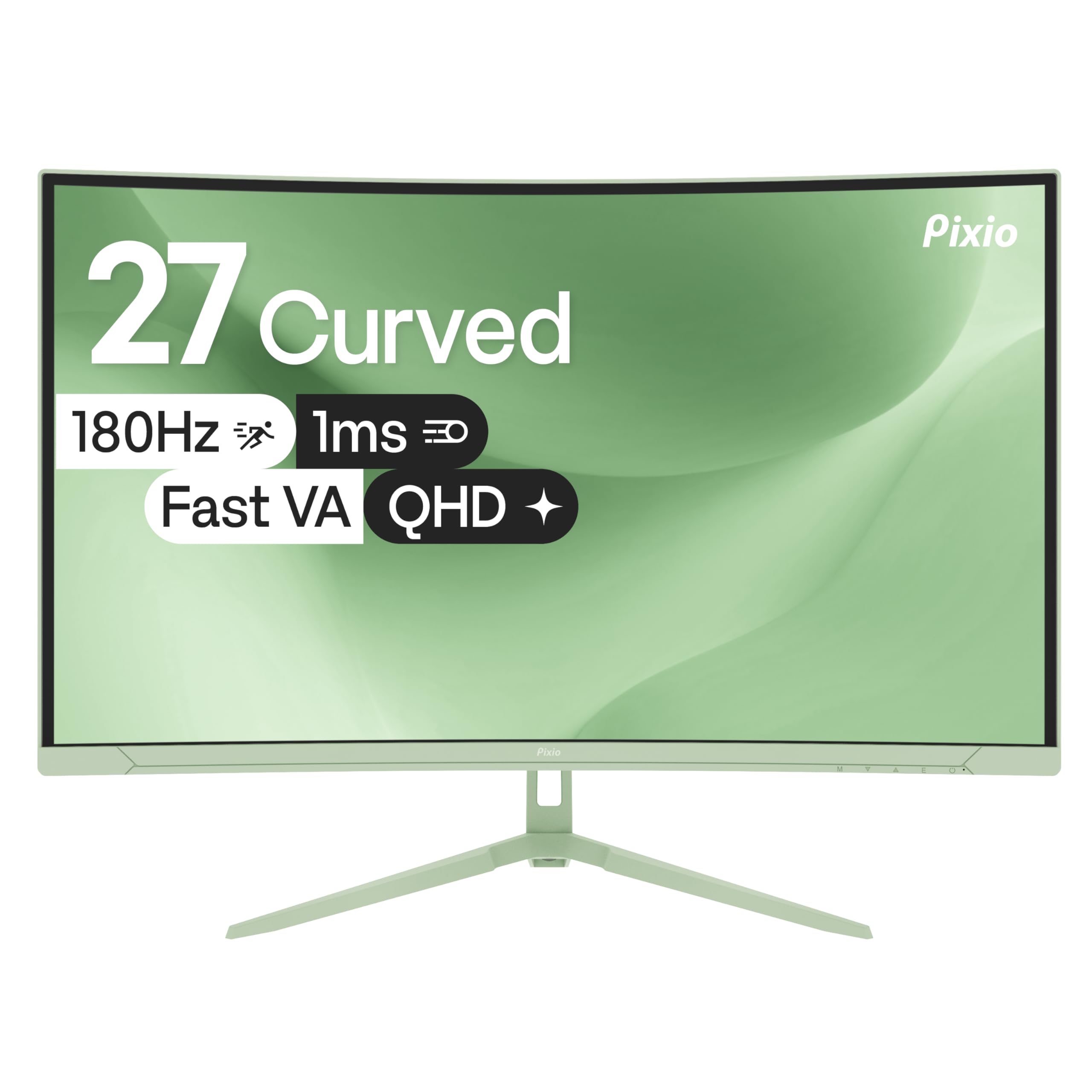
The Pixio PXC278 Wave is as much a statement piece as it is a gaming monitor. Its unique Mint Green color and other vibrant options allow it to stand out in a sea of black rectangles, making it a perfect fit for themed or cozy gaming setups. Beyond its looks, it features a 1650R curved VA panel with a 5000:1 contrast ratio, providing deep blacks and a subtle wraparound feel that enhances immersion without being as aggressive as a 1000R curve.
The 27-inch QHD resolution at 180Hz offers a crisp and smooth gaming experience. The VA panel delivers punchy colors and excellent dark scene performance, while the 350 cd/m² brightness ensures HDR content has some impact. The built-in speakers are very basic and are best considered a backup only; external speakers or headphones are recommended for any serious use. The OSD is controlled via a simple joystick, which is a welcome feature at this price.
If your desk aesthetic is as important as your frame rate, the PXC278 Wave delivers on both fronts. It offers solid gaming performance with an excellent contrast ratio, wrapped in a design that allows for personal expression.
Why it’s great
- Stunning, unique color options for personalized setups.
- High 5000:1 contrast ratio for excellent blacks.
- Subtle 1650R curve adds immersion without distortion.
Good to know
- Built-in speakers are very low quality and quiet.
- VA panel can exhibit slight dark-level smearing.
- No USB hub or advanced ergonomic stand features.
5. LG 27GS60QC-B Ultragear

The LG 27GS60QC-B is designed for total immersion, featuring the steepest 1000R curvature available. This curve matches the natural field of view of the human eye, pulling you into the center of the action. It is an outstanding choice for simulation games, racing titles, and open-world adventures where peripheral awareness enhances the experience.
Under the hood, it is a VA panel with a 3000:1 contrast ratio, delivering the deep blacks that VA technology is known for. The 180Hz refresh rate and 1ms GTG response time keep fast-moving scenes fluid. LG’s gaming GUI includes useful tools like Dynamic Action Sync for reducing input lag and a Black Stabilizer for illuminating dark areas. The stand is tilt-only, which is a minor limitation, and some users have noted that the power joystick can be unresponsive at times.
For those who want the most immersive curved display at this refresh rate, the LG Ultragear is a top contender. Its aggressive curve and strong VA contrast make it a specialized tool for gamers who prioritize visual depth and atmosphere.
Why it’s great
- Highly immersive 1000R curvature for cinematic gaming.
- Strong VA contrast ratio with deep blacks.
- Useful gaming features like Dynamic Action Sync.
Good to know
- Stand only offers tilt adjustment; no height or swivel.
- Power button (joystick) can be finicky to operate.
- Aggressive curve is not ideal for productivity or media editing.
6. Sceptre 34-inch Prime (E345B-QU180D)
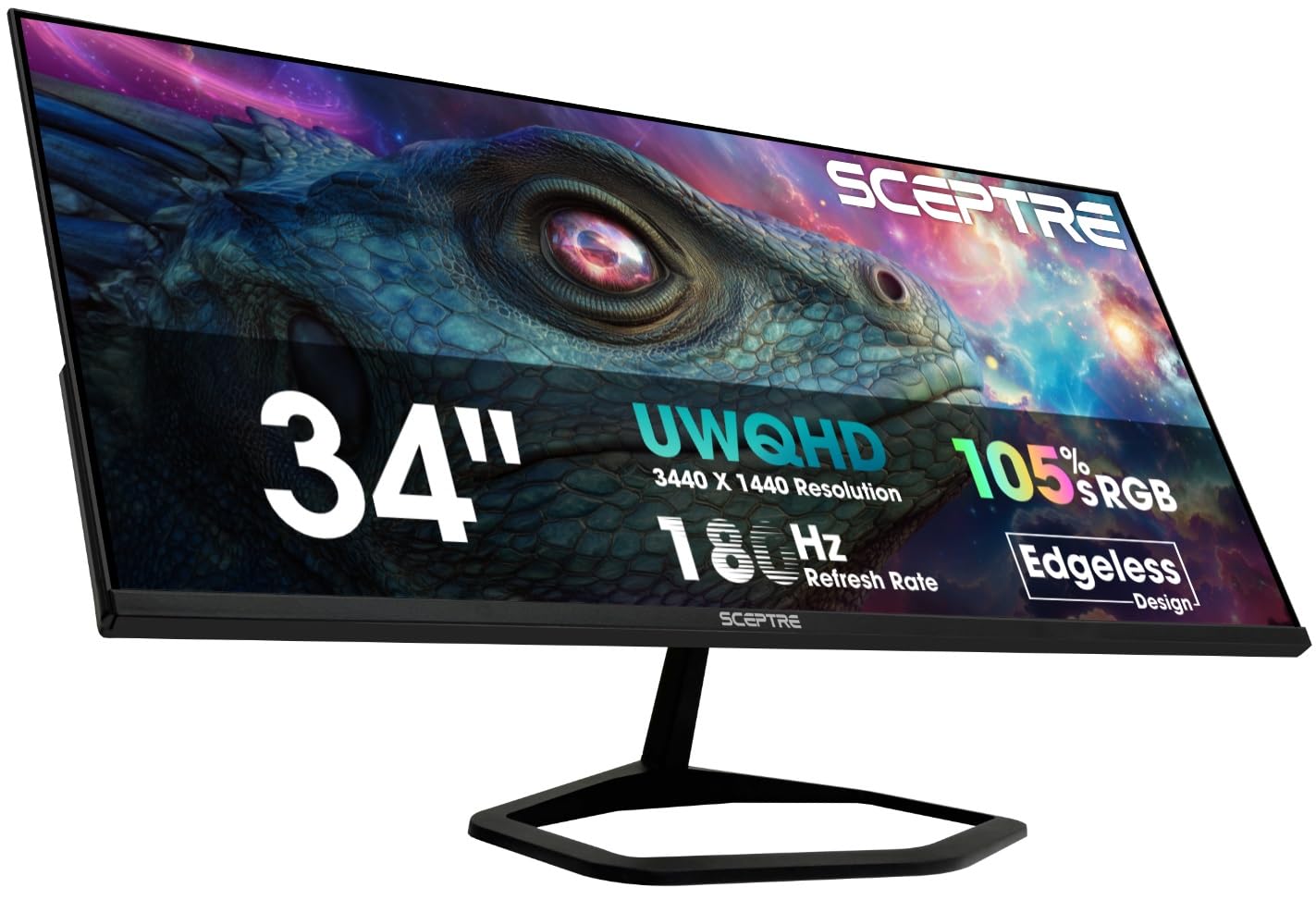
The Sceptre E345B-QU180D breaks the mold by offering a 34-inch ultrawide 3440×1440 resolution panel with a 180Hz refresh rate. This gives you the horizontal real estate of two standard monitors, making it a powerhouse for both gaming and productivity. You can run a full-screen racing sim while keeping a Discord window and a browser open on the side, or edit a wide video timeline without scrolling.
The 21:9 aspect ratio provides a wider field of view in supported games, offering a significant competitive advantage by allowing you to see enemies earlier. The monitor includes versatile connectivity with two HDMI and two DisplayPort inputs, all supporting 180Hz. The built-in speakers are very weak, a common trait among value-focused ultrawides, so plan on using external audio. The screen uses a standard LED panel with decent color performance out of the box.
This is a fantastic option for users who want the widest possible screen for their money. It effectively combines a high-refresh rate gaming monitor with a multi-monitor productivity setup, all in a single display.
Why it’s great
- Massive ultrawide screen for immersive gaming and multitasking.
- High 3440×1440 resolution with 180Hz refresh rate.
- Multiple ports support full refresh rate on all inputs.
Good to know
- Weak built-in speakers; external audio is required.
- No height-adjustable stand; only tilt.
- Blue power LED in sleep mode may be distracting.
7. ASUS TUF Gaming VG259Q3A

The ASUS TUF Gaming VG259Q3A is built specifically for competitive esports where the highest possible frame rates are non-negotiable. At 24.5 inches with a 1920×1080 resolution, the pixel density is excellent, and the Fast IPS panel ensures a 1ms GTG response time with virtually no ghosting. This makes it incredibly easy to track fast-moving targets in games like Valorant, Overwatch, and CS2.
ASUS includes its Extreme Low Motion Blur (ELMB) technology, which can be used in conjunction with Adaptive-Sync for ultra-clear motion. The monitor also features a robust stand with tilt, swivel, pivot, and height adjustments, a rarity for a 1080p 180Hz panel. Built-in 1.5W x 2 speakers are adequate for system sounds but will not replace a dedicated headset or speakers for serious gaming. The Shadow Boost feature brightens dark areas without washing out the rest of the image.
For the dedicated competitive gamer who plays at 1080p, this is the best 180Hz monitor you can buy. It offers the speed, clarity, and ergonomic features needed for high-level play at a very accessible price.
Why it’s great
- Excellent motion clarity with 1ms Fast IPS and ELMB.
- Fully adjustable ergonomic stand.
- Great for achieving maximum frame rates in competitive games.
Good to know
- 1080p resolution is less sharp than 1440p for desktop use.
- Built-in speakers are weak and tinny.
- Headphone jack does not mute internal speakers.
8. Gigabyte GS27QA

The Gigabyte GS27QA offers a solid all-around 1440p gaming experience with its 27-inch SuperSpeed IPS panel. It delivers excellent color reproduction with 100% sRGB coverage and an 8-bit color depth, making it suitable for both gaming and content consumption. The 180Hz refresh rate and 1ms MPRT response time ensure smooth, clear motion without distracting artifacts.
This monitor supports AMD FreeSync and includes features like Black Equalizer and Game Assist, which provides on-screen crosshairs and timers. The build quality is good for its price tier, and the connectivity includes both HDMI 2.1 and DisplayPort. However, some users have reported that the HDMI port can feel slightly loose, and it does not support 1440p at 120Hz over HDMI on Xbox Series X, requiring a step down to 1080p for 120Hz console gaming.
For PC gamers looking for a no-fuss, reliable 1440p 180Hz IPS monitor, the GS27QA is an excellent choice. It provides the core features needed for great gaming without unnecessary frills, offering strong value for the price.
Why it’s great
- Fast SuperSpeed IPS panel with 1ms response.
- Good color accuracy with 100% sRGB coverage.
- Includes useful features like Game Assist and Black Equalizer.
Good to know
- HDMI port can feel slightly loose in the chassis.
- Limited console compatibility for 1440p at 120Hz on Xbox.
- Stand is basic with limited ergonomic adjustments.
9. Acer Nitro KG271U

The Acer Nitro KG271U is the entry-level gateway to 1440p 180Hz gaming. It uses an IPS panel that covers an impressive 95% of the DCI-P3 color gamut, delivering vibrant and accurate colors that rival much more expensive monitors. The advertised 0.5ms GTG response time is exceptionally fast, minimizing ghosting in fast-paced scenes.
For its price, this monitor offers outstanding value. It includes built-in speakers, which are a rare and convenient bonus at this price point, though their audio quality is adequate for casual use only. The primary trade-off is the stand, which is functional but feels wobbly and only offers a small amount of tilt. Most users will want to invest in a VESA arm or a more stable stand to get the most out of this display.
If you are building a budget gaming rig and want the best possible image quality and refresh rate for your money, the Acer Nitro KG271U is a fantastic starting point. It prioritizes color performance and speed where it counts, leaving room for a third-party stand upgrade.
Why it’s great
- Excellent color accuracy with 95% DCI-P3 coverage.
- Very fast 0.5ms GTG response time for its class.
- Includes built-in speakers for convenience.
Good to know
- Stand is wobbly and lacks height adjustment.
- Built-in speakers sound worse than laptop speakers.
- Brightness is only 250 nits, which is on the lower side.
FAQ
Can my graphics card run a 1440p 180Hz monitor?
What is the difference between 1ms GTG and 1ms MPRT?
Do I need DisplayPort or HDMI for 180Hz at 1440p?
Is a curved monitor good for productivity?
Final Thoughts: The Verdict
For most users, the 180hz monitor winner is the AOC Q27G3XMN because it delivers a truly premium HDR experience via Mini-LED backlighting at a price that undercuts the competition, all while maintaining smooth 180Hz motion. If you want the best all-around IPS performance with a top-tier ergonomic stand, grab the Alienware AW2725DM. And for those whose main focus is competitive esports speed on a tighter budget, nothing beats the frame-rate clarity and ergonomics of the ASUS TUF VG259Q3A.