
Our readers keep the lights on and my morning glass full of iced black tea. As an Amazon Associate, I earn from qualifying purchases.
Specs are compiled from manufacturer listings and verified buyer reviews and can change over time — please confirm the key details on the product page before buying.
A 1080p monitor is the smartest place to put your money if you want a clear, everyday screen that won’t hog your PC’s graphics power. The tricky part is choosing one from the pile of models that all look nearly identical on paper. This guide pits ten strong contenders against each other, pinning down exactly where one pulls ahead of the rest on motion smoothness, color vibrancy, or practical extras like built-in speakers.
I’m Min — the founder and writer behind Gadgets Feed. This guide is built by comparing the manufacturers’ published specifications and the patterns across verified customer reviews, so you get each pick’s real strengths and trade-offs instead of marketing spin.
You are about to read a thorough breakdown of the best current options for a 1920 x 1080 monitor, with every recommendation backed by real specs and real owner experiences, not wishful thinking.
Our Picks at a Glance


How To Choose The Best 1920 X 1080 Monitor
Buying a 1080p monitor is about matching the screen to the task. A 120Hz or 144Hz refresh rate makes scrolling feel liquid and fast-paced games look crisp, while a 60Hz panel is perfectly fine for spreadsheets, emails, and streaming video. The panel type — IPS, VA, or TN — controls how accurate the colors look from the sides and how deep the blacks appear, so the choice really depends on whether you sit centered in front of the screen or share the view.
Refresh Rate
This is the number of times the screen redraws the image per second, measured in hertz (Hz). A 60Hz monitor updates 60 times a second, which is fine for office work and typical video. A 120Hz or 144Hz monitor doubles or more than doubles that rate, making mouse movements and game action look much smoother and reducing the blur of fast motion. The catch is that your computer’s graphics card also needs to push enough frames to keep up, or you won’t see the benefit.
Panel Type
There are three main kinds, and each has a different personality. IPS (In-Plane Switching) panels deliver the best color accuracy and the widest viewing angles, so the image does not wash out when you lean to the side. VA (Vertical Alignment) panels offer a higher contrast ratio — meaning deeper blacks and better shadow detail — but the viewing angle is narrower. TN (Twisted Nematic) panels are older technology; they are fast and cheap but have the worst color and viewing angles. For a general-use or work monitor, an IPS panel is almost always the better buy.
Connectivity
Look at the ports on the back before you buy. HDMI is the universal connector for modern laptops, game consoles, and streaming devices. DisplayPort is common on desktop PCs and is often required to hit the highest refresh rates on a monitor. VGA is an old analog connector found on some older office PCs. If you plan to use an existing cable or connect multiple devices, matching the ports to your gear saves you the hassle of buying adapters. Some monitors also include a headphone jack or built-in speakers, which are handy for keeping your desk tidy.
Quick Comparison
| Model | Best For | Panel | Refresh | Color Gamut | Amazon |
|---|---|---|---|---|---|
| Dell SE2725HM★ Best Overall | Office & Eye Comfort | LED (IPS) | 100Hz | 72% NTSC | Amazon |
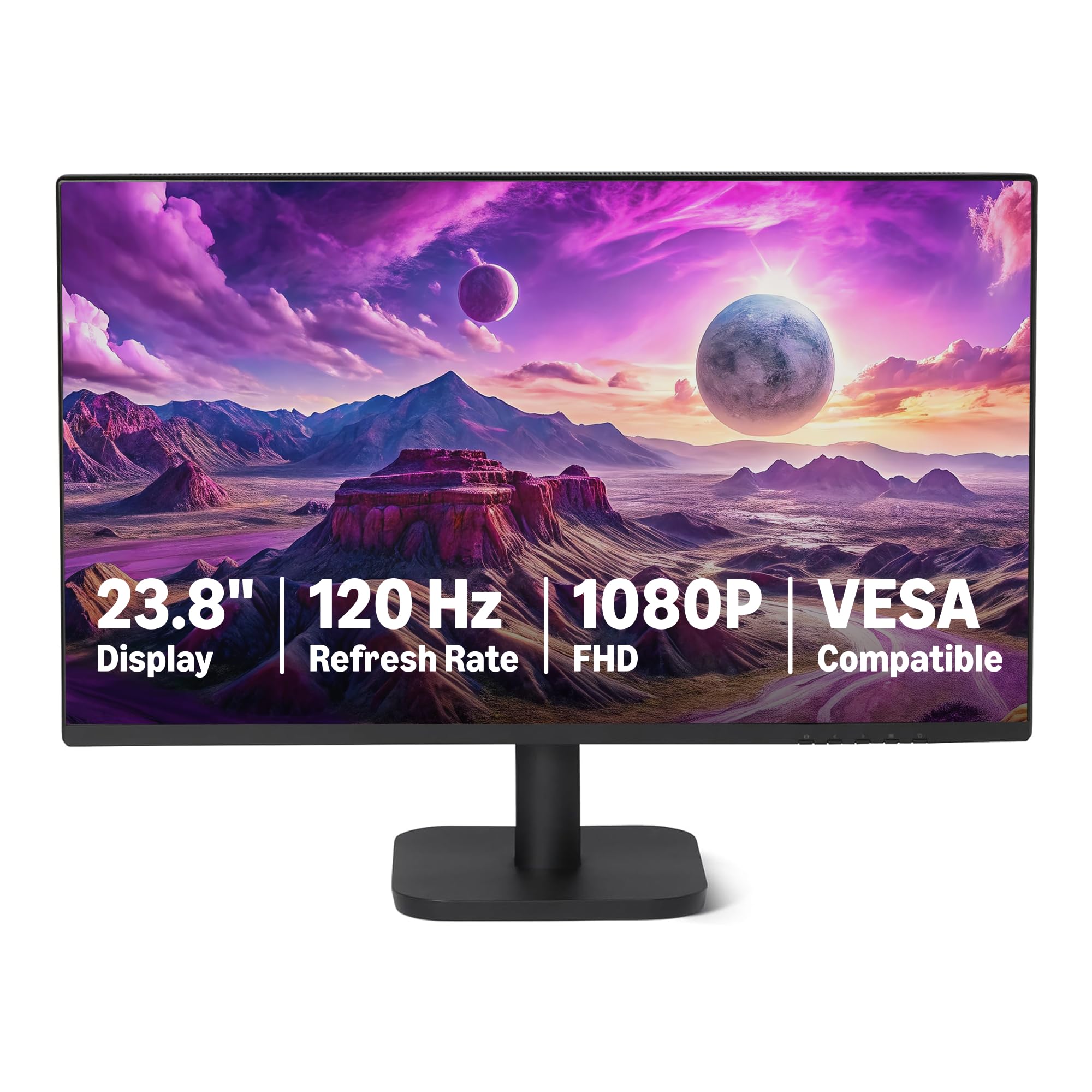
| Amazon Basics 23.8-inchBest Value | Budget Value | IPS | 120Hz | 99% sRGB | Amazon |
| LG 24U411A-BColor Champion | Color & Gaming | IPS | 120Hz | 99% sRGB | Amazon |
| Acer SB273 G0bi | Big Screen, Low Price | IPS | 120Hz | 99% | Amazon |
| AOC 27B35H3 | Eco & Productivity | FHD (IPS) | 120Hz | 100.1% sRGB | Amazon |
| Samsung S32GF | Gaming on a Budget | IPS | 120Hz | 72% | Amazon |
| ViewSonic VA2456A-MHD | Connectivity & Rack Use | IPS | 120Hz | 80% | Amazon |
| Dell S2425HSM | Best All-Around | LCD (IPS) | 144Hz | 99% | Amazon |
| AOC 27G4H | Competitive Gaming | LED (IPS) | 200Hz | 121% sRGB | Amazon |
| HP 327se | Mature Ecosystem | IPS | 100Hz | — | Amazon |
In‑Depth Reviews
1. Dell 27 Monitor SE2725HM
Our pick — over 4.5★ from 800+ verified ratings; the strongest balance of quality and price.
The office monitor that buyers trust for rock-solid consistency across multiple units.
This is the screen you buy when you need five of them and you want every single one to look identical. Buyers report excellent panel uniformity and consistent color temperature right from the start — a rare trait at this price point. The 100Hz refresh rate puts it a clear step above a standard 60Hz office display, making cursor movements and document scrolling feel much smoother.
The matte anti-glare coating kills reflections in harsh overhead lighting, and the 1000:1 contrast ratio delivers decent depth for standard productivity work. Its 72% NTSC color gamut falls short against rivals with wider sRGB coverage, so creative professionals who need punchy reds and greens will want to look further down this list. The built-in power supply and cable holder keep the desk clean, though the stand only offers tilt — no height or swivel adjustment.
The big crowd-pleaser here is build quality. At 4.8 stars with a huge number of ratings, this Dell is one of the highest-rated 1080p monitors on the market, praised most for its overall quality. It is a no-fuss, durable choice that people use for years without a second thought.
Dell sharp value: The quality and the value-for-money score are the most-discussed traits — over 140 owners specifically call out the build and the price.
Budget pick: you need a consistent, low-glare, office-grade monitor with enterprise-level build quality and a 100Hz refresh rate.
Lacks adjustability: you need a wider color gamut for photo editing or a stand with height adjustment for ergonomic setups.
2. Amazon Basics 23.8-inch 1080P Computer Monitor
A crisp 120Hz panel with a speaker pair, offered at a price that feels almost too good.
This 23.8-inch IPS panel comes from the Amazon Basics lineup and punches far above its price tier. The 120Hz refresh rate with Adaptive Sync (a technology that matches the monitor’s refresh to your graphics card to prevent tearing) makes everything from web browsing to casual gaming noticeably smoother than a standard 60Hz screen. The 1500:1 contrast ratio gives it punchy blacks at 1500:1 versus the Dell SE2725HM’s 1000:1, a meaningful gap for watching movies in a dim room.
The color gamut covers 99% sRGB, which is excellent for the price and puts it on par with pricier monitors aimed at content creators. Owners mention that it works great as a first monitor for a family member’s PC build, with one calling it “very nice, large monitor for my son’s first PC build.” The built-in 2W x2 speakers are not going to replace a soundbar, but they are a welcome convenience for video calls and casual YouTube.
The honest trade-off is the 14ms response time, which is sluggish by modern standards. Competitive gamers who play fast twitch shooters will feel the blur; this is a screen for work and light play, not esports.
Ultra budget: a secondary monitor, a kid’s first PC, or a home office that wants a big step up from 60Hz without spending much.
Minimal features: you play fast competitive shooters and need a sub-5ms response time — the 14ms here will ghost on you.
3. LG 24U411A-B 24-inch Full HD IPS Computer Monitor
The 120Hz screen that outpaces the Dell on contrast and color by a wide margin.
The LG 24U411A-B is a 24-inch IPS monitor that delivers a 1500:1 contrast ratio and 99% sRGB color gamut — beating the Dell SE2725HM’s 1000:1 and 72% NTSC by a noticeable measure. That means deeper blacks, richer reds, and more vibrant greens from the start. The 120Hz refresh rate, versus the Dell’s 100Hz,, so motion feels smoother whether you are scrolling a large document or playing a racing game.
It also includes a 1ms Motion Blur Reduction mode that sharpens fast-moving objects in games, a feature usually reserved for gaming-specific monitors. The Switch app lets you split the screen into up to six sections for multitasking, and Reader Mode cuts blue light for long reading sessions. As owners put it: “the colors are great with extensive adjustments” and the panel delivers a “surprisingly good display quality” for its price tier.
The biggest complaint is the lack of built-in speakers and the flimsy stand that some units ship with missing screws. If desk stability matters, budget for a VESA arm — the monitor supports a 100x100mm mount.
Desk saver: budget-conscious users who want 120Hz smoothness and wide color coverage for both work and casual gaming.
Limited size: you need out-of-the-box speakers or a rock-solid factory stand — plan on a VESA mount.
4. Acer SB273 G0bi 27″ IPS FHD Monitor

A 27-inch 120Hz screen that gives you the big real estate without the big price.
The Acer SB273 is a 27-inch Full HD IPS monitor that competes directly with the LG above but offers a larger screen area for the same general price tier. The Adaptive-Sync support (compatible with AMD FreeSync) matches the monitor’s refresh rate to your graphics card to eliminate screen tearing in games. The 1ms Visual Response Boost (VRB) mode cuts motion blur in fast scenes, though it works best at fixed refresh rates.
Buyers consistently praise the picture quality as being identical to much more expensive office monitors, and the zero-frame design makes it a strong candidate for a dual-monitor setup where you want the bezels to disappear. The 250 nits brightness is standard for this class and works well in a typical home office or dorm room, but it will struggle against direct window light.
The main frustration comes from the controls. The power button is on the back and must be held to turn the screen off — a design that owners find unintuitive. The packaging is also a recurring complaint, with some units arriving with insufficient padding in the box, so inspect the box carefully on delivery.
Everyday monitor: engineering work, dual-screen productivity, or a dedicated gaming second monitor where screen size beats small bezels.
Uninspired looks: you need a monitor with a front-facing power button or a stand with height and swivel adjustments.
5. AOC 27 Inch Computer Monitor FHD 120Hz (27B35H3)
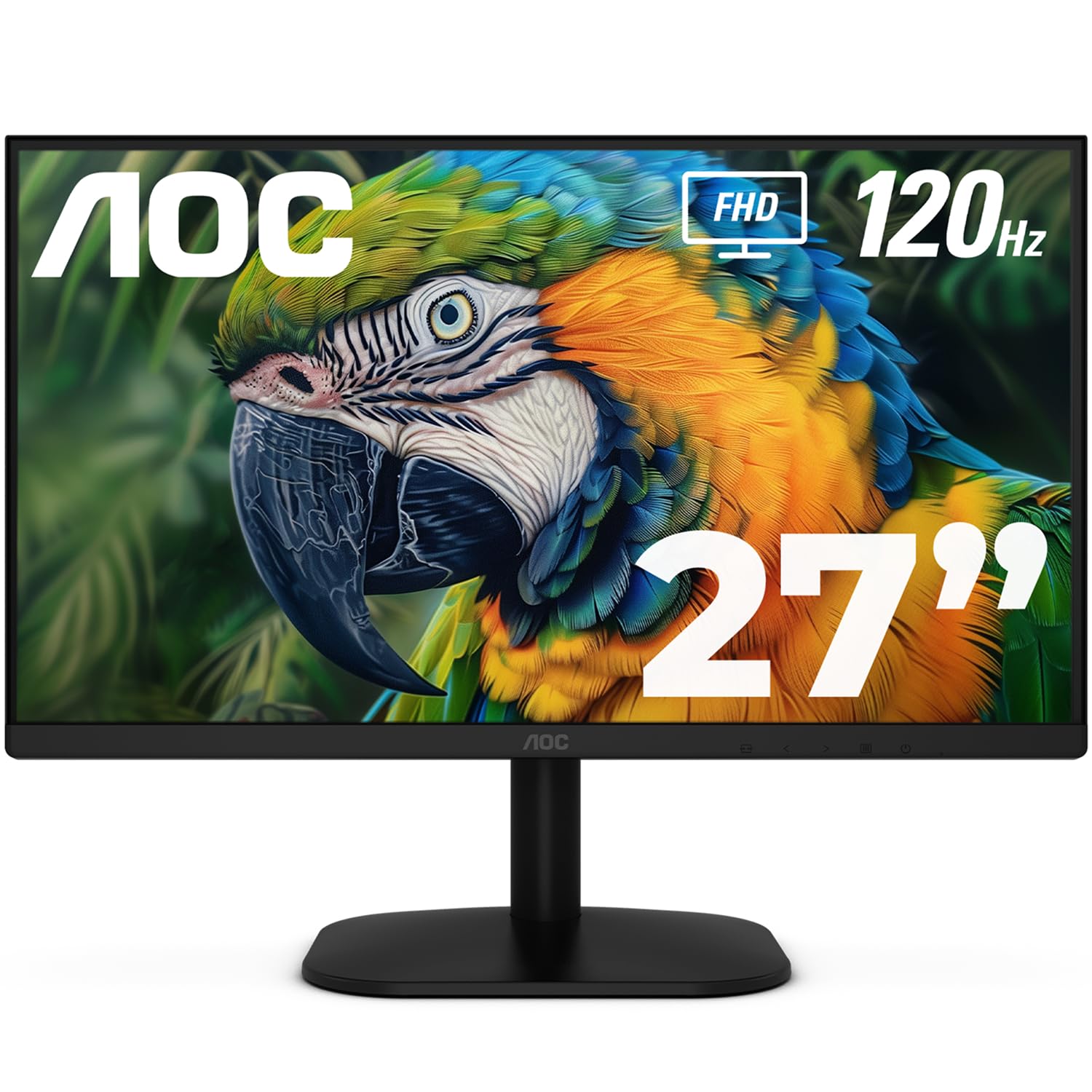
A 27-inch monitor for the work-from-home setup that drives all day for just 13 watts.
If your power bill matters, this AOC is the standout. It sips just 13W in eco mode — a fraction of what most 27-inch monitors consume — while still delivering a 120Hz refresh rate and a 1ms MPRT response time for smooth visuals. The color gamut is generous at 100.1% sRGB and 81% NTSC, and HDR support adds a bit of dynamic range to video streams, though HDR on an entry-level panel is subtle at best.
Remote workers and people who split their screen between work documents and browser tabs love it for productivity, largely thanks to the Flicker-Free and Low Blue Light technologies that reduce eye strain over an eight-hour day. The thin bezels make it a natural fit for a dual-monitor rig, and buyers who bought two noted they get great value for the combined price of a single premium monitor.
The catch is the ports and the VESA mount. The monitor lacks a headphone jack, which is an odd omission in 2025. The VESA mount threads only into the plastic housing, not the metal frame, making it feel flimsy if you use an arm. One owner had to return the unit because the mount could not hold the screen securely.
Gaming value: all-day productivity, dual-screen offices, and anyone who wants a high-refresh screen with low power consumption and strong eye-care features.
Color accuracy: you plan to use a monitor arm with the included VESA mount — the plastic threading may not hold reliably.
6. Samsung 27″ S3 (S32GF) FHD Monitor

The Samsung that balances a 120Hz IPS panel with a 4.4-star crowd favorite rating.
Samsung’s S32GF is a 27-inch IPS panel with a 120Hz refresh rate and FreeSync support, aimed at the budget gamer who wants a crisp, low-lag screen for fast-paced titles. The Game Picture Mode lets you switch color and contrast presets on the fly, so dark scenes in shooters become more readable without ruining the look of brighter games. The Eye Saver Mode and Flicker-Free technology cut blue light, which helps during long gaming sessions.
What owners really appreciate is the screen quality for the price. The 250 cd/m2 brightness is standard, but the IPS panel ensures colors stay accurate even if you are sitting at an angle, and the ultra-thin border bezels give the monitor a clean, modern look on the desk. The included HDMI cable is long enough to reach from a tower on the floor, a small but frequently mentioned convenience.
No height adjustment and a menu that requires a hard press on the power button are the two recurring niggles. If you need a monitor that rises and lowers without a separate stand, or one with a simple joystick menu, this Samsung is not that screen.
Office sleek: a first gaming monitor, a home-office secondary screen, or any setup where you want a reliable 120Hz IPS panel from a major brand.
Dark room use: ergonomic height adjustment is a must — this stand only tilts.
7. ViewSonic VA2456A-MHD 24 Inch 1080p IPS Monitor

The 24-inch display with HDMI, DisplayPort, and VGA that fits perfectly into a server rack.
This ViewSonic is built for flexibility. It includes HDMI, DisplayPort, and VGA inputs — a rarity in 2025 — making it the ideal screen for a tech rack, a legacy office PC, or a multi-device desktop where you switch between a modern laptop and an older tower. The 120Hz refresh rate and Adaptive Sync support ensure smooth performance for both productivity and light gaming, while the 1500:1 contrast ratio provides good black depth for an IPS panel.
The SuperClear IPS technology delivers consistent brightness levels across the 178-degree viewing angle, and the five preset view modes (Game, Movie, Web, Text, Mono) adjust color and contrast for the specific task. Customers note that the monitor lasts for years — one long-time ViewSonic buyer noted that all his previous ViewSonic monitors are still in working order after a decade of daily use. The Flicker-Free and Blue Light Filter reduce eye fatigue during long days.
The basic stand is wobbly and offers no height adjustment. If you need a stable, adjustable desk setup, budget for a VESA mount. At 250 nits, the brightness is average — fine for a dim room, not great for a sunlit office.
Workhorse: server racks, IT closets, or any setup where you need VGA alongside modern ports, plus proven longevity.
Thick frame: you need a stable, height-adjustable stand straight from the box.
8. Dell 24 Plus Monitor (S2425HSM) 23.8-inch FHD 144Hz

The 144Hz Dell that wraps a serious gaming refresh rate inside a gorgeous all-white chassis.
The Dell S2425HSM is the screen that does everything well. The 144Hz refresh rate, versus the 100Hz of the standard SE2725HM model, making it a solid pick for both competitive gaming and smooth daily scrolling. The 1500:1 contrast ratio keeps blacks deep, and the 300 nits brightness steps above the 250-nit norm, so the image stays punchy even in a well-lit room.
The stand is the star of the show. It gives you height adjustment, pivot (rotate to portrait mode for coding), swivel (turn left and right), and tilt — all in one unit. That is a level of ergonomic control usually reserved for monitors costing twice as much. The built-in dual 3W speakers are notably better than typical monitor audio; owners describe the sound as filling a room, not just producing a tinny beep. The Ash White color is a deliberate design choice that looks modern and clean against a white desk or wall.
The only real omission is the port selection. There is only one HDMI port and no DisplayPort or USB-C, which limits connectivity if you need to plug in multiple devices. Also, there is no built-in webcam or microphone, so you will still need a separate camera for video calls.
Competitive play: you want one monitor that handles work, gaming, and ergonomic comfort — the full-articulation stand alone justifies the price.
Budget stretch: you need to connect a console, a desktop, and a laptop simultaneously — the single HDMI port is restrictive.
9. AOC 27 Inch Gaming Monitor (27G4H) FHD 200Hz
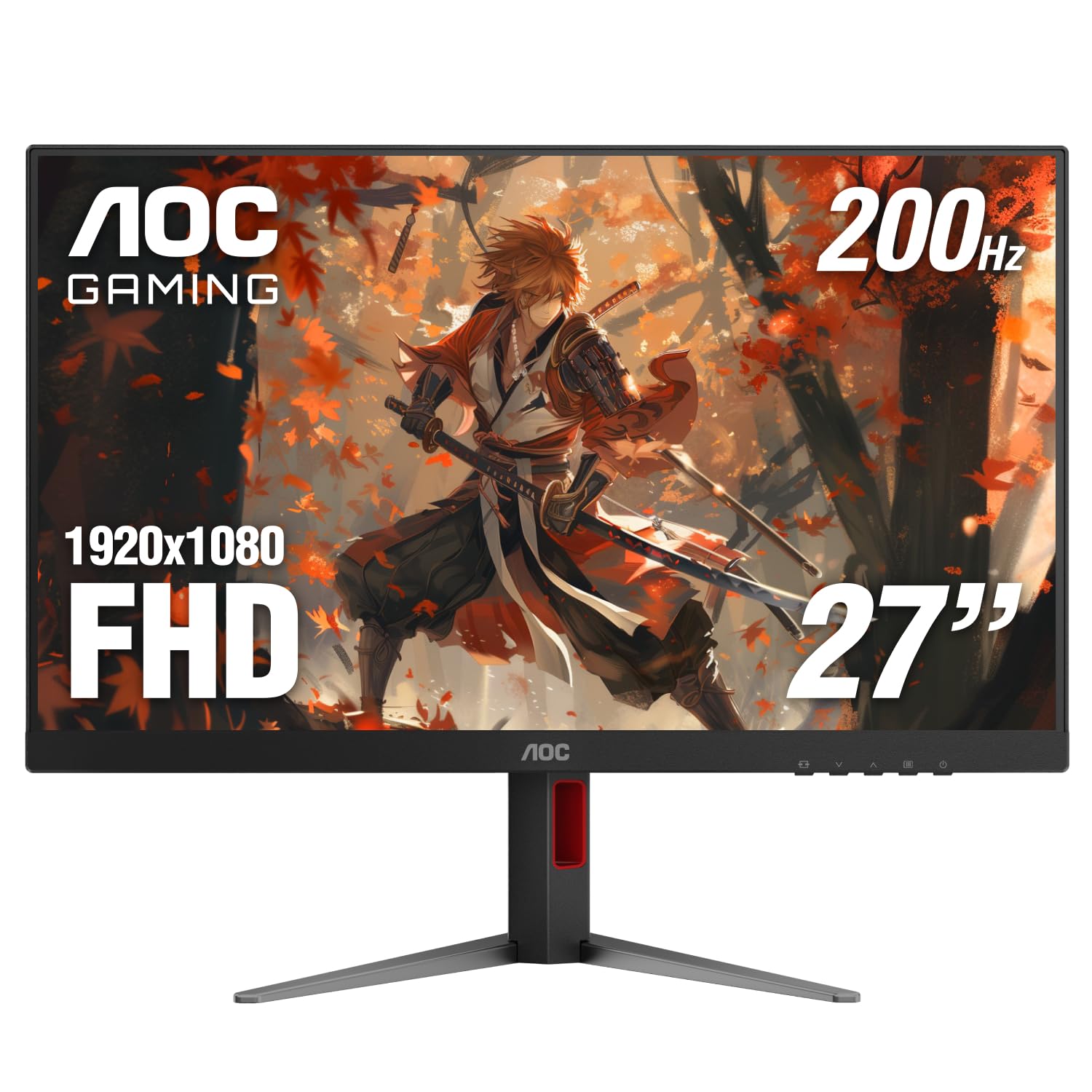
The 200Hz speedster that holds a 1ms MPRT for competitive shooters on a budget.
The AOC 27G4H is built for one thing: speed. A 200Hz refresh rate means the screen draws the image 200 times per second, at 200Hz versus the 120Hz panels elsewhere on this list. In fast-paced titles like Call of Duty or Overwatch, that extra fluidity gives you a genuine reaction-time advantage. The 1ms MPRT response time means you will not see ghosting trailing behind a moving target. The 121% sRGB color gamut is the widest here, so the image is not just fast but also rich and vibrant.
The fully ergonomic stand is another differentiator. It offers height, swivel, tilt, and pivot adjustments, including a full 90-degree rotation to portrait mode for reading code or long documents. The three-sided frameless design makes a multi-monitor gaming rig look smooth. Build quality gets the most owner praise by a wide margin, and owners call it the “best monitor I’ve ever had.”
The stand legs are quite wide, so you need a desk with good depth. A few units have reported power issues, though this is a minority of the feedback. At 4.76 kg, it is also noticeably heavier than the competition, so factor that in if you plan to mount it on a lightweight arm.
Esports focus: competitive gamers who want a 200Hz refresh, a full-ergo stand, and wide color — all for a price that undercuts most 144Hz monitors.
Viewing angles: your desk is shallow — the wide legs take up a lot of space, or if you are on a tight weight budget for a monitor arm.
10. HP Series 3 27 inch FHD Monitor (327se)

The 27-inch HP that tens of thousands of owners trust for a clear, eye-safe workday.
With over 25,000 ratings and a 4.7-star average, the HP 327se is the most popular monitor in this list by a wide margin. Its 100Hz refresh rate is a modest step above 60Hz, but the real value is in the eye comfort and build quality. The HP Eye Ease filter with Eyesafe Certification cuts blue light without making the screen look yellow, so colors stay accurate. The 1300:1 contrast ratio is higher than the typical 1000:1 found on most rivals, delivering slightly deeper blacks for movies.
Connectivity is generous: HDMI 1.4, DisplayPort 1.2, and VGA cover modern and legacy devices. The built-in dual 2W speakers handle voice calls and system sounds well, though owners note that the speakers require raising the menu volume from the default 50% to be loud enough. The stand offers tilt adjustment, and the monitor body uses at least 90% post-consumer recycled plastics — a thoughtful environmental touch.
The catch is the 100Hz refresh rate, which is slower than the 120Hz or 144Hz competitors at a similar price. Gamers who want maximum smoothness should look at the Dell S2425HSM or the AOC 27G4H instead. The lack of a height-adjustable stand on this model is also a common point of friction for owners who want a fully ergonomic setup.
Home office: office workers, students, and anyone who wants a proven, eye-safe 27-inch monitor with excellent color and a massive installed base of satisfied owners.
Gaming lag: gamers or anyone who needs a high refresh rate above 100Hz — the competitors are faster for the same money.
Understanding the Specs
Refresh Rate (Hz)
This is the number of times your monitor refreshes the image every second. A 60Hz screen updates 60 times per second, which is perfectly fine for office apps, email, and watching video. A 120Hz screen updates twice as often, making mouse movements feel much smoother and reducing the blur of fast action in games. For most buyers, the jump from 60Hz to 120Hz is a bigger day-to-day improvement than any other spec on the list. A 144Hz or 200Hz screen is mainly useful for competitive gaming, where even a few milliseconds of motion clarity can improve your reaction time.
Color Gamut (sRGB / NTSC)
Color gamut is a measure of how many colors the monitor can display. The sRGB standard is the most common for web and general content. A monitor with 99% sRGB coverage will show colors that look rich and accurate — reds will be red, greens green. A monitor with 72% NTSC (which is roughly equivalent to 100% sRGB) is also good. Numbers below that (like the 72% on some panels) mean the screen will look a bit washed out or muted, especially when you compare it side by side with a wider-gamut display. If you edit photos or watch a lot of color-rich videos, aim for 99% sRGB or higher.
FAQ
Is a 1920 x 1080 monitor still worth buying in 2025?
What is the difference between 100Hz and 144Hz?
Will a 120Hz monitor work with my old laptop?
What is Adaptive Sync or FreeSync?
Should I get a 24-inch or 27-inch 1080p monitor?
What does 1ms response time actually mean?
Can I use a 1080p monitor with a PS5 or Xbox Series X?
Do I need a monitor with built-in speakers?
What is the difference between IPS and VA panels?
How important is the stand versus using a VESA mount?
Final Thoughts: The Verdict
If you want a 27-inch screen with massive community trust and eye-safe certification, grab the HP Series 3 (327se). And for pure competitive gaming speed, the AOC 27G4H at 200Hz is the fastest screen here while staying affordable.
How We Picked
We do not accept paid placement. Every pick is matched to a real buyer and a real use-case; we do not hands-on test units.
Sources & Methodology
Specifications: manufacturer listings and product documentation. Review insights: verified customer reviews, as of July 2026. Pricing: not shown on this page (it changes often); check the current price via the retailer link.
As an Amazon Associate, Gadgets Feed earns from qualifying purchases. This does not affect which products we feature.