
Our readers keep the lights on and my morning glass full of iced black tea. As an Amazon Associate, I earn from qualifying purchases.
Specs are compiled from manufacturer listings and verified buyer reviews and can change over time — please confirm the key details on the product page before buying.
Building a gaming PC from scratch is exhausting, especially when every part you pick seems to push the total past your limit. A prebuilt cuts through that noise, but the wrong one leaves you with cheap components and a warranty fight instead of gaming time. This guide walks through ten real prebuilt rigs under the mark, each tested on specs and buyer feedback, so you know exactly which one delivers the smooth 1080p performance you are actually paying for.
I’m Min — the founder and writer behind Gadgets Feed. This guide is built by comparing the manufacturers’ published specifications and the patterns across verified customer reviews, so you get each pick’s real strengths and trade-offs instead of marketing spin.
Whether you play competitive shooters, open-world RPGs, or plan to stream your sessions, these recommendations cover the full range of performance and value in today’s market for a 1k gaming pc that actually holds up under daily use.
Our Picks at a Glance

How To Choose The Best 1K Gaming PC
The biggest mistake buyers make is chasing a high processor number while ignoring the graphics card. In gaming, the GPU does the heavy lifting, so a PC with a mid-range CPU and a powerful GPU will almost always outperform one with a top-tier CPU and a weak graphics card. Focus your budget on the GPU first, then the memory and storage.
The Graphics Card Is Everything
For 1080p gaming at high settings, you want at least an NVIDIA GeForce RTX 3050 or AMD equivalent with 6GB to 8GB of VRAM (video memory — the dedicated memory the graphics card uses to store textures and render images). Cards with more VRAM handle newer games and higher texture quality without stuttering. The RTX 4060 and RTX 5060 step up noticeably in ray tracing and frame generation performance.
Memory and Storage Speed Matter
16GB of DDR4 RAM (DDR4 is the fourth generation of double-data-rate memory, fast enough for most gaming tasks) is the baseline for smooth multitasking. DDR5 is faster but costs more and is only needed if you plan to keep the PC for five-plus years. For storage, an NVMe SSD (Non-Volatile Memory Express Solid State Drive — the fastest type of SSD, reaching up to 30x the speed of an old hard drive) is non-negotiable for quick boot times and level loads. A 512GB drive fills up fast, so look for 1TB if you have a large game library.
Warranty and Build Quality Check
Prebuilt PCs from smaller assemblers can have inconsistent quality. Check reviews for patterns: repeated complaints about dead-on-arrival units, failed power supplies, or non-functional Wi-Fi are red flags. A one-year parts and labor warranty is standard, but lifetime technical support is a bonus that signals a brand stands behind its work.
Quick Comparison
| Model | Best For | GPU / VRAM | CPU | RAM / Storage | Amazon |
|---|---|---|---|---|---|
| Skytech Gaming Storm★ Best Overall | Best Overall Value | RTX 5050 8GB | Ryzen 5 8400F (4.7 GHz) | 16GB DDR5 / 1TB SSD | Amazon |
| KOTIN Prebuilt Ryzen 5 9600X RTX 5060Top Performer | Top Performer | RTX 5060 8GB | Ryzen 5 9600X (5.4 GHz) | 16GB DDR5 / 1TB SSD | Amazon |
| Thermaltake LCGS Quartz i1460Premium Build | Premium Build | RTX 5060 8GB | Core i5-14400F | 16GB DDR4 / 1TB SSD | Amazon |
| Evounic Liquid Cooled RTX 4060 | High-End Features | RTX 4060 8GB | 12-Core Xeon E5 | 64GB DDR4 / 512GB SSD + 1TB HDD | Amazon |
| ZYNEEX Prebuilt Ryzen 5 5500 RTX 3050 | Solid Mid-Range | RTX 3050 6GB | Ryzen 5 5500 (4.2 GHz) | 16GB DDR4 / 1TB SSD | Amazon |
| WIWB Gaming Desktop Ryzen 5 4500 | Entry-Level Pick | RTX 3050 6GB | Ryzen 5 4500 (4.1 GHz) | 16GB DDR4 / 512GB SSD | Amazon |
| STGAubron Ryzen 5 5500 RTX 3050 | Budget Upgrade | RTX 3050 6GB | Ryzen 5 5500 (4.2 GHz) | 16GB DDR4 / 512GB SSD | Amazon |
| ZER-LON Prebuilt RX 590 | Budget Starter | RX 590 8GB | Ryzen 5 3500X (4.1 GHz) | 16GB DDR4 / 512GB SSD | Amazon |
| STGAubron Core i7 RTX 3050 | Cheapest Option | RTX 3050 6GB | Core i7 4th Gen (3.9 GHz) | 16GB DDR4 / 512GB SSD | Amazon |
| suevery Pre Built Ryzen 5 | Lowest Price | Radeon 4GB (Integrated) | Ryzen 5 (4.1 GHz) | 16GB DDR4 / 512GB SSD | Amazon |
In‑Depth Reviews
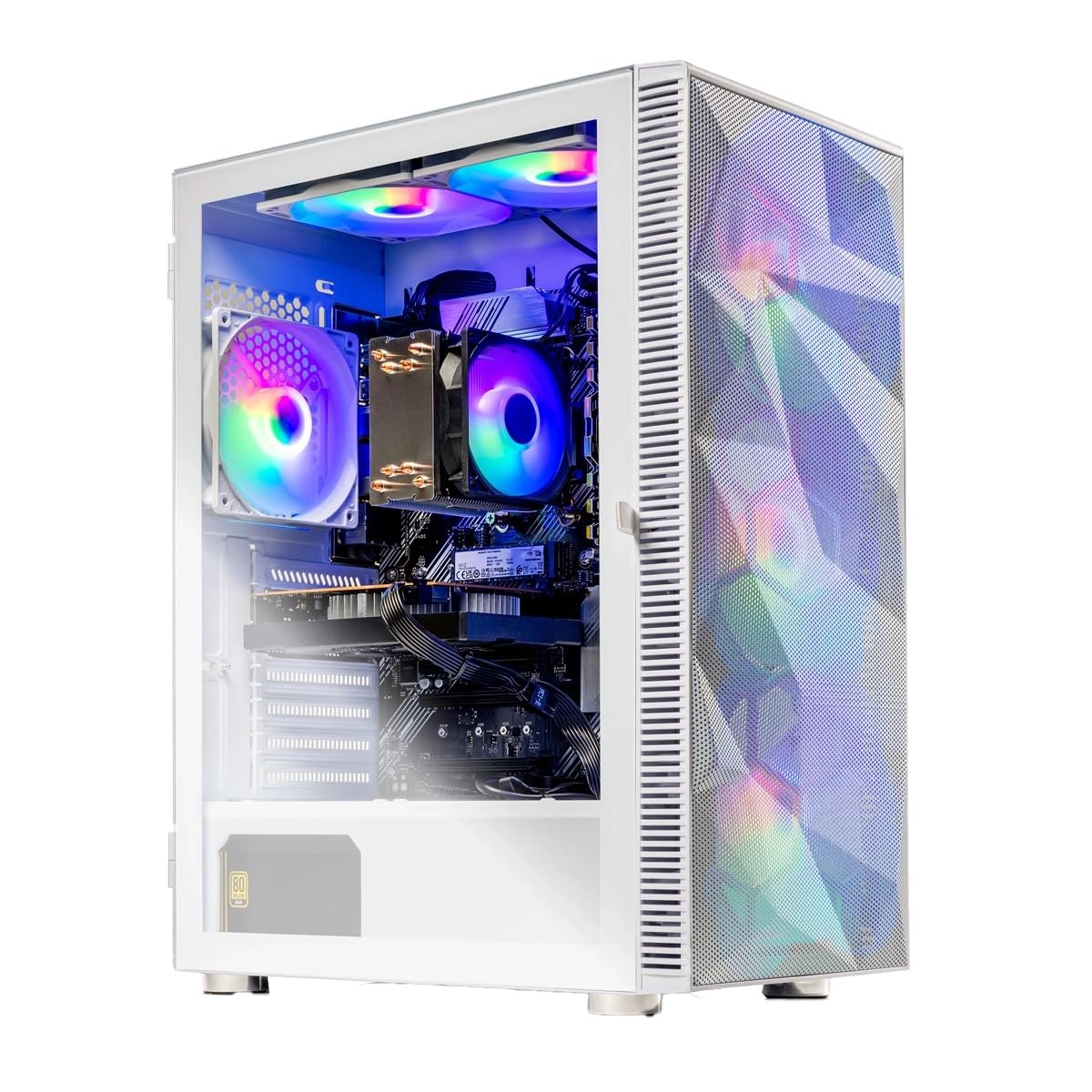
1. Skytech Gaming Storm Gaming PC
Our pick — 4.5★ from 300+ verified ratings; the strongest balance of quality and price.
The best mix of price, performance, and memory generation for a 1080p gaming machine.
The Skytech Gaming Storm hits the balance with an AMD Ryzen 5 8400F that boosts to 4.7 GHz, an NVIDIA GeForce RTX 5050 8GB, 16GB of DDR5 RAM 5200, and a 1TB NVMe SSD — all wrapped in a white chassis with ARGB fans.
Skytech assembles these in the USA and includes a free gaming keyboard and mouse. One owner reported the PC failed after initial shutdown and the repair took 3-4 weeks due to COVID-19, but the company paid shipping both ways and the unit has worked perfectly since. Another reviewer noted the back fan was not spinning at first — a quick switch flip fixed it. For the money, you get DDR5 memory (faster and more future-proof than DDR4) and a reliable GPU, making this the all-around recommendation.
Strong Points
- DDR5 RAM and 1TB SSD at this price tier is rare.
- RTX 5050 8GB handles 1080p Ultra settings in most AAA titles at 60+ FPS.
- US-based assembly and 1-year warranty with free tech support.
Weak Points
- Wi-Fi is only 802.11ac (Wi-Fi 5), not the newer Wi-Fi 6 standard.
- A few units have arrived with non-critical fan or power issues.
The pick for: Anyone wanting a balanced prebuilt that does not cut corners on memory or storage.
Skip if: You need built-in Wi-Fi 6 or cannot tolerate the chance of a minor defect that requires a support call.
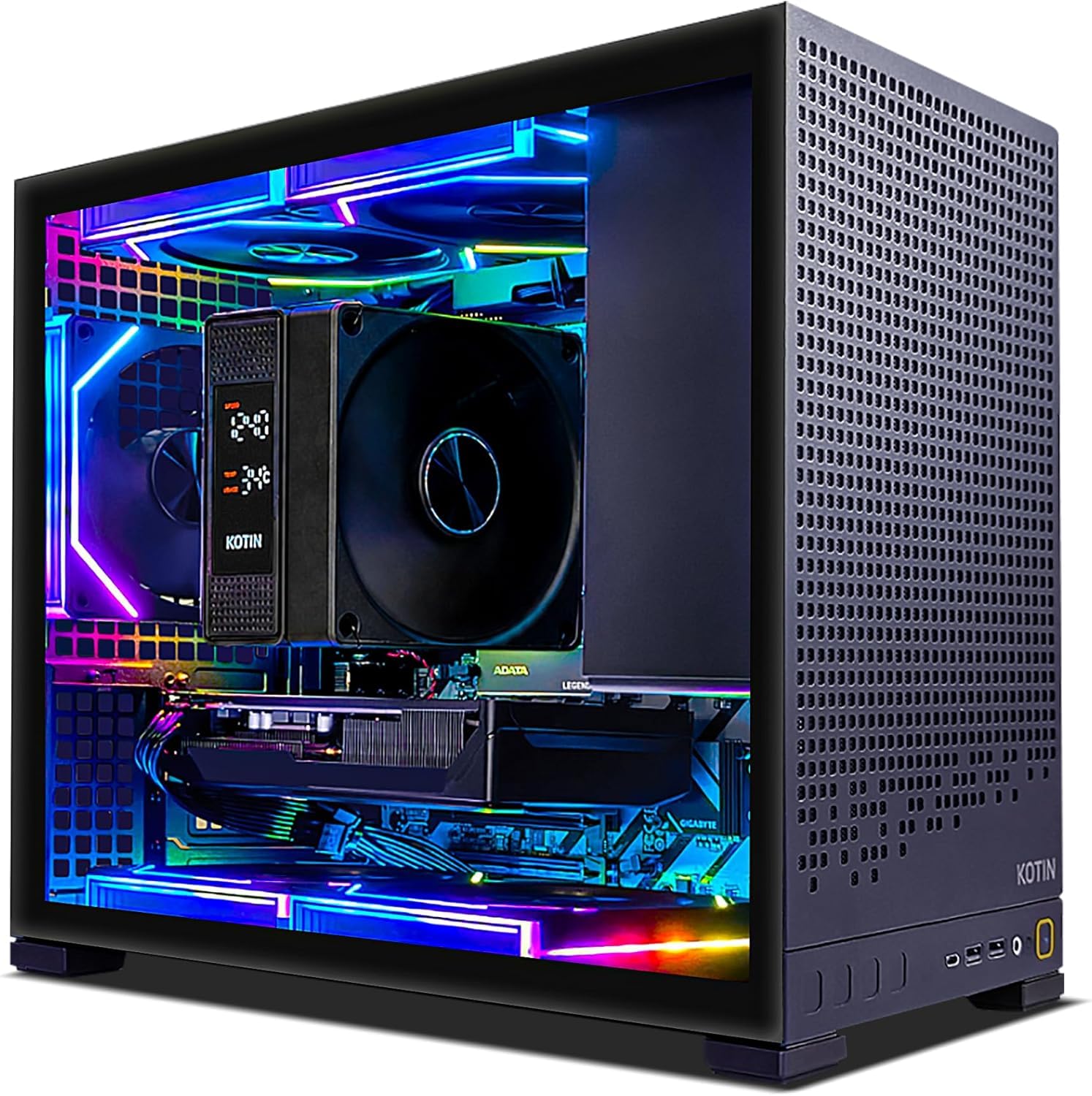
2. KOTIN Prebuilt Gaming PC Ryzen 5 9600X RTX 5060
The fastest CPU in this list paired with a current-gen GPU that can push past 1080p.
You get smooth 1080p to 1440p gaming right from the start thanks to the GeForce RTX 5060 8GB with DLSS 4 (Deep Learning Super Sampling — NVIDIA’s AI-based tech that boosts frame rates without sacrificing visual quality) and ray tracing. The Ryzen 5 9600X hits up to 5.4 GHz, which is a 21% clock-speed advantage over the Skytech Gaming Storm’s Ryzen 5 8400F at 4.7 GHz, making this the snappiest processor for CPU-bound titles like simulation and strategy games. The 16GB of DDR5 6000MHz memory loads levels in a flash, and the 1TB PCIe 4.0 NVMe SSD reads at up to 6000MB/s, so your game library has room to grow without slowdown.
The digital display air cooler and 5 ARGB fans keep temperatures under control during long sessions, and the 650W 80 PLUS Gold power supply delivers stable juice. One reviewer noted the PC arrived with pre-installed malware, so running a fresh Windows install after unboxing is a smart precaution. KOTIN assembles the unit in California and backs it with a 1-Year Limited Warranty and Lifetime Technical Support.
Why It Leads
- Fastest single-core CPU here at 5.4 GHz boost.
- RTX 5060 8GB supports DLSS 4 for higher frames.
- DDR5 6000MHz memory is a generation ahead of DDR4.
The Catch
- One buyer mentioned pre-installed malware; budget time for a clean install.
- Only 29 reviews so far, less long-term reliability data than established brands.
Take it if: you want the newest CPU architecture and the headroom to play at 1440p without upgrading for years.
Think twice if: you prefer a brand with a longer track record and do not want to risk a malware cleanup on day one.
3. Thermaltake LCGS Quartz i1460 Gaming Desktop
A major PC component brand building a complete rig with parts you would pick yourself.
Thermaltake is known for its cases, coolers, and power supplies, so the LCGS Quartz i1460 feels like a self-built system from a friend who knows what they are doing. It pairs an Intel Core i5-14400F with an NVIDIA GeForce RTX 5060 8GB, and the CPU clock speed hits 4.7 GHz at boost. The 16GB of DDR4 3600MHz RGB memory is faster than standard DDR4, and the 1TB NVMe M.2 SSD gives you plenty of storage for a modern game library. The 3mm thick tempered glass side panel and full-length PSU power cover make the inside look clean, too.
Buyers report it runs AAA games like Fallout 76 at max settings around 60 FPS with no stutter even over Wi-Fi, and one reviewer called it the best value they found for the specs. A few units arrived dead on arrival with bent PCIe slots, but that is rare. Compared to the KOTIN above, the Thermaltake uses DDR4 instead of DDR5, so future-proofing is slightly lower, but the build quality and brand support are more proven.
Who it fits: Gamers who want a trusted brand and a clean, upgrade-friendly chassis without paying the full DIY markup.
Watch out for: The built-in Wi-Fi on the ASrock motherboard has failed for some buyers, requiring an external USB adapter.
4. Evounic Gaming Desktop PC Liquid Cooled

A liquid-cooled tower with a ridiculous 64GB of RAM for a price that undercuts most competitors.
The big headline here is the 64GB DDR4 RAM — four times what most gaming PCs ship with — plus a 512GB NVMe SSD paired with a 1TB HDD for bulk storage. The GeForce RTX 4060 8GB GDDR6 handles high-fps gaming in competitive titles and is VR-ready, while the liquid cooling keeps the 12-core Xeon E5 processor stable during long sessions. You also get Wi-Fi 6 and Bluetooth 5.4, which are the latest wireless standards for low-latency online play and accessory support.
Owners mention the PC is fast, smooth, and handles multitasking well — one reviewer even called it great for school and everyday use. However, the Xeon E5 is an older server-class chip, not a consumer gaming CPU, so it will lag behind the Ryzen 5 9600X or Core i5-14400F in single-threaded game performance. A few units have failed on startup with black screens, and one owner noted that upgrading anything means removing most components first.
Perfect for: Users who run heavy multitasking (streaming, video editing, virtual machines) alongside gaming and want the RAM headroom.
Not for: Pure gaming where single-core speed matters more than RAM count — the KOTIN or Skytech will feel snappier in games.
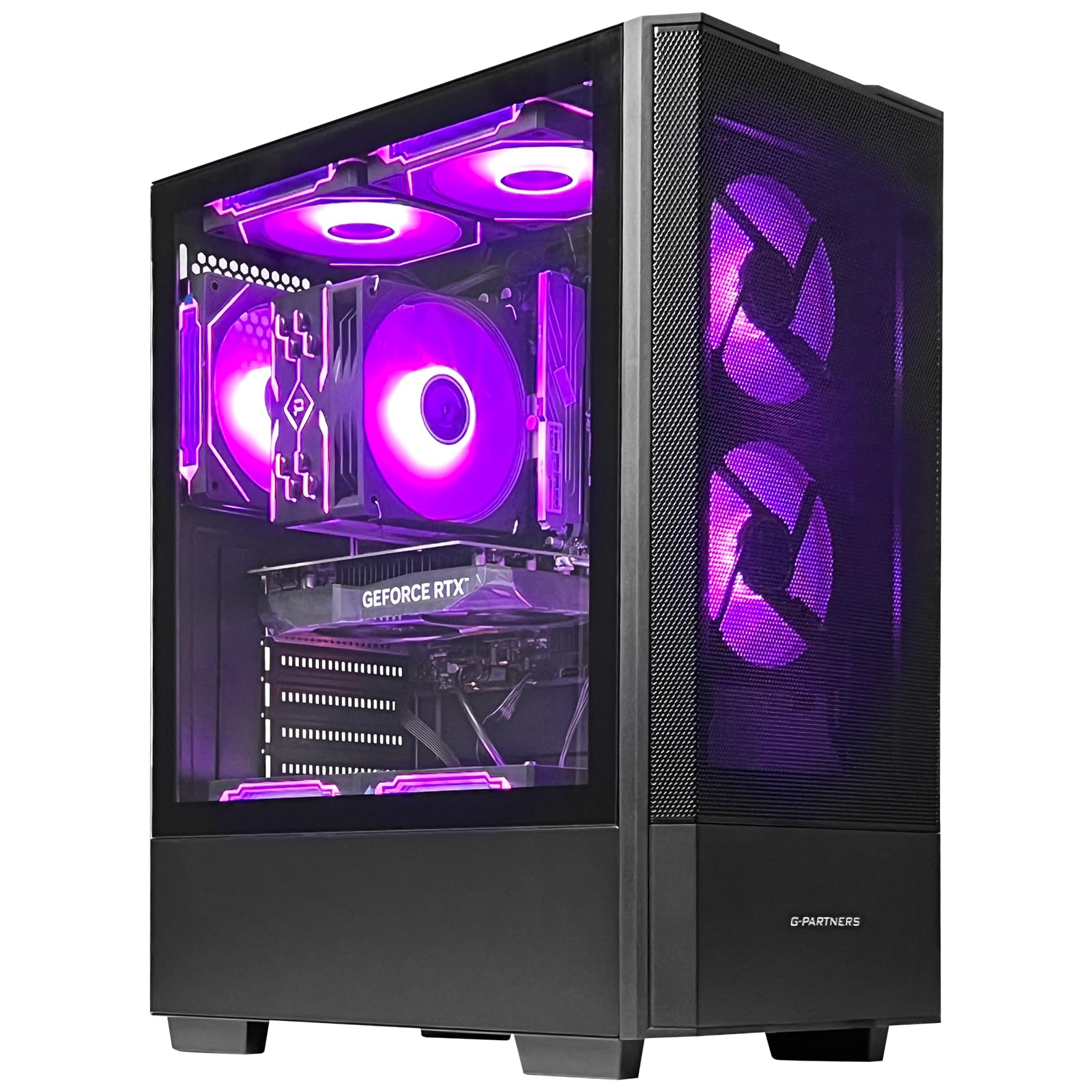
5. ZYNEEX Prebuilt Gaming Desktop PC
A well-rounded mid-range build with a 1TB SSD and a 4.2 GHz processor for smooth daily gaming.
The ZYNEEX packs an AMD Ryzen 5 5500 with a boost clock of 4.2 GHz, a GeForce RTX 3050 6GB, 16GB of DDR4 3200MHz RAM, and a 1TB NVMe SSD — the storage capacity alone beats most prebuilts that still ship with 512GB. The quad-copper-pipe air cooler and multiple ARGB case fans keep temperatures stable under load, and the customizable RGB lighting lets you match the aesthetic to your desk setup.
Customers note it runs Sims 4 and GTA 5 with 165GB of mods without stutter, and one buyer found it perfect for World of Warcraft at max graphics. The 6GB VRAM on the RTX 3050 is a 33% VRAM deficit compared to an 8GB card like the RX 590 found in the ZER-LON below, so newer games with high-resolution texture packs may need settings turned down. Compared to the Skytech Storm above, the ZYNEEX uses DDR4 memory and a previous-gen GPU, but the 1TB SSD is a clear advantage for storage-hungry players.
What Works
- 1TB NVMe SSD gives you real room for a game library.
- 4.6/5 average rating from 44 reviews shows consistent quality.
- Built-in Wi-Fi and ARGB cooling are included at no extra cost.
What Does Not
- RTX 3050 6GB is the entry-level GPU in this list; do not expect ray tracing at high frame rates.
- Some units boot into a pre-existing user account, requiring a reset.
Reach for this if: you want a 1TB drive and solid 1080p performance without paying for DDR5 or a higher-tier GPU.
Look elsewhere if: you plan to play ray-traced AAA titles or need the fastest possible frame rates.
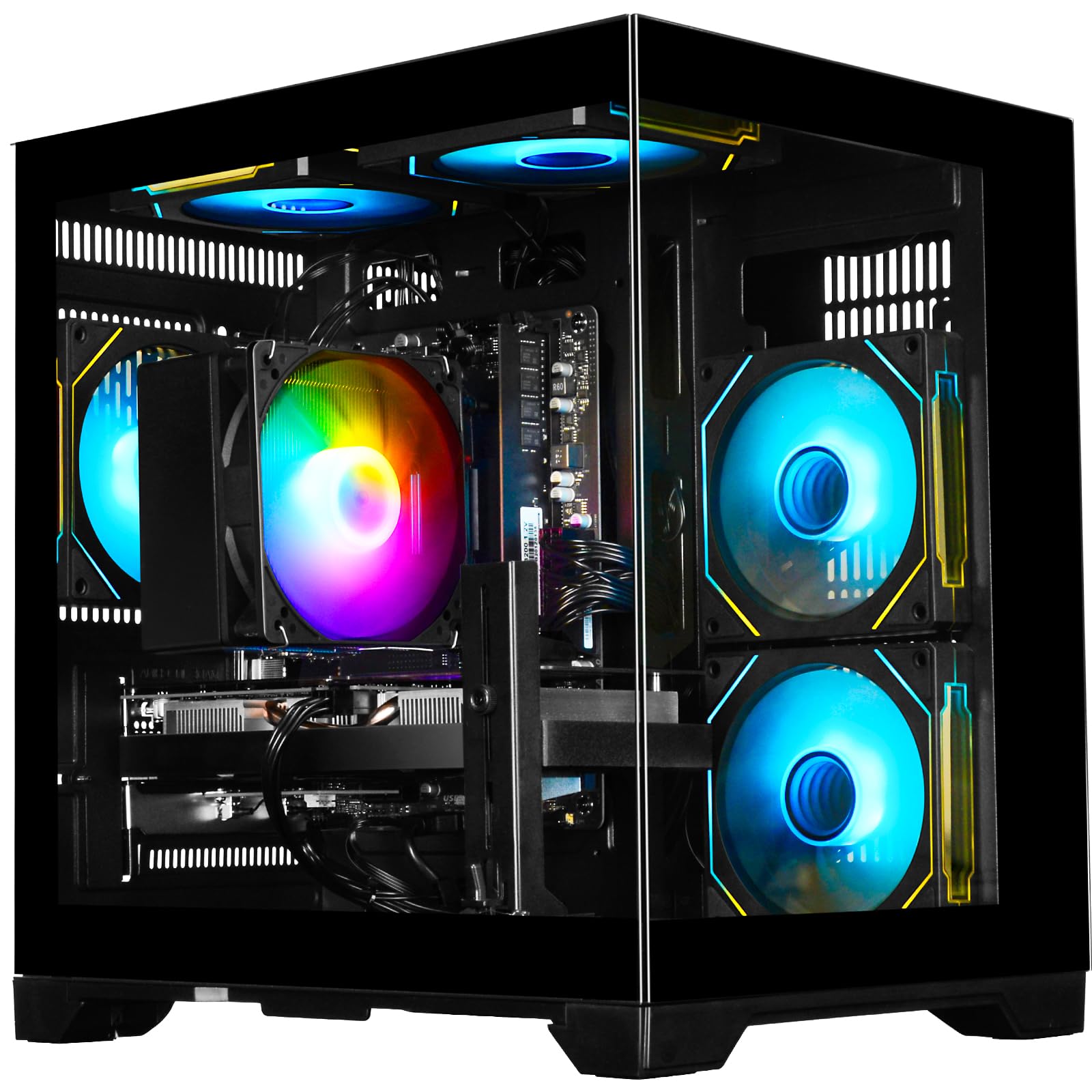
6. WIWB Gaming Desktop PC Ryzen 5 4500 RTX 3050
A clean entry point with built-in Wi-Fi 6 and the popular RTX 3050 for 1080p gaming.
The WIWB desktop runs a Ryzen 5 4500 that boosts to 4.1 GHz, paired with a GeForce RTX 3050 6GB, 16GB of DDR4 3200MHz RAM, and a 512GB NVMe SSD. It is designed for plug-and-play — no GPU installation or driver hunting needed. The RTX 3050 supports ray tracing (a lighting technique that simulates realistic light behavior, though at lower frame rates on this card) and DLSS, so you can play most AAA titles at medium settings smoothly. The Wi-Fi 6 connection is a step above the Wi-Fi 5 found in the Skytech Storm, giving you faster and more stable wireless performance.
Reviewers point out it handles games very well at 1080p — one customer observed the only exception was Flight Simulator 2024, which pushed the 8GB VRAM (note: the spec sheet says 6GB, buyer likely added their own card). Another unit crashed with a blue screen of death after three days, showing recurring error logs. Compared to the ZYNEEX above, the WIWB has half the storage (512GB vs 1TB) and a slower CPU, but the Wi-Fi 6 and lower price make it a viable budget option.
Best for: A first gaming PC where you plan to add more storage later — the motherboard supports PCIe Gen 3 upgrades.
Be aware: A small percentage of units have shown instability; check the return policy before buying.
7. STGAubron Gaming PC Desktop, AMD Ryzen 5 5500
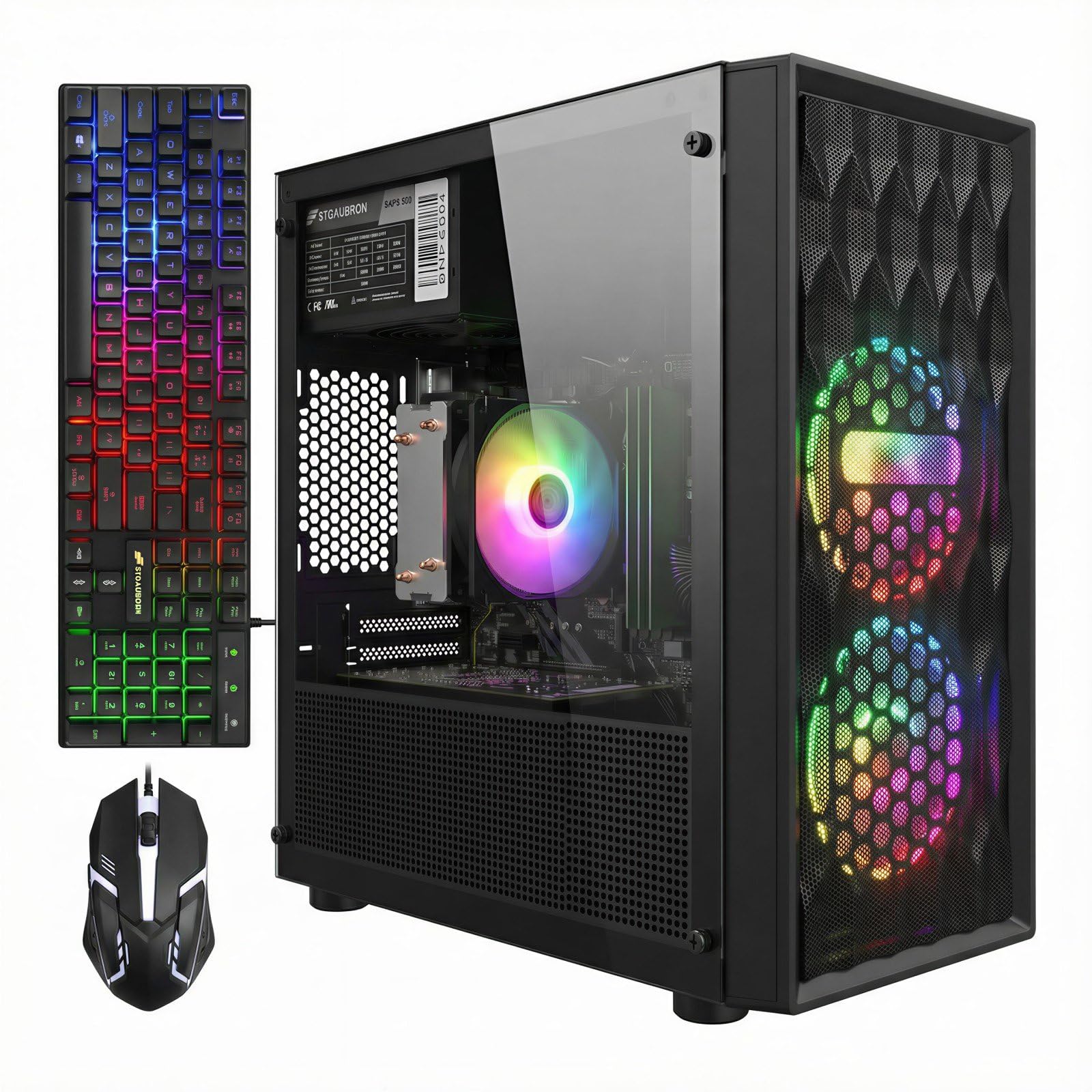
A Ryzen 5 5500 and RTX 3050 combo with Wi-Fi 6 and Bluetooth 5.2 for a clean budget build.
The STGAubron desktop uses an AMD Ryzen 5 5500 with a 4.2 GHz boost, a GeForce RTX 3050 6GB, 16GB of DDR4 RAM, and a 512GB SSD. It supports dual monitor setups via HDMI, DisplayPort, and DVI outputs. The included RGB keyboard and mouse save you an extra purchase, and the free lifetime tech support is a nice safety net for first-time buyers. Wi-Fi 6 and Bluetooth 5.2 (the latest consumer Bluetooth version for low-latency connections to headphones and controllers) are both built in.
One user highlighted the unit had no Wi-Fi capability from the start and they had to buy a separate USB adapter, which contradicts the specs — a known inconsistency with STGAubron builds. Another reviewer noted the PC runs Fortnite at 120 FPS and called it excellent value. Compared to the ZYNEEX above, which also uses the Ryzen 5 5500, the STGAubron has half the storage (512GB vs 1TB) but a slightly better rating (4.2 vs 4.6) from fewer reviews. The i7-based STGAubron below is cheaper but uses an older CPU.
Good News
- Modern Wi-Fi 6 and Bluetooth 5.2 are included on paper.
- Free lifetime technical support adds confidence.
- Ryzen 5 5500 is a capable 1080p gaming CPU.
Bad News
- Wi-Fi is not always functional — multiple shoppers say missing drivers or adapters.
- 512GB storage fills up fast with modern AAA games.
Go for it if: you find a good sale price and are comfortable troubleshooting a potential Wi-Fi issue on day one.
Pass if: you need guaranteed out-of-the-box wireless connectivity with no fuss.
8. ZER-LON Prebuilt Gaming PC Desktop, Ryzen 5 3500X RX 590
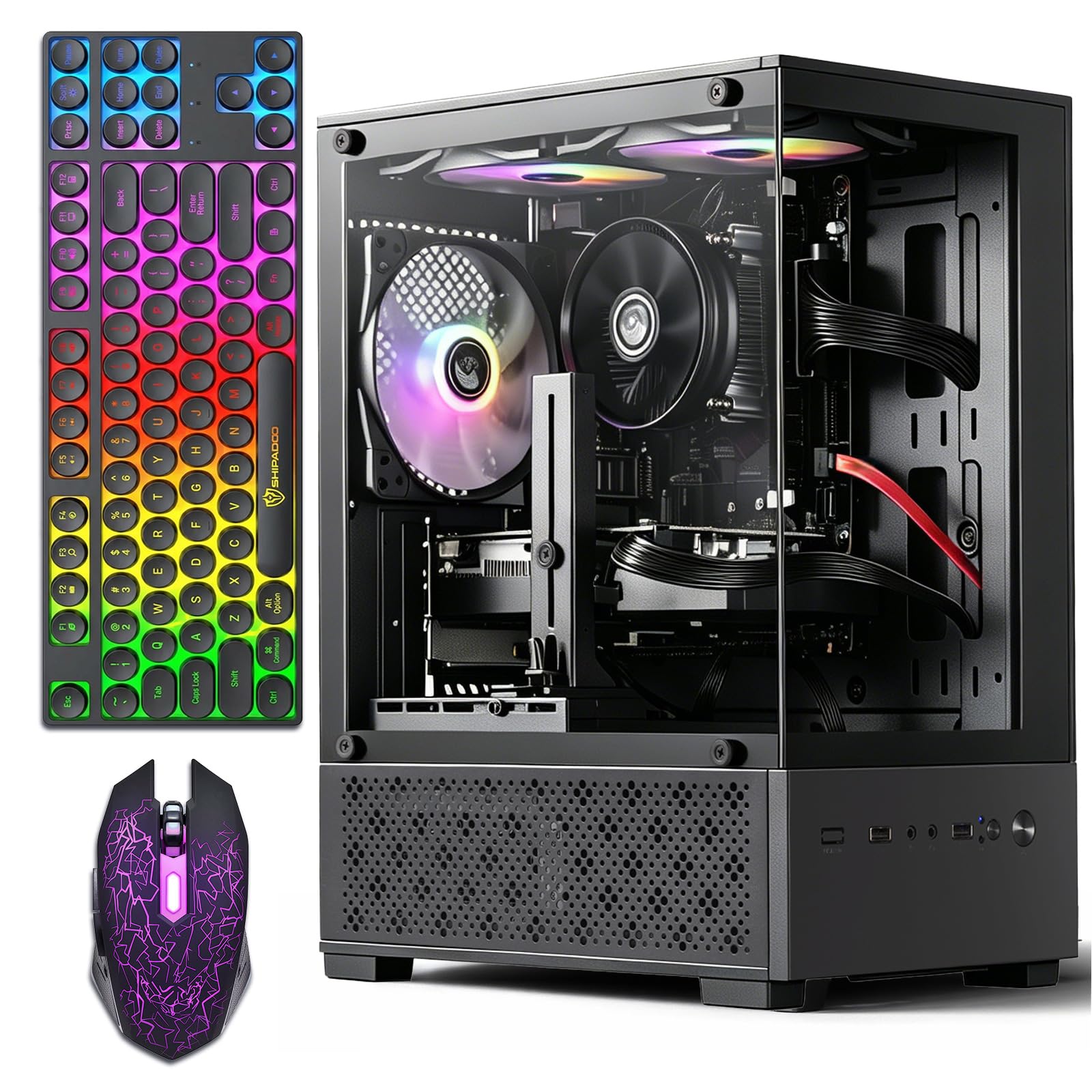
An older but capable GPU with 8GB VRAM that still holds its own for competitive games.
The ZER-LON uses a Ryzen 5 3500X that boosts to 4.1 GHz, paired with an AMD Radeon RX 590 8GB GDDR5 graphics card, 16GB of DDR4 RAM, and a 512GB SSD. The RX 590 supports DirectX 12 and Vulkan, so it runs esports titles like League of Legends and Overwatch smoothly, and can handle light AAA games at medium-low settings.
Buyers report it boots fast, runs quietly, and includes a gaming keyboard, mouse, and mouse pad in the box — a complete starter kit. One review called it a great starter PC for an 8-year-old first-time gamer. However, the CPU is a generation older and the RX 590 lacks modern features like ray tracing and DLSS, so it will not age as well as an RTX 3050 or 4060 build. A buyer also warned that the unit may fail unpredictably, with one calling it the worst PC they ever bought.
Who it works for: Casual gamers focused on older or less demanding titles who want the most accessory value per dollar.
Who it does not: Anyone needing ray tracing, DLSS, or high frame rates in the latest AAA releases.
9. STGAubron Gaming PC Desktop, Intel Core i7 up to 3.9GHz
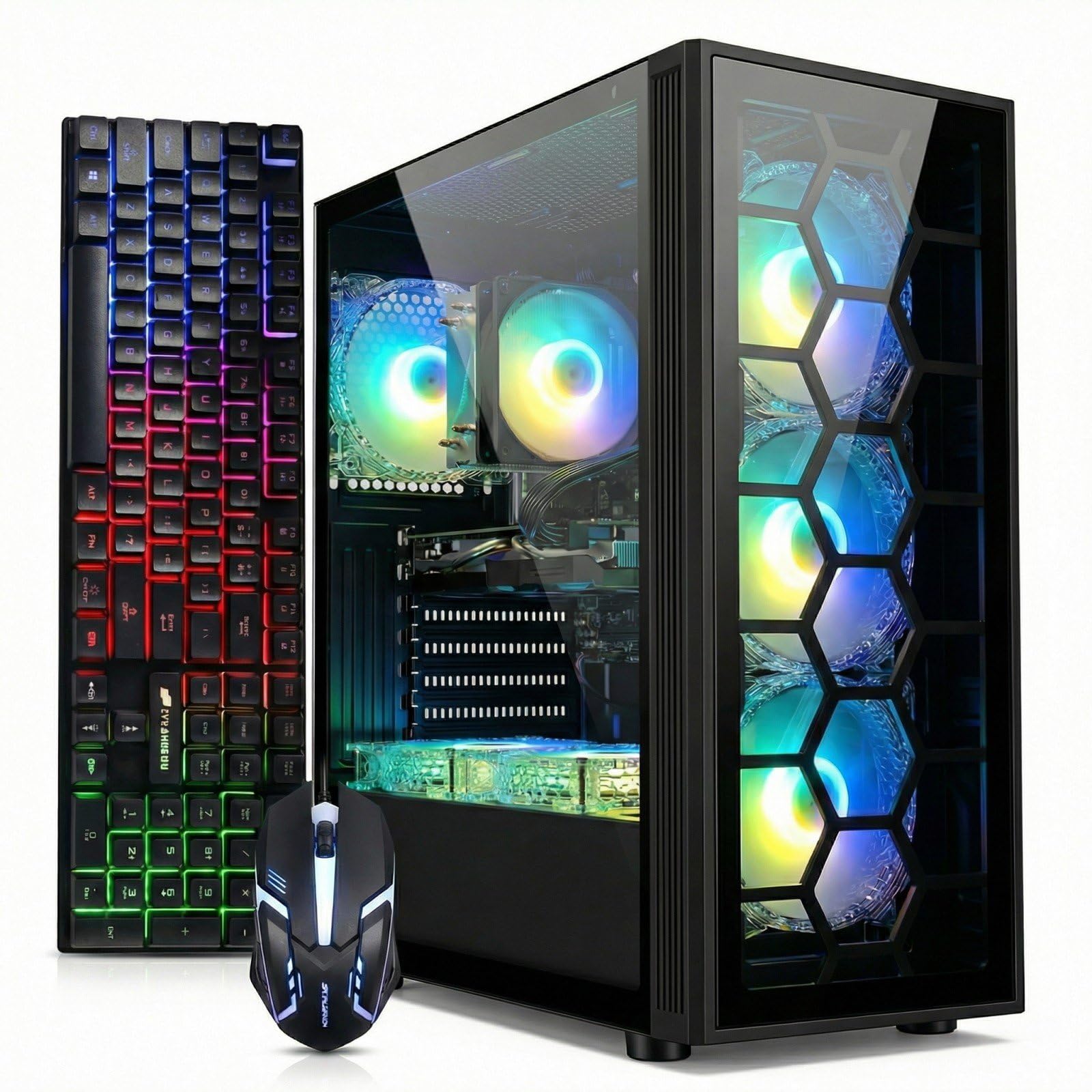
The absolute lowest entry price into a dedicated GPU, but the CPU is two generations old.
The STGAubron i7 desktop is the cheapest way to get a dedicated GeForce RTX 3050 6GB in a prebuilt, but there is a trade-off. The Intel Core i7 is a 4th-gen chip, meaning it uses older architecture and has a maximum boost of only 3.9 GHz — noticeably slower than the 4.7 GHz found in the Skytech Gaming Storm. The 16GB of DDR4 RAM and 512GB SSD are standard for the price tier, and the included RGB keyboard and mouse help you get started immediately.
The low price comes with real risk. One shopper added the PC failed within weeks — the storage drive and power supply both died, costing out of pocket to replace. Another reviewer said the Wi-Fi adapter is buggy and recommended using a wired Ethernet connection (a physical cable plugged directly into your router for a stable connection). The display resolution maximum is 3840×2160 (4K — four times the pixels of 1080p), meaning the RTX 3050 can drive a 4K monitor for desktop use, but do not expect to game at that resolution.
Why Consider It
- Lowest price in the list for a discrete GPU build.
- Includes Wi-Fi 6, Bluetooth 5.0, and a full accessory set.
Why Be Cautious
- 4th-gen Core i7 is a major bottleneck in modern games.
- High failure rate reported — storage and PSU failures are common.
Only buy this if: your budget is absolutely maxed and you are comfortable replacing parts yourself if something breaks.
Save longer for: any of the Ryzen-based builds above — the performance gap is massive and the reliability is better.
10. suevery Pre Built Gaming PC • M.2 NVMe 512G SSD • Radeon 4G Graphics
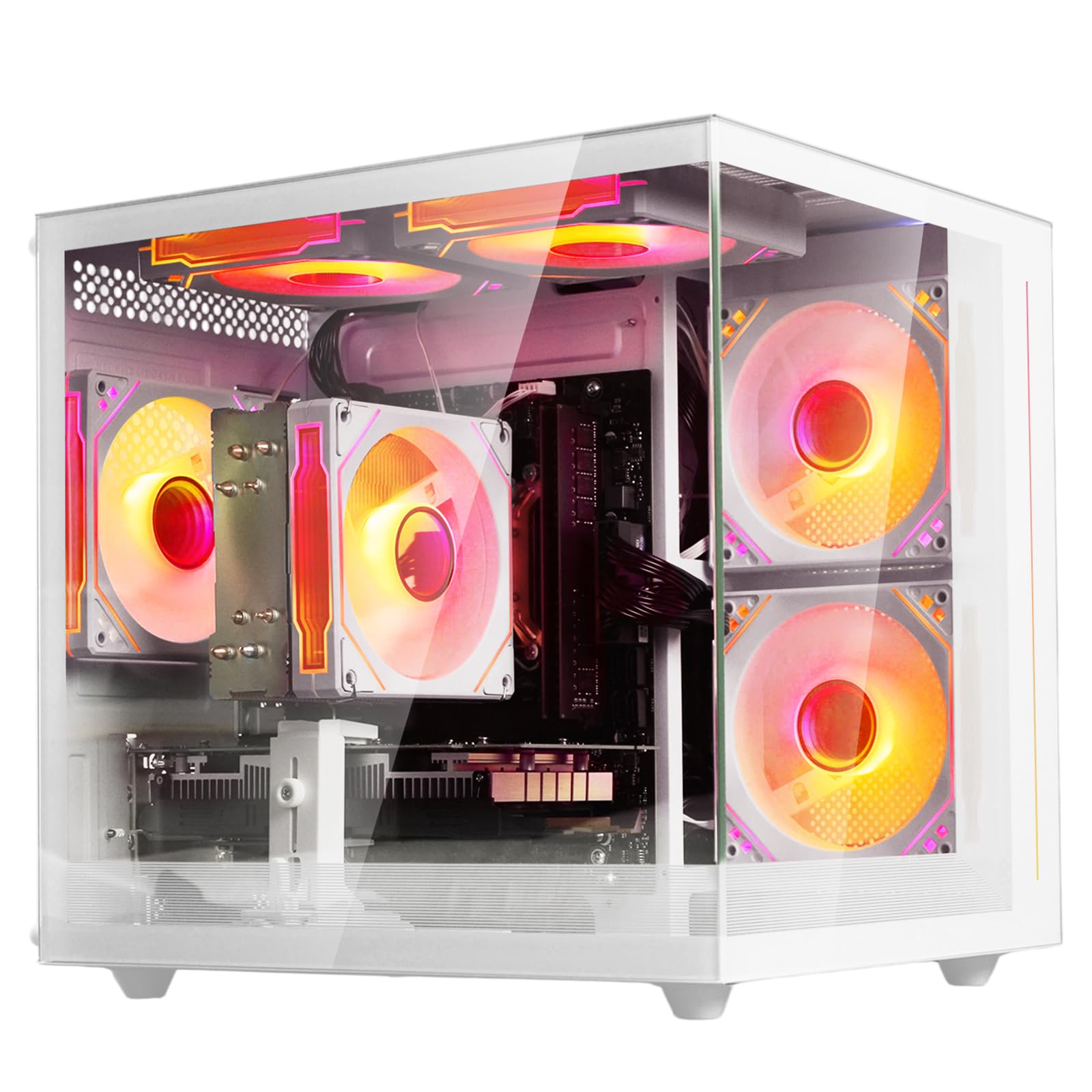
A budget-friendly white tower with integrated graphics that works for light gaming and daily tasks.
The suevery PC uses an AMD Ryzen 5 6-core processor with integrated Radeon graphics, 16GB of DDR4 3200MHz RAM, and a 512GB M.2 NVMe SSD. It supports a 4K display (3840×2160) for desktop use and video playback, but for gaming, the integrated Radeon has only 4GB of shared VRAM, so it is best suited for older or less demanding titles. Buyers have easily added a dedicated GPU — one reviewer noted they dropped in an old GTX 1070 and a new power supply, and the unit ran Sims and other games great.
The white tower design with customizable RGB lighting looks clean on a desk, and the built-in Wi-Fi 6 provides fast wireless connectivity. A few buyers reported severe lag even in basic tasks like browsing Chrome, and one called it the worst PC they ever bought due to slow performance. Unlike the dedicated GPU builds above, this is really a starter platform for people who plan to add their own graphics card later.
Who it suits: First-time gamers or parents on a tight budget who are willing to open the case and install a GPU upgrade.
Who it does not: Anyone wanting to play modern AAA games from the start — the integrated graphics will struggle.
Understanding the Specs
VRAM — Video Memory on the GPU
VRAM (video random access memory) is the dedicated memory your graphics card uses to store textures, shadows, and frame data while you play. More VRAM means the card can handle higher-resolution textures and bigger game worlds without stuttering. For 1080p gaming, 6GB is the minimum you want for modern titles, while 8GB gives you breathing room for texture-heavy games like Cyberpunk 2077 or Hogwarts Legacy. A card with only 4GB of VRAM (like integrated Radeon graphics) will force you to run games at low texture settings.
CPU Boost Clock — How Fast the Processor Thinks
The boost clock is the maximum speed (in gigahertz) your processor can reach under load, and it directly affects how fast the CPU can process game logic and physics calculations. A higher boost clock, like 4.7 GHz on the Ryzen 5 8400F, means faster single-threaded performance in games that rely on one or two cores, such as strategy games or simulators. Older CPUs with lower boost clocks, like the 3.9 GHz 4th-gen i7, create a bottleneck that holds back the graphics card from reaching its full potential.
FAQ
Is an RTX 3050 enough for 1080p gaming in 2025?
Should I get DDR4 or DDR5 RAM in a prebuilt gaming PC?
Can I upgrade the graphics card in a prebuilt gaming PC later?
Why do some prebuilt PCs use older server CPUs like the Xeon E5?
How much storage do I really need for a gaming PC?
What does DLSS do and does every game support it?
Is liquid cooling worth it in a prebuilt gaming PC?
Why do some prebuilt PCs have problems with Wi-Fi?
Final Thoughts: The Verdict
For most buyers, the 1k gaming pc winner is the Skytech Gaming Storm because it delivers DDR5 memory, a fast Ryzen 5 8400F processor, and a solid 8GB GPU at a price that does not hurt. If you want the highest frame rates and newest features, grab the KOTIN Prebuilt Ryzen 5 9600X for its 5.4 GHz CPU and DLSS 4 support. And for pure value with a 1TB SSD and a clean build, the standout is the ZYNEEX Prebuilt Gaming Desktop.
How We Picked
We do not accept paid placement. Every pick is matched to a real buyer and a real use-case; we do not hands-on test units.
Sources & Methodology
Specifications: manufacturer listings and product documentation. Review insights: verified customer reviews, as of July 2026. Pricing: not shown on this page (it changes often); check the current price via the retailer link.
As an Amazon Associate, Gadgets Feed earns from qualifying purchases. This does not affect which products we feature.