
Our readers keep the lights on and my morning glass full of iced black tea. As an Amazon Associate, I earn from qualifying purchases.
Specs are compiled from manufacturer listings and verified buyer reviews and can change over time — please confirm the key details on the product page before buying.
You want a 1TB drive so you can store your files and install your apps without scrambling for an external hard drive next week. But with processor cores, RAM speeds, and chassis sizes all pulling for your attention, picking the right desktop can feel like staring at a spreadsheet. The three machines here all pack a 1TB drive, so you can zero in on what matters for your work and your desk.
I’m Min — the founder and writer behind Gadgets Feed. This guide is built by comparing the manufacturers’ published specifications and the patterns across verified customer reviews, so you get each pick’s real strengths and trade-offs instead of marketing spin.
You want a 1TB desktop that feels snappy from day one and stays that way for years. That is why we checked processor generations, RAM types, and connectivity. This guide helps you find the right 1tb desktop computer for your work and your desk space.
Our Picks at a Glance
How To Choose The Best 1TB Desktop Computer
Every 1TB desktop in this guide holds the same amount of data. But the way each one handles your daily work depends on three main differences. Understanding these will help you pick the machine that fits your desk and your workload, not just the one with the biggest number.
Processor Power: How Many Cores Do You Really Need?
The processor (the main chip that runs your software) is described by its generation and core count. A 12th-generation Intel Core i7 with 12 cores handles video calls, office apps, and light data analysis with ease. A 13th-gen i7 with 10 cores gives similar everyday speed for a lower price. But a 14th-gen i7 with 20 cores can handle 4K video editing, 3D rendering, and running multiple heavy applications at once without slowing down. For general business use, a 10- or 12-core chip is plenty. For creative or data-heavy work, step up to the 20-core model.
RAM Type and Capacity: Why DDR5 Beats DDR4
RAM (the short-term memory your computer uses to keep programs running at the same time) comes in two main types. DDR4 is an older standard that is fast enough for office work and web browsing. DDR5 is the newer generation that moves data quicker between the RAM and the processor. That speed helps with large files, heavy spreadsheets, and multitasking across many browser tabs. Both machines here pack 32GB of RAM, which is generous for most users. But the DDR5 version will feel snappier under a heavy load.
Chassis Size: Mini PC or Full Tower?
Your desk space decides whether a tiny box or a full tower makes more sense. A mini PC, roughly 7 inches wide and just over an inch tall, bolts behind a monitor or sits on a small shelf. That keeps your workspace nearly empty. A full tower sits on or under your desk and gives you room to add internal drives or expansion cards later. Neither is better overall — your choice depends on whether you value a clean, compact setup or the ability to upgrade later.
Quick Comparison
| Model | Best For | Processor / Cores | RAM | Chassis Type | Amazon |
|---|---|---|---|---|---|
| HP Pro Mini 400 G9★ Best Overall | Ultra-compact desk setups | Intel i7-12700T / 12 cores | 32GB DDR4 | Mini PC | Amazon |
| Dell Pro Tower | Heavy multitasking & creative work | Intel i7-14700 / 20 cores | 32GB DDR5 | Full Tower | Amazon |
| ASUS V500 Tower | Balanced performance on a budget | Intel i7-13620H / 10 cores | 32GB DDR5 | Mid Tower | Amazon |
In‑Depth Reviews
1. HP Pro Mini 400 G9 Business Desktop PC
Our pick — 4.5★ from 30+ verified ratings; the strongest balance of quality and price.
The mini desktop that hides behind your monitor and still runs circles around older towers.
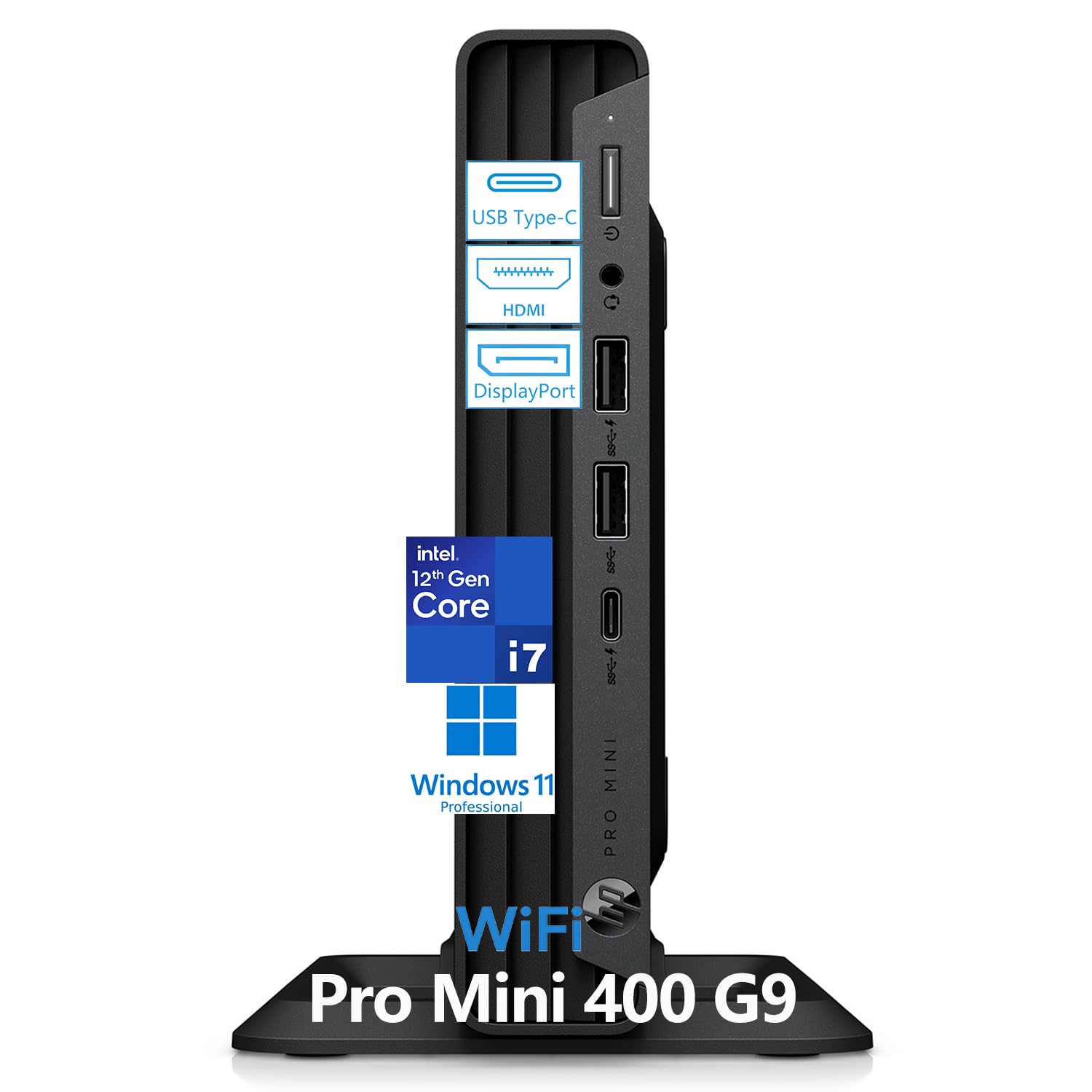
This HP is “out of sight, out of mind” computing. It measures just 6.97 x 6.89 x 1.34 inches and weighs 3.13 lbs — owners mention it “takes up so much less room,” making it a perfect fit for a cramped desk or a multi-workstation setup. Inside, a 12th-gen Intel Core i7-12700T processor with 12 cores and 32GB of DDR4 RAM keeps your office apps, video calls, and data analysis running smoothly. The 1TB NVMe SSD boots the system in under 10 seconds. You can also attach it to the back of a monitor using a VESA mount (a bracket that screws into the monitor’s rear holes, sold separately), freeing your entire desk surface.
The connectivity is generous for a small box. It supports dual monitors through 2 DisplayPort 1.4 ports and one HDMI 2.1 port. It also has 7 USB ports including two USB-C 20Gbps ports for fast file transfers, plus built-in Wi-Fi, Bluetooth, and Gigabit Ethernet. The trade-off is that this is a sealed mini PC — you cannot easily add a dedicated graphics card or extra internal drives later. The RAM can be expanded from 32GB to 64GB, but the chassis is not built for expansion cards.
For a home office or a business reception desk where space is tight, this machine delivers serious convenience. One owner reported the setup was “self-explanatory” and that the included keyboard feels nice — everything you need is in the box.
Smart Trade-Off: You trade the ability to add a graphics card later for an incredibly compact, clutter-free work setup. If you never plan to open the case, this is a brilliant choice.
The Spec That Wins It: At 3.13 lbs, you can lift it with one hand and tuck it anywhere — try that with the Dell Pro Tower above.
Pick this one if: you want a clean, space-saving desk and your work is standard business software, not 3D rendering or gaming.
skip it if: you plan to install a dedicated video card or upgrade internal components later — this is a sealed system.
2. Dell Pro Tower PC Desktop (Intel 20-Core i7-14700)
The 20-core powerhouse that chews through creative projects and data-crunching without breathing hard.
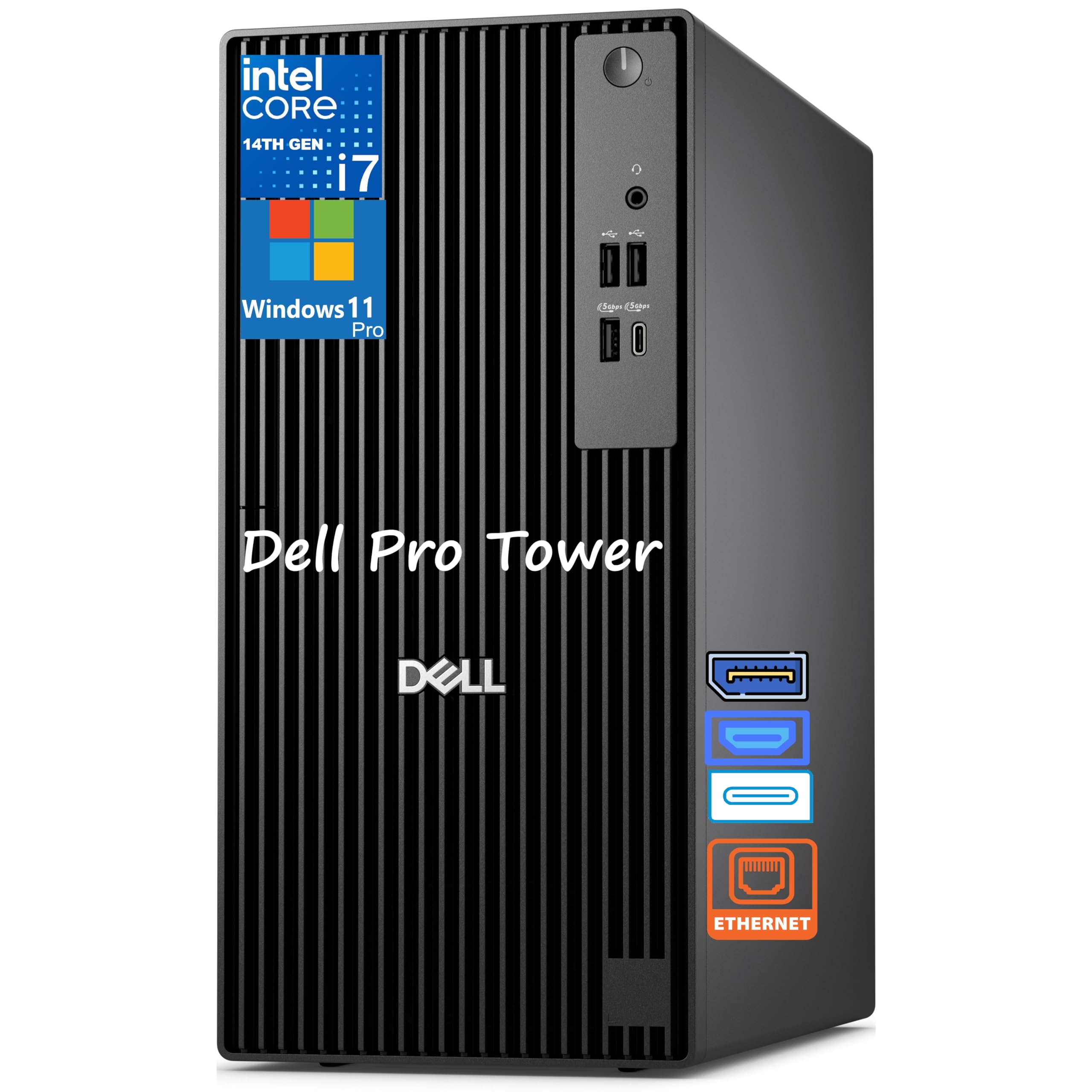
You use this Dell for the moments your old computer freezes on a second monitor. Its Intel Core i7-14700 processor has 20 cores, and buyers report it makes the machine “boot up very fast.” That core count handles 4K video editing, 3D rendering, or financial modeling while you keep Slack, a dozen browser tabs, and Excel open at the same time. The 32GB of DDR5 RAM supplies the bandwidth for memory-hungry applications, so you spend less time waiting and more time working.
The trade-off hits two areas. First, this tower lacks built-in Wi-Fi, so you will need an Ethernet cable or a USB Wi-Fi adapter (a USB gadget that adds wireless capability). Second, one reviewer noted the included HDMI cable is useless because the tower has no HDMI output at all — you will need a DisplayPort cable (a UV001 DisplayPort to VGA cable costs about seven dollars) to connect an older monitor. The chassis is a full tower, so it takes up more room than a mini PC, but that space lets you add internal drives later.
With 20 cores against the 10 cores in the ASUS V500 below, this Dell gives you a 2.0x gap in processing headroom for professionals who need every bit of speed. Several buyers also say it runs quietly — a welcome change from whirring desktop fans.
Where It Excels
- 20-core i7-14700 processor provides top-tier multitasking for heavy creative apps (up to 5.4GHz turbo)
- Dual 4K display support via DisplayPort for an efficient multi-monitor workflow
- DDR5 memory gives a speed boost for large file transfers and complex software
Real-World Caveats
- No built-in Wi-Fi — plan for a wired Ethernet connection
- No HDMI output on the tower itself, so check your monitor cables before buying
- One buyer mentioned a missing hard drive on arrival, though the shipper quickly replaced the unit
Reach for this if: you run multiple heavy applications at once, edit video or 3D models, and need a machine that stays fast for years of demanding work.
Look elsewhere if: you want a compact, wireless-ready desktop that fits on a small shelf or behind a monitor.
3. ASUS V500 Home & Business Tower Desktop
A 13th-gen i7 with DDR5 that punches above its price tier for everyday pros.
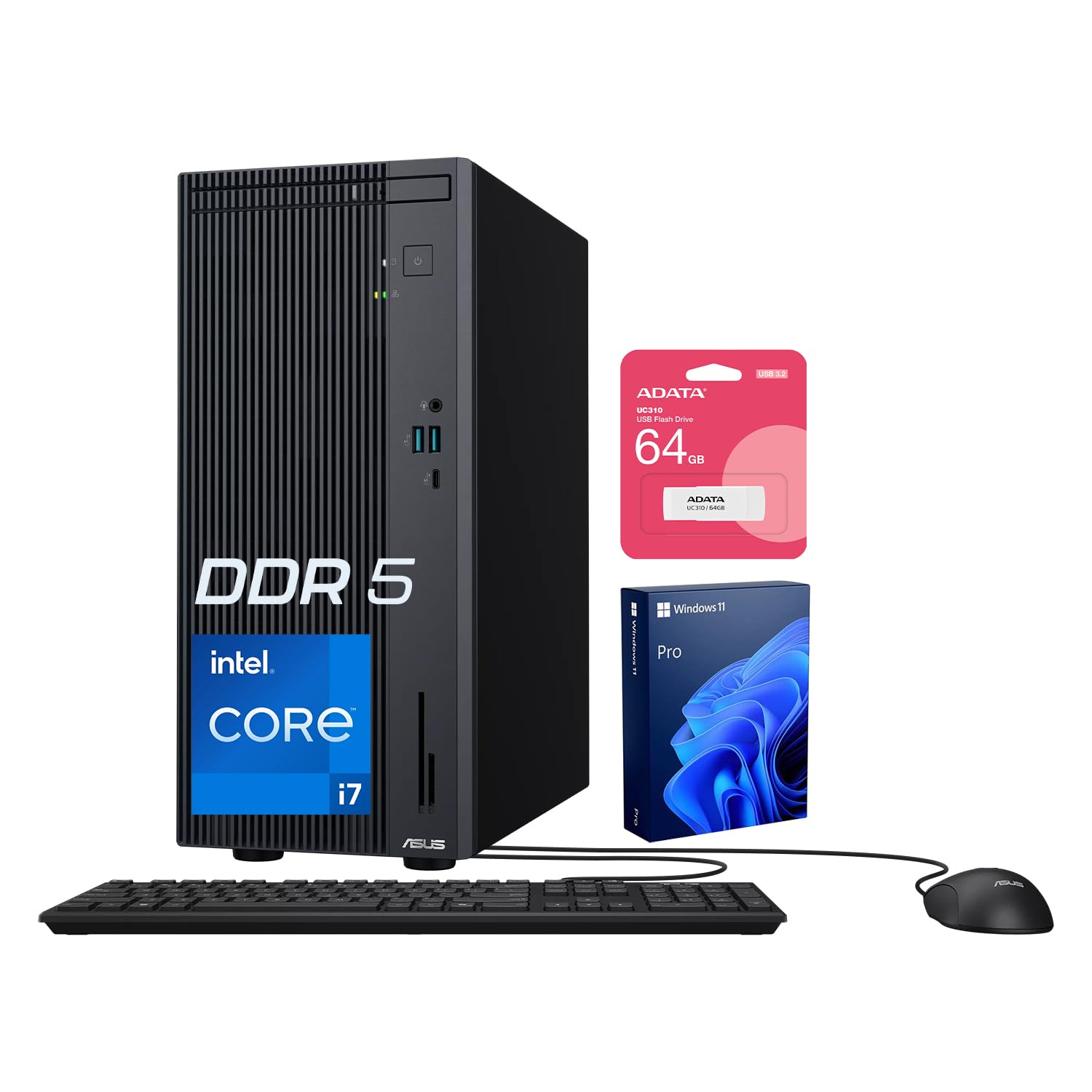
This ASUS tower hits a balance if you want modern DDR5 memory without paying for a 20-core processor you may never fully use. Its Intel Core i7-13620H has 10 cores (up to 4.9GHz turbo), and one buyer described it as “unbelievably fast.” That is more than enough for multitasking across Microsoft Office, web research, video calls, and lighter photo or video editing. The 32GB of DDR5 RAM gives it a clear edge over older DDR4 machines when loading large files or running many applications at once. The 1TB SSD keeps startup and file access quick.
It also comes with a bonus 64GB USB flash drive in the bundle, though one customer observed it did not ship with their unit — so confirm with the seller if that matters to you. The chassis is a mid-tower, bigger than the HP Pro Mini but smaller than the Dell full tower, and it supports dual monitors via HDMI and DisplayPort outputs. A few buyers noted the machine runs quiet, though one commented it is “a bit heavy with all the cooling fans.”
Compared to the HP Pro Mini, this ASUS offers a more upgrade-friendly interior — you can swap drives or add cards later — while still being a strong value. It also comes with Windows 11 Pro, ready for business security features from the start.
Why It Stands Out
- DDR5 memory at a mid-range price point gives you faster data transfer than DDR4 systems
- 10-core i7-13620H (up to 4.9GHz) handles demanding office tasks with headroom to spare
- Mid-tower form factor allows for future upgrades, unlike the sealed HP Pro Mini
Watch Out For
- The bundled 64GB flash drive may not always be included — check the product listing carefully
- One buyer experienced a hang during initial Windows setup caused by the “fast restart” default, fixed by a cold boot
- Not for 4K video editing or 3D rendering — the 10 cores lag behind the 20-core Dell above
Best for: someone who needs DDR5 speed and a standard tower that can be upgraded later, without paying for a top-tier processor they will not fully use.
A notable limitation: it is a refurbished unit (the original seal was opened for RAM/SSD upgrades), so verify the seller’s warranty terms before buying.
Understanding the Specs
Processor Generation and Core Count
The “generation” of an Intel Core i7 processor tells you how recent its internal design is — a 14th-gen chip is newer than a 12th-gen. The “core count” (the number of independent processing units inside the chip) decides how many tasks the computer can run at once. A 20-core processor can render a 4K video while you browse the web. A 10-core chip will slow down under that same load. For general office work, 10–12 cores is enough. For creative or data-heavy work, aim for 20 cores.
DDR4 vs DDR5 RAM
RAM (Random Access Memory) is your computer’s short-term memory for active work. DDR4 is the previous standard — fast enough for web browsing and Microsoft Office. DDR5 is the newer, faster standard that moves data more quickly, so loading large files like Photoshop documents or Excel databases feels snappier. Both machines here come with 32GB of RAM, which is generous, but the DDR5 models give you a noticeable speed boost when running multiple heavy apps at once.
FAQ
Will a 1TB desktop computer hold all my files?
Is a mini PC like the HP Pro Mini powerful enough for my office work?
DDR4 vs DDR5 RAM — does it really matter for a desktop?
Can I connect two monitors to these desktops?
Do these computers come with Wi-Fi built in?
Which processor is best for 4K video editing?
Are these computers good for gaming?
What does “refurbished” mean on the ASUS V500 listing?
Can I upgrade the RAM or storage later on these desktops?
Final Thoughts: The Verdict
For most buyers, the best 1tb desktop computer is the HP Pro Mini 400 G9 because it packs strong 12-core performance into an ultra-compact design that disappears on your desk. If you need maximum power for 4K editing and heavy creative work, grab the Dell Pro Tower. And for a balanced mid-tower with DDR5 memory and a smart price, the ASUS V500 is a strong choice.
How We Picked
We do not accept paid placement. Every pick is matched to a real buyer and a real use-case; we do not hands-on test units.
Sources & Methodology
Specifications: manufacturer listings and product documentation. Review insights: verified customer reviews, as of July 2026. Pricing: not shown on this page (it changes often); check the current price via the retailer link.
As an Amazon Associate, Gadgets Feed earns from qualifying purchases. This does not affect which products we feature.