
Our readers keep the lights on and my morning glass full of iced black tea. As an Amazon Associate, I earn from qualifying purchases.
Specs are compiled from manufacturer listings and verified buyer reviews and can change over time — please confirm the key details on the product page before buying.
If your computer takes a full minute to wake up, the fix is not a new machine — it is a better drive. A 1TB internal SSD swaps that slow mechanical spinning disk for memory chips that read your files almost the instant Windows asks for them. The catch most buyers miss is fitment: a 2.5-inch SATA drive and an M.2 stick are physically different parts, and only one of them will slot into your machine. Fit the wrong one and you are sending it straight back.
I’m Min — the founder and writer behind Gadgets Feed. This guide is built by comparing the manufacturers’ published specifications and the patterns across verified customer reviews, so you get each pick’s real strengths and trade-offs instead of marketing spin.
What follows separates interface, form factor, and rated speed so you can match a drive to your own machine in one pass. Here is how to sort the best 1TB internal SSD for your build without guessing.
Our Picks at a Glance

How To Choose A 1TB Internal SSD
The single decision that kills a purchase is picking the wrong physical shape. Before you read a single speed rating, find out what your computer accepts. Everything else — speed, endurance, price — only matters after that box is ticked.
Check your slot before you check your speed
A 2.5-inch SATA drive is a flat rectangular slab that slides into a bay and connects with a wide data cable. It is the drop-in replacement for an old laptop or desktop hard drive, and it works in machines that never had an M.2 slot at all. An M.2 2280 drive is a bare stick about the size of a stick of gum that screws flat onto the motherboard. If your board has an M.2 slot, this is the faster path — but only if that slot exists.
Match the interface, not just the size
SATA tops out around 560 MB/s because the interface itself caps it — that is megabytes per second, a measure of how much data moves each second. NVMe drives use the PCIe lanes directly and run several times faster. Plug a Gen4 NVMe stick into a Gen3 slot and it still works, just below its rated ceiling. The reverse — an M.2 drive in a SATA-only slot — will not fit at all.
Decide what the drive is for
For a boot drive that holds Windows and your programs, speed matters most and you want the highest read rating you can justify. For a secondary drive storing media, photos, or game installs, a slower drive with a bigger price advantage does the job fine. Buying the fastest stick available for a folder of movies is wasted money.
Quick Comparison
| Model | Best For | Interface | Form Factor | Rated Read | Amazon |
|---|---|---|---|---|---|
| Crucial MX500 1TB★ Best Overall | Older desktops and laptops with a 2.5-inch bay | SATA | 2.5-inch | Up to 560 MB/s | Amazon |
| WD Green SN350 1TBBudget Pick | First NVMe upgrade on an older board | PCIe NVMe 3.0 x4 | M.2 2280 | Up to 3,200 MB/s | Amazon |
| WD Green SN3000 1TBBest For Slim Builds | Thin laptops and compact PCs | PCIe Gen4 NVMe | M.2 2280 | Up to 5,000 MB/s | Amazon |
| Vansuny 1TB SATA III | Tight-budget HDD replacement | SATA | 2.5-inch | Up to 500 MB/s | Amazon |
| Kingston NV3 1TB | Everyday NVMe speed with cloning software included | PCIe 4.0 Gen4 x4 | M.2 2280 | Up to 6,000 MB/s | Amazon |
| Crucial P310 1TB | Laptops and handheld gaming consoles | PCIe Gen4 NVMe | M.2 2280 | Up to 7,100 MB/s | Amazon |
| WD_Black SN7100 1TB | Battery-sensitive laptops and handhelds | PCIe Gen4 NVMe | M.2 2280 | Up to 7,250 MB/s | Amazon |
| Acer Predator GM7 1TB | PS5 installs and enthusiast desktops | PCIe 4.0 Gen4 x4 | M.2 2280 | Up to 7,400 MB/s | Amazon |
| Samsung 990 PRO 1TB | Top-tier boot drive for heavy workloads | PCIe 4.0 | M.2 2280 | Up to 7,450 MB/s | Amazon |
In‑Depth Reviews
1. Crucial MX500 1TB 3D NAND SATA 2.5 Inch Internal SSD
Our pick — over 4.5★ from 41,000+ verified ratings; the strongest balance of quality and price.
The one that brings a tired laptop back to life without touching the spec sheet
If you own a machine old enough to have shipped with a spinning hard drive, this is the safest money you will spend on it. The MX500 slots into the same 2.5-inch bay and connects through the same SATA cable, so there is no adapter and no surprise about fitment. Crucial rates it at up to 560 MB/s sequential read and 510 MB/s sequential write — that is megabytes per second, the rate at which it pulls a large file off the drive. Against the Vansuny below, that write figure is the higher rating at 510 MB/s versus 450 MB/s.
The reason this sits at the top rather than a faster NVMe stick is fitment and trust. It runs on Micron 3D NAND with a 256 cache, which keeps its speed consistent as the drive fills instead of stuttering once it is mostly full. Integrated Power Loss Immunity saves your open work if the wall socket cuts out mid-session — the kind of thing that matters in an older desktop with a tired power supply. AES 256-bit hardware encryption is built in, so data on the drive stays scrambled if the machine is ever stolen.
Owners keep coming back to the same two things: it boots quickly and it simply does not break. Several describe upgrading an older Pavilion or HP laptop and watching startup drop from well over a minute to roughly half a minute. One buyer reports the MX500 cut boot time from about 1.5 minutes to 30 seconds. The recurring friction point is the bundled cloning software — Acronis True Image works, but the manual partition resize is thin on instructions, so set aside an evening and read the steps twice before you clone.
Where It Wins
- Drop-in 2.5-inch SATA fit for desktops and laptops that accept 2.5-inch 7mm drives
- Rated up to 560 MB/s read and 510 MB/s write, with 95K/90K random read/write
- Power Loss Immunity protects saved work during an unexpected outage
- AES 256-bit hardware encryption for data on a stolen machine
- Backed by a Crucial 5-year limited warranty
The Honest Catches
- SATA caps it well below any NVMe drive here — if you have an M.2 slot, use it
- The bundled cloning software leaves the partition resize poorly documented; expect to look things up
- Won’t fit a machine that only takes an M.2 stick
The Call: Buy this if your PC or laptop has a 2.5-inch bay and you want the least risky way to kill slow boots.
Think Twice If: Your motherboard has an open M.2 slot — you would be leaving a lot of speed on the table.
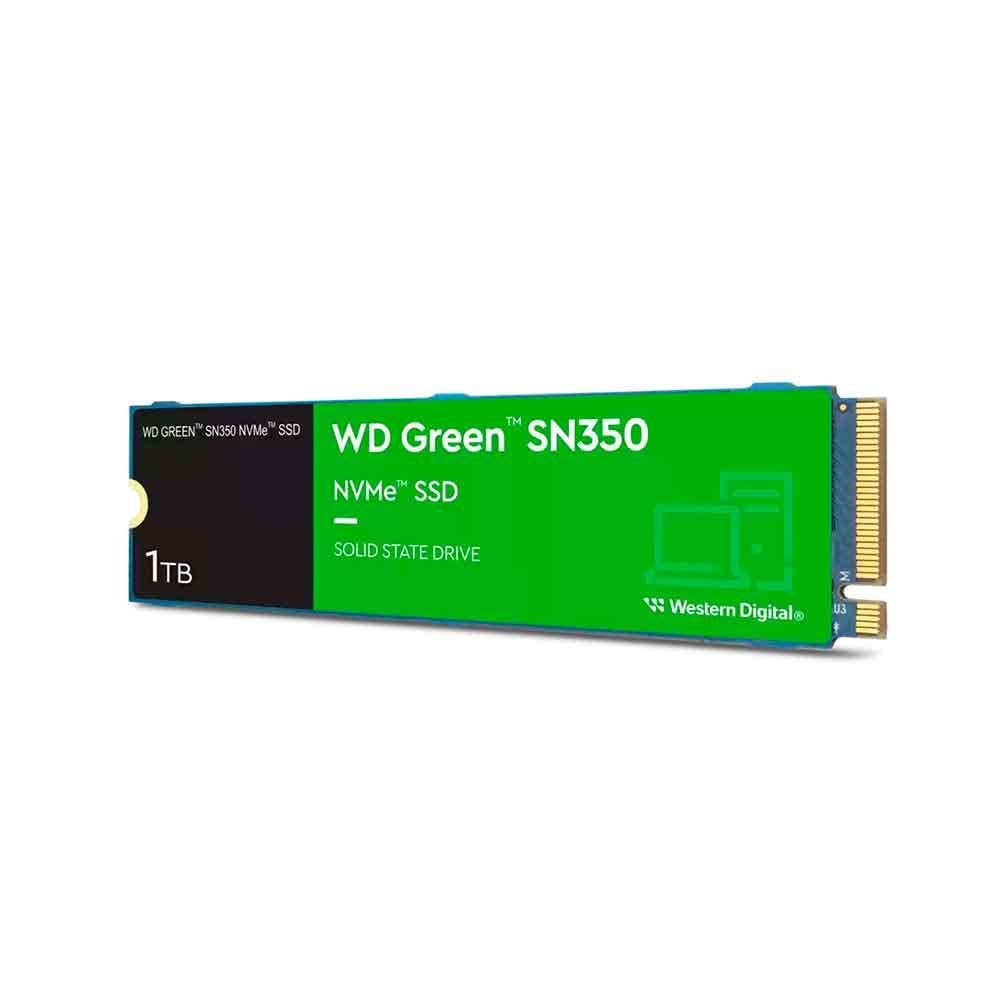
2. WD Green SN350 1TB M.2 2280 Internal SSD (PCIe NVMe 3.0 x4)
The cheap entry into NVMe for a machine with an older M.2 slot
Not every board with an M.2 slot is a modern one. Many desktops and laptops from the last several years carry a Gen3 slot that will happily take this stick and nothing faster without wasting money. WD rates the SN350 at up to 3,200 MB/s across its 1TB and 2TB models, and it moves data at 1850 megabytes per second. Against the Vansuny above, that is 1850 megabytes per second versus 500 megabytes per second — a different league entirely, and the reason to pick this over a SATA drive if your board allows it.
The form factor here is the slim M.2 2280, which screws flat to the board and takes up almost no room — the reason it fits laptops where a 2.5-inch drive never could. WD describes it as shock resistant against accidental bumps and drops, which matters if this is going into a laptop that travels. The downloadable WD SSD Dashboard software monitors the drive’s health and usage, and the drive carries a Western Digital 3-year limited warranty.
Owner feedback on this one trends simple and quiet: it arrives on time, installs easily, and works. For buyers running it as a boot drive, the difference over an old spinning disk is the whole point — one owner reports two years of fault-free use and bought a second for boot duty. What nobody calls it is fast in the modern sense; this is an entry NVMe, not a race car, and the 3-year warranty runs shorter than the 5-year cover on several drives here.
Read this before buying: This is the drive for someone with an M.2 slot and a tight budget, not for someone chasing the highest number on the box. If your board is Gen4 or newer, the WD Green SN3000 further down the list doubles the rated read speed for buyers who want more headroom.
Reach For This If: Your board has an M.2 slot and you just want to escape spinning-disk boot times on a budget.
Look Elsewhere If: You have a Gen4 slot — the short 3-year warranty and Gen3 ceiling will feel limiting within a year or two.
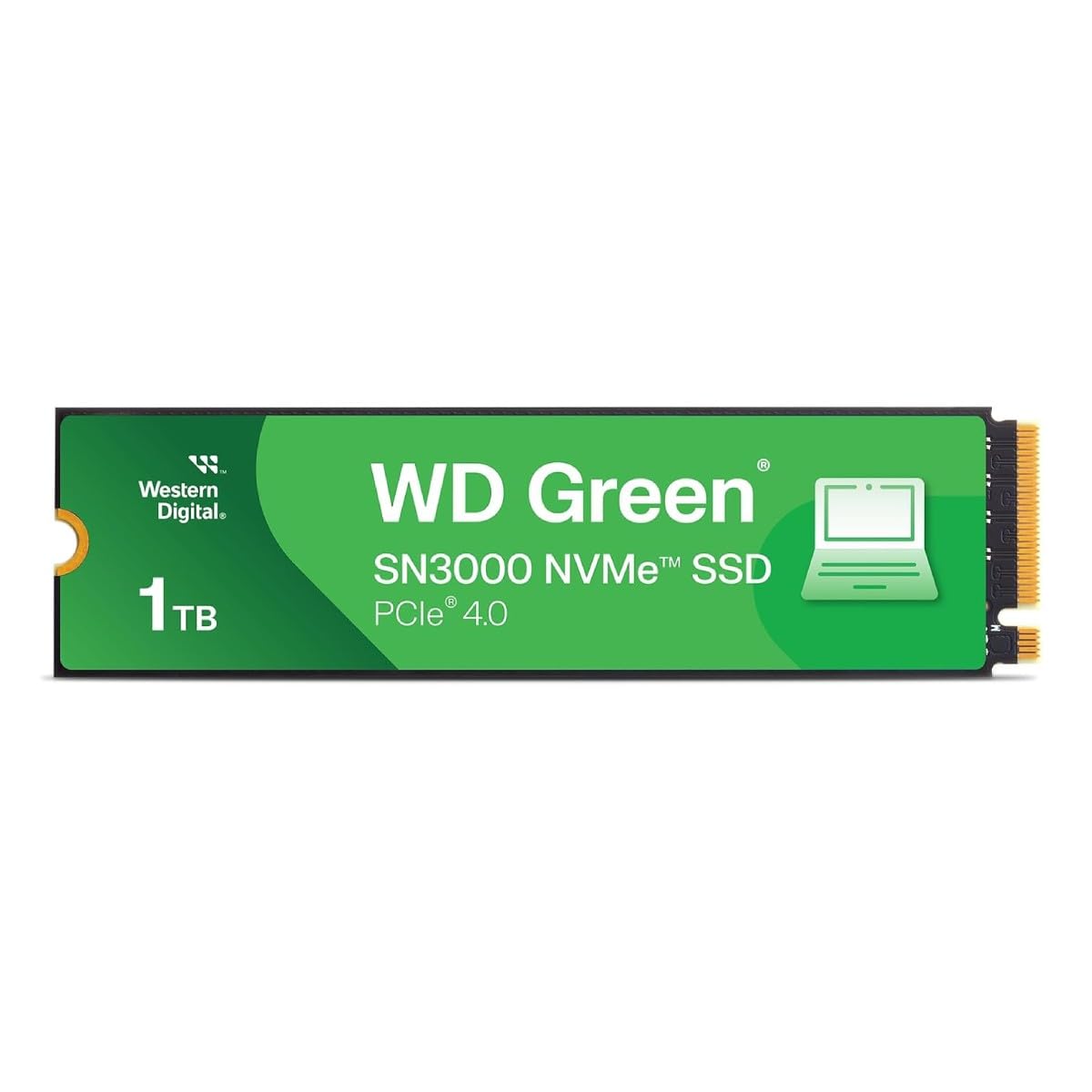
3. WD Green SN3000 1TB NVMe Internal SSD (Gen4 PCIe, M.2 2280)
The single-sided stick built for laptops too thin to take a two-sided drive
Thin laptops have a genuine problem with NVMe drives: a double-sided stick can sit too tall and foul the bottom panel. This one uses a single-sided M.2 2280 design, which keeps the components on one face so it lies flat in slim chassis and small-form-factor PCs. WD rates it at up to 5,000 MB/s read on PCIe Gen4, and it carries the free downloadable Acronis True Image for Western Digital migration software so you can move your existing Windows install over rather than starting from scratch.
Compare it to the WD Green SN350 above and the jump is real: 5,000 MB/s rated read versus the SN350’s 3,200 MB/s, and against the Vansuny that gap stretches to 5,000 MB/s versus 500 MB/s. For a drive that boots an operating system and launches apps, that headroom translates directly into snappier everyday work. WD also lists nCache 4.0 technology, which is the drive’s own caching layer for speeding up burst transfers of photos, videos, and files you touch often.
The buyer picture here splits cleanly into two groups. One group is replacing a failed drive in a laptop and wants an exact, straightforward swap — owners describe it as plug-and-play into machines like the ThinkPad Carbon X1, good enough to install a fresh Linux build on. The other group uses it as a dedicated data drive, mounting it in an external enclosure and moving files across with partition and copy tools. A handful of buyers report they wanted the WD_Black version instead and settled for this; others flag the thin instruction set around the migration software as the fiddly part of the job.
Pick It When: Your laptop is slim, has a Gen4 M.2 slot, and the drive needs to sit flat under a thin lid.
Pass On It When: You need maximum endurance for constant huge writes — for heavy sustained workloads the WD_Black SN7100 lower down is the better-built tool.
4. Kingston NV3 1TB M.2 2280 NVMe SSD (PCIe 4.0 Gen 4×4)

Gen4 speed with the cloning software already in the box
Kingston rates this drive at up to 6,000 MB/s read and 4,000 MB/s write over a PCIe 4.0 Gen4 x4 lane — that is four lanes of the high-speed bus, the fast path on any board built in the last few years. It moves data at 6000 megabytes per second, and it is backward compatible, so dropping it into an older Gen3 board still works, just below its ceiling. Against the WD Green SN3000 above, that is 6,000 MB/s rated read versus 5,000 MB/s — a genuinely quicker stick at similar money.
What buyers talk about most is how it behaves in daily use rather than on a benchmark graph. Systems boot so fast that Windows is up before you have settled into your chair, apps open the moment you click them, and large file transfers — the kind that used to give you time to make coffee — finish while you watch. It runs cool and stable under sustained load, including during gaming sessions, and the 1TB capacity is described as comfortably ample for a boot drive plus a healthy pile of installed titles. Acronis cloning software is included, so you can migrate an existing drive without buying a second tool, and the drive is covered by a 5-year limited warranty.
The honest caveat is that a small share of owners mention system failures at around 90 days, and compatibility occasionally needs a BIOS update on older boards before the drive is recognized. That kind of report is about a minority of units, but it does mean you should keep your receipt and check the return window before you throw the old drive away. On the whole this is a low-drama workhorse.
Why It Sits This High: Rated read is 6,000 MB/s, cloning software ships in the box, and the 5-year warranty matches the best here. Against the cheaper SN3000, you are buying noticeably more speed for a modest step up.
Best For: A Gen4 desktop or laptop that needs a fast boot drive plus room for games and media, with migration software included.
Skip If: Your board is Gen3-only — you would pay for speed the slot cannot use.
5. Crucial P310 1TB PCIe Gen4 NVMe M.2 2280 SSD

One stick that fits a laptop, a desktop, and your gaming handheld
Most drives here fit one kind of machine. This one covers three. Crucial rates the P310 at up to 7,100 MB/s read and 6,000 MB/s write, and lists compatibility with laptops, desktops, and select gaming handhelds including the ROG Ally X, Lenovo Legion Go, and AYANEO Kun. It is also backward compatible with PCIe Gen3 systems, so an older board still works. Against the Kingston NV3 above, that is 7,100 MB/s rated read versus 6,000 MB/s — a clear step up in top-end speed.
Under the hood it uses advanced G8 NAND with thermal control, which is the hardware layer that keeps performance from dropping as the drive warms during long sessions. Crucial claims up to 2x faster performance than the previous Gen3 generation, and for real tasks that shows up in Windows boots, launching apps like Photoshop and Illustrator, and working in Excel or PowerPoint without waiting. The 1TB capacity holds AAA game installs, apps, and media comfortably. The box includes Acronis data recovery software and a month of Adobe Creative Cloud All-Apps.
Buyers split between two uses. One group drops it into a laptop — an HP ProBook or a gaming laptop — and reports a noticeable speed boost on boot, transfers, and app loading with no crashes. The other group pushes it into a handheld or a compact hardware setup, and the drive holds up. The one recurring gripe is temperature under heavy load, so plan on airflow or a heatsink if you intend to hammer it with long sustained writes.
Reasons It Earns A Slot
- Rated up to 7,100 MB/s read and 6,000 MB/s write on PCIe Gen4
- Fits laptops, desktops, and handheld consoles including the ROG Ally X and Legion Go
- Works in older PCIe Gen3 systems too
- Acronis data recovery software and a month of Adobe Creative Cloud included
What To Keep In Mind
- Heavy sustained writes can push temperatures up — airflow or a heatsink helps
- Upgrading an older Mac needs a separate adapter before the drive will fit
- The bundled Adobe offer is a month, not a longer subscription
Worth Buying For: Anyone splitting time between a laptop, a desktop, and a gaming handheld who wants one drive that covers all three.
Not The One For: Mac owners without an adapter, or buyers doing marathon video exports who need the coolest-running option.
6. WD_Black SN7100 1TB NVMe SSD (Gen4 PCIe, M.2 2280)

Built to sip power in a laptop while still hitting Gen4 speeds
This is the drive for a gaming laptop or handheld where every watt saved means more play time on battery. Western Digital rates the SN7100 at up to 7,250 MB/s read and 6,900 MB/s write on the 1TB and 2TB models, and claims up to 35% faster performance than the previous generation and up to 100% more power efficiency. Against the Crucial P310 above, the rated read edges it at 7,250 MB/s versus 7,100 MB/s, and it uses next-generation TLC 3D NAND — a flash memory type with three bits stored per cell, chosen for endurance under repeated writes.
Owners in laptops specifically call out the thermals. In a Framework 16 build, one buyer chose it precisely because it runs cool and stays power-efficient rather than because it was the fastest stick in the shop — quietly the right call when the drive sits inches from your CPU. In an external USB enclosure, owners describe it handling thousands of small random writes without locking up, which is the load a software developer or a database workload throws at a drive. The downloadable WD_BLACK Dashboard (Windows only) monitors drive health and keeps it tuned.
The caveat is thermal in the other direction: push huge sustained writes through it without any heatsink and it will throttle down to protect itself — one buyer measured a 4TB unit throttling to 4500 MB/s at 59°C. If your work is big single-file exports rather than short bursts, add a heatsink and let it breathe. It also carries a shorter warranty than some rivals here.
Where It Earns Its Place: Cool running, low power draw, and 7,250 MB/s rated read make it the pick for battery-sensitive machines — a combination none of the budget options above can match.
Choose This If: You are upgrading a gaming laptop or handheld and care about battery life and heat as much as raw speed.
Choose Differently If: You push long, heavy writes on a desktop with no airflow — the throttling will blunt it, and a heatsink is worth budgeting for.
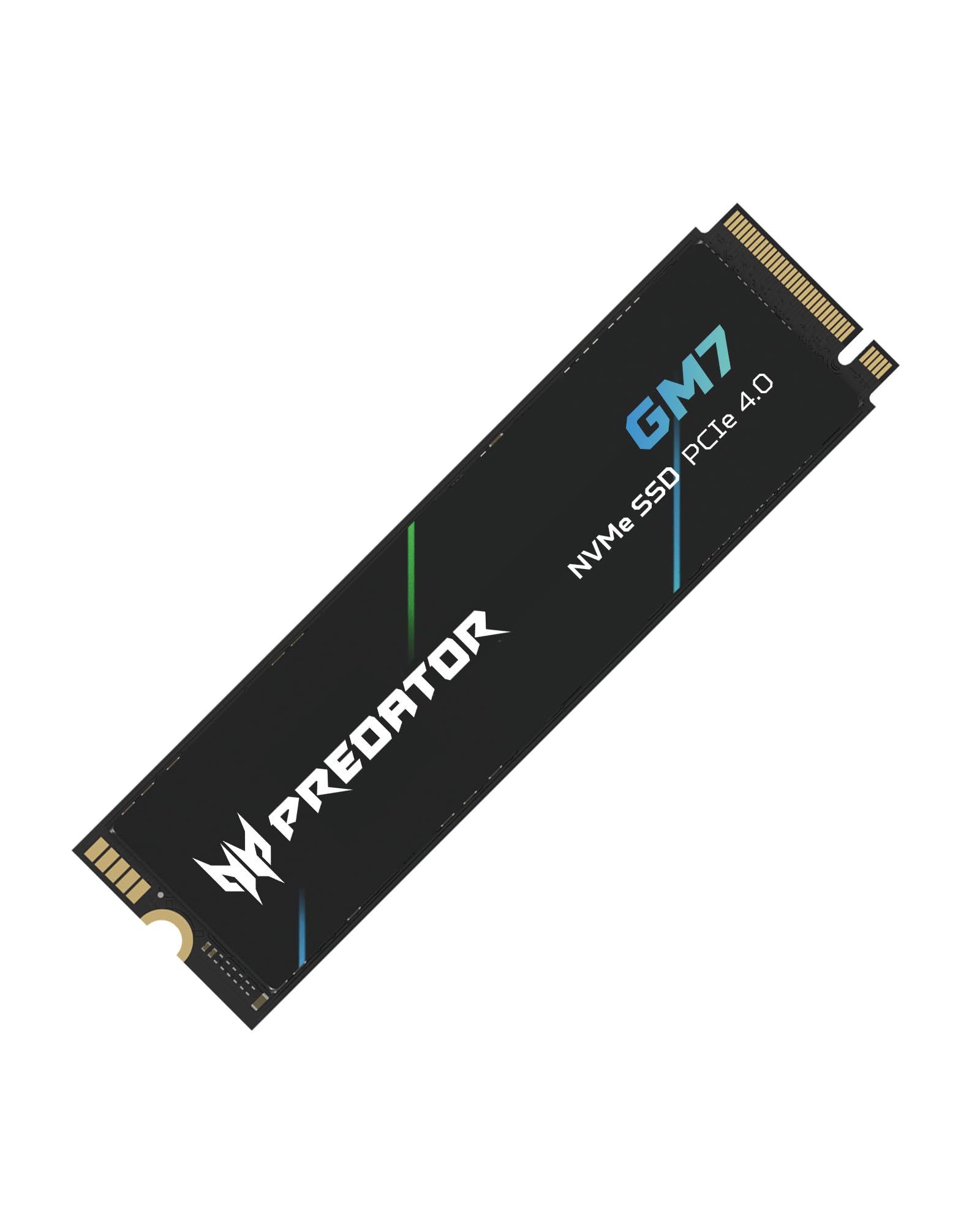
7. Acer Predator GM7 1TB SSD (M.2 2280 PCIe Gen 4 x4 NVMe 2.0)
Near-top Gen4 read speed for gamers who want PS5 room without a premium premium
Console owners have a specific problem: the stock drive fills up fast, and the expansion slot takes one M.2 stick with no second chances. Acer rates the Predator GM7 at up to 7,400 MB/s read and 6,500 MB/s write on PCIe 4.0 with NVMe 2.0, and lists Sony PlayStation 5 compatibility outright. Against the Kingston NV3 above, that is 7,400 MB/s rated read versus 6,000 MB/s. Buyers installing it in a PS5 report it being recognized cleanly and delivering the advertised speeds.
Two features carry most of the real-world weight. SLC Cache keeps a pool of fast memory available for burst writes so files move quickly even when the drive is mostly full. HMB, or Host Memory Buffer, lets the drive borrow a slice of your system RAM instead of carrying its own dedicated cache chip — that is how a drive at this level keeps costs down without falling off a cliff on performance. Acer also builds in Thermal Throttling and Power Management to hold temperatures in check under load, and the Biwin Intelligence software handles drive management, cloning, and data migration.
One thing to plan for: no heatsink is included. Owners installing into a PS5 buy a separate one, and that is the right call — the console runs the drive hard, and Sony’s bay expects a heatsink anyway. In a desktop, one buyer reports sustained transfers above 2100 MB/s with no overheating. The common note across buyers is price — several wish it cost less and say they would buy a second if it did.
What Buyers Care About Most: It hits advertised speeds in real use and drops into a PS5 slot without fuss. The missing heatsink is the one thing you have to add yourself.
Buy This If: You are expanding a PS5 or an enthusiast desktop and want Gen4 speed close to the top without the top-tier premium.
Budget For Extra If: You are going into a PS5 — you will need a heatsink, since none is in the box.
8. Samsung SSD 990 PRO 1TB (PCIe 4.0 M.2 2280)

The fastest read rating here, paired with software that actually tells you what the drive is doing
If you want the highest rated read speed on this list, this is it. Samsung rates the 990 PRO at up to 7,450 MB/s read and 6,900 MB/s write on PCIe 4.0, with random read and write up to 1,400K and 1,550K IOPS — IOPS being input/output operations per second, the measure of how many tiny scattered reads and writes the drive can handle. Against the Acer Predator GM7 above, that is 7,450 MB/s rated read versus 7,400 MB/s, top of the pile on rated sequential read. Samsung also lists it as 40%/55% faster in random read/write than the 980 PRO.
Samsung Magician software is the reason to stay in this family. It monitors drive health, protects data, applies updates, and lets you check the condition of the drive over its life rather than guessing — that matters when this stick is holding your only copy of a project. The nickel-coated controller handles thermal control. AES 256-bit encryption is listed as an additional feature, so data stays scrambled if the machine leaves your hands. Dell XPS owners cloning around 220 GB with Magician and an enclosure report it finishing in about an hour. Others run two in a NAS as a high-performance pool. For a laptop drive, buyers describe it as light and easy to install.
The honest trade-off is price at the top of the range. Buyers consistently note that the drive is excellent but the jump over mid-range Gen4 sticks is not huge for light workloads, and a few mention reliability concerns over long-term ownership. Paired with the highest read rating here, this is the pick when the drive is your primary workspace, not when it is holding movies.
Where It Justifies The Premium
- Rated up to 7,450 MB/s read and 6,900 MB/s write, the highest read rating on this list
- Random read/write up to 1,400K/1,550K IOPS for heavy multitasking
- Samsung Magician monitors health, protects data, and pushes updates
- AES 256-bit encryption built in
- Up to 50% more performance per watt than the 980 PRO, and nickel-coated controller for thermal control
What You Accept
- Premium positioning makes it the most expensive kind of pick here
- Gains over mid-range Gen4 drives are subtle for everyday web and office work
- No heatsink in the box for sustained heavy writes
The Top-Shelf Choice: Buy this when the drive is the heart of a workstation, a gaming rig, or a NAS pool and you want the highest rated read speed plus real monitoring software.
The Reason To Look Down The List: For a second drive holding photos and media, the mid-range picks cost less and perform identically in that role.
9. Vansuny 1TB SATA III SSD Internal Solid State Drive 2.5″

The cheapest way out of hard-drive boot times, and it shows in one place
If your only goal is to stop waiting on a spinning disk and you want to spend as little as possible doing it, this is the drive. Vansuny rates it at up to 500 MB/s read and 450 MB/s write over SATA 3.0, with a claimed 3D NAND flash construction and a plastic casing. Against the Crucial MX500 above, that is the lower-rated stick: 500 MB/s read versus 560 MB/s, and 450 MB/s write versus 510 MB/s. The gap is small in everyday use but real on large file moves.
Where it fits is a home media box, a secondary machine, or any 2.5-inch bay where a budget upgrade makes sense. It is compatible with most desktops, PCs, and laptops that take a 2.5-inch SATA drive, so the install experience mirrors the MX500. Buyers mounting it in an Eufy HomeBase 3 report the app recognized and formatted it in minutes. Others describe it as a great upgrade for older systems — faster boot, a more responsive machine, quiet and cool in operation — and a few report a year of continuous use in a gaming PC with no failures.
The catch sits in the durability column. Reliability is the most-discussed topic on this drive’s review pages, and the feedback is genuinely mixed: plenty of customers note a drive that works exactly as it should, while others report a unit failing after roughly two months. Buyers also note the plastic casing scratches easily and that this is not an M.2-speed drive. At the bottom of this list that trade-off is the whole point — you are trading the track record of the MX500 for a lower entry point.
Straight Talk: The spec sheet is honest — a 2.5-inch SATA drive rated at 500 MB/s read and 450 MB/s write with a plastic shell. What buyers have had to weigh is how much they trust a lesser-known brand to hold up over years rather than months.
Worth It If: You are reviving a machine on the smallest possible budget and speed matters more than long-term certainty.
Pay The Step Up If: The drive will hold anything irreplaceable — the Crucial MX500 above costs a little more and buys a track record worth having.
Understanding the Specs
Sequential Read And Write Speed
Sequential speed measures how fast the drive moves one big chunk of data — the number printed on the box in MB/s. It is what you feel when copying a large video file or installing a game. In daily use the number is a ceiling, not a promise: a slower interface holds a fast drive back, so a SATA drive rated near 560 MB/s will never reach the 7,450 MB/s a PCIe 4.0 stick reaches. Match the drive’s interface to your board’s slot before you chase the bigger number.
Form Factor And Interface
Two shapes dominate: the 2.5-inch drive, which drops into a bay with a data cable, and the M.2 2280 stick, which screws flat to the motherboard. SATA is the older connector and works in almost any desktop or laptop chassis from the last decade. NVMe runs over PCIe lanes directly and is several times faster, but only works if your board has an M.2 slot that accepts it. A drive with the wrong form factor will not fit at all, regardless of how good its speed rating is.
Cache, SLC, And HMB
Cache is fast storage a drive uses as a staging area so burst writes happen instantly. Drives here list a cache, SLC Cache, or HMB — short for Host Memory Buffer, which lets a drive borrow a slice of your system RAM instead of carrying its own dedicated chip. That is how manufacturers keep costs down without a steep performance drop. The trade-off is that a drive without its own cache can slow down on very large sustained writes once the borrowed or cache space is used up.
Thermals And Throttling
NVMe drives get hot when they work hard, and every fast drive here has a thermal ceiling. Thermal throttling is the drive slowing itself down to avoid damage once it gets warm — the speed drop is protection, not a fault. For desktops with room, a heatsink keeps temperatures low and holds performance steady during long sustained writes. In a laptop or handheld, the more power-efficient the drive, the cooler the machine runs and the longer the battery lasts.
FAQ
Will a 2.5-inch SATA SSD fit in my laptop or only an M.2 drive?
Is NVMe faster than SATA for everyday use?
Do I need a heatsink with a Gen4 NVMe SSD?
How do I clone my old drive onto a new 1TB internal SSD?
Will a Gen4 SSD work in an older Gen3 slot?
How much of a 1TB SSD is actually usable after formatting?
Does a 1TB SSD make my games load faster?
Is the WD Green SN350 good enough or should I pick the SN3000?
What does MB/s mean and why do the numbers differ so much?
Final Thoughts: The Verdict
For most buyers, the 1tb internal ssd winner is the Crucial MX500 1TB, because it slots straight into the 2.5-inch bay your old hard drive just left and it is rated up to 560 MB/s read and 510 MB/s write with Power Loss Immunity and a 5-year limited warranty behind it. If your board has an M.2 slot and you want more speed without a premium price, the Kingston NV3 1TB is rated up to 6,000 MB/s read over PCIe 4.0 and ships with Acronis cloning software, which is why it is the one most upgraders should be reaching for. And if you are building something that has to hold up under constant heavy writes — a workstation, a gaming rig, or a NAS pool — the Samsung 990 PRO 1TB is the one to reach for, with its 7,450 MB/s rated read and Magician software to monitor drive health as you go.
The one thing worth doing before you buy any of them: confirm your slot. Check whether your machine takes a 2.5-inch SATA drive or an M.2 2280 stick, and whether that M.2 slot is Gen3 or Gen4. Get that right and every pick here will earn its place in your build — get it wrong and the fastest drive in the world will not fit.
How We Picked
We do not accept paid placement. Every pick is matched to a real buyer and a real use-case; we do not hands-on test units.
Sources & Methodology
Specifications: manufacturer listings and product documentation. Review insights: verified customer reviews, as of September 2026. Pricing: not shown on this page (it changes often); check the current price via the retailer link.
As an Amazon Associate, Gadgets Feed earns from qualifying purchases. This does not affect which products we feature.