
Our readers keep the lights on and my morning glass full of iced black tea. As an Amazon Associate, I earn from qualifying purchases.
Specs are compiled from manufacturer listings and verified buyer reviews and can change over time — please confirm the key details on the product page before buying.
If you want the short answer: buy the WD_BLACK SN7100 if you game on a laptop or handheld, and buy the Samsung 990 PRO if you game on a desktop and want the safest all-rounder. Everything else on this list is a different flavor of the same decision — how much speed you actually feel, and how much heat and power draw you are willing to trade for it. A 1TB drive is the just-right size for a gaming build right now: big enough for a stack of modern titles, small enough that you are not paying for space you will never fill.
I’m Min — the founder and writer behind Gadgets Feed. This guide is built by comparing the manufacturers’ published specifications and the patterns across verified customer reviews, so you get each pick’s real strengths and trade-offs instead of marketing spin.
What separates a great gaming SSD from a mediocre one is rarely the headline number on the box — it is how the drive behaves once it is hot, full, and buried under a graphics card. This breakdown of the 1tb ssd for gaming covers the drives that hold their speed when it counts. Load times, texture streaming, and how fast a big patch installs all come down to the same handful of specs.
Our Picks at a Glance



How To Choose The Best 1TB SSD For Gaming
Most people buy a gaming SSD by staring at the biggest number on the box. That is the wrong number. Here is what actually changes how a game feels when you are playing it.
Read speed versus random speed
Sequential read speed is the giant figure — the one measured in MB/s — and it mostly governs how fast one huge file moves, like installing a 100GB game from an external drive. Random read speed (measured in IOPS, or input/output operations per second) is what governs everything you do after the game is running: streaming textures, loading a new area, swapping weapons. A drive with a lower sequential number but strong random performance can feel snappier in real play than one with a bigger headline.
The M.2 2280 shape and your slot
The 2280 in M.2 2280 is a physical size — roughly 22mm wide by 80mm long. It is the shape almost every modern desktop, laptop, and PlayStation 5 takes. Before you buy, check whether your motherboard slot runs PCIe Gen4 or Gen5, because a Gen4 drive in a Gen4 slot is the sensible pairing for most gamers, and a Gen5 drive only pays off if your board actually supports Gen5 speeds.
Heatsinks, throttling, and why laptops care
A fast drive under load gets hot, and when it gets hot it slows down to protect itself — that is thermal throttling. A heatsink spreads that heat away so the drive holds its speed longer. In a cramped laptop, power draw and heat matter more than raw peak speed, because a hot drive can drag your whole system into a slower state. That is why the best laptop SSD and the best desktop SSD are sometimes different drives.
Quick Comparison
| Model | Best For | Read Speed (MB/s) | Write Speed (MB/s) | Form Factor | Amazon |
|---|---|---|---|---|---|
| WD_BLACK SN7100★ Best Overall | Laptops and handhelds | 7250 | 6900 | M.2 2280 | Amazon |
| Kingston NV3Best Value | Budget desktops and laptops | 6000 | 4000 | M.2 2280 | Amazon |
| TEAMGROUP T-Force G50Budget Champion | Tight budgets and NAS builds | 5000 | 4800 | M.2 2280 | Amazon |
| BIWIN Black Opal NV7400 | PS5 and mixed-use builds | 7450 | 6500 | M.2 2280 | Amazon |
| Sandisk Optimus 5100 | Laptops and creators | 7100 | 6700 | M.2 2280 | Amazon |
| Acer Predator GM7 | PS5 and desktops | 7400 | 6500 | M.2 2280 | Amazon |
| Crucial P510 | Gen5 upgraders | 11000 | 8500 | M.2 2280 | Amazon |
| Crucial T500 (Heatsink) | PS5 and creator rigs | 7300 | 6800 | M.2 2280 | Amazon |
| Samsung 990 PRO | High-end desktops and PS5 | 7450 | 6900 | M.2 2280 | Amazon |
In‑Depth Reviews
1. WD_BLACK SN7100 1TB NVMe SSD
Our pick — over 4.5★ from 6,000+ verified ratings; the strongest balance of quality and price.
The drive built for gaming rigs that run hot and cramped — and still hit 7,250 MB/s
This is the drive for anyone stuffing an SSD into a laptop or a handheld gaming device, and it is the strongest pick here for a simple reason: it delivers up to 7,250 MB/s read speed and up to 6,900 MB/s write speed on the 1TB model without cooking your machine. That read figure is the fastest of any Gen4 drive on this list, and it sits right alongside drives that ask for far more money. In plain terms, that is the speed that decides how long a level transition or a fresh install takes — not how long your PC takes to boot, which is a different bottleneck entirely.
Where it genuinely beats the pack is the combination of speed and restraint. Sandisk builds it on next-generation TLC 3D NAND (a memory type that stores three bits per cell, trading a little raw endurance for better cost per gigabyte than premium options) and rates it at up to 100% more power efficiency than the previous generation — meaning it does its job while drawing less from your battery. Measured against the Kingston NV3, the gap is real: 7,250 MB/s read versus 6,000 MB/s, and 6,900 MB/s write versus 4,000 MB/s. That write difference is the one you feel when you drop a 50GB game onto the drive or patch a live-service title mid-week.
The one thing to know before you buy is that this listing has been replaced by a newer generation, and the WD_BLACK Dashboard software that lets you monitor and tune the drive is Windows-only. If you game on a Mac, you get the speed but not the dashboard. The other honest note is endurance — this is a TLC drive built for efficiency rather than maximum write cycles, which is exactly the right trade for gaming, where you read far more than you write. Buyers report it cloning a full boot drive in about twenty minutes, which is the kind of number that matters more than any benchmark screenshot.
What owners rave about
- 7,250 MB/s read — the top Gen4 read speed on this list
- Up to 100% more power efficiency than the previous generation
- Fits laptops, handhelds, and Xbox SERIES X
- Holds its speed without a heatsink
Where it asks something of you
- The Dashboard tuning software is Windows-only
- Listing has been superseded by a newer generation
- TLC design favors efficiency over maximum write endurance
Reach for this if: you game on a laptop, a handheld like a Steam Deck, or any build where battery life and low heat matter as much as raw speed.
Look elsewhere if: you run a desktop with heavy sustained write workloads and want the absolute highest endurance rating — a drive with a bigger endurance figure fits you better.
2. Kingston NV3 1TB M.2 2280 NVMe SSD
The workhorse that gets your PC off a spinning disk without asking much in return
If you are upgrading an older desktop or laptop that still boots from a hard drive, this is the drive that ends the wait. The NV3 reads at up to 6,000 MB/s and writes at up to 4,000 MB/s over a PCIe 4.0 Gen 4×4 connection — the four-lane interface that carries data between the drive and your processor. It ships with Acronis cloning software, which is the tool that copies your existing Windows install onto the new drive so you do not have to rebuild everything from scratch. That software alone saves an evening.
The single biggest thing to understand is the write gap. Against the WD_BLACK SN7100, this drive writes at 4,000 MB/s versus 6,900 MB/s, so large file copies and big game installs take noticeably longer here. For launching games and everyday responsiveness, though, the difference narrows a lot, because the drive loads existing data fast — it is the writing that lags. Owners consistently describe near-instant boot and immediate app launch, with large transfers staying quick enough not to annoy. It also runs cool and stable under sustained gaming loads, which is what keeps a modest-speed drive feeling consistent instead of stuttery.
The catch worth knowing: this drive relies on the system for its cache rather than carrying its own, and a handful of owners hit compatibility snags where a system did not recognize the drive straight away. On a modern board that is rarely an issue, and Kingston backs it with a 5-year limited warranty. Think of it as the sensible default for a mid-range build where you would rather spend the speed budget on a graphics card.
Street-smart pick: for a pure boot-and-play machine, the difference between 6,000 MB/s and 7,250 MB/s read shows up far less in daily feel than the write gap suggests.
Who it serves best: anyone moving off an older SATA drive or hard disk who wants a proven brand and cloning software in the box.
Kingston backs it with a 5-year limited warranty.
Solid ground for: a first NVMe upgrade where you want dependable speed, easy cloning, and long warranty coverage.
Not the one for: you if you regularly move huge files and want the fastest writes — that gap versus the SN7100 is the real cost of the savings.
3. TEAMGROUP T-Force G50 1TB NVMe SSD
A cool-running value stick with a graphene layer doing quiet work
Here is the entry point to real NVMe gaming speed. The T-Force G50 reads at up to 5,000 MB/s and writes at up to 4,800 MB/s, and for a build that is currently sitting on a hard drive or an entry-level SATA SSD, that jump is enormous. Its defining trick is SLC caching — a system that lets the drive temporarily write to a small ultra-fast portion of its memory before shuffling data into the main storage. That is why owners describe it feeling faster in daily Windows use than its raw specs suggest: the responsiveness and general snappiness of the operating system improve, even if peak sustained reads do not break records.
Against the WD_BLACK SN7100, the read figure is 5,000 MB/s versus 7,250 MB/s, so this is clearly the value floor of the list. What you get instead is a patented ultra-thin graphene heat spreader — a thin layer that helps move heat off the drive so it holds performance in a tight case — plus broad console compatibility spanning PlayStation 5, Xbox SERIES S, Xbox SERIES X, and Nintendo Switch. The graphene layer means installing extra cooling hardware is not part of the plan.
What buyers like most is simply the space and the value for the capacity. One thing to plan for: you will need to format the drive for your operating system before it shows up, and a few owners found it took a system a stretch to recognize the drive the first time. Neither is unusual for a bare NVMe drive. Teamgroup covers it with a 5-year limited warranty, and given the price, this is the choice for a second games drive or a console expansion where you want capacity without the premium.
If budget is the hard boundary and you just want NVMe speed today, this is the cheapest way in.
The call: a smart fit for a secondary games library or a console expansion when capacity-per-cost is the whole game and you accept lower peak read speed.
Think twice if: you expect the drive to appear in Windows immediately — expect to format and allow a little time for first recognition.
4. BIWIN Black Opal NV7400 1TB SSD

A 7,450 MB/s dark horse that punches up into premium-tier territory
Sitting in the mid-range by price but built for high-end performance, the NV7400 pairs a 7,450 MB/s maximum read speed with a 6,500 MB/s maximum write speed and random read/write of up to 1000K IOPS. That random-performance figure is the one that governs how fast a game streams its world — how quickly textures and objects arrive as you move through it — so this is a drive that recovers its speed in the moments that make games feel smooth rather than stuttery.
what separates it from the pricier picks is how much cooling and stability engineering it packs in. It uses a PMIC power-management chip (a controller that distributes power more efficiently, which cuts waste heat and lengthens the drive’s life) and a 0.5mm graphene aluminium heat sink to keep temperatures in check under load. On top of that it runs Host Memory Buffer technology — a system where the drive borrows a slice of your system RAM as its cache rather than carrying its own dedicated cache chip — plus Smart Cache for data retrieval and Zip data compression to stretch storage. Free Biwin Intelligence software handles performance testing, data migration, and firmware updates.
Where it shines for gaming specifically is raw load speed. Owners note it unzips and extracts enormous games quickly, which is exactly what install day looks like. Against the Acer Predator GM7, both land at 7,400 MB/s read apiece — dead even on the headline number — but the NV7400 lists a higher write ceiling and includes that graphite heat sink where the Acer does not. One honest note: the drive recognizes across desktops, laptops, and PS5, and a few owners ran into compatibility quirks on Windows, so a BIOS check and a firmware update on day one is worth the five minutes.
For premium read speed without premium pricing, this is the sleeper pick.
What earns its place
- 7,450 MB/s read and 1000K IOPS random performance
- 0.5mm graphene aluminium heat sink included
- PMIC power management cuts waste heat
- Works in desktops, laptops, and PS5
What to keep in mind
- Windows recognition can be finicky on some systems
- HMB design relies on your system RAM as cache
- Brand is a newer name than the legacy players
Worth your attention if: you want near-top read speed plus built-in heat management without premium pricing, and you are comfortable updating firmware once.
Better served elsewhere if: you want a drive you never have to think about post-install — some buyers did have to wrestle with recognition first.
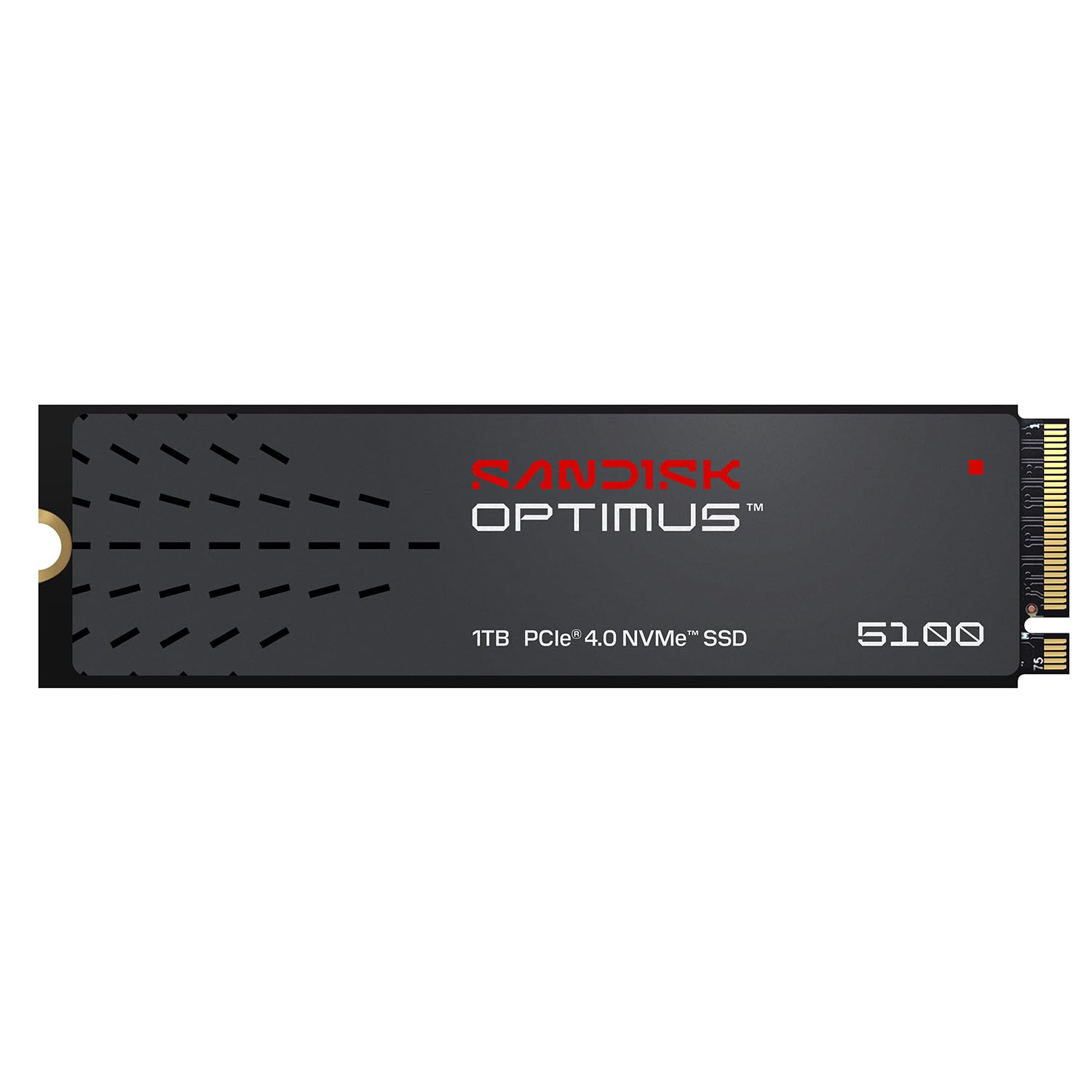
5. Sandisk Optimus 5100 1TB NVMe SSD
Built for creators who game between deadlines, not the other way around
This drive makes its case on reliability and efficiency rather than raw bragging rights. It reads at up to 7,100 MB/s and writes at up to 6,700 MB/s on the 1TB model, sitting just below the very fastest Gen4 drives here while using an all-new power-efficient design that keeps the drive drawing less from your battery. It is built on Sandisk’s 8th generation BiCS QLC 3D CBA NAND — a memory type that stores four bits per cell, which lowers the cost per gigabyte at the expense of some endurance headroom. That is the central trade you are making with this drive.
Its design brief is clear: high performance with low power so you get more done per charge on a laptop. Against the Crucial P510, the read gap is stark — 7,100 MB/s versus 11,000 MB/s — so this is a Gen4 drive for people who do not need Gen5 ceilings. The Sandisk Dashboard application handles monitoring and firmware updates, so you can keep an eye on drive health without third-party tools.
What the reviews lean on is straightforward dependability. One owner’s upgrade took a PC from sluggish to snappy — the drive works correctly and keeps working. The recurring caution is capacity: QLC drives slow down more as they fill, so leaving breathing room on the drive pays off. Owners with good case airflow report the drive stays cool under load. If you replace a laptop drive often and value dependable boot behavior, this is a comfortable fit.
The 4.8-star rating comes from a small pool of early buyers, who report a drive that just works.
Engineered for laptops: the power-efficient architecture is the whole point here, and it pairs 7,100 MB/s read speed with lower draw than the typical Gen4 drive.
Mind the capacity curve: as a QLC drive, performance holds best when you leave room to spare, so plan which games live on it.
Your match if: you move a laptop around all day and want the drive to save power and run cool while gaming between tasks.
Skip the fuss if: you demand Gen5 peak transfer speeds — this tops out at 7,100 MB/s read, so a P510-level drive is what you want instead.
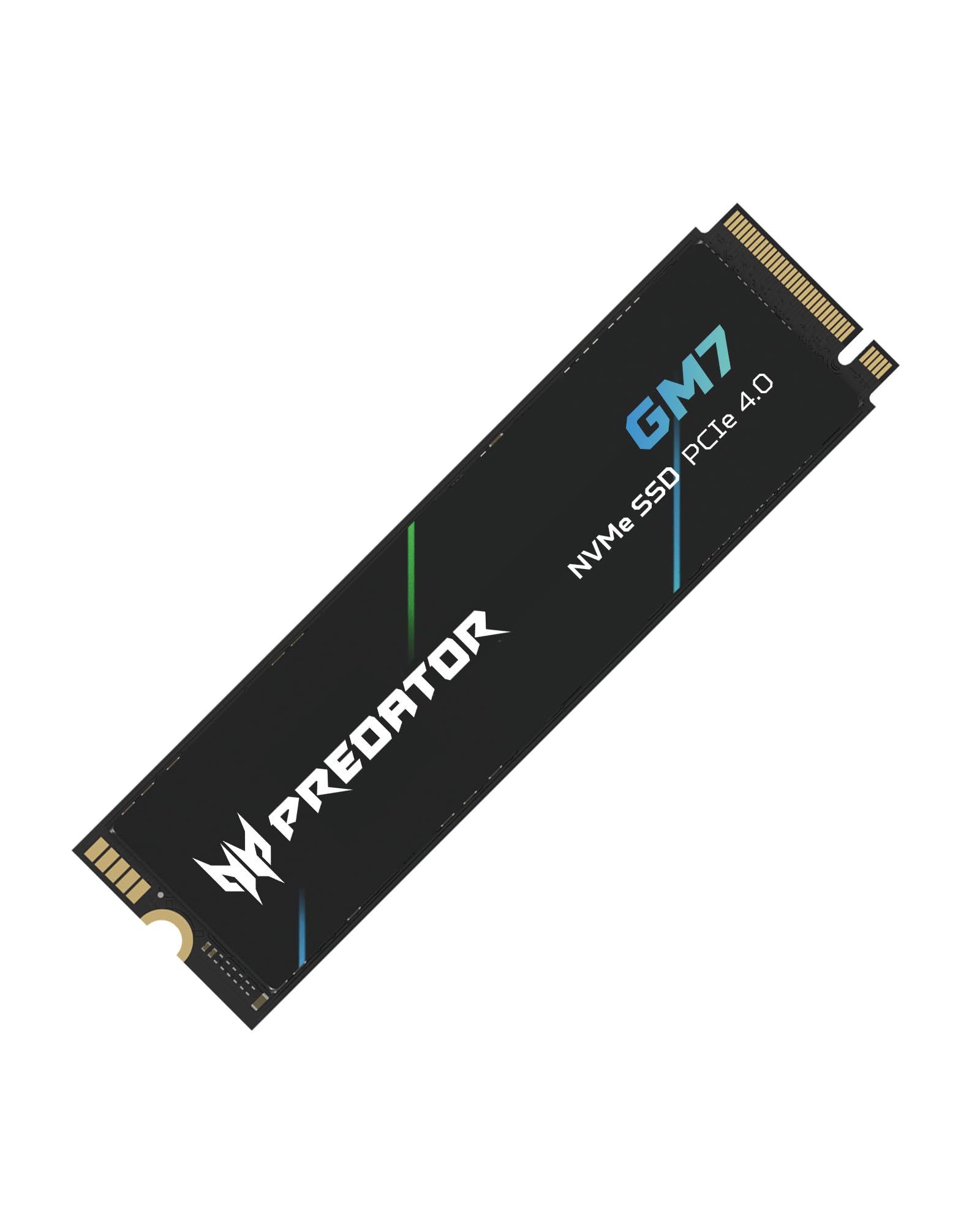
6. Acer Predator GM7 1TB SSD
Enthusiast-grade speed with a careful eye on heat under long sessions
For a PS5 owner or a desktop builder chasing Gen4 limits, the GM7 gets close. It reads at up to 7,400 MB/s and writes at up to 6,500 MB/s over PCIe 4.0 Gen4 with NVMe 2.0 (the newer version of the protocol drives use to talk to your system). It leans on HMB and SLC Cache together — borrowing a slice of system RAM for caching while also writing to a fast memory region at the front — which is what keeps both large game loads and quick file transfers moving.
The detail that separates it from the field is thermal control. The GM7 uses thermal throttling and power management to rein in heat automatically under sustained workload, so long sessions do not drag performance down. The same Biwin Intelligence software that manages the NV7400 also handles performance testing, data migration, and drive cloning here. Against the BIWIN NV7400, these two are locked at 7,400 MB/s read apiece — the NV7400 and the GM7 are both made by the same manufacturer, and both land at the same ceiling. The difference is that the NV7400 throws in a heat sink while this one does not.
What buyers appreciate most is the value: owners say it delivers its advertised speeds even with multiple programs running, that it fits PS5 fat perfectly, and that after formatting they had more usable space than a typical 1TB drive gives. The one thing to budget for is a heatsink — several owners added one separately because the drive does not include it. If you are installing into a PS5 or a desktop with an M.2 heatsink on the board, that is a non-issue; if not, factor it in.
For a gamer who prioritizes speed per dollar and will add a heatsink, this is a strong pick.
Meant for: PS5 and desktop builders who want near-top Gen4 speed and will supply their own heatsink without complaint.
Not ideal for: an install where the M.2 slot has no cooling — this drive expects a heatsink you provide.
7. Crucial P510 1TB PCIe Gen5 NVMe SSD

The fastest lane on the board — 11,000 MB/s of next-generation throughput
This is the only Gen5 drive on the list, and on the numbers it is not close: 11,000 MB/s read and 8,500 MB/s write, against 7,450 MB/s read for the near-max of PCIe 4.0 that the Samsung 990 PRO reaches. Gen5 is the newest version of the PCIe interface — the highway the drive uses to move data — and it roughly means the lane is wider, so peak transfer rates rise. If your motherboard has a Gen5 M.2 slot, this is the drive that uses it. If it does not, the drive still works, because it is backward compatible with Gen4 systems, but you will not see the full ceiling.
Beyond speed, Crucial packs in the practical extras: Acronis cloning software for transferring your old drive, plus a one-month Adobe Creative Cloud All-Apps subscription, which is genuinely useful if you also shoot or edit between gaming sessions. The build uses advanced G8 NAND with thermal control to keep Gen5 performance steady, and it runs in desktops, laptops, and workstations, with PlayStation 5 compatibility listed. The 1TB capacity gives you room for a solid stack of AAA titles alongside your apps.
The honest trade-off with Gen5 is heat and platform. Faster transfer means more heat, so a capable cooling setup in your case matters, and the full benefit is only open up on a Gen5 board — on an older system you are paying for headroom you cannot use yet. Owners describe it performing exactly as advertised and transforming an aging machine into something far faster, and they consistently point to ease of installation as a plus. For anyone building a new high-end PC today, this future-proofs the storage side of the build.
If your board has a Gen5 M.2 slot and you want the fastest drive here, this is it.
Future-proofed speed: at 11,000 MB/s read against 7,450 MB/s on a maxed-out Gen4 drive, the P510 is the clear throughput leader and is backward compatible if you upgrade later.
Software sweetener: Acronis cloning plus a month of Adobe Creative Cloud means the box value extends beyond the hardware itself.
Suits you if: you are building a new high-end PC with a Gen5 M.2 slot and want the fastest storage lane available.
Reconsider if: your motherboard is Gen4-only — you would be paying for speed the platform cannot deliver.
8. Crucial T500 1TB PCIe Gen4 NVMe SSD with Heatsink

The PS5 drop-in that arrives with its own cooling already attached
This is the drive for a PlayStation 5 owner who wants zero assembly beyond sliding a panel off. It reads at up to 7,300 MB/s and writes at up to 6,800 MB/s, with up to 1.15M/1.44M IOPS random read/write — the figure that dictates how fast a game streams its assets as you play. Crucially, it ships with an integrated heatsink already installed, which means it satisfies the PS5’s cooling requirement from the start without buying a separate slab of metal. It meets PlayStation 5 specs and installs just as easily in desktops and laptops with M.2 slots.
What owners appreciate most is the sheer quality and consistency of the drive. On a PS5, owners mention speed tests that match or beat the console’s internal storage — one put it plainly: you genuinely cannot tell which games live on this drive and which sit on the internal one. That is the real-world test that matters, because consistency is what stops you thinking about storage at all.
Against the Samsung 990 PRO, this drive brings a lower price with 7,300 MB/s read versus 7,450 MB/s — a gap most gamers would never feel, and the T500 counters with that pre-attached heatsink the 990 PRO does not include. Buyers using it as a Windows boot drive note faster boots and much quicker Steam, Epic, and GOG install, patch, and verify steps, the kind of day-one and update-day chores where the difference compounds over time. The heatsink also frees a motherboard M.2 slot from having to sit under a card. If you are choosing between a bare drive and a heatsink version, the heatsink version is the easier install.
One month of Adobe Creative Cloud access is bundled in too. For a one-step PS5 or desktop upgrade, the pre-attached heatsink makes this the easiest install here.
PS5 made simple: a factory-attached heatsink plus 7,300 MB/s read makes this a genuinely one-step console upgrade.
Real-world proof: owners say games on this drive and games on the PS5’s internal storage are indistinguishable in play — the highest compliment a drive can get.
Built for: PS5 owners and desktop builders who want premium speed with cooling already handled.
Look past it if: you need Gen5 peak transfer rates — this is a Gen4 drive, so the P510 outruns it on raw throughput.
9. Samsung SSD 990 PRO 1TB

The benchmark everyone measures against — 7,450 MB/s and a name you trust
If you want the drive that every other Gen4 SSD gets compared to, this is the one. It hits up to 7,450 MB/s sequential read and 6,900 MB/s sequential write, pushing right against the ceiling of PCIe 4.0. But the headline is not the whole story: its random read/write speeds are rated 40% and 55% faster than the 980 PRO it replaced, reaching up to 1400K/1550K IOPS. Those random figures are what drive the moments you actually feel — a game loading a new zone, a map streaming in mid-play, a level popping open without a hitch. It is designed for PS5 and DirectStorage PC games (a Windows feature that lets a game pull data straight from the drive, bypassing the old bottlenecks).
Its efficiency story is worth knowing too: Samsung rates it at up to 50% improved performance per watt over the 980 PRO, meaning it does its work without dragging your system’s power budget. A nickel-coated controller handles thermal control, and its slim size suits desktops and laptops that meet the PCI-SIG D8 standard. Samsung Magician software handles health monitoring and firmware updates without extra tools.
Against the Crucial T500, the 990 PRO leads on read speed — 7,450 MB/s versus 7,300 MB/s — and sits at the top of the Gen4 stack, but it does not ship with a heatsink, so a PS5 or a warm desktop wants one added. The one fair caveat is price sensitivity: this drive has moved around, and owners note that at certain points the value proposition shifts against a comparable Crucial. That said, Samsung’s reputation for performance holds, and the drive has been a staple for years precisely because it keeps delivering. For a buyer who weights brand assurance and long-term reliability over saving a little, this is the safest bet in the category.
It is also the drive whose reliability record spans both gaming workloads and heavy productivity, which is why it keeps appearing on lists like this one.
The case for the 990 PRO
- 7,450 MB/s read — top of the PCIe 4.0 field
- Up to 1400K/1550K IOPS random performance
- Up to 50% improved performance per watt over the 980 PRO
- Nickel-coated controller keeps thermals in check
- AES 256-bit encryption support included
The honest side of the ledger
- No heatsink included, so a PS5 install needs one added
- Price has swung upward, weakening its value against rivals
- Gen5 drives now exceed it on raw throughput
The safe bet for: a high-end desktop or PS5 owner who wants maximum Gen4 speed, proven reliability, and a mature software suite.
The trade you accept: no included heatsink and a premium position that only makes sense if you value the brand track record over saving elsewhere.
Understanding the Specs
Read speed (MB/s)
This is the number on the front of the box and it measures how fast the drive pulls a single large block of data off the storage — think a game install, a fresh download, or a big project file. Higher is faster, but a drive will be limited by the speed of the connection it sits in, so a Gen5 drive in a Gen4 slot cannot deliver its full number. For gaming specifically, read speed governs loading a level for the first time and unpacking a patch, while a separate set of numbers called IOPS governs what happens once you are already inside the game.
Cache and how it works
Cache is a fast buffer the drive uses for incoming data before writing it to slower storage. Some drives carry their own dedicated memory chip for this, while others use SLC caching (writing first to a small super-fast region) or HMB (borrowing a small slice of your system RAM). The practical effect is responsiveness: drives with good caching feel snappy in daily Windows use and during heavy game loading, even if their peak sustained speeds are modest. The catch is that a cache can fill, at which point a drive slows down — which is why leaving some free space on any SSD helps it hold its speed.
Thermals and throttling
A drive that runs too hot slows itself down to protect its own memory — this is thermal throttling, and it is why the same drive can feel fast in one build and sluggish in another. A heatsink moves heat away from the chips, and power-efficient designs can simply run cooler to begin with. If your case has poor airflow, a Gen5 drive will benefit most from a heatsink; a Gen4 drive in a laptop may benefit more from low power draw than from added cooling hardware.
Form factor and compatibility
The form factor is the physical shape of the drive, and M.2 2280 is the standard size that fits almost every modern motherboard, laptop, and PlayStation 5 — check your slot before you buy, and check whether it is keyed for NVMe, because an M.2 slot built for SATA will not accept an NVMe drive. Beyond the shape, check the interface version: a Gen4 drive in a Gen4 slot is what most gamers should target, and a Gen5 drive only pays off if the board actually runs at Gen5 speeds.
FAQ
Will a 1TB SSD fit in a PlayStation 5?
Is a Gen5 SSD overkill for gaming right now?
Does the SSD need a heatsink for gaming?
Do I need to format a new SSD before I can use it?
Is DRAM-less SSD worse for gaming?
Will 1TB hold enough modern games?
Does a 1TB SSD make games load faster than a hard drive?
Do SSD speeds slow down as the drive fills up?
Can I move my Windows install to a new SSD without reinstalling?
Is a Gen4 SSD worth it over an older Gen3 drive?
Does the WD_BLACK SN7100 work in a desktop as well as a laptop?
Final Thoughts: The Verdict
For most gamers, the 1tb ssd for gaming winner is the WD_BLACK SN7100 because it pairs the fastest Gen4 read speed on this list — 7,250 MB/s — with the low power draw and cool running that laptops and handhelds actually need. If your priority is squeezing the most throughput out of a new high-end desktop, grab the Crucial P510 with its Gen5 11,000 MB/s read speed. And for a PS5 upgrade you can install in one step, the Crucial T500 arrives with its heatsink already attached. Whichever you pick, buy the drive that matches your slot and your cooling, not just the biggest number on the box — that is the single decision that separates a smooth build from a frustrating one.
How We Picked
We do not accept paid placement. Every pick is matched to a real buyer and a real use-case; we do not hands-on test units.
Sources & Methodology
Specifications: manufacturer listings and product documentation. Review insights: verified customer reviews, as of September 2026. Pricing: not shown on this page (it changes often); check the current price via the retailer link.
As an Amazon Associate, Gadgets Feed earns from qualifying purchases. This does not affect which products we feature.