
That aging laptop from the mid-2000s sitting in your closet doesn’t need to stay there. The single most transformative upgrade you can make to a machine limited by a Parallel ATA (PATA) interface is swapping the clattering mechanical hard drive for a solid-state alternative — and the right drive eliminates the spinning-platter bottleneck that makes booting an OS feel like watching paint dry.
I’m Min — the co-founder and writer behind Gadgets Feed. I’ve spent countless hours dissecting the technical specifications, compatibility quirks, and real-world performance of PATA SSDs across various legacy platforms to help you navigate this niche but rewarding upgrade path.
Whether you’re resurrecting a ThinkPad T42 or gifting an iPod Classic a second life, navigating compatibility and interface jargon to find the best 2.5″ pata ssd drive for your project requires understanding a few hard rules about this fading connector standard.
How To Choose The Best 2.5″ PATA SSD Drive
Upgrading a machine that uses a PATA/IDE interface isn’t as simple as picking the biggest number. You’re constrained by an interface that tops out at 133 MB/s, a 44-pin connector that requires exact alignment, and a BIOS that may balk at drives over 128 GB. Focus on these three factors to avoid a frustrating paperweight.
Interface Match and Physical Fit
Not all 2.5-inch drives speak the same language. A PATA SSD uses a 44-pin connector (pins plus power on the same row), while a standard SATA drive has separate data and power connectors and will not work without a cumbersome adapter that often fails on older BIOS systems. Ensure the drive explicitly lists PATA or IDE in its interface specifications before clicking buy.
Flash Type: MLC vs. TLC
For a legacy OS like Windows XP or a lightweight Linux distro, Multi-Level Cell (MLC) NAND flash delivers superior write endurance and data retention compared to Triple-Level Cell (TLC) alternatives. MLC is more forgiving of the lack of modern TRIM support in older operating systems, making it the more reliable choice for a daily-driver vintage machine.
Capacity Limitations and BIOS Compatibility
Many pre-2007 laptops have a 128 GB addressing limit in their BIOS. Installing a 256 GB PATA SSD in such a machine often results in the drive being undetected or only partially formatted. If your target computer is from the early 2000s, stick to 32 GB, 64 GB, or 128 GB models to guarantee plug-and-play compatibility without a firmware hack.
Quick Comparison
On smaller screens, swipe sideways to see the full table.
| Model | Category | Best For | Key Spec | Amazon |
|---|---|---|---|---|
| KingSpec 64GB | PATA / IDE | General retro laptop revival | 70 MB/s Read / 45 MB/s Write | Amazon |
| KingSpec 32GB | PATA / IDE | Lightweight OS or XP builds | 65 MB/s Read / 40 MB/s Write | Amazon |
| Sandisk SSD Plus 500GB | SATA III (Adapted) | Modern SATA with PATA adapter setups | 545 MB/s Read / 515 MB/s Write | Amazon |
| RONGSHU 256GB | SATA III | Budget SATA laptop upgrade | 550 MB/s Read / 500 MB/s Write | Amazon |
| SELLTOONE 512GB | ZIF PATA (1.8-inch) | iPod Classic / Video upgrade | 100 Mbps Transfer Rate | Amazon |
| Fikwot FX660 1TB | M.2 NVMe (Not PATA) | PS5 or modern PC storage expansion | 4800 MB/s Read / 2900 MB/s Write | Amazon |
| Kingston IronKey Vault 960GB | USB Encrypted (External) | Hardware-encrypted portable storage | 250 MB/s Read (Encrypted) | Amazon |
In‑Depth Reviews
1. KingSpec 64GB 2.5″ PATA/IDE SSD

This 64 GB KingSpec drive hits the sweet spot between capacity and compatibility for most retro laptops from the XP era. Its MLC NAND flash offers substantially better write endurance than the TLC found in budget SATA drives, which matters when running an OS without modern TRIM garbage collection. The advertised 70 MB/s sequential read speed comfortably saturates the PATA-6 (UDMA 133) bus ceiling, delivering boot times measured in seconds instead of minutes on machines like the ThinkPad T40 or Dell Latitude D610.
Crucially, this model supports wear-leveling algorithms and LDPC error correction, which extend the usable lifespan when the drive is used as a primary boot volume. The included 5-year warranty provides peace of mind for a niche product line where support is often minimal. Real-world testing from users shows read speeds hovering around 90 MB/s on certain chipsets, indicating efficient controller optimization for the aging interface.
Keep the 128 GB BIOS limitation in mind for pre-2007 machines — 64 GB is the ideal capacity that avoids detection issues while offering enough space for Windows XP or a lightweight Linux distro plus essential applications. The metal enclosure helps dissipate heat in cramped laptop bays, and the physical fit aligns perfectly with standard 2.5-inch drive caddies.
Why it’s great
- MLC flash provides higher endurance for legacy OS without TRIM
- 65-70 MB/s read speed saturates PATA-133 bus effectively
- 5-year warranty offers strong protection in this niche category
Good to know
- No native TRIM support requires firmware reflash for some advanced features
- Jumper settings must be correct (top two pins for Master) for BIOS detection on some systems
2. KingSpec 32GB 2.5″ PATA/IDE SSD
For users resurrecting a machine solely for light web browsing or a single-purpose OS installation, the 32 GB variant of the KingSpec PATA SSD is the most cost-effective entry point into solid-state performance. It uses the same MLC NAND architecture as its 64 GB sibling, so you’re not sacrificing reliability for lower capacity. The 44-pin PATA interface with ATA-7 protocol support ensures compatibility with a wide array of Toshiba Satellite, Compaq Presario, and Acer TravelMate models from the mid-2000s.
Boot time improvements are dramatic — verified reports on a 2005 Compaq Presario M2000 show a reduction from 60 seconds to approximately 30 seconds after cloning the original 40 GB HDD. The drive’s lower power draw compared to a spinning platter also reduces heat buildup inside cramped laptop chassis, which can extend the life of aging cooling fans and capacitors. The included static and dynamic wear-leveling algorithms distribute write cycles evenly across the MLC cells.
The 32 GB capacity is tight. After a Windows XP installation and essential drivers, you’ll have roughly 15-18 GB of usable space for applications. This makes the drive best suited for single-role machines — a dedicated vintage music player, a retro gaming rig for early 2000s titles, or a light file server. The 5-year warranty remains intact, matching the coverage of the higher-capacity models.
Why it’s great
- Same reliable MLC flash as higher-capacity models at a lower entry point
- Reduces boot time by 50% or more on PATA-based laptops
- Lower power consumption and heat generation than mechanical HDDs
Good to know
- 32 GB fills quickly with a full Windows XP or Vista installation
- No TRIM support, requiring careful disk management to maintain performance
3. SANDISK SSD Plus 500GB
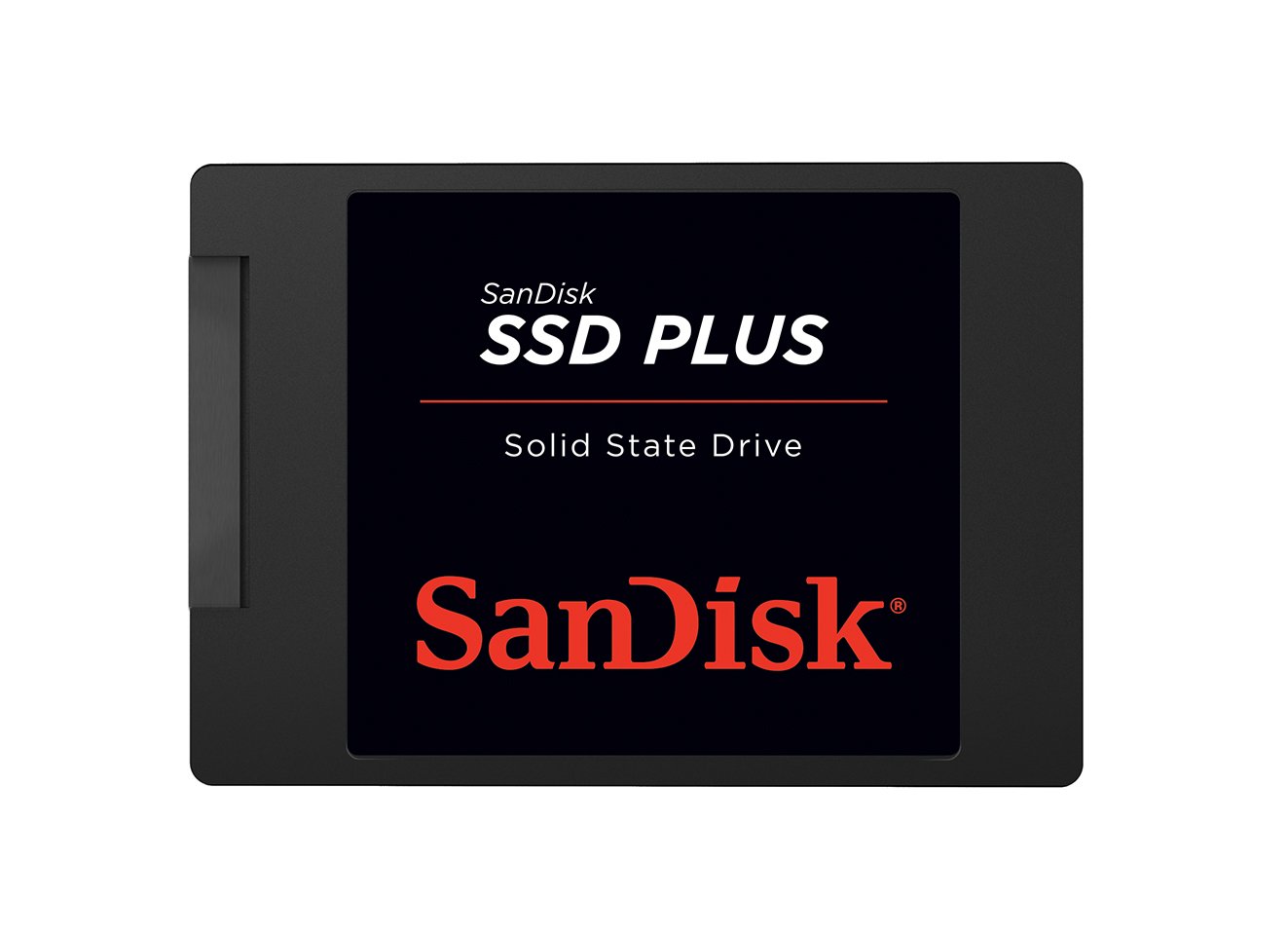
The SANDISK SSD Plus is a 2.5-inch SATA III drive — it is not a PATA/IDE native product. It belongs here because it represents a viable upgrade path for users who can accommodate a SATA-to-PATA adapter in their build, or for those upgrading a slightly newer laptop that already supports SATA. The sequential read speed of 545 MB/s is overkill for the PATA bus ceiling, but the drive’s 3D NAND flash and shock-resistant construction make it a durable choice for travel or mobile use.
For modded PlayStation 2 setups or retro console enthusiasts, the 500 GB capacity offers ample room for large game libraries without the clicking and heat of a mechanical drive. The drive runs cool and silent, which is critical for consoles with passive cooling. On laptops with native SATA support, this drive delivers fast boot times and snappy application loading that rivals premium NVMe options in everyday use.
The drive comes in a standard 7 mm height, fitting most ultrabook bays. Sandisk’s reputation for reliability backs the SSD Plus line, making it a safe choice for anyone who has already confirmed their system uses a SATA interface or is willing to use an adapter. Note that using a PATA adapter on this drive will cap its speed to the PATA bus maximum of around 133 MB/s, leaving significant performance on the table.
Why it’s great
- Fast 545 MB/s read speed for native SATA systems
- 500 GB capacity provides ample storage for applications and media
- Shock-resistant design adds durability for portable use
Good to know
- Not a true PATA drive — requires adapter for legacy machines
- Performance is wasted on PATA-limited systems due to bus restrictions
4. SELLTOONE 512GB CE ZIF PATA SSD for iPod
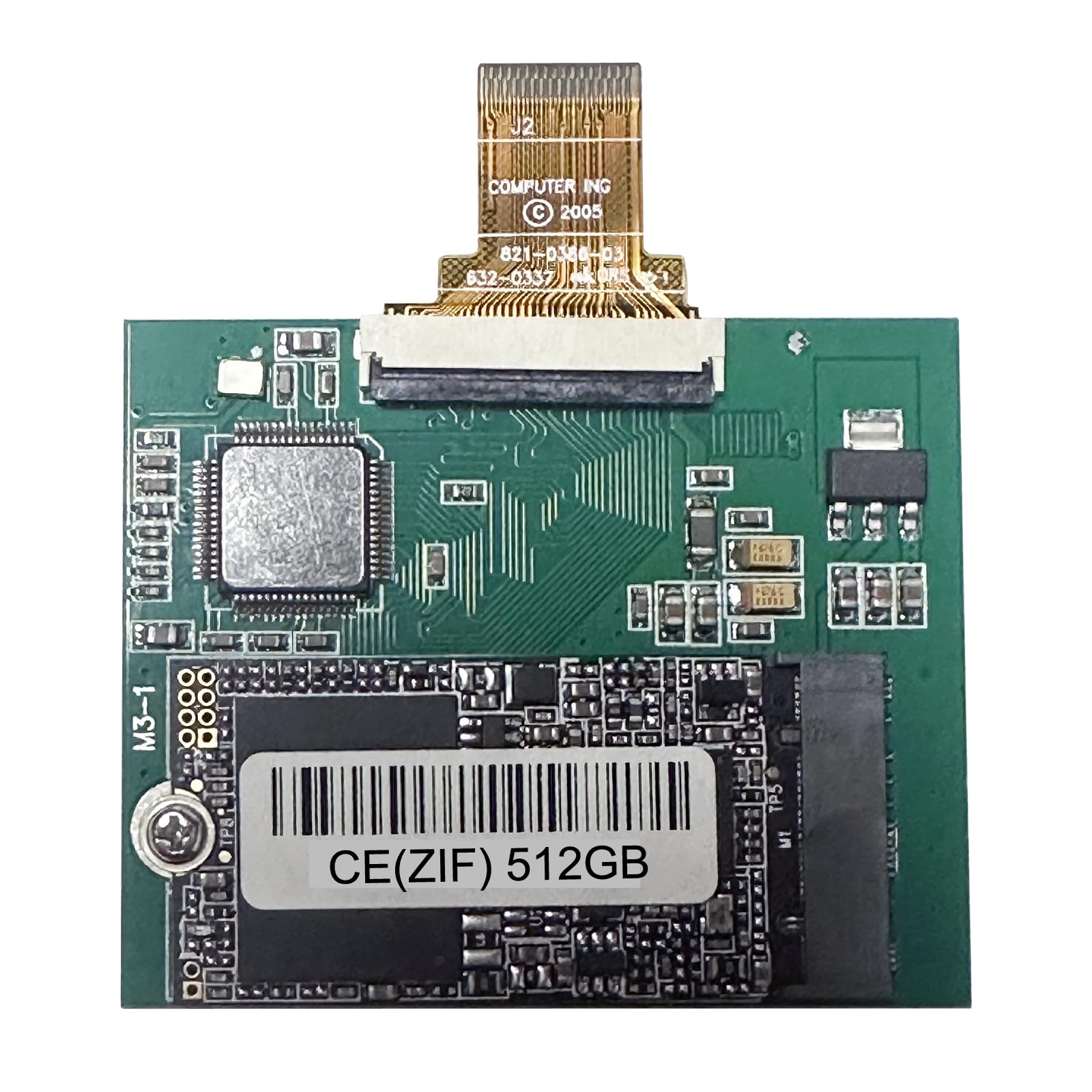
This drive is laser-focused on a single use case: upgrading the iPod Classic 5th, 5.5th, 6th, and 7th generations. It uses a 1.8-inch ZIF (Zero Insertion Force) PATA interface, which is mechanically and electrically distinct from the standard 2.5-inch PATA connector used in laptops. The 512 GB capacity is a massive upgrade over the original 30 GB, 60 GB, or 80 GB hard drives, allowing you to carry your entire music library losslessly on a single device.
Users report that after installation and an iTunes restore, the iPod boots significantly faster and enjoys longer battery life due to the lower power draw of flash storage versus the spinning 1.8-inch HDD. The drive ships with spare ZIF ribbons, which is essential since the original iPod cable can be finicky to reseat. The included basic tools aid the installation process, though a spudger and fine-tipped tweezers are recommended for the delicate ribbon connections.
There are critical compatibility restrictions: the 80 GB and 120 GB iPod Classic models have a 128 GB addressing limit on their main board, so this 512 GB drive will not work in those specific models. Only the 30 GB/60 GB (5th gen), the 80 GB (6th gen 160 GB model), and the 7th gen 160 GB models support capacities above 128 GB. Confirm your iPod’s model number against the compatibility chart before purchasing.
Why it’s great
- 512 GB capacity transforms iPod into a massive portable music library
- Lower power draw extends battery life over original mechanical drive
- Spare ZIF ribbon cable included for easier installation
Good to know
- Only compatible with specific iPod generations — not for laptops
- ZIF ribbon connection is delicate and may require multiple attempts to seat
5. RONGSHU 256GB SATA SSD
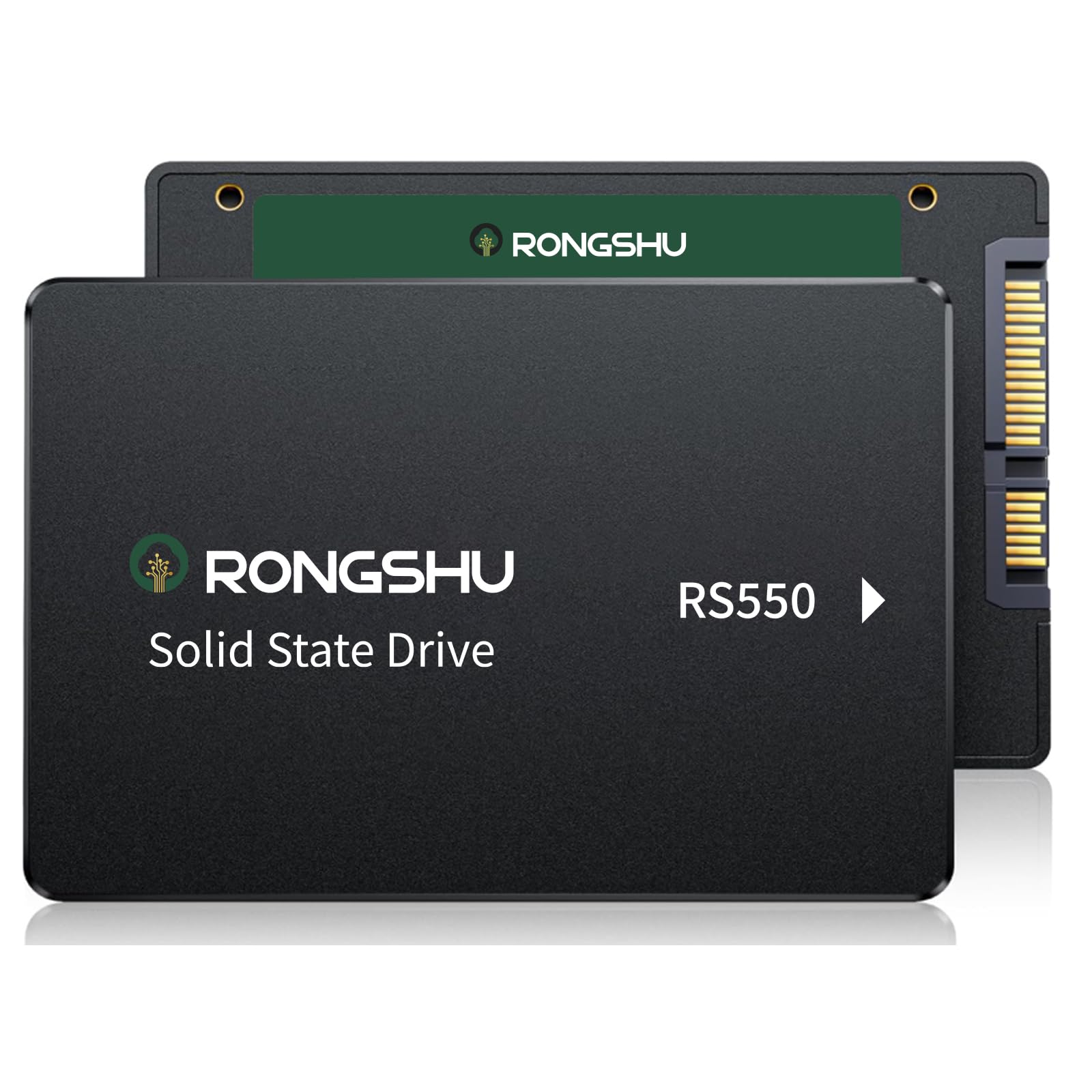
The RONGSHU 256 GB SATA SSD is a budget-oriented SATA III drive intended for users upgrading a laptop or desktop that natively supports the SATA interface. It uses 3D NAND TLC flash, which is the modern standard for affordable storage. The advertised sequential read and write speeds of 550 MB/s and 500 MB/s respectively align with the SATA III ceiling, making it a competent performer for daily computing tasks, file transfers, and game loading on compatible systems.
Real-world verification from users who replaced dying HDDs with this drive report that 100% disk usage issues in Task Manager drop to 3-5% after cloning, and an unusably slow laptop becomes responsive again. The drive’s low power consumption and silent operation eliminate the two biggest pain points of aging mechanical drives. Storage capacity of 256 GB is adequate for the operating system, essential applications, and a moderate media library.
This is a SATA drive, not a native PATA unit. To use it in a legacy PATA-only laptop, you will need an active 44-pin to SATA adapter, which adds cost and complexity. The TLC NAND also lacks the write endurance of MLC for prolonged use in an OS without TRIM. This drive is best suited for modern SATA-based systems where the budget is the primary constraint.
Why it’s great
- Excellent compatibility with modern SATA laptops and desktops
- 256 GB capacity offers good balance of space and budget
- Fixes 100% disk usage and slow boot issues common with aging HDDs
Good to know
- Not compatible with PATA-only systems without an active adapter
- TLC NAND has lower write endurance compared to MLC for legacy OS use
6. Fikwot FX660 1TB M.2 NVMe SSD

The Fikwot FX660 is an M.2 NVMe SSD operating over the PCIe Gen 4×4 interface. It is not a 2.5-inch PATA or SATA drive, and it cannot be used directly in any system that requires a 44-pin PATA connection. It is included here to serve as a clear contrast: this is the kind of modern high-performance storage you can install in a PC or PS5 that supports the M.2 slot, offering read speeds of 4800 MB/s — roughly 70 times faster than a PATA SSD’s bus-limited throughput.
The drive features dynamic SLC caching, which accelerates burst write performance to 2900 MB/s, and a graphene heat dissipation sticker that helps manage thermals under sustained loads. Users have successfully installed this drive in PS5 consoles for expanded game storage and in desktop builds for OS and application volumes. The 5-year warranty is competitive for the NVMe market segment.
For the target audience of this guide — owners of vintage PATA-based machines — this drive is not a replacement. It requires an M.2 slot with PCIe lanes, which does not exist on any laptop or desktop built before 2012. If you are upgrading a retro system, look at the KingSpec options above. If you are building a modern PC and landed here by accident, the FX660 offers excellent performance-per-dollar for general use and gaming.
Why it’s great
- Blazing 4800 MB/s read speed for modern systems and PS5
- Dynamic SLC cache improves burst write performance
- Graphene heatsink helps manage thermal throttling
Good to know
- Requires M.2 PCIe Gen 4 slot — incompatible with all PATA systems
- No physical heatsink included; relies on graphene sticker alone
7. Kingston IronKey Vault Privacy 80 960GB

The Kingston IronKey Vault Privacy 80 is a 2.5-inch external SSD with hardware-based XTS-AES 256-bit encryption and a unique touchscreen for PIN entry. It is FIPS 197 certified, meaning its encryption implementation has passed federal validation. This drive is designed for professionals handling sensitive data — legal documents, medical records, or corporate intellectual property — who need portable security that cannot be bypassed by simply connecting the drive to a computer.
The touchscreen interface randomizes the number layout each time the drive is powered on, preventing shoulder-surfing attacks. Multi-password functionality allows an Admin to set separate User and One-Time Recovery passwords with configurable complexity rules. The drive also includes a dual read-only (write protect) mode that can be toggled on the fly to prevent malware from modifying data when connected to untrusted systems.
This is a USB-connected external drive, not a PATA internal replacement. Its form factor is 2.5-inch, but it connects via USB-C or USB-A cables. The encrypted processing limits sequential read speeds to around 250 MB/s, which is adequate for document work and video playback but insufficient for real-time video editing. For the vintage laptop crowd, this drive serves as a secure companion storage device rather than an internal upgrade.
Why it’s great
- FIPS 197 certified hardware encryption for sensitive data
- Touchscreen PIN entry with randomized number layout
- Dual read-only mode protects against malware on host systems
Good to know
- Not an internal PATA or SATA drive — external USB only
- Encrypted processing limits throughput to roughly 250 MB/s
FAQ
Will a SATA SSD work in my PATA laptop with an adapter?
Why does my 2005 laptop not detect a 256 GB PATA SSD?
Can I use a PATA SSD in a modern desktop or laptop?
Final Thoughts: The Verdict
For most users, the best 2.5″ pata ssd drive winner is the KingSpec 64GB PATA SSD because its MLC NAND, generous 64 GB capacity, and 5-year warranty provide the ideal balance of reliability and storage for reviving vintage XP-era laptops. If you want maximum compatibility for older 2005-era systems, grab the KingSpec 32GB PATA SSD. And for an iPod Classic restoration, nothing beats the SELLTOONE 512GB ZIF PATA SSD.