
Our readers keep the lights on and my morning glass full of iced black tea. As an Amazon Associate, I earn from qualifying purchases.
Specs are compiled from manufacturer listings and verified buyer reviews and can change over time — please confirm the key details on the product page before buying.
Swapping a spinning hard drive for a 2.5-inch SATA SSD is the single most effective speed upgrade for an older laptop or desktop. This guide compares 2 TB SATA SSDs on real-world speed, reliability, and endurance to help you choose the right one for your aging machine.
I’m Min — the founder and writer behind Gadgets Feed. This guide is built by comparing the manufacturers’ published specifications and the patterns across verified customer reviews, so you get each pick’s real strengths and trade-offs instead of marketing spin.
We ranked the top 2 TB SATA SSDs by real-world performance, reliability, and owner satisfaction to guide your upgrade.
Our Picks at a Glance


How To Choose The Best 2 TB SATA SSD
The 2 TB SATA SSD market is crowded, but a few key specs—interface, NAND type, and endurance—determine your daily experience. Match the drive to your machine’s form factor and your workload to avoid overpaying or underperforming.
Interface and Form Factor
Every drive here uses the 2.5-inch SATA III interface, which is the standard slot for most laptops and desktops built in the last decade. SATA III tops out around 560 MB/s, so any drive near that mark is maxing out the connection. These drives are backward compatible with SATA II (3Gb/s) ports, so they will work in older machines, just at reduced speeds.
NAND Type and Endurance
The type of memory cells inside the drive dictates its price and longevity. QLC (Quad-Level Cell) drives are cheaper and great for bulk storage, while TLC (Triple-Level Cell) drives like the Samsung EVO series offer better sustained write performance and endurance. Endurance is measured in TBW (Terabytes Written) — the higher the number, the more data you can write over the drive’s life. For a 2 TB drive, look for a TBW rating that matches how heavily you write data.
Real-World Speed vs. Synthetic Numbers
Manufacturers list maximum sequential read and write speeds, but real-world performance can dip during large file transfers. Look for drives with a SLC cache (a fast buffer using single-level cells) that keeps speeds high during big writes. If you are cloning an old HDD, the cloning software included with the drive becomes a major convenience factor.
Quick Comparison
| Model | Best For | Read Speed | Write Speed | Endurance (TBW) | Amazon |
|---|---|---|---|---|---|
| Samsung 860 EVO★ Best Overall | Proven Reliability | 550 MB/s | 520 MB/s | — | Amazon |
| Samsung 870 EVOTop Performer | Maximum Performance | 560 MB/s | 530 MB/s | Up to 2,400 TBW | Amazon |
| Crucial BX500Best Value | Budget-Friendly Upgrade | 540 MB/s | — | — | Amazon |
| SanDisk SSD Plus | Everyday Boot Drives | 545 MB/s | 515 MB/s | — | Amazon |
| Silicon Power A55 | Value and Slim Laptops | — | — | — | Amazon |
| Transcend SSD225S | High-Endurance Systems | 550 MB/s | 500 MB/s | 720 TBW | Amazon |
| fanxiang S101Q | Bringing Old PCs Back | 560 MB/s | 510 MB/s | — | Amazon |
| KingSpec | Budget Bulk Storage | 550 MB/s | 520 MB/s | — | Amazon |
| TEAMGROUP Vulcan Z | Console & Desktop Mix | 550 MB/s | 470 MB/s | — | Amazon |
| TEAMGROUP QX | Media Server Storage | 560 MB/s | 500 MB/s | 400 TBW | Amazon |
| Ediloca ES580E | Entry-Level Speed | 500 MB/s | 400 MB/s | — | Amazon |
In‑Depth Reviews
1. Samsung SSD 860 EVO 2TB 2.5 Inch SATA III
Our pick — over 4.5★ from 76,500+ verified ratings; the strongest balance of quality and price.
The proven workhorse with a 5-year warranty trusted by gamers and creators
The 860 EVO is the previous generation of Samsung’s iconic EVO line, and it remains a top choice for good reason. It delivers sequential read and write speeds of up to 550 MB/s and 520 MB/s respectively, and its V-NAND technology handles everyday computing as well as rendering large 4K videos and 3D data. The drive also boasts a 1.5 million hours Mean Time Between Failures (MTBF), a measure of long-term reliability.
What really sets this drive apart is its bulletproof reliability. Buyers report using it in RAID 5 arrays with multiple drives, and the Samsung Data Migration software makes cloning your old hard drive straightforward. One owner cut their boot time from a full 2 minutes down to roughly 30 seconds after cloning their old HDD, a common experience among buyers. This is also a favorite for PS4 console upgrades, proving its versatility beyond just PCs.
Your files stay safe from unauthorized access thanks to AES 256-bit hardware-based encryption, which meets TCG Opal and IEEE 1669 standards (industry protocols for secure storage). The 5-year limited warranty gives you long-term protection for your storage investment.
Performance Icon: Samsung’s V-NAND drives are the benchmark others are measured against for a reason. The 860 EVO isn’t the newest model, but its stability is legendary.
The Only Catch: You are paying a premium for the Samsung name; budget drives offer similar sequential speeds but with less proven long-term endurance.
Best for: users who want a proven, reliable drive with predictable performance and don’t need the absolute latest model.
Think twice if: you are building a high-end system where an NVMe M.2 drive would offer several times the speed for a similar price.
2. Samsung SSD 870 EVO SATA III 2.5” 2TB
The crowd favorite that maxes out SATA III speeds at 560/530 MB/s
The 870 EVO is the drive most owners point to when they want the absolute best a SATA port can deliver. It hits sequential speeds up to 560 MB/s read and 530 MB/s write, effectively maxing out the SATA III interface, so you are not leaving any performance on the table. This is the drive to grab if you want your boot times and game loads as fast as a SATA connection physically allows.
You get a drive that keeps working through heavy use, thanks to an endurance rating of up to 2,400 TBW (the total data you can write before the drive is expected to wear out). That means it can handle everyday tasks and demanding jobs like 8K video editing without failing early. It also supports hardware-based AES 256-bit encryption, so your files stay secure without slowing your system down.
Owners consistently report that it runs cooler and uses significantly less power than the mechanical hard drives it replaces. In a home server setup, the 870 EVO delivers around 520 MB/s read and write speeds in a RAID1 array, running silent and drawing minimal power. It is also backward compatible with SATA 3Gb/s and 1.5Gb/s interfaces, so it will work in older machines.
What Makes It The All-Star
- SATA interface limit performance at 560 MB/s read speeds
- Class-leading endurance at 2,400 TBW for heavy write workloads
- Broad compatibility with chipsets, motherboards, and NAS systems
Consider This Trade-Off
- Premium cost per gigabyte compared to budget QLC drives
- Some units may need a firmware update via Samsung Magician software
Reach for this if: you want the most dependable, fastest SATA drive with a long lifespan and do not mind paying for it.
Look elsewhere if: you are on a strict budget and mainly need bulk storage for media files where max speed is not critical.
3. Crucial BX500 SATA SSD 2TB
A budget-friendly upgrade that comes with free cloning software for an easy swap
The BX500 is Crucial’s value-oriented drive, but don’t let that fool you. It boots systems in seconds and loads demanding applications almost instantaneously, thanks to Dynamic Write Acceleration Technology that uses flexible high-speed single-level cell flash memory. With read speeds up to 540 MB/s, it gets you most of the way to the SATA limit, making it a perfect drop-in replacement for a failing HDD.
What makes this drive great for beginners is the included Acronis True Image HD software, which handles data migration for you without needing a tech expert. The drive also supports hardware-based 256-bit AES encryption, compliant with Microsoft eDrive and TCG Opal 2.0 standards, so you get enterprise-level security features at a budget price.
This is the drive many owners pick when they want to breathe life into an old laptop without spending a fortune on a new machine. It also comes with a 3-year limited warranty from a brand known for reliable memory products.
Why It’s The Smart Buy
- Includes free Acronis True Image HD cloning software for easy migration
- Reliable performance with a trusted brand name and 3-year warranty
- Hardware encryption keeps personal files secure
What To Watch For
- Write speeds are lower than TLC-based competitors under sustained load
- The 2 TB model can run warm in poorly ventilated laptops
the balance for: budget-conscious upgraders who want a low-maintenance HDD replacement with solid performance and great software support.
skip it if: you do heavy video editing or large file transfers all day; a TLC drive holds its speed better under sustained writes.
4. SanDisk SSD Plus 2TB Internal Solid State Drive

The dependable pick for fast boots and reliable storage in any system
The SanDisk SSD Plus is all about dependable, no-nonsense upgrades. It offers sequential read speeds of up to 545 MB/s and write speeds up to 515 MB/s, making it a full-speed SATA III drive. Owners find it an easy drop-in replacement for HDDs, with instant recognition by their systems and a quiet, cool operation.
Its shock-resistant design means you don’t have to worry if you drop your laptop. The drive has proven itself in various roles, from a reliable storage expansion drive to a workhorse for security camera DVR systems that require constant writing. SanDisk drives have a solid reputation for lasting years, with one owner noting they’ve had many over the years and only one failed after about five years of service.
It’s a great choice for upgrading an older computer or adding fast storage to a desktop, media server, or gaming console. The SSD Plus delivers the most effective performance improvement you can make for a relatively low cost.
Quality That Lasts: SanDisk’s track record for making reliable NAND flash shows in this drive’s stability and consistent real-world speeds.
The Realistic Trade-Off: It’s not the fastest drive on the market; it focuses on excellent everyday performance and reliability rather than pushing interface limits.
The sensible default: for anyone who wants a trusted brand with a proven track record for a standard boot or storage drive.
Not for you if: you are a power user with heavy sustained write workloads that demand maximum endurance ratings.
5. Silicon Power 2TB SSD A55
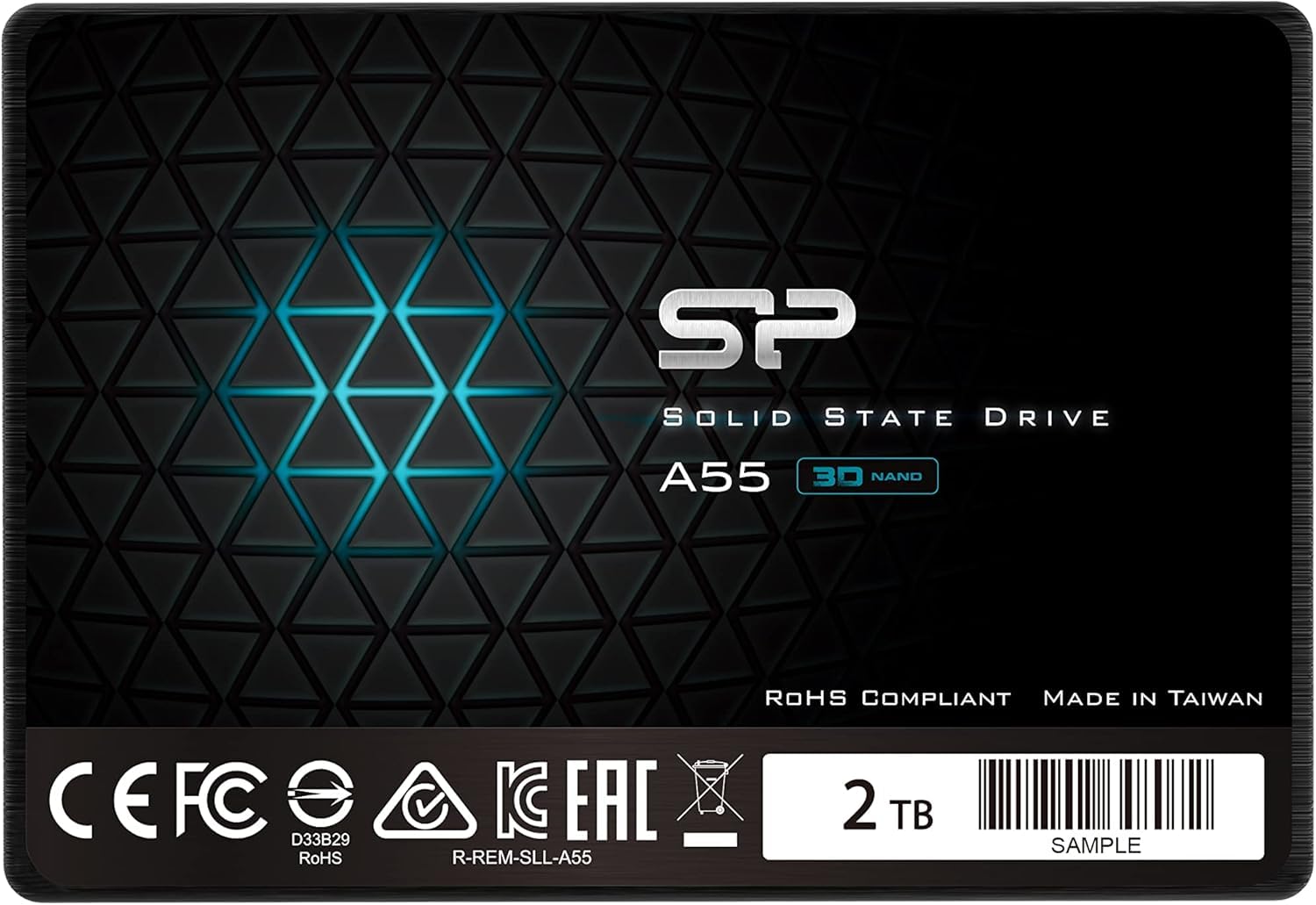
The 7mm slim drive that gives ultrabooks and older laptops a new lease on life
The Silicon Power A55 is a 3D NAND drive with advanced SLC Cache technology (a buffer of fast single-level cells) that gives it a performance boost and longer lifespan. It’s a popular choice for reviving older systems, with owners reporting that their old laptops feel new again with significantly faster boot times. The 7mm slim design is specifically suited for Ultrabooks and ultra-slim notebooks.
What people appreciate most is the value for money. This drive delivers remarkable transfer speeds and reliable performance at a competitive price point, making it an excellent upgrade for a home server, HTPC, or a laptop that needs a second chance. The 3-year limited warranty is a standard, respectable offering.
While the durability is generally praised, note that a small portion of owners have reported units failing early. This is the main fit note: if you are looking for a cheap, high-capacity drive for non-critical storage or as a boot drive for a secondary machine, the A55 is a great option.
Great For The Price
- Fast enough to make old systems feel snappy again
- Slim 7mm profile fits ultra-slim laptops perfectly
- Excellent value for a 2 TB upgrade
Keep In Mind
- Long-term durability is a bit of a lottery based on owner reports
- Not the top performer when directly compared with premium models
Best for: budget-minded builders who need a slim, reliable drive for a secondary laptop or a media server.
Think twice if: uptime and data security are critical for you; established premium brands offer better long-term reliability records.
6. Transcend 2TB SSD225S

The high-endurance drive with serious error correction for data-heavy jobs
The Transcend SSD225S is built for enhanced endurance and reliability, making it a smart choice for systems that handle a lot of data writing. It offers read speeds up to 550 MB/s and write speeds up to 500 MB/s, and its high Terabytes Written (TBW) value of up to 720 TB indicates a long lifespan for write-intensive tasks. This drive uses a RAID engine and Low-Density Parity Check (LDPC) coding to detect and correct data transfer errors, keeping your data intact.
It also supports Device Sleep (DevSleep) mode, which intelligently shuts down the SATA interface when not in use to conserve battery life in laptops. Transcend’s SSD Scope software lets you monitor drive health and tune performance, adding a layer of management that IT professionals and enthusiasts appreciate. It is compatible with the Sony PlayStation 4, making it a solid choice for console storage expansion.
Owners describe it as great value for the price, though some note that its transfer speeds can slow down during the second half of a large file copy. This is typical of drives with smaller SLC caches, and it’s a trade-off to consider if you move massive files frequently.
Data Security Focus: The combination of LDPC error correction and high TBW ratings makes this a smart pick for a server or NAS.
One Caveat: Sustained write speeds drop after the SLC cache fills up, so it’s not the fastest for marathon file transfers.
Reach for this if: you want high TBW endurance and advanced error correction without paying Samsung-level prices.
Look elsewhere if: you consistently copy huge multi-hundred-gigabyte files and need the speed to stay constant.
7. fanxiang 2TB SATA SSD S101Q

The budget hero that turns a decade-old laptop from landfill-bound to lightning-quick
The fanxiang S101Q is a performance-oriented SATA SSD that reaches read speeds up to 560 MB/s and write speeds up to 510 MB/s, maxing out the SATA III interface. It uses advanced SLC Cache technology to deliver faster app loads and boot times. The drive supports critical maintenance features like garbage collection, advanced wear-leveling, TRIM, and S.M.A.R.T. to keep it reliable and stable over time.
This drive has a special talent for resurrecting old hardware. Owners mention saving ancient ASUS laptops from the landfill, with Windows installing in about 10 minutes via USB. It’s universally compatible with laptops, desktops, and all-in-one computers running Windows, Linux, or Mac OS, and is backward compatible with SATA II interfaces. The shockproof design means your data is safe even if the computer gets dropped.
For a mid-range price, you get top-tier sequential speeds. Some owners have noted reliability concerns, with a few reporting failures within months, so it’s best suited for storage where an occasional hiccup isn’t a crisis, or for breathing life into machines that aren’t handling critical work.
Why It’s A Top Choice
- Fast 560 MB/s read speed that rivals premium drives
- Universal fit for almost any laptop or desktop
- Great price-to-performance ratio for its speed class
The Honest Caveat
- Reliability reports are mixed, with some owners seeing early failures
- Not the drive to trust for your only copy of irreplaceable data
The go-to for: reviving an old PC or as a high-speed secondary game drive where the cost per gigabyte matters.
pass on it if: you are storing critical, unrecoverable data and need maximum confidence.
8. KingSpec 2TB 2.5″ SSD SATA III

The shockproof, silent drive that cuts a 27-minute boot down to under a minute
The KingSpec 2.5-inch SATA SSD uses 3D NAND flash and semiconductor components for high performance and reliability. It delivers max sequential read speeds up to 550 MB/s and write speeds up to 520 MB/s, giving older computers a massive speed boost. It’s designed to be shockproof, anti-drop, quiet, and noiseless with low power consumption.
What makes this drive stand out is its performance value. Owners have seen systems go from a painful 27-minute boot time to just 58 seconds, and it commonly brings old Dell and HP laptops back to life. It supports wear leveling, garbage collection, and TRIM to maintain stable performance, and is compatible with Windows 10/8.1/8/7, DOS, Linux, and Unix systems.
The drive comes with a 3-year limited warranty. While the performance is excellent for the price, reliability is the one area where opinions split, with a minority of owners experiencing failures. For a laptop that needs a cheap, fast resurrection, this is a compelling pick.
The Strong Points
- Dramatic boot time improvements on old hardware
- Wide OS and device compatibility
- Low power consumption and silent operation
What To Know
- Some customers note failures, so it’s not for critical data
- Performance can be inconsistent across different units
The budget pick for: upgrading a secondary computer or as a large capacity storage drive for games and media.
Not ideal if: you need a drive for a business server where absolute reliability is non-negotiable.
9. TEAMGROUP T-Force Vulcan Z 2TB

The gamer’s choice that works with PS5, Xbox Series, and desktops right from the start
The TEAMGROUP T-Force Vulcan Z earns its spot for gaming upgrades with read and write speeds up to 550/470 MB/s, so games load faster than on a standard hard drive. It works with the Sony PlayStation 5, Microsoft Xbox Series S/X, and gaming desktops, so you can move it between your PC and consoles. The 2 TB capacity holds dozens of modern titles, so you won’t have to delete games to make room.
Owners use it to extend the life of old computers and praise the solid read/write speeds and performance from the start. On a modern desktop, some owners suggest going with an M.2 NVMe drive for even faster speeds, but for older systems or consoles, the Vulcan Z is a significant upgrade. It uses 3D NAND with SLC caching for dependable performance.
Its tune operational performance and intelligent health monitoring help maintain a longer lifespan.
Why Gamers Like It
- Officially compatible with PS5 and Xbox Series consoles
- Fast enough for modern game loading times
- Reliable for long-term use as a boot drive
The Trade-Off
- Not the fastest SATA drive on the market, at 470 MB/s write
- For brand-new desktop builds, M.2 NVMe offers much higher speeds
Reach for this if: you need a large, reliable drive that works smoothly across your PC and modern gaming consoles.
Look elsewhere if: you are building a brand-new high-end PC and your motherboard has an empty M.2 slot.
10. TEAMGROUP QX 2TB 3D NAND QLC

The QLC drive that shines for media servers and backup pools with blazing reads
The TEAMGROUP QX uses 3D NAND QLC with Smart Dual Cache and SLC Caching technology, delivering fast read/write speeds of up to 560/500MB/s. This drive is a “monster that can defeat mechanical hard drives,” according to the manufacturer, and it excels in read-heavy workloads. It’s a favorite for media servers, with owners praising its blazing-fast read speeds for streaming.
While the QX is great for media servers and backup pools, its QLC architecture means sustained write speeds drop after the SLC cache fills. Reviewers point out actual write performance starting at 400-500 MB/s but dropping to around 50 MB/s for very large files. This makes it ideal for a media library where you mostly read data, and less ideal for constant heavy video editing writes.
It’s easy to install and comes with a 400 TBW endurance rating, representing a solid lifespan for typical home use. Some owners have experienced reliability issues, so it’s best viewed as a high-capacity secondary storage drive rather than a boot drive for critical systems.
Where It Excels
- Excellent read speeds for media streaming and game loads
- High 2 TB capacity at a great price point
- Quiet and easy to install
Where It Struggles
- Sustained write speeds slow down dramatically for large files
- Mixed long-term reliability reports from owners
Best for: a media server or bulk storage drive where fast reads and high capacity matter more than write speed.
Think twice if: you need consistent high-speed writes for video editing or frequent large file transfers.
11. Ediloca 2TB SSD ES580E
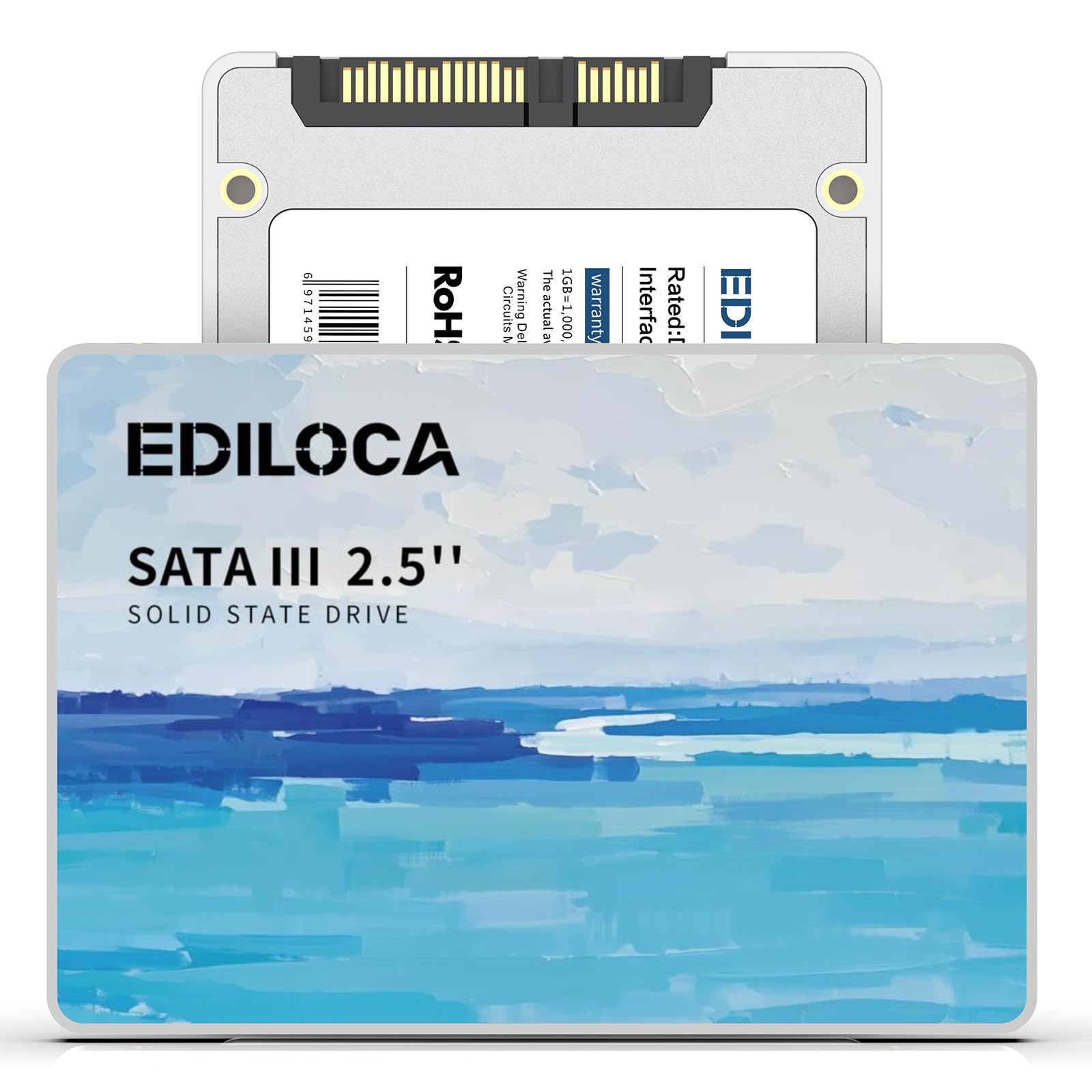
The entry-level drive that makes a 15-year-old laptop boot like it’s brand new
The Ediloca ES580E is an entry-level SATA III SSD offering read speeds up to 500 MB/s and write speeds up to 400 MB/s. It’s marketed as delivering 3x faster performance than traditional HDDs, and owners confirm it works wonders on old hardware. One owner installed it in a 15-year-old laptop and reported it “works like new” with much faster boot speeds.
Built with 3D QLC NAND flash, this drive offers high-density storage with shock-resistant (1500G/0.5ms) and drop-proof (1.2m) features. It’s engineered for silent operation with no moving parts, making it ideal for on-the-go laptop users. The plug-and-play design works with Windows 10/11, macOS 10.4+, Linux 2.6.33+, and NAS systems.
The drive is backed by a 3-year limited warranty, which is respectable for the price point. Some shoppers say mixed feelings on speed when compared to M.2 NVMe drives, but for a SATA HDD replacement, the performance boost is undeniable. It’s a solid budget choice for extending the life of older computers.
The Budget Benefits
- Very affordable way to add 2 TB of fast storage
- Works surprisingly well in very old laptops and desktops
- Silent operation with shock and drop resistance
The Limitations
- Slower than many competitors at 500/400 MB/s
- QLC NAND has lower endurance than TLC alternatives
Choose this if: your budget is tight and you want maximum gigabyte-per-dollar for a laptop or desktop revival project.
Pass on this if: you need top-tier speeds for demanding applications; the savings won’t make up for the slower real-world performance.
Understanding the Specs
Read and Write Speeds
Measured in MB/s (megabytes per second), these numbers tell you how fast data moves. The SATA III interface caps out around 560 MB/s, so any drive near that mark is fully utilizing the connection. Higher read speeds mean faster boot times and quicker app launches, while write speeds matter more for saving large files like videos.
NAND Flash Memory Types
This is the storage technology inside the drive. TLC (Triple-Level Cell) stores 3 bits per cell and offers better endurance and sustained write speeds. QLC (Quad-Level Cell) stores 4 bits per cell, which is cheaper and allows higher capacity, but with lower write endurance. SLC Cache is a fast buffer that uses single-level cells to boost burst performance during initial writes.
FAQ
Will a 2.5-inch SATA SSD fit in my laptop or desktop?
What is the real-world difference between a 2 TB SATA SSD and an NVMe M.2 SSD?
How long will a 2 TB SATA SSD last?
Can I use a 2 TB SATA SSD to upgrade my PlayStation 4 or Xbox One?
What is the difference between TLC and QLC NAND in a SATA SSD?
What does the SLC Cache do in a 2 TB SATA SSD?
I have a SATA II port. Will a SATA III SSD work?
How do I clone my old hard drive to a new 2 TB SATA SSD?
FAQ
Will a 2.5-inch SATA SSD fit in my laptop or desktop?
What is the real-world difference between a 2 TB SATA SSD and an NVMe M.2 SSD?
How long will a 2 TB SATA SSD last?
Can I use a 2 TB SATA SSD to upgrade my PlayStation 4 or Xbox One?
What is the difference between TLC and QLC NAND in a SATA SSD?
What does the SLC Cache do in a 2 TB SATA SSD?
I have a SATA II port. Will a SATA III SSD work?
How do I clone my old hard drive to a new 2 TB SATA SSD?
Is a 2 TB SATA SSD good for gaming?
What should I do with my old hard drive after upgrading to a SATA SSD?
Final Thoughts: The Verdict
If you want one dependable pick, the best 2 TB SATA SSD is the Samsung 870 EVO because it offers the perfect blend of top-tier performance, industry-leading endurance, and proven reliability. If you are on a budget but still want a dependable upgrade, the Crucial BX500 is the value pick. And for pure longevity, the Samsung 860 EVO remains a trusted workhorse. The 870 EVO also leads the pack with a 4.8-star rating from thousands of verified owners, making it the safest bet for almost any upgrade project.
How We Picked
We do not accept paid placement. Every pick is matched to a real buyer and a real use-case; we do not hands-on test units.
Sources & Methodology
Specifications: manufacturer listings and product documentation. Review insights: verified customer reviews, as of August 2026. Pricing: not shown on this page (it changes often); check the current price via the retailer link.
As an Amazon Associate, Gadgets Feed earns from qualifying purchases. This does not affect which products we feature.