
Staring at a fuzzy, low-resolution screen all day is a productivity killer that most budget-minded shoppers don’t realize they’re buying into. The difference between a 1600×900 panel and a true 1920×1080 Full HD display is the line between squinting at blurry text and reading crisp documents without eye fatigue, especially on a compact desk where every inch counts.
I’m Min — the co-founder and writer behind Gadgets Feed. I’ve spent years analyzing technical specifications and market data for small-form-factor displays, breaking down contrast ratios, refresh rate curves, and color gamut coverage to help you cut through the marketing noise. (And Homer 🐱 curled up inside the empty monitor box, claiming it before I could open it).
Whether you’re setting up a home office, adding a secondary display for your laptop, or building a compact workstation, finding the right monitor under tight spatial constraints is surprisingly tricky. After digging through the specs and real user feedback, I’ve narrowed the field to the seven best options that define the 20 inch computer screen category without wasting your time on duds.
How To Choose The Best 20 Inch Computer Screen
A 20-inch monitor sits in a sweet spot where screen real estate meets a tight desk footprint, but the spec sheet can be misleading if you don’t know what to prioritize. Three factors separate a usable daily driver from a regret-inducing purchase.
Resolution: 1600×900 vs 1920×1080
The single most important spec on a 20-inch screen is resolution. A 1600×900 HD+ panel, common on older enterprise monitors, makes text look soft and application windows feel cramped. A 1920×1080 Full HD panel delivers twice as many pixels, making documents, spreadsheets, and web pages sharply readable without scaling issues. Never settle for less than Full HD unless you’re using the screen exclusively for a headless server or diagnostic terminal.
Refresh Rate and Motion Clarity
Most office monitors are locked at 60Hz, but increasingly available 100Hz and 120Hz panels transform the feel of everyday scrolling, cursor movement, and window dragging. Adaptive Sync technology, usually FreeSync, eliminates screen tearing when you’re moving between apps rapidly. Even if you don’t game, a higher refresh rate reduces eye strain during long sessions by making motion feel fluid rather than stuttery.
Panel Technology: TN, VA, and IPS
TN panels are the cheapest but suffer from narrow viewing angles and washed-out colors. VA panels offer deeper contrast (4000:1 is common) with better blacks, making them good for media consumption in a dark room. IPS panels deliver the best color accuracy and 178-degree viewing angles, ideal for photo editing, design work, or any task where consistent colors matter across the screen. For a general-purpose 20-inch monitor, IPS is the preferred choice unless you need the extreme contrast of VA.
Quick Comparison
On smaller screens, swipe sideways to see the full table.
| Model | Category | Best For | Key Spec | Amazon |
|---|---|---|---|---|
| ASUS VP227HF | Frameless | Everyday productivity | 100Hz / 1ms MPRT / IPS | Amazon |
| SANSUI ES-22X3AH | High Refresh | Smooth scrolling and gaming | 120Hz / 4000:1 VA | Amazon |
| Lenovo L22-4e | Office IPS | Color-accurate office work | 100Hz / 99% sRGB IPS | Amazon |
| ViewSonic VA2256-MHD | Versatile IPS | Multi-device setups | 75Hz / IPS / 3 inputs | Amazon |
| Yodoit Portable | Travel | On-the-go productivity | 100Hz / USB-C / 1kg | Amazon |
| Dell E2020H | Enterprise | Basic secondary display | 1600×900 / TN / 60Hz | Amazon |
| Dell E2016H | Legacy | Server or diagnostic use | 1600×900 / TN / VESA | Amazon |
In‑Depth Reviews
1. ASUS VP227HF 22” Eye Care Monitor
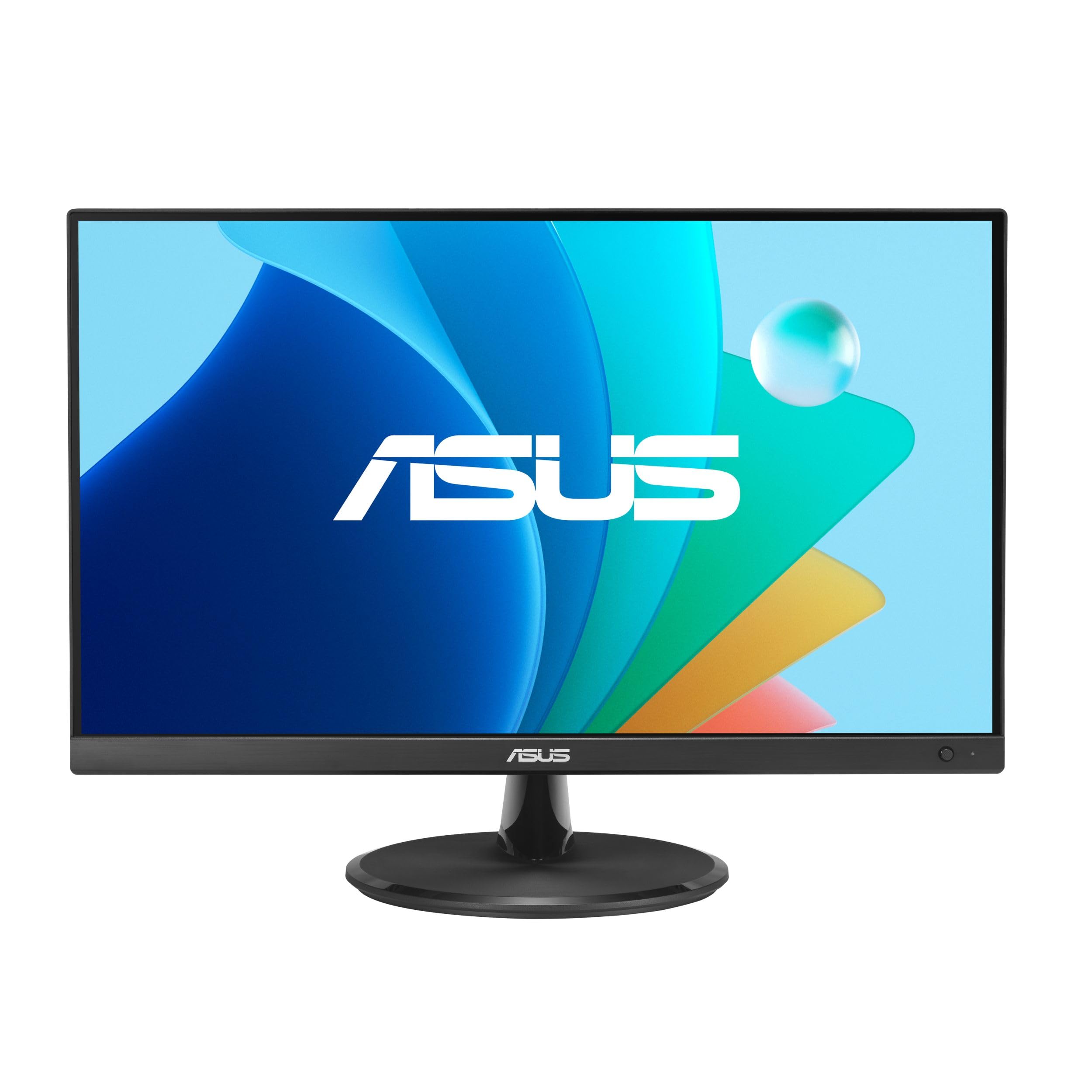
The ASUS VP227HF hits the sweet spot for anyone who needs a sharp 1920×1080 panel with a buttery 100Hz refresh rate at a mid-range price point. Its frameless design and 178-degree wide viewing angle make it ideal for dual-monitor setups where bezel thickness usually ruins the visual flow. The 1ms MPRT response time ensures that even fast cursor movements and window transitions feel crisp, not smeary.
Color performance is excellent for the category, covering 99% of the sRGB gamut with a 4000:1 contrast ratio that makes text pop against dark backgrounds. The ASUS DisplayWidget Center app lets you tweak brightness, contrast, and blue light filter levels with a mouse instead of fumbling with tiny monitor buttons — a small quality-of-life win that pays off daily. The TÜV Rheinland-certified Flicker-Free and Low Blue Light technologies genuinely reduce eye strain during eight-hour work sessions.
Connectivity includes HDMI and VGA ports, plus VESA 75x75mm wall-mount compatibility for desk space optimization. The included HDMI cable and power cord get you running out of the box. Given the combination of resolution, refresh rate, color fidelity, and ergonomic features, this is the most balanced all-rounder in the 20-inch class.
Why it’s great
- 100Hz refresh makes everyday scrolling feel fluid and responsive
- 99% sRGB coverage with 4000:1 contrast for rich, accurate colors
- Frameless bezel design works perfectly in multi-monitor arrangements
Good to know
- Some units have been reported with defective power cords — verify upon arrival
- Not all retail variants include a stand; confirm before purchasing
- Viewable size is 21.45 inches, slightly larger than true 20-inch panels
2. SANSUI ES-22X3AH 22″ 120Hz Monitor
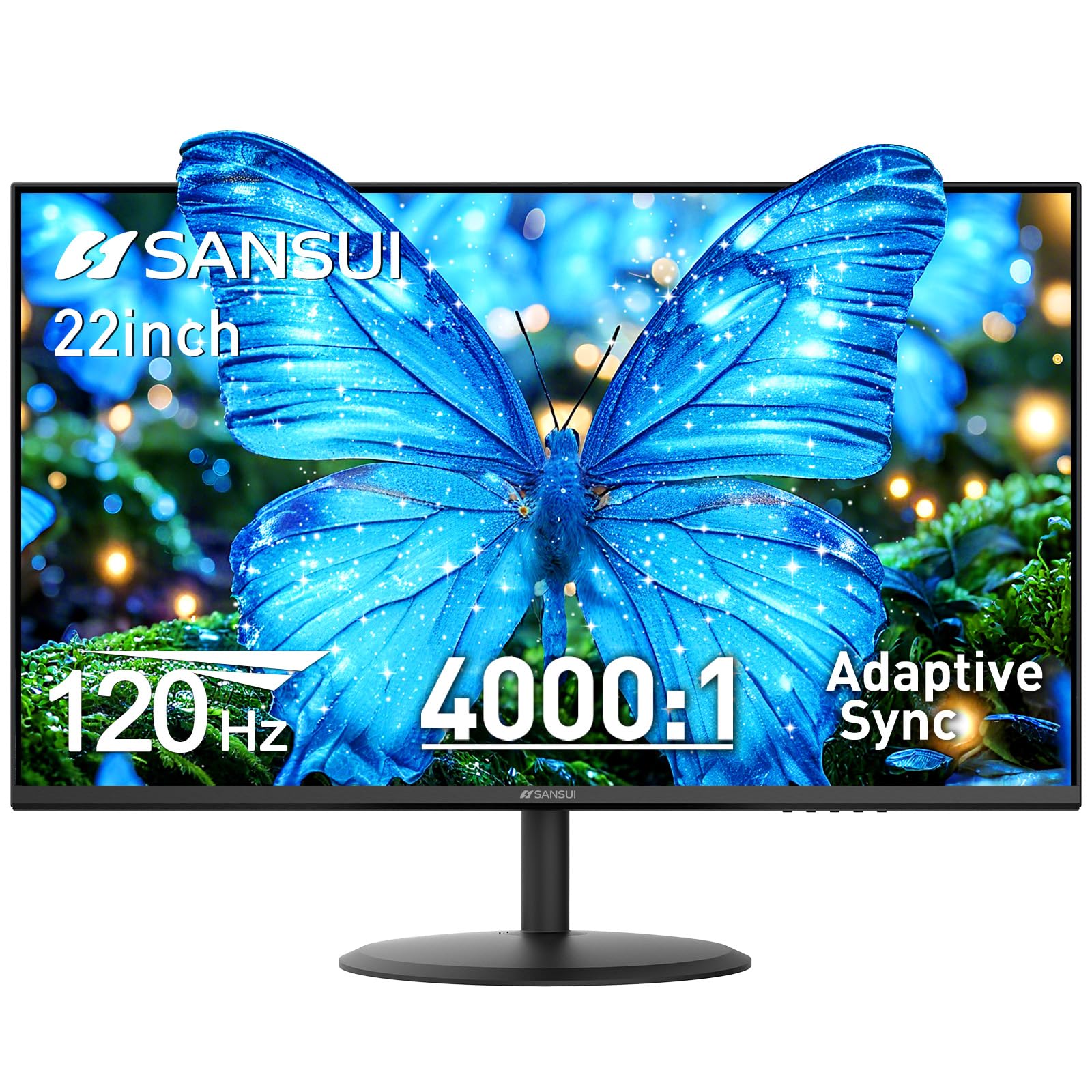
The SANSUI ES-22X3AH stands out with a 120Hz refresh rate and Adaptive Sync support, making it the smoothest option for anyone who splits time between office applications and casual gaming. The VA panel delivers a 4000:1 contrast ratio, which means deeper blacks and better shadow detail than IPS panels at this price tier. Text clarity at 1920×1080 resolution is sharp, with no visible pixel structure at normal viewing distance.
Eye comfort features include anti-flicker technology, low blue light emission, and an anti-glare coating that cuts reflections in bright rooms. Dual HDMI 1.4 ports support up to 120Hz input, and the VESA 75x75mm mounting pattern gives you flexible desk or wall placement. The tilt adjustment ranges from -5° to 22°, offering decent ergonomic range for a budget monitor. There are no built-in speakers, so plan for external audio if needed.
Build quality feels solid for the price point, and the 250 cd/m² brightness is adequate for indoor use without direct sunlight. Customer feedback consistently praises the vibrant colors and smooth motion, with several buyers noting it outperformed their expectations for the cost. The 30-day money-back guarantee and lifetime technical support add peace of mind to an already compelling package.
Why it’s great
- 120Hz with Adaptive Sync delivers tear-free motion for both work and gaming
- 4000:1 VA contrast ratio produces deep, immersive blacks
- Dual HDMI ports allow quick switching between multiple devices
Good to know
- No built-in speakers — external audio required
- VA panel viewing angles are narrower than IPS; color shifts off-axis
- Brightness at 250 nits is sufficient but not exceptional for sunny rooms
3. Lenovo L22-4e Office Monitor
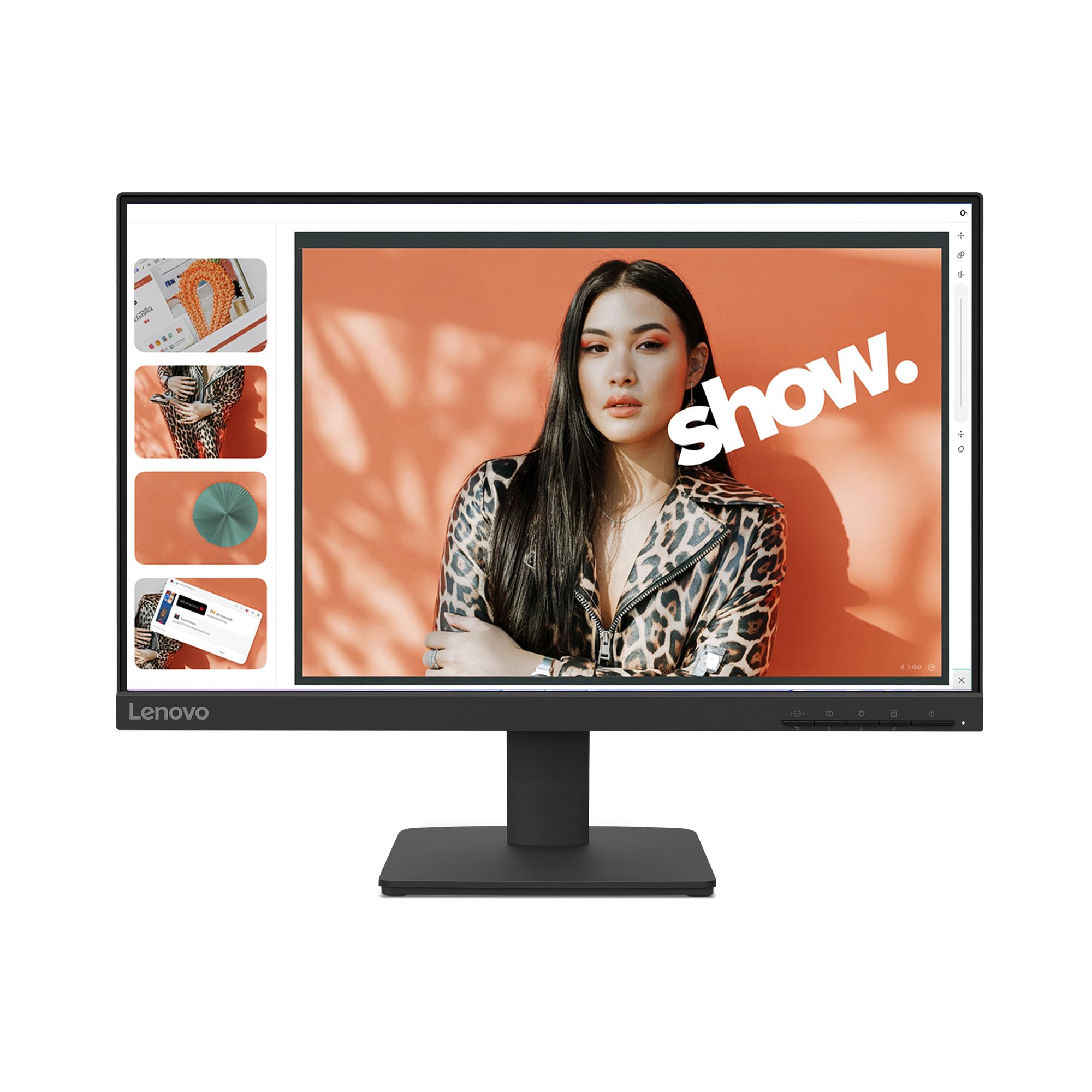
The Lenovo L22-4e pairs an IPS panel with a 100Hz refresh rate and 99% sRGB coverage, making it a strong contender for users who need accurate colors alongside smooth motion. The 1300:1 contrast ratio is respectable for IPS technology, and the 178-degree viewing angles mean you can share your screen with a colleague without losing color fidelity. The three-sided borderless design gives the monitor a modern, clean look on any desk.
Ergonomics are handled by a tilt-adjustable stand that assembles without tools, and VESA mount support (100x100mm) gives you wall or arm mounting options. The low blue light filter reduces eye strain without the yellow tint that plagues cheaper implementations. Connectivity covers HDMI and VGA inputs, which covers most modern laptops and older desktop PCs. The monitor ships in 100% recyclable paper packaging, a thoughtful sustainability touch.
Customer feedback highlights its value as a secondary monitor for home office setups, with bright, clear image quality out of the box. Some users noted the lack of built-in speakers despite misleading product descriptions, so confirm your audio setup separately. The 4ms response time in extreme mode keeps motion handling tight enough for casual gaming, though competitive players will want faster options.
Why it’s great
- IPS panel with 99% sRGB for accurate, consistent colors across wide angles
- 100Hz refresh rate improves everyday scrolling and window management
- Tool-free tilt stand and VESA mount for flexible positioning
Good to know
- No built-in speakers despite some listings implying otherwise
- HDMI-to-DisplayPort adapter may be required for certain laptop connections
- First unit quality control can vary — inspect upon delivery
4. ViewSonic VA2256-MHD 22″ IPS Monitor

The ViewSonic VA2256-MHD is a veteran in the small-monitor space, offering a 1920×1080 IPS panel with 75Hz refresh and FreeSync support at a price that undercuts most competitors. Its triple-input connectivity — HDMI, DisplayPort, and VGA — makes it the most versatile monitor for connecting to older PCs, modern laptops, and even some gaming consoles without needing adapters. The thin bezels keep the footprint minimal.
Flicker-Free technology and a Blue Light Filter reduce eye fatigue during extended sessions, and the five preset viewing modes (Game, Movie, Web, Text, Mono) let you optimize the image for whatever task you’re doing. The 250 cd/m² brightness and 1000:1 contrast ratio are standard for the class, but the IPS panel ensures that colors stay consistent even when viewed from sharp angles — a real advantage in shared workspaces.
Long-term reliability is a strong point here, with multiple customer reviews mentioning units that have been running for years without issues. The built-in speakers are basic but functional for system sounds and video calls, saving desk space from external speakers. The stand is basic with no height adjustment, but VESA compatibility lets you upgrade to a proper monitor arm for around .
Why it’s great
- IPS panel with HDMI, DisplayPort, and VGA covers nearly any source device
- FreeSync support eliminates screen tearing during casual gaming
- Proven long-term reliability with consistent positive feedback over years
Good to know
- Stand lacks height adjustment and can feel wobbly on uneven desks
- Menu navigation uses a rocker-style button that takes practice to master
- Brightness at 250 nits is adequate but not impressive for HDR content
5. Yodoit Portable Monitor 18.5″ 100Hz
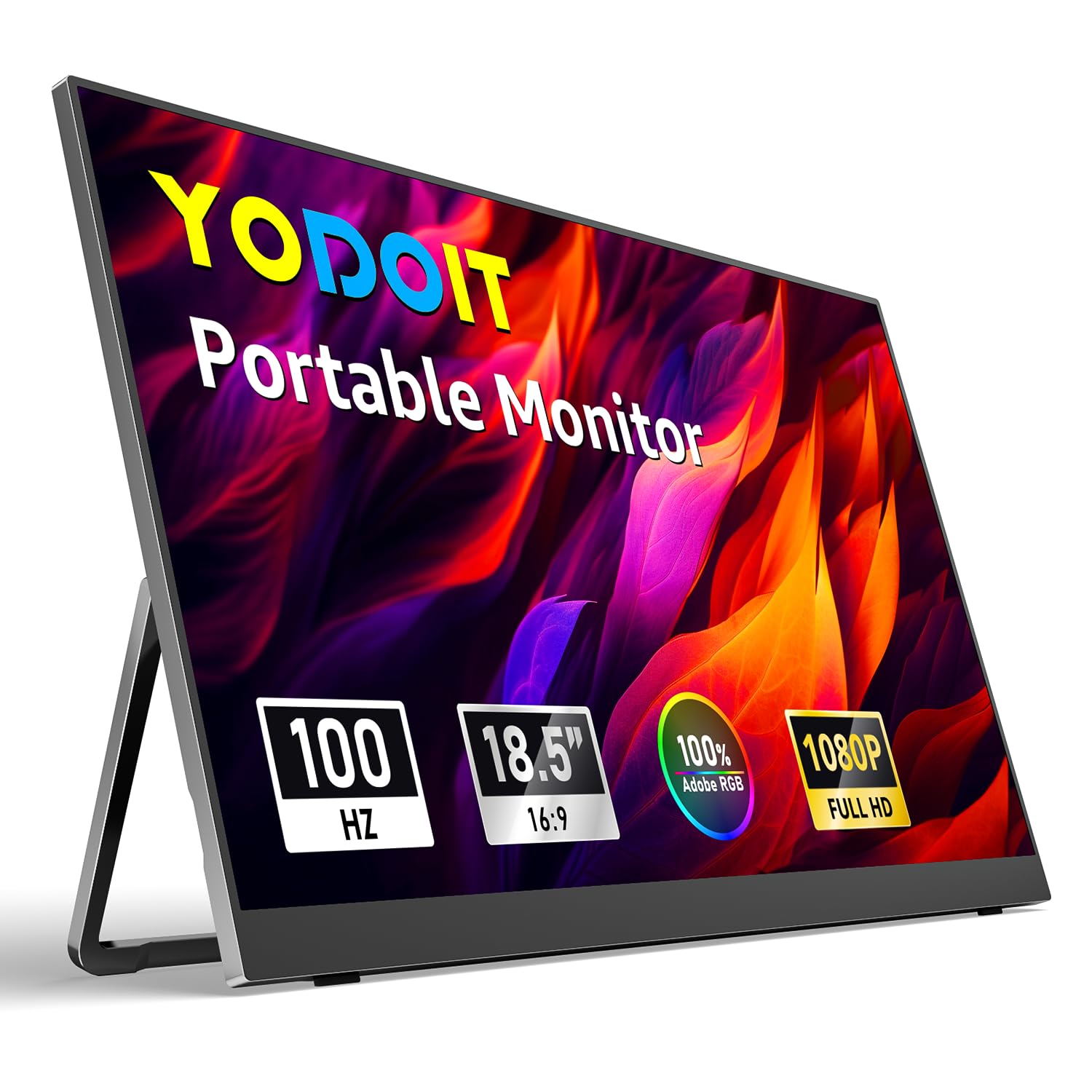
The Yodoit Portable Monitor breaks the traditional desktop mold with an 18.5-inch 1920×1080 IPS display that runs off a single USB-C cable — perfect for travelers who need a second screen for their laptop. At just 1kg and 1cm thin, it slips into a laptop bag alongside your main machine. The 100Hz refresh rate and HDR support elevate it above typical portable monitors, which often cap at 60Hz with washed-out colors.
Dual full-featured USB-C ports allow both video signal and power delivery through one cable when connected to a compatible device, keeping the desk clutter-free. The built-in dual speakers are loud enough for conference calls and casual video watching, and the integrated kickstand props the screen at multiple viewing angles. The metallic finish feels premium in the hand, and the 1500:1 contrast ratio from the IPS panel delivers solid image depth for a portable device.
Compatibility is wide — it works with laptops, PCs, Macs, smartphones with full-featured USB-C, and game consoles via HDMI. The plug-and-play nature means zero driver installation, which is critical for on-the-road setups. Customer feedback highlights its productivity boost for business travel, though some users report that the kickstand isn’t designed for vertical orientation and that no protective case is included.
Why it’s great
- Single USB-C cable handles both video and power for ultraclean travel setups
- 100Hz IPS panel with HDR outperforms most portable monitors significantly
- Ultraportable at 1kg with built-in speakers and kickstand
Good to know
- Kickstand doesn’t support vertical/portrait orientation use
- No protective case included — buy a separate laptop sleeve
- Requires full-featured USB-C port on host device; not all phones work
6. Dell E2020H 19.5″ HD+ Monitor

The Dell E2020H is the entry-level workhorse that many offices still buy in bulk, and for good reason — it’s reliable, energy-efficient, and gets the job done for basic productivity at a very low entry cost. The 1600×900 resolution on a 19.5-inch panel yields 94 PPI, which is noticeably less sharp than Full HD, but for spreadsheet work, text-based tasks, or as a secondary display, it remains functional. The TN panel delivers a 1000:1 contrast ratio with adequate brightness.
Dell’s ComfortView feature reduces blue light emissions, and the monitor is ENERGY STAR Most Efficient certified with EPEAT Gold registration, making it one of the most eco-friendly options on this list. The packaging is Styrofoam-free with at least 75% recycled cardboard. Dell Display Manager’s Easy Arrange feature lets you tile windows efficiently across multiple screens, a useful tool for productivity if you’re deploying several of these monitors.
Connectivity is limited to VGA and DisplayPort — there’s no HDMI, which means you’ll need an adapter for most modern laptops. The absence of HDMI is the most common complaint among buyers, along with the fact that the included cables don’t cover every port scenario. The stand is basic but functional, and the older TN panel means viewing angles are narrow, so you’ll want to sit directly in front of it.
Why it’s great
- Rock-solid Dell build quality with proven enterprise durability
- ENERGY Star Most Efficient and EPEAT Gold for low power consumption
- ComfortView reduces blue light without a harsh yellow tint
Good to know
- 1600×900 resolution looks soft compared to Full HD for text and images
- No HDMI port — requires VGA or DisplayPort connections only
- TN panel has poor viewing angles; color shifts when viewed off-center
7. Dell E2016H 20″ LED Monitor

The Dell E2016H is a true 20-inch LED-backlit monitor with 1600×900 resolution, aimed squarely at users who need a compact, no-frills display for basic computing or server monitoring. Its TN panel keeps costs low and response times fast, but the 1000:1 contrast ratio and 250 cd/m² brightness are merely adequate for dimly lit rooms. This is not a monitor for color-critical work or media consumption — it’s a utility screen for tasks that don’t demand visual fidelity.
Connectivity includes DisplayPort and VGA, matching the E2020H’s limitation of no HDMI. The VESA mount compatibility (100x100mm) allows for arm or wall mounting, which is helpful for space-constrained setups like server racks or kiosks. The plug-and-view setup works with most operating systems without driver downloads, and the reduced footprint compared to older Dell monitors saves a few inches of desk depth.
Customer feedback is mixed — while many praise its reliability and picture quality for the price, a notable number of users report blurry text and missing VGA cables in the box. The 60Hz refresh rate and TN panel limitations mean this is best reserved for specific utility roles rather than daily desktop computing. Given that newer Full HD options are available at similar budget tiers, this legacy model only makes sense for compatibility with older systems.
Why it’s great
- Genuine 20-inch diagonal size fits the tightest desk spaces
- VESA mount compatible for server rack or monitor arm installation
- Dell build quality with straightforward plug-and-view setup
Good to know
- 1600×900 resolution is noticeably blurry for text and fine details
- VGA cable not always included in the box; check your unit
- TN panel with 60Hz is the lowest visual experience on this list
FAQ
Is 1600×900 resolution good enough for a 20-inch monitor?
Does a higher refresh rate matter if I don’t game on my 20-inch screen?
Final Thoughts: The Verdict
For most users, the 20 inch computer screen winner is the ASUS VP227HF because it combines Full HD resolution with a 100Hz IPS panel and eye care features at a mid-range price that leaves no meaningful compromise. If you want the smoothest motion and deepest contrast for mixed gaming and office use, grab the SANSUI ES-22X3AH. And for a truly portable second screen that travels in your laptop bag, nothing beats the Yodoit Portable Monitor.