
Our readers keep the lights on and my morning glass full of iced black tea. As an Amazon Associate, I earn from qualifying purchases.
Specs are compiled from manufacturer listings and verified buyer reviews and can change over time — please confirm the key details on the product page before buying.
True 20-inch portable monitors are rare, so this guide covers the nearest sold sizes (21.5-inch and 22-inch models) that deliver the same benefit: a large display you can move between rooms or take on the road.
I’m Min — the founder and writer behind Gadgets Feed. This guide is built by comparing the manufacturers’ published specifications and the patterns across verified customer reviews, so you get each pick’s real strengths and trade-offs instead of marketing spin.
The real question is which of these five large portable screens earns the carry space in your bag. best 20 inch portable monitor options come down to color depth versus gaming speed versus true portability.
Our Picks at a Glance
How To Choose The Best 20 Inch Portable Monitor
Before you buy, know that a larger portable screen demands more power than a phone can supply. Most of these panels run at full brightness and refresh rate only with an external power source of around 30W or more, so check your laptop’s USB-C power output.
Match the resolution to your work
A 1920 x 1080 panel is perfectly sharp for email, spreadsheets, and console gaming. If you do photo editing or design work with complex charts, a 2560 x 1440 (2K) panel gives you noticeably more detail on screen, so you are not constantly zooming in and out.
Refresh rate decides gaming smoothness
Standard laptop screens run at 60Hz (meaning the image refreshes 60 times per second). A 100Hz or 120Hz panel refreshes nearly twice as often, which makes fast racing or action games look far smoother and reduces visible motion blur in scrolling.
Color gamut matters for creative work
Color gamut percentages tell you how wide a range of colors the panel can show. Higher numbers like 100% DCI-P3 or 125% sRGB mean richer reds and greens, which matters if you edit photos or video; for everyday web browsing, any of these panels will look vibrant.
Quick Comparison
| Model | Best For | Resolution | Refresh Rate | Brightness | Amazon |
|---|---|---|---|---|---|
| Newsoul 21.5″★ Best Overall | All-around value and build quality | 1920 x 1080 | 100Hz | 450 nits | Amazon |
| EVICIV 21.5″Color Rich Pick | Wide color for media | 1920 x 1080 | 100Hz | 400 nits | Amazon |
| UPERFECT 22″ 2K | Crisp detail for design work | 2560 x 1440 | 60Hz (typical) | 300 nits | Amazon |
| UPERFECT 21.5″ Touch | Touch input and smooth gaming | 1920 x 1080 | 120Hz | 350 nits | Amazon |
| ASUS ZenScreen MB229CF | Mounting flexibility near a desk | 1920 x 1080 | 100Hz | 250 nits | Amazon |
In-Depth Reviews
1. Newsoul 21.5″ Portable Monitor
Our pick — over 4.5★ from 500+ verified ratings; the strongest balance of quality and price.
The best all-rounder that pairs an 18-inch view with a 15-inch laptop without straining your carry-on.
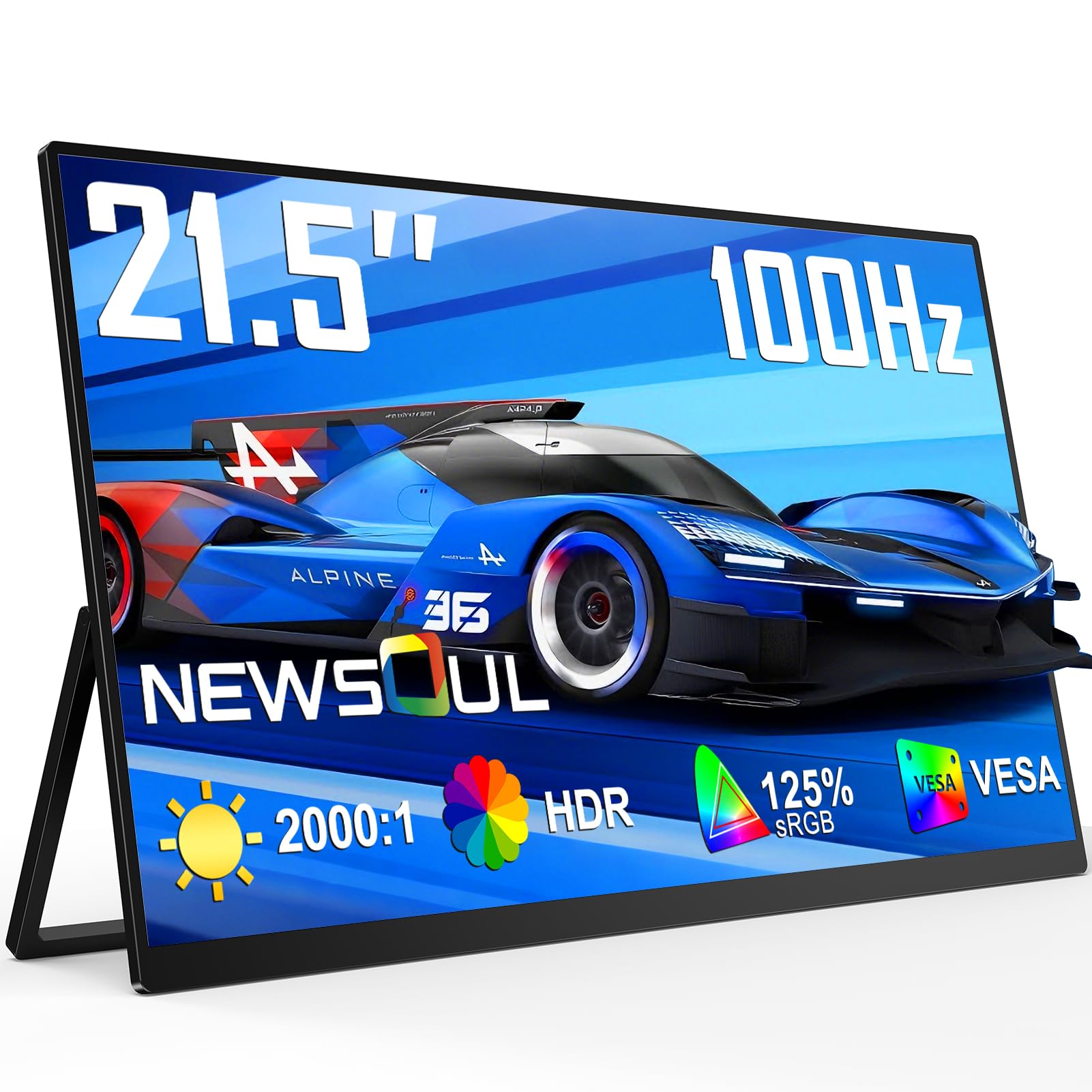
You get the best mix of brightness, color, and portability with the crowd favorite — rated 4.6 stars across 500+ owners. Owners consistently call the build well-made, and the 450-nit QLED panel (a screen type that boosts brightness and color) stays clear in well-lit rooms, so you can edit photos or stream without squinting. Its 125% sRGB wide gamut (a color range standard) makes colors look vivid right from the start.
It runs at 100Hz, which is 1.67x faster than a standard 60Hz laptop screen, so racing games and fast action video look smooth. FreeSync support (a technology that matches the screen’s refresh to your graphics card to stop tearing) plus a 0.1ms response time keeps motion blur and lag minimal. Owners pair the 21.5-inch display with a 15-inch laptop daily, calling it “thin, light, bright, clear,” and report it slips into a small carry-on suitcase.
The built-in 180° adjustable stand and VESA mount (a standard 100x100mm mounting hole pattern) let you prop it flat or upright or attach it to an arm. Setup is genuinely plug-and-play through HDMI or USB-C, and it works with laptops, phones, Switch, Xbox, and PS4/5. The adjustability gets mixed feedback — some owners find the folding stand fiddly — but for the money, the picture quality and light 16:9 frame make it the pick most people should start with.
Why owners stay happy
- Crisp, bright QLED panel owners call clear even in daylight
- 100Hz refresh makes gaming and scrolling feel fluid
- Sturdy fold-out stand plus VESA mount for flexible placement
- USB-C and HDMI plug-and-play with laptops, phones, consoles
What to watch
- Needs external power at full brightness — a laptop charger with pass-through works
- Adjustable stand earns mixed feedback from some owners
Reach for this if: you want one dependable large portable screen for work, movies, and occasional gaming without overspending.
Look elsewhere if: you need 2K sharpness for detailed design work — this stays at 1080p.
2. EVICIV 21.5″ 100Hz QLED Gaming Monitor
A cinema-grade color panel that punches above its price for media lovers who want deep reds.
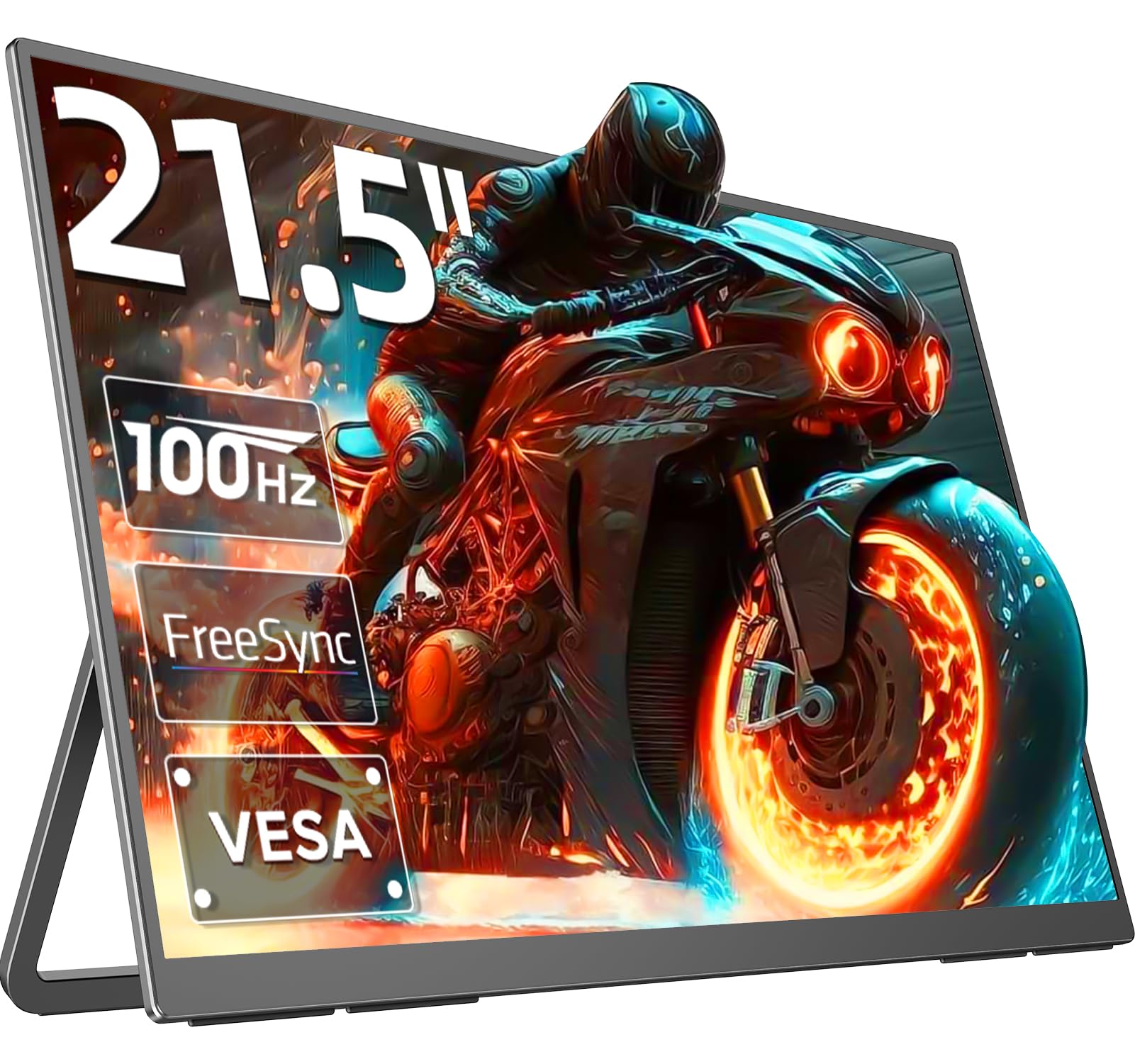
This EVICIV beats the Newsoul on color: its QLED panel covers 100% DCI-P3 (a cinematic color space), while the Newsoul covers 125% sRGB (a narrower gamut), so reds and greens look richer here — ideal for movies and color grading. Peak brightness hits 400 nits, so the image stays vivid even in brighter rooms.
Gamers get smooth, tear-free action thanks to a 100Hz refresh rate (how often the screen updates per second), a 1ms response time, and FreeSync (a tech that syncs the screen with your graphics card). Ultra-thin bezels make the 21.5-inch screen feel more rich, and the flexible bracket bends 360° and supports a VESA 100x100mm mount (4x M4*5mm screws included), so you can attach it to walls, monitor arms, or desks.
Owners find the display quality exceeds expectations and call it a steal for the price, especially when powered by the included 30W GaN adapter rather than a single USB-C cable. The honest caveats: the glossy coating picks up glare and fingerprints, it is light but too big for most backpacks, and the menu navigation feels clunky. Image quality is the most-discussed point and it is genuinely mixed — some report flawless panels while others hit defects, and one owner reported a black line appearing after three months with undeliverable seller emails. Buy this for the color, not the warranty support.
Buy it for the color: 100% DCI-P3 coverage is the standout trait here — nothing else near this price touches that cinematic gamut.
Keep in mind: an occasional unit arrives with a defect, and the seller contact route has proven unreliable for some owners.
3. UPERFECT 22″ 2K QLED Portable Monitor

The 1440p panel that keeps complex charts legible and color work honest on the road.
This is the resolution pick. At 2560 x 1440 pixels, it packs 33% more detail than the 1920 x 1080 panels above (compare it directly to the Newsoul and EVICIV), which owners say makes complex charts and spreadsheets far easier to read. Combined with 100% DCI-P3 QLED color and a 2000:1 contrast ratio, it is a genuine tool for design and photo work rather than just a second screen.
Quality is the thing everyone raves about, and the 22-inch panel draws consistent praise for its small bezels and pitch-black blacks. The 0.2-inch slim profile plus a patented 180° adjustable stand and VESA mount make it a proper travel companion, and the matte screen cuts glare in bright rooms. At 3.2 kg it is heavier than the lighter picks, so this one suits desk-to-desk moves more than backpack commutes.
Connectivity covers a mini HDMI port plus two USB-C 3.0 ports, so you can hook up a laptop, phone (including Samsung DeX mode), or gaming console. For maximum brightness the maker advises an external power source of at least 30W, which is included in the box along with two Type-C cables. Bear in mind the bare spec lists a 60Hz-class experience for typical use — this is a sharpness-first panel, not a high-refresh gaming screen.
Grab it if: your work lives in spreadsheets, documents, or design files where 1440p sharpness visibly reduces zooming.
Think twice if: you want high-refresh gaming — this prioritizes detail over speed.
4. UPERFECT 21.5″ 120Hz Touchscreen Monitor

The smoothest-feeling panel here, adding precise 10-point touch to a 120Hz gaming display.
If your workflow involves pinching, zooming, and tapping, this is the one. The 21.5-inch touchscreen responds to precise 10-point multi-touch, and owners say the touch responsiveness is what makes it stand out for scrolling documents and zooming into maps or photos. Display quality draws the most praise, with one owner noting the vibrant colors rival OLED panels.
At 120Hz, this is the fastest refresh rate of the five — beating the 100Hz Newsoul and EVICIV — so motion feels exceptionally fluid in games and long scrolling sessions. Buyers report the 120Hz refresh makes gaming smooth and reduces eye strain during long sessions. The panel runs at 350 nits brightness with a 1500:1 contrast ratio, and the built-in stand plus VESA (M4*5mm) compatibility give you flexible placement options.
The slim profile weighs just 2.9 pounds, making it genuinely travel-friendly. It connects through standard HDMI and USB-C with plug-and-play setup, so you can attach a laptop, Steam Deck, MacBook, or phone in seconds. Owners say the built-in speakers are weak and brightness drops without external power. Durability is the one mixed note — a few report dead pixel lines appearing after a few months, though the warranty support has replaced affected units.
Standout combo: 120Hz smoothness plus touch input in a 2.9-pound frame is unique in this lineup.
Fair warning: plan for external power at full brightness, and the speakers will not replace a soundbar.
5. ASUS ZenScreen MB229CF 22″ 100Hz

The desk-flex champion whose integrated handle and C-clamp arm turn any corner into a workstation.
No other pick adapts to odd spaces like this ASUS. It ships with an integrated carrying handle, a height-adjustable C-clamp arm with Z-axis adjustment, and a partition hook kit, so you can mount it on exercise bikes, doors, or table edges — one owner swears by it as a bike-mounted display. Owners praise reliability and display quality most, calling it a dependable companion for moving between a home office and other rooms.
It is a strong practical choice for one special reason: the full-function USB-C port delivers 60W of power delivery, meaning it can charge your laptop while showing your second screen through a single cable. That is the highest power delivery of the group, versus the 30W-class adapters on the others. The 100Hz refresh rate on the 21.5-inch frameless FHD panel keeps multitasking smooth, and the 2.1-channel audio with a subwoofer sounds far fuller than the weak speakers on most portable panels.
Picture quality pulls mixed feedback, though. Some owners find the display superior — even near iPad Pro quality — while others report blurry text on documents and spreadsheets, so if razor-sharp text is your priority, the UPERFECT 22″ 2K above is the safer bet. At 250 nits brightness it is the dimmest of the five, better suited to indoor desk use than sunny window seats. Owners also note it is too big for flights and arrives without a protective cover, so budget for the optional carrying case.
Why it wins fans
- 60W USB-C power delivery charges your laptop while displaying
- C-clamp, handle, and hook mounts for bikes, doors, and desks
- Clear 2.1-channel audio with a real subwoofer
- 3-year warranty with advanced replacement and repair
Where it falls short
- Text sharpness gets mixed reviews for document work
- 250 nits is the dimmest panel in this lineup
- Too large for air travel, and no case is included
Best for: anyone who wants one screen that mounts anywhere around a home office, gym, or desk and charges the laptop it serves.
Not for: precision document editing where blur-free text at 1080p is non-negotiable.
Understanding the Specs
Refresh Rate, Explained Simply
Refresh rate is how many times per second the screen redraws its image, measured in hertz (Hz). A standard laptop runs at 60Hz. A 100Hz panel like the Newsoul draws 1.67x faster, and a 120Hz panel like the UPERFECT Touch goes further still — so fast racing games and rapid scrolling look visibly smoother with less blur.
Color Gamut, Made Plain
Color gamut is the range of colors a screen can show, expressed as a percentage of a standard space. For everyday viewing any panel looks fine, but for photo or video work the gamut matters: 100% DCI-P3 (on the EVICIV and UPERFECT 22″ 2K) delivers richer reds and greens than 125% sRGB (on the Newsoul) because DCI-P3 is a wider color space to begin with.
FAQ
Why does this article include 21.5-inch and 22-inch screens when I searched for a 20-inch monitor?
Will a 21.5-inch portable monitor run on a single USB-C cable from my laptop?
Which refresh rate do I actually need for gaming on a portable monitor?
What is the difference between 1080p and 2K resolution on a portable monitor?
Can I mount these portable monitors on a wall or monitor arm?
Will a 22-inch portable monitor fit in my backpack or carry-on?
Which portable monitor has the best colors for photo editing?
Do these portable monitors have built-in speakers?
Can I use a portable monitor with my phone or game console?
How much power does a large portable monitor draw?
Final Thoughts: The Verdict
The best 20 inch portable monitor starting point is the Newsoul 21.5″ — it pairs a crisp 450-nit QLED panel with a 100Hz refresh at a price that makes it the crowd favorite. If you live in spreadsheets and design files, the UPERFECT 22″ 2K brings 1440p sharpness that nothing else here matches. And for touch input plus the smoothest motion, the UPERFECT 21.5″ Touch at 120Hz is the one to reach for.
How We Picked
We do not accept paid placement. Every pick is matched to a real buyer and a real use-case; we do not hands-on test units.
Sources & Methodology
Specifications: manufacturer listings and product documentation. Review insights: verified customer reviews, as of September 2026. Pricing: not shown on this page (it changes often); check the current price via the retailer link.
As an Amazon Associate, Gadgets Feed earns from qualifying purchases. This does not affect which products we feature.