
A 20TB NAS drive isn’t just a hard drive—it’s the storage backbone of your digital life. Choosing the wrong one can mean data loss, crippling rebuilds, or drives that throttle under multi-user demand. The market is split between enterprise-grade workhorses, specialized NAS spindles with vibration sensors, and budget options that were never designed for 24/7 operation. Every spec matters when your data is on the line.
I’m Min — the co-founder and writer behind Gadgets Feed. I’ve spent hundreds of hours analyzing workload ratings, MTBF figures, error-recovery behaviors, and real-world RAID performance across dozens of drive models to find which 20TB drives can actually sustain network storage duty without failing early.
Choosing the right 20tb nas drive requires understanding workload limits, CMR vs SMR recording, and vibration tolerance—not just raw capacity. This guide breaks down the top contenders so you can buy with confidence.
How To Choose The Best 20TB NAS Drive
Twenty terabytes is a serious investment—enough for over 500 4K movies or a decade of family photos. But capacity alone doesn’t make a drive suitable for NAS duty. You need to match the drive’s engineering to your storage environment.
CMR vs SMR: The Recording Method That Determines RAID Survival
Conventional Magnetic Recording (CMR) writes tracks that don’t overlap, making rebuilds predictable and data consistent. Shingled Magnetic Recording (SMR) overlaps tracks to boost density but can tank write performance during RAID recovery, sometimes causing the array to drop the drive entirely. For any 20TB NAS drive, CMR is mandatory—never use SMR in a RAID environment.
Workload Rate and MTBF: How Much Abuse the Drive Can Take
Workload rate (measured in TB per year) tells you the maximum data the manufacturer guarantees you can push through the drive annually. Consumer drives might rate at 55 TB/yr. Enterprise NAS drives hit 550 TB/yr. Mean Time Between Failures (MTBF) for quality 20TB drives typically ranges from 1.2 million to 2.5 million hours. Combined, these specs separate a drive that lasts three years in a 24/7 server from one that fails under sustained use.
Rotational Vibration Sensors: The Hidden Component for Multi-Bay Arrays
Placing four or more drives side by side creates mechanical vibration that degrades seek performance and can cause read errors. Drives with integrated RV sensors compensate in real time, maintaining consistent throughput. If you’re building a 4-bay or larger NAS, a drive without RV sensors will eventually show slower transfers and more error logs.
Cache Size and TLER: The Speed and Safety Mechanism
Cache sizes on 20TB drives range from 256 MB to 512 MB. Larger cache helps with burst writes, but the real RAID feature is Time-Limited Error Recovery (TLER). TLER limits how long a drive spends trying to recover a bad sector during a read. Without TLER, the drive may drop off the array in an attempt to fix itself. Every 20TB NAS drive you consider should support TLER or a vendor-equivalent feature.
Quick Comparison
On smaller screens, swipe sideways to see the full table.
| Model | Category | Best For | Key Spec | Amazon |
|---|---|---|---|---|
| MDD MAXDIGITALDATA 20TB | Mid-Range | High-capacity NAS on a budget | 20TB, 7200 RPM, 256 MB Cache | Amazon |
| UGREEN DXP4800 GT 4-Bay | Premium | High-speed NAS enclosure with modern CPU | AMD R2514, 8GB DDR4, Dual 10GbE | Amazon |
| Seagate IronWolf Pro 20TB | Premium | Reliable 24/7 multi-bay NAS performance | 20TB, CMR, 7200 RPM, 256 MB Cache | Amazon |
| Toshiba N300 20TB | Premium | Small office NAS with vibration resistance | 20TB, CMR, 7200 RPM, 512 MB Cache | Amazon |
| Seagate Exos X24 20TB | Premium | Enterprise datacenter and hyperscale NAS | 20TB, 7200 RPM, 2.5M MTBF | Amazon |
| Western Digital 20TB Red Pro | Premium | High-end multi-bay NAS with quiet operation | 20TB, CMR, 7200 RPM, 512 MB Cache | Amazon |
| Synology DS925+ 4-Bay | Mid-Range | Home and prosumer NAS enclosure | 4-Bay, Dual 2.5GbE, Diskless | Amazon |
| BUFFALO TeraStation Essentials 16TB | Mid-Range | Out-of-box NAS with drives pre-installed | 16TB (4x4TB), 2.5GbE, Drives Included | Amazon |
| WD 20TB Elements Desktop | Mid-Range | Simple external backup for large datasets | 20TB, USB 3.0, Plug-and-Play | Amazon |
| Western Digital 10TB Red Plus | Mid-Range | Entry-level NAS with smaller capacity | 10TB, CMR, 7200 RPM, 512 MB Cache | Amazon |
| Ediloca 4TB SSD | Budget | Fast cache or OS drive in a NAS | 4TB, SATA III, 450MB/s Read | Amazon |
In‑Depth Reviews
1. Seagate IronWolf Pro 20TB
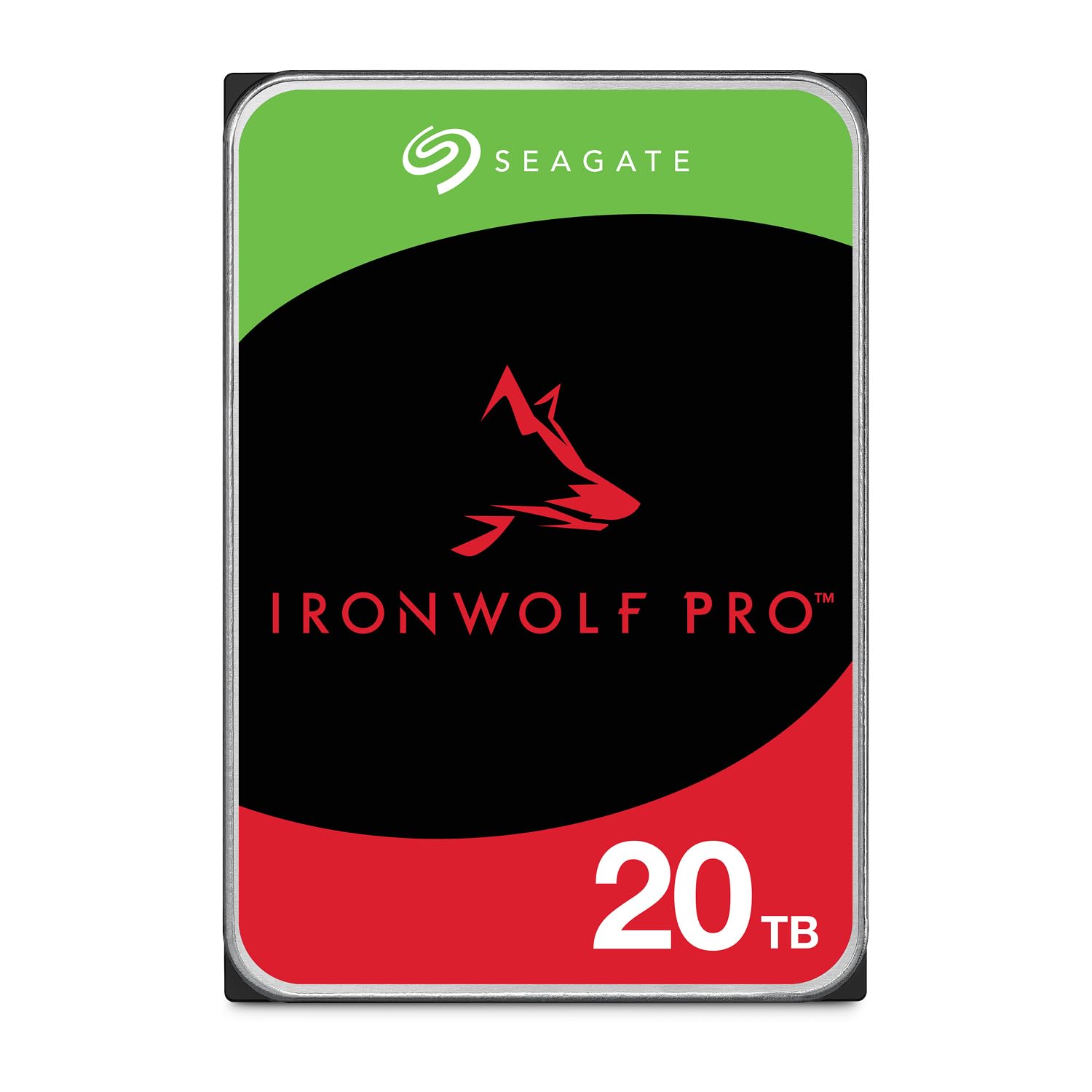
The Seagate IronWolf Pro 20TB is the benchmark for consumer and prosumer NAS storage. It uses CMR across its entire portfolio, ensuring no rebuild surprises. The drive carries a 550 TB/yr workload rating and an MTBF of 2.5 million hours, numbers that put it squarely in enterprise territory but at a price point accessible to serious home users. The 256 MB cache is paired with AgileArray firmware that includes dual-plane balancing and rotational vibration sensors, making it optimized for multi-bay environments up to 24 drives.
Real-world performance reflects the specs: sustained sequential reads hover around 260 MB/s, and the drive remains consistently responsive even when accessed by multiple users streaming media simultaneously. The included 3-year Rescue Data Recovery Service is a tangible value-add that competitors don’t match—if the drive fails, Seagate attempts to recover your data at no additional cost. Operating temperature tops out at 65°C, and the drive draws a measured 7.7W during active reads.
Some users have reported longer-than-expected RMA turnaround times from Seagate’s support team, particularly when replacements are incorrectly shipped as non-Pro models. However, the drive itself earns near-universal praise for its quiet operation and reliable RAID performance, with multiple reviewers noting five years of trouble-free service. If you want a single 20TB drive that can anchor your NAS for years without drama, this is it.
Why it’s great
- Class-leading 550 TB/yr workload rating with 2.5M hours MTBF
- RV sensors and TLER support for stable multi-bay RAID arrays
- Free 3-year Rescue Data Recovery service included
Good to know
- Seagate customer support can be slow during RMA replacement
- Slightly higher price per TB than some mid-range alternatives
2. Seagate Exos X24 20TB

The Seagate Exos X24 20TB is designed for hyperscale data centers where cost per terabyte and latency consistency are critical. It uses enhanced caching for repeatable response times, and the 2.5 million-hour MTBF is backed by a 5-year limited warranty. This drive is built to sustain heavy sequential workloads in dense architectures where rack-space efficiency directly impacts the bottom line. Sustained transfer rates reach 285 MB/s, making it one of the fastest 20TB mechanical drives available.
While the Exos X24 is technically a nearline enterprise drive, it works well in premium NAS enclosures that can handle the slightly higher power draw and acoustic profile. The drive supports TLER, which is essential for RAID arrays, and the 20TB capacity allows you to max out a 4-bay enclosure at 80TB using four drives. The bare drive format means you need to supply your own mounting hardware and cables. Performance consistency across random and sequential workloads is exceptional, with no throttling even during extended multi-hour writes.
The primary downside is the price point, which sits at the top of the 20TB range around . There have been isolated reports of drives arriving DOA, and because the warranty period is tied to the serial number, buying from third-party sellers carries some risk of receiving older stock. However, users who get a functional unit report flawless performance over months of continuous operation with temperatures well within spec as long as there is adequate case airflow. This is the drive for buyers who want enterprise reliability and are willing to pay for it.
Why it’s great
- Highest MTBF in class at 2.5 million hours
- Sustained sequential throughput at 285 MB/s
- 5-year limited warranty for long-term peace of mind
Good to know
- Premium price reflects enterprise-grade engineering
- Some users report DOA units requiring immediate replacement
3. Toshiba N300 20TB

The Toshiba N300 20TB targets small office and home office NAS setups with a 7200 RPM CMR design and a generous 512 MB cache. It carries a 180 TB/yr workload rating and includes integrated rotational vibration sensors to compensate for vibration in multi-drive enclosures. In benchmarks, the drive achieves sequential reads of around 260 MB/s and operates with a consistent 5.56 ms average latency, making it nearly equivalent to the IronWolf Pro in raw speed while running several decibels quieter.
Toshiba’s reputation for reliable enterprise hardware is evident in the N300’s construction. Users running 5-drive RAID arrays report temperatures comparable to older WD Red drives and noise levels low enough to sit next to a desk without distraction. The drive supports Native Command Queuing (NCQ) for efficient handling of mixed read/write workloads, and the large 512 MB cache helps absorb write bursts during file copies and backups. One user noted that after two years of continuous NAS use, a single drive failed but the replacement was seamless and RAID rebuilt without issue.
The main concern with the N300 is warranty verification. Several users reported that the Toshiba warranty portal showed “NO WARRANTY” for drives purchased through large retailers, though similar issues exist with other manufacturers. The drive is also slightly more expensive per terabyte than some of its Seagate competitors. However, the combination of quiet acoustics, cool operation, and ample cache makes the N300 a compelling option for anyone building a dedicated Plex server or file storage NAS in a living space.
Why it’s great
- Large 512 MB cache improves burst write performance
- Quiet and cool operation suitable for home office environments
- RV sensors maintain RAID performance in multi-drive setups
Good to know
- Warranty status can be unclear depending on purchase source
- Workload rating (180 TB/yr) is lower than Seagate Pro and Exos options
4. Western Digital 20TB Red Pro

The Western Digital 20TB Red Pro sits at the top of the consumer NAS stack with a 550 TB/yr workload rating, a 512 MB cache, and support for unlimited-bay RAID environments. It uses CMR recording and includes WD’s NASware firmware that optimizes for multi-user 24/7 operation. Sequential reads come in at approximately 270 MB/s in USB 3.0 enclosures, and the drive’s acoustic profile is remarkably quiet—often described as near-silent even in 5-drive arrays. The 20TB Red Pro is engineered for the medium-to-large NAS where reliability and consistent performance are non-negotiable.
User experiences over three years show a pattern of solid performance without failure. One reviewer noted that a 6TB Red Pro ran constantly for three years with zero errors, even surviving accidental USB disconnects. The 20TB units have been reported to be similarly durable. WD’s extensive testing with major NAS vendors means compatibility is rarely an issue. The drive’s thermal behavior is well-managed, and its power consumption is competitive given the capacity. The primary recommendation from power users is to purchase from batches with different manufacturing dates to reduce correlated failure risk in arrays.
The biggest drawback is the price, which is the highest of any 20TB NAS drive in this roundup at nearly . Additionally, some users received gray-market units that didn’t carry WD’s manufacturer warranty, requiring returns and exchanges. The drive itself, however, earns consistent praise for being the “Rolls Royce” of NAS storage—silent, reliable, and massive in capacity. If your budget stretches to this tier and you’re building a long-term storage solution, the Red Pro justifies its cost through sheer longevity.
Why it’s great
- Highest workload rating (550 TB/yr) in consumer NAS segment
- Remarkably quiet operation for a high-capacity 7200 RPM drive
- Unlimited-bay support for growing NAS enclosures
Good to know
- Most expensive 20TB NAS drive in the current market
- Gray-market units from third-party sellers may lack warranty coverage
5. MDD MAXDIGITALDATA 20TB

The MDD MAXDIGITALDATA 20TB drive offers the lowest entry point for 20TB NAS storage at around . It features a 7200 RPM spindle, a 256 MB cache, and a SATA 6 Gb/s interface. The drive is marketed for hyperscale and cloud data center applications, though its real-world use case centers on budget NAS builds where capacity per dollar is the primary concern. Several users reported that the drives formatted and performed well in Synology and other consumer NAS enclosures, with temperature and speed comparable to WD Red drives.
The value proposition here is aggressive: roughly half the cost of the Seagate IronWolf Pro for the same raw capacity. The drive comes with a 5-year warranty, which adds confidence given the lower price. In testing, the MDD drive delivered acceptable sequential read speeds in line with standard 7200 RPM enterprise drives. Users running RAID configurations noted successful rebuilds and stable long-term operation. The drive does require formatting before detection in most systems, and the bare-drive packaging means you’ll need your own mounting hardware.
The trade-offs are notable. Some reviewers discovered that the drive carries NAS firmware that can prevent it from being detected as a standard desktop internal drive—Linux users reported “Input/output error” when attempting to format in a PC without appropriate NAS software. The brand is less established than Seagate, Toshiba, or WD, so long-term reliability data is sparse. Incompatibility reports with certain desktop motherboards suggest this drive should be reserved for dedicated NAS enclosures. Still, for the price, it’s a gamble that many users have found pays off.
Why it’s great
- Unbeatable price-per-terabyte for a 20TB drive
- 5-year warranty provides coverage beyond most competitors
- Performance matches WD Red drives in NAS environments
Good to know
- NAS firmware can make the drive incompatible with standard desktop PCs
- Brand lacks the long-term reliability data of Seagate or WD
6. UGREEN DXP4800 GT 4-Bay
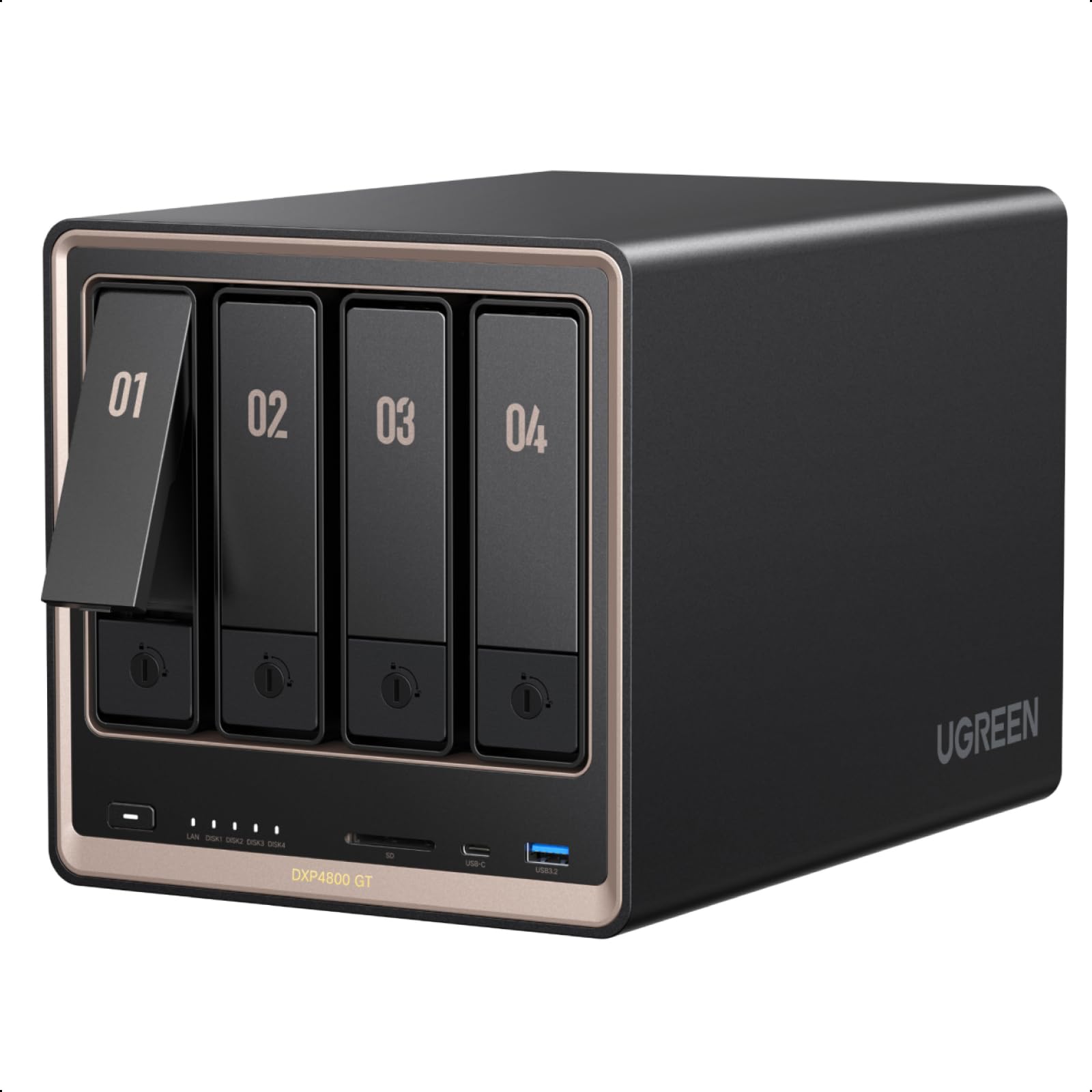
The UGREEN DXP4800 GT is a 4-bay NAS enclosure built around an AMD Ryzen Embedded R2514 processor (4 cores, 8 threads, up to 3.70 GHz). It comes with 8 GB of DDR4 RAM expandable to 64 GB, dual 10GbE ports, and two M.2 NVMe slots for caching. This is a diskless system, meaning you supply your own drives, but the hardware platform supports up to 144 TB total when maxed out with 32TB SATA drives plus NVMe. The aluminum chassis and tool-less drive caddies make installation straightforward.
UGREEN’s UGOS Pro software provides a clean interface with support for Docker, virtual machines, surveillance, and multimedia applications like Plex and Emby. The dual 10GbE ports deliver real bandwidth for multi-user editing and backup workflows—with Link Aggregation, theoretical throughput reaches 2.5 GB/s. Users consistently praise the build quality and the freedom to run third-party operating systems like TrueNAS or Unraid without voiding the warranty. The CPU is powerful enough for smooth 4K transcoding and running multiple Docker containers simultaneously.
The biggest limitation is the ecosystem maturity. UGOS Pro is functional but still lags behind Synology’s DiskStation Manager in feature depth and third-party app availability. Some users opted to replace the OS entirely. The chassis can transmit vibration to drives in the sleds, requiring foam stripping for full noise isolation. But for the price—around —the hardware is exceptional. If you’re planning to fill a NAS with 20TB drives and want fast networking, the DXP4800 GT offers the best hardware platform for the money.
Why it’s great
- Dual 10GbE ports provide serious network bandwidth for large file transfers
- AMD Ryzen CPU with upgradable RAM handles Docker and VMs easily
- Works with standard OS installations like TrueNAS and Unraid
Good to know
- Default UGOS Pro software is still maturing compared to Synology’s DSM
- Some vibration noise transmitted from chassis to drive sleds
7. Synology DS925+ 4-Bay
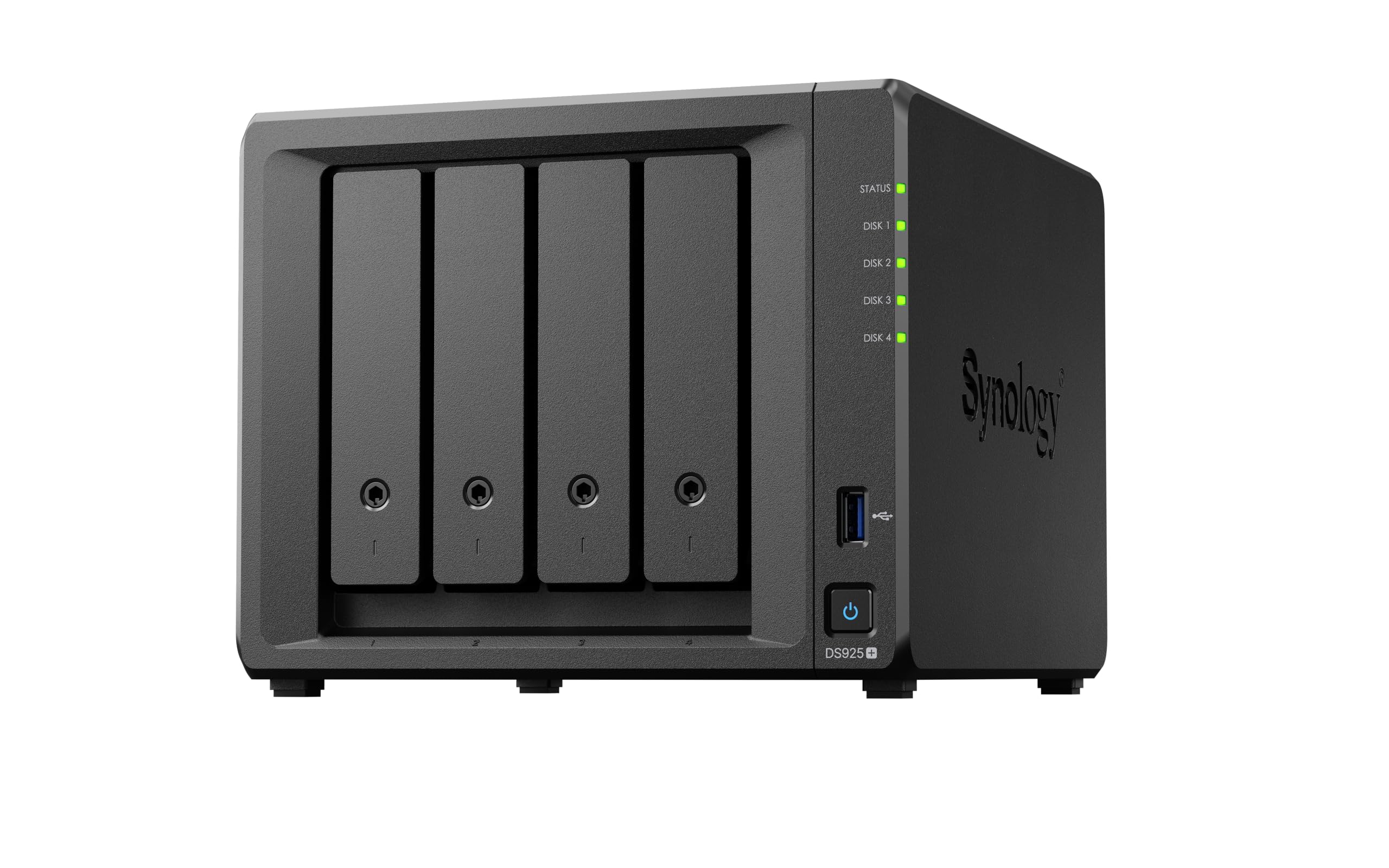
The Synology DS925+ is a 4-bay diskless NAS that has become the default choice for home users and professionals who prioritize software experience. It delivers sequential read/write throughput of up to 522/565 MB/s over its dual 2.5GbE ports. The metal-and-plastic chassis is compact but holds four drives in tool-less caddies. The DS925+ supports drives on Synology’s official compatibility list, though recent firmware updates have relaxed the restrictions on third-party drives.
Synology’s DiskStation Manager (DSM) is widely regarded as the most polished NAS operating system available. It offers built-in file and photo management, data protection, virtualization, and a surveillance station. Users upgrading from older DS units report seamless drive migration and easy DSM version upgrades. The DS925+ handles SHR-1 configurations effortlessly, allowing mixed-drive sizes with minimal wasted space. The dual 2.5GbE ports provide a meaningful speed upgrade over the older 1GbE standard without requiring expensive 10GbE switches.
Some users have reported that NVMe slots in the DS925+ only support Synology-branded drives, though third-party workarounds exist via open-source scripts. The unit can be loud under load, and the included power supply may cause compatibility issues with non-Synology RAM. Additionally, Synology’s push toward proprietary drives for advanced features has frustrated some longtime customers. Still, for pure software experience and ecosystem maturity, the DS925+ remains the gold standard for a 4-bay NAS enclosure.
Why it’s great
- DSM software is the most user-friendly and feature-rich NAS OS available
- Dual 2.5GbE ports deliver meaningful speed improvements over 1GbE
- Seamless drive migration and upgrade path from older Synology models
Good to know
- NVMe slots primarily support Synology-branded SSDs
- Can be loud under load, and RAM upgrade requires specific ECC modules
8. BUFFALO TeraStation Essentials 16TB

The BUFFALO TeraStation Essentials is a 4-bay desktop NAS that ships with four pre-tested 4TB hard drives already installed. It comes pre-configured in RAID 5 for 12 TB usable capacity out of the box, with the option to reconfigure to RAID 0 (16 TB) or RAID 6 for extra redundancy. The unit features a native 2.5GbE port for high-speed file transfers, 256-bit AES drive encryption, and cloud integration with Amazon S3, Dropbox, Azure, and OneDrive. It’s designed as a closed system for users who want storage without building it themselves.
Setup is genuinely plug-and-play. Users report that the initial RAID configuration completes quickly, and the device is accessible from multiple Windows 11 PCs within minutes. The TeraStation’s management dashboard is more responsive than older Buffalo models, and the built-in backup tools include both local and cloud replication options. The 3-year warranty covers both the NAS unit and the hard drives, with 24/7 US-based support—a significant advantage for users uncomfortable with self-diagnosing storage issues. The drives included are 5400 RPM spindles, which is adequate for file sharing and backups but not ideal for high-IO workloads like virtualization.
The main limitation is the 16 TB total capacity in a 4-bay enclosure, which limits future expansion without replacing existing drives. The 5400 RPM drives are slower than the 7200 RPM drives you’d buy separately for a custom build. The online-only manual and drivers that require a local install for initial setup can be friction points. However, the TeraStation delivers on its promise: reliable, out-of-the-box NAS storage with minimal hassle. It’s the easiest path if you need a NAS working today and don’t want to research drives.
Why it’s great
- Drives pre-installed and RAID pre-configured for immediate use
- 3-year warranty covers both unit and drives with US-based support
- Native 2.5GbE port for faster transfers than older Buffalo models
Good to know
- 5400 RPM drives limit performance for demanding tasks
- Only 16 TB maximum capacity without replacing drives
9. WD 20TB Elements Desktop

The WD 20TB Elements Desktop is an external USB 3.0 drive that offers a single-cable plug-and-play storage solution for users who need massive capacity without opening a computer case or configuring a NAS. It connects via USB 3.0 and is pre-formatted for Windows 10 and later, with reformatting required for macOS. The aluminum enclosure is compact for its capacity, standing vertically with a small footprint that doesn’t crowd a desk. Transfer rates are solid for a single-drive external unit, with users reporting smooth speeds for large file transfers.
WD’s reputation for reliability extends to the Elements line. Professional data recovery specialists often recommend WD over other consumer brands, noting that while all consumer drives have failure rates, WD drives generally fail less frequently. The drive runs cool and quiet, with several users noting it’s easy to forget it’s powered on. The 20TB capacity makes it an ideal target for nightly backups from a NAS, video editors moving project archives off their workstation, or as a dedicated media library for a Plex server connected to a USB port on a router.
The Elements is not a NAS drive—it lacks TLER support, RV sensors, and the firmware optimizations needed for 24/7 RAID operation. Transfer speeds over USB 3.0 cap out around the drive’s mechanical limits (typically 160-200 MB/s), which is slower than an internal SATA connection. The 1 Megabits Per Second data transfer rate listed in the specs appears to be an error; real performance is typical for a 7200 RPM USB 3.0 external drive. For a simple, reliable external backup, it’s hard to beat, but it should not be your primary NAS drive.
Why it’s great
- Truly plug-and-play for Windows with no setup required
- Compact vertical design with a minimal desk footprint
- WD’s track record for reliability in consumer external drives
Good to know
- Not designed for 24/7 RAID operation or multi-user NAS use
- Requires reformatting for macOS compatibility
10. Western Digital 10TB Red Plus

The Western Digital 10TB Red Plus continues the legacy of the Red line as the go-to entry for NAS-specific storage. It uses CMR recording, features a 512 MB cache, and spins at 7200 RPM. The drive is rated for an 180 TB/yr workload and supports up to 8-bay NAS enclosures. Its NASware firmware ensures compatibility with popular NAS systems, and the drive benefits from TLER for stable RAID operation. This is a proven, mature product that has been the baseline for small NAS builds for years.
User feedback highlights the drive’s quiet operation and reliable RAID performance. The TLER feature prevents unnecessary array drops during recovery—a common failure point with desktop drives pressed into NAS service. Power draw and temperatures are low enough to run without aggressive cooling. The 10TB capacity is a compromise for users who want 20TB but need to start smaller or maintain shorter RAID rebuild times. Two of these in a RAID 1 mirror gives you 10TB of redundant storage at a budget-friendly entry point.
The Red Plus is limited by its capacity and workload rating compared to the 20TB drives on this list. At 10TB, it’s not a 20TB NAS drive, so it doesn’t directly compete for the capacity-focused buyer. But for a smaller RAID build where 20TB total is sufficient (e.g., two 10TB drives in RAID 0, or four in RAID 5/6 for 20-30TB usable), the Red Plus is a cost-effective choice. The 3-year warranty is shorter than some competitors, but the track record of WD Red drives is well-established.
Why it’s great
- Proven CMR recording for reliable RAID rebuilds
- Low power consumption and quiet operation
- NASware firmware ensures broad NAS compatibility
Good to know
- 10TB capacity requires multiple drives to reach 20TB usable
- 3-year warranty is shorter than some premium alternatives
11. Ediloca 4TB SSD
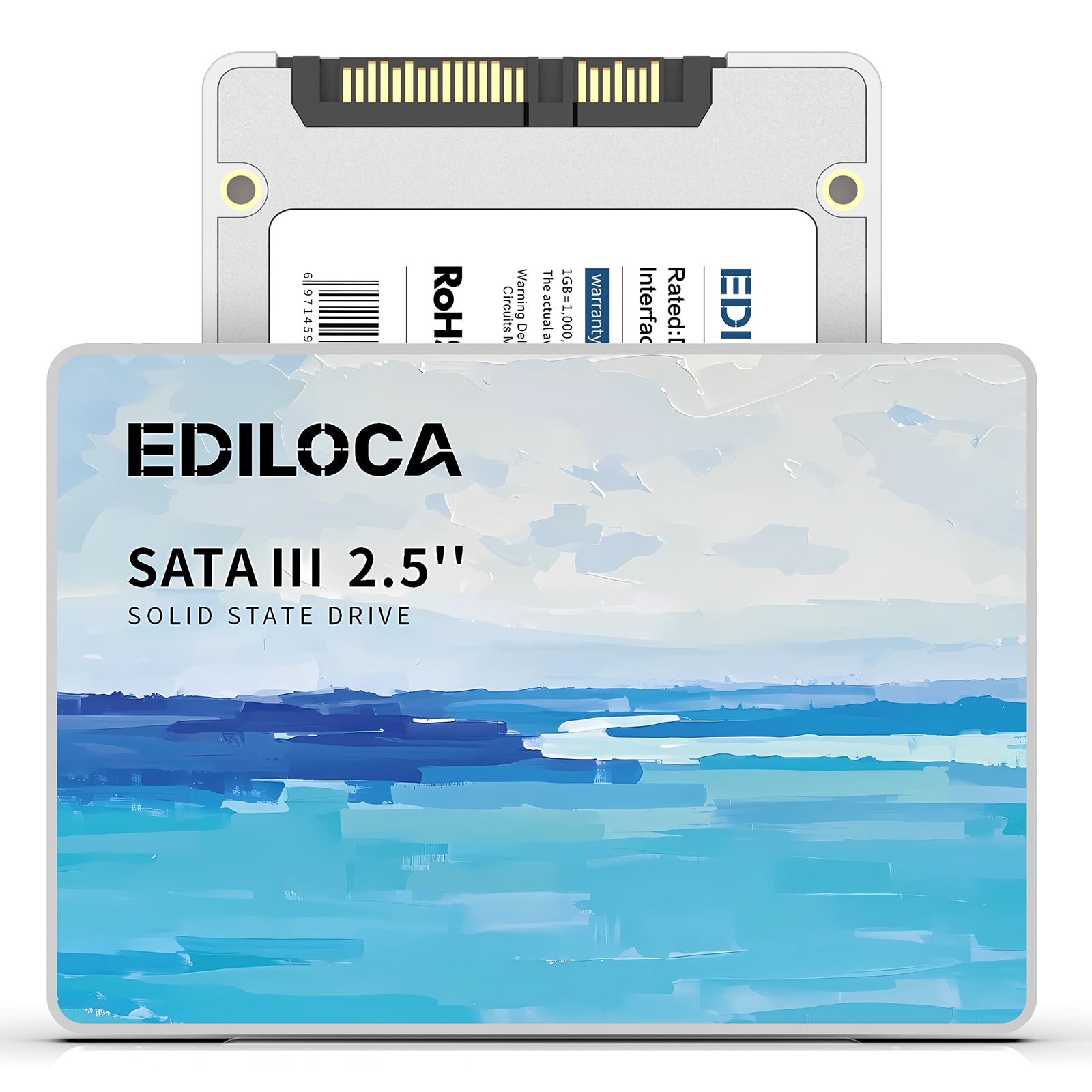
The Ediloca 4TB SSD is a 2.5-inch SATA III solid-state drive that can serve as a fast cache or OS drive within a NAS environment. It uses 3D QLC NAND flash and supports read speeds up to 450 MB/s with write speeds up to 400 MB/s. This drive is shock-resistant (1500G/0.5ms) and drop-proof (1.2m), making it durable for laptop use as well. The 4TB capacity is sufficient for a dedicated application volume or as a write-back cache for a slow HDD array in a NAS that supports hybrid storage tiers.
Users who have installed this drive in laptops report significant speed improvements over traditional HDDs, with faster boot times and quicker game loading. The drive is plug-and-play with Windows 10/11, macOS 10.4+, and Linux 2.6.33+, and is compatible with NAS systems that accept 2.5-inch SATA drives. The 3D QLC NAND provides a balance of density and performance for users who need large capacity at a low cost per gigabyte. The 3-year warranty offers basic coverage while keeping the price accessible.
The Ediloca is not a 20TB NAS drive—it’s a 4TB SSD with a different use case entirely. Performance with large game installations has been criticized as too slow for modern AAA titles, and QLC NAND typically has lower write endurance than TLC or MLC alternatives. The drive’s sustained write speeds can drop significantly once the SLC cache fills. In a NAS context, it’s best used as a cache pool or metadata volume, not primary storage. For users who need to accelerate their 20TB HDD array with a fast tier, this could be a cost-effective companion, but as a standalone NAS drive, it’s out of its depth.
Why it’s great
- Large capacity for a SATA SSD at a budget-friendly price point
- Compatible with NAS systems for cache or OS drive duties
- Shock-proof and drop-proof design adds durability
Good to know
- QLC NAND has lower write endurance than TLC or MLC SSDs
- Too slow for large modern game installations
FAQ
Can I use a desktop 20TB drive in my NAS instead of a dedicated NAS drive?
How much usable capacity will I get from a 20TB drive in RAID 5 or RAID 6?
What is the difference between CMR and SMR, and why does it matter for a 20TB NAS drive?
Is a 5400 RPM 20TB drive slow for a NAS, or is it fine for media streaming?
Can I mix 20TB drives with smaller drives in the same NAS, or do they all need to match?
Final Thoughts: The Verdict
For most users, the 20tb nas drive winner is the Seagate IronWolf Pro 20TB because it combines enterprise-grade workload ratings (550 TB/yr), CMR recording, RV sensors, and a free 3-year data recovery service at a price that undercuts the WD Red Pro. If you want the highest raw speed and enterprise reliability, grab the Seagate Exos X24 20TB. And for a budget-conscious build where capacity matters most, nothing beats the value of the MDD MAXDIGITALDATA 20TB.