
Our readers keep the lights on and my morning glass full of iced black tea. As an Amazon Associate, I earn from qualifying purchases.
Specs are compiled from manufacturer listings and verified buyer reviews and can change over time — please confirm the key details on the product page before buying.
You want the short answer before you buy: the WD_Black SN7100 is the one most people should put in their cart. It pairs a 7,250 MB/s read speed (how fast it pulls data out of the drive) with the cool, low-power running that laptops and handhelds actually need. Everything below sorts the nine drives that matter by what they do best, so you can match one to your machine instead of guessing.
I’m Min — the founder and writer behind Gadgets Feed. This guide is built by comparing the manufacturers’ published specifications and the patterns across verified customer reviews, so you get each pick’s real strengths and trade-offs instead of marketing spin.
Before you buy, check two things: that your slot is a 2280 (the 80mm-long size) and that your board supports the generation of the drive. Here is the plain-English breakdown of the 2280 m.2 nvme ssd market, with the real trade-offs spelled out for each pick.
Our Picks at a Glance



How To Choose The Best 2280 M.2 NVMe SSD
An M.2 NVMe SSD is a stick of flash memory about the size of a stick of gum that slots straight into your motherboard — no cables, no mounting bracket. The three numbers that decide whether it works and how fast it feels are the form factor, the PCIe generation, and the rated read speed. Get those right and the rest is preference.
Confirm the 2280 size before anything else
The 2280 is simply the length: 22mm wide by 80mm long. Shorter drives exist (2230, 2242, 2260), and they will not line up with the mounting screw hole on a board built for 2280. Check your manual or the silkscreen label next to the slot. If it reads M.2 2280, you are set.
Know your PCIe generation
A Gen4 drive in a Gen3 slot still works, but it runs at Gen3 speed — you simply do not get the higher headline figure. Gen4-capable boards are needed to see the 5,000 to 7,450 MB/s reads on this list. If your machine is older, a budget Gen4 drive can still be the right buy because you will replace the drive long before you replace the board.
Read speed versus what you actually notice
Sequential read speed (the big MB/s number) matters most when you move large files — video, game installs, big archives. For booting Windows and opening apps, random performance and a modest cache matter more than the headline. A 5,000 MB/s drive and a 7,450 MB/s drive feel near-identical for everyday clicking and typing.
Single-sided, heat, and the thin-laptop problem
Thin laptops sometimes only fit a single-sided drive — chips on one face only, nothing on the back. If your machine is tight, a double-sided drive can press against the lid. Look for a low-profile label or a graphene-coated design, and check whether your board has a heatsink built in.
Quick Comparison
| Model | Best For | Capacity | Interface | Rated Read | Amazon |
|---|---|---|---|---|---|
| WD_Black SN7100 1TB★ Best Overall | Best overall pick | 1 TB | PCIe Gen4 NVMe | 7,250 MB/s | Amazon |
| Kingston NV3 1TBBest Value | Best value 1TB | 1 TB | PCIe 4.0 Gen 4×4 | 6,000 MB/s | Amazon |
| TEAMGROUP MP44L 500GBBest Budget | Best budget starter | 500 GB | PCIe Gen 4×4 | 5,000 MB/s | Amazon |
| BIWIN Black Opal NV7400 1TB | Fastest 1TB on a budget | 1 TB | PCIe Gen4 x4 | 7,450 MB/s | Amazon |
| Acer Predator GM7 1TB | Best for PS5 and gaming | 1 TB | PCIe 4.0 Gen4 x4 | 7,400 MB/s | Amazon |
| Samsung 990 PRO 2TB | Best premium pick | 2 TB | PCIe 4.0 | 7,450 MB/s | Amazon |
| WD Blue SN5100 2TB | Best 2TB capacity | 2 TB | PCIe Gen 4.0 | 7,100 MB/s | Amazon |
| Crucial E100 1TB | Reliable budget upgrade | 1 TB | PCIe Gen4 | 5,000 MB/s | Amazon |
| WD Green SN3000 500GB | Best for older laptops | 500 GB | PCIe Gen4 | 5,000 MB/s | Amazon |
In‑Depth Reviews
1. WD_Black SN7100 1TB NVMe SSD
Our pick — over 4.5★ from 6,000+ verified ratings; the strongest balance of quality and price.
The gaming stick that boots in a blink and stays cool enough for a handheld.
The headline number here is 7,250 MB/s read — the rated speed for pulling large files off the drive. Against the TEAMGROUP MP44L 500GB, that is roughly a two-to-one gap on read, because the MP44L tops out at 5,000 MB/s read and 3,700 MB/s write. The board behind it is next-generation TLC 3D NAND (three-layer flash memory) on a PCIe Gen4 interface, which is what lets it move big files without stalling.
What wins people over is the way it stays composed under real workloads. A 5,000-file folder copies in seconds rather than minutes in a fast external enclosure, and the drive runs quiet and only moderately warm in a laptop. The clone process is painless too — buyers report a full C: drive needing a manual reinstall instead of a simple copy being the rare exception.
The trade-off, and it is worth naming plainly: the drive is built for laptops and handhelds first. If you are stuffing a full-size desktop tower and want the absolute fastest drive for large transfers, the Samsung 990 PRO 2TB and the Acer Predator GM7 1TB lead on capacity and peak read. The SN7100 was also replaced by Sandisk’s newer generation. That makes it a last-generation part — still excellent, still fast, and quietly good value because of it. As owners put it: “Excellent WD sn7100 nvme ssd 2tb. Great price and delivered early. Took 20 minutes to clone my c drive and now i have plenty of room for games.”
Why it takes the top slot
- 7,250 MB/s read and 6,900 MB/s write — the second number is what keeps big copies from stalling
- Built for laptops and handhelds first, so it runs cool and draws little power from the battery
- Next-generation TLC 3D NAND and PCIe Gen4 interface handle heavy game and file loads cleanly
- WD_BLACK Dashboard software (Windows only) for firmware and monitoring
Worth knowing before you click
- This generation has been replaced by Sandisk’s newer Optimus GX 7100 — you are buying proven-but-not-latest
- Top speeds assume a Gen4 slot; a Gen3 board will leave some of that 7,250 MB/s on the table
Reach for this if: you want a fast, cool-running drive for a laptop, handheld, or small-form desktop and prefer proven reliability over the newest part number.
Look elsewhere if: you need a 2TB-or-larger capacity today, or your board is Gen3 and you want every last MB/s to actually count.
2. Kingston NV3 1TB M.2 2280 NVMe SSD
The one to grab when you want a fast Gen4 1TB without paying the premium-sticker tax.
If you are shopping on price-per-gigabyte and want a real PCIe 4.0 Gen 4×4 drive, the NV3 1TB is the obvious first stop. It reads at up to 6,000 MB/s and writes at 4,000 MB/s, which sits between the budget 5,000 MB/s drives and the top-tier 7,450 MB/s sticks. Kingston is one of the best-known names in this category, and that shows in the volume of reviews behind it — this is a drive that has been installed in an enormous variety of machines.
What wins people over is the value picture. It beats a hard drive by a wide margin, handles large video and music libraries comfortably, and includes Acronis cloning software for moving your existing Windows install over. Its low-power design also matters in a laptop — less energy going to the storage is more left for the rest of the machine.
Be honest about the trade-offs. It is a Gen4x4 drive (PCIe 4.0, four data lanes) and backs down to earlier PCIe generations, so it will not hold you back on an older board. On a modern board, though, the SN7100 and the Predator GM7 both reach higher peak read. Some owners note compatibility tweaks were needed on certain older boards, so check your BIOS and M.2 slot spec before ordering. If you want a dependable daily-driver 1TB at a mid-tier price, that is exactly what this is.
Daily-driver verdict: Kingston ships the clone cable-free version of this drive to a LOT of people, and the pattern is consistent — boots fast, holds up, no drama. It is not the fastest 1TB on the shelf, but it is one of the safest mid-price picks.
The honest caveat: if you definitely have a Gen4 slot and want the top read number, the SN7100 or Predator GM7 beat it on paper. This one rewards the buyer who wants a known brand at a sane price.
Suits the builder who wants zero surprises. Pick it when you need a proven 1TB Gen4 drive for an OS and a few programs, and you value a big, established brand over the highest number on the box.
3. TEAMGROUP MP44L 500GB NVMe PCIe Gen 4×4 M.2 2280 SSD
The easy first-build drive — low price, low hassle, low risk.
When you are building your first machine or rescuing an older one, the first number you care about is the price of entry. The MP44L 500GB is the cheapest tier on this list, and it holds up on the basics: PCIe Gen 4×4 interface, 5,000 MB/s read, and 3,700 MB/s write. That write figure is the one to note. Against the SN7100 at 6,900 MB/s write, the MP44L is a clear step down when you are copying a huge block of data — but for booting, launching apps, and playing games, that gap rarely shows its face.
What this drive has that similar-priced rivals often skip is a thoughtful cooling story. TEAMGROUP ships it with a conductive graphene coating on the aluminium label, less than 1mm thick, which keeps the drive low-profile while helping heat escape. If your board has no heatsink, that matters. For a beginner, the clean install experience is the star — no fiddly heatsink, no drama, and the 2280 length drops into the standard mounting slot on basically any modern desktop or laptop board.
The trade-off is capacity. 500GB disappears faster than most people expect, especially with modern games. If you are installing a big library, jump straight to a 1TB drive — the SN7100 and the Kingston NV3 are the obvious upgrades. But if you want to get a first build running for the least money, snag this, learn the platform, and add a bigger drive later. A five-year warranty gives you breathing room.
Where the cash goes: into the interface (Gen 4×4 at a budget price), the reasonable cooling label, and a clean install — not into the highest possible read number.
Best for first builds and tight budgets: grab it if you need a working 500GB Gen 4×4 drive today and want room to grow.
skip it if: you already know you need 1TB or more, or you plan to move large files often — the write speed is the honest limit here.
4. BIWIN Black Opal NV7400 1TB SSD Gen4x4

The value pick — 7,450 MB/s read for less than most big-name 1TB drives.
Here is the number that matters: 7,450 MB/s read. That is the highest rated read speed in this entire article, and it matches the Samsung 990 PRO 2TB on the headline figure — at a fraction of the capacity difference. Maximum write speed lands at 6,500 MB/s, and the drive uses PCIe Gen 4×4 with 3D TLC NAND for sustained performance on demanding tasks.
Where this one shines for gamers specifically is the little extras. It comes with a 0.5mm graphene aluminium heat sink (a thin metal layer that pulls heat away) to keep temperatures in check during long sessions. It uses a PMIC (power management chip) to sip power rather than gulp it, and supports HMB (Host Memory Buffer, which borrows a little system memory to speed things up) plus Smart Cache for faster game loads and smooth file compression. It cuts the wait when Steam unzips a game install. It also works in a PS5 with the appropriate bracket.
The honest note is on compatibility, not performance. A small number of owners hit setup friction — a handful needed to adjust Windows power settings after install, and one mentioned a previous M.2 screw damaging the motherboard during an upgrade (not the drive’s fault, but a reminder to be careful). Compatibility aside, the performance story is clean and consistent. The price lands at mid-range rather than premium despite the top-of-list read figure.
Straight-up advantages
- Rated read matches the 990 PRO’s 7,450 MB/s at a mid-range price
- 0.5mm graphene heat sink ships in the box — no separate cooler needed for most setups
- Works in laptops, desktops, and PS5 (with appropriate bracket)
- Free Biwin Intelligence software covers benchmarking, migration, and firmware updates
Where it asks you to tread carefully
- Set-up on some systems needs a power-setting tweak after install to avoid idle issues
- Not a brand with the name recognition of Samsung or Kingston, so some buyers will want to look past the logo
Reach for this if: you are chasing top-tier read speeds on a mid-range budget and want a 1TB gaming drive that keeps itself cool.
Look elsewhere if: you want the least-fuss setup and prefer to stick with a brand you already know and trust.
5. Acer Predator GM7 1TB SSD
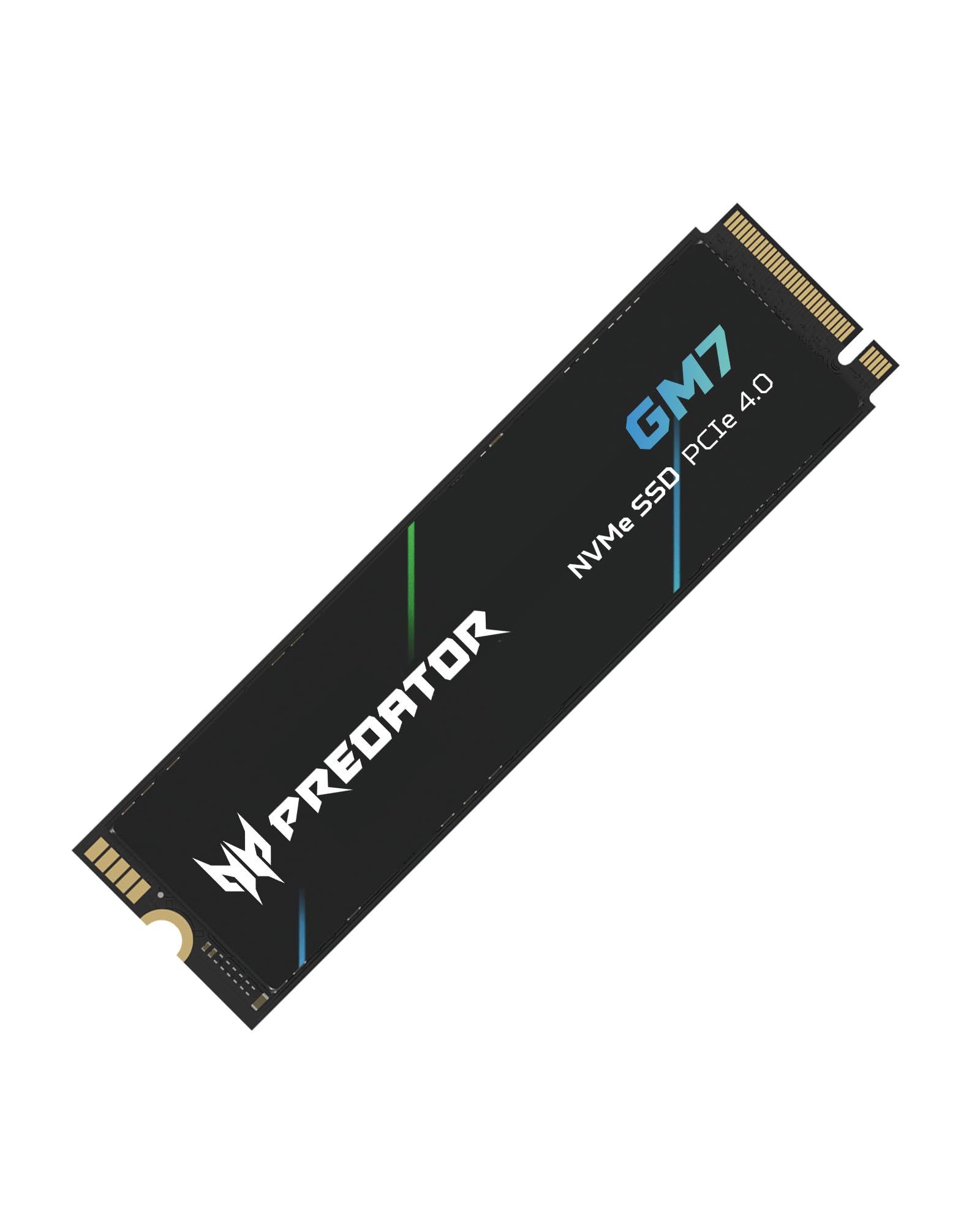
Reads at 7,400 MB/s, writes at 6,500 MB/s, and slots into a PS5 without complaint.
For an enthusiast build or a PS5 expansion, this is a genuinely strong pick. Rated read is 7,400 MB/s with 6,500 MB/s write, delivered over PCIe 4.0 with NVMe 2.0. It also uses HMB (Host Memory Buffer) and SLC Cache (a fast write buffer) to keep performance steady under load, which is where cheaper drives tend to sag. If you are installing games and expect smooth loads without stutter, this is the drive that delivers that.
The PS5 fit is the standout detail. Owners mention it drops straight into a PS5 fat without fuss. If you are shopping for a PS5 upgrade specifically, this one earns its spot alongside the SN7100 and the BIWIN on compatibility. The combination of Predator’s thermal throttling and power management also means it is not cooking itself during a marathon session. It is a genuinely well-rounded Gen4 drive.
Two honest notes. First, no heat sink is included — owners recommend a separate low-profile cooler if your board does not have one, and PS5 installs need the console’s own bracket or a separate one. Second, pricing sits at the premium end of the Gen4 corridor, so the SN7100 and even the Kingston NV3 offer similar real-world feel for less. If you must have the highest read speed and PS5 compatibility both, this is your pick. If you want value, the BIWIN NV7400 matches its read figure for less.
Strong for consoles: a Predator GM7 in a PS5 is a clean, well-documented install, and the sustained write speed holds up over full-game downloads.
Where the value question sits: the SN7100 costs less and delivers very close real-world results for laptops and desktops — this one earns the extra money mostly on the PS5 fit and the top-tier read number.
Buy this if: you are upgrading a PS5 or want a top-tier Gen4 gaming drive with a well-known brand behind it.
Pick something else if: you are on a tighter budget and don’t need the console compatibility — the BIWIN NV7400 is right at the same read speed.
6. Samsung SSD 990 PRO 2TB

The 2TB drive people buy when they want no debate — 7,450 MB/s read, 6,900 MB/s write.
If you have already decided you want the well-known premium pick regardless of price, this is that drive. It reads at 7,450 MB/s and writes at 6,900 MB/s — the 6,900 MB/s write is what keeps game installs and large exports flowing without a wait. The 2TB capacity means you stop thinking about disk space for a long time, and it works in a PS5 with the console’s own slot. It is straightforwardly one of the strongest Gen4 drives on the shelf.
What actually gets owners talking is the speed that lingers past the benchmark. Customers note 8-10 second boots with the OS and game library on the same drive, and the drive still feels fast after years of use. Random performance steps up over the previous generation of Samsung drives, which is what makes the same drive feel snappier in day-to-day clicking than its raw read number suggests. Reliability is the reason many people keep buying the same brand drive over and over.
The catch is price. The 990 PRO 2TB is the most expensive drive in this article, and for browsing, email, and general office work the upgrade over a Gen4 drive at half the price is hard to feel. It is also overkill if your board is Gen3 — you simply cannot use that headroom. Buy it if you are creating content, gaming heavily, or you want a name brand you trust for the long haul. If any of that is not you, the SN7100 or the Kingston NV3 will serve you better.
The premium case: 7,450 MB/s read plus 6,900 MB/s write plus 2TB in one package, from a brand that has been doing this for a very long time. For heavy workloads, the reliability and sustained performance matter.
The value counterpunch: mid-priced Gen4 drives on this list reach the same headline read figure and give up very little in everyday use. This is the pick for buyers who want the top of the line and can afford it, not for the buyer counting every dollar.
The premium pick for heavy workloads. Reach for it if you want the top-tier 2TB drive and the brand confidence that comes with it.
Think twice if: your day-to-day is browsing and office work, or your board is Gen3 — you will pay for headroom you cannot use.
7. Crucial E100 1TB M.2 NVMe PCIe Gen4 SSD

A dependable 5,000 MB/s drive for reviving a tired laptop or aging desktop.
The Crucial E100 1TB is the pick for people whose machine is running slow and who simply want a solid replacement drive without any surprises. It reads at up to 5,000 MB/s, which is the same tier as the SN3000 and MP44L. Against a mechanical hard drive that is a massive step up, and it runs quieter and cooler than a spinning disk. The drive works in laptops, desktops, and gaming consoles, and Crucial includes step-by-step cloning instructions so you can move your existing Windows install across.
What the reviews back up is the longevity story. Cloning software works smoothly, the drive takes real use without drama, and it holds up if you are swapping it in to keep an older computer running one more cycle. For someone adding a second drive to an existing rig — say, for a growing game library — it does the job perfectly. It is not the fastest pick here, but it is one of the least stressful.
One honest limit on paper: this drive holds a three-year limited warranty, whereas several competitors on this list offer five years. If you want the longer coverage, that is a genuine reason to look at the SN7100, BIWIN, or Samsung. If you simply want a dependable 1TB drive that boots fast and holds your files, and you value a mid-range price, this one delivers.
Daily-driver read: buys you a 1TB Gen4 drive, a cloning workflow, and a known brand — the values-driven pick for someone refreshing a specific machine.
One number to know: the 3-year warranty is the shortest on this list. Fine for most, note if you plan to keep this drive for the long haul.
Fits the laptop-refresh buyer. Get it if you want a reliable 1TB Gen4 drive to revitalize an older machine and prefer keeping things simple.
Look at the SN7100 instead if: you want a longer warranty, higher write speed, or better thermals in a small laptop.
8. WD Blue SN5100 2TB NVMe SSD

The 2TB capacity play for video, CAD, and creative libraries that never stop growing.
The SN5100 packs 2TB of storage with a 7,100 MB/s rated read over a PCIe Gen 4.0 interface. It is built on Sandisk 3D CBA NAND, and the drive ships with Acronis True Image download for taking your files across from the old drive — which is the part most people underestimate with a big-capacity upgrade.
Owners use it for the obvious things: keeping a working laptop alive with a big SSD swap, adding a second drive for a game library, and giving a home PC a serious capacity boost without touching its main boot drive. Against the SN7100 1TB, this drive is slower on peak read (7,100 versus 7,250 MB/s) but offers double the storage. Against the 2TB Samsung on this list, it gives up speed and general brand pull but keeps the capacity figure at a lower mid-tier price.
Be aware this generation has also been replaced by Sandisk’s newer Optimus 5100 line, so if you specifically want the latest model, look there. Compatibility is also worth checking — a small number of owners needed BIOS tweaks to get the drive recognized on certain older boards. Everything else about this drive is exactly what you want in a 2TB workhorse: fast enough to feel quick, big enough that you stop uninstalling games to make room.
What earns it a slot
- 2TB capacity at a mid-tier price — a lot of storage for the money
- 7,100 MB/s read from a Gen4 Gen 4.0 interface with Sandisk 3D CBA NAND
- Acronis True Image download included for migrating your data
- Good for video editors, CAD workflows, and game libraries that outgrow 1TB
What to check before you buy
- Compatibility niggles on a few older boards, so confirm BIOS and M.2 spec first
- Replaced by Sandisk’s newer Optimus 5100 line if you specifically want the latest generation
Reach for this if: you need a full 2TB in one drive and want a broad-capability Gen4 stick without paying top-tier prices.
Think twice if: you want the peak read number above all else — the SN7100 and 990 PRO both read faster on paper.
9. Western Digital 500GB WD Green SN3000 NVMe SSD
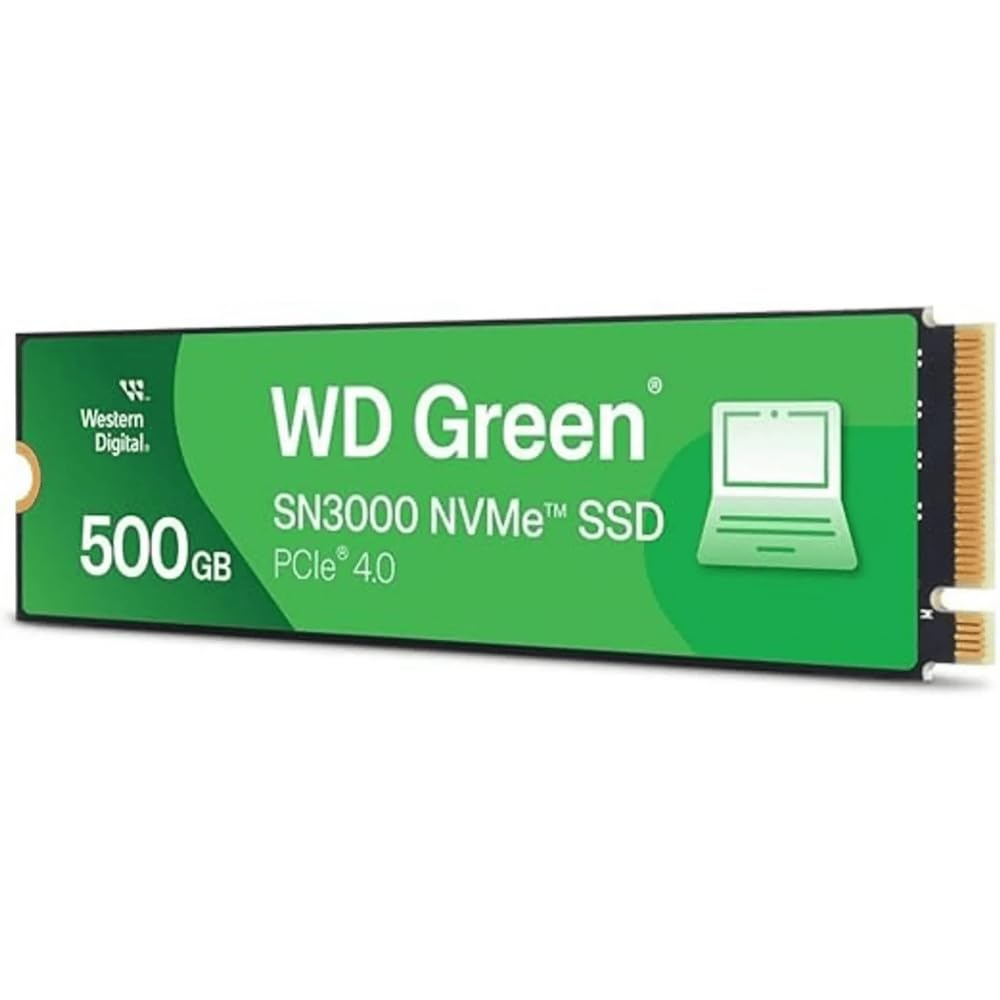
The single-sided revive kit for older laptops and small-form PCs that need breathing room.
Small chassis, low power draw, and a single-sided 2280 layout — that is the whole pitch of the SN3000 500GB. The single-sided design is the star for thin laptops and small-form PCs, because nothing sits on the back of the board to press against the lid. Read speed is rated up to 5,000 MB/s, and the drive ships with a free Acronis True Image for Western Digital download for moving your data across in one step.
What the reviews show is a specific kind of magic trick: bringing 2015-vintage machines back from the near-dead. A 2015 MacBook Pro Retina 15″ with an NVMe adapter boots clean and snappy on this drive, and Windows laptops with failing mechanical disks come back to life after the clone. Against the SN7100 1TB, this drive reads slower (5,000 versus 7,250 MB/s) and offers half the capacity. Against a spinning hard drive, it is a night-and-day change in real feel.
The clear limit is capacity. 500GB, and around 465GB usable after formatting, is fine for an OS, apps, and a modest photo library — but not for a modern game archive. If you are installing a couple of big modern titles plus your normal files, jump to 1TB. As a same-day revival kit for an old machine, though, it lives up to exactly what it promises.
The revival move: single-sided build, low heat, and a budget label — this is the drive to pick for a MacBook upgrade, a small-form PC, or a laptop where only a thin drive will fit.
The sheer size question: 500GB is thin for a modern game library. If you are building new rather than reviving old, this is a stretch too far — start at 1TB.
Best fit for older machines. Snatch it if you are upgrading a thin laptop, a MacBook with an adapter, or a small-form PC and want something that physically fits.
pass on it if: you are building a fresh gaming desktop — grab the SN7100 or the Kingston NV3 instead and skip straight to 1TB.
Understanding the Specs
PCIe Generation (Gen3 vs Gen4)
PCIe is the communication lane between your drive and the rest of the computer. Each new generation roughly doubles the amount of data that can move at once. A Gen4 drive in a Gen4 slot reaches its full rated read speed; put that same drive in a Gen3 slot and it will only send data as fast as Gen3 allows. Before buying a fast drive, check which generation your board or laptop supports — it is usually printed in the manual or on the spec page.
Rated Read and Write Speed
The MB/s figure on the box is a sequential speed — the rate for pulling a single large file. Read is how fast you can open a file; write is how fast you can save one. These numbers matter most when you move big files. For everyday use — opening Windows, launching apps, saving a Word doc — random performance and a modest cache have more effect on how fast the machine actually feels.
M.2 2280 Form Factor
The 2280 is a physical size: 22mm wide by 80mm long. Shorter sticks (2230, 2242, 2260) will not line up with the mounting screw on a 2280 slot, so check your board’s spec before ordering. Single-sided drives put all the chips on one face, which is important in thin laptops and small PCs where clearance under the lid is tight.
SLC Cache and HMB
SLC Cache is a fast-writing section of the flash that absorbs bursts of data quickly before the drive writes to slower storage behind it. HMB (Host Memory Buffer) borrows a small slice of your system RAM to help the drive track where data lives. Both are how budget Gen4 drives stay quick during big file copies — you will not see the numbers on the spec sheet, but you will feel the difference.
FAQ
Will a 2280 M.2 NVMe SSD fit my laptop?
Do I need a heatsink for a 2280 NVMe SSD?
Is Gen4 faster than Gen3 for real day-to-day use?
What is the difference between TLC and QLC flash in these drives?
Can I clone my existing drive to a new 2280 NVMe SSD?
Will a 2280 NVMe SSD work in a PlayStation 5?
How much capacity should I buy for a game library?
Will a Gen4 drive work in a Gen3 M.2 slot?
Does the brand of the SSD actually matter for reliability?
Do I need to update my BIOS before installing a 2280 NVMe SSD?
Final Thoughts: The Verdict
For most buyers, the 2280 m.2 nvme ssd winner is the WD_Black SN7100 1TB. It pairs a 7,250 MB/s rated read and 6,900 MB/s rated write with the low power draw and cool running that laptops and handhelds actually need. If you want top-tier 2TB capacity and the assurance of a name brand you trust, step up to the Samsung 990 PRO 2TB. And if you are building your first rig or reviving an older laptop on a tight budget, the TEAMGROUP MP44L 500GB is the one to reach for — you can always add a bigger drive later. Whichever you choose, confirm your slot is 2280 and your board supports the generation before you click, and the drive will reward you from the first boot.
How We Picked
We do not accept paid placement. Every pick is matched to a real buyer and a real use-case; we do not hands-on test units.
Sources & Methodology
Specifications: manufacturer listings and product documentation. Review insights: verified customer reviews, as of September 2026. Pricing: not shown on this page (it changes often); check the current price via the retailer link.
As an Amazon Associate, Gadgets Feed earns from qualifying purchases. This does not affect which products we feature.