
Choosing the wrong 2280 M.2 SSD is the single biggest bottleneck you can introduce into a modern PC build or console upgrade. A slow or poorly matched drive turns game loads into waiting games, chokes video export timelines, and wastes the potential of a Gen4 or Gen5 motherboard slot. The market is flooded with controllers, NAND types, and speed tiers that look identical in the product photo but deliver wildly different real-world results.
I’m Min — the co-founder and writer behind Gadgets Feed. I’ve spent hundreds of hours cross-referencing controller specs, NAND flash generations, sustained write performance, and thermal behavior across the most popular 2280 M.2 SSD models to build this guide around pure category-specific data.
After analyzing sequential read/write speeds, power efficiency ratings, and real user endurance reports, I’ve sorted through the noise to give you a clear verdict on the best 2280 m.2 ssd for your specific workload and budget.
How To Choose The Best 2280 M.2 SSD
Not every 2280 M.2 SSD is built the same. The physical length is standard, but the interface generation, NAND type, cache architecture, and controller efficiency vary massively between models. Matching the drive to your motherboard’s PCIe slot and your primary use case — gaming, content creation, or general OS duty — is the first step to avoiding buyer’s remorse.
PCIe Gen4 vs. Gen5 Interface
The interface generation dictates the maximum bandwidth between the SSD and your CPU. PCIe Gen4 tops out around 7,400 MB/s, while Gen5 doubles that ceiling to nearly 15,000 MB/s. A Gen5 drive works in a Gen4 slot but is limited to Gen4 speeds, wasting the premium you paid. Conversely, a Gen4 drive in a Gen5 slot leaves performance on the table. Check your motherboard specs before choosing.
SLC Cache, HMB, and DRAM
Peak sequential read numbers tell only half the story. Sustained write performance after the SLC cache fills is where budget drives choke. Drives with HMB (Host Memory Buffer) borrow a small slice of your system RAM to maintain performance without a dedicated DRAM chip — adequate for most gamers. For heavy video editing or large file transfers, a drive with a dedicated DRAM cache is the smarter choice for consistent speeds.
TLC NAND and Endurance (TBW)
NAND flash quality directly determines how many terabytes you can write before the drive wears out, measured in TBW (Terabytes Written). TLC (Triple-Level Cell) NAND offers the best balance of cost, performance, and endurance for consumer drives. Higher TBW ratings mean longer life under heavy write workloads like 4K video recording or constant game updates.
Quick Comparison
On smaller screens, swipe sideways to see the full table.
| Model | Category | Best For | Key Spec | Amazon |
|---|---|---|---|---|
| Sandisk WD_Black SN8100 2TB | Premium Gen5 | Ultra-fast gaming & AI | 14,900 MB/s Read | Amazon |
| Crucial P510 1TB | Premium Gen5 | High-end PC builds | 11,000 MB/s Read | Amazon |
| Acer Predator GM7 1TB | High-Performance Gen4 | Gamers & PS5 upgrade | 7,400 MB/s Read | Amazon |
| Sandisk WD Blue SN5100 1TB | Mainstream Gen4 | Daily driver & content | 7,100 MB/s Read | Amazon |
| Bestoss GM988 2TB | Value Gen4 | High-capacity budget build | 7,350 MB/s Read | Amazon |
| Kingston NV3 1TB | Entry Gen4 | Simple OS upgrade | 6,000 MB/s Read | Amazon |
| WD Green SN3000 500GB | Budget Gen4 | Basic laptop upgrade | 5,000 MB/s Read | Amazon |
In‑Depth Reviews
1. Sandisk WD_Black SN8100 2TB

The Sandisk WD_Black SN8100 represents the absolute ceiling of consumer SSD performance in the 2280 form factor right now. Hitting sequential reads of 14,900 MB/s and writes of 14,000 MB/s on the 2TB model, this drive is built for the most demanding workflows — think 8K video timelines, local AI model training, and massive game libraries where every millisecond of load time matters. It uses Sandisk’s latest TLC 3D CBA NAND, which helps it deliver over 100% more power efficiency than a comparable Gen4 drive while staying under 7.5W average operating power.
Real-world testing from users shows boot times dropping to around three seconds on a Gen5 motherboard, and random performance exceeding 2,300,000 IOPS — effectively eliminating microstutters in open-world games. The drive runs cool enough that a quality motherboard heatsink is sufficient; you don’t need an active cooler for most scenarios. The 2TB model offers a healthy TBW rating that should last the average power user many years, and the included Sandisk Dashboard lets you monitor drive health and firmware updates on Windows.
This is not a drive for every buyer: you need a PCIe Gen5 x4 slot to unlock its full potential, and the investment is significant. But if you are building a no-compromise rig today, the SN8100 is the fastest 2280 M.2 SSD you can buy in this lineup. It sits comfortably at the top of the performance stack and justifies its position with raw, measurable speed gains over every other drive in its price range.
Why it’s great
- Blistering 14,900 MB/s sequential read speeds
- Excellent power efficiency for a Gen5 drive
- High random IOPS eliminate game stuttering
Good to know
- Requires a PCIe Gen5 motherboard for full speed
- Premium price reflects top-tier performance
2. Crucial P510 1TB

The Crucial P510 is a Gen5 drive that delivers a phenomenal 11,000 MB/s sequential reads and 8,500 MB/s writes, making it one of the fastest accessible Gen5 options on the market. It uses Micron’s advanced G8 TLC NAND, which brings strong endurance and thermal control to the table. The P510 is backward compatible with Gen4 systems, so you can install it now and upgrade to a Gen5 motherboard later without replacing the drive — a smart future-proofing move.
Real user feedback highlights its easy installation and flawless operation after a month of heavy use. The included Acronis True Image for Crucial simplifies cloning your existing OS drive, and the one-month Adobe Creative Cloud subscription adds genuine value for creators. The drive runs cool enough with a proper heatsink, though sustained heavy writes will push temperatures up — something to keep in mind for laptop builds with limited airflow.
The 1TB capacity is a good starting point for a primary OS and game drive, but power users will likely want the larger model. The 5-year warranty and 600 TBW endurance rating provide solid long-term confidence. For buyers who want Gen5 speed without jumping to the absolute flagship tier, the P510 strikes an excellent balance of raw throughput and price.
Why it’s great
- Blazing 11,000 MB/s read speed at a mid-range price
- Backward compatible with Gen4 systems
- Includes Acronis cloning software and Adobe bundle
Good to know
- Requires a heatsink for sustained heavy loads
- 1TB capacity may feel tight for large media libraries
3. Acer Predator GM7 1TB

The Acer Predator GM7 is a Gen4 powerhouse that pushes the interface to its practical limits with sequential reads hitting 7,400 MB/s and writes at 6,500 MB/s. It uses NVMe 2.0 support alongside HMB and an SLC cache to maintain snappy responsiveness even during sustained writes. The controller and TLC NAND are optimized for lower power consumption, generating less heat than some competitor Gen4 drives — a real advantage for laptop and PS5 installations.
Gamers will notice the difference immediately. Users report significantly faster game load times and smoother overall system feel compared to older SATA or lower-end NVMe drives. The drive is fully compatible with the PlayStation 5 expansion slot, and the included Biwin Intelligence software offers performance testing, data migration, and drive cloning tools. Thermal throttling and power management are handled automatically, so you do not need to micromanage temperatures.
For the price, the Predator GM7 delivers premium Gen4 performance without the Gen5 premium. It is an ideal choice for anyone building a high-end gaming rig or upgrading a PS5 who wants maximum speed from the Gen4 slot. The only catch is that it does not have a dedicated DRAM cache, leaning instead on HMB — fine for gaming, but heavy content creators may want to look at DRAM-equipped alternatives.
Why it’s great
- Near-max Gen4 speeds at 7,400 MB/s
- Low heat output ideal for PS5 and laptops
- Comes with useful Biwin management software
Good to know
- HMB architecture, not a dedicated DRAM cache
- 1TB capacity may fill fast for game libraries
4. Sandisk WD Blue SN5100 1TB
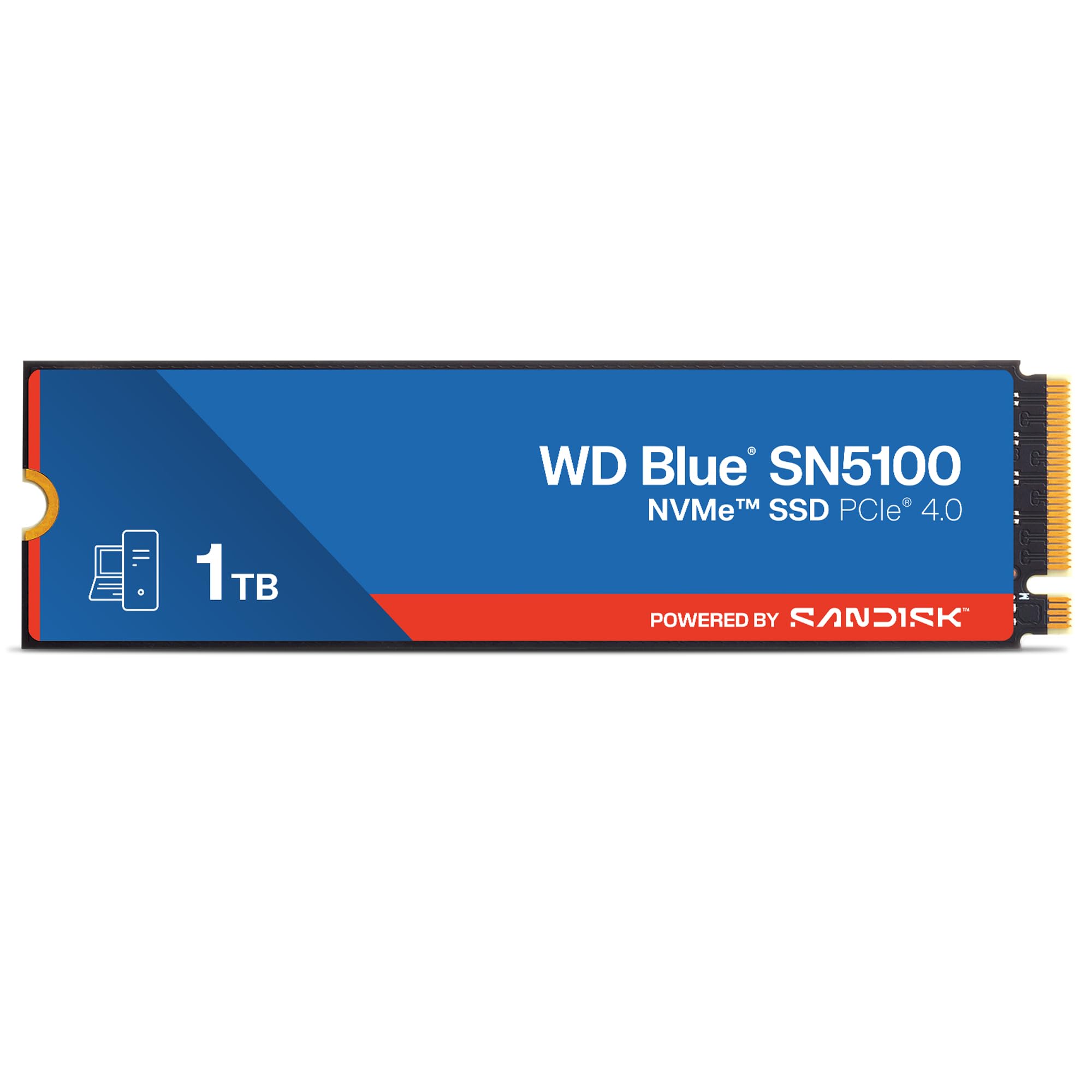
The Sandisk WD Blue SN5100 is the sweet spot for mainstream users who want fast Gen4 performance without overspending. It delivers up to 7,100 MB/s sequential reads, a 30% improvement over the previous SN5000 generation, thanks to Sandisk’s 3D CBA NAND and nCache 4.0 technology. The 1TB and 2TB models use a single-sided 2280 design, making them a perfect fit for thin laptops and small-form-factor PCs where clearance is tight.
User reports confirm it is a fast, reliable daily driver for boot drives, application loading, and project file access. The included Acronis True Image for Sandisk simplifies migrating your existing OS and data. Sandisk backs it with a 5-year limited warranty, which is strong for the mainstream tier. Installation is straightforward, though some users noted they needed to purchase separate mounting screws for their motherboard — a minor but common oversight.
While it does not hit the extreme speeds of the flagship WD_Black models, the SN5100 offers more than enough bandwidth for 99% of desktop and laptop tasks. It runs cool and efficiently, making it a great choice for office work, creative hobbyists, and gamers who are not chasing every last megabyte per second. For the performance you get at this level, it is one of the best value propositions in the current Gen4 market.
Why it’s great
- Strong 7,100 MB/s Gen4 performance
- Single-sided design fits thin laptops easily
- 5-year warranty for long-term reliability
Good to know
- Mounting screws not included in the box
- Not the top choice for extreme sustained writes
5. Bestoss GM988 2TB
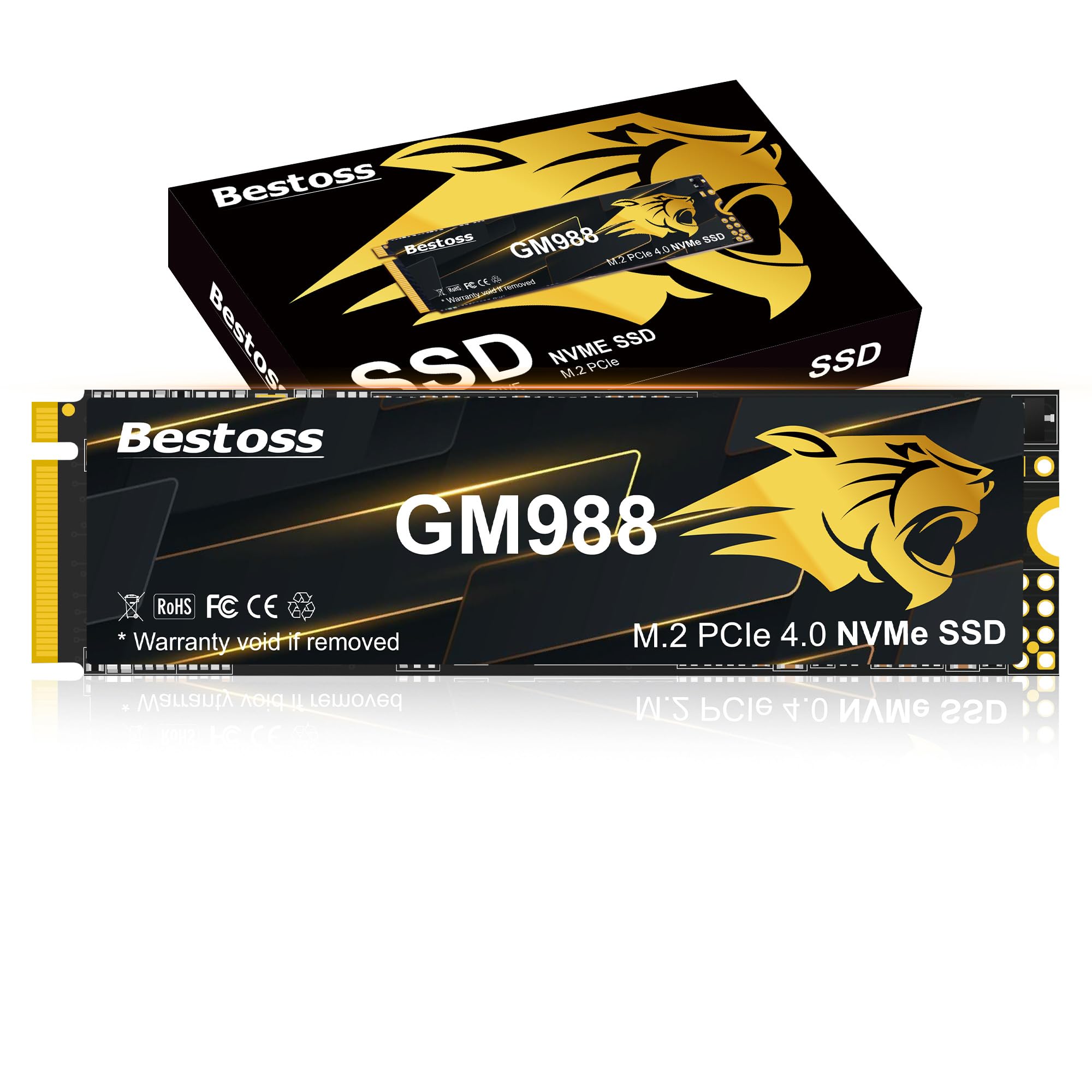
The Bestoss GM988 is a high-capacity Gen4 drive that offers 2TB of storage with sequential read speeds up to 7,350 MB/s and writes up to 6,600 MB/s. It uses a graphene copper cooling label to manage thermals, keeping performance stable during long gaming sessions or 4K video file transfers. The drive supports HMB and Dynamic SLC Cache, which helps maintain consistent burst performance for OS-level responsiveness and game loading.
Users report easy installation in both PCs and PlayStation 5 consoles, with speeds close to advertised figures in real-world tests. The 2TB capacity is a standout feature at this price tier — it gives you room for a large game library, multiple creative projects, and the OS without worrying about space. The 3-year warranty and lifetime technical support add a layer of security for a less established brand.
The trade-off is that Bestoss is not a household name like Sandisk or Kingston, so long-term NAND quality and firmware support are harder to verify independently. For budget-conscious builders who need two terabytes of Gen4 speed today, the GM988 delivers excellent raw capacity per dollar. Just be aware that heavy professional workloads may be better served by a drive with a longer track record.
Why it’s great
- Generous 2TB capacity at a competitive price
- Graphene copper cooling for sustained speed
- Works well with PS5 expansion slot
Good to know
- Less established brand with limited long-term data
- 3-year warranty is shorter than some competitors
6. Kingston NV3 1TB

The Kingston NV3 is a no-frills Gen4 SSD that delivers up to 6,000 MB/s sequential reads, making it a massive upgrade over any SATA or older NVMe drive in a budget build. It uses a Gen4x4 controller and is available in capacities up to 4TB. The drive is ideal for users who want the boot-time and loading-speed benefits of NVMe without paying for the highest speed tiers.
Real users call it reliable, fast, and cool-running. Many have installed it in older laptops with PCIe 3.0 slots and still saw read speeds above 1,300 MB/s — roughly double the speed of the original drive. For modern systems with Gen4 support, it reaches its full advertised speed easily. The NV3 is shock-resistant and has a reputation for stable performance without thermal issues, even in compact enclosures or hubs.
It lacks a dedicated DRAM cache and uses a more basic controller than premium models, so sustained write speeds after the SLC cache fills will be lower. For simple OS boot drives, light gaming, or general productivity, those limitations are invisible. The NV3 is a solid, honest entry point into Gen4 storage that does exactly what it promises at a price that makes upgrading a no-brainer.
Why it’s great
- Solid 6,000 MB/s read speed at entry-level price
- Runs cool and works in older PCIe 3.0 slots
- Shock-resistant design for mobile use
Good to know
- No dedicated DRAM cache
- Sustained write performance drops after cache fill
7. WD Green SN3000 500GB
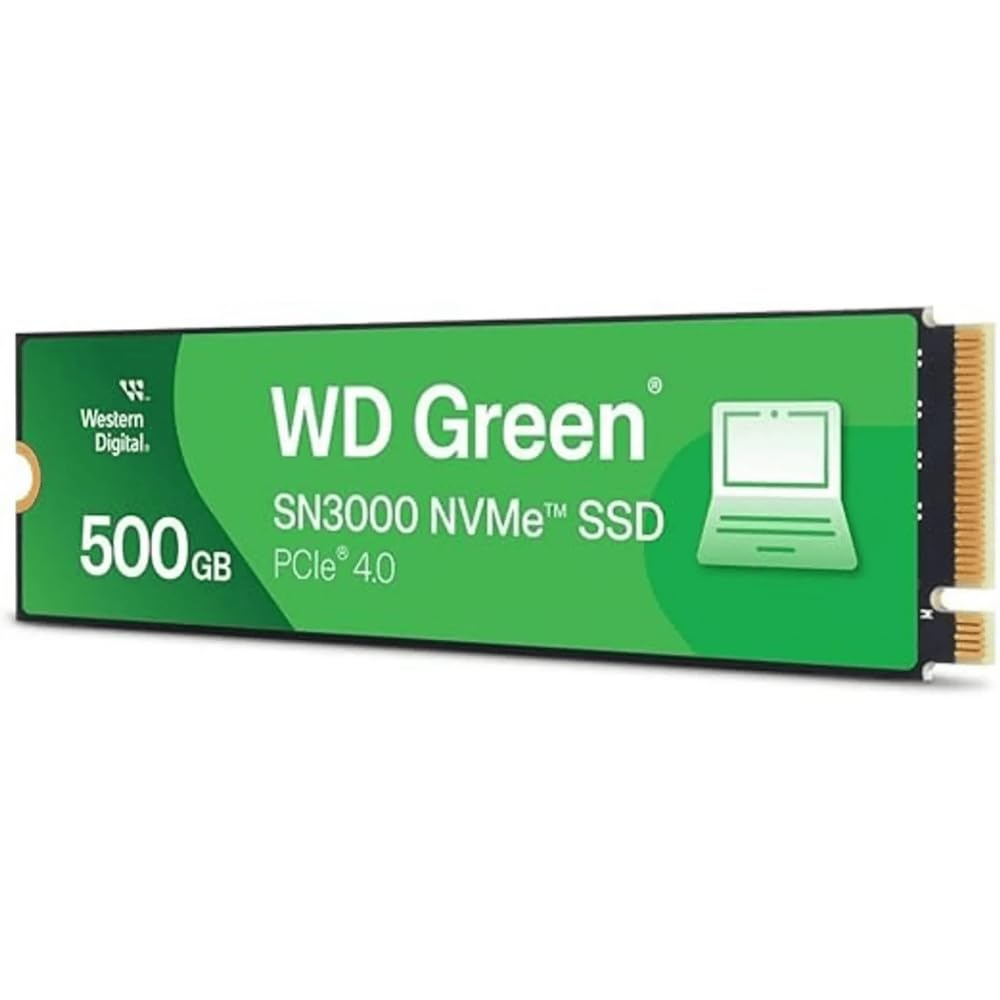
The WD Green SN3000 is the most affordable entry into Gen4 NVMe performance in this lineup, offering up to 5,000 MB/s sequential reads in a compact single-sided M.2 2280 design. It is positioned for basic OS boot drive duty and light application storage, where its Gen4 speed delivers a noticeable improvement over SATA SSDs and older mechanical drives. The slim design ensures compatibility with thin laptops and small-form-factor systems.
Users report it works as expected out of the box, with no heat issues and full compatibility with Linux and Windows systems. The included Acronis True Image for Western Digital makes migrating your existing OS straightforward. At 500GB, the capacity is best suited for a primary drive holding the OS and a handful of key applications — not for a large game library or media collection.
The SN3000 is not built for heavy sustained writes or professional creative workloads. Its controller and NAND are optimized for cost efficiency and everyday responsiveness, not maximum endurance. For users on a tight budget upgrading an older laptop or building a secondary machine, it delivers Gen4 boot speeds at a price that is hard to beat. It is a practical, no-nonsense drive for entry-level needs.
Why it’s great
- Very affordable path to Gen4 NVMe speeds
- Slim single-sided design fits thin laptops
- Includes Acronis migration software
Good to know
- Only 500GB capacity limits storage
- Not intended for heavy write workloads
FAQ
Will a Gen5 SSD work in a Gen4 slot?
Do I need a heatsink for a 2280 M.2 SSD?
What is the difference between TLC and QLC NAND in SSDs?
Can I use a 2280 M.2 SSD with a PlayStation 5?
Final Thoughts: The Verdict
For most users, the best 2280 m.2 ssd winner is the Sandisk WD_Black SN8100 2TB because it delivers the highest Gen5 speeds available with excellent power efficiency and rock-solid reliability for gaming and professional work. If you want the best balance of Gen5 speed and value, grab the Crucial P510 1TB. And for a Gen4 drive that nails high-capacity gaming, nothing beats the Acer Predator GM7 1TB.