
Our readers keep the lights on and my morning glass full of iced black tea. As an Amazon Associate, I earn from qualifying purchases.
Specs are compiled from manufacturer listings and verified buyer reviews and can change over time — please confirm the key details on the product page before buying.
Buying a 24-inch monitor with speakers means you want a clean, all-in-one setup without the clutter of external audio gear. This guide breaks down the top models, focusing on panel quality, refresh rates, and how the built-in sound really performs in daily use.
I’m Min — the founder and writer behind Gadgets Feed. This guide is built by comparing the manufacturers’ published specifications and the patterns across verified customer reviews, so you get each pick’s real strengths and trade-offs instead of marketing spin.
You’ll find the perfect 24 inch monitor with speakers by matching the right panel, refresh rate, and audio setup to your needs.
Our Picks at a Glance


How To Choose The Best 24 Inch Monitor With Speakers
To find the right monitor for you, focus on three core areas: the visual experience, the refresh rate, and the quality of the built-in speakers. Each of these affects how the monitor feels in different tasks, from office work to competitive gaming.
Know Your Panel Type
The panel type defines the picture quality and viewing angles. An IPS (In-Plane Switching) panel is common in this category because it delivers vivid colors and keeps the image accurate when you are not looking at it dead-on. This is ideal if you will have the monitor on a desk and might shift your position or if you want consistent colors for photo editing.
Decide on Refresh Rate and Response Time
Refresh rate, measured in Hz, tells you how many times the screen updates per second. A standard 60Hz screen is fine for basic work and web browsing. A 100Hz or 144Hz screen looks noticeably smoother when you scroll fast or play games. Response time, measured in milliseconds (ms), tells you how fast pixels change color. A lower number, like 1ms, means less motion blur in fast-paced action.
Set Realistic Expectations for Built-in Speakers
Built-in monitor speakers are a convenience for calls and alerts, not a substitute for dedicated audio gear. They handle conference calls, casual YouTube videos, and system alerts adequately. However, they rarely deliver deep bass or high volume. For rich movie sound or audiophile listening, budget for external speakers or a soundbar.
Quick Comparison
| Model | Best For | Refresh Rate | Response Time | Contrast Ratio | Amazon |
|---|---|---|---|---|---|
| HP VH240a★ Best Overall | Office & Ergonomics | 60Hz | 5ms | 1000:1 | Amazon |
| Sceptre Prime (165Hz)Top Performer | High-FPS Gaming | 165Hz | 1ms | — | Amazon |
| Amazon Basics 24″Best Value | Everyday Budget Use | 100Hz | — | 2000:1 | Amazon |
| Sceptre Prime (100Hz) | Value Gaming | 100Hz | 1ms | 1000:1 | Amazon |
| BenQ GW2490 | Color Accuracy & Work | 100Hz | — | 1000:1 | Amazon |
| ASUS TUF VG249QE5A | Console & PC Gaming | 146Hz (OC) | 1ms | 1000:1 | Amazon |
| Sceptre E248B-FPT168 | High-Refresh Value | 180Hz | 1ms | 1000:1 | Amazon |
| Dell S2425HSM | Premium Office & Comfort | 144Hz | 1ms | 1500:1 | Amazon |
| Sceptre 2X Pack | Dual-Screen Setups | 100Hz | 1ms | 1000:1 | Amazon |
| BenQ GW2490T | Height-Adjustable Work | 100Hz | — | 1000:1 | Amazon |
| ViewSonic VG2441V | Video Conferencing | 120Hz | — | 1500:1 | Amazon |
In-Depth Reviews
1. HP VH240a 23.8-inch Full HD Monitor
Our pick — over 4.5★ from 25,500+ verified ratings; the strongest balance of quality and price.
The office all-rounder that turns fully vertical for coding and documents.
If you live at your desk, the HP VH240a earns its spot with a stand that adjusts height, tilt, swivel, and rotates into portrait mode—so a long spreadsheet or code file finally fits on one page. The 23.8-inch IPS (In-Plane Switching) panel delivers a Full HD (1920×1080) image that stays vivid from an angle, and the micro-edge design lets two side-by-side monitors line up nearly smoothly.
For daily work, the 60Hz refresh rate and 5ms response time feel smooth, but this is the slowest refresh in our lineup—the Sceptre Prime hits 165Hz, a 2.8x fluidity gap. The 1000:1 contrast ratio gives solid blacks for an office panel, yet it’s half the contrast of the Amazon Basics pick at 2000:1, so images there look punchier. You get HDMI and VGA ports for a laptop or older desktop, plus built-in speakers fine for calls and alerts.
Owners consistently praise the build quality — it is the most-discussed positive, with over 2,200 people highlighting it. Setup is tool-free, and the vertical pivot is a favorite among those who work with long documents. As buyers report: the built-in speakers are “terrible tinny low-volume” with no external volume control, hidden behind unmarked buttons that need a 26-page manual to navigate, so plan on separate speakers for real audio.
What Owners Rave About
- Excellent picture clarity with good contrast and vibrant colors
- Fully adjustable stand with a large range of movement, including portrait mode
- Easy, tool-free assembly that works right from the start
Where It Falls Short
- Tinny, low-volume speakers with no external volume control
- Unmarked hidden buttons are difficult to use without the manual
Reach for this if: you want a highly adjustable, reliable workhorse with a beautiful IPS screen for a multi-monitor office setup.
Keep a soundbar handy: the speakers are a weak spot, so factor in external audio if you listen to more than alerts.
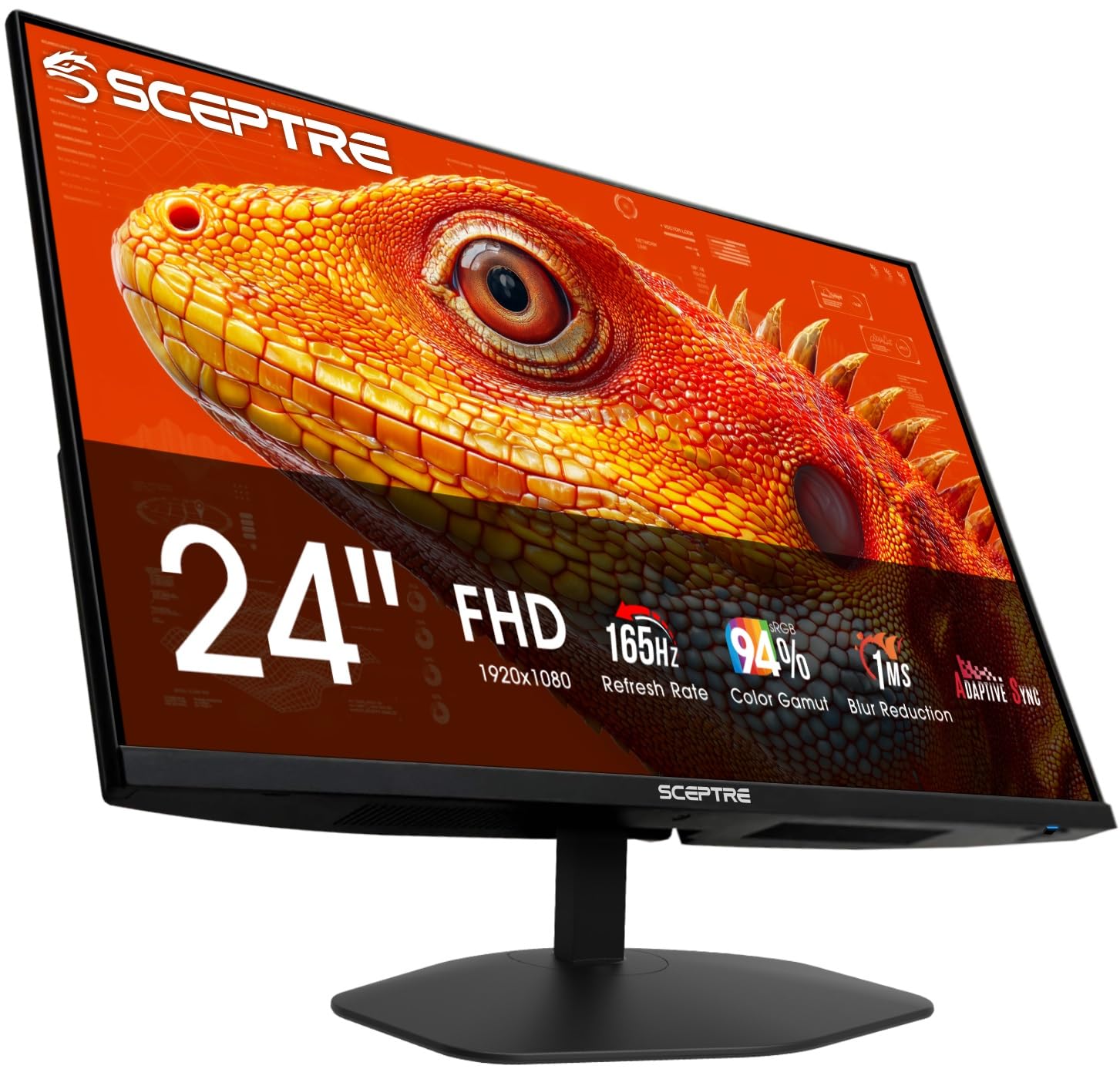
2. Sceptre 24-inch Prime Gaming Monitor (E248B-FW165T)
A 165Hz speed demon that keeps motion blur close to zero.
Gamers, this Sceptre is your high-refresh-rate entry point. It pushes a 165Hz refresh rate, which is 2.8x smoother than the HP’s 60Hz, and pairs it with a lightning-fast 1ms response time (a 5.0x gap over the HP’s 5ms) to keep fast-moving action sharp without ghosting. The 24-inch screen renders 94% of the sRGB color space (a 31% more coverage than the HP’s 72%), so game worlds look richer and more true-to-life.
Connectivity is a strong point here — two HDMI ports and two DisplayPort inputs let you run a PC and a console simultaneously and switch between them easily. Built-in speakers and an Audio Out jack keep sound options flexible. Adaptive Sync (which matches the monitor’s refresh rate to the graphics card’s output to stop screen tearing) is supported. Blue-Light Shift technology cuts down on eye strain during those long sessions.
Buyers praise the vivid color for games, and setup takes about 15 minutes with an HDMI cable included. One quirk to test early: some owners mention the monitor reverting to HDMI 1 when switching inputs, and the built-in speakers can sound loud and scratchy until you adjust the on-screen settings.
The Gaming Credentials
- Blazing 165Hz refresh rate with 1ms response time for competitive play
- Dual HDMI and dual DisplayPort inputs for multi-device setups
- Custom FPS and RTS gaming modes for tune visuals
Things to Test Early
- Occasional input switching bug where it returns to HDMI 1
- Speakers need adjustment to sound decent; consider a headset
Best for: budget-minded gamers who want a fast 165Hz panel with low input lag for FPS and strategy titles.
Think twice if: you need flawless multi-input switching or expect high-quality built-in audio.
3. Amazon Basics 24 Inch (23.8 inch viewable) Monitor
A fantastic-value 100Hz panel with the best contrast in this list.
For no-fuss daily computing without emptying your wallet, the Amazon Basics delivers. Its 23.8-inch IPS (In-Plane Switching) display with Full HD 1080P resolution boasts a 2000:1 contrast ratio—the best in our lineup, twice the 1000:1 on many rivals—so movies and photos show deeper blacks and punchier images. The 100Hz refresh rate makes scrolling and video feel smoother than older 60Hz screens.
It supports VESA mounting, so you can attach it to an arm or wall bracket to reclaim desk space. The built-in speakers are described as “much better than you would expect for this price point” by buyers, delivering clean, clear audio for calls and casual use. Setup is easy and VGA and HDMI connections ensure broad compatibility with older and newer PCs.
What makes this a value champion is the overall quality, which has over 128 owners praising it. Owners found the setup “almost too easy,” with one noting it took less than 10 minutes to get going. The adjustability is limited to tilt only, so you’ll want a stand or mount for perfect ergonomics, and a few owners note the rear controls are not intuitive at first.
Why It Wins: exceptional price-to-performance with the highest contrast ratio (2000:1) in this guide, making it superb for everyday work and video.
The Trade-off: the stand only tilts and the speakers are adequate, not amazing — you’ll want a monitor arm if height adjustment matters to you.
4. Sceptre Prime 24-inch Gaming Monitor (E248W-FW100T)

A super-light 5.8 lbs screen with a 100Hz refresh and full sRGB color.
At just 5.8 pounds, this Sceptre is one of the lightest monitors here, so it fits small desks and mounts easily on a wall. The 100Hz refresh rate with a 1ms response time feels smoother than a 60Hz screen, owners say, and the 100% sRGB color gamut delivers accurate, vibrant colors from the start—a balance between work and play.
The “edgeless” frameless design looks sharp on a desk and nearly smooth in a dual-monitor setup. AMD FreeSync stops the screen tearing you see in fast-paced games, and built-in speakers plus FPS/RTS custom game modes round out a solid package for both work and play.
What stands out is the value and picture quality, with 91 owners praising the monitor quality. One owner used it for a security camera system and was “really pleased” with the picture quality. It’s note the speaker quality is the most-discussed downside, and the stand lacks height adjustment, so you’ll need a VESA arm (it’s wall-mountable) for perfect positioning.
Lightweight and Gaming-Friendly
- Full 100% sRGB color gamut for accurate, vivid colors
- High refresh rate smoothness that owners notice instantly
- Ultra-light design with a frameless look and VESA mount
Keep in Mind
- Speaker quality is the main complaint, so plan for a headset
- Stand only tilts; no built-in height adjustment
Choose this for: an affordable, vivid gaming display that’s light enough to wall-mount or move around.
Look elsewhere if: you need height adjustability on the stand or high-fidelity built-in audio.
5. BenQ GW2490 24″ Computer Monitor

An eye-friendly 100Hz IPS panel with a standout 99% sRGB color gamut.
If you stare at a screen for hours, the BenQ GW2490 is built for your eyes. This 24-inch IPS (In-Plane Switching) panel renders 99% of the sRGB color space, which means photos, web content, and video look accurate and lifelike, earning it a top spot for color quality. The 100Hz refresh rate keeps motion smooth, and it includes BenQ’s low blue light tech that filters out eye-straining light without washing out colors.
For a home office, the second HDMI port plus a DisplayPort (a digital connection for high-quality video) let you hook up a laptop and a desktop, and an Input Hotkey switches between them with one click. VESA mounting is a bonus for a monitor arm, and owner feedback highlights sharp, colorful images with no flicker and controls in an easy-to-reach spot.
The monitor quality is the thing everyone raves about — over 28 owners single it out. It’s a “very bright” screen, so you may need to dial it down to around 40% in a dim room. One owner found the speakers weak, needing volume at 95 to hear clearly, so it’s best considered a basic convenience rather than a sound solution.
An Eye-Care Specialist: BenQ’s low blue light tech and bright, flicker-free panel make it ideal for all-day use.
The Real Downside: the built-in speakers are weak and tinny — external speakers are a must if sound matters to you.
6. ASUS TUF Gaming 23.8″ Monitor (VG249QE5A)
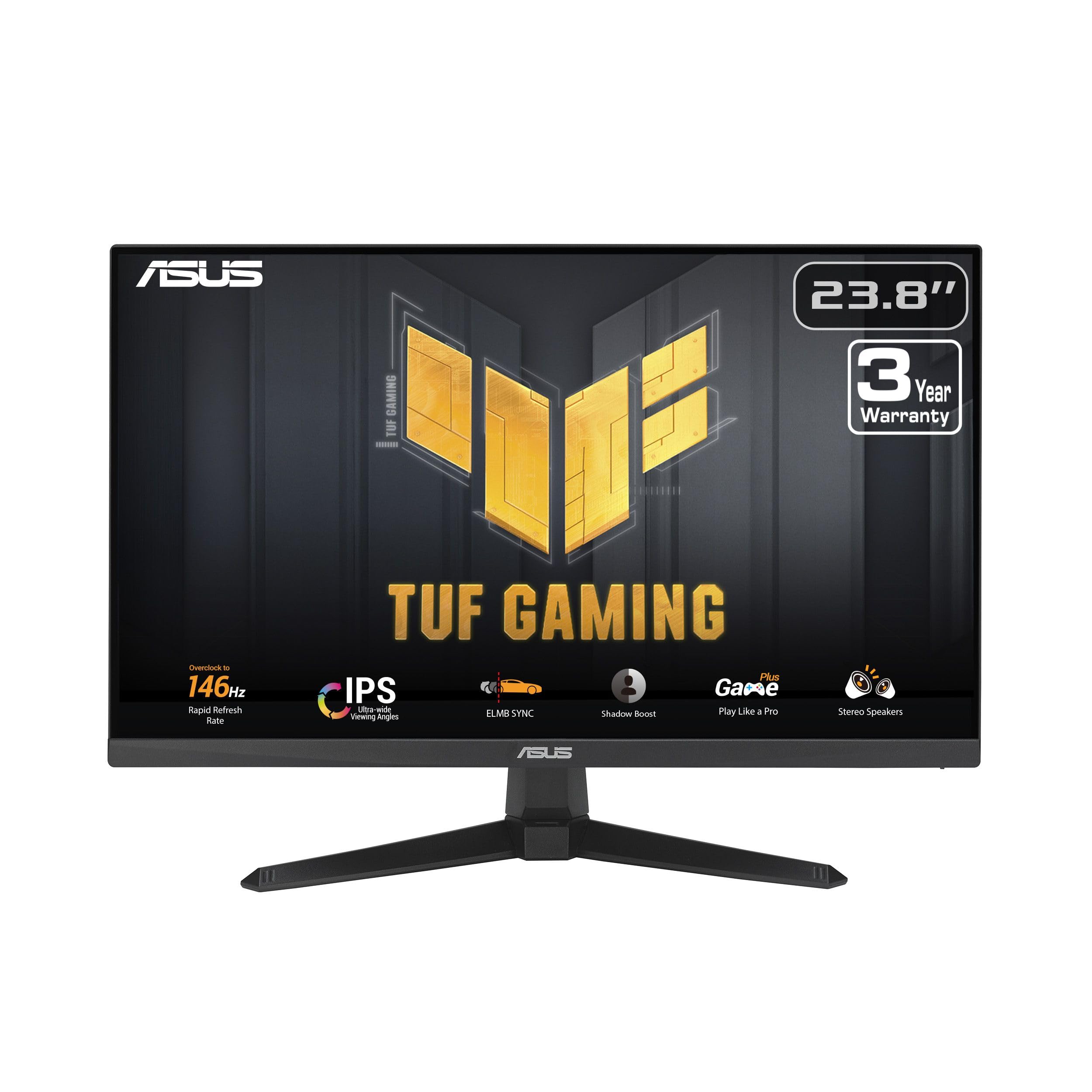
A 146Hz gaming beast with ELMB Sync to eliminate ghosting in fast scenes.
For console and PC gamers who want a serious competitive edge, the ASUS TUF Gaming VG249QE5A is a top-tier option. This 23.8-inch Full HD (1920×1080) panel is built around a 146Hz (OC) refresh rate (an overclocked mode for extra fluidity) and a 1ms response time, delivering exceptionally smooth gameplay. Its standout feature is ASUS ELMB Sync (Extreme Low Motion Blur Sync), which removes ghosting and screen tearing simultaneously for razor-sharp visuals during high-frame-rate action.
Owners rave about its vibrant colors and sharp graphics, with one calling it “the best monitor for gaming” and noting it pairs perfectly with a PlayStation 5. The stand tilts for basic adjustment, and HDMI and DisplayPort inputs connect modern consoles and PCs. An included HDMI cable and a 3-year warranty add confidence.
Set up is straightforward, and the screen reveals small details in games that you might miss on slower displays. The main criticism is that the stand offers no height adjustment, and a few owners found some gaming menu options grayed out or inaccessible, so you may not be able to tweak every setting. The high refresh rate is the number one reason owners buy this — and it delivers.
Built for Fast Games
- 146Hz (OC) refresh rate with ELMB Sync for blur-free visuals
- Vibrant colors and sharp graphics praised for console gaming
- 3-year warranty covers long-term confidence
The Gripes
- Stand only tilts — no height or pivot adjustment
- Some gaming menu options are grayed out and unusable
Grab it if: you want a high-refresh, 1ms panel with advanced anti-ghosting tech for serious gaming.
skip it if: you need an ergonomic stand or plan to rely on the built-in speakers for anything but the basics.
7. Sceptre 24-Inch Gaming Monitor (E248B-FPT168)

An ultra-fast 180Hz IPS panel that feels like a high-end model at a value price.
This Sceptre pushes refresh rates to the extreme with an “up to 180Hz” IPS panel, making it the fastest screen in our lineup — perfect for esports where every millisecond counts. The 1ms response time and AMD FreeSync (which matches the screen’s refresh to the graphics card to prevent tearing) work together for smooth, stutter-free gameplay. It covers 99% of the sRGB color gamut, so you get vibrant colors alongside that speed.
The edgeless, frameless design makes the screen feel rich and sleek on a desk. Its IPS (In-Plane Switching) panel delivers top color performance and sharp visibility from multiple angles, so the image looks good whether you sit center or off to the side. Three HDMI and one DisplayPort give plenty of connection options, with the DisplayPort delivering the full 165Hz-180Hz experience.
It’s a favorite for value, with the overall quality being the most-praised aspect, and many owners call it an “incredible value” — one even bought a second one for a dual setup. The speakers are adequate for office-level audio, like conference calls, but not for serious listening. A few owners caution that the top of the monitor is fragile and the stand is short, so handle it with care and be ready to use a monitor arm.
The Speed Advantage
- Up to 180Hz refresh rate, the highest in this guide, for esports-level smoothness
- IPS panel with 99% sRGB for rich colors and wide viewing angles
- Excellent out-of-the-box colors with minimal ghosting
Handle with Care
- Fragile thin top edge; the short stand limits ergonomics
- Speakers are basic — fine for calls, not for music
Pick this for: competitive gamers who want the fastest 180Hz refresh possible at a value price.
Be aware that: the speaker quality is basic and the build has a fragile top edge.
8. Dell 24 Plus Monitor (S2425HSM)

A fully adjustable 144Hz office star with the best built-in sound here.
When work comfort matters as much as performance, the Dell 24 Plus stands out. Its 23.8-inch Full HD (1920×1080) panel with a 144Hz refresh rate and 1ms response time is fast enough for casual gaming but tuned for a premium office feel. The real win is audio: integrated dual 3W speakers deliver a “wider range of frequencies,” and owners say the sound is genuinely good—so you won’t feel forced to buy a soundbar immediately.
Ergonomics are another major strength. The stand offers full height, tilt, pivot, and swivel adjustment, so you can dial in the perfect viewing position for long workdays. It features a 1500:1 contrast ratio for clear, deep images and AMD FreeSync for smooth video playback. The Ash White color scheme gives it a clean, chic look that owners love for a modern workspace, and the 16:9 aspect ratio makes it a natural fit for standard content.
Owners describe it as “perfect right from the start,” with crisp text, bright colors, and a plug-and-play setup. The monitor quality is the most-praised aspect, with 60 owners highlighting it. A designer with a MacBook Pro noted it took five tries to find a monitor meeting their standards, but this one worked. One limitation is that it’s HDMI-only for video, so it lacks a DisplayPort connection.
The Premium Comforts
- Fully adjustable stand with height, tilt, pivot, and swivel
- Genuinely good-sounding dual 3W speakers
- Crisp text and vibrant colors with a 1500:1 contrast ratio
What to Note
- Only HDMI connectivity — no DisplayPort or USB-C input
- Fast 144Hz refresh is more than office needs, but lacks advanced gaming features
For the comfort-focused: this is the best all-rounder for a home office that needs good sound and a fully adjustable, fast display.
Reach for it if: you want a premium-feeling monitor where the built-in speakers are actually usable daily.
9. Sceptre 24 Inch Monitor FHD 100Hz — 2X Pack
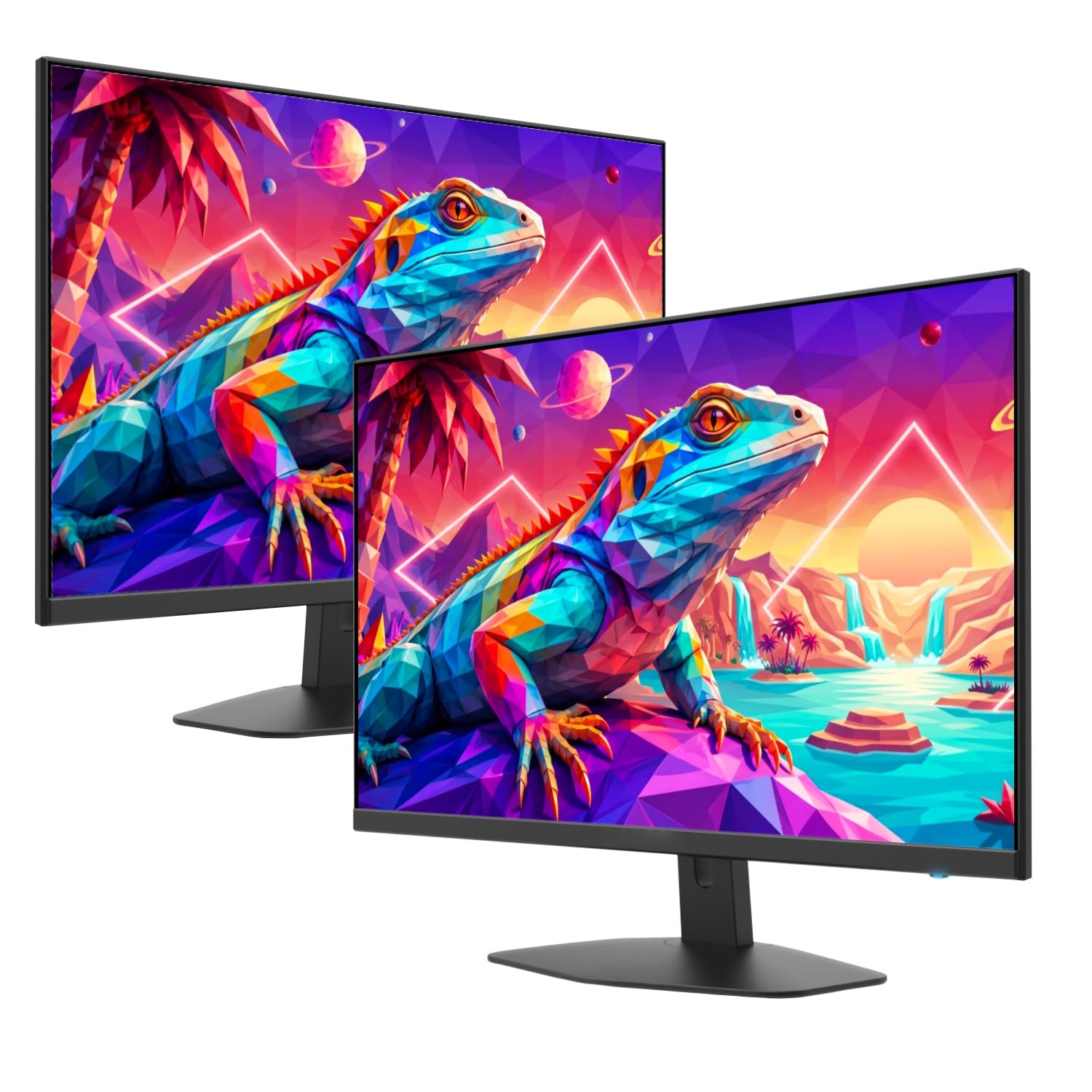
A smart two-pack that fills a dual-screen desk perfectly for less.
Need two screens without doubling your budget? This 2X Pack delivers two 24-inch Full HD (1920×1080) monitors with a 100Hz refresh rate and 100% sRGB color gamut. It’s an efficient solution for a dual-screen productivity setup — perfect for research-heavy work or managing multiple apps at once. Each monitor includes built-in speakers and supports VESA wall mounting to keep your desk tidy.
The fast 1ms response time (which reduces blur during motion) and custom FPS/RTS gaming modes mean they’re not just for spreadsheets; they can handle casual gaming too. Owners appreciate the clear, crisp display, thin bezels, and reliable performance for office tasks. One genealogy researcher set up four monitors using this pack, praising the “good picture, perfect size, and ease of mounting” for tracking research across multiple screens.
It’s the value that impresses most — the overall quality is the most-praised aspect, with 36 owners mentioning it. One reviewer noted the two monitors in the pack can look identical but have different part numbers and slightly different brightness and dark tones, so there can be subtle variation between the pair. A rare unit arrives that won’t power on, but most owners are happy with the purchase for a multi-screen workstation.
The Efficient Choice: buying two at once is the most cost-effective way to build a dual-screen home office or trading setup.
The Variation Catch: the two monitors may look alike but have slightly different brightness and dark-tone levels.
10. BenQ GW2490T Computer Monitor 24″

A height-adjustable 100Hz work screen with strong eye-care features.
This BenQ is the upgraded version of the GW2490, adding a height-adjustable stand that the standard model lacks, making it a better fit for long office days. The 24-inch 1080P FHD IPS panel delivers accurate colors and wide viewing angles, and the 100Hz refresh rate makes desktop navigation and scrolling feel fluid. It’s designed for productivity, with an edge-to-edge display that keeps the focus on your work.
BenQ’s Eye-Care technology is the core feature here, combining a blue light filter, flicker-free operation, and adaptive brightness (which automatically adjusts the screen to ambient light). This is a monitor built to reduce eye fatigue for extended work sessions. The stand also handles height and tilt, letting you customize your setup for comfort.
Owners rate the screen quality highly — it’s the most-praised aspect, with 14 buyers mentioning it. One owner, who bought 12 of these for a work fleet and two for home, noted the software works well on both DisplayPort and HDMI. The built-in speakers are a weak point, fine only for voicemail or alerts, but there is a 3.5mm jack for external audio. One owner found the stand base “freakishly too large” for a small desk.
Comfort-First Features
- Height and tilt adjustable stand for personalized ergonomics
- Eye-care tech with low blue light and adaptive brightness
- Accurate colors and sharp text for professional work
Space and Sound
- Stand base is very large and takes up significant desk space
- Weak internal speakers, so plan for the 3.5mm jack for audio
The comfort pick: this is for professionals who want a height-adjustable, eye-friendly display and don’t need gaming speed.
Watch out for: the oversized stand base and the need for external speakers for good sound.
11. ViewSonic VG2441V 24 Inch 1080p Webcam Monitor
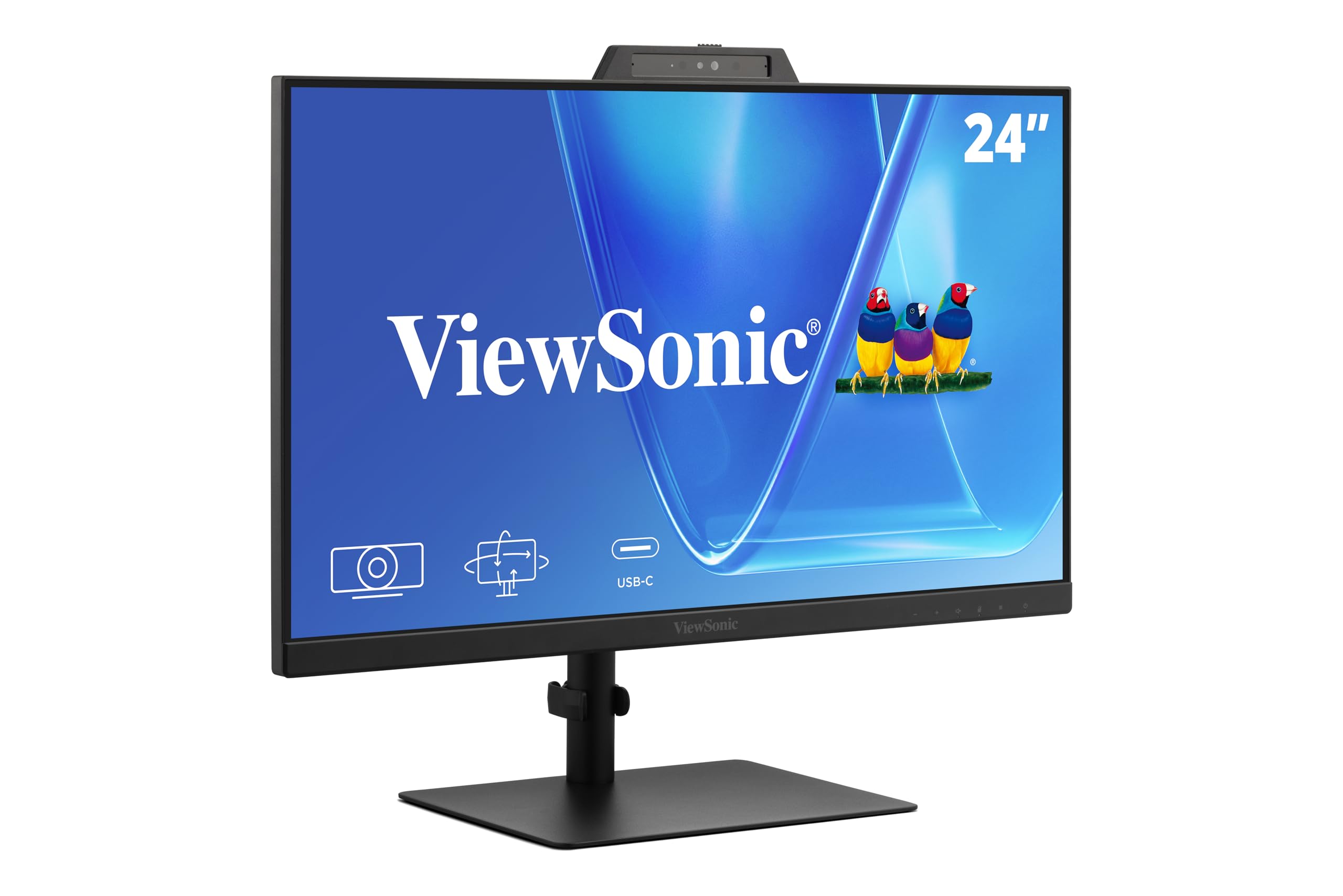
A video-conferencing all-in-one with a camera, mic, and speakers built in.
For remote workers drowning in separate gadgets, the ViewSonic VG2441V is a serious declutterer. It combines a 24-inch Full HD (1920×1080) IPS monitor with a built-in 5MP camera, microphone, and speakers, so you can walk into a meeting without plugging in a headset or webcam. The 5-degree camera tilt and physical privacy shutter help you frame the shot and cover the lens when you’re off. It even supports Windows Hello, so the IR-integrated camera lets you log in securely with just your face, skipping the password.
The 120Hz refresh rate makes scrolling and video feel exceptionally smooth, and the ergonomic stand offers a 40-degree tilt, swivel, rotate, and height adjustment to fight neck strain. The 1500:1 contrast ratio keeps text and images crisp, with flicker-free tech and a blue light filter for long days. HDMI, DisplayPort, and a USB hub give you flexible connections for laptops and desktops.
For its specific purpose, it works great. Owners using it for work say they “don’t need a headset for meetings” and praise the picture and audio quality, making it an “excellent work monitor.” The most-praised aspect is monitor quality. The one recurring issue is that the speaker is rear-facing and lacks high-quality sound, so for music or serious audio you’ll add an external bar. Also, to use the camera, your device needs a USB connection alongside an HDMI or DisplayPort video link.
The All-in-One Appeal
- Built-in 5MP camera with Windows Hello facial recognition login
- Smooth 120Hz refresh rate for fluid multitasking
- Fully ergonomic stand with rotation and height adjustment
Where It’s Limited
- Rear-facing speaker lacks good sound quality for music
- Camera needs a USB connection to work, reducing plug-and-play simplicity
Reach for this if: you live in video meetings and want a single, secure, camera-equipped display to clean up your desk.
Look elsewhere if: you want strong audio for entertainment or are playing high-tech competitive games — this pairs better with a soundbar.
Understanding the Specs
Refresh Rate (Hz)
Refresh rate is how many times your screen updates with a new image every second. A higher number, like 144Hz instead of 60Hz, makes motion smoother and reduces blur—it’s the most important spec for gaming, but it also makes everyday scrolling and window-dragging feel more fluid. For pure office work, 100Hz is a comfortable balance.
Panel Type (IPS vs LCD)
The panel type determines color accuracy and viewing angles. IPS (In-Plane Switching) panels are the standard for good color and stay accurate when you view them from the side, which is great for shared desks or multi-monitor setups. Cheaper LCD or LED screens might look washed out at an angle, so IPS is usually worth seeking out.
Response Time (ms)
This is the time a pixel takes to change colors, measured in milliseconds. A lower number, like 1ms, means faster transitions and less motion blur in fast scenes. It’s less critical for office work, but in a gaming monitor, a 1ms response time is a key feature for competitive titles.
Built-in Speakers
Most monitors have basic speakers that suffice for system sounds and voice calls. They generally lack the bass and volume of dedicated audio gear. If sound fidelity matters, plan on external speakers or a soundbar and treat built-ins as a convenience.
FAQ
Are the built-in speakers in a 24 inch monitor with speakers any good?
What is the difference between a 60Hz and a 144Hz monitor for everyday use?
What does IPS mean in a monitor?
Will a 24 inch monitor with speakers work with my Mac or MacBook?
What is a response time of 1ms and why does it matter?
Can I wall mount a 24 inch monitor with speakers?
What does a 100Hz refresh rate mean for office work?
What is the difference between HDMI and DisplayPort connections on a monitor?
How does VESA mounting work for a 24 inch monitor?
What is the best refresh rate for an all-in-one office and gaming monitor?
Final Thoughts: The Verdict
If you want one dependable pick, the 24 inch monitor with speakers winner is the HP VH240a because it combines a superb IPS panel and the most versatile ergonomic stand into one reliable package. If you want high-refresh smooth gaming on a budget, grab the Sceptre Prime. And for those setting up a serious home office, the Dell 24 Plus is the one to reach for.
How We Picked
We do not accept paid placement. Every pick is matched to a real buyer and a real use-case; we do not hands-on test units.
Sources & Methodology
Specifications: manufacturer listings and product documentation. Review insights: verified customer reviews, as of September 2026. Pricing: not shown on this page (it changes often); check the current price via the retailer link.
As an Amazon Associate, Gadgets Feed earns from qualifying purchases. This does not affect which products we feature.