
A 24-inch portable monitor isn’t a compromise — it’s a declaration. You want desktop-class screen real estate without the desk itself. The challenge is that most portable displays max out around 15.6 inches, leaving you squinting at spreadsheets or missing critical map edges in your favorite strategy game. These larger panels pack IPS or QLED technology, higher refresh rates, and VESA compatibility into a form factor that slides into a laptop bag, giving you a true dual-screen setup anywhere a table exists.
I’m Min — the co-founder and writer behind Gadgets Feed. I dig through the spec sheets and customer testaments on these 24-inch portable monitors to separate the truly portable powerhouses from the ones that are just big, heavy, and underpowered, so you know exactly what you’re carrying.
Whether you need a travel-friendly second screen for coding or a 165Hz gaming panel for your Steam Deck, this guide breaks down the best specs and real-world trade-offs to help you find your ideal 24 inch portable monitor.
How To Choose The Best 24 Inch Portable Monitor
Buying a larger portable monitor requires balancing raw specs against real-world carry weight. A 23.8-inch panel with a 165Hz refresh rate is fantastic — but only if your laptop can drive that resolution at that frame rate, and only if the stand doesn’t topple at the slightest touch. Focus on the connection standard, the panel type, and the stand mechanics before you get swept away by peak brightness claims.
Refresh Rate vs. Resolution Trade-Offs
A 144Hz or 180Hz panel delivers buttery motion smoothness for gaming, but many 24-inch portable monitors max out at 60Hz via standard USB-C unless you use HDMI. If you play fast-paced shooters, prioritize models specifying FreeSync and 144Hz+ support over the HDMI connection. Conversely, if your work is spreadsheets and coding, a 60Hz 4K panel from the InnoView series delivers sharper text clarity than a 1080p 165Hz panel, at the cost of motion fluidity.
Connectivity and Single-Cable Power
True portability means one USB-C cable carrying video signal and power to the monitor. Many 24-inch screens require an external power adapter to reach full brightness, making them “desk portable” rather than “laptop bag ready.” Check if the monitor supports USB-C Power Delivery (PD) passthrough — that way your laptop charges while you use the extended display, needing just one wall outlet.
Stand Stability and VESA Compatibility
A 24-inch portable monitor is heavy — most weigh 5 to 7 pounds. A weak magnetic or friction-based kickstand will tip over on a crowded desk. Look for built-in 180-degree adjustable stands with a wide base. If you plan to mount the screen on an arm, confirm it supports VESA 75x75mm (the standard for this size) and check whether VESA screws are included in the box, as many budget models skip them.
Quick Comparison
On smaller screens, swipe sideways to see the full table.
| Model | Category | Best For | Key Spec | Amazon |
|---|---|---|---|---|
| InnoView Dual 4K | Premium Dual | 4K dual-screen productivity | 3840×2160 per screen | Amazon |
| UPERFECT 24.5” Touch 165Hz | Premium Touch | High-refresh touch gaming | 165Hz / 2K touchscreen | Amazon |
| InnoView Dual 2K 180Hz | Premium Dual | Dual-screen high-refresh work | 2560×1440 / 180Hz each | Amazon |
| LUMIPIX 24.5” 2K 165Hz | Mid-Range Gaming | Competitive 2K portable gaming | 165Hz / 2560×1440 | Amazon |
| DZVW 23.8” 2.5K 180Hz | Mid-Range Performance | High-refresh productivity | 180Hz / 2560×1440 | Amazon |
| UPERFECT 24” QLED Touch 120Hz | Mid-Range Touch | Touch QLED for creative work | 120Hz / QLED 1080p touch | Amazon |
| EVICIV 24” QLED 144Hz | Value Gaming | Budget 144Hz QLED gaming | 144Hz / QLED 450 nits | Amazon |
| Newsoul 23.8” QLED 144Hz | Value Gaming | 144Hz with high contrast | 144Hz / 2000:1 contrast | Amazon |
| DZVW 23.8” 100Hz | Budget Productivity | Entry-level portable extender | 100Hz / magnetic stand | Amazon |
In‑Depth Reviews
1. InnoView Dual Portable Monitor 23.8″ 4K

This is the ultimate desktop-replacement monitor for anyone who needs dual-screen 4K resolution. Each 23.8-inch panel delivers 3840×2160 with 100% sRGB coverage, which means photo editors and financial analysts can open two full spreadsheets or timelines without any loss of text sharpness. The dual stacked design folds flat, but the manufacturer explicitly advises against carrying it daily — this is 4K portable in the sense that you can pack it between home and office, not for a coffee shop backpack.
Connectivity is robust with DisplayPort 1.4, HDMI 2.1, and USB-C options, and the setup is driver-free on both macOS and Windows. The 315-degree flip mode lets you rotate one screen to face a colleague for impromptu presentations. At 300 nits brightness, the panels are suitable for indoor use; direct sunlight will wash them out. Real-world feedback notes that the integrated speakers are acceptable for system sounds but not primary audio.
The 18-month warranty and 30-day return policy add peace of mind for a significant investment. If you need an uncompromising dual 4K workstation that collapses into a single unit, this is the most capable 24-inch portable monitor option available, provided you have a laptop that can drive two 4K displays simultaneously via USB-C or DP.
Why it’s great
- True 4K UHD on both screens with 100% sRGB
- Single USB-C cable powers and drives both panels
- 315-degree flip mode for collaborative presentations
Good to know
- Very heavy for true on-the-go portability
- HDR performance is underwhelming
- Requires a powerful laptop to drive dual 4K
2. UPERFECT QLED Touch 24.5” 165Hz
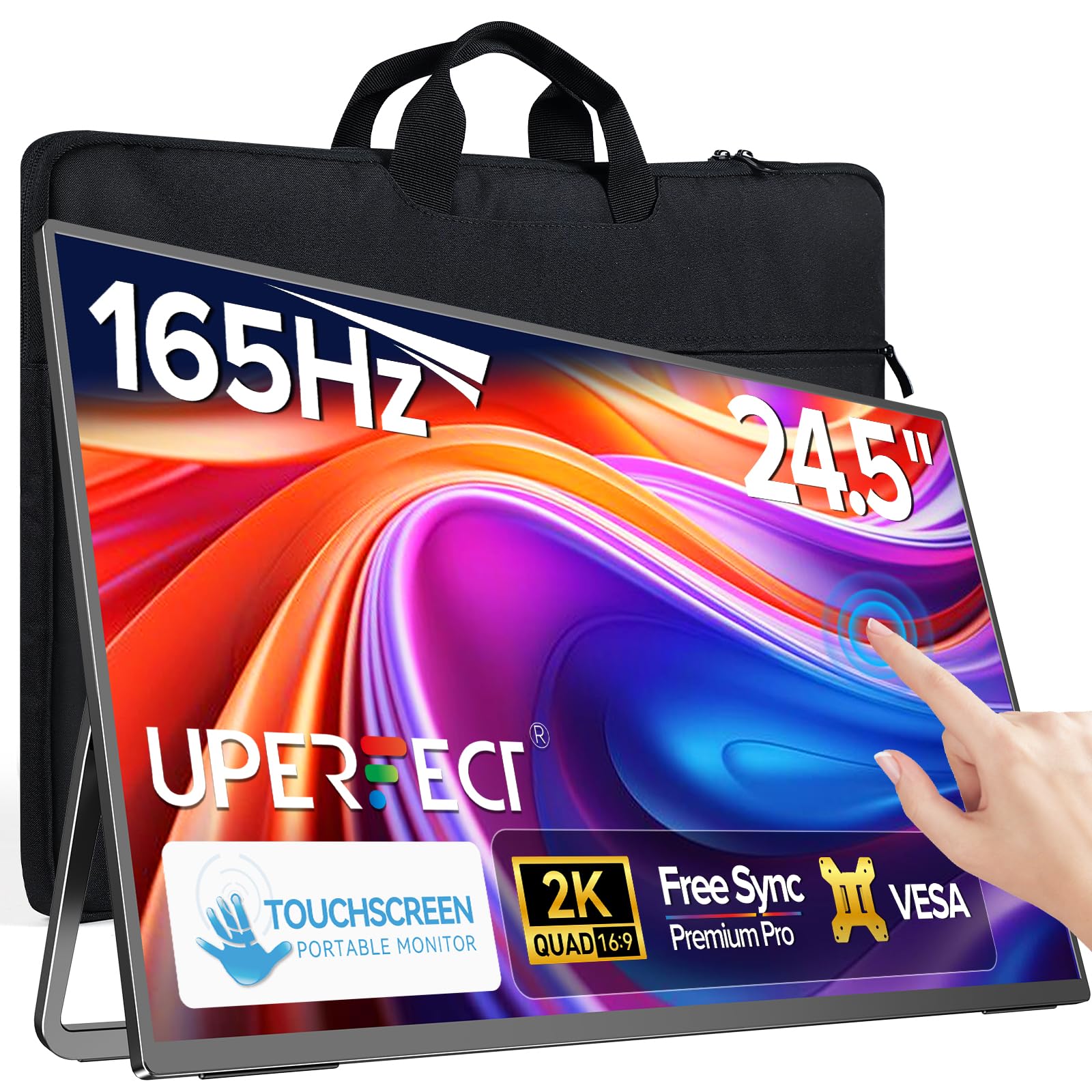
At 24.5 inches with a 165Hz IPS panel and native ten-point touch support, this UPERFECT monitor is built for interactive workflows and competitive gaming on the go. The glossy screen enhances color saturation and contrast compared to matte panels, making reds and greens pop during photo edits or while playing visually rich titles. The 2K resolution (2560×1440) hits a sweet spot — far sharper than 1080p but easier on the GPU than 4K, letting you actually hit 165Hz in most e-sports titles.
The integrated 180-degree adjustable stand is sturdy enough to support the 7.2-pound body without wobbling, and VESA 75x75mm compatibility gives you the option to mount it on an arm. Buyers report that the FreeSync implementation can be finicky — some units do not activate it reliably. The touch responsiveness is excellent, with smooth gestures for dragging and zooming. A carrying bag is included, making this one of the few high-refresh 24-inch portables that genuinely fits into a travel routine.
Color accuracy is strong out of the box, covering 125% sRGB. The built-in dual 2W speakers are adequate for system notifications but underpowered for media. If you want a large touchscreen that doubles as a secondary canvas for drawing or a gaming monitor, this UPERFECT model is the most versatile premium option in the 24-inch category.
Why it’s great
- True 165Hz at 2K for smooth gaming
- Responsive 10-point touch for creative apps
- Includes carrying bag and VESA mount
Good to know
- FreeSync may not work on every unit
- Glossy finish creates glare in bright rooms
- Speakers are weak for a screen this size
3. InnoView Dual Portable Monitor 23.8″ 2K 180Hz
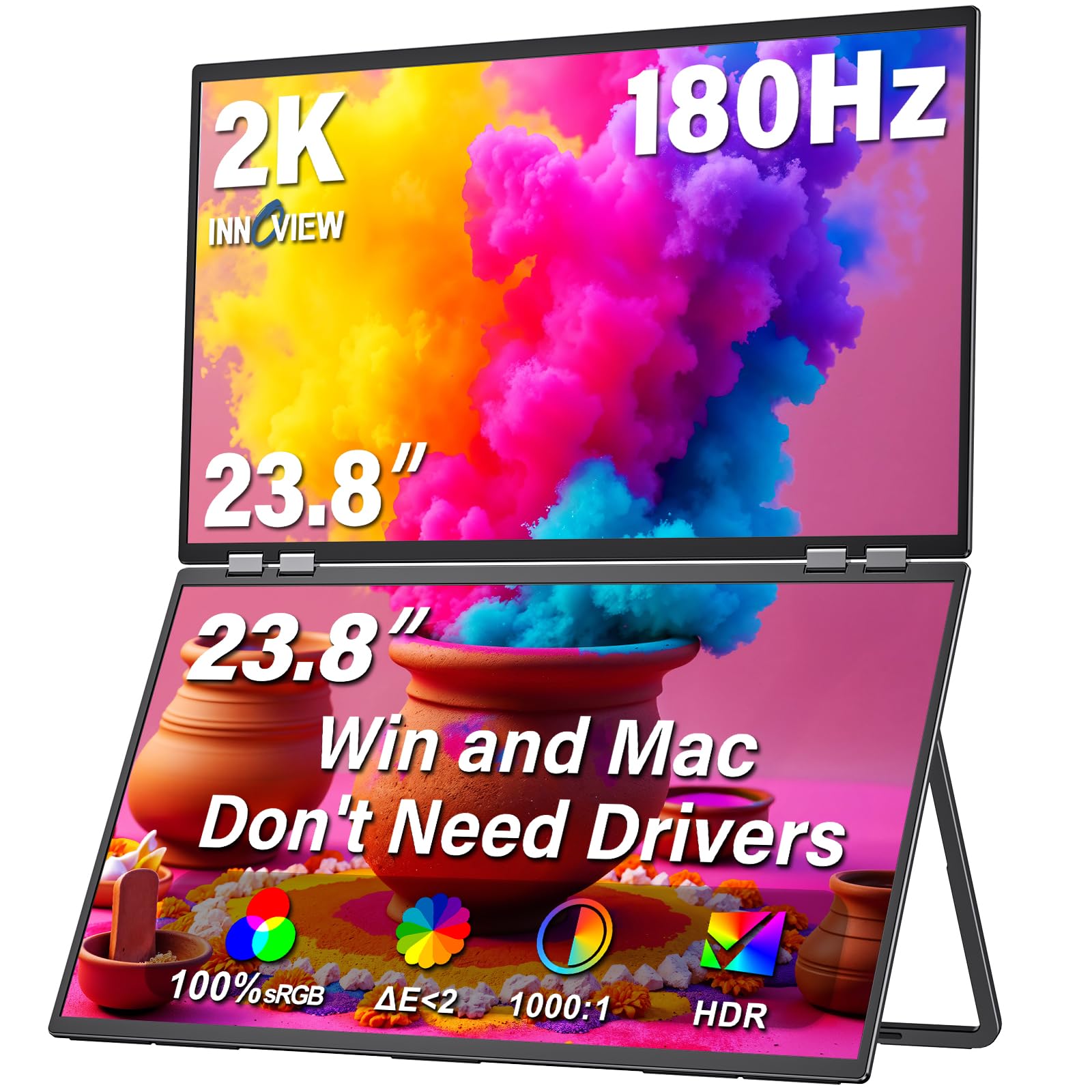
The InnoView Dual 2K model gives you two 23.8-inch QHD panels at 180Hz each, which is a spec you simply cannot find in any other portable form factor. Each screen covers 100% sRGB and hits 300 nits brightness, making it ideal for design work or coding where you need both high resolution and smooth scrolling. The foldable design stacks the screens vertically or side-by-side, and the 315-degree hinge allows one panel to flip toward a visitor for real-time sharing.
Setup is genuinely plug-and-play — macOS and Windows detect both displays instantly via a single USB-C or DP cable. However, the power requirement is notable: the dual setup draws about 60W, and you will need the included 65W adapter to drive both screens at full brightness. Multiple buyers note that portrait mode rotation is not supported despite the “315° adjustable” marketing — both panels remain in landscape orientation only.
The 180Hz refresh rate is a genuine advantage for strategy games where you want fluid camera panning across two screens. If your laptop can push 2560×1440 at high frame rates, this dual monitor turns any desk into a command center. For those who need dual 2K at high refresh in a foldable package, this is the only serious contender.
Why it’s great
- Two 2K panels with 180Hz refresh rate
- 315-degree flip for easy screen sharing
- Driver-free plug-and-play with USB-C/DP
Good to know
- Cannot rotate to portrait orientation
- Requires 65W power supply for full operation
- Too heavy for daily carry in a backpack
4. LUMIPIX 24.5” 2K 165Hz Gaming Monitor
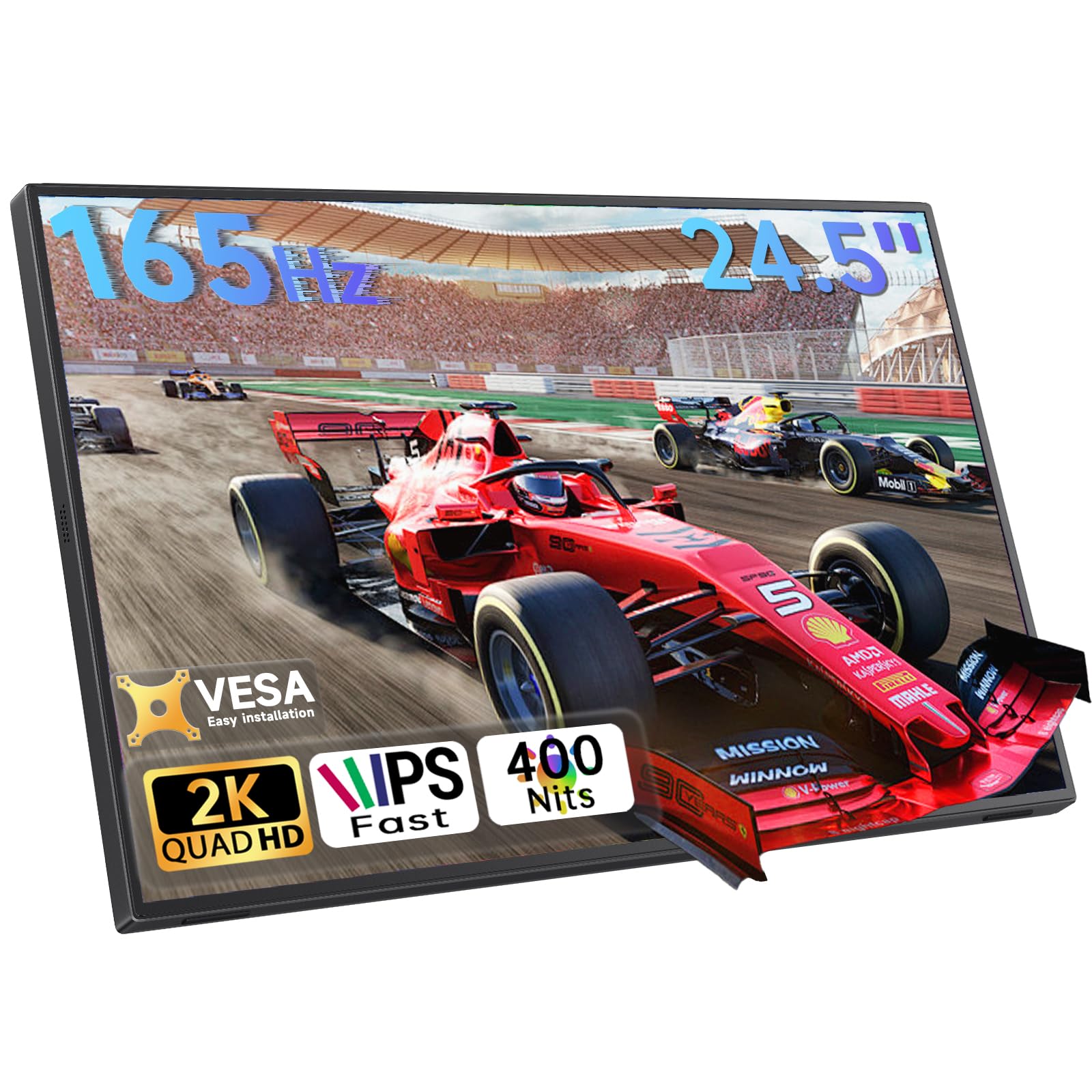
The LUMIPIX delivers a 24.5-inch 2K IPS panel with a 165Hz refresh rate at a price point that undercuts most competitors by a significant margin. The 100% sRGB coverage and 350 nits of brightness are solid for color work, and the 178-degree viewing angles mean you can share the screen without color shifting. The 165Hz refresh rate is genuine — buyers report smooth gameplay on PC and consoles via HDMI, with FreeSync minimizing screen tearing during fast scenes.
The stand is a built-in 180-degree kickstand that supports both landscape and portrait orientations, plus the panel includes VESA 75x75mm mounts. At 27W max power draw, this is one of the most efficient 24-inch monitors, meaning you can run it off a laptop battery for longer. The dual USB-C ports support power delivery passthrough, so you can charge your laptop through the monitor with a single wall plug.
Audio is a clear weak point — the dual 2W speakers are tinny and lack bass. The anti-glare coating helps in bright offices, but the 350-nit peak brightness is marginal for outdoor use. For the combination of 2K resolution, 165Hz gaming performance, and thoughtful power management, the LUMIPIX offers the best value per dollar in this category.
Why it’s great
- 165Hz at 2K with genuine FreeSync support
- Low 27W power draw for longer battery life
- VESA and portrait mode ready
Good to know
- Built-in speakers are very weak
- Brightness tops out at 350 nits
- Some units have panel separation reported over time
5. DZVW 23.8” 2.5K 180Hz Portable Monitor
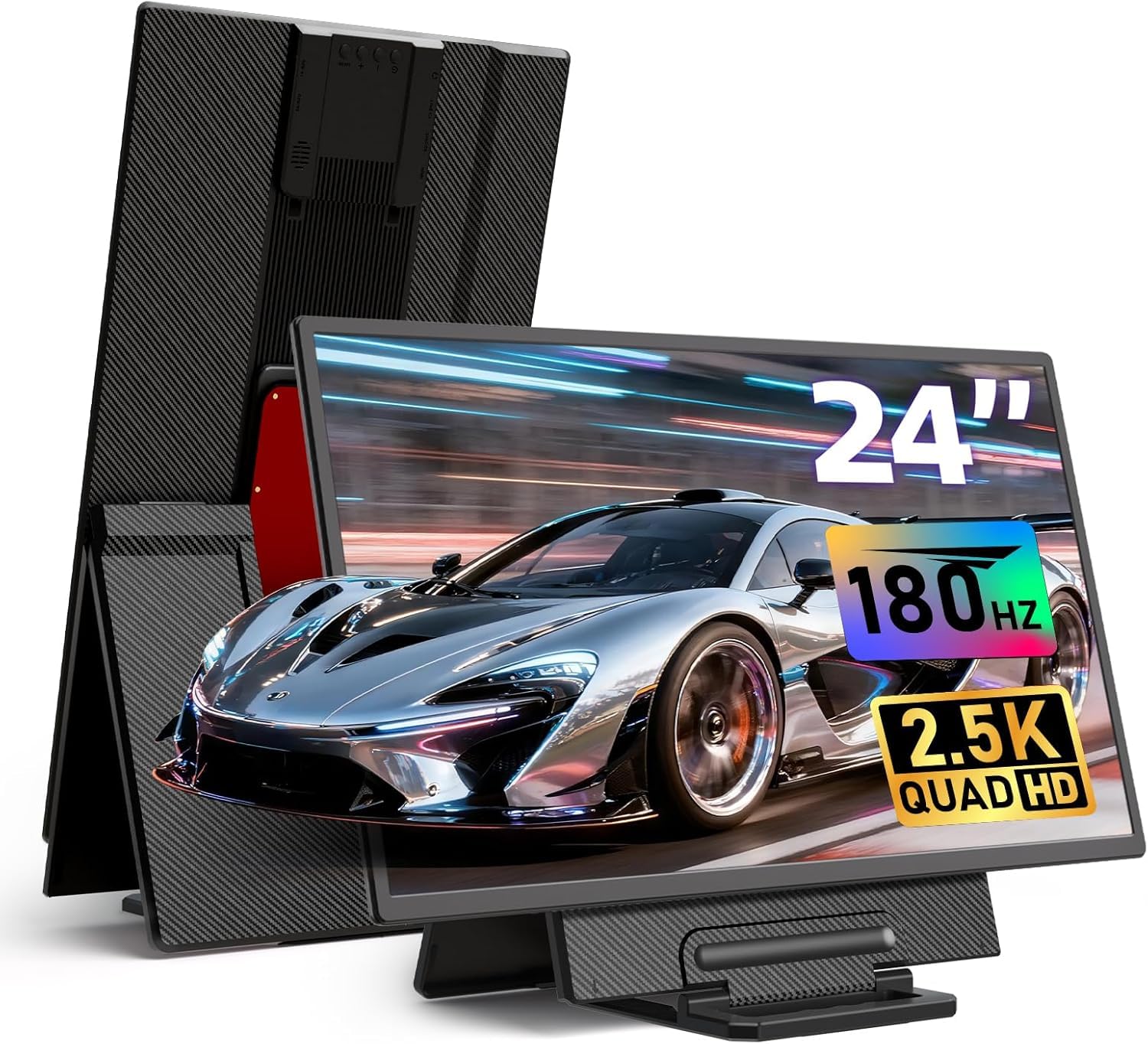
The DZVW 23.8-inch monitor pushes the refresh rate ceiling to 180Hz at 2560×1440 resolution, making it one of the smoothest portable panels available. The IPS panel covers 112% sRGB with 300 nits brightness, which is adequate for indoor productivity and casual gaming. HDR support and FreeSync are both included, helping to reduce tearing while keeping the image crisp during fast-paced racing or shooter games.
The adjustable kickstand is 90-degree capable, letting you tilt the panel for comfortable viewing. VESA 75x75mm compatibility expands your mounting options. Single USB-C operation works — one cable carries both signal and power — but the manufacturer recommends using the included 30W adapter for full brightness. Several long-term users report reliability issues, with the display failing to connect after six months in some cases.
If you prioritize the highest possible refresh rate in a 24-inch portable form factor and keep it stationary, the 180Hz performance is unmatched at this price tier.
Why it’s great
- 180Hz refresh rate for ultra-smooth motion
- Lightweight and easy to transport
- HDR and FreeSync for tear-free gaming
Good to know
- Some units have reliability issues after months of use
- 300 nits brightness is average at best
- 30W adapter recommended for full brightness
6. UPERFECT 24” QLED Touchscreen 120Hz
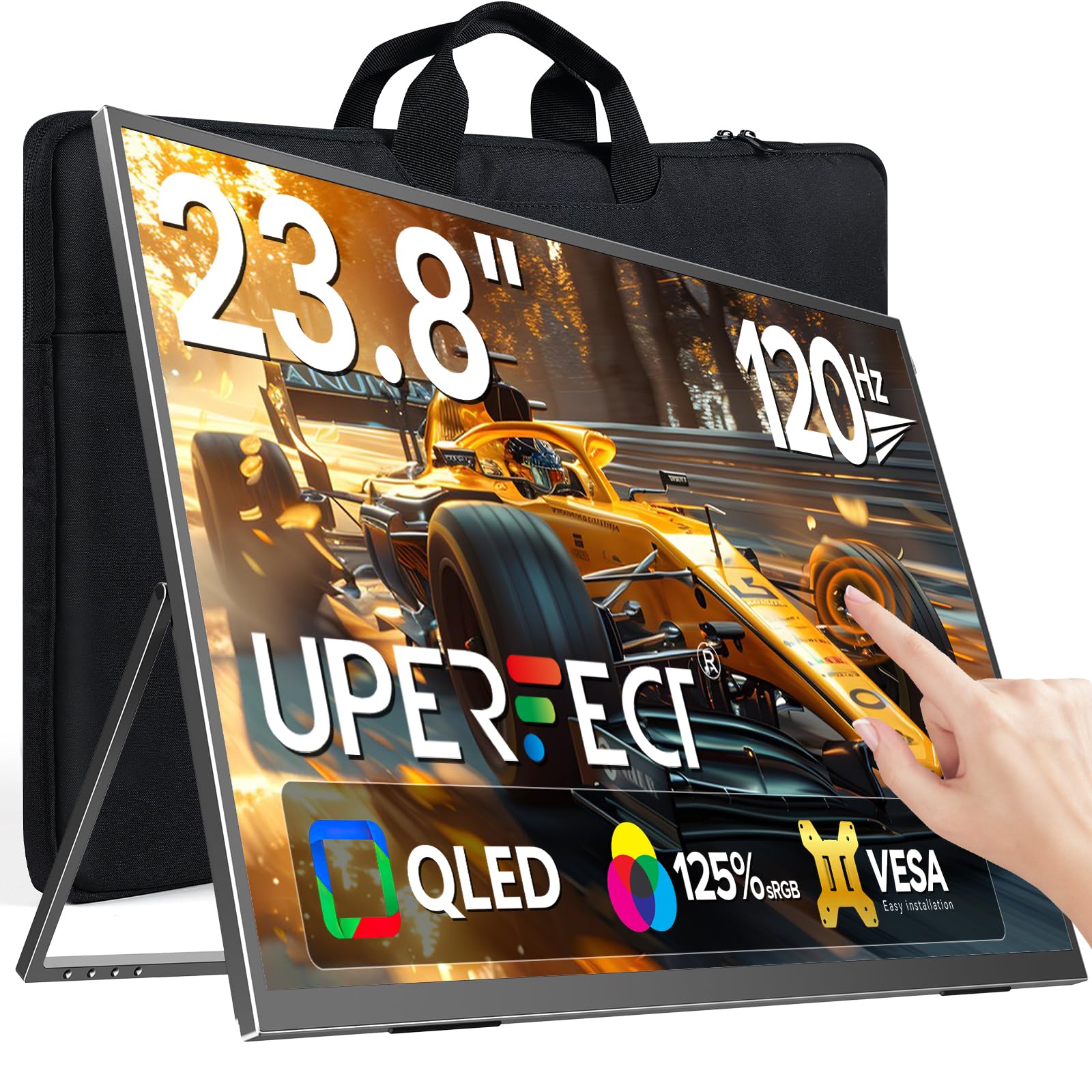
This UPERFECT monitor brings QLED color technology to a 24-inch portable touchscreen. The 125% sRGB coverage and 2000:1 contrast ratio produce deep blacks and vibrant colors that rival OLED panels at a glance — ideal for photo editing, video preview, or rich media consumption. The 120Hz refresh rate is a step above standard 60Hz portables, making scrolling and casual gaming noticeably smoother without demanding the GPU power of a 165Hz panel.
The multi-touch support is responsive and compatible with Windows gestures for swiping, zooming, and scrolling. The built-in 180-degree adjustable stand is stable on flat surfaces, and VESA compatibility gives you mounting flexibility. Connectivity includes standard HDMI and USB-C ports with power delivery passthrough. At 5.37 pounds, it is manageable for occasional travel between rooms but too heavy for daily backpack commuting.
Some buyers note that advertised features like FreeSync and 500-nit brightness are not fully delivered — actual brightness measures around 379 nits in testing. The glossy QLED finish creates reflections in well-lit rooms. If you want a touch-enabled QLED panel with 120Hz fluidity for creative and media tasks, this UPERFECT is the best option under the premium tier.
Why it’s great
- QLED panel with 2000:1 contrast ratio
- 120Hz refresh with responsive touch support
- USB-C power delivery passthrough
Good to know
- Advertised brightness and FreeSync not fully delivered
- Glossy screen causes glare in bright environments
- Not truly portable for daily bag carry
7. EVICIV 24” QLED 144Hz Gaming Monitor
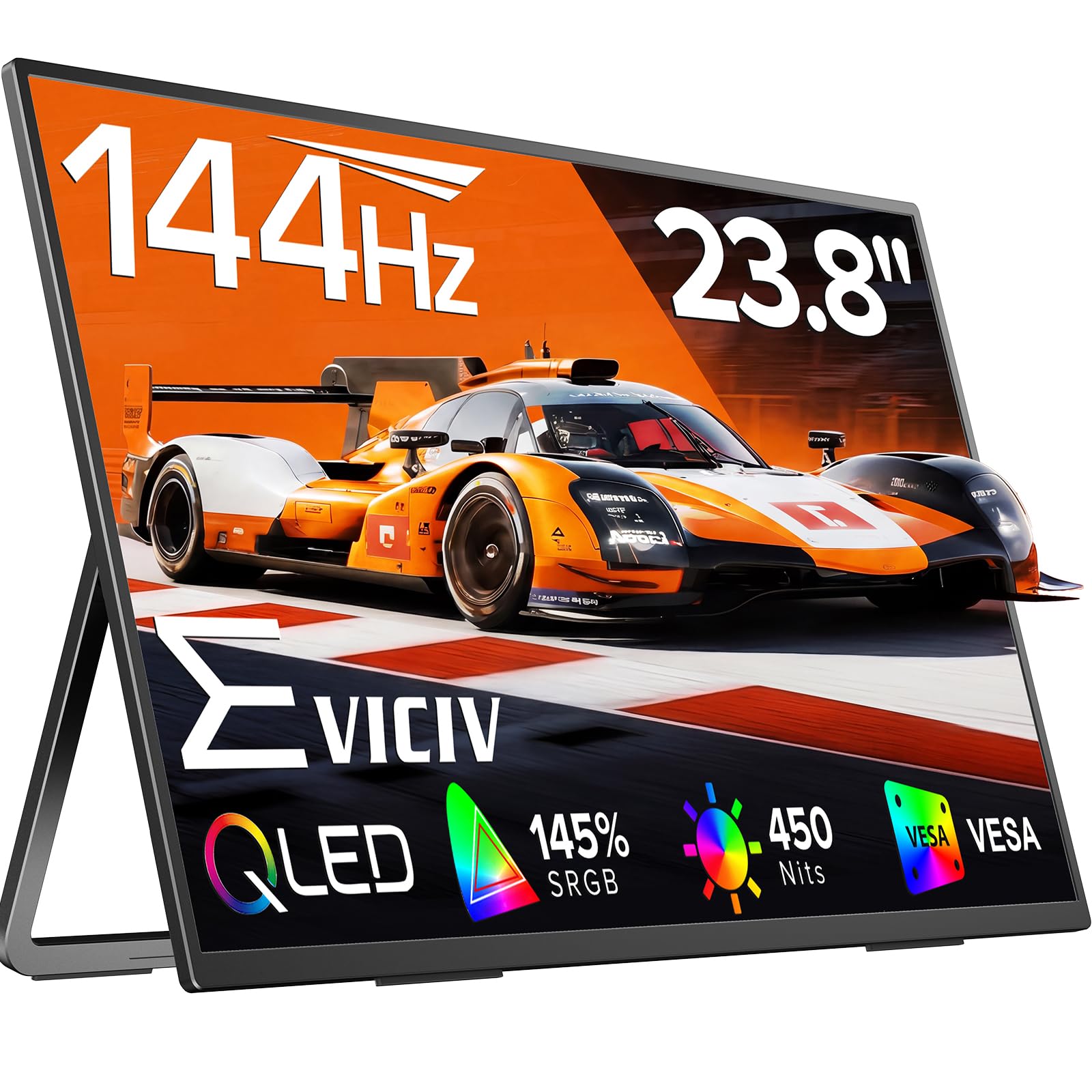
The EVICIV delivers a 24-inch QLED panel with a 144Hz refresh rate at a price point that makes it the entry-level gateway to portable high-refresh gaming. The 145% sRGB color gamut and 2000:1 contrast ratio produce rich, punchy visuals, and the 450 nits peak brightness is genuinely usable near a window — a rarity at this price. FreeSync and a 0.1ms response time are listed, though real-world response will be closer to standard IPS levels.
The stand is a 360-degree adjustable bracket that supports both landscape and portrait orientations, plus VESA 100x100mm mounting. The bezels are thin, making the screen feel more immersive for its size. Setup is plug-and-play via USB-C or HDMI, and the included accessories cover most connectivity scenarios. Some reviews reference a smaller 18.5-inch model, so verify that you are purchasing the 24-inch version specifically.
For budget-conscious buyers who want QLED color, 144Hz motion, and enough brightness for semi-bright rooms, the EVICIV provides the best feature-per-dollar ratio. It lacks the build refinement of premium models, but the core panel performance is impressive for the price.
Why it’s great
- QLED panel with 145% sRGB coverage
- 450 nits brightness for use near windows
- 144Hz refresh with FreeSync support
Good to know
- Review photos show a different, smaller model
- Build quality feels budget-tier
- True 0.1ms response time is marketing language
8. Newsoul 23.8” QLED 144Hz Gaming Monitor
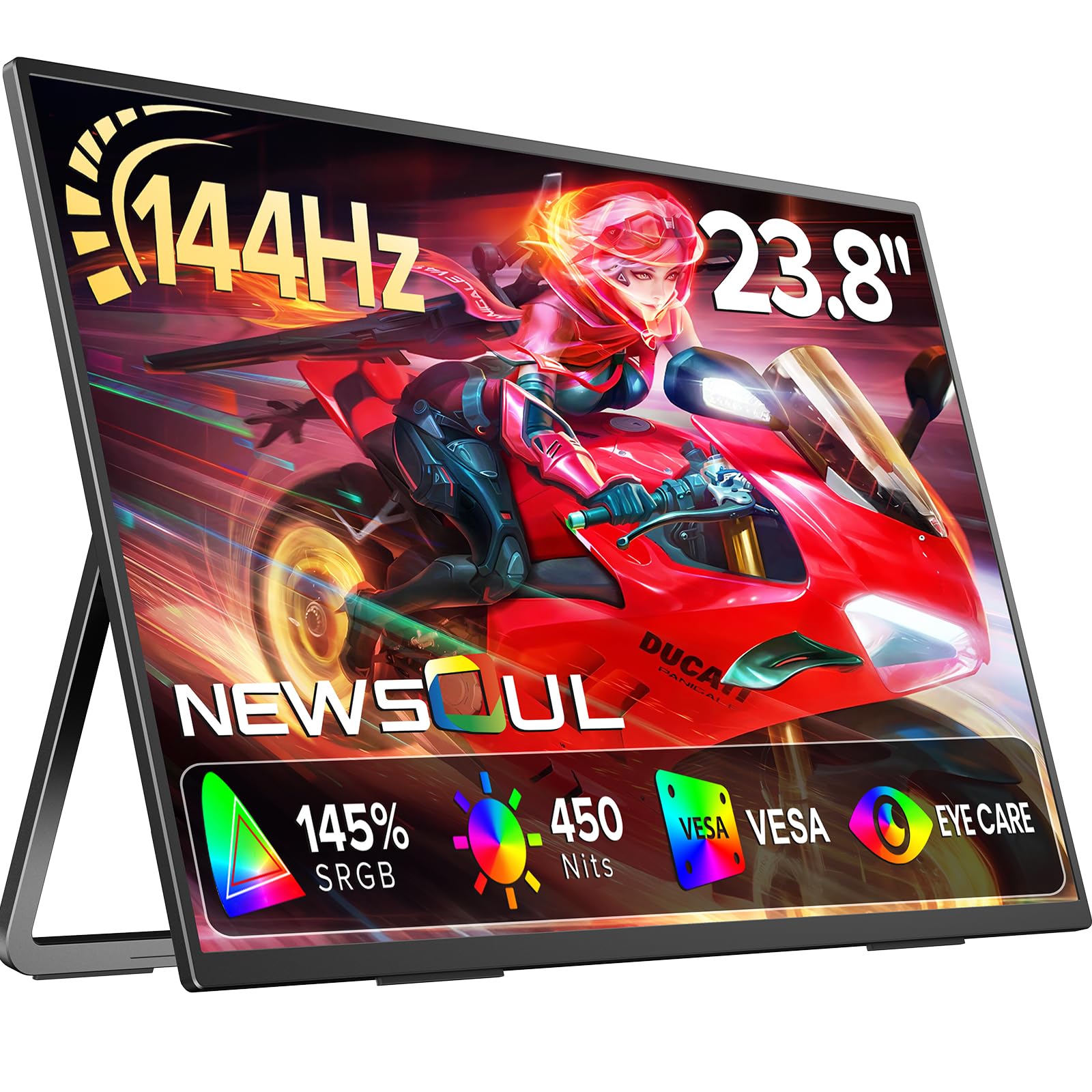
The Newsoul 23.8-inch portable monitor offers a QLED panel with a 144Hz refresh rate, 2000:1 contrast ratio, and 450 nits brightness — specs that directly rival monitors costing significantly more. The A++ IPS technology provides wide 178-degree viewing angles, and side-by-side with a standard IPS panel, the deeper black levels of this QLED display are immediately apparent during dark movie scenes or gaming in dim environments.
FreeSync is supported, and the response time is rated for smooth gaming. The built-in stand is 180-degree adjustable for comfortable positioning, and VESA compatibility allows for arm mounting. HDMI and USB-C ports offer broad device support, including consoles and smartphones. Setup is driver-free, and most buyers report single-cable USB-C operation works without issue on modern laptops.
The primary drawback is build feel — the chassis is lightweight but flexes noticeably under pressure, and the included speakers are barely adequate for basic alerts. If you want QLED color depth at 144Hz for a very accessible price, the Newsoul is a solid entry point into large-screen portable monitors.
Why it’s great
- 2000:1 QLED contrast for deep blacks
- 450 nits peak brightness for bright rooms
- 144Hz with FreeSync for smooth gameplay
Good to know
- Chassis flex is noticeable when handling
- Built-in speakers are very weak
- Limited to 1080p resolution
9. DZVW 23.8″ 100Hz IPS Portable Monitor
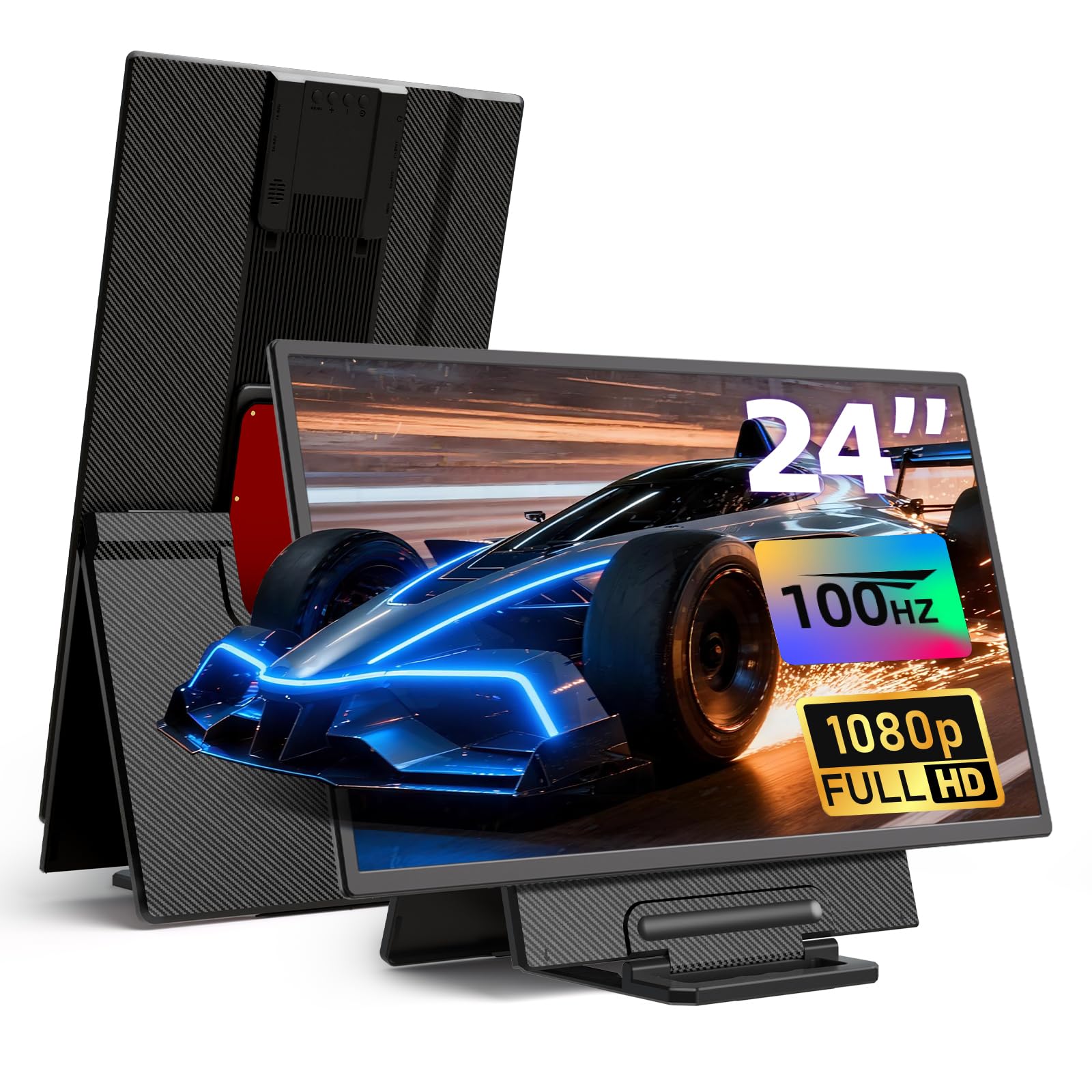
This DZVW model is the most cost-effective way to get a 23.8-inch portable monitor with a 100Hz refresh rate. The 1080p IPS panel covers 125% sRGB and delivers 300 nits brightness — perfectly serviceable for office work, spreadsheets, and casual media consumption. The magnetic stand is detachable and height-adjustable, supporting 90-degree rotation for portrait mode, plus VESA 75x75mm compatibility gives you mounting flexibility.
Connectivity is comprehensive: HDMI, dual USB-C ports, two USB-A ports for peripherals, and a 3.5mm audio jack. The two USB-A ports allow you to connect a mouse and keyboard directly to the monitor, turning your laptop into a complete desktop station with one cable. Setup requires the included power adapter, so this is not a single-cable solution — you will need a wall outlet nearby.
Buyers consistently praise the lightweight design and clear picture quality. Some units have reported reliability failures after several months. For budget-conscious buyers who need a large secondary screen for productivity without the gaming price premium, this DZVW delivers the essentials at the lowest entry point.
Why it’s great
- Magnetic stand with height and rotation adjustment
- USB-A ports for direct peripheral connection
- 100Hz refresh smoother than standard 60Hz
Good to know
- Requires external power adapter for operation
- 300 nits brightness is indoor-only
- Some customers report reliability issues over time
FAQ
Can a 24-inch portable monitor run off a single USB-C cable from a laptop?
How much does a 23.8-inch portable monitor weigh, and can I carry it daily?
Is a QLED portable monitor worth the extra cost over IPS?
Can I mount a 24-inch portable monitor on a VESA arm?
What laptop specs do I need to run a 24-inch 144Hz portable monitor?
Final Thoughts: The Verdict
For most users, the 24 inch portable monitor winner is the LUMIPIX 24.5” 2K 165Hz because it delivers the best balance of 2K resolution, high refresh rate gaming performance, and low power consumption at a mid-range price. If you want a full dual-screen 4K workstation that folds flat for occasional transport, grab the InnoView Dual 4K. And for touch-enabled creative work with rich QLED color, nothing beats the UPERFECT 24.5” Touch 165Hz.