
Our readers keep the lights on and my morning glass full of iced black tea. As an Amazon Associate, I earn from qualifying purchases.
Specs are compiled from manufacturer listings and verified buyer reviews and can change over time — please confirm the key details on the product page before buying.
Finding a 24-inch white monitor that actually looks good on your desk and performs well is harder than it sounds. This guide cuts through the noise to bring you the best white monitors, from budget-friendly picks to high-end models with blazing-fast refresh rates for gaming or all-day productivity.
I’m Min — the founder and writer behind Gadgets Feed. This guide is built by comparing the manufacturers’ published specifications and the patterns across verified customer reviews, so you get each pick’s real strengths and trade-offs instead of marketing spin.
We’ve analyzed the specs and owner feedback to help you find the perfect 24 inch white monitor that matches your workspace and your needs, without overpaying for features you won’t use.
Our Picks at a Glance

How To Choose The Best 24 Inch White Monitor
Before you click buy, remember that a monitor is a long-term investment for your eyes and your setup. The biggest mistake is buying purely on looks, ignoring the panel type and refresh rate that determine your daily experience.
Understanding Panel Types: IPS vs VA
The panel type dictates how the screen looks from different angles and how accurate colors appear. IPS (In-Plane Switching) panels are famous for wide viewing angles, meaning colors stay true even if you’re not sitting dead-center. VA (Vertical Alignment) panels usually offer higher contrast ratios for deeper blacks but can suffer from color shift when viewed from the side. For most users, especially those who move around or share their screen, an IPS panel is the safer, more versatile choice.
Decoding Refresh Rate and Response Time
Refresh rate, measured in Hertz (Hz), tells you how many times the screen updates per second. A standard office monitor runs at 60Hz, but a 100Hz or 144Hz screen makes scrolling and cursor movement feel noticeably smoother, and it is essential for fast-paced gaming. Response time, often listed in milliseconds (ms), is how quickly a pixel changes color, which reduces ghosting or blurring around moving objects. For a smooth experience, look for a higher refresh rate and a lower response time.
Quick Comparison
| Model | Best For | Refresh Rate | Panel Type | Contrast Ratio | Amazon |
|---|---|---|---|---|---|
| Dell 24 Plus S2425HSM★ Best Overall | All-Around Office | 144Hz | LCD | 1500:1 | Amazon |
| MSI PRO MP243WAlso Great | High Refresh Value | 144Hz | IPS | 1500:1 | Amazon |
| ASUS VU249HFI-WEye-Care Pick | Eye Care & Color | 100Hz | IPS | 2000:1 | Amazon |
| DJiEX 24 Inch White | Budget Value | 100Hz | VA | 4000:1 | Amazon |
| Pixio PX246 Wave | Style & Smoothness | 120Hz | IPS | 1000:1 | Amazon |
| KTC H24F7 | Competitive Gaming | 240Hz | Fast IPS | 1000:1 | Amazon |
| BenQ GW2486TC | Productivity Hub | — | IPS | 1000:1 | Amazon |
| Pixio PX257 Hayabusa | Esports Enthusiasts | 300Hz | Fast IPS | 1000:1 | Amazon |
In‑Depth Reviews
1. Dell 24 Plus Monitor S2425HSM
Our pick — over 4.5★ from 200+ verified ratings; the strongest balance of quality and price.
The ergonomic office hero with surprisingly rich sound and a buttery 144Hz panel.
The Dell 24 Plus is the monitor that does everything well, pairing a 144Hz refresh rate with a 1ms response time for tear-free viewing whether you are in a spreadsheet or a shooter. Its 1500:1 contrast ratio means text remains crisp and colors stay accurate, which is why owners consistently praise the clear picture and easy-on-the-eyes text for daily work.
You can skip the separate soundbar for casual listening because this monitor has dual 3W speakers built in—buyers report they sound “better than anything I’ve heard out of a normal monitor.” The stand is the real standout: it offers height, tilt, pivot, and swivel adjustment (a full range of motion), so you can dial in the perfect viewing angle for your posture. It also runs on a 4-star TÜV-certified low blue light mode (a filter that reduces eye-straining blue light) to protect your eyes during long sessions.
Setup is quick right from the start, and the clean design looks thin and chic on a desk. It connects via HDMI only—worth knowing if you need DisplayPort or USB-C for laptop charging. The 99% color gamut (the range of colors the screen can show) makes it a solid choice for photo editing, and the height-adjustable stand separates it from budget rivals. However, some owners note the adjustment range feels limited and may still want a riser.
Your daily driver: If you want a monitor that handles office work, casual gaming, and movie nights with great built-in audio and a fully adjustable stand, this Dell is the one to beat.
A small catch: The HDMI-only connectivity means no single-cable laptop charging, so plan your cable setup accordingly.
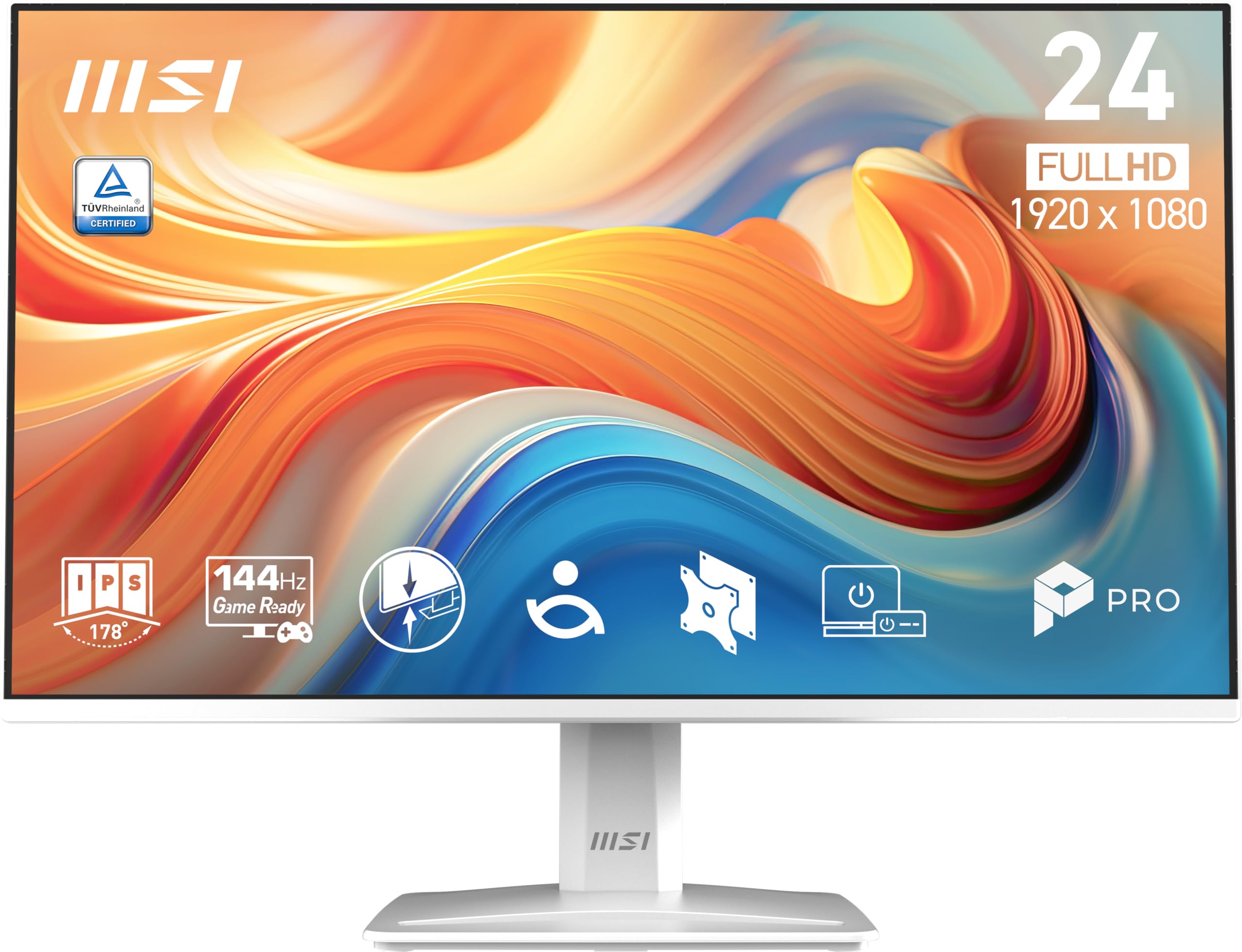
2. MSI PRO MP243W
The 144Hz speed demon that wraps high-refresh gaming and sharp office work into one clean white frame.
This MSI delivers the smoothest everyday experience of any pick here, hitting a 144Hz refresh rate while most budget white monitors top out at 100Hz. That is 144Hz versus 100Hz, which makes cursor movement feel glued to your hand and turns fast-paced action into fluid motion without screen tearing.
Inside is an IPS panel (a screen type known for vivid colors and wide viewing angles) with a massive 1500:1 contrast ratio, so you get deep blacks and bright highlights from nearly any seat in the room. The 1ms response time means fast-moving objects stay crisp, and the TÜV Rheinland certified Flicker Free and Low Blue Light features help reduce eye strain during long sessions.
What wins people over is the picture quality and vibrant colors, with the clean white design earning praise for looking sharp on a desk. The stand tilts from -5° to 20° for basic comfort, and the VESA 100x100mm mount lets you attach it to an arm or wall easily. It supports FreeSync (a tech that syncs the screen with your graphics card to stop stuttering), and while the built-in speakers aren’t amazing, the price makes them easy to forgive.
Why it wins
- 144Hz refresh rate for ultra-smooth motion
- IPS panel with 1500:1 contrast ratio
- Eye-care certifications for long use
- Clean white design that fits modern desks
The trade-offs
- Built-in speakers are passable, not great
- Stand offers tilt only, no height adjustment
Grab it for: The best blend of high refresh rate, vivid IPS colors, and a white aesthetic without jumping to premium prices.
Keep in mind: If you need a fully adjustable stand with height and swivel, you will want to add a monitor arm.
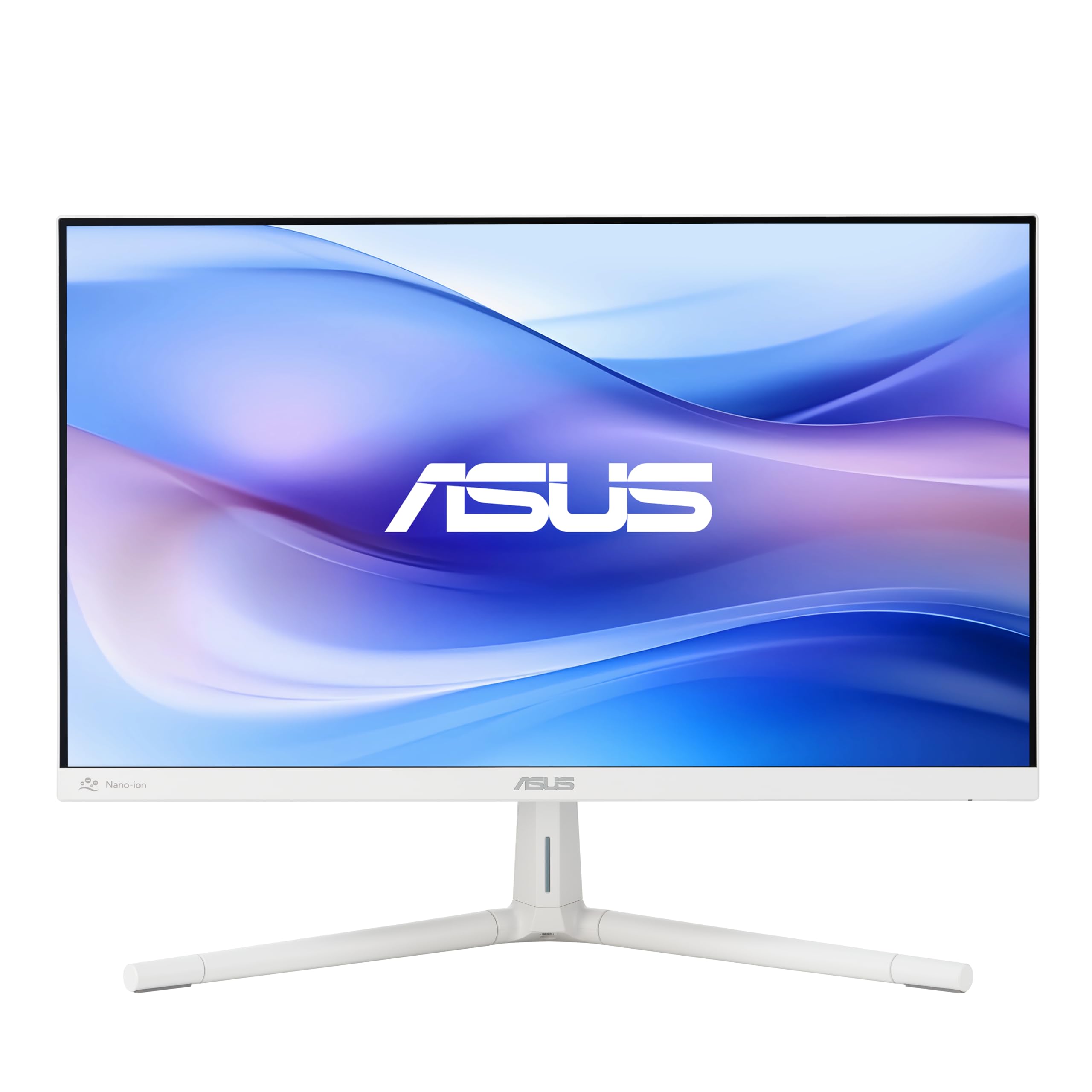
3. ASUS VU249HFI-W
The eye-comfort specialist with a 100% color gamut and a built-in air purifier trick.
The ASUS VU249HFI-W is built for people who stare at screens all day, leading with Eye Care Plus technology and a TÜV Rheinland-certified adjustable Blue Light Filter to reduce eye fatigue. It is a frameless 23.8-inch IPS panel (viewable as a 24-inch) with a 178° wide viewing angle, so colors hold up when you lean back or share your screen. The 100Hz refresh rate with 1ms MPRT keeps daily scrolling and video playback crisp and clear.
What makes this white monitor unusual is the built-in Nano-ion generator, a feature designed to enhance air quality in your indoor environment. It also ships with a 100% color gamut, meaning rich, accurate colors from the start—a detail owners note pairs perfectly with an Apple Mini PC. The package includes a DisplayPort cable, an L-shaped screwdriver for quick assembly, and a 1-month Adobe Creative Cloud subscription for creative work.
Owners who bought two for a mixed horizontal and vertical gaming setup report they “absolutely love them,” running smoothly with a PS5 and Switch 2. The stand offers tilt and height adjustment, though you will need a screwdriver to change the height—a small inconvenience for a monitor that is otherwise praised for its great value and clean white aesthetic.
Best for: Anyone logging long work or study hours who wants certified low blue light, flicker-free viewing, and a 100% color gamut in a sleek white frame.
Worth noting: The Nano-ion generator and premium eye-care features push this into the mid-range tier, so it is not the cheapest white 24-inch option.
4. BenQ GW2486TC

The office power-user’s hub that charges your laptop, cleans your audio, and connects everything with one cable.
The BenQ GW2486TC transforms a monitor into a productivity hub, offering USB-C connectivity with 60W power delivery so a single cable carries video, data, and laptop charging at once. Its 60W USB-C power delivery lets a single cable handle video, data, and laptop charging, eliminating desk clutter. It features a built-in Noise-Cancelling Microphone that reduces background noise with one click, making Zoom calls and virtual meetings sound clearer—though note the mic only works when connected via USB-C.
At 24 inches with a 1080p FHD IPS panel and a 1000:1 contrast ratio, it delivers sharp text and reliable colors for office work, presentations, and coding. The BenQ-exclusive Eye-Care technology reduces eye fatigue during extended sessions, and the Brightness Intelligence feature automatically tune display performance to protect your vision. The stand is height adjustable, a must-have for proper ergonomics.
Owners pairing this with a Mac Mini 4 call it the “best value after month-long research,” noting the display quality slightly exceeds their older iMac. It also supports daisy chaining (connecting multiple monitors through one cable) for a multi-screen setup. One quirk: using both HDMI and USB-C together can create a phantom third monitor on Windows 11, so stick to USB-C for a single-cable solution.
The hub advantage: If you want one cable to charge your laptop, connect peripherals, and clean up your desk, this is the only pick here that does it all.
Who it skips: Pure gamers will find the standard refresh rate underwhelming compared to the 144Hz and 240Hz options higher up this list.
5. Pixio PX246 Wave
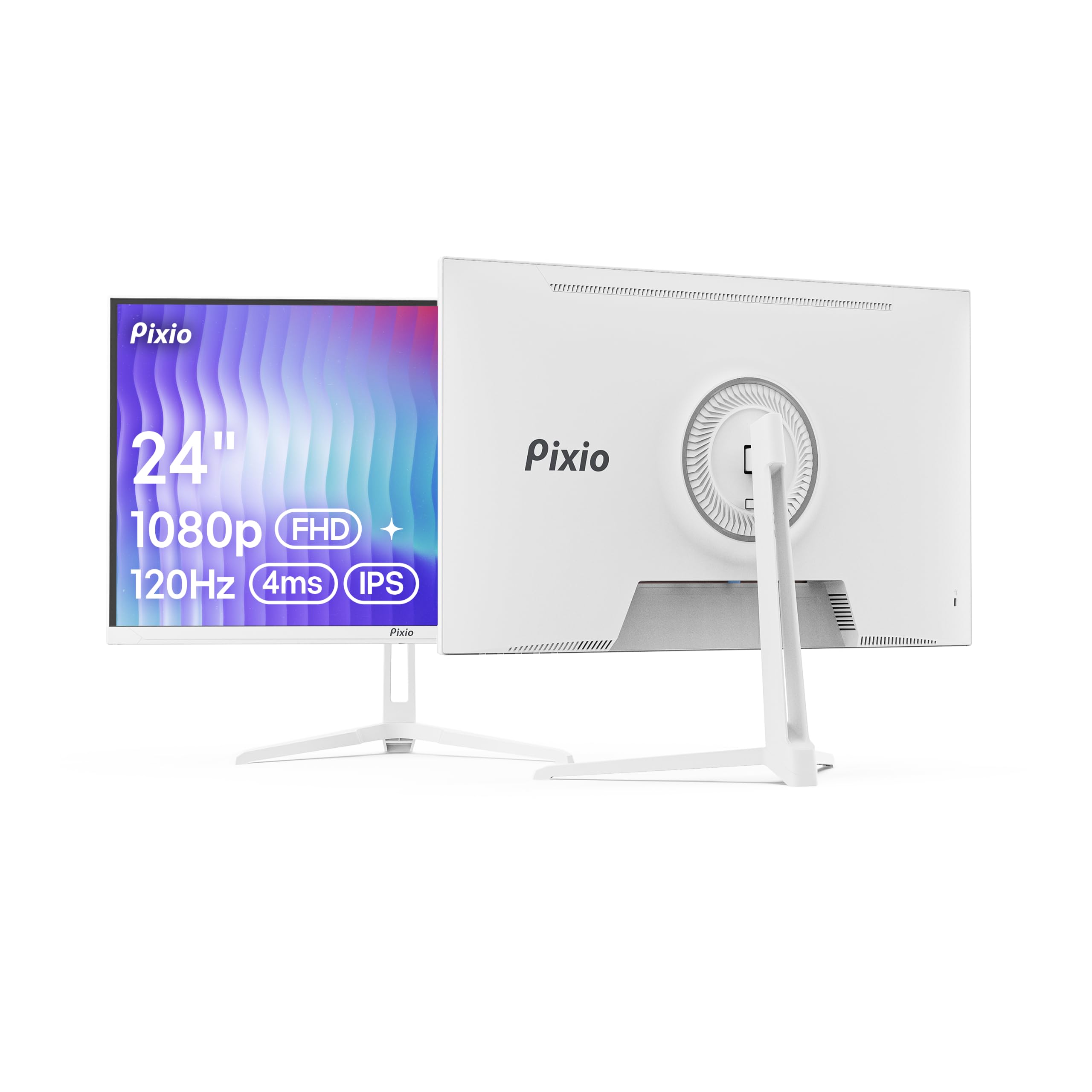
The crowd-pleasing white monitor with a 120Hz refresh that proves you don’t need to overspend for smooth.
The Pixio PX246 Wave is the monitor buyers consistently describe as impressive for the price, delivering a 120Hz refresh rate on a 24-inch FHD 1080p IPS panel with a 4ms GTG response time. That means fluid motion during fast-paced gameplay and minimal ghosting or blurring around moving objects, all inside a slim white frame that looks at home in any gaming setup.
It is the most-reviewed white monitor here, with the thing everyone raves about being the overall quality and the appearance—owners call the design sleek and the white finish vibrant. The Adaptive Sync (FreeSync) tech matches the screen’s refresh rate to your graphics card to eliminate screen tearing, and the 300 cd/m² brightness keeps the display punchy even in bright rooms. The IPS panel provides vivid colors and 178° viewing angles, so the picture holds up from across the desk.
The setup is easy, with a tilt-adjustable stand, and it feels very lightweight on a desk. The built-in speakers are a mixed bag according to the review patterns—some find them surprisingly good while others call them awful—so plan on external speakers if audio matters. The stand only offers tilt adjustment, so for height or rotation you will want a VESA monitor arm.
the balance: This is the best-selling balance of a fast 120Hz refresh rate (how many times the screen updates per second), sharp IPS colors, and a white design that does not break the bank—ideal for casual gamers and students.
Plan ahead: The tilt-only stand and mediocre speakers mean you may want a monitor arm and external audio for the full experience.
6. DJiEX 24 Inch White Monitor
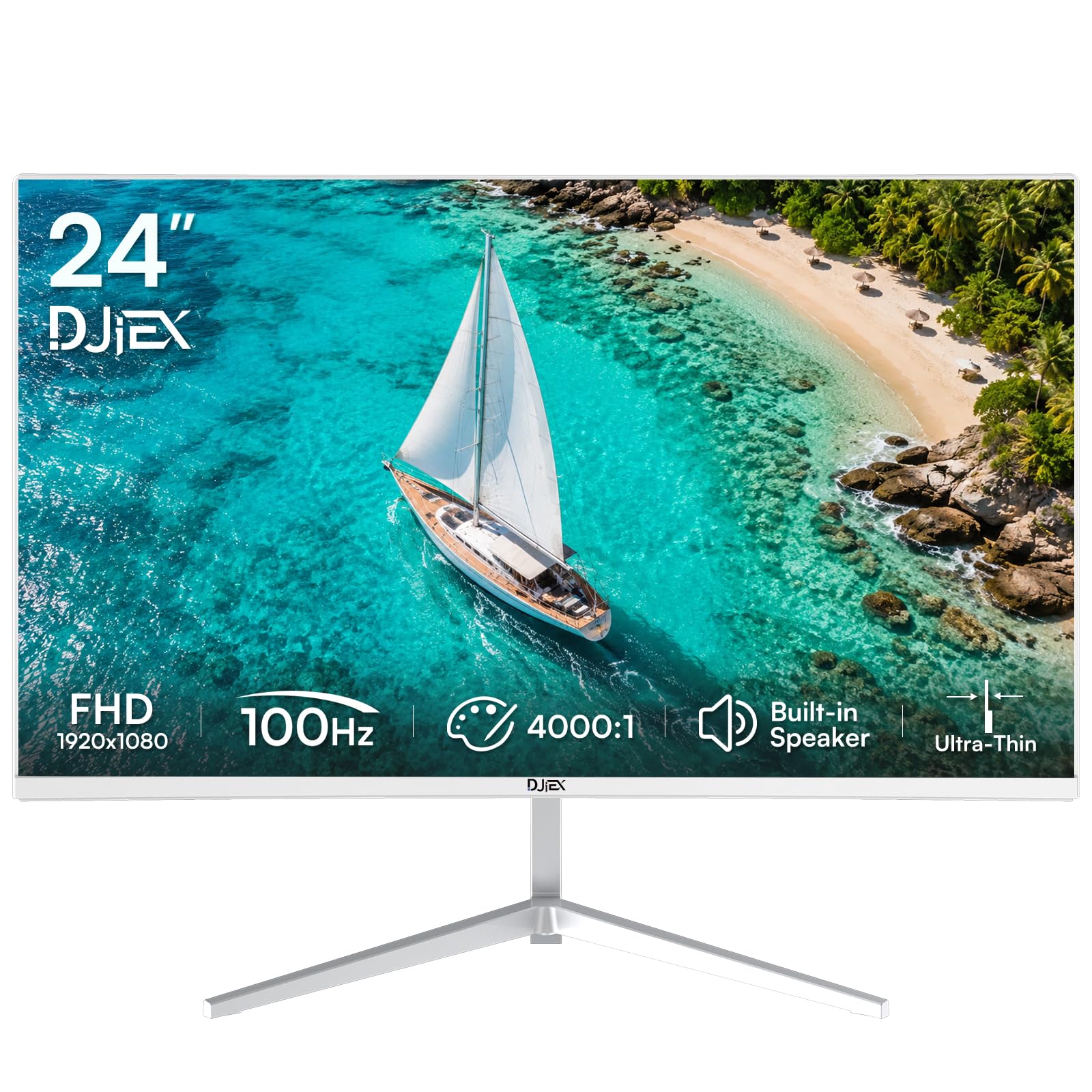
The entry-level white monitor that packs a high 4000:1 contrast ratio and a 98% sRGB gamut for the price.
This DJiEX is the budget-friendly option that still brings respectable specs, headlined by a 4000:1 contrast ratio—the deepest blacks of any pick here—and a 98% sRGB color gamut for vibrant, true-to-life colors. It uses a VA panel (a screen type that excels at contrast) with a 100Hz refresh rate, so scrolling through documents and video editing feels smoother than a standard 60Hz office display without the higher price.
You get a bright, clear display thanks to the 1920 x 1080 FHD resolution (full high definition) and HDR10 support (a format that boosts contrast and color), which owners praise for its picture quality and “superb resolution.” The frameless, edge-to-edge design makes it excellent for dual or multi-monitor setups where thin bezels matter. You also get HDMI 2.0 and DP 1.4 inputs, built-in speakers for Zoom calls, and standard VESA 75x75mm mounting holes (the universal pattern for arm or wall mounts).
The honest trade-off here is reliability—review patterns show some owners hit screen failures shortly after purchase, so this is a budget pick where quality control can vary. The tilt adjustment spans -5° to 15° for basic comfort, and the VA panel (vertical alignment, a type of LCD) means colors shift slightly when viewed from sharp angles. For the price, it is a capable daily driver for office work and casual gaming.
Reach for this if: You need a capable white 24-inch monitor for basic office work and web browsing on a strict budget, and you value deep contrast over wide viewing angles.
Look elsewhere if: You want the confidence of a proven brand—some owners mention the screen failing shortly after purchase, so this is not the pick for risk-averse buyers.
7. KTC 24 Inch 240Hz Monitor H24F7
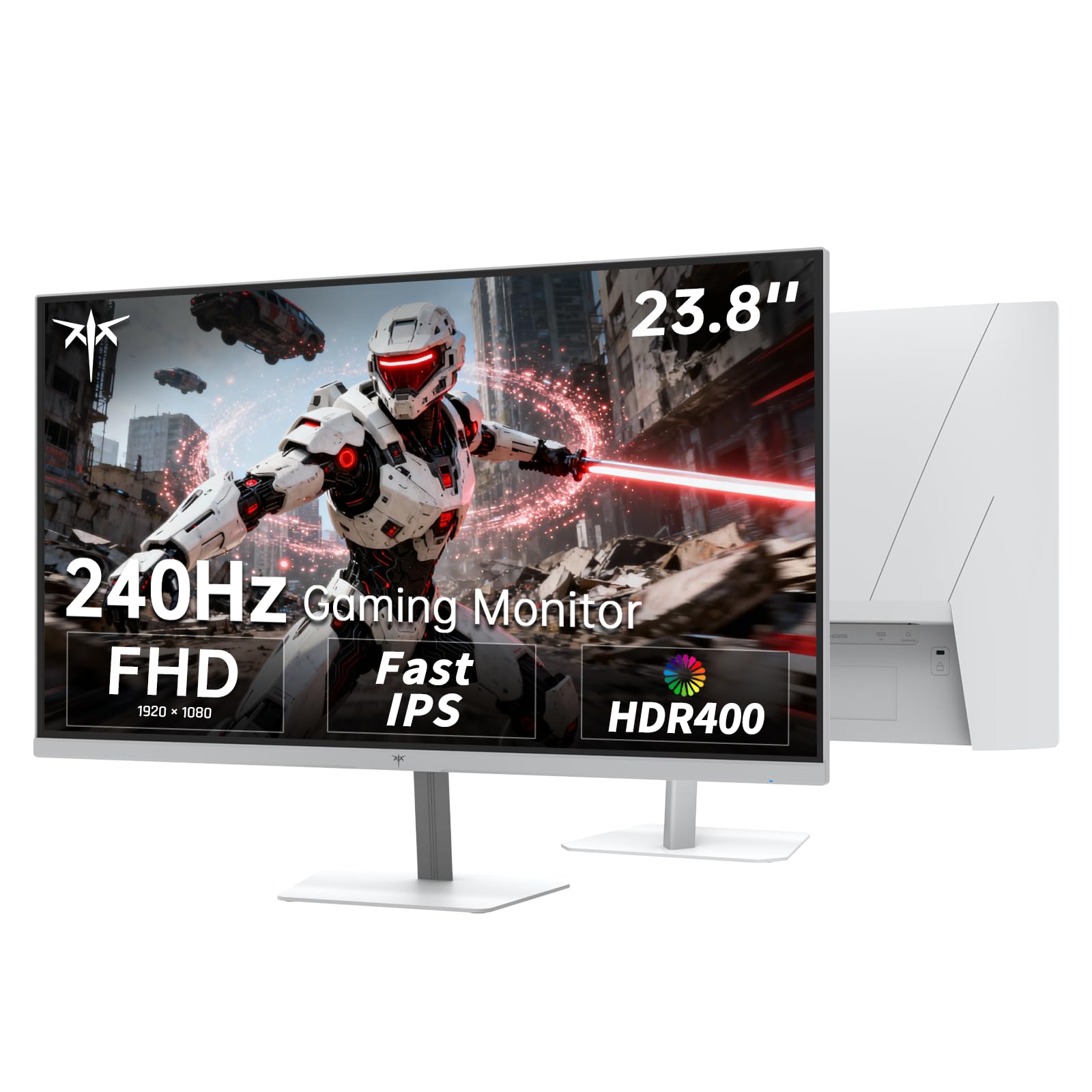
The white esports weapon with a blistering 240Hz refresh for a serious competitive edge.
The KTC H24F7 is built for gamers who refuse to compromise, packing a 240Hz refresh rate (updates 240 times per second) and a 1ms MPRT response time (motion picture response time, which reduces blur) into a clean white frame. That refresh rate crushes the 144Hz of the MSI above, delivering the smoothest motion of any white 24-inch monitor in the mid-range tier—giving you a real competitive edge in FPS, racing, and action games where every millisecond counts.
The 23.8-inch Fast IPS panel (a screen type that combines vivid colors with ultra-fast response) displays 1920 x 1080 FHD resolution with a 178° viewing angle and a 116% sRGB color gamut area. The 400 cd/m² brightness and HDR400 support reveal realistic, detailed visuals across 16.7 million colors, so games look vibrant and text stays sharp for office work. Adaptive Sync works with both FreeSync and G-Sync (the two main graphics card sync technologies) to eliminate screen tearing and ghosting.
Connectivity is generous with two HDMI ports, one DisplayPort 1.4, and a USB 2.0 port for firmware updates. The stand offers tilt adjustment from -5° to 15° plus VESA 100x100mm mounting for flexibility. A low blue light mode reduces eye strain during long sessions
The competitive edge: If esports performance is your priority but you want to stay at 24 inches and keep the white aesthetic, the 240Hz KTC is the fastest option in its class.
Know before you buy: This is a gaming-first panel, so if you only do office work, the extra refresh rate cost is wasted on you.
8. Pixio PX257 Hayabusa White
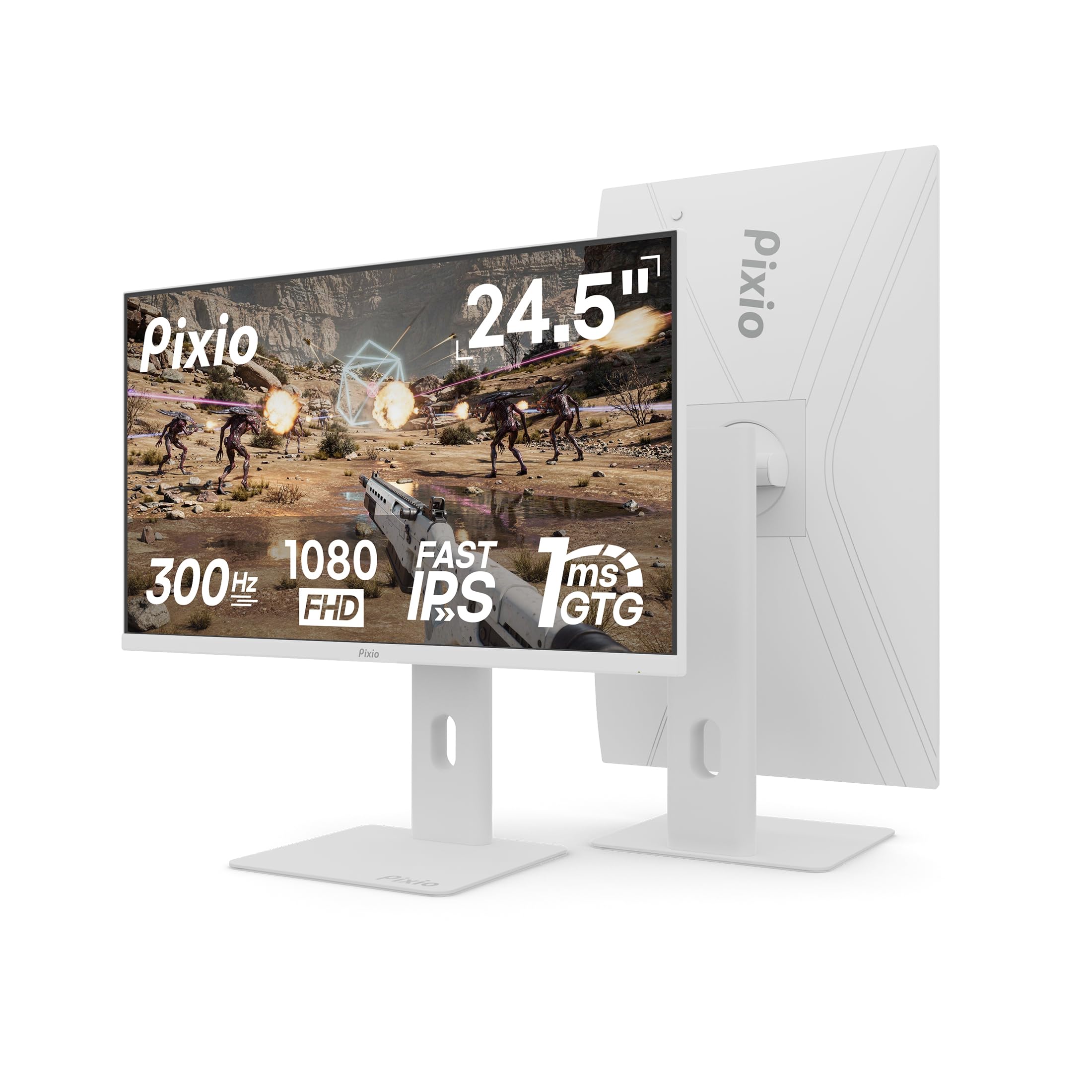
The 300Hz speed king with a full-motion stand, built for serious gamers chasing every possible frame.
The Pixio PX257 Hayabusa is the most extreme monitor here, pushing a 300Hz refresh rate on a 24.5-inch Fast IPS panel with a 1ms GTG response time (grey-to-grey, the time it takes a pixel to change color). This is the fastest screen you can buy in a white 24-inch form factor, eliminating ghosting and blurring for crisp motion in fast-paced esports titles. It delivers 1080p resolution at 300Hz through DisplayPort 1.4, or 240Hz through two HDMI 2.0 ports, so it is fully compatible with PC, laptops, and consoles.
The 121.48% color gamut (a wider range of colors than standard) and 350 cd/m² brightness (candela per square meter, a measure of luminance) produce bright, vibrant colors that owners say look “sharp even at 1080p.” The matte finish reduces glare, and the frameless look fits neatly into a multi-monitor setup. what separates it from other gaming picks is the full-motion stand—it offers tilt, swivel, rotation, and height adjustment, so you can position it perfectly for long gaming sessions or ergonomic work.
Customers note it is an “excellent value” that pairs perfectly with a Pixio arm mount, and it holds up well over a year of regular use. The built-in speakers are functional but weak, so plan on external audio. The monitor quality and value for money are the most-praised aspects, though the review patterns show some mixed reliability feedback, so it is worth buying from a retailer with a good return policy.
Built for: Competitive gamers who want the absolute highest refresh rate available and a fully adjustable stand straight from the start.
The catch: The premium price and 24.5-inch sizing are overkill for office work, and occasional reliability issues mean a good warranty is essential.
Understanding the Specs
Refresh Rate and Adaptive Sync
Refresh rate, measured in Hertz (Hz), is how many times the screen redraws its image every second. A 144Hz monitor updates at 144Hz compared to 60Hz on a standard display, which makes motion look much smoother and reduces eye fatigue during long sessions. Adaptive Sync technologies like FreeSync and G-Sync match the monitor’s refresh rate to your graphics card’s frame output, preventing screen tearing and stuttering during gaming and video playback.
Panel Technology and Color Gamut
The panel type determines color accuracy and viewing angles. IPS panels offer the best color consistency from wide angles, while VA panels often deliver deeper contrast for blacks. Color gamut, expressed as a percentage of sRGB, tells you how many colors the screen can reproduce—a higher number like 99% or 116% means more vivid, accurate colors for photo editing and content creation. A contrast ratio describes the difference between the brightest white and darkest black a screen can show.
FAQ
What is the best refresh rate for a 24-inch white monitor?
What is the difference between IPS and VA panels in white monitors?
Will a 24-inch white monitor work with my Mac or laptop?
What does Adaptive Sync or FreeSync do on a white monitor?
Can I mount a white 24-inch monitor on a wall or arm?
Are the built-in speakers on white monitors good enough for everyday use?
What is the difference between response time and refresh rate?
Which white monitor is best for photo editing and color accuracy?
Final Thoughts: The Verdict
For the majority of shoppers, the 24 inch white monitor winner is the MSI PRO MP243W because it delivers the best blend of 144Hz smoothness, vivid IPS colors, and a clean white design at a value price. If you need a fully ergonomic stand with rich built-in speakers for office work, grab the Dell 24 Plus. And for competitive gamers chasing every frame, the Pixio PX257 Hayabusa with its 300Hz refresh rate is the one to reach for.
How We Picked
We do not accept paid placement. Every pick is matched to a real buyer and a real use-case; we do not hands-on test units.
Sources & Methodology
Specifications: manufacturer listings and product documentation. Review insights: verified customer reviews, as of August 2026. Pricing: not shown on this page (it changes often); check the current price via the retailer link.
As an Amazon Associate, Gadgets Feed earns from qualifying purchases. This does not affect which products we feature.