
Our readers keep the lights on and my morning glass full of iced black tea. As an Amazon Associate, I earn from qualifying purchases.
Specs are compiled from manufacturer listings and verified buyer reviews and can change over time — please confirm the key details on the product page before buying.
The biggest myth about a 256 GB USB-C flash drive is that capacity is all that matters. In reality, the read speed, the build quality, and the connector design decide whether it feels like a daily tool or a frustrating bottleneck. This list focuses on drives that plug into modern laptops, phones, and tablets, with honest notes on which ones run hot, which ones feel flimsy, and which ones genuinely disappear into your pocket.
I’m Min — the founder and writer behind Gadgets Feed. This guide is built by comparing the manufacturers’ published specifications and the patterns across verified customer reviews, so you get each pick’s real strengths and trade-offs instead of marketing spin.
You need a 256 gb usb-c flash drive that fits your daily routine, whether that means moving 4K video from your phone to your laptop or keeping a dependable backup handy. Your choice hinges on whether you prioritize a near-flush fit, dual-connector flexibility, or raw transfer speed.
Our Picks at a Glance

How To Choose The Best 256 GB USB-C Flash Drive
Before you pick a drive, think about the biggest files you move. If you edit 4K video or back up a phone’s photo library, the read speed controls how long you wait. If you just need music for the car or documents for work, almost any drive here will feel instant.
Read speed vs. write speed
The read speed is how fast the drive sends data to your computer when you open or copy files off it. The write speed is how fast it saves new files onto itself. Many drives advertise a fast read speed but a much slower write speed, which you will notice when you dump a large video onto the drive.
Single connector vs. dual connector
A pure USB-C drive is tiny and sits flush in a modern laptop. A dual drive adds a USB-A connector for older desktops, car stereos, and game consoles. The trade-off is size: dual drives usually have a swivel or slider mechanism that makes them slightly bulkier than a compact single-connector stick.
Build quality and heat
Metal housings (like zinc alloy) dissipate heat better than plastic and survive drops and abrasion. But even metal drives get warm during big transfers — that is normal. The bigger concern is the moving mechanism: swivels and sliders can wear out, so check whether the connector locks firmly into place.
Quick Comparison
| Model | Best For | Read Speed | Connector | Weight | Amazon |
|---|---|---|---|---|---|
| SanDisk Extreme Fit★ Best Overall | Plug-and-stay in a laptop | 400MB/s | USB-C only | 4.54 g | Amazon |
| KOOTION Dual DriveBest Value | Budget dual-connector value | 450MB/s | USB-C + USB-A | 23 g | Amazon |
| Lexar D400Most Versatile | Cross-platform backups | 130MB/s | USB-C + USB-A | 17.8 g | Amazon |
| SSK FD001 | Compact everyday carry | 220MB/s | USB-C + USB-A | 17 g | Amazon |
| PNY Elite-X Fit | Car music and dash cams | 200MB/s | USB-C only | — | Amazon |
| SSK 550MB/s | Large file transfers | 550MB/s | USB-C + USB-A | — | Amazon |
| SanDisk Ultra Dual | Phone-to-laptop transfers | 150MB/s | USB-C + USB-A | 9.1 g | Amazon |
| MOVE SPEED WD10 | 4K ProRes video recording | 1000MB/s | USB-C + USB-A | 1.76 oz | Amazon |
| Lexar D50E | Cool-running DJ and media work | 400MB/s | USB-C + USB-A | 28.4 g | Amazon |
In‑Depth Reviews
1. SanDisk 256GB Extreme Fit USB-C Flash Drive
Our pick — over 4.5★ from 650+ verified ratings; the strongest balance of quality and price.
The featherweight that vanishes into a laptop and still moves 4K files at serious speed.
Plug this drive in once and you will forget it is there. At just 4.54 g, it is a fraction of the 23 g KOOTION dual drive, and its dimensions (0.73″D x 0.54″W x 0.63″H) let it sit nearly flush with the edge of a MacBook, so nothing sticks out to snap off in a bag. If you carry your laptop everywhere or deal with crowded USB-C ports, that low profile is the whole point.
The speed backs up the tiny size: USB 3.2 Gen 1 delivers read speeds up to 400MB/s, which makes short work of large 4K videos and hefty photo libraries. What wins people over is the combination of that compact footprint and rock-solid reliability, plus the fact that it runs warm but not alarming during heavy writes. One neat trick buyers report: it works perfectly as a small, always-connected portable Dropbox drive — slowish but dependable for offloading cloud files from a main SSD.
The catch is that it is USB-C only, so you cannot plug it into an older USB-A computer without an adapter. And because it is so small, it is easy to misplace. For backups, phone photo dumps, or car music, it is a champion; for a drive that needs to work with everything you own, look at a dual-connector option instead.
Who it beats: It beats the Lexar D400 on raw speed — 400MB/s versus 130MB/s reads — while being dramatically easier to leave plugged in without worrying about bump damage.
The trade-off: You trade away the USB-A connector entirely, so this is for modern USB-C-only setups.
Reach for this if: you want a permanent, near-invisible expansion for a USB-C laptop or tablet.
Look elsewhere if: you need one drive to also serve an older USB-A desktop or car.
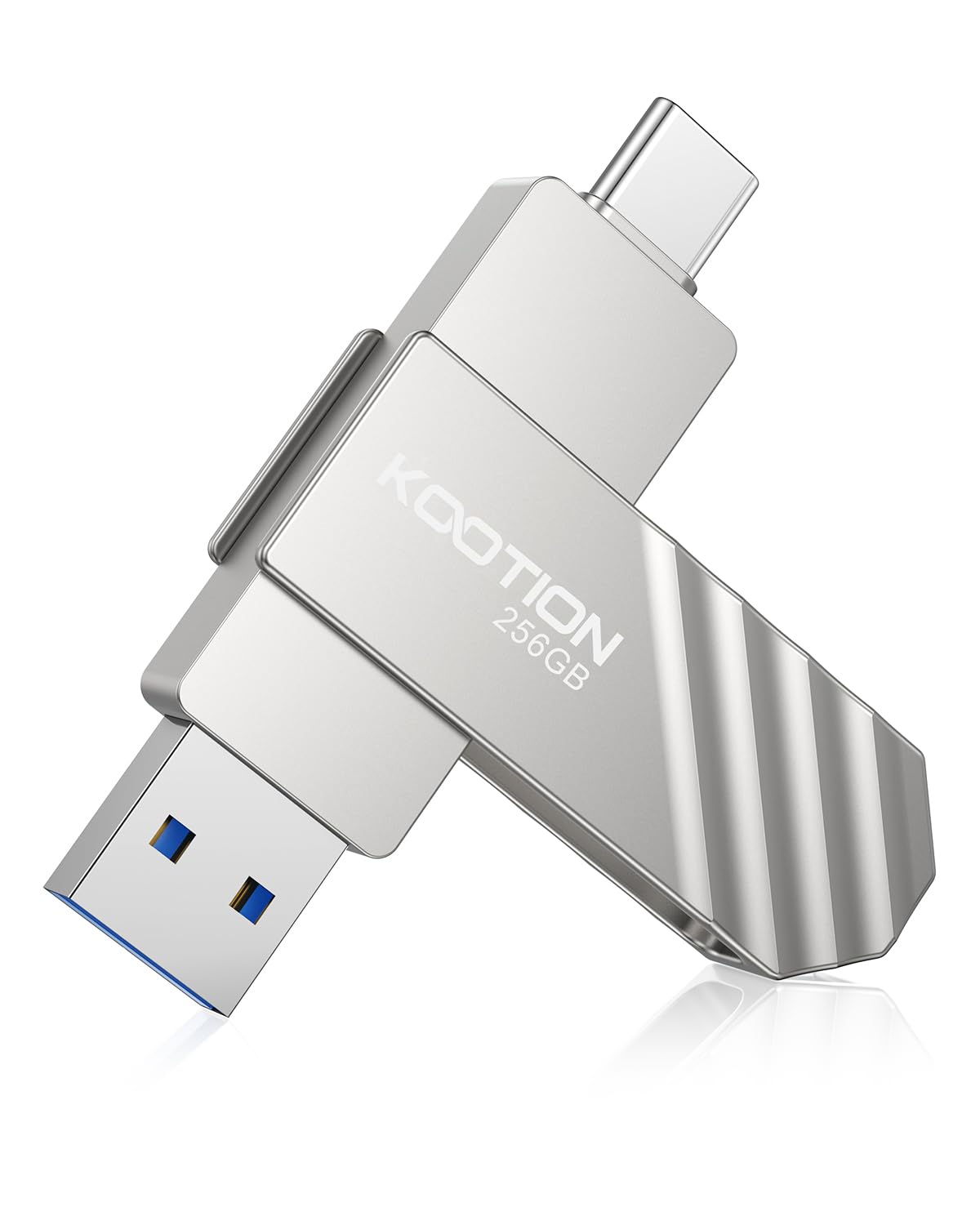
2. KOOTION 256GB USB Solid State Dual Drive
A metal dual-connector drive that outruns the premium picks at a friendlier price.
KOOTION pairs both connector types — a USB-C and a USB-A — in a tough zinc alloy shell that resists shocks, drops, and abrasion. That makes it the most flexible pick here for anyone juggling a modern phone and an older laptop. The 360° swivel cover flips to whichever connector you need and shields the unused one from dirt.
The performance genuinely rivals an SSD: USB 3.2 Gen 1 pushes read speeds up to 450MB/s and writes up to 400MB/s. That is a 3.5x gap over the Lexar D400’s 130MB/s read speed, so moving video files between a PC, a laptop, and a phone feels instant. Owners mention it is “pretty fast at transferring large files” and specifically value that the USB-C side works directly with a phone for on-the-go transfers.
The honest concern is durability of the mechanism itself. Several customers note the actual USB connector can separate from the casing over time, so treat the swivel gently rather than flicking it aggressively. At 23 g it is noticeably heavier than the 4.54 g SanDisk Extreme Fit, which is the price of having two connectors in a metal shell.
What owners love
- Fast large-file transfers between PC, laptop, and phone
- Sturdy zinc alloy body that handles drops
- Swivel cover protects the connectors when not in use
Where it stumbles
- Occasional reports of the USB connector coming loose from the casing
- Heavier than single-connector sticks at 23 g
Best for: people who move files between a USB-C phone and a USB-A computer every day and want one drive that handles both.
Think twice if: you need a drive that will survive years of rough mechanical handling.
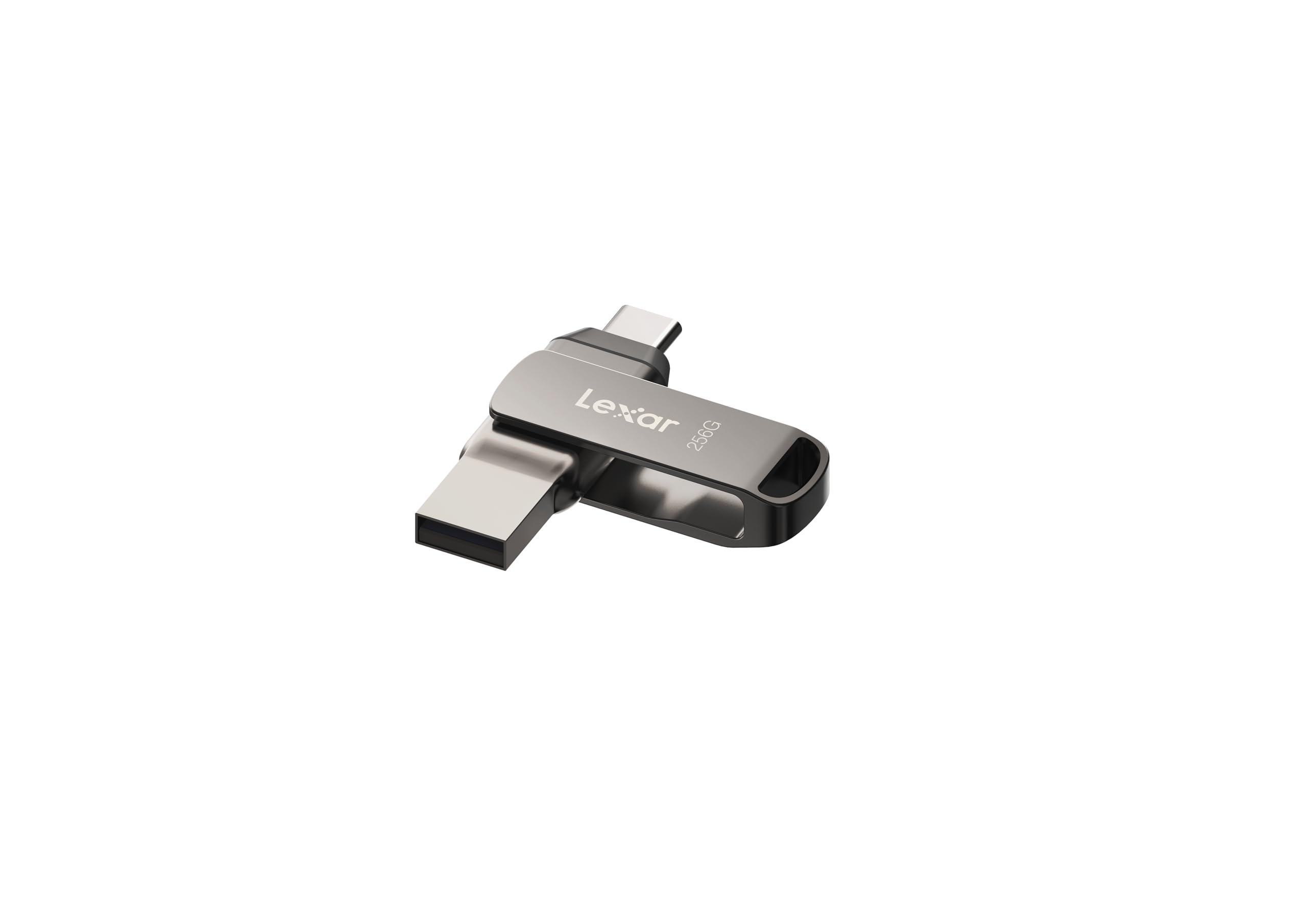
3. Lexar 256GB JumpDrive D400 Dual Flash Drive
The dependable dual-format workhorse that swaps between Android, PC, and Mac without fuss.
Lexar brings brand trust to a simple idea: a titanium-colored metal body with both USB-C and USB-A connectors on a swivel, so one drive serves a modern phone and a legacy desktop alike. USB 3.2 Gen 1 performance delivers 130MB/s read speeds — not the fastest here, but perfectly adequate for backups and everyday transfers. Buyers sum it up: “Bought Lexar because of their history… This works like it should.”
It stands out with the bundled Lexar DataShield security software, which lets you password-protect files, and it works across Android, PC, and Mac systems. For big projects like tutorial films, reviewers point out it handles frequent read/write between an iPhone, iPad, and computer with consistent, rapid transfer speeds. The matte metal finish feels premium in hand and travels easily.
The honest caveat is long-term reliability. Some shoppers say the drive randomly disconnects or fails after a year of light use, and the swivel casing has been called flimsy — so treat it as a solid everyday drive, not a rugged heirloom. It also ships with security software that eats into usable space, which some buyers notice when they see the formatted capacity.
Standout strength: Cross-platform versatility is the thing owners praise most — 45 buyers single out build quality, and 34 call out the speed for a dual-format drive at this size.
The caveat: Reliability is the most-discussed concern in the review data, so back up anything irreplaceable.
Who should pick it: anyone who wants a trusted brand name and needs one drive to roam across Android, PC, and Mac.
Who should not: users who constantly hammer a drive with large writes and need maximum durability.
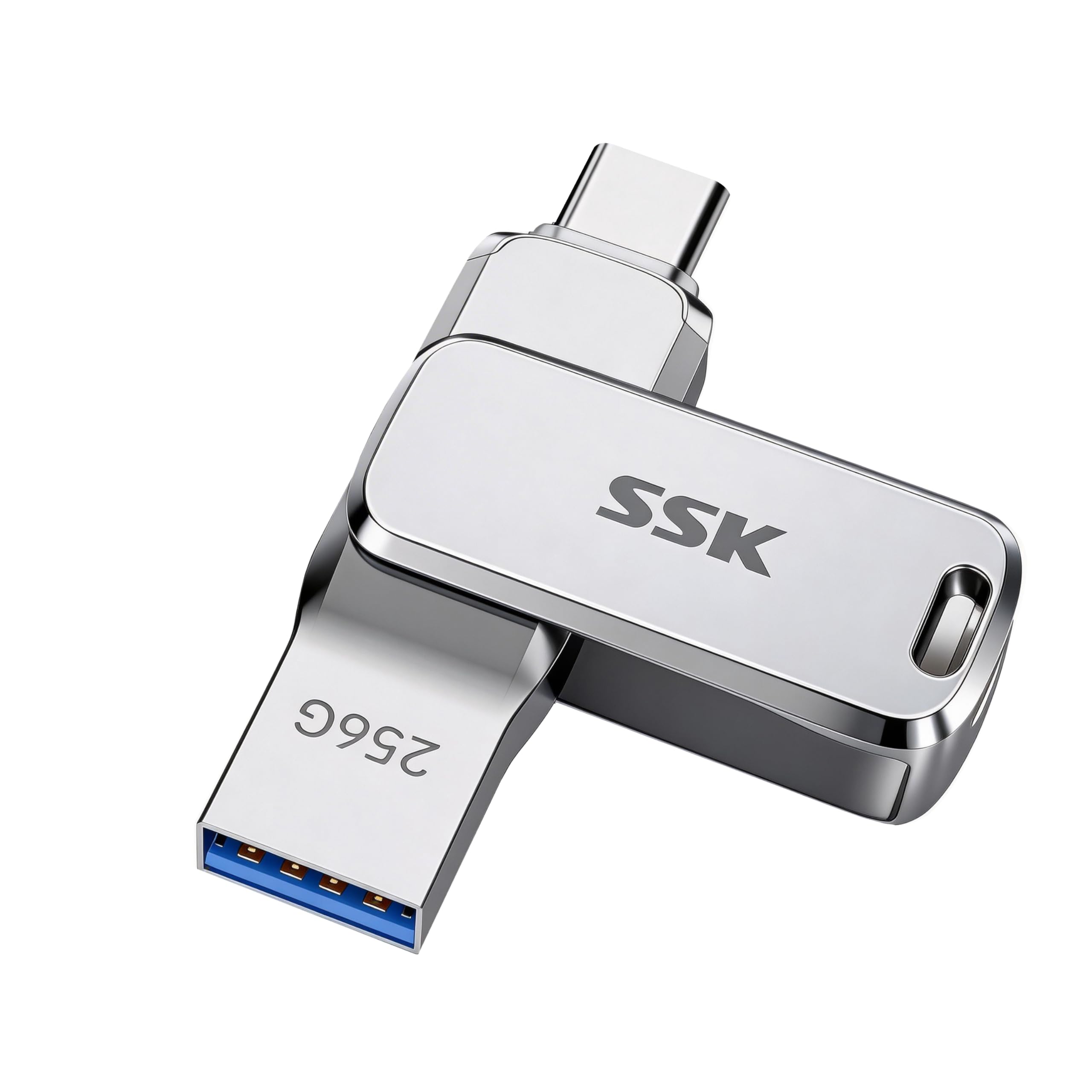
4. SSK 256GB Dual USB Flash Drive FD001
A pocket-sized dual drive with a built-in keyring and heat-shedding zinc shell.
At just 5.7 x 1.4 x 0.9 cm, this SSK drive is built to live on your keychain, and the integrated keyring loop makes that easy. The zinc alloy housing does double duty — it dissipates heat well and shrugs off everyday splash contact, so performance stays solid even when the drive is 92% full. That is a spec note, because many drives slow down dramatically as they fill up.
USB 3.2 Gen 1 speeds reach 220MB/s reads, with writes around 90~160MB/s depending on file size and count. Buyers praise it as fast, sturdy, and versatile, with a pivoting cover that clicks firmly into place. It ships pre-formatted in exFAT, so it works from the start with Windows, macOS, Linux, Android, iPadOS, and iOS.
The honest note is that write speeds vary based on usage conditions, so small random files will be slower than big sequential ones. And while the 360° dual-port design is handy, the swivel adds a little bulk compared to a pure USB-C stick. Still, for an everyday carry that never leaves your keys, this is a strong, balanced choice.
Why it wins
- Built-in keyring means it is always with you
- Runs cool with a sturdy zinc housing
- Stays fast even near full capacity
Keep in mind
- Write speeds fluctuate with file size and folder complexity
- Swivel mechanism is slightly bulkier than a single-connector stick
Grab it if: you want a durable drive that clips to your keys and works with every device you own.
skip it if: you need the absolute fastest write speed for huge video files.
5. PNY 256GB Elite-X Fit Type-C USB 3.2 Flash Drive

The low-profile drive that disappears into a car’s USB-C port and holds your whole music library.
This PNY drive was practically designed for the car. Its compact, low-profile housing with a sliding connector means it does not stick out far past the port, so it stays mostly inconspicuous behind a shifter or in a center console. Buyers specifically call out its success with car systems — one uses it with a UConnect console in a vehicle, another with a Sony AX4000 head unit, and a third stores days of music in a truck. The short size and good grip make it easy to install and remove.
USB 3.2 Gen 1 (a standard that supports fast data transfer) delivers read speeds up to 200MB/s and writes up to 100MB/s, which is plenty for music playback and dash cam recording. It is also a smart way to free up space on a Type-C phone — iPhone 15, 3rd Gen iPad and newer, and Androids — by moving photos and videos to more permanent storage on a PC or Mac. The reliability stands out: owners call it quality-built, well-made, and well-priced.
The honest mixed note is transfer speed — some buyers report slow write speeds under certain conditions, and a few note the connection can be touchy, disconnecting if bumped. That makes it less ideal as a permanent always-plugged extension drive. For music, dash cams, and occasional transfers, though, it is a compact winner.
Best real-world use: parked in a car’s USB-C port holding a music library — the thing owners praise most is reliability, with storage capacity right behind it.
The honest limit: treat the connection gently; it is not meant to be jostled while in use.
Perfect for: drivers who want a discreet, dependable drive for car audio or dash cam footage.
Not ideal for: rough continuous use where the drive might get bumped while writing.
6. SSK 256GB USB C Flash Thumb Drive up to 550MB/s

The dual-drive speed demon that moves a 10.7GB file in about a minute.
This is the drive to grab when raw speed matters more than anything else. USB 3.2 Gen 2 pushes read speeds up to 550MB/s and writes up to 500MB/s, which the maker claims is about 10 times faster than a traditional USB 3.0 stick. In real-world testing, owners mention a 10.7GB transfer completing in 60–63 seconds with an average write speed around 178MB/s and peaks near 300MB/s. That drains a phone’s photo library in a single quick session.
The high-grade zinc alloy shell resists falls and abrasion, and a double-head protective cover shields both the USB-C and USB-A connectors. It works with Windows, Android, MacBook Pro, macOS, smart TVs, car audio, PS4, and PS5 — and it is backward-compatible with USB 3.0 and USB 2.0 ports. The default exFAT format means no reformatting is needed for most systems, though it is not compatible with Apple’s Lightning port.
The honest trade-offs: the drive gets warm during file transfers — customers note that — and durability is mixed, with a small number of units failing within six months. It also runs into iOS compatibility issues for some users. If you want the top speed tier and can live with some warmth, this is a genuine workhorse.
The speed case
- 550MB/s reads and 500MB/s writes move huge files fast
- Zinc alloy body sheds heat and survives drops
- Works across Windows, Android, Mac, and game consoles
The honest cost
- Runs warm on heavy transfers
- Occasional units fail within months
- Not compatible with Lightning devices
Choose this if: you regularly move massive video files and want SSD-like speed in a pocket drive.
Pass on it if: you need a drive that stays cool under sustained writes or works with Apple Lightning devices.
7. SanDisk 256GB Ultra Dual Drive USB-C USB 3.1

The crowd favorite that survived a full washer cycle and still holds seven years of data.
This SanDisk Ultra Dual Drive carries a legendary reputation: one owner has used it for almost seven years without a complaint, and multiple reviewers point out it surviving an entire laundry cycle with data intact. That durability comes from a retractable design with a reversible USB-C connector and a traditional USB-A connector, both of which slide into the body when not in use. The slider protects the connectors from damage — a smart design for a drive that lives in a pocket or bag.
USB 3.1 performance delivers up to 150MB/s read speeds, which is solid for phone-to-laptop transfers and music playback. It is designed to free up space on Android smartphones (requiring USB Type-C and OTG support) and works well with MacBook Pro and other computers. Buyers find it easy to use with intuitive software and good value for the storage it provides.
The honest mixed feedback centers on speed — write speeds are mediocre, and one owner notes the USB-C end can wiggle and jam, needing manual realignment. It also reportedly does not work with a Samsung Galaxy S21 Ultra. For a proven, battle-tested dual drive at a reasonable size — 9.1 g with a compact form — this is still a top-tier choice for most phone and laptop users.
The thing everyone raves about: performance and reliability — the two most-mentioned aspects by far — making this the safest crowd-pleasing bet in the lineup.
The honest drawback: write speeds are mediocre, and the slider mechanism can jam on the USB-C end.
Reach for it if: you want a proven, long-lasting dual drive for everyday phone and laptop transfers.
Look elsewhere if: you demand fast write speeds for large video files on a regular basis.
8. MOVE SPEED 256GB External SSD WD10

The SSD-grade thumb drive built to record 4K ProRes HDR video directly from an iPhone 15 or 16 Pro.
This is the only pick here that functions more like a pocket SSD than a flash drive. USB 3.2 Gen 2 with Type-C interfaces delivers read and write speeds of up to 1000MB/s, so a 1GB file transfers in about a second and a 2.12GB file copies in under two seconds, according to buyers. It even supports 4K ProRes HDR video recording directly to the drive from an iPhone 15, 16 Pro, or Pro Max — no secondary transfer needed.
The hardware backs up the headline spec: an SSD-grade chip in a zinc alloy shell, with a 3-stage push-pull design that locks the connector firmly into place. The maker claims a maximum temperature of 122°F, and buyers confirm it does not overheat even during large transfers. It is plug-and-play with no cables or software, supports Windows To Go, and comes with a braided lanyard. Owners love the “Cyberpunk” look and premium feel, and one uses it to hold games on a laptop.
The honest negatives: this drive is bigger than a typical thumb drive — one buyer calls it “very big” for the category — so it is not a plug-and-stay option. Durability is mixed, with a few units falling apart after about 4 months, and the mechanism has been flagged as a weak point by some. If you need the absolute speed and iPhone 4K recording, this is class-leading here; if you want a tiny stick, look up the list.
Why it leads on speed
- 1000MB/s read and write — the fastest drive in this lineup
- Records 4K ProRes HDR video straight from iPhone 15/16 Pro
- Push-pull design locks connectors securely
Where it gives ground
- Significantly larger than a standard thumb drive
- Some units fail within months
- Not built for permanent plug-in use
Pick this if: you shoot 4K video on a Pro iPhone and need to record directly to external storage.
pass on it if: you want a tiny drive to leave plugged into a laptop.
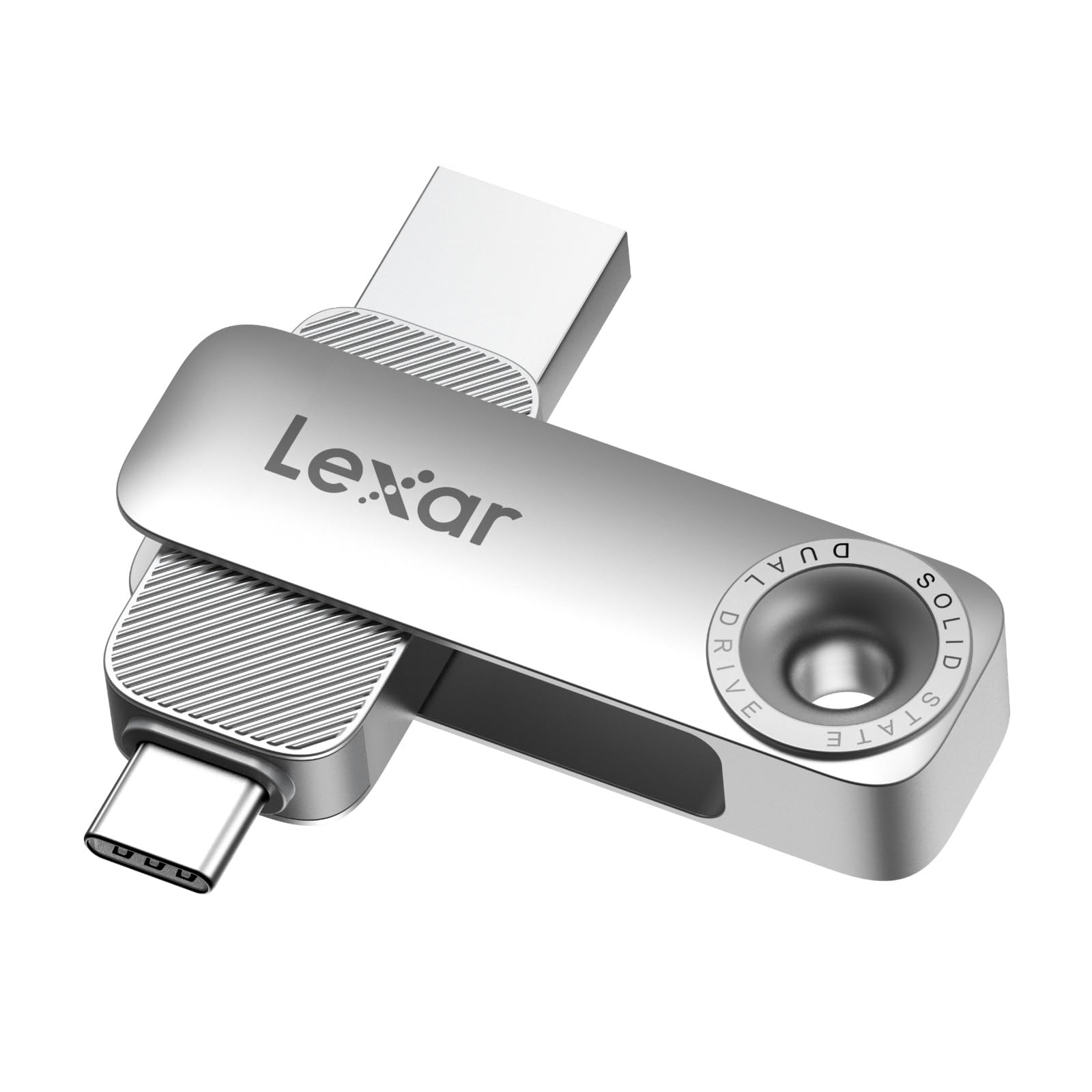
9. Lexar D50E 256GB Solid State Dual Drive
The cool-running dual drive that DJs use for 2K video scrubbing without heat issues.
Lexar’s D50E is the drive for creative work where heat and sustained performance matter. A durable metal housing protects both the USB-A and USB-C connectors, and the cable-free compact design keeps everything you need in one piece. USB 3.2 Gen 1 delivers up to 400MB/s read and 360MB/s write speeds — fast enough that one owner moved about 100GB in 11 minutes and uses it to scrub 2K video directly in DaVinci Resolve without it getting hot.
The free Lexar App Photo Backup function works on both iOS and Android for easy media backup, and the drive is available in capacities up to 1TB. Buyers praise the build quality as a standout, noting it is “well made” and “fast,” with the USB-C end long enough to fit a phone even with a case on. It is small and easily pocketable, and one iPhone 17 owner reports it detected and downloaded photos and videos without any fuss.
The honest mixed note is compatibility — while it works for many, some shoppers say it does not work with certain iPhones, and the fit can be tight in some laptop ports. It is also priced a bit higher than some rivals for the speed it offers. For a cool-running, well-built dual drive for media work and backups, this is a quality pick with a great feel.
Standout trait: build quality is the thing owners praise most — 34 single it out — and the cool operation under heavy transfers is a genuine differentiator.
The caveat: compatibility is the most-discussed concern in the review data, so verify it with your specific phone before committing.
Best for: DJs, video editors, and creators who need a cool-running drive for sustained media work.
Think twice if: you rely on a specific iPhone model that might not detect it.
Understanding the Specs
Read speed (MB/s)
This is how fast the drive sends data to your computer when you open or copy files off it. A 400MB/s drive opens a large video nearly instantly, while a 130MB/s drive takes noticeably longer. For 4K video work or big backups, aim for 400MB/s or higher.
USB 3.2 Gen 1 vs Gen 2
USB 3.2 Gen 1 tops out around 5Gbps, which is plenty for most flash drives. USB 3.2 Gen 2 doubles that to 10Gbps, which is why the fastest drives like the MOVE SPEED can reach 1000MB/s. If your laptop only has USB 3.0 ports, a Gen 2 drive will still work but will run at the slower speed.
FAQ
Will a 256 GB USB-C flash drive work with my iPhone 15 or newer?
Why does my 256 GB drive show only about 238 GB of usable space?
What is the difference between a USB-C flash drive and an external SSD?
Can I use a dual USB-C/USB-A drive with a car stereo?
Why does my flash drive get warm during transfers?
What is OTG support and do I need it for a phone?
Is a faster read speed always better?
How long does a USB-C flash drive last?
Can I record 4K video directly to a USB-C flash drive?
Final Thoughts: The Verdict
Across the board, the best 256 GB USB-C flash drive is the SanDisk Extreme Fit because it combines class-leading portability at 4.54 g with fast 400MB/s reads and a near-flush fit that survives life in a bag. If you want the flexibility of both USB-C and USB-A connectors at a great value, grab the KOOTION Dual Drive. And for creators who need SSD-level speed and iPhone 4K recording, the MOVE SPEED WD10 is the one to reach for. Your final choice hinges on whether you prioritize a near-flush fit, dual-connector flexibility, or raw transfer speed.
How We Picked
We do not accept paid placement. Every pick is matched to a real buyer and a real use-case; we do not hands-on test units.
Sources & Methodology
Specifications: manufacturer listings and product documentation. Review insights: verified customer reviews, as of August 2026. Pricing: not shown on this page (it changes often); check the current price via the retailer link.
As an Amazon Associate, Gadgets Feed earns from qualifying purchases. This does not affect which products we feature.