
Our readers keep the lights on and my morning glass full of iced black tea. As an Amazon Associate, I earn from qualifying purchases.
Specs are compiled from manufacturer listings and verified buyer reviews and can change over time — please confirm the key details on the product page before buying.
A 21:9 ultrawide screen lets you run two documents side-by-side and wraps racing games around your peripheral vision. But the spec sheet hides pitfalls: refresh rate caps on certain ports, pixel density trade-offs, and claims that outpace your GPU. This guide cuts through that noise to find the 2560×1080 ultrawide monitor that actually earns its spot on your desk.
I’m Min — the founder and writer behind Gadgets Feed. This guide is built by comparing the manufacturers’ published specifications and the patterns across verified customer reviews, so you get each pick’s real strengths and trade-offs instead of marketing spin.
This guide matches each panel’s native 2560×1080 resolution to the right refresh rate and connectivity for your setup.
Our Picks at a Glance

How To Choose The Best 2560×1080 Ultrawide Monitor
Before buying, weigh three factors: your GPU’s refresh rate ceiling, the panel tech for your tasks, and ergonomics for long sessions. 2560×1080 is a mid-range GPU balance, offering 30% more horizontal space than 1920×1080 without 4K’s power demands.
Match the Refresh Rate to Your Graphics Card
Refresh rate, measured in Hertz (Hz), is how many times per second the screen redraws the image. A 100Hz monitor displays up to 100 frames per second, making motion smoother than a 60Hz display. You only benefit if your GPU can output those frames — a GTX 2060 handles 2560×1080 at 100Hz beautifully, and a 6600XT also manages 100Hz at high settings in many games.
Panel Type: IPS vs VA vs LED
Panel technology determines color accuracy and viewing angles. IPS (In-Plane Switching) panels show vibrant, accurate colors from wide angles — ideal for photo editing and productivity. VA (Vertical Alignment) panels offer deeper blacks and higher contrast, which can be great for movies and dark games. LED is a backlight type, not a panel type; many monitors labeled LED actually use IPS or VA panels. For a 2560×1080 ultrawide, IPS is the popular choice for its color accuracy and 178-degree viewing angles.
Check the Ports for Maximum Performance
Your monitor’s ports determine its top refresh rate. DisplayPort (DP) usually open up the highest refresh rates — for example, the CRUA 30-inch delivers 200Hz via DisplayPort 1.4, but only 144Hz over HDMI 2.0. If you have a laptop with only HDMI output, you may be limited to lower refresh rates. Always check which port your graphics card and monitor support to get the smoothest experience.
Quick Comparison
| Model | Best For | Screen Size | Refresh Rate | Panel Type | Amazon |
|---|---|---|---|---|---|
| Sceptre 34-inch C345W★ Best Overall | Best Overall Value | 34 inch | 100Hz | LED | Amazon |
| Sceptre Prime 30-inchTop Performer | Competitive Gaming | 30 inch | 200+Hz | LED | Amazon |
| Gawfolk 34-inch IPSColor King | Color Accuracy | 34 inch | 120Hz | IPS | Amazon |
| CRUA 30-inch | Fastest Response | 29.5 inch | 200Hz | IPS | Amazon |
| LG 29U511A-B | Height Adjustable | 29 inch | 100Hz | IPS | Amazon |
| LG 34U530A-W | Multitasking Hub | 34 inch | 100Hz | IPS | Amazon |
| LG 29U511A | Everyday Work | 29 inch | 100Hz | IPS | Amazon |
| Kado 2-Pack 30-inch | Dual Screen Setup | 30 inch | 200Hz | VA | Amazon |
| LG 34UM68-P | Productivity & Split-Screen | 34 inch | 75Hz | IPS | Amazon |
In‑Depth Reviews
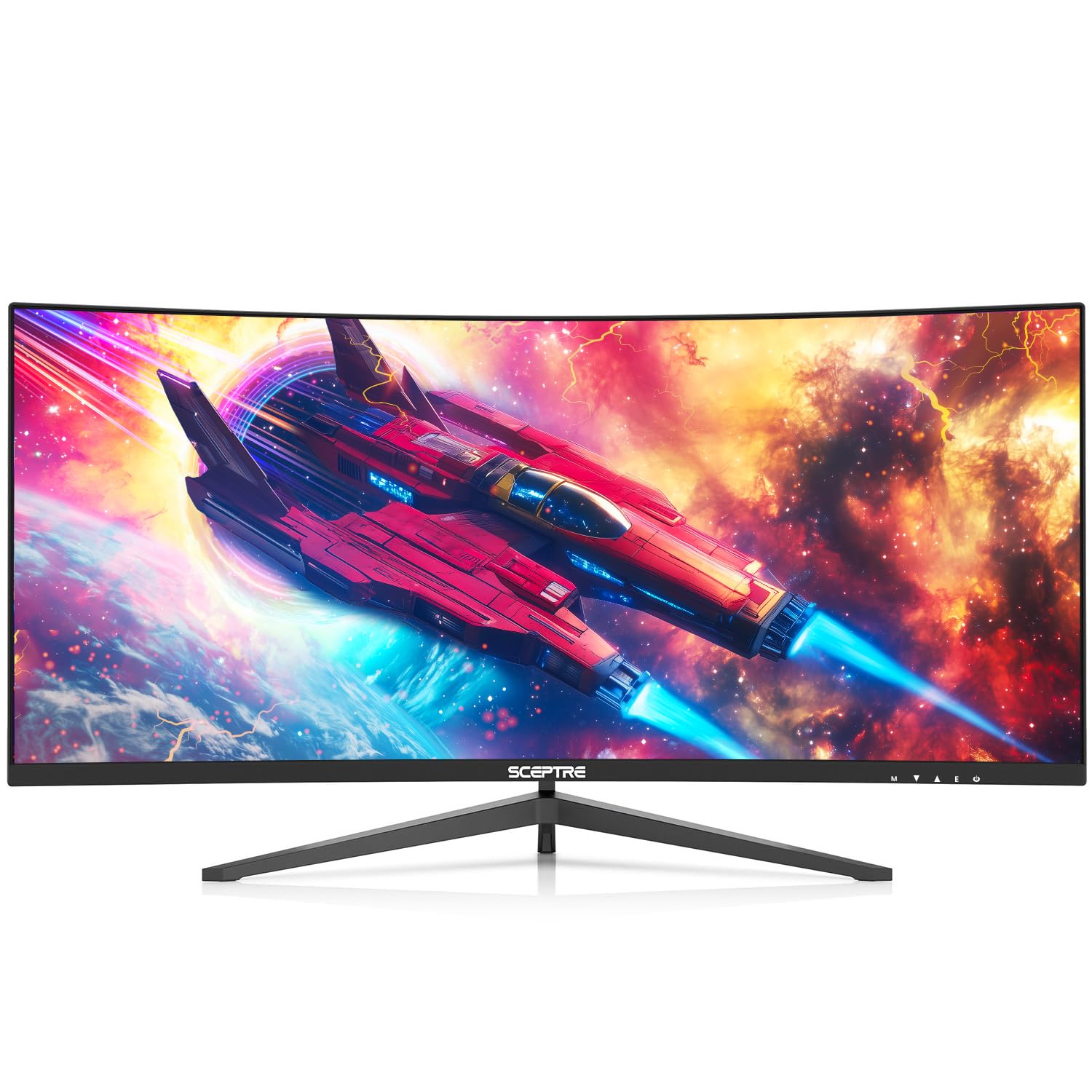
1. Sceptre 34-inch Curved UltraWide (C345W-2560UN)
Our pick — over 4.5★ from 1,500+ verified ratings; the strongest balance of quality and price.
The 34-inch curved widescreen that turns a home office into a dual-screen command center without the second monitor.
This Sceptre is the crowd favorite for a reason — it’s the definition of getting the biggest, most rich screen for your money. The 1500R curve wraps around your field of vision, which buyers report makes racing games like War Thunder feel more engaging. At 100Hz, motion is noticeably smoother than a standard 60Hz panel, and the 21:9 aspect ratio means you can view two remote desktops side-by-side — a setup that wins over work-from-home users immediately. The monitor offers a 20% refresh rate advantage over the Sceptre Prime 30-inch’s 100Hz counterpart, making it a strong pick for fast-paced gaming.
Connectivity is generous: three HDMI ports and one DisplayPort mean you can hook up a PC, a console, and a laptop all at once. The 2560×1080 resolution is a practical balance — owners mention it’s ideal for a GTX 2060, delivering high frame rates without the graphics card strain of a 4K panel. The blue light shift mode reduces eye fatigue during long document sessions, and the tiltable display (15° backward, 5° forward) helps you find a comfortable angle. What wins people over is the build quality — over 170 owners single out the monitor’s solid construction as its best trait.
The honest trade-off is the built-in speakers, which several owners describe as terrible — plan on using a headset or external soundbar, which fits neatly underneath. The picture quality gets mixed feedback: most praise the crisp resolution, but a few note text can look slightly blurry from the start, usually fixed by adjusting font smoothing settings in Windows. It’s bright enough to light up a room at 320 cd/m², and the frameless design keeps your desk looking clean.
What Owners Rave About
- Massive 34-inch curved screen for under feels like a steal
- 100Hz refresh rate makes games and scrolling feel silky smooth
- Multiple ports (3x HDMI, 1x DP) handle all your devices at once
The Honest Caveats
- Built-in speakers are weak — budget for a soundbar or headset
- Some users report text needs font smoothing tweaks to look sharp
Reach for this if: you want maximum screen size and immersion without emptying your wallet — it’s the best entry point into ultrawide.
Look elsewhere if: you need height adjustment on the stand; this model only tilts, so you may need a monitor arm.
2. Sceptre Prime Curved 30-inch (C305B-200UN)
A 200Hz refresh rate at this price point is the fastest ticket to competitive gaming glory.
If you’re chasing every millisecond in fast-paced shooters, this Sceptre Prime delivers a jaw-dropping 200+Hz refresh rate via DisplayPort — a 20% leap over the 100Hz Sceptre 34-inch, and a massive jump from standard 60Hz displays. That means up to 200 frames per second on screen, so motion stays crisp and responsive in games like CS:GO or Valorant. AMD FreeSync nearly eliminates screen tearing, keeping your image smooth even when frame rates fluctuate. Customers note the display is “smooth, crisp 200+Hz” from the start, with easy plug-and-play setup.
The 30-inch curved screen uses a 21:9 aspect ratio at 2560×1080 resolution — a 13% smaller screen than the 34-inch models in this guide, but one that fits neatly on smaller desks. The standout feature for productivity is Picture By Picture, which lets you display two separate sources side-by-side simultaneously — perfect for comparing charts while gaming and streaming. It has both HDMI and DisplayPort, plus built-in speakers good enough for office calls, and Eco/Standard modes to balance power and brightness. The 170° horizontal and vertical viewing angles keep the image clear from most seating positions.
The recurring gripes are minor: there’s a noticeable bezel gap around the screen edge, the built-in speakers are weak, and the stand tilts but offers no height adjustment. Owners consistently rate it a 9/10 for value, noting the quality matches pricier monitors from bigger brands. The FPS-RTS custom display settings let you switch between shooter and strategy presets with a button press, and blue light shift protects your eyes during long sessions.
Competitive Edge
- 200+Hz refresh rate is elite for competitive gaming at this price
- Picture By Picture mode shows two inputs at once for multitaskers
- FreeSync keeps motion tear-free during fast action
Know Before You Buy
- No height adjustment on the stand — tilt only
- Noticeable bezel gap and weak speakers are the main complaints
Grab it for: esports titles and any game where frame rate wins — the 200Hz headroom is class-leading here.
Think twice if: you need a height-adjustable stand for ergonomic comfort; this one only tilts.
3. Gawfolk Gaming Monitor 34 inch IPS
An IPS panel with 128% sRGB coverage makes this the ultrawide for color-critical work and vivid gaming.
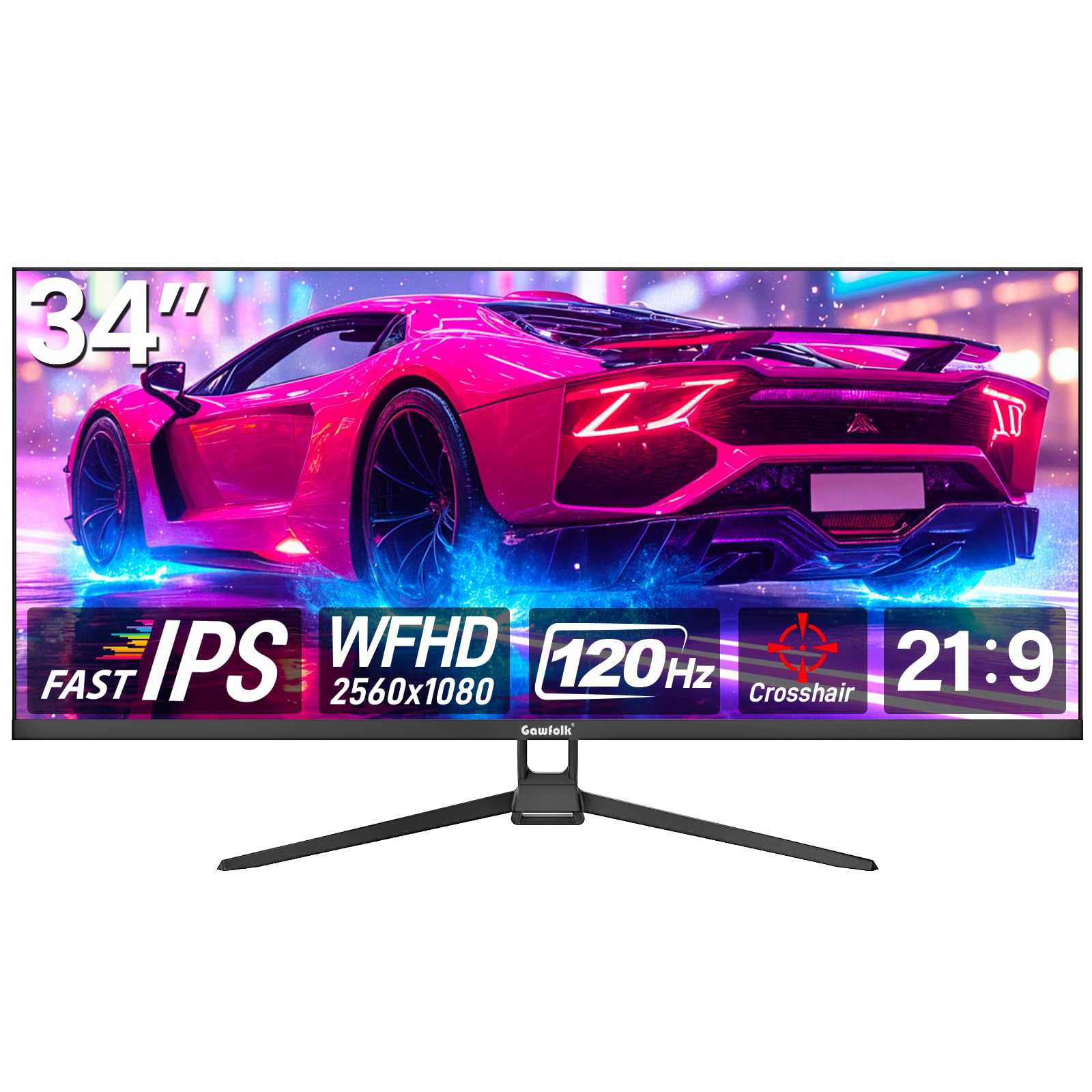
Most monitors in this price range use cheaper panel types, but the Gawfolk 34-inch brings genuine IPS (In-Plane Switching) technology — that’s the panel type known for accurate, consistent colors from wide angles. The spec sheet says 128% sRGB coverage, which means reds, greens, and blues appear rich and saturated, making it a solid choice for photo editing or just enjoying vibrant game worlds. The 120Hz refresh rate hits a nice middle ground — it’s 20% faster than the 100Hz displays here, offering smoother motion for games without demanding the GPU power of a 200Hz panel.
This is a flat ultrawide, not curved, which some buyers prefer for productivity — spreadsheet work and document reading are distortion-free across the full width. The 178-degree viewing angle means colors stay true even if you’re sitting off to the side. It has both HDMI and DisplayPort inputs, so it works with Xbox consoles, PCs, and laptops, and it supports a 75x75mm VESA wall mount if you want to clear desk space. At 350 cd brightness, it’s among the brightest panels in this guide, helping it stand out in well-lit rooms.
Owners praise the quality and color accuracy most — with over 120 buyers calling out the build quality as a highlight. But there’s a catch: there’s no height adjustment, and the tilt mechanism feels a bit flimsy with minimal movement range. Some users also note the image can look slightly blurry at default settings, which typically improves with a quick calibration. It arrives unassembled, but reviewers point out setup is straightforward.
Color & Clarity
- 128% sRGB coverage delivers vivid, accurate colors
- IPS panel keeps images sharp from wide viewing angles
- 120Hz refresh rate balances smoothness and GPU demand
Setup Limitations
- No height adjustment and a flimsy-feeling tilt mechanism
- Minor blurriness reported until you adjust display settings
Choose it for: color-accurate work and wide-angle viewing — the IPS panel beats the LED options on vibrancy.
Pass on it if: you need a sturdy, height-adjustable stand; this one is basic.
4. CRUA 30-inch Gaming Monitor

A 1ms response time plus 200Hz makes this IPS panel a blur-free zone for twitch shooters.
This CRUA pairs a 200Hz refresh rate with a 1ms (GTG) response time — that’s the time it takes a pixel to change color, and at 1ms there’s virtually no ghosting or motion blur in fast action. You’ll notice it in competitive games: quick flicks and fast camera sweeps stay sharp instead of smearing. FreeSync syncs the monitor to your graphics card to eliminate tearing, so gameplay feels fluid even when your frame rate dips. The 29.5-inch IPS panel delivers 16.7 million colors with 120% sRGB gamut and a 300 cd/m² brightness.
The versatility here is strong: it has two HDMI 2.0 ports (up to 144Hz) and one DisplayPort 1.4 (open up the full 200Hz), plus a 3.5mm audio jack. That means you can max out the refresh rate on PC while keeping a console plugged in on HDMI. It also supports both PIP and PBP (Picture-in-Picture and Picture-by-Picture), so you can view two sources at once — handy for coding while watching a tutorial. The stand tilts from -5° to 15°, and it supports 100x100mm VESA wall mounting to reclaim your desk space.
Owners who got a good unit are thrilled — “no complaints here looks decent and works great so far” is a common sentiment, and the assembly is easy. However, there are a couple of loud warnings: the built-in speakers don’t produce sound for some users even at max volume, and there’s at least one report of a dead-on-arrival unit with a confusing return policy. With a smaller review pool, your experience may vary more here than with the established brands, so check the seller’s return window before buying.
Blur-Free Gaming
- 1ms response time eliminates ghosting in fast games
- 200Hz via DisplayPort 1.4 is top-tier for this category
- PIP/PBP mode for watching two sources at once
Watch Out For
- Built-in speakers reportedly don’t work for some buyers
- Quality control is less consistent with fewer reviews to go on
Best for: competitive players who want elite speed (200Hz + 1ms) in a budget-friendly package.
Skip if: you rely on built-in speakers or want a brand with a longer track record.
5. LG UltraWide 29U511A-B (29 inch)
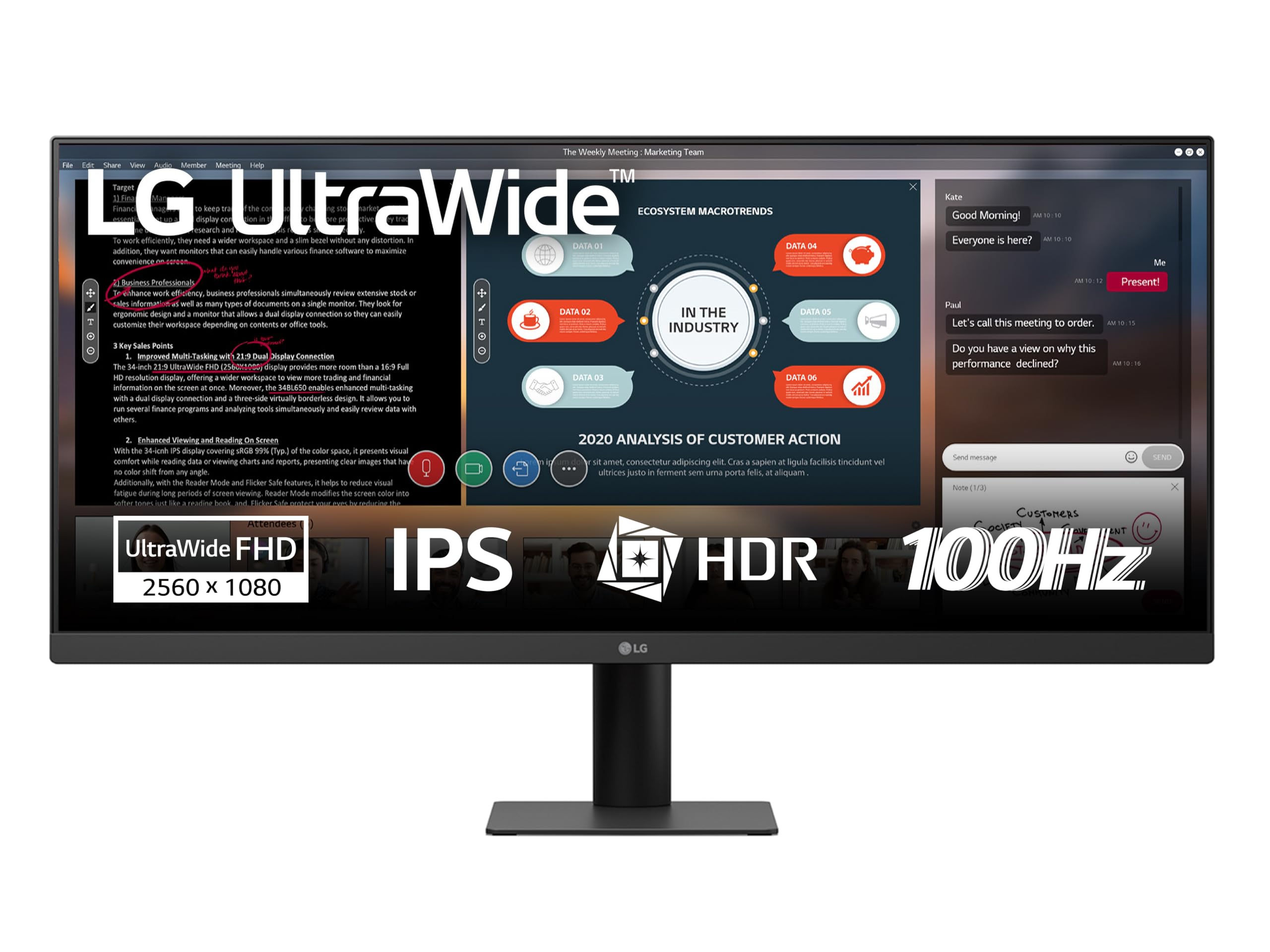
The rare ultrawide that stands tall with height adjustment, portrait mode, and a trusted LG panel.
LG brings the ergonomic features that budget monitors often skip — this 29-inch IPS panel has a height-adjustable stand and even supports portrait mode, so you can rotate it 90 degrees for reading long documents or coding. That’s a genuine productivity win for those who spend all day at a desk. The 100Hz refresh rate keeps scrolling and video playback smooth, and the IPS panel covers 99% sRGB (CIE1931) for accurate colors. It’s also HDR10 compatible, which boosts the range of colors and brightness in supported content.
At 29 inches, this is a more compact ultrawide than the 34-inch monsters — a good fit for smaller desks or as a secondary monitor. The 5ms GTG response time is fine for casual gaming, though twitch shooters will want something faster. It has HDMI and DisplayPort inputs, plus Flicker Safe and reading modes to reduce eye strain during long sessions. Buyers describe the image as sharp with natural IPS colors, and the frameless design keeps the setup looking modern.
One note for setup: the screws come in two small bags, which confused a few buyers at first — they’re there, just check the packaging carefully. The value is strong for an LG-branded panel, but it’s note this model has fewer reviews than the top pick, so the long-term durability story is less proven. It’s a versatile choice that handles work, study, and entertainment comfortably.
Desk-Friendly Features
- Height-adjustable stand and portrait mode for ergonomic setups
- IPS panel with 99% sRGB and HDR10 support
- Compact 29-inch size fits smaller workspaces
Consider This
- 5ms response time is fine for work but not ideal for competitive gaming
- Smaller screen means less rich than 34-inch options
Ideal for: office workers and students who want a trusted LG panel with proper ergonomic adjustments.
Not for: hardcore gamers who need response times under 5ms — look at the CRUA or Sceptre Prime instead.
6. LG 34U530A-W (34 inch White)
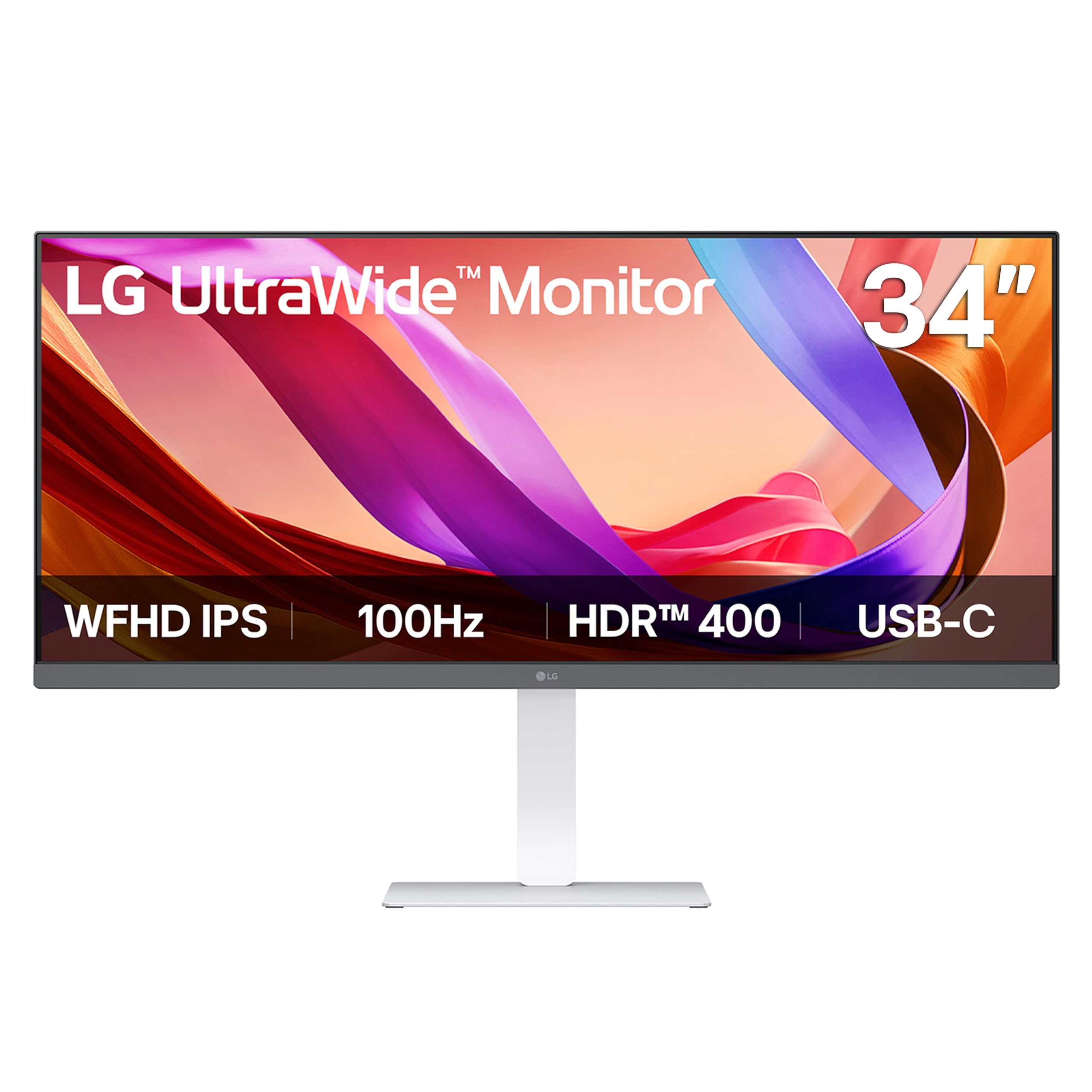
A single USB-C cable turns this 34-inch white beauty into a laptop docking station for your whole setup.
This is the premium hub for modern workflows, and the standout feature is USB Type-C connectivity — one cable carries both display output and data transfer from your laptop, decluttering your desk and making it a one-plug docking solution. The 34-inch IPS panel is certified VESA DisplayHDR 400, which means it meets a strict standard for brightness and contrast — the 400 cd/m² peak brightness makes HDR content pop. It covers up to 99% sRGB for rich, precise colors that stay consistent from wide viewing angles.
The 100Hz refresh rate keeps everything from video calls to scrolling silky smooth, and the built-in Waves MaxxAudio speakers deliver surprisingly rich sound with crisp highs and deep bass — a rare strength in this guide, since most rivals cut corners on audio. The Switch app transforms the screen into a multitasking hub, letting you split it into up to 6 sections or launch video calls with one hotkey. The slim L-shaped stand frees up desk space, and the height, tilt, and swivel adjustments (including left-right rotation) let you dial in the perfect position.
Owners rave about the display quality — some say it works better than having two separate monitors, and setup requires no tools. However, there are a few reports of units that don’t turn on at all, and cable management gets mixed feedback. The white color is a style statement that fits bright, modern workspaces. It comes with an HDMI cable included, so you can start using it right from the start.
One-Cable Convenience
- USB Type-C handles video and data in a single cable
- DisplayHDR 400 certification for vibrant, high-contrast HDR
- Full ergonomic stand: height, tilt, and swivel adjustments
The Trade-offs
- A few buyers received units that wouldn’t power on — check warranty
- Cable management has mixed reviews from owners
Reach for this: if you want a true one-cable laptop setup with great sound and HDR — it’s the most feature-rich screen here.
Choose differently if: you’re on a strict budget or prefer a black bezel aesthetic over the white finish.
7. LG UltraWide Monitor 29U511A (29 inch)
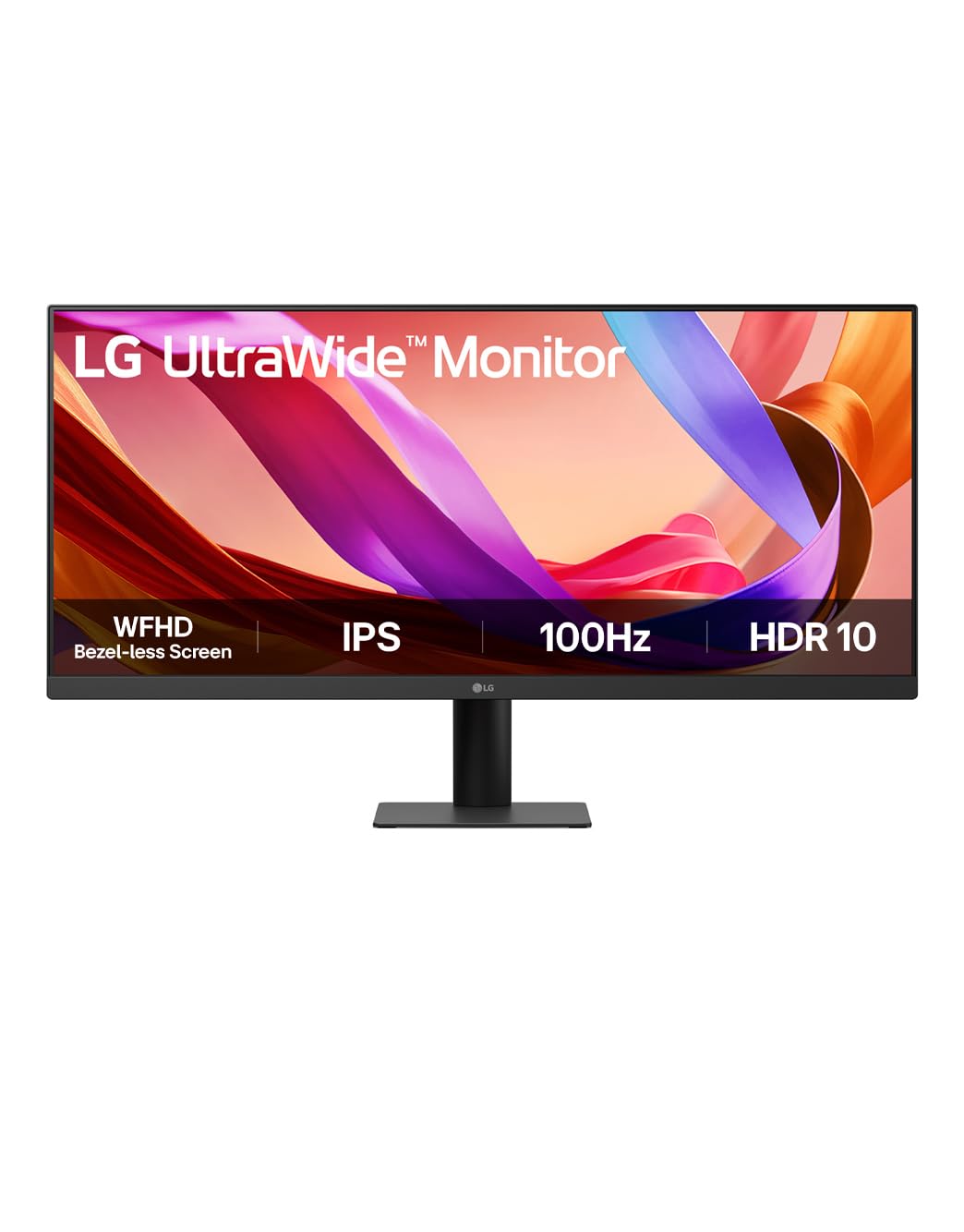
A no-frills 29-inch workhorse with eye-comfort tech built for marathon document sessions.
This LG variant focuses on one thing: comfortable, distraction-free productivity. The 21:9 WFHD display (2560×1080) gives you the horizontal space to run two documents or a video editor side-by-side without a second monitor. It comes with Reader Mode, which warms up the display and tune brightness for reading documents or browsing for hours, plus Flicker Safe technology that reduces screen flicker — the invisible strobing that causes eye fatigue. The 100Hz refresh rate makes scrolling and video playback feel smooth.
The IPS panel covers 99% sRGB and supports HDR10, so colors look vibrant and consistent even for light photo work. The space-saving L-shaped stand has a height-adjustable base for a clean, ergonomic setup. It connects via HDMI and DisplayPort, giving you modern options for both PC and laptop. However, “screen is perfect, no need for 2 monitors” is a common refrain from owners, who appreciate the generous width for everyday tasks.
The catch here is honesty from the reviews: one buyer reports the stand received was not height-adjustable, contradicting the listing — so verify the exact model before you buy. Another notes it’s “not for color grading or any sort of editing” — this is a great all-rounder, not a professional creative display. It’s also a smaller 29-inch panel, which some find less rich for gaming compared to 34-inch options. The value is solid for a work-first ultrawide, but it lacks the versatility of pricier LG models with USB-C.
Eye Comfort First
- Reader Mode and Flicker Safe reduce strain during long work sessions
- Height-adjustable L-shaped stand saves desk space
- Reliable LG IPS panel with 99% sRGB coverage
Check Before Buying
- One owner received a stand without height adjustment — verify model
- Not suitable for professional photo or video color grading
Built for: students and home-office users who stare at screens all day and want eye protection built in.
Skip for: creative professionals who need factory-calibrated color or gamers wanting high refresh rates.
8. Kado 2-Pack 30-inch Curved 1800R
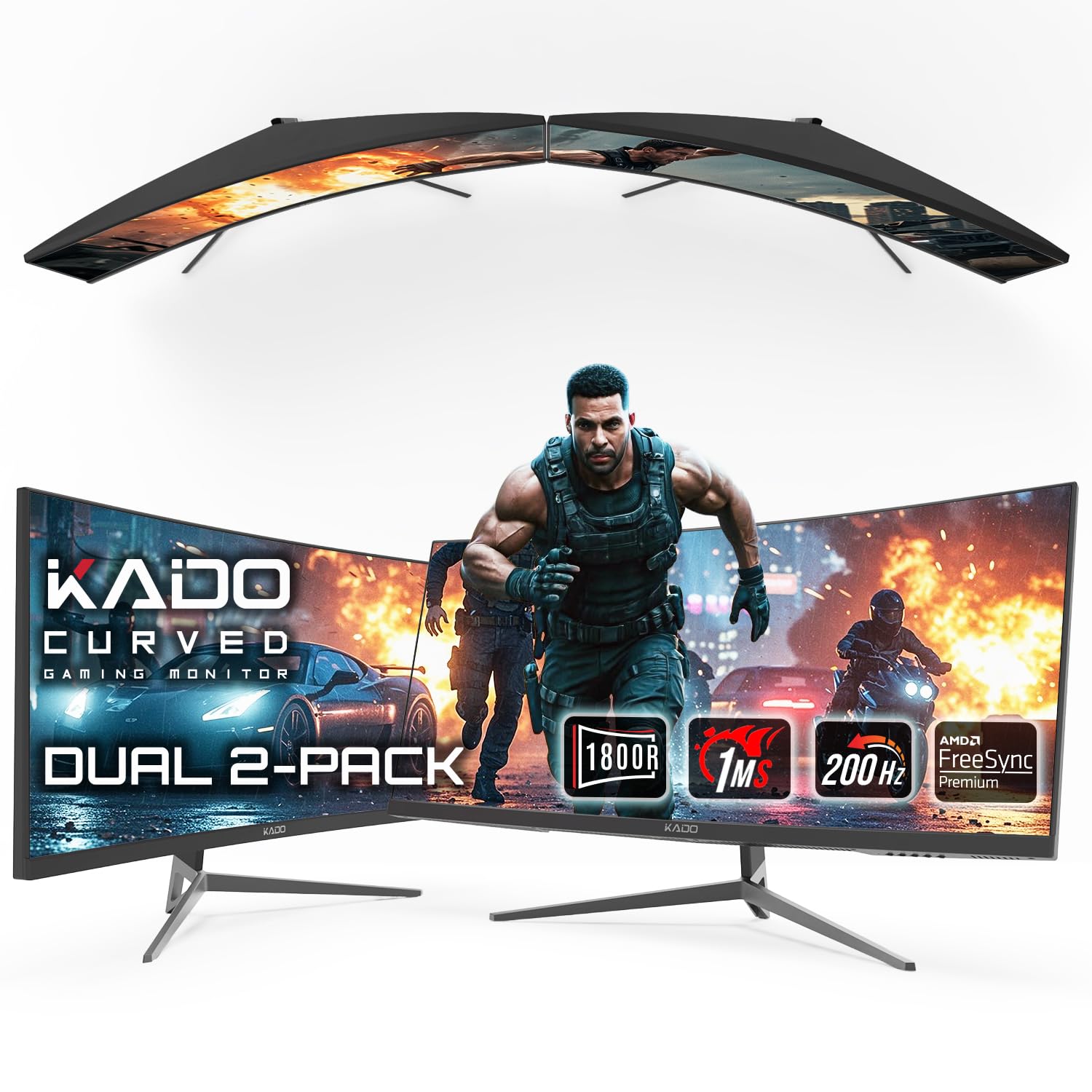
Two 200Hz curved 30-inch screens in one box — the ultimate setup for day traders and desk power users.
This is the only 2-pack on our list, and it’s a standout for specific workflows. Day traders love it — one owner calls the 30-inch curved widescreen “ideal for day trading” with a crisp display that stays comfortable during long sessions. Each monitor packs a 200Hz refresh rate and 1ms response time, so even with two screens running, you get ultra-smooth visuals for gaming or fast-moving charts. The 1800R curvature wraps each screen around your vision for a more rich, panoramic feel.
Both panels run at 2560×1080 resolution with a VA (Vertical Alignment) panel — that’s the panel type known for deep blacks and high contrast, making it great for movies and darker games. AMD FreeSync Premium takes tearing elimination a step further for fluid performance. Connectivity is handled via HDMI and DisplayPort, so you can plug into gaming rigs and consoles. VESA mount compatibility means you can set them up on arms for a clean, adjustable dual-screen arrangement.
The power supply is the recurring mixed point — while most work as expected, a few buyers reported one of the two power supplies not functioning. There’s also an important compatibility note: PS4 and PS5 consoles cannot use dual monitors or ultrawide — black bars will appear, so this is a PC-only setup for those features. One buyer’s first unit arrived damaged, though the replacement worked perfectly. If you need two ultrawide screens and the price of two singles is steep, this bundle delivers real value — a buyer even ordered two more sets after the first purchase.
The 2-Pack Advantage
- Two 200Hz curved monitors for a fraction of buying separately
- VA panel delivers deep blacks and high contrast
- FreeSync Premium keeps both displays tear-free
Important Caveats
- PS4/PS5 users get black bars — this is a PC-first setup
- A few shoppers say one power supply arriving dead
Perfect for: PC users who want a dual-ultrawide command center for trading or multitasking without paying double.
Not for: console gamers — ultrawide and dual-screen features don’t work on PS4 or PS5.
9. LG 34UM68-P UltraWide (34 inch)

LG’s On-Screen Control with Screen Split turns this 34-inch flat panel into a productivity power tool.
This LG classic is built for serious multitasking, with the standout On-Screen Control software that includes Screen Split — a tool that lets you divide the 34-inch display into customized window layouts. Owners use it to run spreadsheets and browsers side-by-side, with one noting “two browsers side-by-side readable at 4 feet.” The 21:9 aspect ratio at 2560×1080 offers 25% more width than a standard 16:9 monitor, which is a meaningful boost for tax work or comparison tasks. It’s a flat panel, which some productivity-focused buyers prefer over curved designs — there’s no distortion on straight lines in Excel.
The IPS panel covers over 99% sRGB with 16.7 million colors, delivering vibrant, accurate imagery. The 75Hz refresh rate with FreeSync is modest but reliable — buyers report it works well, with one noting it’s “better for productivity than gaming.” The stand offers both height and tilt adjustments, so you can position it comfortably for long sessions, and it supports 100x100mm VESA mounting. At 300 cd/m² brightness, it’s bright enough for most rooms, and the 178/178 viewing angle keeps colors consistent.
There are two things to know. First, the built-in speakers are serviceable but mixed in quality — fine for casual use, not for music. Second, one owner reported the unit died after 3 months (speakers failed, then no power) and was returned under warranty — that’s the risk with a smaller pool of reviews, though most owners are very happy. The 5ms GTG response time is fine for general use but not competitive gaming. For a first-time ultrawide buyer who mostly works, the value is excellent — one owner calls it the “best bang-for-your-buck, 1st-time ultra-wide monitor you can get.”
Productivity Powerhouse
- Screen Split software for customized multi-window layouts
- Height and tilt adjustable stand for ergonomic comfort
- 25% more width than standard 16:9 monitors
Honest Limitations
- 75Hz refresh is fine for work but not high-refresh gaming
- Rare reports of units failing after a few months — check warranty
Made for: spreadsheet warriors and researchers who want maximum screen real estate with smart window management.
Look past it if: you’re a gamer chasing 100Hz+ refresh rates or you want a curved panel.
Understanding the Specs
Refresh Rate (Hz)
This is how many times per second your screen redraws the image. A 100Hz monitor shows up to 100 frames per second, which makes motion look much smoother than a standard 60Hz display. For gaming, higher is better — 200Hz panels like the Sceptre Prime and CRUA offer elite responsiveness. For work, 100Hz is plenty smooth for scrolling and video. Just remember: you need a graphics card that can actually output those frames to see the benefit.
Panel Type & Color Gamut
The panel type determines image quality. IPS (In-Plane Switching) panels offer the best color accuracy and widest viewing angles — ideal for creative work. VA (Vertical Alignment) panels deliver deeper blacks and higher contrast, which is great for movies. The color gamut, measured as a percentage of the sRGB standard, tells you how many colors the panel can show — 99% sRGB is considered very good, while 128% sRGB like the Gawfolk offers even more vibrant, saturated colors.
FAQ
Is 2560×1080 sufficient for a 34-inch ultrawide monitor?
What refresh rate do I need for smooth gaming on a 2560×1080 monitor?
Will a 2560×1080 ultrawide work with my PlayStation 5 or Xbox?
How do I get the highest refresh rate — HDMI or DisplayPort?
Is a curved ultrawide better than a flat one?
How important is the response time on an ultrawide monitor?
What is adaptive sync (FreeSync) and why does it matter?
Can I use these monitors with a laptop via USB-C?
Do these monitors have good built-in speakers?
What is the ideal viewing distance for a 34-inch ultrawide?
Final Thoughts: The Verdict
For most people, the 2560×1080 ultrawide monitor winner is the Sceptre 34-inch C345W because it delivers the biggest, most rich curved screen with a smooth 100Hz refresh rate at a price that undercuts the competition — the crowd favorite with a 4.6-star score across a huge pool of owners. If you want the absolute fastest refresh for competitive gaming, grab the Sceptre Prime 30-inch with its 200+Hz panel. And for a premium one-cable laptop setup with HDR and great sound, the LG 34U530A-W is the one to reach for. Whichever you choose, match the refresh rate to your graphics card’s capability — that’s the single decision that determines whether your ultrawide feels like a luxury or a letdown.
How We Picked
We do not accept paid placement. Every pick is matched to a real buyer and a real use-case; we do not hands-on test units.
Sources & Methodology
Specifications: manufacturer listings and product documentation. Review insights: verified customer reviews, as of August 2026. Pricing: not shown on this page (it changes often); check the current price via the retailer link.
As an Amazon Associate, Gadgets Feed earns from qualifying purchases. This does not affect which products we feature.