
Our readers keep the lights on and my morning glass full of iced black tea. As an Amazon Associate, I earn from qualifying purchases.
Specs are compiled from manufacturer listings and verified buyer reviews and can change over time — please confirm the key details on the product page before buying.
A monitor’s refresh rate is everything for competitive gaming, but chasing the biggest number alone can leave you with washed-out colors and a fragile stand. The real win is finding a 265 Hz (or faster) screen that pairs fluid motion with strong image quality and a durable build. This guide cuts through the spec-sheet noise to three 1440p OLED monitors that deliver speed and picture quality together.
I’m Min — the founder and writer behind Gadgets Feed. This guide is built by comparing the manufacturers’ published specifications and the patterns across verified customer reviews, so you get each pick’s real strengths and trade-offs instead of marketing spin.
Whether you demand the absolute fastest panel available, the best value for your dollar, or a high-quality OLED without the premium price tag, the best 265 hz monitor for you is hiding in this shortlist.
Quick Picks
- INNOCN 27” 2780s (B0FFMY51H3) — Best Value
- INNOCN 27” 2780M (B0FL1JYN7C) — Top Performer
- Samsung Odyssey G6 G60SF (B0FJYRV9TK) — Premium Pick
How To Choose The Best 265 Hz Monitor
Refresh rate is the headline feature, but a great high-speed monitor is more than a single spec. Here is what to look at before you click buy.
Refresh rate versus real-world gains
A 240Hz display updates the image every 4.2 milliseconds, while a 500Hz display does it every 2 milliseconds. You feel that difference most in twitch shooters and racing sims where a split-second advantage decides the match. For slower single-player games, the jump from 60Hz to 144Hz matters far more than the jump from 240Hz to 500Hz.
Panel type determines image quality
OLED and QD-OLED panels deliver per-pixel lighting, which means true blacks, no backlight bleed, and vibrant colors that IPS or VA panels cannot match. The trade-off is that OLED panels are generally less bright in full-screen white scenes compared to high-end IPS displays, but their contrast ratio is in a league of its own.
Response time and input lag
A response time of 0.03ms (GtG) means each pixel changes color almost instantly, so fast-moving objects have no ghost trail. That low number, combined with G-Sync or FreeSync compatibility, makes the motion feel impossibly smooth with no screen tearing.
Quick Comparison
In‑Depth Reviews
1. INNOCN 27” 2780s (B0FFMY51H3)
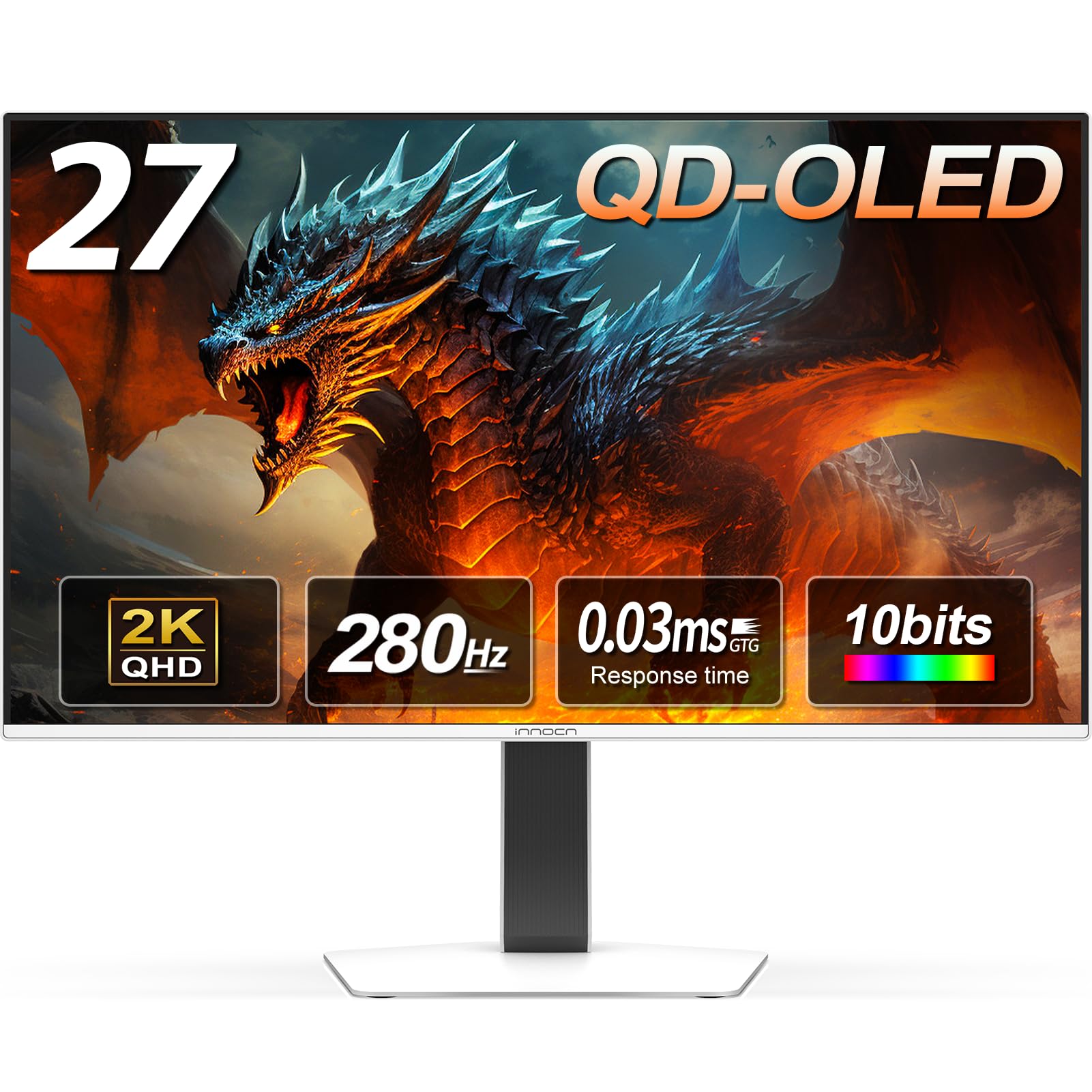
The gateway drug to OLED gaming that won’t break the bank.
This 27-inch QD-OLED panel at 1440p resolution delivers perfect blacks and vibrant colors that make older LCD monitors look washed out. The 280Hz refresh rate , versus the 240Hz baseline, and a near-instantaneous 0.03ms response time keep motion crisp in fast-paced games. The HDMI 2.1 port means you can feed it the full 280Hz from a modern console or PC without bandwidth bottlenecks.
Build quality is a clear highlight — owners consistently call out the solid feel and the fully adjustable stand with height, tilt, and pivot adjustments for all-day comfort. The white color scheme gives it a clean, modern look, and built-in speakers are a nice convenience for desktop setups. The consensus among buyers is that this is the best quality they have experienced for the money, with one owner describing the colors as “exploding” off the screen.
What wins people over
- Incredible QD-OLED image quality with deep blacks and rich colors
- 280Hz refresh rate and 0.03ms response time deliver butter-smooth motion
- Fully adjustable stand (height, tilt, pivot) for ergonomic comfort
- HDMI 2.1 support for full-speed console and PC gaming
The honest trade-off
- On-screen display (OSD) controls are somewhat unintuitive to navigate
- Dark and light picture adjustment options are limited compared to premium models
- Stand is decent but not top-tier build quality
Who this fits: Gamers who want the OLED visual upgrade and smooth 280Hz motion without spending flagship money.
Think twice if: You need the absolute highest refresh rate (500Hz) available on the market for elite competitive play.
2. INNOCN 27” 2780M (B0FL1JYN7C)
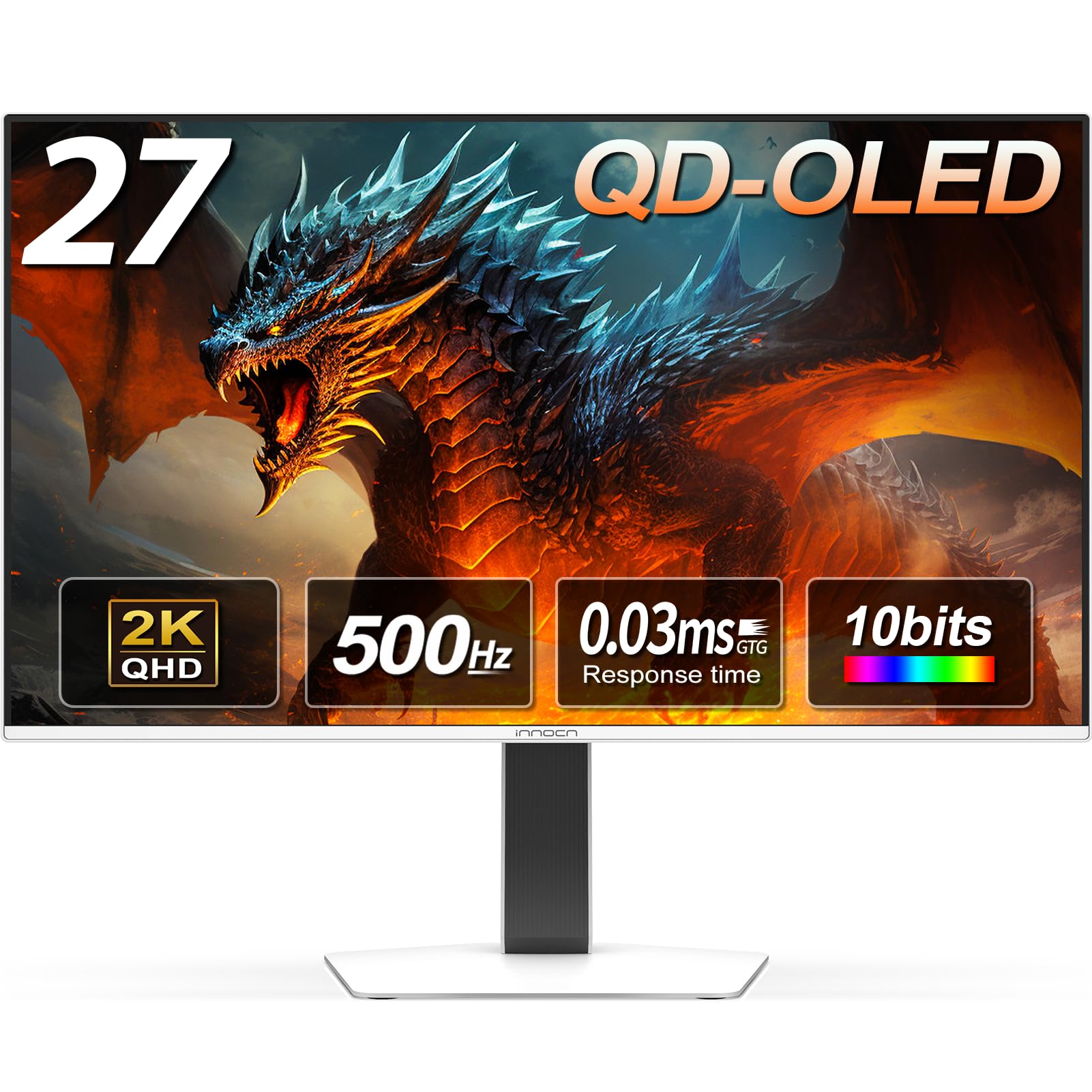
Insane speed at a price that makes the big brands look overpriced.
You get motion so fluid that fast-moving objects stay sharp, thanks to a 500Hz refresh rate (the screen redraws 500 times per second) and a 0.03ms response time (the time a pixel takes to change color). This 27-inch QD-OLED (Quantum Dot Organic Light-Emitting Diode) panel runs at 1440p resolution (2560×1440 pixels). Owners call it the best 500Hz OLED monitor for the price — one reviewer who tested the full 500Hz at 1440p was surprised at how good it is, calling it “amazing quality” that makes you question paying more for a known brand.
The color accuracy and display quality are the most-praised aspects of this monitor. With a 1,500,000:1 contrast ratio and 99% DCI-P3 color gamut, images have incredible depth and vibrance. The stand includes height, tilt, and swivel adjustments, plus the monitor has built-in speakers that one owner found good enough for shows. An LED atmosphere light on the back adds a touch of gaming flair to your setup.
Why it stands out
- 500Hz refresh rate for the smoothest possible competitive gaming
- QD-OLED panel delivers perfect blacks and vibrant 10-bit color depth
- G-Sync compatible with VRR support for tear-free gameplay
- Multiple connectivity options including 2x DisplayPort and 2x HDMI
Keep in mind
- Needs a powerful PC (like a 9800X3D with 7900 XTX) to hit the 400+ fps that make 500Hz meaningful
- Requires 5-10 minutes of color/brightness tuning from the start for best image
- Brightness may need tweaking from default settings for optimal OLED performance
Best suited to: Competitive esports players and frame-rate chasers who want 500Hz without the premium price tag.
Not for: Casual gamers who don’t have the hardware to push games past 300fps — the 280Hz model above would serve you just as well for less.
3. Samsung Odyssey G6 G60SF (B0FJYRV9TK)
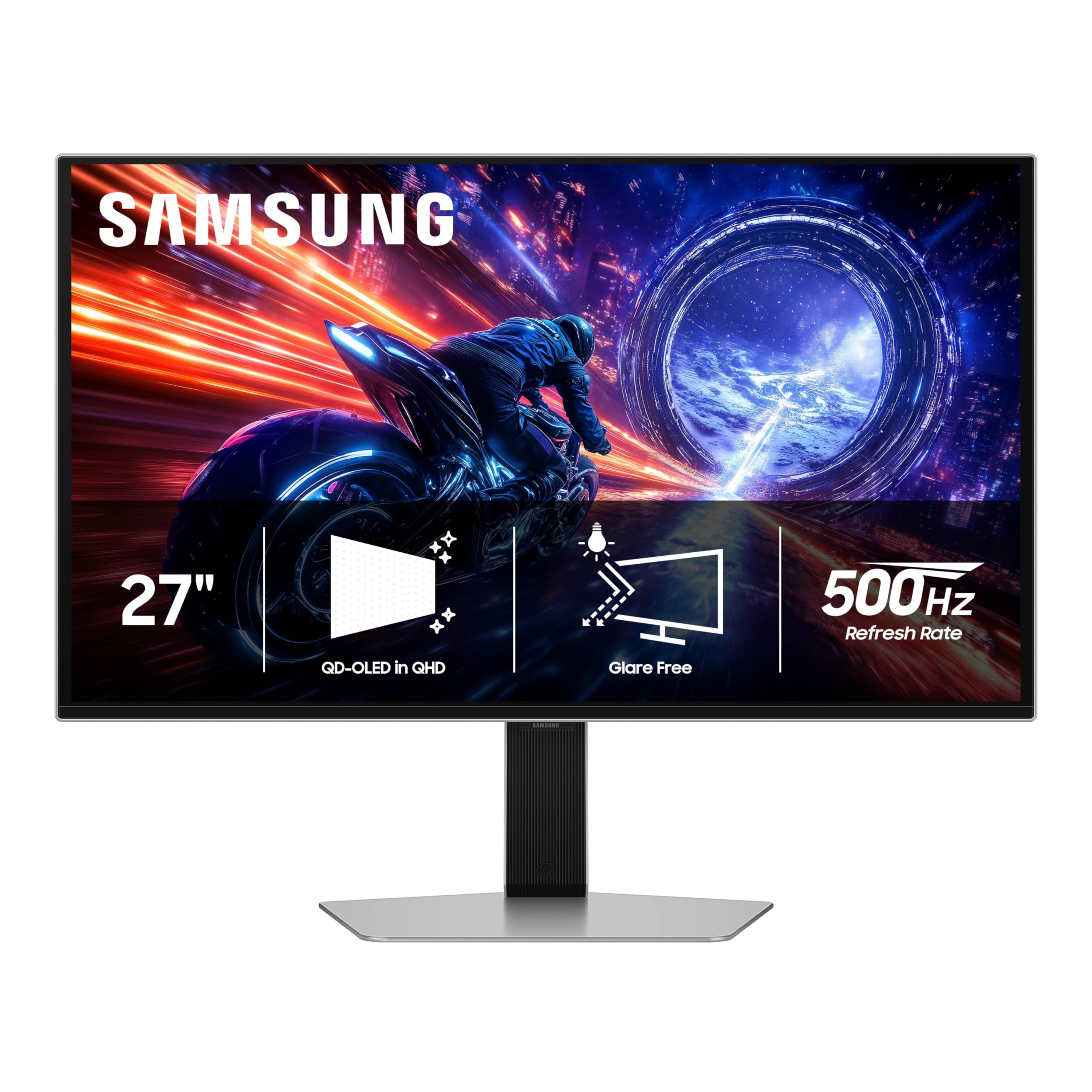
The brand-name 500Hz OLED that brings the full Samsung ecosystem.
This 27-inch QD-OLED panel from Samsung is the world’s first OLED monitor to hit a 500Hz refresh rate, and it pairs that speed with a 0.03ms GtG response time. The display is VESA DisplayHDR TrueBlack 500 certified, meaning you get ultra-deep blacks and a peak brightness of 1000 nits that makes HDR content look genuinely punchy. Samsung’s Glare Free technology keeps the screen clear even with a bright window behind you — a practical advantage over glossy OLED panels.
Owners praise the build and picture quality, describing motion as zero-blur sharpness comparable to a CRT (Cathode Ray Tube) monitor. The 2025 model comes with a 3-year warranty from Samsung, adding long-term confidence that budget brands cannot match. However, the power button has received negative feedback — several buyers report it feels flimsy and breaks easily, and the base can feel unstable with some play between the stand and the arm. The design includes an ergonomic stand with tilt, height, and pivot adjustment.
The big strengths
- World’s first 500Hz OLED monitor for elite-level motion clarity
- VESA DisplayHDR TrueBlack 500 with 1000 nits peak brightness
- Samsung’s Glare Free screen stays readable in bright rooms
- 3-year manufacturer warranty for long-term protection
The honest downsides
- Power button feels flimsy and is prone to breaking with regular use
- Base and arm stand have excessive play, creating instability
- Build quality feels less premium than the panel itself
Reach for this if: You want the fastest 500Hz OLED with an established brand name, a 3-year warranty, and HDR1000 peak brightness.
Look elsewhere if: You need a solid-feeling build and a power button that can survive daily use — the cheaper INNOCN 2780M is more sturdy in those areas.
Understanding the Specs
Refresh Rate (Hz)
This is the number of times the monitor redraws the entire image per second. A 240Hz monitor updates every 4.2 milliseconds, a 500Hz monitor updates every 2 milliseconds. The higher the number, the smoother motion appears, and the less motion blur you see in fast games. Going from 240Hz to 500Hz (2 milliseconds versus 4.2 milliseconds per frame) gives competitive players a real advantage.
Response Time (GtG)
GtG stands for Gray-to-Gray — essentially how fast a pixel can change from one shade to another. The 0.03ms figure on these OLED monitors means pixels change color almost instantly, eliminating ghosting or trailing behind fast-moving objects. Traditional LCD gaming monitors sit around 1ms, so OLED’s 0.03ms is a massive leap in motion clarity.
FAQ
Can my graphics card run a 500Hz monitor?
Is there a noticeable difference between 240Hz and 500Hz?
What is QD-OLED and why does it matter for gaming?
Does HDMI 2.1 matter for a 1440p high-refresh monitor?
Do OLED monitors suffer from burn-in?
What is VESA DisplayHDR TrueBlack 500?
Are built-in monitor speakers any good for gaming?
Can these monitors work with a Mac and look correct?
Final Thoughts: The Verdict
For most people, the best 265 hz monitor winner is the INNOCN 27” 2780s because it delivers the OLED visual upgrade and 280Hz speed at a price that undercuts everything else in this category. If you want the absolute fastest 500Hz refresh rate available, grab the INNOCN 27” 2780M — it is the best-value 500Hz OLED on the market. And for the brand name, 1000 nits HDR brightness, and a 3-year warranty, the Samsung Odyssey G6 G60SF is the premium pick if you can live with its flimsier build details.
How We Picked
We do not accept paid placement. Every pick is matched to a real buyer and a real use-case; we do not hands-on test units.
Sources & Methodology
Specifications: manufacturer listings and product documentation. Review insights: verified customer reviews, as of July 2026. Pricing: not shown on this page (it changes often); check the current price via the retailer link.
As an Amazon Associate, Gadgets Feed earns from qualifying purchases. This does not affect which products we feature.