
Our readers keep the lights on and my morning glass full of iced black tea. As an Amazon Associate, I earn from qualifying purchases.
Specs are compiled from manufacturer listings and verified buyer reviews and can change over time — please confirm the key details on the product page before buying.
When you shop for a 28-inch monitor, you are really choosing between two priorities: razor-sharp text and screen space, or lightning-fast motion for competitive gaming. The 27-inch size splits into two flavors: 1440p (QHD) for speed, and 4K (UHD) for detail. Because exact 28-inch models are rare, this list uses the nearest sold sizes (27-inch and 29-inch) that serve the same purpose, so you know exactly what you are getting.
I’m Min — the founder and writer behind Gadgets Feed. This guide is built by comparing the manufacturers’ published specifications and the patterns across verified customer reviews, so you get each pick’s real strengths and trade-offs instead of marketing spin.
From the fastest 240Hz esports panels to 4K productivity powerhouses with USB-C, this roundup of the best 28 inch monitor options will help you match the right screen to your setup and your budget.
Our Picks at a Glance


How To Choose The Best 28 Inch Monitor
Before you click buy, you need to settle the two decisions that shape everything else: resolution and refresh rate. Getting these right means years of smooth, enjoyable use. Getting them wrong means buyers’ remorse the first time you open a spreadsheet or start a game.
Pick Your Resolution: 1440p or 4K?
At 27 inches, 2560×1440 (QHD) is the gaming balance — it looks sharp without demanding too much from your graphics card. Jump up to 3840×2160 (4K) and you get four times the pixels, making text and photos look incredibly crisp, but you need a powerful GPU (like an RTX 4070 or better) to run games at high frame rates on it.
Match the Refresh Rate to Your Games
Refresh rate, measured in hertz (Hz), tells you how many times the screen updates per second. A standard 60Hz screen shows 60 frames per second — fine for office work, but noticeable in fast action. A 144Hz or 240Hz panel makes aiming and tracking targets feel easy, which is why competitive gamers prioritize it above all else.
Panel Technology and Other Essentials
Most of the picks here use IPS (In-Plane Switching) panels, which offer the best color and widest viewing angles — you can view them from the side without colors washing out. Also check for Adaptive Sync (like FreeSync or G-Sync) to prevent screen tearing, and VESA mounting holes (usually 100x100mm) if you plan to use an arm or wall mount.
Quick Comparison
| Model | Best For | Resolution | Refresh Rate | Panel Type | Amazon |
|---|---|---|---|---|---|
| AOC Q27G41ZE★ Best Overall | Esports & Competitive Gaming | 2560 x 1440 | 240Hz | IPS | Amazon |
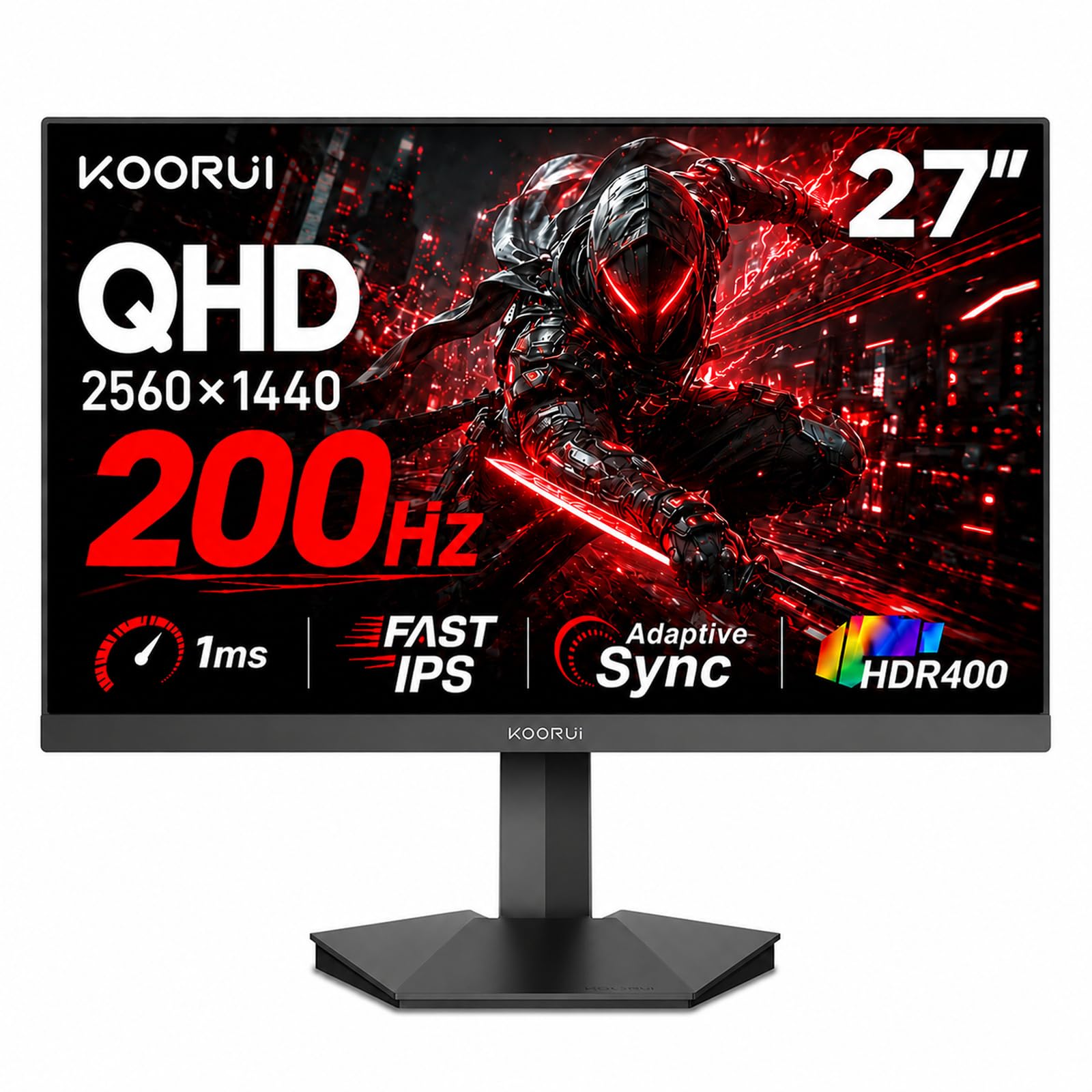
| KOORUI G2721PBudget Champion | Budget 1440p Gaming | 2560 x 1440 | 200Hz | IPS | Amazon |
| Samsung Odyssey G5Brand-Name Pick | rich 1440p Gaming | 2560 x 1440 | 200Hz | IPS | Amazon |
| LG 27US500-W | Office & Creative 4K | 3840 x 2160 | 60Hz | IPS | Amazon |
| Z-Edge 28″ UHD | 4K Media & Gaming | 3840 x 2160 | 144Hz | IPS | Amazon |
| ASUS TUF VG27UQ1A | High-End 4K Gaming | 3840 x 2160 | 160Hz | IPS | Amazon |
| Dell S2725QS | Productivity & Media | 3840 x 2160 | 120Hz | IPS | Amazon |
| LG 27GR83Q-B | Elite Esports 1440p | 2560 x 1440 | 240Hz | IPS | Amazon |
| Dell S2725QC | USB-C Productivity | 3840 x 2160 | 120Hz | IPS | Amazon |
| Samsung ViewFinity S8 | Design & Color Work | 3840 x 2160 | 60Hz | IPS | Amazon |
| BenQ RD280U | Programming & Code | 3840 x 2560 | 60Hz | IPS | Amazon |
In‑Depth Reviews
1. AOC 27″ Gaming Monitor Q27G41ZE
Our pick — over 4.5★ from 500+ verified ratings; the strongest balance of quality and price.
The esports specialist that makes 60Hz feel like a slideshow
If your whole world is competitive shooters and fast-twitch reaction games, this is the monitor to beat. Its 240Hz refresh rate (which you can push to 260Hz via the overclock feature) is a massive step up from a standard 60Hz screen — motion stays fluid and your aim tracks targets without that blurry smear. Owners coming from older 60Hz panels describe the jump as “overwhelming but great,” and the 2560×1440 QHD resolution keeps everything pin-sharp.
The 0.3ms MPRT response time is three times faster than the typical 1ms on rivals, so fast-moving objects leave almost no ghosting or trails. It also supports Adaptive-Sync, so both AMD FreeSync and NVIDIA G-Sync Compatible work to stop screen tearing. The catch is physical: the stand only tilts (-3° to +21°) and owners almost universally recommend a cheap monitor arm instead, which is easy thanks to the standard 100x100mm VESA mount.
The picture quality is where opinions split. Brightness sits at 300 nits with a 1000:1 contrast ratio, and while the HDR looks vibrant to many, a few units arrive with dead pixels or some backlight bleed in the corners. It is a budget-tier panel with a premium-tier refresh rate, so if you are a pure esports player, the speed is what you are paying for.
Why Gamers Love It
- 240Hz refresh rate with 260Hz overclock for ultra-smooth motion
- 0.3ms MPRT response time minimizes ghosting and blur
- Three-sided frameless design looks sleek on any desk
Know Before You Buy
- Stand only tilts — plan for a VESA mount
- No built-in speakers; audio out is just a headphone jack
Reach for it if: your priority is frame-rate and response time over everything else — this is built for rank-grinders and tournament players.
Look elsewhere if: you want a flexible stand or decent built-in sound straight from the start.
2. KOORUI 27 Inch 1440p Gaming Monitor G2721P
A 1440p panel that out-punches its price tag, and then some
The KOORUI is the value king of this list, and it earns that title with a 200Hz refresh rate that runs just 20% behind the AOC’s 240Hz — a gap you will barely notice in real play. What is more impressive is the brightness: at 350 nits, it is 17% brighter than the AOC, which makes HDR content and bright-room gaming look noticeably more vivid. It is a spec sheet that routinely beats monitors costing twice as much, and buyers report “great value” — smooth 1ms response with no dead pixels, flicker, or ghosting from the start.
For the money, you are getting a lot of panel. The DCI-P3 95% wide color gamut (a measure of how many colors the screen can show) covers over 16.7 million colors, which makes it a genuinely capable choice for mixed use — gaming, coding, and office work all look great. It also supports both FreeSync Premium and G-Sync Compatible, so it plays nice with either major GPU brand. The tilt range of -5° to 20° plus a VESA wall-mountable design give you flexibility on placement.
The main sacrifice versus pricier picks is the stand and build polish. The stand is quick to assemble but basic, and the 200Hz refresh requires a DisplayPort connection to hit full speed. The real-world feedback is overwhelmingly positive though — buyers routinely compare it favorably to name-brand monitors at two to three times the price. There is a minor quibble where the refresh button sits close to the menu joystick, so some owners accidentally change settings, but that is a small annoyance, not a dealbreaker.
What Wins Owners Over
- 200Hz refresh rate and 1ms response for smooth gaming
- 350-nit brightness with DCI-P3 95% color gamut looks vivid
- FreeSync Premium and G-Sync Compatible both supported
The Trade-Off
- Basic stand with limited adjustability
- Menu joystick sits close to the refresh button
The verdict: the best raw performance-per-dollar in this roundup — ideal if you want a fast 1440p screen without the premium price tag.
One caveat: budget-stand quirks mean you might end up wanting a VESA mount eventually.
3. Samsung 27” Odyssey G5 (G53F) QHD Gaming Monitor
Samsung’s 1440p contender for gamers who want a trusted name
Samsung’s Odyssey G5 brings the reliability of a major brand to the 1440p gaming space, pairing a 200Hz refresh rate with a 1ms (MPRT) response time for fluid, responsive play. The big draw here is the IPS panel’s 178° viewing angle — you can move around the screen and colors stay consistent and vivid, which is genuinely useful for co-op sessions or showing work to someone beside you. Owners upgrading from 1080p are consistently impressed by the jump in sharpness and color accuracy.
It is stacked with gaming convenience features. AMD FreeSync Premium handles screen tearing and choppiness, HDR10 boosts highlights and shadows for more depth, and the Black Equalizer lifts visibility in dark corners so you can spot hidden enemies. There is also a Virtual Aim Point for on-screen crosshairs and Auto Source Switch+ that instantly hops between connected devices. The included cables (HDMI, DP, and PC) mean you are set up the moment the box arrives.
The one recurring complaint is the stand — it tilts, but there is no height adjustment, which annoys owners who want the screen at eye level without a separate arm. A minority also report units failing within a month, though the far more common story is a high-quality display that is “well worth it” for the money, especially for those pairing it with a modern GPU.
Standout Strengths
- IPS panel with 178° viewing angle keeps colors consistent
- HDR10 plus Black Equalizer improves dark-scene visibility
- FreeSync Premium prevents tearing during fast play
Fair Warning
- No height-adjustable stand — tilt only
- Some units reported failing within a month
Best for: gamers who want a recognizable Samsung panel with solid gaming features and are fine adding a mount later.
Think twice if: height adjustment is non-negotiable for your desk setup.
4. LG 27US500-W Ultrafine Monitor 27-Inch 4K UHD

A crisp, clean 4K workspace that flatters white-and-bright desks
This LG Ultrafine is a productivity-first 4K panel, and what wins people over is the text clarity. At 3840×2160 resolution on a 27-inch screen, spreadsheet cells, code, and documents look incredibly sharp — one reviewer noted that 10-point font at 200% scale is “perfectly clear,” which is a godsend for long reading sessions. The IPS panel gives you those wide viewing angles, and the 1000:1 contrast ratio keeps blacks reasonably deep. It also delivers up to 90% DCI-P3 color gamut expression for HDR10 content, so photos and video look rich.
It is a genuinely easy monitor to live with. The Onscreen Control app lets you split the display and tweak settings with mouse clicks instead of fumbling with buttons, and the flicker-safe, low-blue-light design is kind to your eyes during eight-hour workdays. Connectivity is standard HDMI and DisplayPort, and buyers confirm it works smoothly with both MacBooks (via USB-C to HDMI cable, not included) and Windows PCs. The design is clean and minimal, with thin bezels and a white finish that disappears into a bright, modern setup.
Where it stumbles is the hardware. The stand only tilts — and, more notably, several owners mention it wobbles with every keystroke, which is annoying for heavy typists. The white finish also polarizes: some love it, some find the white stand and cable odd against a black desk. There is no height adjust or swivel, so most owners end up on a VESA arm (the 100x100mm mount is there if you need it). If you are a programmer or writer who wants ultra-sharp 4K text for a reasonable price, this is a smart pick — just budget for a mount if you type a lot.
The Daily Grind
- 4K UHD resolution makes text and images exceptionally sharp
- Up to 90% DCI-P3 color gamut for vibrant HDR content
- Onscreen Control app enables easy display splitting
The Catch
- Stand wobbles with keystrokes for some owners
- White finish and cable might not suit every desk
Choose this if: sharp 4K text for work or study matters more than gaming speed — this is a focused productivity tool.
skip it if: you need height adjustment or a rock-solid stand without buying a mount.
5. Z-Edge 28 Inch IPS Monitor, UHD 3840×2160

True 4K meets a 144Hz refresh — a rare combination for the price
Here is the rare 4K monitor that does not force you to choose between sharpness and speed. The Z-Edge delivers 3840×2160 resolution and a 144Hz refresh rate at the same time, with a 1ms MPRT response time that keeps fast motion clean. This makes it a great fit for someone who wants a 4K screen for movies and photo work but also plays fast-paced games on the side. The high-end IPS panel offers a 178° viewing angle, so the image stays accurate whether you are centered or off to the side.
Connectivity is generous for the price: two HDMI inputs and two DisplayPort ports, and all of them carry the full 4K resolution at 144Hz. Standard 100x100mm VESA mounting means you can wall-mount or arm-mount it without fuss. Owners use it for everything from competitive sims to home offices, praising the vivid colors and the built-in blue-light and flicker reduction that make long sessions easier on the eyes.
The honest caveat is quality control. While many customers note the display “exceeds expectations,” a notable number report units that stop working within six months. And like many budget monitors, the stand is on the thin side — reviewers point out to lift it from the base, not the screen. The display controls are also on the back, which a few owners find awkward for menu adjustments. It is a fantastic feature set for the money, but you should treat the included stand as temporary.
Why It Stands Out
- 4K resolution plus 144Hz refresh rate on every port
- 1ms MPRT response keeps motion clean
- Dual HDMI and dual DisplayPort for multi-device setups
Honest Concerns
- Some units have stopped working within six months
- Display controls are on the back, not the front
Reach for this if: you want 4K sharpness and 144Hz speed without jumping to the premium tier — the best of both worlds here.
Look elsewhere if: the idea of a potentially unreliable unit is a dealbreaker for you, or if you need a sturdy stock stand.
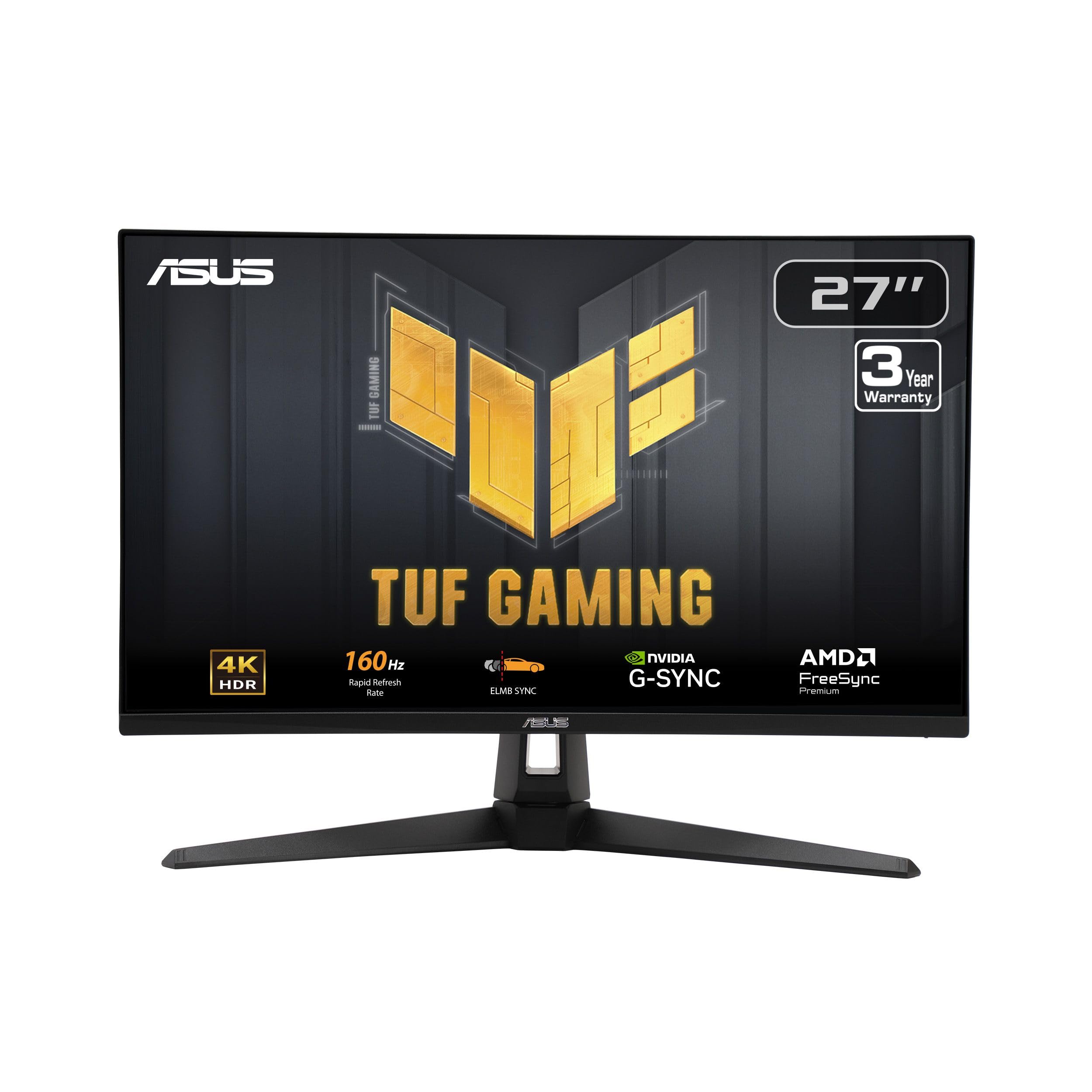
6. ASUS TUF Gaming 27” 4K HDR Monitor (VG27UQ1A)
ASUS TUF’s 4K workhorse that pushes 160Hz of buttery motion
ASUS TUF builds this 27-inch 4K (3840×2160) monitor for gamers who have the GPU to push high frame rates at full resolution. The 160Hz refresh rate at 4K tops the Z-Edge’s 144Hz, giving you extra headroom in fast, detailed games. Its ace in the hole is ELMB Sync (Extreme Low Motion Blur Sync), which makes the anti-ghosting tech and variable refresh rate work at the same time, effectively eliminating both ghosting and screen tearing. It is NVIDIA G-SYNC Compatible and AMD FreeSync Premium, so it plays cleanly with either brand.
Color is a highlight here: with a 95% DCI-P3 professional color gamut, scenes look rich and accurate, which owners describe as “a huge step up from 1080p” with crisp visuals. Xbox Series X owners particularly appreciate the HDMI 2.1 port, which lets them hit 4K at 120Hz with VRR (Variable Refresh Rate) enabled — a real advantage for console players. The included DisplayPort cable and L-shaped screwdriver make setup painless.
Two honest shortcomings: the stand cannot adjust height, which the “Big, Bright, Bangin'” review sums up as the one regret, and the brightness could go higher for bright rooms. The value debate is real too — this is a premium-priced panel, so it only makes sense if you will actually use the 4K and 160Hz together. The quality is otherwise solid, though a minority report units failing after a couple of months.
The Pro List
- 160Hz refresh at 4K for ultra-smooth high-res gaming
- ELMB Sync eliminates ghosting and tearing simultaneously
- HDMI 2.1 supports 4K/120Hz on Xbox Series X
The Cons
- No height adjustment on the stand
- Premium price requires a strong GPU to justify it
Best for: the enthusiast with a high-end GPU who wants 4K detail plus esports-tier speed in one box.
Not for: budget builds — this panel needs serious hardware to shine, and a basic stand.
7. Dell 27 Monitor S2725QS, 4K UHD IPS

The productivity king that keeps your eyes fresh all day
The Dell S2725QS is the monitor office workers, editors, and Mac mini owners keep coming back to. It hits the 4K UHD resolution (3840×2160) with 120Hz refresh — fast enough to feel fluid on the desktop, and smooth enough for light gaming, though the 5ms (0.03ms response listed) panel is not an esports weapon. The IPS panel covers 99% sRGB color space and a strong 1500:1 contrast ratio, which owners say delivers crisp text, deep blacks, and vibrant colors for photo and video work.
What makes it a daily-driver favorite is the ComfortView Plus feature, which cuts harmful blue light emissions to ≤35% — meaning you can work a full day without the usual eye fatigue, and without the yellow tint that plagues lesser “low blue light” modes. It is also fully ergonomic: the stand offers height, pivot, swivel, and tilt adjustment, which is rare at this price. There are even re-engineered built-in speakers that owners actually call good, with “greater output power and deeper frequency response” than older Dells. The ultra-thin bezels in ash white finish keep the desk looking clean.
The trade-off is in its gaming credentials. Owners note some ghosting in fast games, and the matte coating is slightly grainy against pure white screens in dark rooms. But as a workhorse — particularly paired with a Mac mini, where it “handles 120Hz with ease” — this is among the most consistently praised productivity monitors in its class, backed by a staggeringly positive owner consensus.
Built For The Desk
- ComfortView Plus cuts blue light to ≤35% without color shift
- Height, pivot, swivel, and tilt adjustable stand
- 1500:1 contrast ratio with 99% sRGB color accuracy
The Limit
- Some ghosting in fast-paced games
- Matte coating shows slight grain on white screens
The verdict: the best all-around 4K desk monitor here — ideal for work, content, and light play, with a stand that needs no aftermarket parts.
Steer away if: competitive multiplayer is your main use — this is a productivity screen that games, not a gaming screen that works.
8. LG 27GR83Q-B Ultragear QHD Gaming Monitor

LG’s Ultragear matches the AOC’s speed and adds HDMI 2.1
Think of this as the AOC’s more polished sibling. The LG Ultragear hits the same 240Hz refresh rate via both DisplayPort 1.4 and HDMI 2.1, so console players get the full speed too — a clear advantage over the AOC’s HDMI 2.0 ports. The IPS panel delivers a 1ms (GtG) response time, which is quick enough for high-level play in CS2 and other competitive shooters. It is officially NVIDIA G-SYNC Compatible and AMD FreeSync Premium certified, so tearing and stutter are non-issues no matter your GPU.
Where the LG really pulls ahead is ergonomics and extras. The stand offers tilt, height, and pivot adjustment — the full package — and owners consistently call it sturdy and “amazing.” Picture quality is excellent for 1440p, with the 95% DCI-P3 color gamut and VESA DisplayHDR 400 giving games a vibrant, punchy look. Advanced gaming features are all here: Dynamic Action Sync cuts input lag, Black Stabilizer lifts dark scenes, a built-in FPS counter and crosshair help your aim, and the 4-pole headphone jack supports DTS Headphone:X for 3D audio in supported games.
The recurring concern is pixel quality. A few shoppers say stuck pixels (one glowing red, another with several multi-colored ones), which is frustrating on a pricier panel. There are also no built-in speakers, so you will need headphones or externals. But the overwhelming story is a “great 1440p monitor for competitive and casual gaming” with a build quality and feature set that justify its premium status.
Competitive Edge
- 240Hz over both DisplayPort and HDMI 2.1
- Full ergonomic stand with tilt, height, and pivot
- G-SYNC Compatible and FreeSync Premium certified
Before You Buy
- Some units shipped with stuck pixels
- No built-in speakers
Reach for it if: you want the full-speed package — a great stand, premium gaming features, and console-friendly HDMI 2.1.
Look elsewhere if: you cannot tolerate the risk of pixel defects or need speakers built in.
9. Dell 27 Monitor S2725QC, 4K UHD IPS

One USB-C cable powers your laptop and your screen — desk clutter solved
This is the Dell S2725QS’s connectivity-first sibling, and the single defining feature is its USB-C port with up to 65W power delivery. That means one cable from your laptop carries both the 4K video signal and charges your device at the same time — a godsend for MacBook and thin-and-light Windows owners who want a clean, two-cable desk. It still delivers everything the S2725QS is loved for: 4K UHD (3840×2160), 120Hz refresh, 99% sRGB color, a 1500:1 contrast ratio, and the same ComfortView Plus low-blue-light panel.
Owners praise it as “so far, flawless with Mac Mini” — it handles 120Hz at high resolution without Mac-specific quirks, and comes with a Thunderbolt 4 / USB-C cable in the box. The USB hub adds pop-out USB-A and USB-C ports for peripherals, and the KVM (Keyboard, Video, Mouse) support lets you control two computers with one keyboard and mouse. The fully adjustable stand (height, pivot, swivel, tilt), built-in speakers, and ultra-thin ash-white bezels complete a very polished package.
The honest trade-offs are cost and controls. It is priced a step above the S2725QS for the USB-C convenience, and the power/controls being on the back are “invisible and clumsy to reach” for some owners. More seriously, a minority report USB-C docking failures after several months — a frustrating issue if you rely on that single-cable setup. If USB-C charging is not essential, the S2725QS gives you the same panel for less. But if single-cable laptop life is the dream, this is the one.
Why It Shines
- USB-C delivers up to 65W charging and video in one cable
- KVM support lets you share a keyboard and mouse across PCs
- Thunderbolt 4 / USB-C cable included in the box
Watch Out For
- Power and controls on the back can be awkward to reach
- Rare but real USB-C failure reports after months
Pick this if: a laptop is your main machine and you want to charge it and drive a 4K display with a single USB-C cable.
pass on it if: you do not need USB-C — the S2725QS gives you the same panel for less.
10. SAMSUNG 27″ ViewFinity S8 (S80D) 4K UHD Monitor

Samsung’s color-focused 4K screen with a tool-free stand
For designers, photographers, and anyone whose income depends on accurate color, the ViewFinity S8 is the pick. It delivers 4K UHD (3840×2160) resolution with HDR10, and reviews consistently single out its suitability for Photoshop and Lightroom work. The matte screen keeps reflections down and text reading crisp, and owners describe the picture as “very similar to the iMac 27-inch screen” — high praise from Mac loyalists. Its 350-nit brightness is comfortable for most offices.
The hardware is where Samsung shines. The Easy Setup Stand requires no tools or screws — you snap it together in seconds, and a push of a button takes it apart. It also offers height adjustment, swivel, tilt, and a 90° pivot, so you can flip the screen into portrait mode to read long documents with less scrolling. Connectivity covers HDMI, DisplayPort, and USB-A and USB-B ports, giving you a small hub for peripherals. The panel is TÜV-certified for eye care, with automatic brightness and color temperature that responds to your environment and an Eye Saver Mode to cut blue light.
The honest caveats are minor but real. There are no built-in speakers and no camera, and the power button sits on the middle of the back where it can be hard to find. A few owners find the tool-free stand assembly slightly tricky, and the controls are not the most intuitive. But the reliability story is strong — it is many buyers’ third or fourth Samsung monitor, and the sharpness at this price is consistently called exceptional.
Creator Credentials
- 4K UHD with HDR10 and 350-nit brightness for color work
- Height, swivel, tilt, and 90° pivot for flexible positioning
- Tool-free Easy Setup Stand snaps together in seconds
The Trade-Off
- No speakers or camera built in
- Power button is awkwardly placed on the back
Best for: creative professionals who need a sharp, color-accurate 4K panel with excellent ergonomics.
Think twice if: you want a speaker-heavy all-in-one or spend more time gaming than editing.
11. BenQ RD280U 28.2” 4K 3:2 Programming Monitor

A monitor built specifically for programmers, not gamers
This is the oddball of the list, and deliberately so. The BenQ RD280U uses a unique 3:2 aspect ratio with a 3840×2560 resolution — it is 28.2 inches diagonal, and it is taller than a standard 16:9 screen, which means you see significantly more lines of code without scrolling. It is the defining feature that programmers rave about. The Nano Matte Panel is BenQ’s anti-glare, anti-reflective coating designed to kill reflections, and combined with low blue-light and night modes, buyers report dramatically less eye strain in low-light offices.
It is packed with programmer-specific features. Coding Modes tune the panel for code differentiation, and the MoonHalo backlight casts a soft, rich glow on the wall behind the monitor. The single USB-C port delivers up to 90W of power to alaptop, and the built-in KVM lets you control multiple computers with one keyboard and mouse — perfect for a desktop plus a work laptop setup. The stand offers full height adjustment, and the 100x100mm VESA mount is there if you prefer an arm.
You are paying a premium for specialization. The 60Hz refresh rate feels dated for gaming, the built-in speakers are genuinely poor, and the rear light can annoy if you face the room. Owners also note you need a DisplayPort or USB-C connection to hit full resolution, and there is no DisplayPort cable in the box. But for its intended audience — programmers staring at code for eight hours a day — it is often described as “the best monitor owned,” a specialist tool that does one job exceptionally well.
Built For Coders
- 3:2 aspect ratio shows more lines of code without scrolling
- Nano Matte Panel cuts glare and reduces eye strain
- 90W USB-C powers your laptop and KVM switches devices
The Cost
- 60Hz refresh rate limits gaming appeal
- Built-in speakers and headphone jack are below par
Reach for this if: you write code for a living and want a dedicated programming monitor that reduces eye fatigue and boost visible code.
Look elsewhere if: you game, need multimedia sound, or want the best spec-per-dollar — this is a niche specialist, not a generalist.
Understanding the Specs
Refresh Rate & Response Time
Refresh rate, in hertz (Hz), is how many times the screen redraws per second. Higher is smoother — 144Hz and 240Hz are gaming standards. Response time, in milliseconds (ms), is how quickly a pixel changes color. Lower is better for avoiding ghosting. A 1ms panel is fast; a 0.3ms panel is elite.
Resolution & Panel Type
Resolution is the pixel count — 1440p (QHD) is sharp and easier to drive; 4K (UHD) is ultra-sharp but demands a strong GPU. IPS (In-Plane Switching) panels offer the best color and wide viewing angles, making them the default choice for most buyers today.
Adaptive Sync
Adaptive Sync (FreeSync for AMD, G-SYNC for NVIDIA) matches the monitor’s refresh rate to your GPU’s output, eliminating screen tearing and stutter. “Compatible” means it works with both brands on most modern monitors.
Connectivity & Ergonomics
HDMI and DisplayPort are the main video inputs. USB-C adds data and power delivery — up to 65W-90W on newer models. Check for VESA mounting holes (usually 100x100mm) if you want an arm, and look for stands with height/swivel/tilt adjustment for comfort.
FAQ
Is 1440p or 4K better for a 27-inch monitor?
What refresh rate do I need for gaming?
Do I need G-Sync or FreeSync?
Can my graphics card run a 4K monitor?
Is HDMI 2.1 necessary for gaming monitors?
Does an IPS panel really matter?
Should I get a monitor with built-in speakers?
How much desk space does a 27-inch monitor need?
What is a ‘Nano Matte’ or ‘anti-glare’ panel?
Is a curved monitor better than flat for a 27-inch screen?
Final Thoughts: The Verdict
For most buyers, the 28 inch monitor winner is the AOC Q27G41ZE because it delivers a blazing 240Hz refresh rate and a 0.3ms response time at a price that undercuts esports rivals by a wide margin. If you want the best all-around 4K productivity screen, grab the Dell S2725QS. And for single-cable laptop setups, the Dell S2725QC is the one to reach for — its 65W USB-C charging and KVM support keep your desk clean and your workflow smooth.
How We Picked
We do not accept paid placement. Every pick is matched to a real buyer and a real use-case; we do not hands-on test units.
Sources & Methodology
Specifications: manufacturer listings and product documentation. Review insights: verified customer reviews, as of August 2026. Pricing: not shown on this page (it changes often); check the current price via the retailer link.
As an Amazon Associate, Gadgets Feed earns from qualifying purchases. This does not affect which products we feature.